Upgrade to Pro — share decks privately, control downloads, hide ads and more …

Market Closed, Candle Open: Fake Saturday Candl...

Avatar for PineGen AI PineGen AI
October 14, 2026

Market Closed, Candle Open: Fake Saturday Candles on ES & NQ Futures

In late May, bad provider data put fake Saturday candles on intraday charts for ES, NQ and the Micros. Daily charts and above were unaffected, and it was fully fixed by June 4th. This short deck explains why phantom candles can trigger phantom signals in automated strategies, and how a session filter guards against them, with a Pine Script v6 example.

Educational only, not financial advice.

Avatar for PineGen AI

PineGen AI

October 14, 2026

More Decks by PineGen AI

Other Decks in Business

Transcript

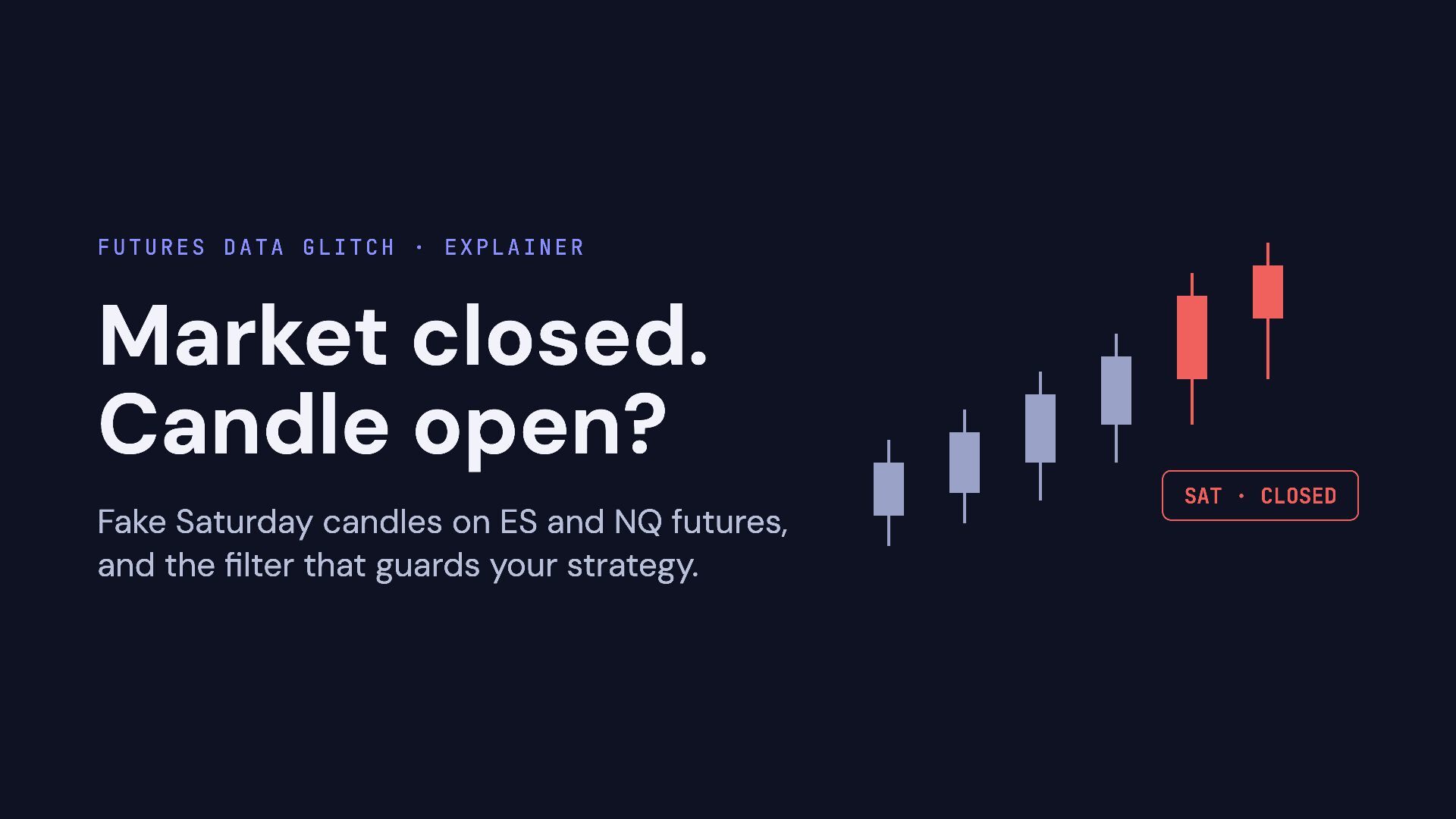
  1. Futures data glitch · explainer Market closed. Candle open? SAT

    · CLOSED Fake Saturday candles on ES and NQ futures, and the filter that guards your strategy.
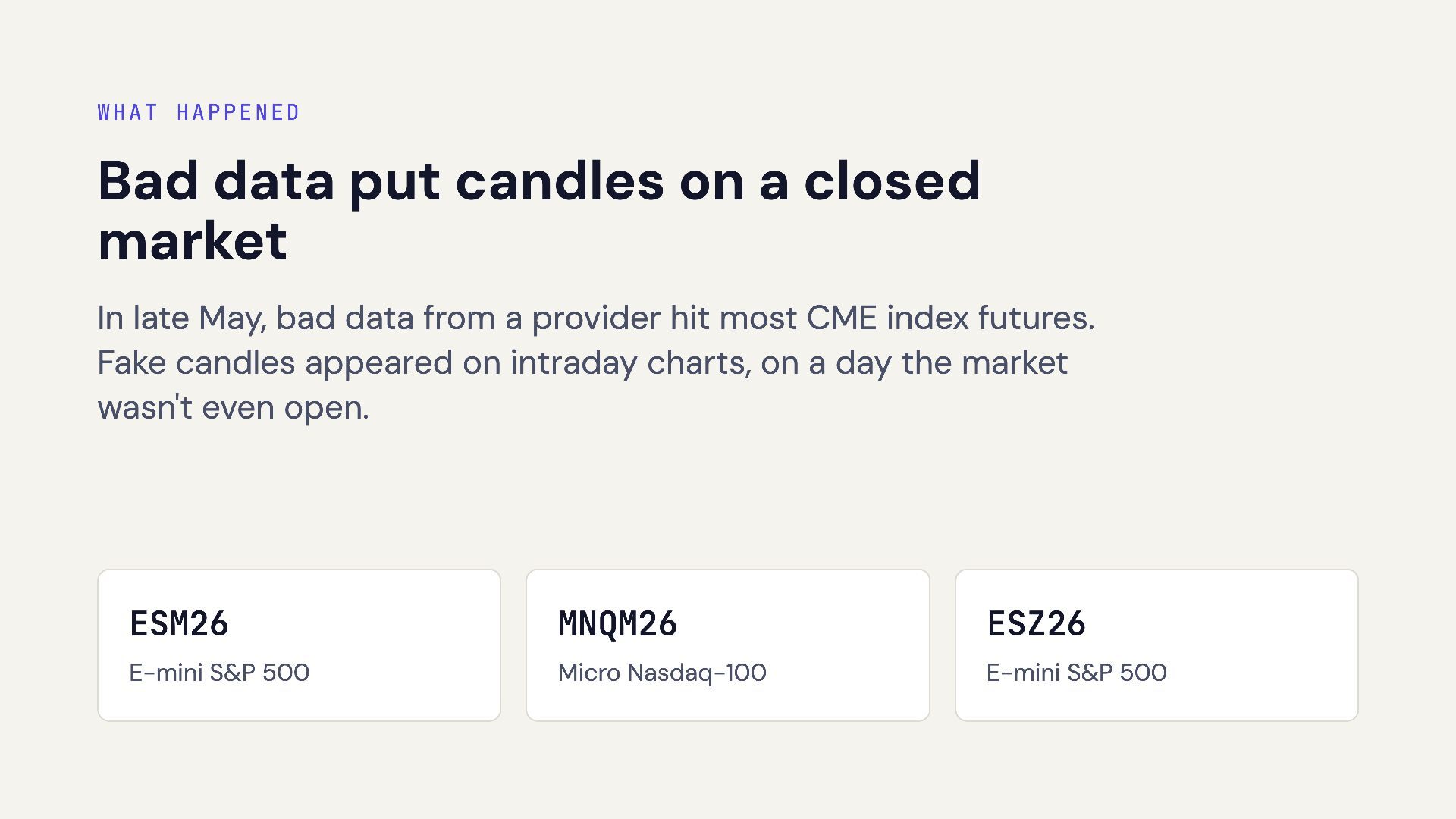
  2. What happened Bad data put candles on a closed market

    In late May, bad data from a provider hit most CME index futures. Fake candles appeared on intraday charts, on a day the market wasn't even open. ESM26 MNQM26 ESZ26 E-mini S&P 500 Micro Nasdaq-100 E-mini S&P 500
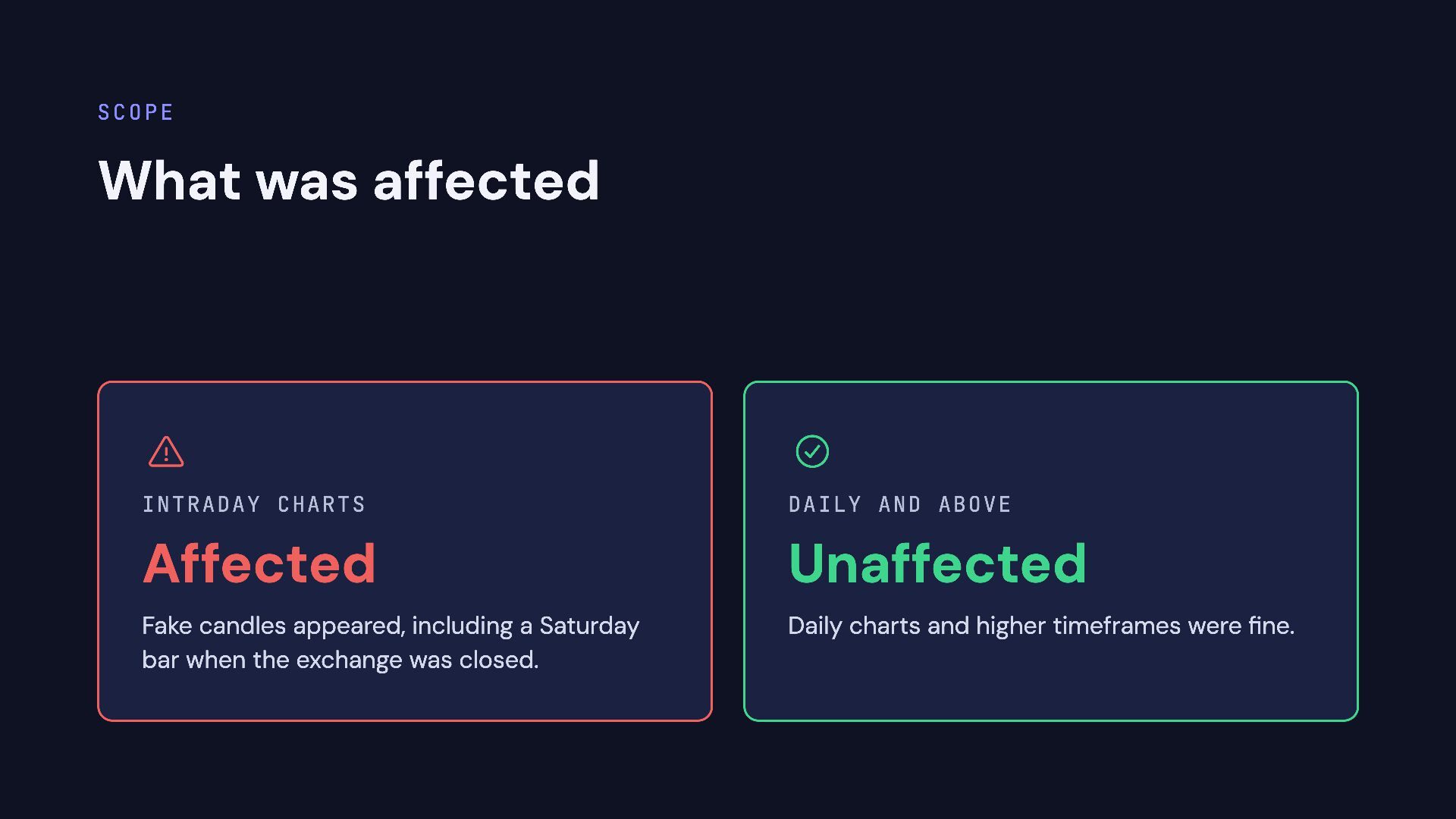
  3. Scope What was affected   Intraday charts Daily and

    above Affected Unaffected Fake candles appeared, including a Saturday bar when the exchange was closed. Daily charts and higher timeframes were fine.
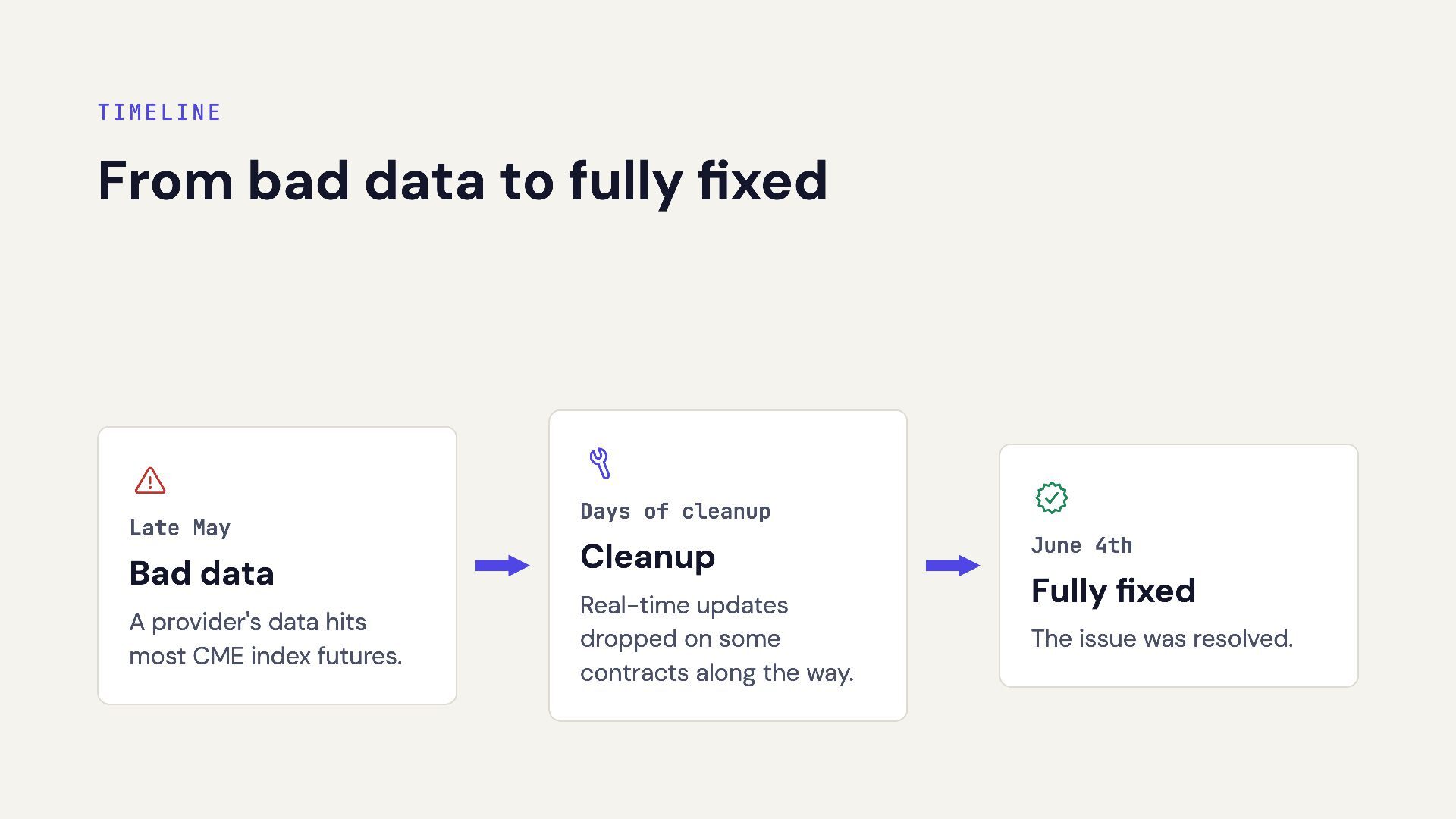
  4. Timeline From bad data to fully fixed  Late May

    Bad data A provider's data hits most CME index futures.  Days of cleanup Cleanup Real-time updates dropped on some contracts along the way.  June 4th Fully fixed The issue was resolved.
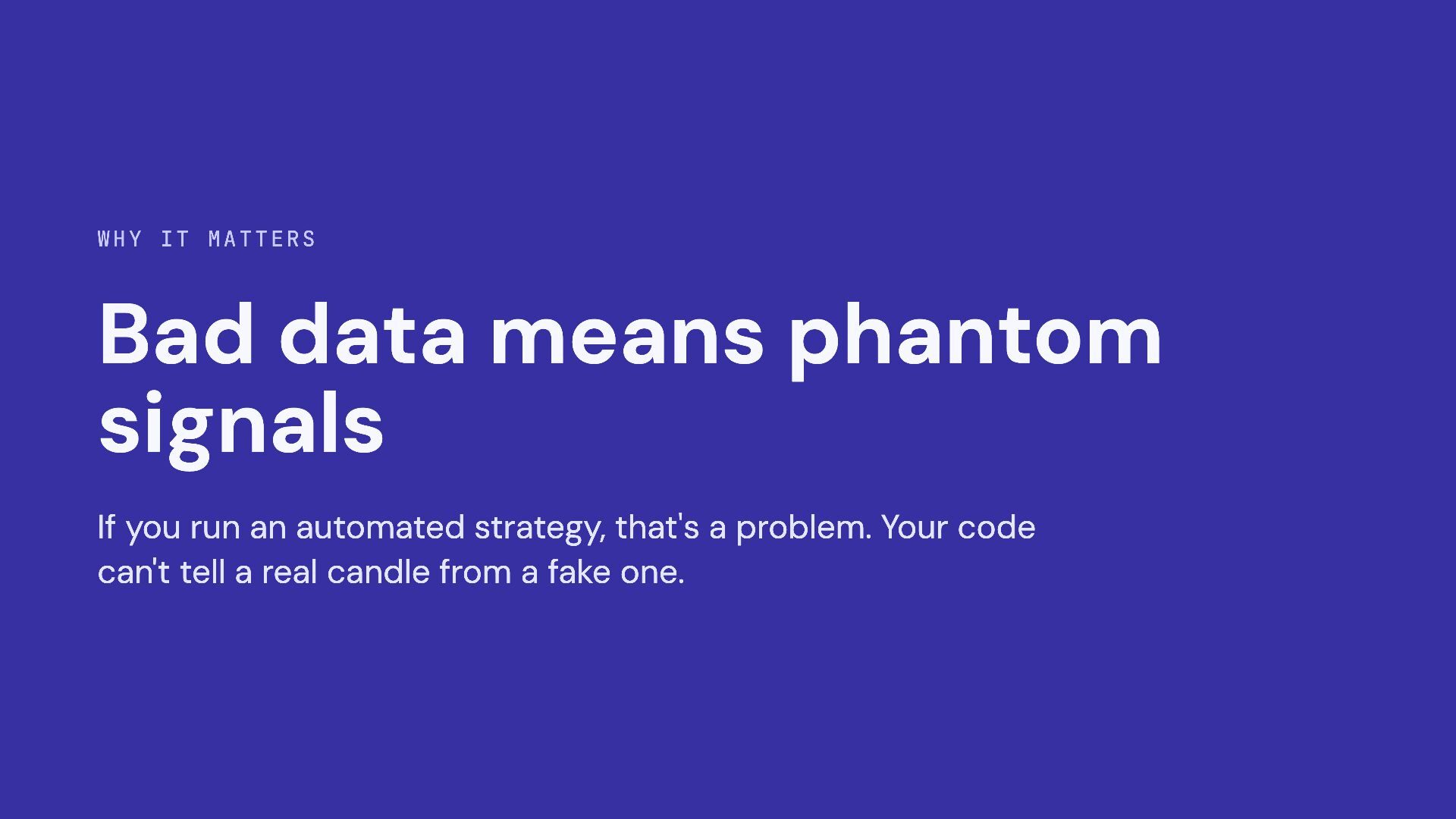
  5. Why it matters Bad data means phantom signals If you

    run an automated strategy, that's a problem. Your code can't tell a real candle from a fake one.
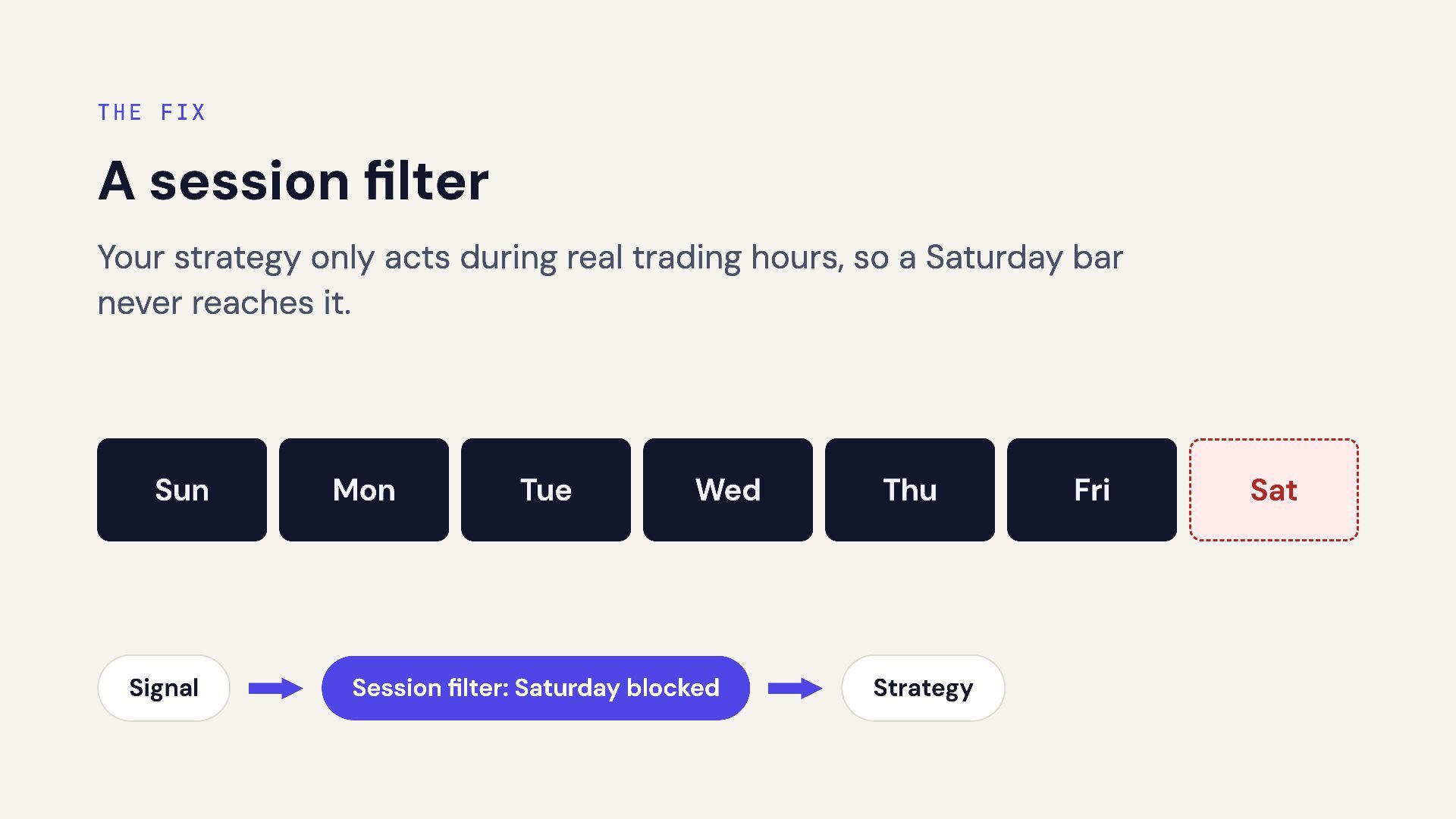
  6. The fix A session filter Your strategy only acts during

    real trading hours, so a Saturday bar never reaches it. Sun Signal Mon Tue Wed Session filter: Saturday blocked Thu Strategy Fri Sat
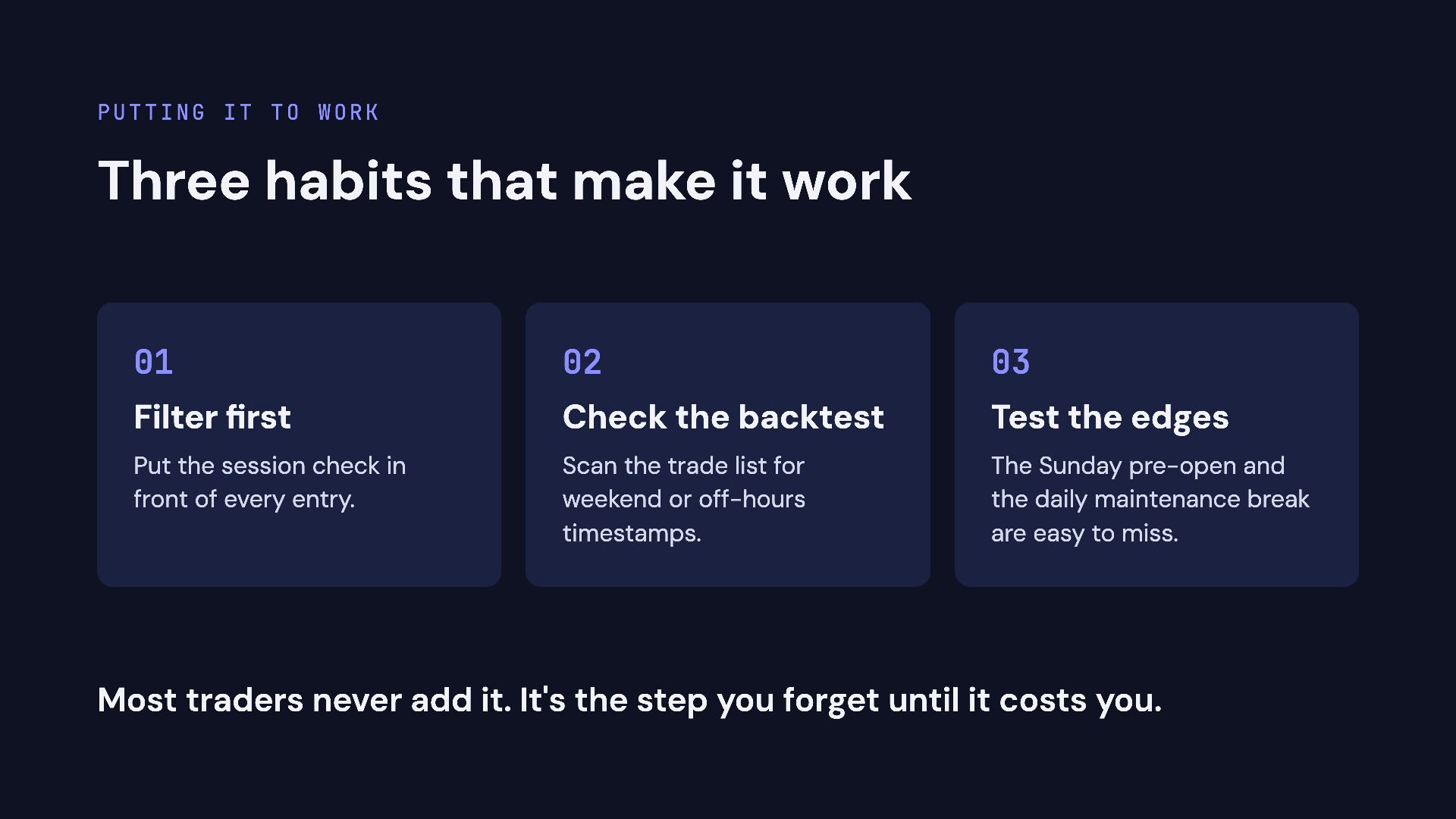
  7. Putting it to work Three habits that make it work

    01 02 03 Filter first Check the backtest Test the edges Put the session check in front of every entry. Scan the trade list for weekend or off-hours timestamps. The Sunday pre-open and the daily maintenance break are easy to miss. Most traders never add it. It's the step you forget until it costs you.
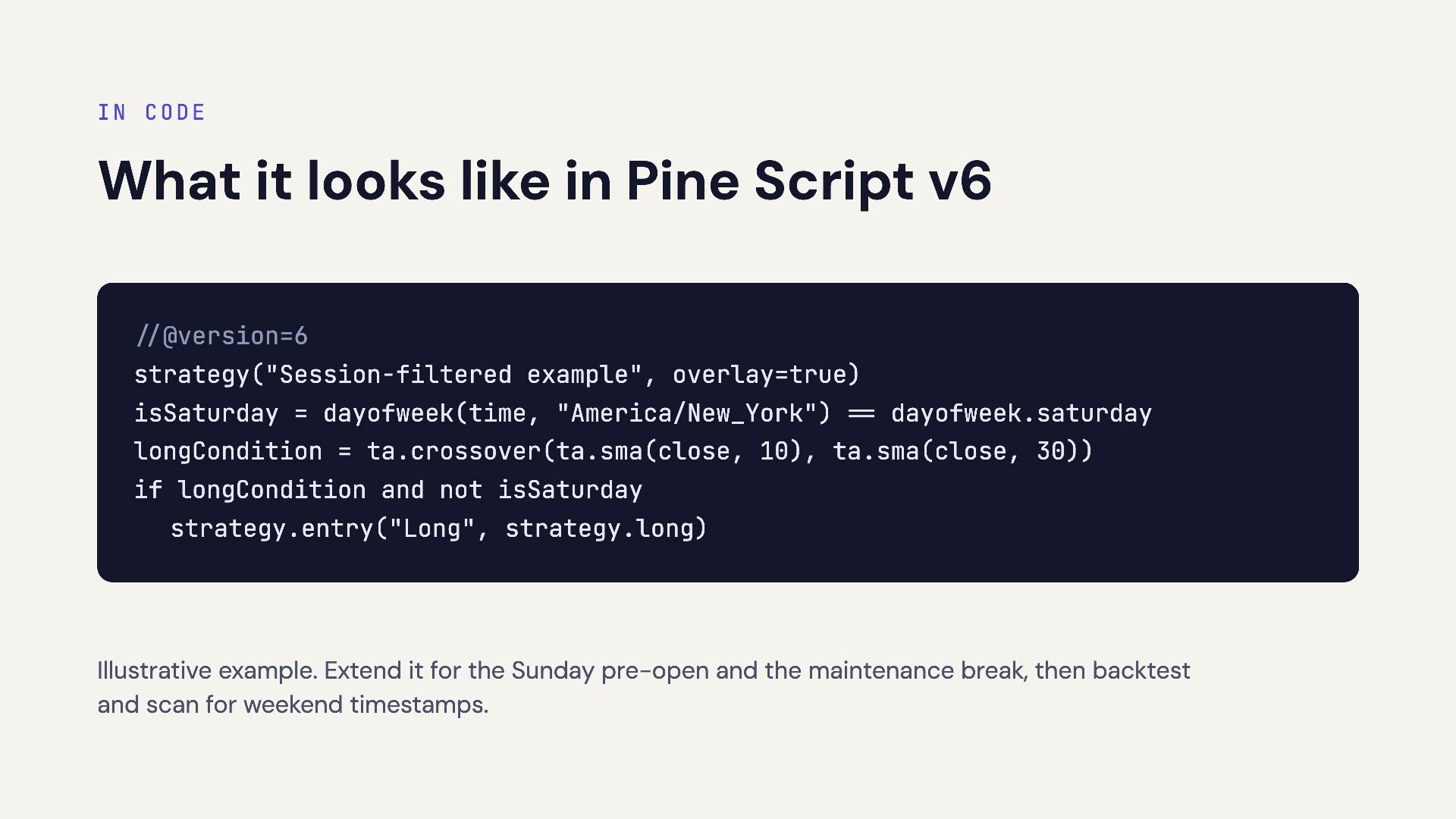
  8. In code What it looks like in Pine Script v6

    //@version=6 strategy("Session-filtered example", overlay=true) isSaturday = dayofweek(time, "America/New_York") == dayofweek.saturday longCondition = ta.crossover(ta.sma(close, 10), ta.sma(close, 30)) if longCondition and not isSaturday strategy.entry("Long", strategy.long) Illustrative example. Extend it for the Sunday pre-open and the maintenance break, then backtest and scan for weekend timestamps.
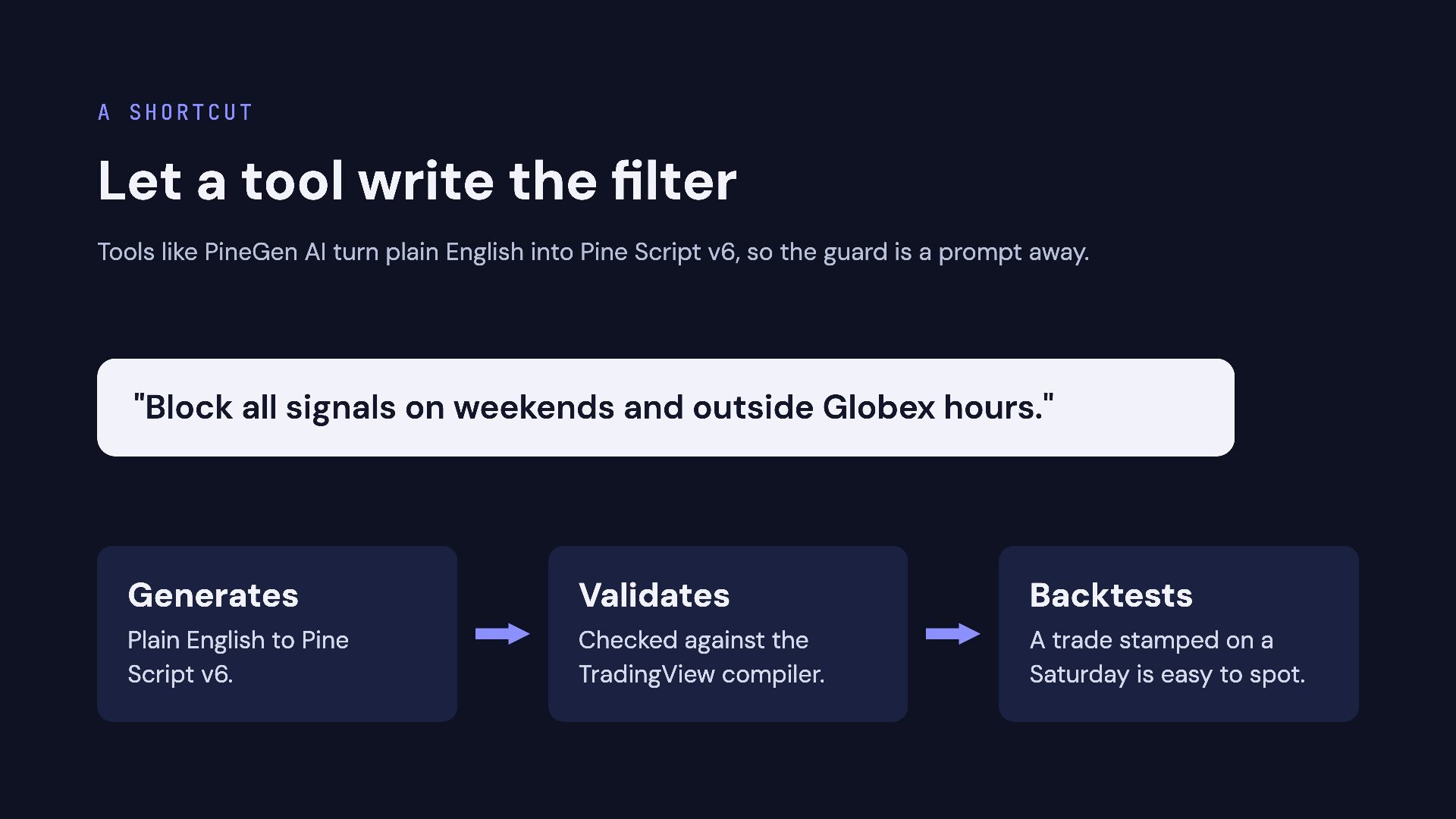
  9. A shortcut Let a tool write the filter Tools like

    PineGen AI turn plain English into Pine Script v6, so the guard is a prompt away. "Block all signals on weekends and outside Globex hours." Generates Validates Backtests Plain English to Pine Script v6. Checked against the TradingView compiler. A trade stamped on a Saturday is easy to spot.
  10. Don't trust every candle. Guard your strategy. Try it: [LINK]

    Educational only, not financial advice. Trading futures involves substantial risk of loss.