Upgrade to Pro — share decks privately, control downloads, hide ads and more …

How to start with svg icons

How to start with svg icons

Lightning Talk by Khrystyna Skvarok, Front-End Developer at Innocode, about How to start with svg icons. During PizzaWine FrontEnd Party, Lviv, 18.03.2016

Avatar for PizzaWine Front-End Party

PizzaWine Front-End Party

March 21, 2016
Tweet

More Decks by PizzaWine Front-End Party

Other Decks in Technology

Transcript

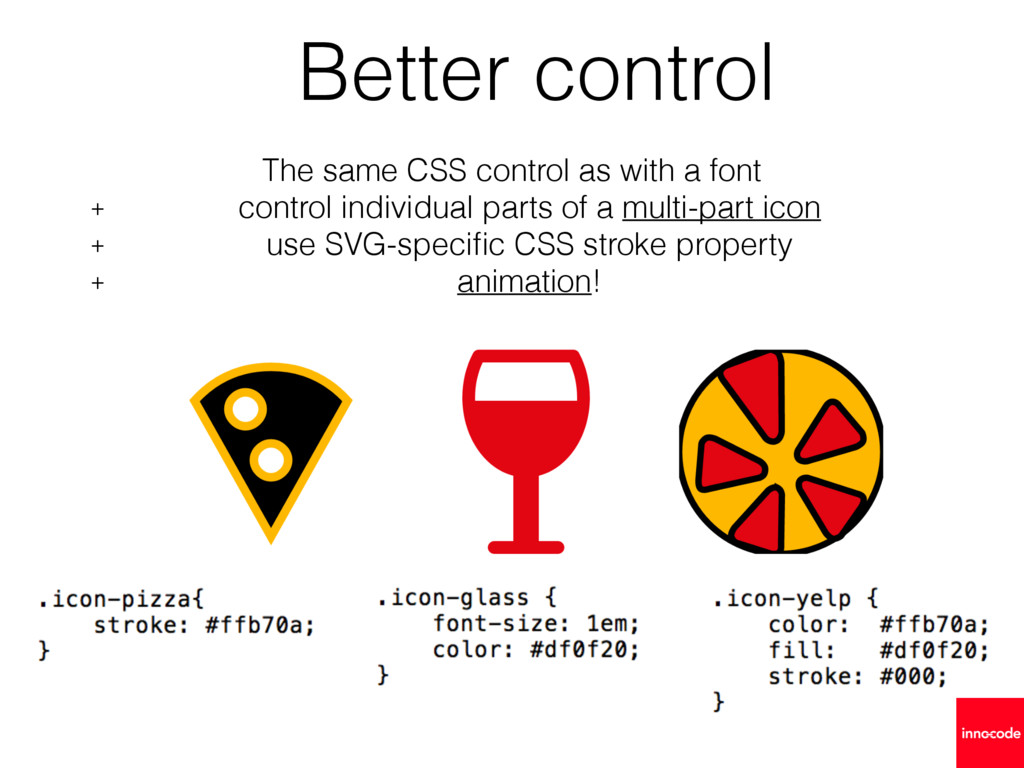
  1. The same CSS control as with a font + control

    individual parts of a multi-part icon + use SVG-specific CSS stroke property + animation! Better control
  2. The icons are inserted via pseudo element, and it depends

    on line-height, vertical-align, letter-spacing, word-spacing; SVG is just an element with the width and height you set Much less efforts
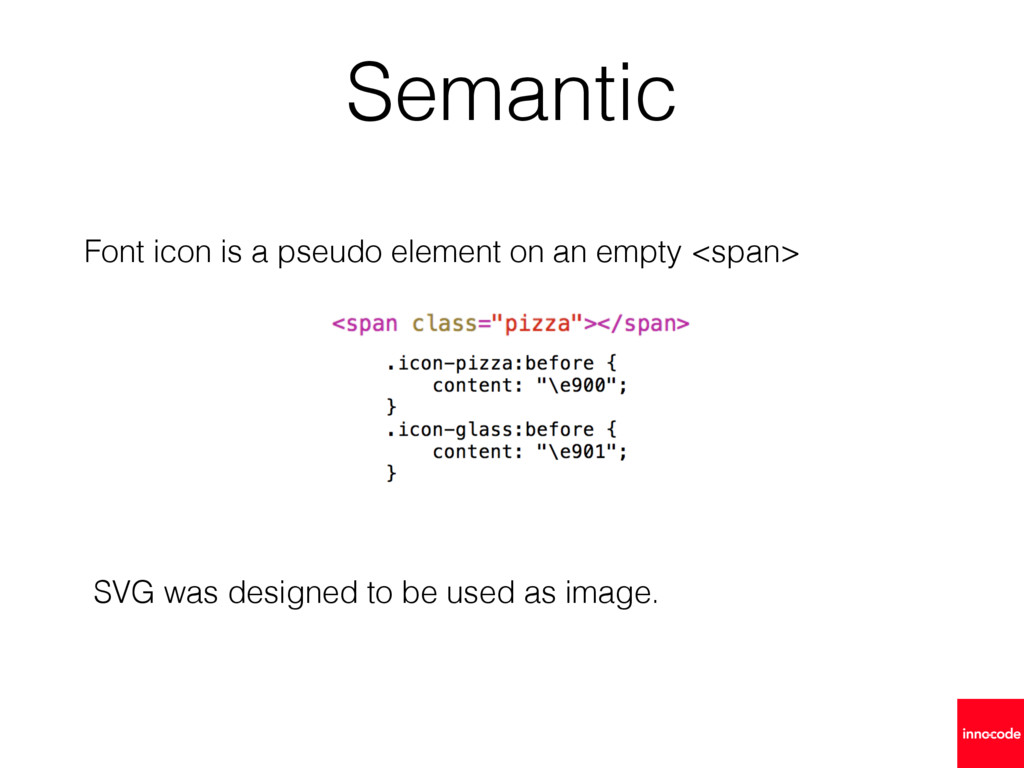
  3. Font icon is a pseudo element on an empty <span>

    Semantic SVG was designed to be used as image.
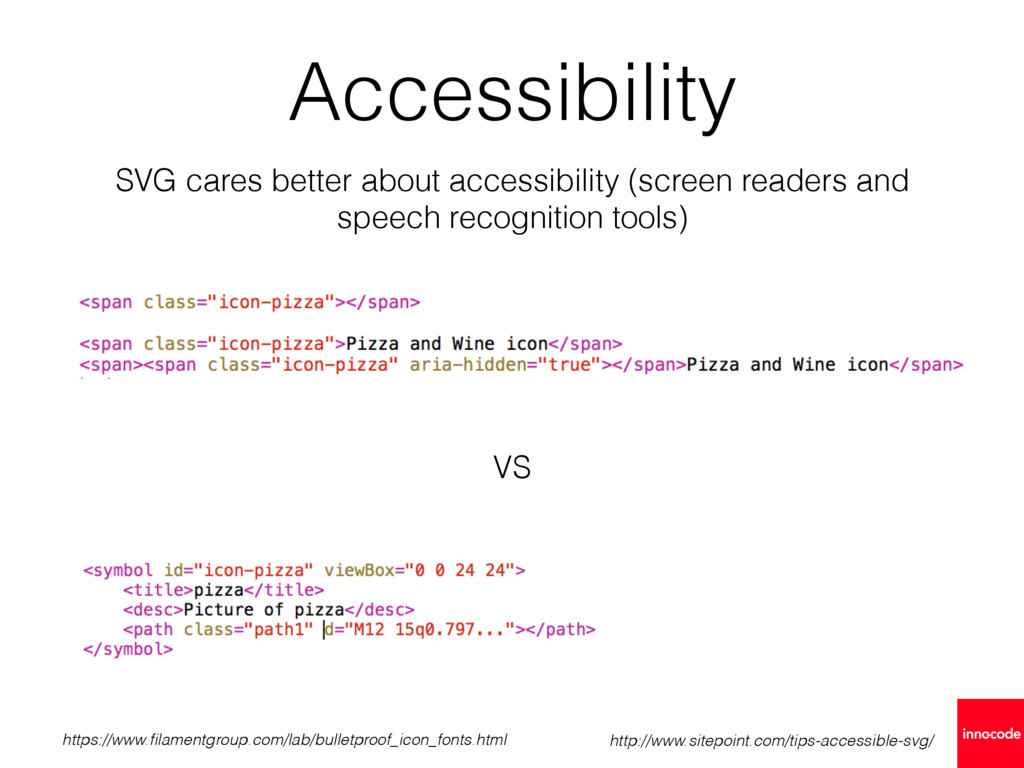
  4. SVG cares better about accessibility (screen readers and speech recognition

    tools) http://www.sitepoint.com/tips-accessible-svg/ VS Accessibility https://www.filamentgroup.com/lab/bulletproof_icon_fonts.html
  5. Disadvantages 
 SVG is not supported in IE < 9


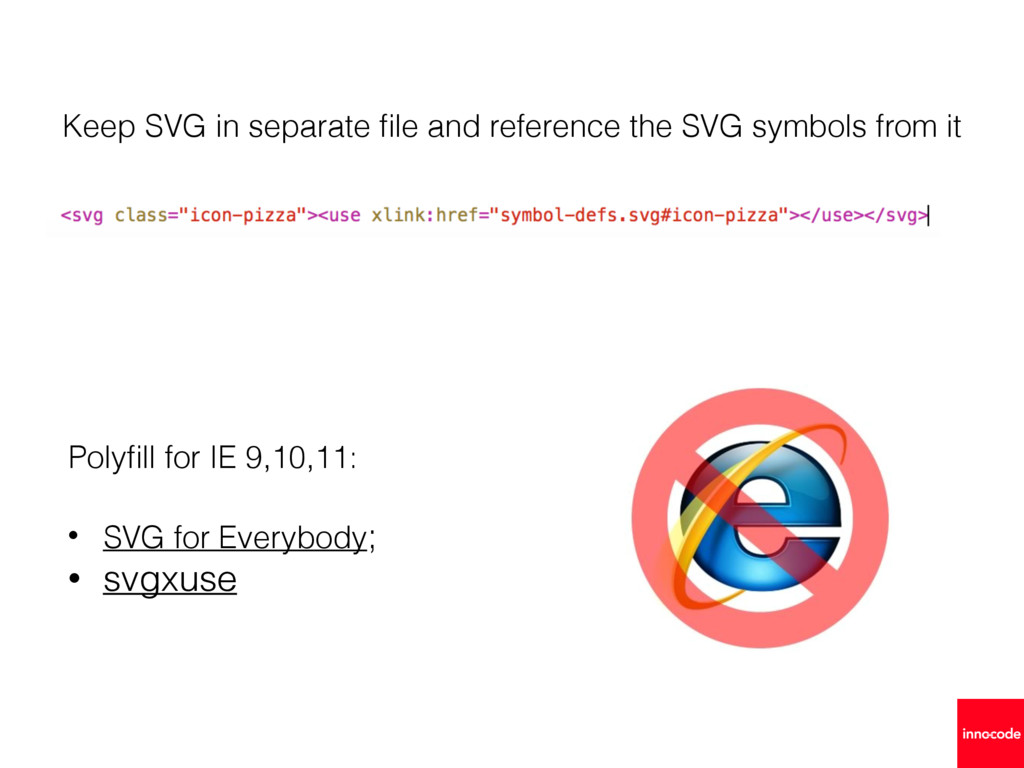
    Loading external SVG file is not supported in IE 9, 10,11, only Edge
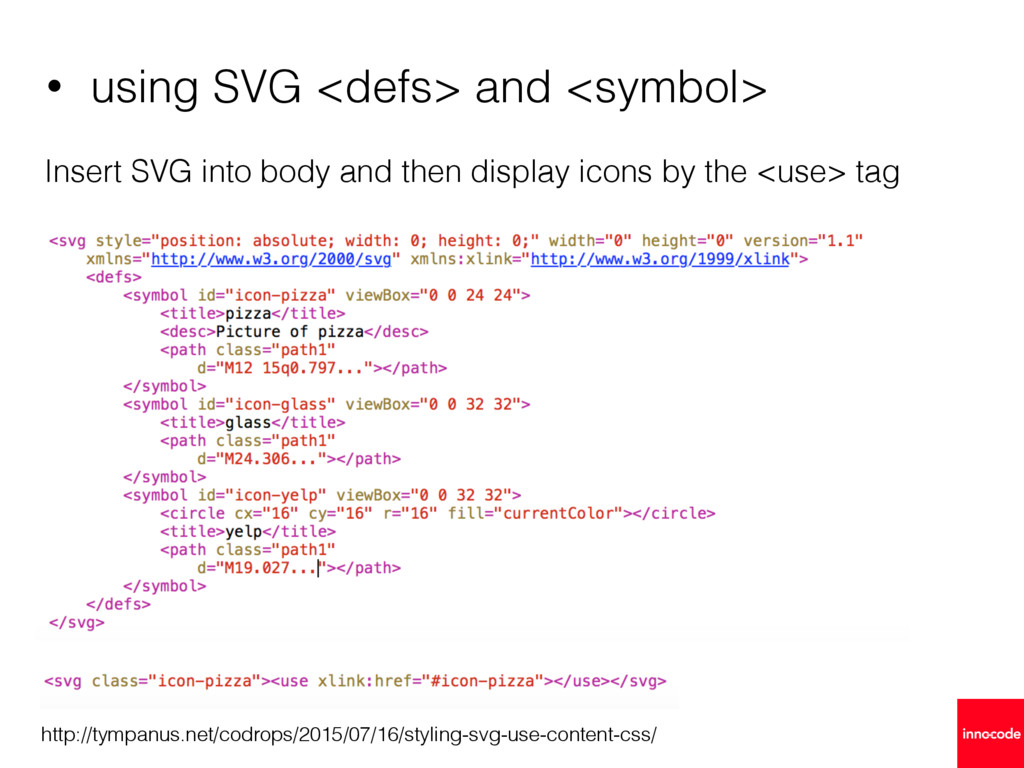
  6. • using SVG <defs> and <symbol> Insert SVG into body

    and then display icons by the <use> tag http://tympanus.net/codrops/2015/07/16/styling-svg-use-content-css/
  7. Keep SVG in separate file and reference the SVG symbols

    from it • SVG for Everybody; • svgxuse Polyfill for IE 9,10,11: