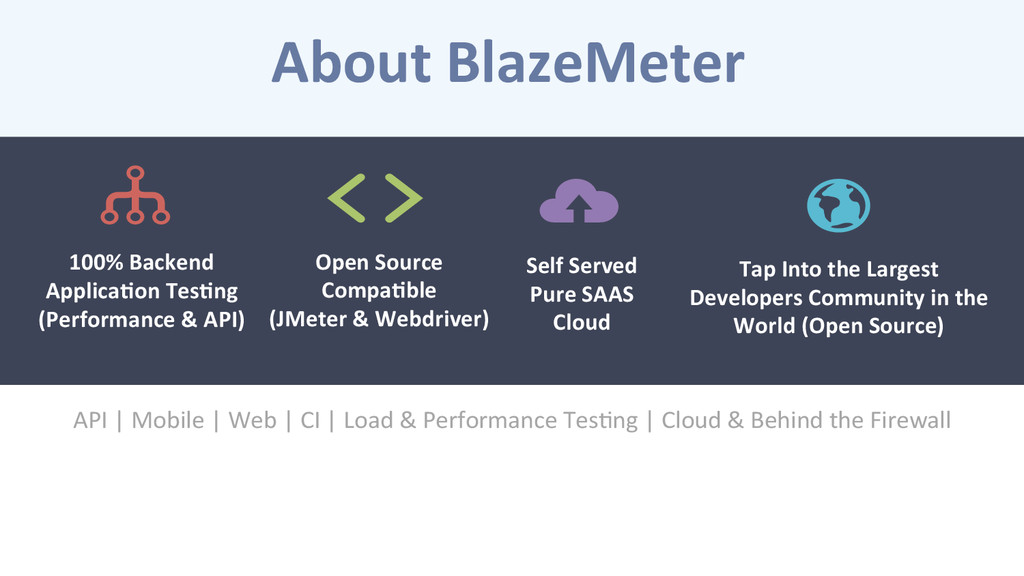
| Load & Performance TesCng | Cloud & Behind the Firewall Open Source Compa-ble (JMeter & Webdriver) 100% Backend Applica-on Tes-ng (Performance & API) Self Served Pure SAAS Cloud Tap Into the Largest Developers Community in the World (Open Source)
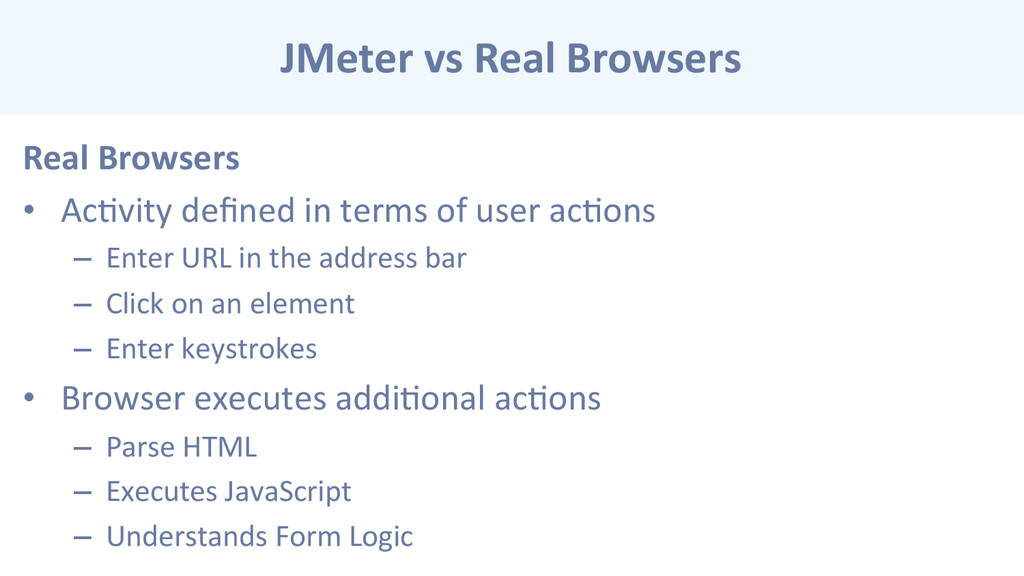
defined in terms of user acCons – Enter URL in the address bar – Click on an element – Enter keystrokes • Browser executes addiConal acCons – Parse HTML – Executes JavaScript – Understands Form Logic
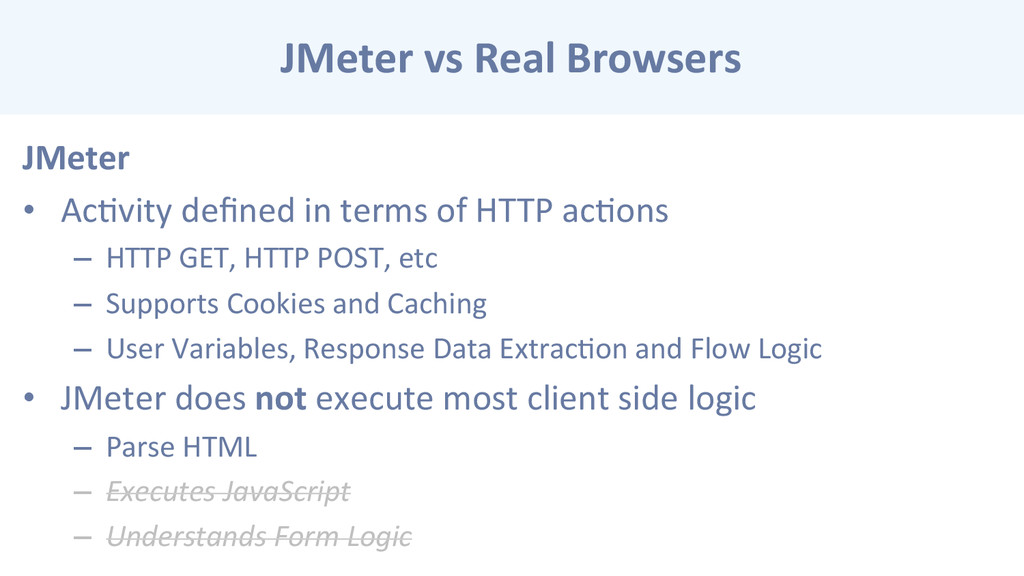
in terms of HTTP acCons – HTTP GET, HTTP POST, etc – Supports Cookies and Caching – User Variables, Response Data ExtracCon and Flow Logic • JMeter does not execute most client side logic – Parse HTML – Executes JavaScript – Understands Form Logic
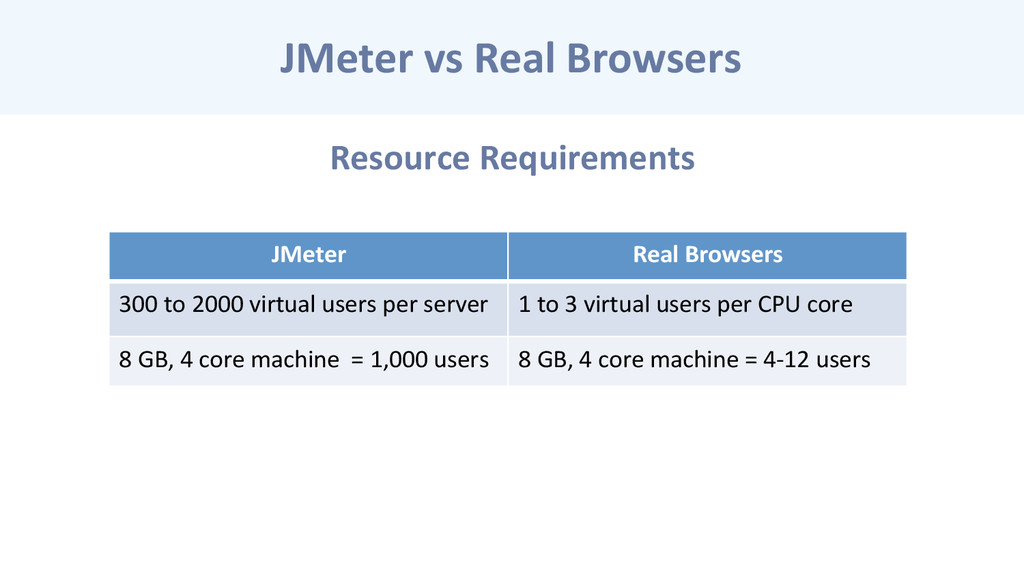
Real Browsers 300 to 2000 virtual users per server 1 to 3 virtual users per CPU core 8 GB, 4 core machine = 1,000 users 8 GB, 4 core machine = 4-‐12 users
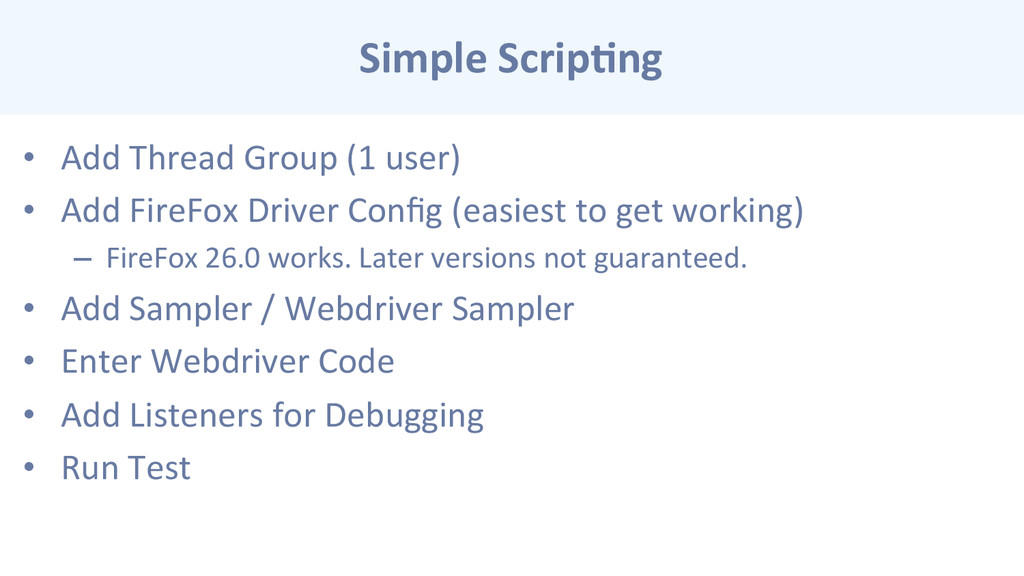
• Add FireFox Driver Config (easiest to get working) – FireFox 26.0 works. Later versions not guaranteed. • Add Sampler / Webdriver Sampler • Enter Webdriver Code • Add Listeners for Debugging • Run Test
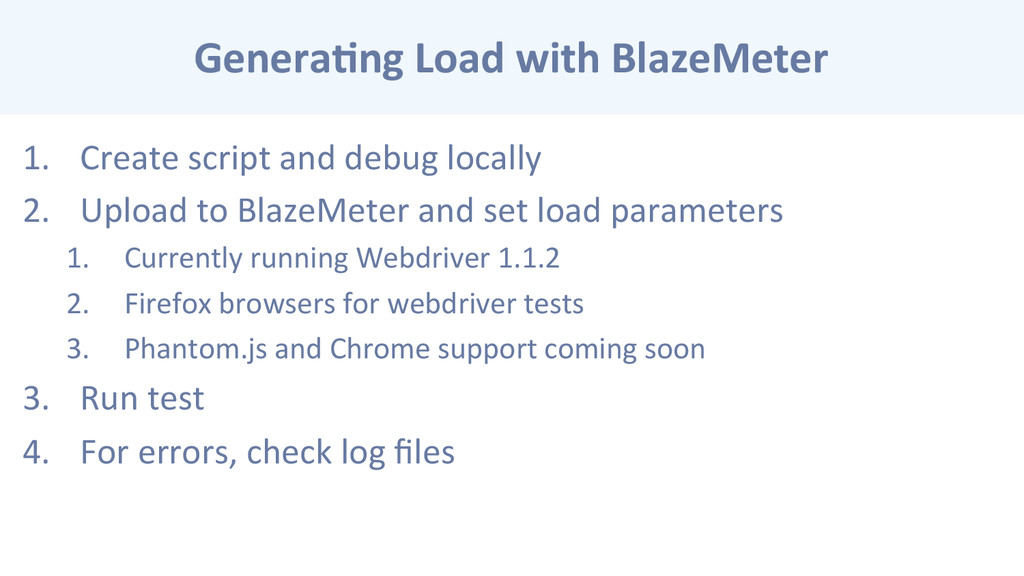
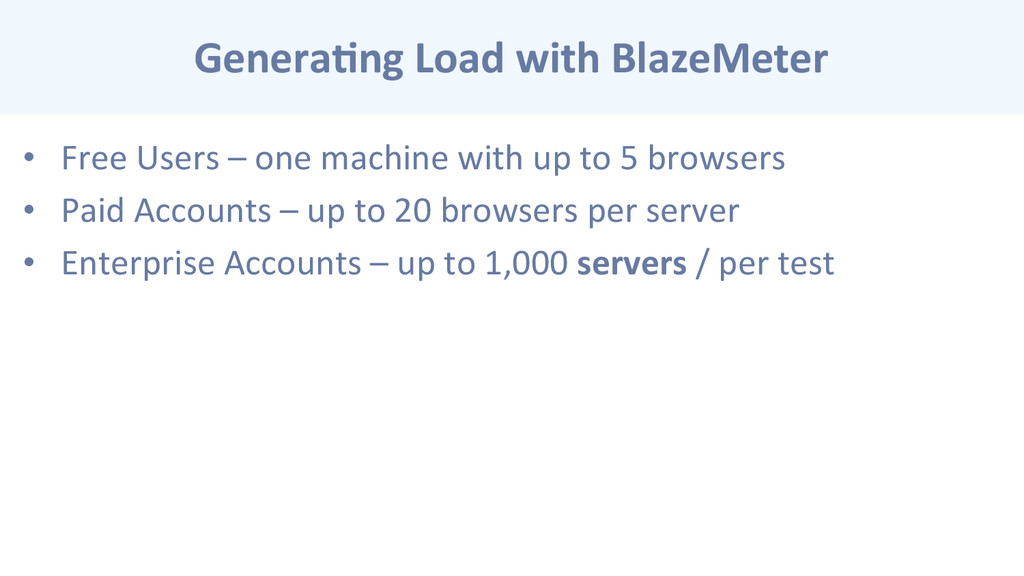
locally 2. Upload to BlazeMeter and set load parameters 1. Currently running Webdriver 1.1.2 2. Firefox browsers for webdriver tests 3. Phantom.js and Chrome support coming soon 3. Run test 4. For errors, check log files


 rshindo
 akit37
 eed3si9n
 lynnswap
 clockmaker
 a_matsuda
 takai
takai
 siroemk
 nabondance
 gam0022
 tanahiro2010
 akihisaikeda
 palkan
 lauravandoore
 codingconduct
 kimpetersen
 uxyall
 notwaldorf
 techseoconnect
 nmsamuel
 aleyda
 davetheseo
 smashingmag
 tamaranovitovic