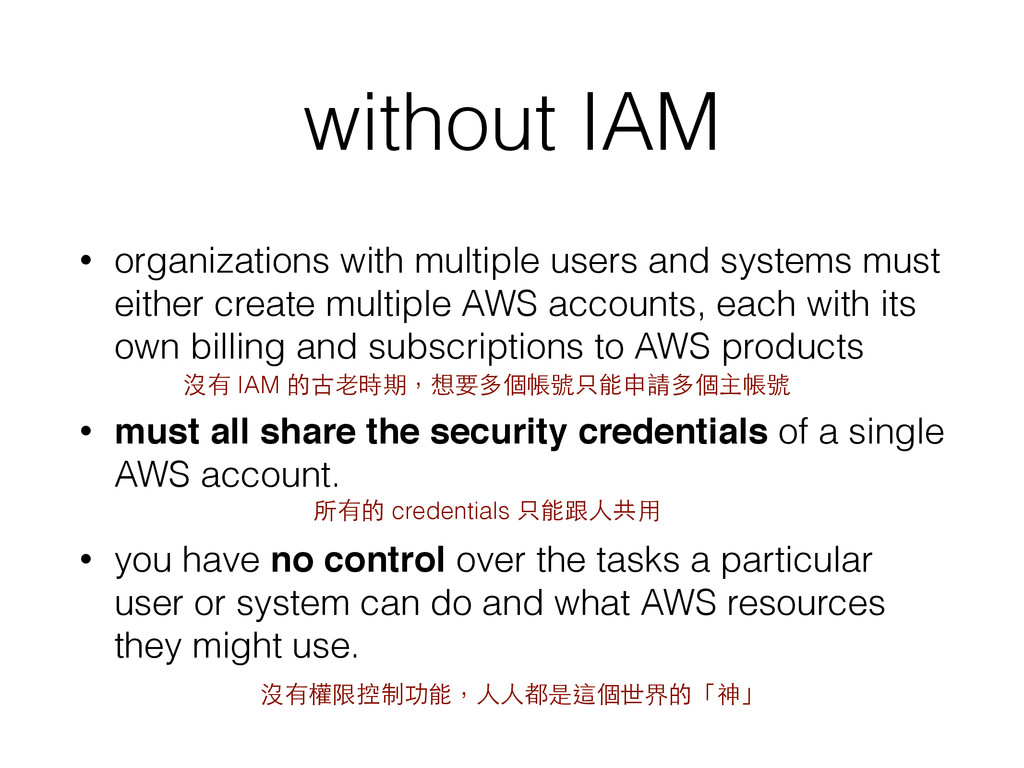
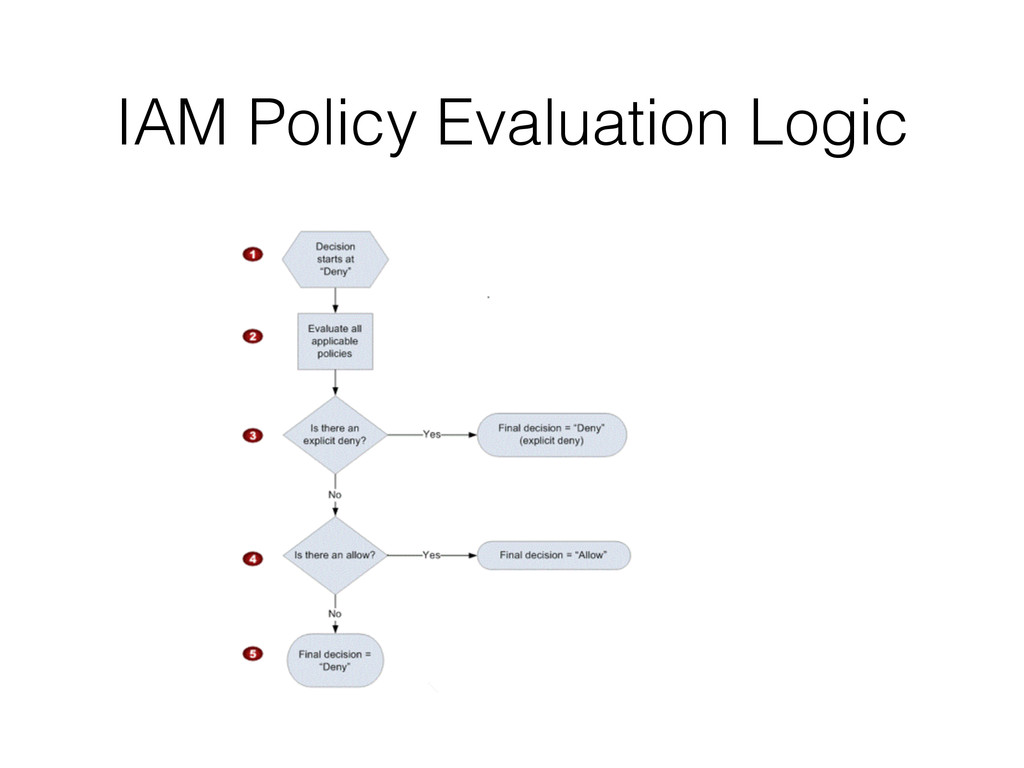
either create multiple AWS accounts, each with its own billing and subscriptions to AWS products • must all share the security credentials of a single AWS account. • you have no control over the tasks a particular user or system can do and what AWS resources they might use. 沒有 IAM 的古⽼老時期,想要多個帳號只能申請多個主帳號 所有的 credentials 只能跟⼈人共⽤用 沒有權限控制功能,⼈人⼈人都是這個世界的「神」
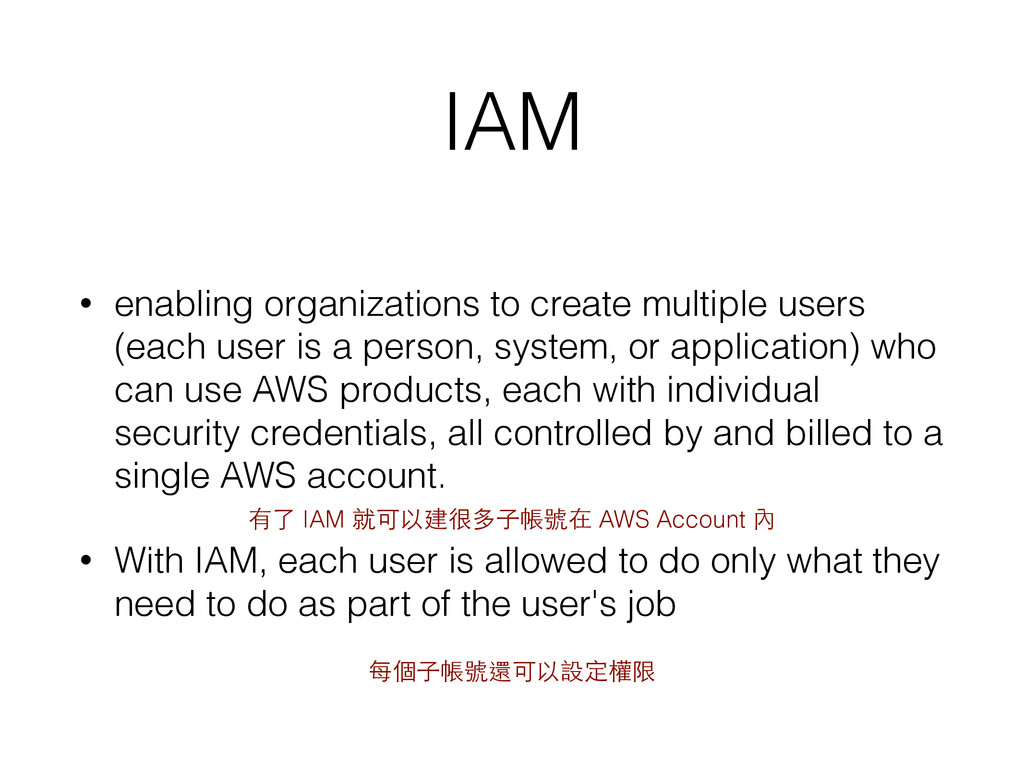
is a person, system, or application) who can use AWS products, each with individual security credentials, all controlled by and billed to a single AWS account. • With IAM, each user is allowed to do only what they need to do as part of the user's job 有了 IAM 就可以建很多⼦子帳號在 AWS Account 內 每個⼦子帳號還可以設定權限
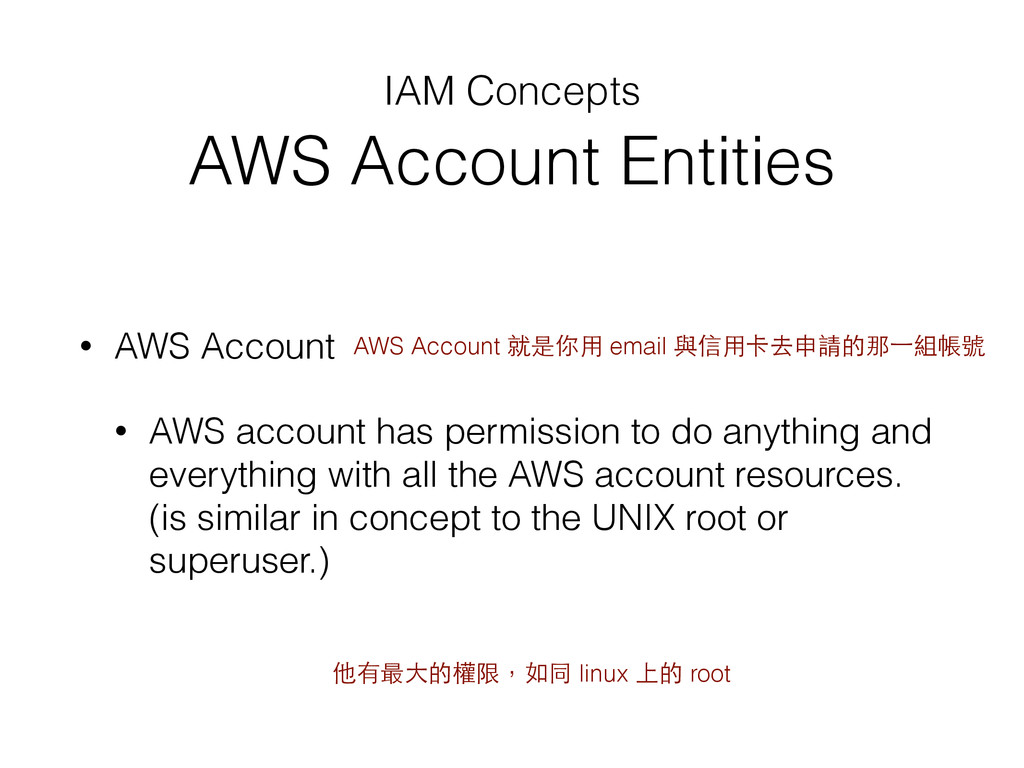
AWS account has permission to do anything and everything with all the AWS account resources. (is similar in concept to the UNIX root or superuser.) AWS Account 就是你⽤用 email 與信⽤用卡去申請的那⼀一組帳號 他有最⼤大的權限,如同 linux 上的 root
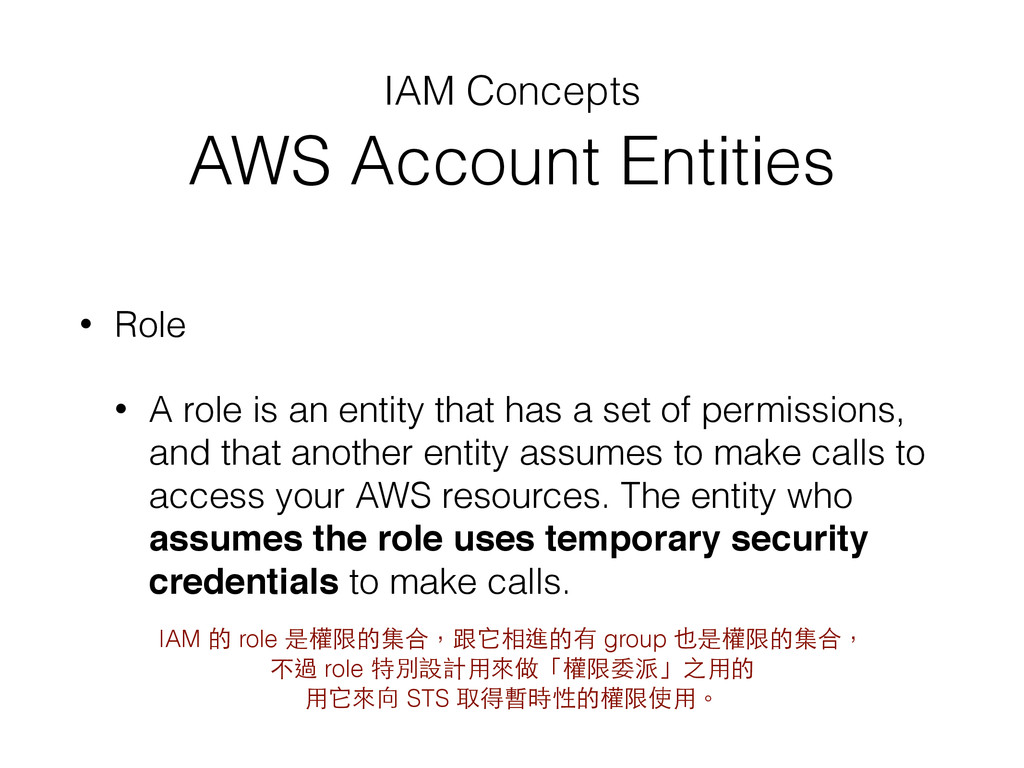
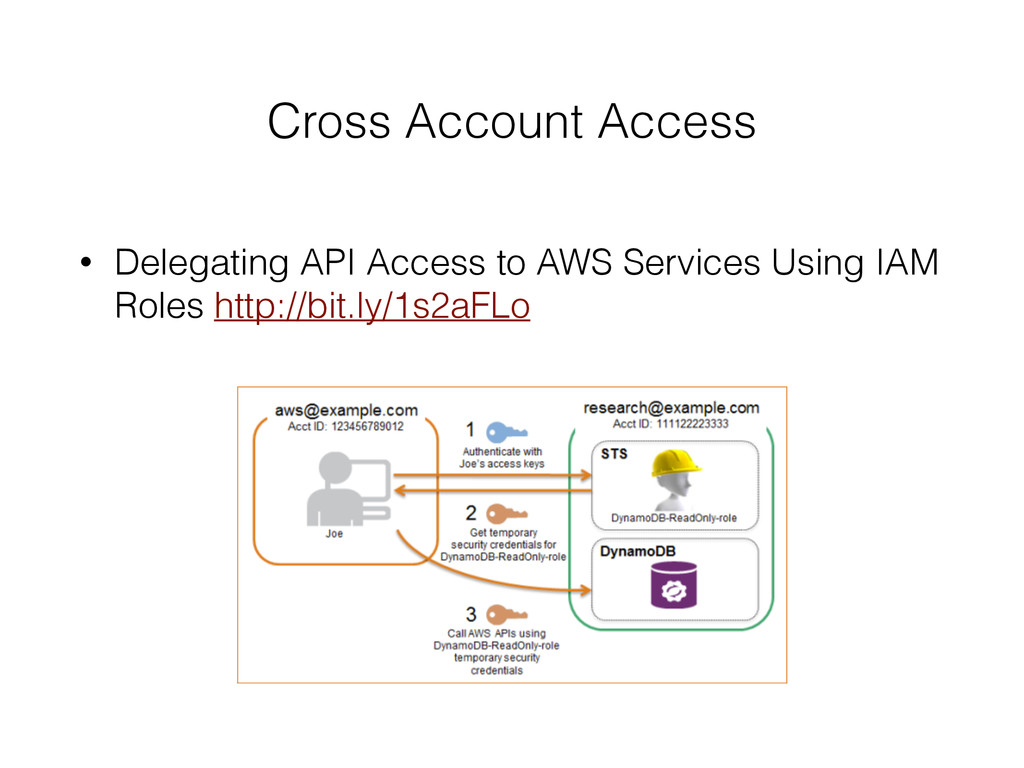
role is an entity that has a set of permissions, and that another entity assumes to make calls to access your AWS resources. The entity who assumes the role uses temporary security credentials to make calls. IAM 的 role 是權限的集合,跟它相進的有 group 也是權限的集合, 不過 role 特別設計⽤用來做「權限委派」之⽤用的 ⽤用它來向 STS 取得暫時性的權限使⽤用。
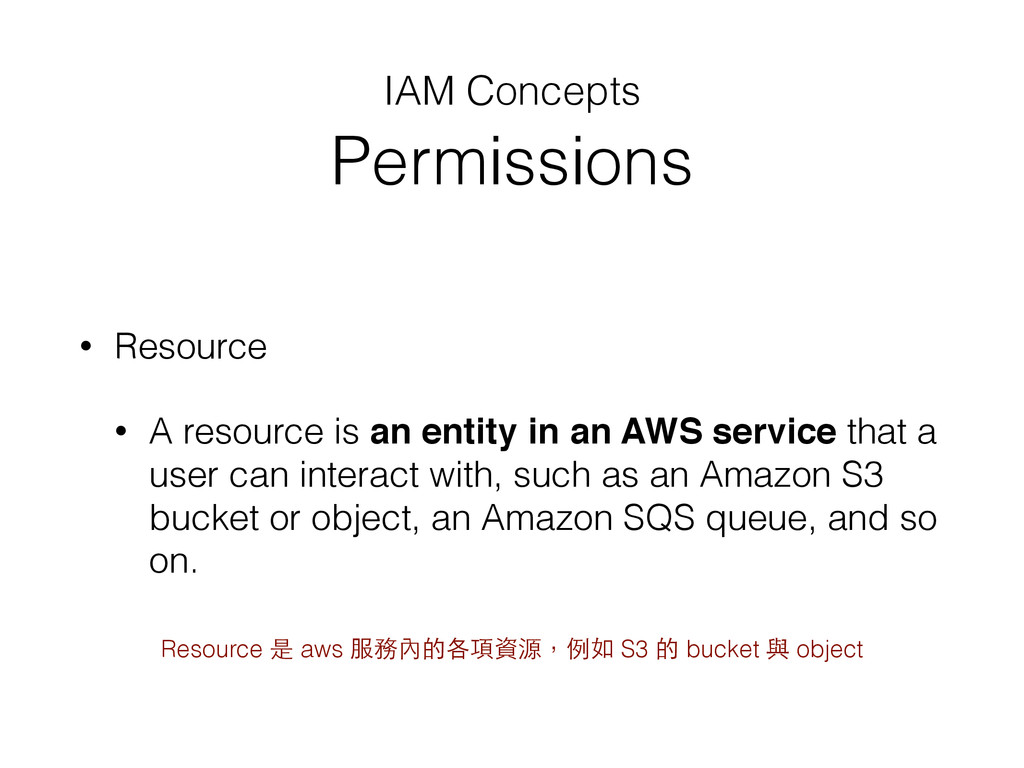
entity in an AWS service that a user can interact with, such as an Amazon S3 bucket or object, an Amazon SQS queue, and so on. Resource 是 aws 服務內的各項資源,例如 S3 的 bucket 與 object
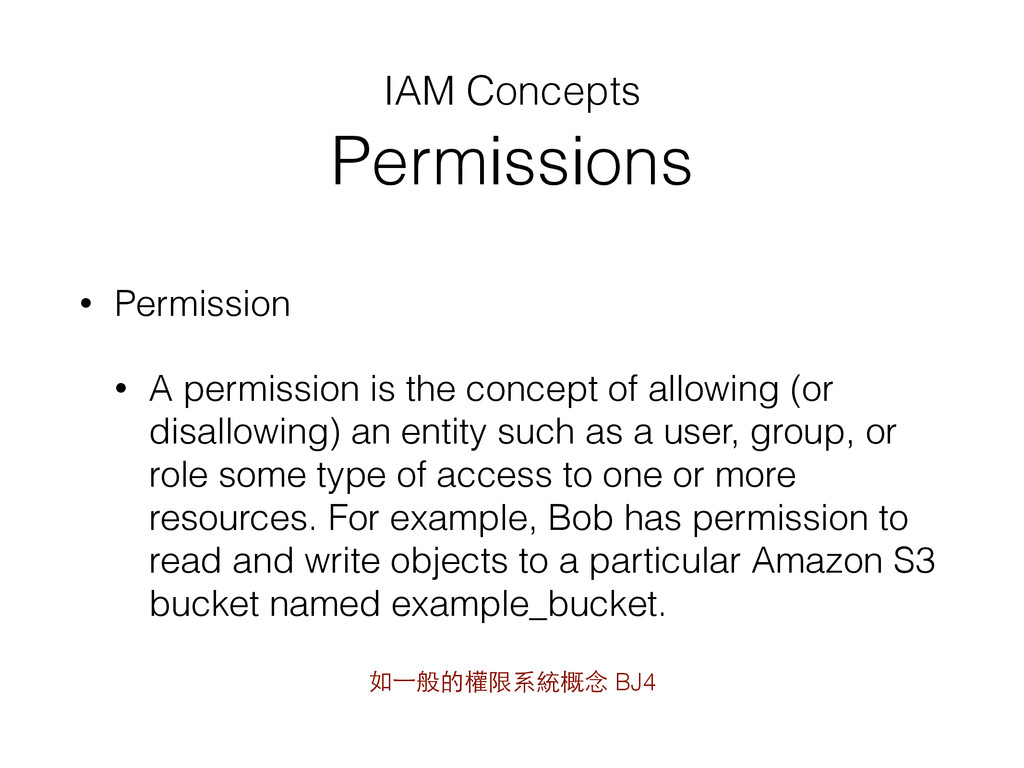
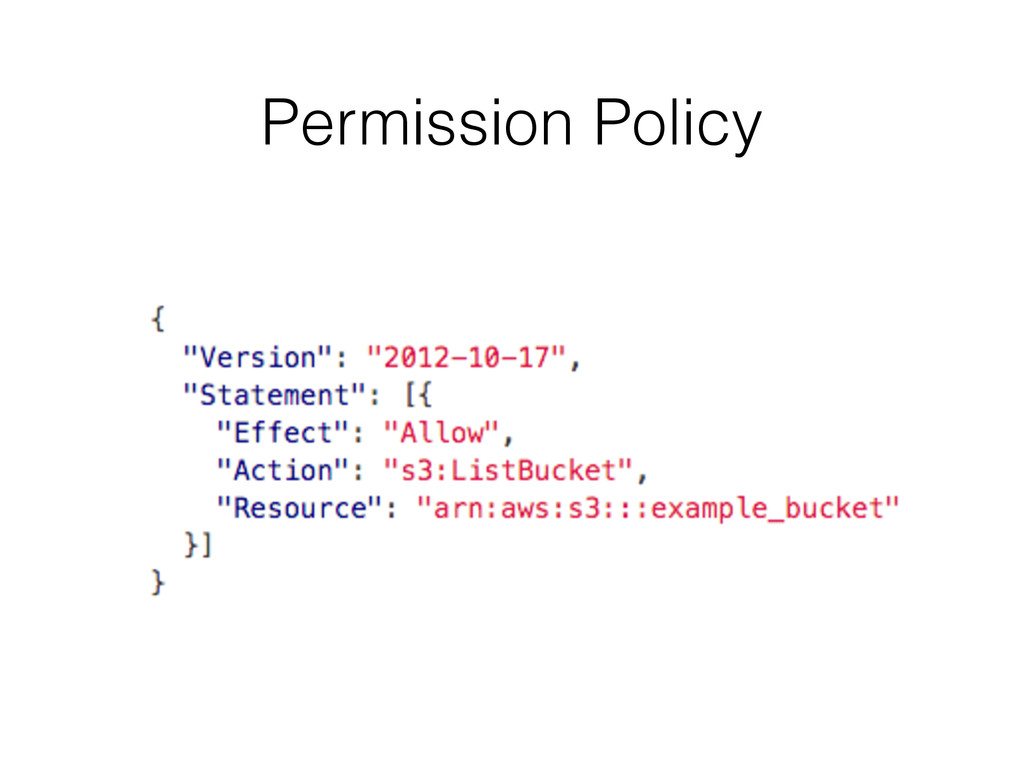
concept of allowing (or disallowing) an entity such as a user, group, or role some type of access to one or more resources. For example, Bob has permission to read and write objects to a particular Amazon S3 bucket named example_bucket. 如⼀一般的權限系統概念 BJ4
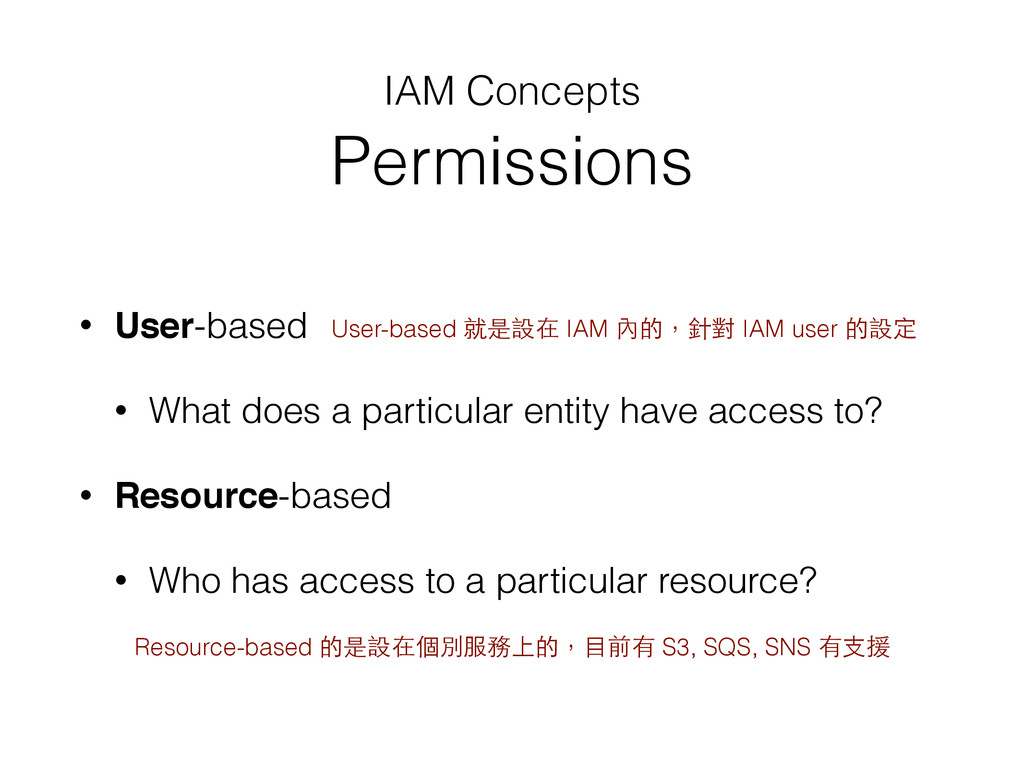
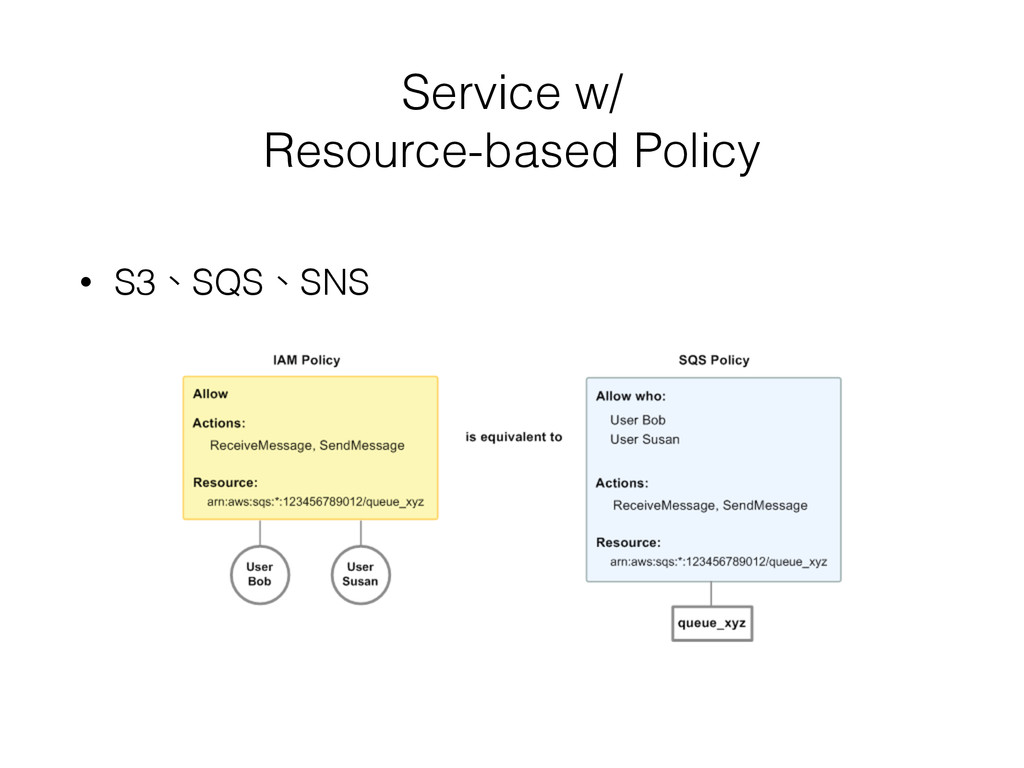
entity have access to? • Resource-based • Who has access to a particular resource? User-based 就是設在 IAM 內的,針對 IAM user 的設定 Resource-based 的是設在個別服務上的,⺫⽬目前有 S3, SQS, SNS 有⽀支援
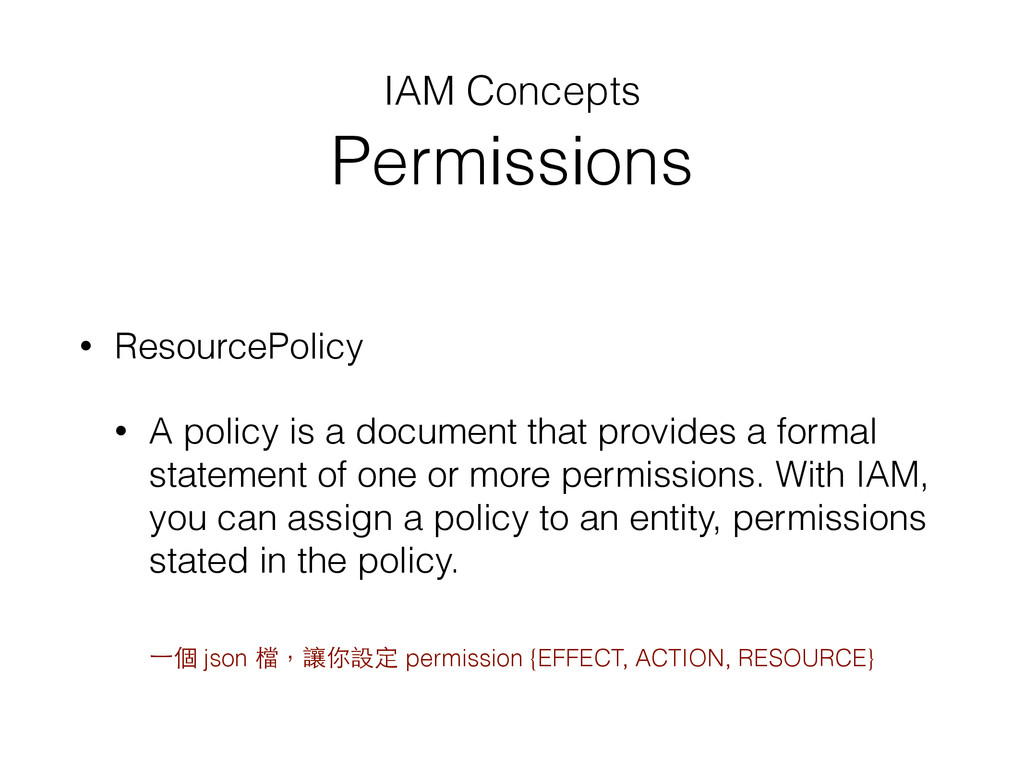
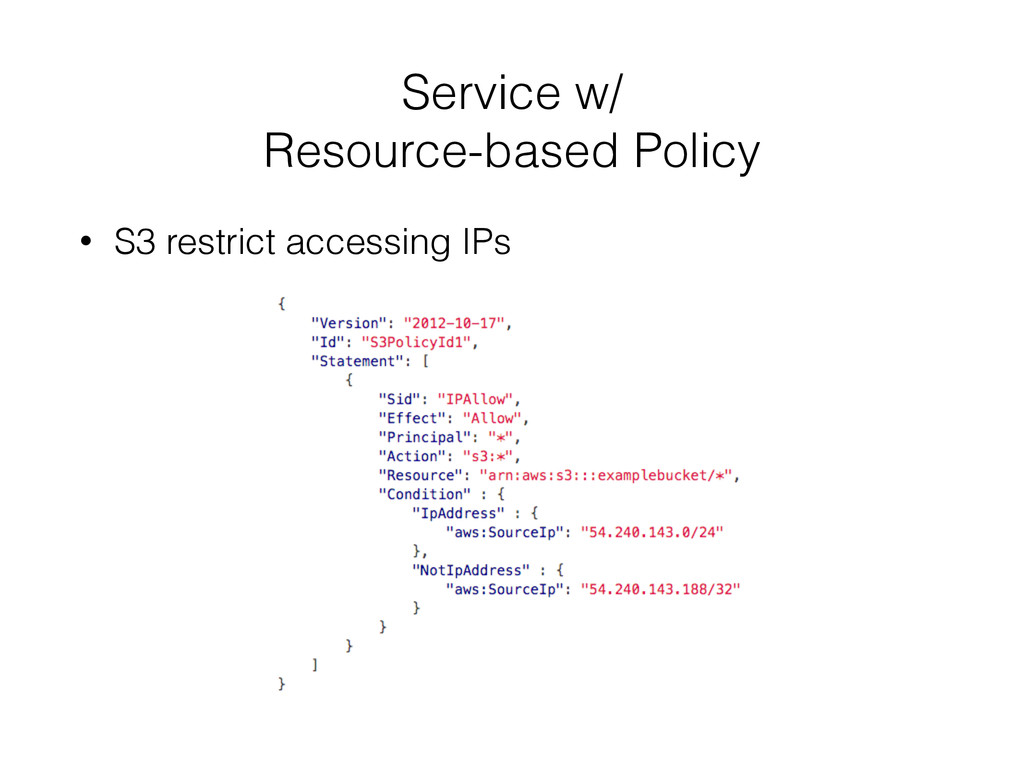
document that provides a formal statement of one or more permissions. With IAM, you can assign a policy to an entity, permissions stated in the policy. ⼀一個 json 檔,讓你設定 permission {EFFECT, ACTION, RESOURCE}
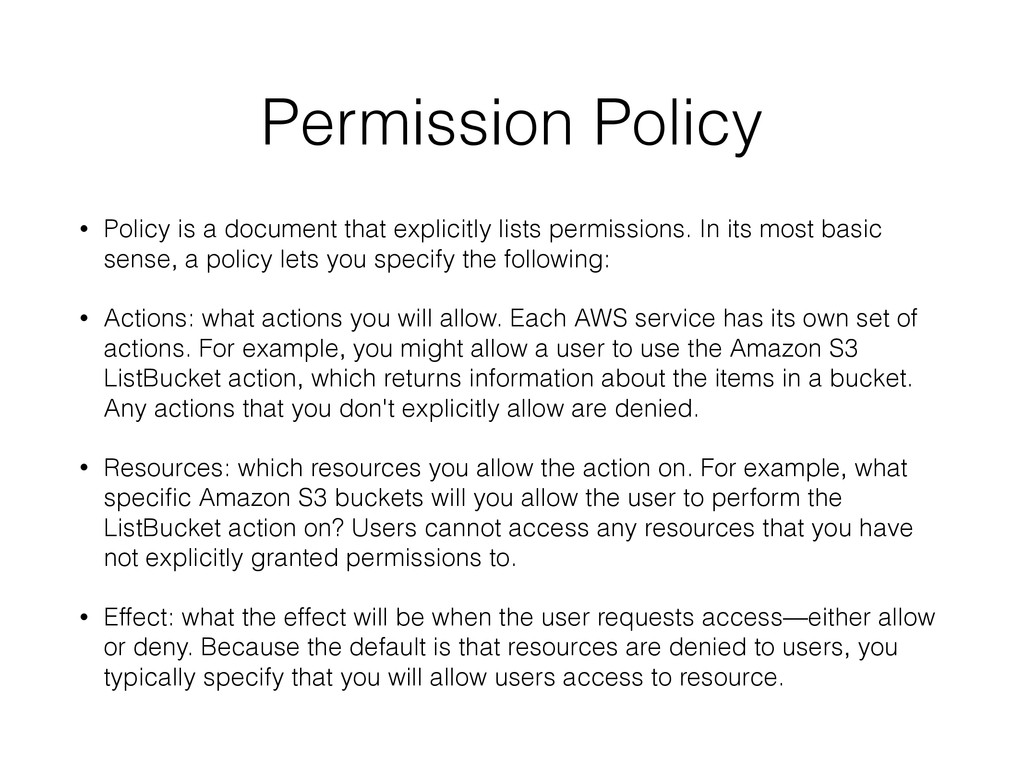
permissions. In its most basic sense, a policy lets you specify the following: • Actions: what actions you will allow. Each AWS service has its own set of actions. For example, you might allow a user to use the Amazon S3 ListBucket action, which returns information about the items in a bucket. Any actions that you don't explicitly allow are denied. • Resources: which resources you allow the action on. For example, what specific Amazon S3 buckets will you allow the user to perform the ListBucket action on? Users cannot access any resources that you have not explicitly granted permissions to. • Effect: what the effect will be when the user requests access—either allow or deny. Because the default is that resources are denied to users, you typically specify that you will allow users access to resource.
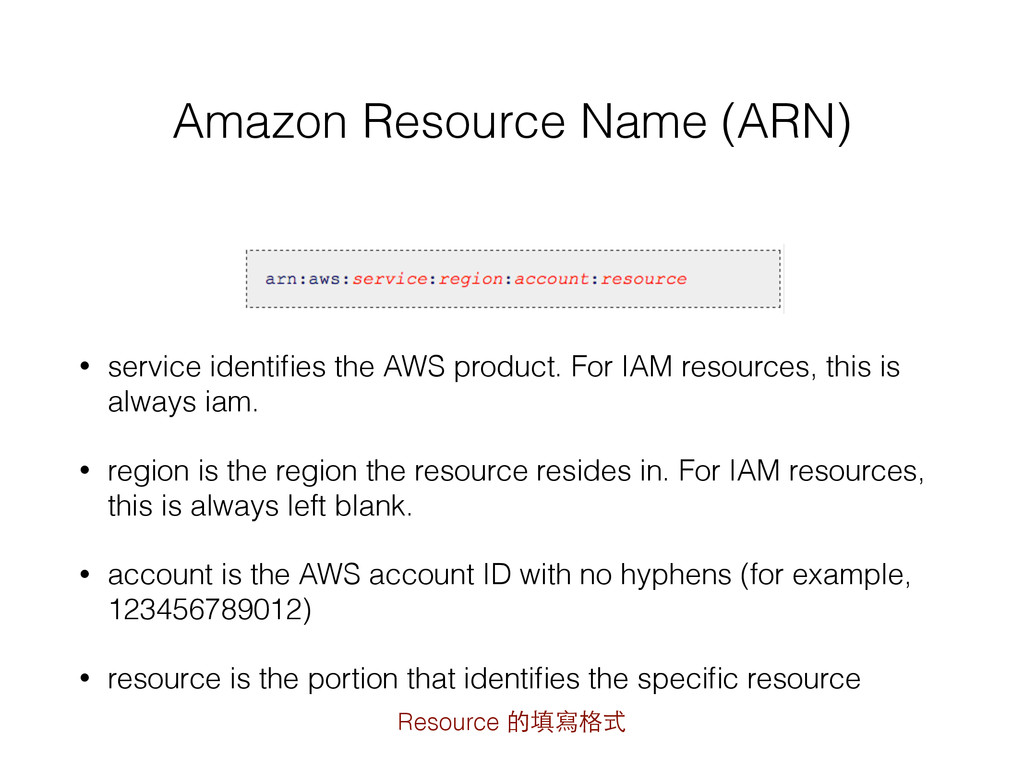
AWS product. For IAM resources, this is always iam. • region is the region the resource resides in. For IAM resources, this is always left blank. • account is the AWS account ID with no hyphens (for example, 123456789012) • resource is the portion that identifies the specific resource Resource 的填寫格式


 qrtt1
qrtt1
 awsjcpm
 girigiribauer
 nagi900
 east_takumi
 aokiplayer
 sakopon
 coco_se
 subroh0508
 sferik
 baasie
 skipperchong
 codingconduct
 maggiecrowley
 mfonobong
 keavy
keavy
 hatefulcrawdad
 varn
varn
 aleyda
 mkilby
 caitiem20