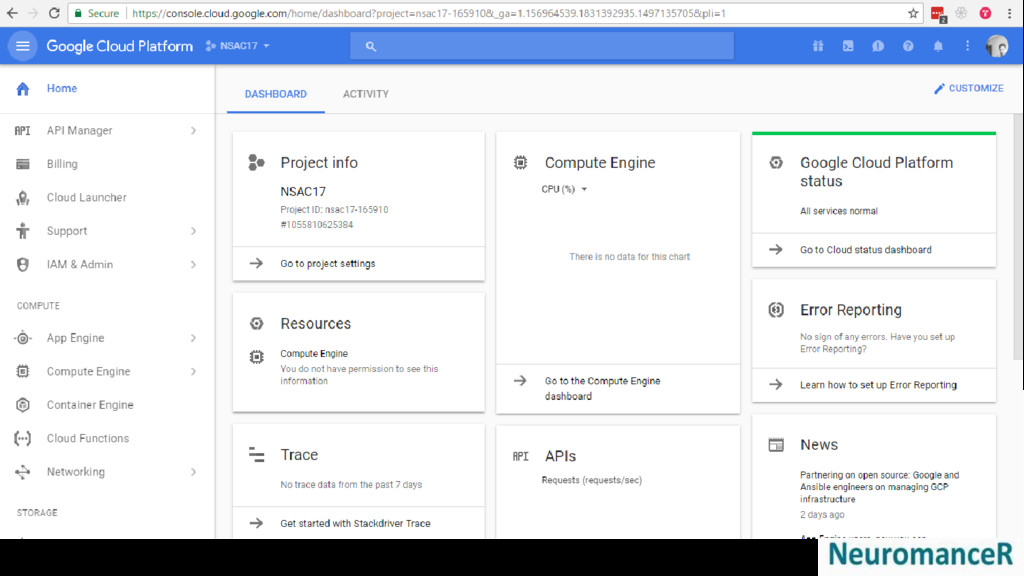
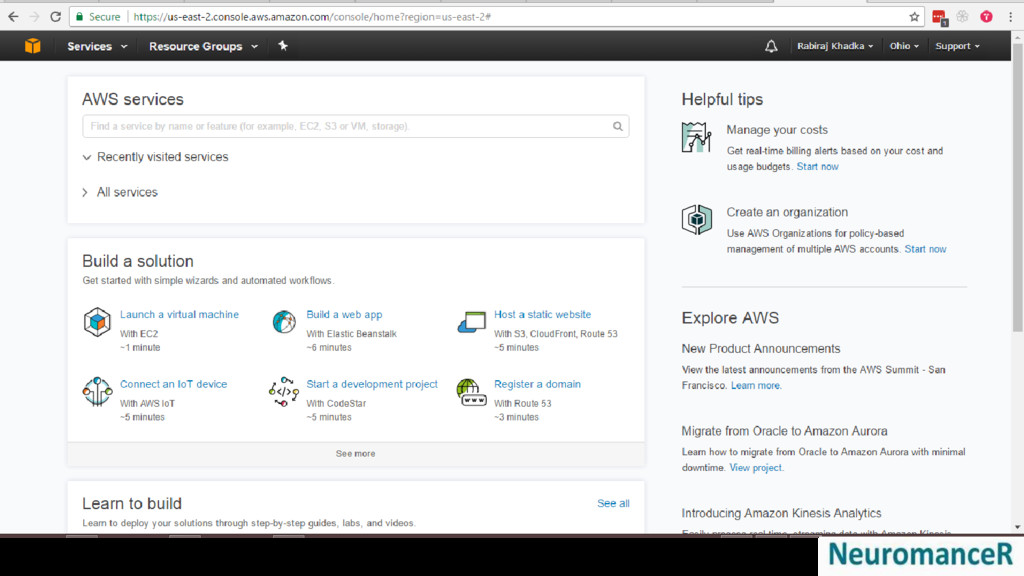
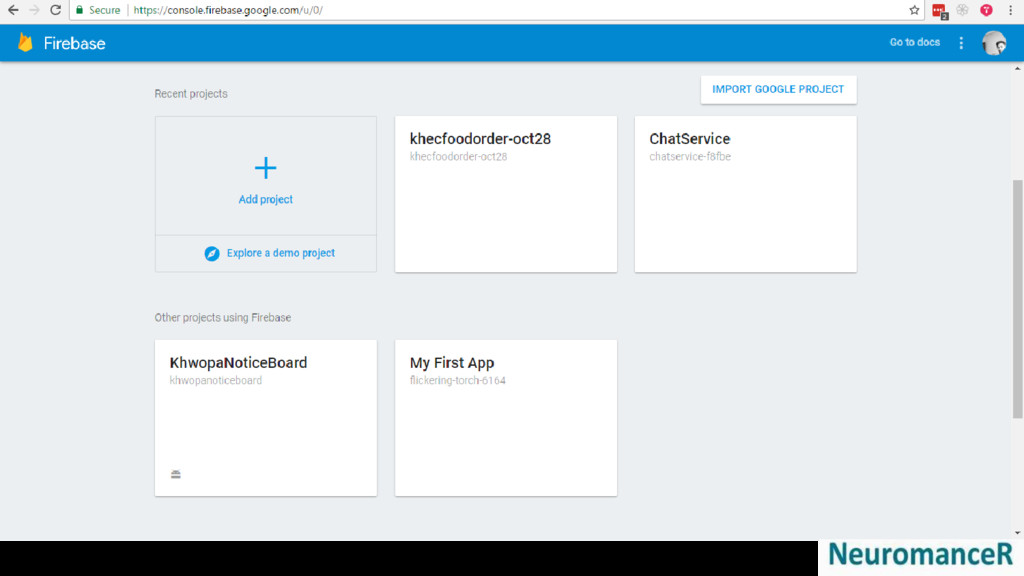
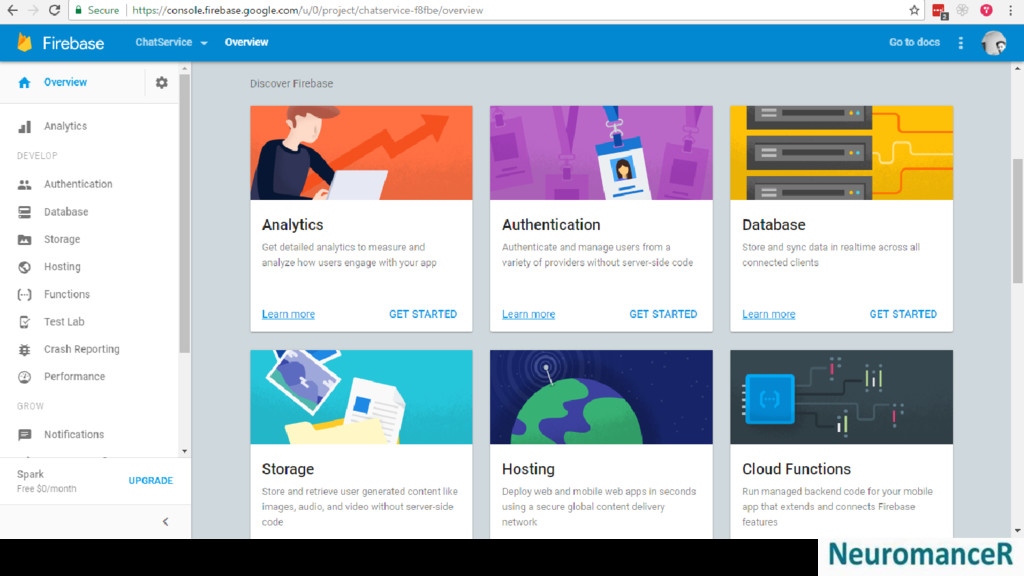
Introduction to Cloud Computing and its different service models and deployment models with examples.
Prepared for
NeuromanceR Creation [ fb.me/neuromancercreation ]
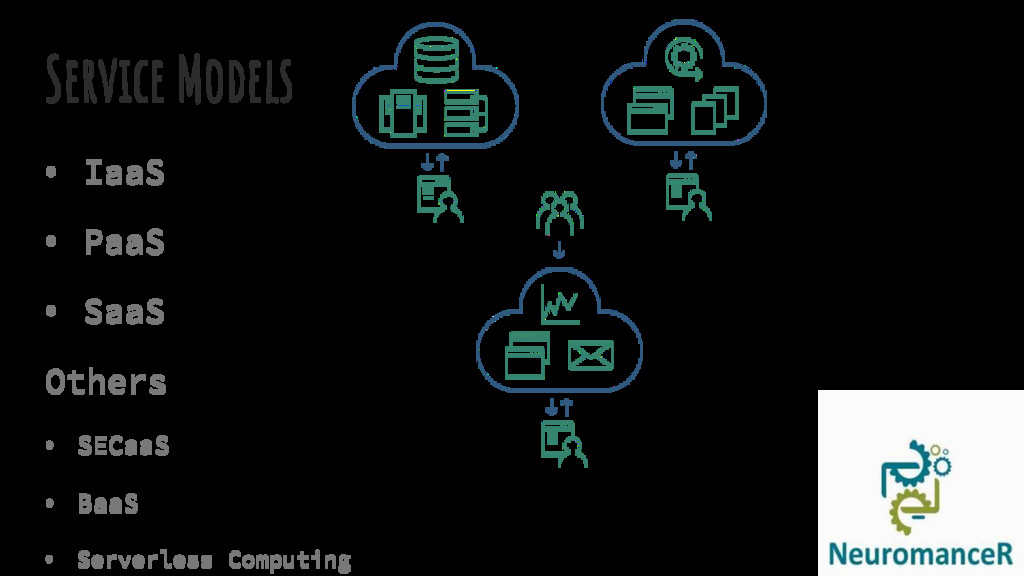
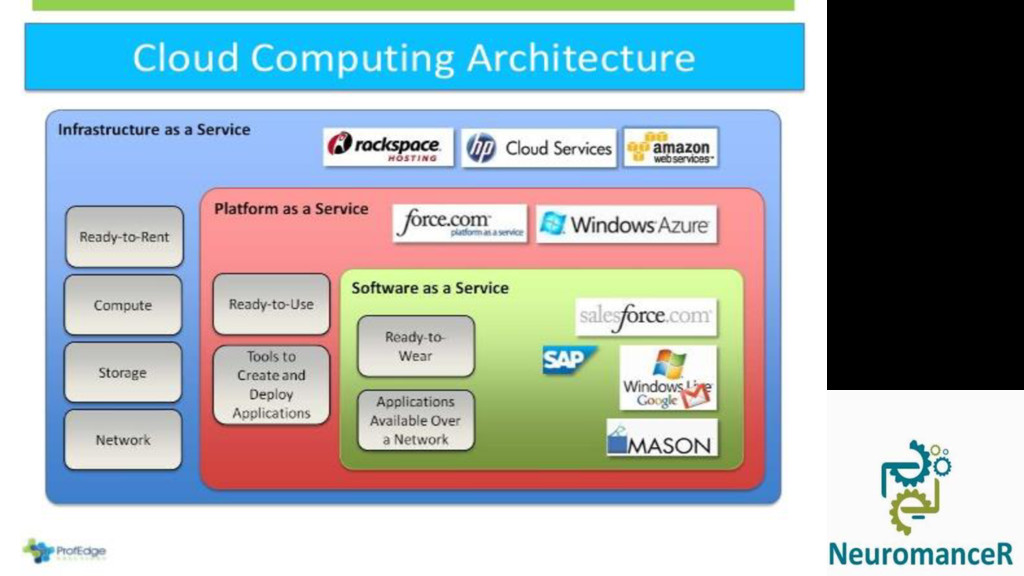
complete lifecycle of building and delivering web- based (cloud) applications Without the cost and complexity of buying and managing the underlying hardware, software, provisioning, and hosting.
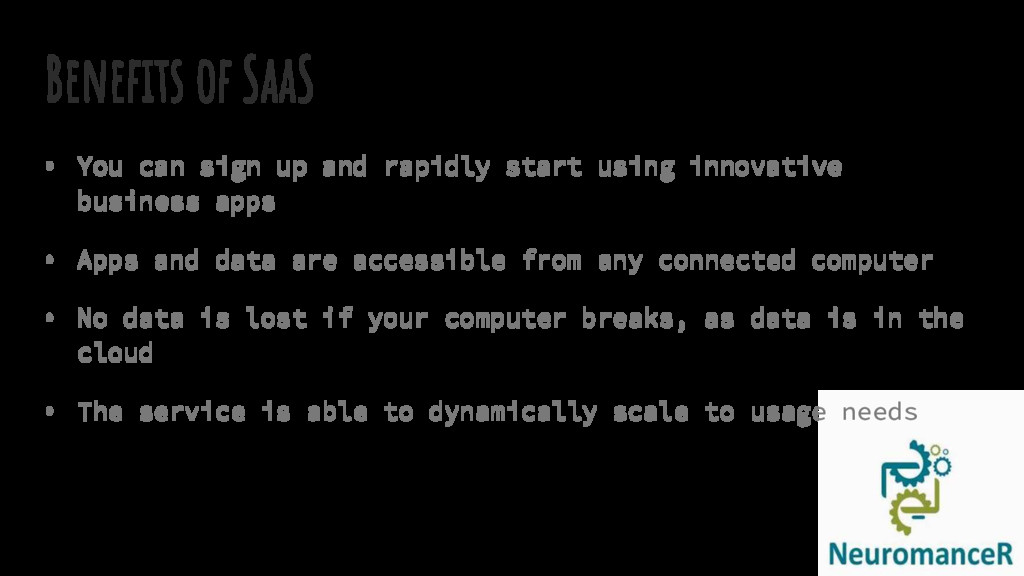
start using innovative business apps • Apps and data are accessible from any connected computer • No data is lost if your computer breaks, as data is in the cloud • The service is able to dynamically scale to usage needs
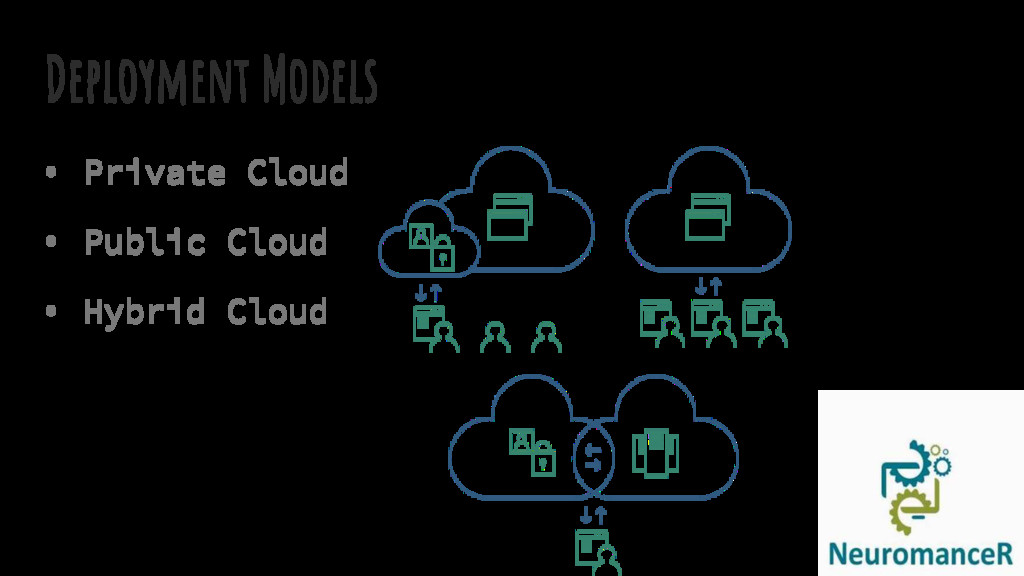
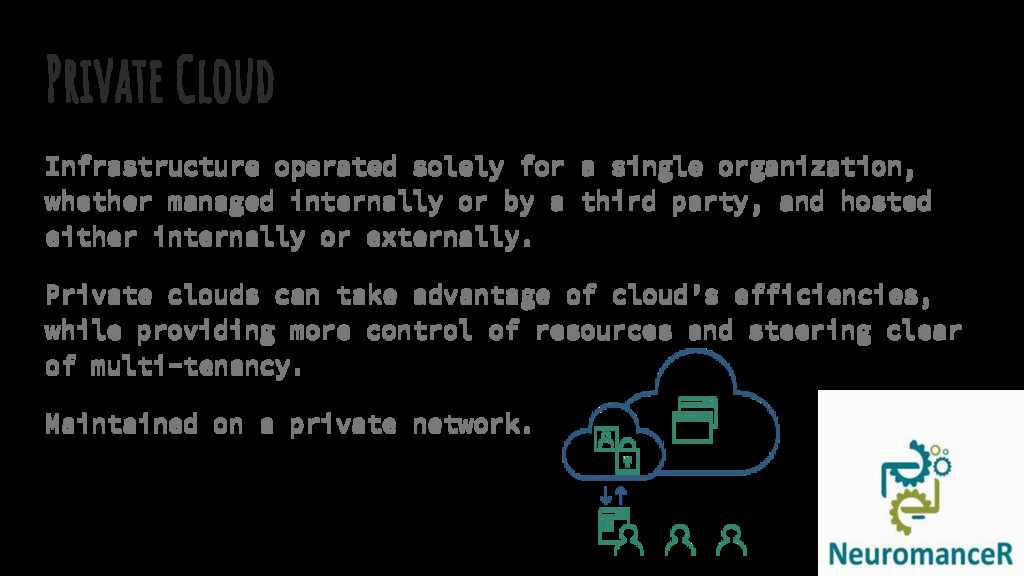
managed internally or by a third party, and hosted either internally or externally. Private clouds can take advantage of cloud’s efficiencies, while providing more control of resources and steering clear of multi-tenancy. Maintained on a private network.
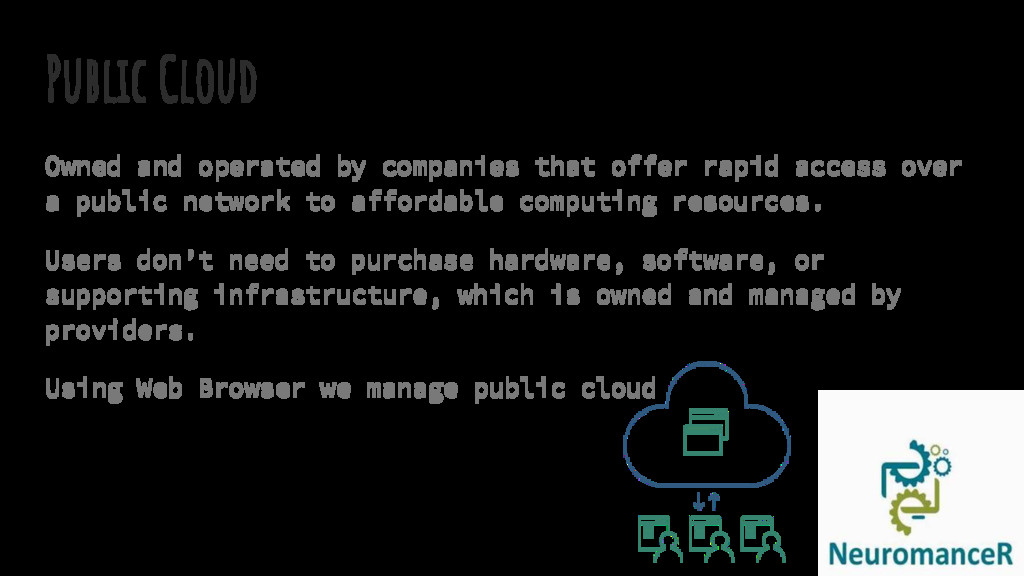
access over a public network to affordable computing resources. Users don’t need to purchase hardware, software, or supporting infrastructure, which is owned and managed by providers. Using Web Browser we manage public cloud
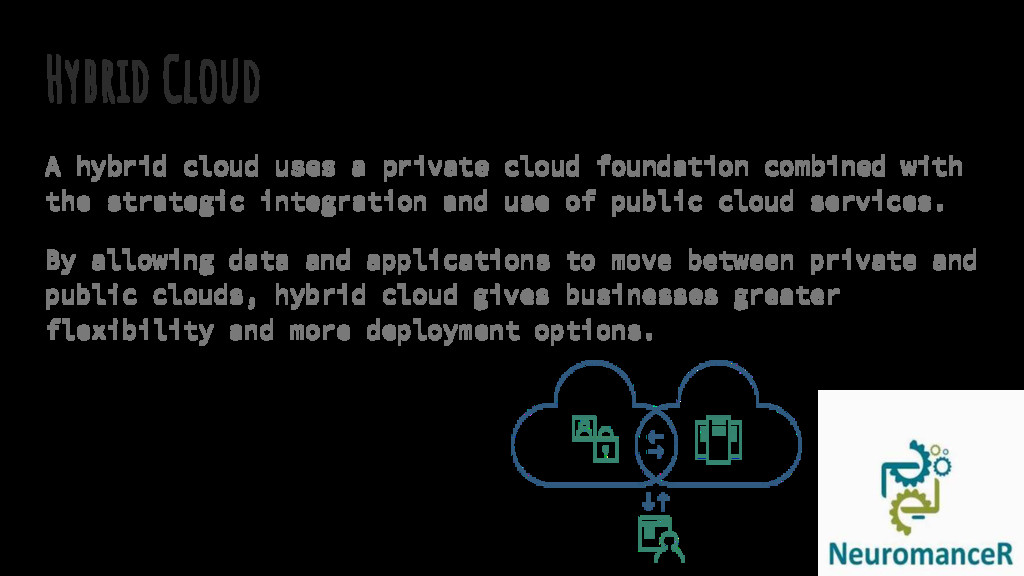
combined with the strategic integration and use of public cloud services. By allowing data and applications to move between private and public clouds, hybrid cloud gives businesses greater flexibility and more deployment options.


.png) yamad
yamad
 occhi
occhi
 yuuuuuuu168
 tetsuya28
 moznion
 jozono
 syuchimu
 yu23ki14
 techtekt
 taketakekaho
 kairim0
 pfn
pfn
 trishagee
 baasie
 rkendrick25
 rmw
rmw
 tamaranovitovic
 jonrohan
 inesmontani
 chikuwait
 rasagy
 kastner
 yeseniaperezcruz
 aleyda