Upgrade to Pro — share decks privately, control downloads, hide ads and more …

Make Your Actions More Powerful

Make Your Actions More Powerful

We do have many codelabs and blog posts to know how to build our own Action on Google. But what will happen once you have your action on store? How to make it more efficient so that people will like it and more number of people will use it?

In this talk I have shared few tips to make your actions more powerful.

Things you will learn from this talk:
- Basics of Actions on Google.
- Different Response types.
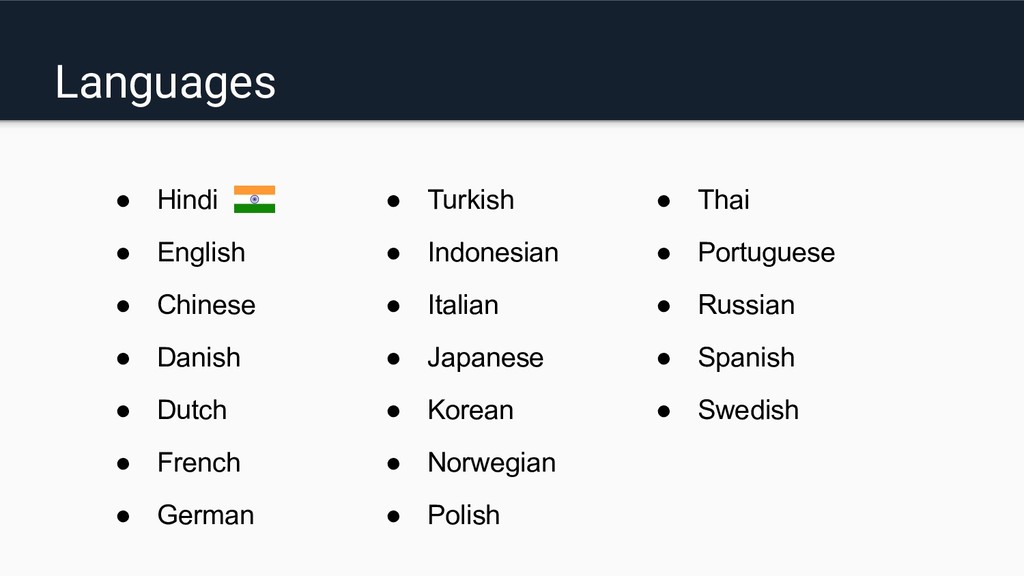
- Languages provided in google assistant applications.
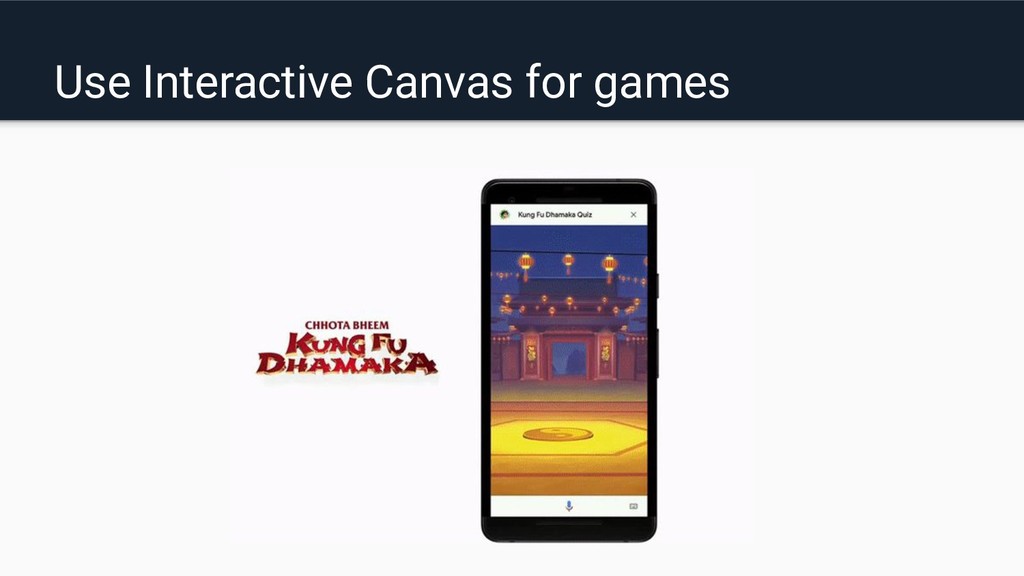
- Interactive canvas
- Few tips to make your actions more better.

Avatar for Ravi Rupareliya

Ravi Rupareliya

September 21, 2019

Other Decks in Technology

Transcript

  1. Google Assistant Vs Actions on Google Google Assistant:- Google Assistant

    is a platform/application where actions of a user will be performed. Actions on Google:- Actions allow users to send a command to Google Assistant to complete things.
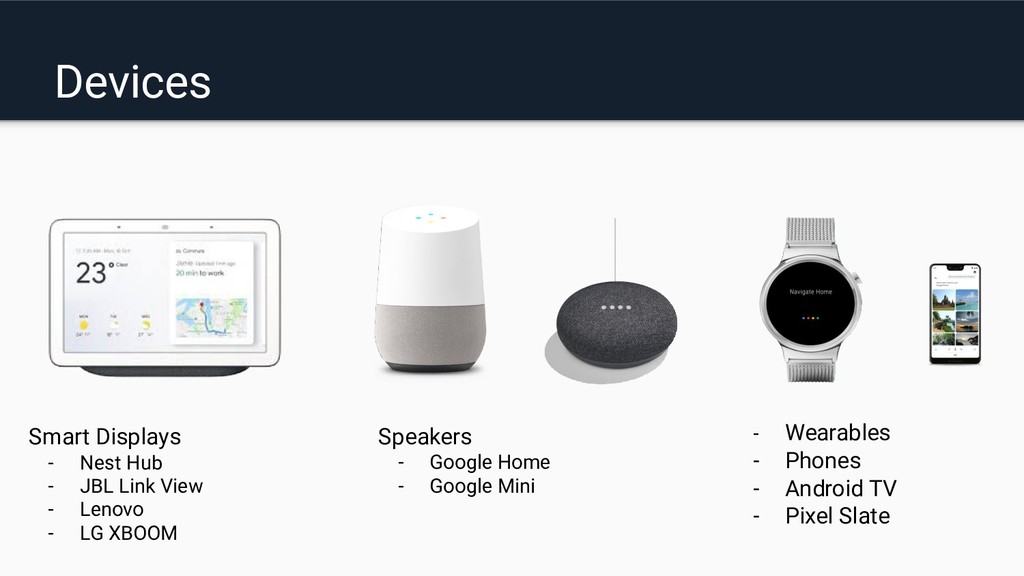
  2. Devices Smart Displays - Nest Hub - JBL Link View

    - Lenovo - LG XBOOM Speakers - Google Home - Google Mini - Wearables - Phones - Android TV - Pixel Slate
  3. Responses types • Simple response • Basic card • Browsing

    carousel • Suggestion chips • Media responses • Table cards • List
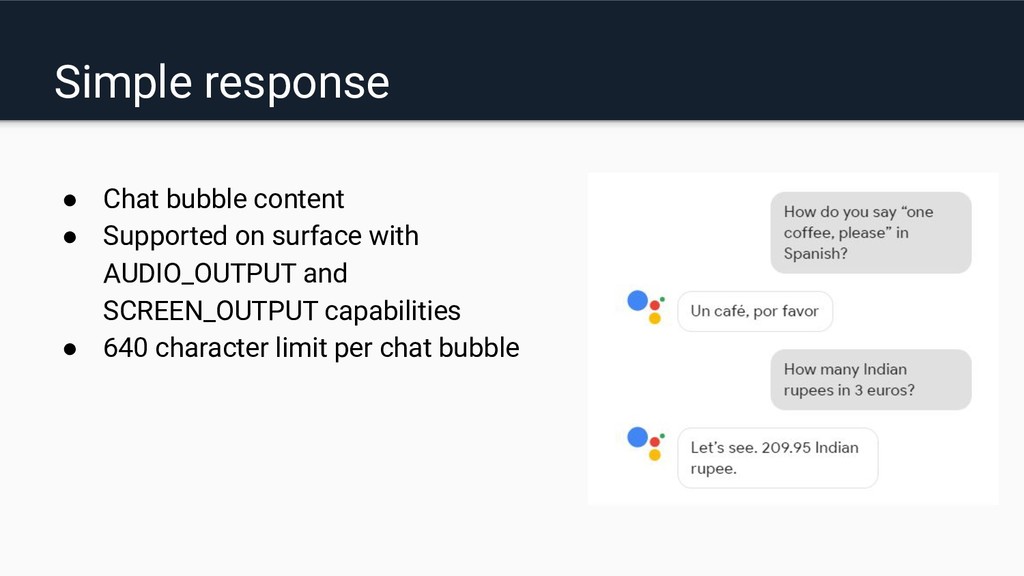
  4. Simple response • Chat bubble content • Supported on surface

    with AUDIO_OUTPUT and SCREEN_OUTPUT capabilities • 640 character limit per chat bubble
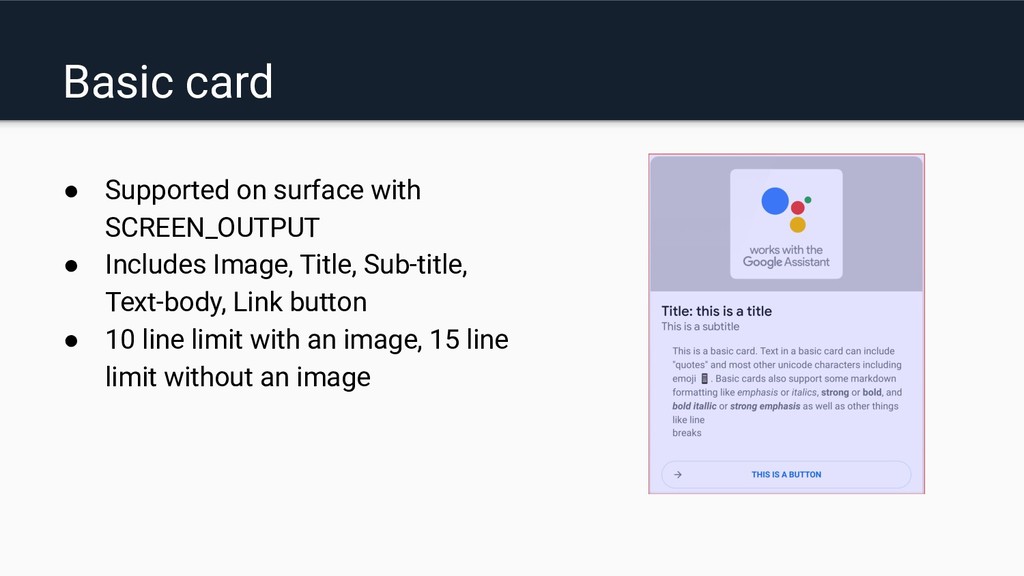
  5. Basic card • Supported on surface with SCREEN_OUTPUT • Includes

    Image, Title, Sub-title, Text-body, Link button • 10 line limit with an image, 15 line limit without an image
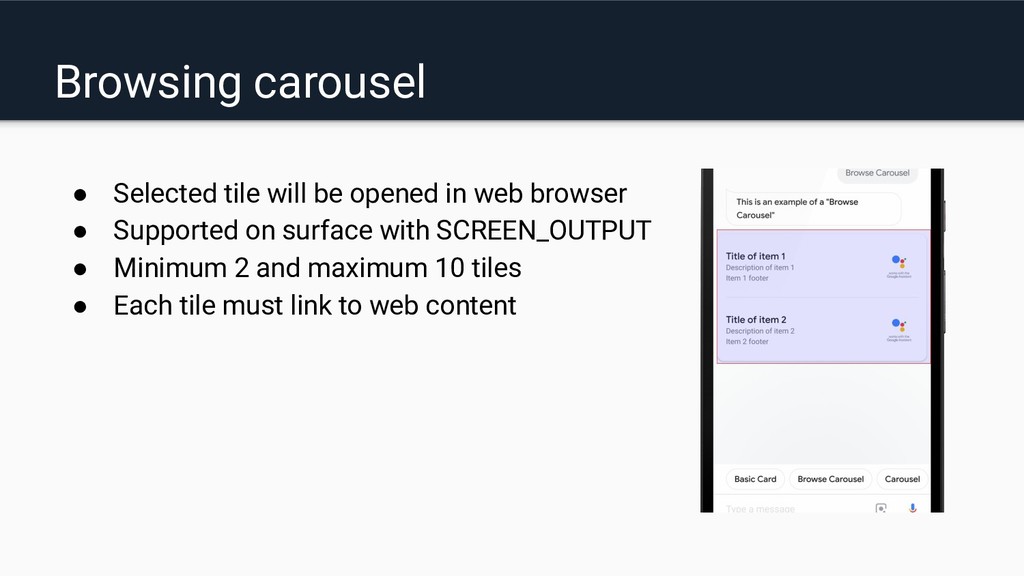
  6. Browsing carousel • Selected tile will be opened in web

    browser • Supported on surface with SCREEN_OUTPUT • Minimum 2 and maximum 10 tiles • Each tile must link to web content
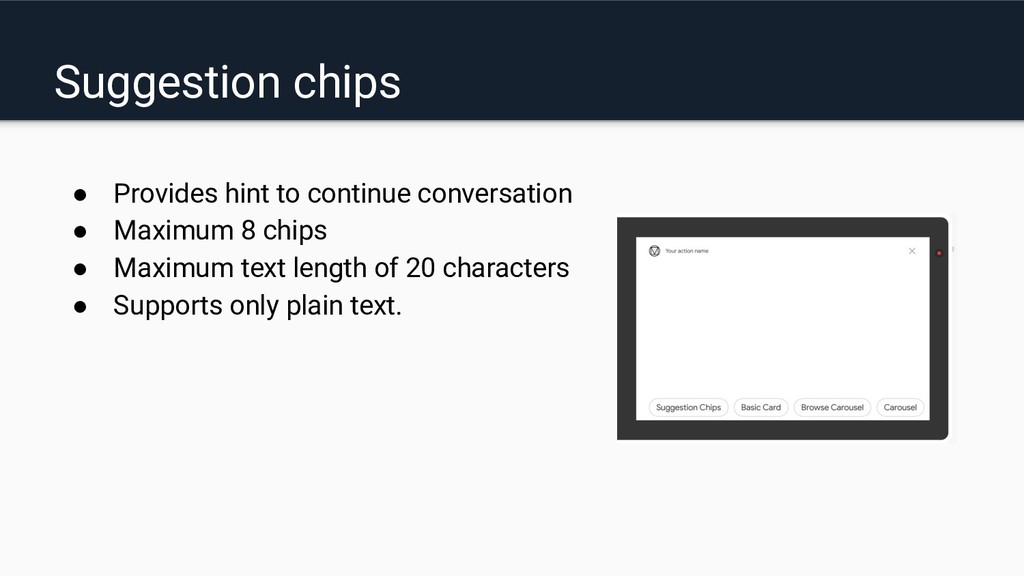
  7. Suggestion chips • Provides hint to continue conversation • Maximum

    8 chips • Maximum text length of 20 characters • Supports only plain text.
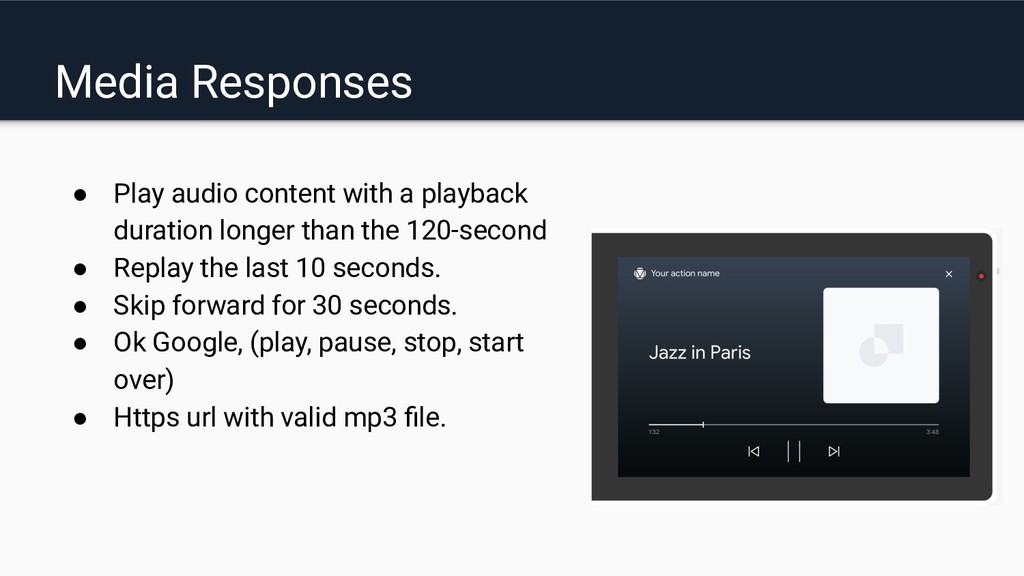
  8. Media Responses • Play audio content with a playback duration

    longer than the 120-second • Replay the last 10 seconds. • Skip forward for 30 seconds. • Ok Google, (play, pause, stop, start over) • Https url with valid mp3 file.
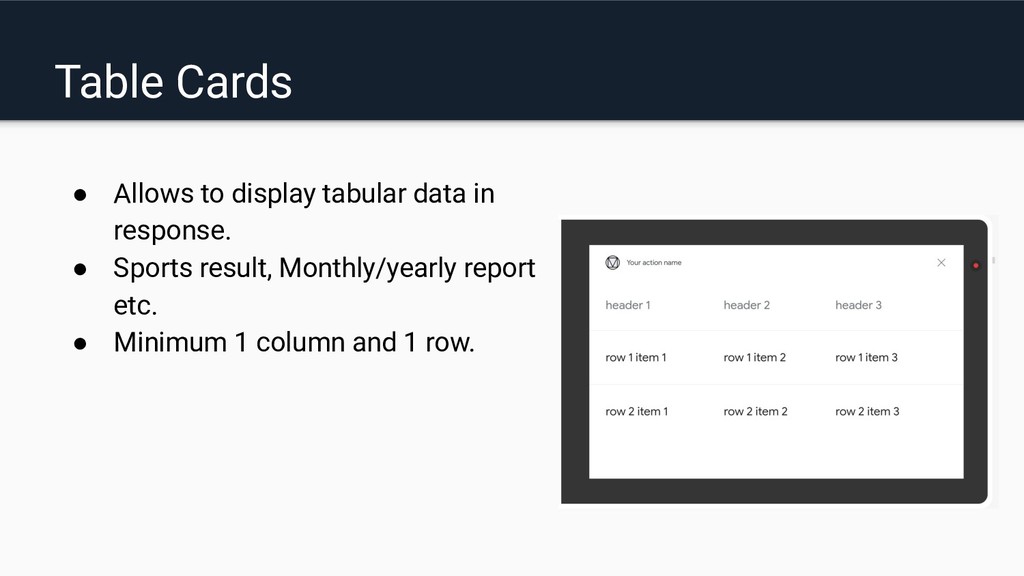
  9. Table Cards • Allows to display tabular data in response.

    • Sports result, Monthly/yearly report etc. • Minimum 1 column and 1 row.
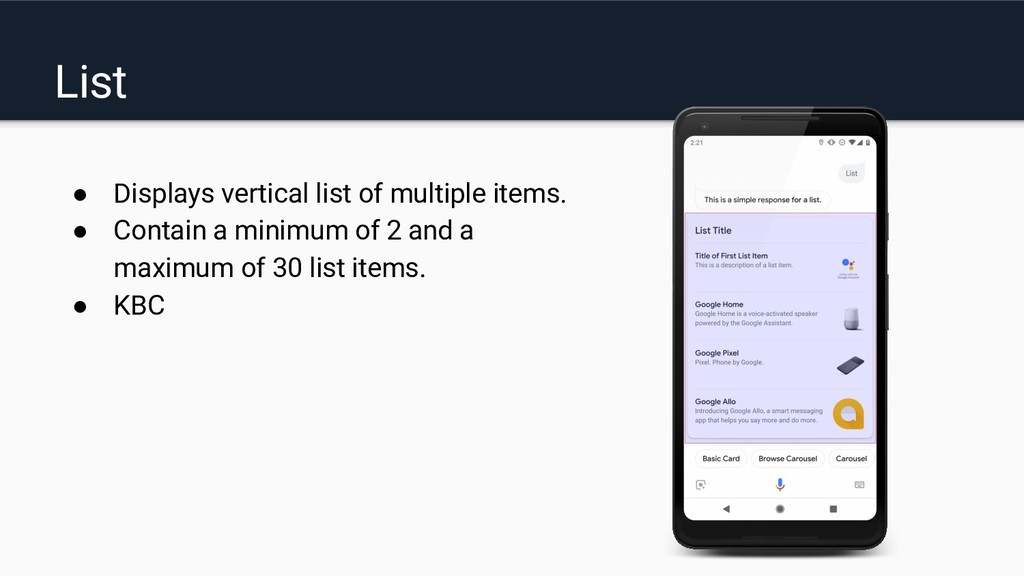
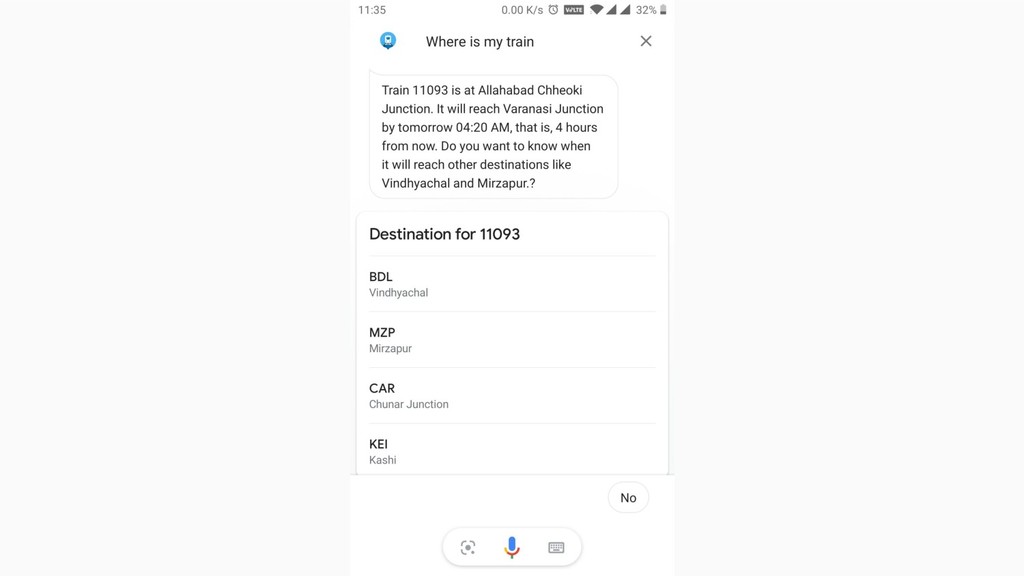
  10. List • Displays vertical list of multiple items. • Contain

    a minimum of 2 and a maximum of 30 list items. • KBC
  11. Languages • Hindi • Turkish • Thai • English •

    Indonesian • Portuguese • Chinese • Italian • Russian • Danish • Japanese • Spanish • Dutch • Korean • Swedish • French • Norwegian • German • Polish
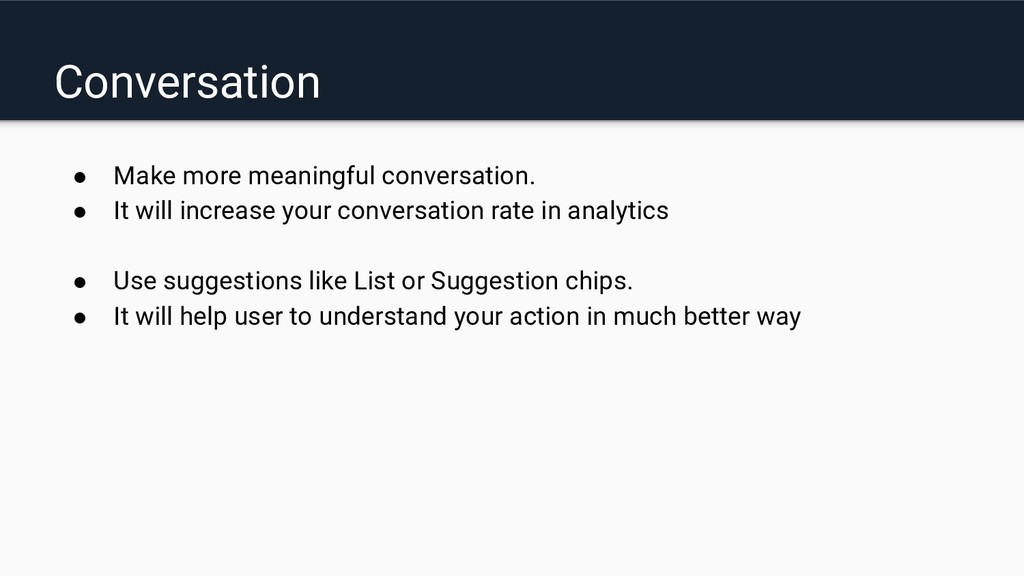
  12. • Make more meaningful conversation. • It will increase your

    conversation rate in analytics • Use suggestions like List or Suggestion chips. • It will help user to understand your action in much better way Conversation
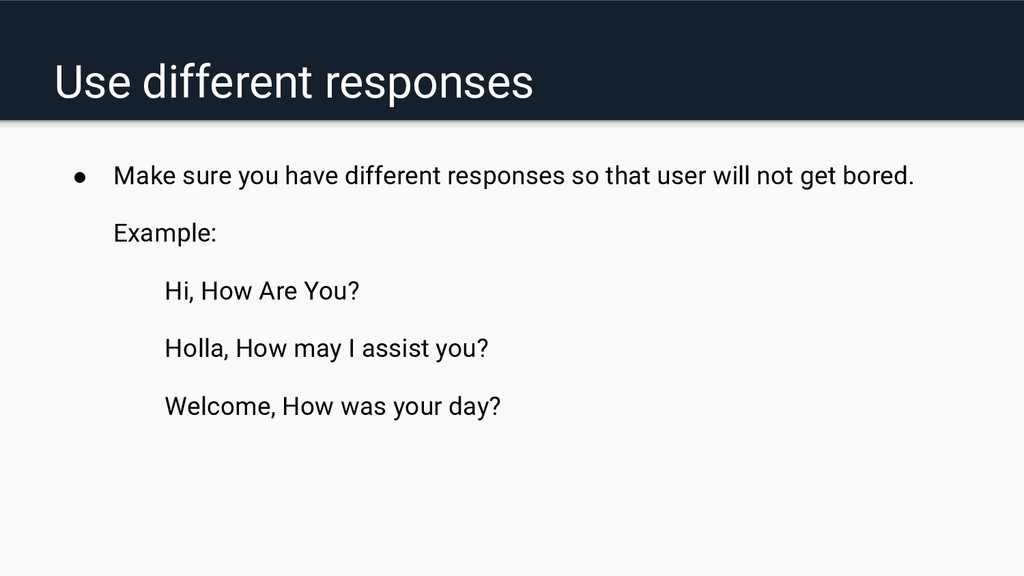
  13. • Make sure you have different responses so that user

    will not get bored. Example: Hi, How Are You? Holla, How may I assist you? Welcome, How was your day? Use different responses
  14. • Make it more interactive by using images when it

    is needed. • Saving user data • Location permission • Efficient use of push notifications Few Additional Tips