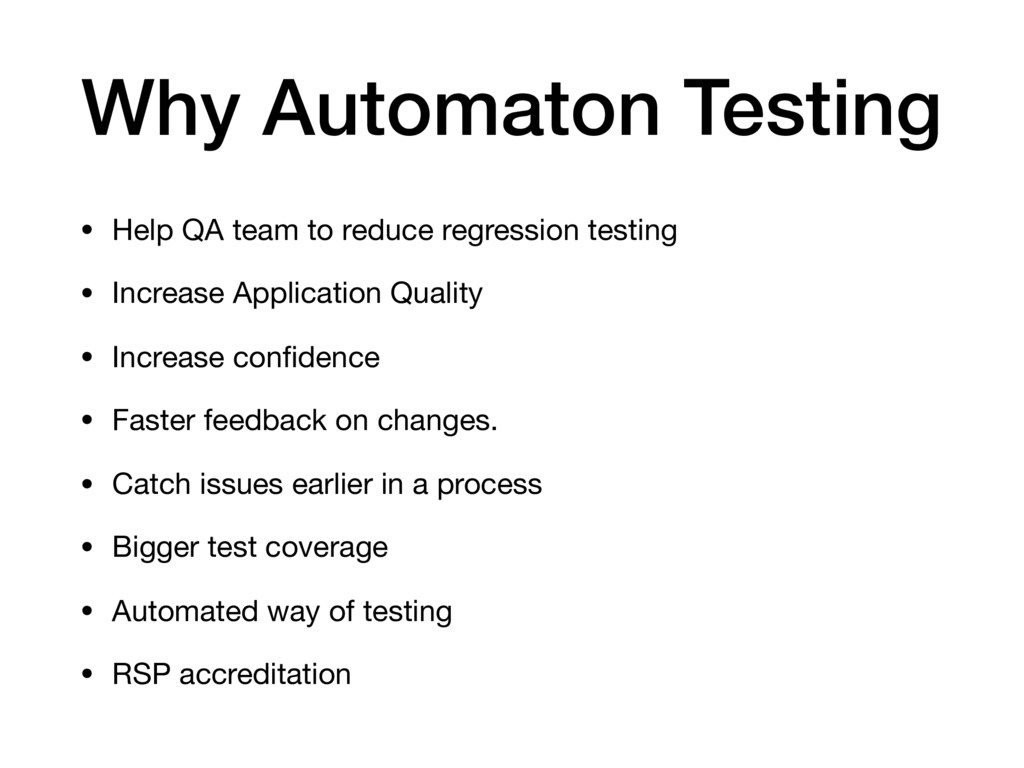
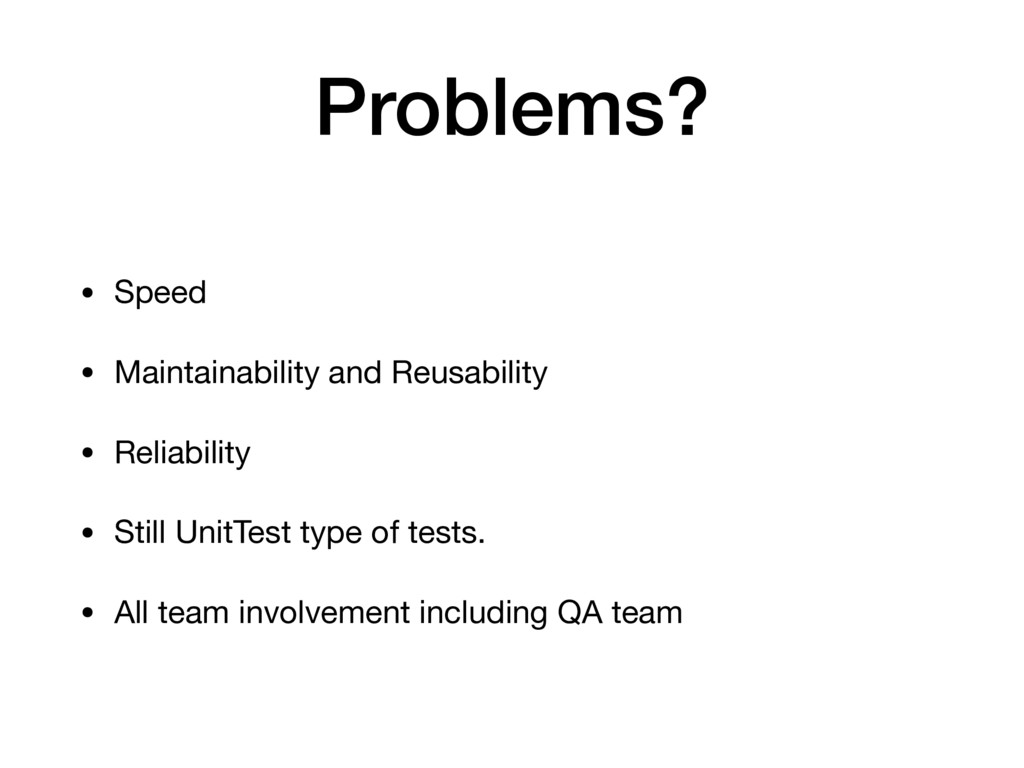
testing • Increase Application Quality • Increase confidence • Faster feedback on changes. • Catch issues earlier in a process • Bigger test coverage • Automated way of testing • RSP accreditation
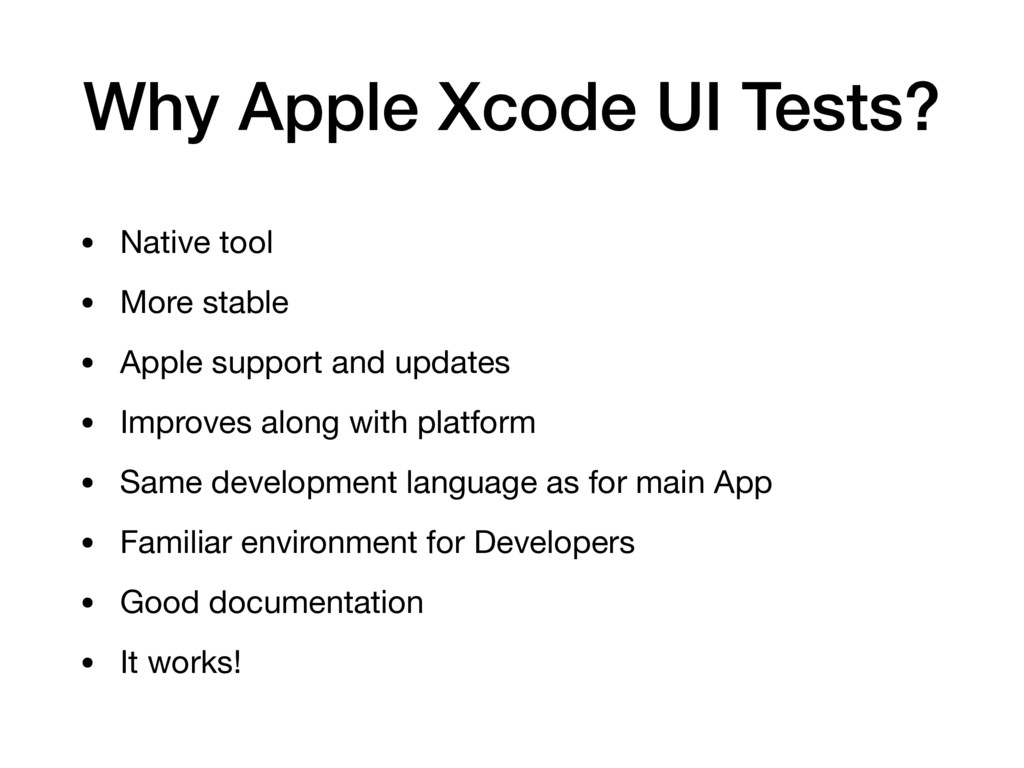
stable • Apple support and updates • Improves along with platform • Same development language as for main App • Familiar environment for Developers • Good documentation • It works!
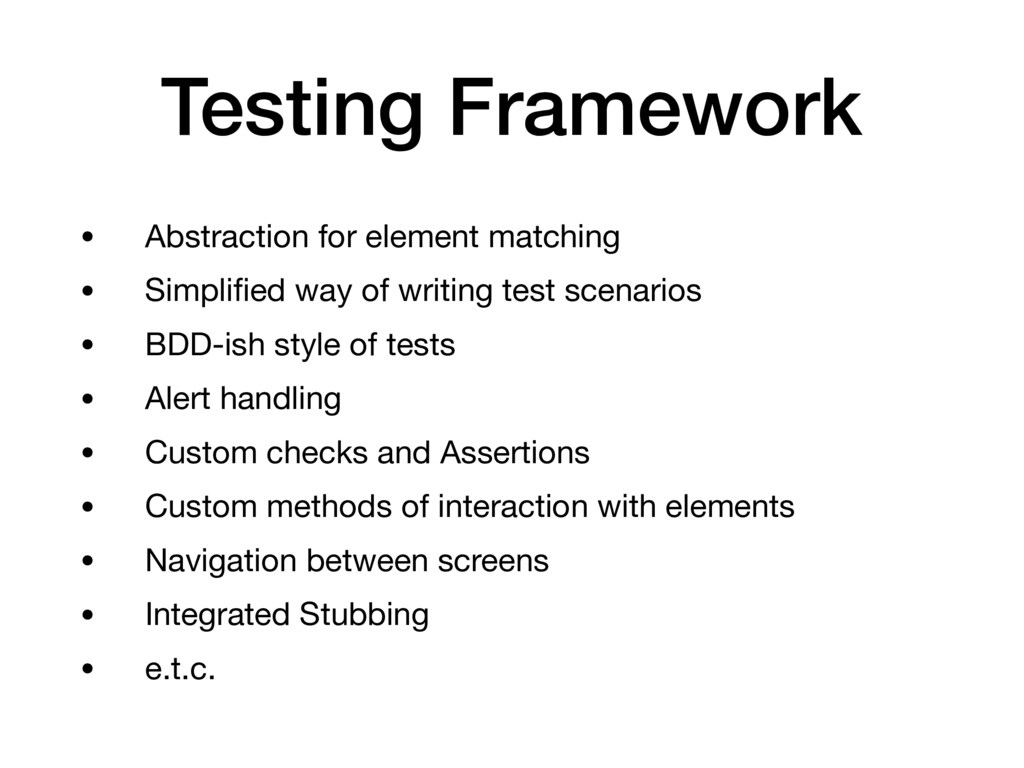
of writing test scenarios • BDD-ish style of tests • Alert handling • Custom checks and Assertions • Custom methods of interaction with elements • Navigation between screens • Integrated Stubbing • e.t.c.
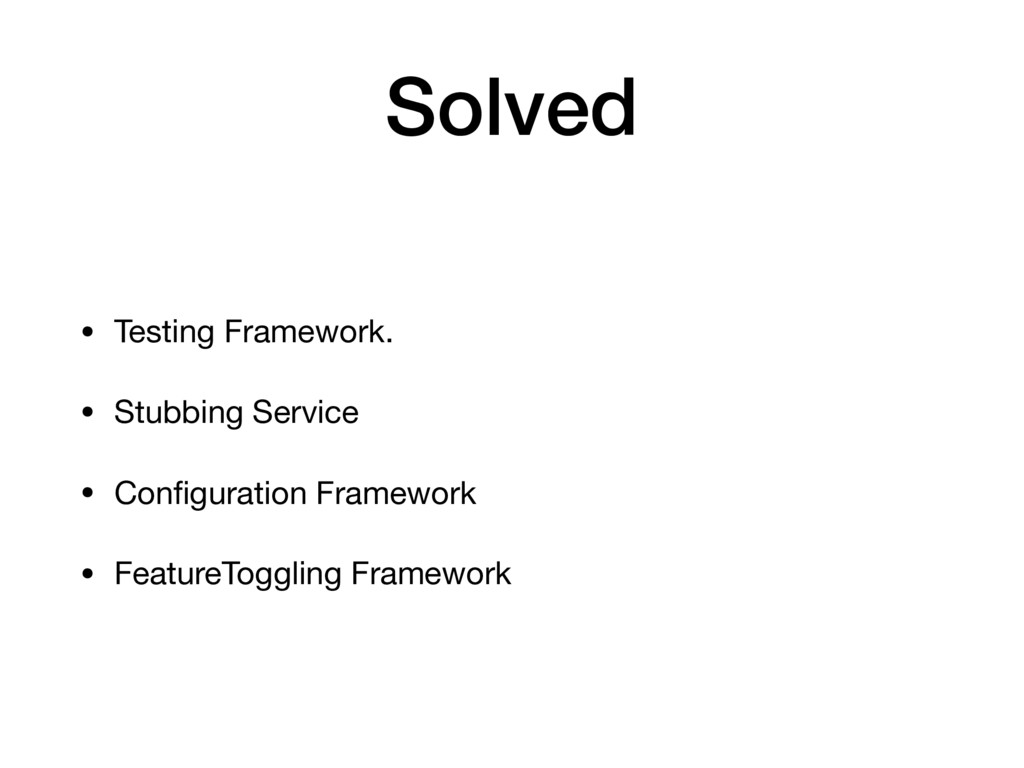
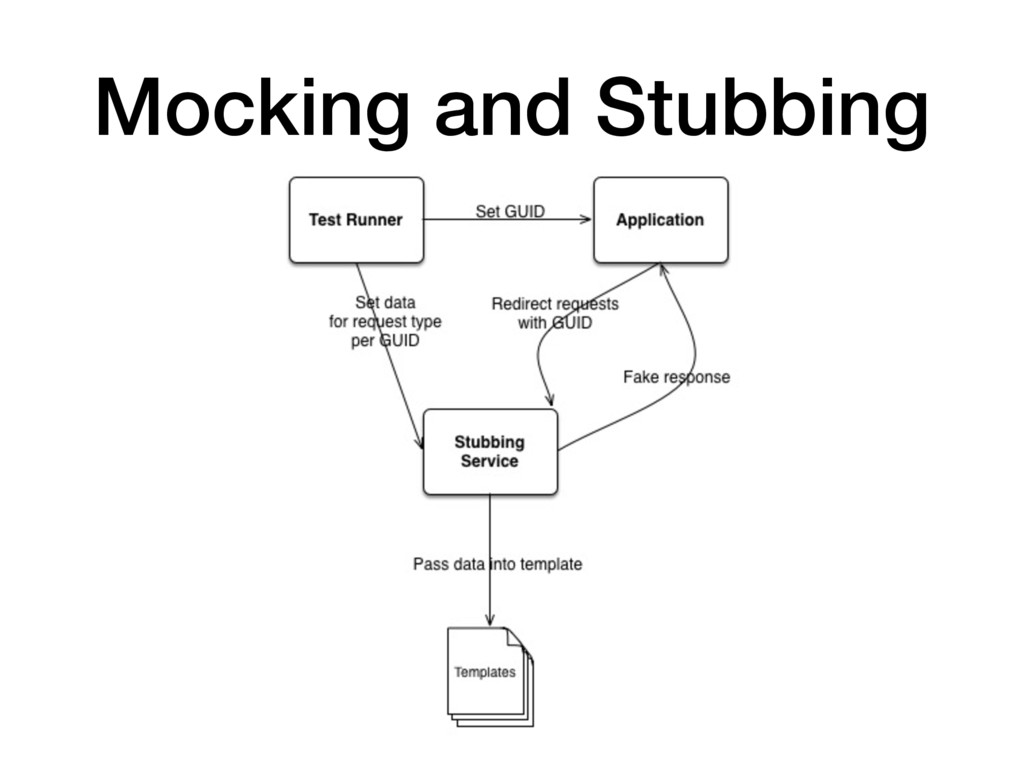
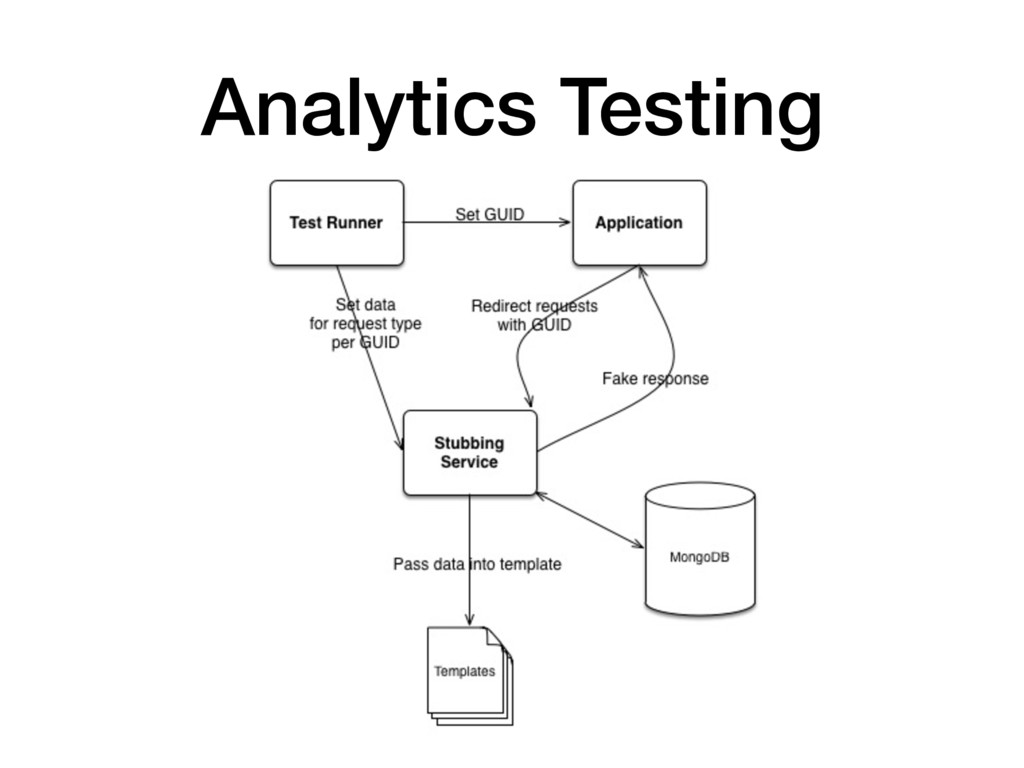
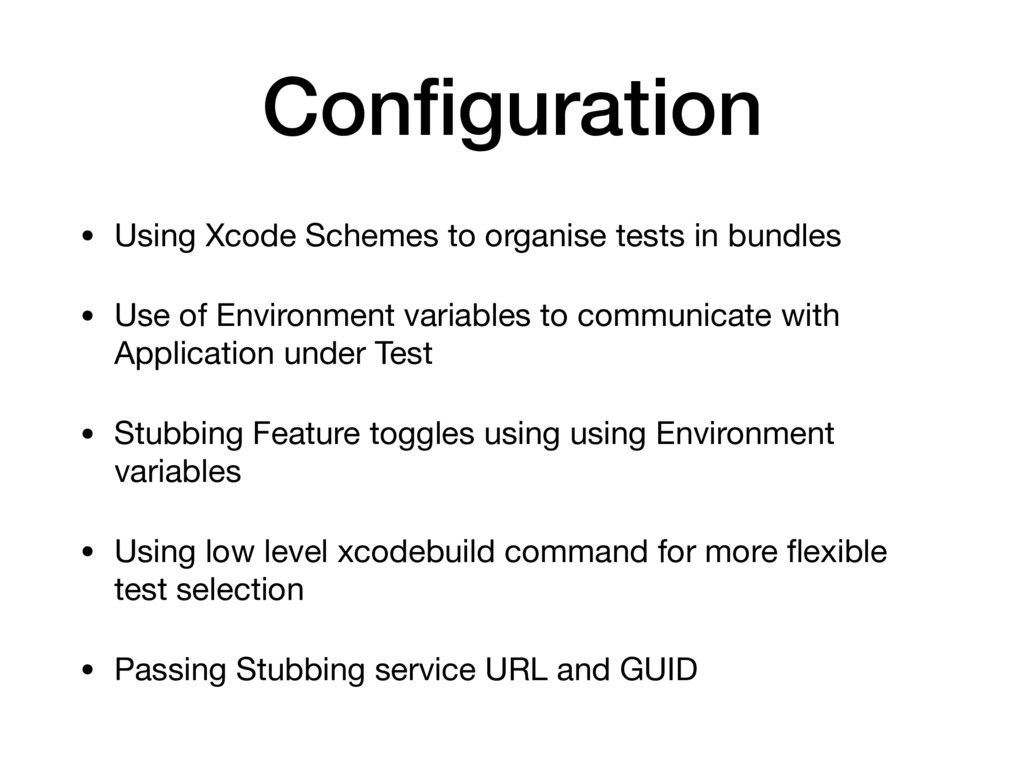
• Use of Environment variables to communicate with Application under Test • Stubbing Feature toggles using using Environment variables • Using low level xcodebuild command for more flexible test selection • Passing Stubbing service URL and GUID


 ryu1013
 marcoroth
 sylph01
 naokihaba
 clockmaker
 utakaha
 rshindo
 eed3si9n
 econanringo
 minodriven
 jame2408
 lef237
 427marketing
 reverentgeek
 samtorres
 aleyda
 kimpetersen
 apolaine
 kristinabergwall1
 katarinadahlin
 letsgokoyo
 elsirapls
 quramy
 eileencodes

![Example func testLoginWithCorrectDetails() { let loginScreen = GivenApplicationIsOn(LeisureLoginScreen()) WhenUserEntersText("[email protected]", into:](https://files.speakerdeck.com/presentations/b8cf5dd6c3db42dfa01832245003cc87/slide_12.jpg)
![Questions? Twitter: @a_rayand Blog: http://kozlov.co.uk Email: [email protected]](https://files.speakerdeck.com/presentations/b8cf5dd6c3db42dfa01832245003cc87/slide_20.jpg)