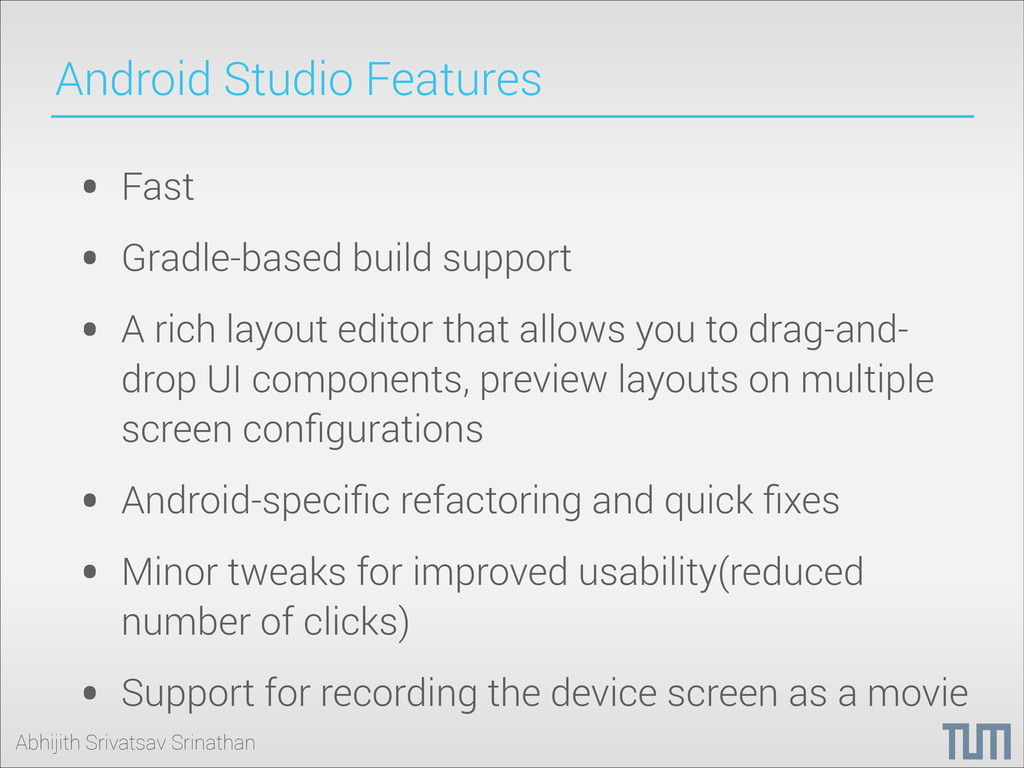
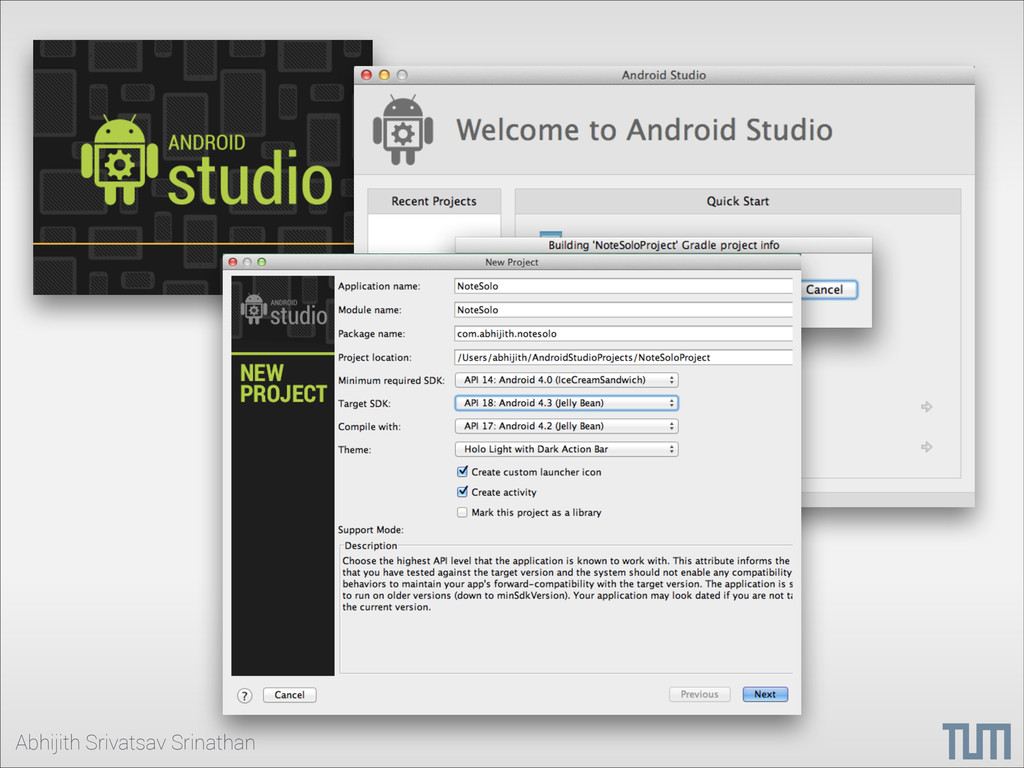
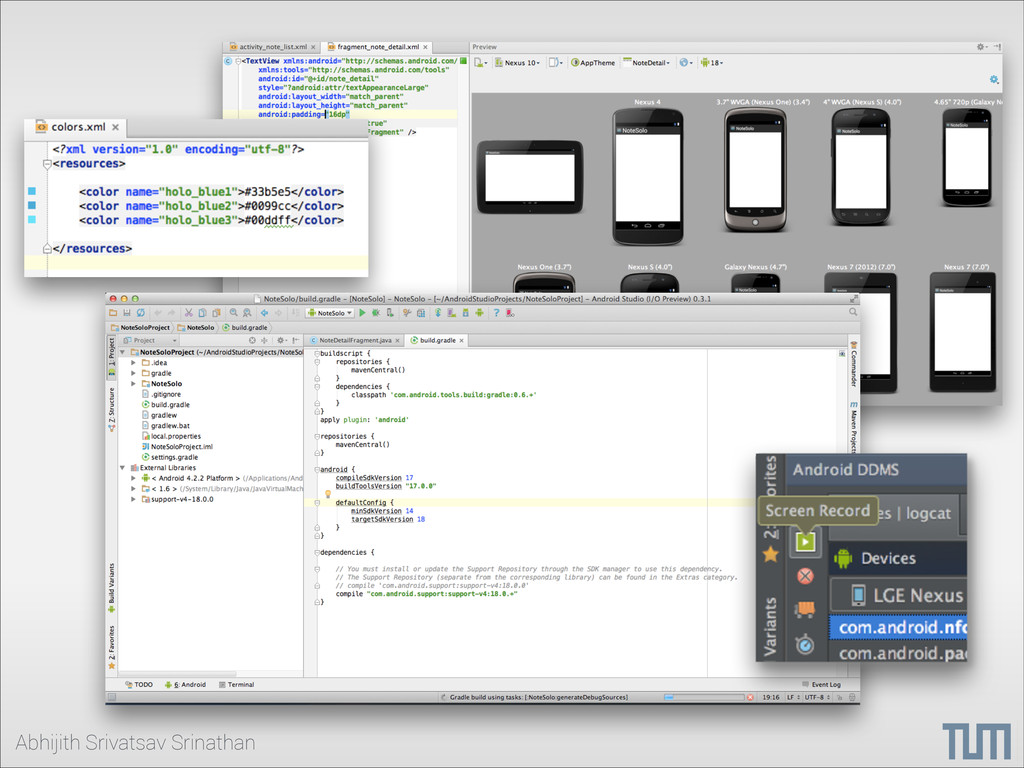
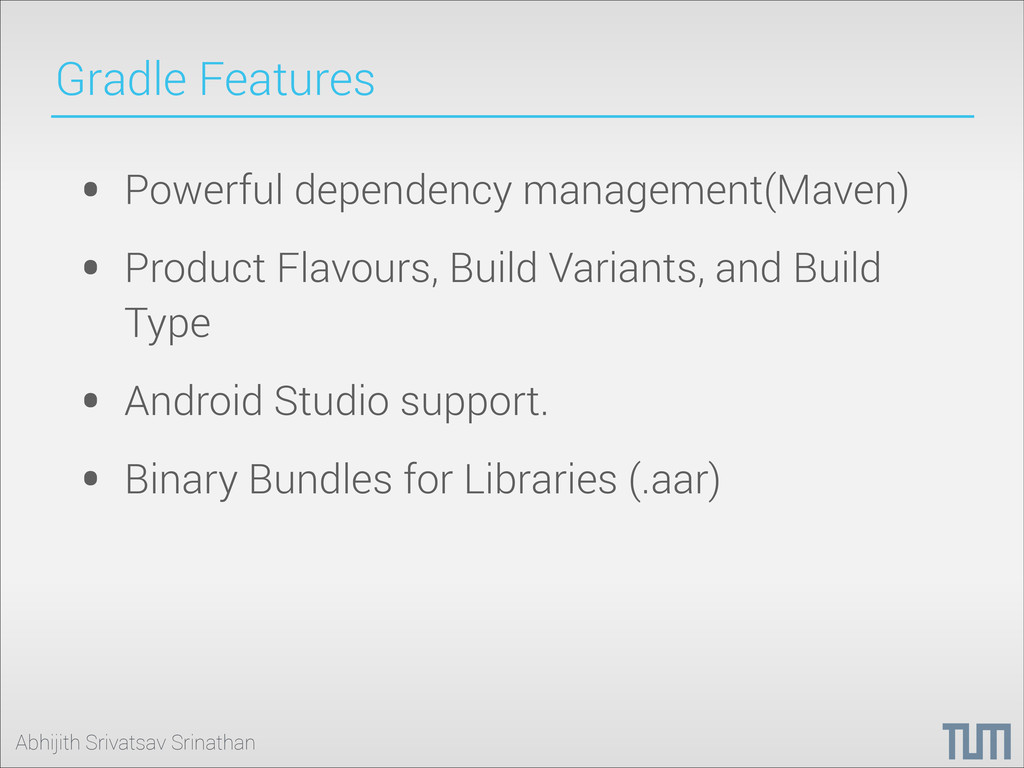
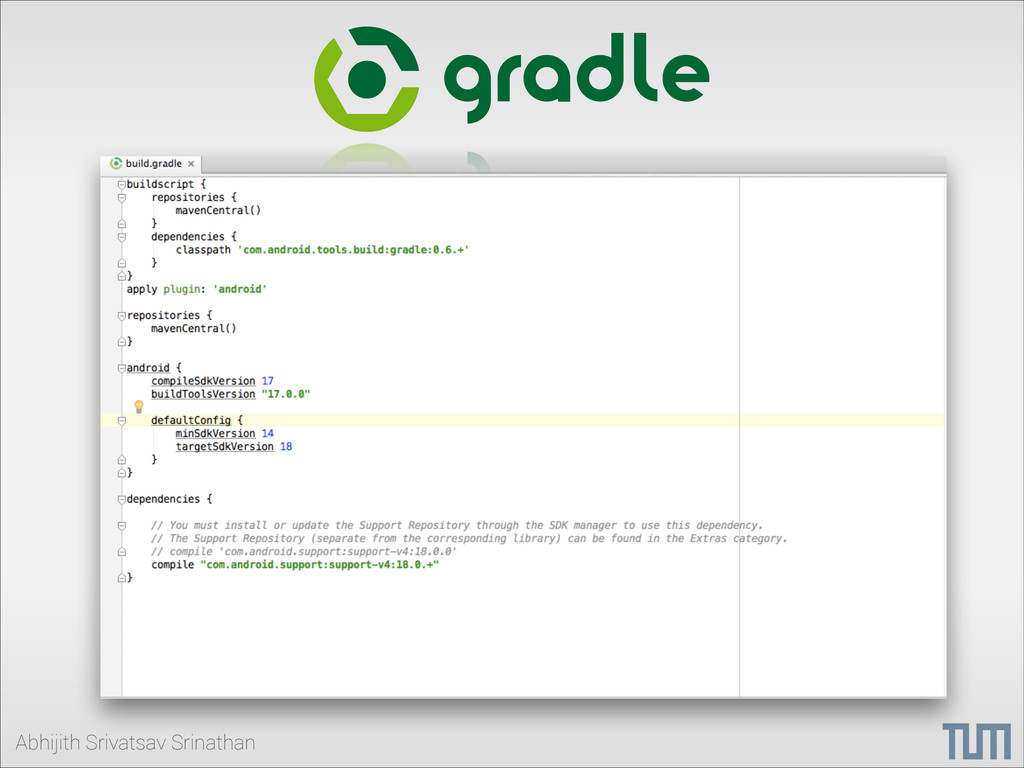
build support • A rich layout editor that allows you to drag-and- drop UI components, preview layouts on multiple screen configurations • Android-specific refactoring and quick fixes • Minor tweaks for improved usability(reduced number of clicks) • Support for recording the device screen as a movie
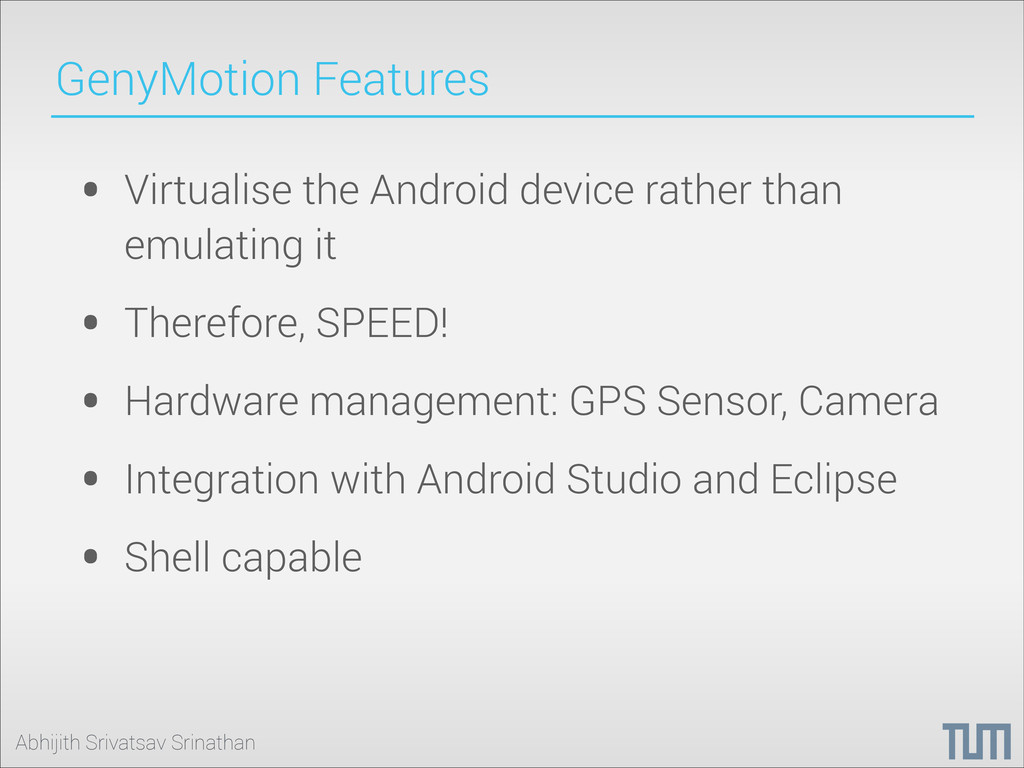
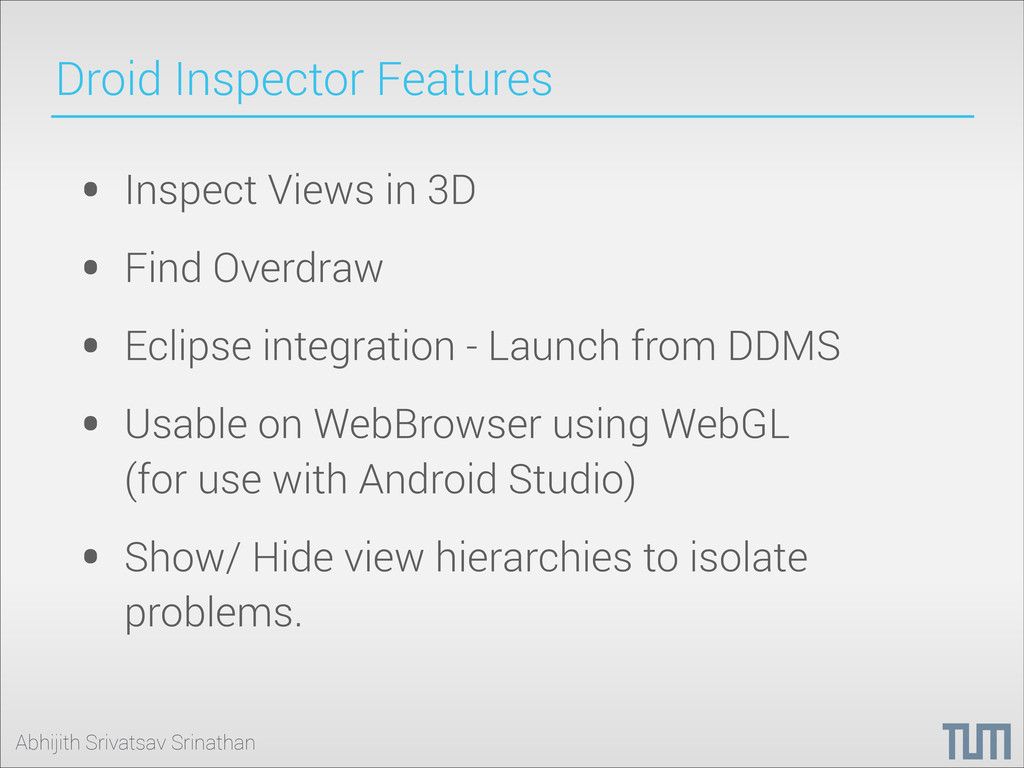
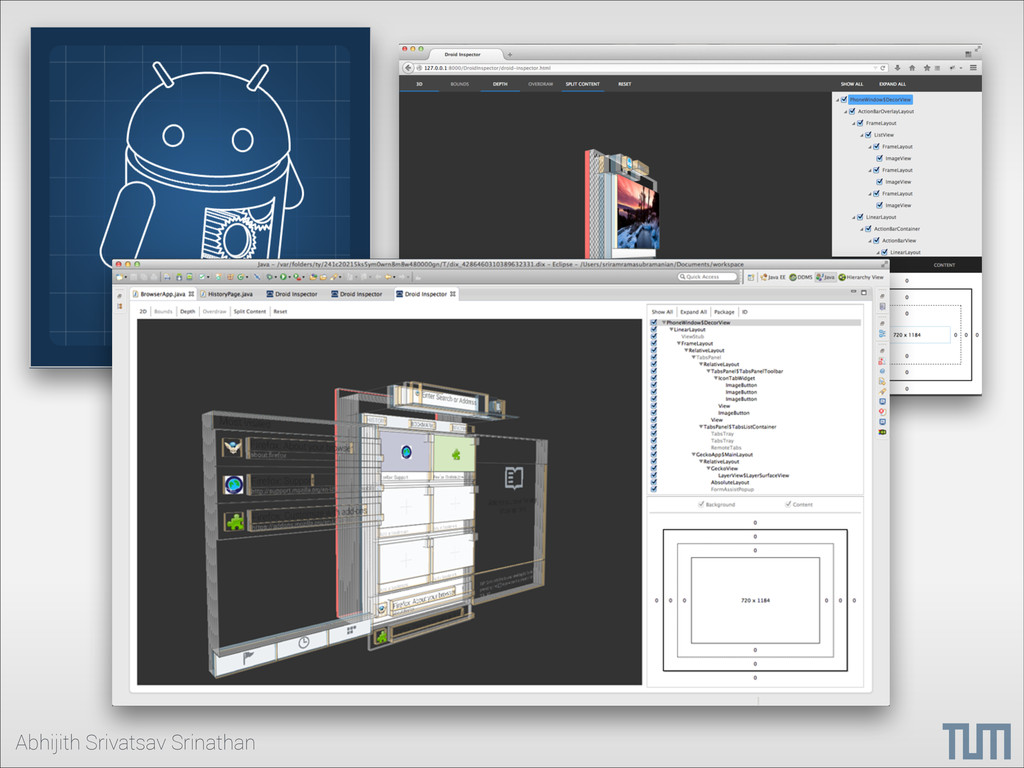
3D • Find Overdraw • Eclipse integration - Launch from DDMS • Usable on WebBrowser using WebGL (for use with Android Studio) • Show/ Hide view hierarchies to isolate problems.


 falcon8823
 naokihaba
.jpg) yumnumm
yumnumm
 mixplace
 shihochan
 tmikov2023
 kishida
 oku053
 kmars0605
 lef237
 prota
prota
 hschwentner
 inesmontani
 tammyeverts
 mayunak
 sabderemane
 schroneko
 stuffmc
 geshan
 leimatthew05
 ammeep
 jnunemaker
 chriscoyier
 nikkihalliwell