Slack is the communication platform that was missing from our operation. It’s improved the day-to-day lives of people who work for the same company across our locations. Greg Storey, President / Partner, Happy Cog “ ”
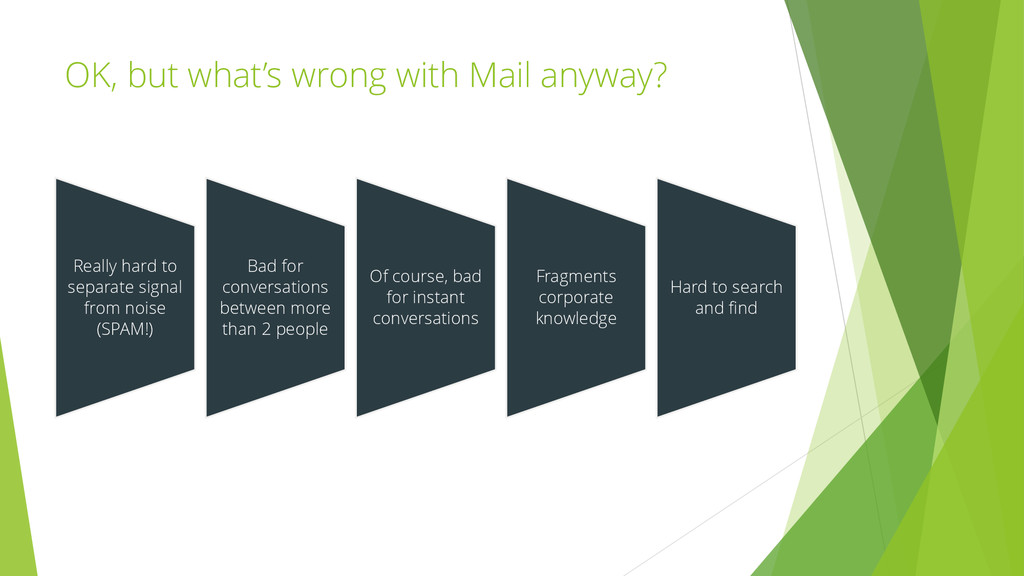
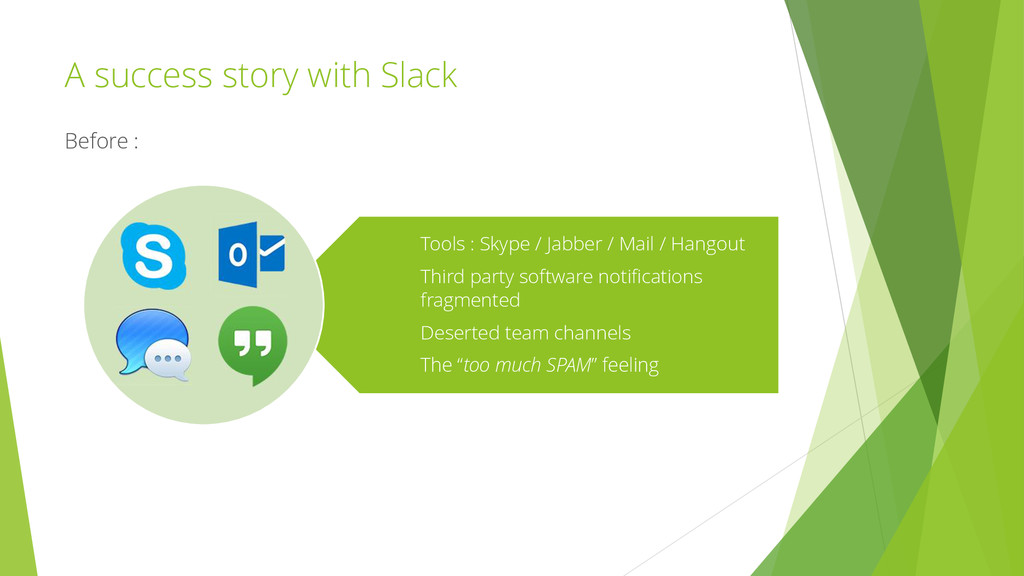
separate signal from noise (SPAM!) Bad for conversations between more than 2 people Of course, bad for instant conversations Fragments corporate knowledge Hard to search and find
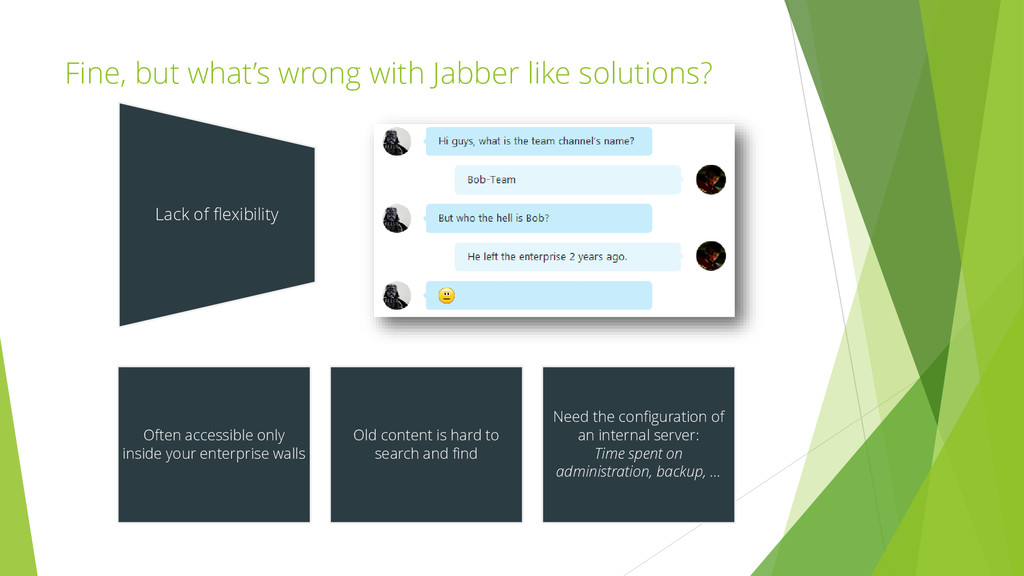
only inside your enterprise walls Old content is hard to search and find Need the configuration of an internal server: Time spent on administration, backup, … Lack of flexibility
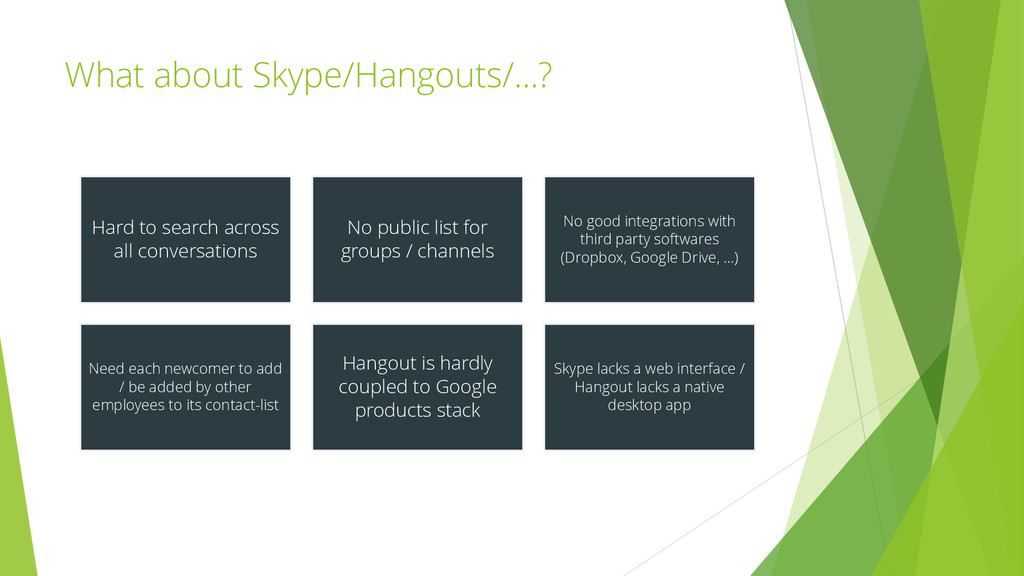
public list for groups / channels No good integrations with third party softwares (Dropbox, Google Drive, …) Need each newcomer to add / be added by other employees to its contact-list Hangout is hardly coupled to Google products stack Skype lacks a web interface / Hangout lacks a native desktop app
through all your devices (native iOS / OSX / Android app, web app, …) Basically, everyone can do everything! No need for an administrator. Everything is easily searchable Extremely pleasant UX Automatic URL parsing with instant preview Image and file sharing
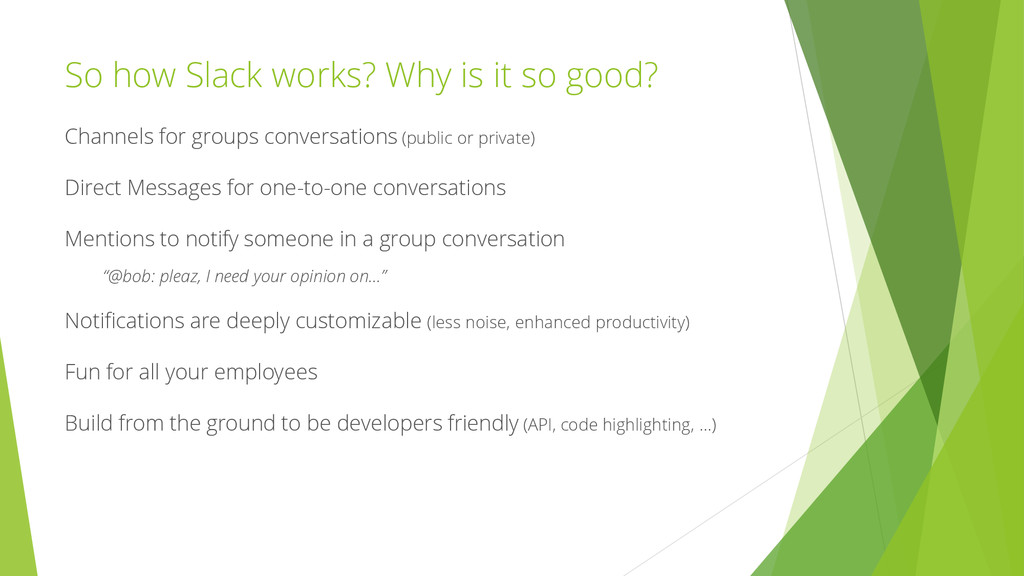
for groups conversations (public or private) Direct Messages for one-to-one conversations Mentions to notify someone in a group conversation “@bob: pleaz, I need your opinion on…” Notifications are deeply customizable (less noise, enhanced productivity) Fun for all your employees Build from the ground to be developers friendly (API, code highlighting, …)
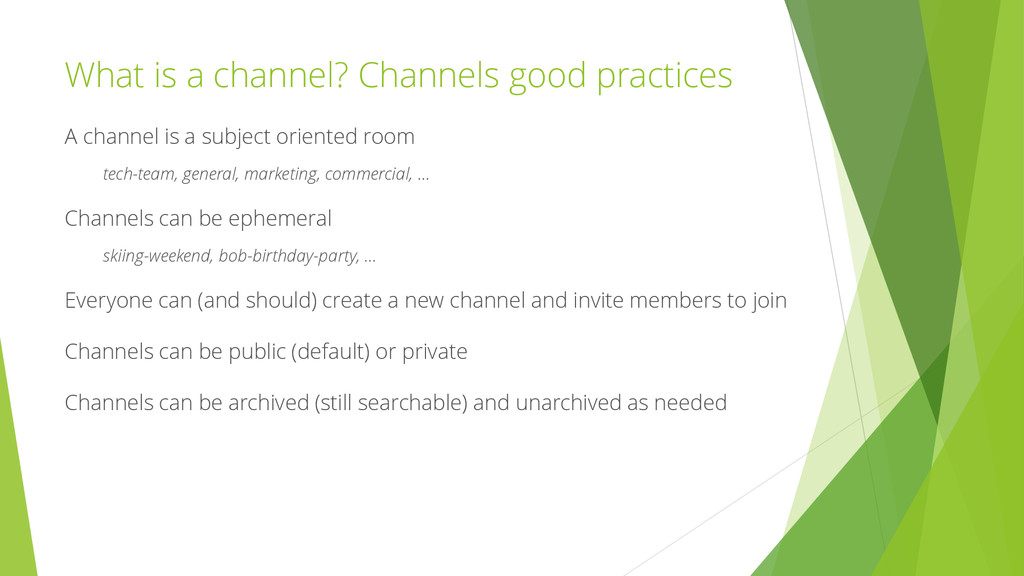
a subject oriented room tech-team, general, marketing, commercial, … Channels can be ephemeral skiing-weekend, bob-birthday-party, … Everyone can (and should) create a new channel and invite members to join Channels can be public (default) or private Channels can be archived (still searchable) and unarchived as needed
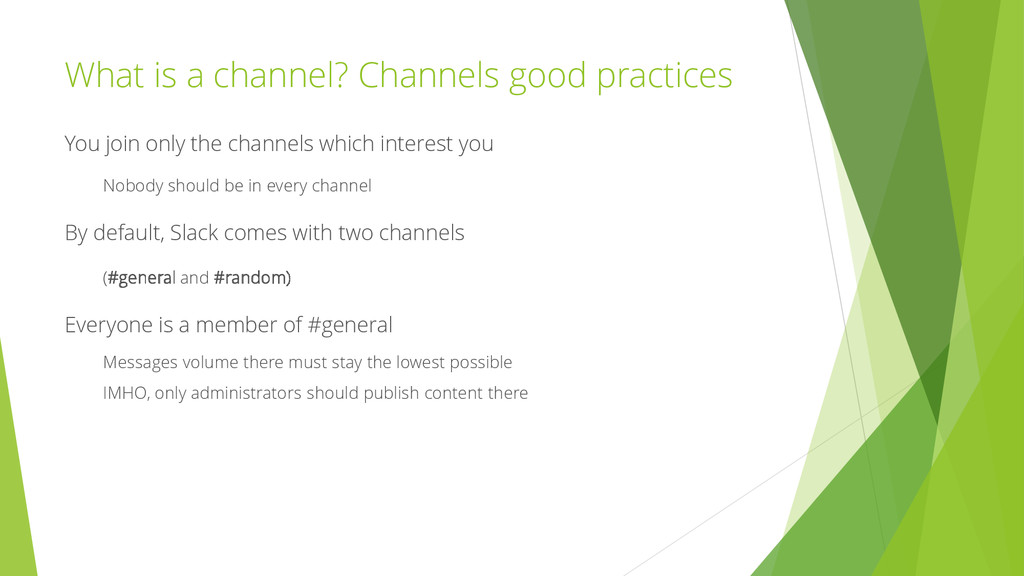
the channels which interest you Nobody should be in every channel By default, Slack comes with two channels (#general and #random) Everyone is a member of #general Messages volume there must stay the lowest possible IMHO, only administrators should publish content there
default Data stored in Amazon's AWS data centers Admins have access to access logs and can close connections at any time https://slack.com/privacy-policy
Less robust third-party integrations - Less robust search engine Campfire - No support for one-to-one conversations - No private channels - Lack of good third-party integrations
services and employees More than 30 channels music-of-the-day – every day, an employee share a track on this channel 25K messages in 3 weeks The “How did we made before?” feeling Even some new paradigms : “Bob, you’ve been Slackified again!” After :


 reputationvip
 wa6sn
 goyoki
 inariku
 ssakita
 visional_engineering_and_design
 ballas_inc
 littlehands
 iwamot
 sansantech
 orimanabu
 reverentgeek
 popppiees
 frankvandijk
 coloredviolet
 codingconduct
 cargoodrich
 destraynor
 trishagee
 mfonobong
 chrisshort
 aemeredith
 rocio