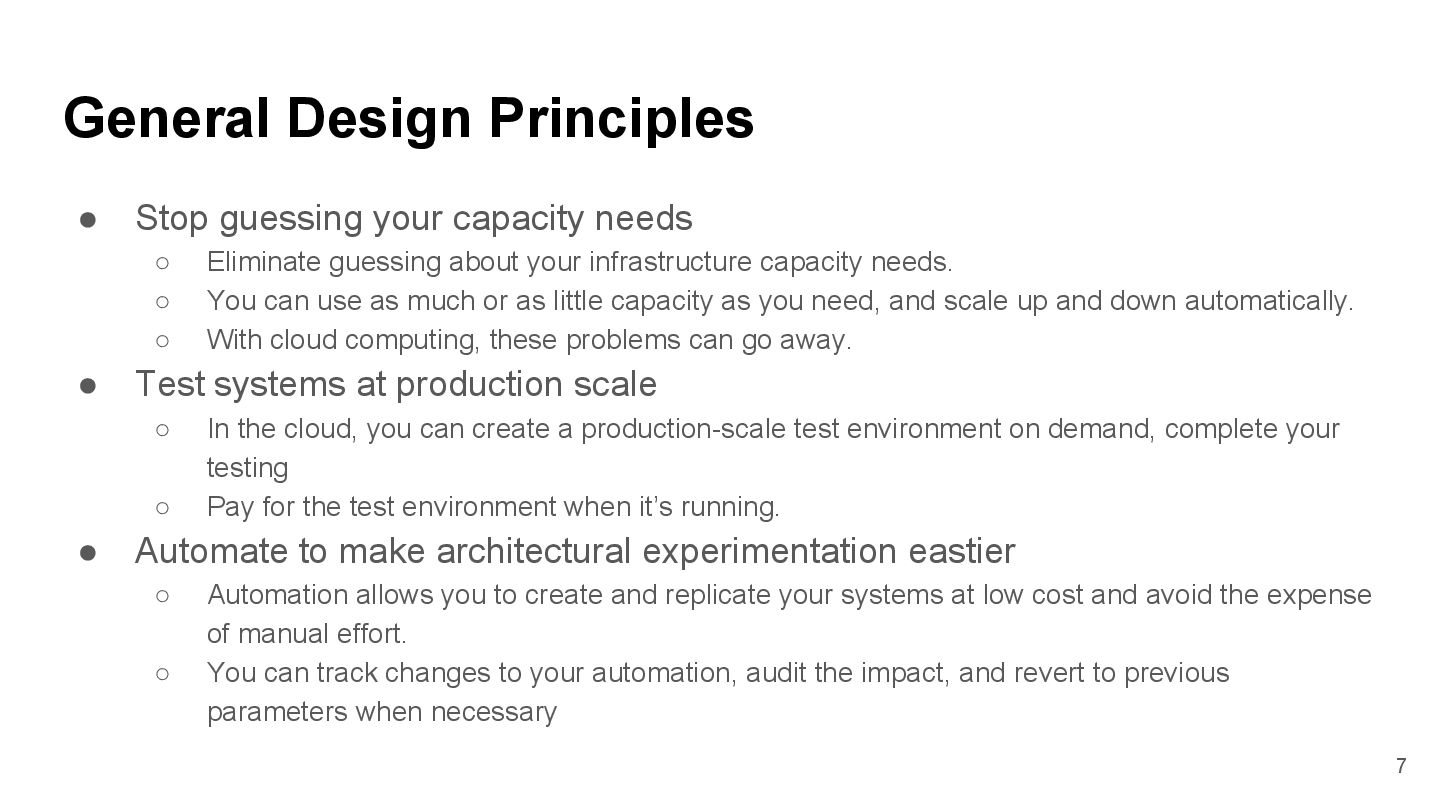
your infrastructure capacity needs. ◦ You can use as much or as little capacity as you need, and scale up and down automatically. ◦ With cloud computing, these problems can go away. • Test systems at production scale ◦ In the cloud, you can create a production-scale test environment on demand, complete your testing ◦ Pay for the test environment when it’s running. • Automate to make architectural experimentation eastier ◦ Automation allows you to create and replicate your systems at low cost and avoid the expense of manual effort. ◦ You can track changes to your automation, audit the impact, and revert to previous parameters when necessary General Design Principles 7
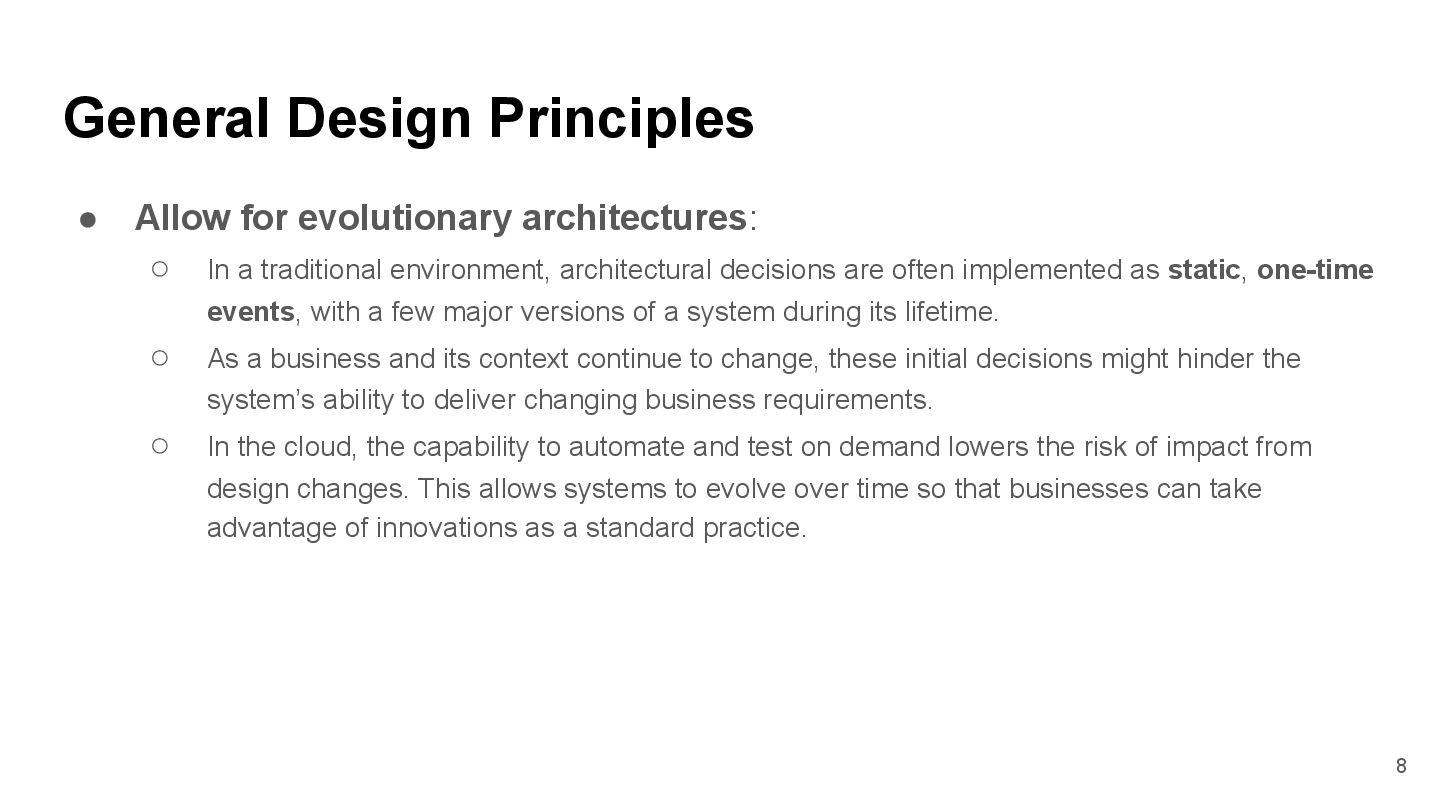
architectural decisions are often implemented as static, one-time events, with a few major versions of a system during its lifetime. ◦ As a business and its context continue to change, these initial decisions might hinder the system’s ability to deliver changing business requirements. ◦ In the cloud, the capability to automate and test on demand lowers the risk of impact from design changes. This allows systems to evolve over time so that businesses can take advantage of innovations as a standard practice. General Design Principles 8
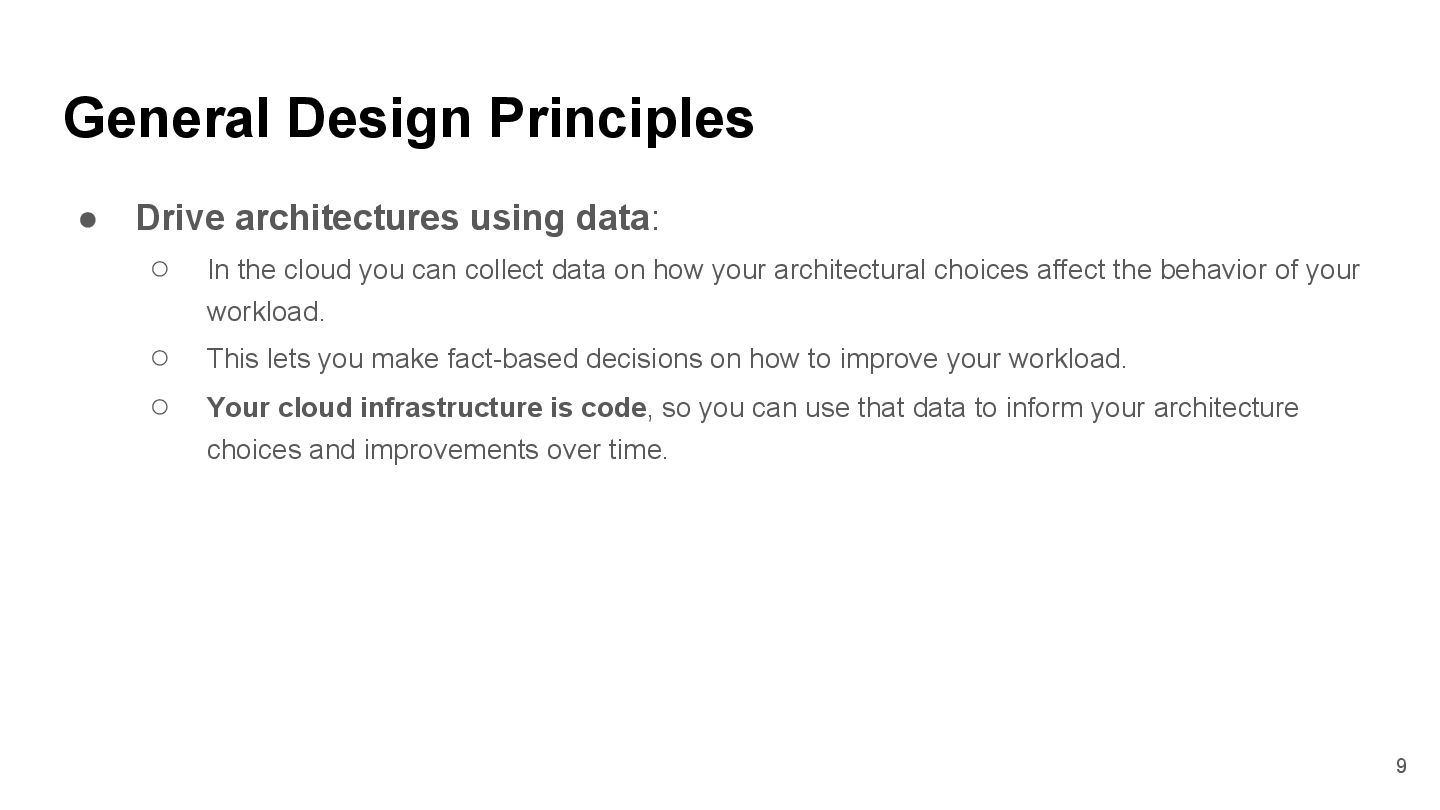
can collect data on how your architectural choices affect the behavior of your workload. ◦ This lets you make fact-based decisions on how to improve your workload. ◦ Your cloud infrastructure is code, so you can use that data to inform your architecture choices and improvements over time. General Design Principles 9
and processes perform by regularly scheduling game days to simulate events in production. ◦ This will help you understand where improvements can be made and can help develop organizational experience in dealing with events. General Design Principles 補充: 1. 維運單位新人教育訓練 2. CI / CD / DevOps 10
cloud, you can apply the same engineering discipline that you use for application code to your entire environment. • You can define your entire workload (applications, infrastructure, etc.) as code and update it with code. • You can script your operations procedures and automate their execution by triggering them in response to events. • By performing operations as code, you limit human error and enable consistent responses to events. 補充: 1. `as Code` => 用 工程 方法
by hand (手作的), used by people, and hard to keep in sync with the pace of change. • In the cloud, you can automate the creation of documentation after every build (or automatically annotate hand-crafted documentation). • Annotated documentation can be used by people and systems. • Use annotations as an input to your operations code. Design Principles 18
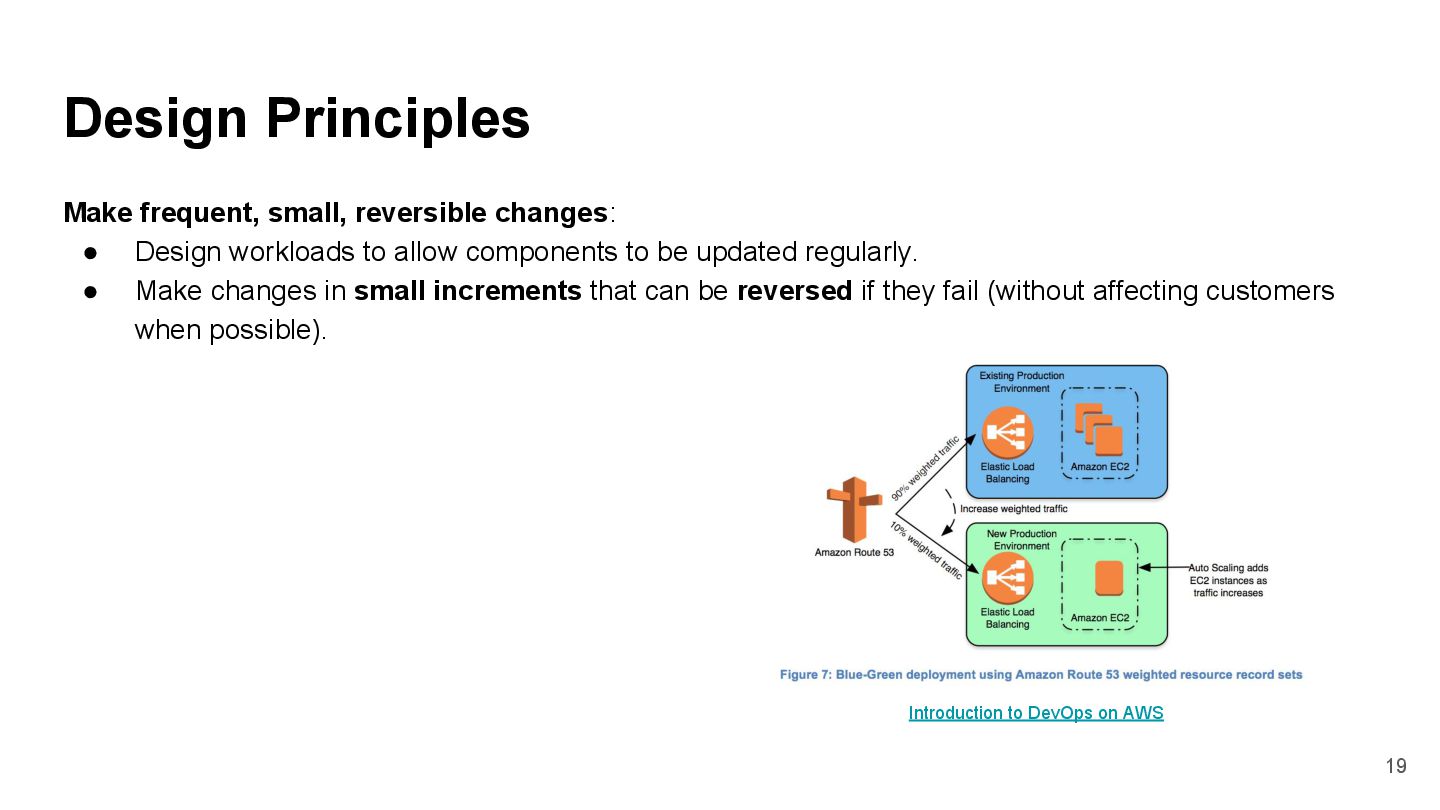
components to be updated regularly. • Make changes in small increments that can be reversed if they fail (without affecting customers when possible). Design Principles 19 Introduction to DevOps on AWS
look for opportunities to improve them. • As you evolve (推演) your workload, evolve your procedures appropriately. • Set up regular game days to review and validate that all procedures are effective and that teams are familiar with them. Design Principles 21
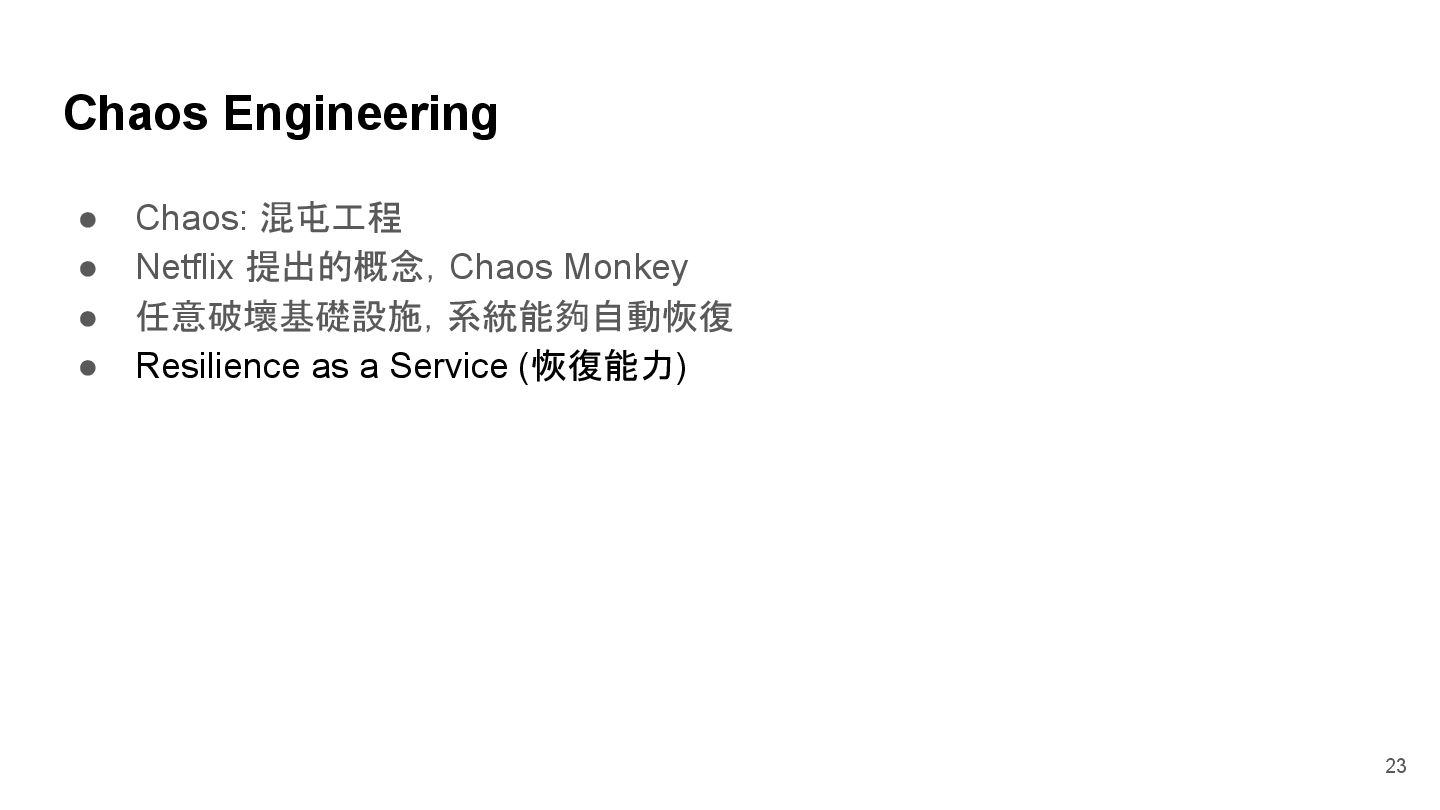
of failure so that they can be removed or mitigated (緩解). • Test your failure scenarios and validate your understanding of their impact. • Test your response procedures to ensure that they are effective and that teams are familiar with their execution. • Set up regular game days to test workloads and team responses to simulated events. Design Principles 22 補充: 1. Design for failure 2. SRE CH13: Things break; that’s life.
SRE CH14 - Managing Incidents 3. SRE CH15 - Learning from Failure 4. 警急事件 by Rick Learn from all operational failures: • Drive improvement through lessons learned from all operational events and failures. • Share what is learned across teams and through the entire organization Design Principles 24
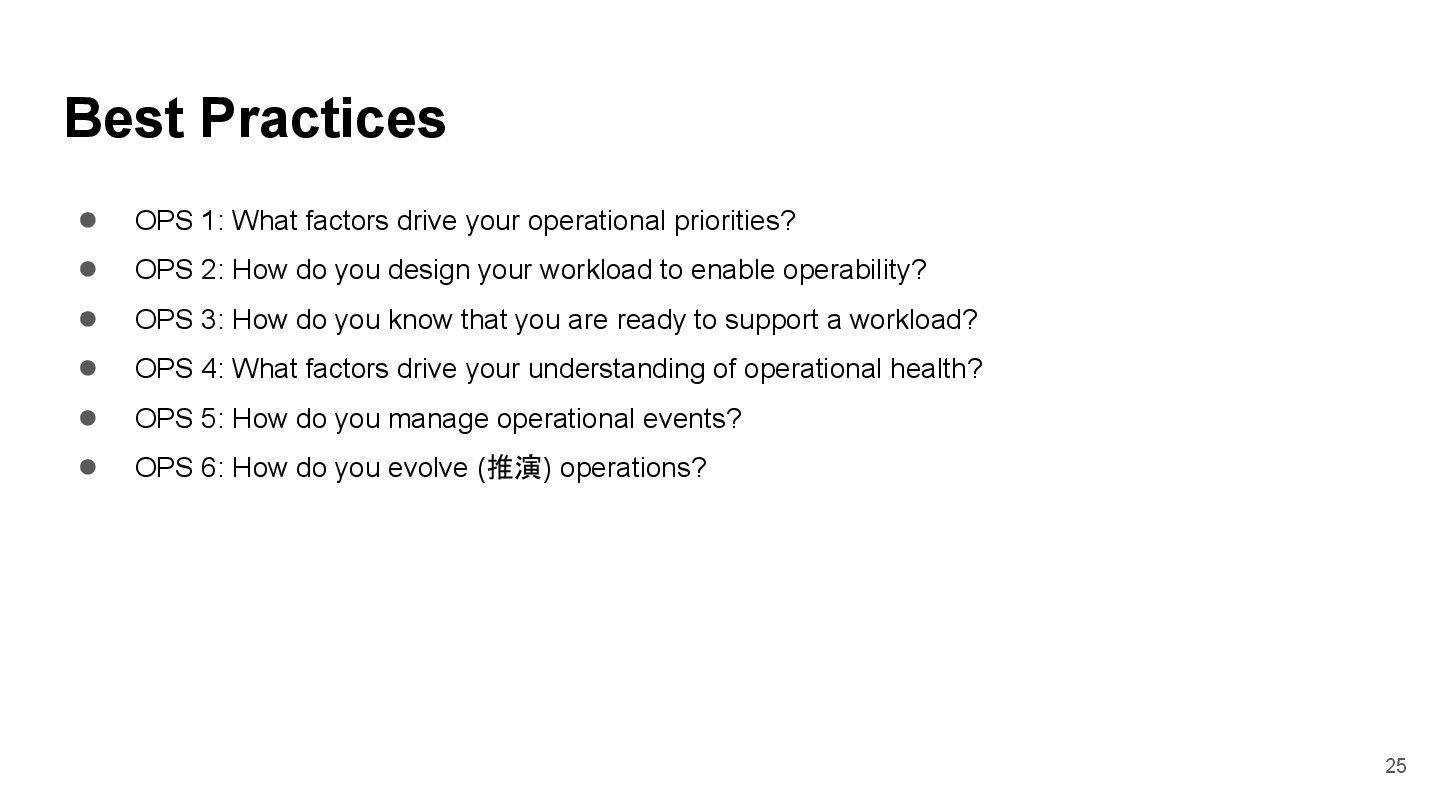
priorities? • OPS 2: How do you design your workload to enable operability? • OPS 3: How do you know that you are ready to support a workload? • OPS 4: What factors drive your understanding of operational health? • OPS 5: How do you manage operational events? • OPS 6: How do you evolve (推演) operations? 25
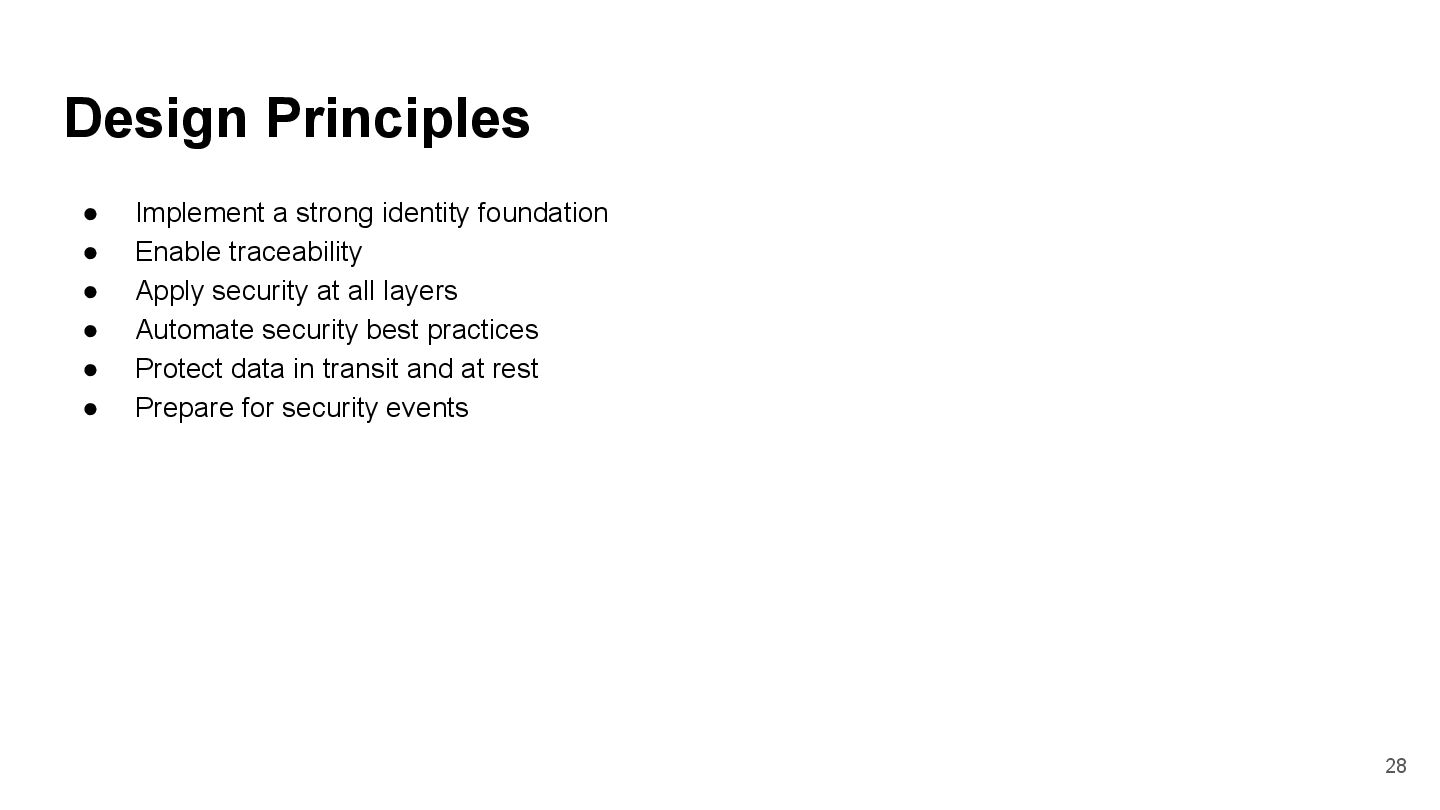
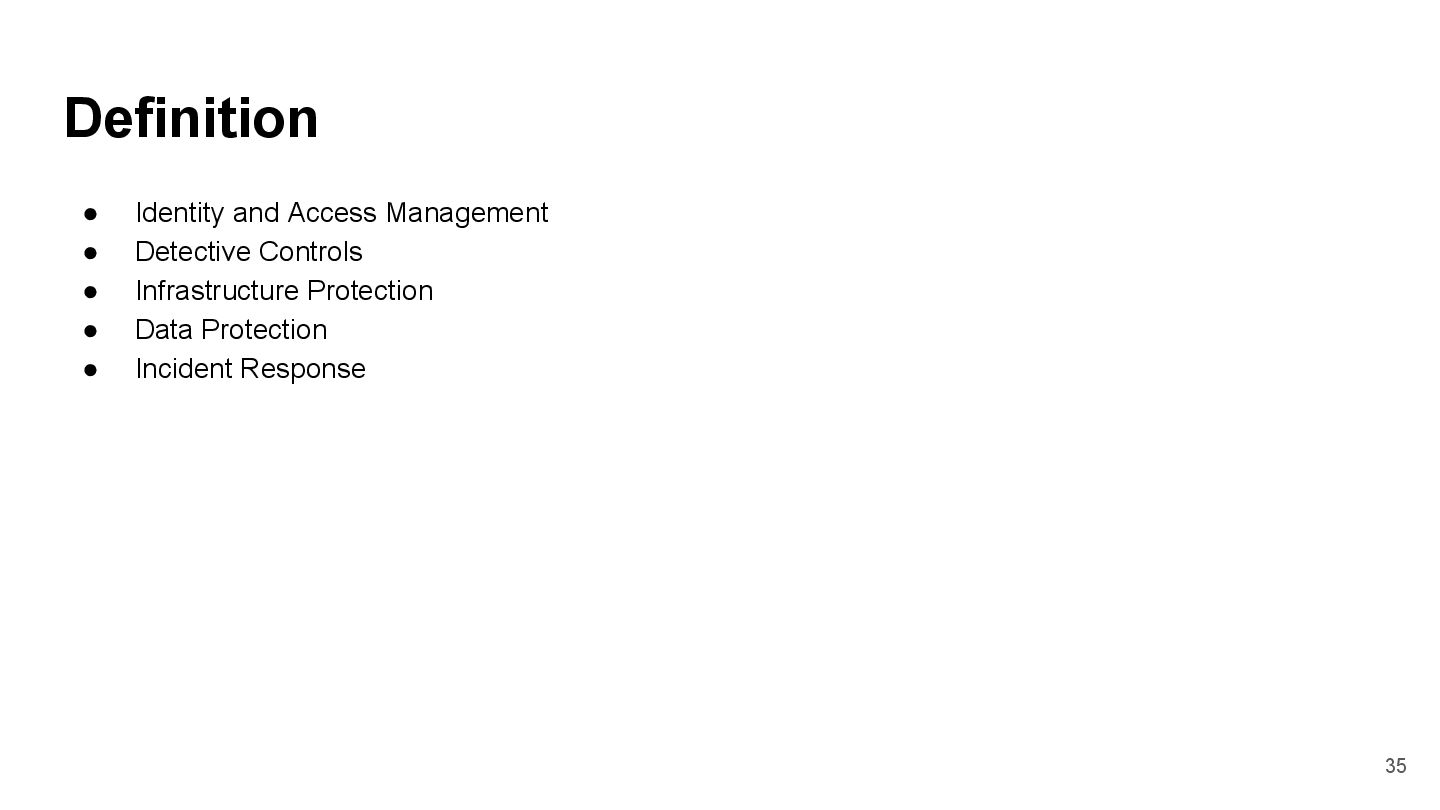
Apply security at all layers • Automate security best practices • Protect data in transit and at rest • Prepare for security events Design Principles 28
principle of least privilege and enforce separation of duties with appropriate authorization for each interaction with your AWS resources. • Centralize privilege management and reduce or even eliminate reliance on long term credentials. Design Principles 29
to your environment in real time. • Integrate logs and metrics with systems to automatically respond and take action. Design Principles 30 補充:AWS CloudWatch, CloudTrial, VPC Flow Log
on protecting a single outer layer, apply a defense-in-depth approach with other security controls. • Apply to all layers, for example, edge network, virtual private cloud (VPC), subnet, load balancer, every instance, operating system, and application. Design Principles 31
your ability to securely scale more rapidly and cost effectively. • Create secure architectures, including the implementation of controls that are defined and managed as code in version-controlled templates. Design Principles 32
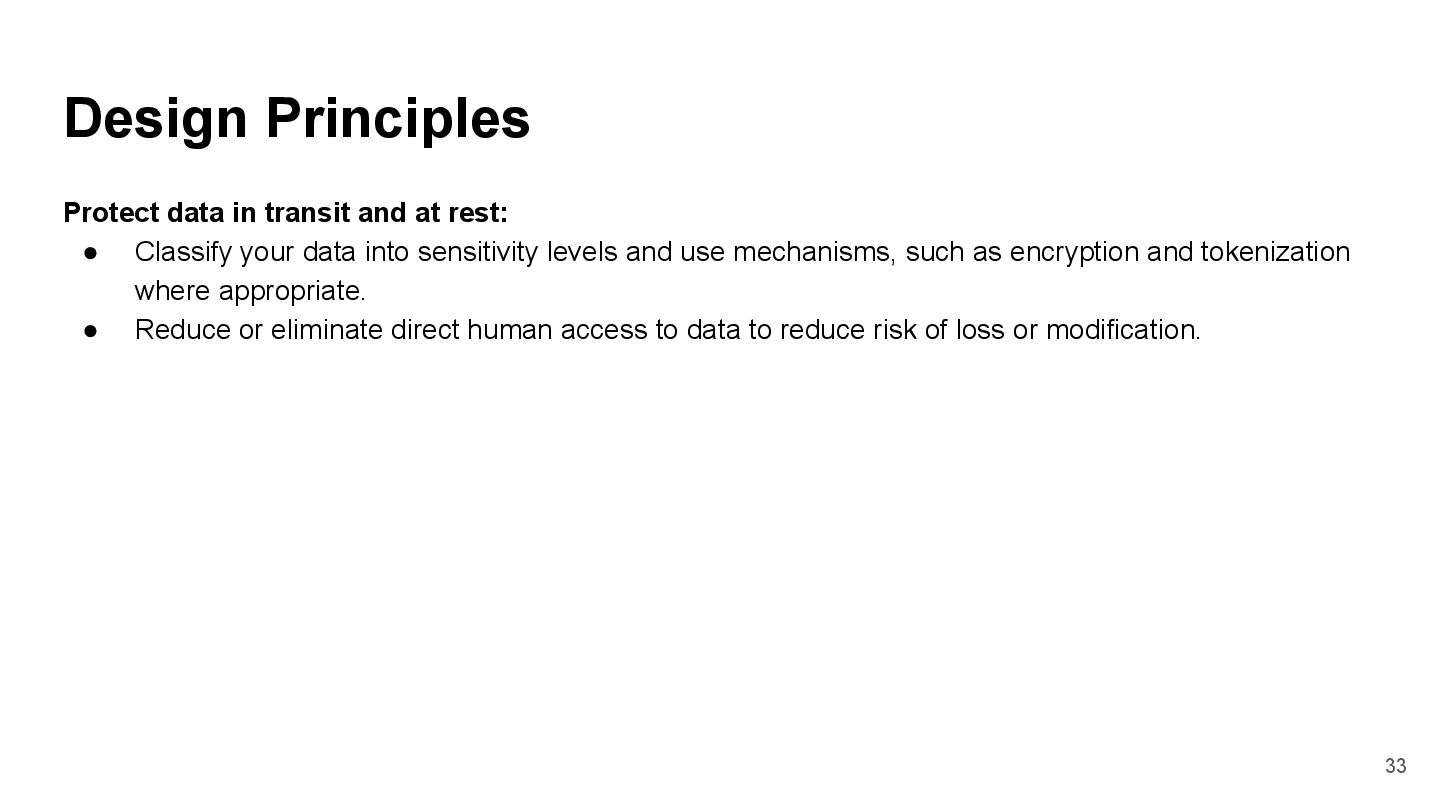
data into sensitivity levels and use mechanisms, such as encryption and tokenization where appropriate. • Reduce or eliminate direct human access to data to reduce risk of loss or modification. Design Principles 33
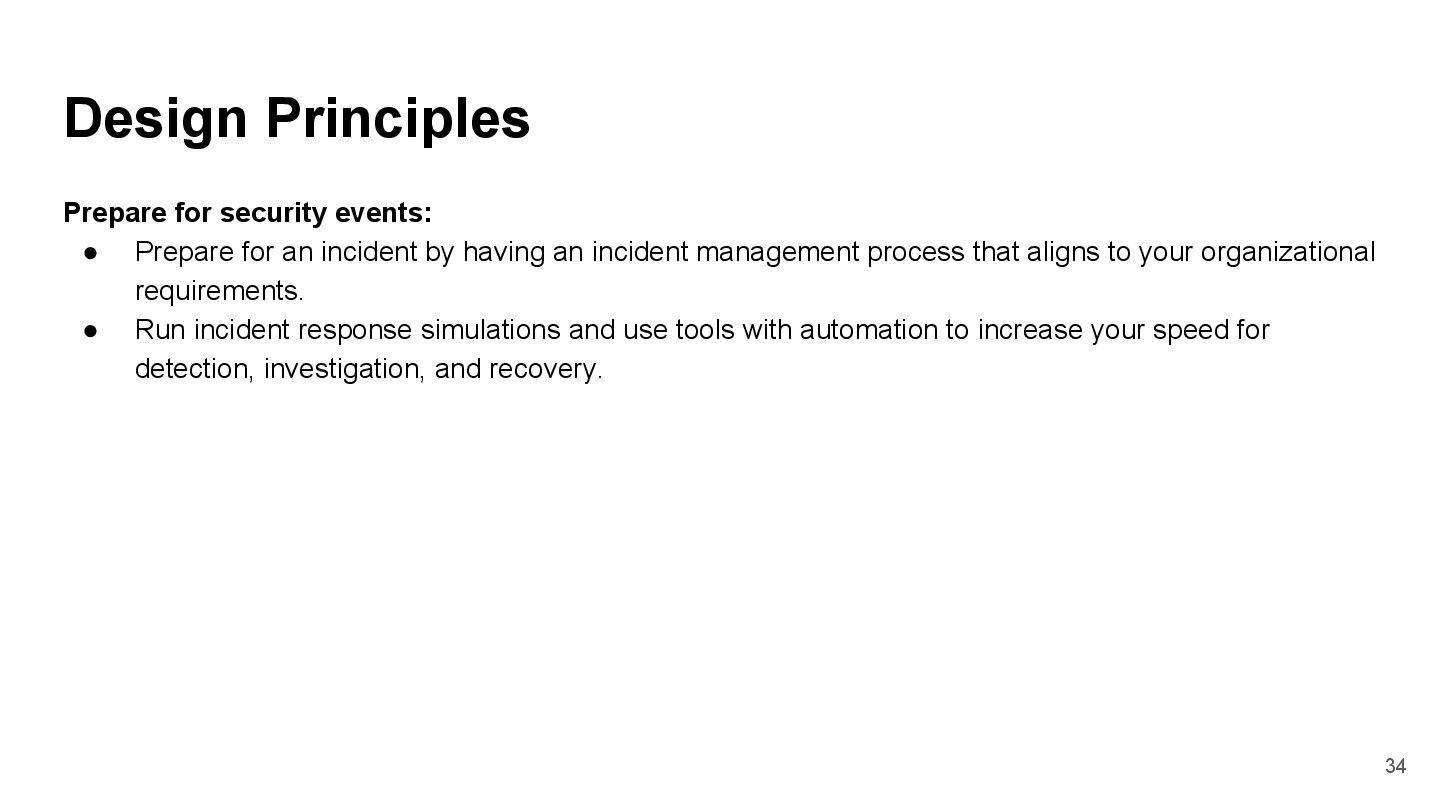
having an incident management process that aligns to your organizational requirements. • Run incident response simulations and use tools with automation to increase your speed for detection, investigation, and recovery. Design Principles 34
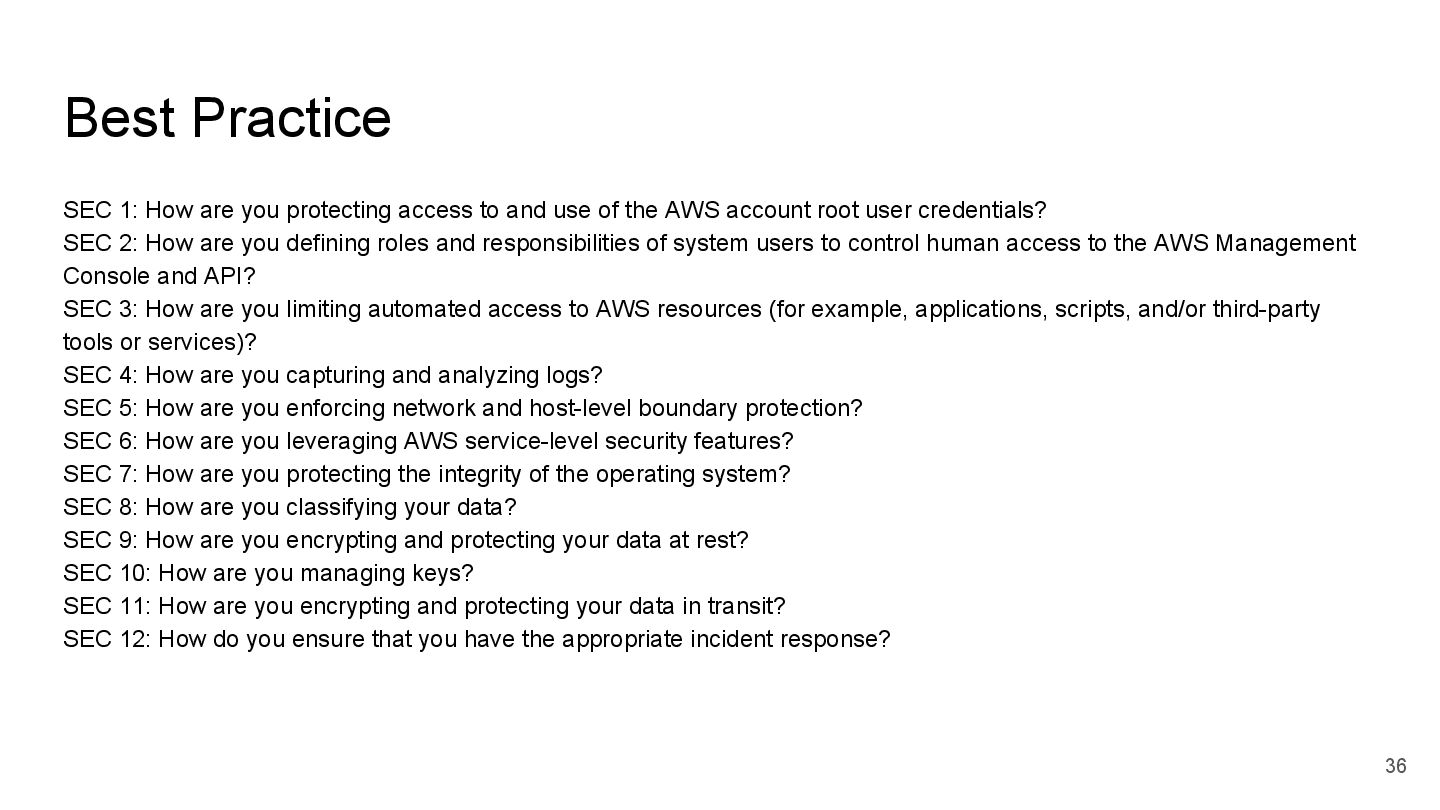
and use of the AWS account root user credentials? SEC 2: How are you defining roles and responsibilities of system users to control human access to the AWS Management Console and API? SEC 3: How are you limiting automated access to AWS resources (for example, applications, scripts, and/or third-party tools or services)? SEC 4: How are you capturing and analyzing logs? SEC 5: How are you enforcing network and host-level boundary protection? SEC 6: How are you leveraging AWS service-level security features? SEC 7: How are you protecting the integrity of the operating system? SEC 8: How are you classifying your data? SEC 9: How are you encrypting and protecting your data at rest? SEC 10: How are you managing keys? SEC 11: How are you encrypting and protecting your data in transit? SEC 12: How do you ensure that you have the appropriate incident response? 36
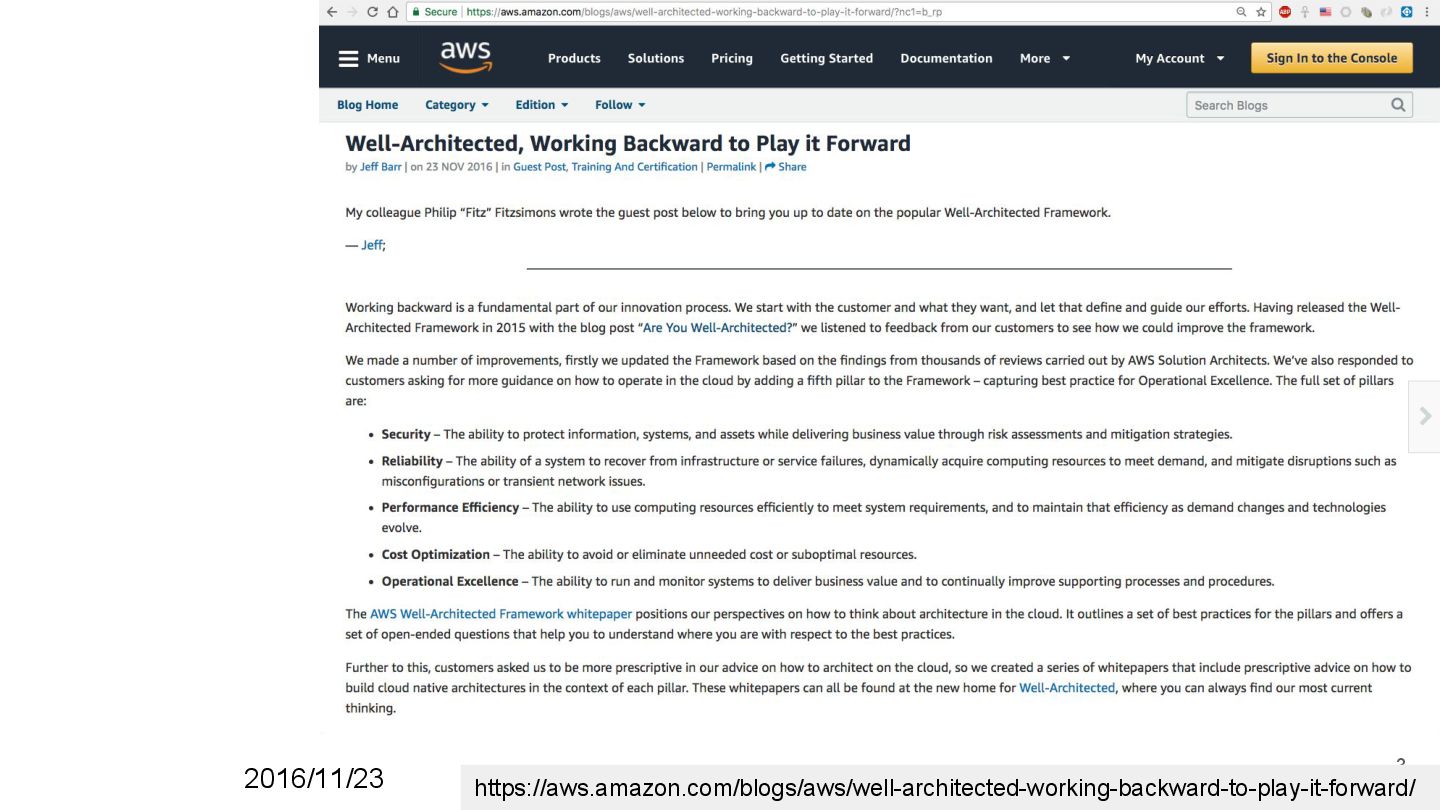
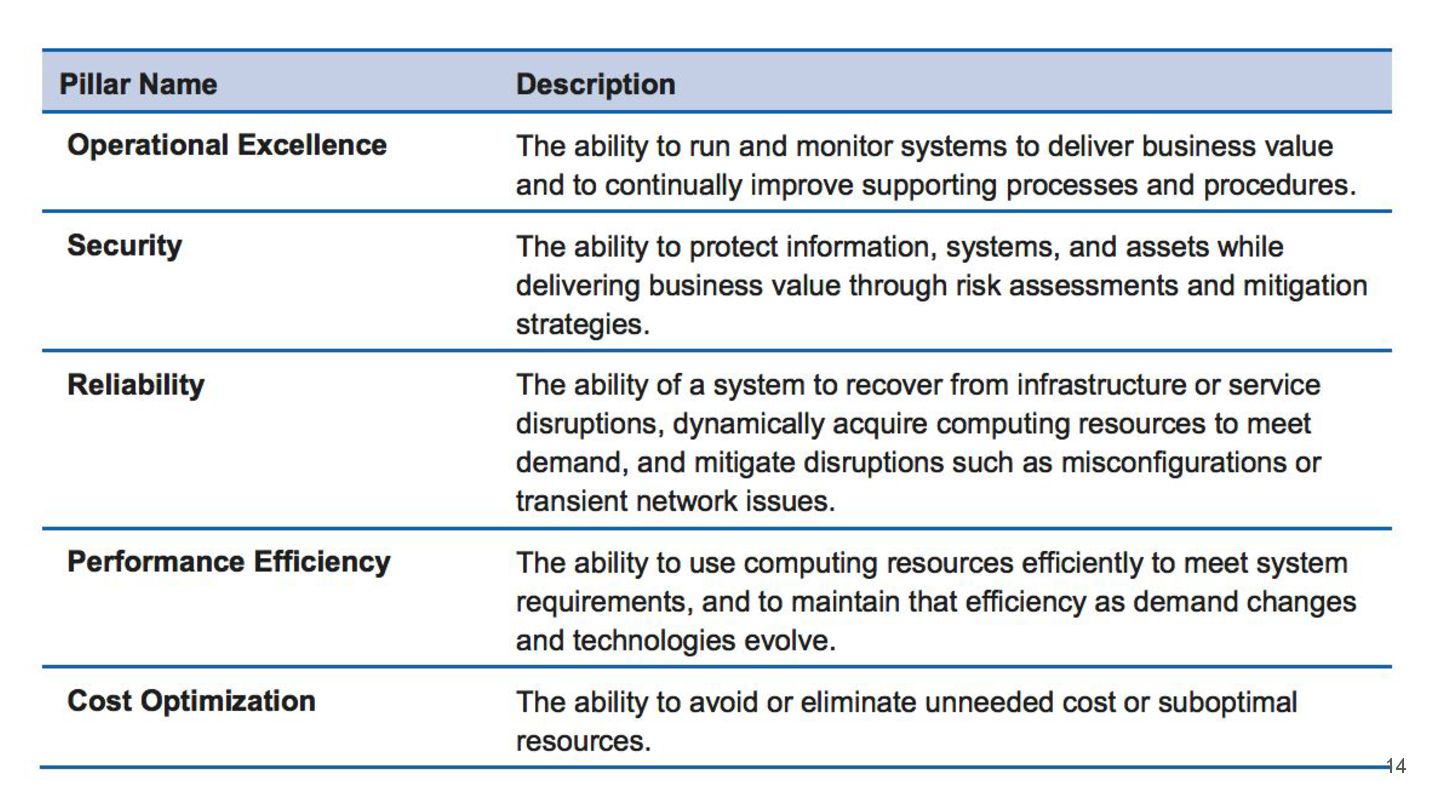
infrastructure or service disruptions (中斷), dynamically acquire computing resources to meet demand, and mitigate disruptions (減輕中斷) such as misconfigurations or transient network issues. 38
failure 3. Use horizontal scalability to increase system availability 4. Automatically add/remove resources as needed to avoid capacity saturation 5. Manage change in automation 39
often conducted to prove the system works in a particular scenario. 2. Testing is not typically used to validate recovery strategies. 3. In the cloud, you can test how your system fails, and you can validate your recovery procedures. 4. You can use automation to simulate different failures or to recreate scenarios that led to failures before. 5. This exposes failure pathways that you can test and rectify before a real failure scenario, reducing the risk of components failing that have not been tested before. 40
key performance indicators (KPIs), you can trigger automation when a threshold is breached. • This allows for automatic notification and tracking of failures, and for automated recovery processes that work around or repair the failure. • With more sophisticated automation, it’s possible to anticipate and remediate failures before they occur 41
resource with multiple small resources to reduce the impact of a single failure on the overall system. Distribute requests across multiple, smaller resources to ensure that they don’t share a common point of failure. 42
systems is resource saturation, when the demands placed on a system exceed the capacity of that system (this is often the objective of denial of service attacks). In the cloud, you can monitor demand and system utilization, and automate the addition or removal of resources to maintain the optimal level to satisfy demand without over- or under-provisioning. 43
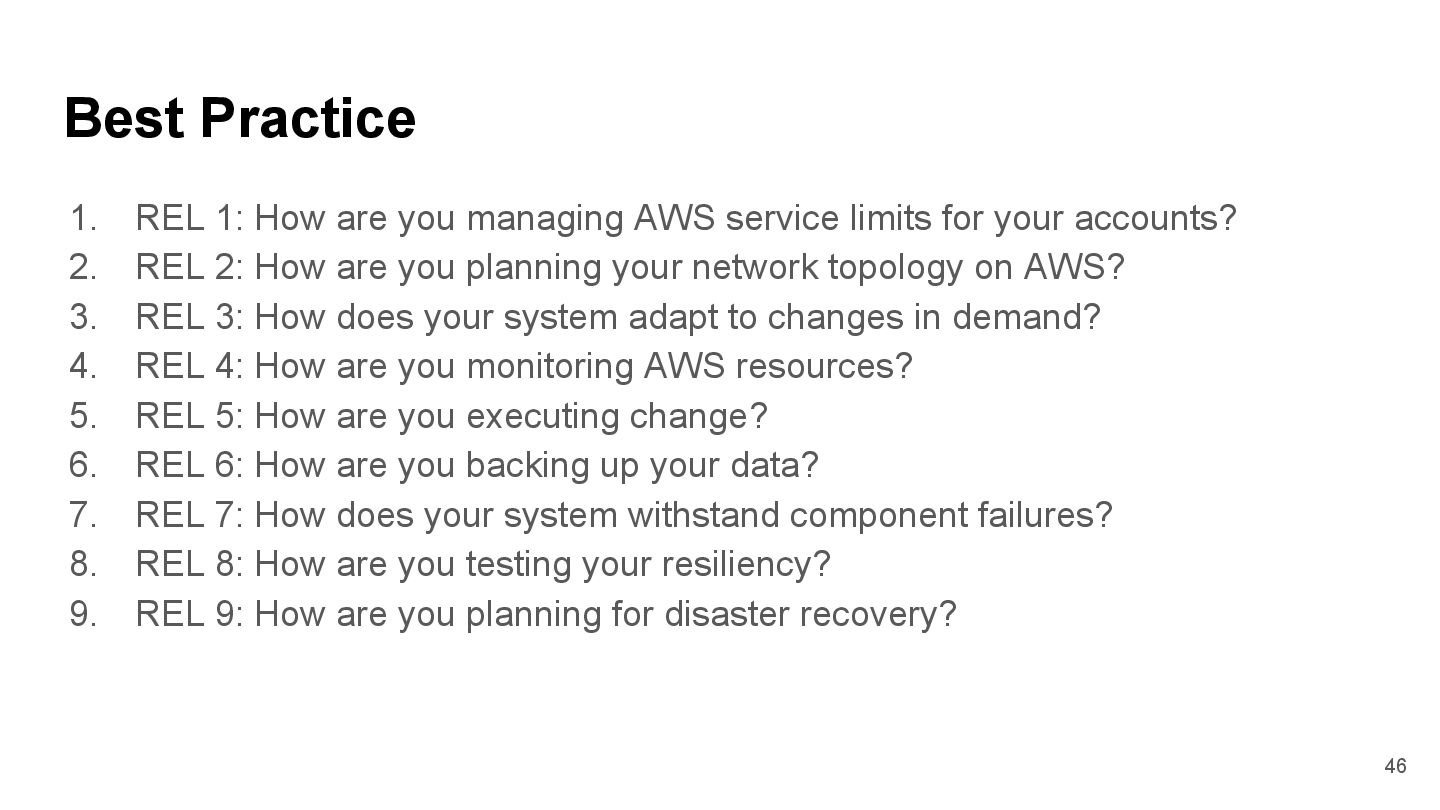
service limits for your accounts? 2. REL 2: How are you planning your network topology on AWS? 3. REL 3: How does your system adapt to changes in demand? 4. REL 4: How are you monitoring AWS resources? 5. REL 5: How are you executing change? 6. REL 6: How are you backing up your data? 7. REL 7: How does your system withstand component failures? 8. REL 8: How are you testing your resiliency? 9. REL 9: How are you planning for disaster recovery? 46
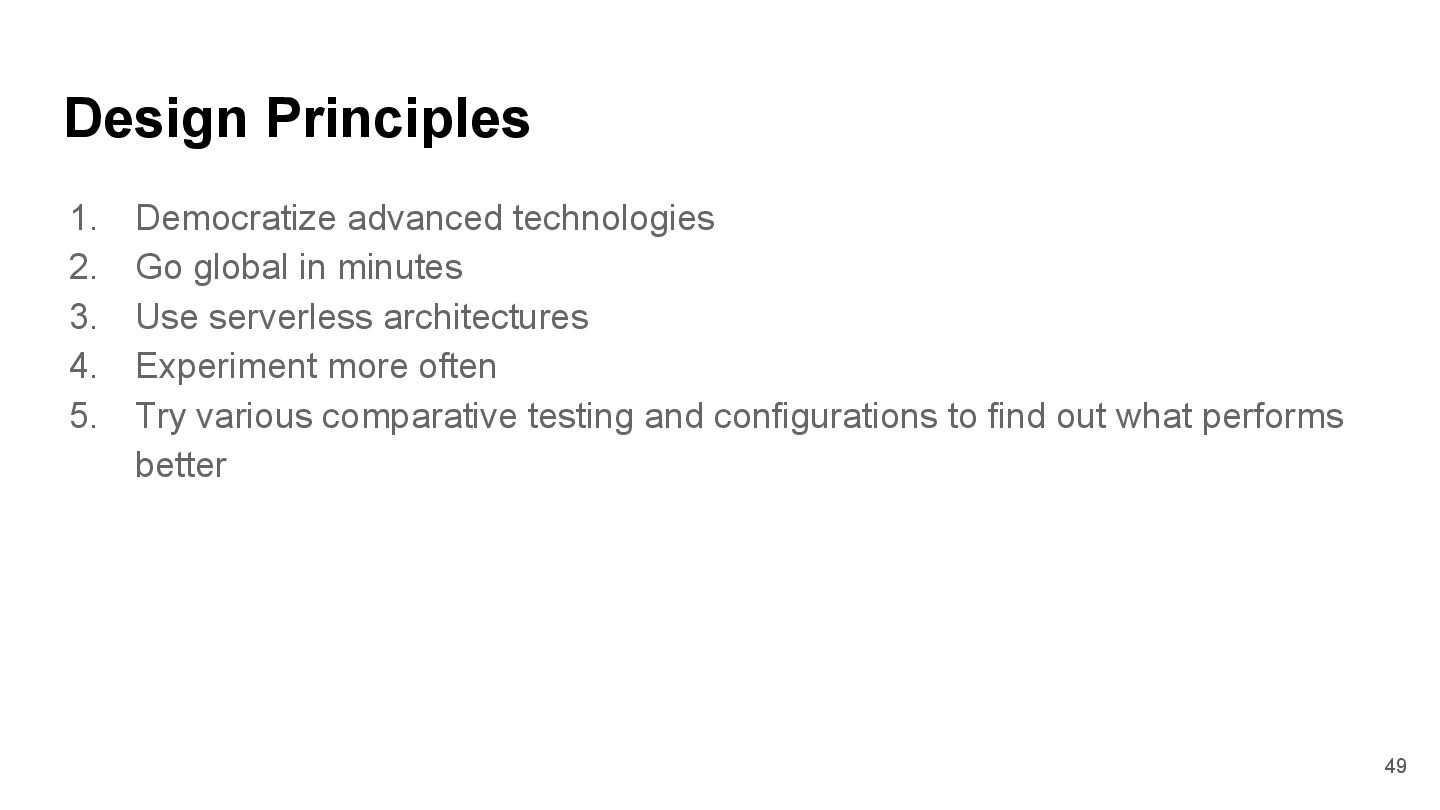
minutes 3. Use serverless architectures 4. Experiment more often 5. Try various comparative testing and configurations to find out what performs better 49
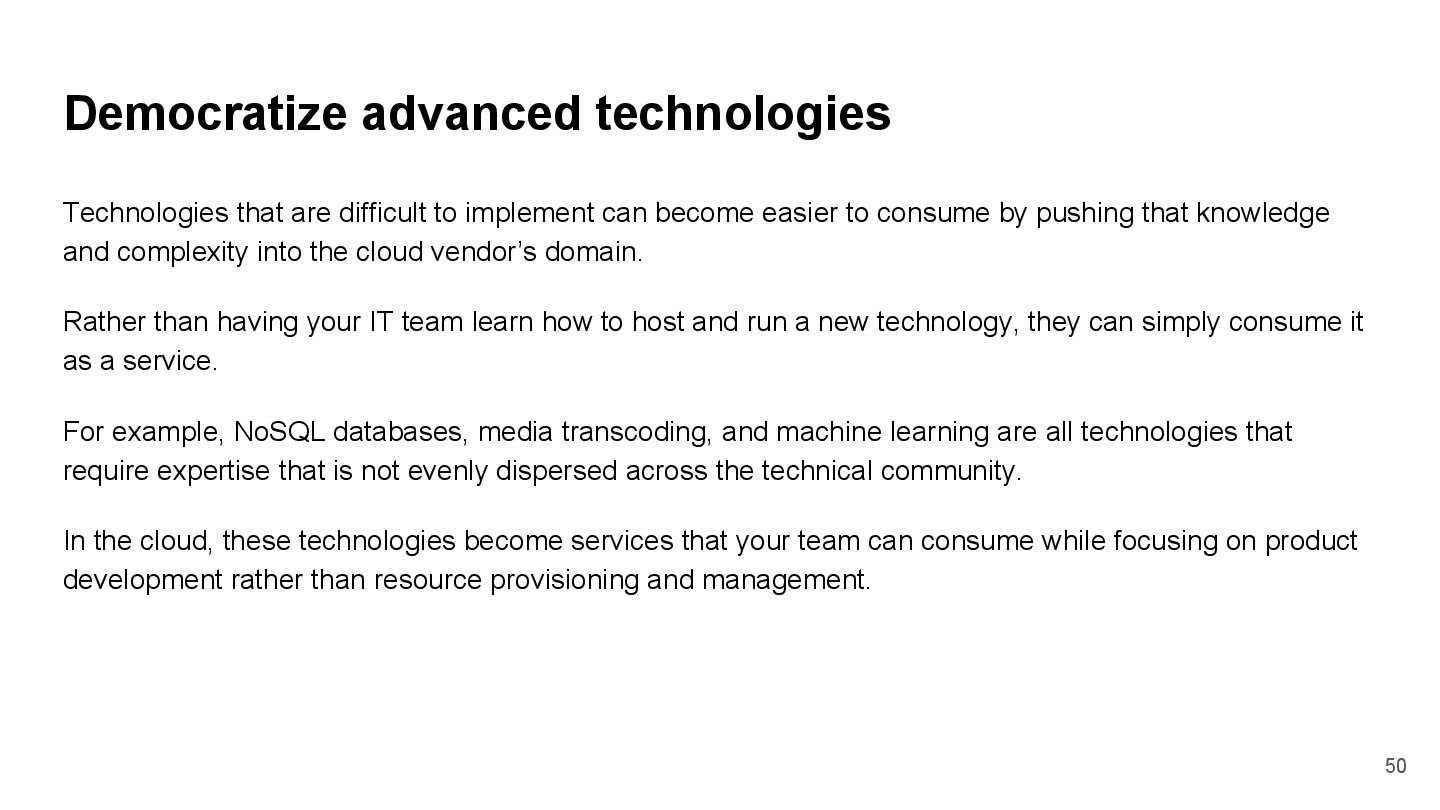
become easier to consume by pushing that knowledge and complexity into the cloud vendor’s domain. Rather than having your IT team learn how to host and run a new technology, they can simply consume it as a service. For example, NoSQL databases, media transcoding, and machine learning are all technologies that require expertise that is not evenly dispersed across the technical community. In the cloud, these technologies become services that your team can consume while focusing on product development rather than resource provisioning and management. 50
Regions around the world with just a few clicks. This allows you to provide lower latency and a better experience for your customers at minimal cost. 51
need for you to run and maintain servers to carry out traditional compute activities. For example, storage services can act as static websites, removing the need for web servers, and event services can host your code for you. This not only removes the operational burden of managing these servers, but also can lower transactional costs because these managed services operate at cloud scale. 52
best performing architecture? • PERF 2: How did you select your compute solution? • PERF 3: How do you select your storage solution? • PERF 4: How do you select your database solution? • PERF 5: How do you configure your networking solution? • PERF 6: How do you ensure that you continue to have the most appropriate resource type as new resource types and features are introduced? • PERF 7: How do you monitor your resources post-launch to ensure they are performing as expected? • PERF 8: How do you use tradeoffs to improve performance? 54
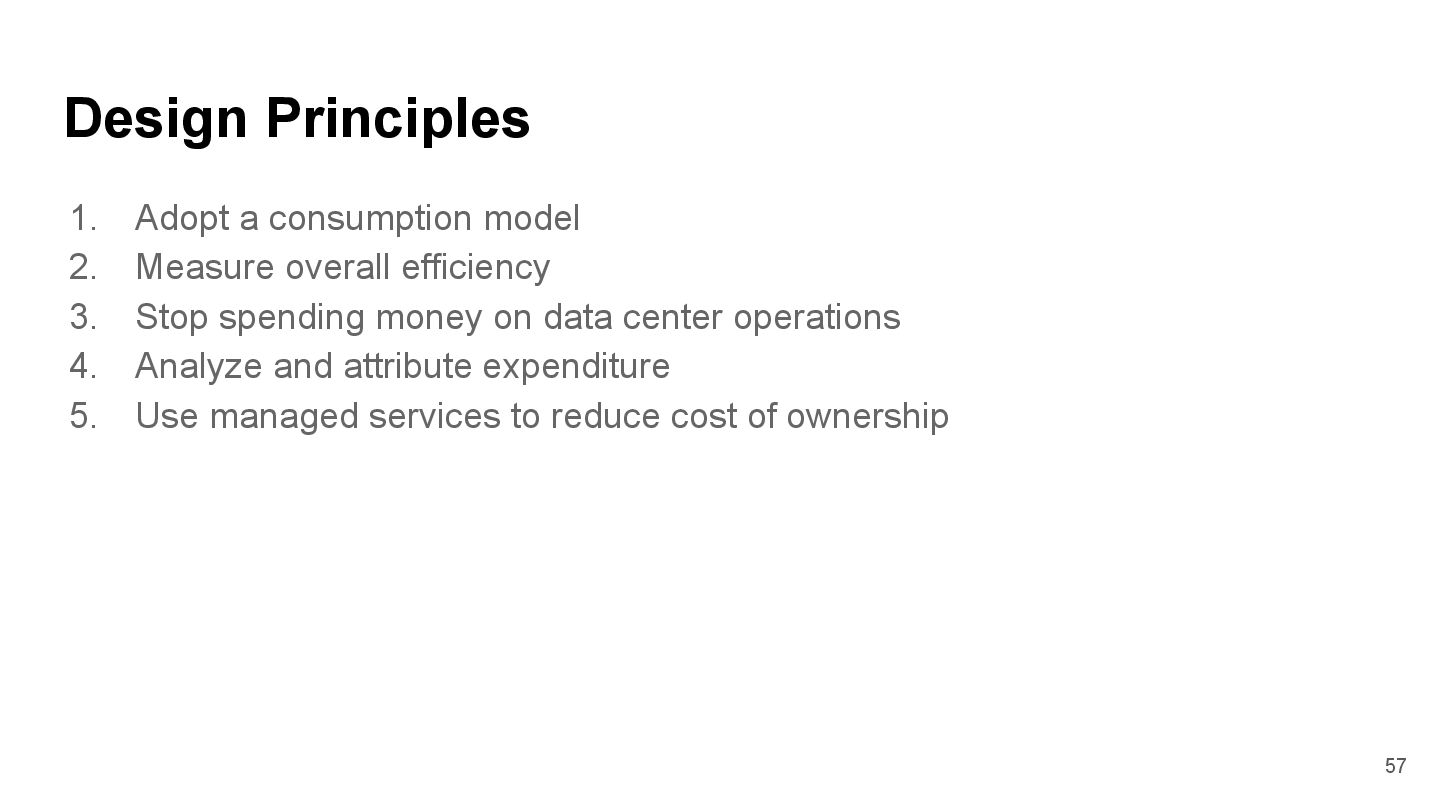
efficiency 3. Stop spending money on data center operations 4. Analyze and attribute expenditure 5. Use managed services to reduce cost of ownership 57
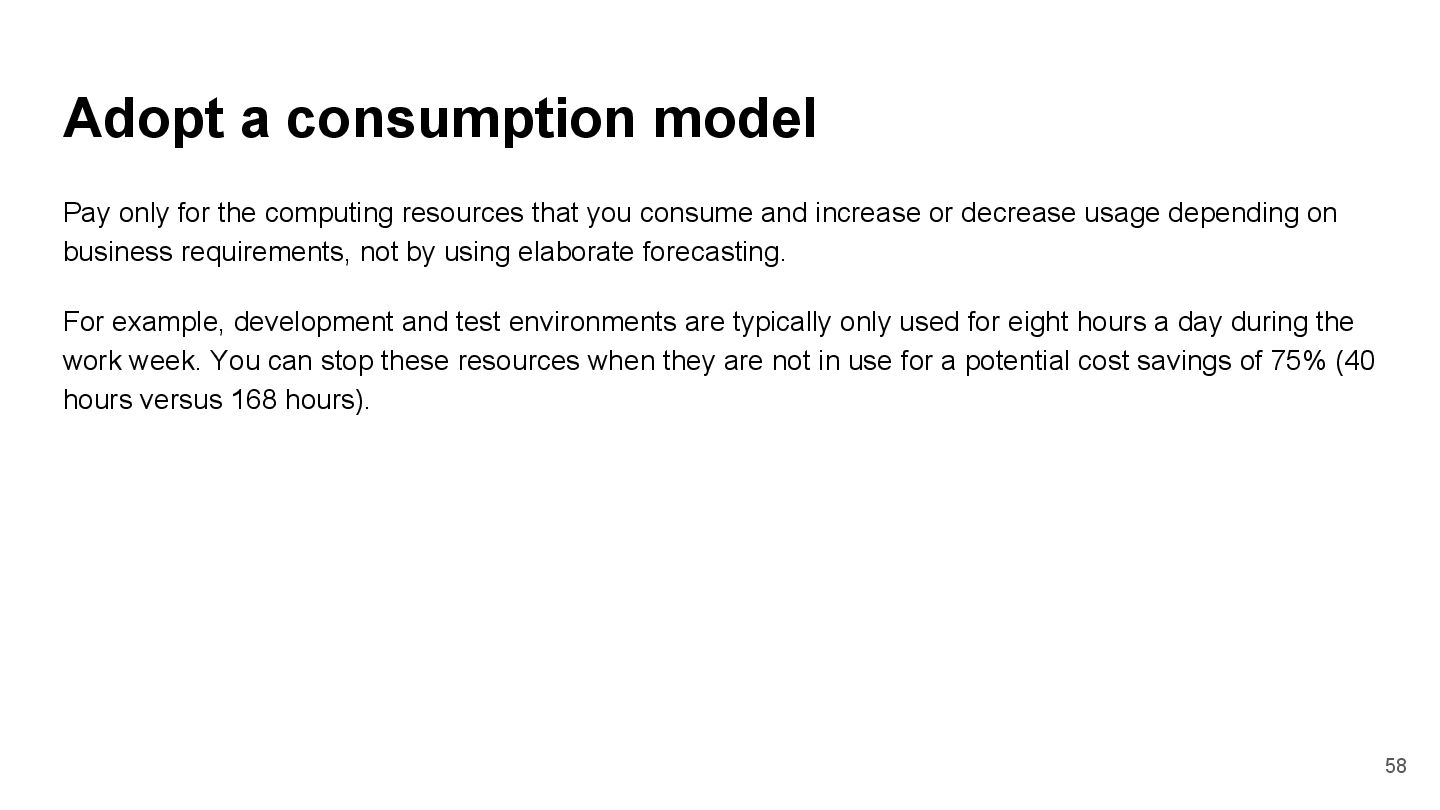
that you consume and increase or decrease usage depending on business requirements, not by using elaborate forecasting. For example, development and test environments are typically only used for eight hours a day during the work week. You can stop these resources when they are not in use for a potential cost savings of 75% (40 hours versus 168 hours). 58
heavy lifting of racking, stacking, and powering servers, so you can focus on your customers and business projects rather than on IT infrastructure. 60
accurately identify the usage and cost of systems, which then allows transparent attribution of IT costs to individual business owners. This helps measure return on investment (ROI) and gives system owners an opportunity to optimize their resources and reduce costs 61
cloud, managed services remove the operational burden of maintaining servers for tasks like sending email or managing databases. And because managed services operate at cloud scale, they can offer a lower cost per transaction or service. 62
you select AWS services for your solution? 2. COST 2: Have you sized your resources to meet your cost targets? 3. COST 3: Have you selected the appropriate pricing model to meet your cost targets? 4. COST 4: How do you make sure your capacity matches but does not substantially exceed what you need? 5. COST 5: Do you consider data-transfer charges when designing your architecture? 6. COST 6: How are you monitoring usage and spending? 7. COST 7: Do you decommission resources that you no longer need or stop resources that are temporarily not needed? 8. COST 8: What access controls and procedures do you have in place to govern AWS usage? 9. COST 9: How do you manage and/or consider the adoption of new services? 64
done • consistent manner (一致的方法) • a light-weight process (hours not days) • a conversation and not an audit • identify any critical issues • building an architecture using the Well-Architected Framework continually review their architecture, rather than holding a formal review meeting. 66
• Print outs of any diagrams or design notes • Action list of questions that require out-of-band research to answer (for example, did we enable encryption or not?) 67


 rickhwang
 saorimurooka
 juanmartin2026
 masakiokuda
 terasawat
 ytapples613
 robintux
 ainischool
 kaityo256
 mutomasa
 signer
 tasusu
 reverentgeek
 mojombo
 katarinadahlin
 geshan
 quramy
 cassininazir
 twada
twada
 tammyeverts
 sonatard
 eitanlees
 schlessera
 sachag