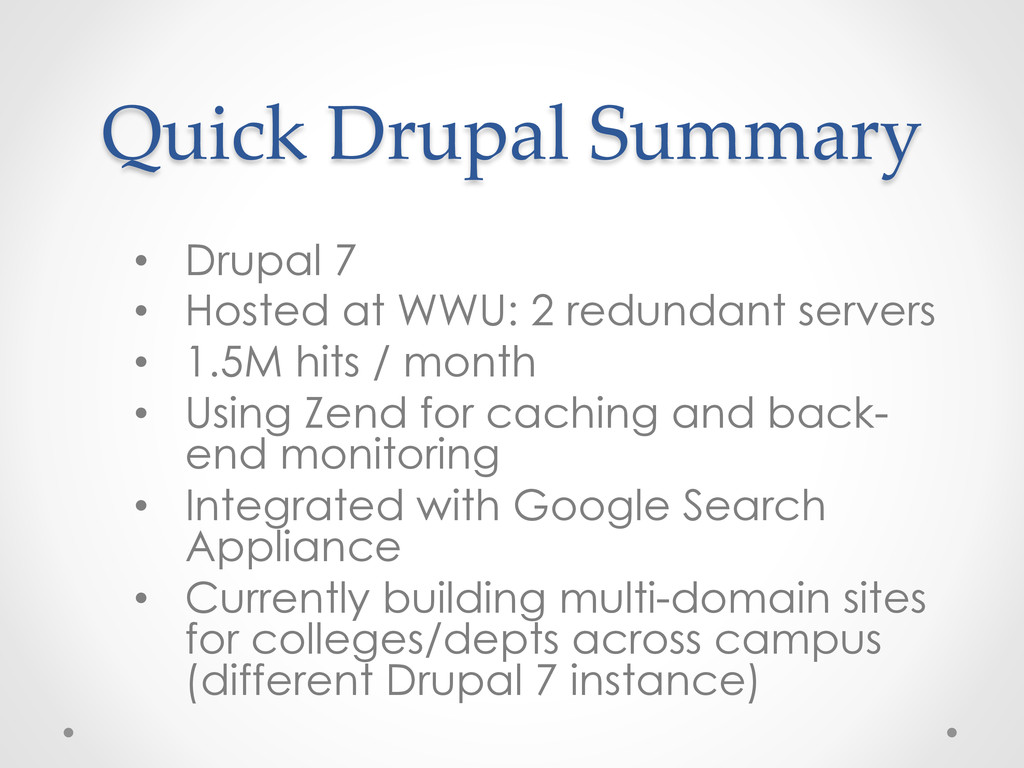
2 redundant servers • 1.5M hits / month • Using Zend for caching and back- end monitoring • Integrated with Google Search Appliance • Currently building multi-domain sites for colleges/depts across campus (different Drupal 7 instance)
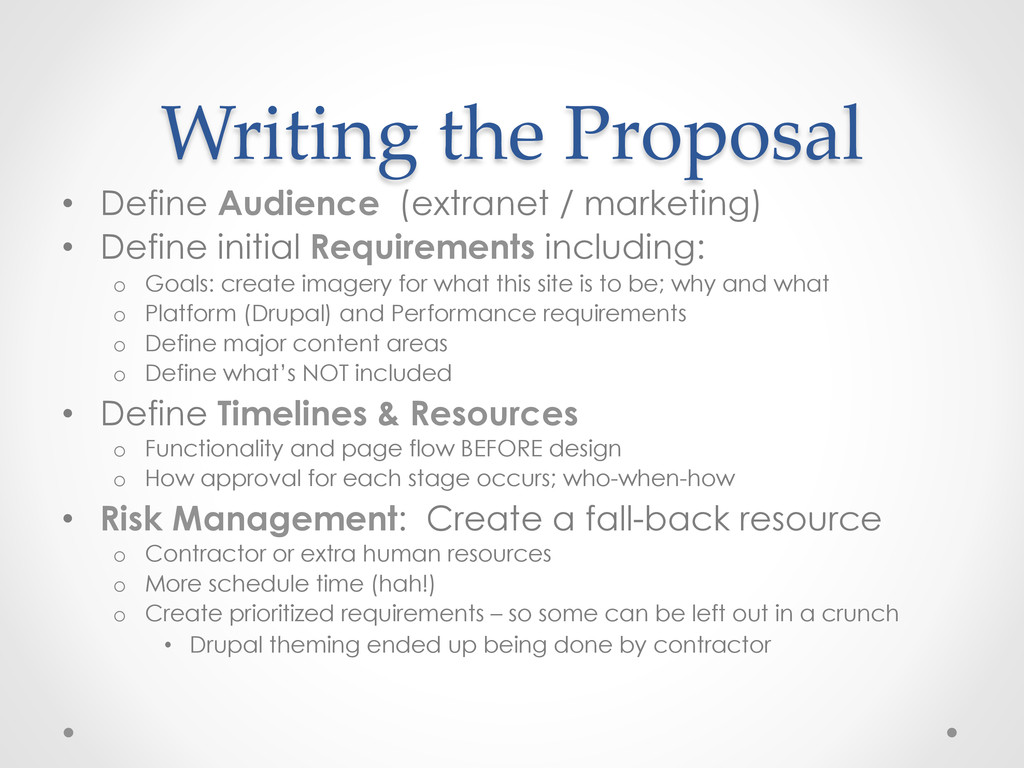
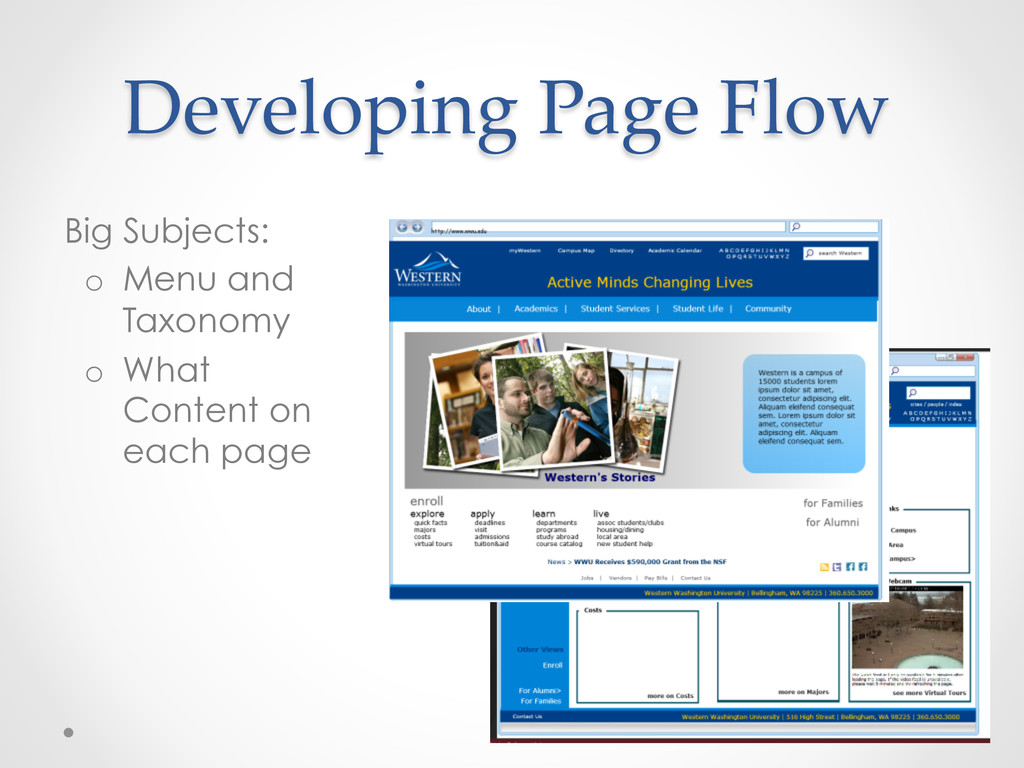
Define initial Requirements including: o Goals: create imagery for what this site is to be; why and what o Platform (Drupal) and Performance requirements o Define major content areas o Define what’s NOT included • Define Timelines & Resources o Functionality and page flow BEFORE design o How approval for each stage occurs; who-when-how • Risk Management: Create a fall-back resource o Contractor or extra human resources o More schedule time (hah!) o Create prioritized requirements – so some can be left out in a crunch • Drupal theming ended up being done by contractor
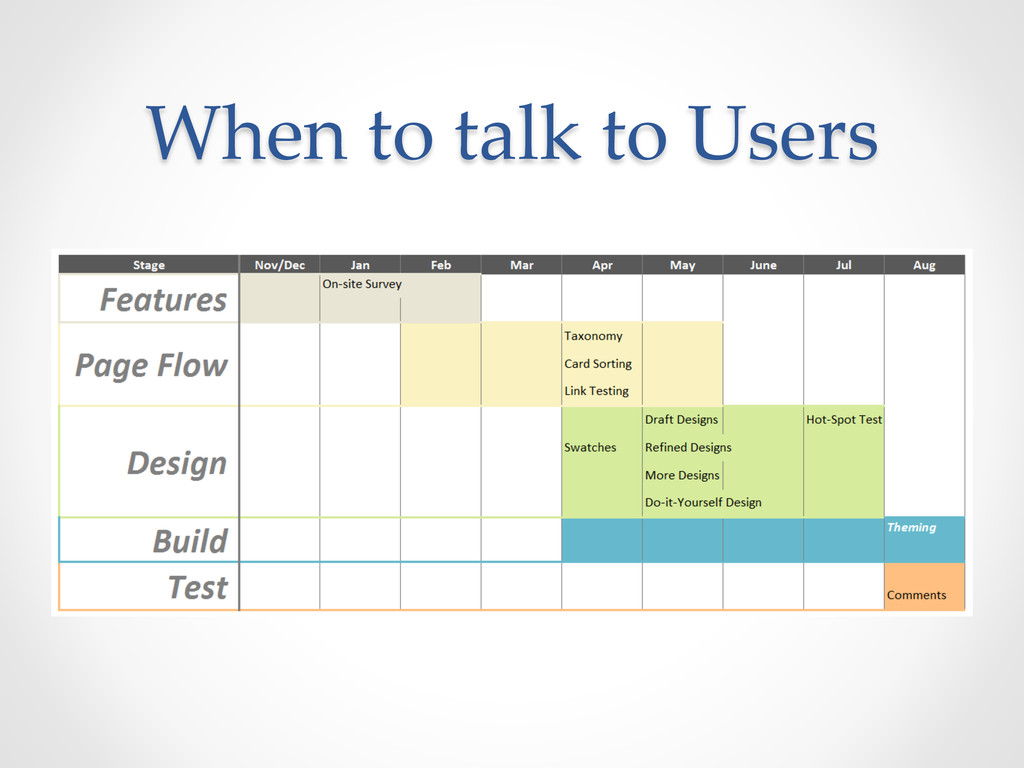
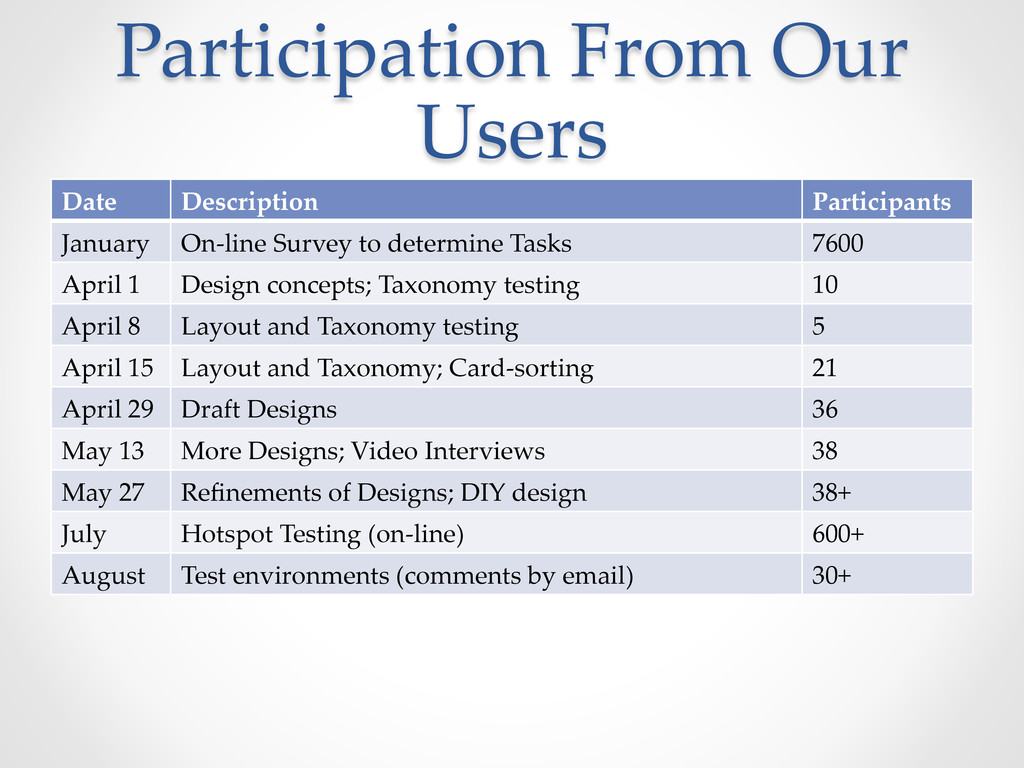
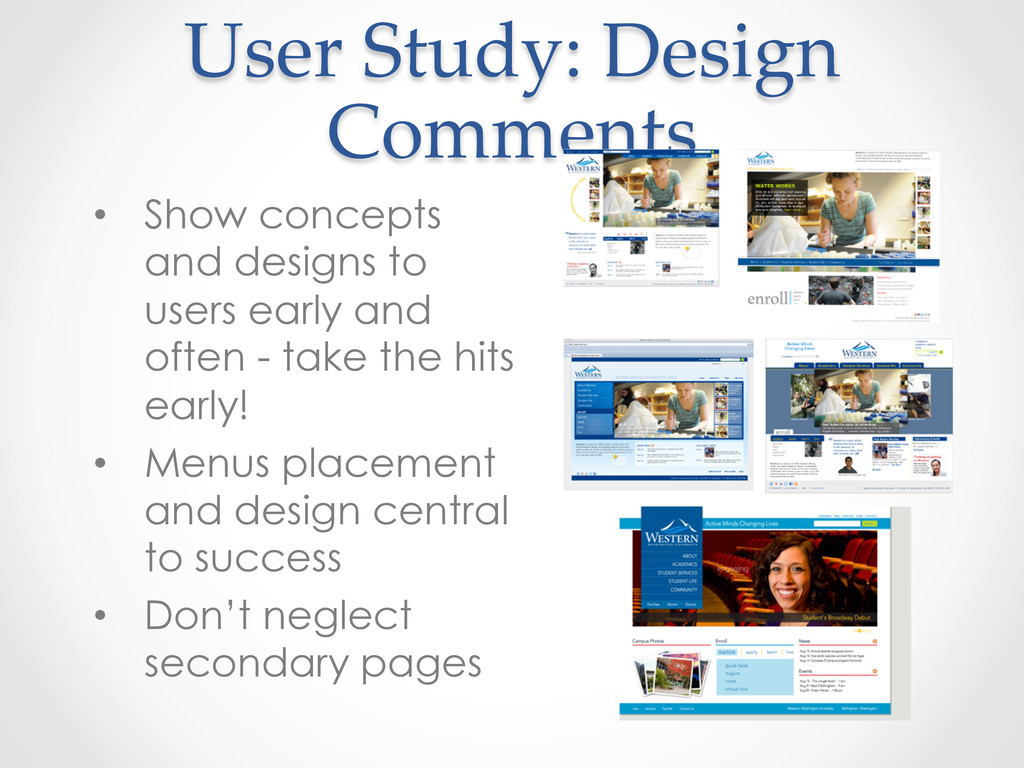
On-‐‑line Survey to determine Tasks 7600 April 1 Design concepts; Taxonomy testing 10 April 8 Layout and Taxonomy testing 5 April 15 Layout and Taxonomy; Card-‐‑sorting 21 April 29 Draft Designs 36 May 13 More Designs; Video Interviews 38 May 27 Refinements of Designs; DIY design 38+ July Hotspot Testing (on-‐‑line) 600+ August Test environments (comments by email) 30+
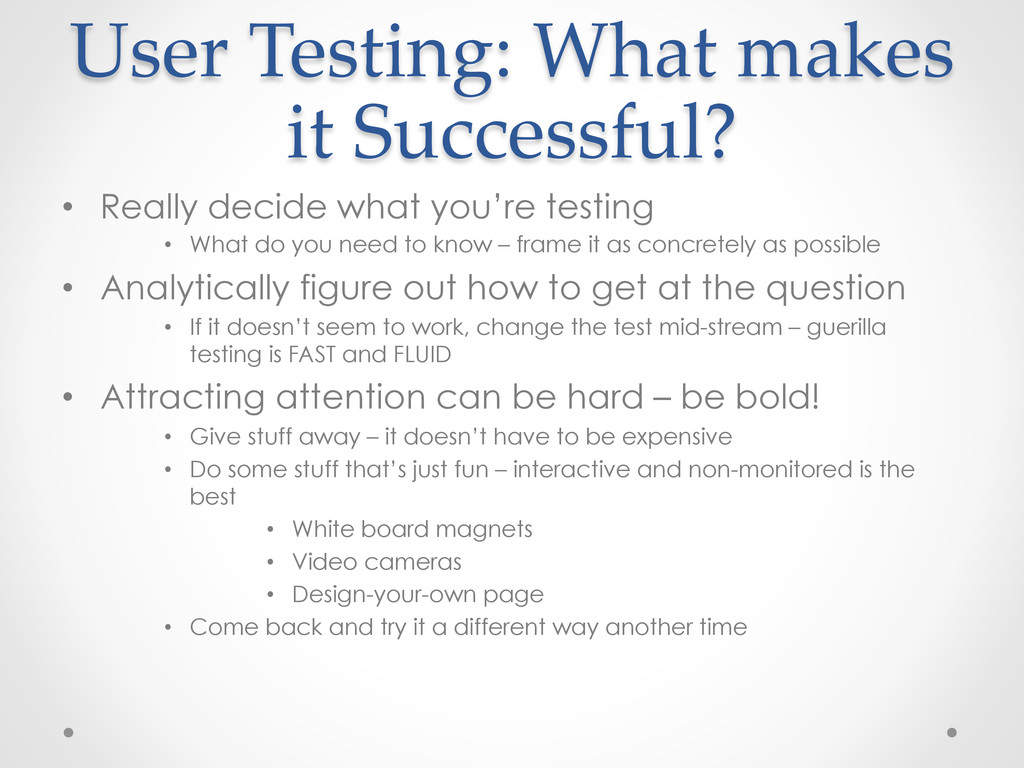
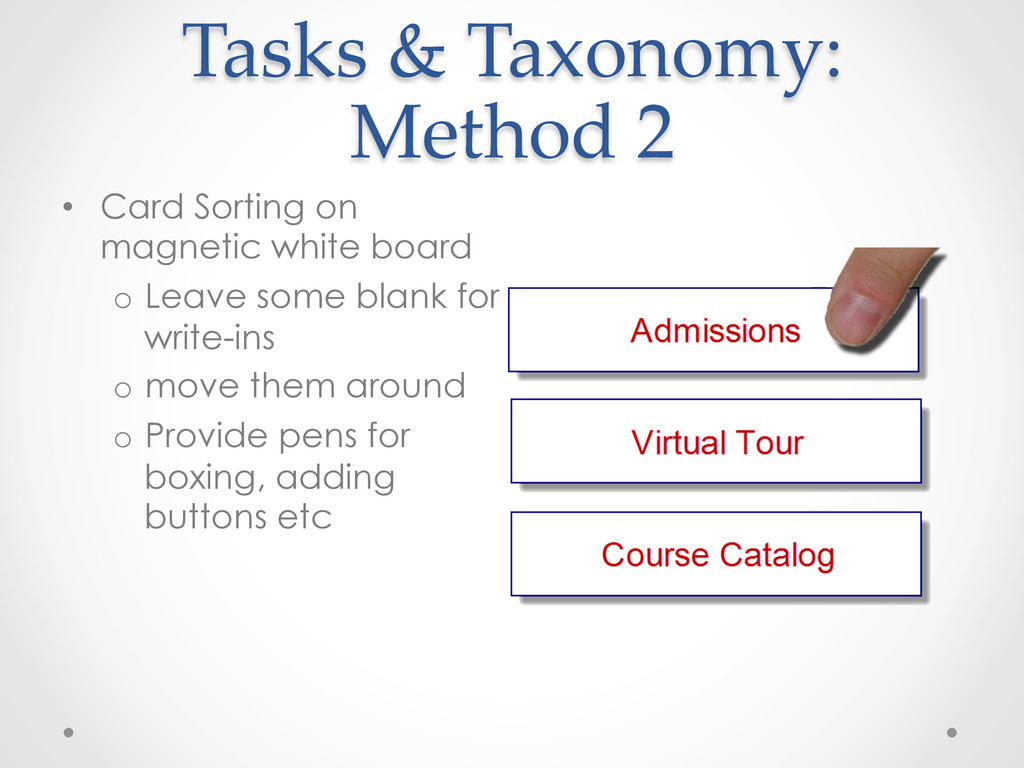
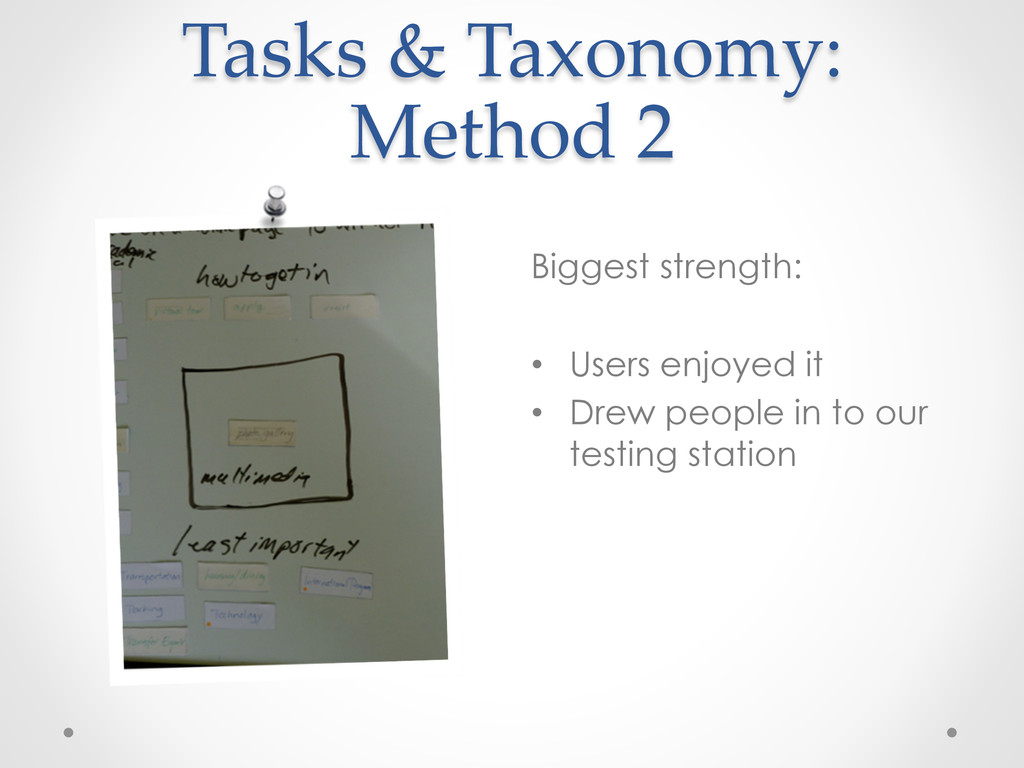
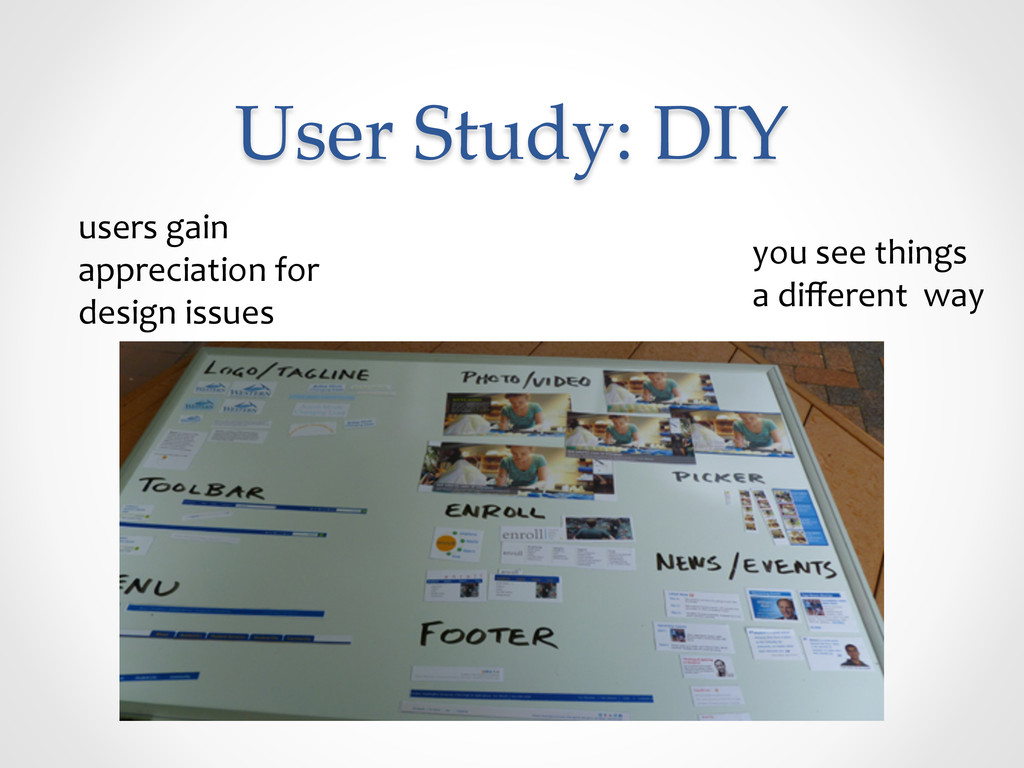
what you’re testing • What do you need to know – frame it as concretely as possible • Analytically figure out how to get at the question • If it doesn’t seem to work, change the test mid-stream – guerilla testing is FAST and FLUID • Attracting attention can be hard – be bold! • Give stuff away – it doesn’t have to be expensive • Do some stuff that’s just fun – interactive and non-monitored is the best • White board magnets • Video cameras • Design-your-own page • Come back and try it a different way another time
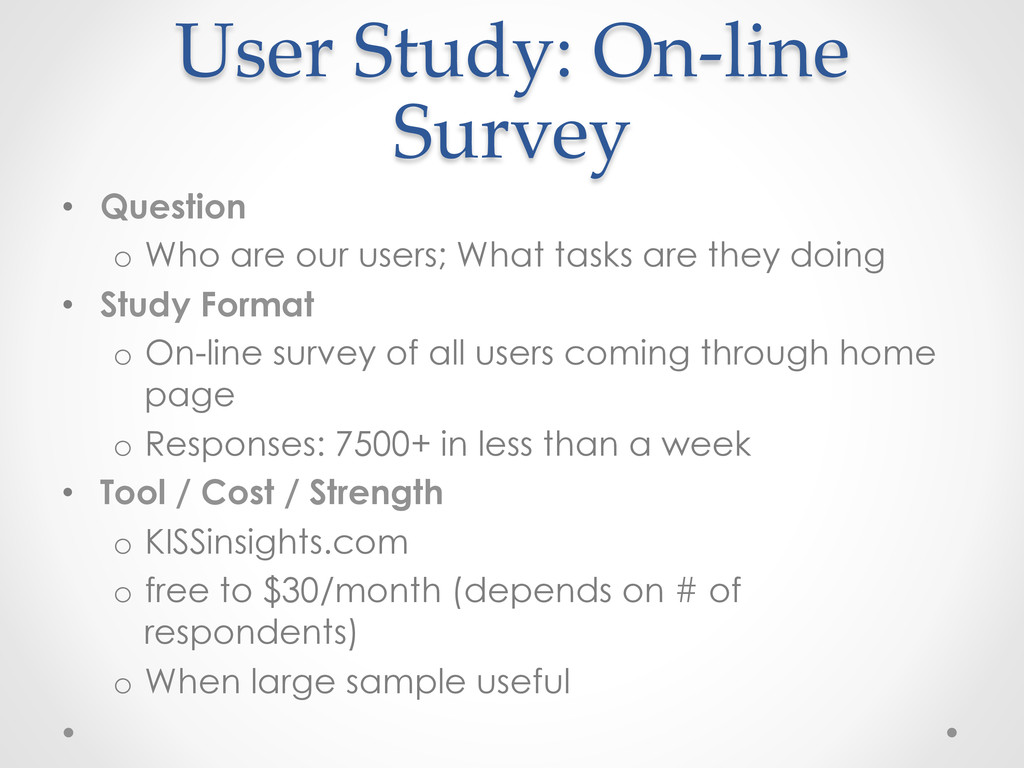
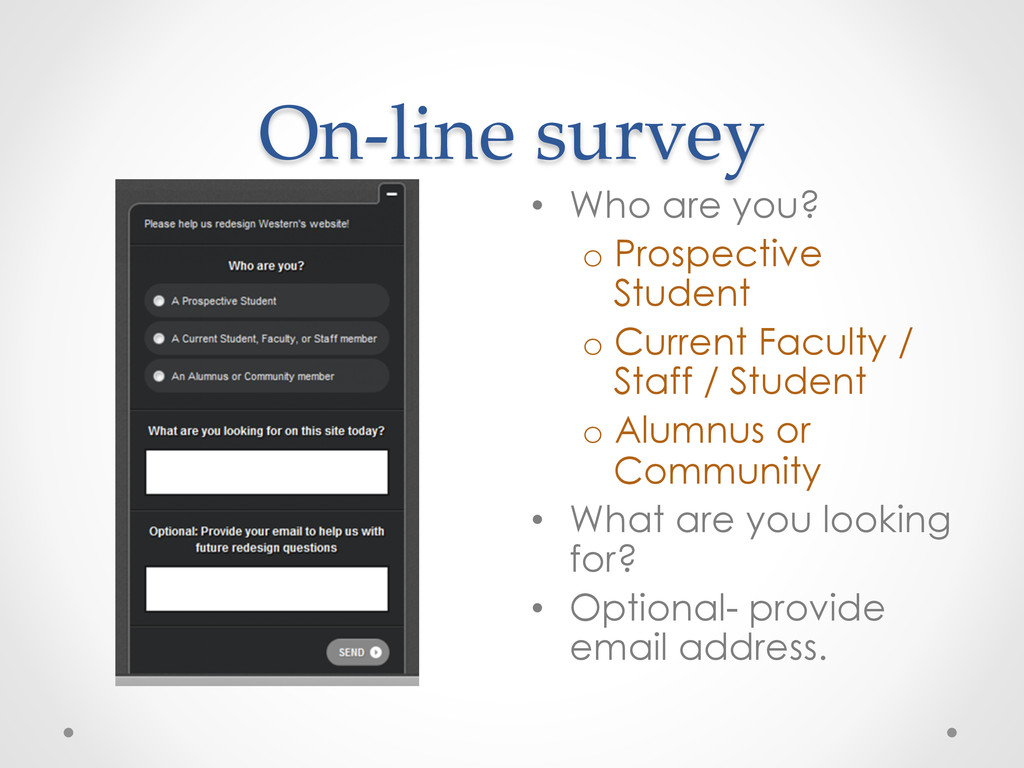
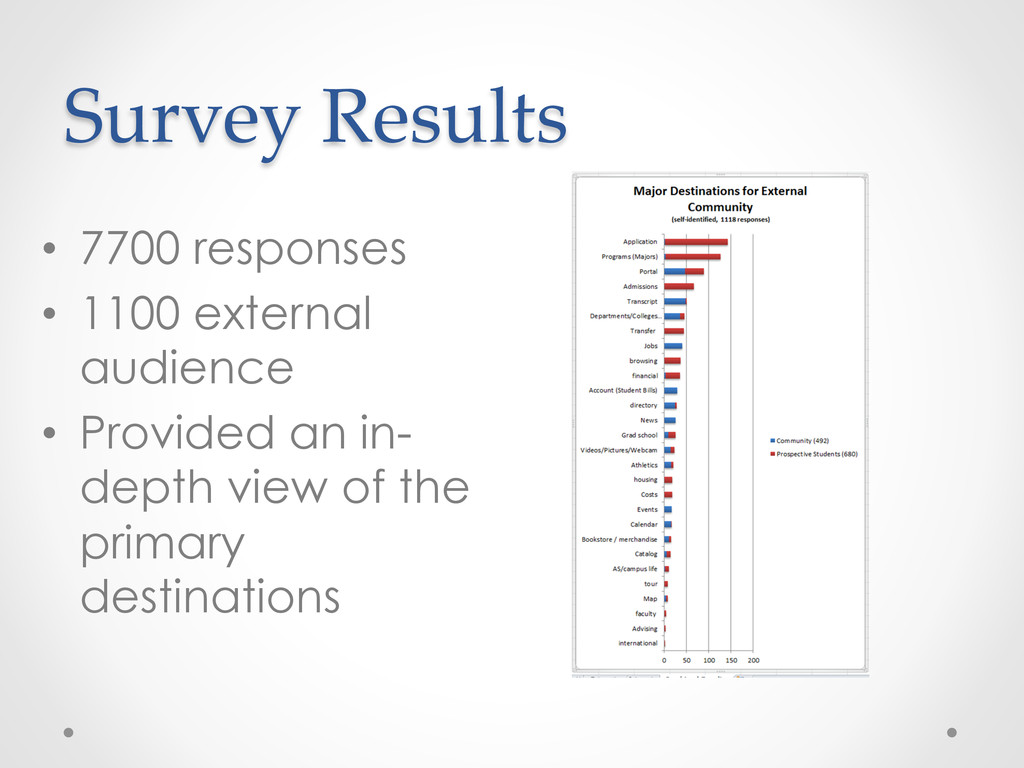
our users; What tasks are they doing • Study Format o On-line survey of all users coming through home page o Responses: 7500+ in less than a week • Tool / Cost / Strength o KISSinsights.com o free to $30/month (depends on # of respondents) o When large sample useful
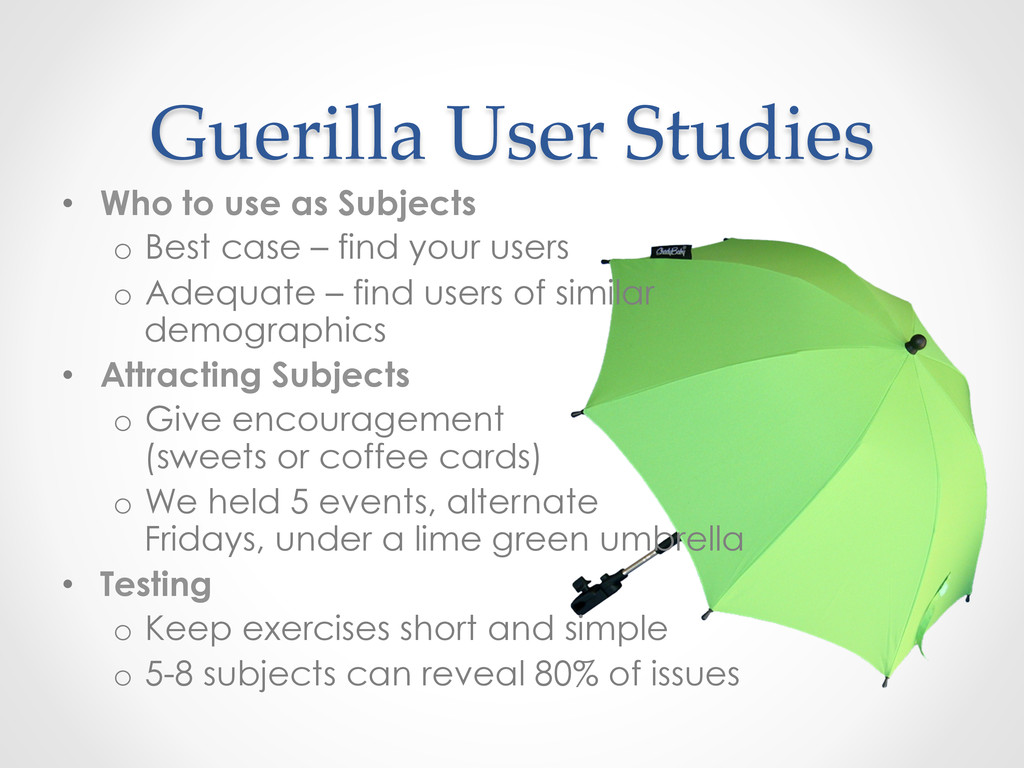
Best case – find your users o Adequate – find users of similar demographics • Attracting Subjects o Give encouragement (sweets or coffee cards) o We held 5 events, alternate Fridays, under a lime green umbrella • Testing o Keep exercises short and simple o 5-8 subjects can reveal 80% of issues
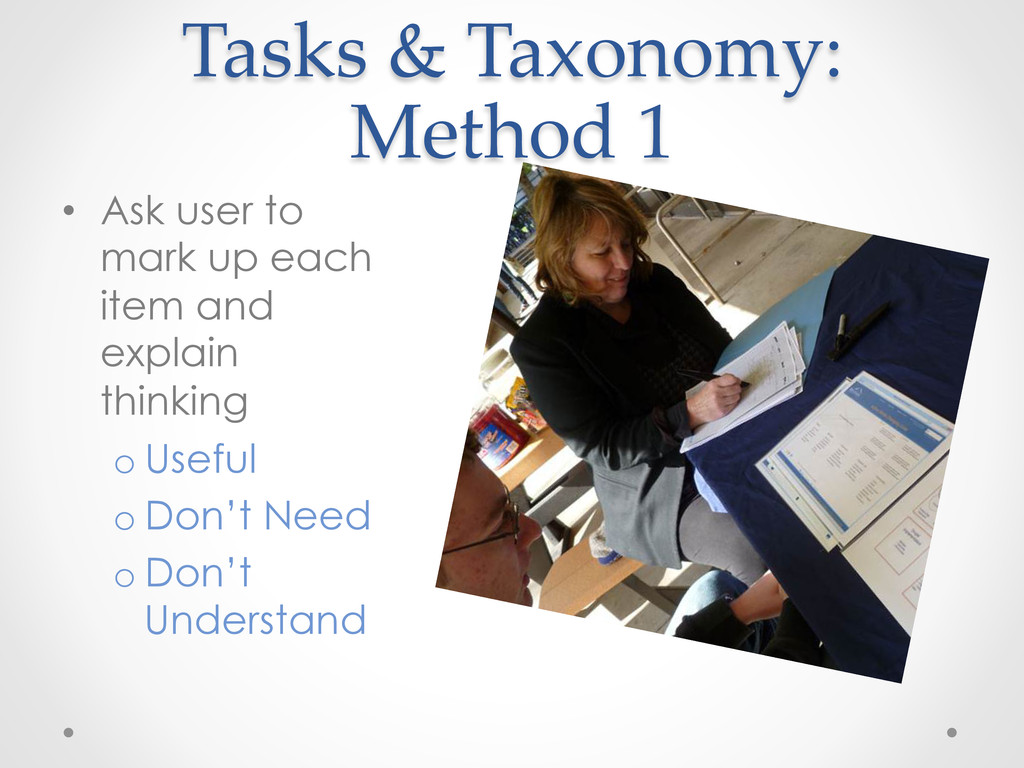
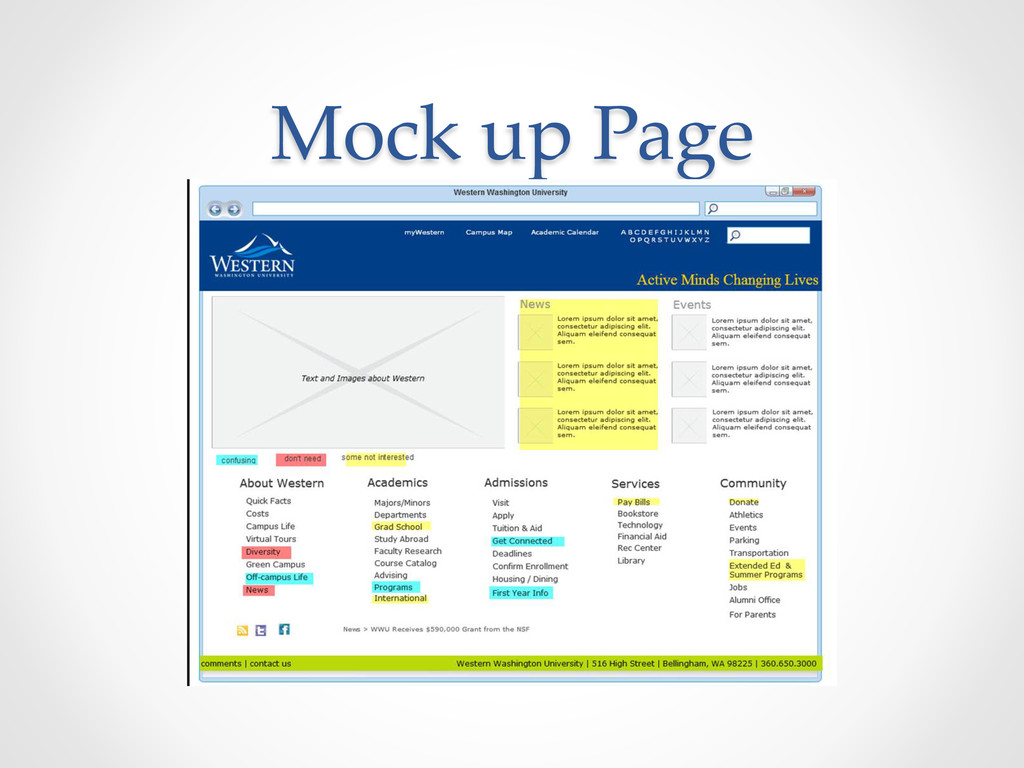
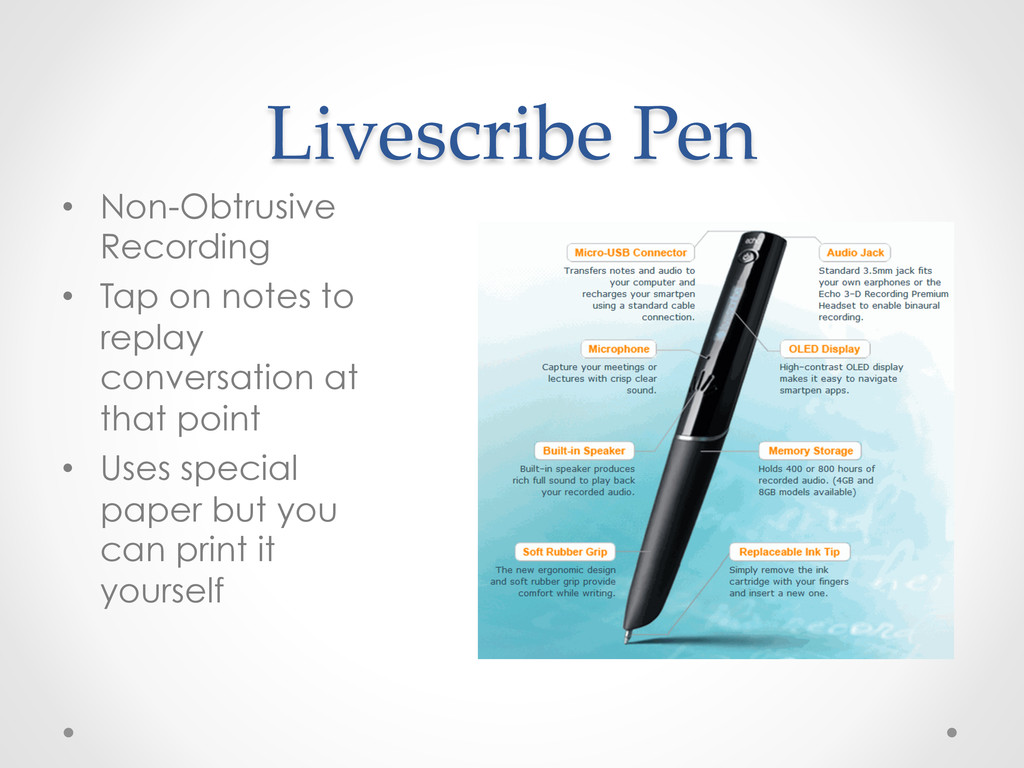
o What tasks are they looking for; What do they call the tasks • Study Format o Guerilla model; one-on-one interviews o Screen mock-up provided • Tool / Cost / Strength o Paper and Recording device o Livescribe.com Recording Pen ($79) o Good for subjective interviews
tasks; how do they proceed • Study Format o On-line, let users play and comment • Tool / Cost / Strength o iPlotz.com – online and desktop models together o free to $99/year (depends on # of pages) and $75 for desktop perpetual license (PC only) o Good for modeling and demo-ing page flow dynamically; also easy to create pages
tool: Dynamic linking • Master pages (Templates) • Online for best access / also desktop for speed • Good library of web objects and graphic tools • Can also put in photos • Reasonable Price Why we chose iplotz.com
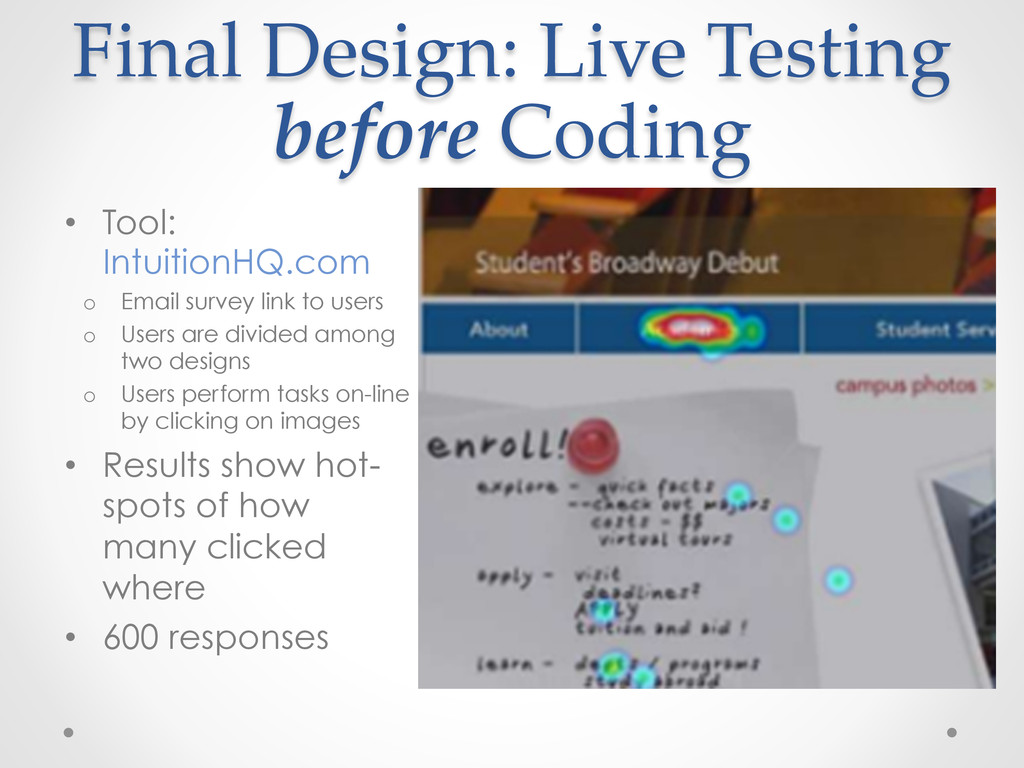
o Email survey link to users o Users are divided among two designs o Users perform tasks on-line by clicking on images • Results show hot- spots of how many clicked where • 600 responses
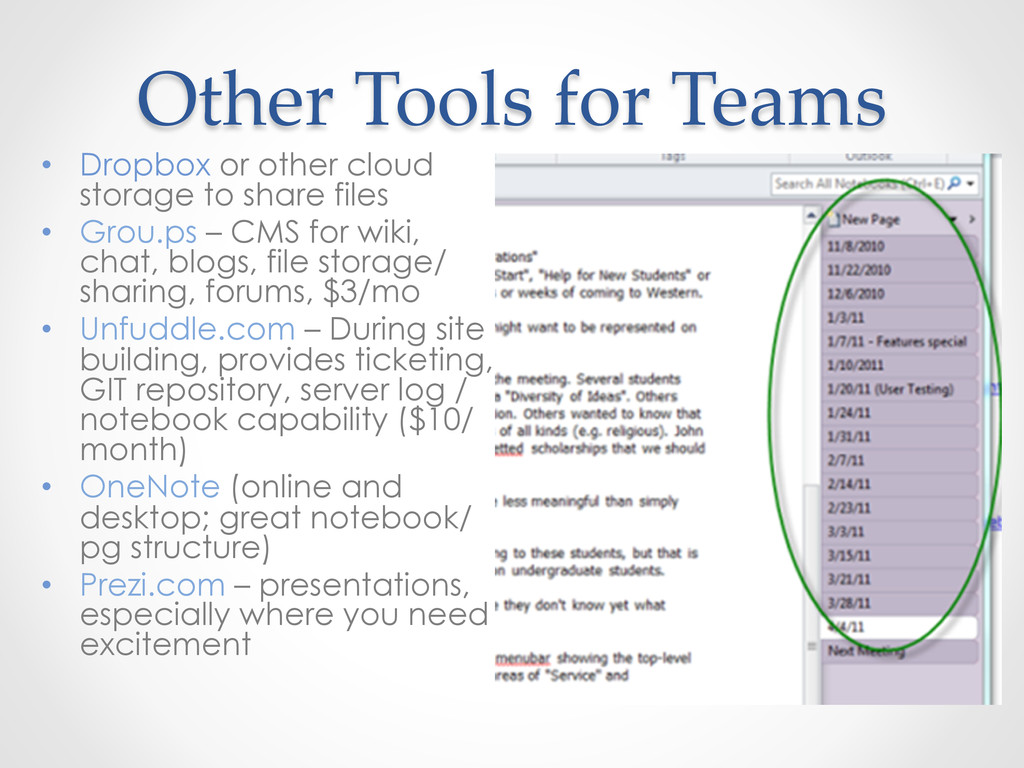
to share files • Grou.ps – CMS for wiki, chat, blogs, file storage/ sharing, forums, $3/mo • Unfuddle.com – During site building, provides ticketing, GIT repository, server log / notebook capability ($10/ month) • OneNote (online and desktop; great notebook/ pg structure) • Prezi.com – presentations, especially where you need excitement
of responses • Guerilla testing good for quickly engaging the user: qualitative testing, specific task testing, functionality lists, specific questions • Hot-Spot testing good for testing visual designs before you code


 rieraney
 keitah
 takuyay0ne
 knwoop
 yusuke427
 jcabot
 daitak
 bengo4com
 _kotobuki_
 mikanichinose
 tkito
 gokken
 110y
 techseoconnect
 jonoalderson
 mraible
 tammyeverts
 szymonslowik
 coloredviolet
 joshbly
 jdejongh
 davidcarrasco
 destraynor
 paigeccino
 marcoroth