me - Rimas Founder of Helm, Author of CoreOS Essentials book, CKA Earlier adopter of containers (Docker) in production in early 2014 Built PaaS in $bash to orchestrate containers on CoreOS clusters Senior Frogger Developer at Jfrog @rimusz
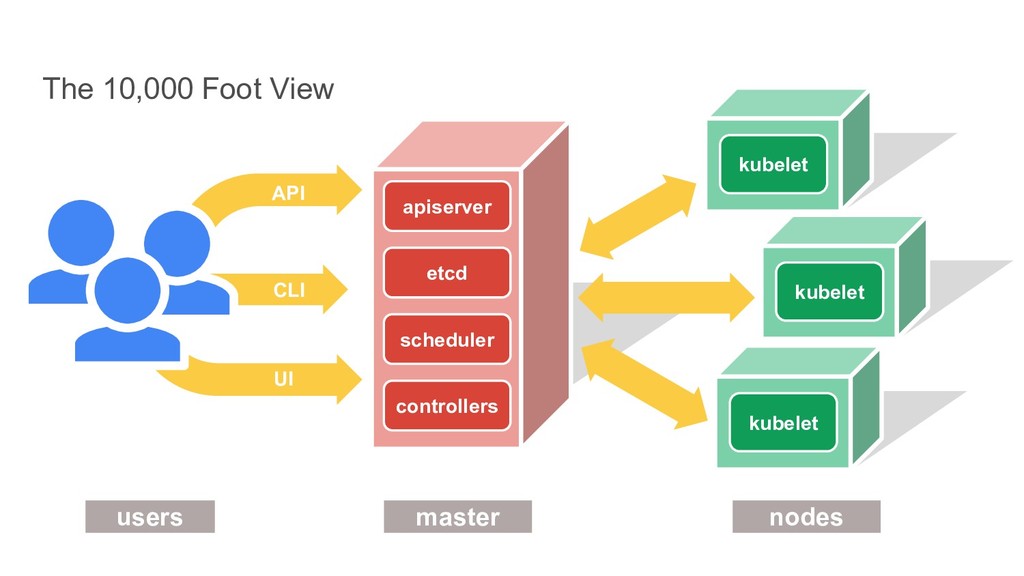
the words “governor” and “cybernetic” • Runs and manages containers • Inspired and informed by Google’s experiences and internal systems • Supports multiple cloud and bare-metal environments • Supports multiple container runtimes • 100% Open source, written in Go • Manages applications, not machines
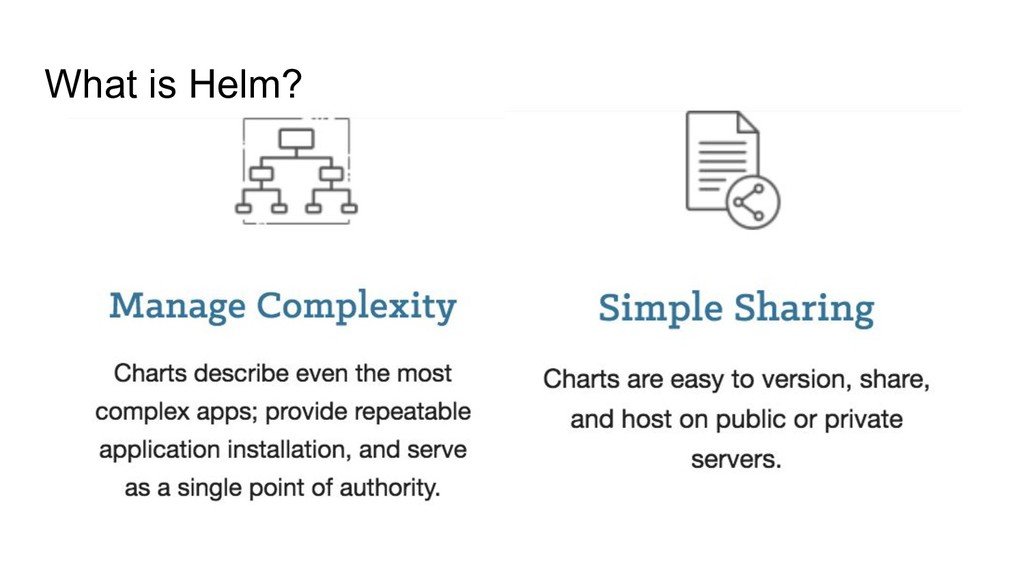
manage apps running on Kubernetes • Helm Charts let you define, install, and upgrade even the most complex Kubernetes application, e.g. take a look to Istio chart!
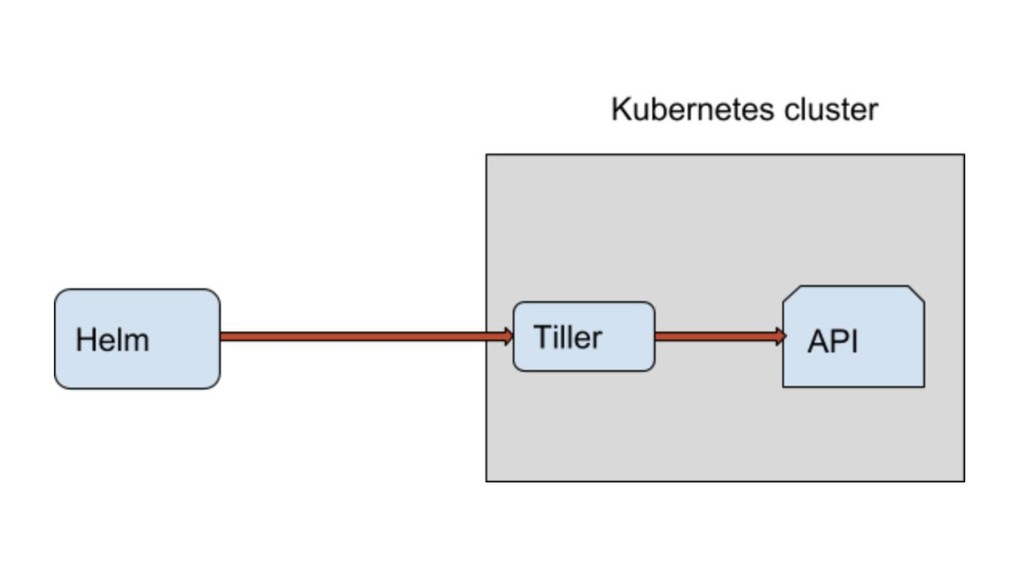
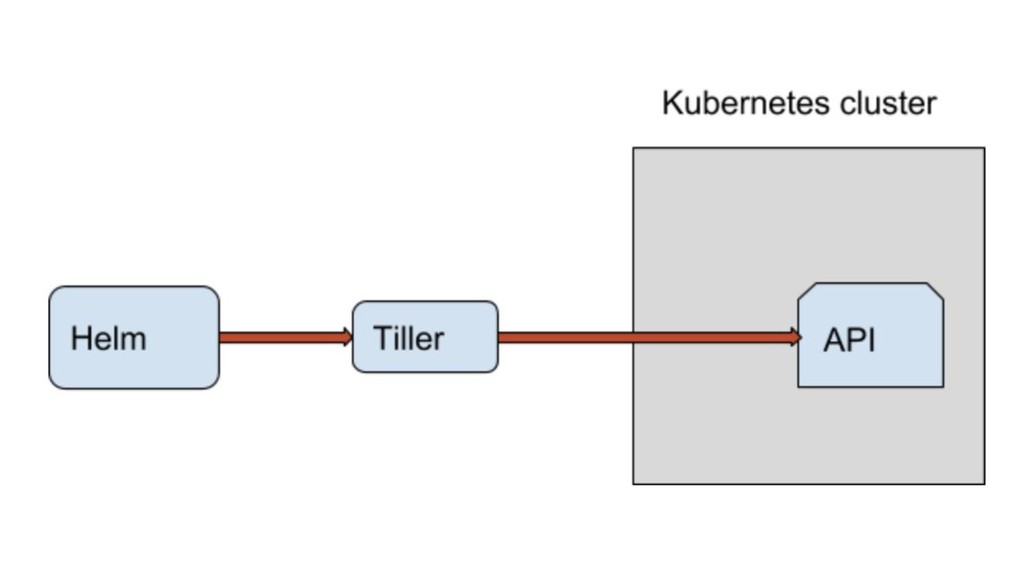
called The Tiller Server which is an in-cluster server that interacts with the helm client, and interfaces with the Kubernetes API server: • Listening for incoming requests from the Helm client • Combining a chart and configuration to build a release • Installing charts into Kubernetes, and then tracking the subsequent release • Upgrading and uninstalling charts by interacting with Kubernetes Sounds as amazing setup, right?
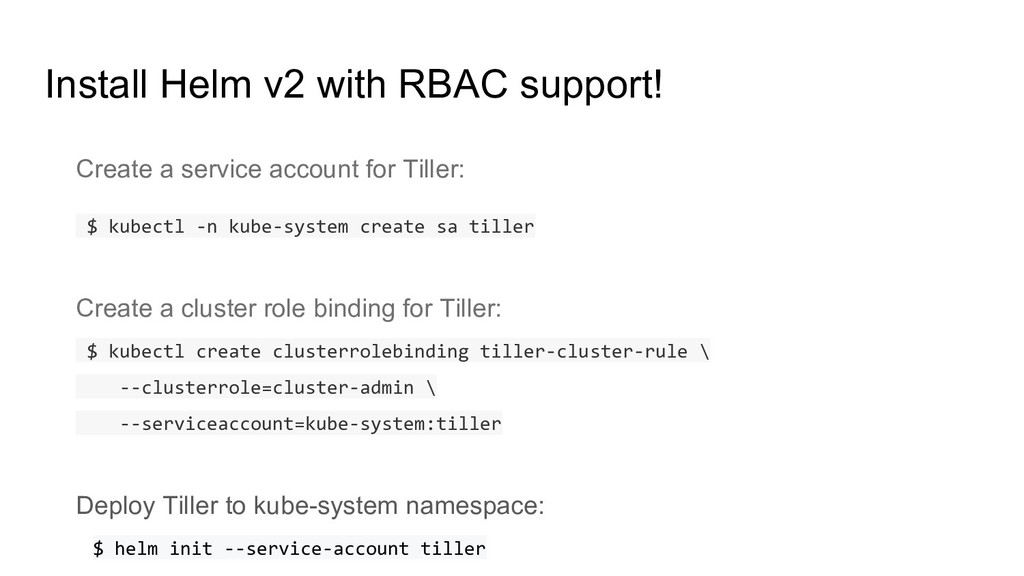
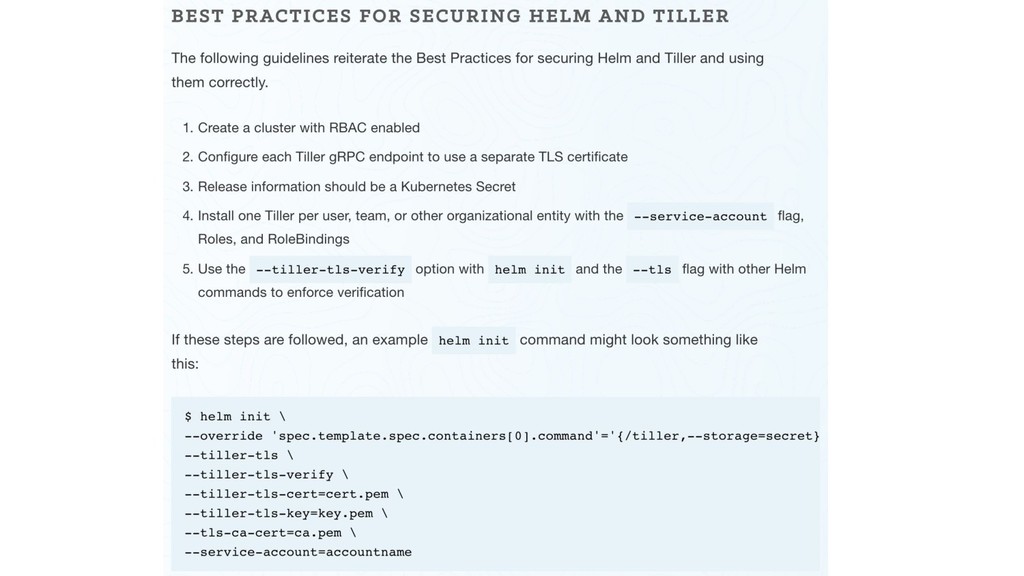
and the server is responsible for managing releases. It looks as a nice setup. Which of course works very well, but has some security issues, and the main one is that tiller runs in your Kubernetes cluster with full administrative rights - which is a risk is somebody gets unauthorised access to the cluster. If we bring multitenancy tiller setup e.g. tiller for each team then it gets even worse with TLS and etc issues. Helm v2
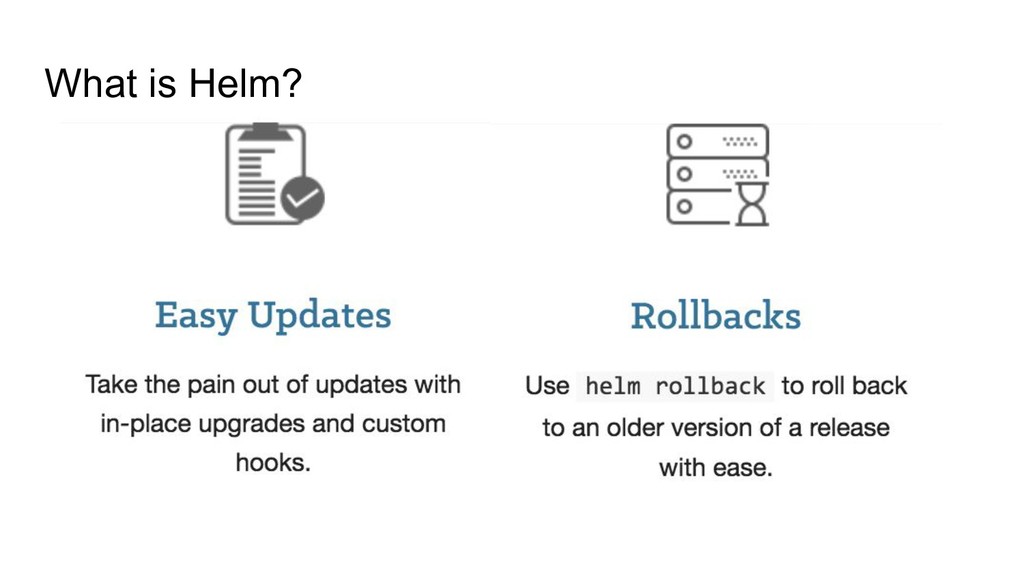
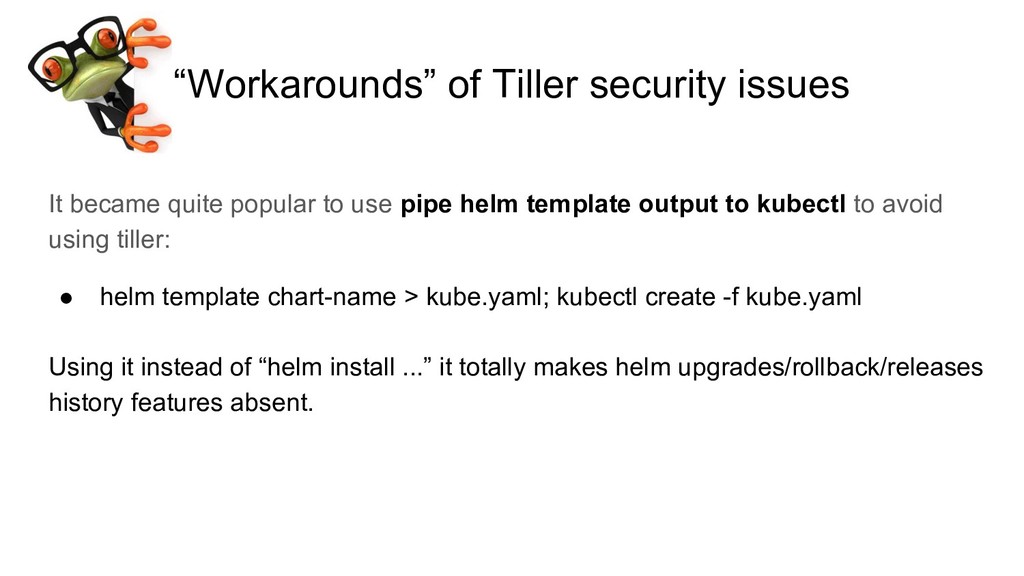
use pipe helm template output to kubectl to avoid using tiller: • helm template chart-name > kube.yaml; kubectl create -f kube.yaml Using it instead of “helm install ...” it totally makes helm upgrades/rollback/releases history features absent.
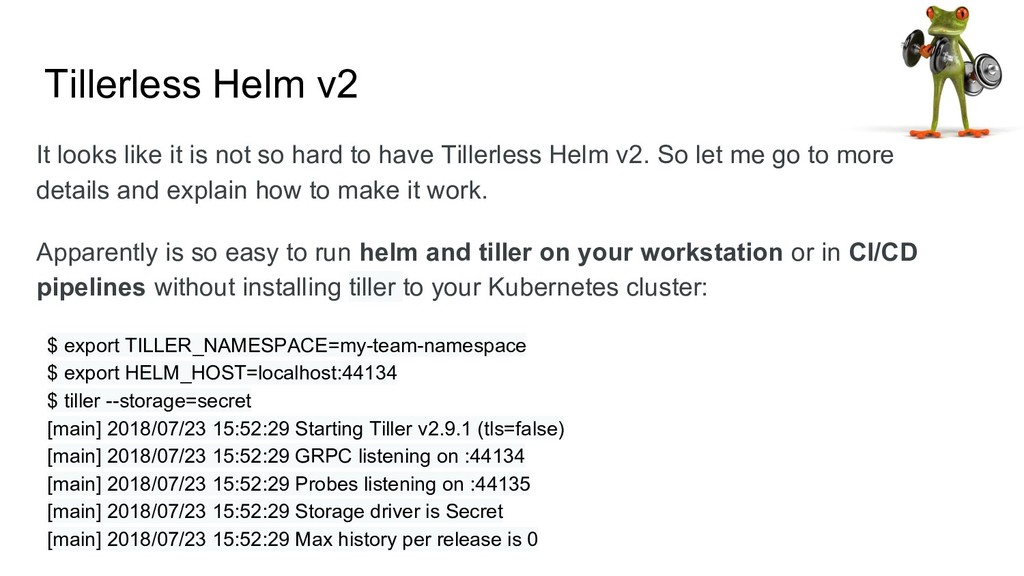
hard to have Tillerless Helm v2. So let me go to more details and explain how to make it work. Apparently is so easy to run helm and tiller on your workstation or in CI/CD pipelines without installing tiller to your Kubernetes cluster: $ export TILLER_NAMESPACE=my-team-namespace $ export HELM_HOST=localhost:44134 $ tiller --storage=secret [main] 2018/07/23 15:52:29 Starting Tiller v2.9.1 (tls=false) [main] 2018/07/23 15:52:29 GRPC listening on :44134 [main] 2018/07/23 15:52:29 Probes listening on :44135 [main] 2018/07/23 15:52:29 Storage driver is Secret [main] 2018/07/23 15:52:29 Max history per release is 0
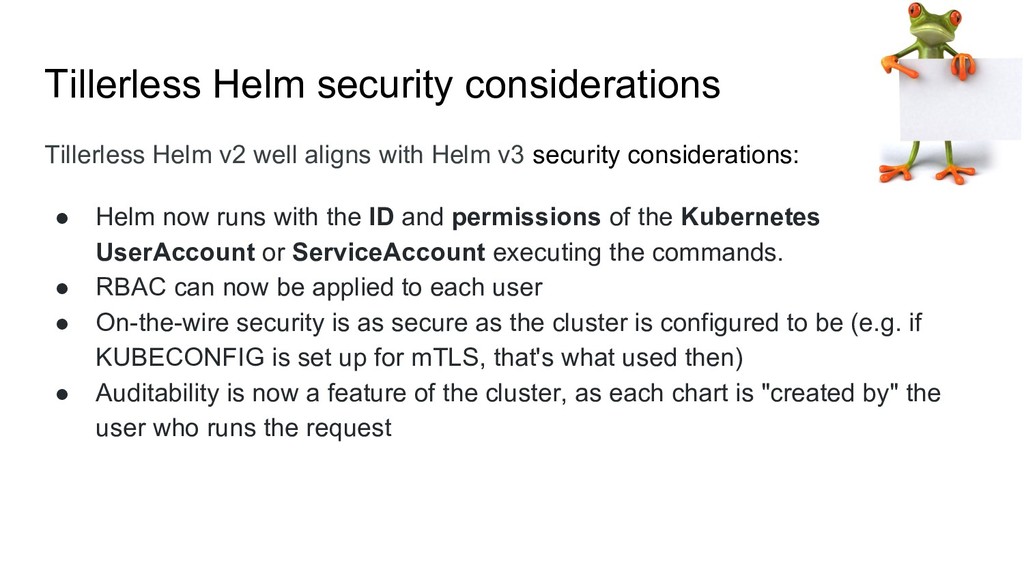
Helm v3 security considerations: • Helm now runs with the ID and permissions of the Kubernetes UserAccount or ServiceAccount executing the commands. • RBAC can now be applied to each user • On-the-wire security is as secure as the cluster is configured to be (e.g. if KUBECONFIG is set up for mTLS, that's what used then) • Auditability is now a feature of the cluster, as each chart is "created by" the user who runs the request
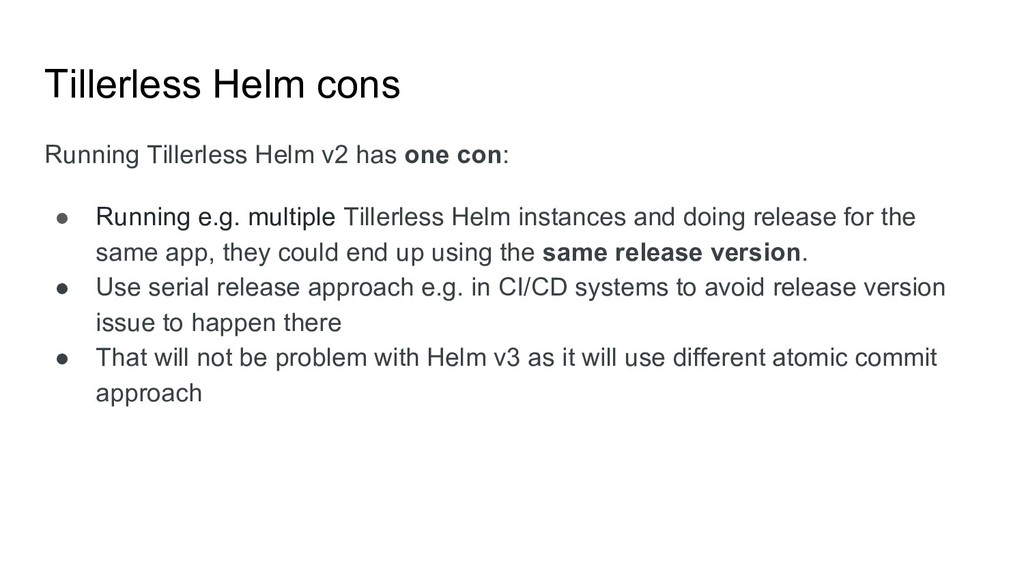
• Running e.g. multiple Tillerless Helm instances and doing release for the same app, they could end up using the same release version. • Use serial release approach e.g. in CI/CD systems to avoid release version issue to happen there • That will not be problem with Helm v3 as it will use different atomic commit approach
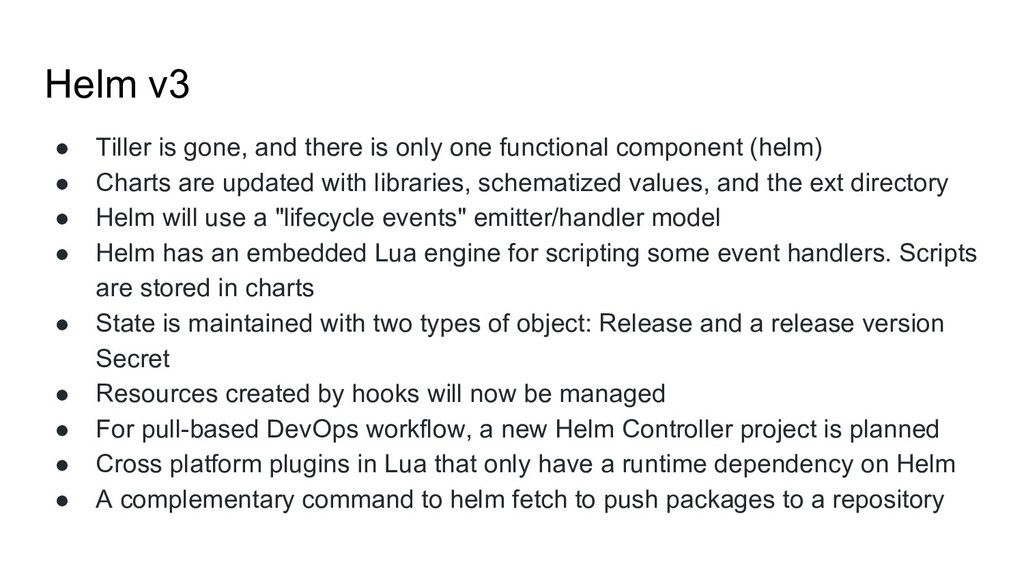
one functional component (helm) • Charts are updated with libraries, schematized values, and the ext directory • Helm will use a "lifecycle events" emitter/handler model • Helm has an embedded Lua engine for scripting some event handlers. Scripts are stored in charts • State is maintained with two types of object: Release and a release version Secret • Resources created by hooks will now be managed • For pull-based DevOps workflow, a new Helm Controller project is planned • Cross platform plugins in Lua that only have a runtime dependency on Helm • A complementary command to helm fetch to push packages to a repository


 rimusz
 ymotongpoo
 takanorip
 endonanana
 kzkhykw1991
 riyaamemiya
 greenmidori
 makocchi
 persolserverworks
 mhrtech
 bitkey
 masakiokuda
 yazm
yazm
 morganepeng
 pedronauck
 katarinadahlin
 techseoconnect
 sabderemane
 geoffreycrofte
 aleyda
 sachag
 sarafernandez
 mayunak
 michaelherold