Upgrade to Pro — share decks privately, control downloads, hide ads and more …

Making Helm 2 Secure and Scalable, November 8th...

Making Helm 2 Secure and Scalable, November 8th 2018, Amsterdam

Avatar for Rimas Mocevicius

Rimas Mocevicius

November 08, 2018

More Decks by Rimas Mocevicius

Other Decks in Technology

Transcript

  1. About Me My name is Rimantas Mocevicius, you can call

    me - Rimas Founder of Helm, Author of CoreOS Essentials book, CKA Adopter of containers (Docker) in production in early 2014 Built PaaS in $bash to orchestrate containers on CoreOS clusters Senior Solutions Developer at Jfrog @rimusz
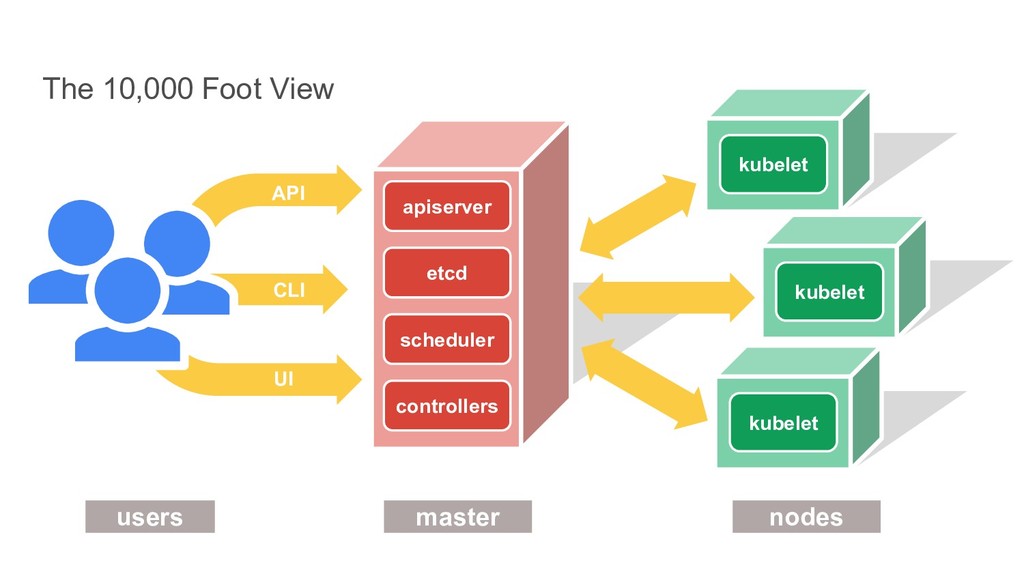
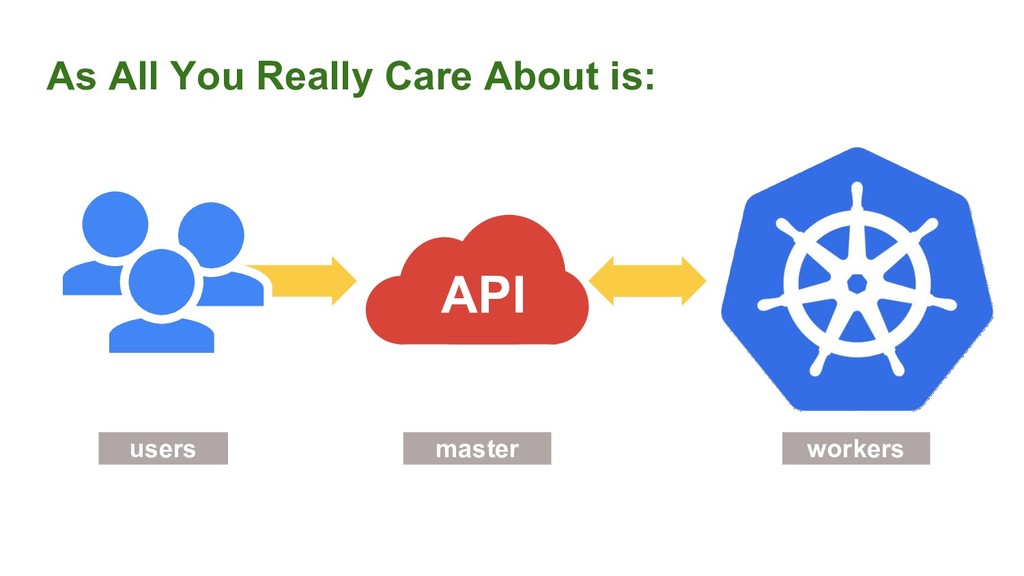
  2. kubelet UI kubelet CLI API users master nodes etcd kubelet

    scheduler controllers apiserver The 10,000 Foot View
  3. I have Kubernetes, now what? Should be easy to… •

    Get up and running your apps • Define new apps • Collaborate on apps
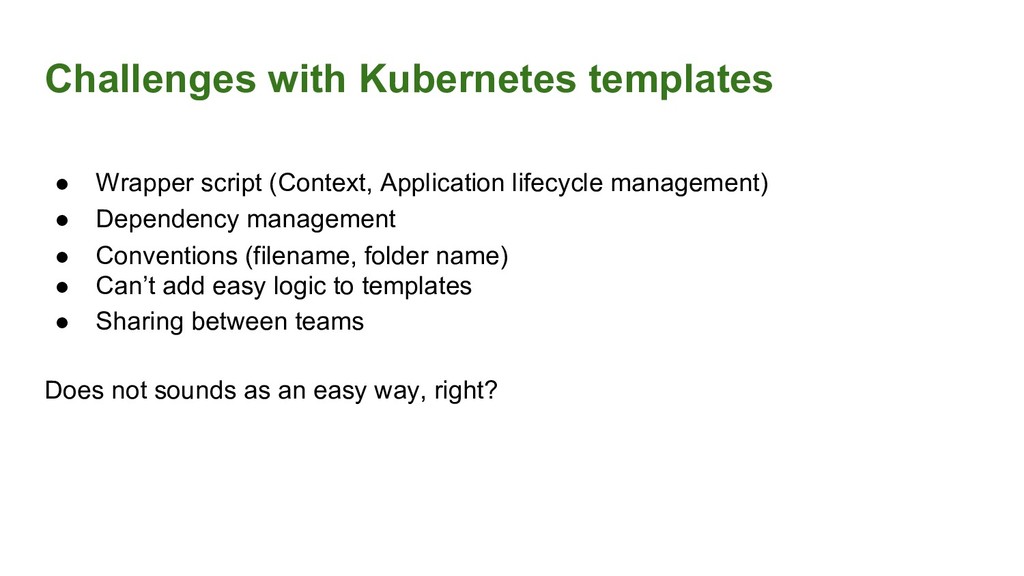
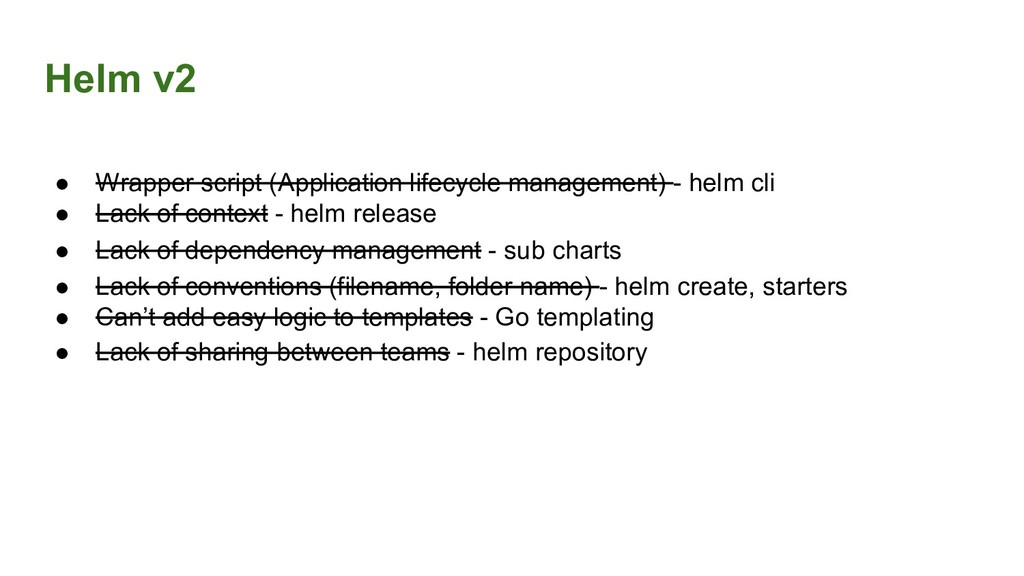
  4. Challenges with Kubernetes templates • Wrapper script (Context, Application lifecycle

    management) • Dependency management • Conventions (filename, folder name) • Can’t add easy logic to templates • Sharing between teams Does not sounds as an easy way, right?
  5. Helm v2 • Wrapper script (Application lifecycle management) - helm

    cli • Lack of context - helm release • Lack of dependency management - sub charts • Lack of conventions (filename, folder name) - helm create, starters • Can’t add easy logic to templates - Go templating • Lack of sharing between teams - helm repository
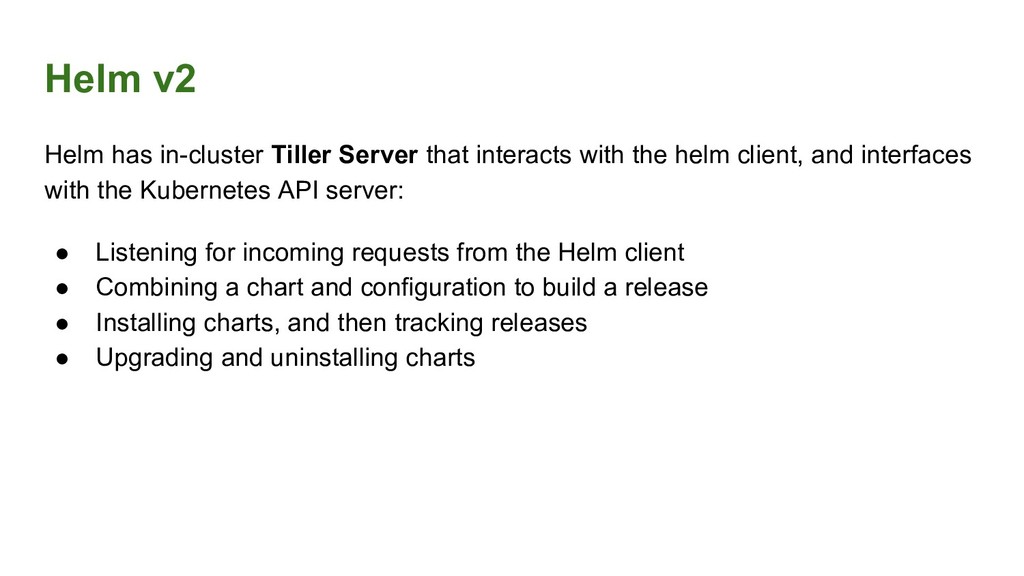
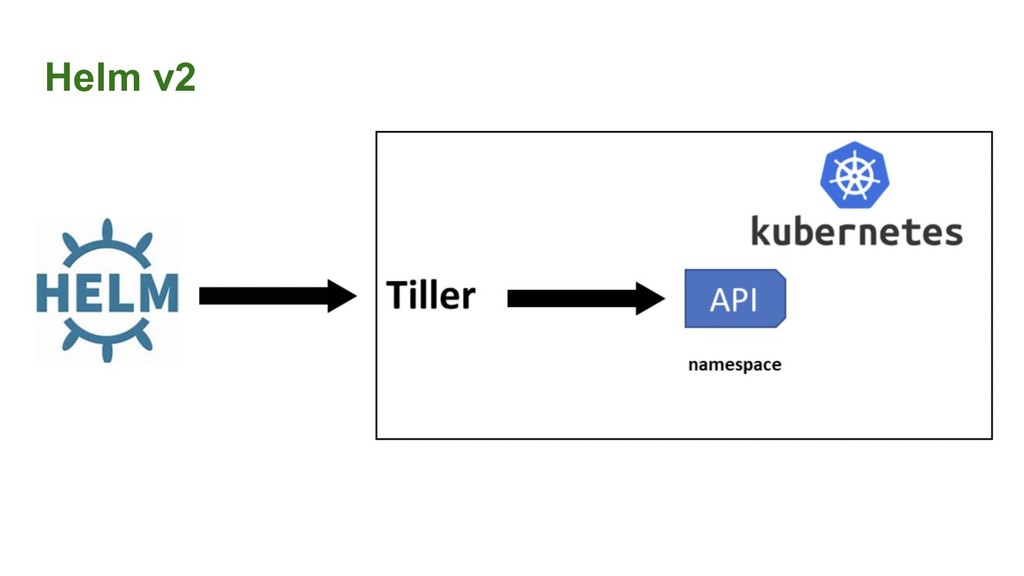
  6. Helm v2 Helm has in-cluster Tiller Server that interacts with

    the helm client, and interfaces with the Kubernetes API server: • Listening for incoming requests from the Helm client • Combining a chart and configuration to build a release • Installing charts, and then tracking releases • Upgrading and uninstalling charts
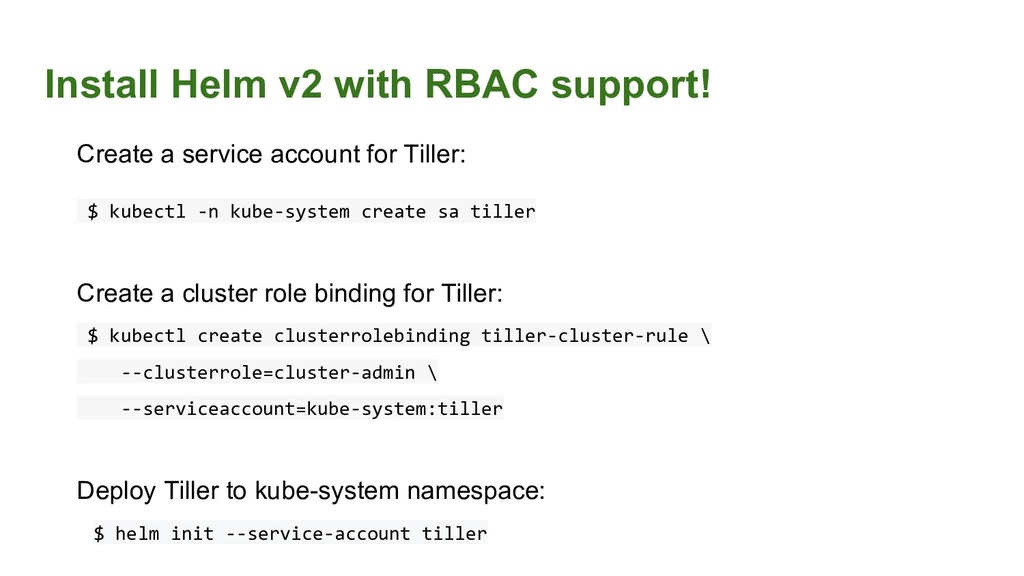
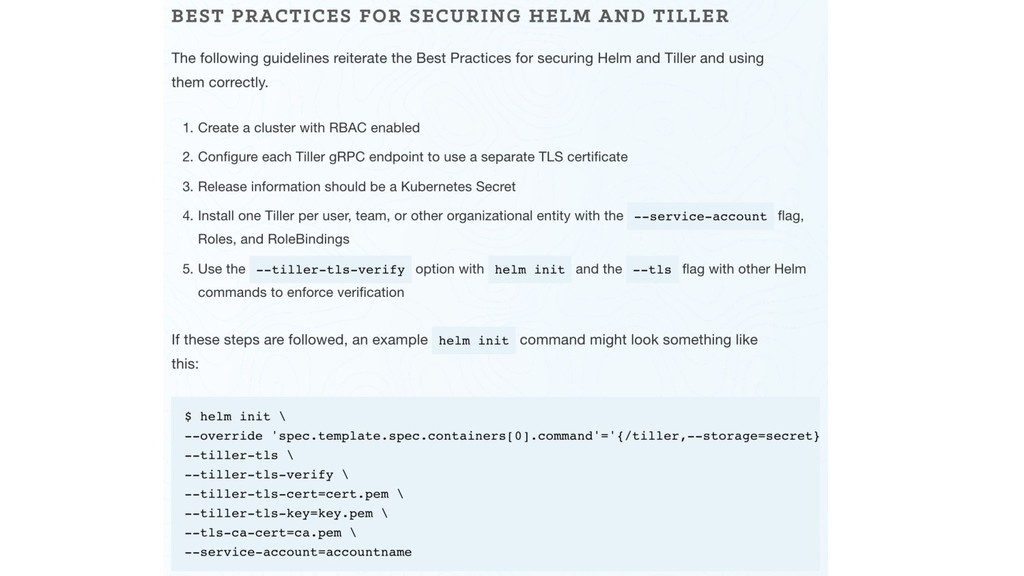
  7. Install Helm v2 with RBAC support! Create a service account

    for Tiller: $ kubectl -n kube-system create sa tiller Create a cluster role binding for Tiller: $ kubectl create clusterrolebinding tiller-cluster-rule \ --clusterrole=cluster-admin \ --serviceaccount=kube-system:tiller Deploy Tiller to kube-system namespace: $ helm init --service-account tiller
  8. There is one big BUT! Tiller runs in your Kubernetes

    cluster with superpowers! Helm v2
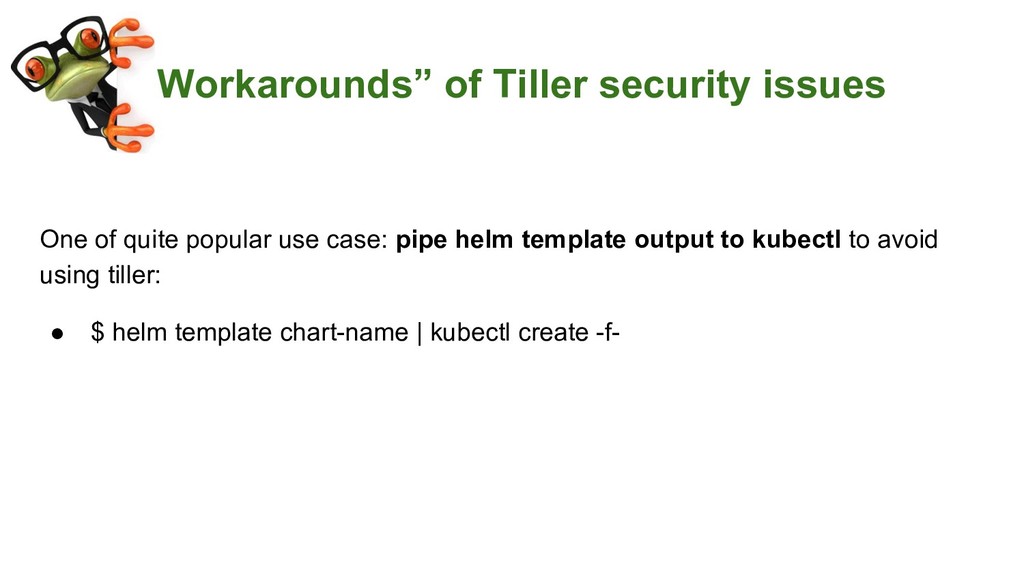
  9. “Workarounds” of Tiller security issues One of quite popular use

    case: pipe helm template output to kubectl to avoid using tiller: • $ helm template chart-name | kubectl create -f-
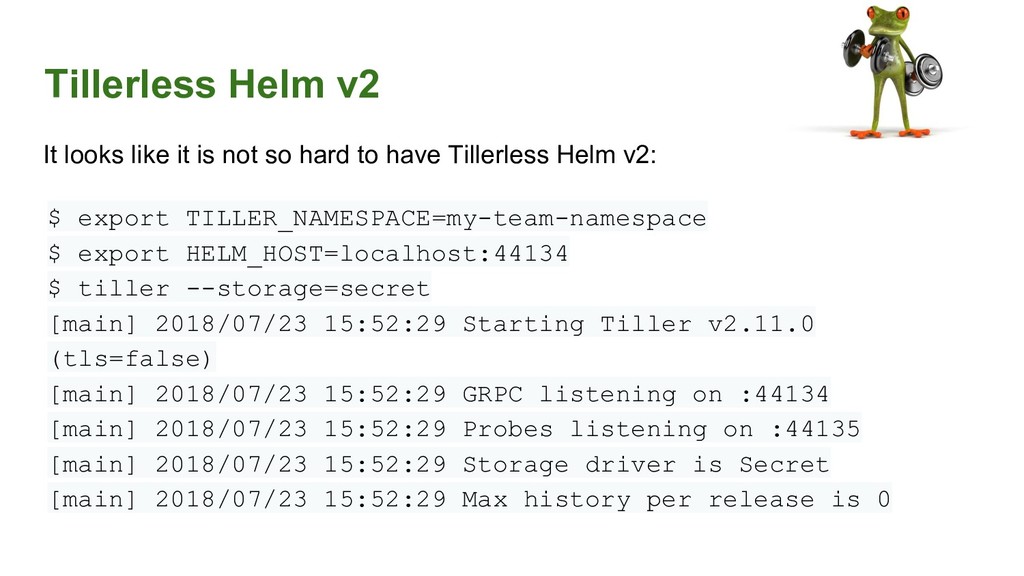
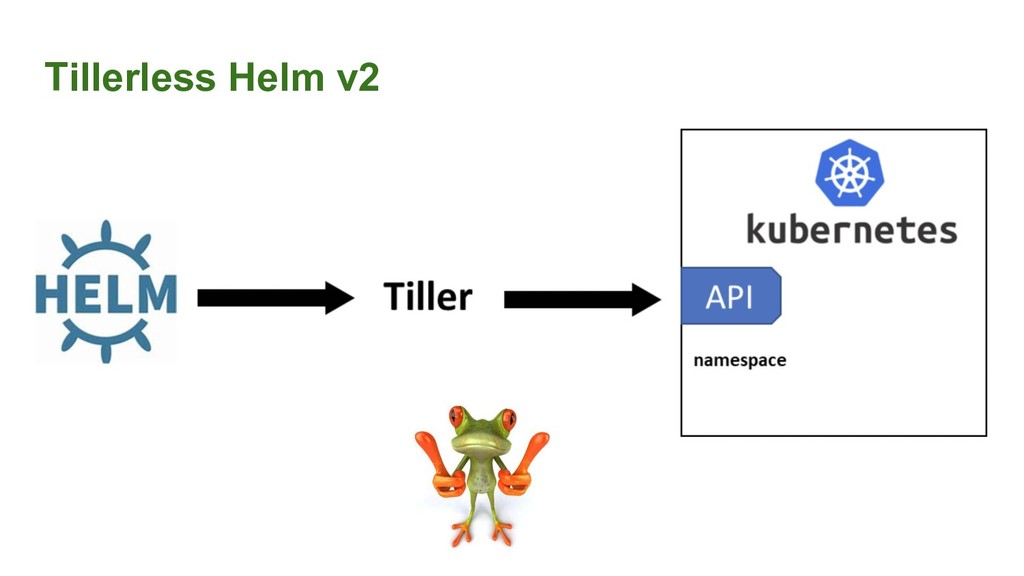
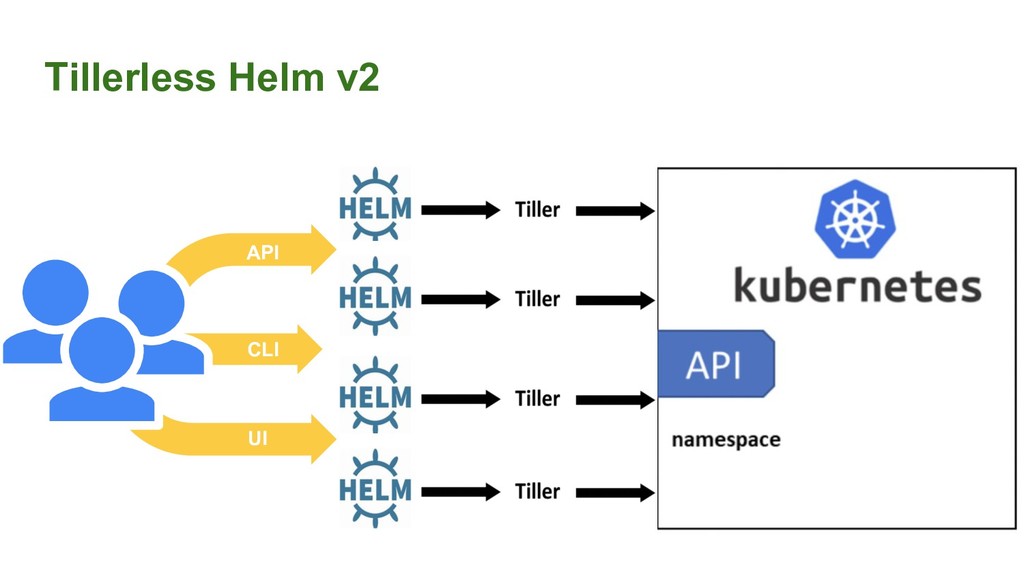
  10. Tillerless Helm v2 It looks like it is not so

    hard to have Tillerless Helm v2: $ export TILLER_NAMESPACE=my-team-namespace $ export HELM_HOST=localhost:44134 $ tiller --storage=secret [main] 2018/07/23 15:52:29 Starting Tiller v2.11.0 (tls=false) [main] 2018/07/23 15:52:29 GRPC listening on :44134 [main] 2018/07/23 15:52:29 Probes listening on :44135 [main] 2018/07/23 15:52:29 Storage driver is Secret [main] 2018/07/23 15:52:29 Max history per release is 0
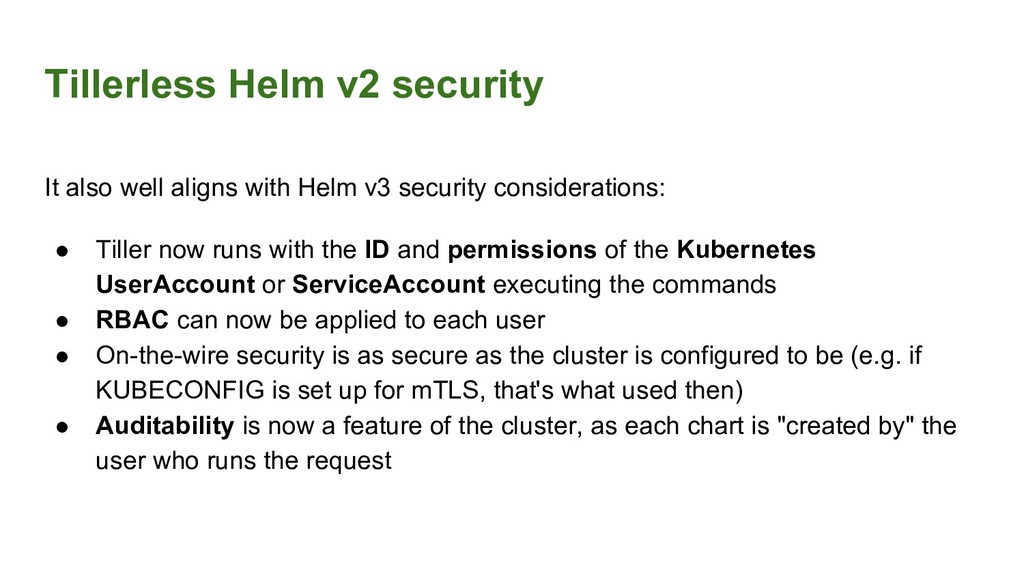
  11. Tillerless Helm v2 security It also well aligns with Helm

    v3 security considerations: • Tiller now runs with the ID and permissions of the Kubernetes UserAccount or ServiceAccount executing the commands • RBAC can now be applied to each user • On-the-wire security is as secure as the cluster is configured to be (e.g. if KUBECONFIG is set up for mTLS, that's what used then) • Auditability is now a feature of the cluster, as each chart is "created by" the user who runs the request
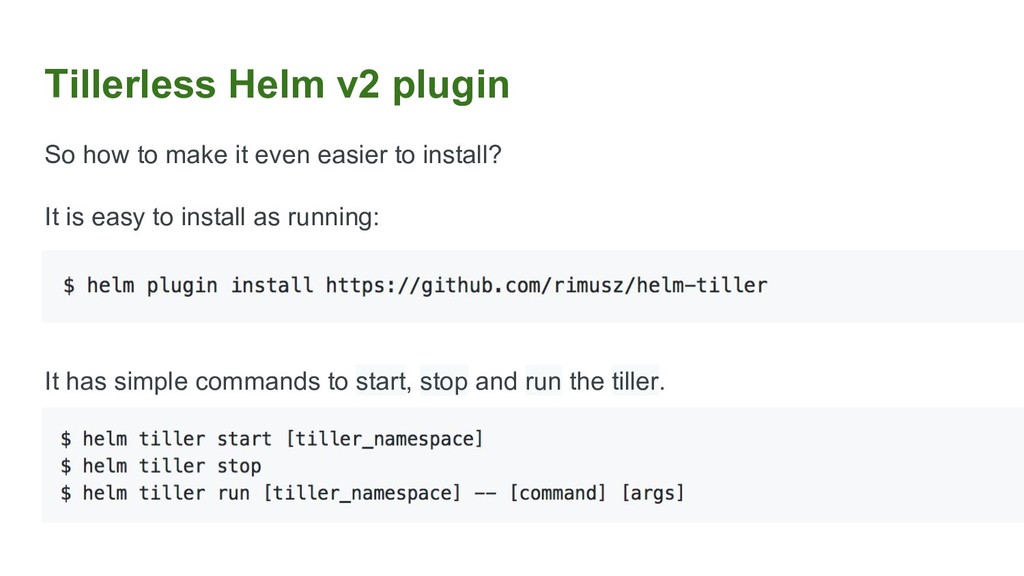
  12. Tillerless Helm v2 plugin So how to make it even

    easier to install? It is easy to install as running: It has simple commands to start, stop and run the tiller.
  13. Takeaway • My blog post about Tillerless Helm v2 https://rimusz.net/tillerless-helm/

    • Tillerless Helm v2 plugin https://github.com/rimusz/helm-tiller • Helm v3 https://github.com/helm/community/blob/master/helm-v3/000-helm-v3.md • How to convert Tiller ConfigMaps to Secrets https://github.com/dragonsmith/tiller-releases-converter • Helm builder for Google Cloud build https://github.com/GoogleCloudPlatform/cloud-builders-community/tree/maste r/helm @rimusz