Upgrade to Pro — share decks privately, control downloads, hide ads and more …

Re-Writing Your First WatchKit App

Re-Writing Your First WatchKit App

Lessons learned from writing theScore's WatchKit app. Minimizing data sent to the watch by using view models.

Avatar for Robin Senior

Robin Senior

May 13, 2015
Tweet

Other Decks in Programming

Transcript

  1. F R O M T O R E - W

    R I T I N G Y O U R F I R S T WA T C H K I T A P P R O B I N S E N I O R @ S E N I O R
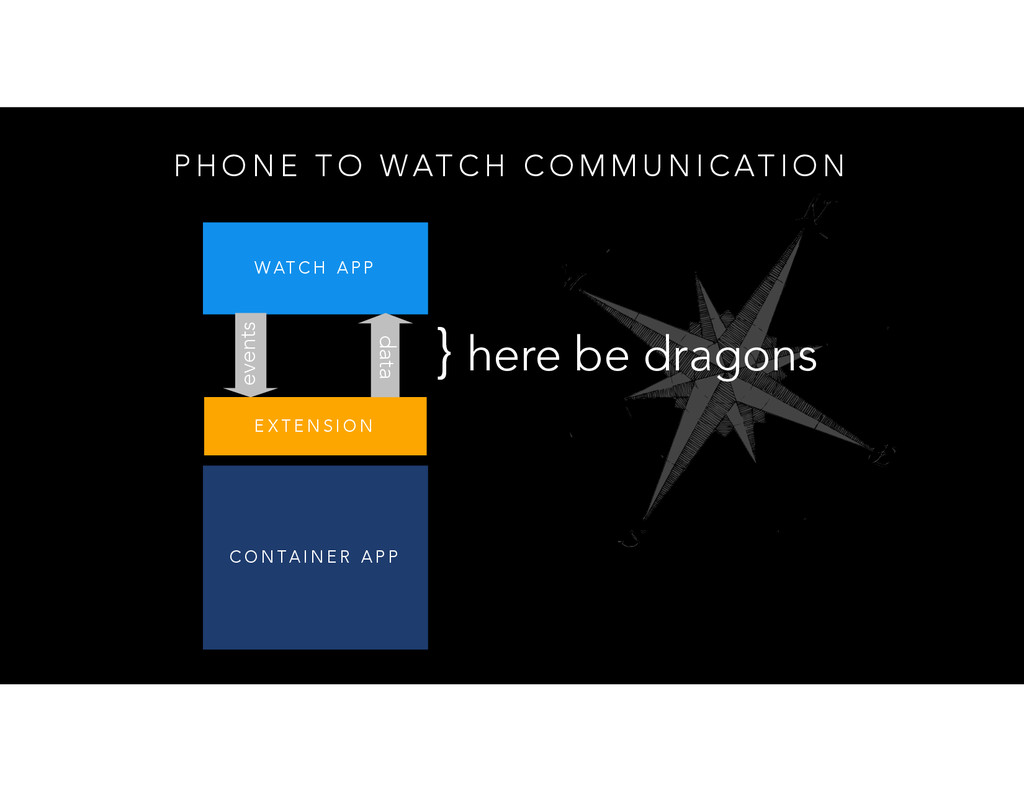
  2. P H O N E T O WAT C H

    C O M M U N I C AT I O N C O N TA I N E R A P P E X T E N S I O N WAT C H A P P events data } here be dragons
  3. M I N I M I Z I N G

    D R A G O N S
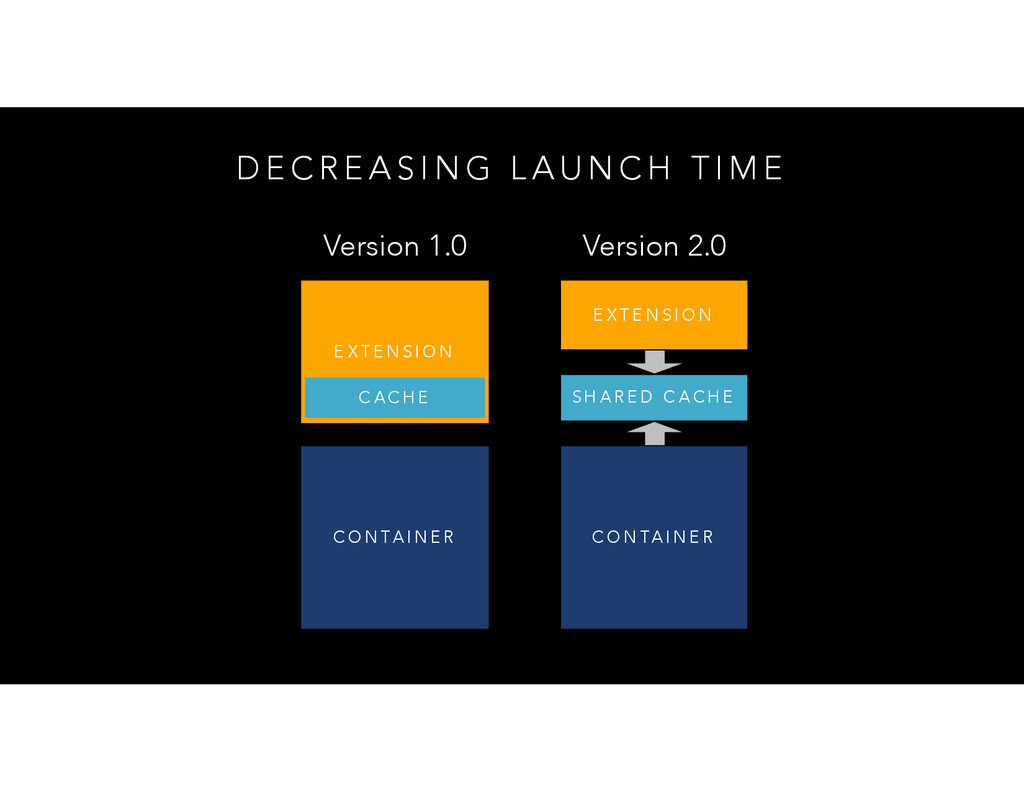
  4. D E C R E A S I N G

    L A U N C H T I M E C O N TA I N E R E X T E N S I O N C A C H E Version 1.0 C O N TA I N E R E X T E N S I O N S H A R E D C A C H E Version 2.0
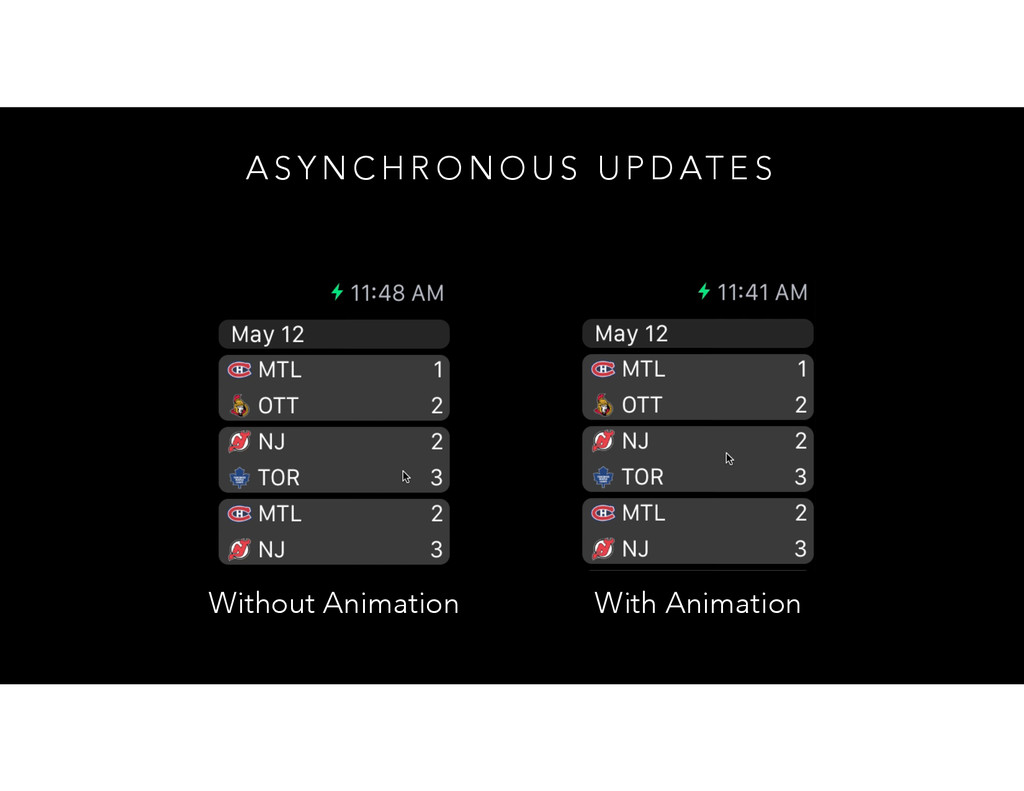
  5. A S Y N C H R O N O

    U S U P D AT E S Without Animation With Animation
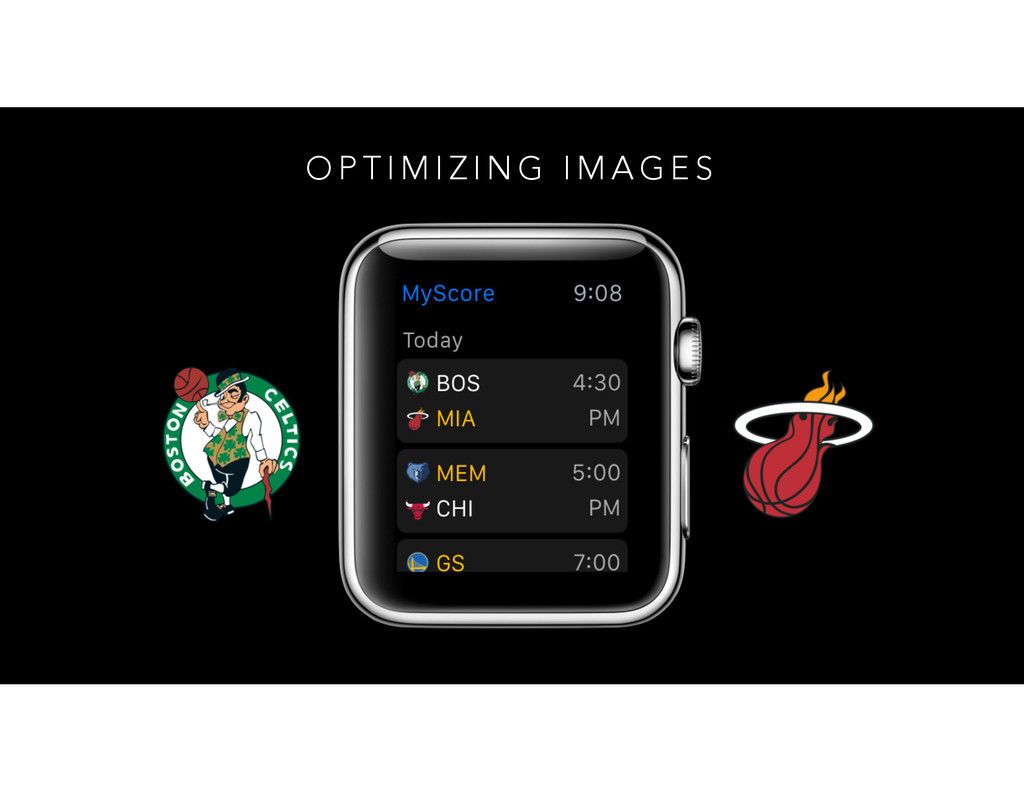
  6. O P T I M I Z I N G

    I M A G E S
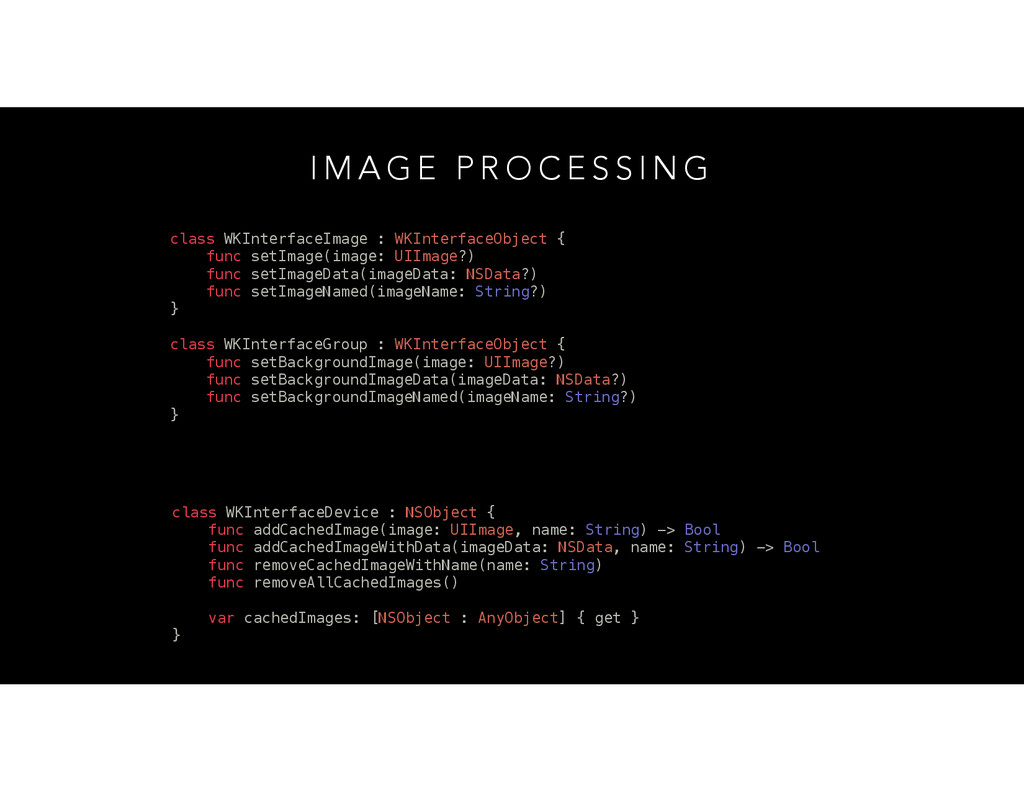
  7. I M A G E P R O C E

    S S I N G class WKInterfaceImage : WKInterfaceObject { func setImage(image: UIImage?) func setImageData(imageData: NSData?) func setImageNamed(imageName: String?) } class WKInterfaceGroup : WKInterfaceObject { func setBackgroundImage(image: UIImage?) func setBackgroundImageData(imageData: NSData?) func setBackgroundImageNamed(imageName: String?) } class WKInterfaceDevice : NSObject { func addCachedImage(image: UIImage, name: String) -> Bool func addCachedImageWithData(imageData: NSData, name: String) -> Bool func removeCachedImageWithName(name: String) func removeAllCachedImages() var cachedImages: [NSObject : AnyObject] { get } }
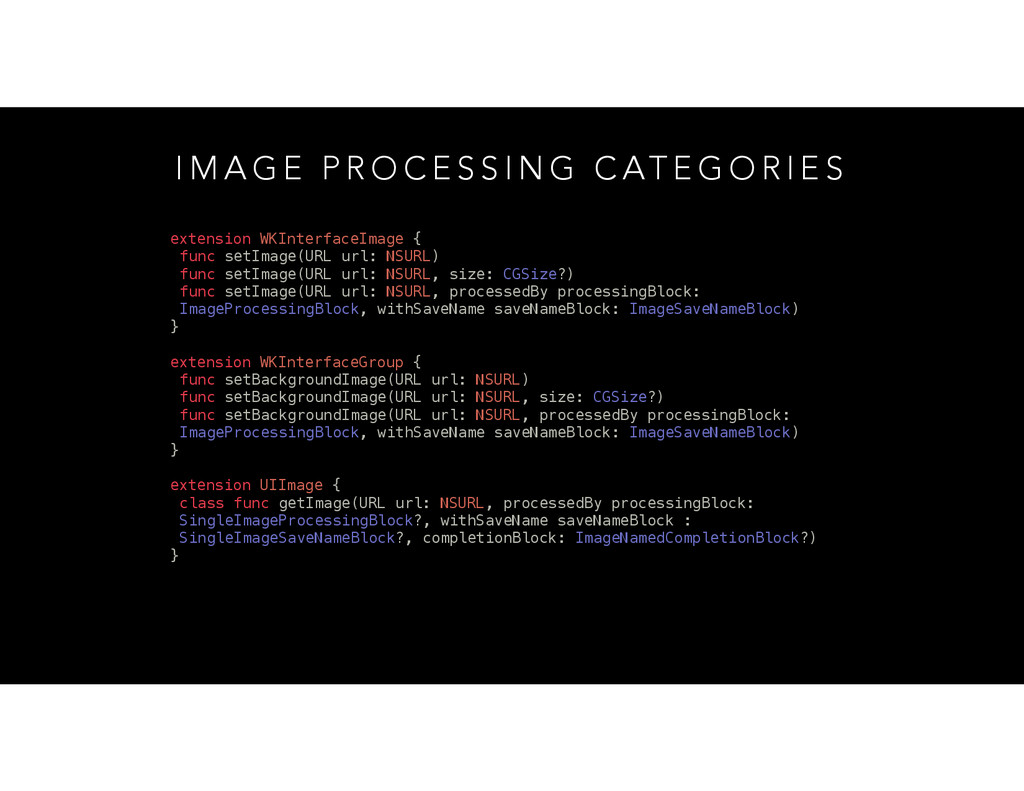
  8. I M A G E P R O C E

    S S I N G C AT E G O R I E S extension WKInterfaceImage { func setImage(URL url: NSURL) func setImage(URL url: NSURL, size: CGSize?) func setImage(URL url: NSURL, processedBy processingBlock: ImageProcessingBlock, withSaveName saveNameBlock: ImageSaveNameBlock) } extension WKInterfaceGroup { func setBackgroundImage(URL url: NSURL) func setBackgroundImage(URL url: NSURL, size: CGSize?) func setBackgroundImage(URL url: NSURL, processedBy processingBlock: ImageProcessingBlock, withSaveName saveNameBlock: ImageSaveNameBlock) } extension UIImage { class func getImage(URL url: NSURL, processedBy processingBlock: SingleImageProcessingBlock?, withSaveName saveNameBlock : SingleImageSaveNameBlock?, completionBlock: ImageNamedCompletionBlock?) }
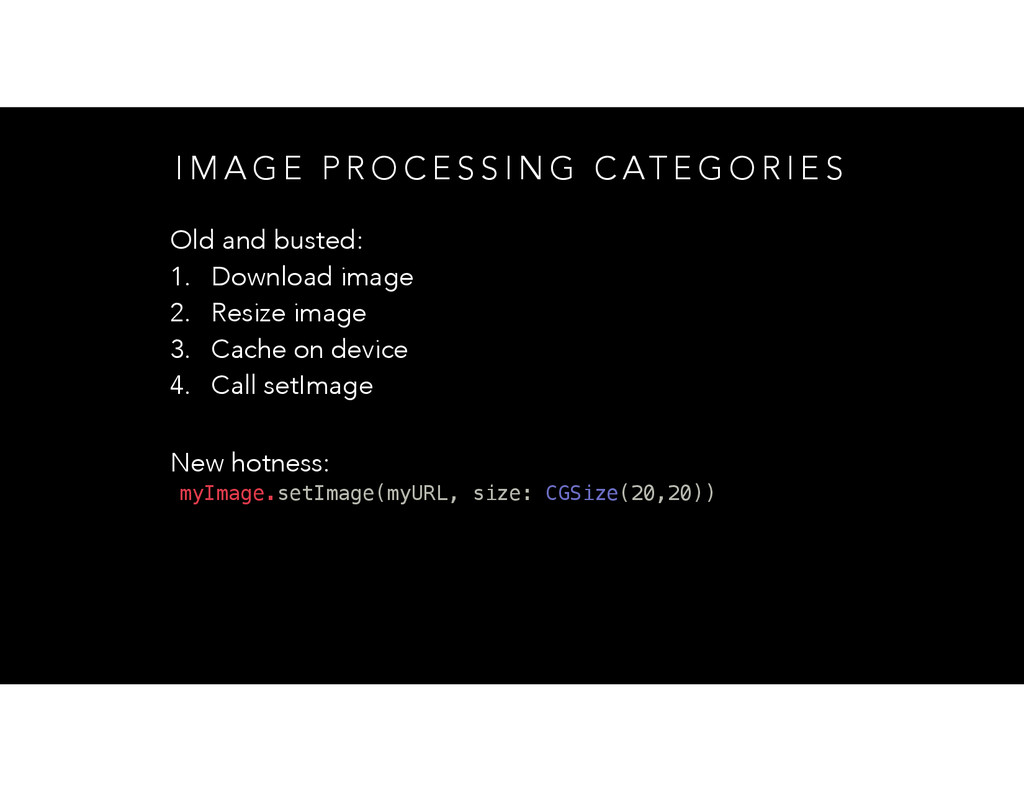
  9. I M A G E P R O C E

    S S I N G C AT E G O R I E S New hotness: myImage.setImage(myURL, size: CGSize(20,20)) Old and busted: 1. Download image 2. Resize image 3. Cache on device 4. Call setImage
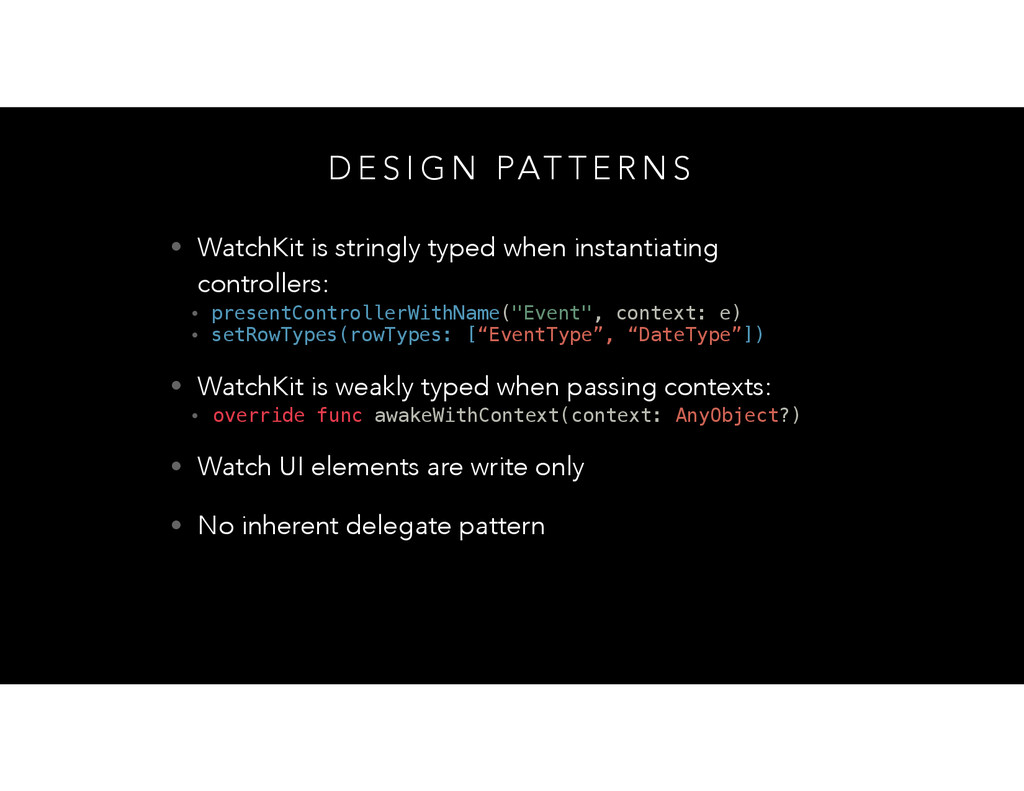
  10. D E S I G N PAT T E R

    N S • WatchKit is stringly typed when instantiating controllers: • presentControllerWithName("Event", context: e) • setRowTypes(rowTypes: [“EventType”, “DateType”]) • WatchKit is weakly typed when passing contexts: • override func awakeWithContext(context: AnyObject?) • Watch UI elements are write only • No inherent delegate pattern
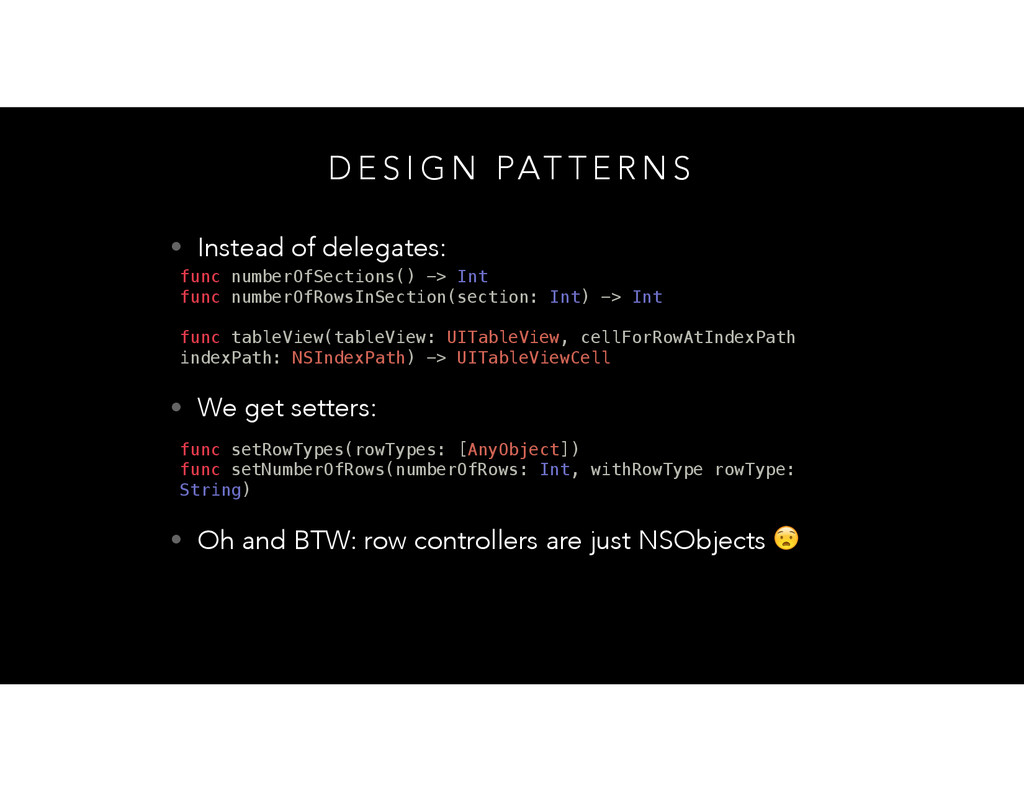
  11. D E S I G N PAT T E R

    N S • Instead of delegates: func numberOfSections() -> Int func numberOfRowsInSection(section: Int) -> Int func tableView(tableView: UITableView, cellForRowAtIndexPath indexPath: NSIndexPath) -> UITableViewCell • We get setters: func setRowTypes(rowTypes: [AnyObject]) func setNumberOfRows(numberOfRows: Int, withRowType rowType: String) • Oh and BTW: row controllers are just NSObjects
  12. D E S I G N PAT T E R

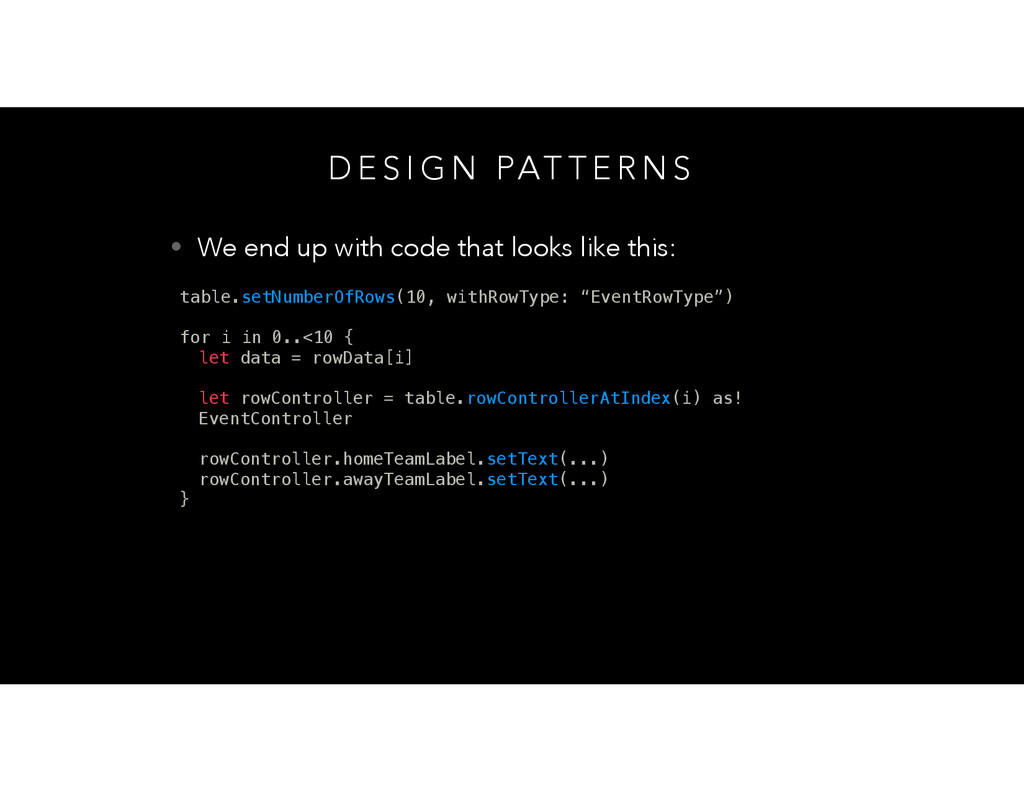
    N S • We end up with code that looks like this: table.setNumberOfRows(10, withRowType: “EventRowType”) for i in 0..<10 { let data = rowData[i] let rowController = table.rowControllerAtIndex(i) as! EventController rowController.homeTeamLabel.setText(...) rowController.awayTeamLabel.setText(...) }
  13. D E S I G N PAT T E R

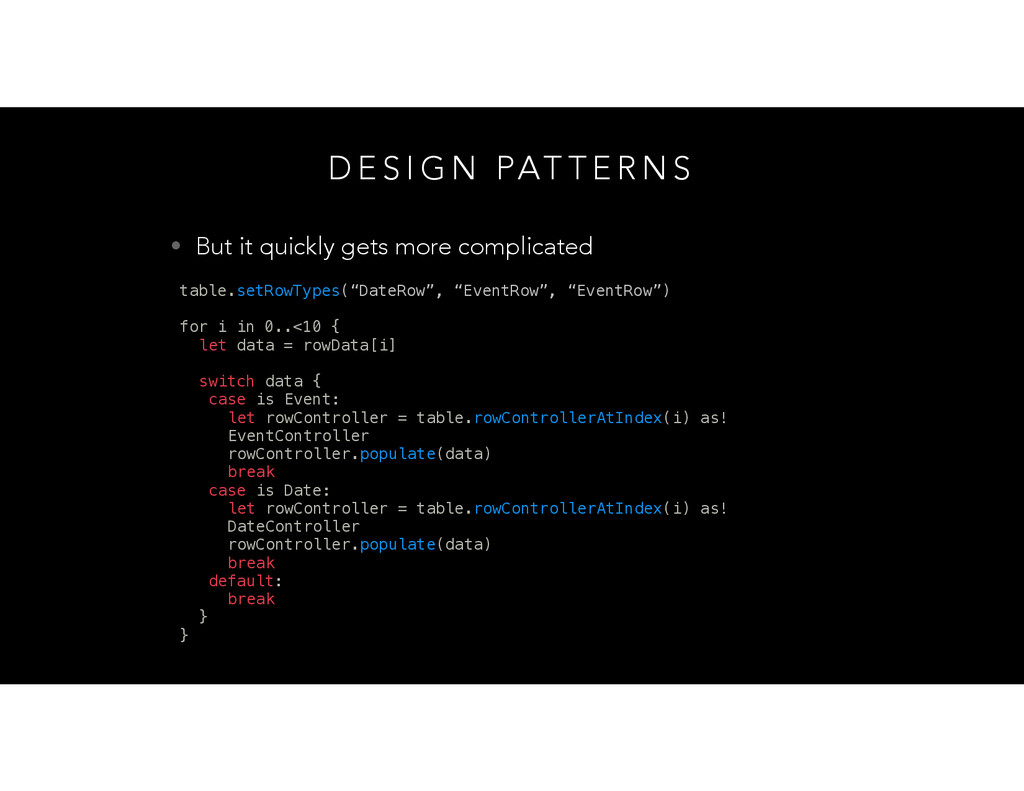
    N S • But it quickly gets more complicated table.setRowTypes(“DateRow”, “EventRow”, “EventRow”) for i in 0..<10 { let data = rowData[i] switch data { case is Event: let rowController = table.rowControllerAtIndex(i) as! EventController rowController.populate(data) break case is Date: let rowController = table.rowControllerAtIndex(i) as! DateController rowController.populate(data) break default: break } }
  14. D E S I G N PAT T E R

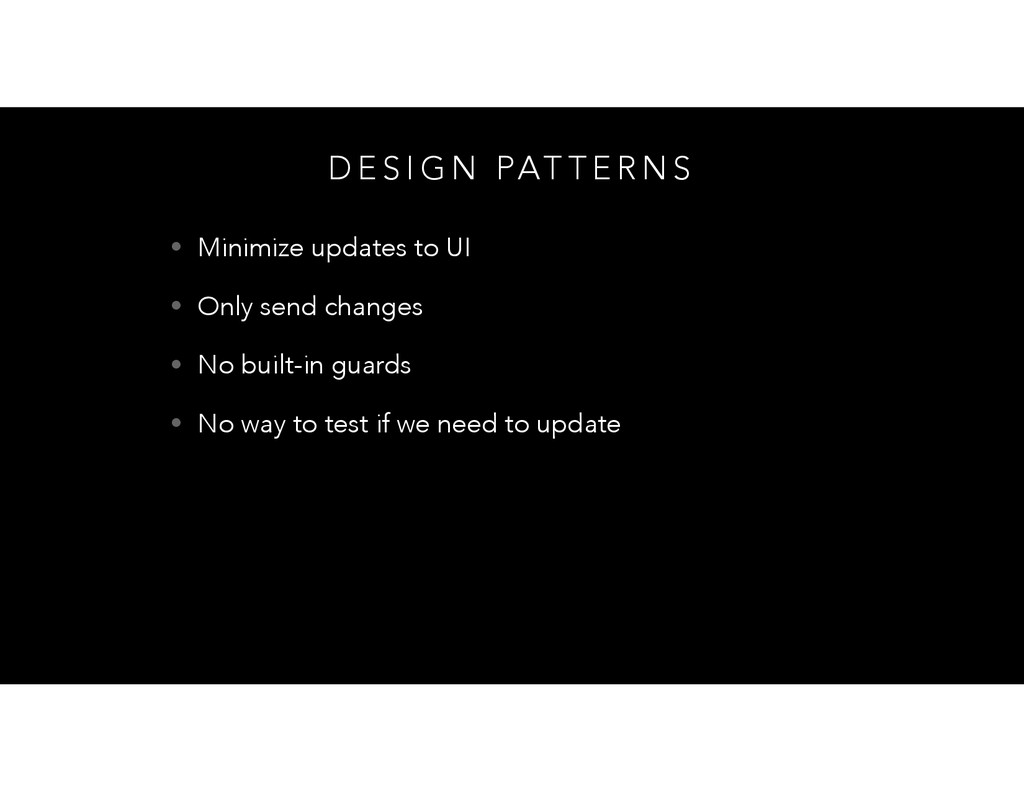
    N S • Minimize updates to UI • Only send changes • No built-in guards • No way to test if we need to update
  15. V I E W M O D E L S

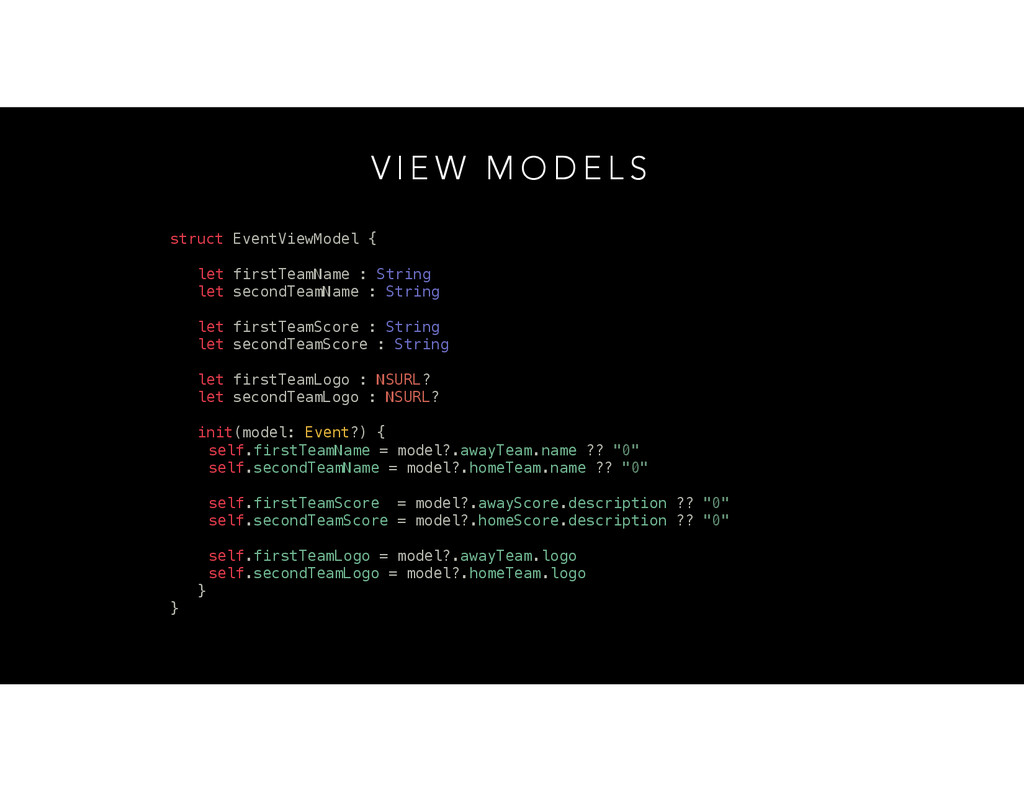
    struct EventViewModel { let firstTeamName : String let secondTeamName : String let firstTeamScore : String let secondTeamScore : String let firstTeamLogo : NSURL? let secondTeamLogo : NSURL? init(model: Event?) { self.firstTeamName = model?.awayTeam.name ?? "0" self.secondTeamName = model?.homeTeam.name ?? "0" self.firstTeamScore = model?.awayScore.description ?? "0" self.secondTeamScore = model?.homeScore.description ?? "0" self.firstTeamLogo = model?.awayTeam.logo self.secondTeamLogo = model?.homeTeam.logo } }
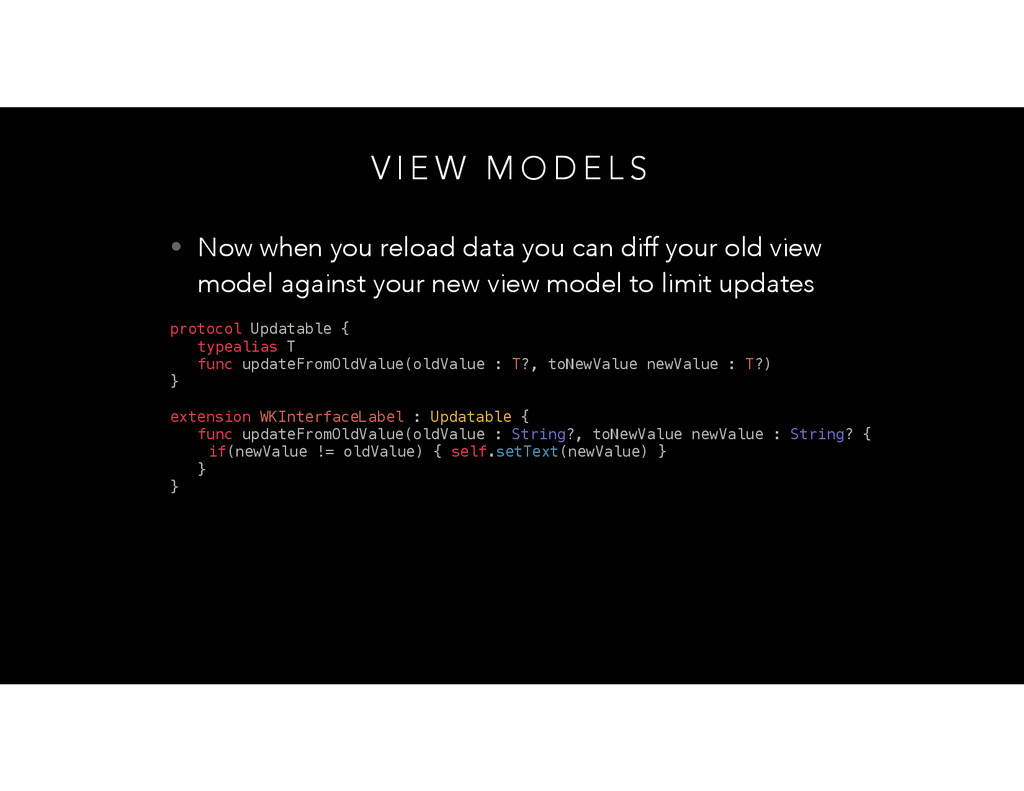
  16. V I E W M O D E L S

    • Now when you reload data you can diff your old view model against your new view model to limit updates protocol Updatable { typealias T func updateFromOldValue(oldValue : T?, toNewValue newValue : T?) } extension WKInterfaceLabel : Updatable { func updateFromOldValue(oldValue : String?, toNewValue newValue : String? { if(newValue != oldValue) { self.setText(newValue) } } }
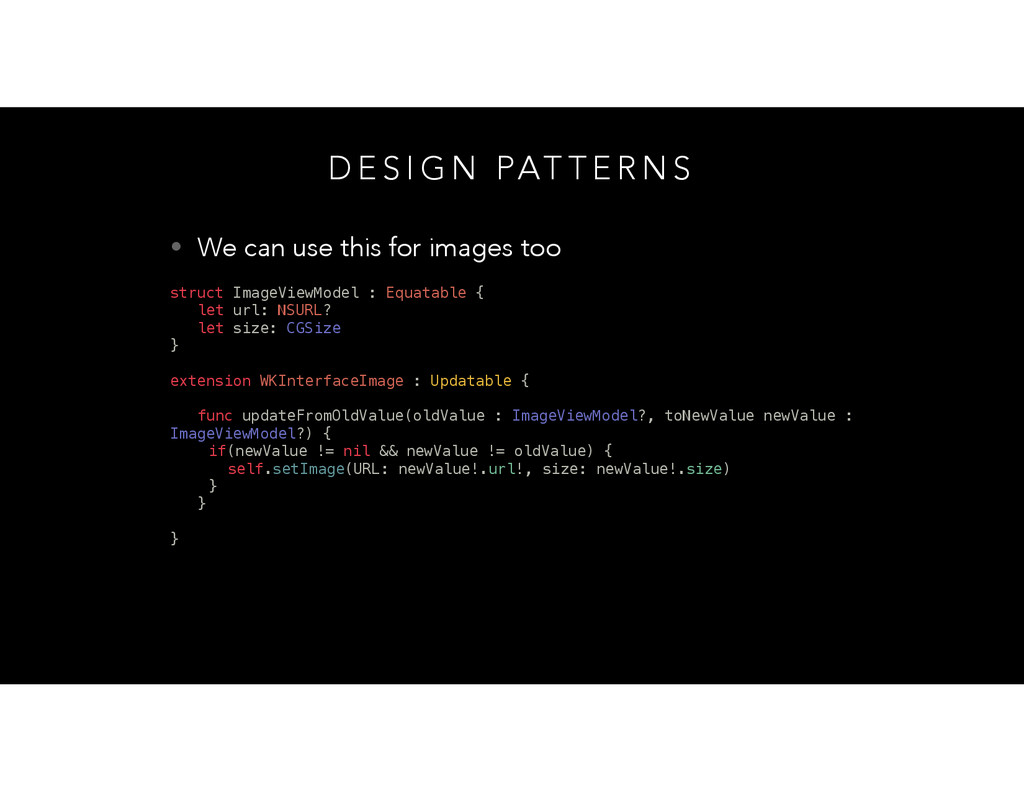
  17. D E S I G N PAT T E R

    N S • We can use this for images too struct ImageViewModel : Equatable { let url: NSURL? let size: CGSize } extension WKInterfaceImage : Updatable { func updateFromOldValue(oldValue : ImageViewModel?, toNewValue newValue : ImageViewModel?) { if(newValue != nil && newValue != oldValue) { self.setImage(URL: newValue!.url!, size: newValue!.size) } } }
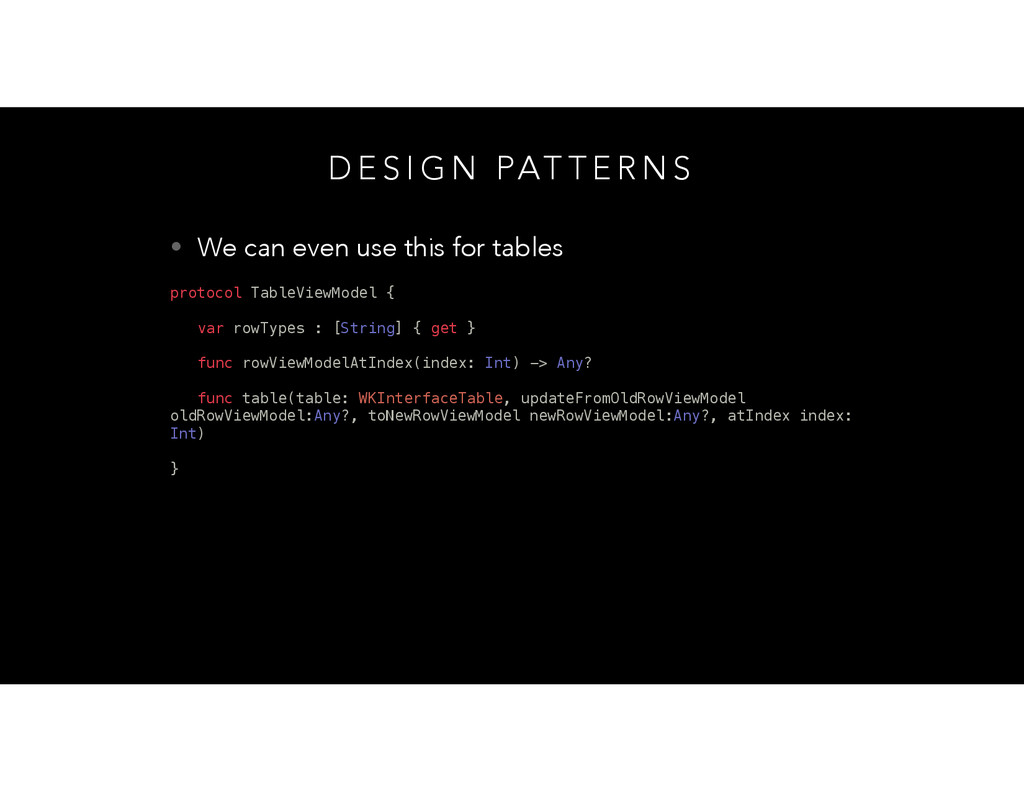
  18. D E S I G N PAT T E R

    N S • We can even use this for tables protocol TableViewModel { var rowTypes : [String] { get } func rowViewModelAtIndex(index: Int) -> Any? func table(table: WKInterfaceTable, updateFromOldRowViewModel oldRowViewModel:Any?, toNewRowViewModel newRowViewModel:Any?, atIndex index: Int) }