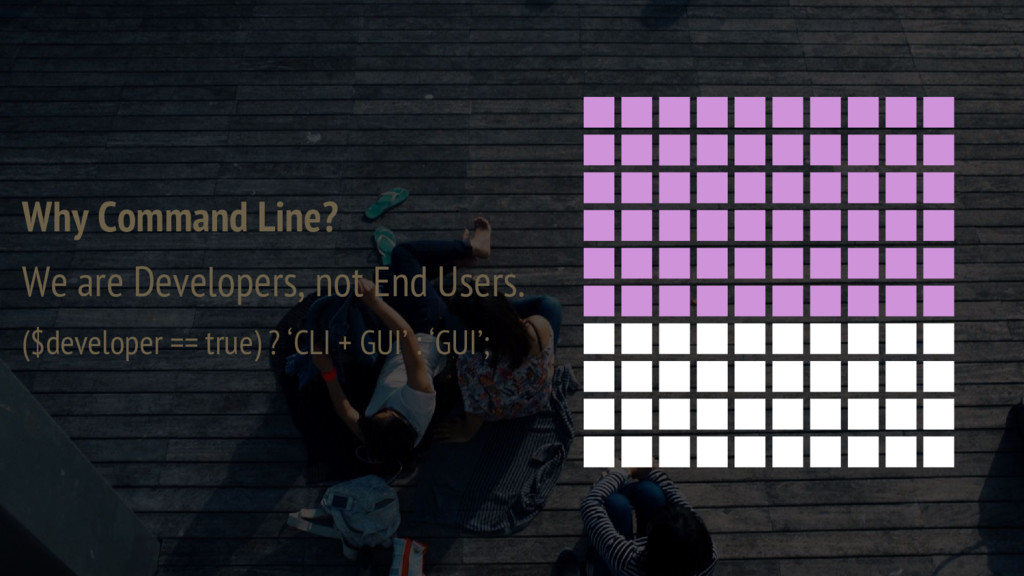
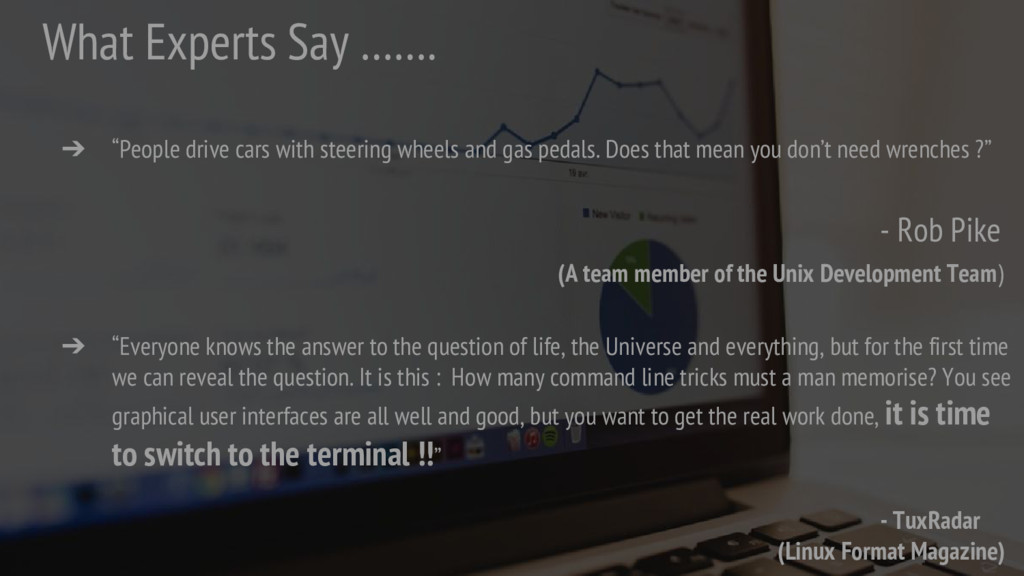
wheels and gas pedals. Does that mean you don’t need wrenches ?” - Rob Pike (A team member of the Unix Development Team) ➔ “Everyone knows the answer to the question of life, the Universe and everything, but for the first time we can reveal the question. It is this : How many command line tricks must a man memorise? You see graphical user interfaces are all well and good, but you want to get the real work done, it is time to switch to the terminal !!” - TuxRadar (Linux Format Magazine)
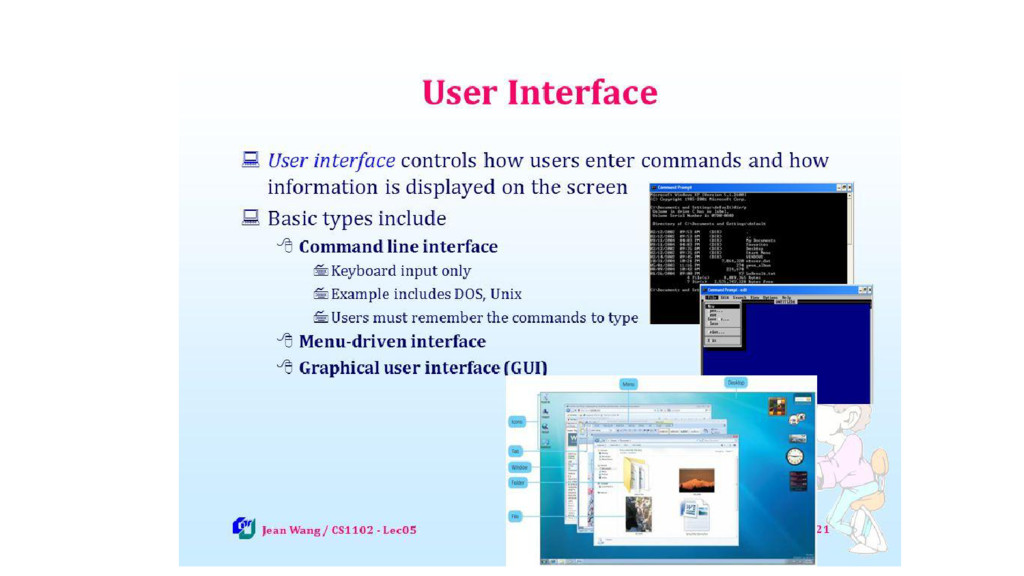
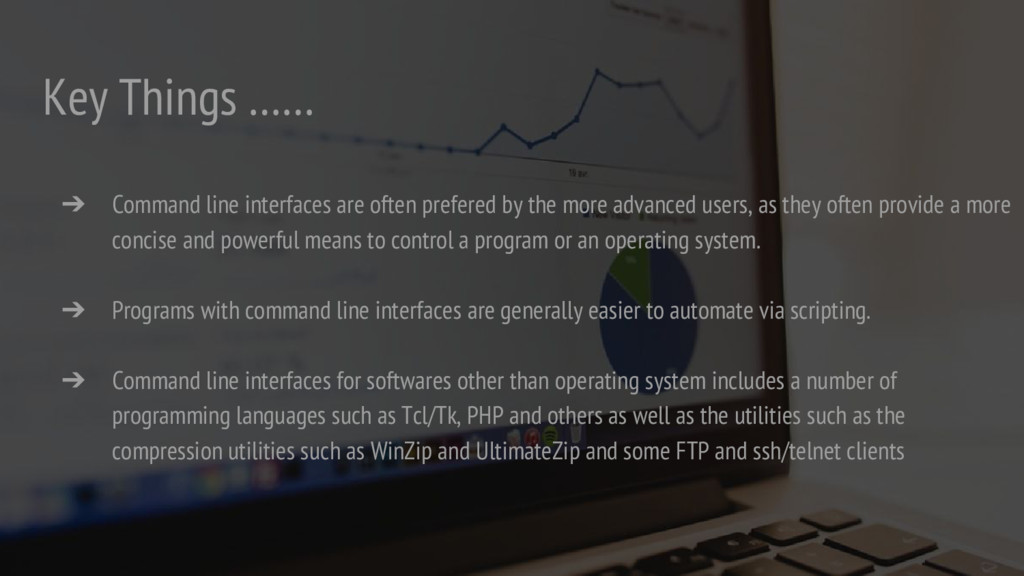
by the more advanced users, as they often provide a more concise and powerful means to control a program or an operating system. ➔ Programs with command line interfaces are generally easier to automate via scripting. ➔ Command line interfaces for softwares other than operating system includes a number of programming languages such as Tcl/Tk, PHP and others as well as the utilities such as the compression utilities such as WinZip and UltimateZip and some FTP and ssh/telnet clients
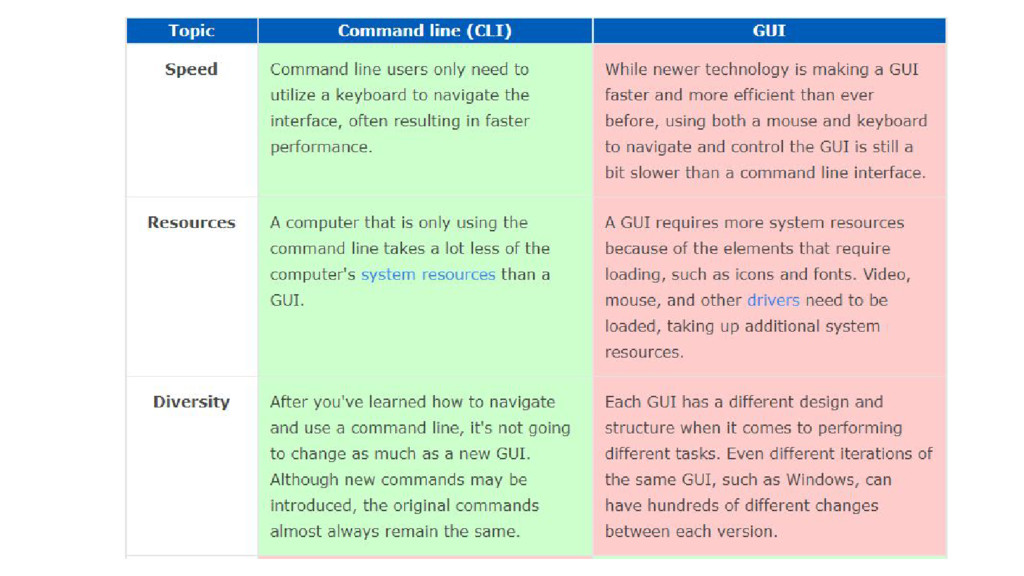
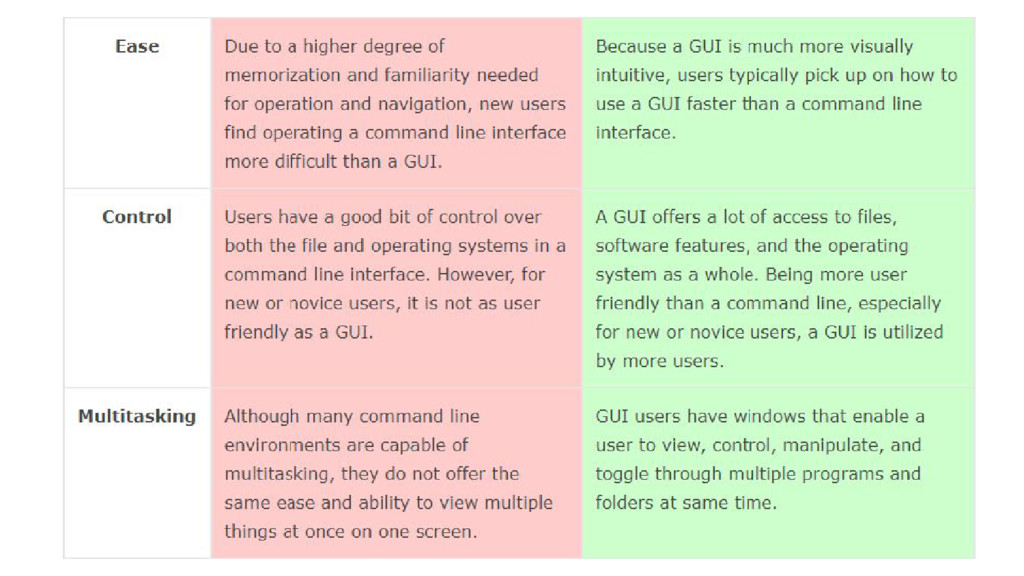
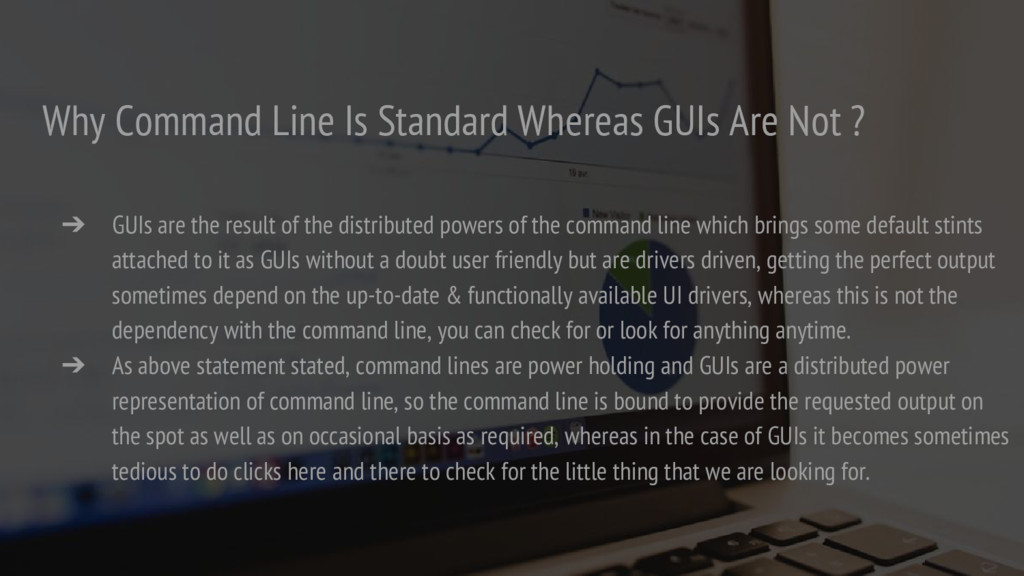
➔ GUIs are the result of the distributed powers of the command line which brings some default stints attached to it as GUIs without a doubt user friendly but are drivers driven, getting the perfect output sometimes depend on the up-to-date & functionally available UI drivers, whereas this is not the dependency with the command line, you can check for or look for anything anytime. ➔ As above statement stated, command lines are power holding and GUIs are a distributed power representation of command line, so the command line is bound to provide the requested output on the spot as well as on occasional basis as required, whereas in the case of GUIs it becomes sometimes tedious to do clicks here and there to check for the little thing that we are looking for.
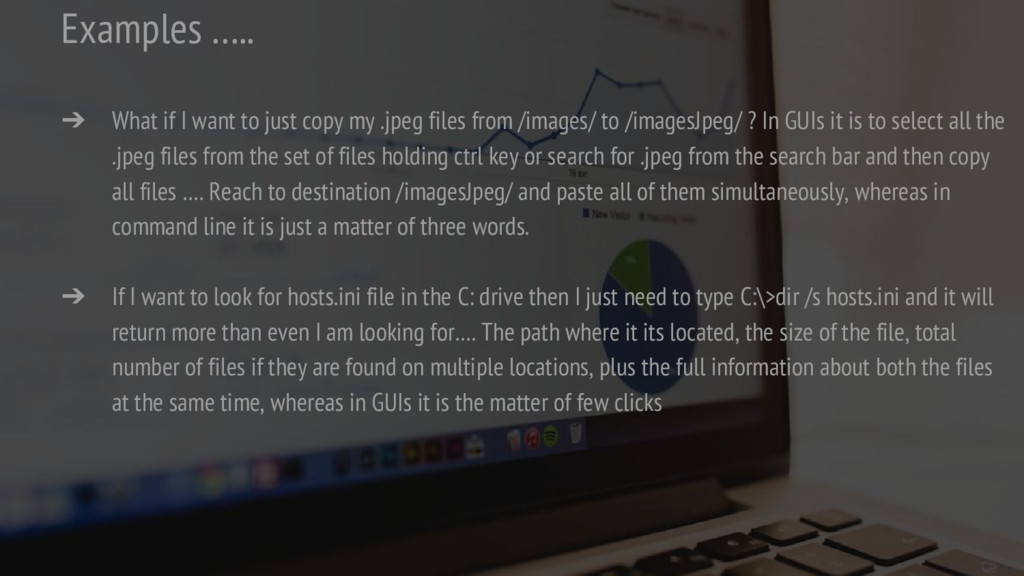
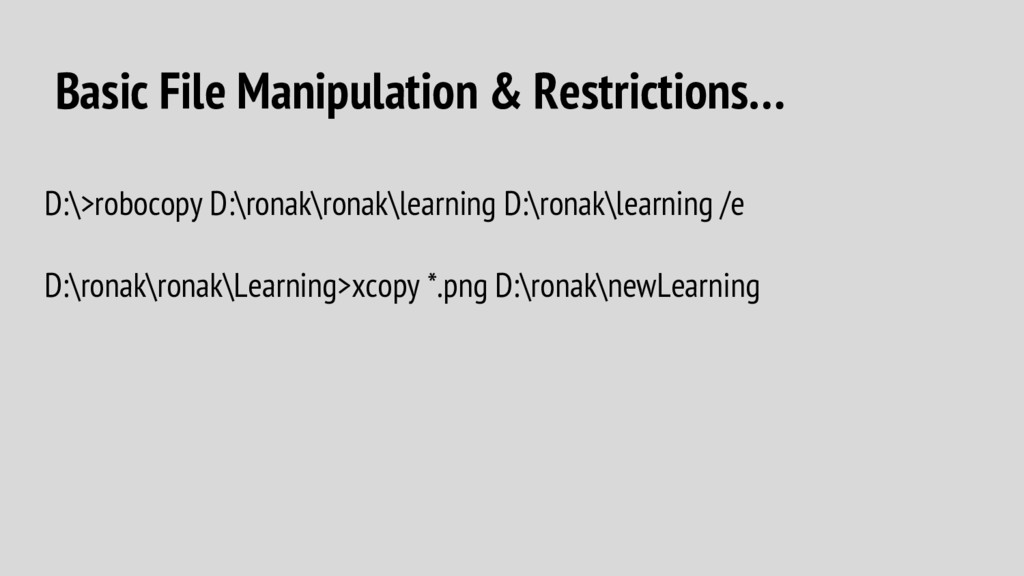
my .jpeg files from /images/ to /imagesJpeg/ ? In GUIs it is to select all the .jpeg files from the set of files holding ctrl key or search for .jpeg from the search bar and then copy all files …. Reach to destination /imagesJpeg/ and paste all of them simultaneously, whereas in command line it is just a matter of three words. ➔ If I want to look for hosts.ini file in the C: drive then I just need to type C:\>dir /s hosts.ini and it will return more than even I am looking for…. The path where it its located, the size of the file, total number of files if they are found on multiple locations, plus the full information about both the files at the same time, whereas in GUIs it is the matter of few clicks
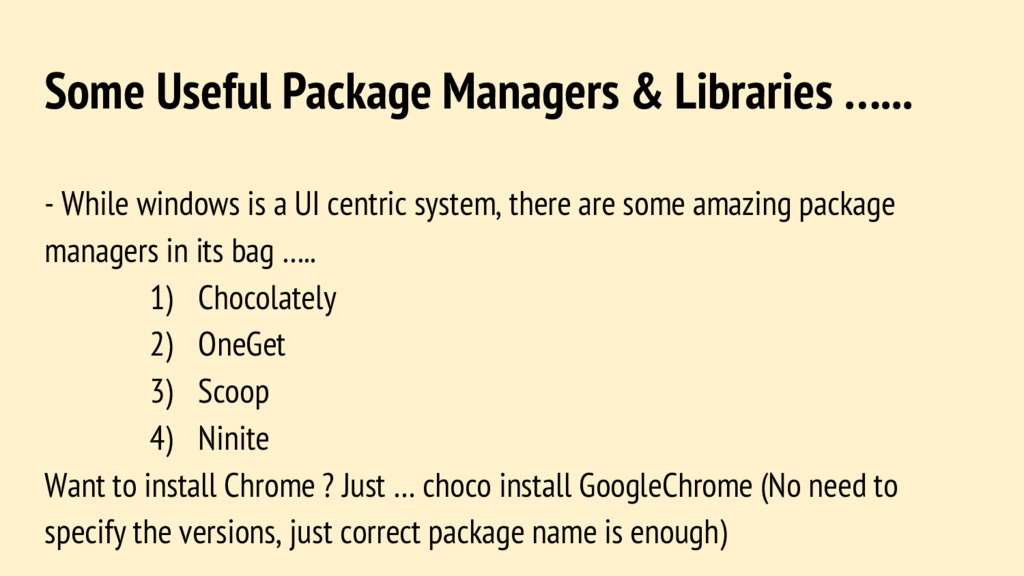
is a UI centric system, there are some amazing package managers in its bag ….. 1) Chocolately 2) OneGet 3) Scoop 4) Ninite Want to install Chrome ? Just … choco install GoogleChrome (No need to specify the versions, just correct package name is enough)
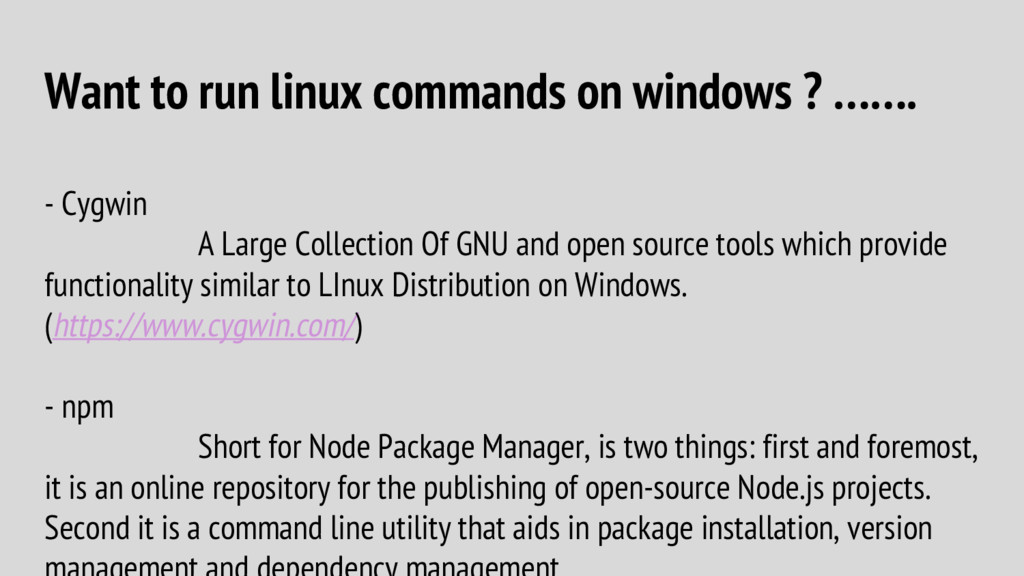
Cygwin A Large Collection Of GNU and open source tools which provide functionality similar to LInux Distribution on Windows. (https://www.cygwin.com/) - npm Short for Node Package Manager, is two things: first and foremost, it is an online repository for the publishing of open-source Node.js projects. Second it is a command line utility that aids in package installation, version
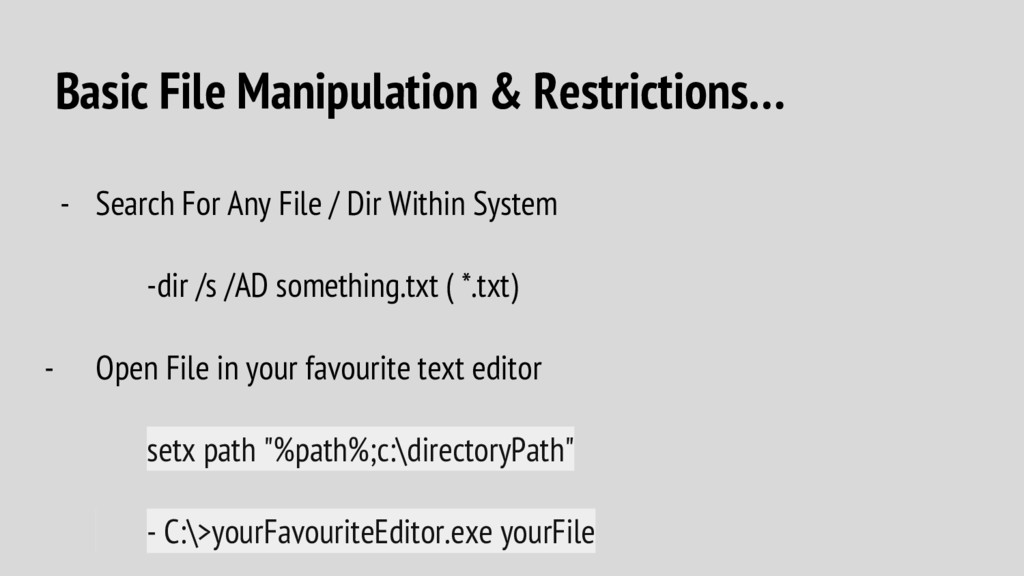
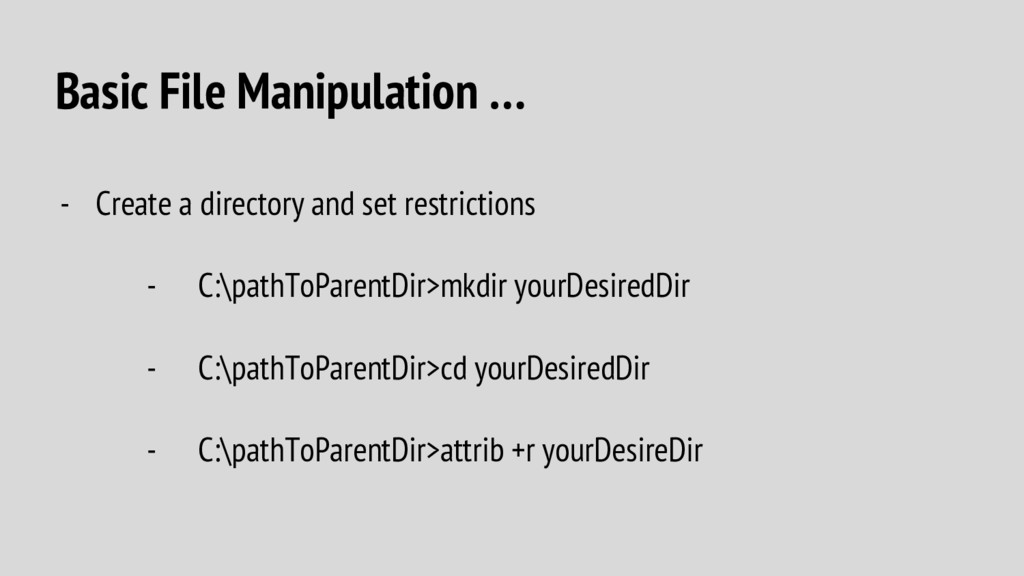
/ Dir Within System -dir /s /AD something.txt ( *.txt) - Open File in your favourite text editor setx path "%path%;c:\directoryPath" - C:\>yourFavouriteEditor.exe yourFile
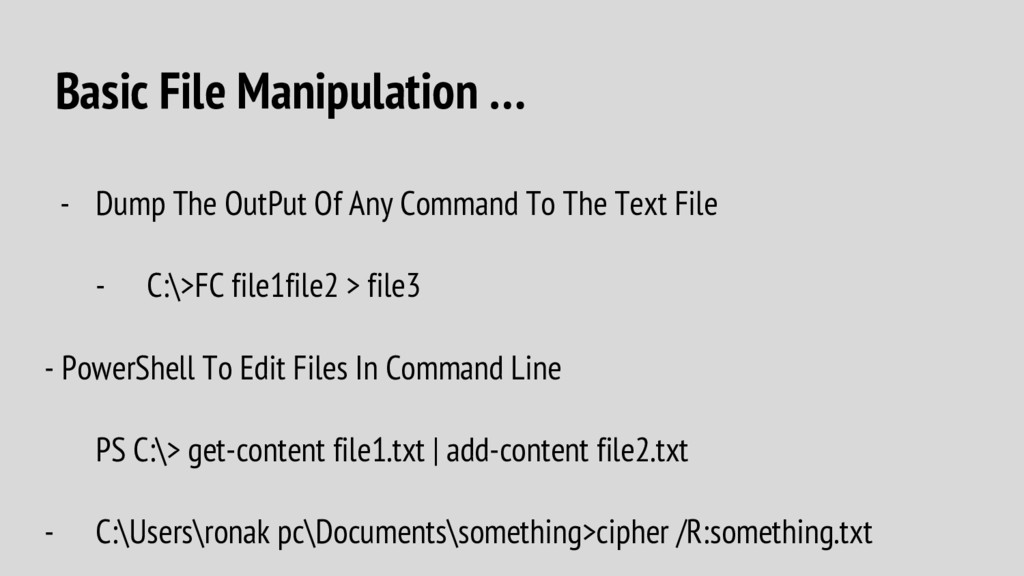
Command To The Text File - C:\>FC file1file2 > file3 - PowerShell To Edit Files In Command Line PS C:\> get-content file1.txt | add-content file2.txt - C:\Users\ronak pc\Documents\something>cipher /R:something.txt
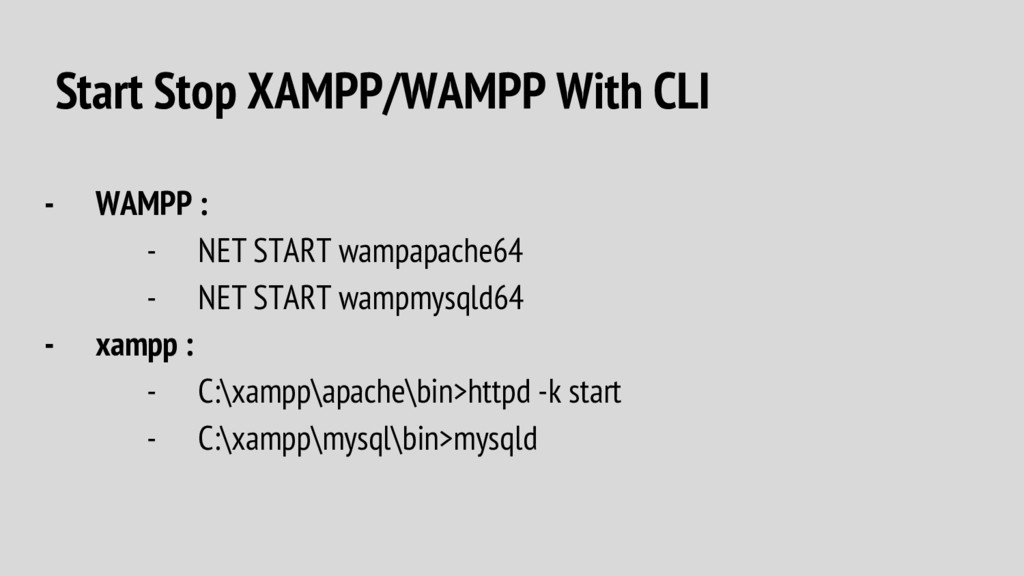
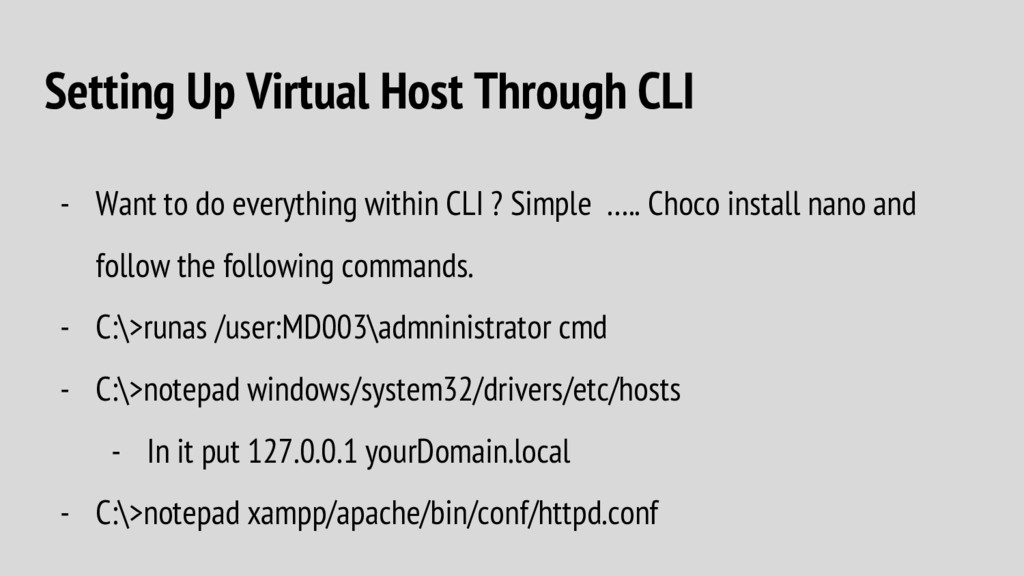
everything within CLI ? Simple ….. Choco install nano and follow the following commands. - C:\>runas /user:MD003\admninistrator cmd - C:\>notepad windows/system32/drivers/etc/hosts - In it put 127.0.0.1 yourDomain.local - C:\>notepad xampp/apache/bin/conf/httpd.conf
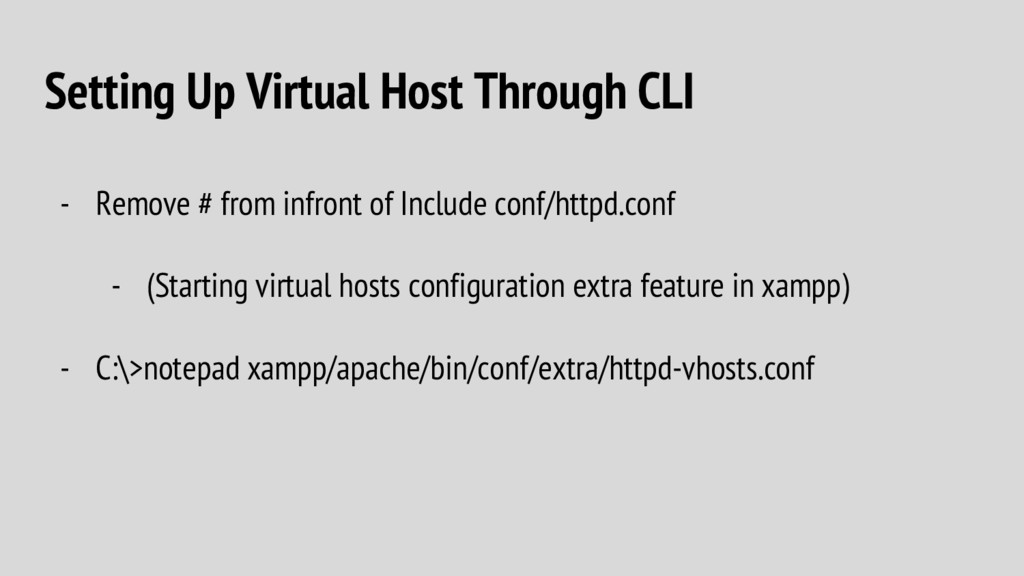
infront of Include conf/httpd.conf - (Starting virtual hosts configuration extra feature in xampp) - C:\>notepad xampp/apache/bin/conf/extra/httpd-vhosts.conf
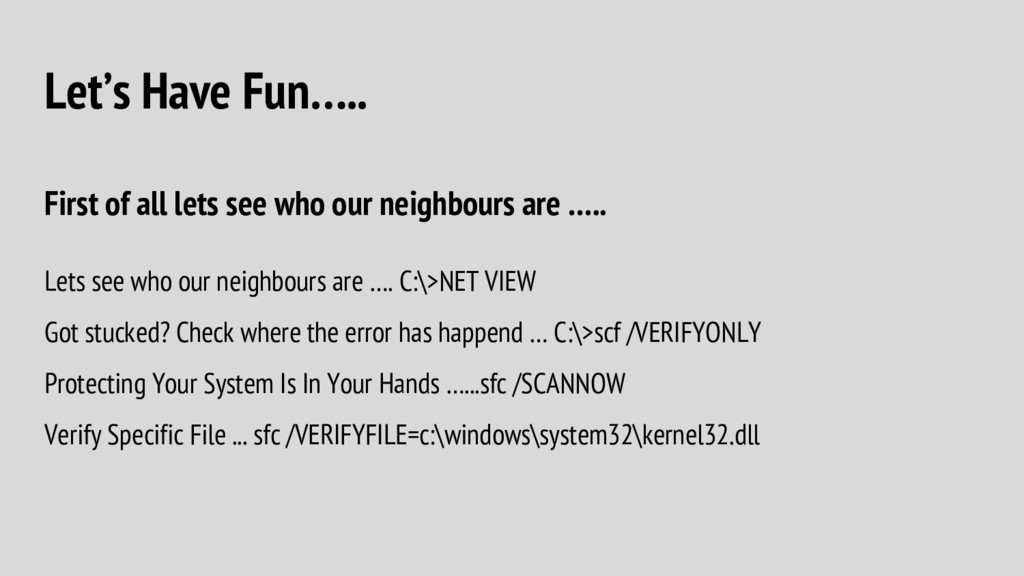
neighbours are ….. Lets see who our neighbours are …. C:\>NET VIEW Got stucked? Check where the error has happend … C:\>scf /VERIFYONLY Protecting Your System Is In Your Hands …...sfc /SCANNOW Verify Specific File ... sfc /VERIFYFILE=c:\windows\system32\kernel32.dll

 SiteGround - Reliable hosting with speed, security, and support you can count on.


 mohab1
 mhrtech
 glaforge
 yuuuuuuu168
 takahashim
 teamlab
 grimoh
 kworkdev
 occhi
occhi
 jtakeda
 willnet
 kizawa2020
 marktimemedia
 codingconduct
 moore
moore
 sabderemane
 gurzu
gurzu
 carmenintech
 destraynor
 frankvandijk
 stephenakadiri
 akademiya2063
 morganepeng
![Developer Approach For Command Line RONAK R SAMPAT ([email protected])](https://files.speakerdeck.com/presentations/4518b2bdc9d74967a9a958dec86cf7c8/slide_0.jpg)







![Setting Up Virtual Host Through CLI <VirtualHost *:80> ServerAdmin [email protected]](https://files.speakerdeck.com/presentations/4518b2bdc9d74967a9a958dec86cf7c8/slide_28.jpg)