Upgrade to Pro — share decks privately, control downloads, hide ads and more …

React Native Performance Case study

React Native Performance Case study

React Native enables writing native apps in JavaScript, but under the hood there’s quite a complex mechanism that could easily be misused. This talk will help gain better understanding on how react-native actually ticks, which may help improve your app's performance and solve issues ahead of time.

Avatar for Rotem Mizrachi-Meidan

Rotem Mizrachi-Meidan

November 22, 2016
Tweet

More Decks by Rotem Mizrachi-Meidan

Other Decks in Programming

Transcript

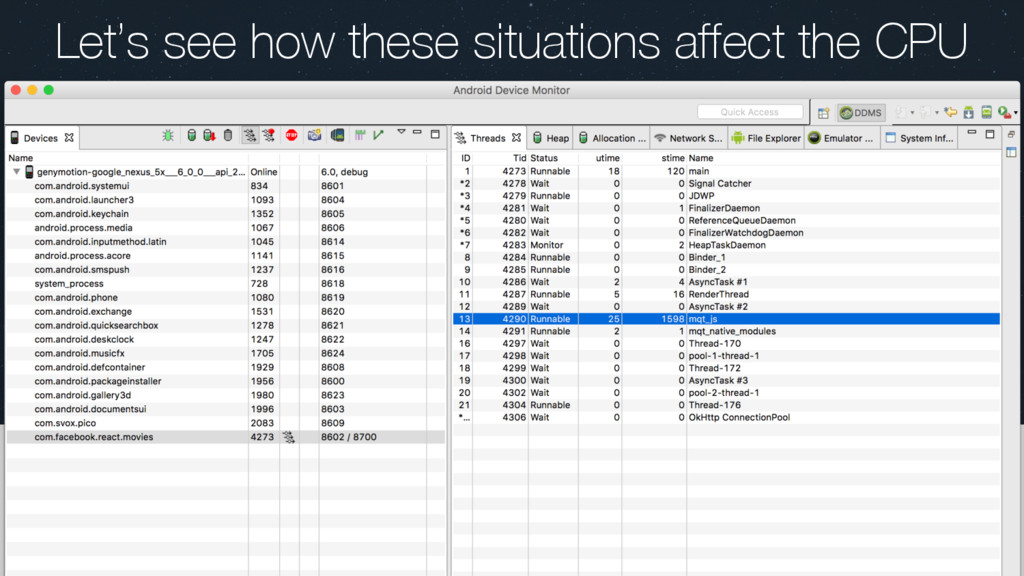
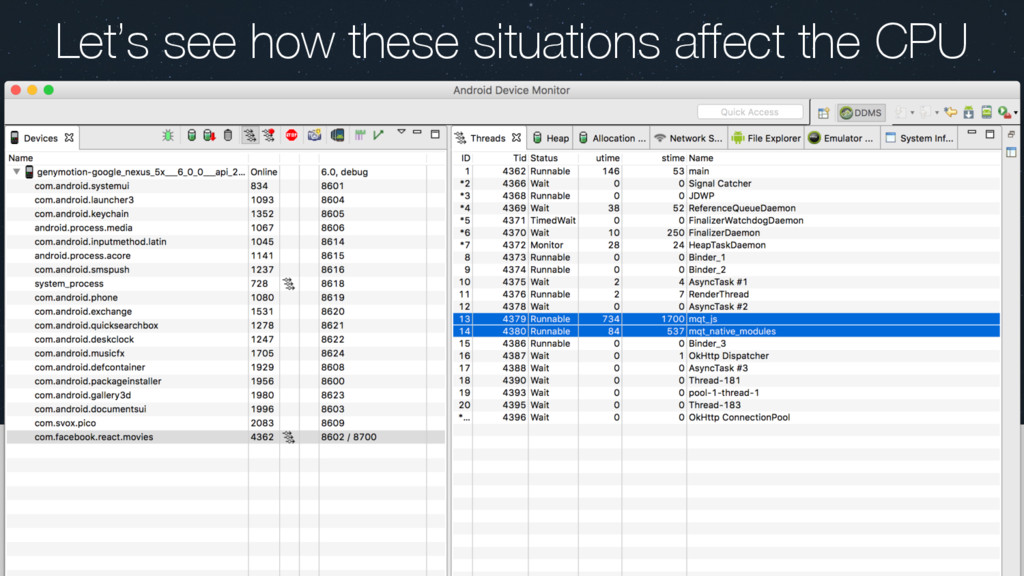
  1. React Native Performance Case Study How using react native changes

    the way apps behave medium/@rotemmiz github.com/rotemmiz @rotemmiz [email protected]
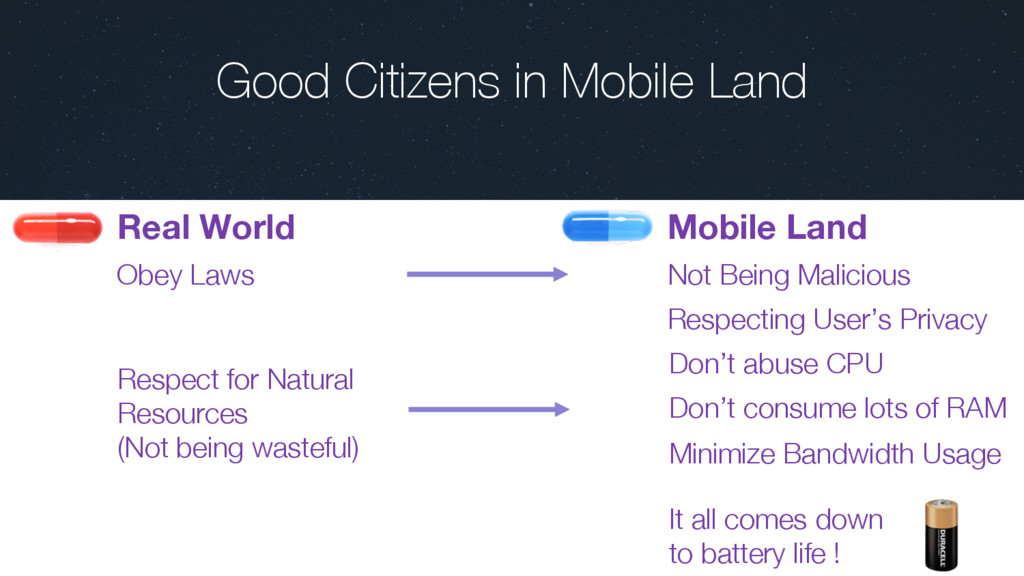
  2. Good Citizens in Mobile Land Respect for Natural Resources (Not

    being wasteful) Don’t abuse CPU Obey Laws Not Being Malicious Respecting User’s Privacy It all comes down to battery life ! Minimize Bandwidth Usage Don’t consume lots of RAM Mobile Land Real World
  3. Abstraction 01 “In software engineering and computer science, abstraction is

    a technique for arranging complexity of computer systems. It works by establishing a level of complexity on which a person interacts with the system, suppressing the more complex details below the current level.” - Wikipedia
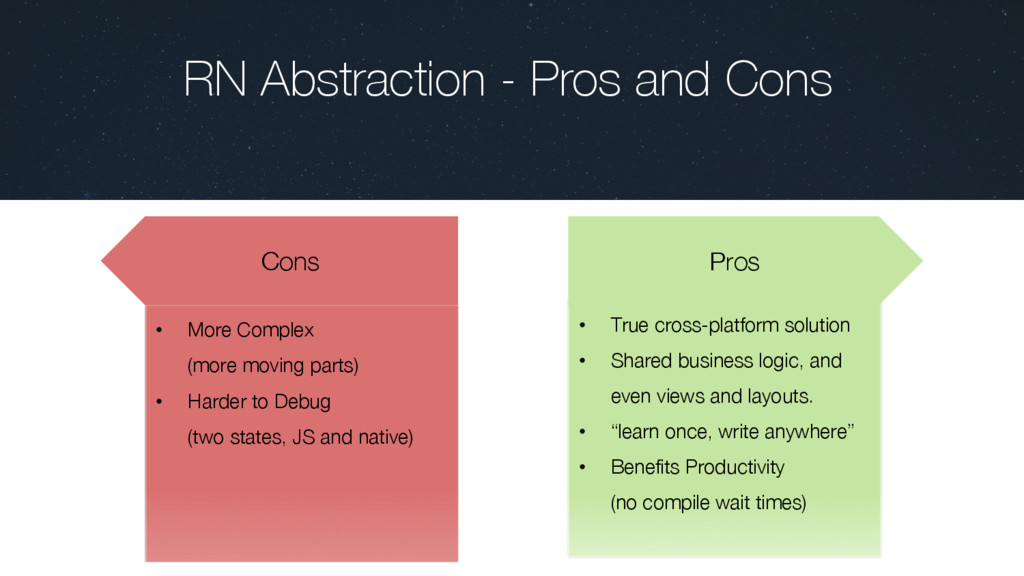
  4. RN Abstraction - Pros and Cons • True cross-platform solution

    • Shared business logic, and even views and layouts. • “learn once, write anywhere” • Benefits Productivity (no compile wait times) Pros • More Complex (more moving parts) • Harder to Debug (two states, JS and native) Cons
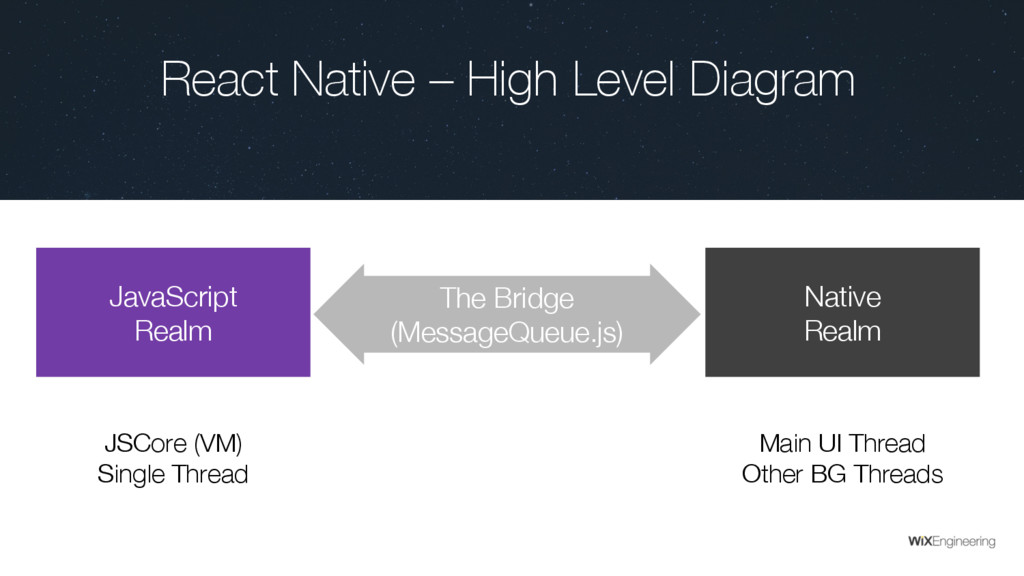
  5. JavaScript Realm Native Realm The Bridge (MessageQueue.js) JSCore (VM) Single

    Thread Main UI Thread Other BG Threads React Native – High Level Diagram
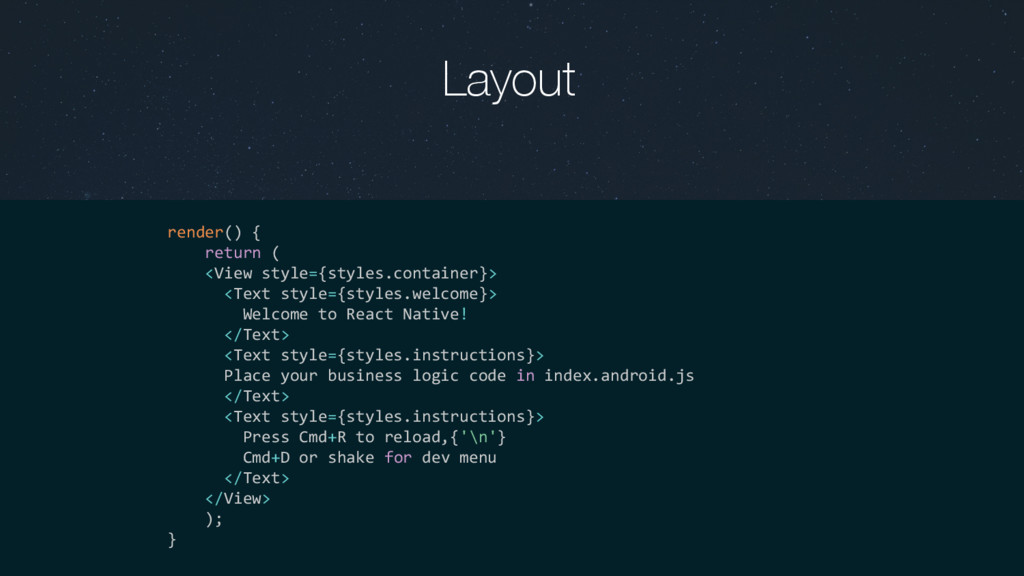
  6. Layout render() { return ( <View style={styles.container}> <Text style={styles.welcome}> Welcome

    to React Native! </Text> <Text style={styles.instructions}> Place your business logic code in index.android.js </Text> <Text style={styles.instructions}> Press Cmd+R to reload,{'\n'} Cmd+D or shake for dev menu </Text> </View> ); }
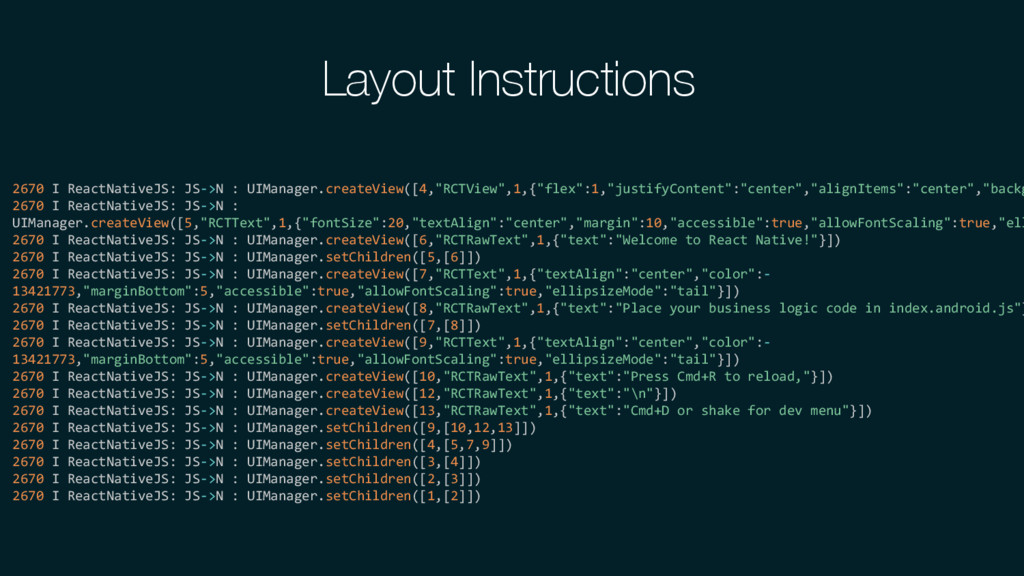
  7. Layout Instructions 2670 I ReactNativeJS: JS->N : UIManager.createView([4,"RCTView",1,{"flex":1,"justifyContent":"center","alignItems":"center","backg 2670 I

    ReactNativeJS: JS->N : UIManager.createView([5,"RCTText",1,{"fontSize":20,"textAlign":"center","margin":10,"accessible":true,"allowFontScaling":true,"ell 2670 I ReactNativeJS: JS->N : UIManager.createView([6,"RCTRawText",1,{"text":"Welcome to React Native!"}]) 2670 I ReactNativeJS: JS->N : UIManager.setChildren([5,[6]]) 2670 I ReactNativeJS: JS->N : UIManager.createView([7,"RCTText",1,{"textAlign":"center","color":- 13421773,"marginBottom":5,"accessible":true,"allowFontScaling":true,"ellipsizeMode":"tail"}]) 2670 I ReactNativeJS: JS->N : UIManager.createView([8,"RCTRawText",1,{"text":"Place your business logic code in index.android.js"} 2670 I ReactNativeJS: JS->N : UIManager.setChildren([7,[8]]) 2670 I ReactNativeJS: JS->N : UIManager.createView([9,"RCTText",1,{"textAlign":"center","color":- 13421773,"marginBottom":5,"accessible":true,"allowFontScaling":true,"ellipsizeMode":"tail"}]) 2670 I ReactNativeJS: JS->N : UIManager.createView([10,"RCTRawText",1,{"text":"Press Cmd+R to reload,"}]) 2670 I ReactNativeJS: JS->N : UIManager.createView([12,"RCTRawText",1,{"text":"\n"}]) 2670 I ReactNativeJS: JS->N : UIManager.createView([13,"RCTRawText",1,{"text":"Cmd+D or shake for dev menu"}]) 2670 I ReactNativeJS: JS->N : UIManager.setChildren([9,[10,12,13]]) 2670 I ReactNativeJS: JS->N : UIManager.setChildren([4,[5,7,9]]) 2670 I ReactNativeJS: JS->N : UIManager.setChildren([3,[4]]) 2670 I ReactNativeJS: JS->N : UIManager.setChildren([2,[3]]) 2670 I ReactNativeJS: JS->N : UIManager.setChildren([1,[2]])
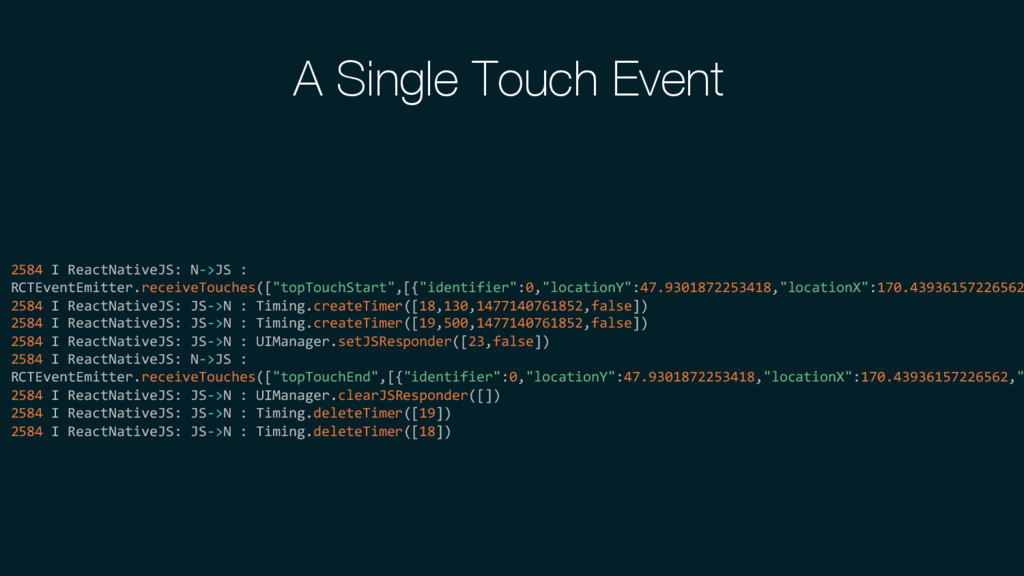
  8. 2584 I ReactNativeJS: N->JS : RCTEventEmitter.receiveTouches(["topTouchStart",[{"identifier":0,"locationY":47.9301872253418,"locationX":170.43936157226562 2584 I ReactNativeJS: JS->N

    : Timing.createTimer([18,130,1477140761852,false]) 2584 I ReactNativeJS: JS->N : Timing.createTimer([19,500,1477140761852,false]) 2584 I ReactNativeJS: JS->N : UIManager.setJSResponder([23,false]) 2584 I ReactNativeJS: N->JS : RCTEventEmitter.receiveTouches(["topTouchEnd",[{"identifier":0,"locationY":47.9301872253418,"locationX":170.43936157226562," 2584 I ReactNativeJS: JS->N : UIManager.clearJSResponder([]) 2584 I ReactNativeJS: JS->N : Timing.deleteTimer([19]) 2584 I ReactNativeJS: JS->N : Timing.deleteTimer([18]) A Single Touch Event
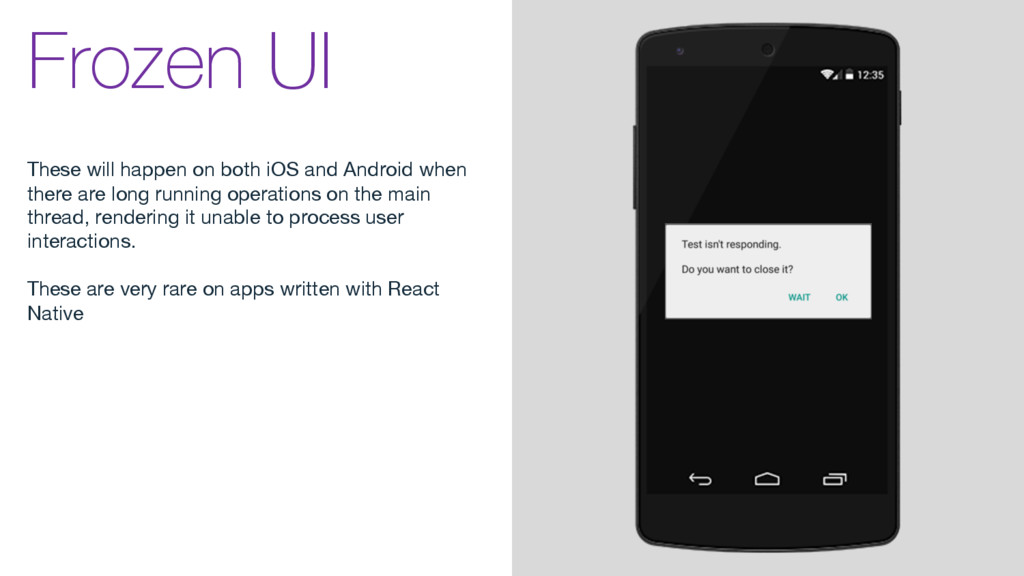
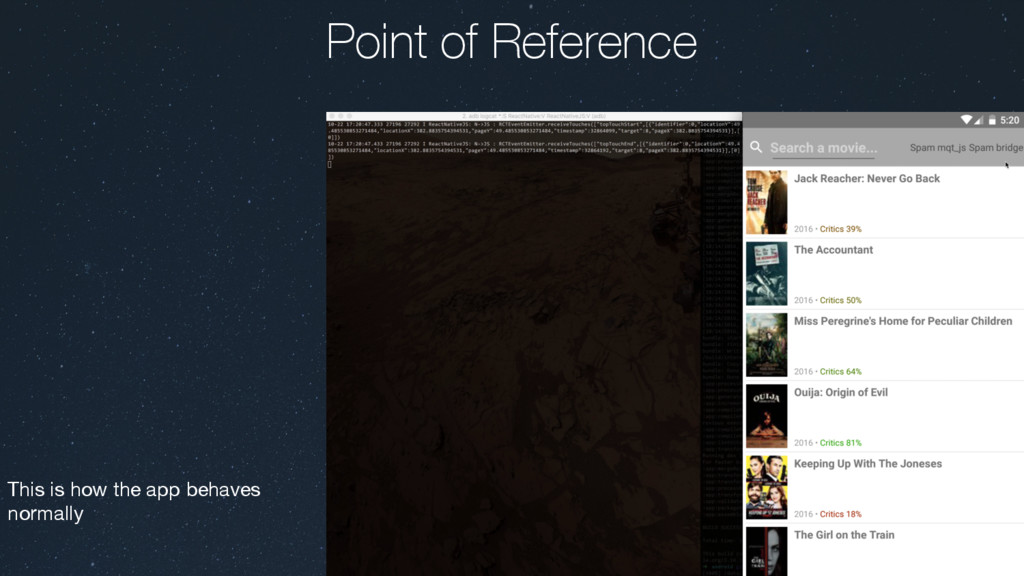
  9. Frozen UI These will happen on both iOS and Android

    when there are long running operations on the main thread, rendering it unable to process user interactions. These are very rare on apps written with React Native
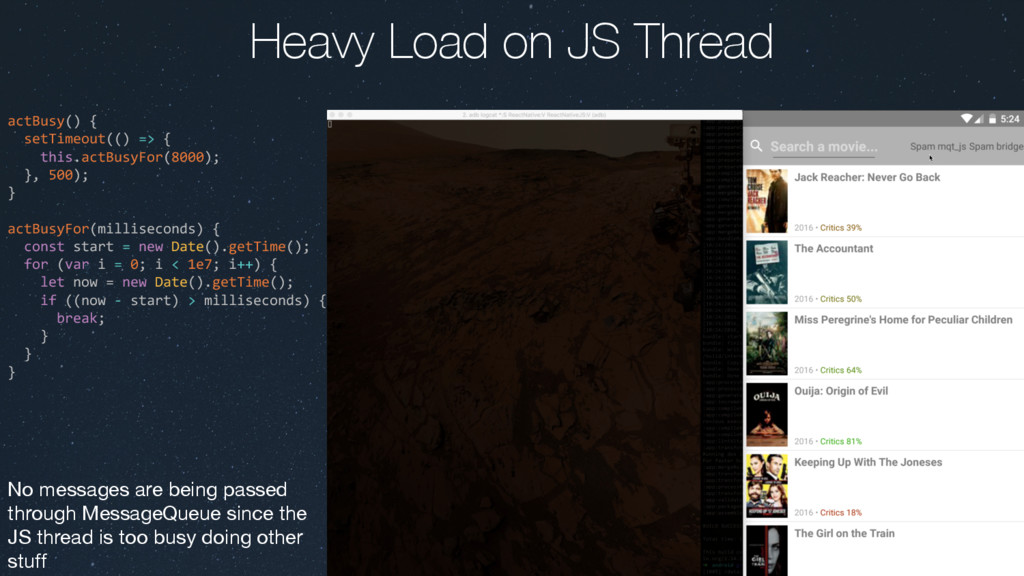
  10. actBusy() { setTimeout(() => { this.actBusyFor(8000); }, 500); } actBusyFor(milliseconds)

    { const start = new Date().getTime(); for (var i = 0; i < 1e7; i++) { let now = new Date().getTime(); if ((now - start) > milliseconds) { break; } } } Heavy Load on JS Thread No messages are being passed through MessageQueue since the JS thread is too busy doing other stuff
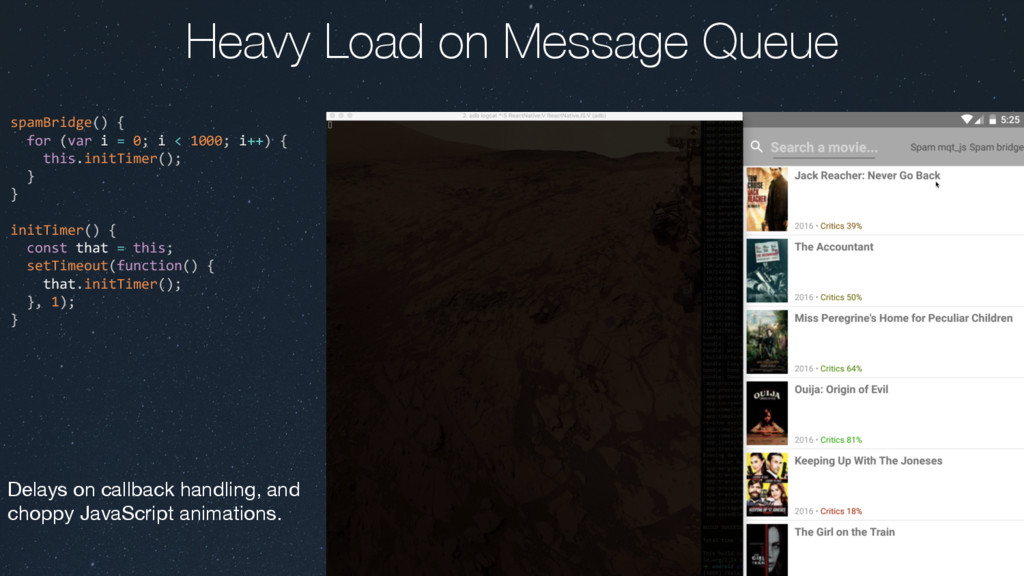
  11. spamBridge() { for (var i = 0; i < 1000;

    i++) { this.initTimer(); } } initTimer() { const that = this; setTimeout(function() { that.initTimer(); }, 1); } Heavy Load on Message Queue Delays on callback handling, and choppy JavaScript animations.
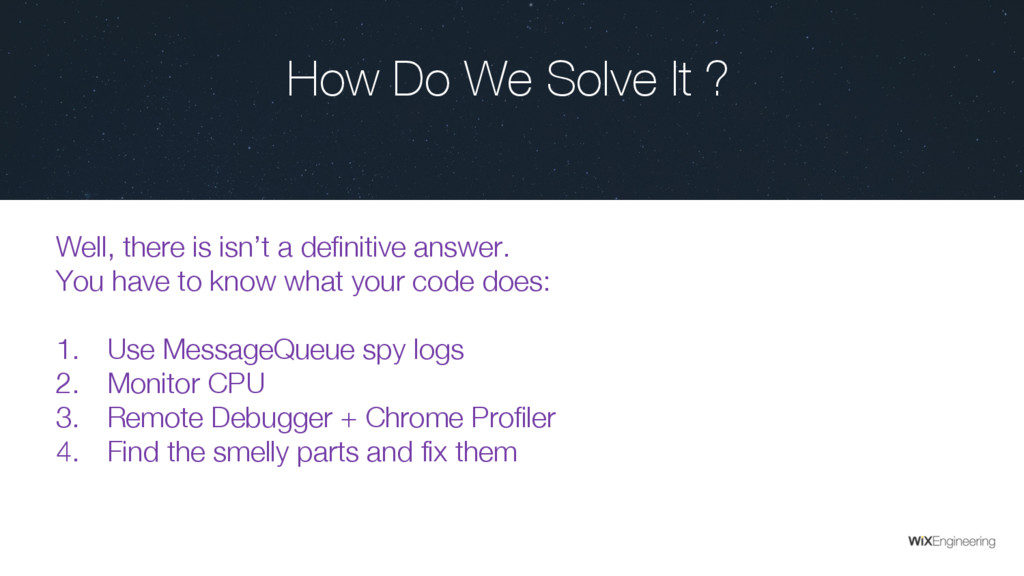
  12. How Do We Solve It ? Well, there is isn’t

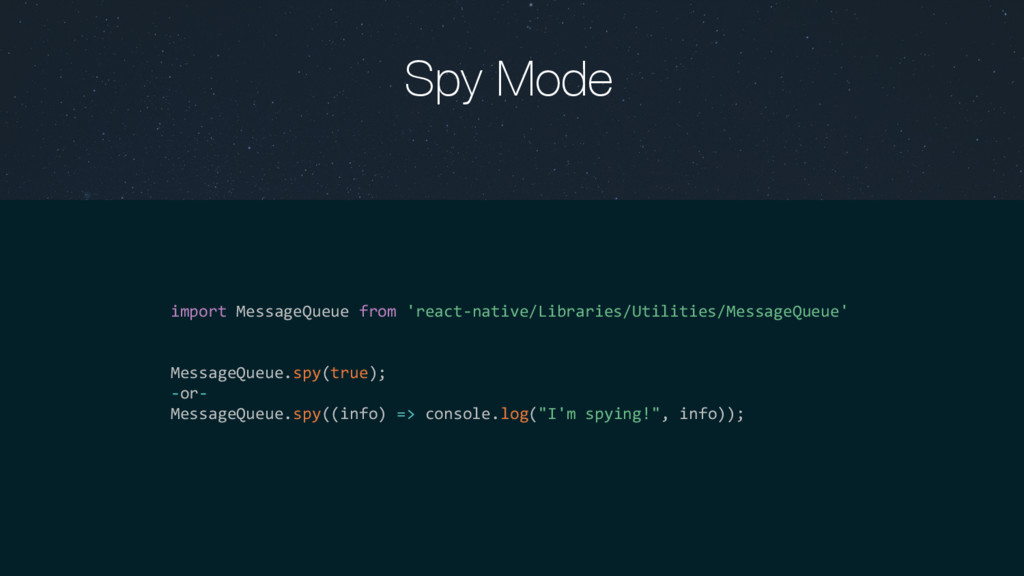
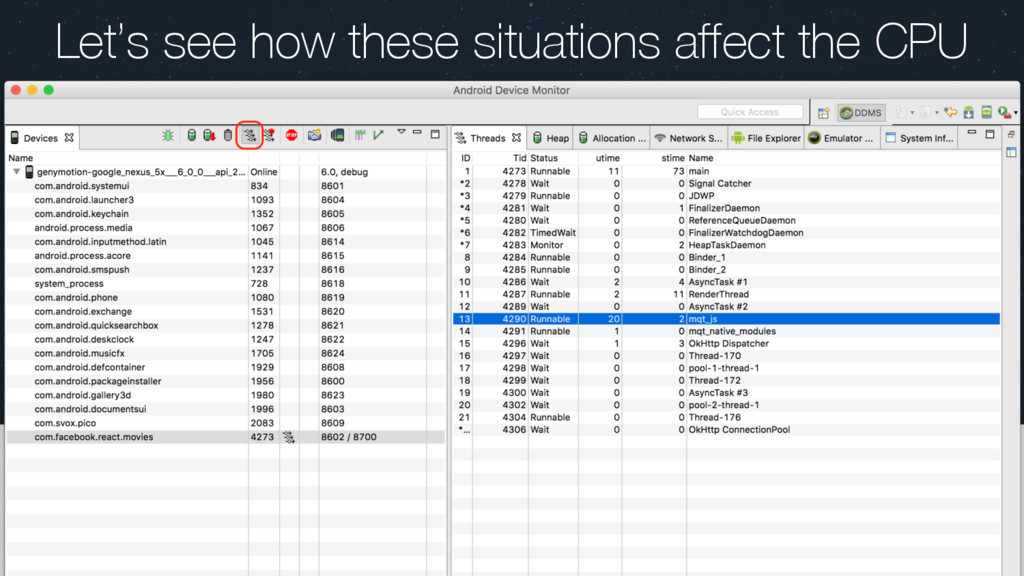
    a definitive answer. You have to know what your code does: 1. Use MessageQueue spy logs 2. Monitor CPU 3. Remote Debugger + Chrome Profiler 4. Find the smelly parts and fix them