Upgrade to Pro — share decks privately, control downloads, hide ads and more …

Groovy on Google App Engine with Gaelyk

Groovy on Google App Engine with Gaelyk

Groovy on Google App Engine with Gaelyk

Avatar for Kevin Tan

Kevin Tan

July 11, 2015

More Decks by Kevin Tan

Other Decks in Technology

Transcript

  1. Google App Engine • Platform as a Service (PaaS) •

    For Python, and Java (sandboxed JVM, customed Jetty servlet container)
  2. What’s Good about GAE? • No OS image • Scaling

    aspect being handled by Google eg database/session replication, loading balancing etc.
  3. Problem • Grails app can’t be deployed to GAE as

    is, because of the proprietary components of GAE.
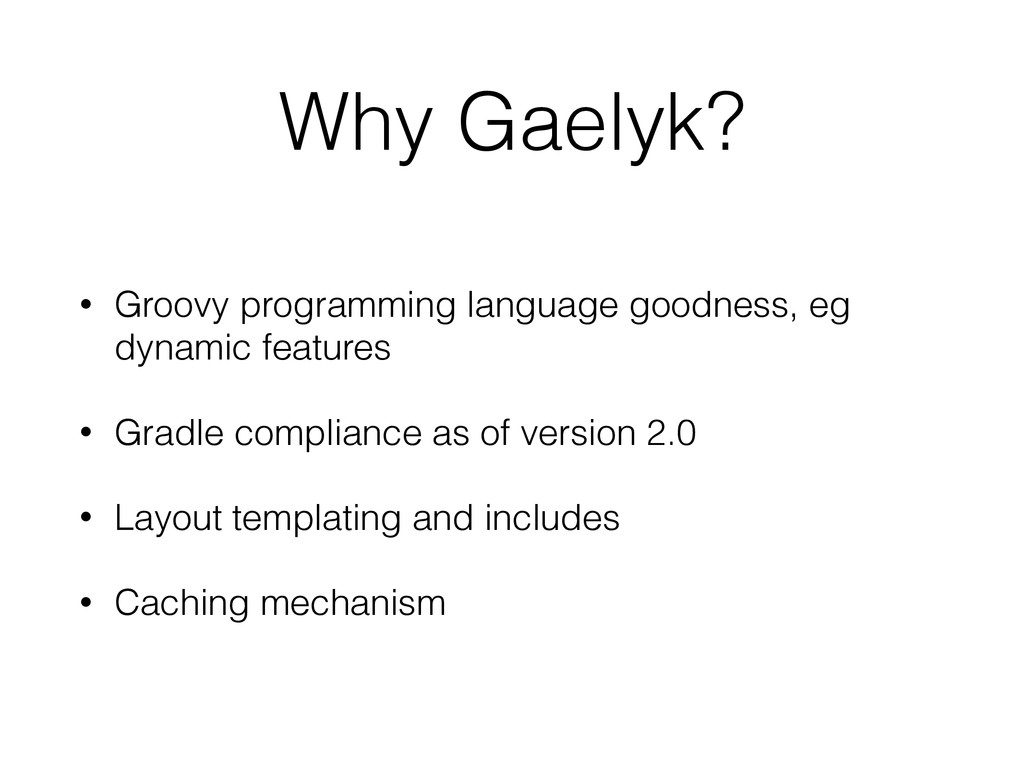
  4. Why Gaelyk? • Groovy programming language goodness, eg dynamic features

    • Gradle compliance as of version 2.0 • Layout templating and includes • Caching mechanism
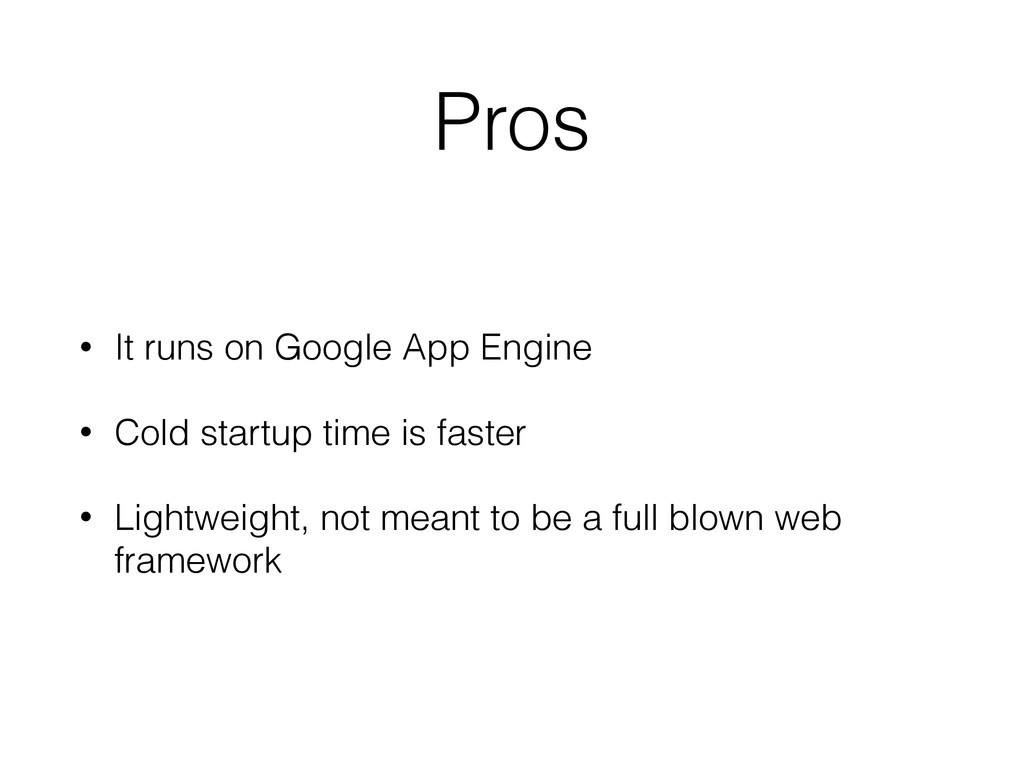
  5. Pros • It runs on Google App Engine • Cold

    startup time is faster • Lightweight, not meant to be a full blown web framework
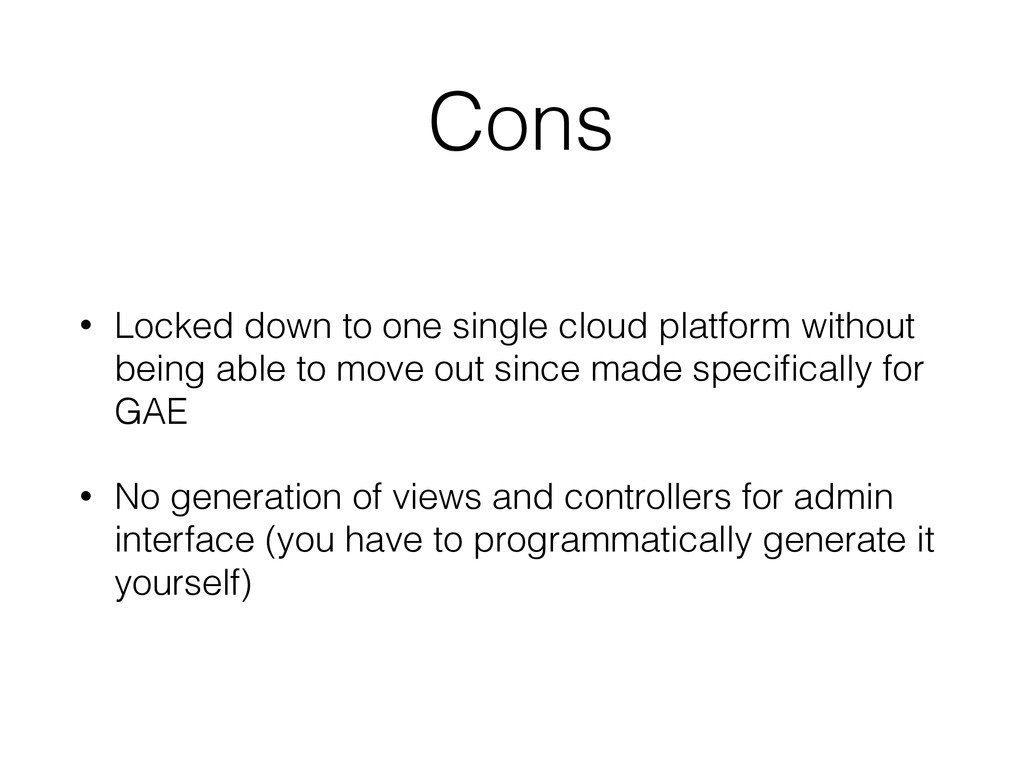
  6. Cons • Locked down to one single cloud platform without

    being able to move out since made specifically for GAE • No generation of views and controllers for admin interface (you have to programmatically generate it yourself)
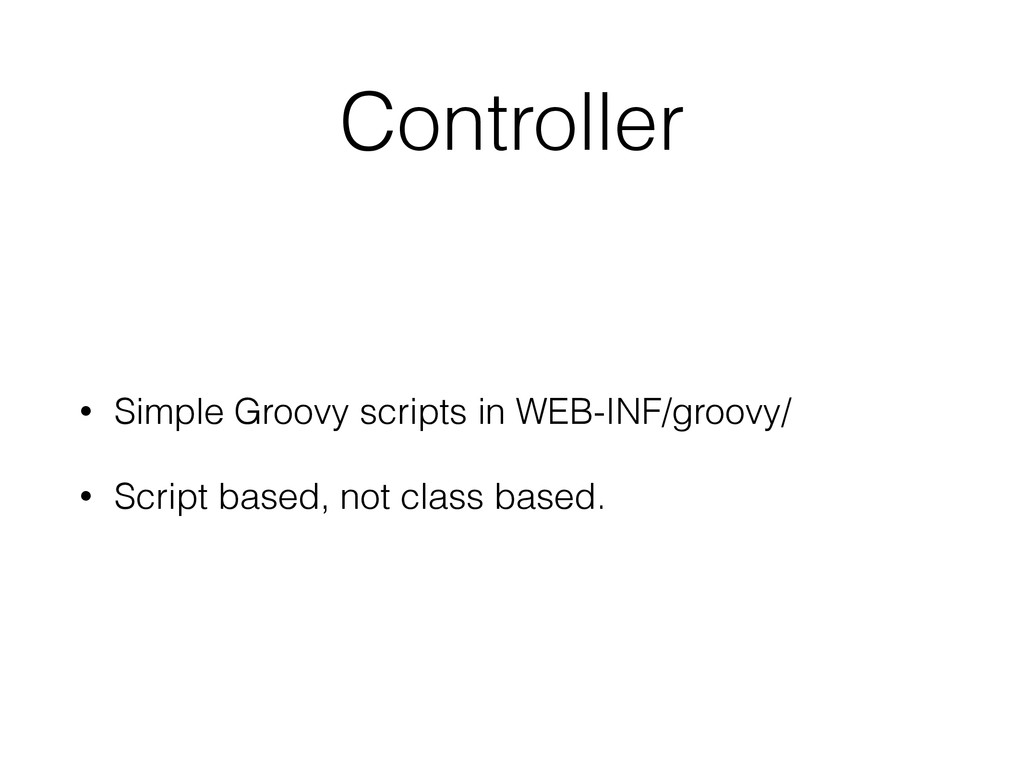
  7. How it works • Groovy files act as scripts instead

    of classes, except for POGOs (plain old Groovy objects)
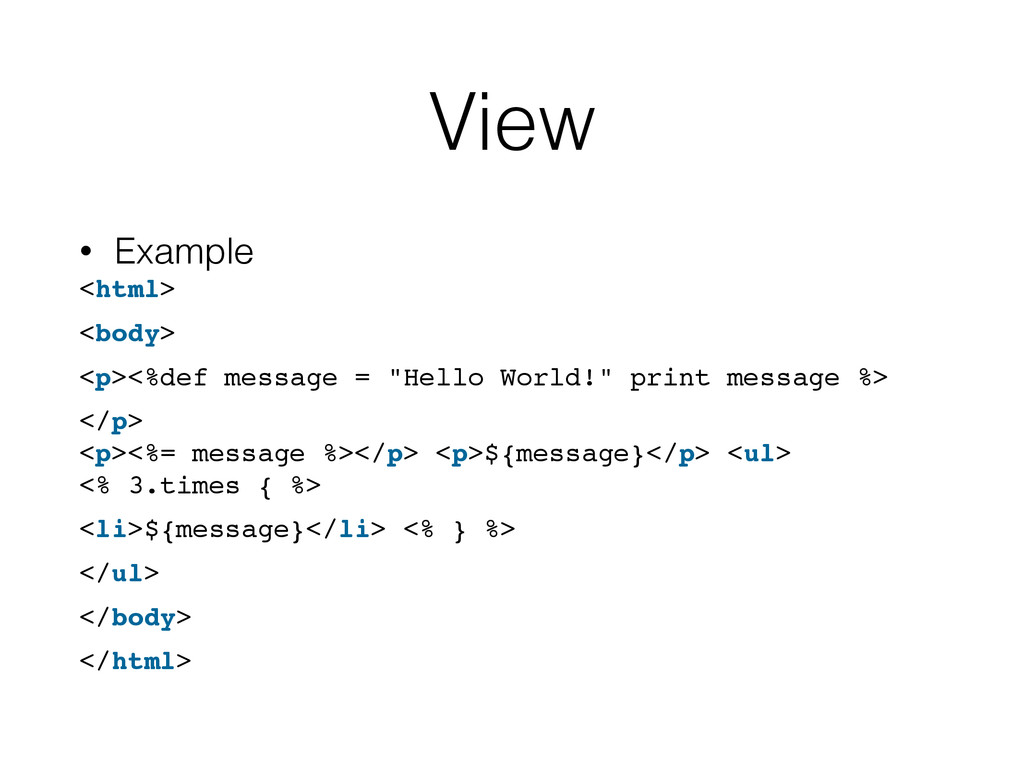
  8. View • Example <html> <body> <p><%def message = "Hello World!"

    print message %> </p>
 <p><%= message %></p> <p>${message}</p> <ul>
 <% 3.times { %> <li>${message}</li> <% } %> </ul> </body> </html>
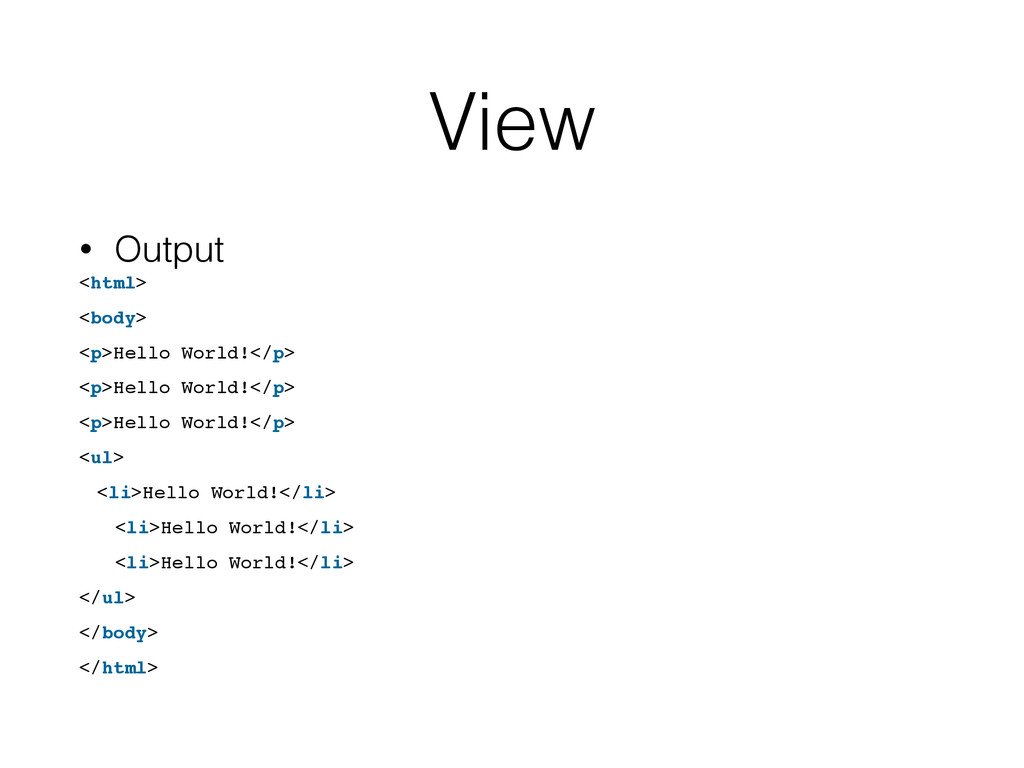
  9. View • Output <html> <body> <p>Hello World!</p> <p>Hello World!</p> <p>Hello

    World!</p> <ul> <li>Hello World!</li> <li>Hello World!</li> <li>Hello World!</li> </ul> </body> </html>
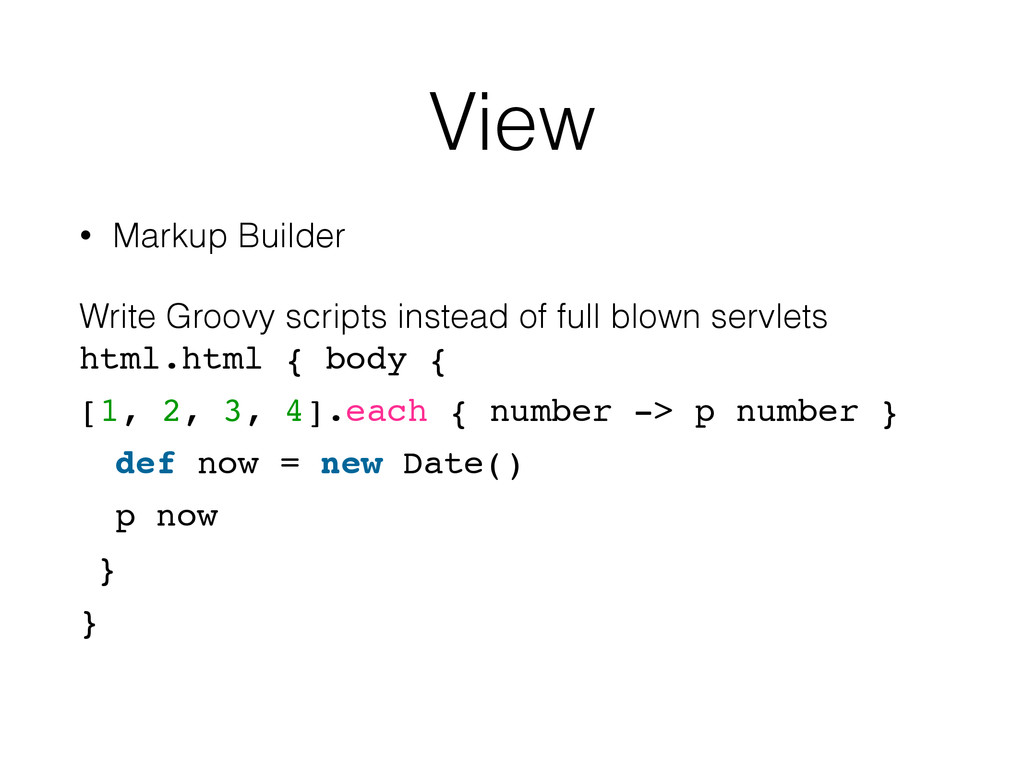
  10. View • Markup Builder Write Groovy scripts instead of full

    blown servlets html.html { body { [1, 2, 3, 4].each { number ‐> p number } def now = new Date() p now } }
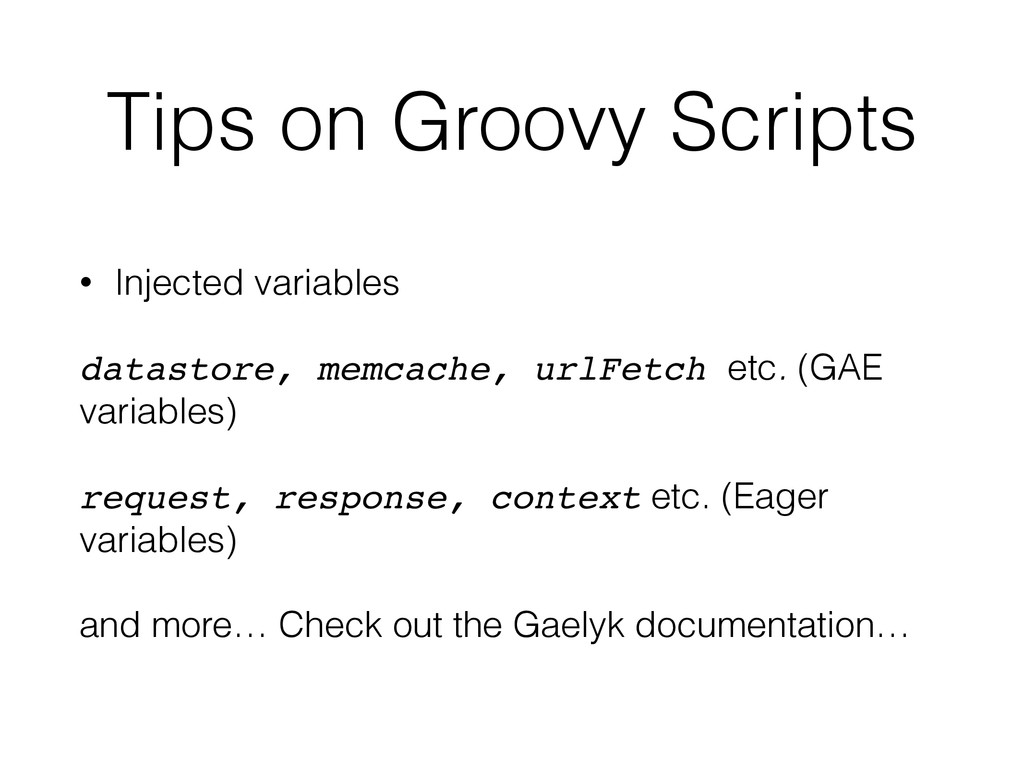
  11. Tips on Groovy Scripts • Injected variables datastore, memcache, urlFetch

    etc. (GAE variables) request, response, context etc. (Eager variables) and more… Check out the Gaelyk documentation…
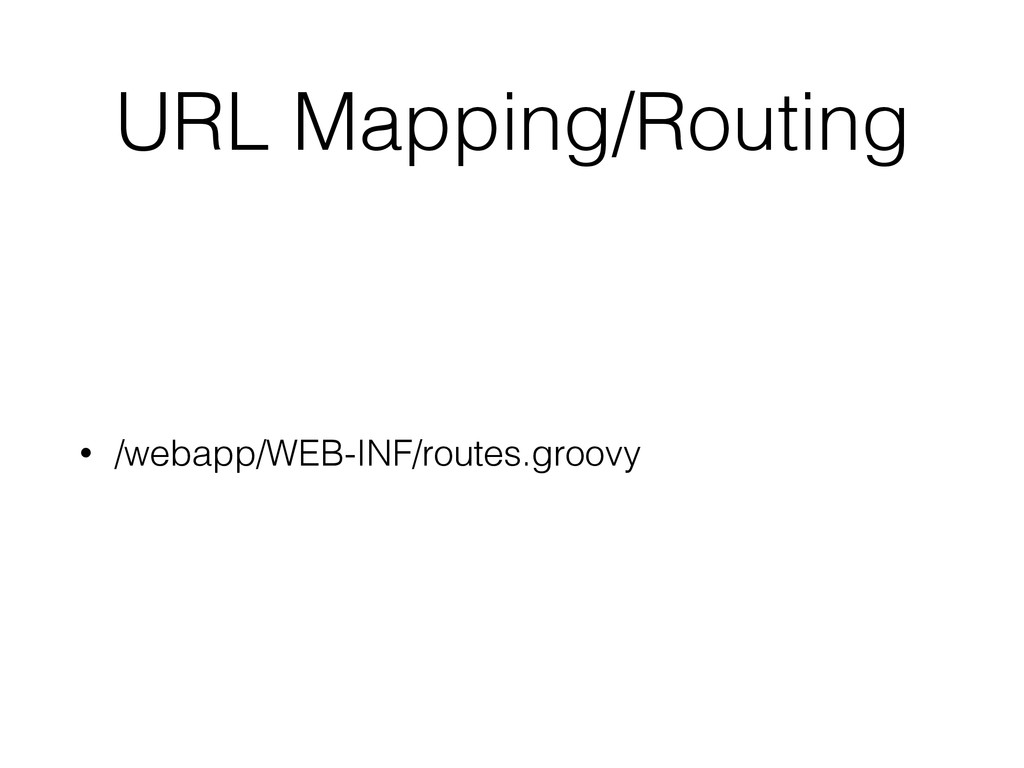
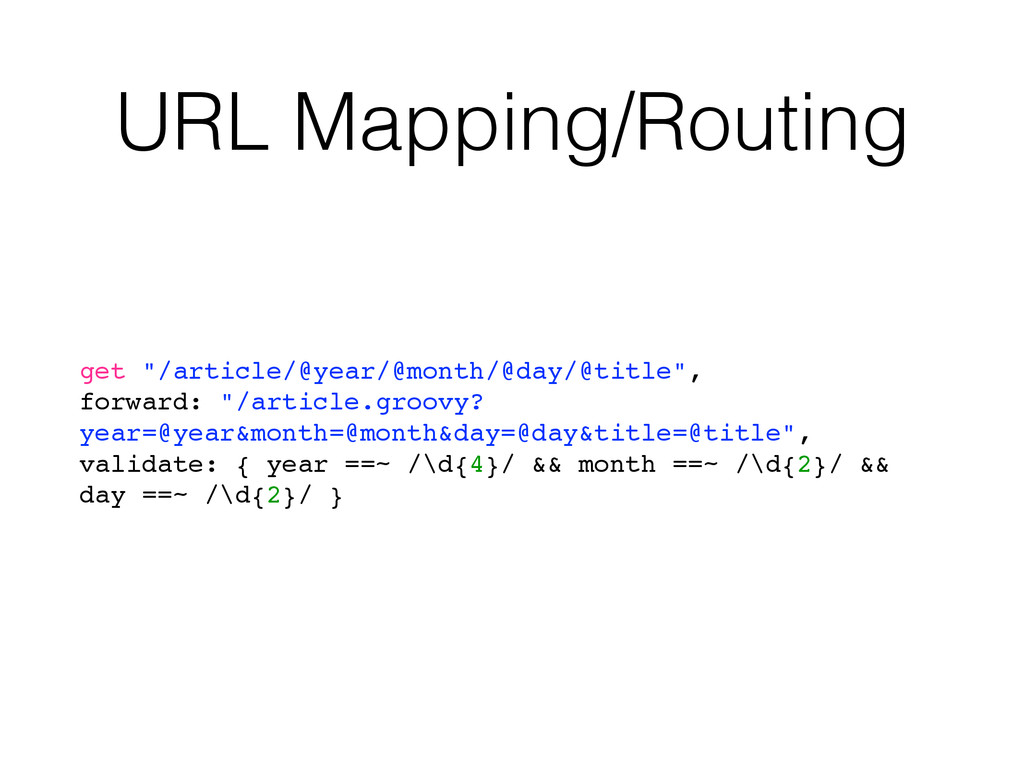
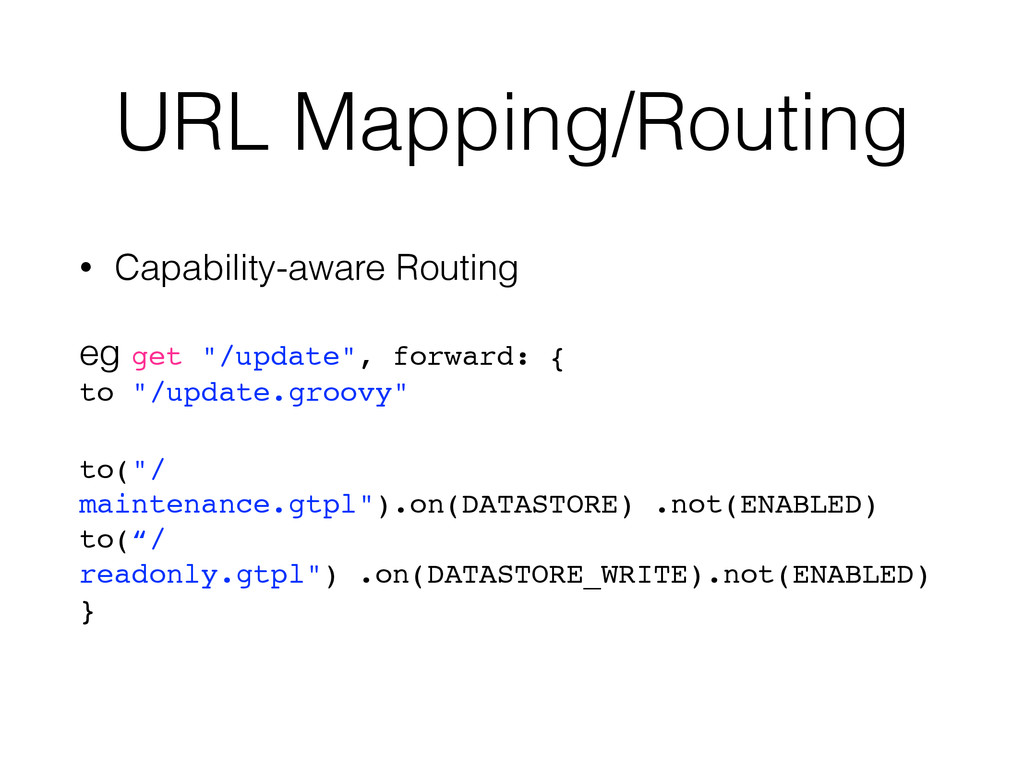
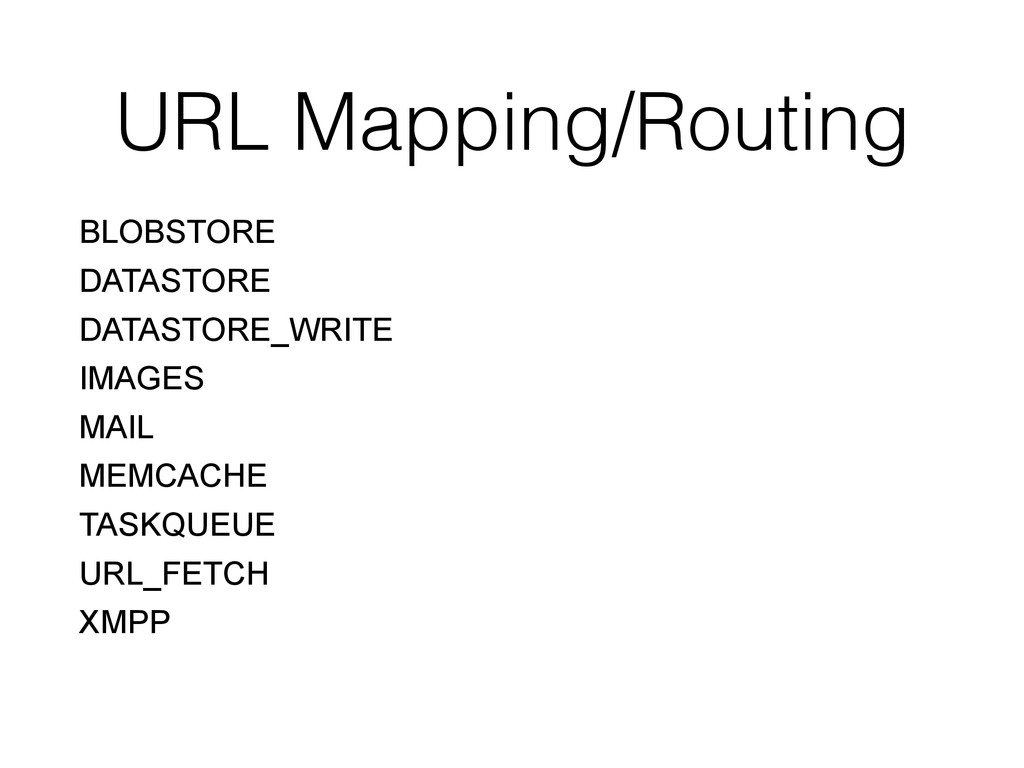
  12. URL Mapping/Routing • Capability-aware Routing eg get "/update", forward: {


    to "/update.groovy" to("/ maintenance.gtpl").on(DATASTORE) .not(ENABLED) to(“/ readonly.gtpl") .on(DATASTORE_WRITE).not(ENABLED) }
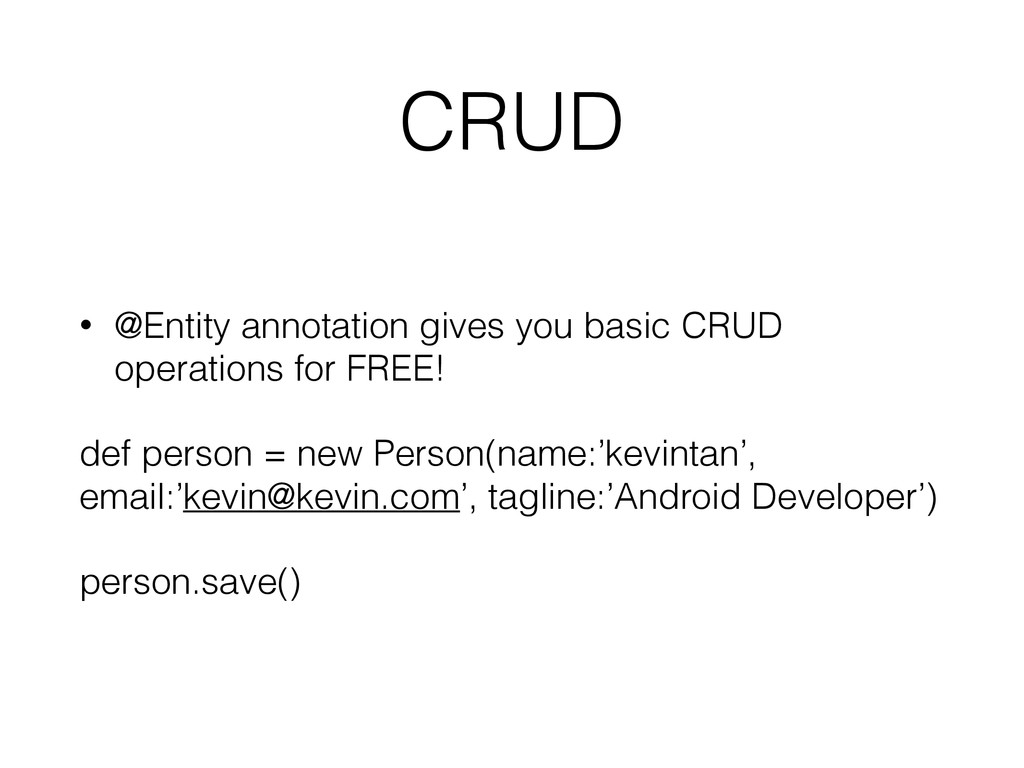
  13. CRUD • @Entity annotation gives you basic CRUD operations for

    FREE! def person = new Person(name:’kevintan’, email:’[email protected]’, tagline:’Android Developer’) person.save()
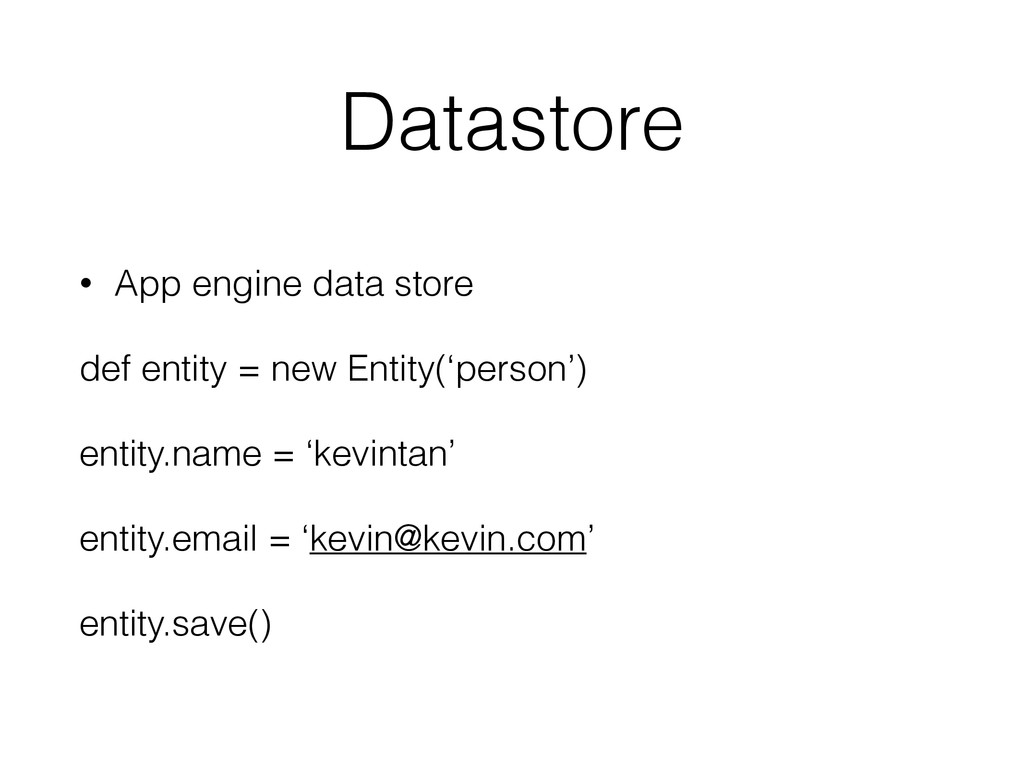
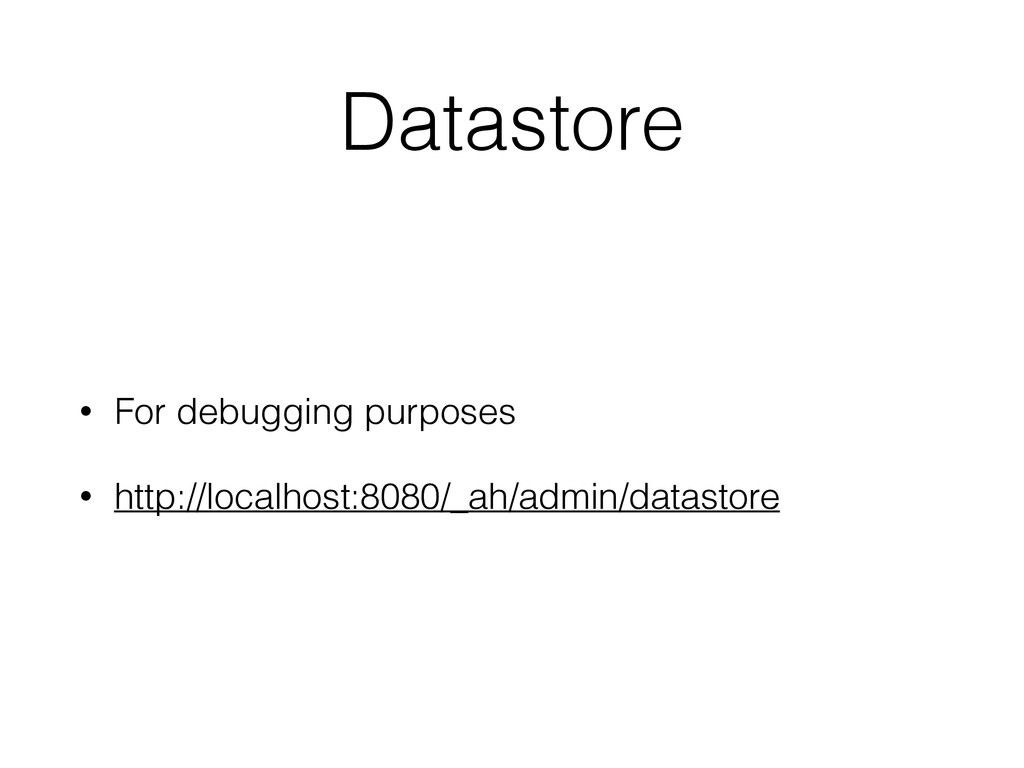
  14. Datastore • App engine data store def entity = new

    Entity(‘person’) entity.name = ‘kevintan’ entity.email = ‘[email protected]’ entity.save()
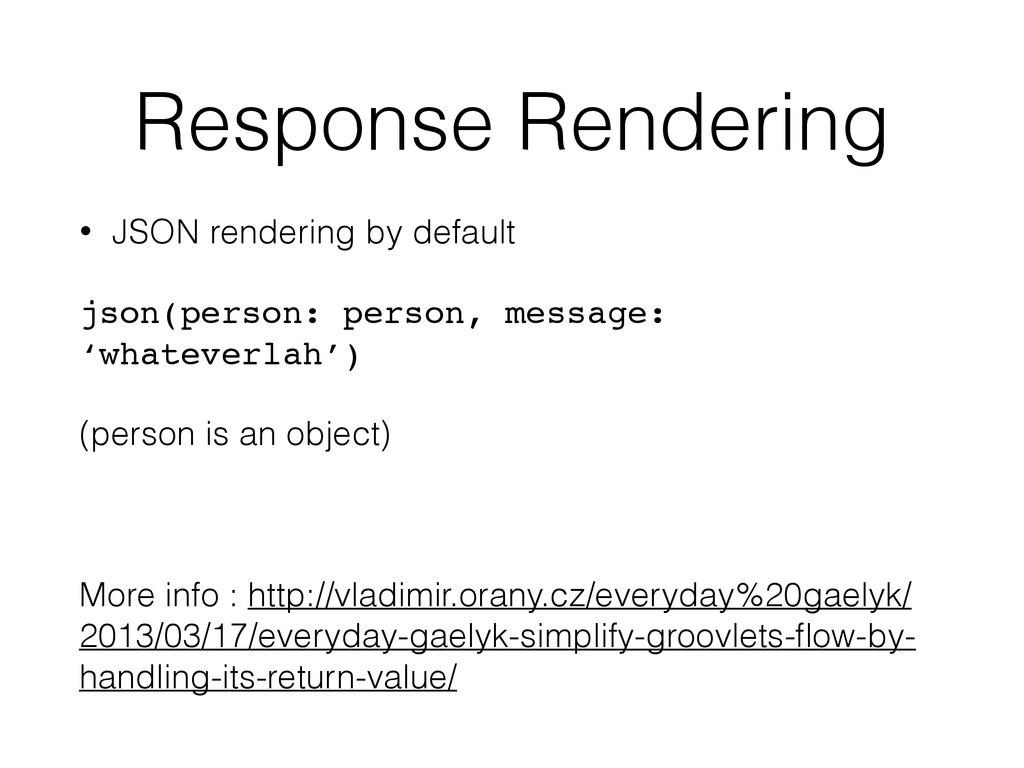
  15. Response Rendering • JSON rendering by default json(person: person, message:

    ‘whateverlah’) (person is an object) More info : http://vladimir.orany.cz/everyday%20gaelyk/ 2013/03/17/everyday-gaelyk-simplify-groovlets-flow-by- handling-its-return-value/
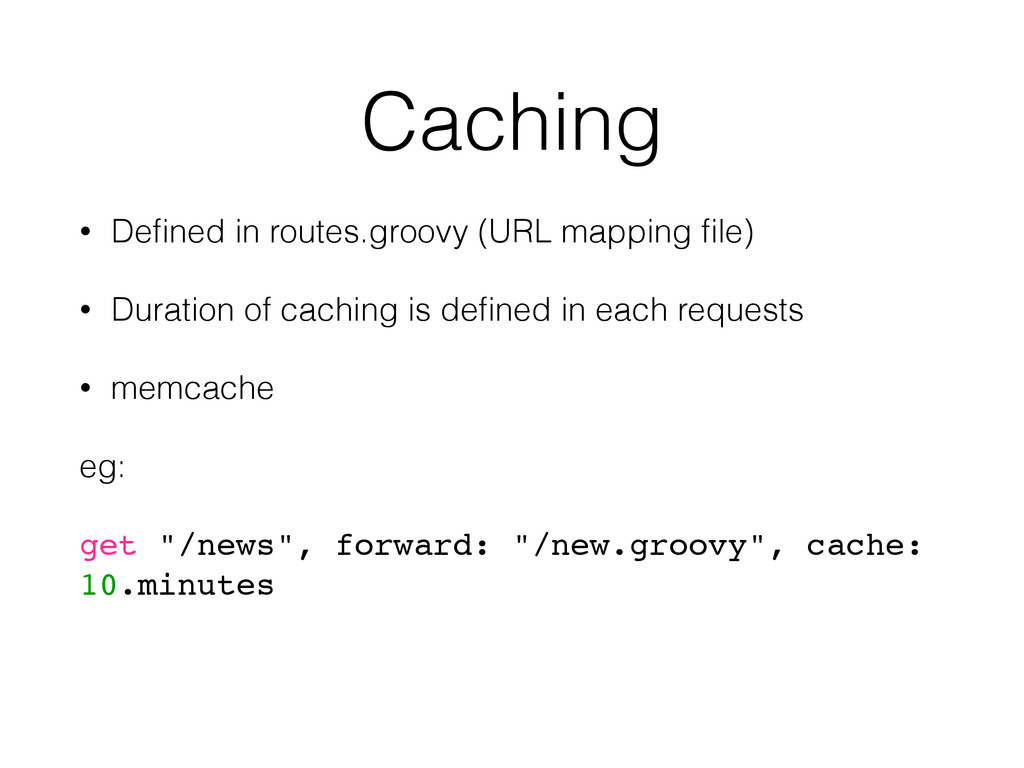
  16. Caching • Defined in routes.groovy (URL mapping file) • Duration

    of caching is defined in each requests • memcache eg: get "/news", forward: "/new.groovy", cache: 10.minutes
  17. Email Support mail.send from: "app‐admin‐[email protected]",
 to: "[email protected]",
 subject: "Hello",
 textBody:

    "Hello, how are you doing? ‐‐ MrG",
 attachment: [data: "Chapter 1, Chapter 2".bytes, fileName: "outline.txt"]
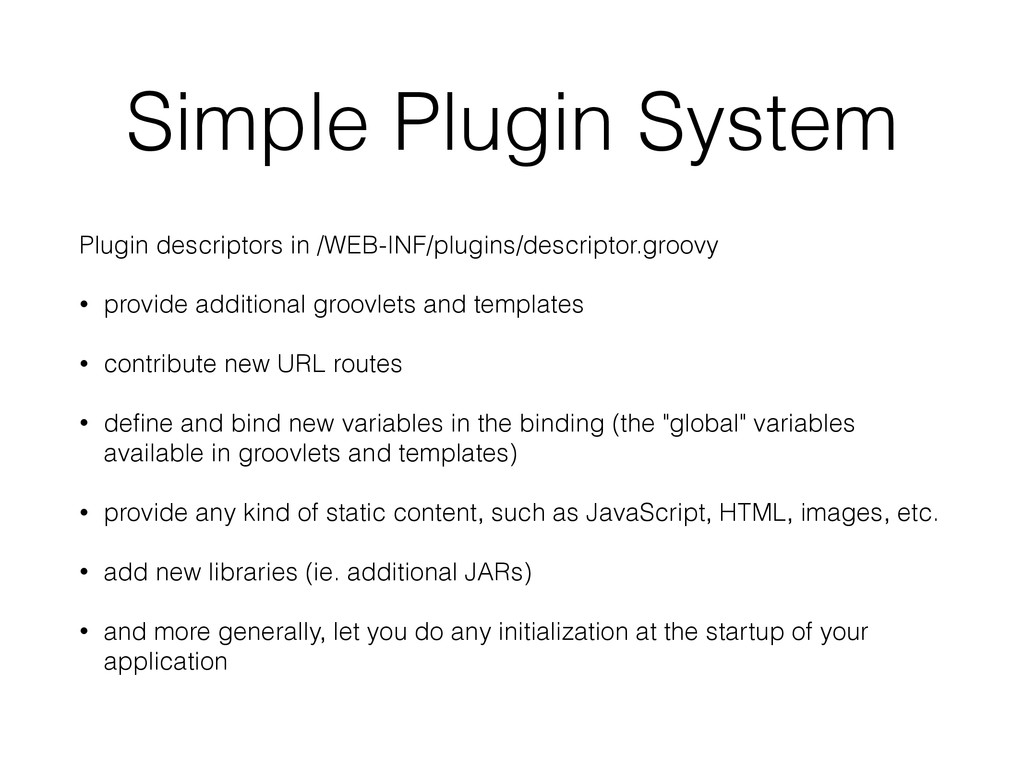
  18. Simple Plugin System Plugin descriptors in /WEB-INF/plugins/descriptor.groovy • provide additional

    groovlets and templates • contribute new URL routes • define and bind new variables in the binding (the "global" variables available in groovlets and templates) • provide any kind of static content, such as JavaScript, HTML, images, etc. • add new libraries (ie. additional JARs) • and more generally, let you do any initialization at the startup of your application
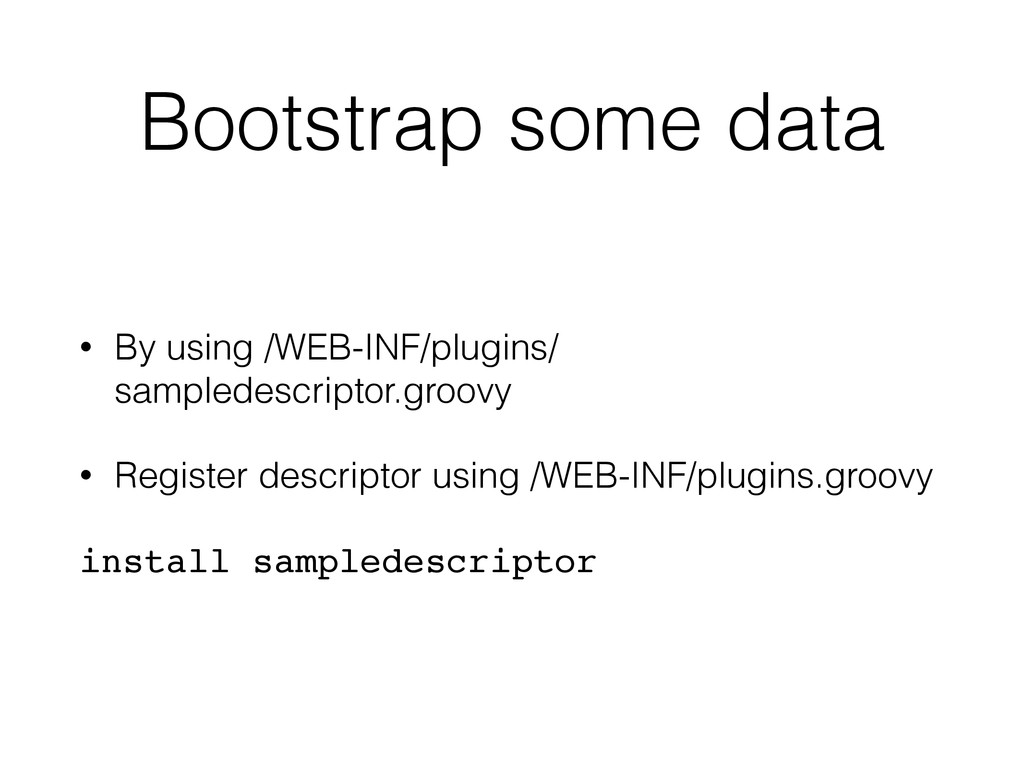
  19. Bootstrap some data • By using /WEB-INF/plugins/ sampledescriptor.groovy • Register

    descriptor using /WEB-INF/plugins.groovy install sampledescriptor
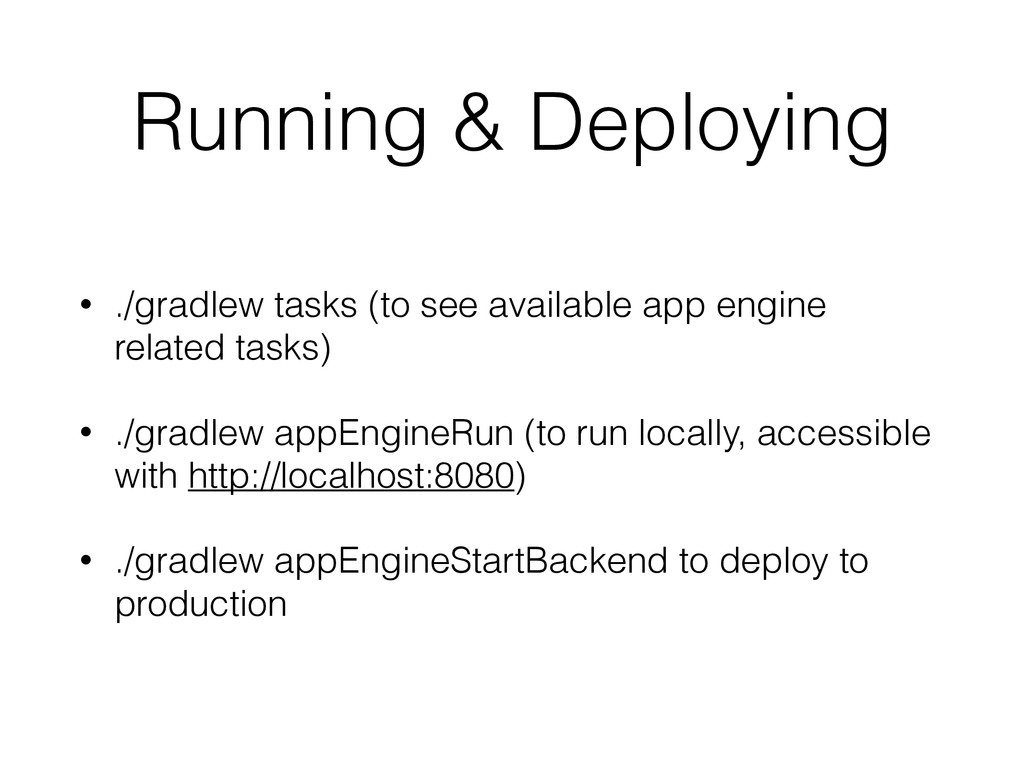
  20. Running & Deploying • ./gradlew tasks (to see available app

    engine related tasks) • ./gradlew appEngineRun (to run locally, accessible with http://localhost:8080) • ./gradlew appEngineStartBackend to deploy to production