Share
Embed
Transcript
44 slides
-
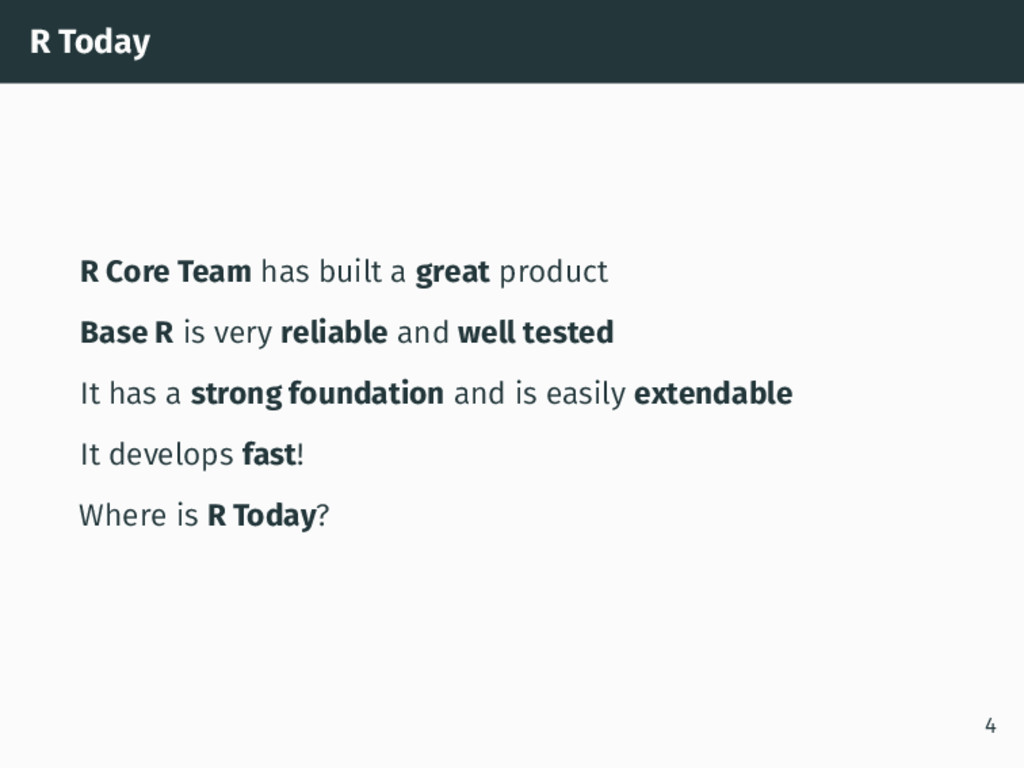
R Today R Core Team has built a great product
Base R is very reliable and well tested It has a strong foundation and is easily extendable It develops fast! Where is R Today? 4 -
Tidyverse “The packages in the tidyverse share a common philosophy
of data and R programming, and are designed to work together naturally.” 1 1http://tidyverse.org 7 -
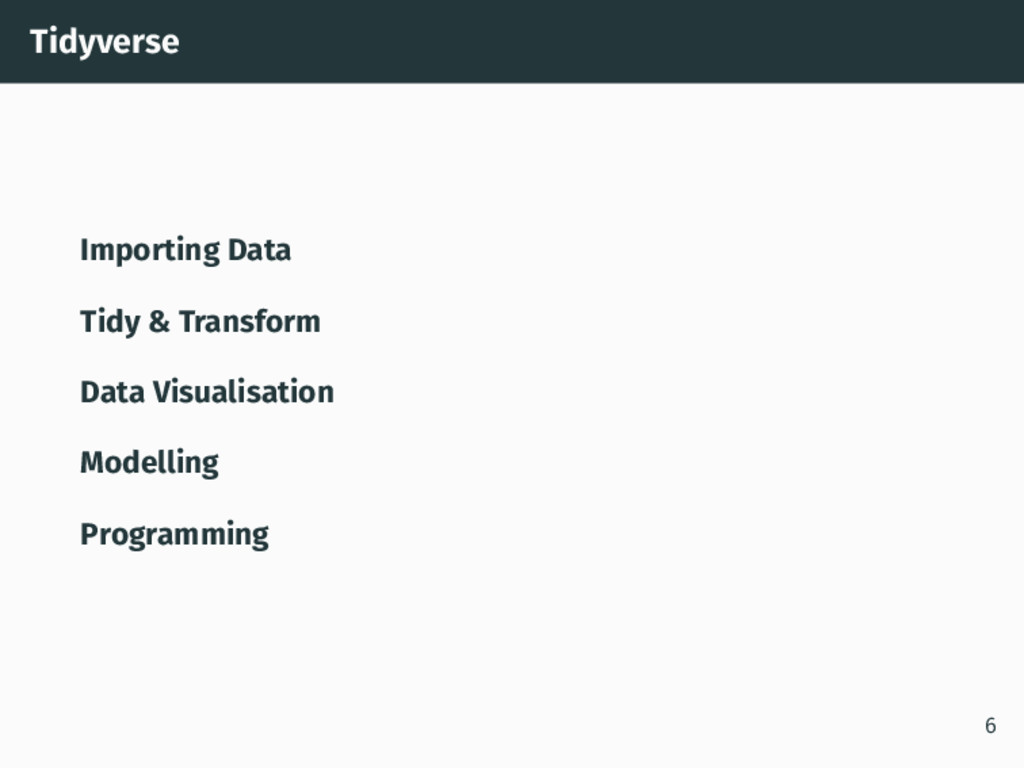
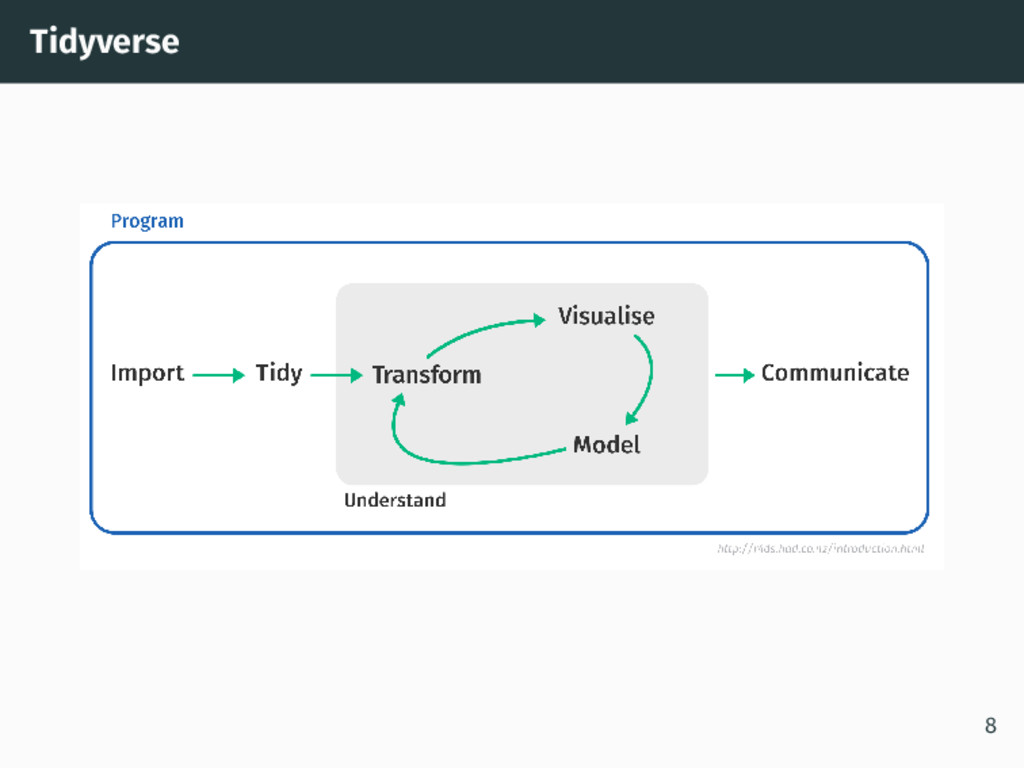
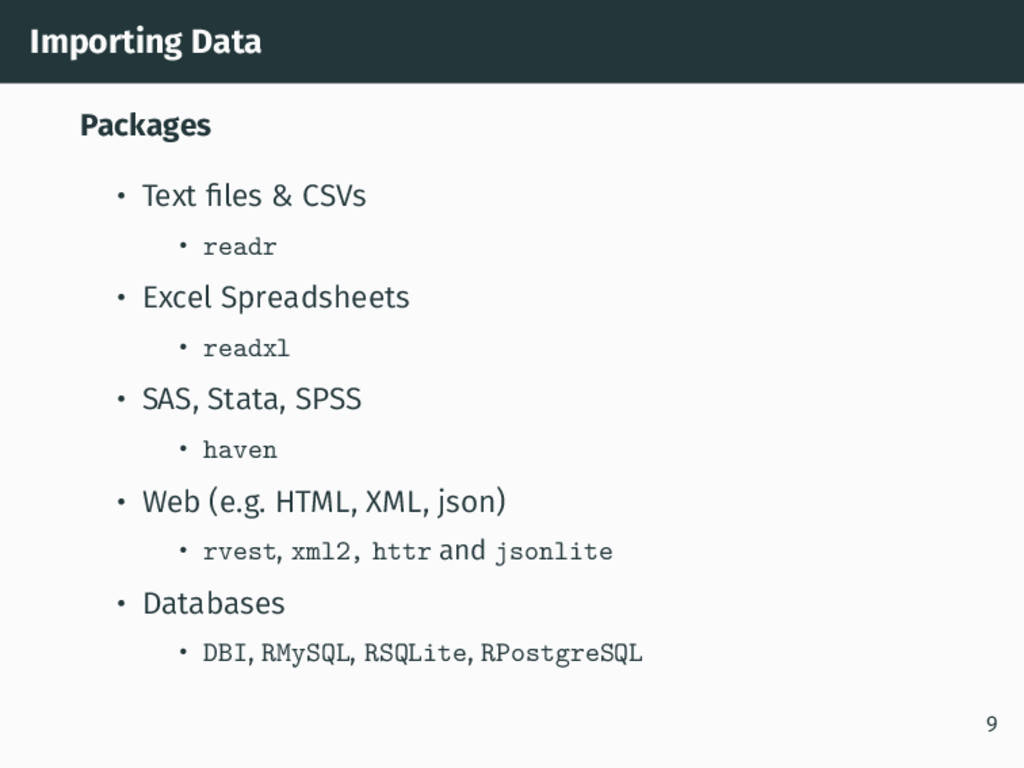
Importing Data Packages • Text files & CSVs • readr
• Excel Spreadsheets • readxl • SAS, Stata, SPSS • haven • Web (e.g. HTML, XML, json) • rvest, xml2, httr and jsonlite • Databases • DBI, RMySQL, RSQLite, RPostgreSQL 9 -
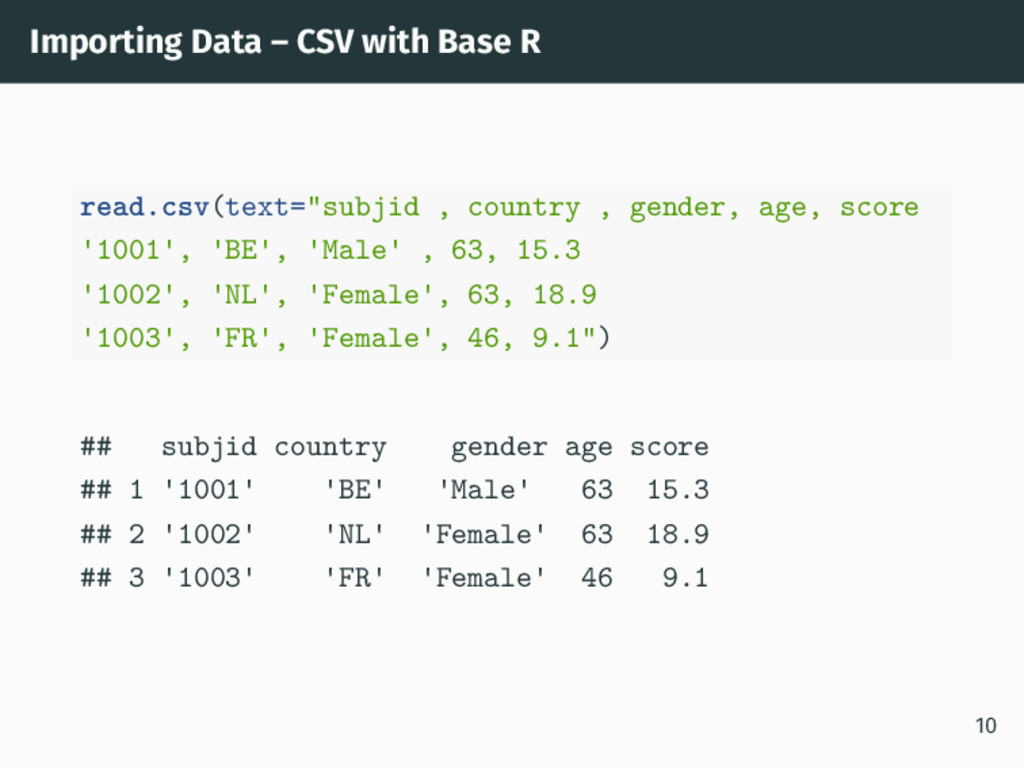
Importing Data – CSV with Base R read.csv(text="subjid , country
, gender, age, score 1001 , BE , Male , 63, 15.3 1002 , NL , Female , 63, 18.9 1003 , FR , Female , 46, 9.1") ## subjid country gender age score ## 1 1001 BE Male 63 15.3 ## 2 1002 NL Female 63 18.9 ## 3 1003 FR Female 46 9.1 10 -
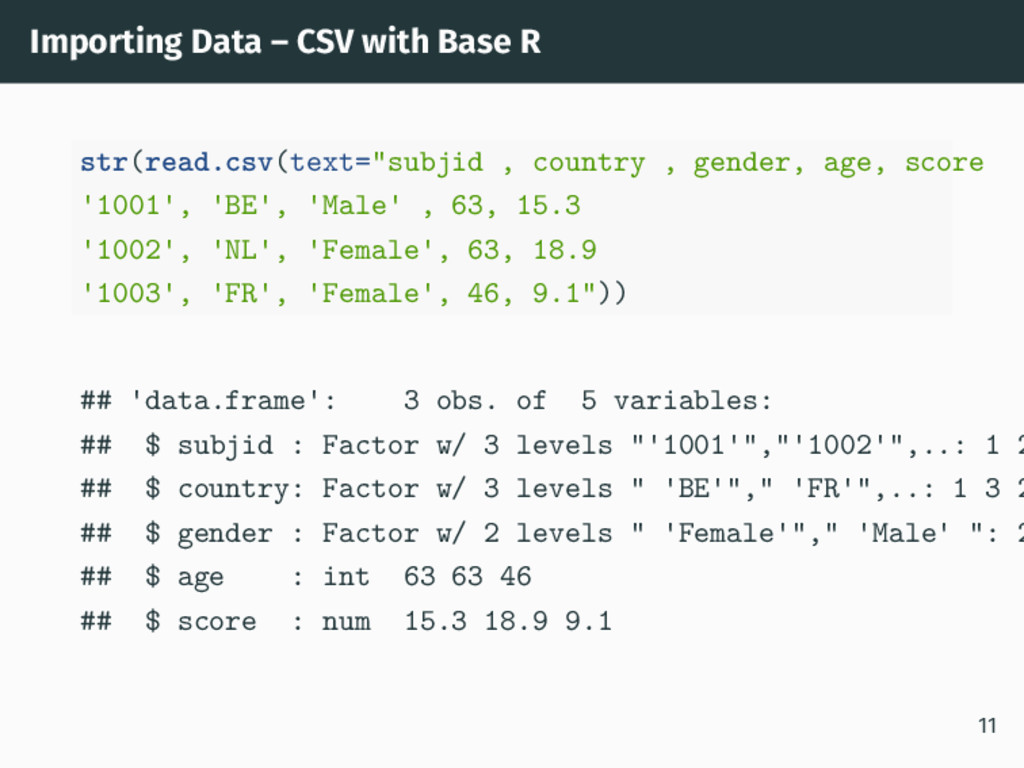
Importing Data – CSV with Base R str(read.csv(text="subjid , country
, gender, age, score 1001 , BE , Male , 63, 15.3 1002 , NL , Female , 63, 18.9 1003 , FR , Female , 46, 9.1")) ## data.frame : 3 obs. of 5 variables: ## $ subjid : Factor w/ 3 levels " 1001 "," 1002 ",..: 1 2 ## $ country: Factor w/ 3 levels " BE "," FR ",..: 1 3 2 ## $ gender : Factor w/ 2 levels " Female "," Male ": 2 ## $ age : int 63 63 46 ## $ score : num 15.3 18.9 9.1 11 -
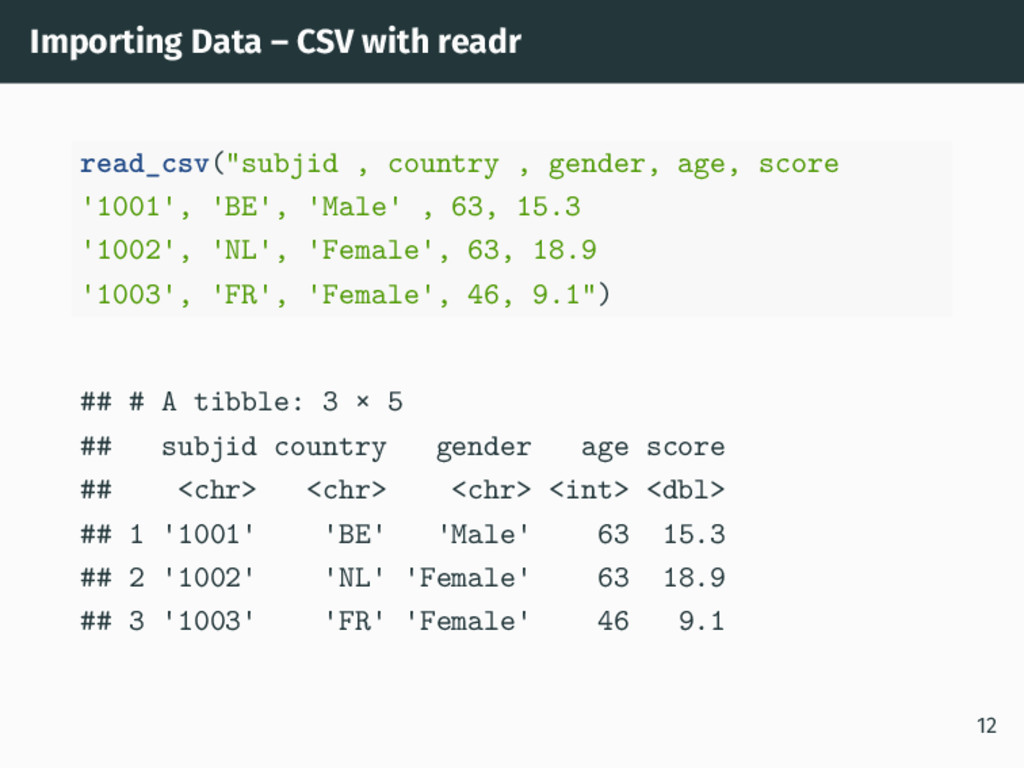
Importing Data – CSV with readr read_csv("subjid , country ,
gender, age, score 1001 , BE , Male , 63, 15.3 1002 , NL , Female , 63, 18.9 1003 , FR , Female , 46, 9.1") ## # A tibble: 3 × 5 ## subjid country gender age score ## <chr> <chr> <chr> <int> <dbl> ## 1 1001 BE Male 63 15.3 ## 2 1002 NL Female 63 18.9 ## 3 1003 FR Female 46 9.1 12 -
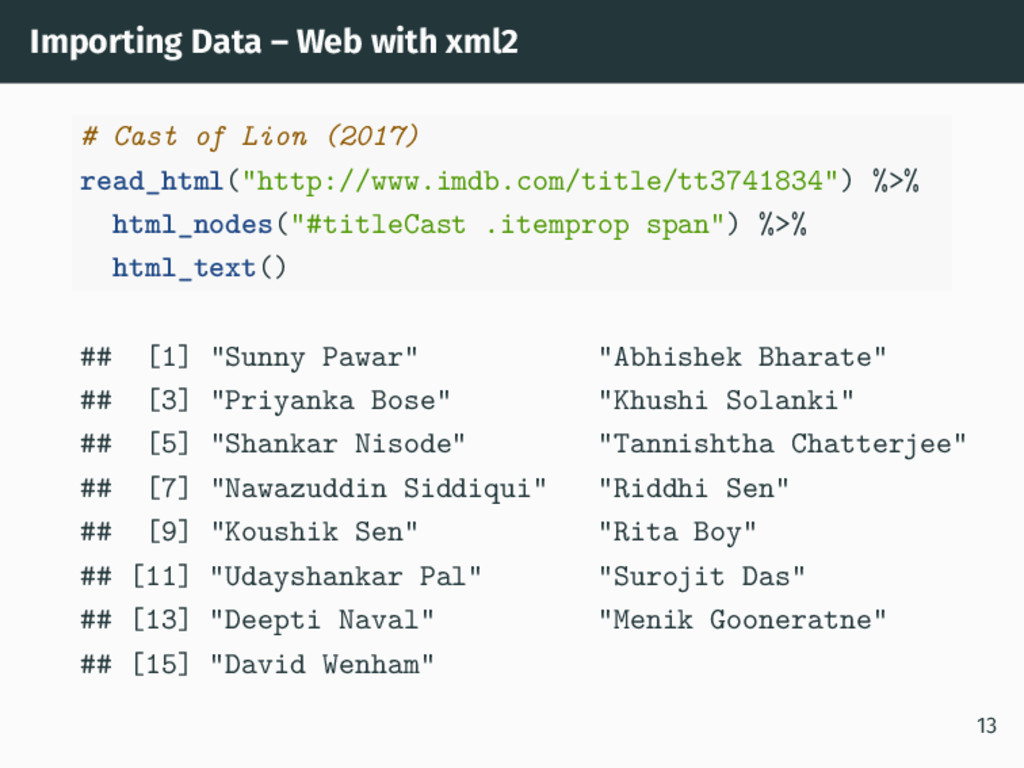
Importing Data – Web with xml2 # Cast of Lion
(2017) read_html("http://www.imdb.com/title/tt3741834") %>% html_nodes("#titleCast .itemprop span") %>% html_text() ## [1] "Sunny Pawar" "Abhishek Bharate" ## [3] "Priyanka Bose" "Khushi Solanki" ## [5] "Shankar Nisode" "Tannishtha Chatterjee" ## [7] "Nawazuddin Siddiqui" "Riddhi Sen" ## [9] "Koushik Sen" "Rita Boy" ## [11] "Udayshankar Pal" "Surojit Das" ## [13] "Deepti Naval" "Menik Gooneratne" ## [15] "David Wenham" 13 -
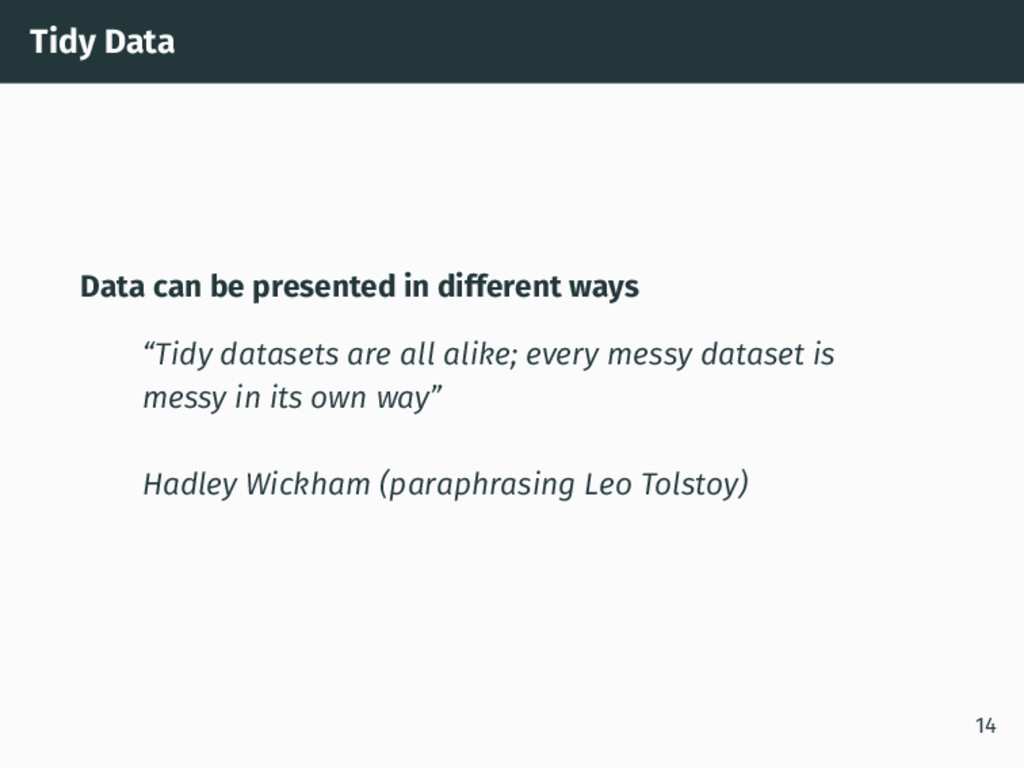
Tidy Data Data can be presented in different ways “Tidy
datasets are all alike; every messy dataset is messy in its own way” Hadley Wickham (paraphrasing Leo Tolstoy) 14 -
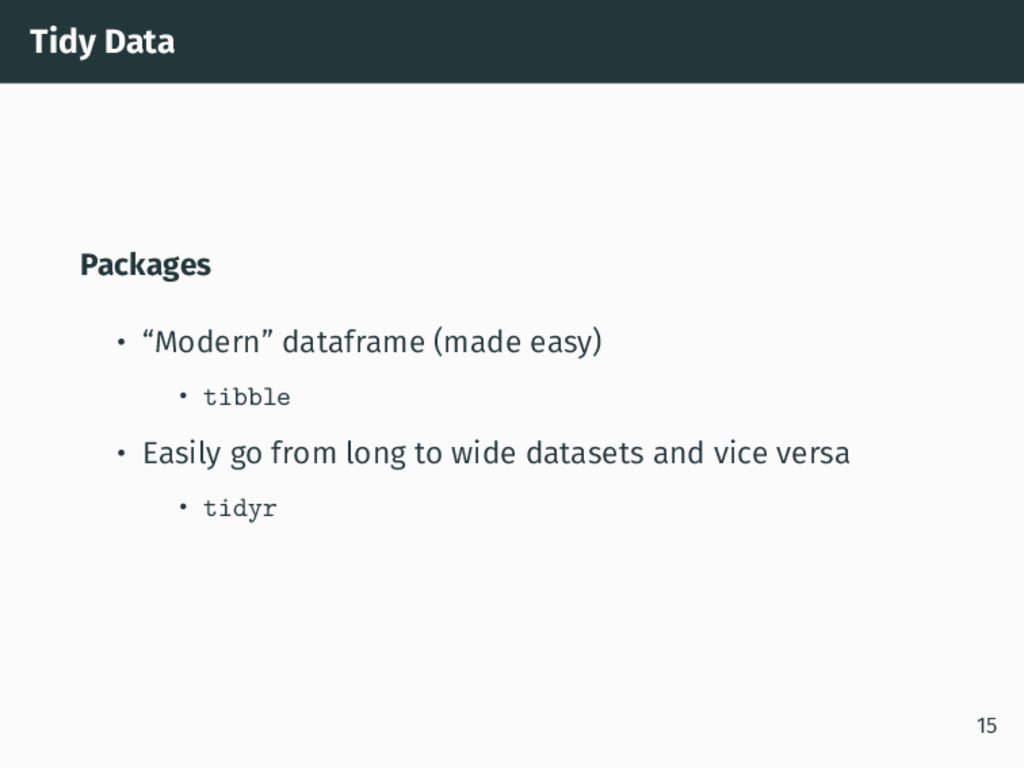
Tidy Data Packages • “Modern” dataframe (made easy) • tibble
• Easily go from long to wide datasets and vice versa • tidyr 15 -
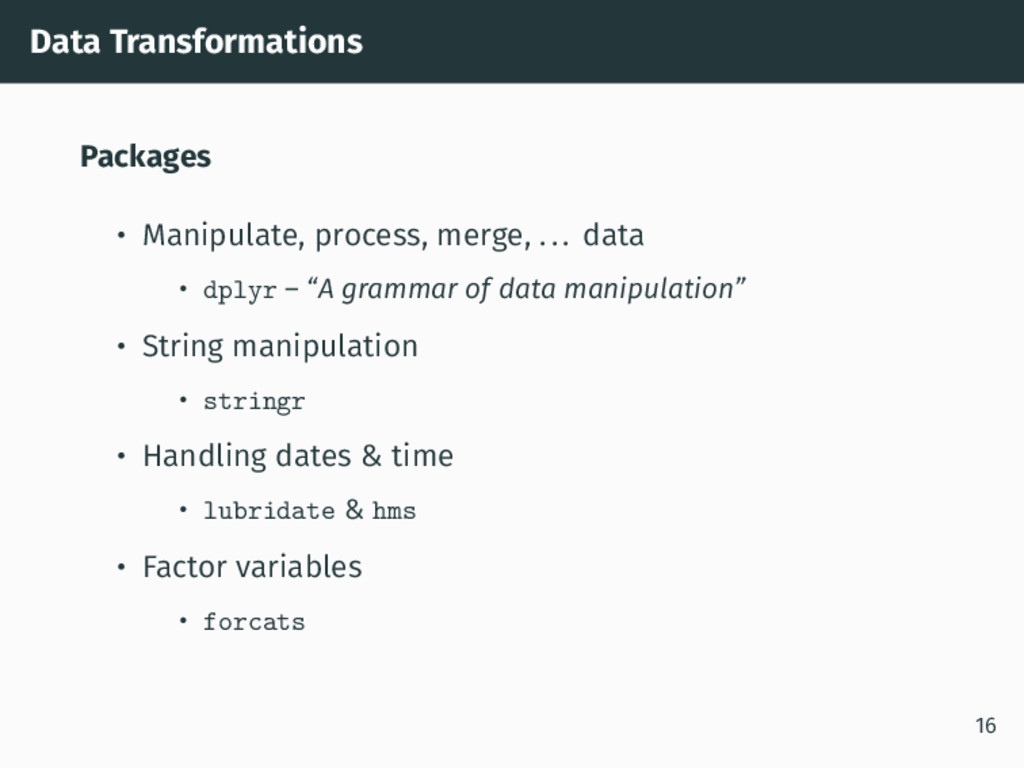
Data Transformations Packages • Manipulate, process, merge, ... data •
dplyr – “A grammar of data manipulation” • String manipulation • stringr • Handling dates & time • lubridate & hms • Factor variables • forcats 16 -
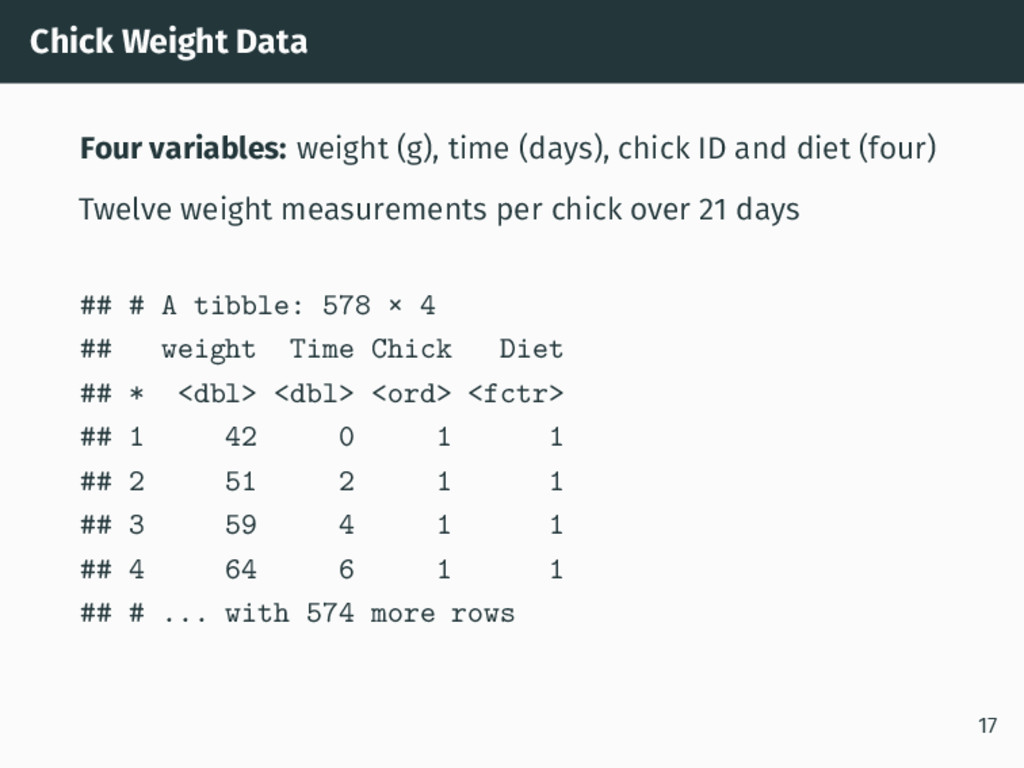
Chick Weight Data Four variables: weight (g), time (days), chick
ID and diet (four) Twelve weight measurements per chick over 21 days ## # A tibble: 578 × 4 ## weight Time Chick Diet ## * <dbl> <dbl> <ord> <fctr> ## 1 42 0 1 1 ## 2 51 2 1 1 ## 3 59 4 1 1 ## 4 64 6 1 1 ## # ... with 574 more rows 17 -
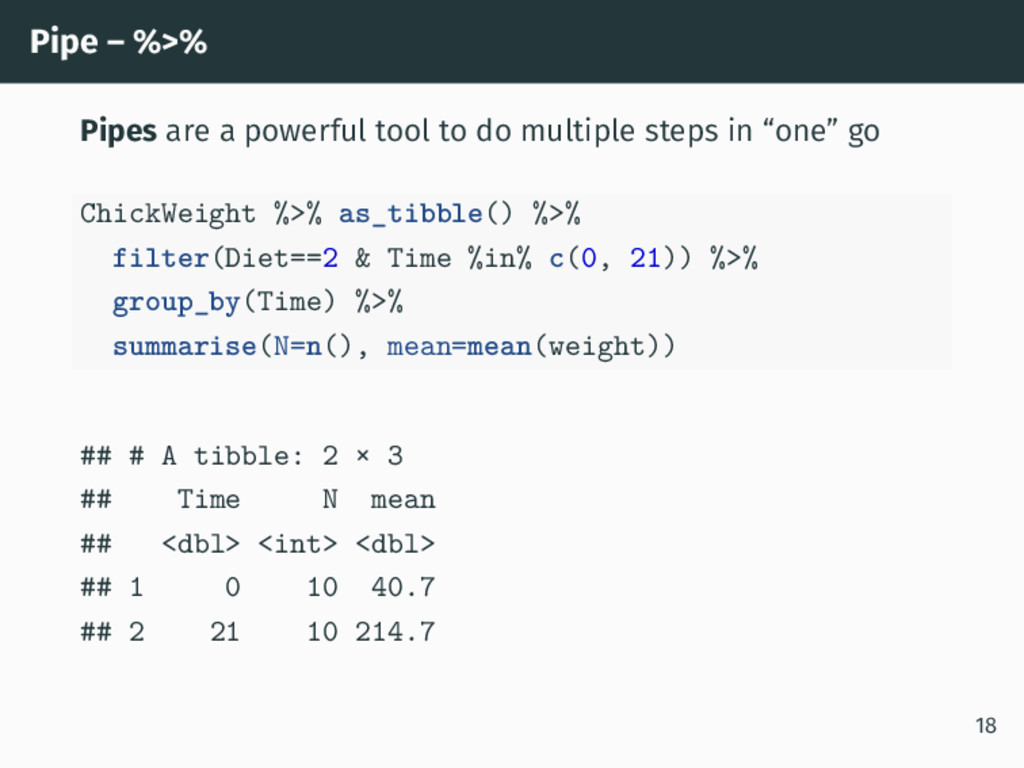
Pipe – %>% Pipes are a powerful tool to do
multiple steps in “one” go ChickWeight %>% as_tibble() %>% filter(Diet==2 & Time %in% c(0, 21)) %>% group_by(Time) %>% summarise(N=n(), mean=mean(weight)) ## # A tibble: 2 × 3 ## Time N mean ## <dbl> <int> <dbl> ## 1 0 10 40.7 ## 2 21 10 214.7 18 -
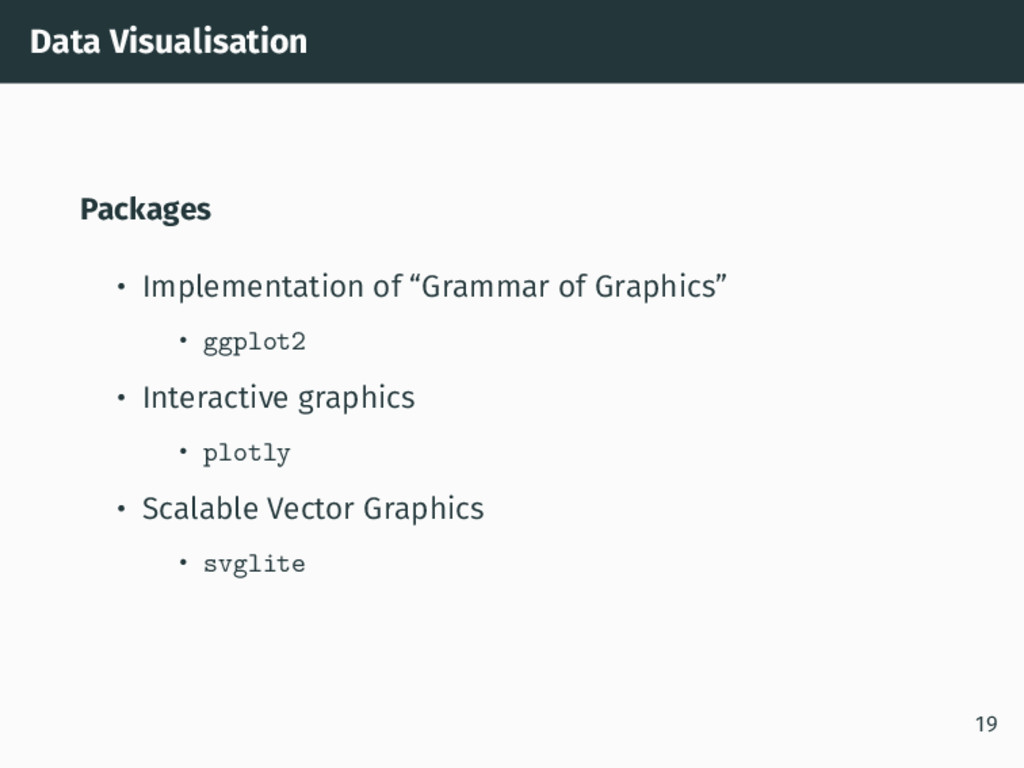
Data Visualisation Packages • Implementation of “Grammar of Graphics” •
ggplot2 • Interactive graphics • plotly • Scalable Vector Graphics • svglite 19 -
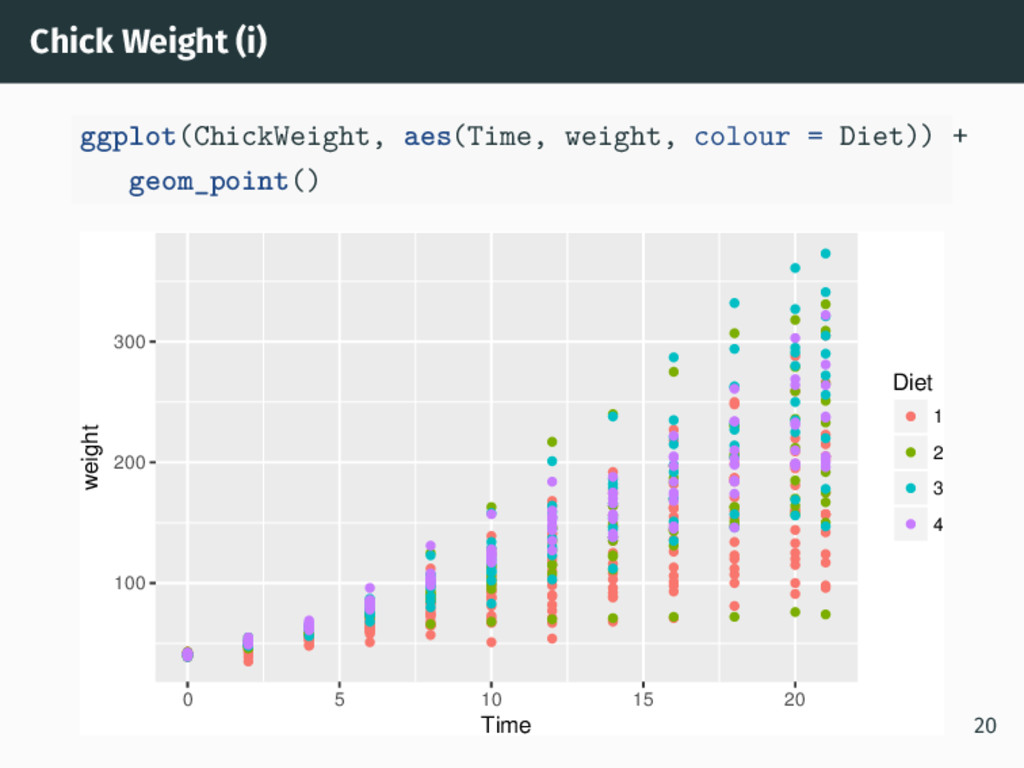
Chick Weight (i) ggplot(ChickWeight, aes(Time, weight, colour = Diet)) +
geom_point() 100 200 300 0 5 10 15 20 Time weight Diet 1 2 3 4 20 -
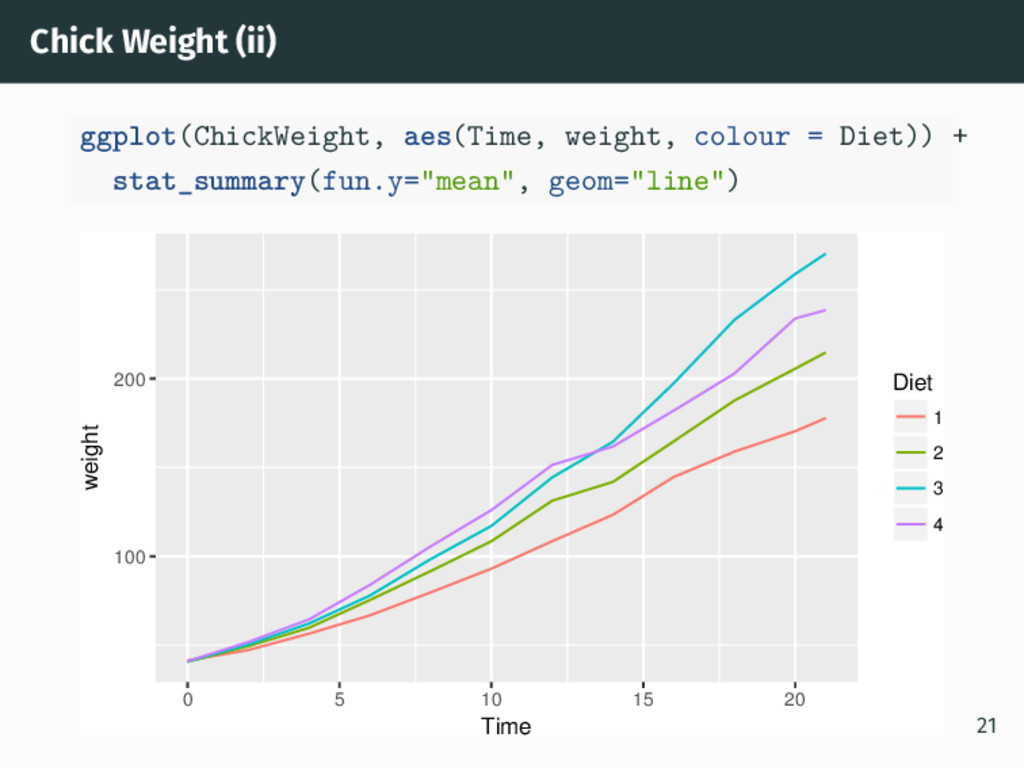
Chick Weight (ii) ggplot(ChickWeight, aes(Time, weight, colour = Diet)) +
stat_summary(fun.y="mean", geom="line") 100 200 0 5 10 15 20 Time weight Diet 1 2 3 4 21 -
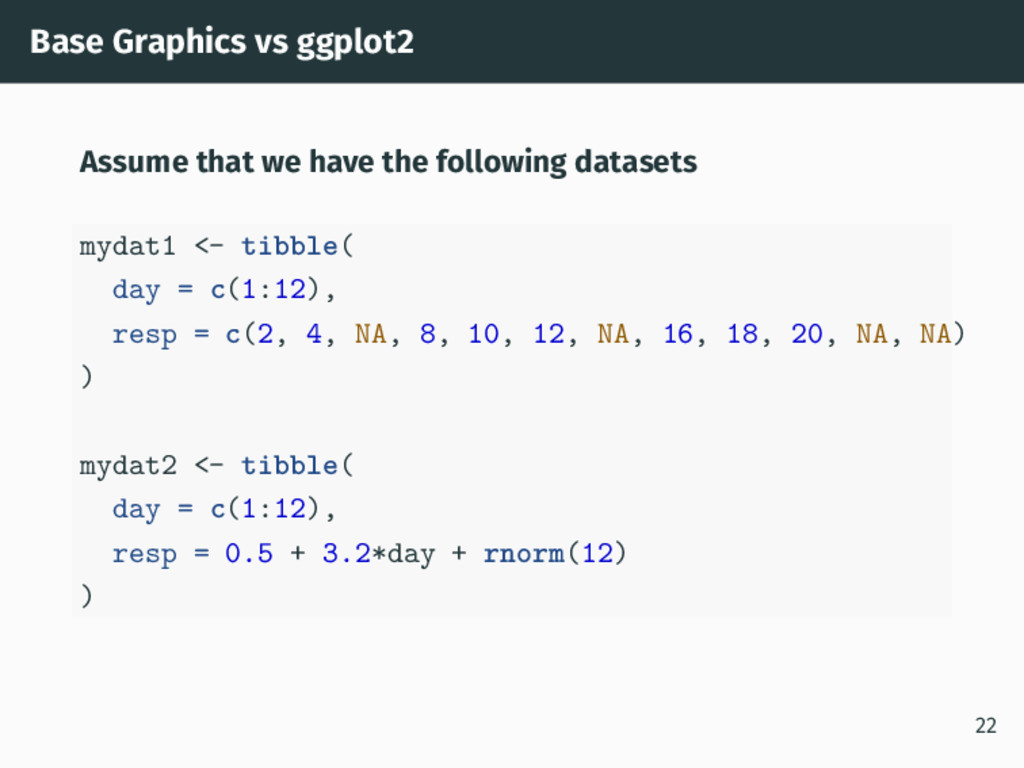
Base Graphics vs ggplot2 Assume that we have the following
datasets mydat1 <- tibble( day = c(1:12), resp = c(2, 4, NA, 8, 10, 12, NA, 16, 18, 20, NA, NA) ) mydat2 <- tibble( day = c(1:12), resp = 0.5 + 3.2*day + rnorm(12) ) 22 -
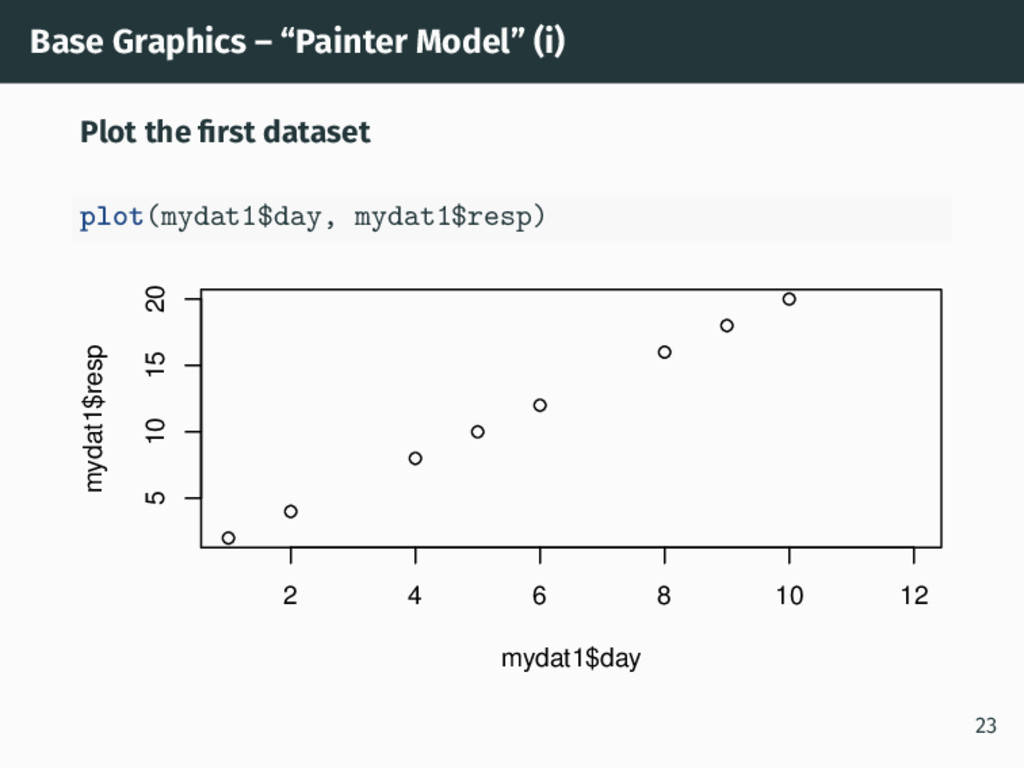
Base Graphics – “Painter Model” (i) Plot the first dataset
plot(mydat1$day, mydat1$resp) 2 4 6 8 10 12 5 10 15 20 mydat1$day mydat1$resp 23 -
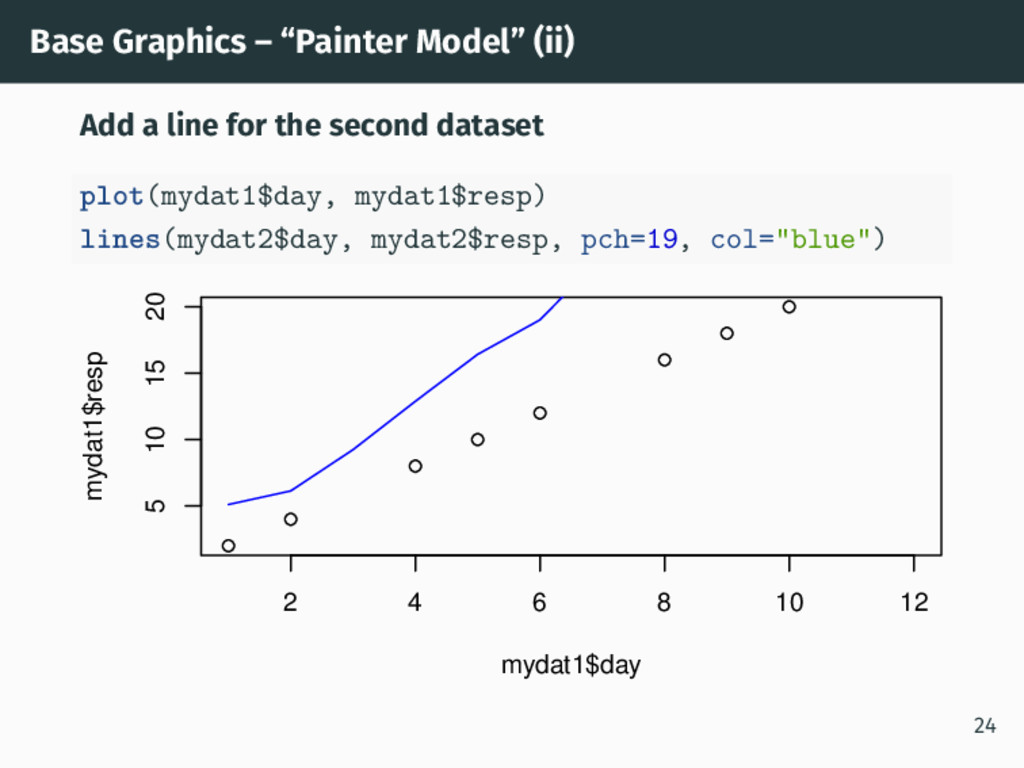
Base Graphics – “Painter Model” (ii) Add a line for
the second dataset plot(mydat1$day, mydat1$resp) lines(mydat2$day, mydat2$resp, pch=19, col="blue") 2 4 6 8 10 12 5 10 15 20 mydat1$day mydat1$resp 24 -
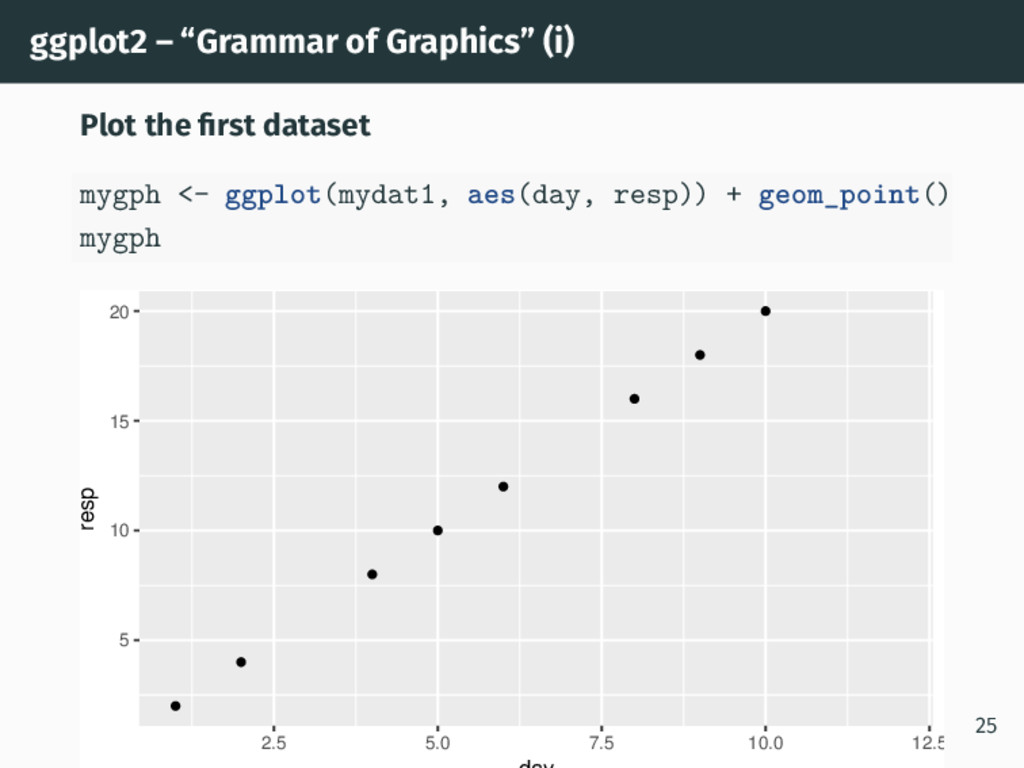
ggplot2 – “Grammar of Graphics” (i) Plot the first dataset
mygph <- ggplot(mydat1, aes(day, resp)) + geom_point() mygph 5 10 15 20 2.5 5.0 7.5 10.0 12.5 resp 25 -
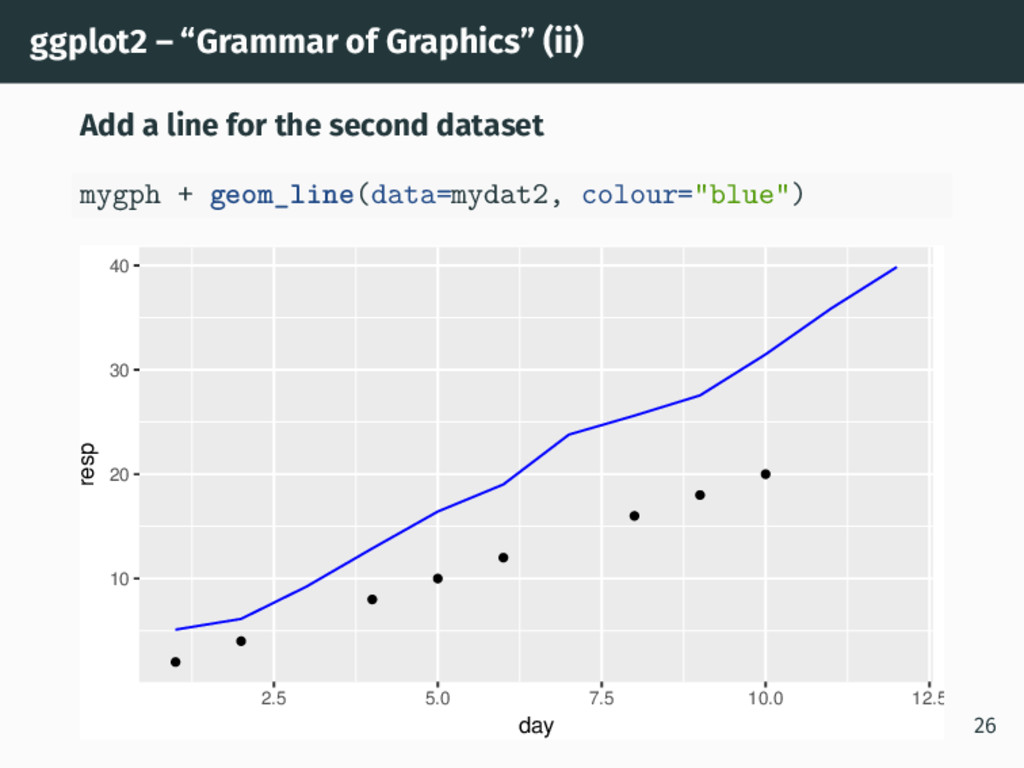
ggplot2 – “Grammar of Graphics” (ii) Add a line for
the second dataset mygph + geom_line(data=mydat2, colour="blue") 10 20 30 40 2.5 5.0 7.5 10.0 12.5 day resp 26 -
Base Graphics vs ggplot2 Base graphics plotted the second dataset
without warning that there were values outside the plot. ggplot2 adapted the plot for the second dataset. • It also gave a warning (not shown) about the 4 missing values. The Base graphics issue could be programmed out but ggplot2 takes it away. 27 -
Modelling Packages • Convert statistical analysis objects from R into
tidy data frames • broom • Modelling Functions that Work with the Pipe (%>%) • modelr 28 -
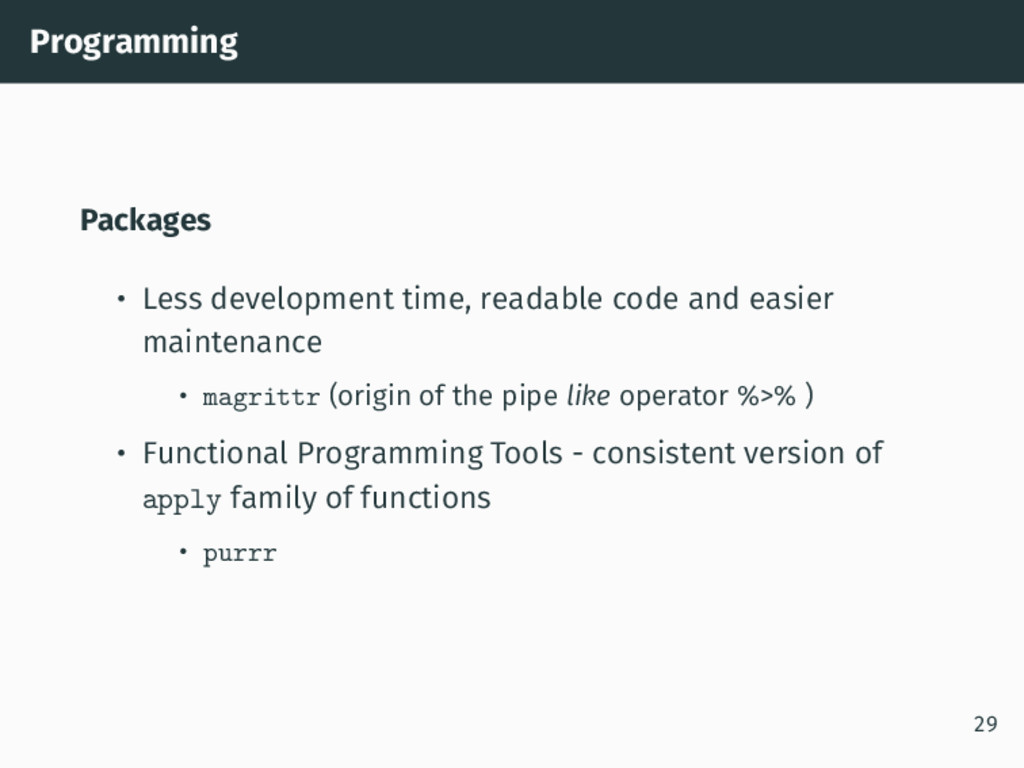
Programming Packages • Less development time, readable code and easier
maintenance • magrittr (origin of the pipe like operator %>% ) • Functional Programming Tools - consistent version of apply family of functions • purrr 29 -
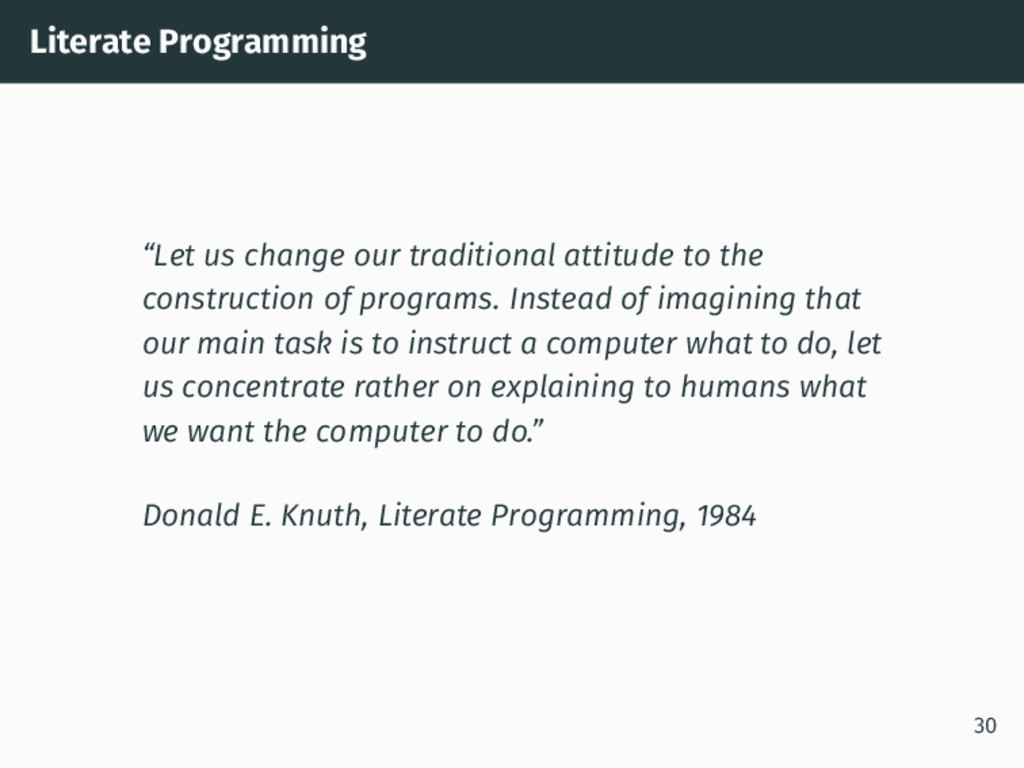
Literate Programming “Let us change our traditional attitude to the
construction of programs. Instead of imagining that our main task is to instruct a computer what to do, let us concentrate rather on explaining to humans what we want the computer to do.” Donald E. Knuth, Literate Programming, 1984 30 -
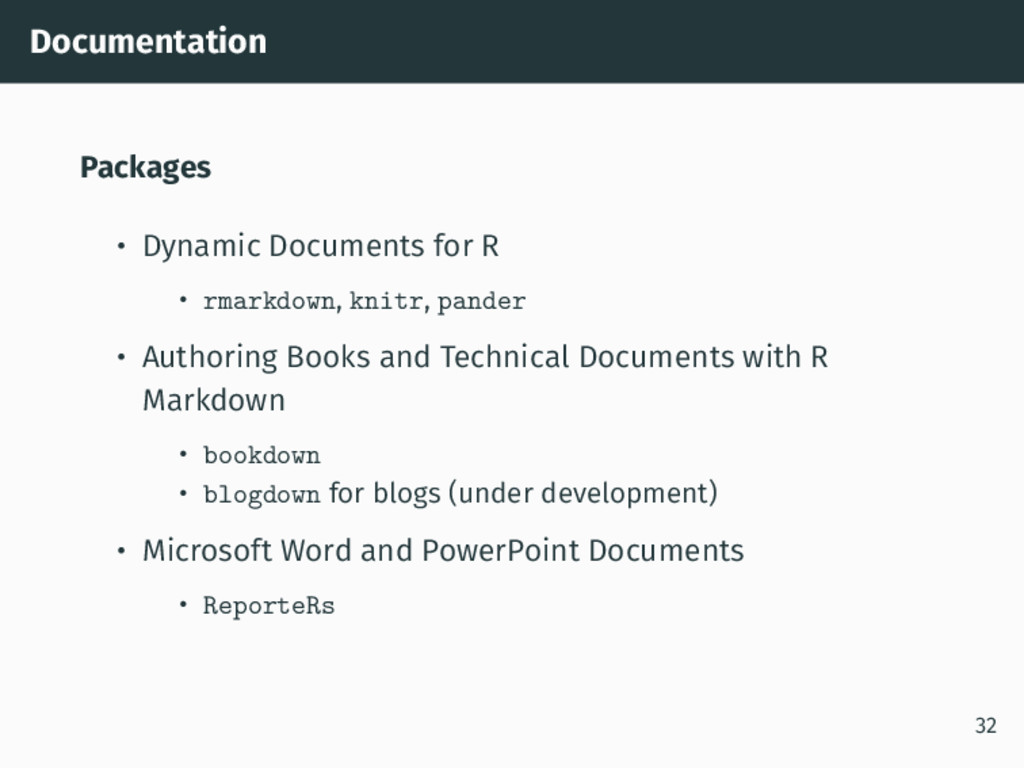
Documentation Packages • Dynamic Documents for R • rmarkdown, knitr,
pander • Authoring Books and Technical Documents with R Markdown • bookdown • blogdown for blogs (under development) • Microsoft Word and PowerPoint Documents • ReporteRs 32 -
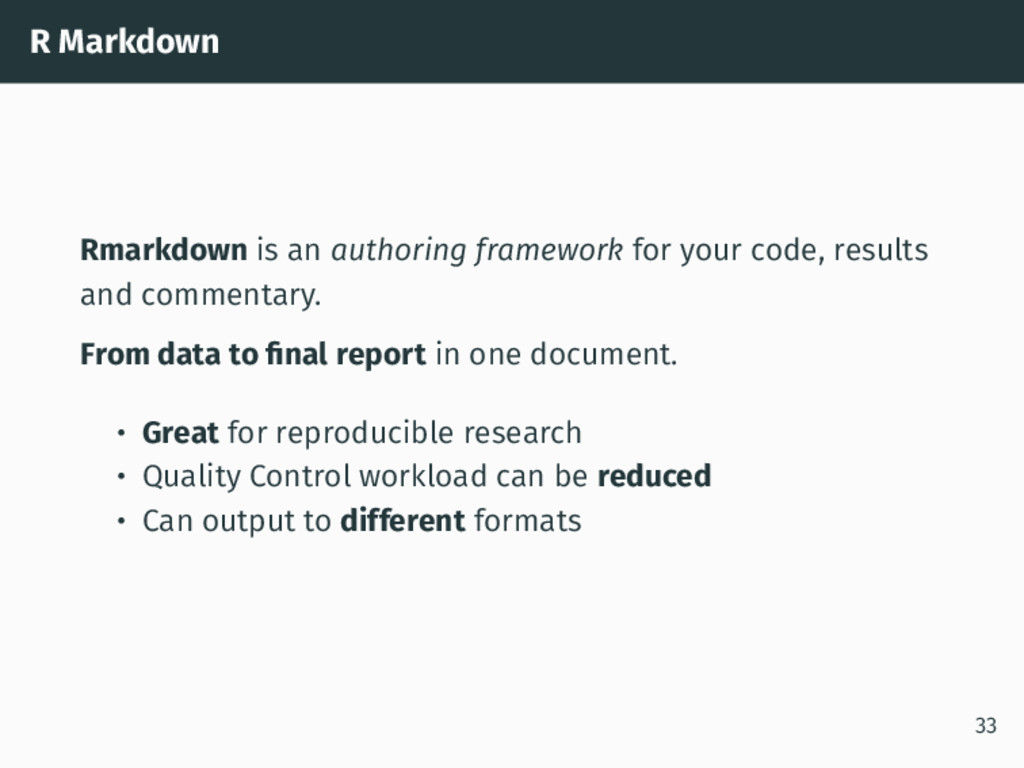
R Markdown Rmarkdown is an authoring framework for your code,
results and commentary. From data to final report in one document. • Great for reproducible research • Quality Control workload can be reduced • Can output to different formats 33 -
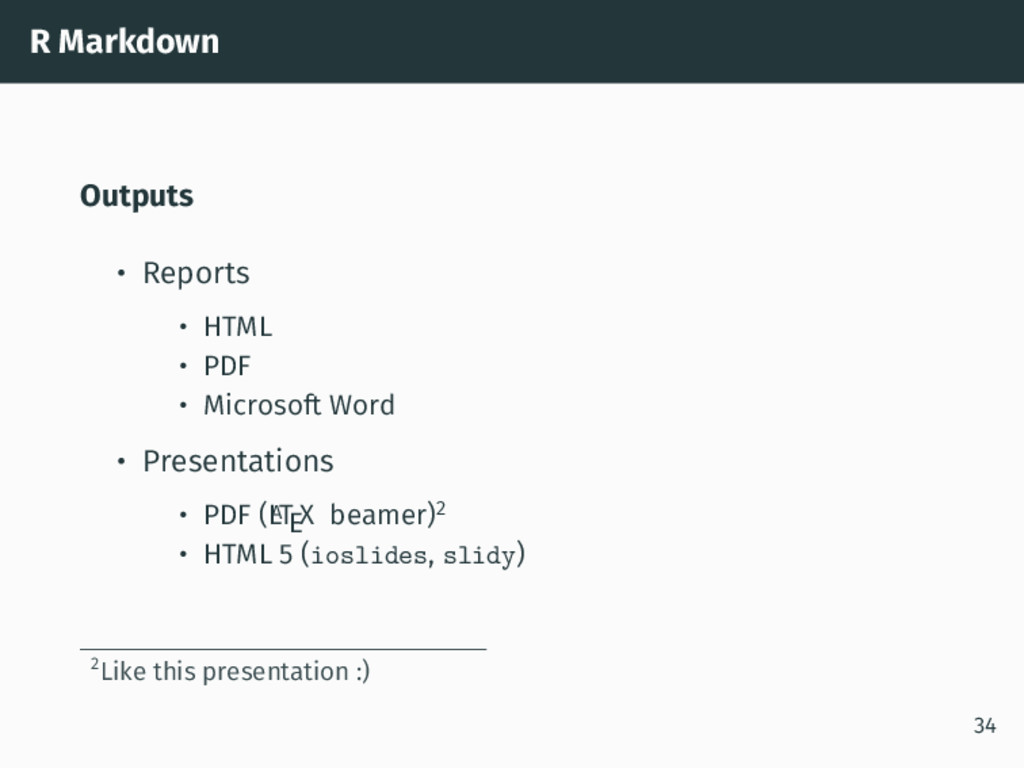
R Markdown Outputs • Reports • HTML • PDF •
Microsoft Word • Presentations • PDF (L A TEX beamer)2 • HTML 5 (ioslides, slidy) 2Like this presentation :) 34 -
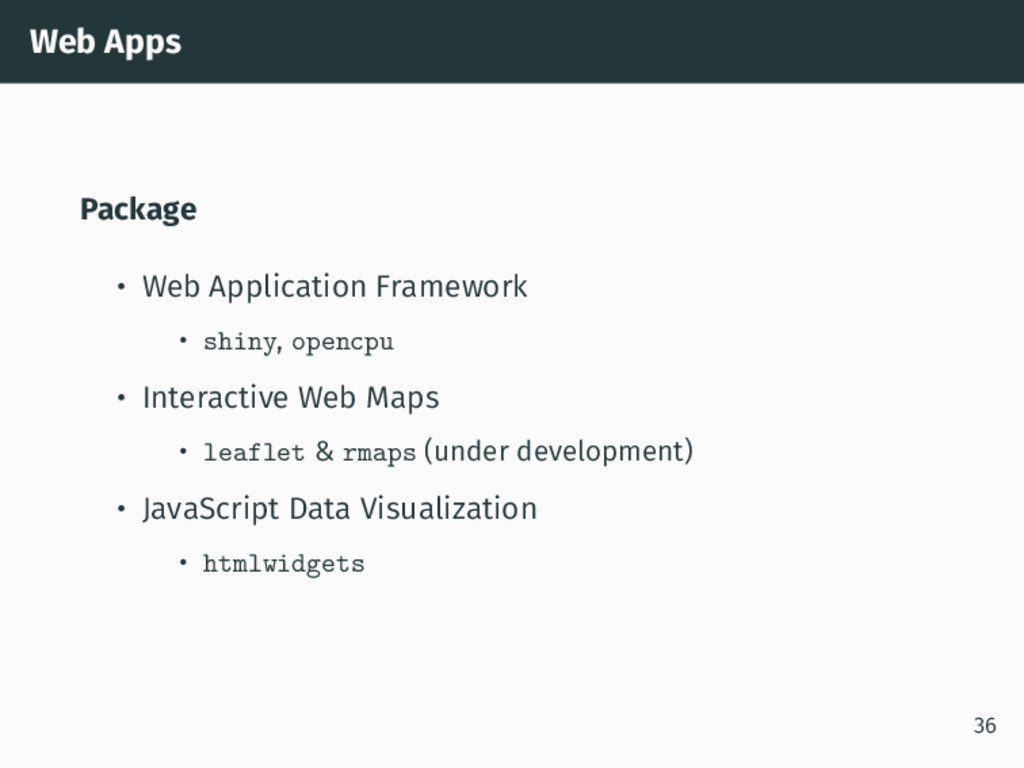
Web Apps Package • Web Application Framework • shiny, opencpu
• Interactive Web Maps • leaflet & rmaps (under development) • JavaScript Data Visualization • htmlwidgets 36 -
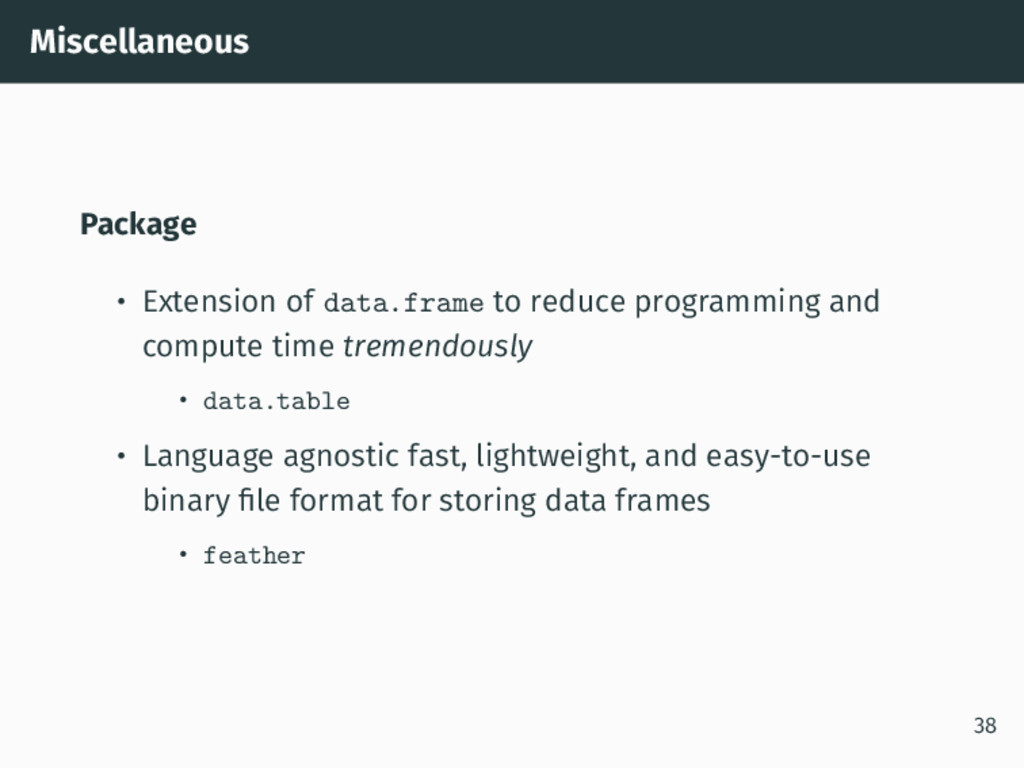
Miscellaneous Package • Extension of data.frame to reduce programming and
compute time tremendously • data.table • Language agnostic fast, lightweight, and easy-to-use binary file format for storing data frames • feather 38 -
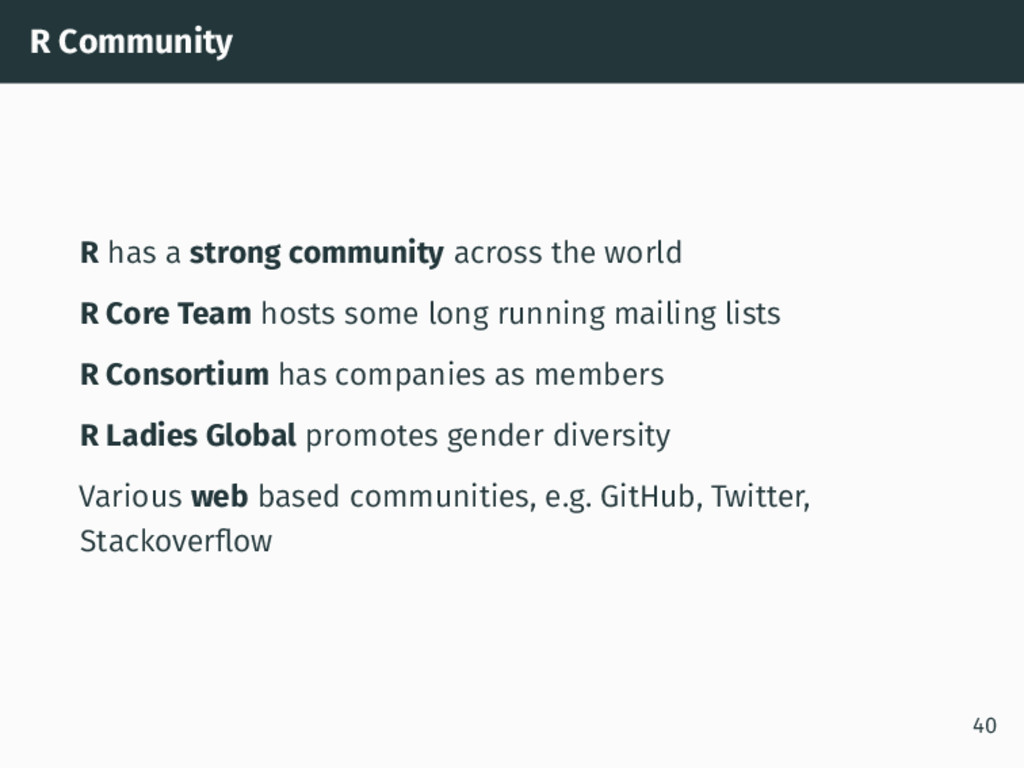
R Community R has a strong community across the world
R Core Team hosts some long running mailing lists R Consortium has companies as members R Ladies Global promotes gender diversity Various web based communities, e.g. GitHub, Twitter, Stackoverflow 40 -
How can you keep up? It can be a full
time job to keep up and this presentation just gave some highlights • Use R as much as you can • Learn from one another by sharing code • Don’t be afraid to ask questions • Once a week look at R-weekly.org • Join in by contributing e.g., packages, documentation, blog posts, giving courses, support on forums, ... 41 -
Summary R Core Team have developed a high quality and
reliable product Base R is flexible and extendable by design Fast development – there are more than 10,000 packages R Community is diverse and strong Tidyverse approach lets you think about what you want to do and less about what R is doing 43 -
This work is licensed under the Creative Commons Attribution-NonCommercial 4.0
International License. To view a copy of this license, visit http://creativecommons.org/licenses/by-nc/4.0/ 43