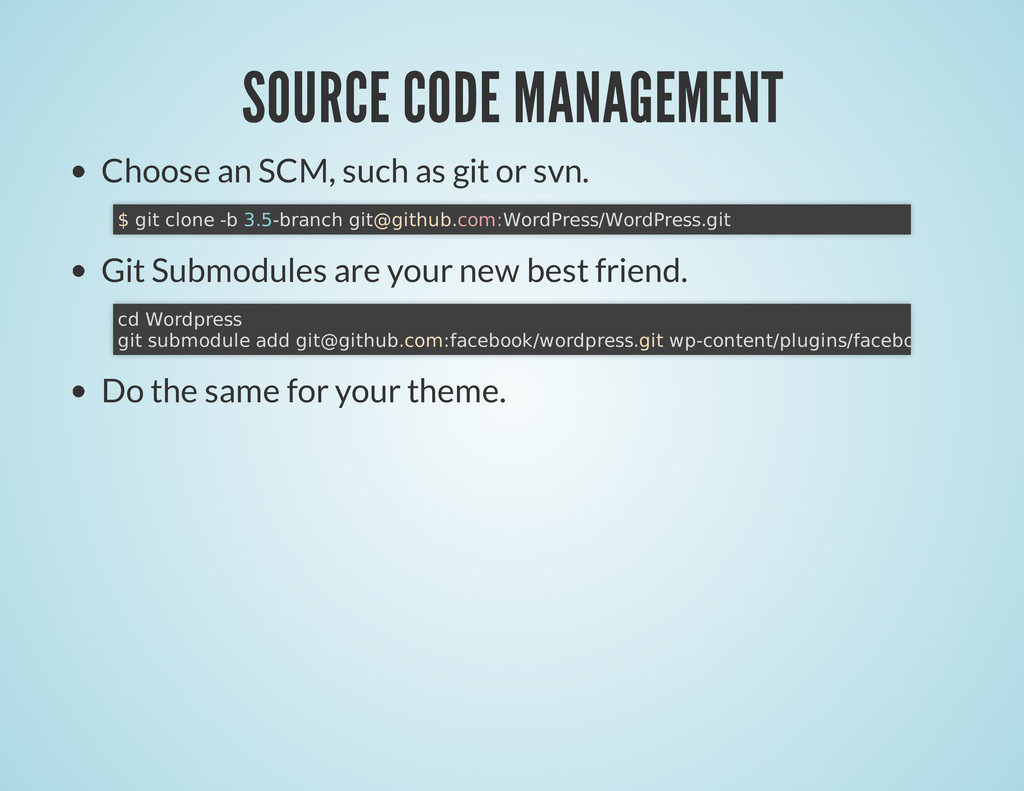
svn. Git Submodules are your new best friend. Do the same for your theme. $ git clone -b 3.5-branch [email protected]:WordPress/WordPress.git cd Wordpress git submodule add [email protected]:facebook/wordpress.git wp-content/plugins/facebook
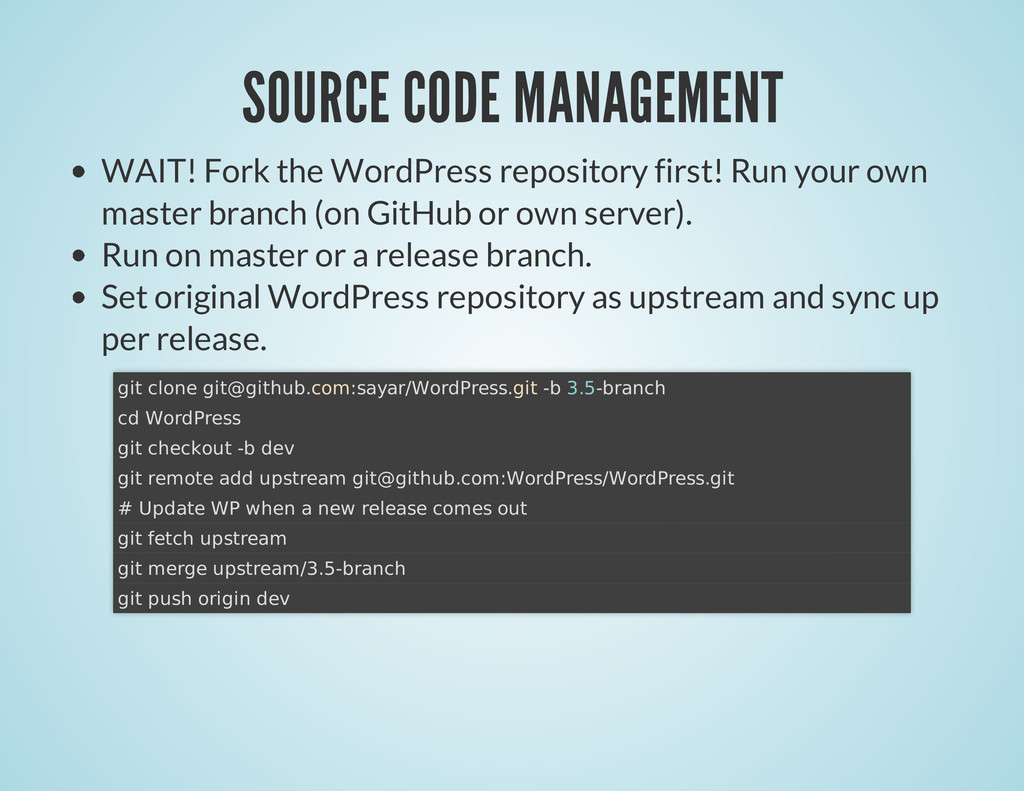
your own master branch (on GitHub or own server). Run on master or a release branch. Set original WordPress repository as upstream and sync up per release. git clone [email protected]:sayar/WordPress.git -b 3.5-branch cd WordPress git checkout -b dev git remote add upstream [email protected]:WordPress/WordPress.git # Update WP when a new release comes out git fetch upstream git merge upstream/3.5-branch git push origin dev
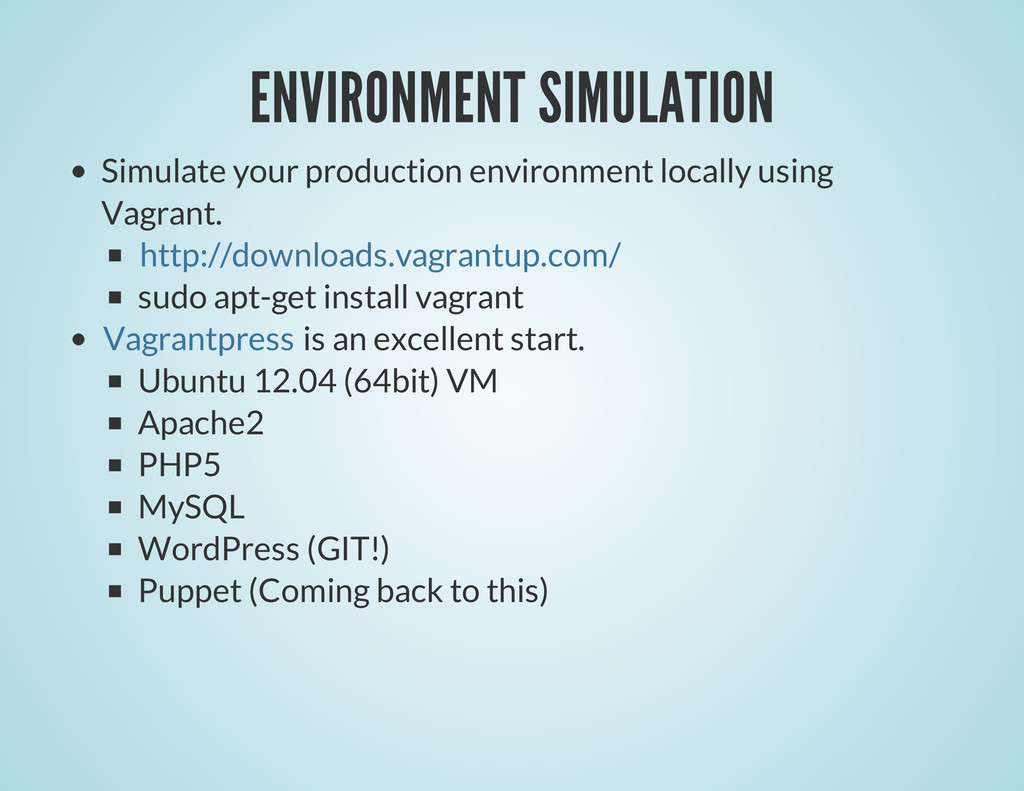
apt-get install vagrant is an excellent start. Ubuntu 12.04 (64bit) VM Apache2 PHP5 MySQL WordPress (GIT!) Puppet (Coming back to this) http://downloads.vagrantup.com/ Vagrantpress
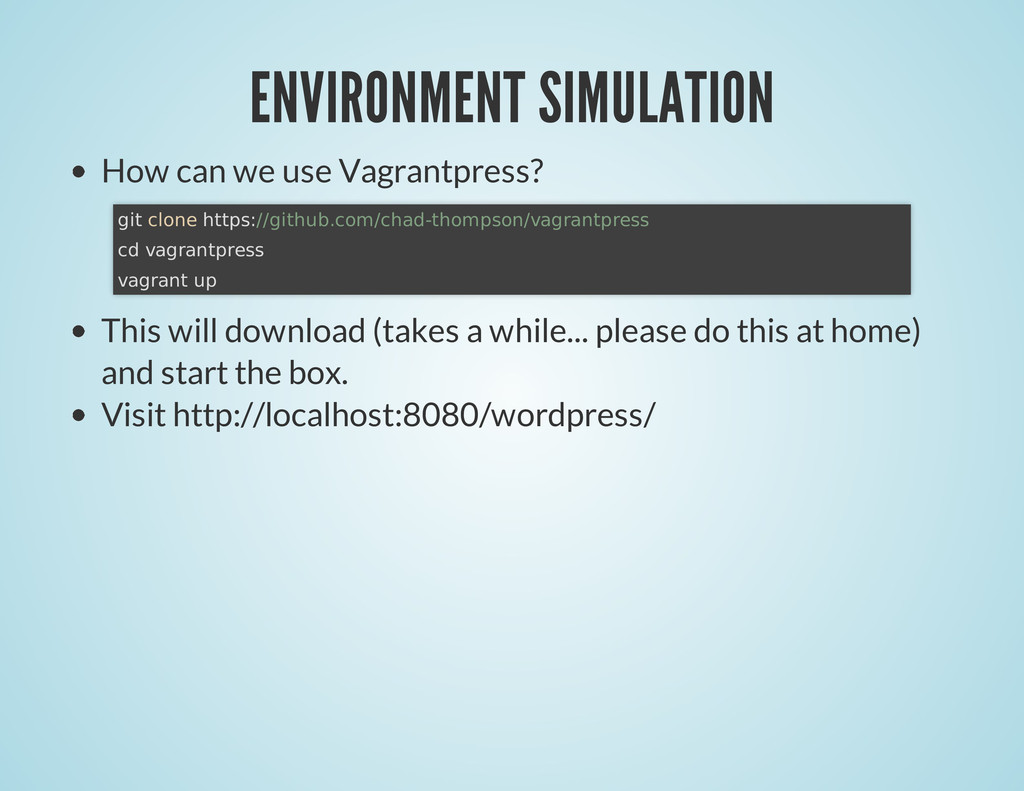
(takes a while... please do this at home) and start the box. Visit http://localhost:8080/wordpress/ git clone https://github.com/chad-thompson/vagrantpress cd vagrantpress vagrant up
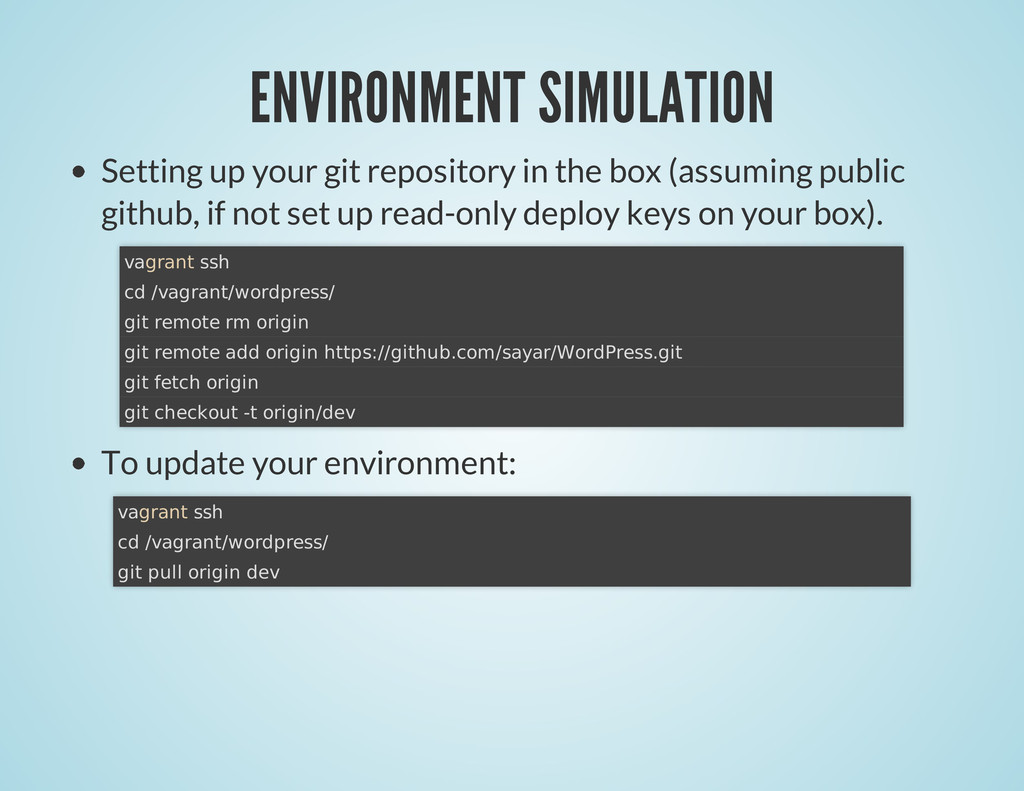
(assuming public github, if not set up read-only deploy keys on your box). To update your environment: vagrant ssh cd /vagrant/wordpress/ git remote rm origin git remote add origin https://github.com/sayar/WordPress.git git fetch origin git checkout -t origin/dev vagrant ssh cd /vagrant/wordpress/ git pull origin dev
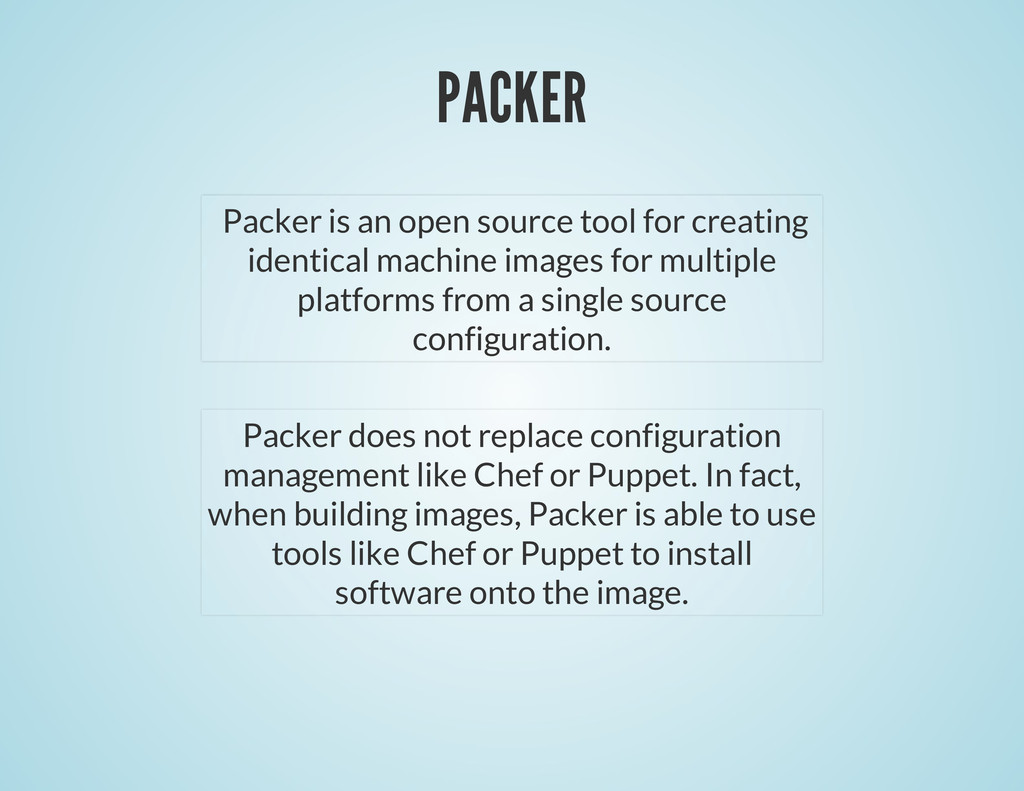
machine images for multiple platforms from a single source configuration. Packer does not replace configuration management like Chef or Puppet. In fact, when building images, Packer is able to use tools like Chef or Puppet to install software onto the image.
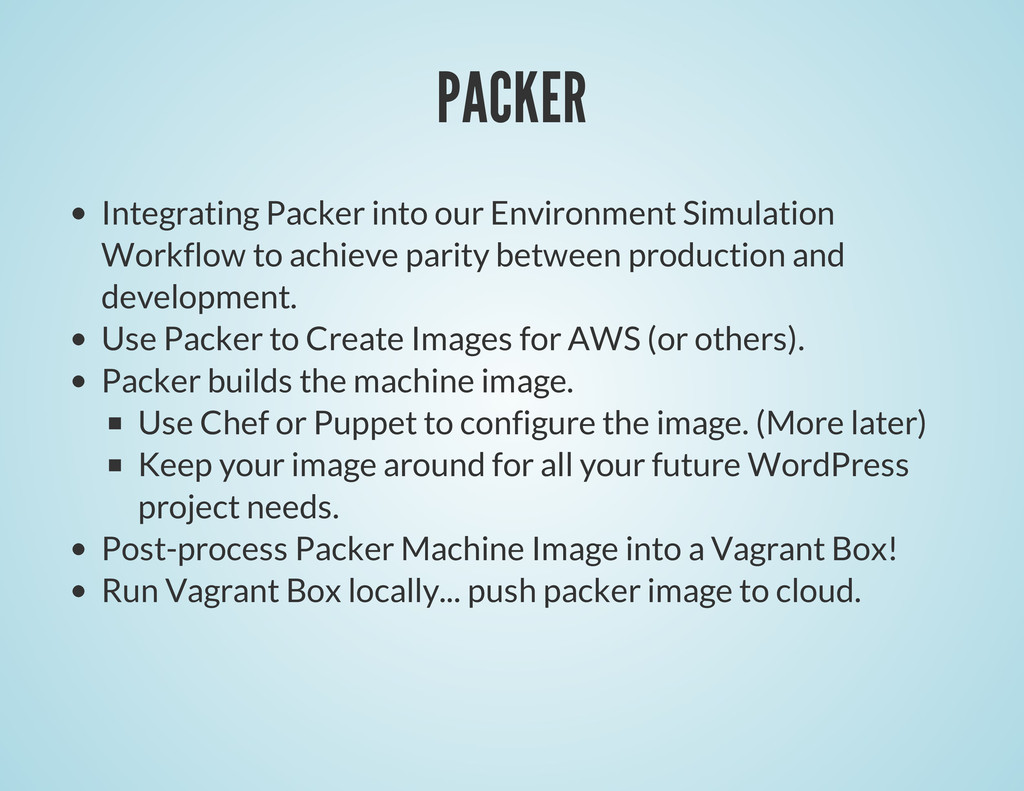
parity between production and development. Use Packer to Create Images for AWS (or others). Packer builds the machine image. Use Chef or Puppet to configure the image. (More later) Keep your image around for all your future WordPress project needs. Post-process Packer Machine Image into a Vagrant Box! Run Vagrant Box locally... push packer image to cloud.
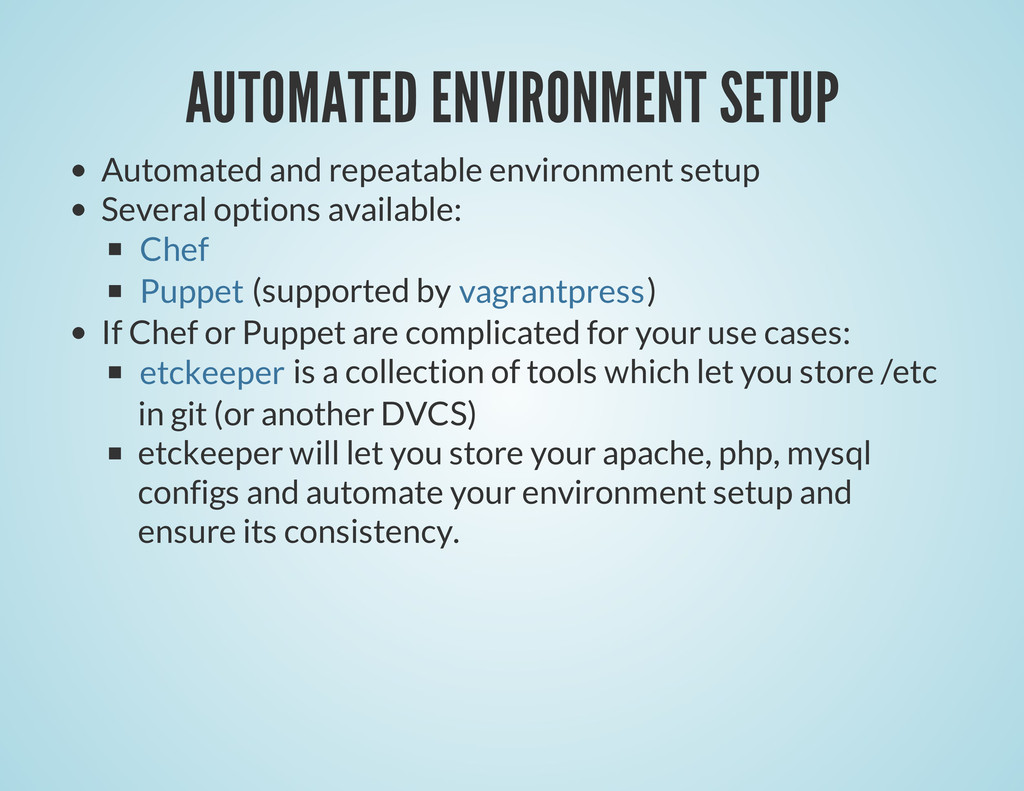
available: (supported by ) If Chef or Puppet are complicated for your use cases: is a collection of tools which let you store /etc in git (or another DVCS) etckeeper will let you store your apache, php, mysql configs and automate your environment setup and ensure its consistency. Chef Puppet vagrantpress etckeeper
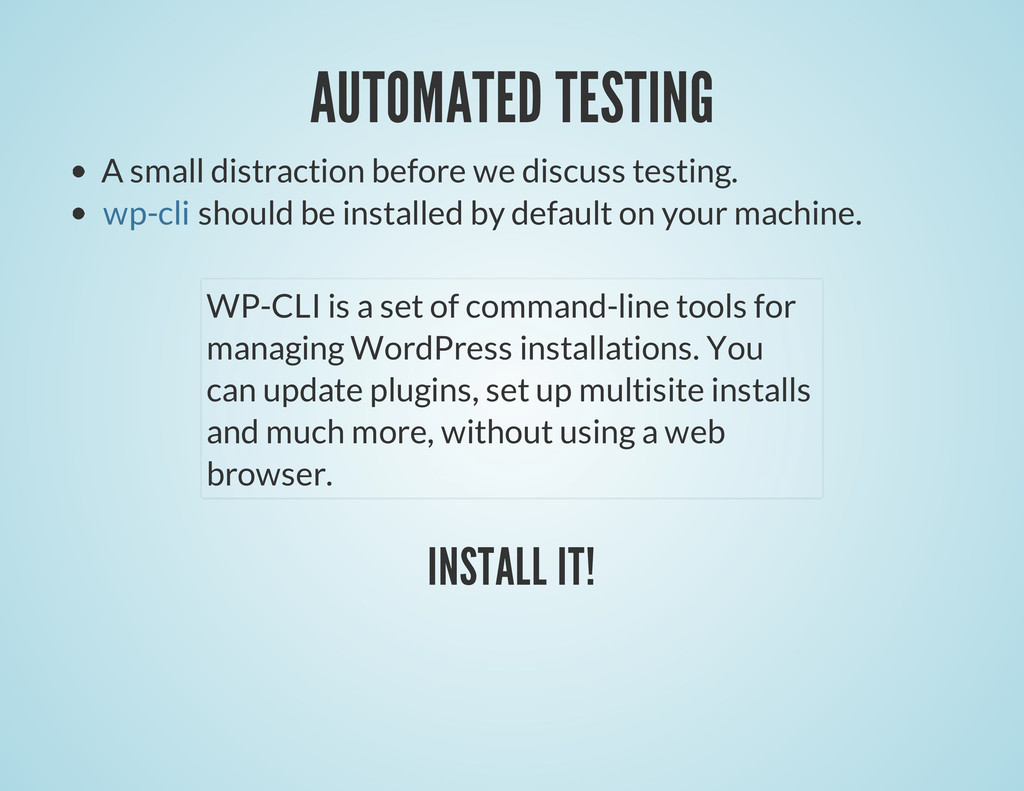
be installed by default on your machine. INSTALL IT! wp-cli WP-CLI is a set of command-line tools for managing WordPress installations. You can update plugins, set up multisite installs and much more, without using a web browser.
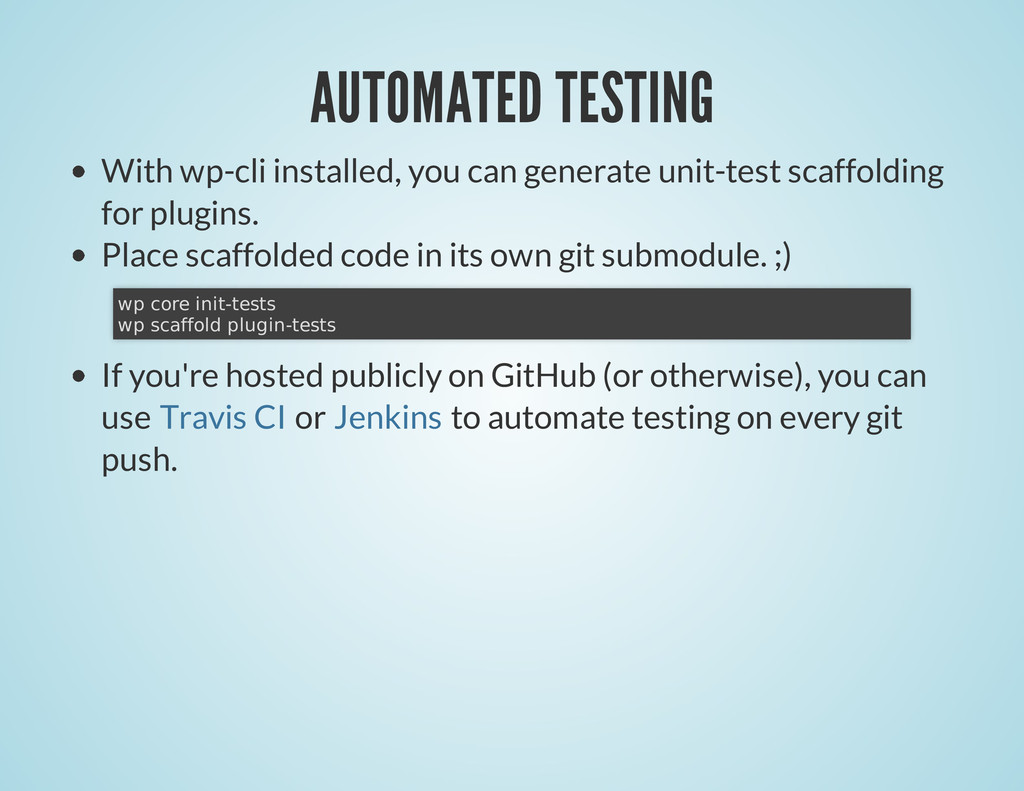
for plugins. Place scaffolded code in its own git submodule. ;) If you're hosted publicly on GitHub (or otherwise), you can use or to automate testing on every git push. wp core init-tests wp scaffold plugin-tests Travis CI Jenkins
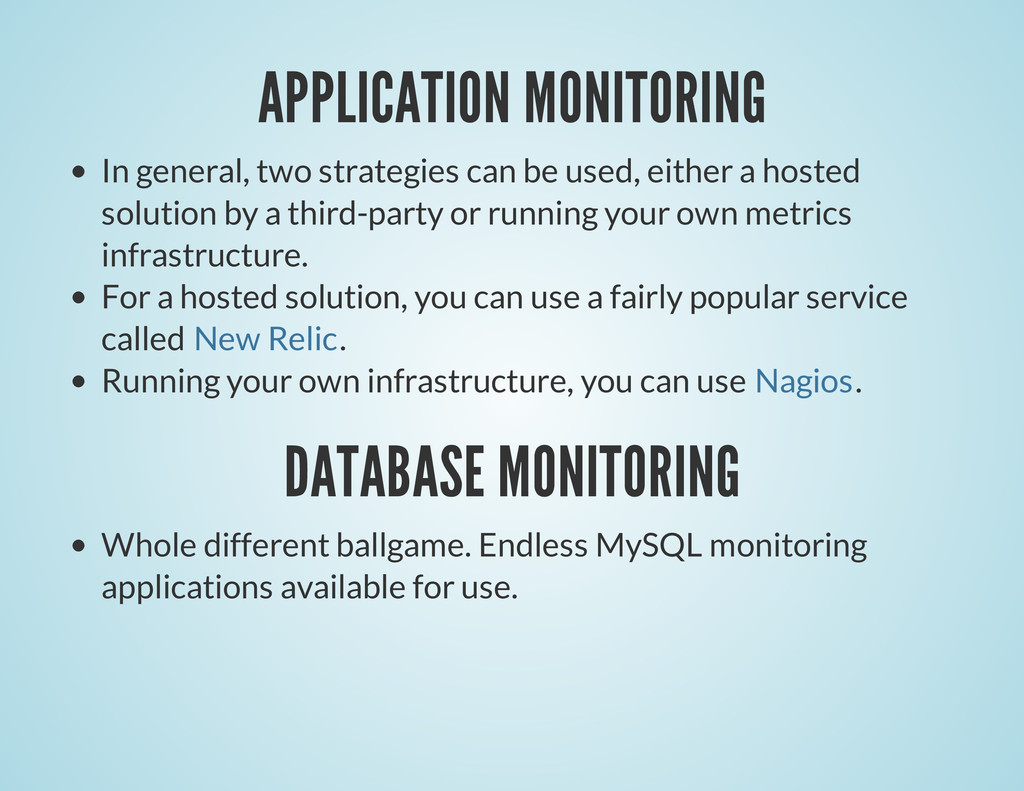
a hosted solution by a third-party or running your own metrics infrastructure. For a hosted solution, you can use a fairly popular service called . Running your own infrastructure, you can use . DATABASE MONITORING Whole different ballgame. Endless MySQL monitoring applications available for use. New Relic Nagios
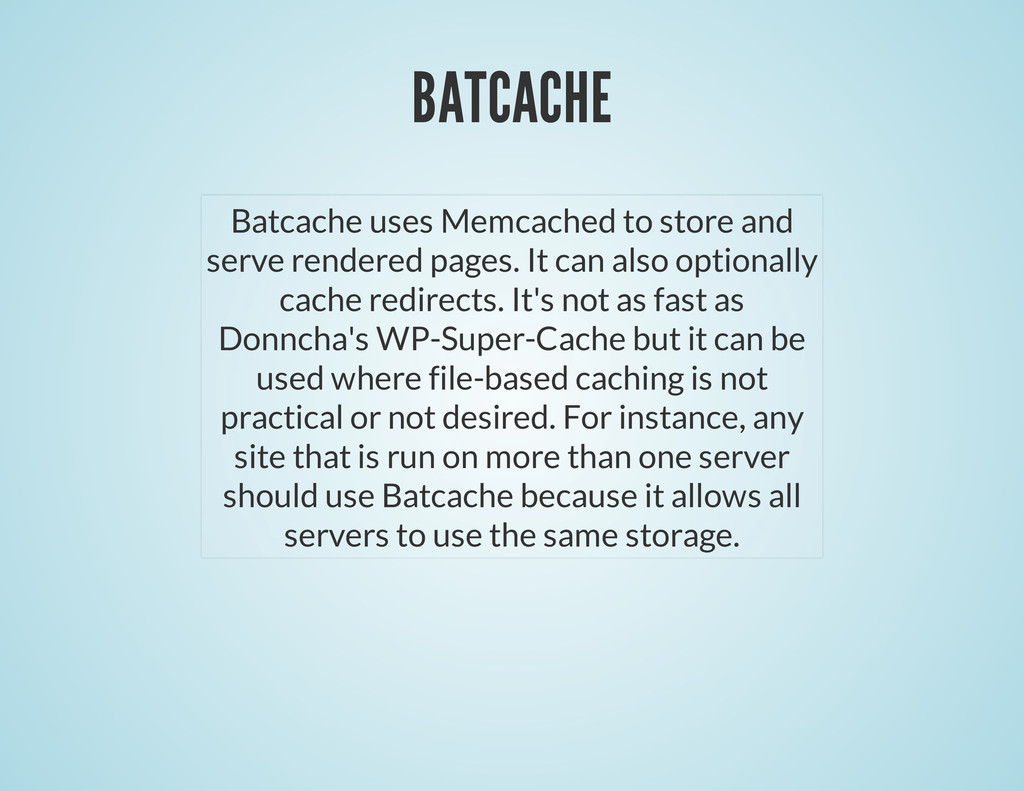
It can also optionally cache redirects. It's not as fast as Donncha's WP-Super-Cache but it can be used where file-based caching is not practical or not desired. For instance, any site that is run on more than one server should use Batcache because it allows all servers to use the same storage.
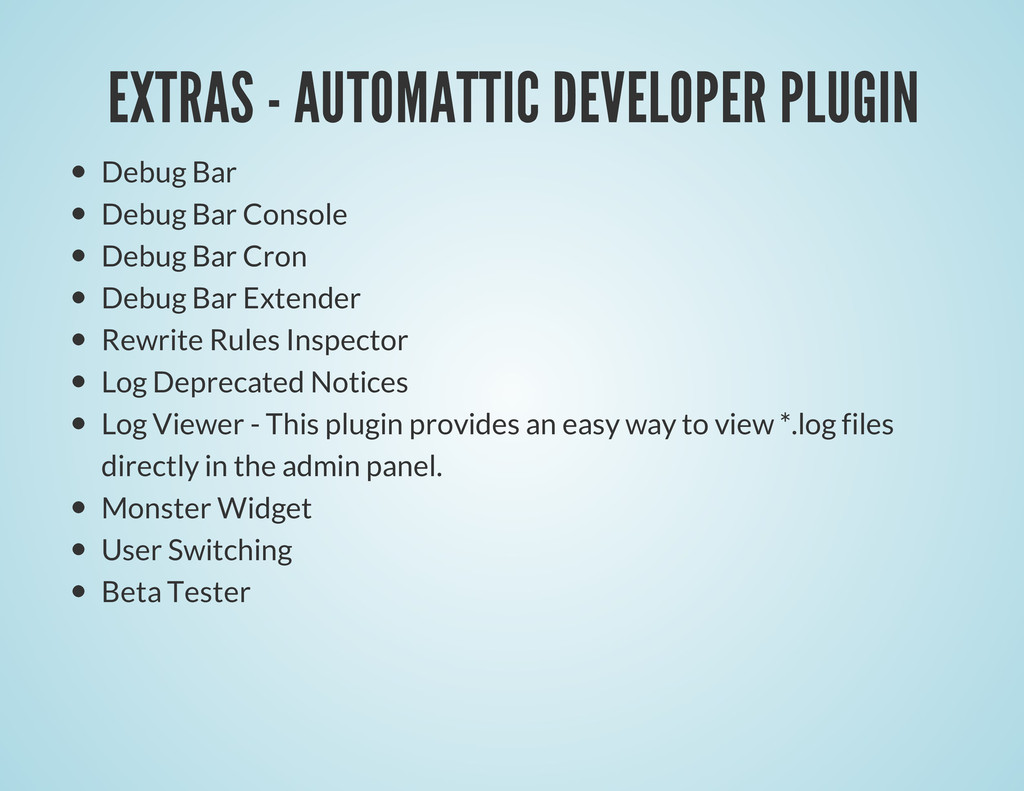
Debug Bar Cron Debug Bar Extender Rewrite Rules Inspector Log Deprecated Notices Log Viewer - This plugin provides an easy way to view *.log files directly in the admin panel. Monster Widget User Switching Beta Tester


 sylph01
 o0h
o0h
 y0hgi
y0hgi
 ivargrimstad
 clockmaker
 naokihaba
 iwiwi
iwiwi
 minodriven
 panda728
 gam0022
 oku053
 bkeepers
 twada
twada
 reverentgeek
 bryan
bryan
 sugarenia
 sferik
 sachag
 rakko
rakko
 addyosmani
 rasmusluckow
 rocio
rocio
 inesmontani