Upgrade to Pro — share decks privately, control downloads, hide ads and more …

Configuration Management and Deployment in the ...

Avatar for Sascha Can Sascha Can
February 20, 2014

Configuration Management and Deployment in the Cloud

Avatar for Sascha Can

Sascha Can

February 20, 2014

Other Decks in Programming

Transcript

  1. Contents • Motivation • Overview • Puppet • Development ◦

    Vagrant • Continuous Delivery ◦ AWS • Conclusion
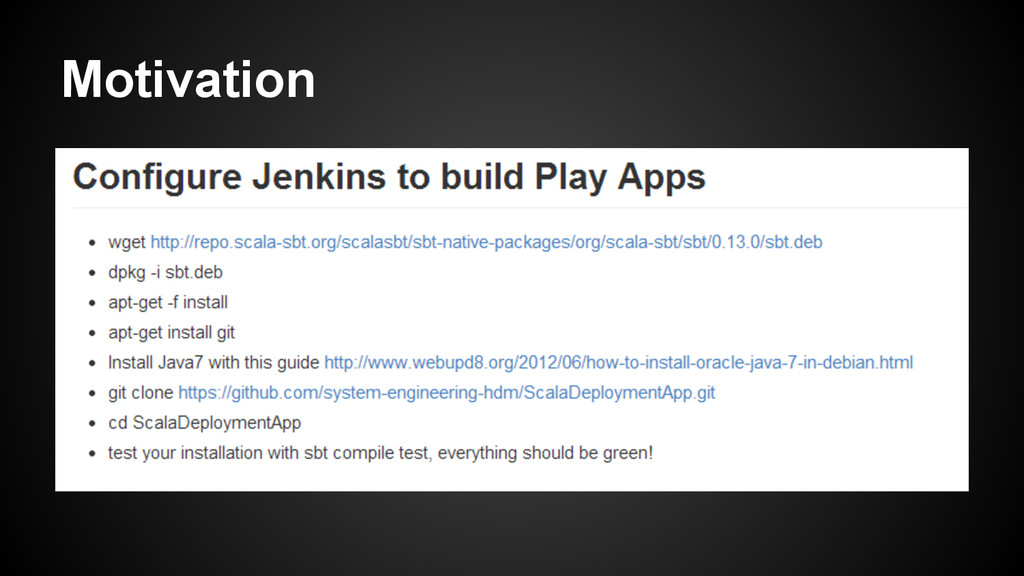
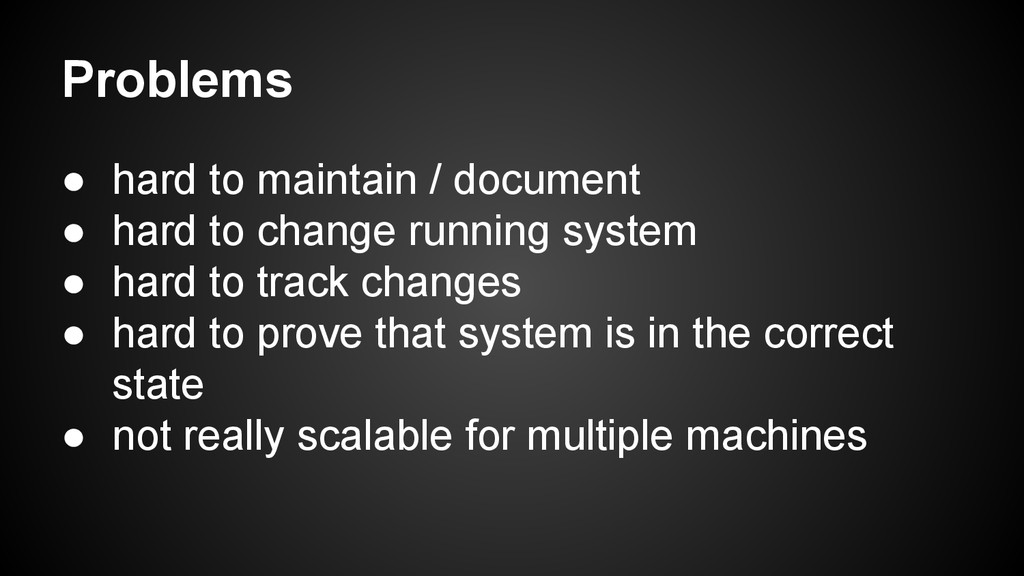
  2. Problems • hard to maintain / document • hard to

    change running system • hard to track changes • hard to prove that system is in the correct state • not really scalable for multiple machines
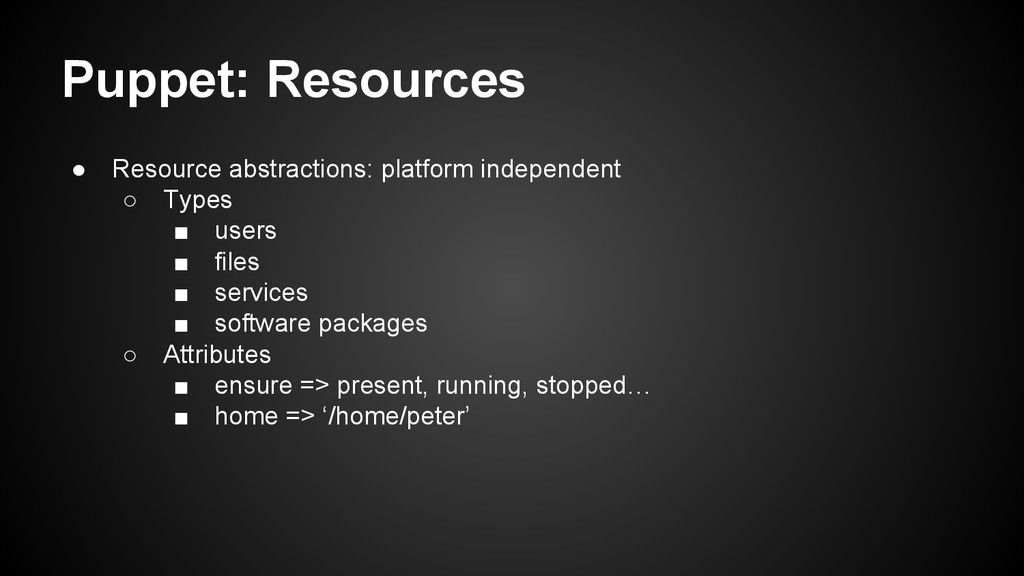
  3. Puppet: Resources • Resource abstractions: platform independent ◦ Types ▪

    users ▪ files ▪ services ▪ software packages ◦ Attributes ▪ ensure => present, running, stopped… ▪ home => ‘/home/peter’
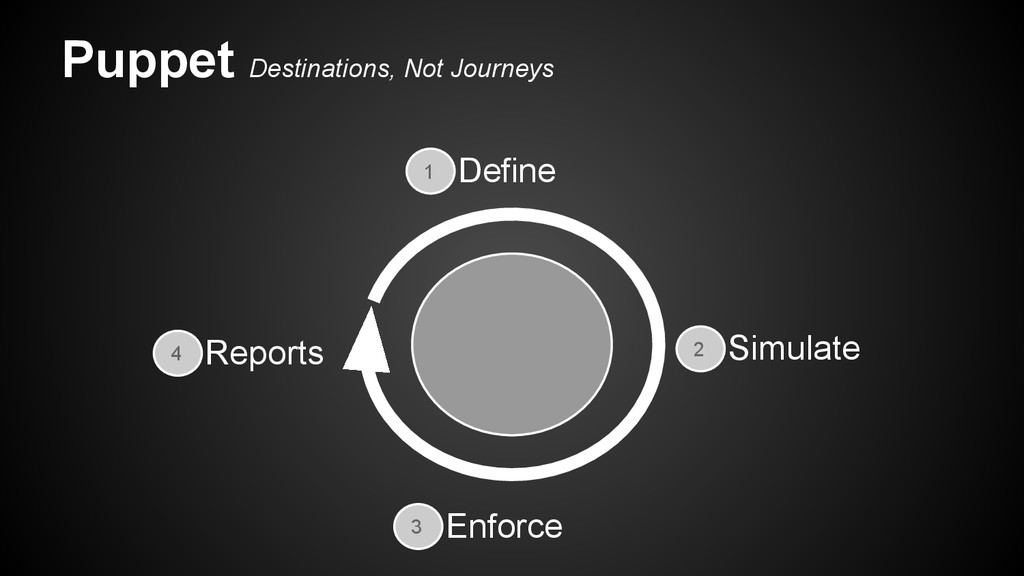
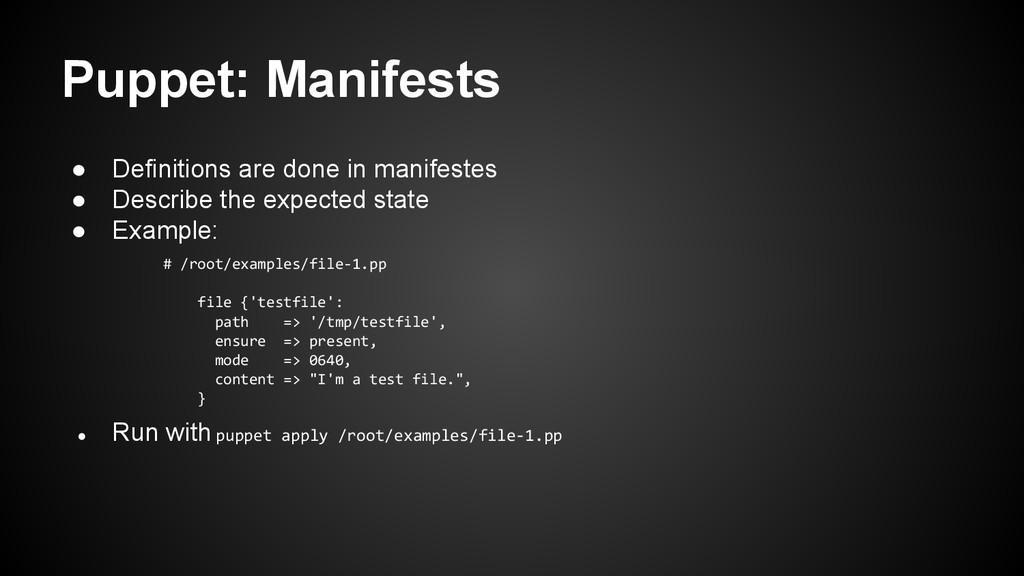
  4. Puppet: Manifests • Definitions are done in manifestes • Describe

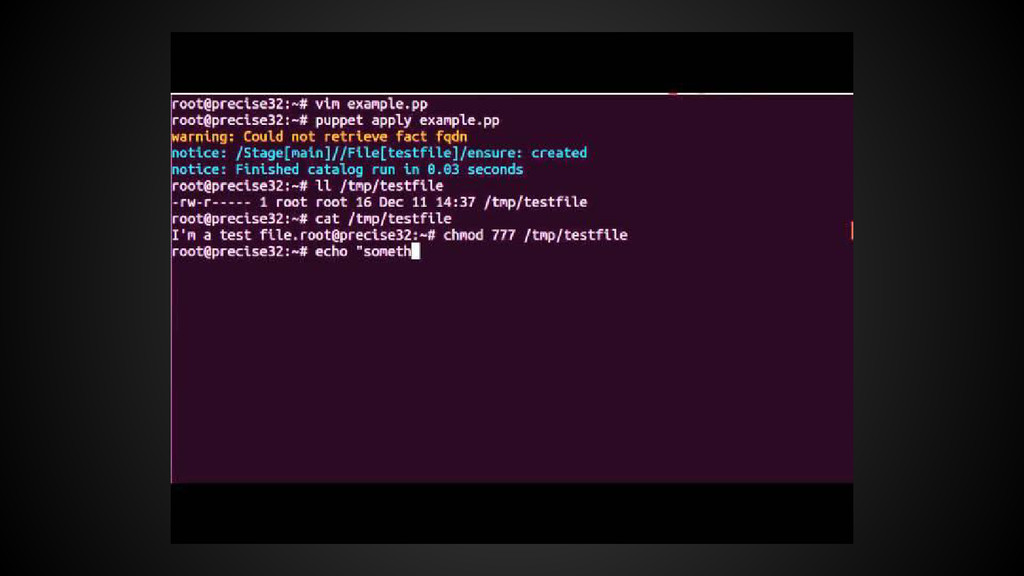
    the expected state • Example: # /root/examples/file-1.pp file {'testfile': path => '/tmp/testfile', ensure => present, mode => 0640, content => "I'm a test file.", } • Run with puppet apply /root/examples/file-1.pp
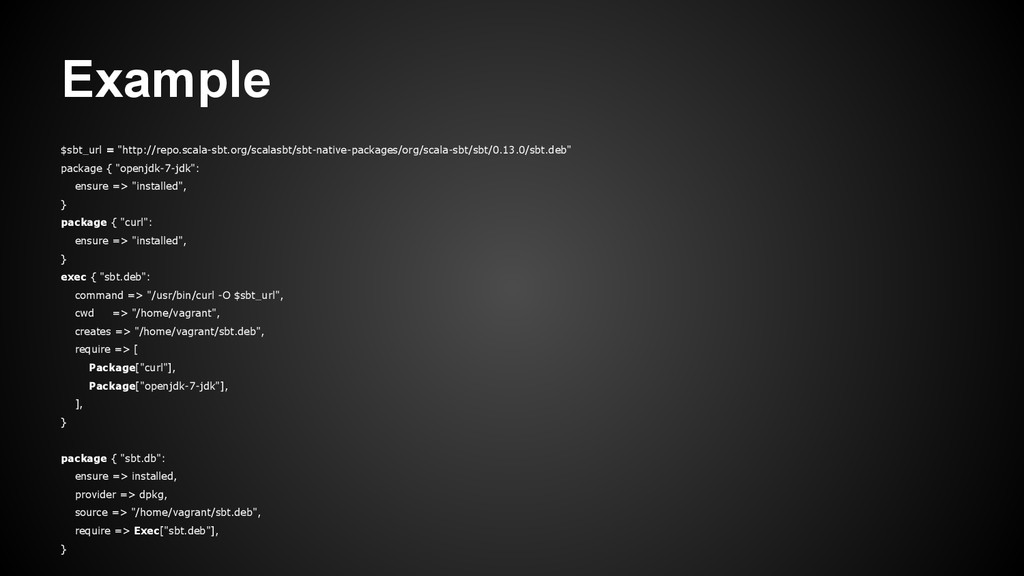
  5. Example $sbt_url = "http://repo.scala-sbt.org/scalasbt/sbt-native-packages/org/scala-sbt/sbt/0.13.0/sbt.deb" package { "openjdk-7-jdk": ensure => "installed",

    } package { "curl": ensure => "installed", } exec { "sbt.deb": command => "/usr/bin/curl -O $sbt_url", cwd => "/home/vagrant", creates => "/home/vagrant/sbt.deb", require => [ Package["curl"], Package["openjdk-7-jdk"], ], } package { "sbt.db": ensure => installed, provider => dpkg, source => "/home/vagrant/sbt.deb", require => Exec["sbt.deb"], }
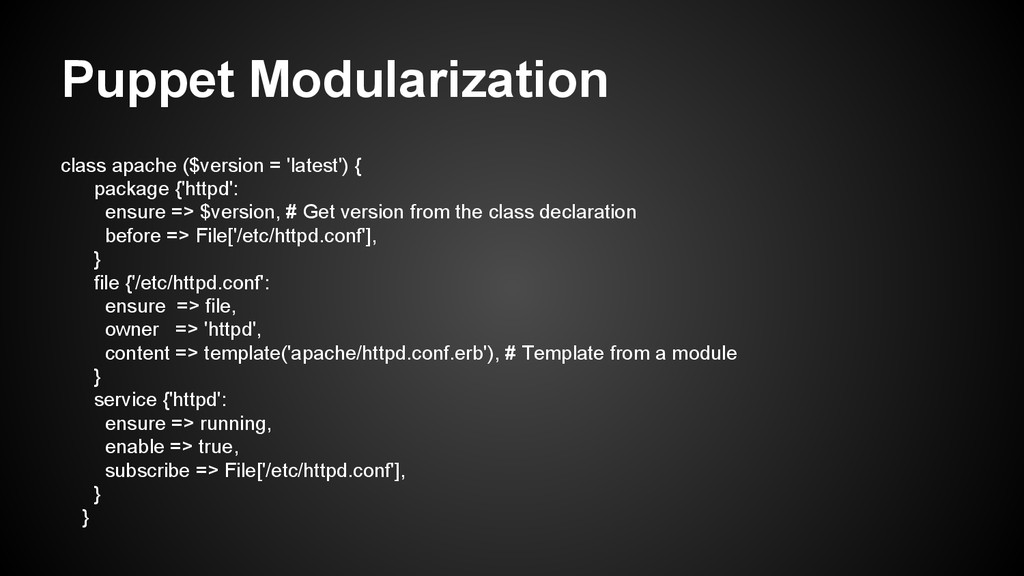
  6. Puppet Modularization class apache ($version = 'latest') { package {'httpd':

    ensure => $version, # Get version from the class declaration before => File['/etc/httpd.conf'], } file {'/etc/httpd.conf': ensure => file, owner => 'httpd', content => template('apache/httpd.conf.erb'), # Template from a module } service {'httpd': ensure => running, enable => true, subscribe => File['/etc/httpd.conf'], } }
  7. Puppet Forge • repository of modules written by the community

    • common packages like mysql, apache, etc
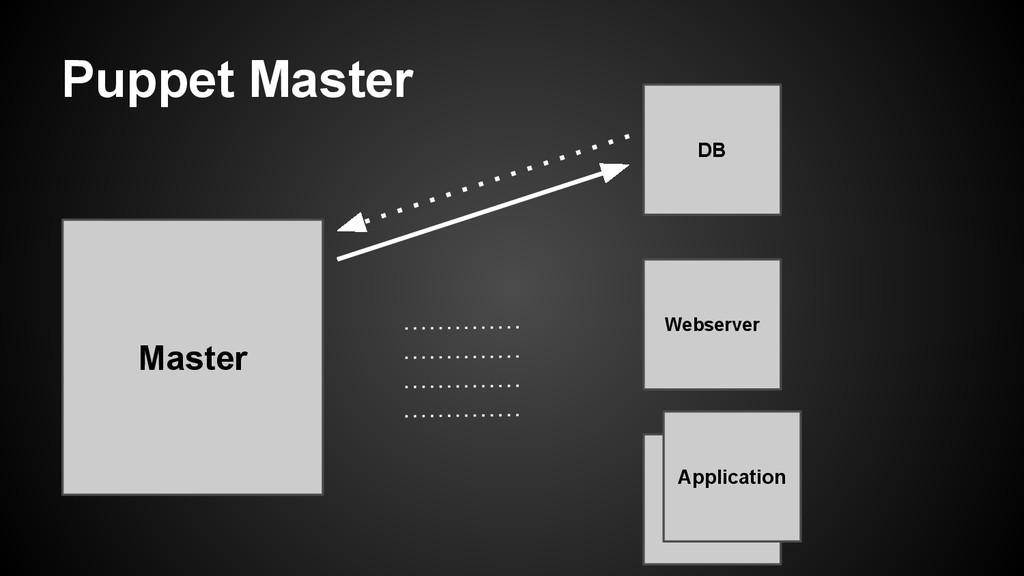
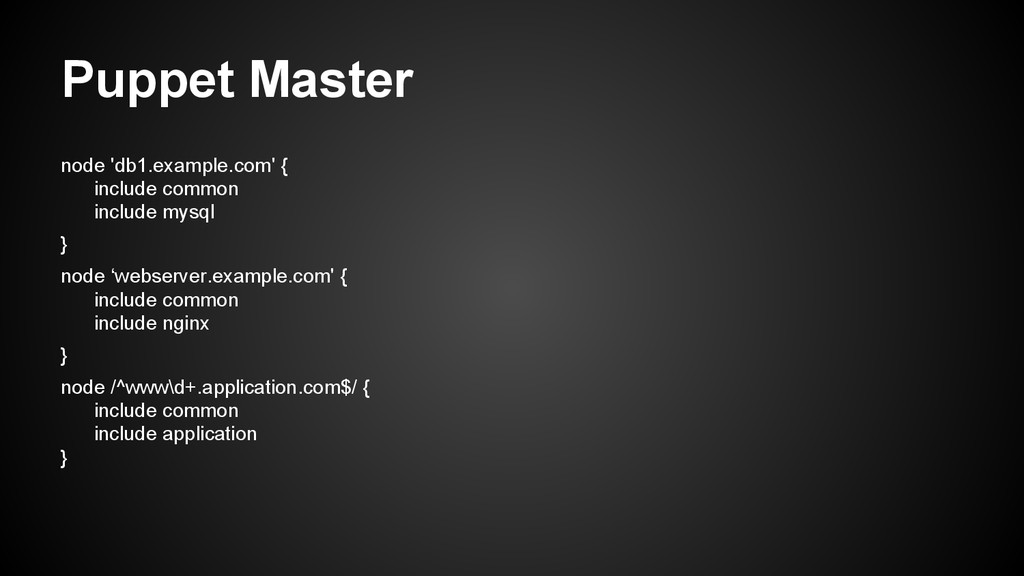
  8. Puppet Master node 'db1.example.com' { include common include mysql }

    node ‘webserver.example.com' { include common include nginx } node /^www\d+.application.com$/ { include common include application }
  9. Puppet: Conclusion • Purposes and application scenarios • Good things

    were mentioned, time for the bad ones ◦ Master / Agent ▪ Sometimes not possible for agents to reach the master (Firewalls, vendor politics, proxies, whatever) • extensive Documentation / Learning puppet
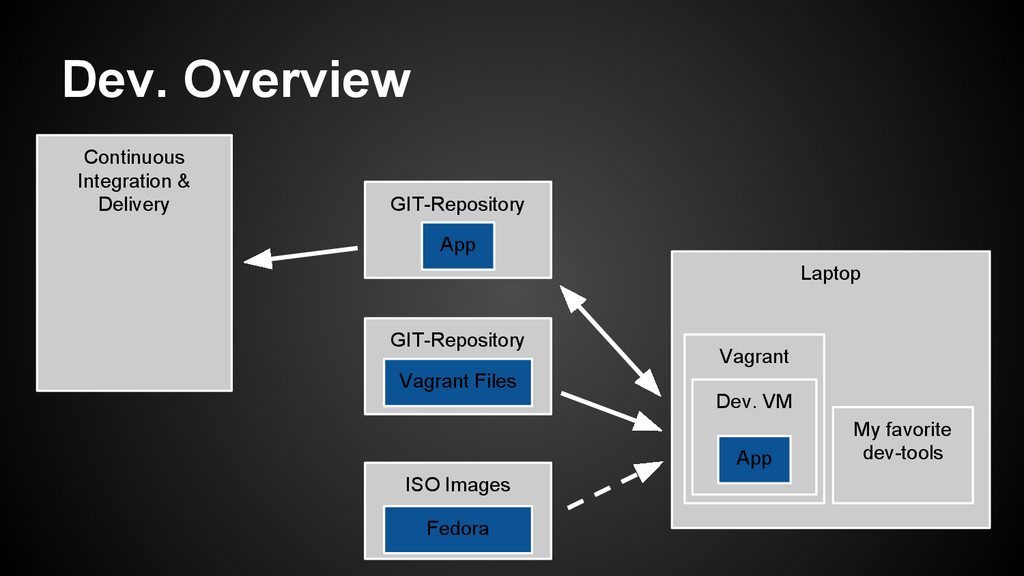
  10. Continuous Integration & Delivery Dev. Overview GIT-Repository Laptop Vagrant Dev.

    VM My favorite dev-tools App App GIT-Repository Vagrant Files ISO Images Fedora
  11. Dev. - Motivation “It was running fine on my PC”

    • Goal: one development environment for all developers. • automated deployment, updates and install of this development environment
  12. Dev. - Vagrant • Vagrant: Describe in Config-File • run:

    vagrant up ◦ Get required images ◦ Setup and run virtual machines ◦ Install required software (incl. described versions) ◦ make application code in VM available
  13. Dev. - Vagrant • Boxes: • Vagrant uses special boxes

    for each VM, where changes are stored separate from the original image • Benefit: you can run several different VM’s without an OS-image for every VM
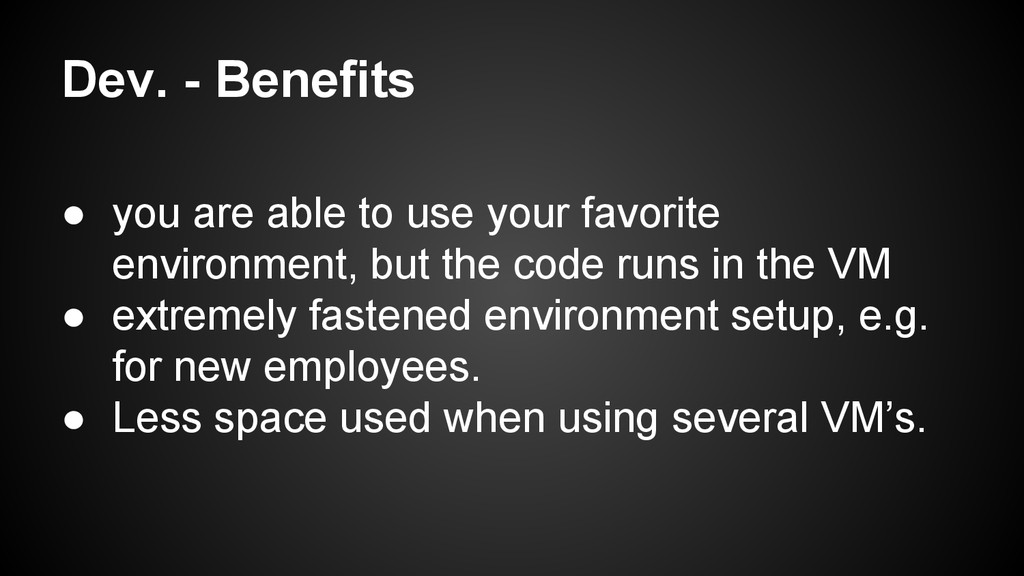
  14. Dev. - Benefits • you are able to use your

    favorite environment, but the code runs in the VM • extremely fastened environment setup, e.g. for new employees. • Less space used when using several VM’s.
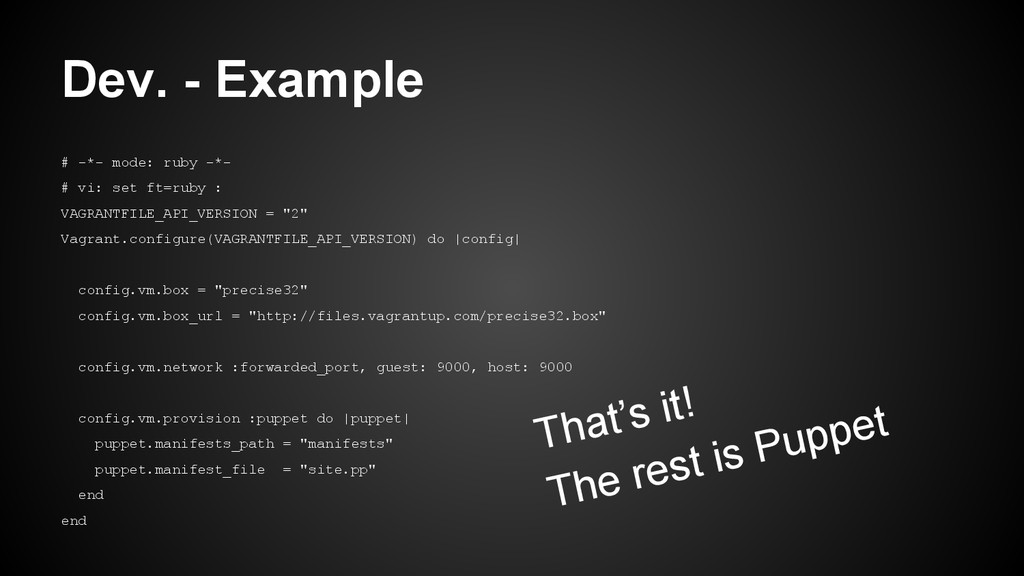
  15. Dev. - Example # -*- mode: ruby -*- # vi:

    set ft=ruby : VAGRANTFILE_API_VERSION = "2" Vagrant.configure(VAGRANTFILE_API_VERSION) do |config| config.vm.box = "precise32" config.vm.box_url = "http://files.vagrantup.com/precise32.box" config.vm.network :forwarded_port, guest: 9000, host: 9000 config.vm.provision :puppet do |puppet| puppet.manifests_path = "manifests" puppet.manifest_file = "site.pp" end end That’s it! The rest is Puppet
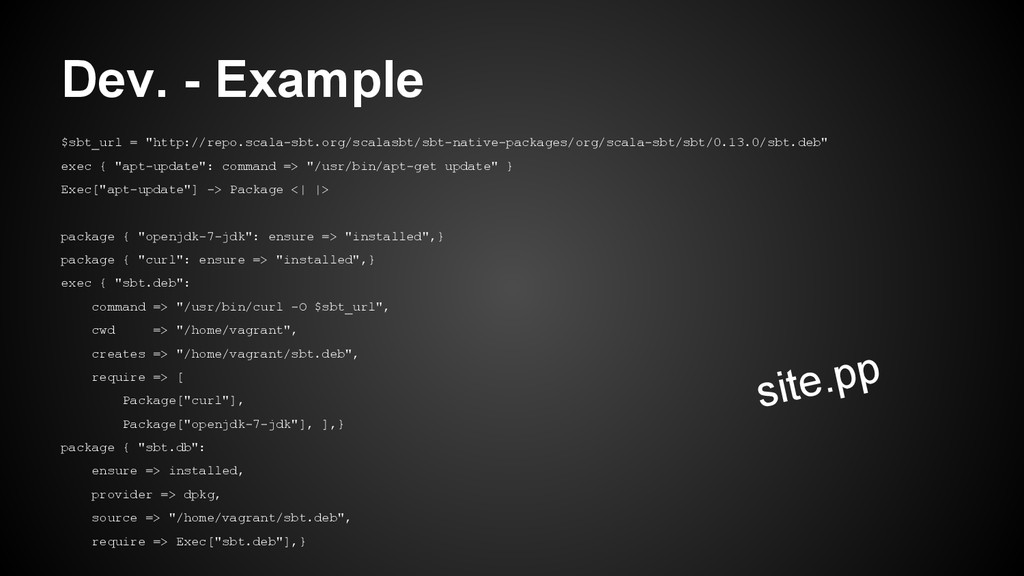
  16. Dev. - Example $sbt_url = "http://repo.scala-sbt.org/scalasbt/sbt-native-packages/org/scala-sbt/sbt/0.13.0/sbt.deb" exec { "apt-update": command

    => "/usr/bin/apt-get update" } Exec["apt-update"] -> Package <| |> package { "openjdk-7-jdk": ensure => "installed",} package { "curl": ensure => "installed",} exec { "sbt.deb": command => "/usr/bin/curl -O $sbt_url", cwd => "/home/vagrant", creates => "/home/vagrant/sbt.deb", require => [ Package["curl"], Package["openjdk-7-jdk"], ],} package { "sbt.db": ensure => installed, provider => dpkg, source => "/home/vagrant/sbt.deb", require => Exec["sbt.deb"],} site.pp
  17. Conclusion • Vagrant provides a very promising solution for handling

    development environments (at larger or often changing teams)
  18. Brief Introduction to AWS • Elastic Compute Cloud (EC2) ◦

    Instances with resizable compute capacity ◦ Auto-Scaling ◦ Tags | User Data ◦ EC2 is ephemeral (non-persistent) • Amazon Machine Image (AMI) • Tons of other services
  19. What does Vagrant/Puppet offer? $ vagrant plugin install vagrant-aws ...configuration

    as before*… $ vagrant up --provider=aws *With some AWS specific additions...
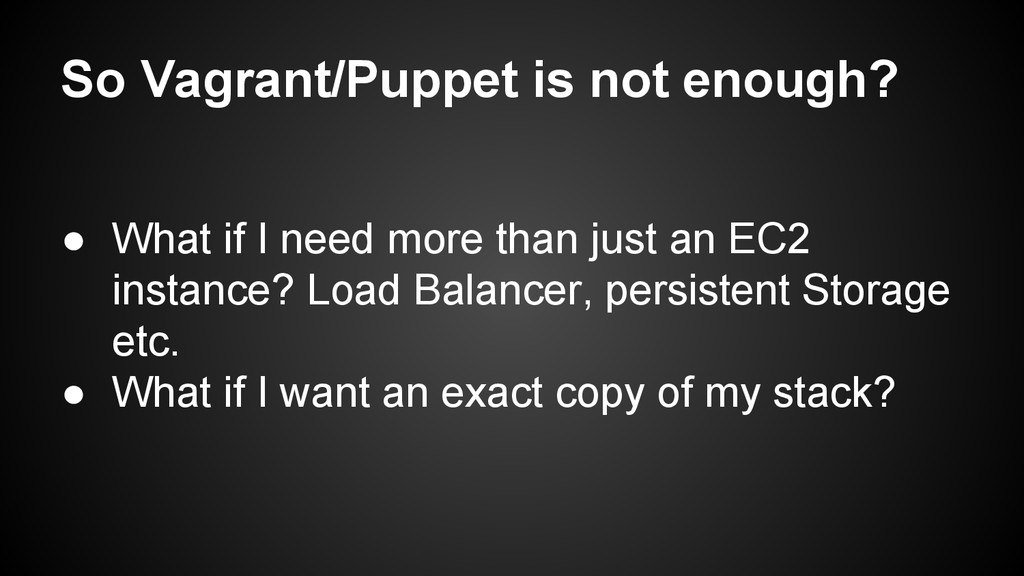
  20. So Vagrant/Puppet is not enough? • What if I need

    more than just an EC2 instance? Load Balancer, persistent Storage etc. • What if I want an exact copy of my stack?
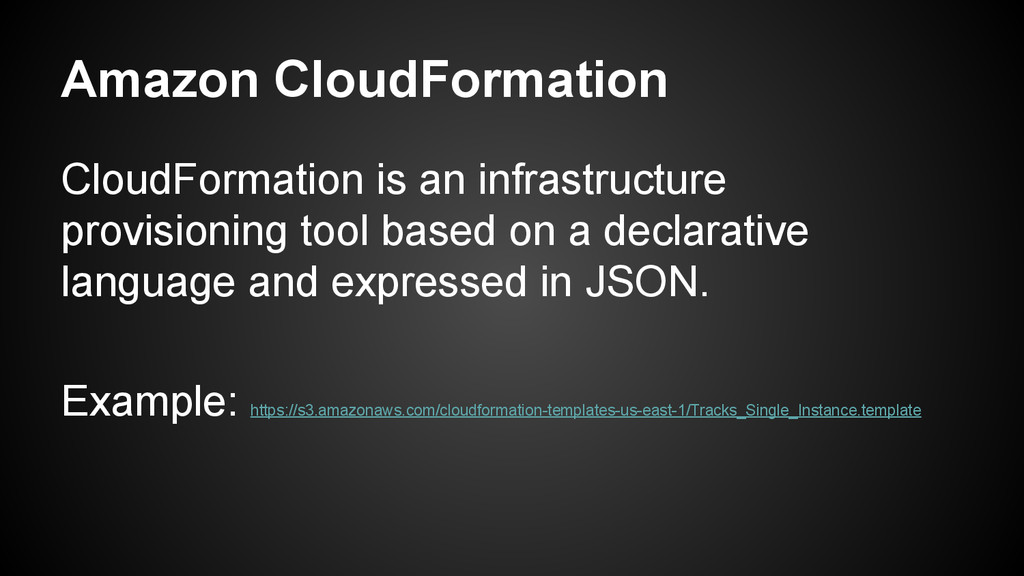
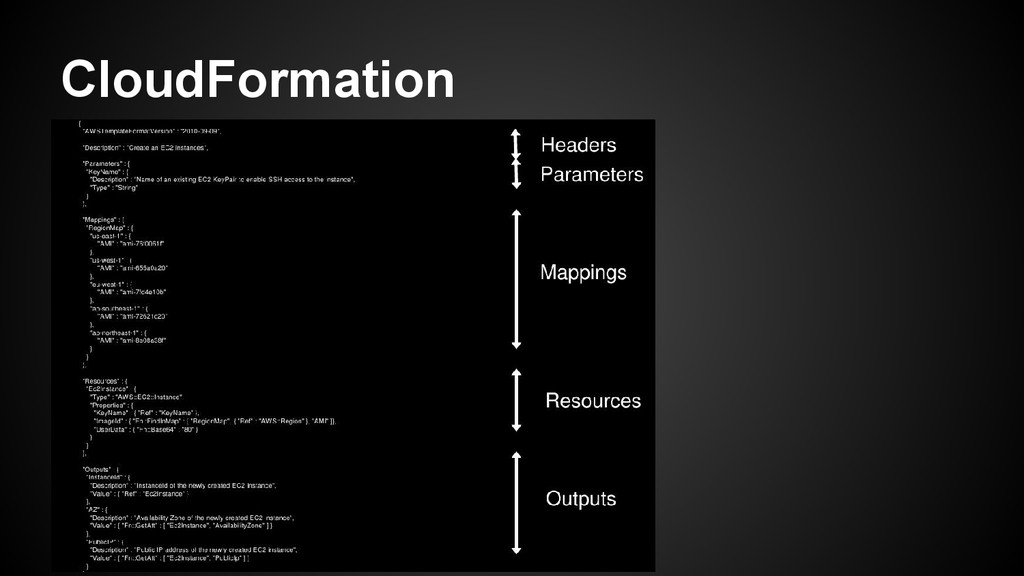
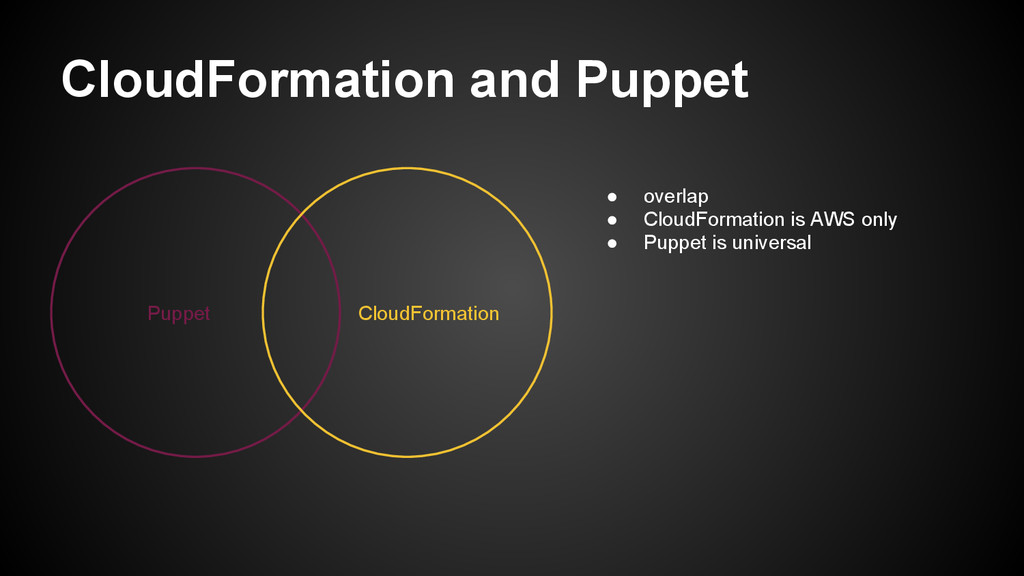
  21. Amazon CloudFormation CloudFormation is an infrastructure provisioning tool based on

    a declarative language and expressed in JSON. Example: https://s3.amazonaws.com/cloudformation-templates-us-east-1/Tracks_Single_Instance.template
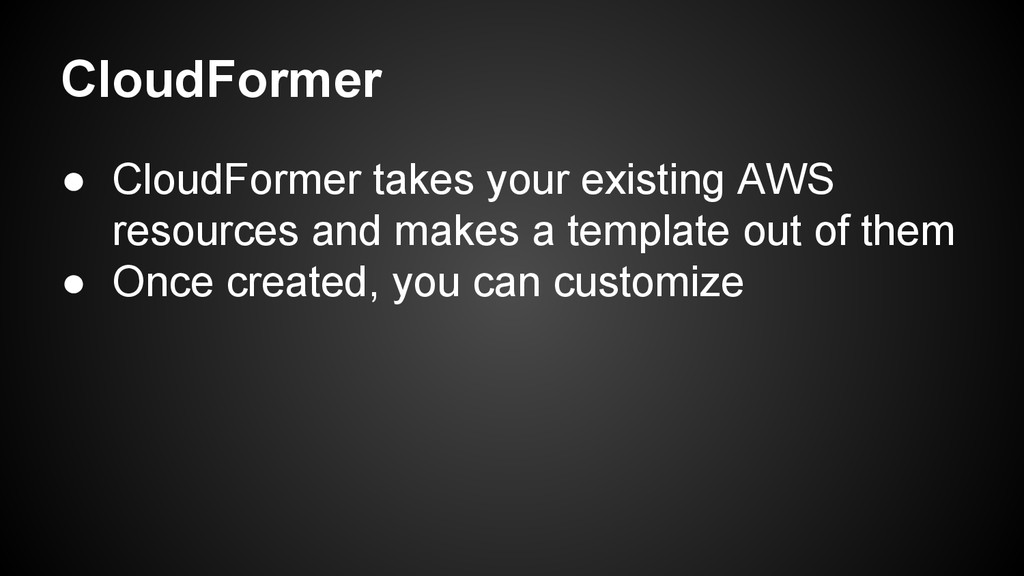
  22. CloudFormer • CloudFormer takes your existing AWS resources and makes

    a template out of them • Once created, you can customize
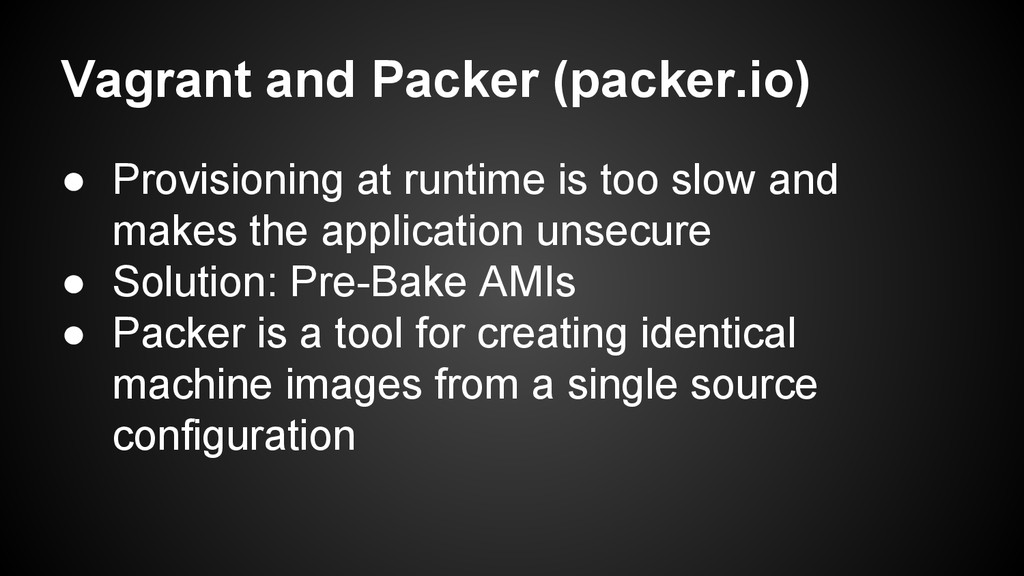
  23. Vagrant and Packer (packer.io) • Provisioning at runtime is too

    slow and makes the application unsecure • Solution: Pre-Bake AMIs • Packer is a tool for creating identical machine images from a single source configuration
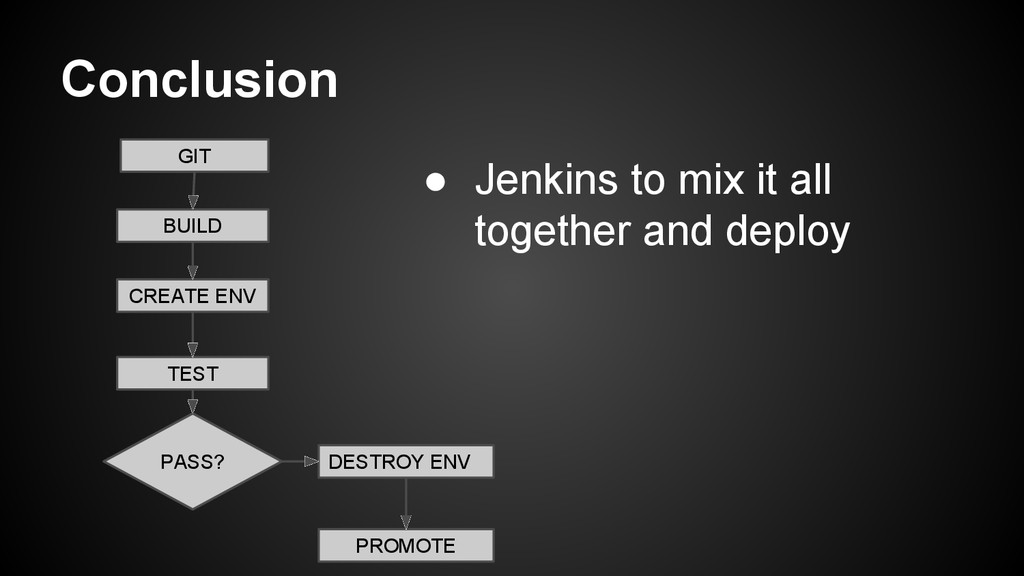
  24. Conclusion • Jenkins to mix it all together and deploy

    GIT BUILD CREATE ENV TEST PASS? DESTROY ENV PROMOTE