hold grocery stores accountable for potential price gouging. Due to recent concerns over rising grocery prices, price gouging by retailers has become an important issue and we want to level the playing field for everyday people by giving them access to the pricing decisions being made by the stores that can directly affect the market. I N T R O D U C T I O N
T E M E N T Customers may miss out on special offers, discounts, or promotions due to a lack of awareness, leading to higher overall grocery expenses. Limited visibility of special offers and discounts With a vast number of products available, customers can find it challenging to compare and choose between similar items at different price points. Overwhelming product variety Prices of groceries may vary based on location, and customers may not be aware of the best deals available in their local area. Geographical price variations Differences in pricing information across various platforms can cause confusion and mistrust, making it challenging for customers to determine the best deals. Inconsistent pricing information
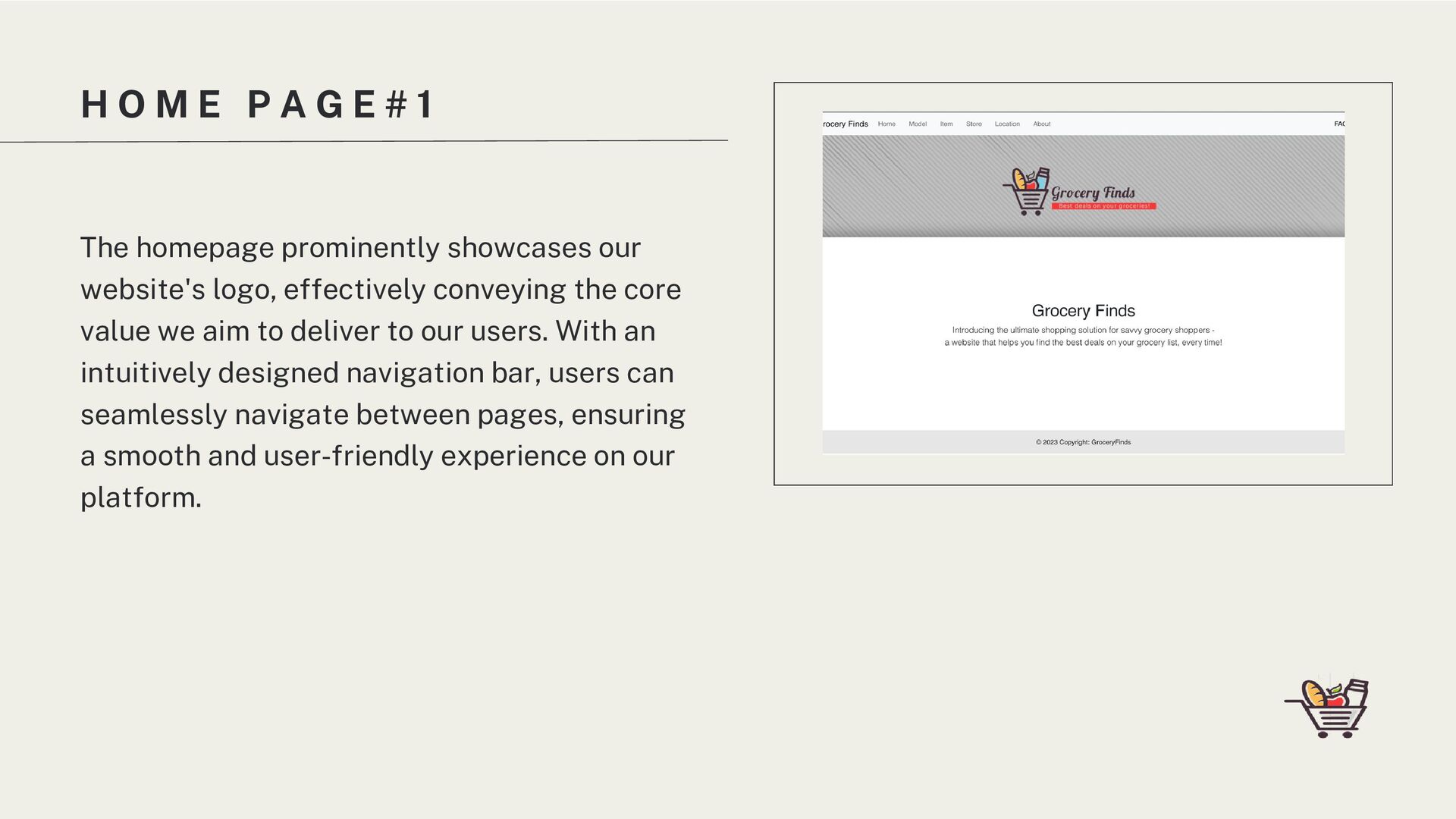
S Instant Availability Comparison Customizable Sorting and Searching Location-Based Deals Supplier Reviews and Ratings Allow users to quickly and easily compare grocery availability from multiple suppliers with a simple search, providing a clear and concise overview of the best deals available. Offer customizable searching and sorting options, enabling users to narrow down search results based on criteria such as brand, product type, supplier, distance, and price range, helping them find the most relevant deals. Allow users to find their best grocery deals in the user's local area, taking into account nearby suppliers and potential savings based on proximity. Integrate a rating displayed for suppliers, allowing users to share their experiences and evaluate suppliers based on factors such as pricing, product quality, and customer service.
The homepage prominently showcases our website's logo, effectively conveying the core value we aim to deliver to our users. With an intuitively designed navigation bar, users can seamlessly navigate between pages, ensuring a smooth and user-friendly experience on our platform.
2 The Models Page is designed to offer users a seamless and efficient way to access the information they desire. Clicking on any of the 3 models links to the ModelAttributes page, which displays data tables of the corresponding model the user clicks (items, stores, and locations).
B U T E S P A G E # 3 The ModelAttributes Page is designed to query backend/database data and display the 3 models and all their attributes within the frontend. With an intuitive interface and a wealth of data available, users can quickly navigate through the products and deals they are interested in. Advanced sorting and searching capabilities allow users to efficiently narrow down the results based on their specific needs and preferences. Data tables that appear on this page are interactive, and clicking on any of the rows links to the corresponding instance page of the model.
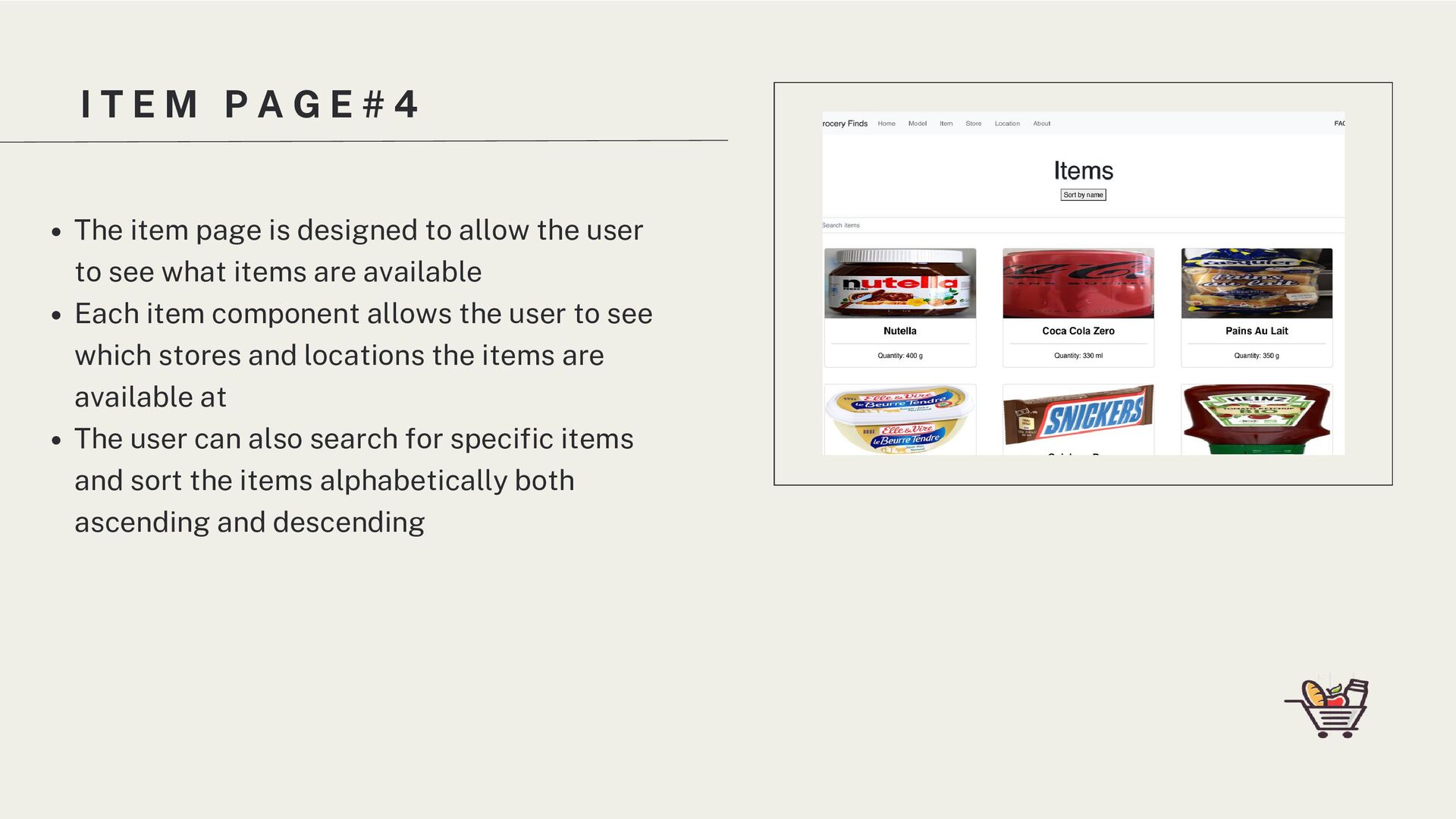
The item page is designed to allow the user to see what items are available Each item component allows the user to see which stores and locations the items are available at The user can also search for specific items and sort the items alphabetically both ascending and descending
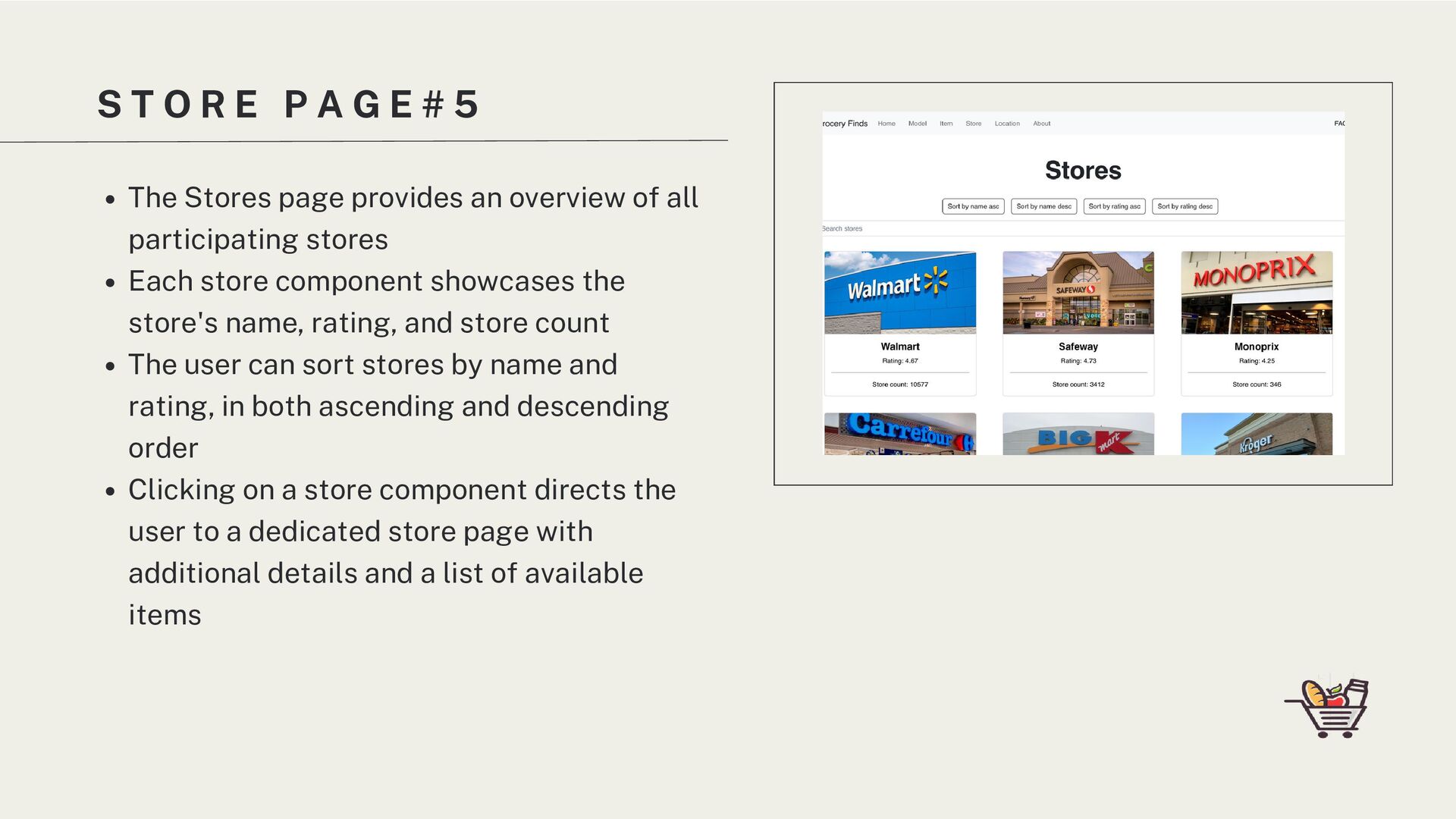
5 The Stores page provides an overview of all participating stores Each store component showcases the store's name, rating, and store count The user can sort stores by name and rating, in both ascending and descending order Clicking on a store component directs the user to a dedicated store page with additional details and a list of available items
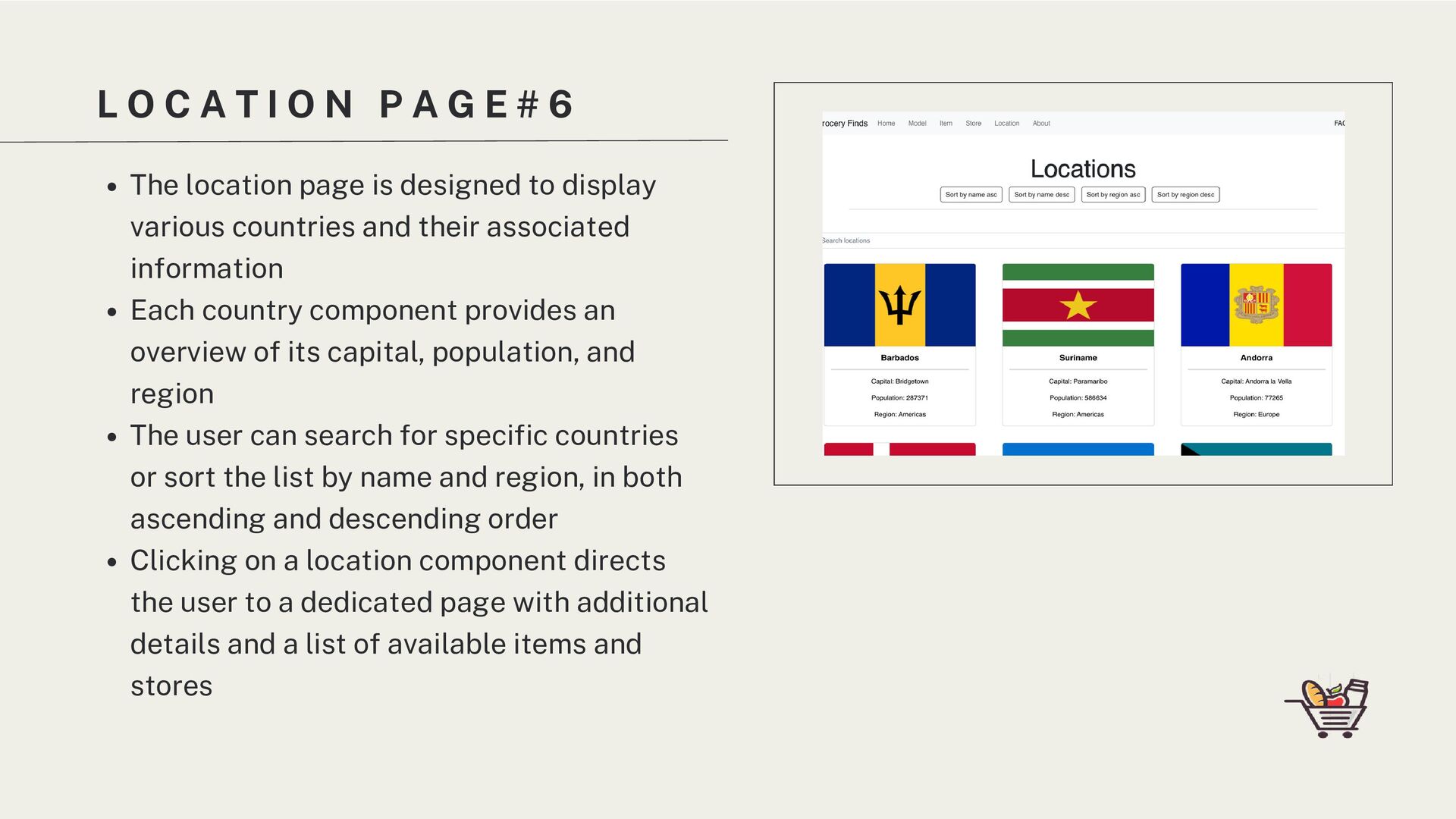
G E # 6 The location page is designed to display various countries and their associated information Each country component provides an overview of its capital, population, and region The user can search for specific countries or sort the list by name and region, in both ascending and descending order Clicking on a location component directs the user to a dedicated page with additional details and a list of available items and stores
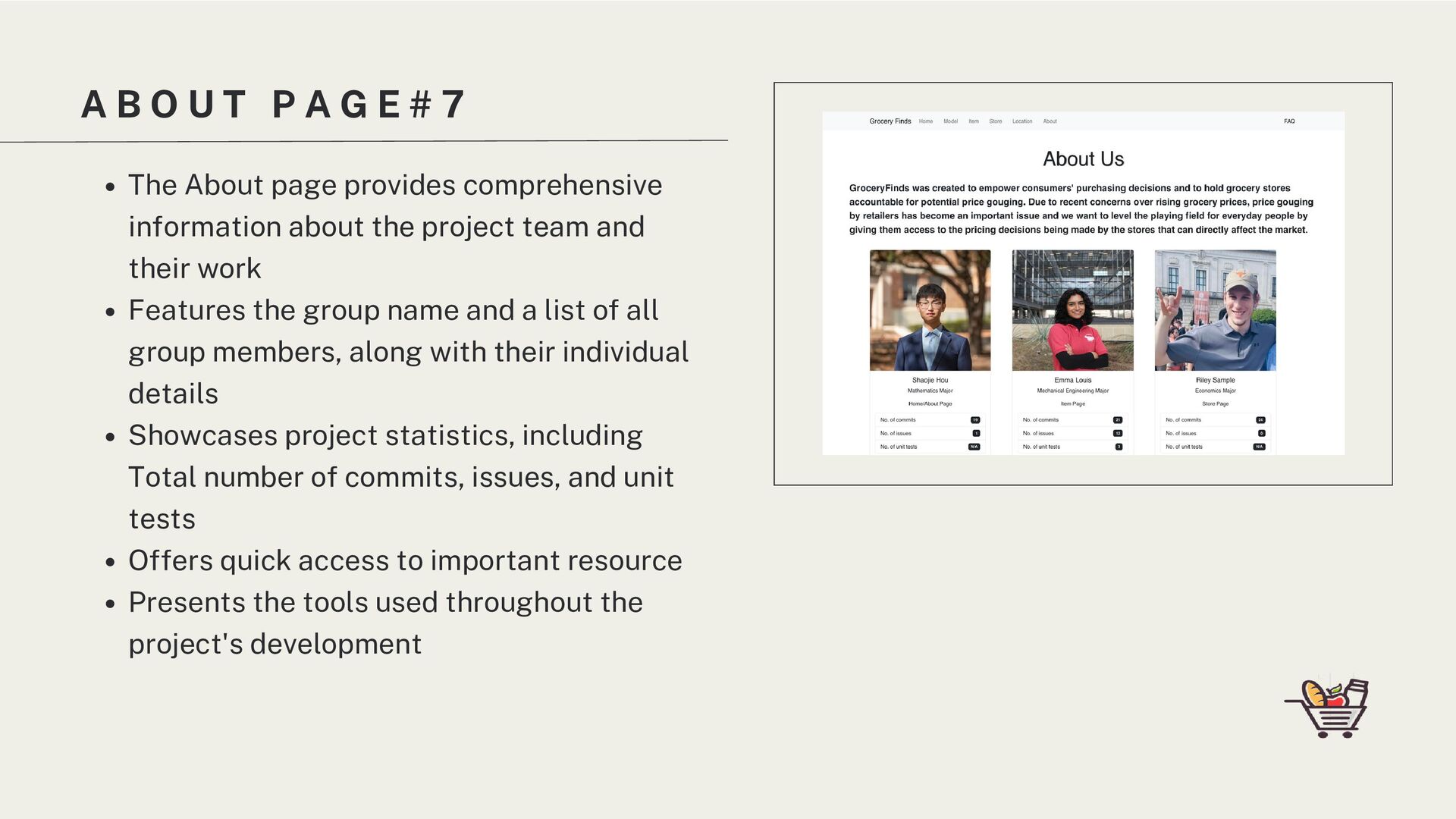
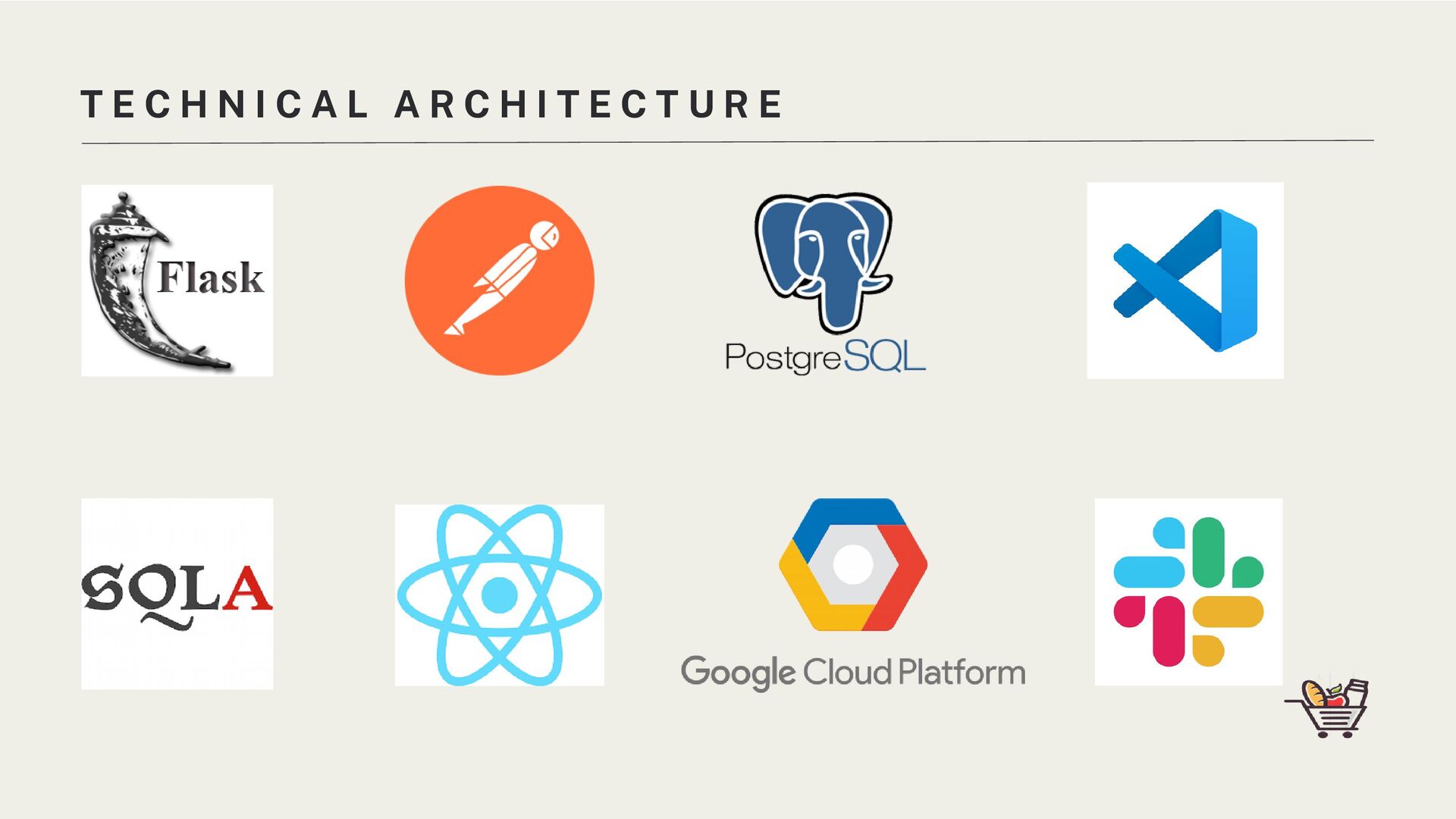
7 The About page provides comprehensive information about the project team and their work Features the group name and a list of all group members, along with their individual details Showcases project statistics, including Total number of commits, issues, and unit tests Offers quick access to important resource Presents the tools used throughout the project's development
store information instantly Provide users with access to historical price data and trends, enabling them to make more informed purchasing decisions and anticipate potential price fluctuations. Find more precise and proper APIs for data collection Price History and Trends: F U R T H E R I M P R O V E M E N T S
capabilities How to find restaurants in Austin based on a specific cuisine, food, or drink The pagination could have arrows at the bottom "Type" column in the cuisine section is confusing What did they do well? What did we learn? What can be improved? C R I T I Q U E O F A U S T I N B I T E S . M E


 koic
koic
 akihisaikeda
 nokomoro3
 n_takehata
.jpg) yumnumm
yumnumm
 oku053
 deka_morita
 iwatsukayura
 minodriven
 dske104
 andpad
 irinanazarova
 reverentgeek
 addyosmani
 thekraken
 tmiket
 axbom
axbom
 hannesfritz
 codingconduct
 marketingsoph
 rasmusluckow
 marktimemedia