Upgrade to Pro — share decks privately, control downloads, hide ads and more …

HackHunterdon - Home Assistant (August 30, 2018)

HackHunterdon - Home Assistant (August 30, 2018)

Sheil Naik shows how you can use a Raspberry Pi and the open-source software Home Assistant to securely observe, control, and automate components in your smart home.

More information at https://www.home-assistant.io/

My Home Assistant configuration: https://github.com/sheilnaik/home-assistant

Avatar for Sheil Naik

Sheil Naik

August 30, 2018

More Decks by Sheil Naik

Other Decks in Technology

Transcript

  1. • Home equipped with smart things! What’s a smart home?

    What’s a smart thing? • Components of a home (lighting/heating/etc) that can be remotely controlled and can talk to each other
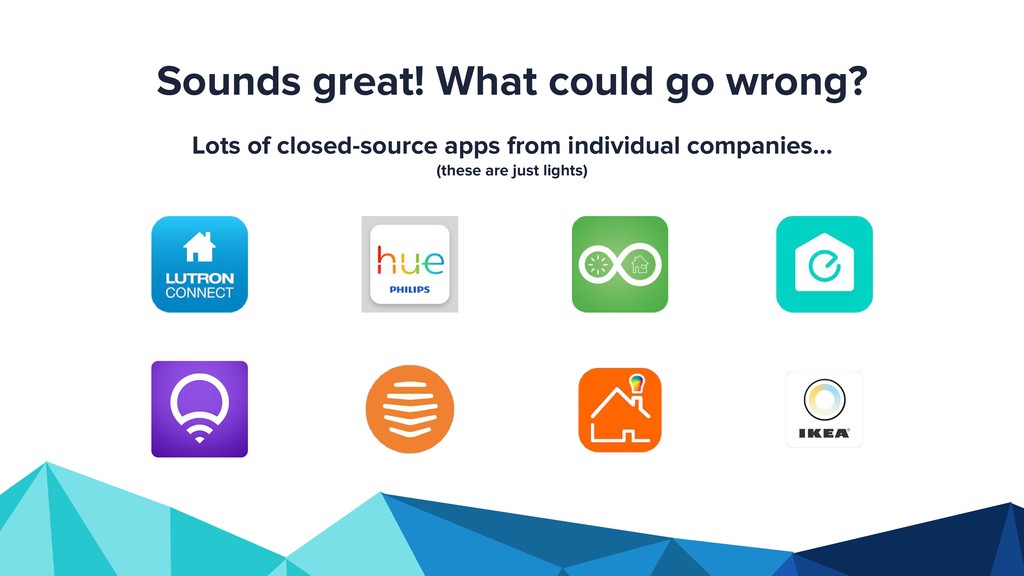
  2. Sounds great! What could go wrong? Lots of closed-source apps

    from individual companies… (these are just lights)
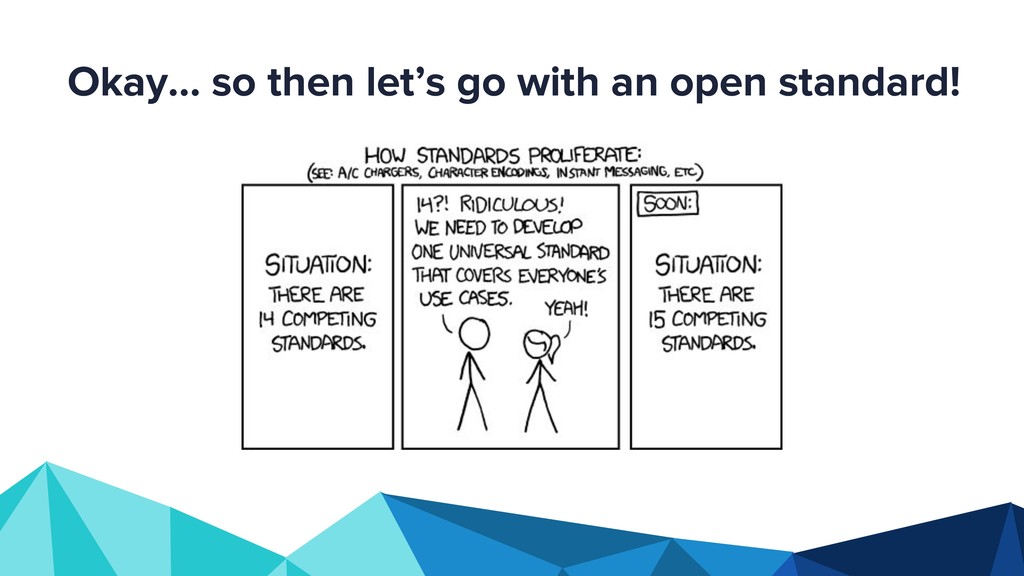
  3. • Because of different apps and different standards, smart home

    components can’t talk to one another • Because they can’t talk to one another, automation is harder • What about security? More smart home problems
  4. • Open-source Python library that serves as a hub for

    all the smart components in your home • Runs locally on a Raspberry Pi • Easy to install! Home Assistant
  5. • Solves the multiple app/standards problem by supporting 1,141 smart

    home components (as of August 2018) via an open-source platform • Components can talk to one another • Lives locally which helps with security concerns Home Assistant
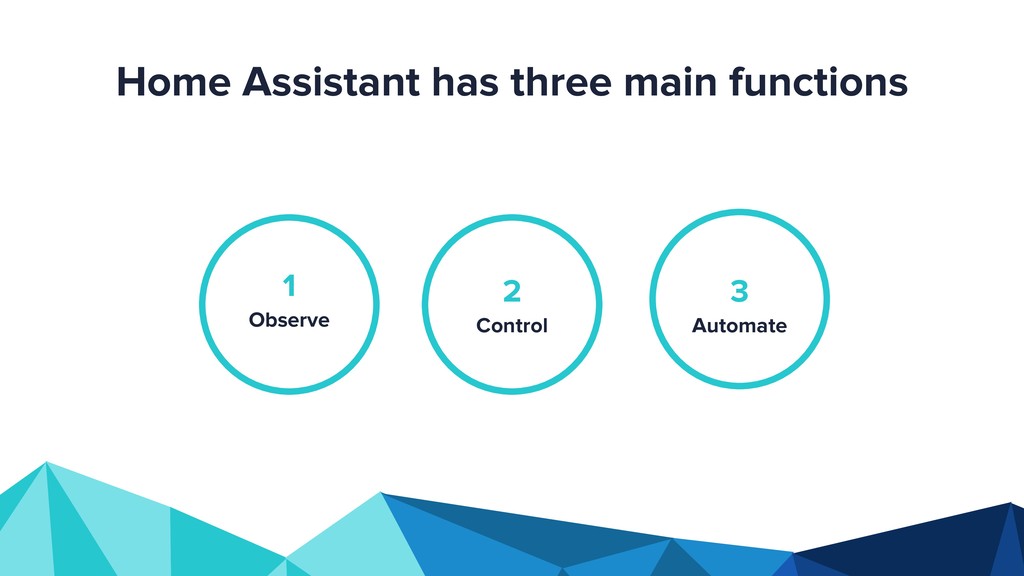
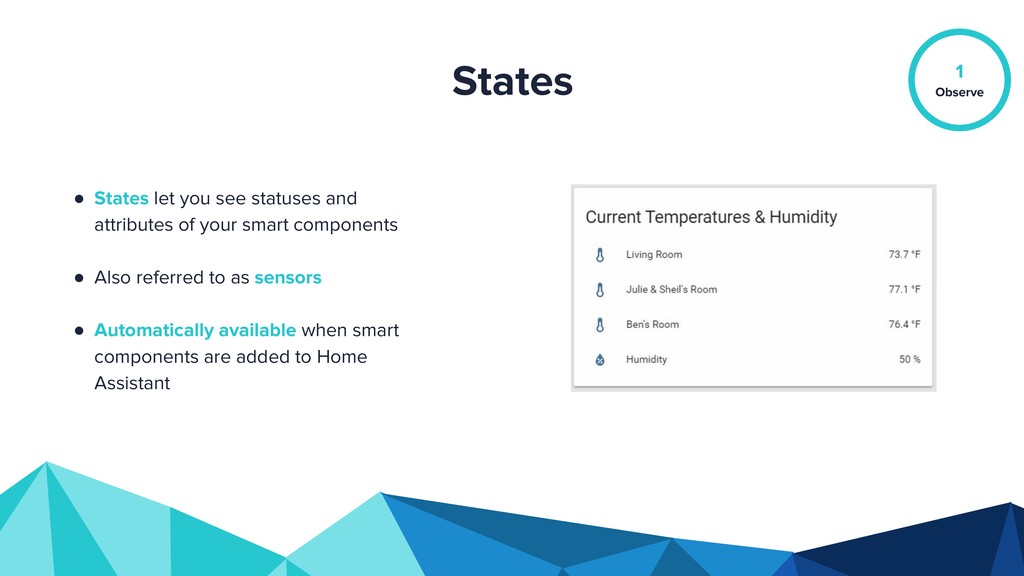
  6. • States let you see statuses and attributes of your

    smart components • Also referred to as sensors • Automatically available when smart components are added to Home Assistant States Observe 1
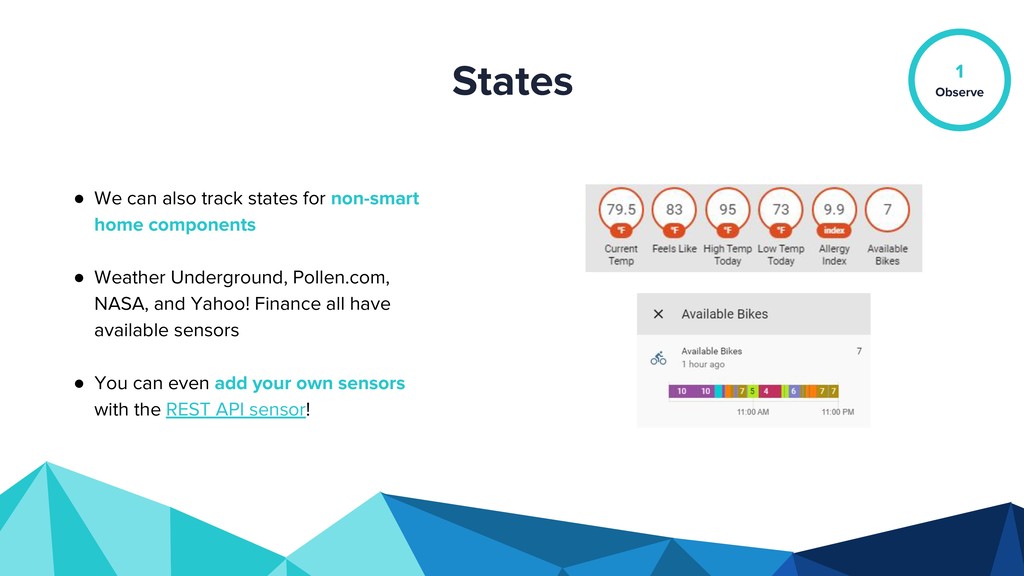
  7. • We can also track states for non-smart home components

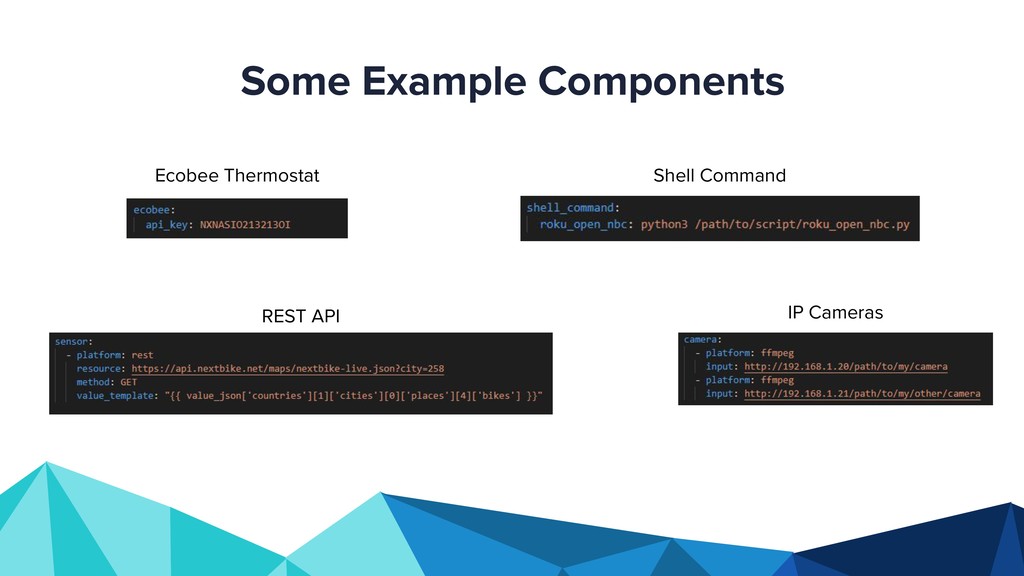
    • Weather Underground, Pollen.com, NASA, and Yahoo! Finance all have available sensors • You can even add your own sensors with the REST API sensor! States Observe 1
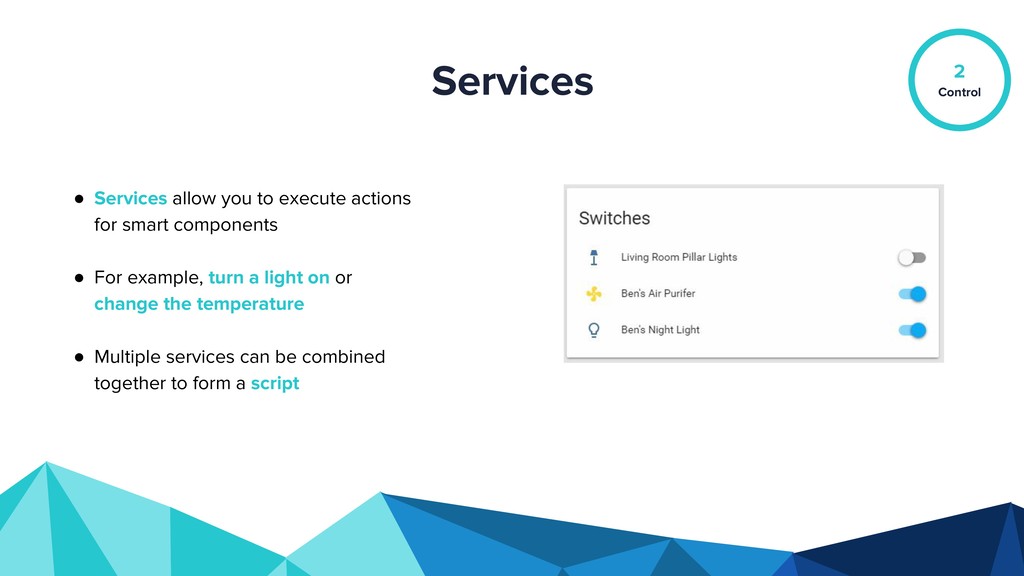
  8. • Services allow you to execute actions for smart components

    • For example, turn a light on or change the temperature • Multiple services can be combined together to form a script Services Control 2
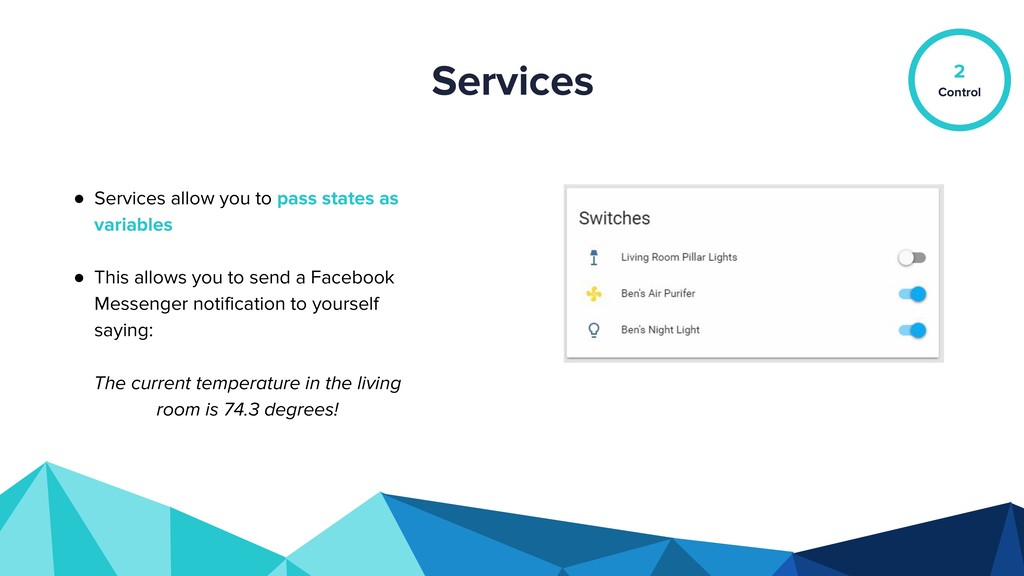
  9. • Services allow you to pass states as variables •

    This allows you to send a Facebook Messenger notification to yourself saying: The current temperature in the living room is 74.3 degrees! Services Control 2
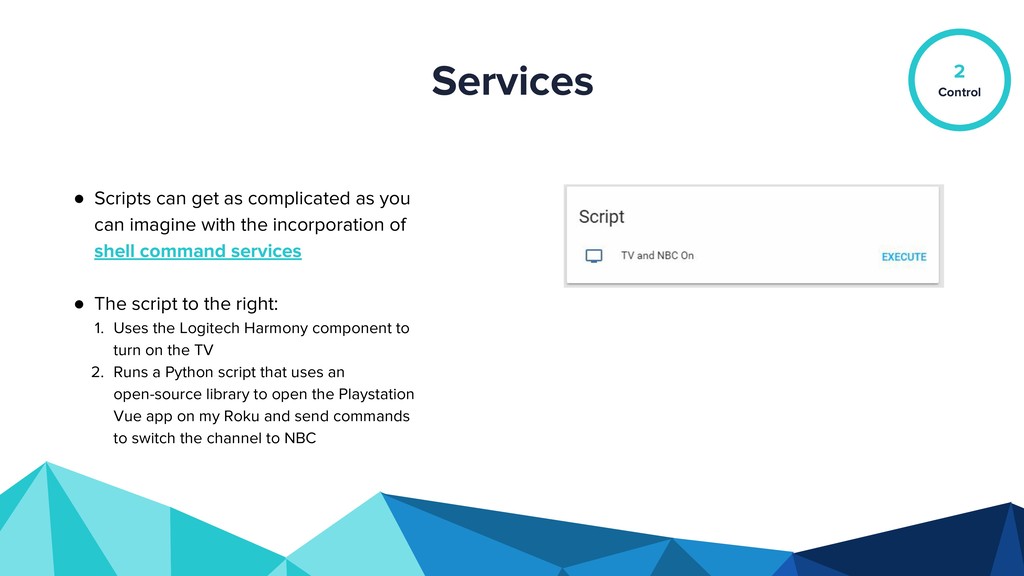
  10. • Scripts can get as complicated as you can imagine

    with the incorporation of shell command services • The script to the right: 1. Uses the Logitech Harmony component to turn on the TV 2. Runs a Python script that uses an open-source library to open the Playstation Vue app on my Roku and send commands to switch the channel to NBC Services Control 2
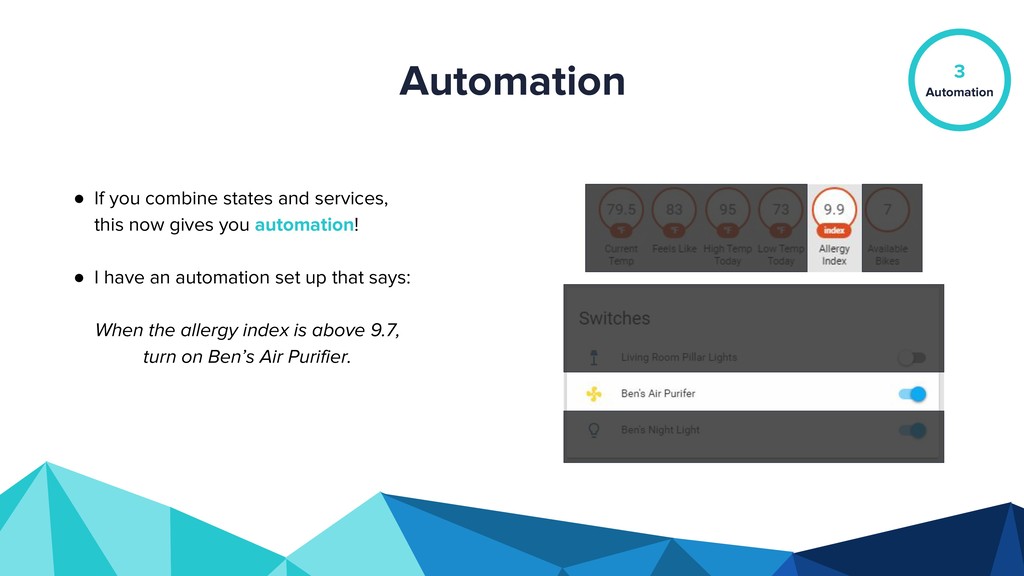
  11. • If you combine states and services, this now gives

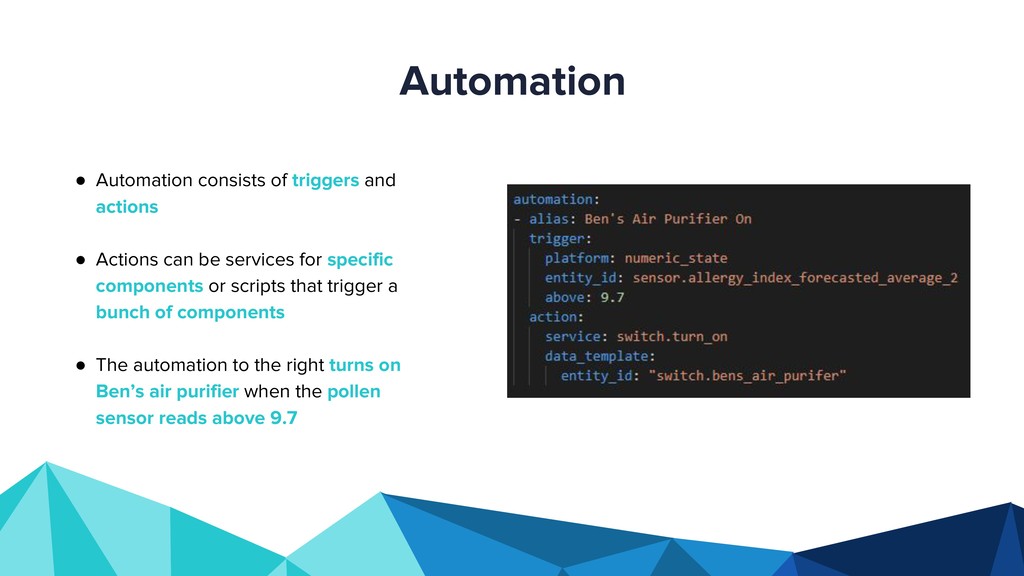
    you automation! • I have an automation set up that says: When the allergy index is above 9.7, turn on Ben’s Air Purifier. Automation Automation 3
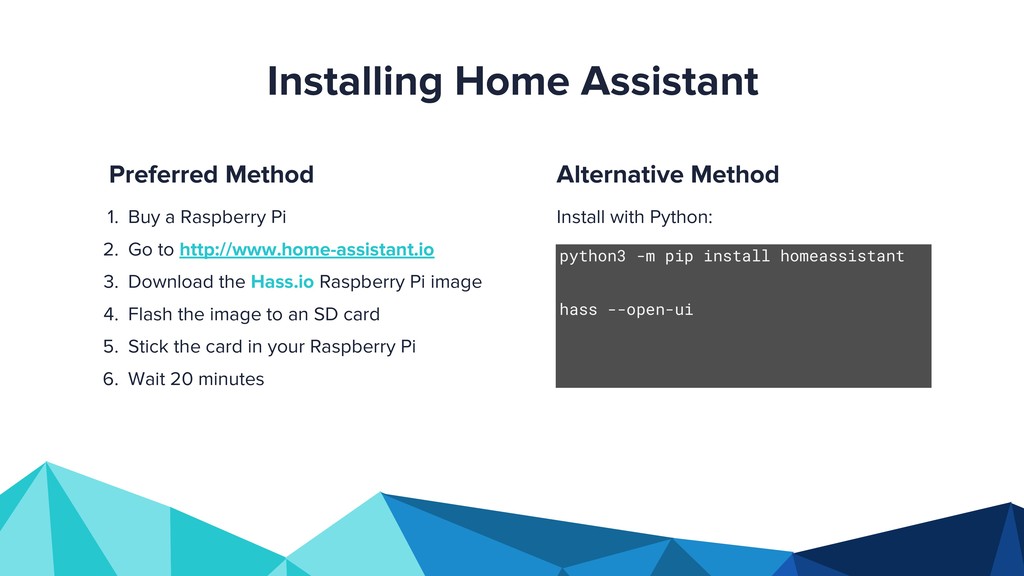
  12. Installing Home Assistant Install with Python: Alternative Method 1. Buy

    a Raspberry Pi 2. Go to http://www.home-assistant.io 3. Download the Hass.io Raspberry Pi image 4. Flash the image to an SD card 5. Stick the card in your Raspberry Pi 6. Wait 20 minutes Preferred Method python3 -m pip install homeassistant hass --open-ui
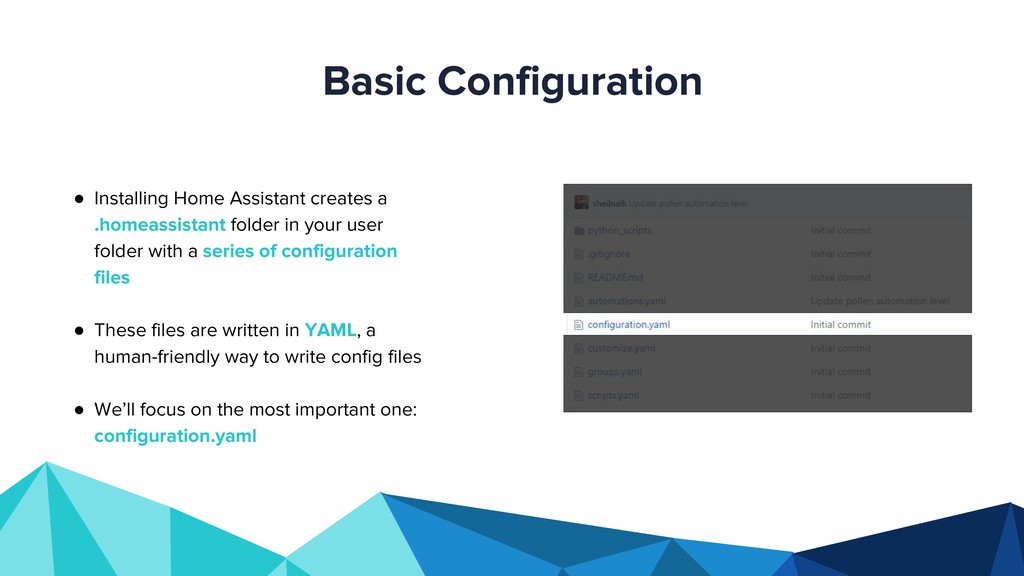
  13. • Installing Home Assistant creates a .homeassistant folder in your

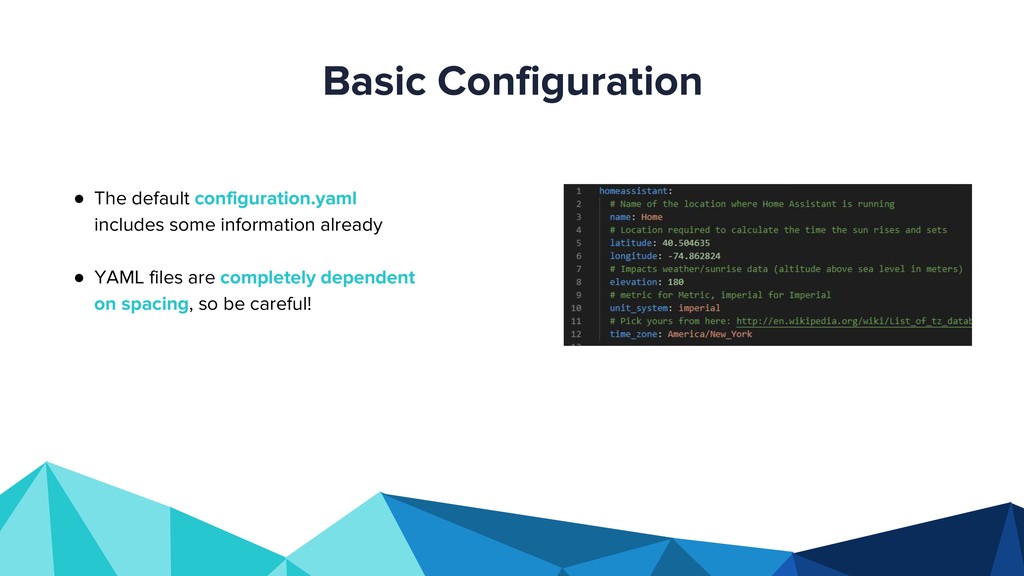
    user folder with a series of configuration files • These files are written in YAML, a human-friendly way to write config files • We’ll focus on the most important one: configuration.yaml Basic Configuration
  14. • The default configuration.yaml includes some information already • YAML

    files are completely dependent on spacing, so be careful! Basic Configuration
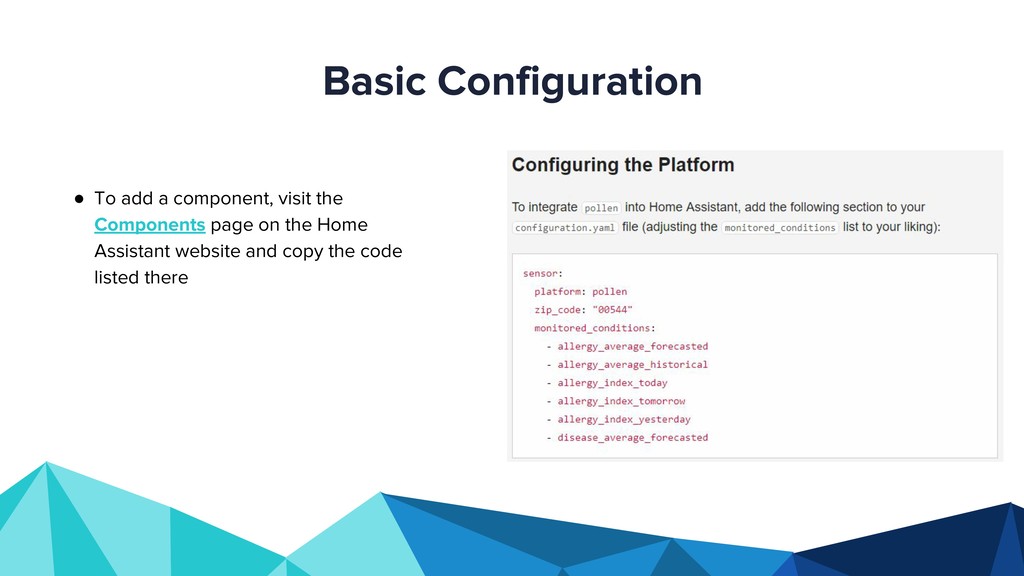
  15. • To add a component, visit the Components page on

    the Home Assistant website and copy the code listed there Basic Configuration
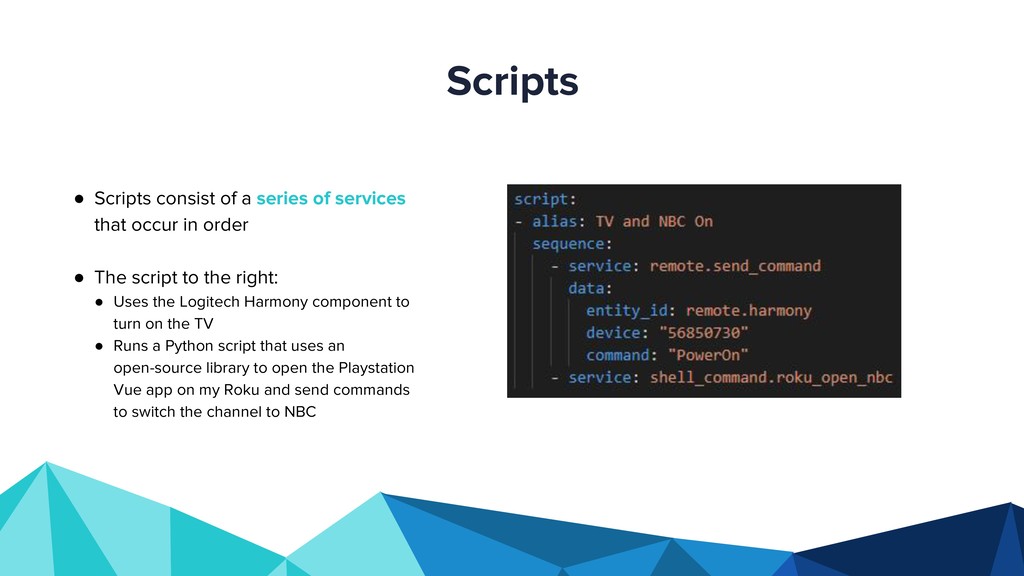
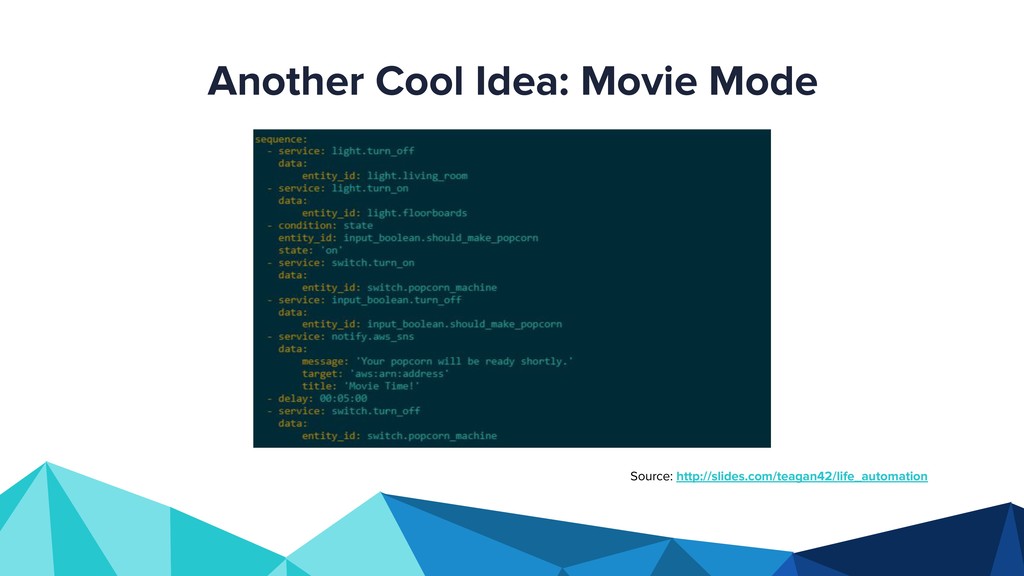
  16. • Scripts consist of a series of services that occur

    in order • The script to the right: • Uses the Logitech Harmony component to turn on the TV • Runs a Python script that uses an open-source library to open the Playstation Vue app on my Roku and send commands to switch the channel to NBC Scripts
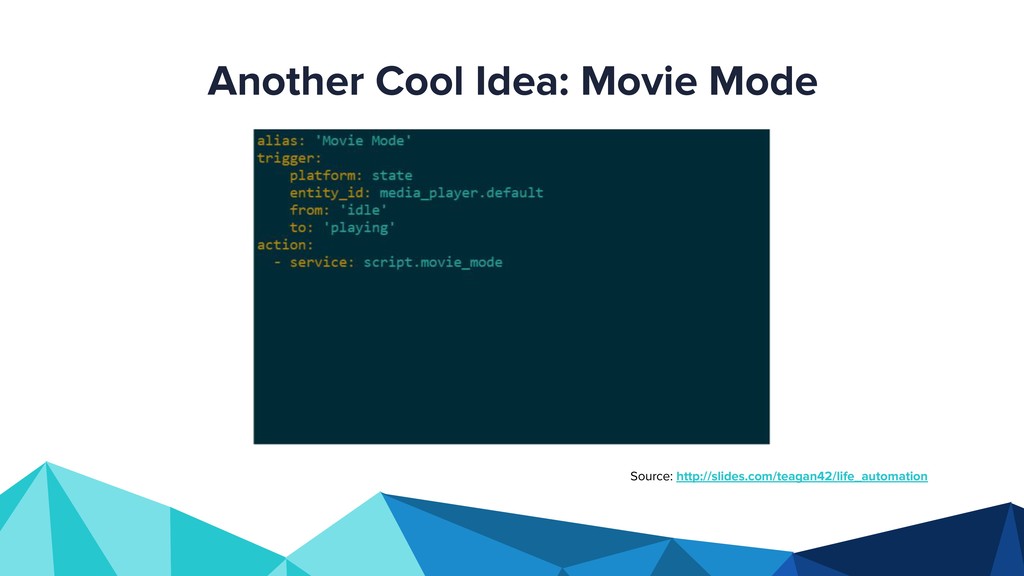
  17. • Automation consists of triggers and actions • Actions can

    be services for specific components or scripts that trigger a bunch of components • The automation to the right turns on Ben’s air purifier when the pollen sensor reads above 9.7 Automation
  18. • RTFM! Read the friendly manual (especially the Components page)!

    • Home Assistant documentation is very good and the community is extremely supportive (forums, Reddit, and Discord) • The BRUH Automation YouTube channel is especially good Where do I go from here?
  19. • Integrate more APIs as sensors for automation • Fix

    bugs, add features, or add entirely new integrations and submit pull requests to the Home Assistant GitHub repo What else can you do?
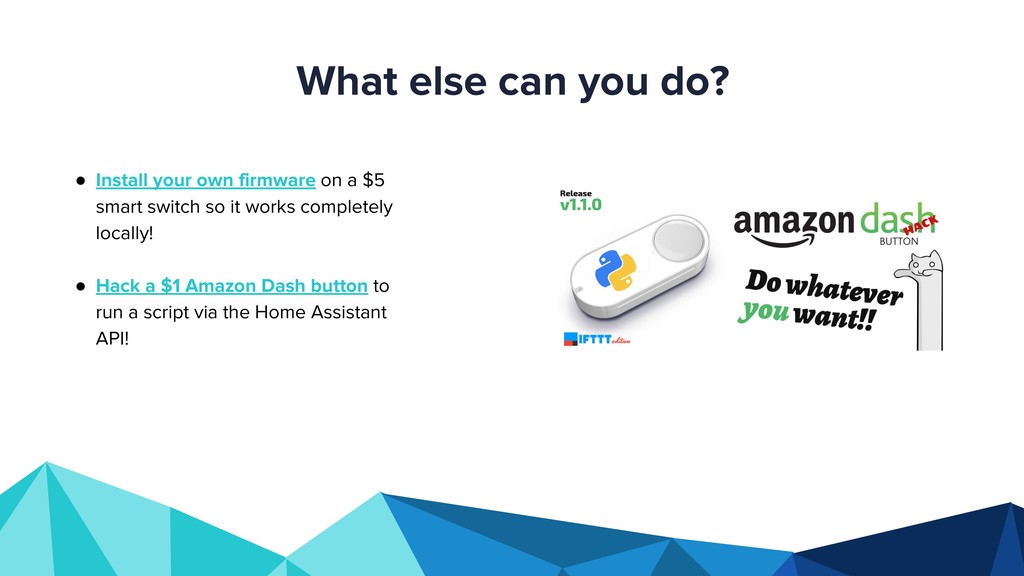
  20. • Install your own firmware on a $5 smart switch

    so it works completely locally! • Hack a $1 Amazon Dash button to run a script via the Home Assistant API! What else can you do?
  21. • You should not have to adapt to technology •

    Other people should be able to use your “smart” home • Your system should run at home, not in the cloud • The perfect app is no app The Goal of Home Automation (as stated by the creator of Home Assistant, Paulus Schoutsen)
  22. The Goal of Home Automation (as stated by the creator

    of Home Assistant, Paulus Schoutsen) “ “Good home automation never annoys but is missed when it is not working.”
  23. Thank you! Any questions? You can find me at @sheilnaik

    on GitHub and Twitter Slides available at http://bit.ly/hh-homeassistant