Upgrade to Pro — share decks privately, control downloads, hide ads and more …

Codelab: Realtime Face Detection on Android wit...

Sponsored · Ship Features Fearlessly Turn features on and off without deploys. Used by thousands of Ruby developers. →

Codelab: Realtime Face Detection on Android with Firebase

Avatar for shredderskelton

shredderskelton

May 07, 2019

More Decks by shredderskelton

Other Decks in Programming

Transcript

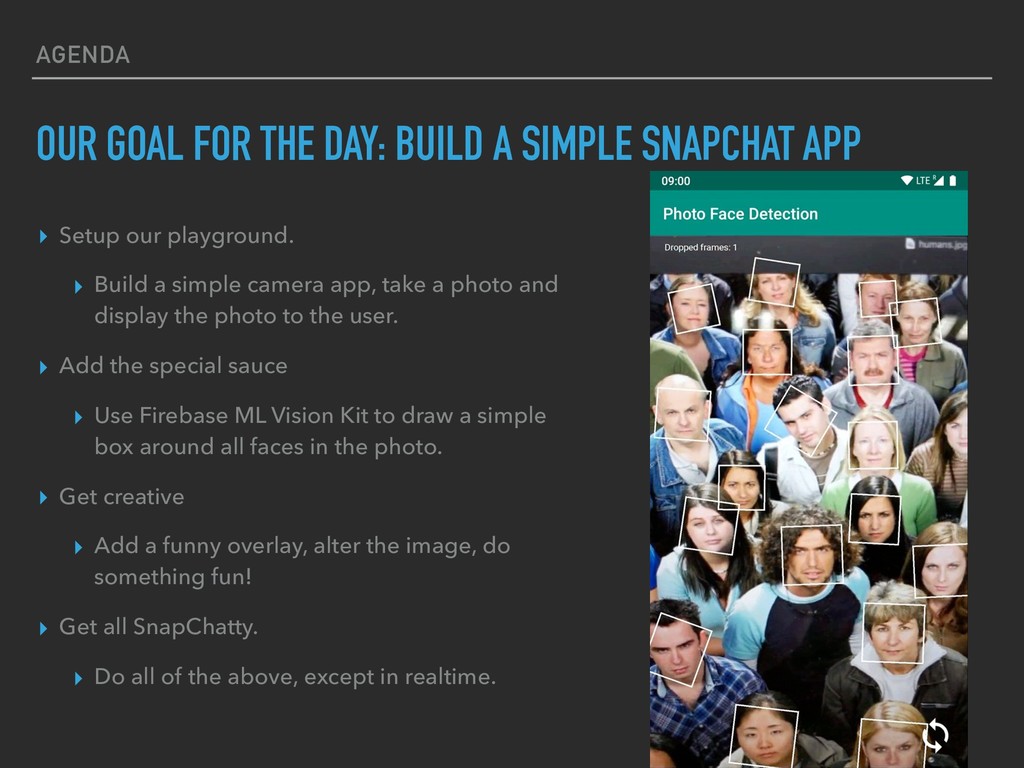
  1. AGENDA OUR GOAL FOR THE DAY: BUILD A SIMPLE SNAPCHAT

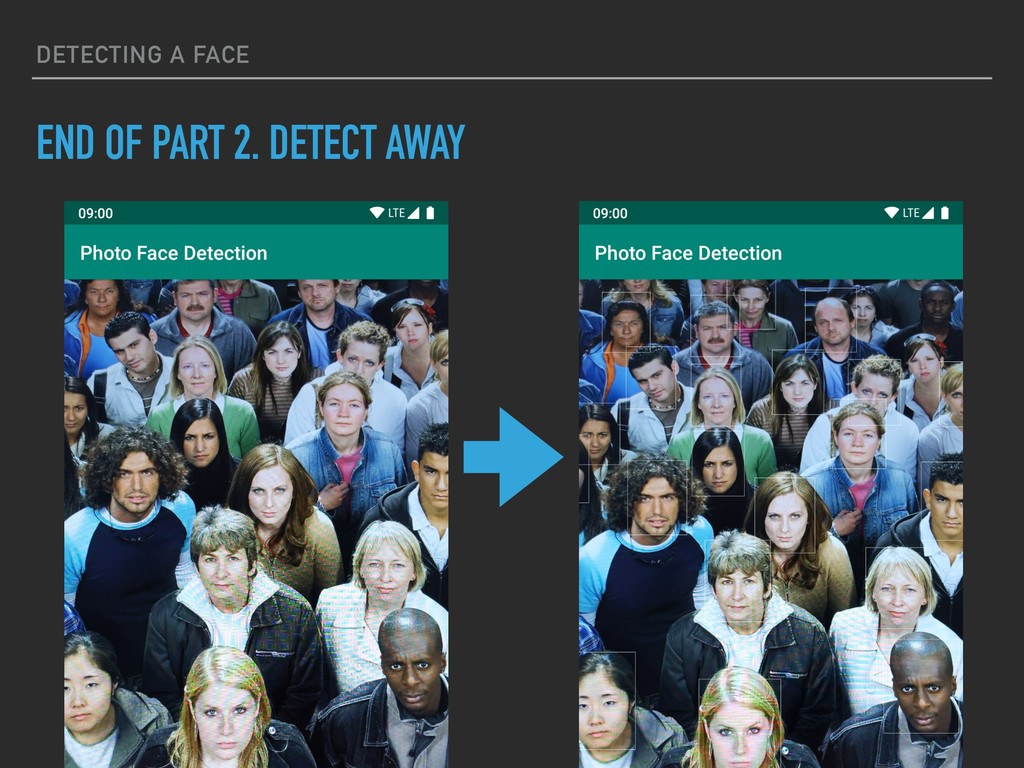
    APP ▸ Setup our playground. ▸ Build a simple camera app, take a photo and display the photo to the user. ▸ Add the special sauce ▸ Use Firebase ML Vision Kit to draw a simple box around all faces in the photo. ▸ Get creative ▸ Add a funny overlay, alter the image, do something fun! ▸ Get all SnapChatty. ▸ Do all of the above, except in realtime.
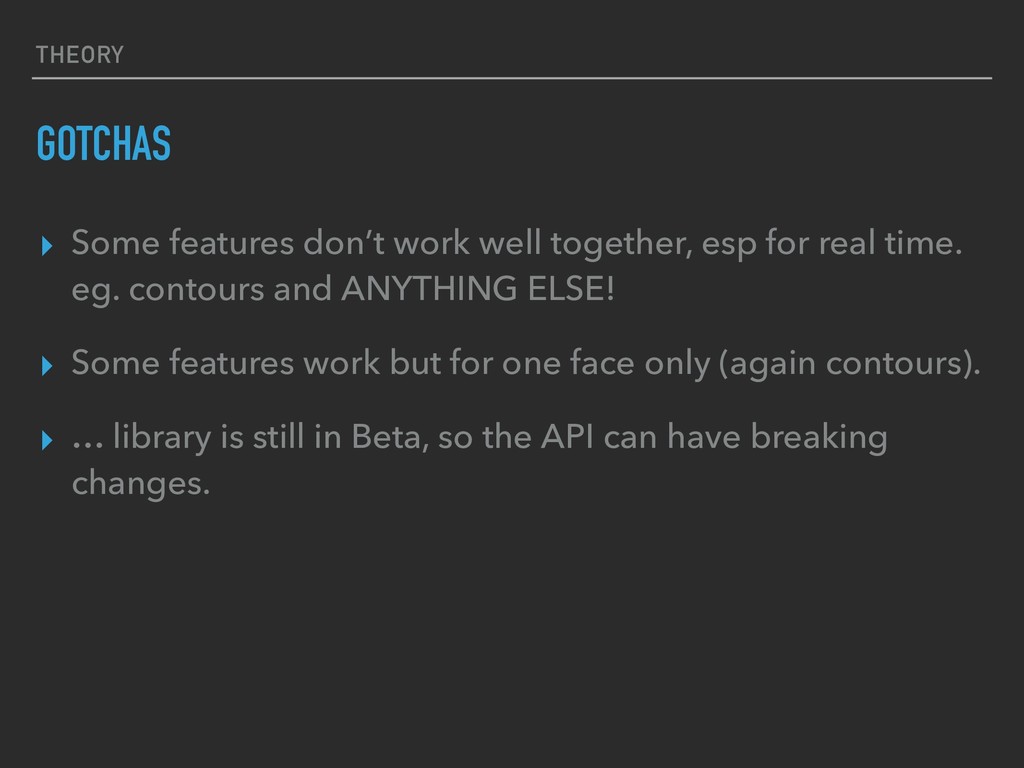
  2. THEORY GOTCHAS ▸ Some features don’t work well together, esp

    for real time. eg. contours and ANYTHING ELSE! ▸ Some features work but for one face only (again contours). ▸ … library is still in Beta, so the API can have breaking changes.
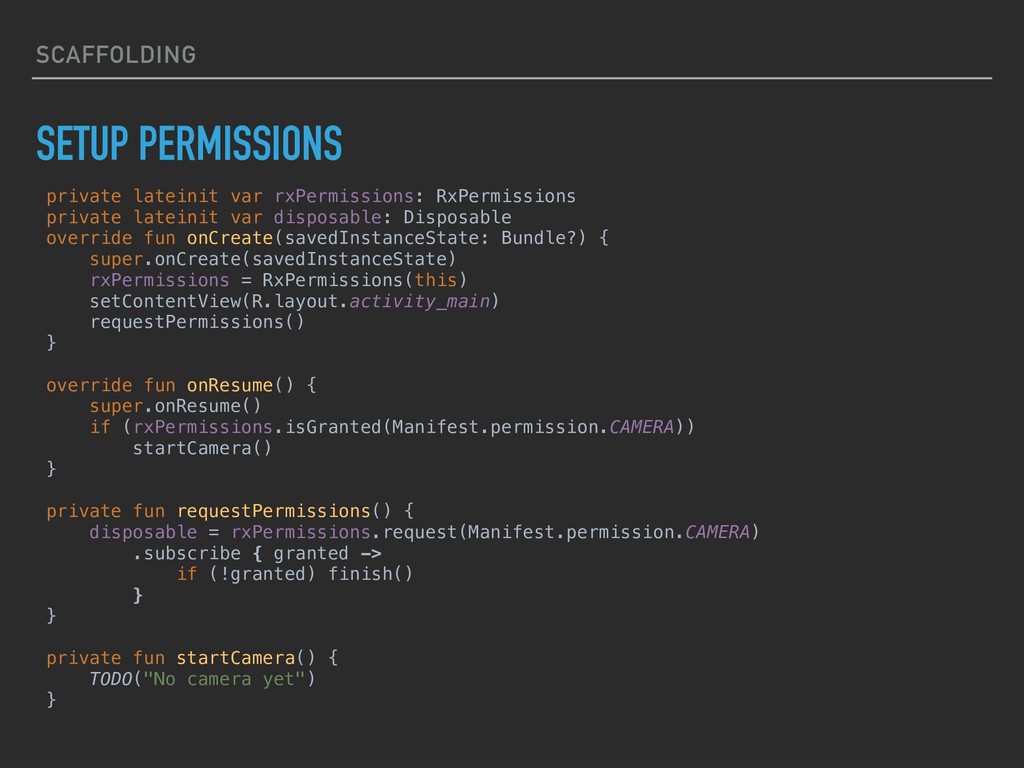
  3. SCAFFOLDING SETUP PERMISSIONS private lateinit var rxPermissions: RxPermissions private lateinit

    var disposable: Disposable override fun onCreate(savedInstanceState: Bundle?) { super.onCreate(savedInstanceState) rxPermissions = RxPermissions(this) setContentView(R.layout.activity_main) requestPermissions() } override fun onResume() { super.onResume() if (rxPermissions.isGranted(Manifest.permission.CAMERA)) startCamera() } private fun requestPermissions() { disposable = rxPermissions.request(Manifest.permission.CAMERA) .subscribe { granted -> if (!granted) finish() } } private fun startCamera() { TODO("No camera yet") }
  4. SCAFFOLDING SETUP CAMERA ▸ Fotoapparat ▸ Very simple and elegant

    implementation for most simple photo apps. https://github.com/RedApparat/Fotoapparat
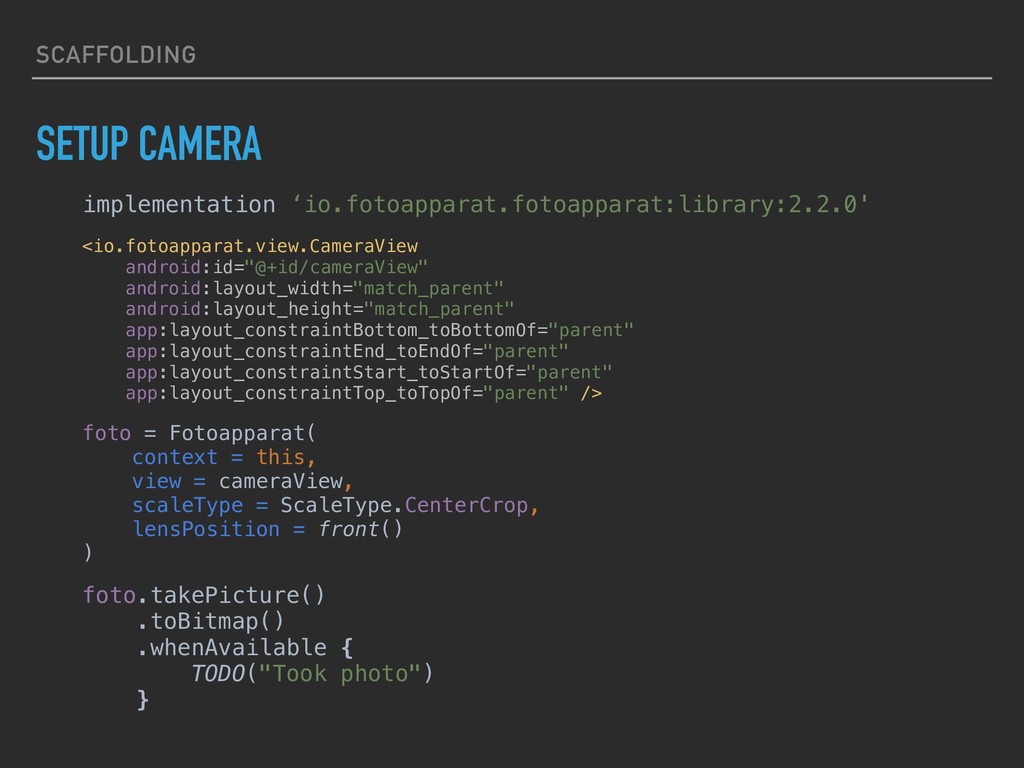
  5. SCAFFOLDING SETUP CAMERA implementation ‘io.fotoapparat.fotoapparat:library:2.2.0' <io.fotoapparat.view.CameraView android:id="@+id/cameraView" android:layout_width="match_parent" android:layout_height="match_parent" app:layout_constraintBottom_toBottomOf="parent"

    app:layout_constraintEnd_toEndOf="parent" app:layout_constraintStart_toStartOf="parent" app:layout_constraintTop_toTopOf="parent" /> foto = Fotoapparat( context = this, view = cameraView, scaleType = ScaleType.CenterCrop, lensPosition = front() ) foto.takePicture() .toBitmap() .whenAvailable { TODO("Took photo") }
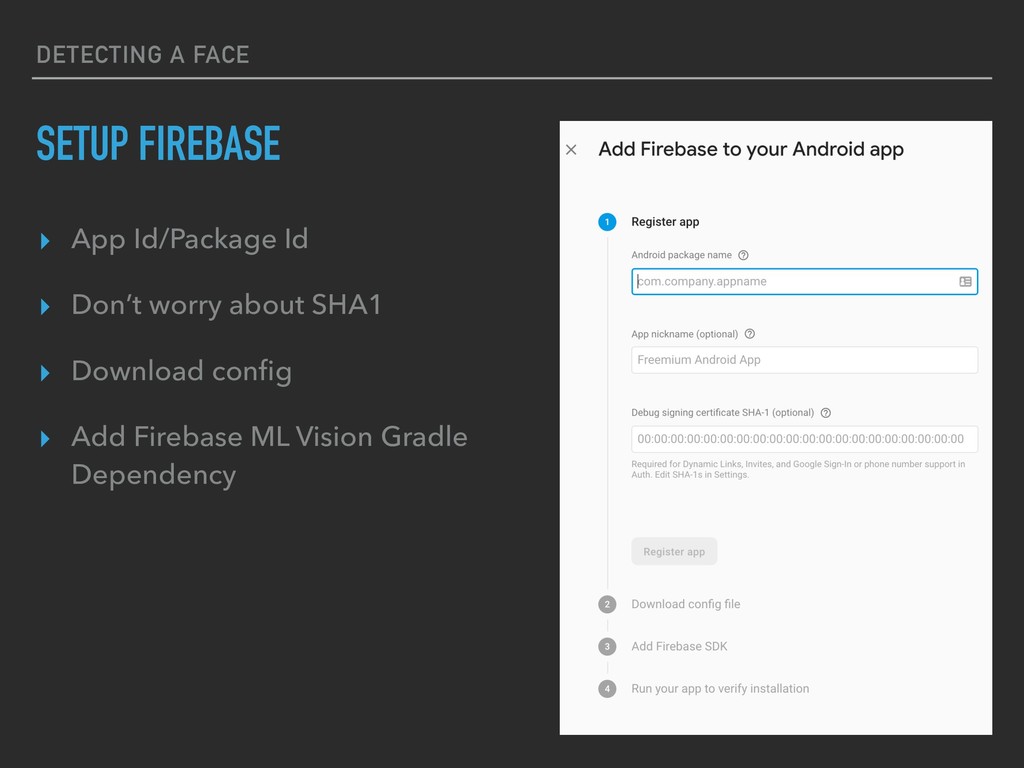
  6. DETECTING A FACE SETUP FIREBASE ▸ App Id/Package Id ▸

    Don’t worry about SHA1 ▸ Download config ▸ Add Firebase ML Vision Gradle Dependency
  7. DETECTING A FACE SOME SEPARATION OF CONCERNS ▸ We are

    going to setup 2 new interfaces: ▸ Detector ▸ Graphic
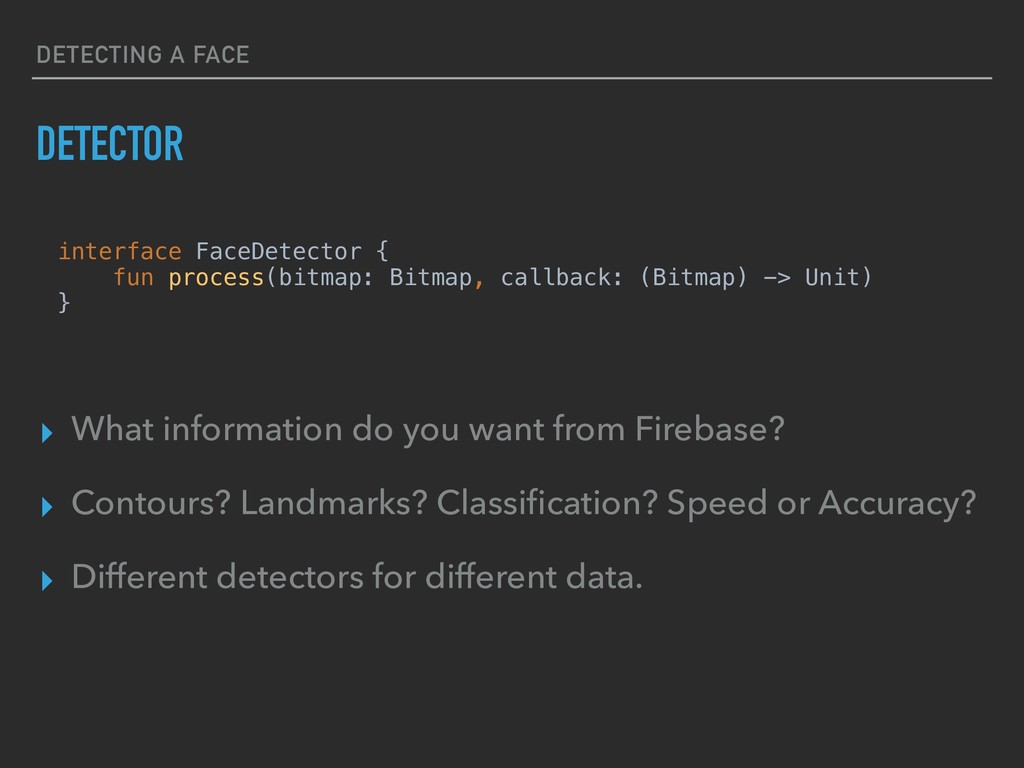
  8. DETECTING A FACE DETECTOR ▸ What information do you want

    from Firebase? ▸ Contours? Landmarks? Classification? Speed or Accuracy? ▸ Different detectors for different data. interface FaceDetector { fun process(bitmap: Bitmap, callback: (Bitmap) -> Unit) }
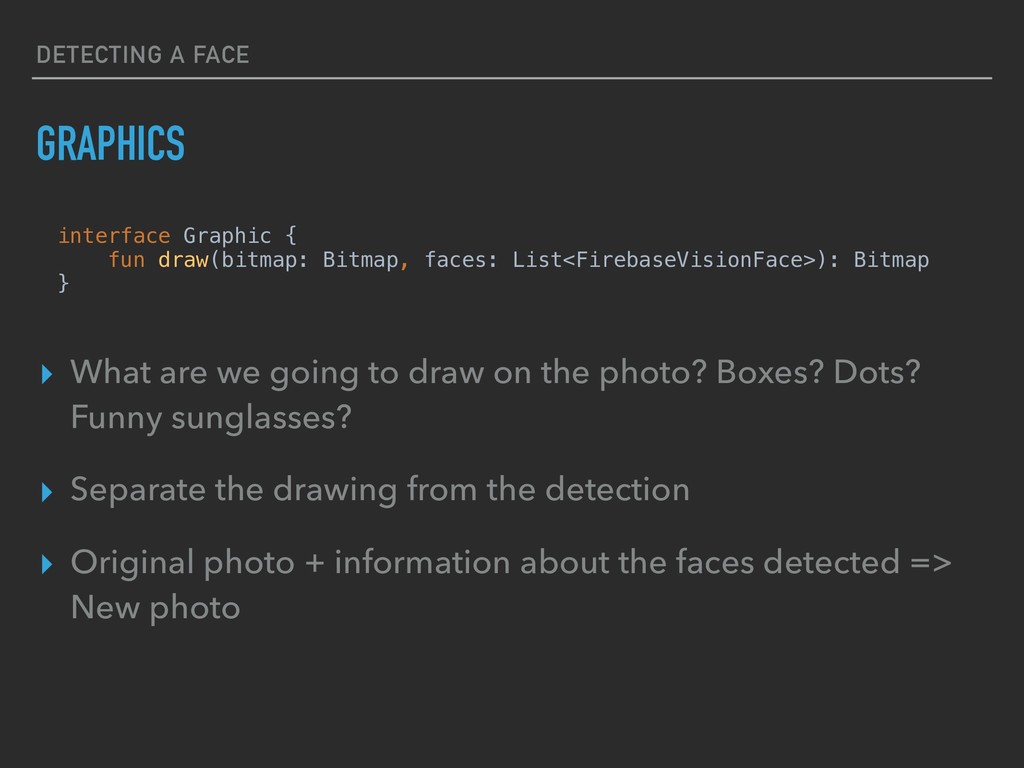
  9. DETECTING A FACE GRAPHICS ▸ What are we going to

    draw on the photo? Boxes? Dots? Funny sunglasses? ▸ Separate the drawing from the detection ▸ Original photo + information about the faces detected => New photo interface Graphic { fun draw(bitmap: Bitmap, faces: List<FirebaseVisionFace>): Bitmap }
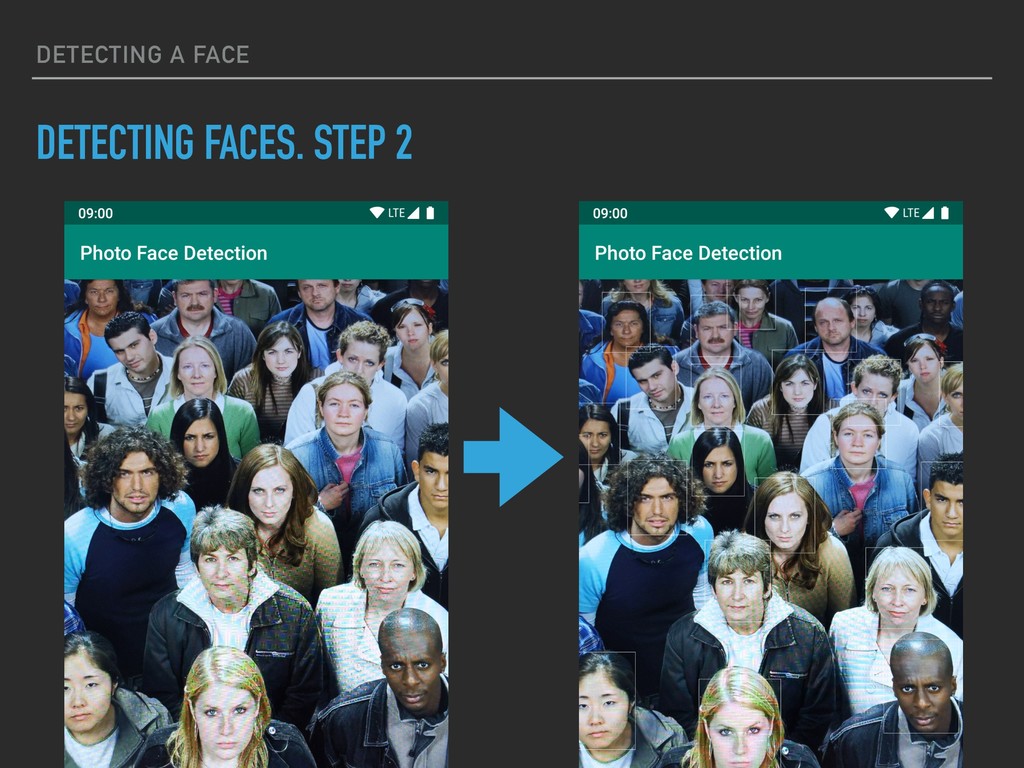
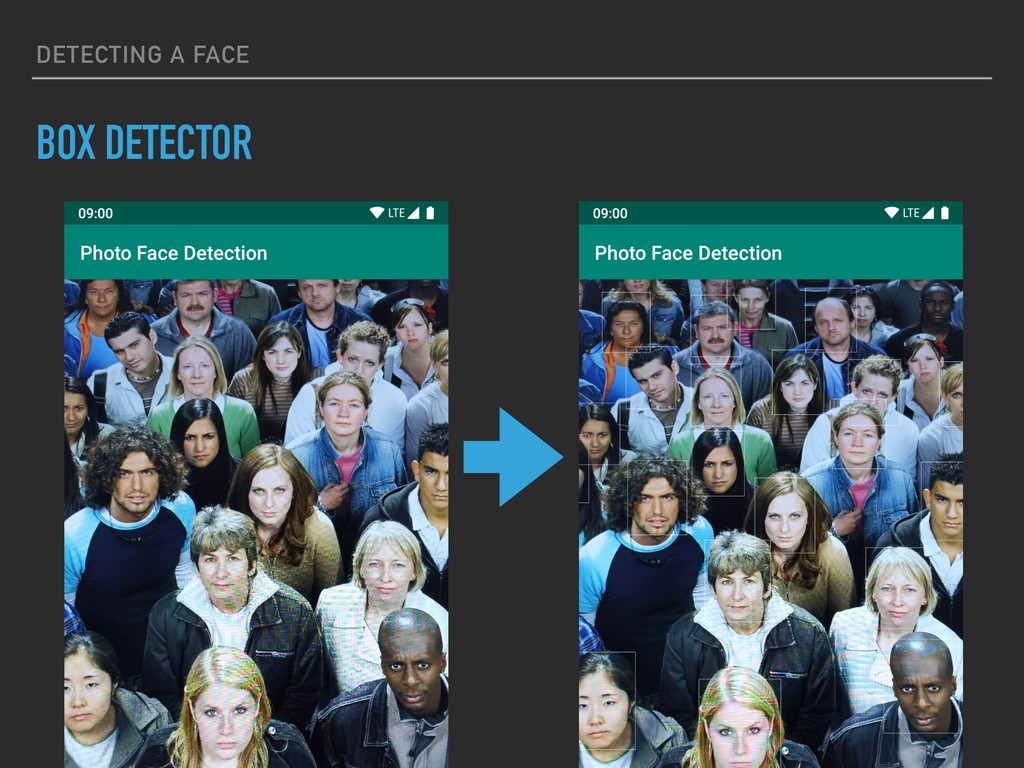
  10. DETECTING A FACE OUR FIRST DETECTOR ▸ Draw a box

    around all the faces in the image.
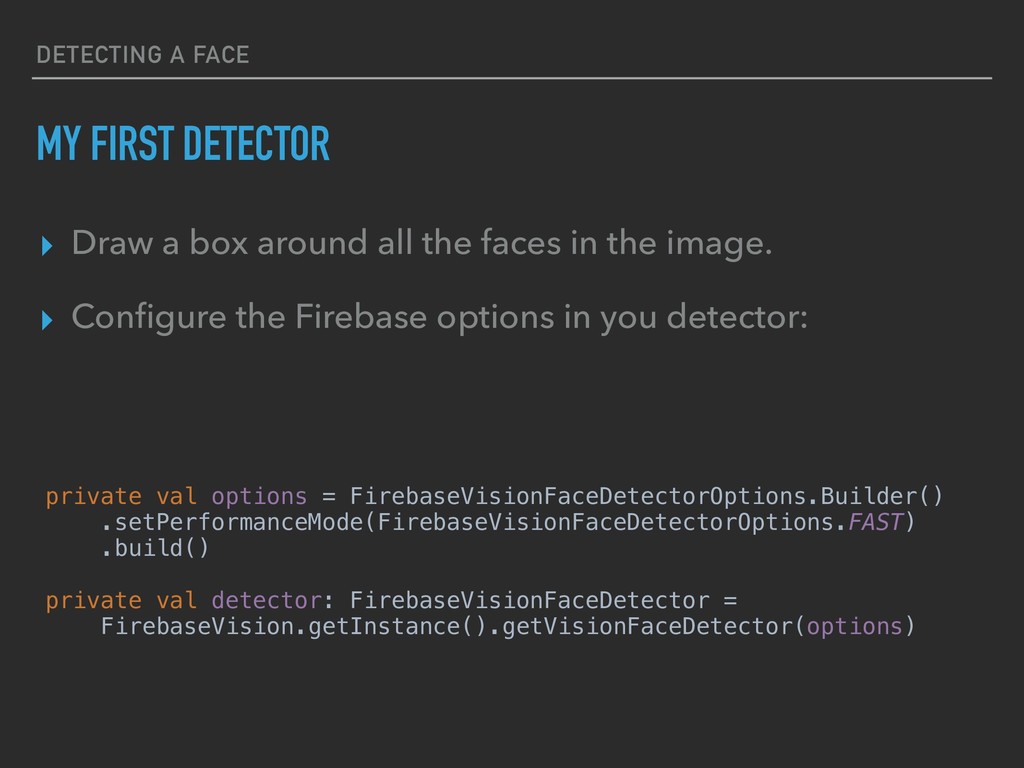
  11. DETECTING A FACE MY FIRST DETECTOR ▸ Draw a box

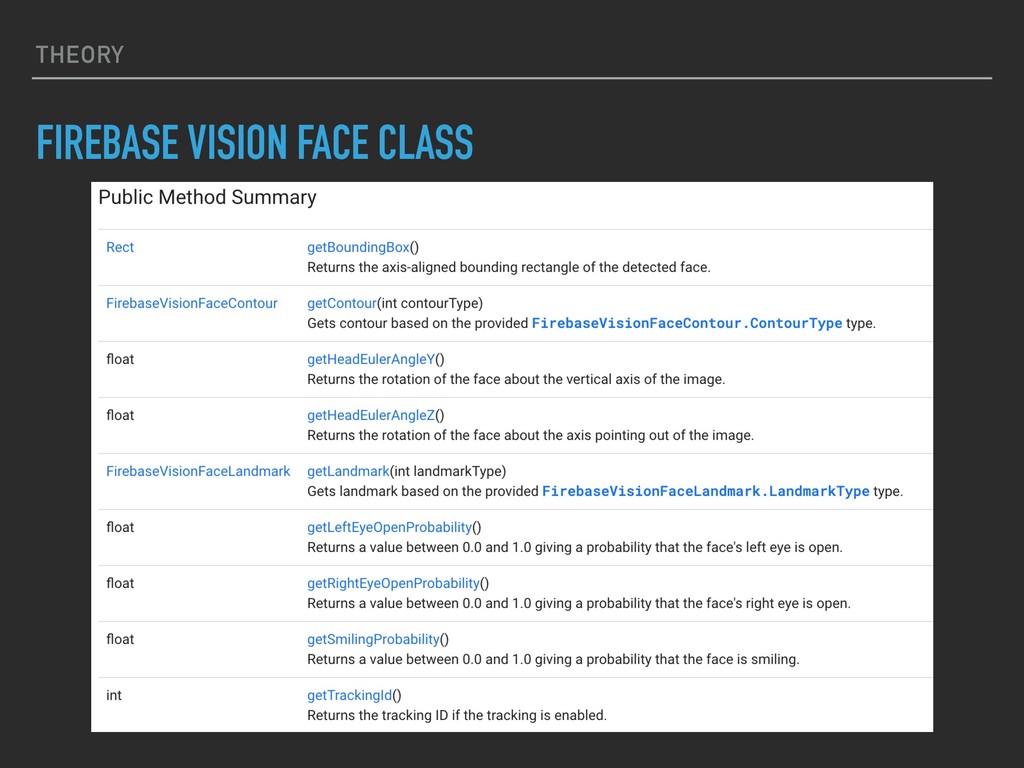
    around all the faces in the image. ▸ Configure the Firebase options in you detector: private val options = FirebaseVisionFaceDetectorOptions.Builder() .setPerformanceMode(FirebaseVisionFaceDetectorOptions.FAST) .build() private val detector: FirebaseVisionFaceDetector = FirebaseVision.getInstance().getVisionFaceDetector(options)
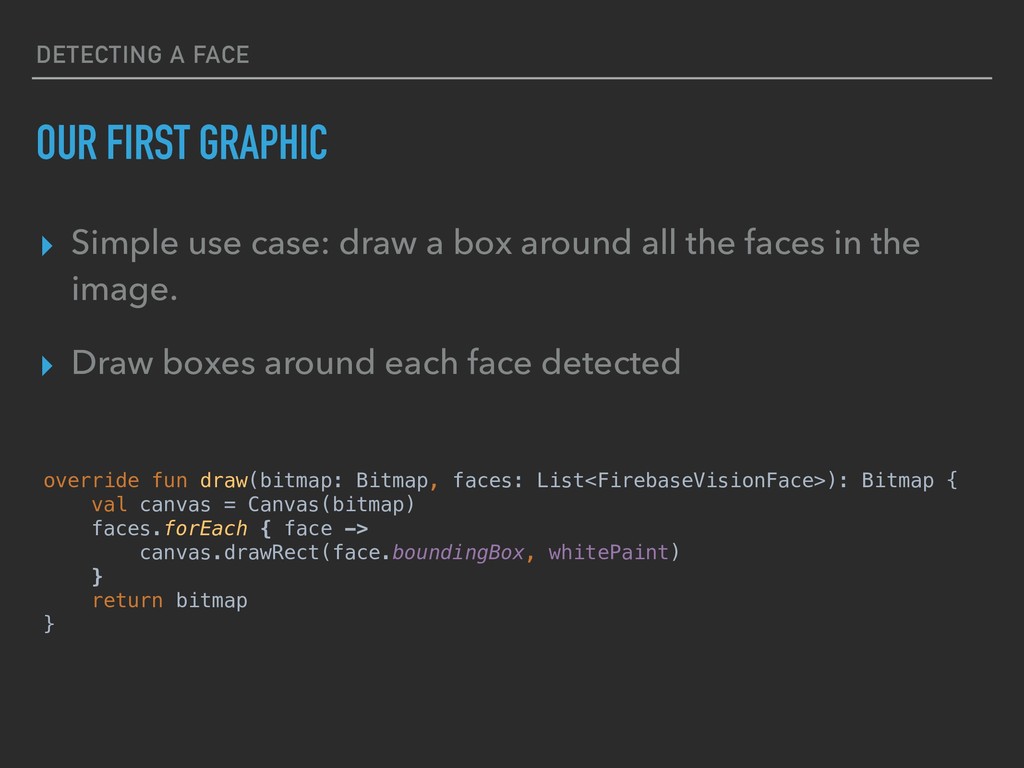
  12. DETECTING A FACE OUR FIRST GRAPHIC ▸ Simple use case:

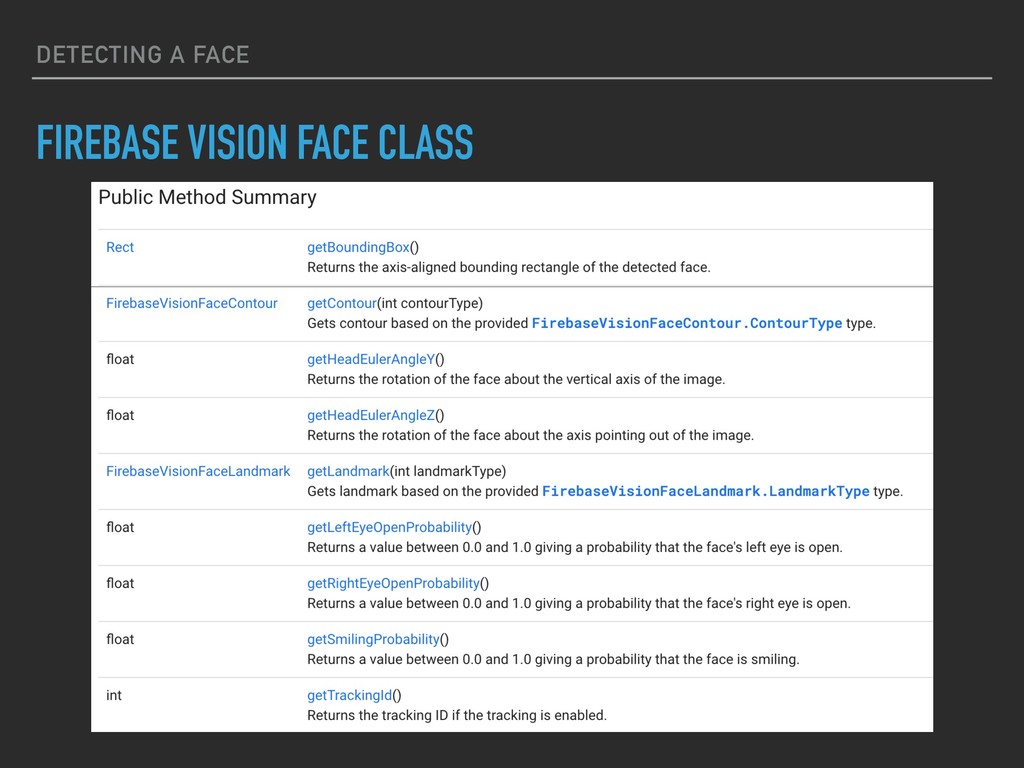
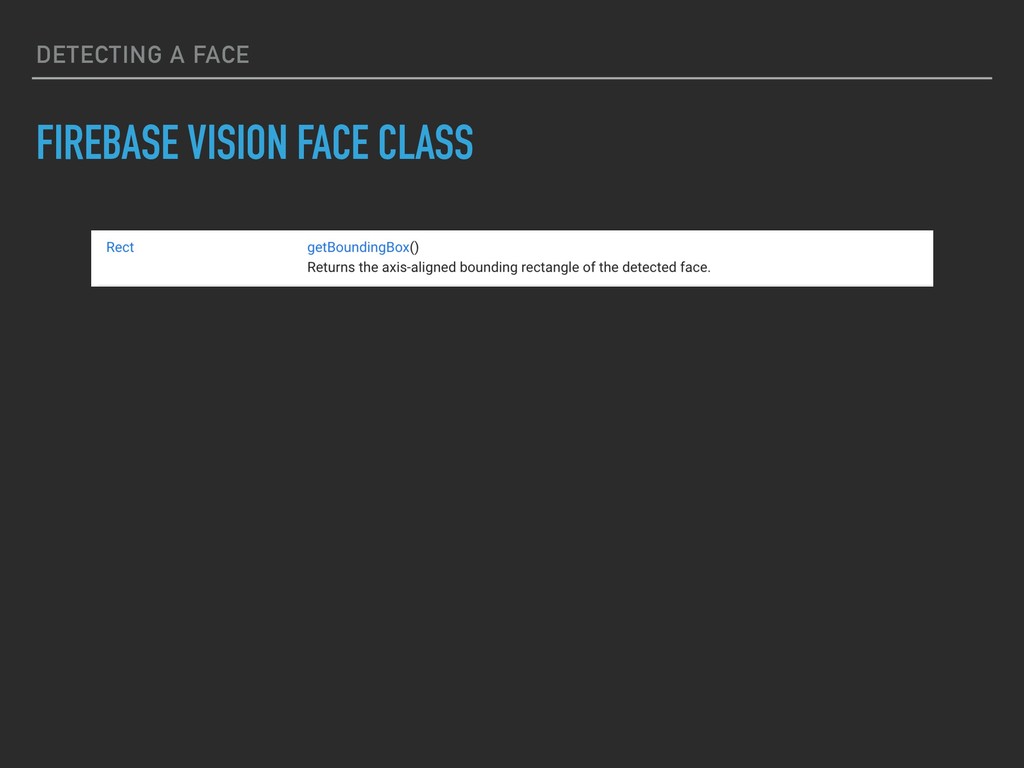
    draw a box around all the faces in the image. ▸ Draw boxes around each face detected override fun draw(bitmap: Bitmap, faces: List<FirebaseVisionFace>): Bitmap { val canvas = Canvas(bitmap) faces.forEach { face -> canvas.drawRect(face.boundingBox, whitePaint) } return bitmap }
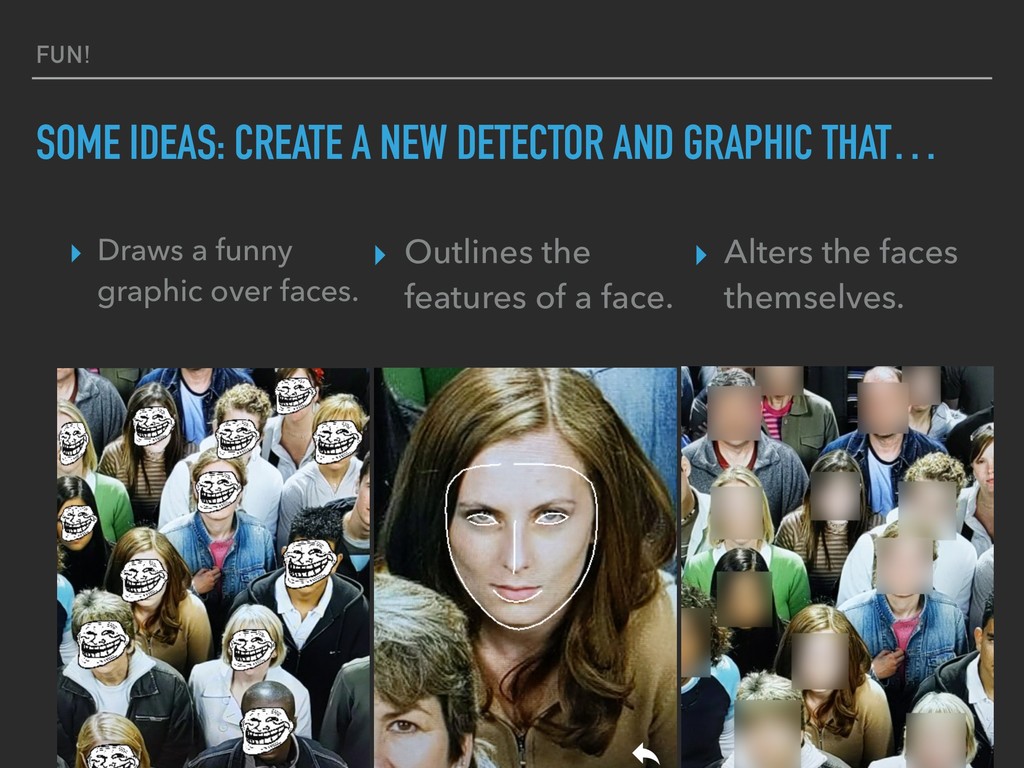
  13. FUN! SOME IDEAS: CREATE A NEW DETECTOR AND GRAPHIC THAT…

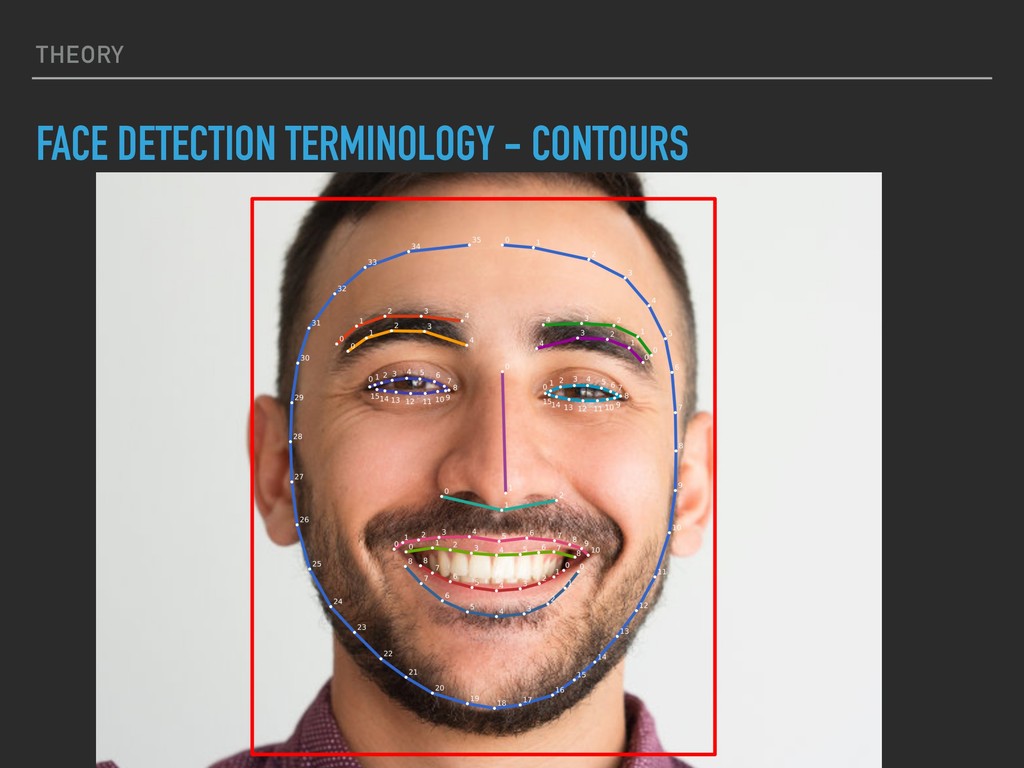
    ▸ Outlines the features of a face. ▸ Draws a funny graphic over faces. ▸ Alters the faces themselves.
  14. REAL TIME UI THREAD ▸ Don’t render twice. ▸ Render

    the overlay and input image in a single step. ▸ Use SurfaceView ▸ Use Camera or Camera2 ▸ See the Firebase Android Quickstart repository
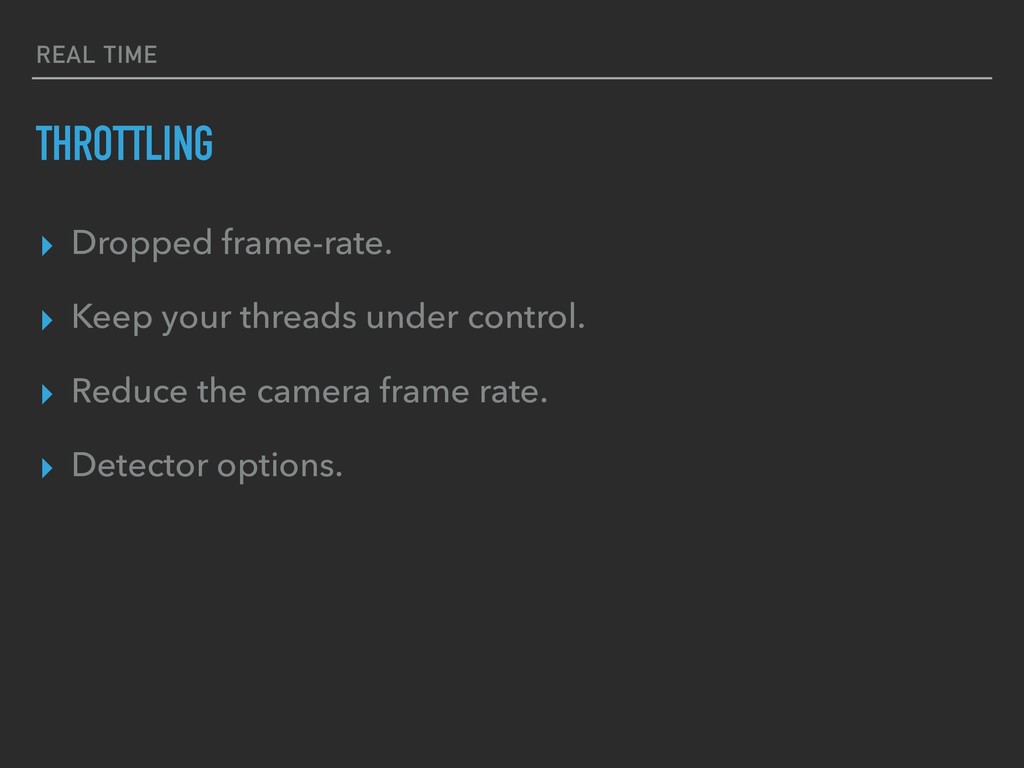
  15. REAL TIME THROTTLING ▸ Dropped frame-rate. ▸ Keep your threads

    under control. ▸ Reduce the camera frame rate. ▸ Detector options.
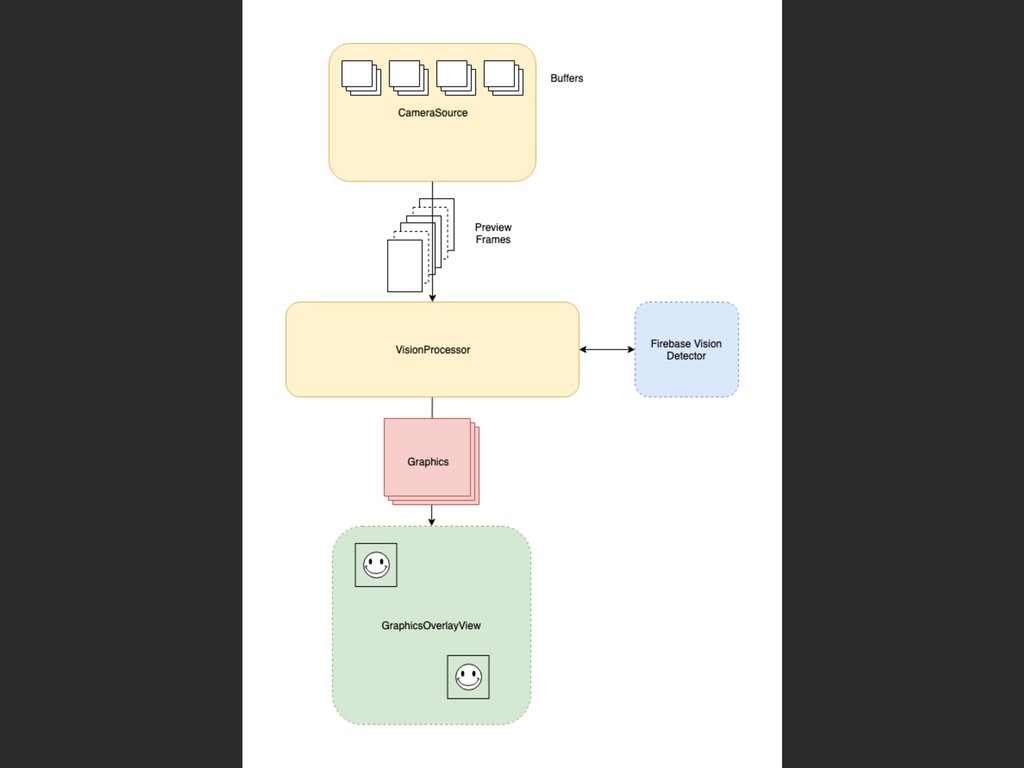
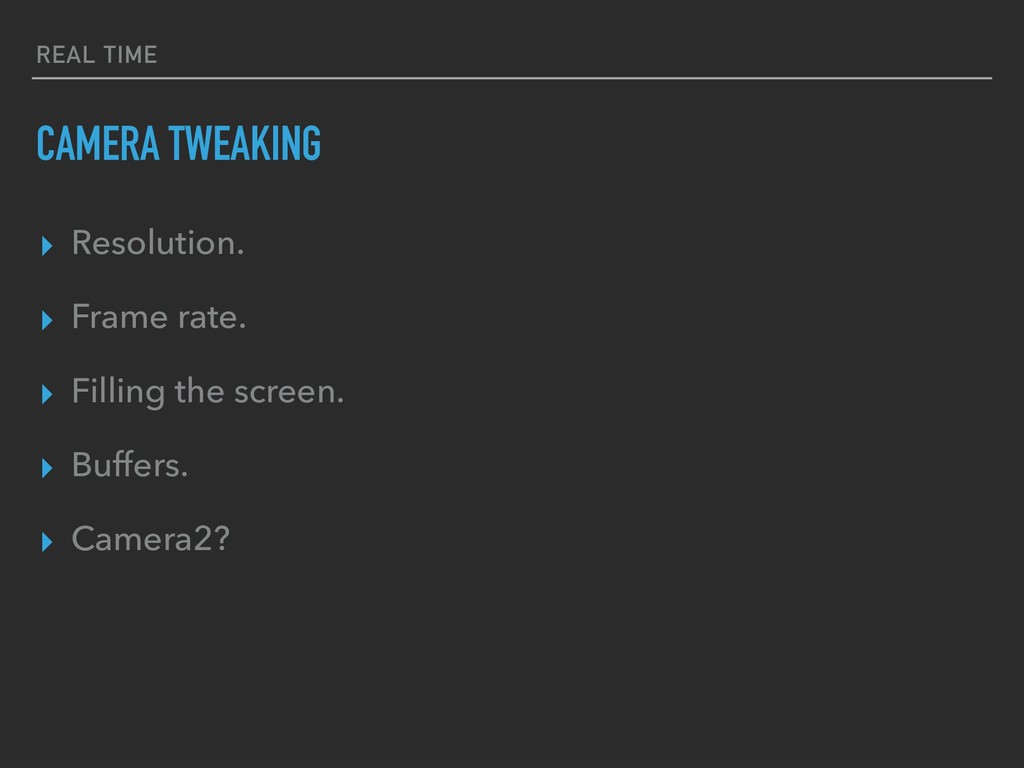
  16. REAL TIME CAMERA TWEAKING ▸ Resolution. ▸ Frame rate. ▸

    Filling the screen. ▸ Buffers. ▸ Camera2?