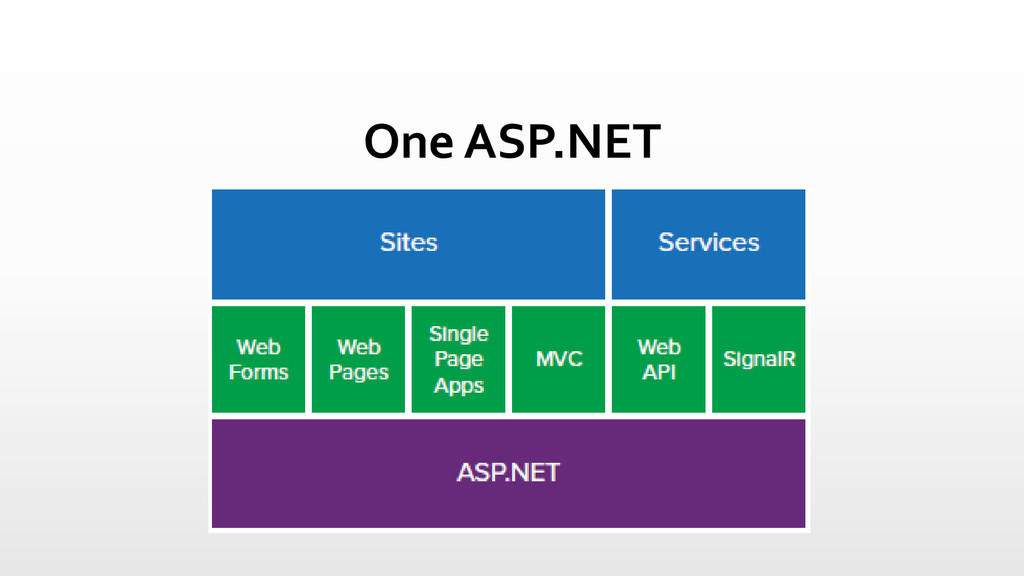
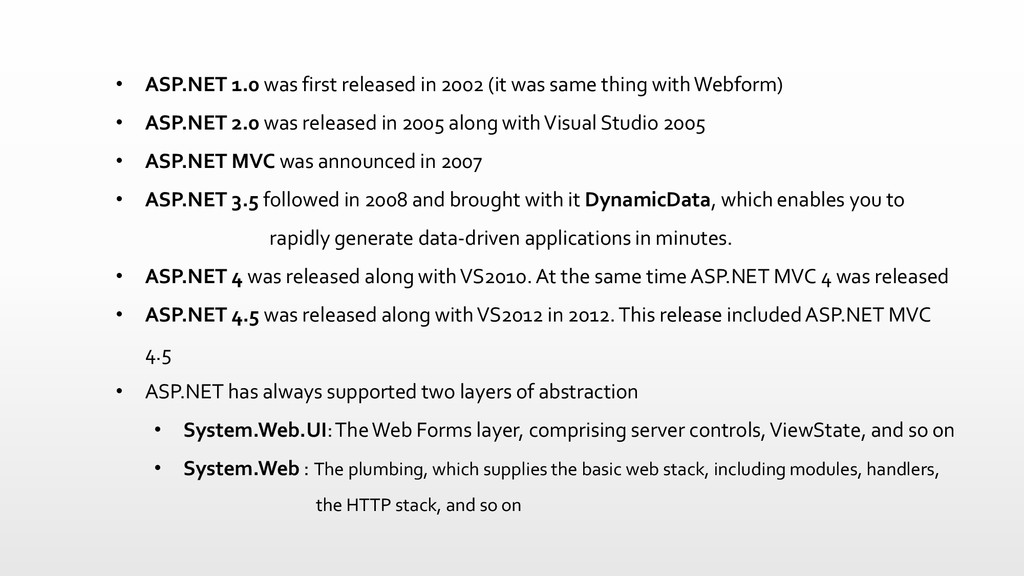
same thing with Webform) • ASP.NET 2.0 was released in 2005 along with Visual Studio 2005 • ASP.NET MVC was announced in 2007 • ASP.NET 3.5 followed in 2008 and brought with it DynamicData, which enables you to rapidly generate data-driven applications in minutes. • ASP.NET 4 was released along with VS2010. At the same time ASP.NET MVC 4 was released • ASP.NET 4.5 was released along with VS2012 in 2012. This release included ASP.NET MVC 4.5 • ASP.NET has always supported two layers of abstraction • System.Web.UI: The Web Forms layer, comprising server controls, ViewState, and so on • System.Web : The plumbing, which supplies the basic web stack, including modules, handlers, the HTTP stack, and so on
computer science for many years. • Originally named Thing-Model-View-Editor in 1979 • It is a powerful and elegant means of separating concerns. • You’ll find MVC in Java and C++, on Mac and on Windows
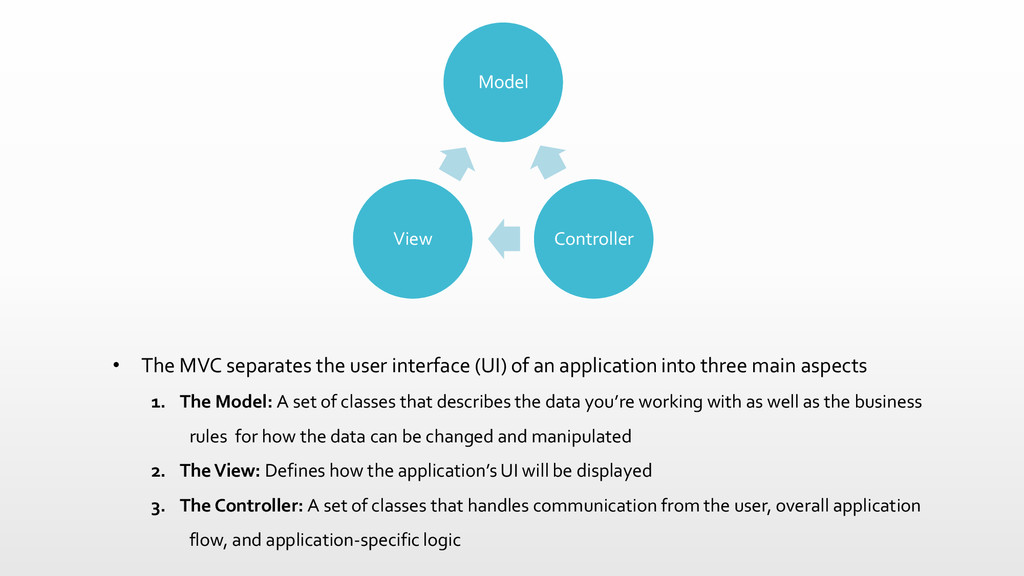
application into three main aspects 1. The Model: A set of classes that describes the data you’re working with as well as the business rules for how the data can be changed and manipulated 2. The View: Defines how the application’s UI will be displayed 3. The Controller: A set of classes that handles communication from the user, overall application flow, and application-specific logic Model Controller View
the UI. The MVC pattern presents a solution for handling user interaction, but says nothing about how you will handle other application concerns like data access, service interactions, etc. It’s helpful to keep this in mind as you approach MVC: It is a useful pattern, but likely one of many patterns you will use in developing an application.
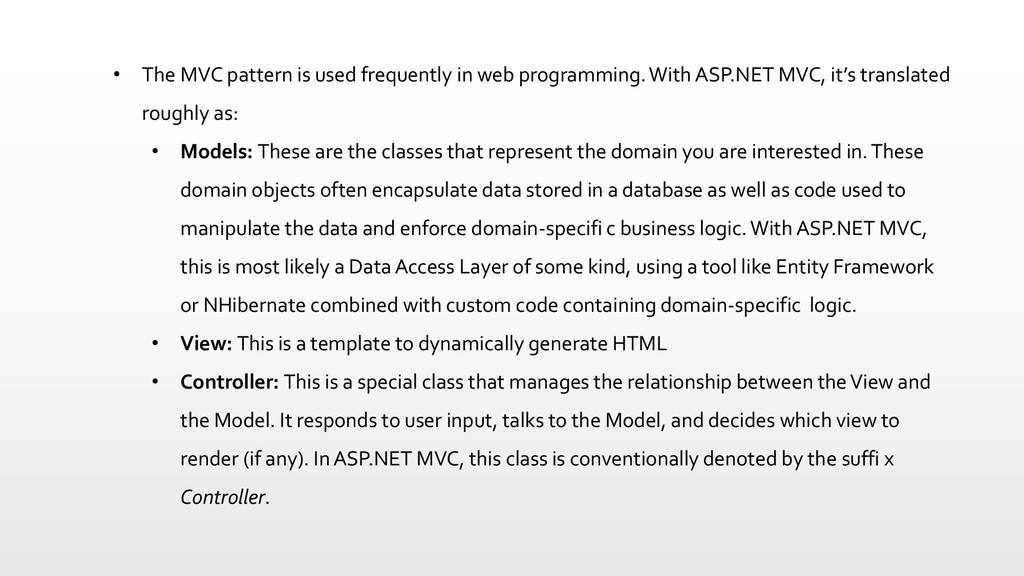
With ASP.NET MVC, it’s translated roughly as: • Models: These are the classes that represent the domain you are interested in. These domain objects often encapsulate data stored in a database as well as code used to manipulate the data and enforce domain-specifi c business logic. With ASP.NET MVC, this is most likely a Data Access Layer of some kind, using a tool like Entity Framework or NHibernate combined with custom code containing domain-specific logic. • View: This is a template to dynamically generate HTML • Controller: This is a special class that manages the relationship between the View and the Model. It responds to user input, talks to the Model, and decides which view to render (if any). In ASP.NET MVC, this class is conventionally denoted by the suffi x Controller.
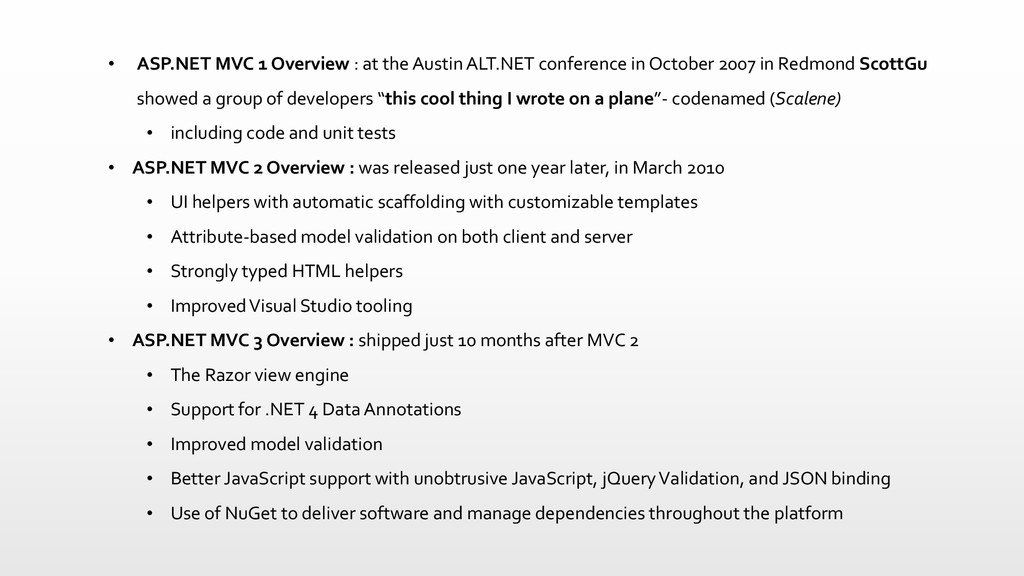
conference in October 2007 in Redmond ScottGu showed a group of developers “this cool thing I wrote on a plane”- codenamed (Scalene) • including code and unit tests • ASP.NET MVC 2 Overview : was released just one year later, in March 2010 • UI helpers with automatic scaffolding with customizable templates • Attribute-based model validation on both client and server • Strongly typed HTML helpers • Improved Visual Studio tooling • ASP.NET MVC 3 Overview : shipped just 10 months after MVC 2 • The Razor view engine • Support for .NET 4 Data Annotations • Improved model validation • Better JavaScript support with unobtrusive JavaScript, jQueryValidation, and JSON binding • Use of NuGet to deliver software and manage dependencies throughout the platform
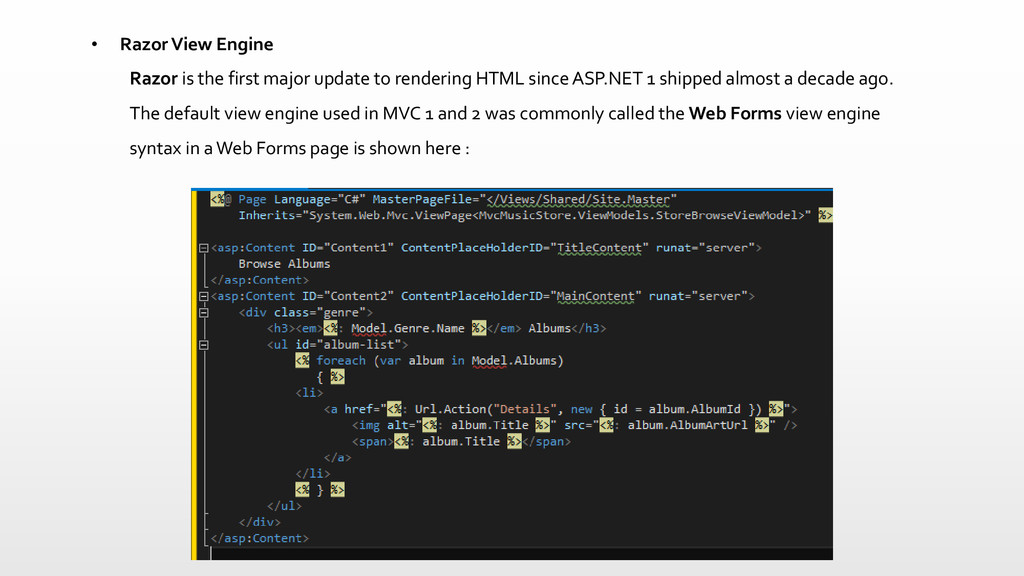
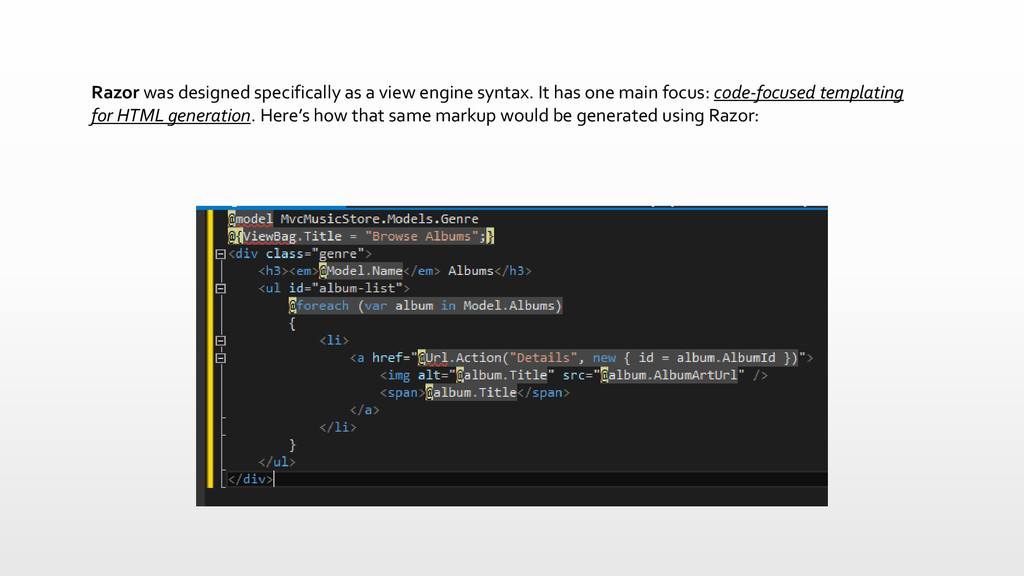
to rendering HTML since ASP.NET 1 shipped almost a decade ago. The default view engine used in MVC 1 and 2 was commonly called the Web Forms view engine syntax in a Web Forms page is shown here :
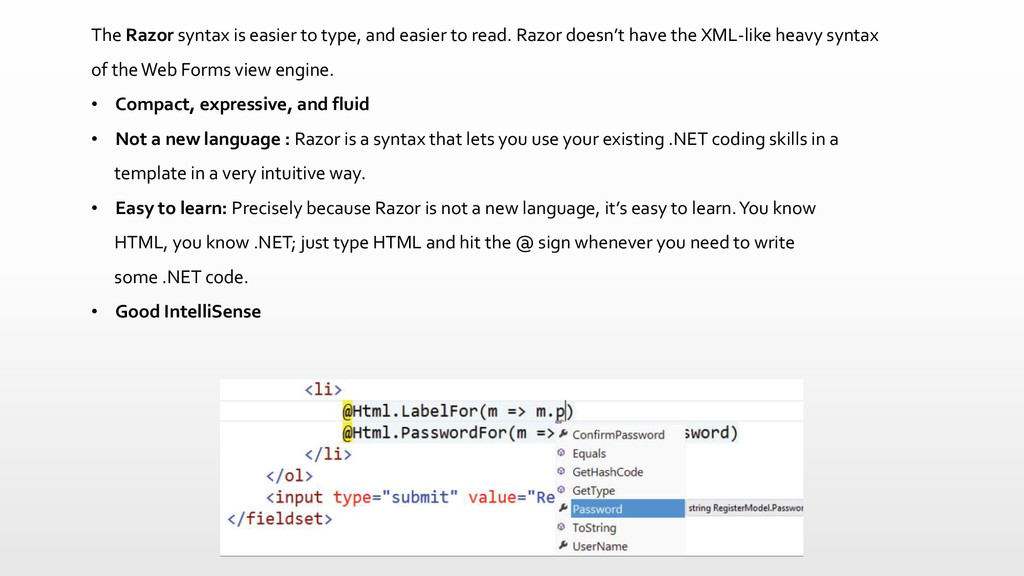
read. Razor doesn’t have the XML-like heavy syntax of the Web Forms view engine. • Compact, expressive, and fluid • Not a new language : Razor is a syntax that lets you use your existing .NET coding skills in a template in a very intuitive way. • Easy to learn: Precisely because Razor is not a new language, it’s easy to learn. You know HTML, you know .NET; just type HTML and hit the @ sign whenever you need to write some .NET code. • Good IntelliSense
web applications, but it’s never fun. MVC 3 extended the validation support to cover most scenarios you’re likely to encounter. • .NET 4 Data Annotation Support : • Unobtrusive JavaScript using data- instead of something like onclick,… • jQueryValidation • JSON Binding : enabling your action methods to accept and model-bind data in JSON format. • Dependency Resolution : MVC 3 introduced a new concept called a dependency resolver, which greatly simplified the use of dependency injection in your applications.
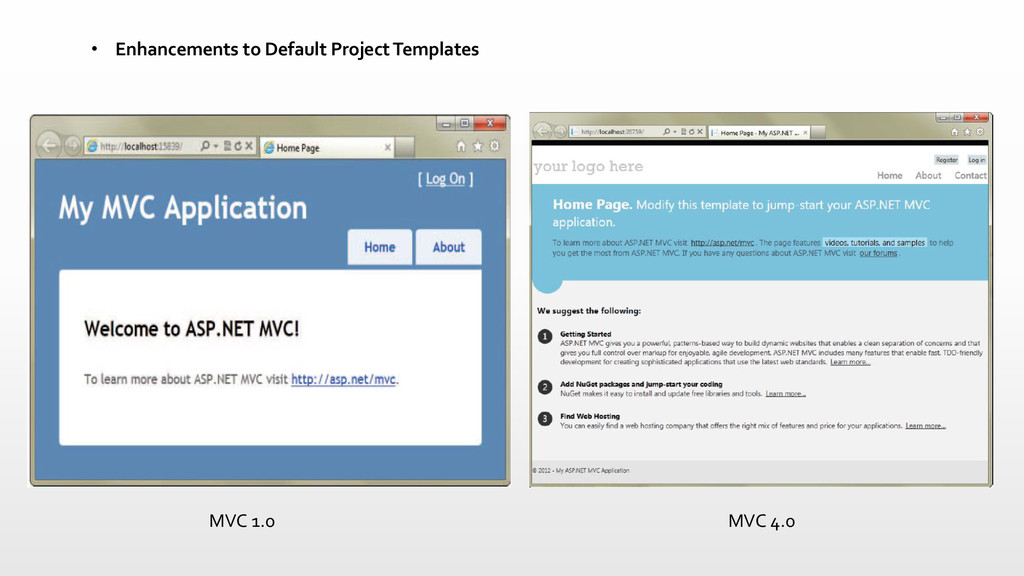
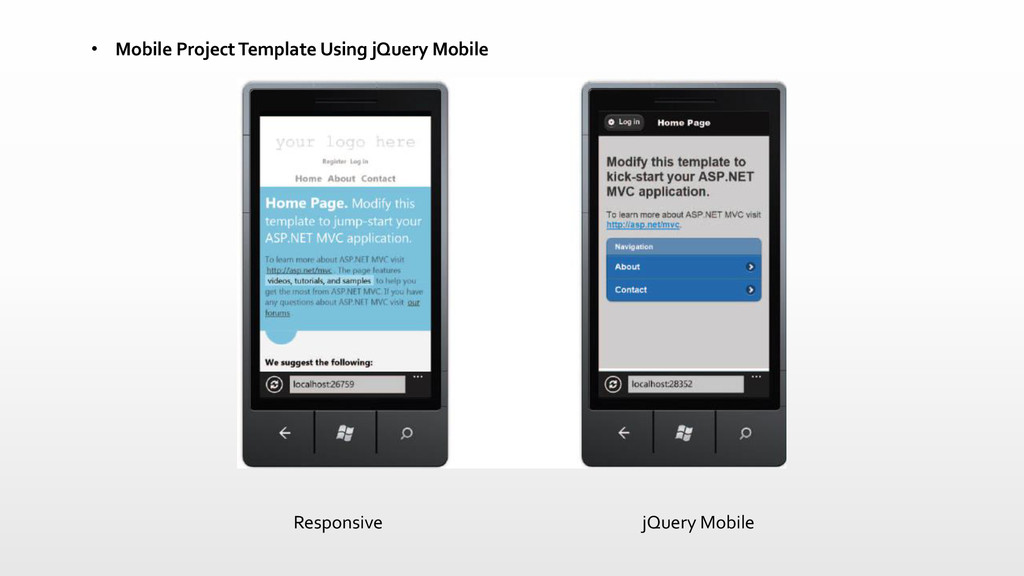
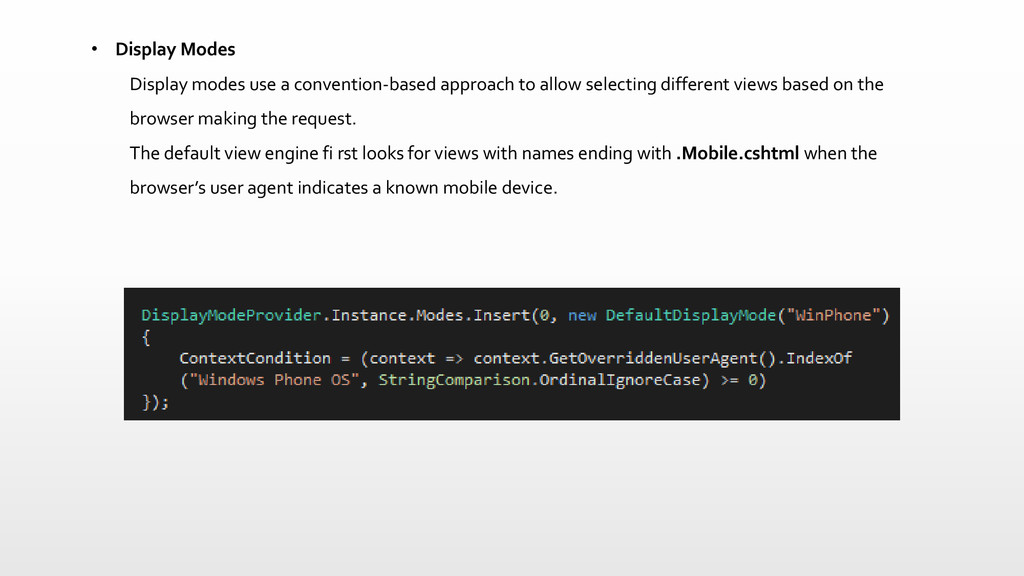
MVC development style but is tailored to writing HTTP services • Enhancements to default project templates • Mobile project template using jQuery Mobile • Display Modes • Task support for Asynchronous Controllers • Bundling and minifi cation
allow selecting different views based on the browser making the request. The default view engine fi rst looks for views with names ending with .Mobile.cshtml when the browser’s user agent indicates a known mobile device.
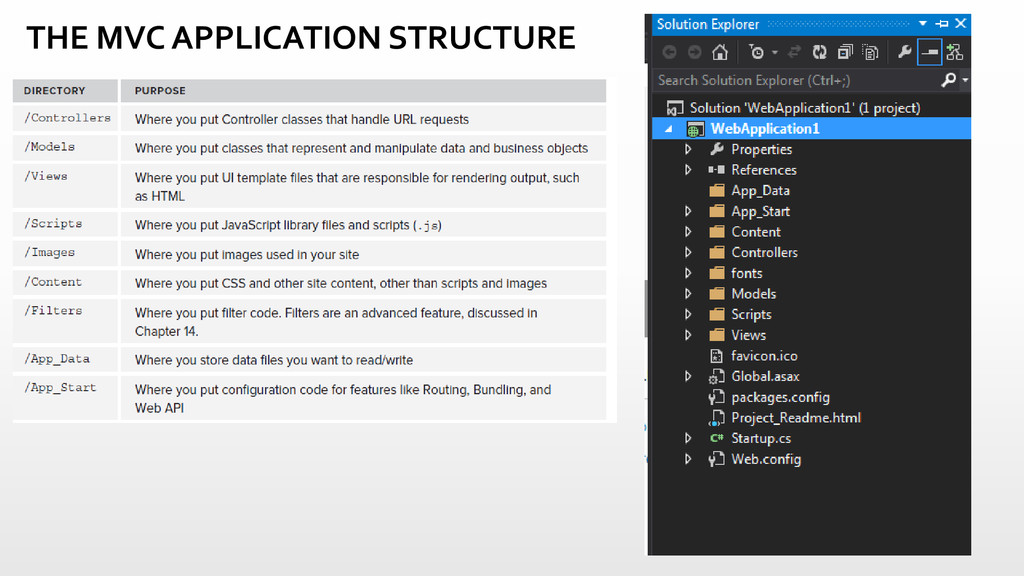
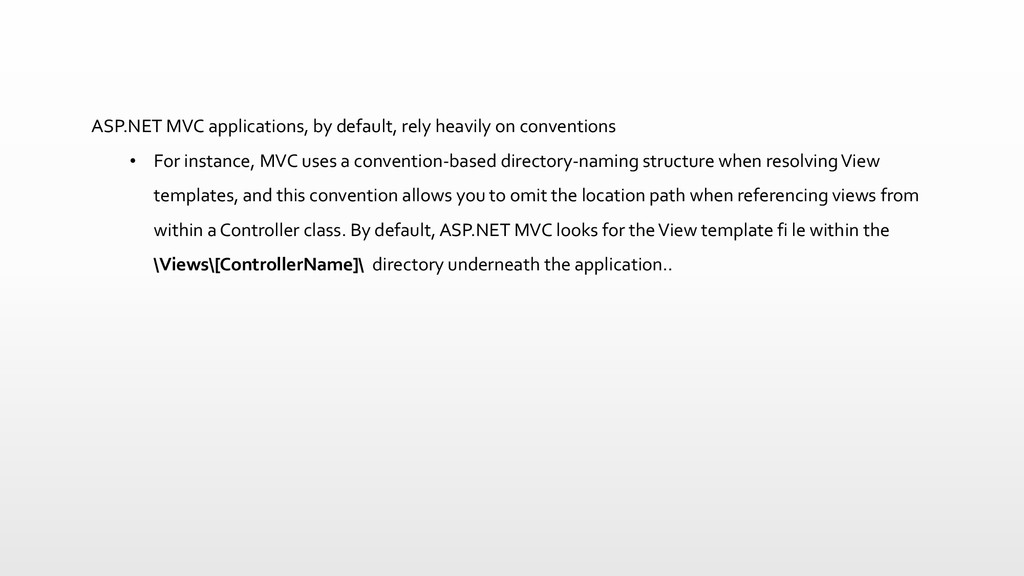
For instance, MVC uses a convention-based directory-naming structure when resolving View templates, and this convention allows you to omit the location path when referencing views from within a Controller class. By default, ASP.NET MVC looks for the View template fi le within the \Views\[ControllerName]\ directory underneath the application..
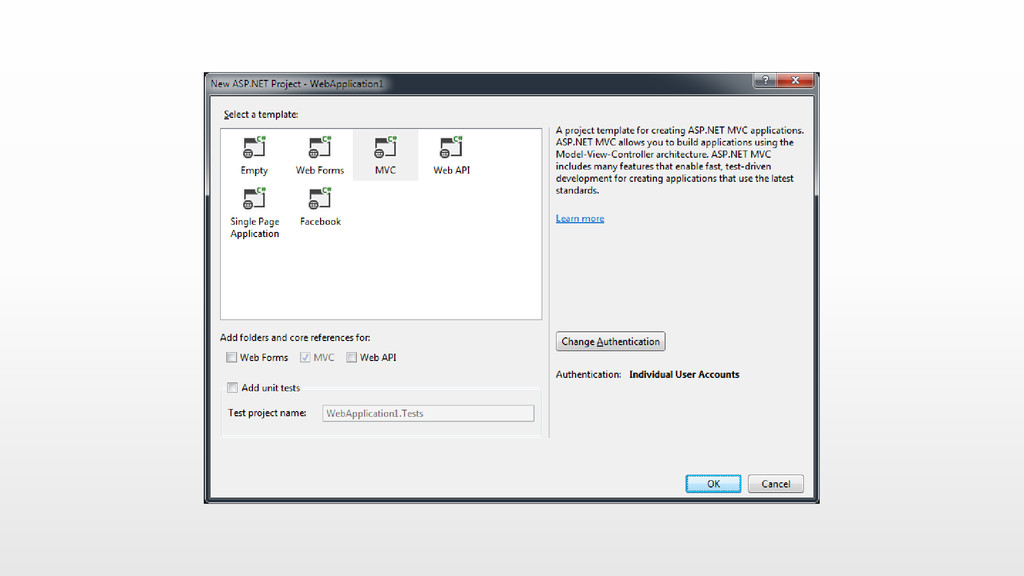
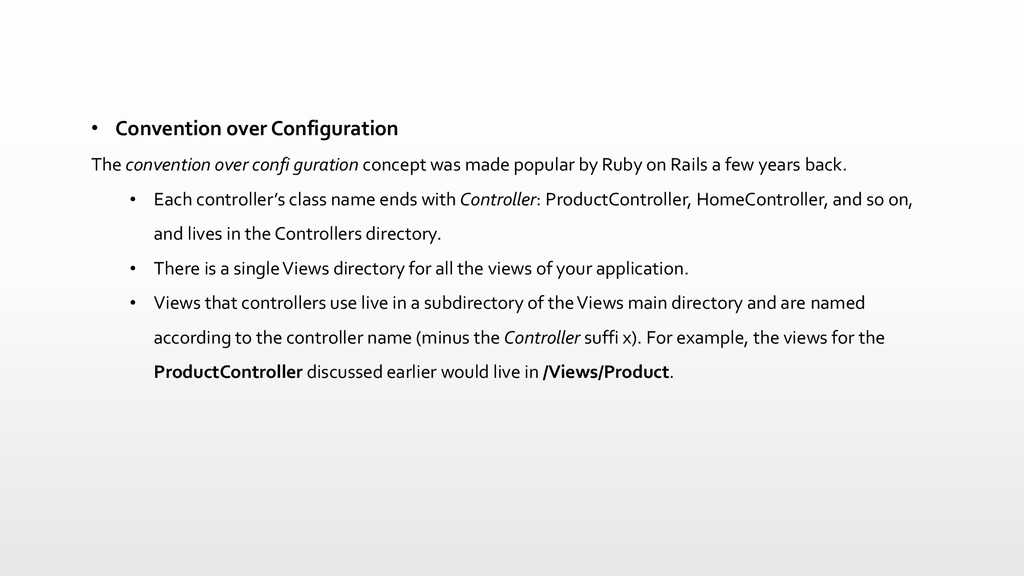
was made popular by Ruby on Rails a few years back. • Each controller’s class name ends with Controller: ProductController, HomeController, and so on, and lives in the Controllers directory. • There is a single Views directory for all the views of your application. • Views that controllers use live in a subdirectory of the Views main directory and are named according to the controller name (minus the Controller suffi x). For example, the views for the ProductController discussed earlier would live in /Views/Product.


 sirwanafifi
 ivargrimstad
 akit37
 skydoves
 tosite
 timakin
 tomokon
 rkaga
rkaga
 kasacchiful
 jame2408
 sorah
sorah
 kmars0605
 ryu1013
 twada
twada
 sarafernandez
 jcasabona
 letsgokoyo
 malarkey
 kneath
 maggiecrowley
 greggifford
 stuffmc
 marcoroth
 mclloyd
 chriscoyier