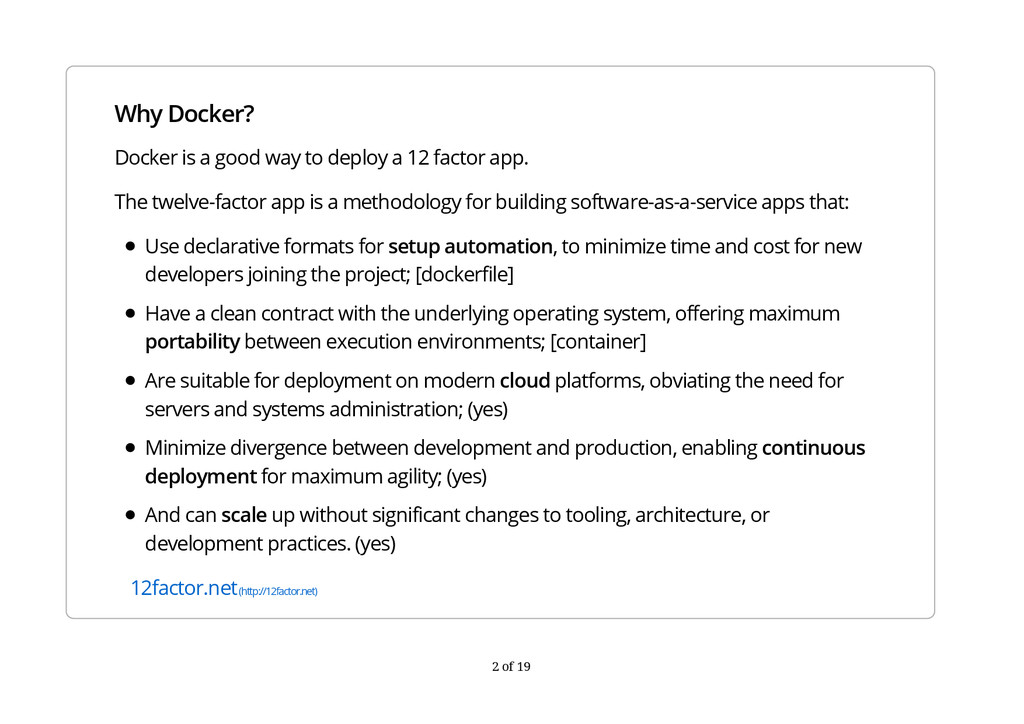
12 factor app. The twelve-factor app is a methodology for building software-as-a-service apps that: Use declarative formats for setup automation, to minimize time and cost for new developers joining the project; [dockerfile] Have a clean contract with the underlying operating system, offering maximum portability between execution environments; [container] Are suitable for deployment on modern cloud platforms, obviating the need for servers and systems administration; (yes) Minimize divergence between development and production, enabling continuous deployment for maximum agility; (yes) And can scale up without significant changes to tooling, architecture, or development practices. (yes) 12factor.net (http://12factor.net) 2 of 19
Docker container. This container can then be run on any Linux host running kernel 3.8 or above (RHEL 6.5 with kernel 2.6.32-431 is also supported). docker.com gives instructions for installing Docker on a variety of platforms. To get help, run the docker command without arguments docker.com (http://docker.com) 3 of 19
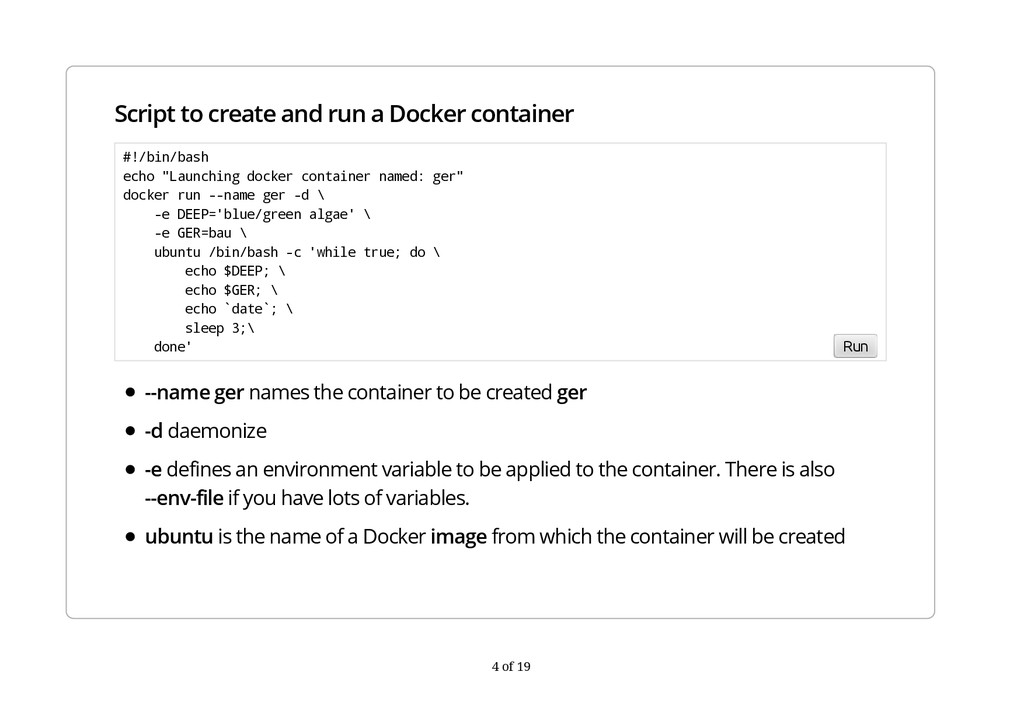
names the container to be created ger -d daemonize -e defines an environment variable to be applied to the container. There is also --env-file if you have lots of variables. ubuntu is the name of a Docker image from which the container will be created #!/bin/bash echo "Launching docker container named: ger" docker run --name ger -d \ -e DEEP='blue/green algae' \ -e GER=bau \ ubuntu /bin/bash -c 'while true; do \ echo $DEEP; \ echo $GER; \ echo `date`; \ sleep 3;\ done' Run 4 of 19
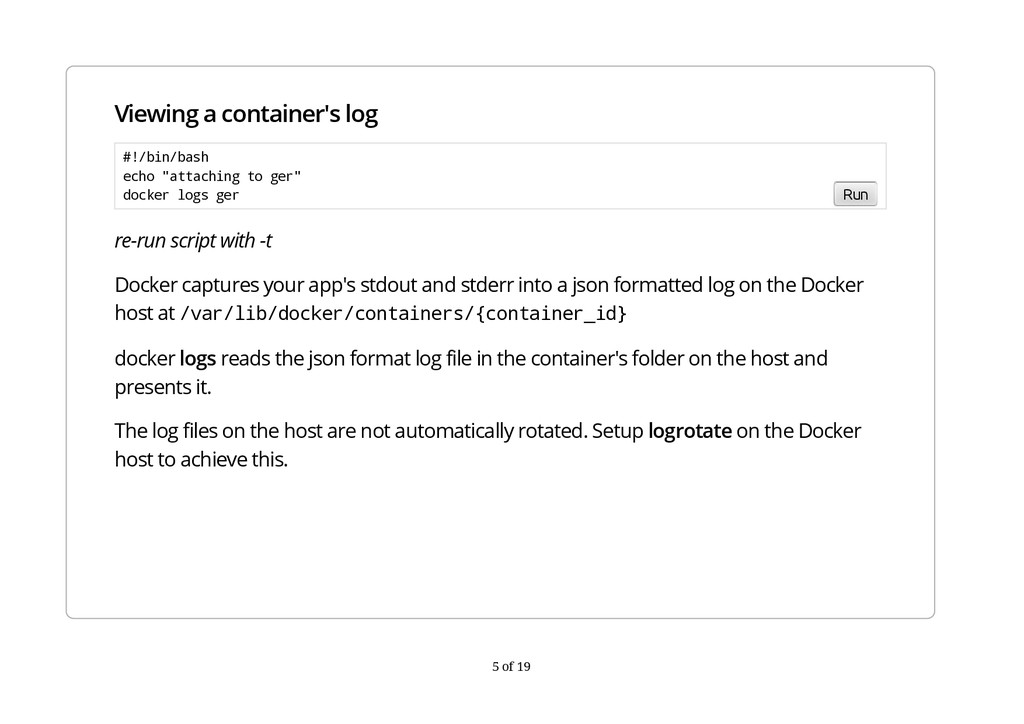
your app's stdout and stderr into a json formatted log on the Docker host at /var/lib/docker/containers/{container_id} docker logs reads the json format log file in the container's folder on the host and presents it. The log files on the host are not automatically rotated. Setup logrotate on the Docker host to achieve this. #!/bin/bash echo "attaching to ger" docker logs ger Run 5 of 19
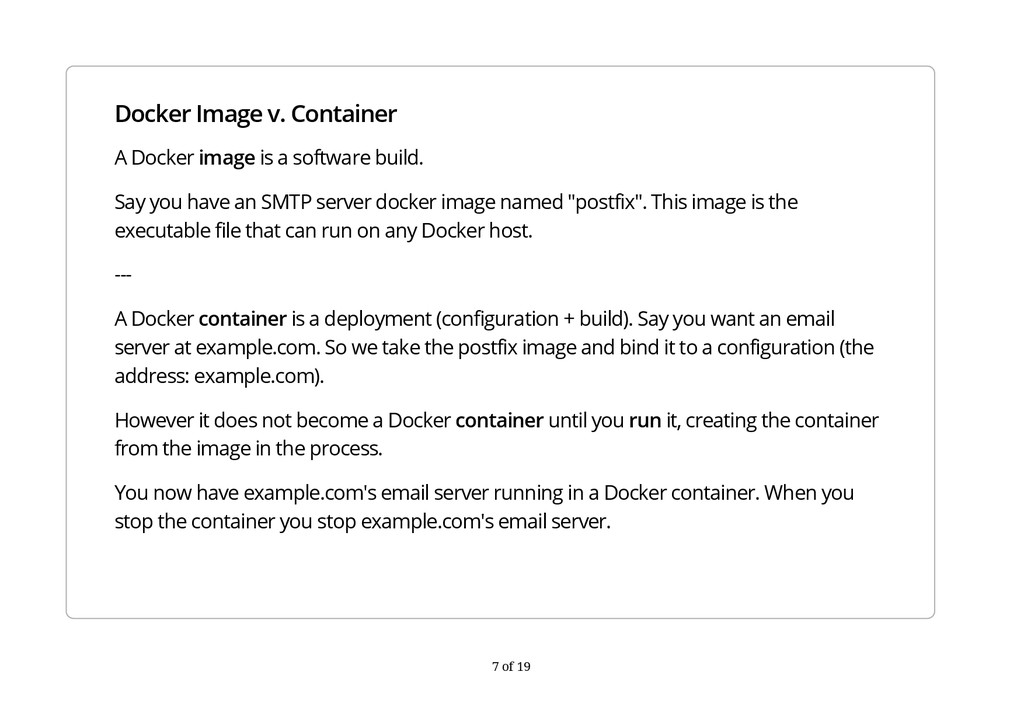
build. Say you have an SMTP server docker image named "postfix". This image is the executable file that can run on any Docker host. --- A Docker container is a deployment (configuration + build). Say you want an email server at example.com. So we take the postfix image and bind it to a configuration (the address: example.com). However it does not become a Docker container until you run it, creating the container from the image in the process. You now have example.com's email server running in a Docker container. When you stop the container you stop example.com's email server. 7 of 19
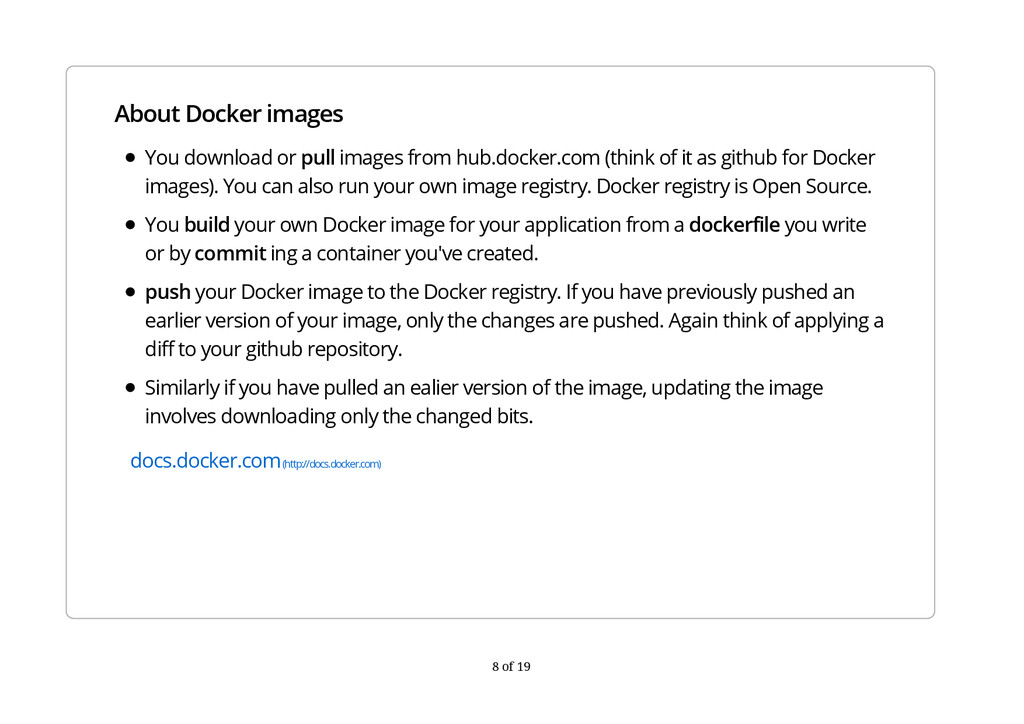
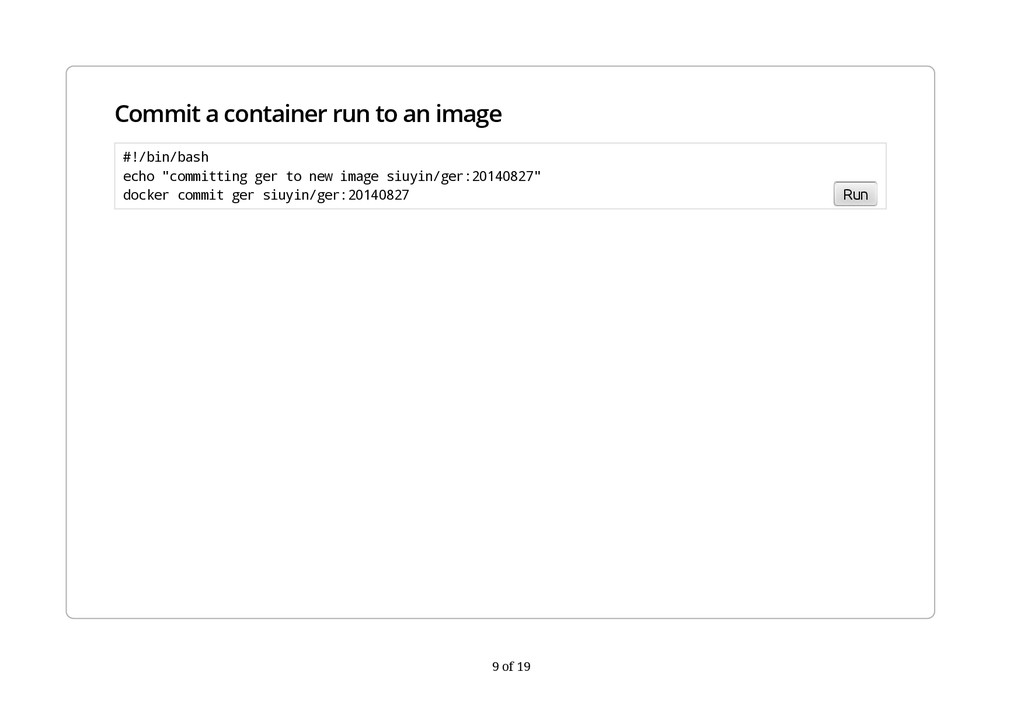
(think of it as github for Docker images). You can also run your own image registry. Docker registry is Open Source. You build your own Docker image for your application from a dockerfile you write or by commit ing a container you've created. push your Docker image to the Docker registry. If you have previously pushed an earlier version of your image, only the changes are pushed. Again think of applying a diff to your github repository. Similarly if you have pulled an ealier version of the image, updating the image involves downloading only the changed bits. docs.docker.com (http://docs.docker.com) 8 of 19
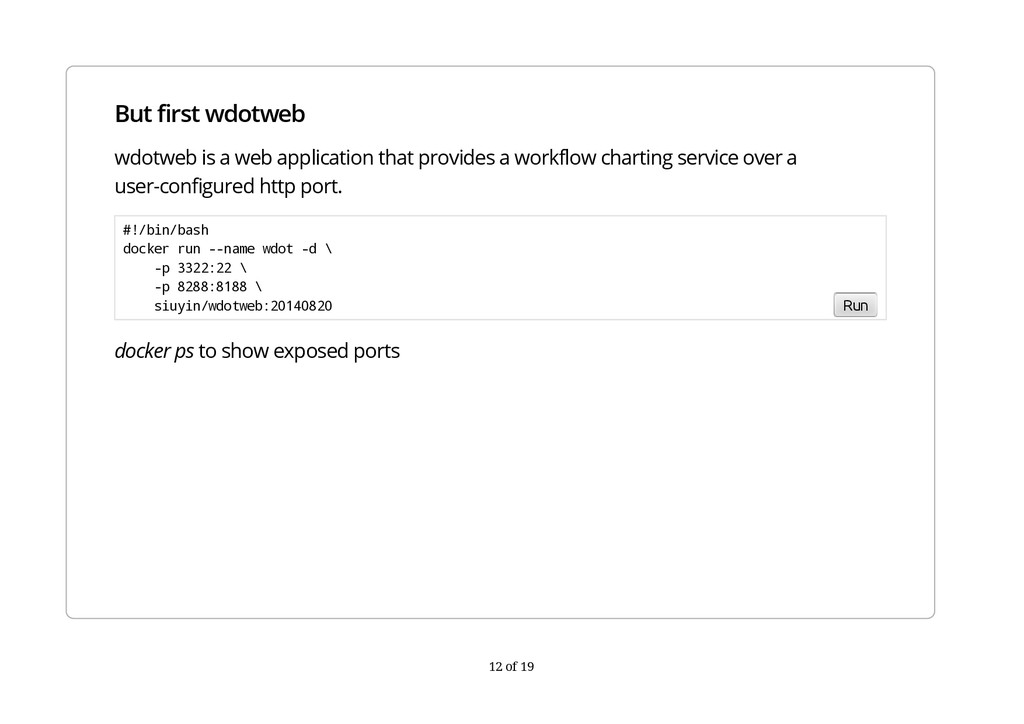
a workflow charting service over a user-configured http port. docker ps to show exposed ports #!/bin/bash docker run --name wdot -d \ -p 3322:22 \ -p 8288:8188 \ siuyin/wdotweb:20140820 Run 12 of 19
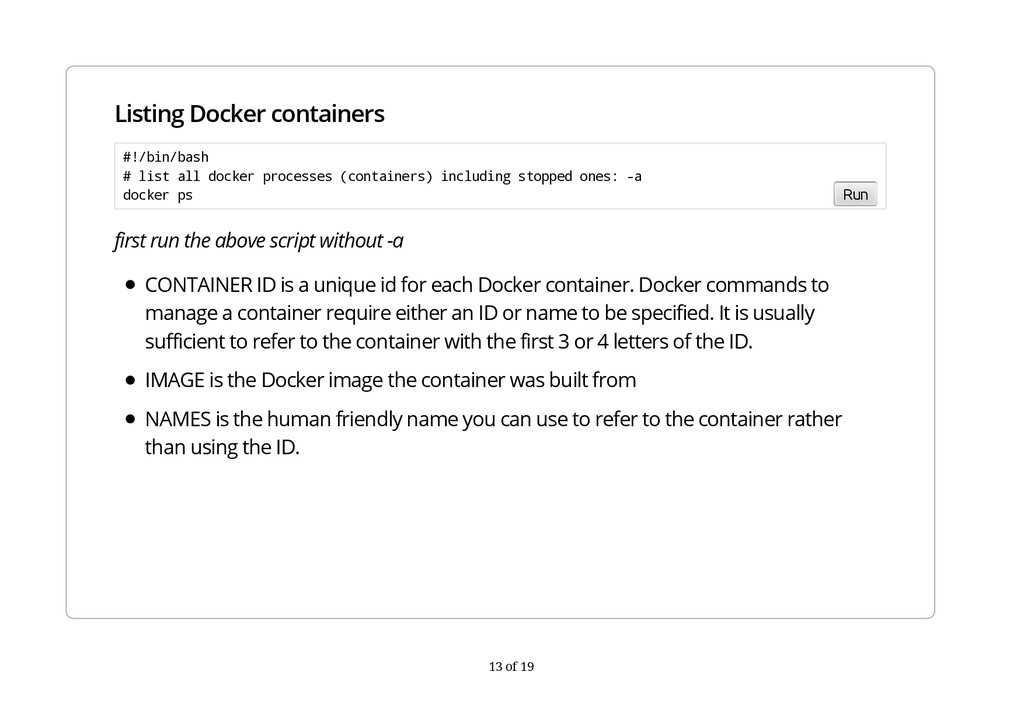
CONTAINER ID is a unique id for each Docker container. Docker commands to manage a container require either an ID or name to be specified. It is usually sufficient to refer to the container with the first 3 or 4 letters of the ID. IMAGE is the Docker image the container was built from NAMES is the human friendly name you can use to refer to the container rather than using the ID. #!/bin/bash # list all docker processes (containers) including stopped ones: -a docker ps Run 13 of 19
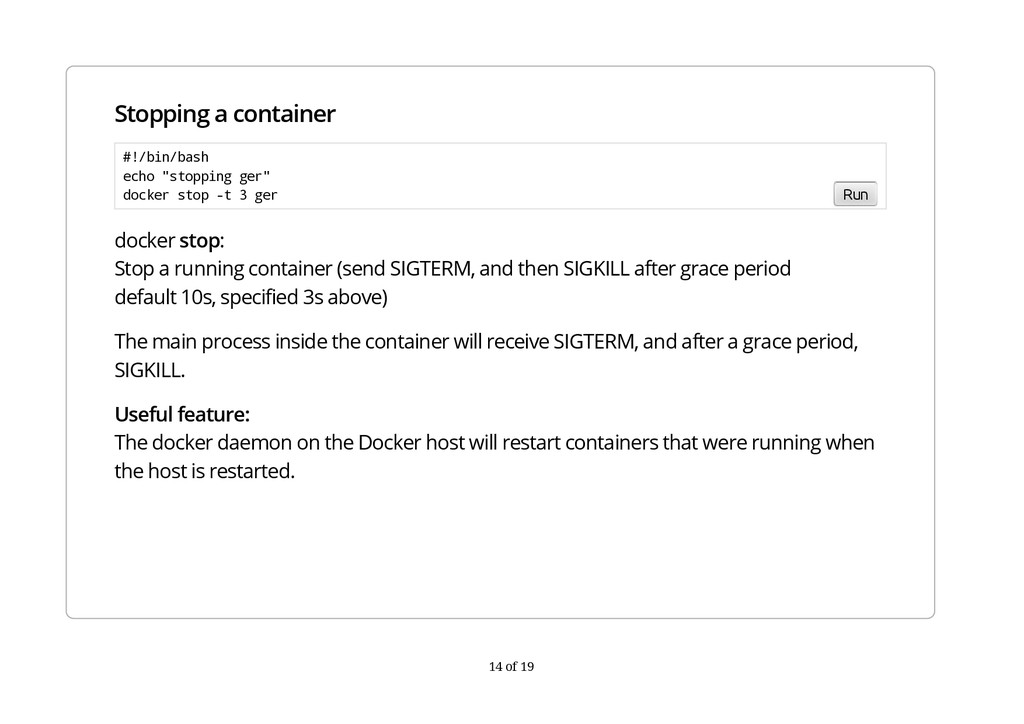
SIGTERM, and then SIGKILL after grace period default 10s, specified 3s above) The main process inside the container will receive SIGTERM, and after a grace period, SIGKILL. Useful feature: The docker daemon on the Docker host will restart containers that were running when the host is restarted. #!/bin/bash echo "stopping ger" docker stop -t 3 ger Run 14 of 19
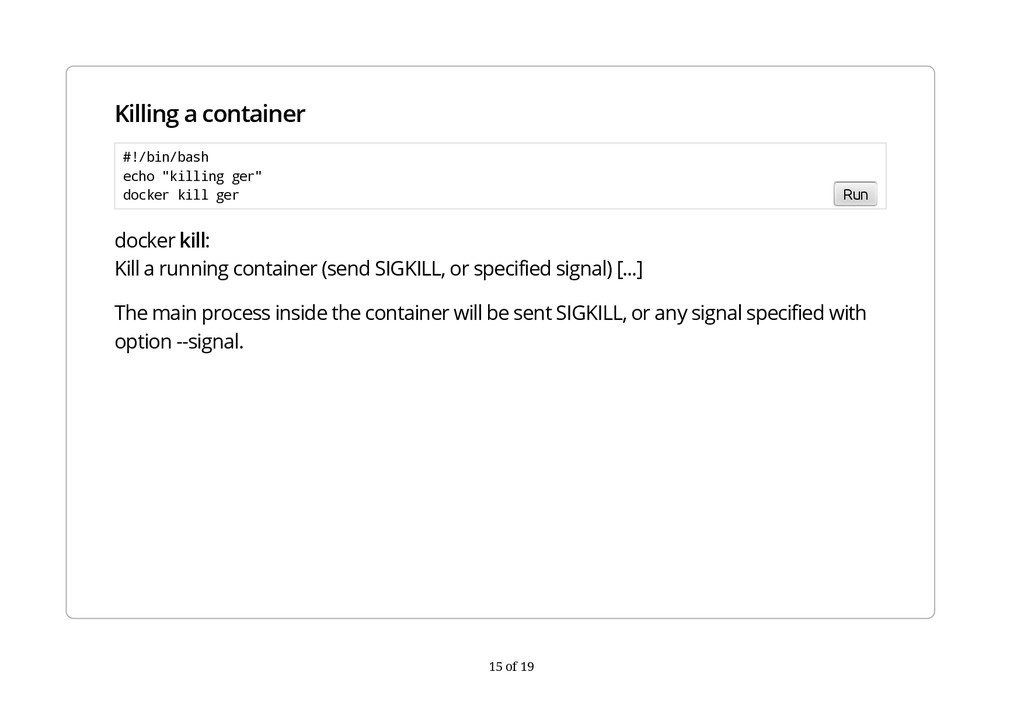
SIGKILL, or specified signal) [...] The main process inside the container will be sent SIGKILL, or any signal specified with option --signal. #!/bin/bash echo "killing ger" docker kill ger Run 15 of 19
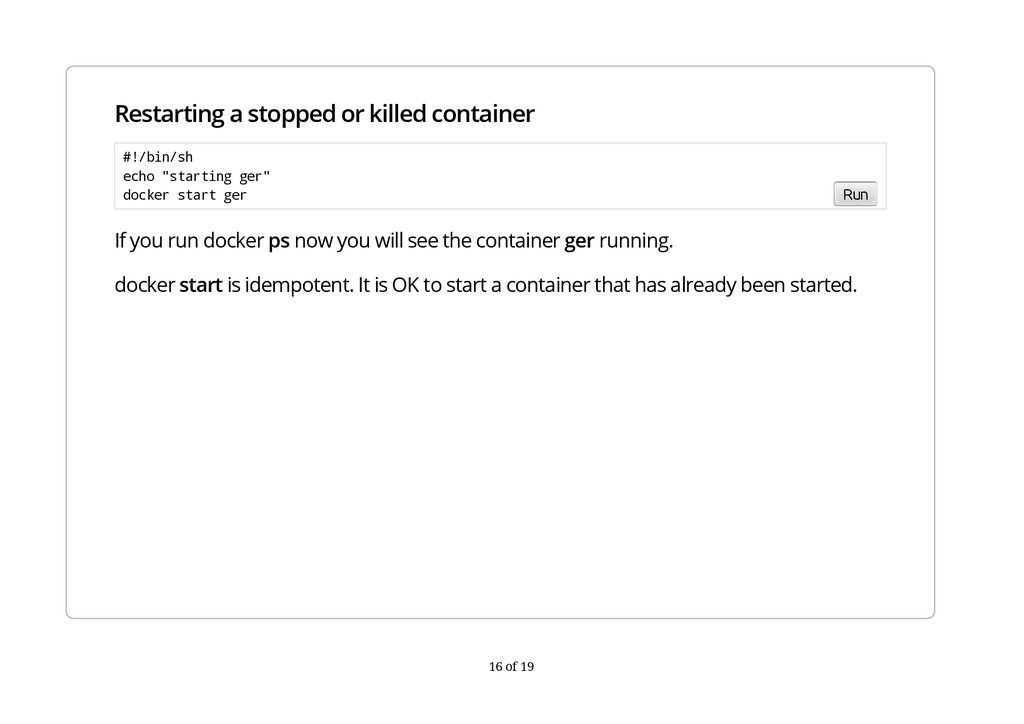
ps now you will see the container ger running. docker start is idempotent. It is OK to start a container that has already been started. #!/bin/sh echo "starting ger" docker start ger Run 16 of 19
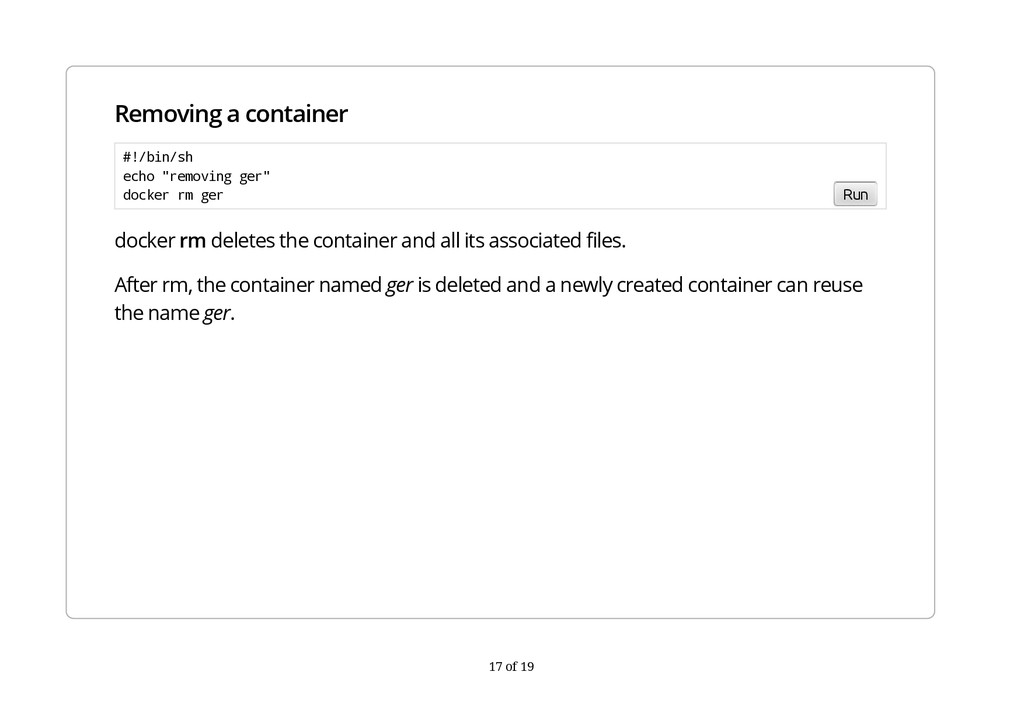
its associated files. After rm, the container named ger is deleted and a newly created container can reuse the name ger. #!/bin/sh echo "removing ger" docker rm ger Run 17 of 19


 onk
onk
 koukihosaka
 takahashim
 y0hgi
y0hgi
 rfdnxbro
 occhi
occhi
 usanchuu
 raspython3
 yahonda
 gogutan
 shogo4131
 bitkey
 addyosmani
 axbom
axbom
 bkeepers
 akashhashmi
 rocio
rocio
 mkilby
 codingconduct
 soudai
 jonoalderson
 michaelherold
 nwiizo
 jmmastey