Upgrade to Pro — share decks privately, control downloads, hide ads and more …

React Intro

React Intro

What is React? What for? How to use it? This intro explains the basics of this JS library.

Avatar for Sebastián Vicencio

Sebastián Vicencio

October 14, 2015
Tweet

More Decks by Sebastián Vicencio

Other Decks in Programming

Transcript

  1. React what? • JavaScript library for creating user interfaces •

    Think of React as the V in MVC • Build large applications with data that changes over time
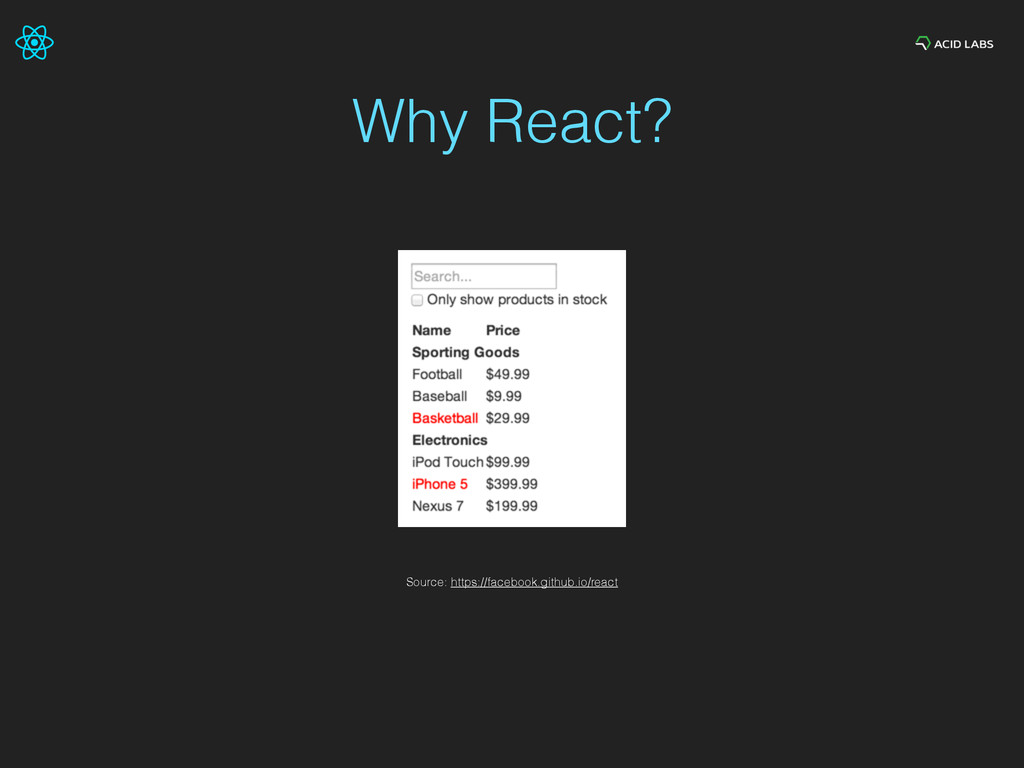
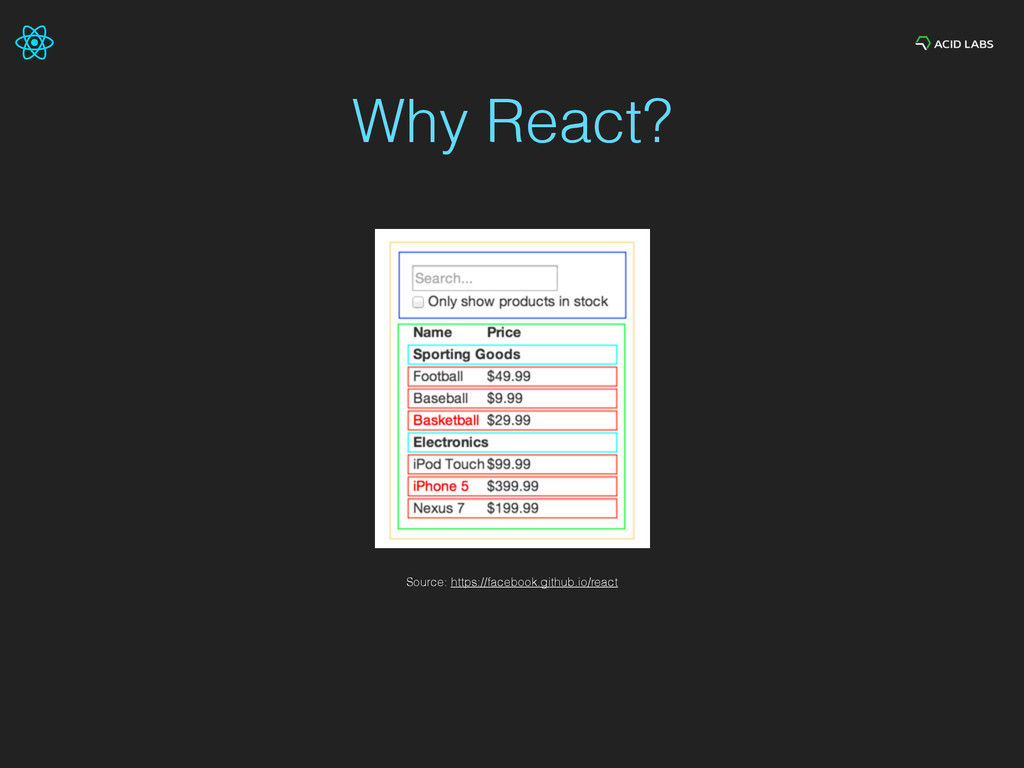
  2. Why React? • To build composable user interfaces • Think

    UI as components • Components can be composed of more components as well
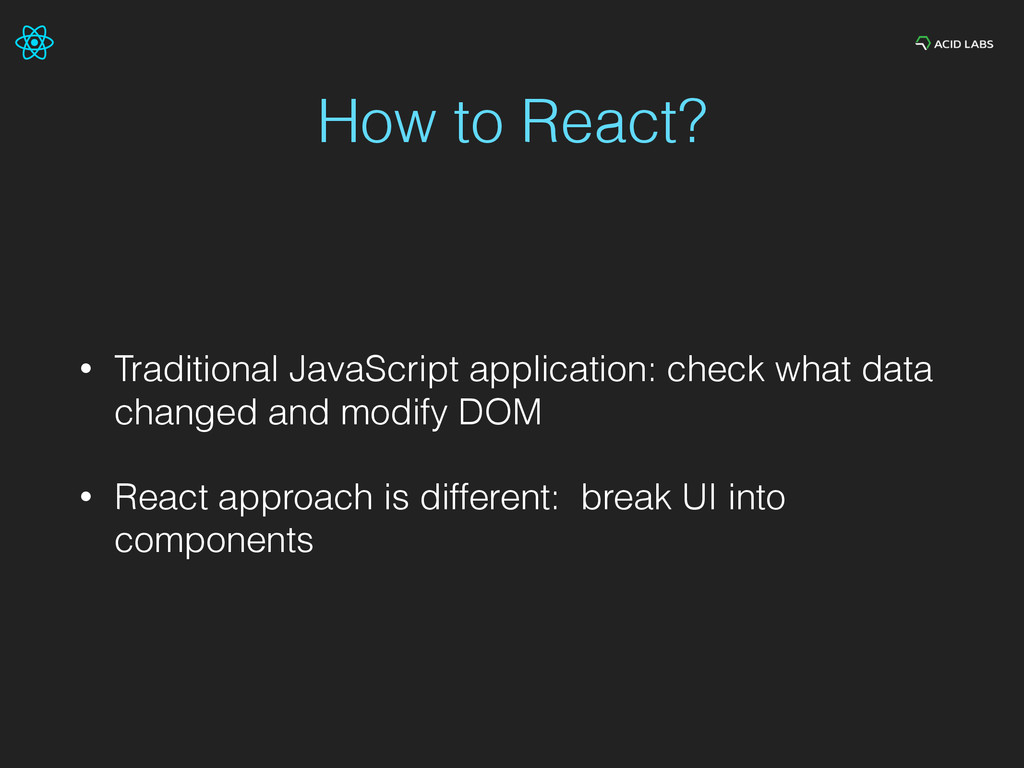
  3. How to React? • Traditional JavaScript application: check what data

    changed and modify DOM • React approach is different: break UI into components
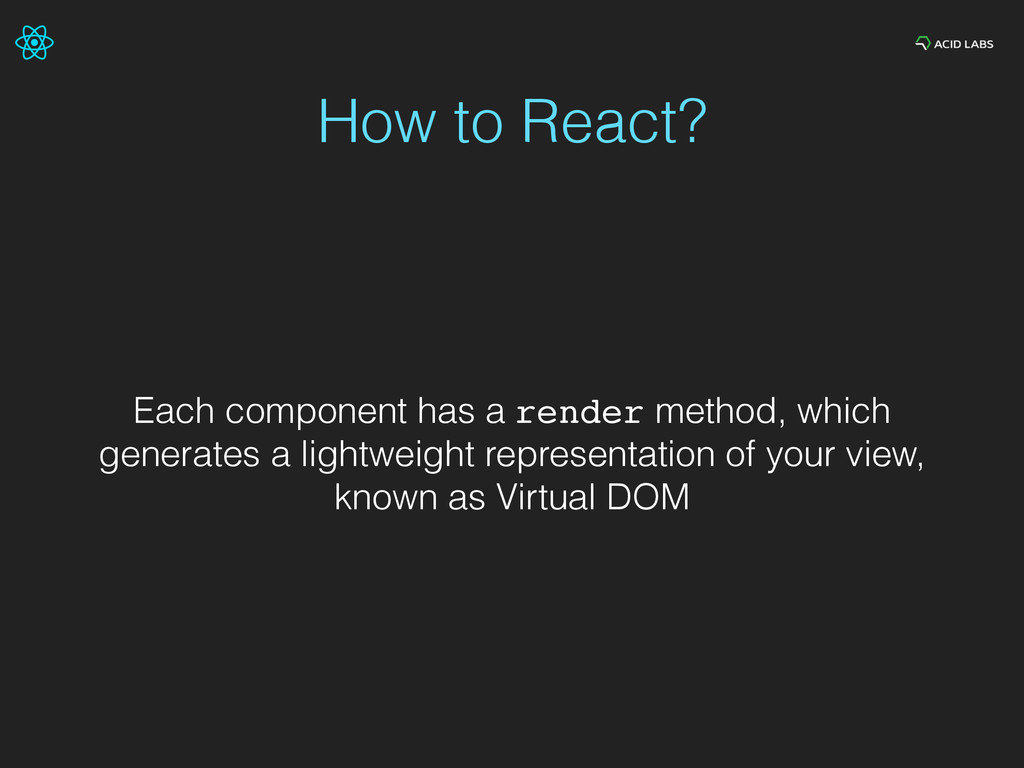
  4. How to React? Each component has a render method, which

    generates a lightweight representation of your view, known as Virtual DOM
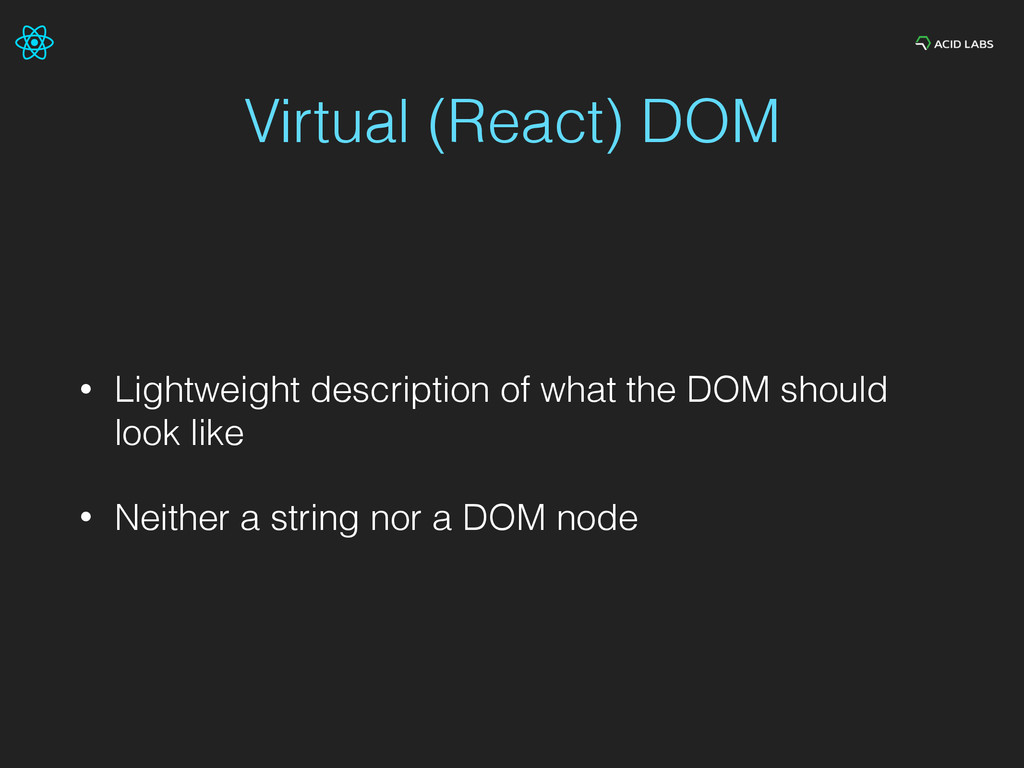
  5. Virtual (React) DOM • Lightweight description of what the DOM

    should look like • Neither a string nor a DOM node
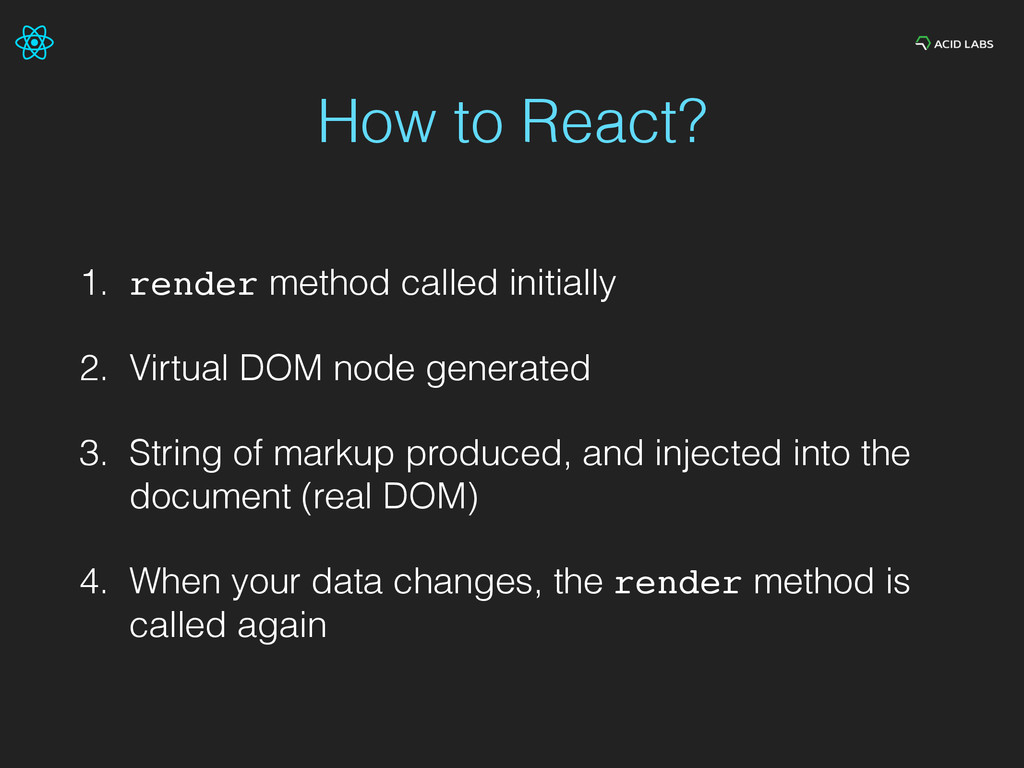
  6. How to React? 1. render method called initially 2. Virtual

    DOM node generated 3. String of markup produced, and injected into the document (real DOM) 4. When your data changes, the render method is called again
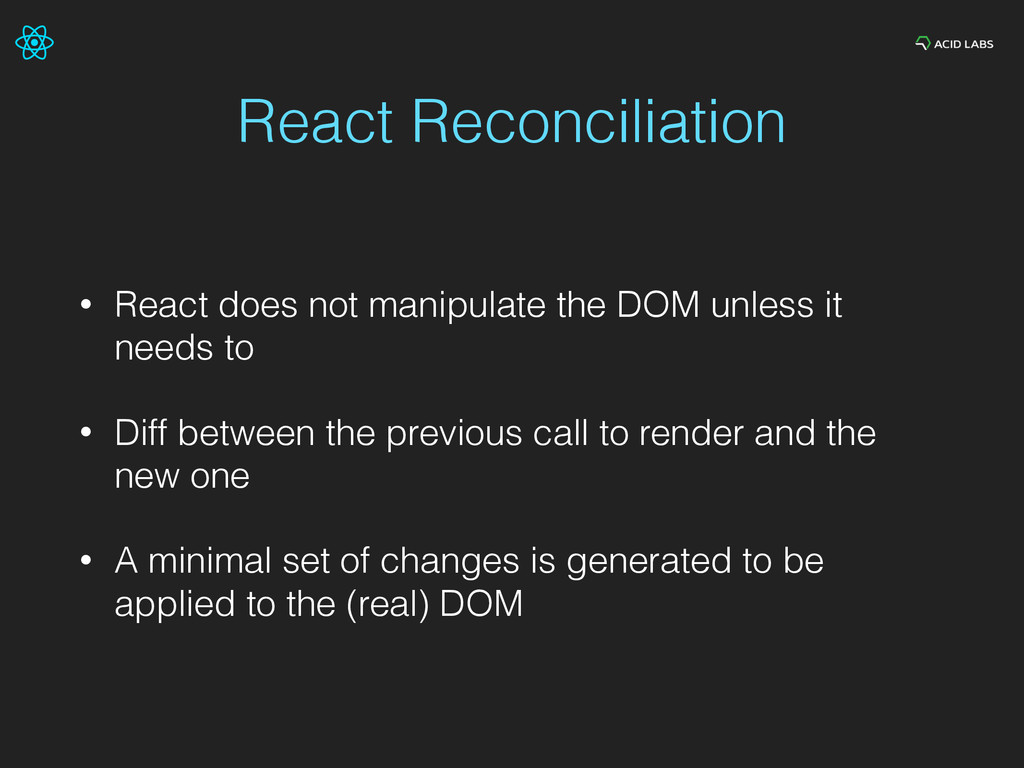
  7. React Reconciliation • React does not manipulate the DOM unless

    it needs to • Diff between the previous call to render and the new one • A minimal set of changes is generated to be applied to the (real) DOM
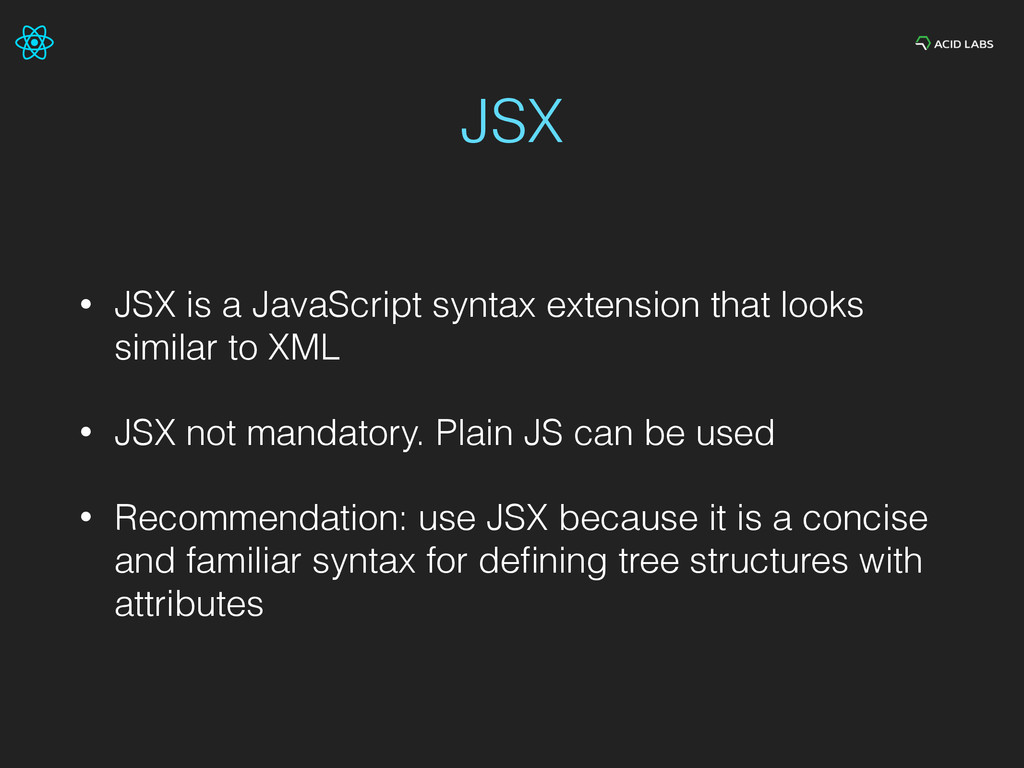
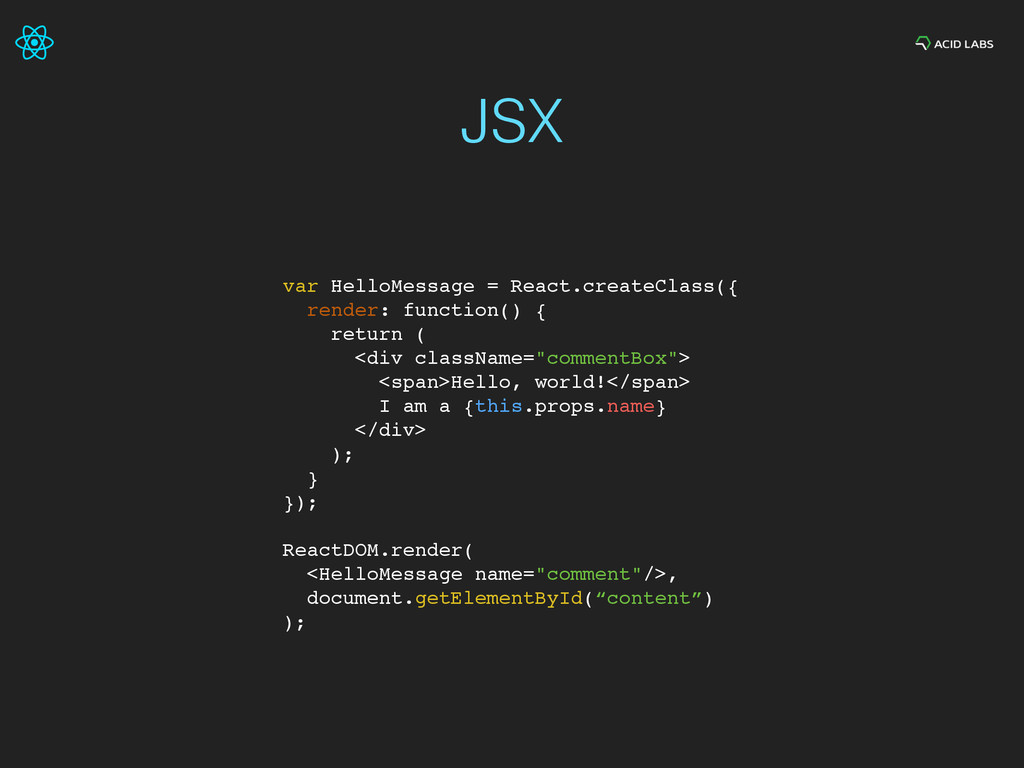
  8. JSX • JSX is a JavaScript syntax extension that looks

    similar to XML • JSX not mandatory. Plain JS can be used • Recommendation: use JSX because it is a concise and familiar syntax for defining tree structures with attributes
  9. JSX var HelloMessage = React.createClass({ render: function() { return (

    <div className="commentBox"> <span>Hello, world!</span> I am a {this.props.name} </div> ); } }); ReactDOM.render( <HelloMessage name="comment"/>, document.getElementById(“content”) );
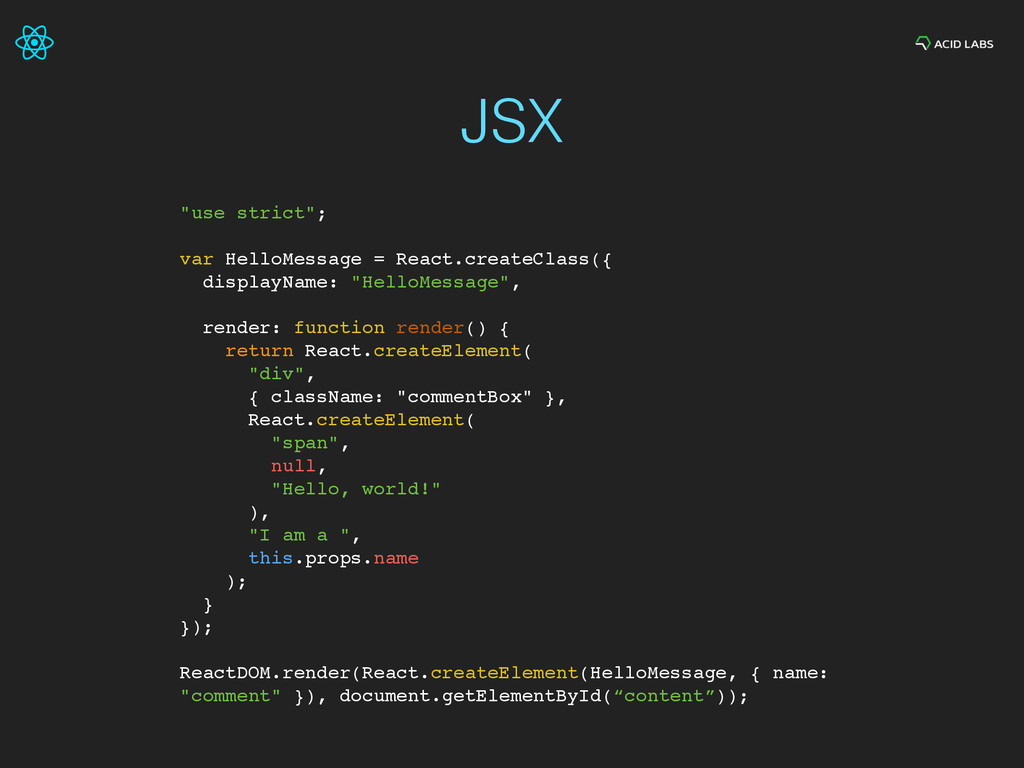
  10. "use strict"; var HelloMessage = React.createClass({ displayName: "HelloMessage", render: function

    render() { return React.createElement( "div", { className: "commentBox" }, React.createElement( "span", null, "Hello, world!" ), "I am a ", this.props.name ); } }); ReactDOM.render(React.createElement(HelloMessage, { name: "comment" }), document.getElementById(“content”)); JSX
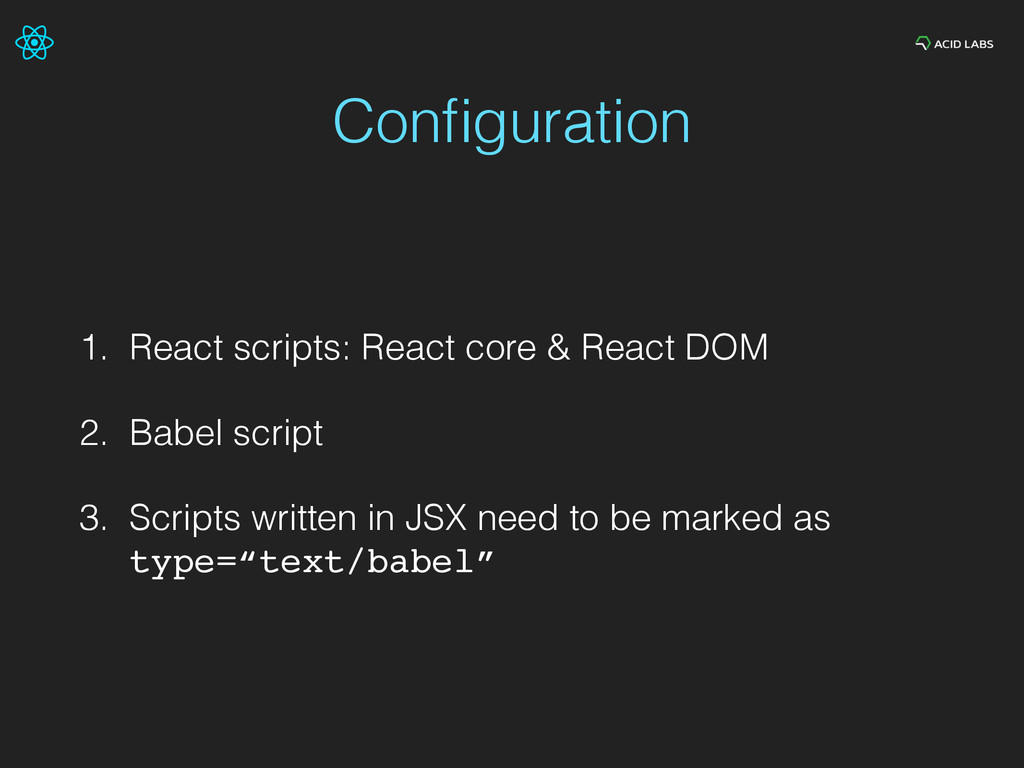
  11. Configuration 1. React scripts: React core & React DOM 2.

    Babel script 3. Scripts written in JSX need to be marked as type=“text/babel”
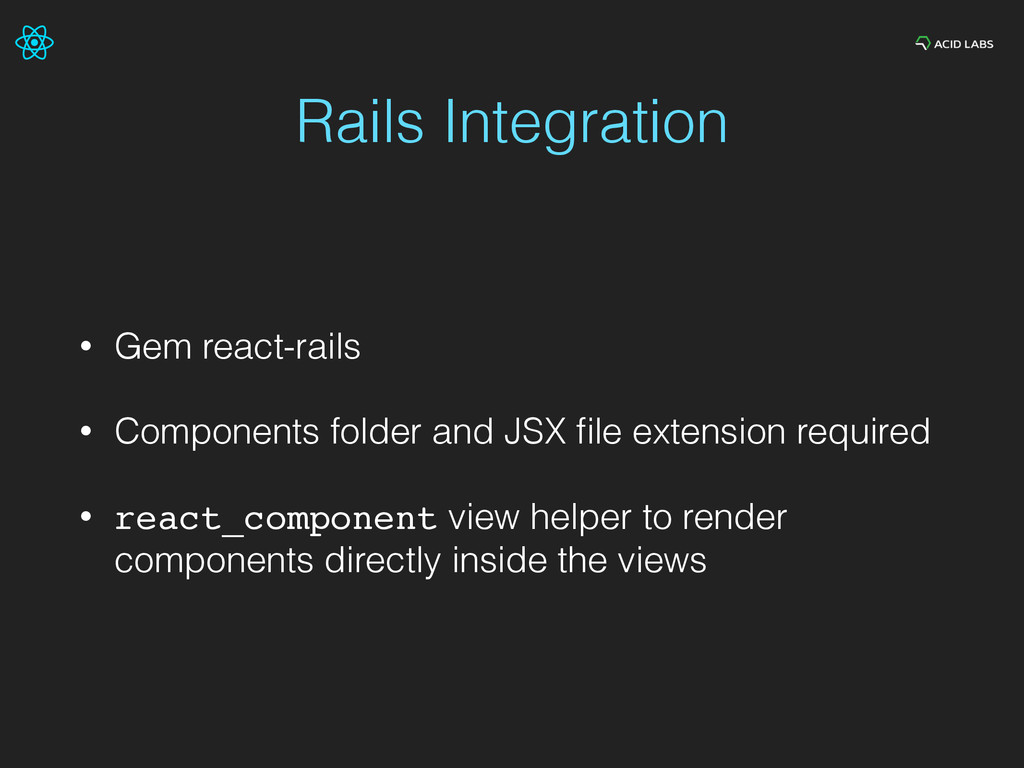
  12. Rails Integration • Gem react-rails • Components folder and JSX

    file extension required • react_component view helper to render components directly inside the views
  13. Cons • Not (too) easy learning curve (components approach, JSX

    syntax) • JavaScript components vs plain HTML (designers need to be comfortable with this)
  14. Final thoughts • React components can be used in almost

    every web application • Integrate React in small parts to perceive its value