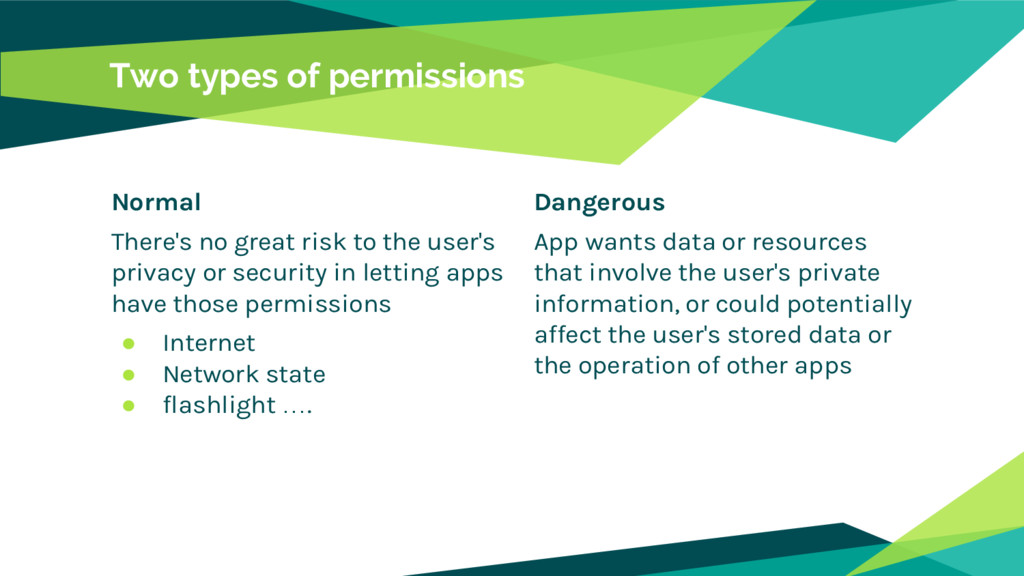
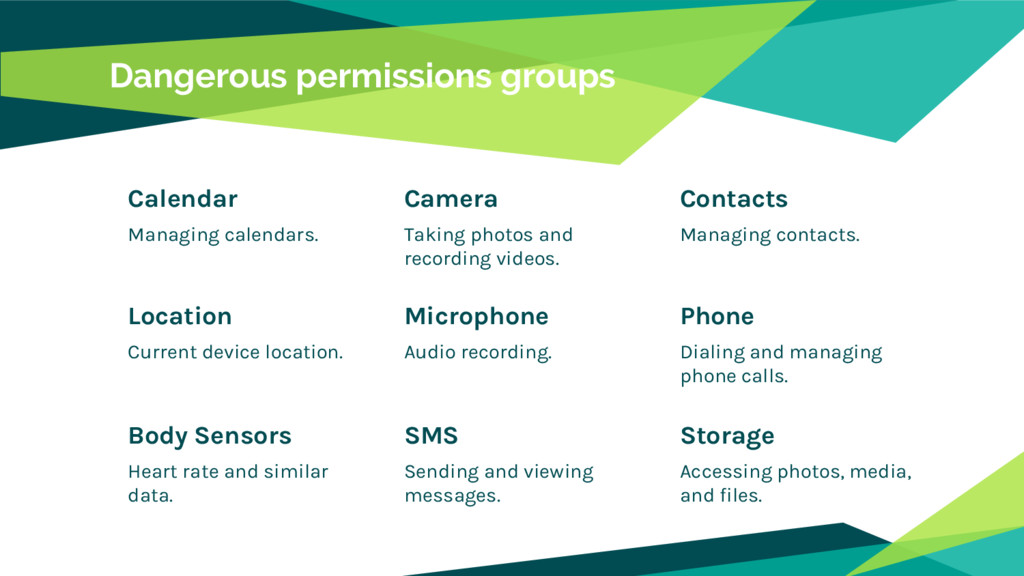
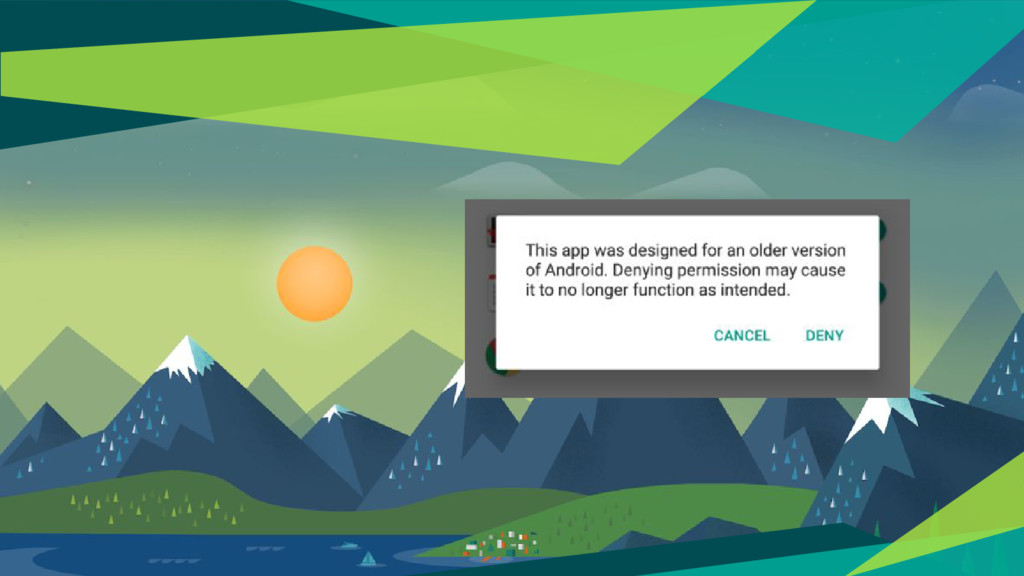
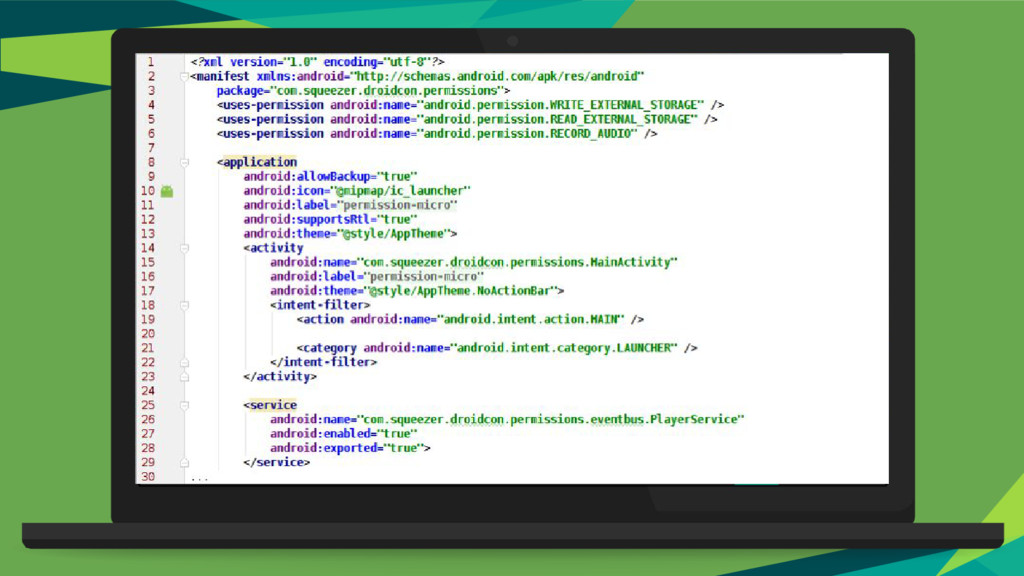
security in letting apps have those permissions • Internet • Network state • flashlight …. Two types of permissions Dangerous App wants data or resources that involve the user's private information, or could potentially affect the user's stored data or the operation of other apps
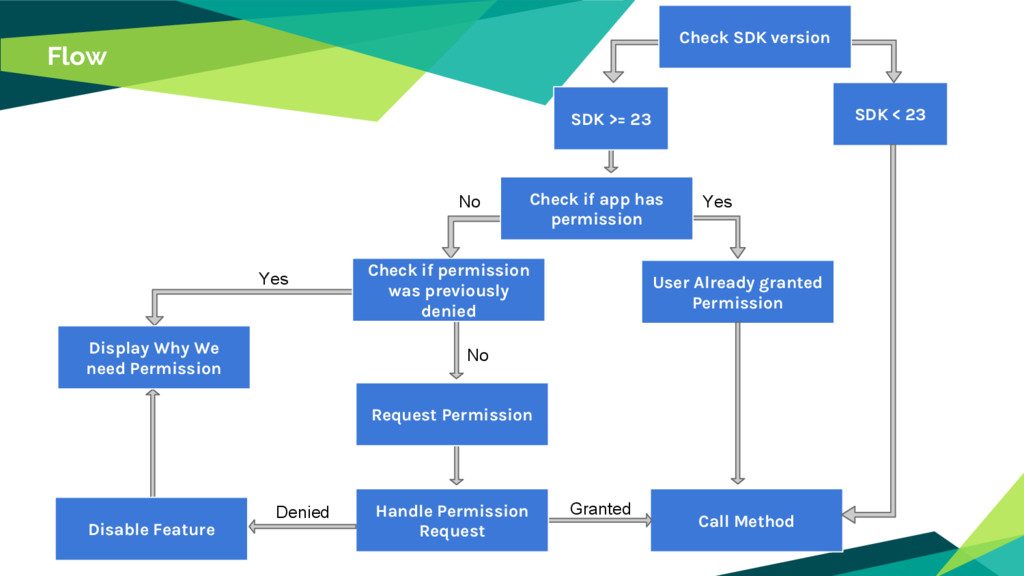
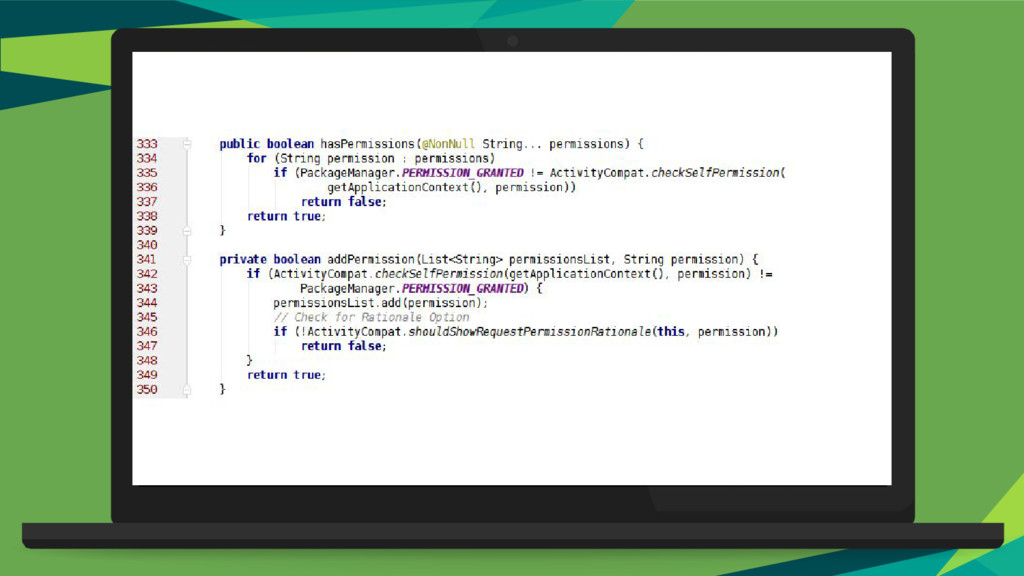
Already granted Permission Display Why We need Permission Disable Feature Check if permission was previously denied Request Permission Handle Permission Request SDK >= 23 No Yes Denied Granted Yes No Check if app has permission
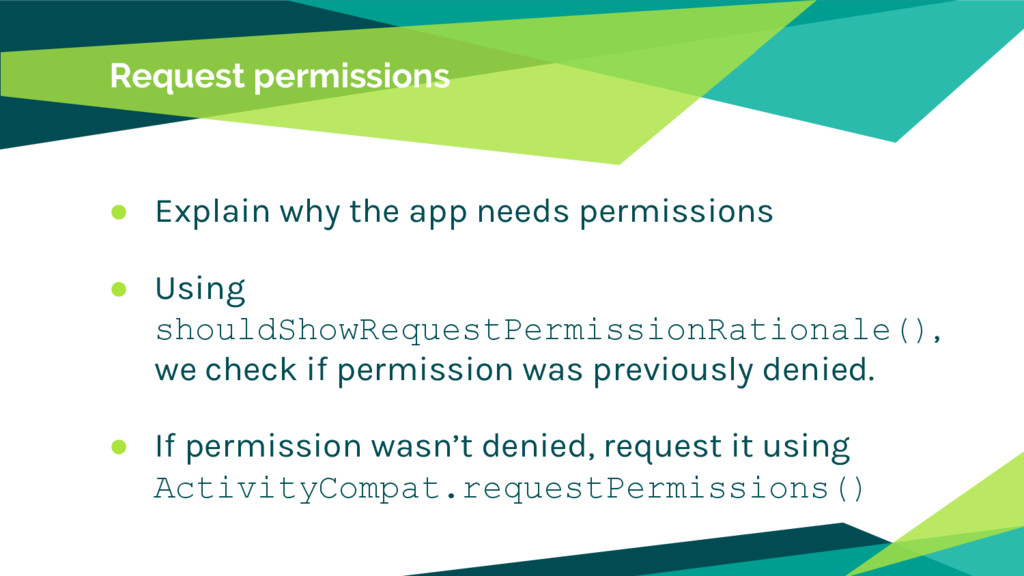
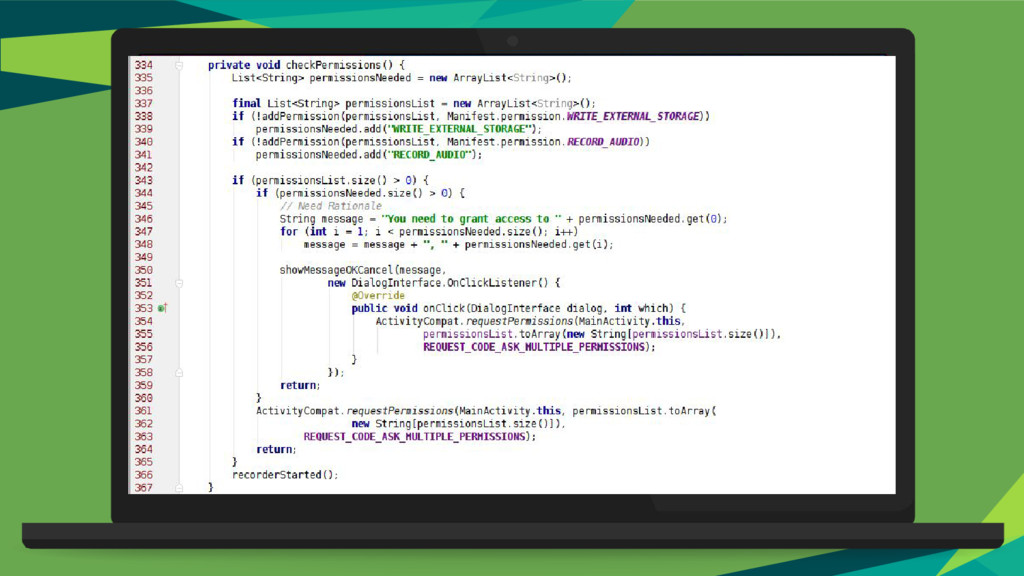
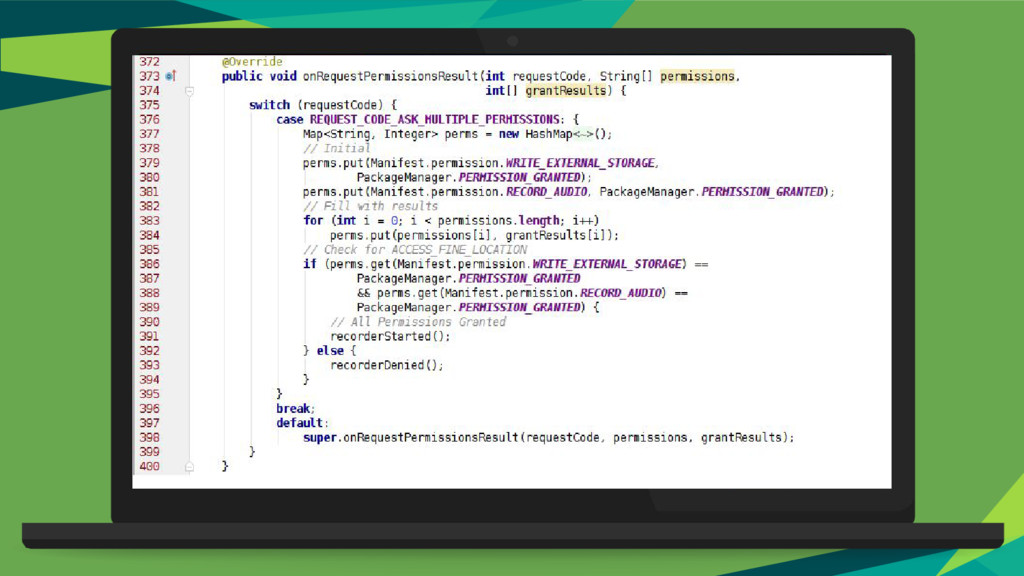
Using shouldShowRequestPermissionRationale(), we check if permission was previously denied. • If permission wasn’t denied, request it using ActivityCompat.requestPermissions()
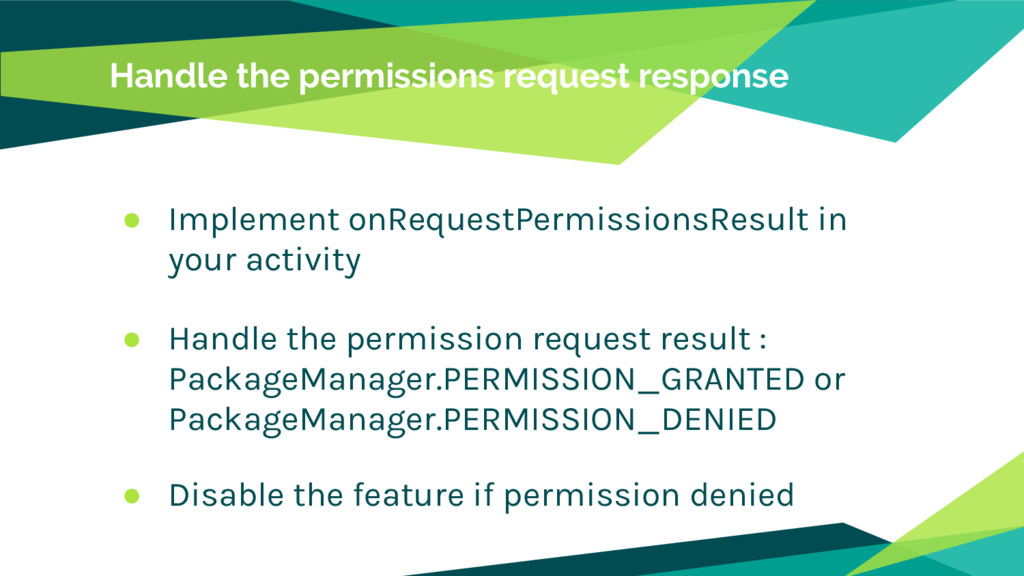
activity • Handle the permission request result : PackageManager.PERMISSION_GRANTED or PackageManager.PERMISSION_DENIED • Disable the feature if permission denied


 slimbenhammouda
 yutobara
 kinopeee
 ryu1013
 satoshi256kbyte
 hollycummins
 irinanazarova
 siroemk
 nao_randd
 rshindo
 naokihaba
 optim
optim
 marcoroth
 lara
lara
 stephenakadiri
 rocio
rocio
 lindahogenes
 nikkihalliwell
 inesmontani
 bcantrill
 mraible
 lfama
lfama
 kastner
 gurzu
gurzu






![Thanks! Any questions? You can find us at: [email protected] [email protected]](https://files.speakerdeck.com/presentations/23fea56753fc4257873dbb4652932fe5/slide_23.jpg)