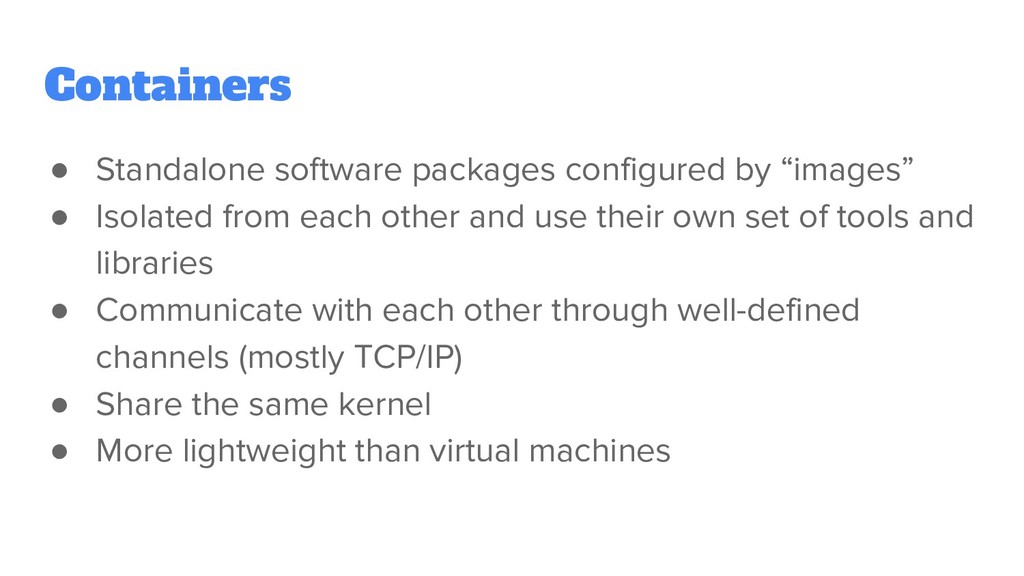
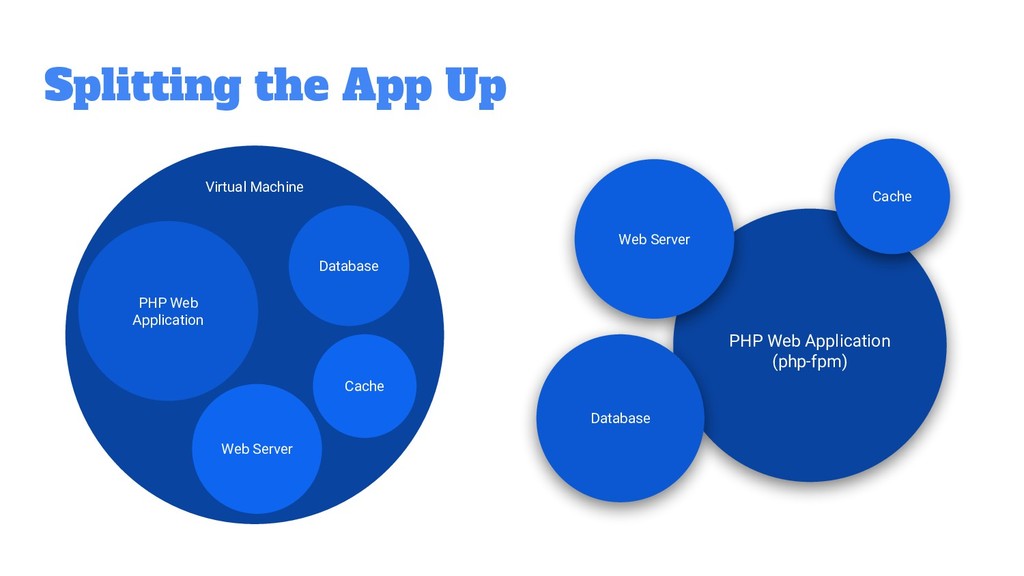
from each other and use their own set of tools and libraries • Communicate with each other through well-defined channels (mostly TCP/IP) • Share the same kernel • More lightweight than virtual machines
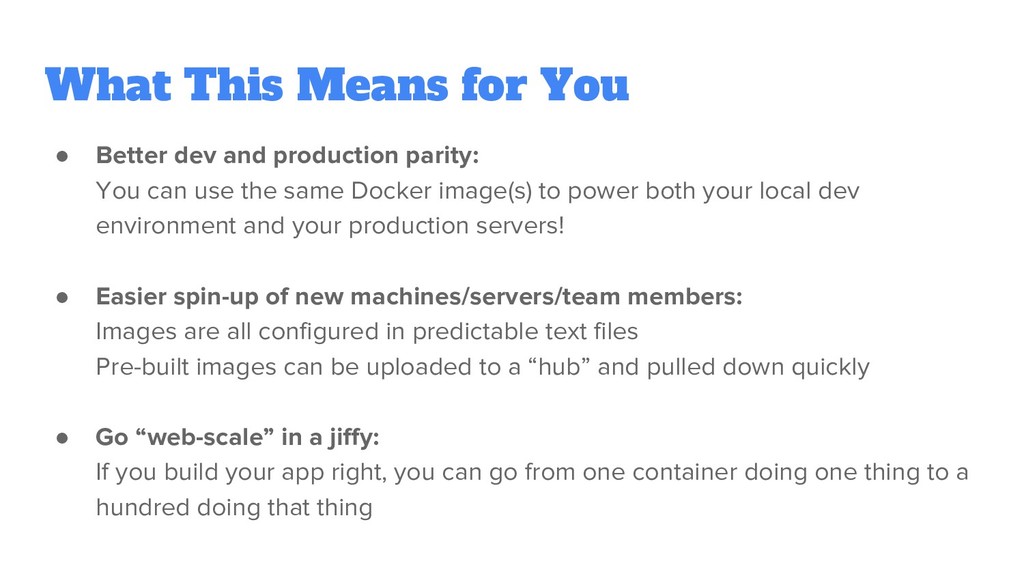
parity: You can use the same Docker image(s) to power both your local dev environment and your production servers! • Easier spin-up of new machines/servers/team members: Images are all configured in predictable text files Pre-built images can be uploaded to a “hub” and pulled down quickly • Go “web-scale” in a jiffy: If you build your app right, you can go from one container doing one thing to a hundred doing that thing
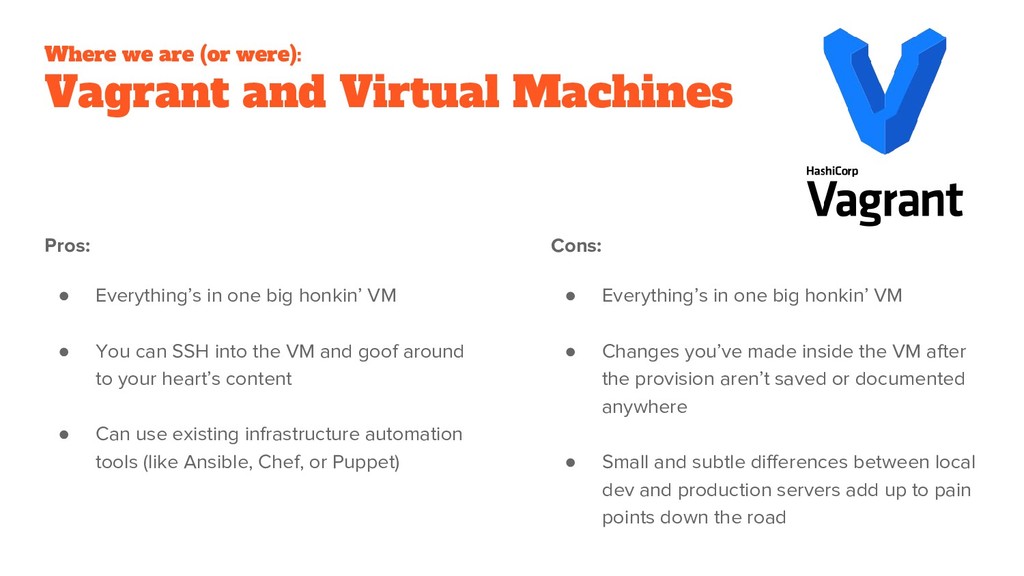
• Everything’s in one big honkin’ VM • You can SSH into the VM and goof around to your heart’s content • Can use existing infrastructure automation tools (like Ansible, Chef, or Puppet) Cons: • Everything’s in one big honkin’ VM • Changes you’ve made inside the VM after the provision aren’t saved or documented anywhere • Small and subtle differences between local dev and production servers add up to pain points down the road
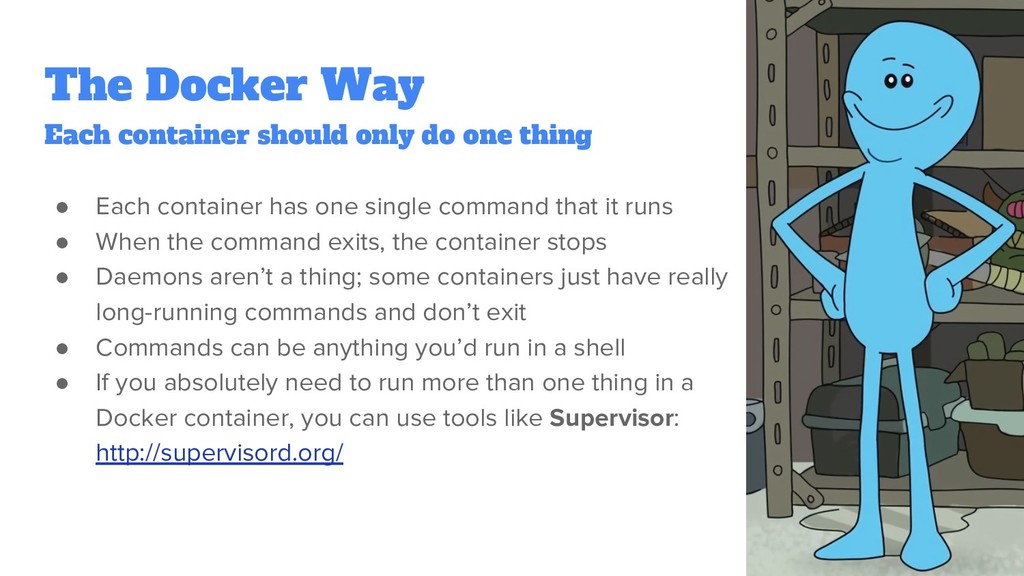
that it runs • When the command exits, the container stops • Daemons aren’t a thing; some containers just have really long-running commands and don’t exit • Commands can be anything you’d run in a shell • If you absolutely need to run more than one thing in a Docker container, you can use tools like Supervisor: http://supervisord.org/ Each container should only do one thing
to be stored outside the container! • Flat files: Share a volume between containers (volumes don’t go away) • Databases: Store sessions and other persistent data in your DB • Dedicated Cache: Store caches and sessions in a dedicated key/value store, like Redis or Memcached ^ Handy library for abstracting caching: Stash http://www.stashphp.com/
Docker containers easily: ◦ From the docker run command ◦ Inside docker-compose.yml ◦ If using Docker Compose, they can also be in .env at the project root • Can easily customize for each environment you’re running in • Helpful tool for importing env files if you’re not in Docker: DotEnv https://github.com/symfony/dotenv Caveat: By default, PHP-FPM doesn’t pull environment variables from where it’s running, instead has them sent over by the web server (nginx, Apache, etc) You can add: clear_env = no ...to php-fpm.conf to change this behavior
Ubuntu, Debian, etc) • Nowadays split into Enterprise Edition ($$$) and Community Edition (free!) • Packages often named docker-ce • May need to install a PPA for latest version • Very high performance and low overhead
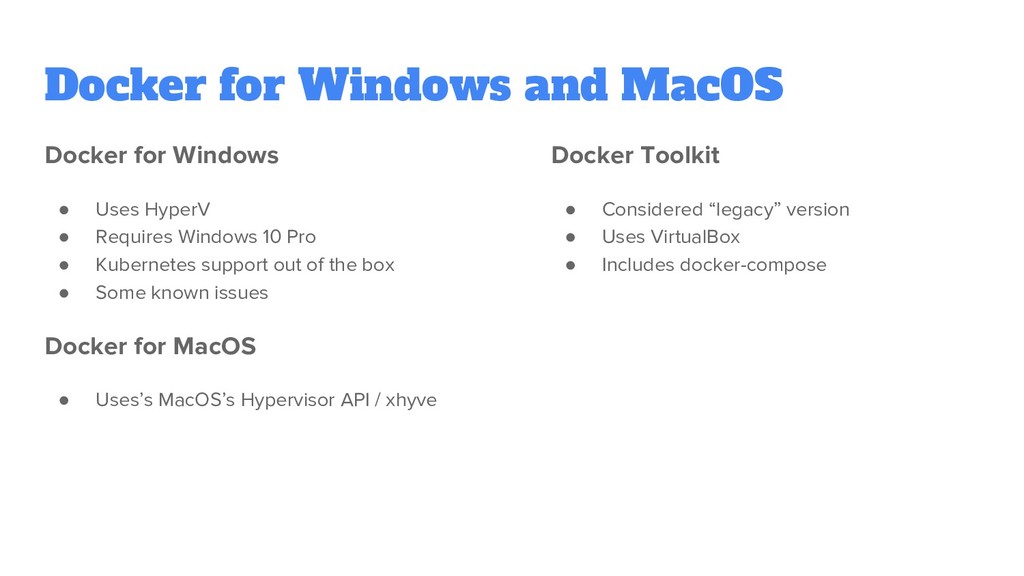
HyperV • Requires Windows 10 Pro • Kubernetes support out of the box • Some known issues Docker for MacOS • Uses’s MacOS’s Hypervisor API / xhyve Docker Toolkit • Considered “legacy” version • Uses VirtualBox • Includes docker-compose
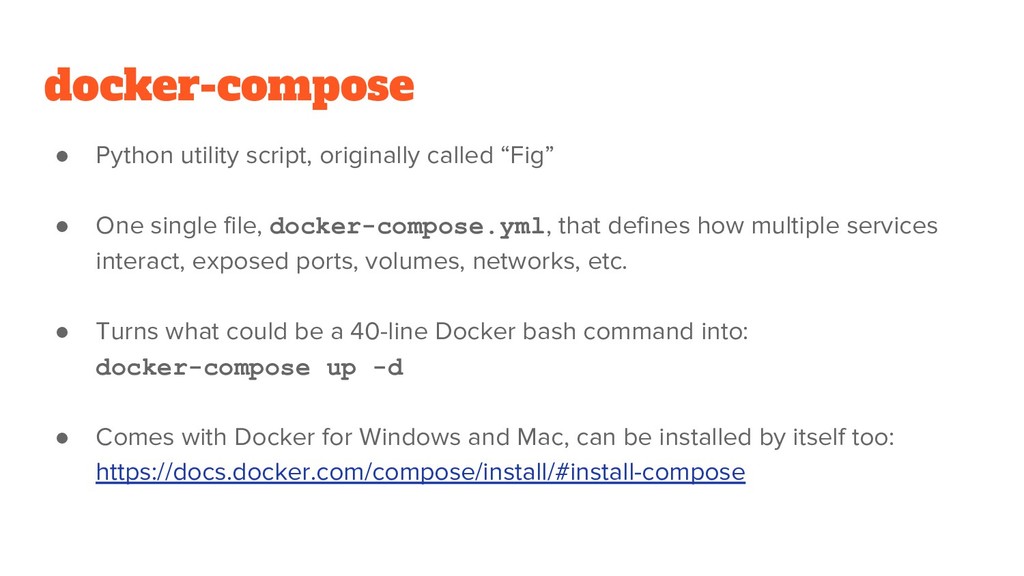
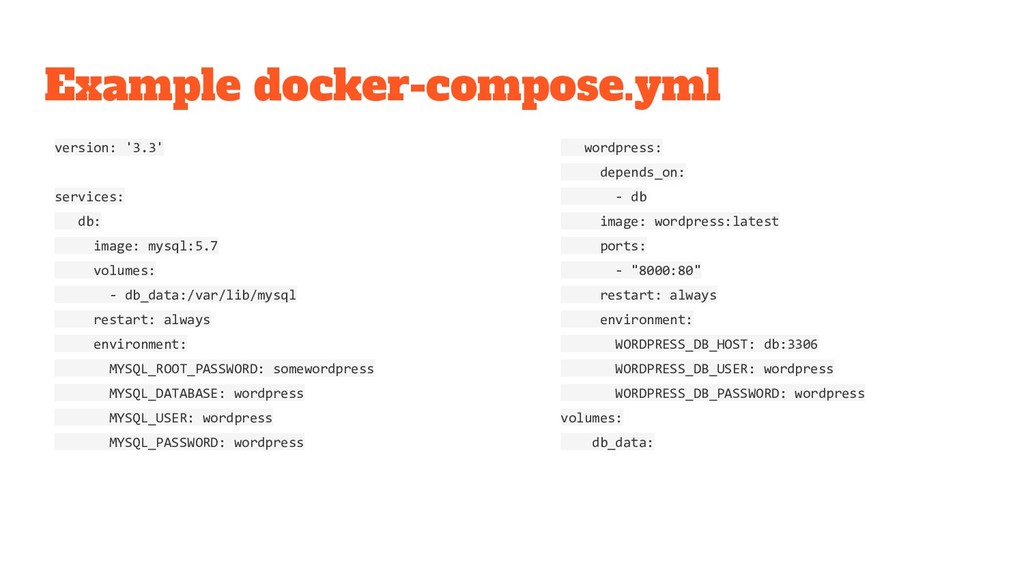
single file, docker-compose.yml, that defines how multiple services interact, exposed ports, volumes, networks, etc. • Turns what could be a 40-line Docker bash command into: docker-compose up -d • Comes with Docker for Windows and Mac, can be installed by itself too: https://docs.docker.com/compose/install/#install-compose
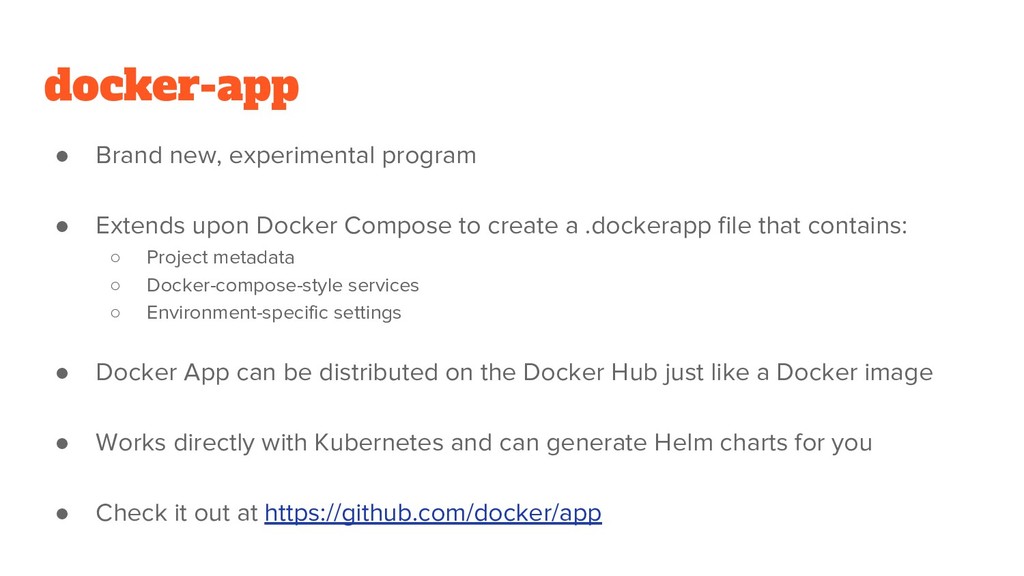
Compose to create a .dockerapp file that contains: ◦ Project metadata ◦ Docker-compose-style services ◦ Environment-specific settings • Docker App can be distributed on the Docker Hub just like a Docker image • Works directly with Kubernetes and can generate Helm charts for you • Check it out at https://github.com/docker/app


 camiha
 hiracky16
 jtakeda
 syuchimu
 kworkdev
 nttcom
 masakiokuda
 raspython3
 maimyyym
 teamlab
 pfn
pfn
 takonda
 ammeep
 portentint
 62gerente
 marketingsoph
 charlesmeaden
 jmmastey
 inesmontani
 sarafernandez
 lcolladotor
 swwweet
 skoyamalab
 eileencodes