Upgrade to Pro — share decks privately, control downloads, hide ads and more …

Sass/Compassの導入と環境構築

 Sass/Compassの導入と環境構築

[2014.02.15]CSS Nite LP32 Sass「Sass/Compassの導入と環境構築」のスライドです。
https://cssnite.jp/lp/lp32/

Avatar for sou-lab

sou-lab

May 08, 2014

More Decks by sou-lab

Other Decks in Programming

Transcript

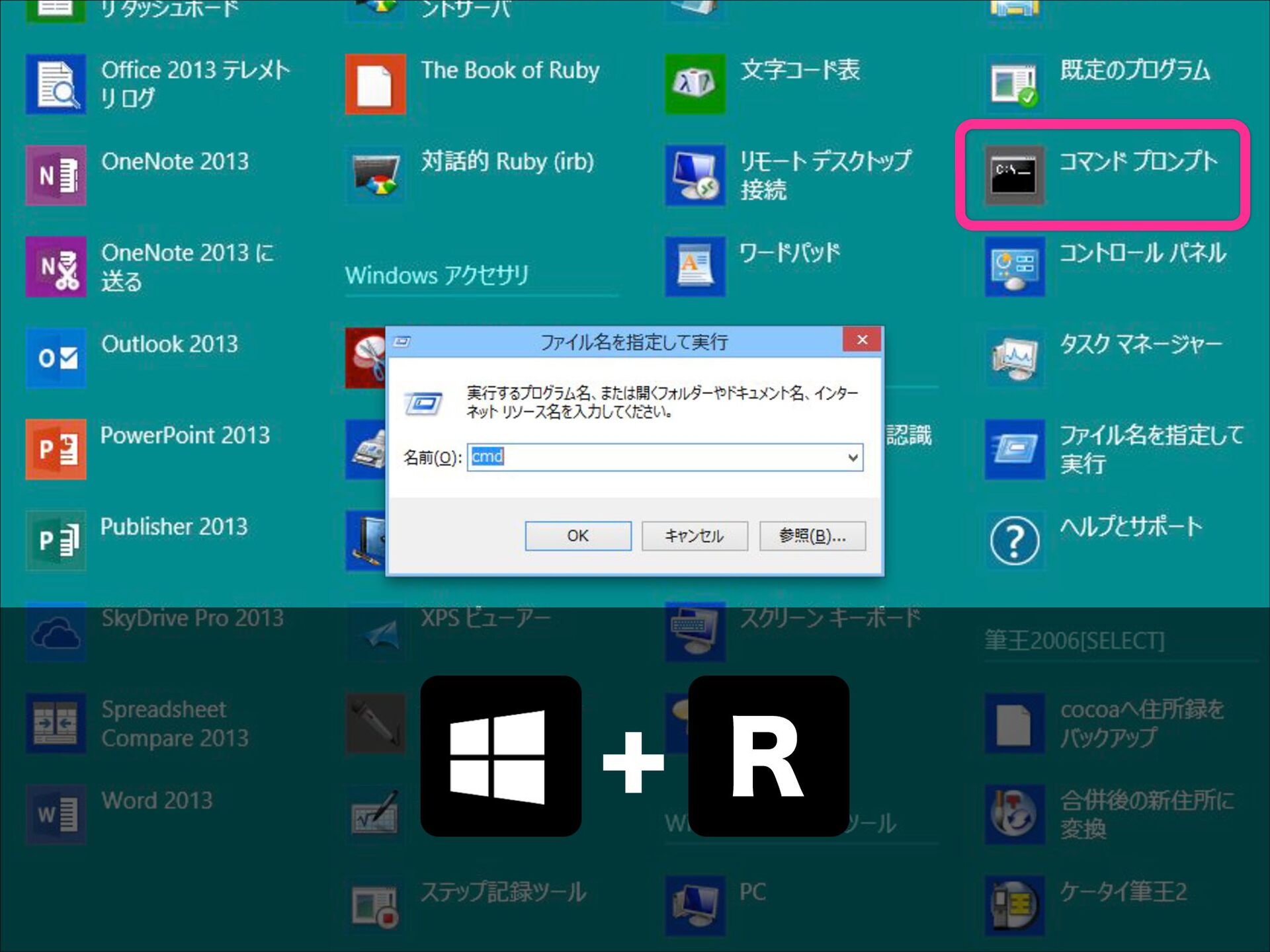
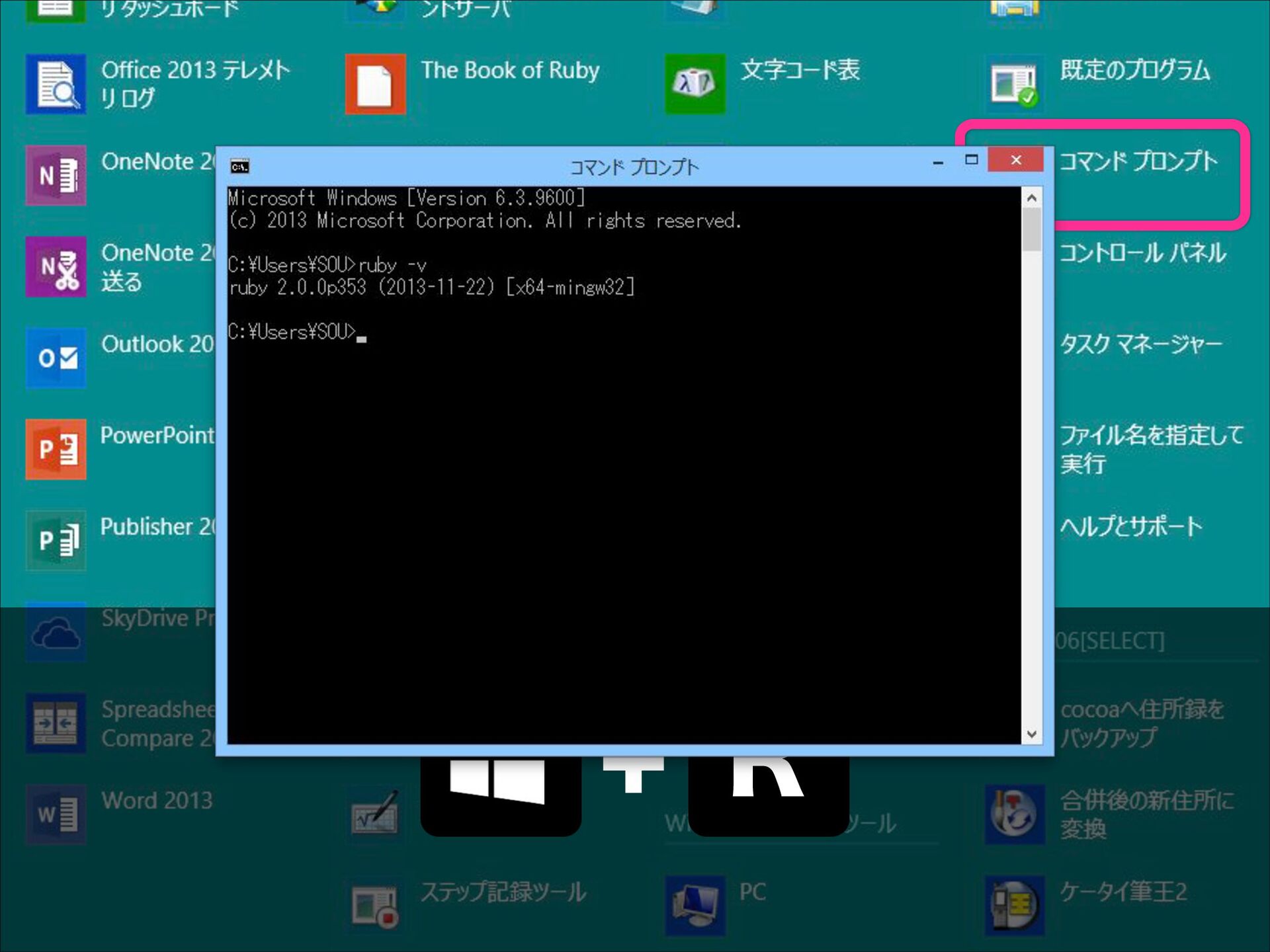
  1. + R

  2. + R

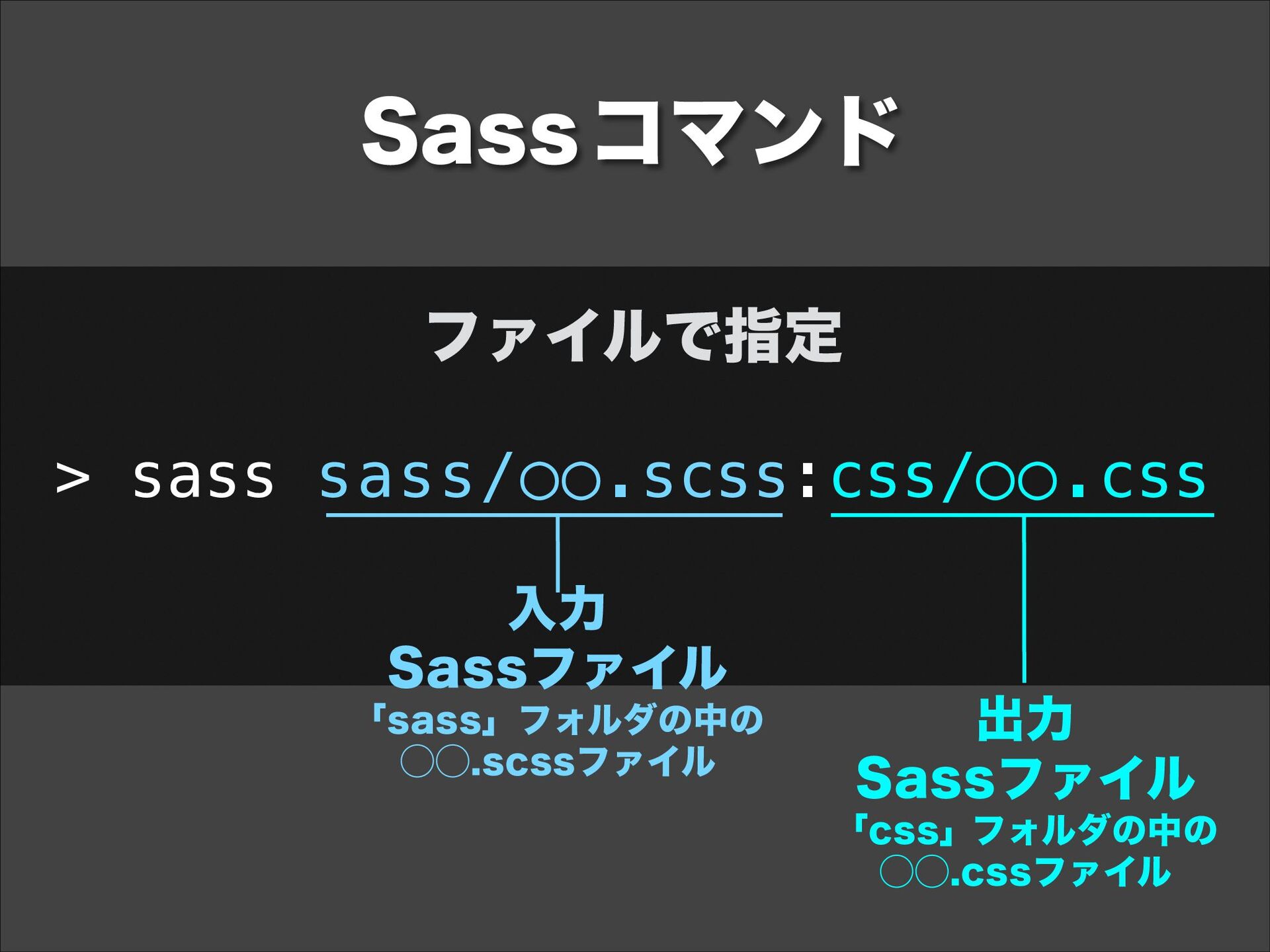
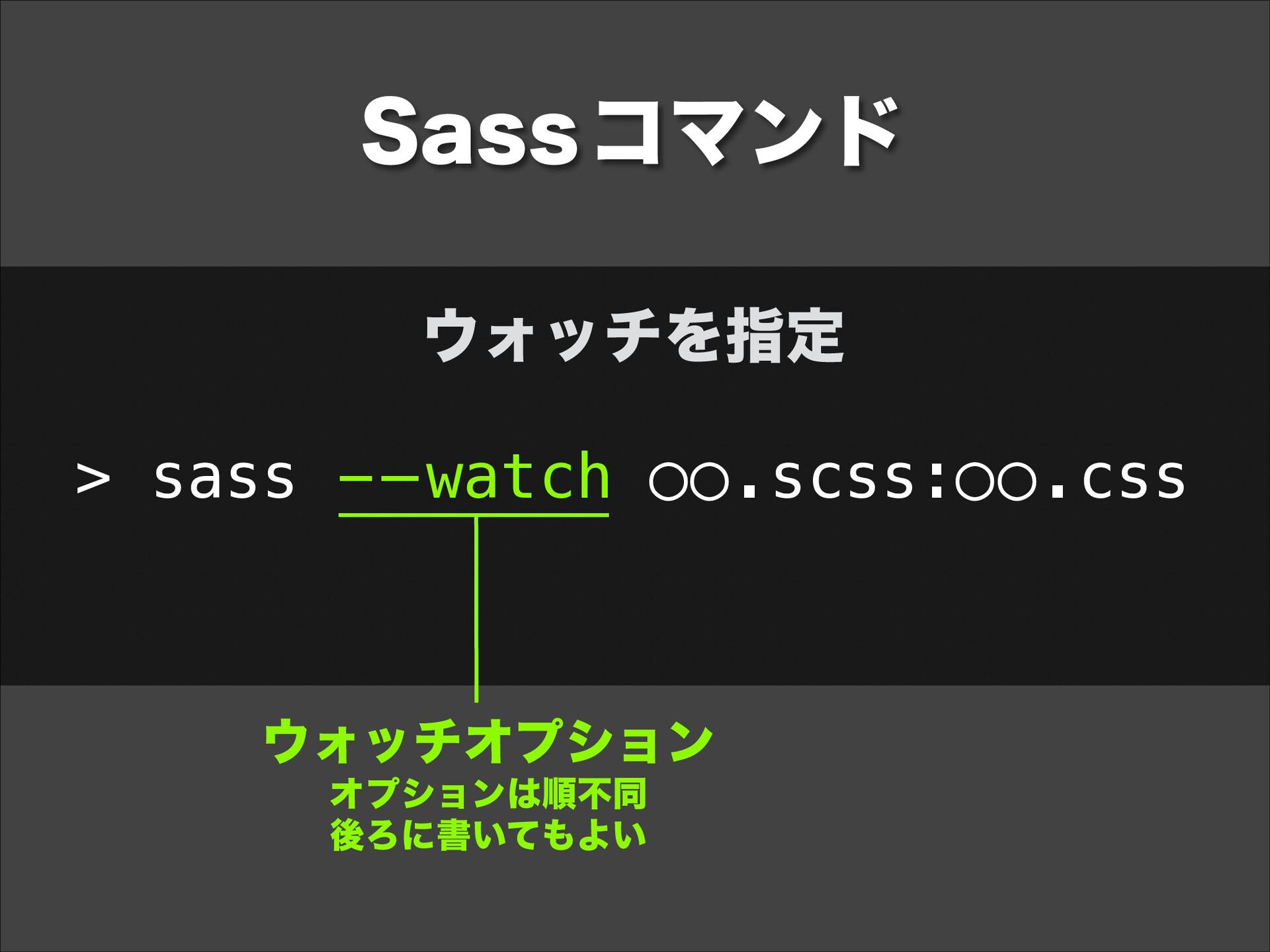
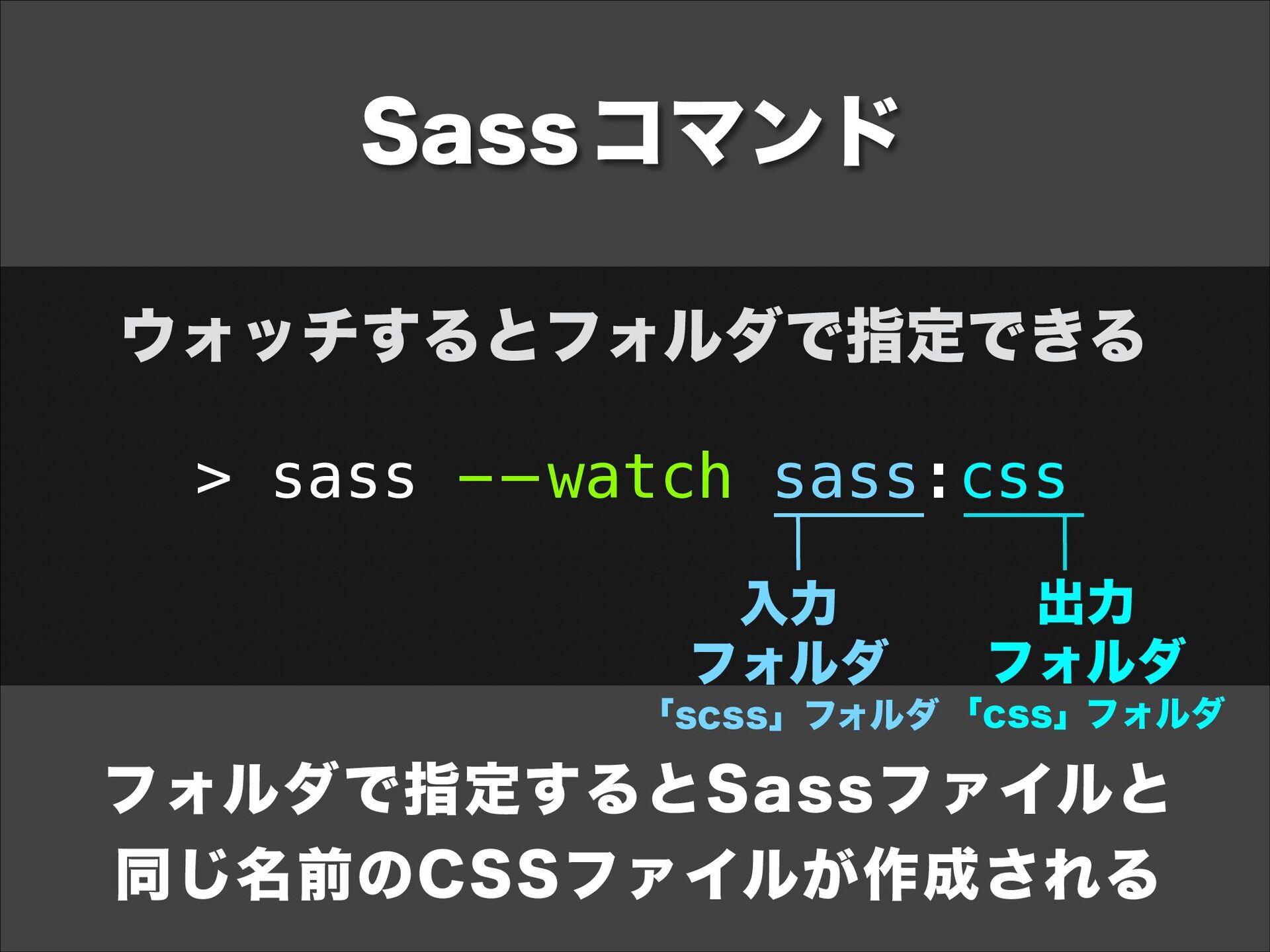
  3. Sass コマンド ウォッチするとフォルダで指定できる > sass - — watch sass:css 入力

    フォルダ 出力 フォルダ 「scss」フォルダ 「css」フォルダ フォルダで指定するとSassファイルと 同じ名前のCSSファイルが作成される
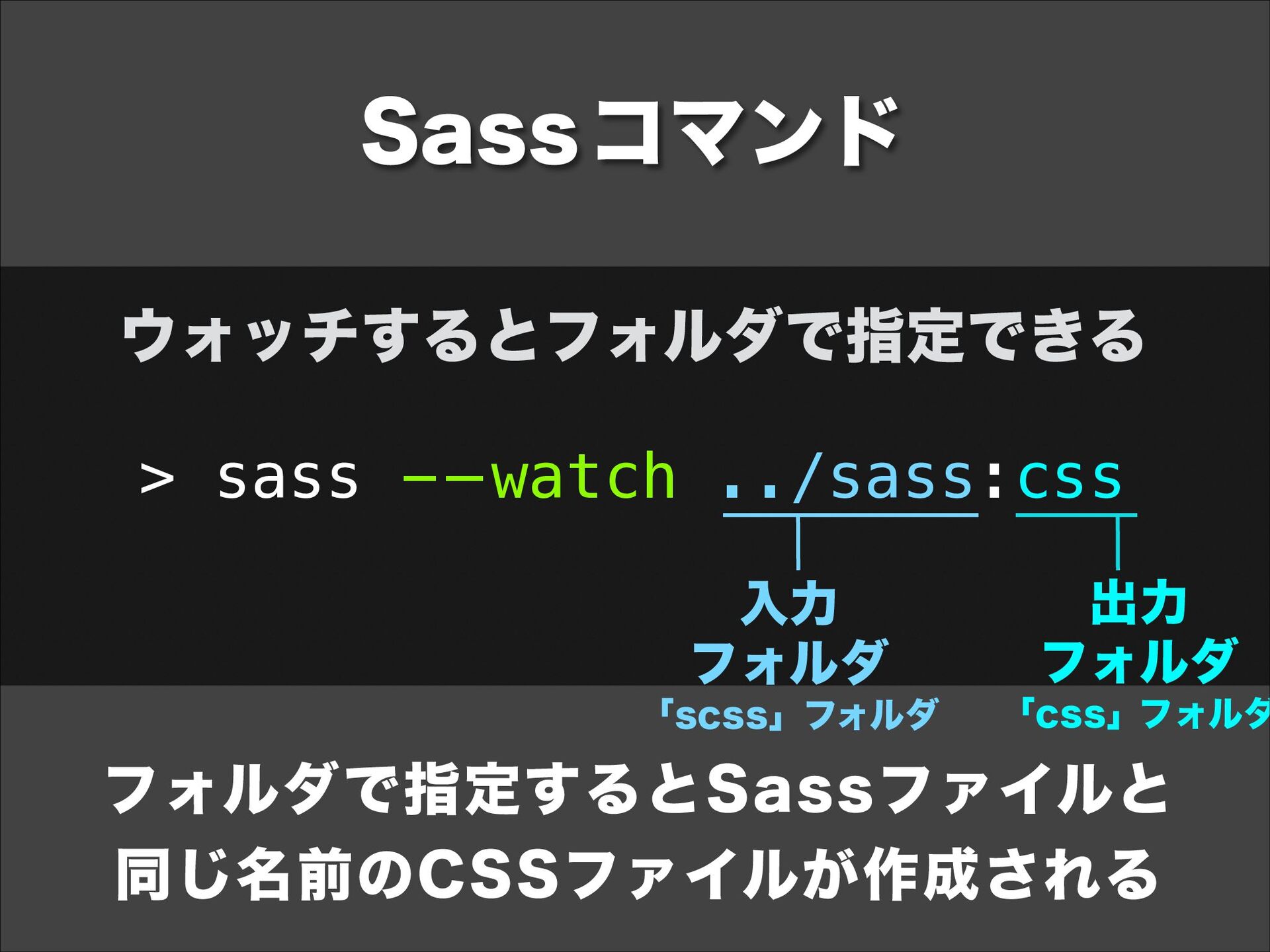
  4. Sass コマンド ウォッチするとフォルダで指定できる > sass - — watch ../sass:css 入力

    フォルダ 「scss」フォルダ 出力 フォルダ 「css」フォルダ フォルダで指定するとSassファイルと 同じ名前のCSSファイルが作成される
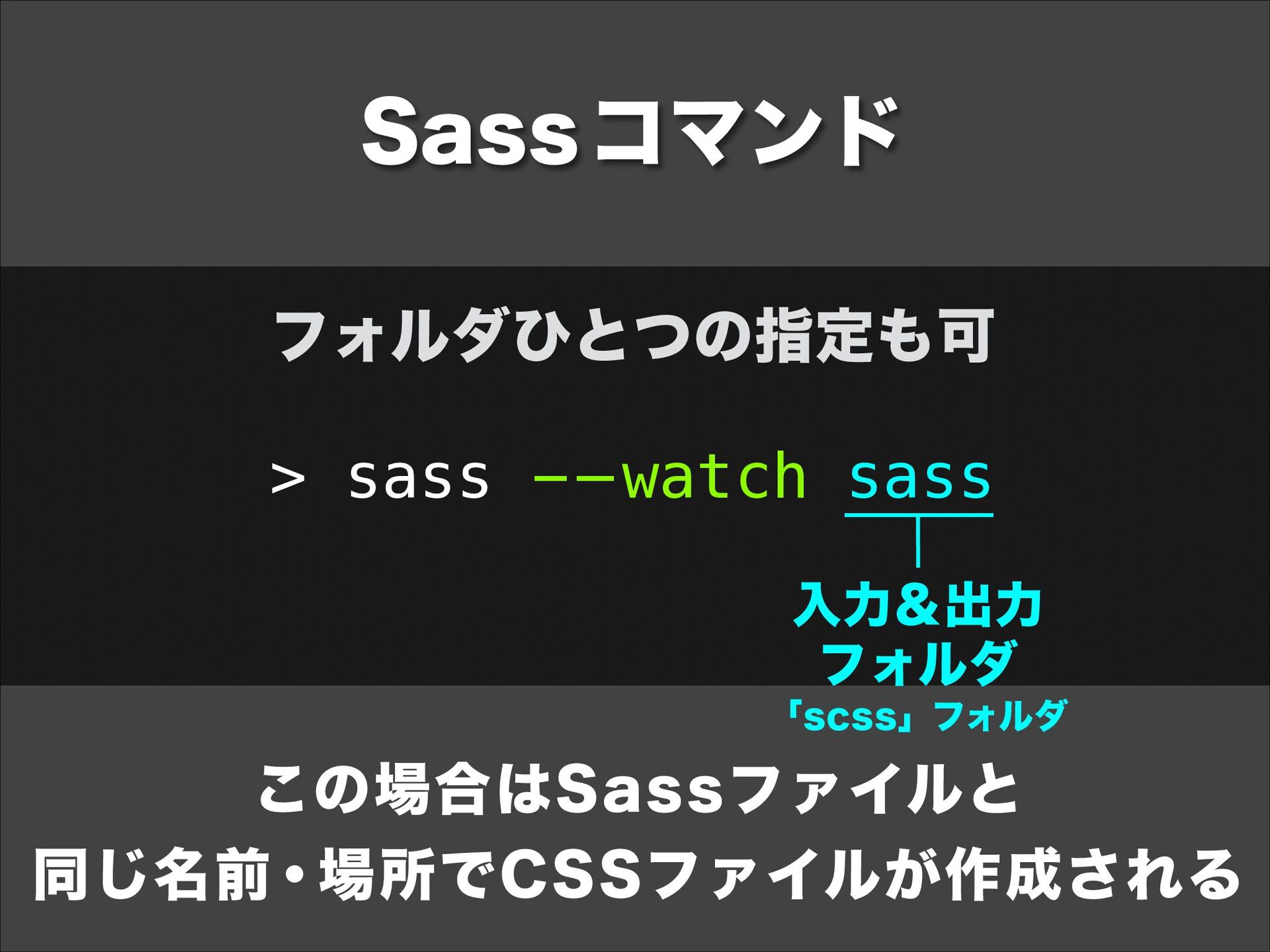
  5. Sass コマンド フォルダひとつの指定も可 > sass - — watch sass 入力&出力

    フォルダ 「scss」フォルダ この場合はSassファイルと 同じ名前・場所でCSSファイルが作成される
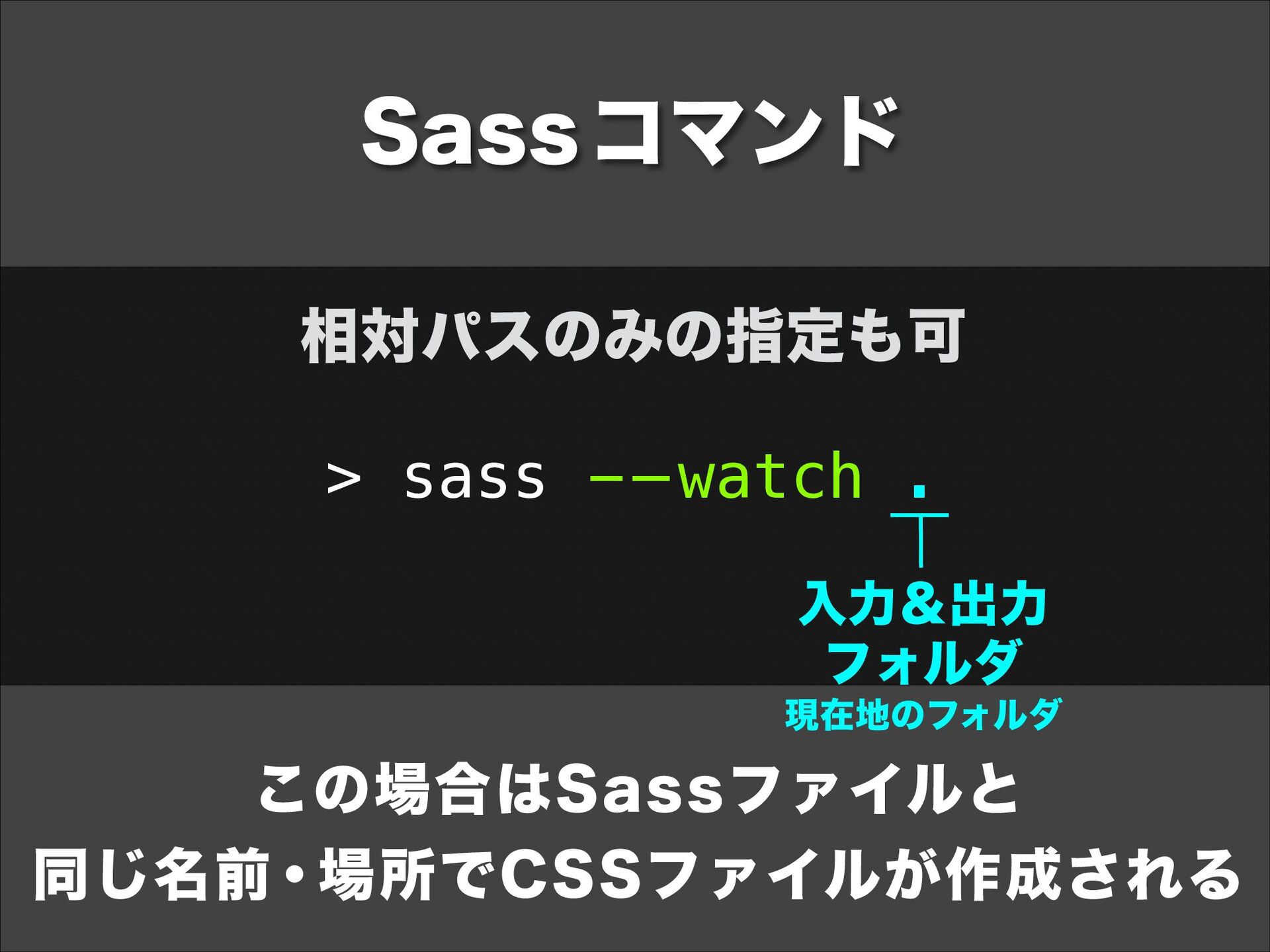
  6. Sass コマンド 相対パスのみの指定も可 > sass - — watch . 入力&出力

    フォルダ 現在地のフォルダ この場合はSassファイルと 同じ名前・場所でCSSファイルが作成される
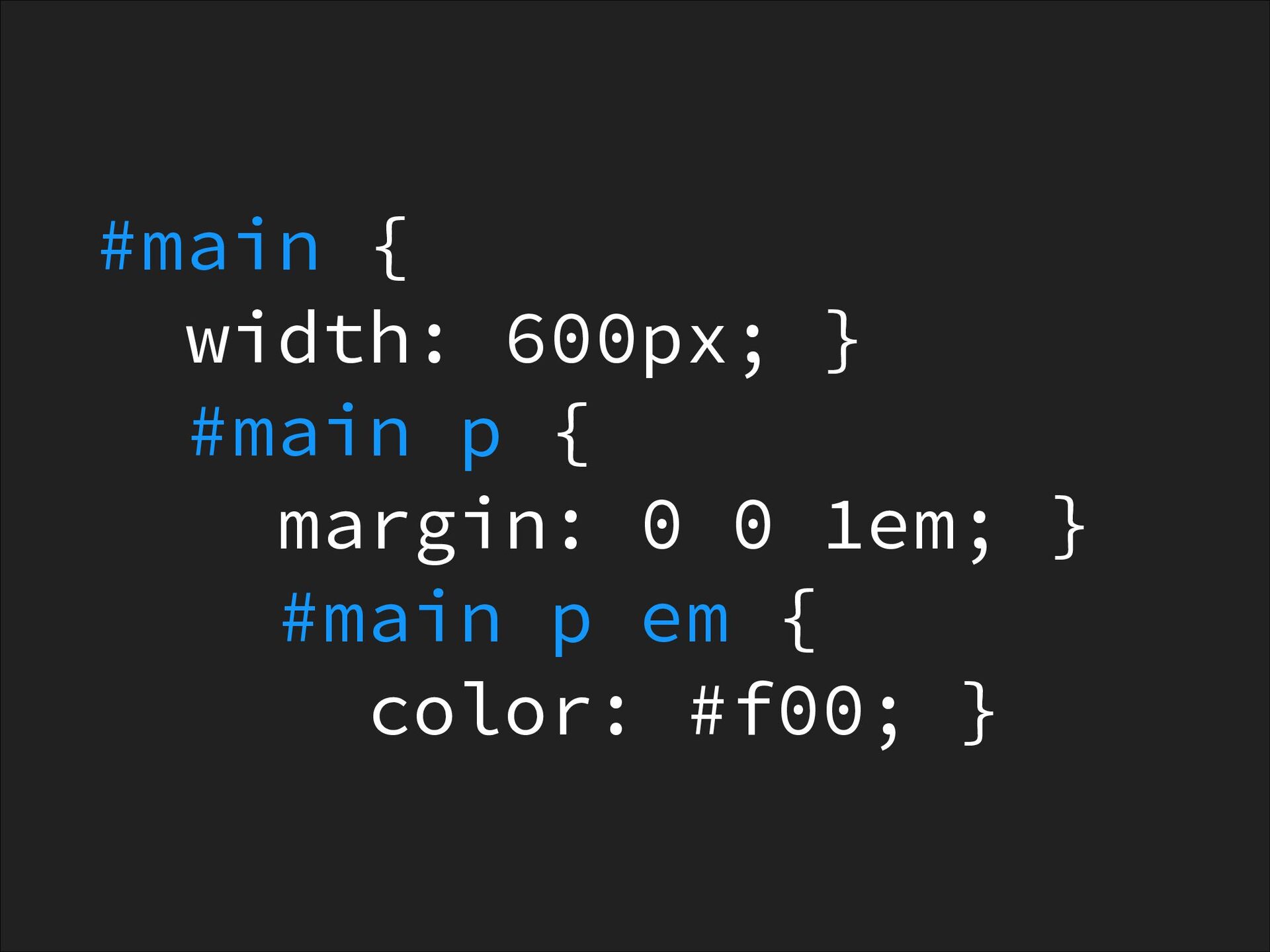
  7. #main { width: 600px; } #main p { margin: 0

    0 1em; } #main p em { color: #f00; }
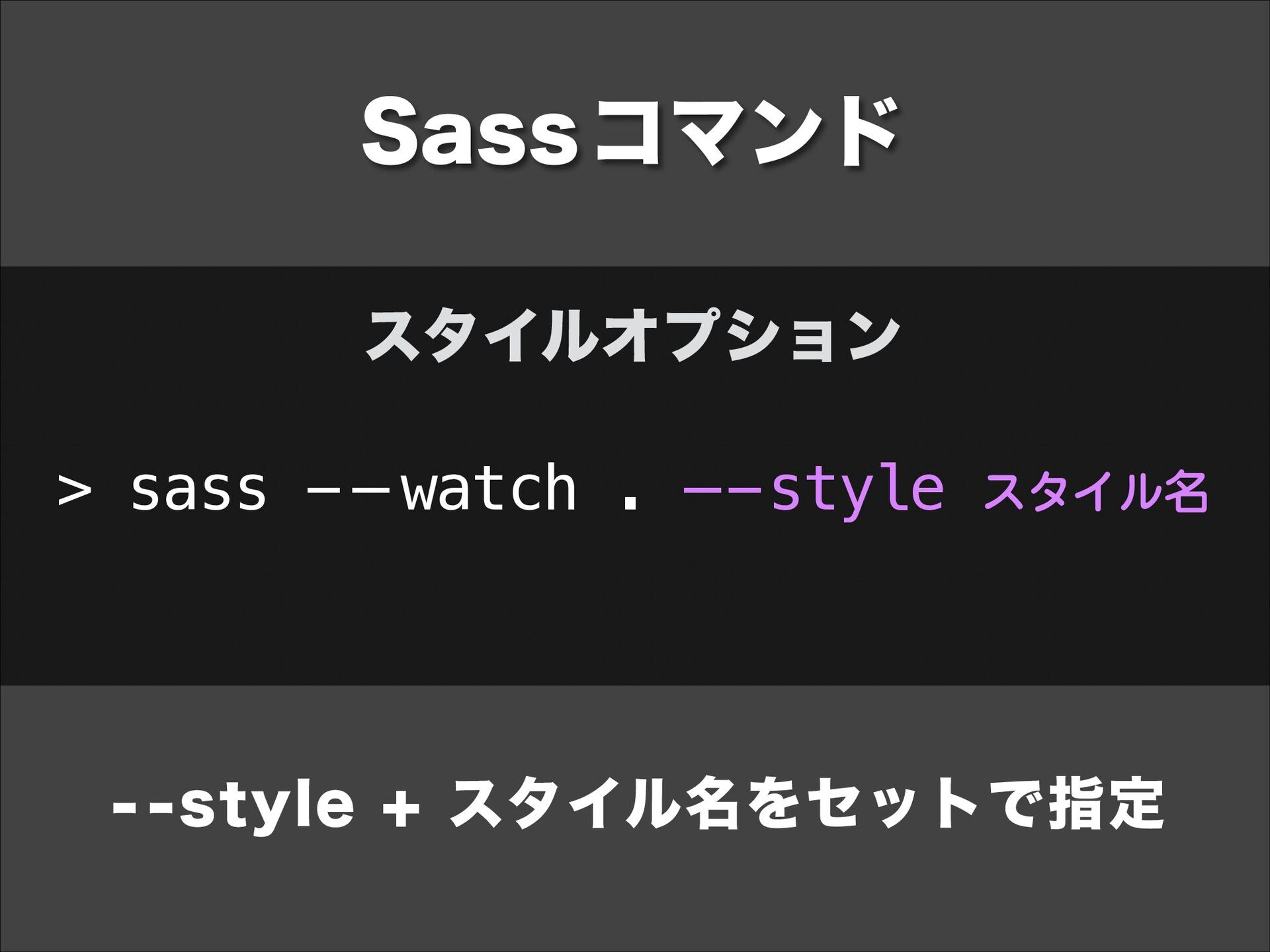
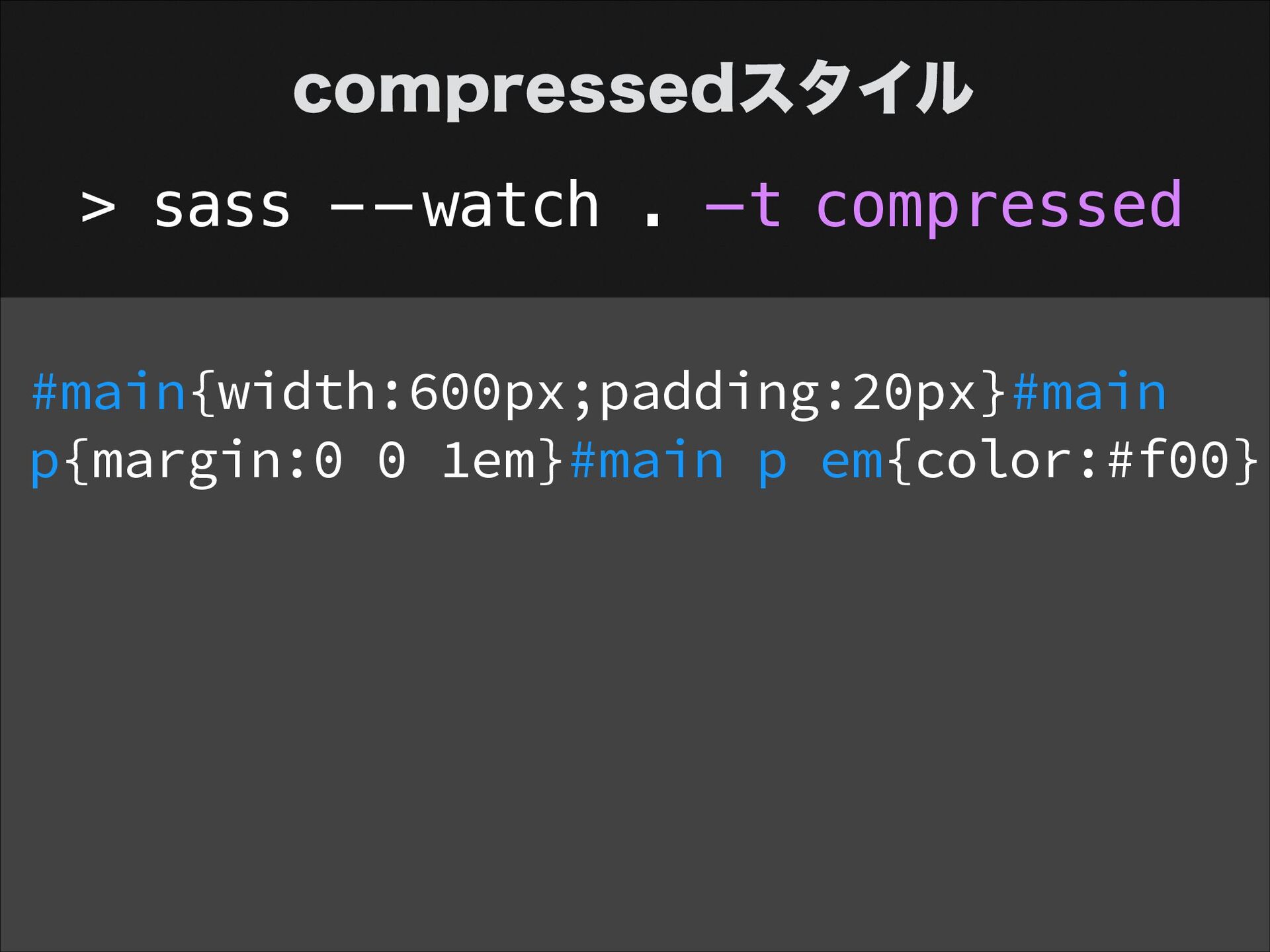
  8. Sass コマンド スタイルオプション > sass - — watch . —-style

    スタイル名 - -style + スタイル名をセットで指定
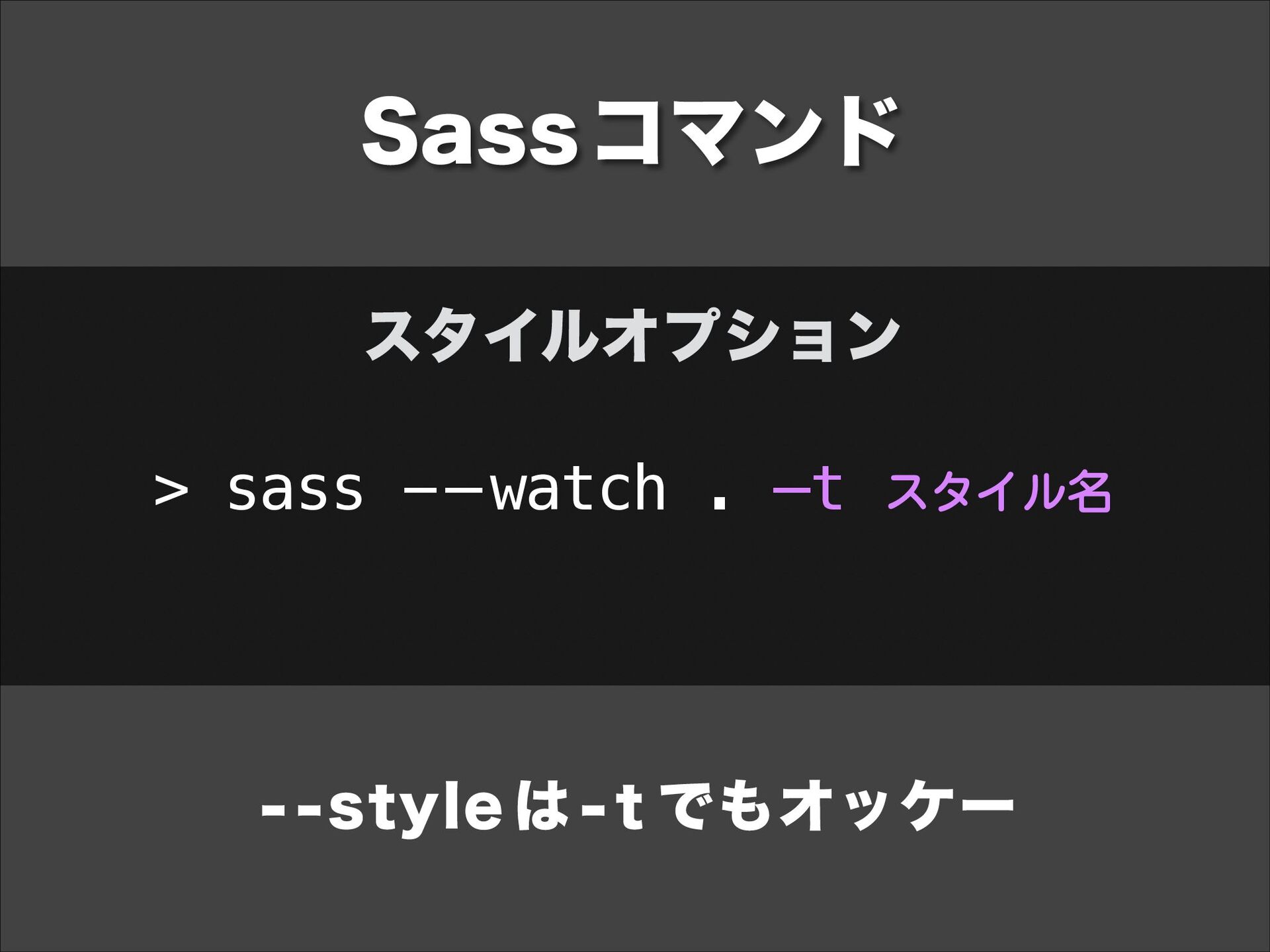
  9. Sass コマンド スタイルオプション > sass - — watch . —t

    スタイル名 - -style は - t でもオッケー
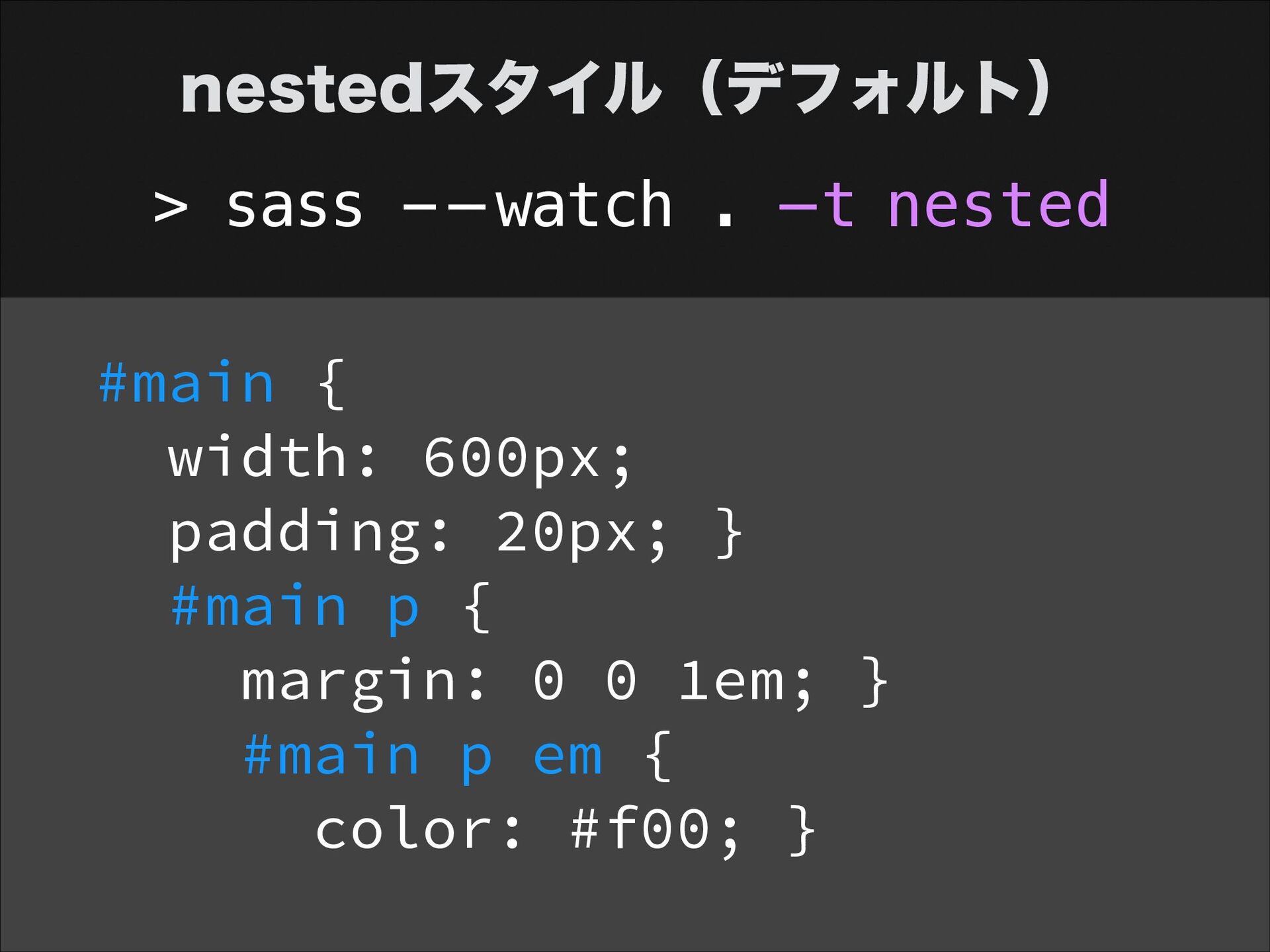
  10. nestedスタイル(デフォルト) > sass - — watch . —t nested #main

    { width: 600px; padding: 20px; } #main p { margin: 0 0 1em; } #main p em { color: #f00; }
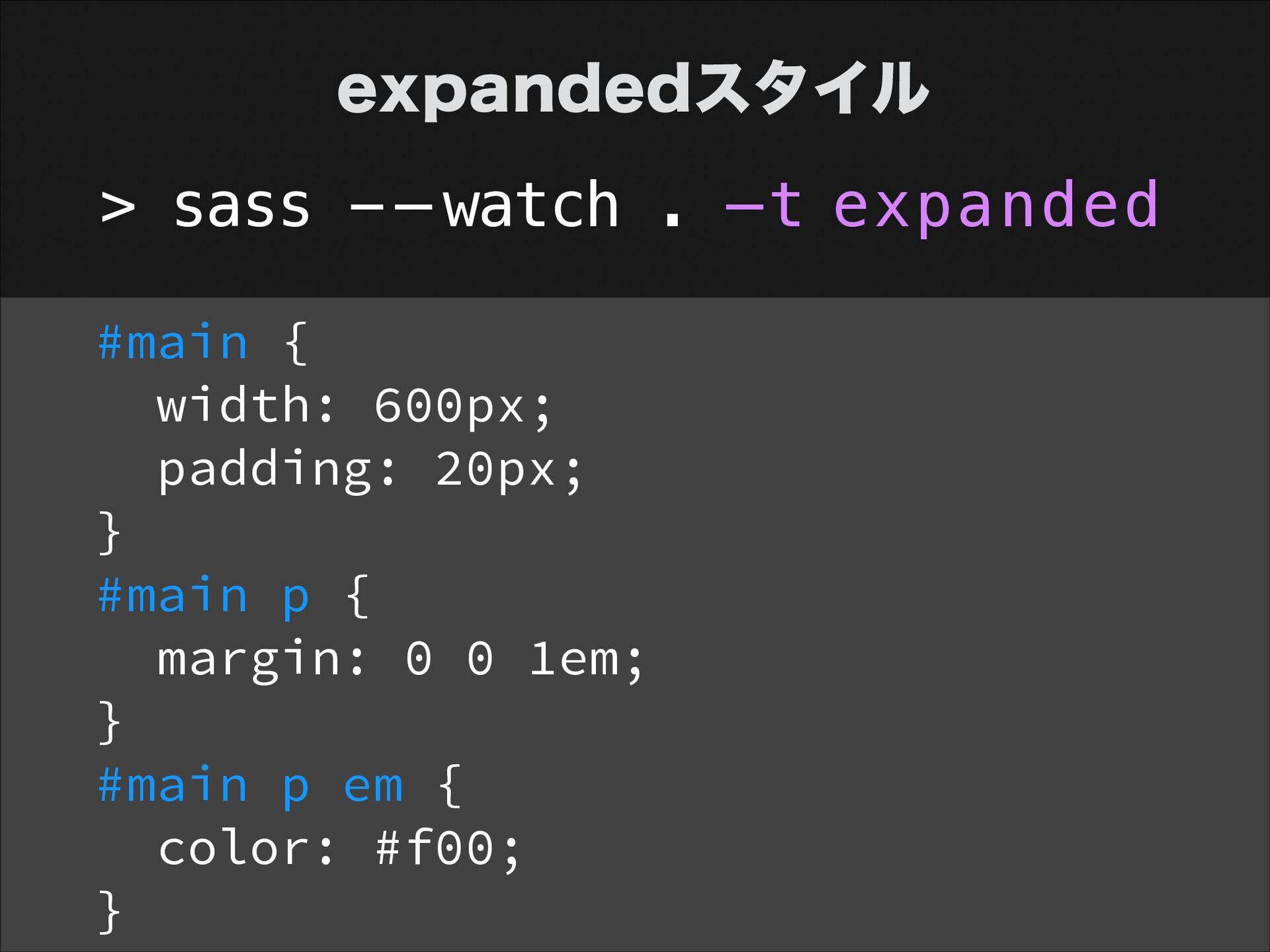
  11. expandedスタイル > sass - — watch . —t expanded #main

    { width: 600px; padding: 20px; } #main p { margin: 0 0 1em; } #main p em { color: #f00; }
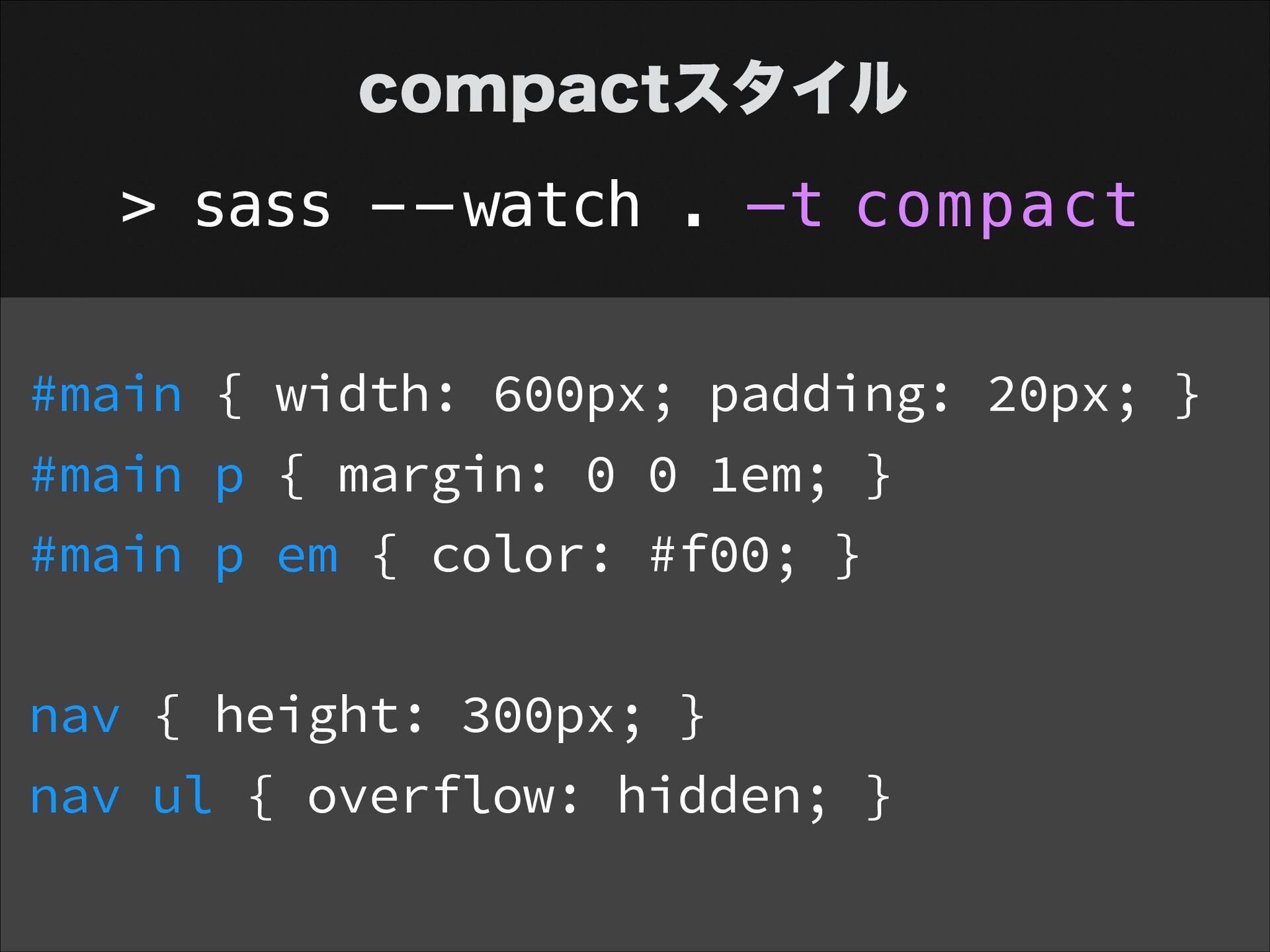
  12. compactスタイル > sass - — watch . —t compact #main

    { width: 600px; padding: 20px; } #main p { margin: 0 0 1em; } #main p em { color: #f00; } ! nav { height: 300px; } nav ul { overflow: hidden; }
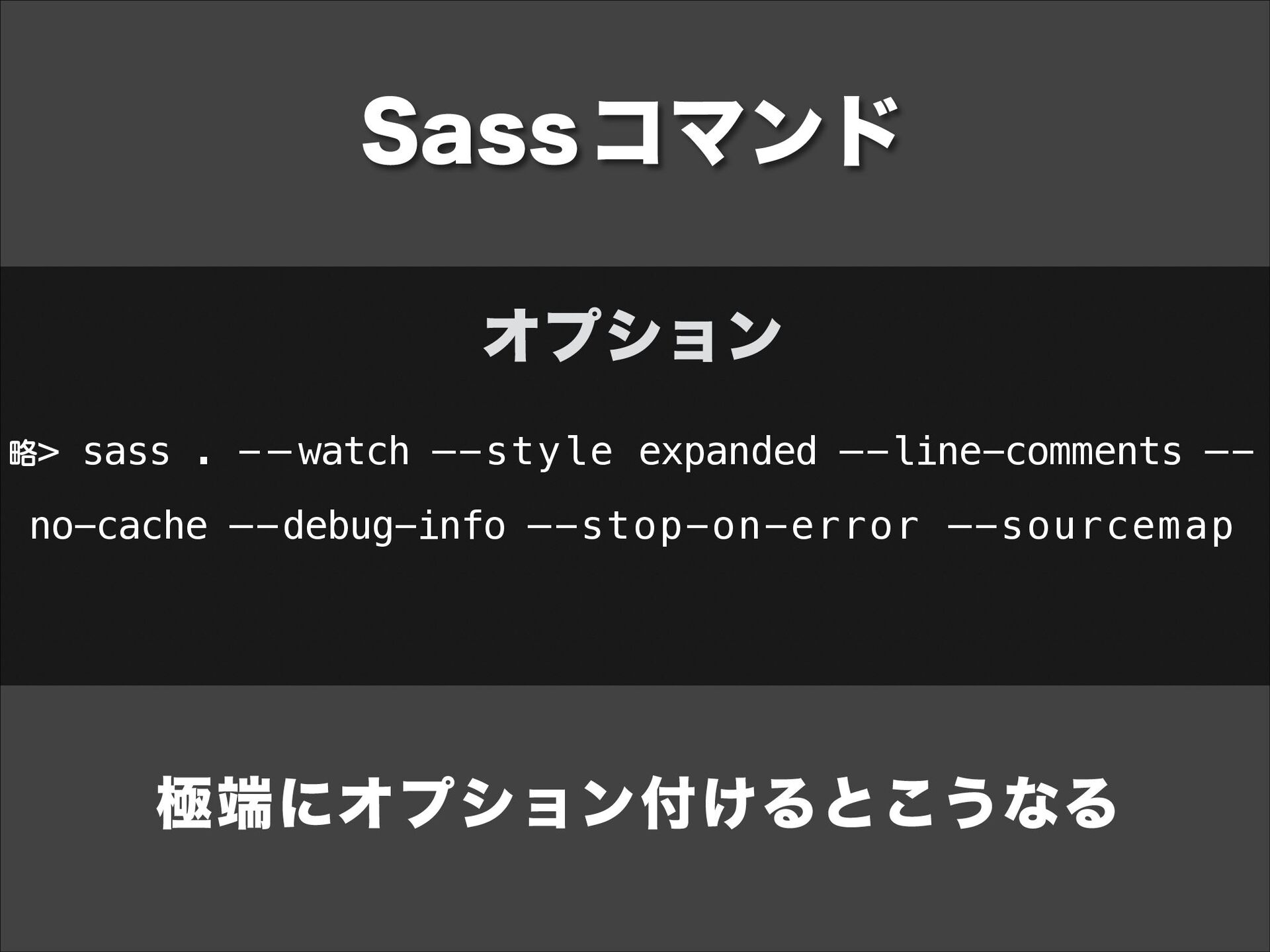
  13. Sass コマンド オプション 略> sass . - — watch —-style

    expanded —-line-comments —- no-cache —-debug-info —-stop-on-error —-sourcemap 極端にオプション付けるとこうなる
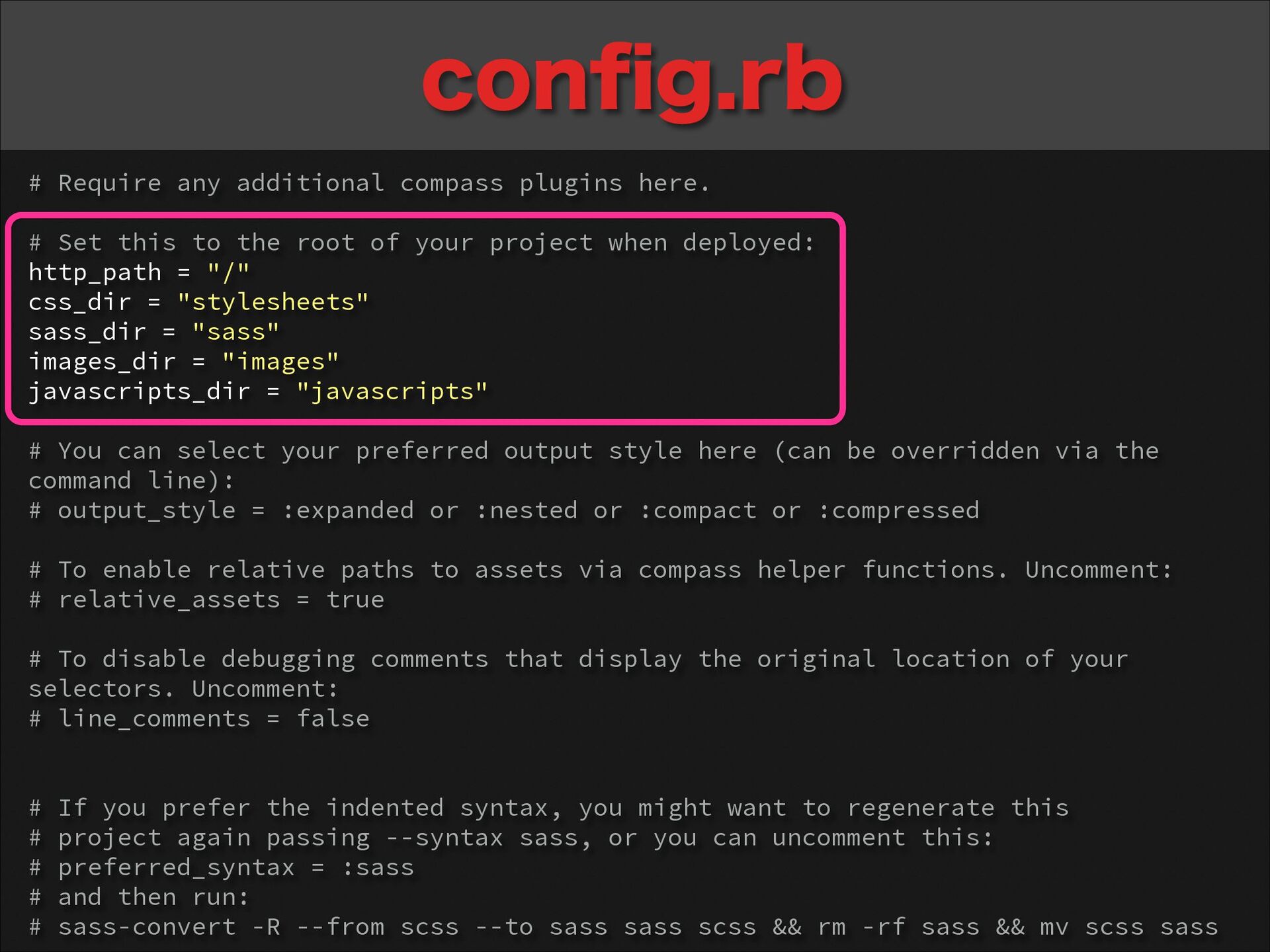
  14. config.rb # Require any additional compass plugins here. ! #

    Set this to the root of your project when deployed: http_path = "/" css_dir = "stylesheets" sass_dir = "sass" images_dir = "images" javascripts_dir = "javascripts" ! # You can select your preferred output style here (can be overridden via the command line): # output_style = :expanded or :nested or :compact or :compressed ! # To enable relative paths to assets via compass helper functions. Uncomment: # relative_assets = true ! # To disable debugging comments that display the original location of your selectors. Uncomment: # line_comments = false ! ! # If you prefer the indented syntax, you might want to regenerate this # project again passing --syntax sass, or you can uncomment this: # preferred_syntax = :sass # and then run: # sass-convert -R --from scss --to sass sass scss && rm -rf sass && mv scss sass
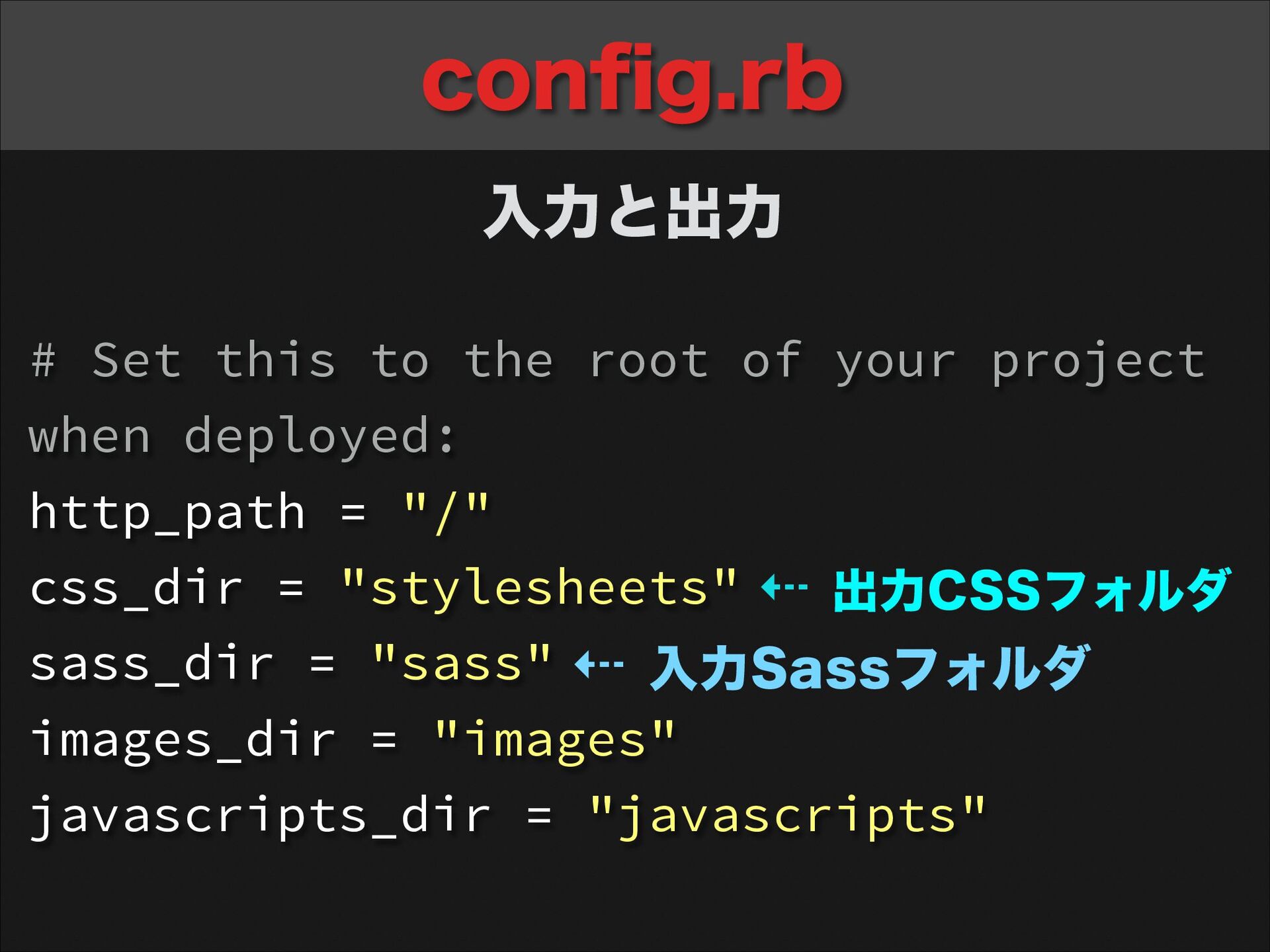
  15. config.rb 入力と出力 # Set this to the root of your

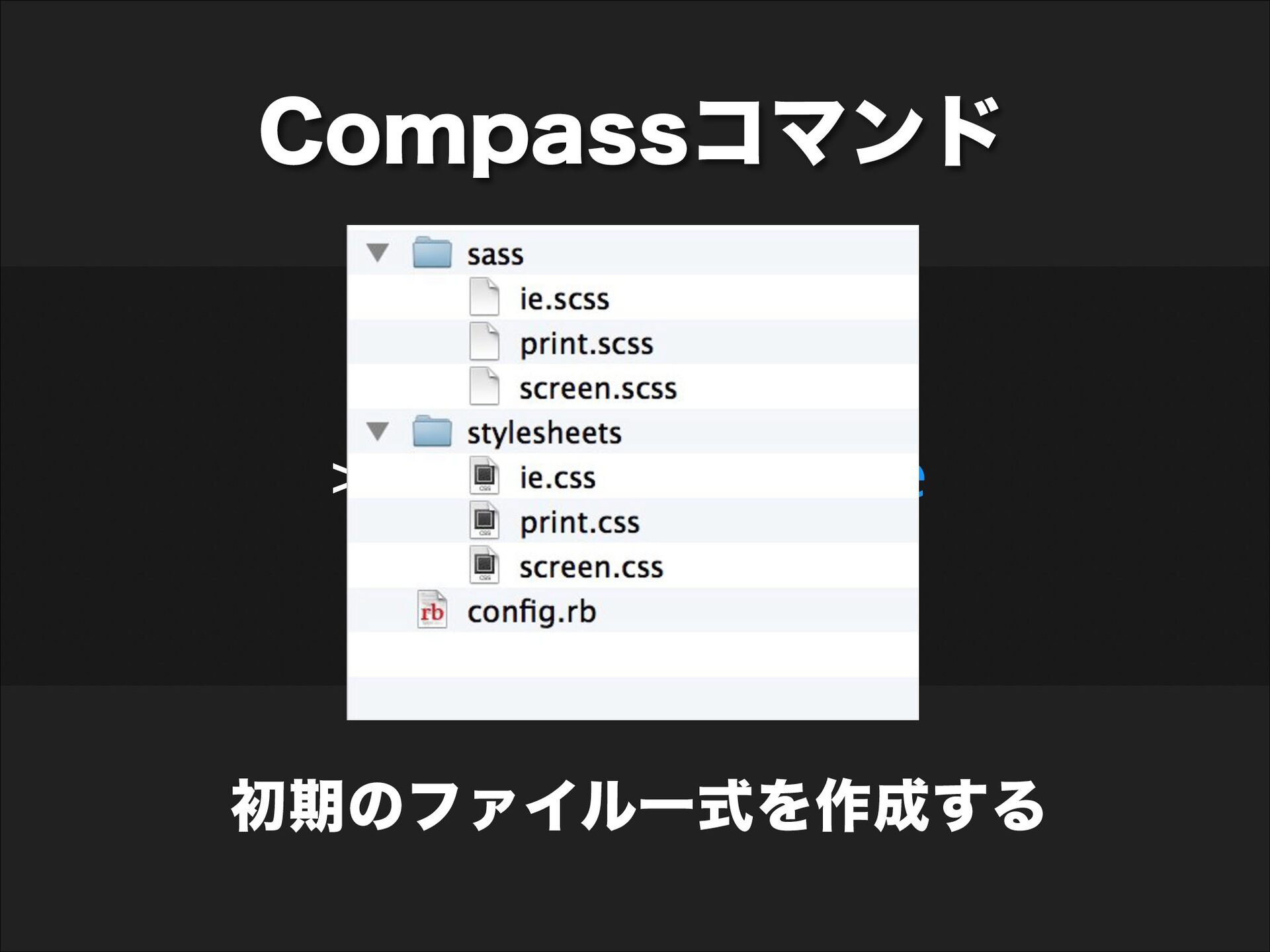
    project when deployed: http_path = "/" css_dir = "stylesheets" ⇠ 出力CSSフォルダ sass_dir = "sass" ⇠ 入力Sassフォルダ images_dir = "images" javascripts_dir = "javascripts"
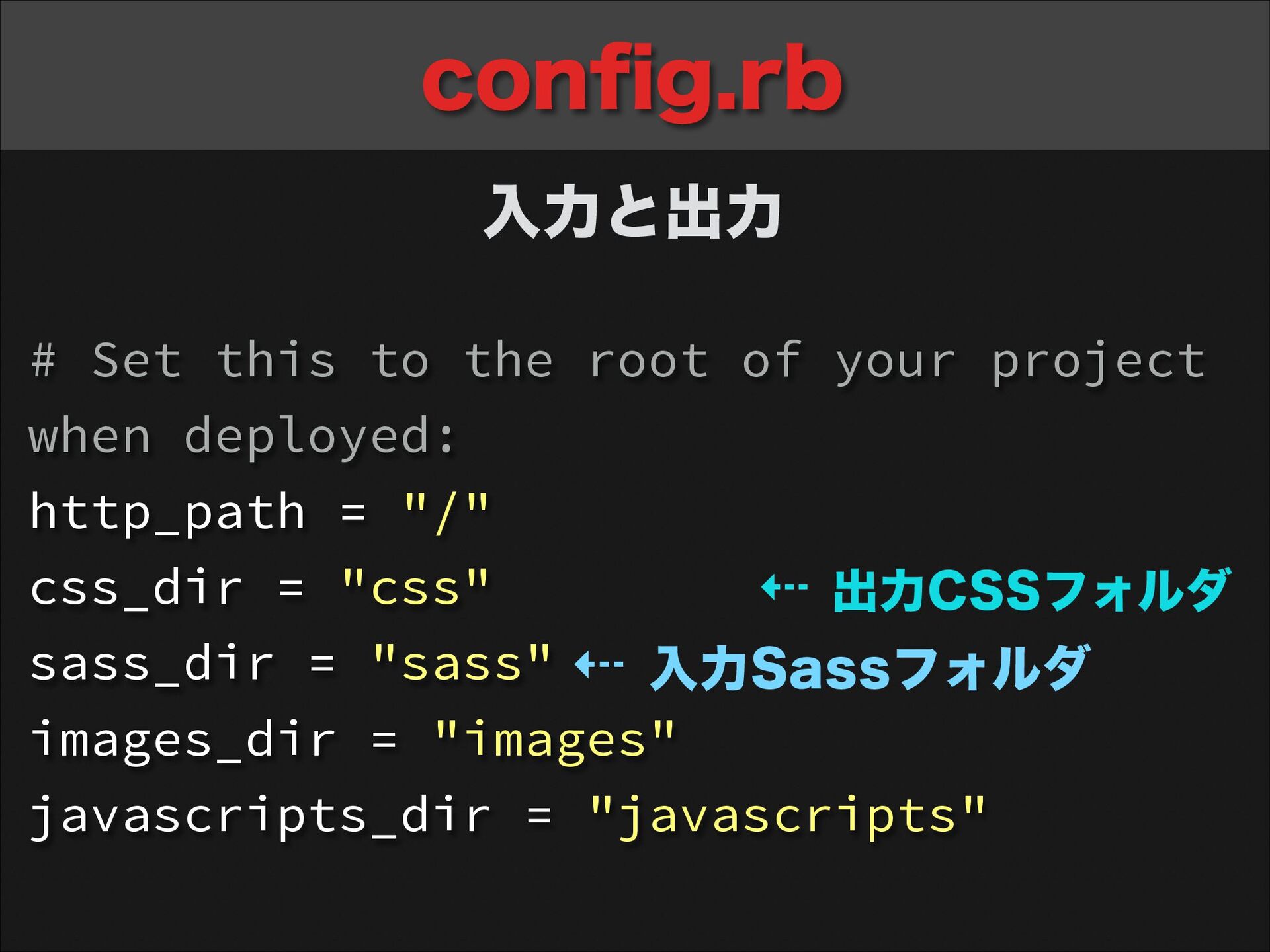
  16. config.rb 入力と出力 # Set this to the root of your

    project when deployed: http_path = "/" css_dir = "css" ⇠ 出力CSSフォルダ sass_dir = "sass" ⇠ 入力Sassフォルダ images_dir = "images" javascripts_dir = "javascripts"
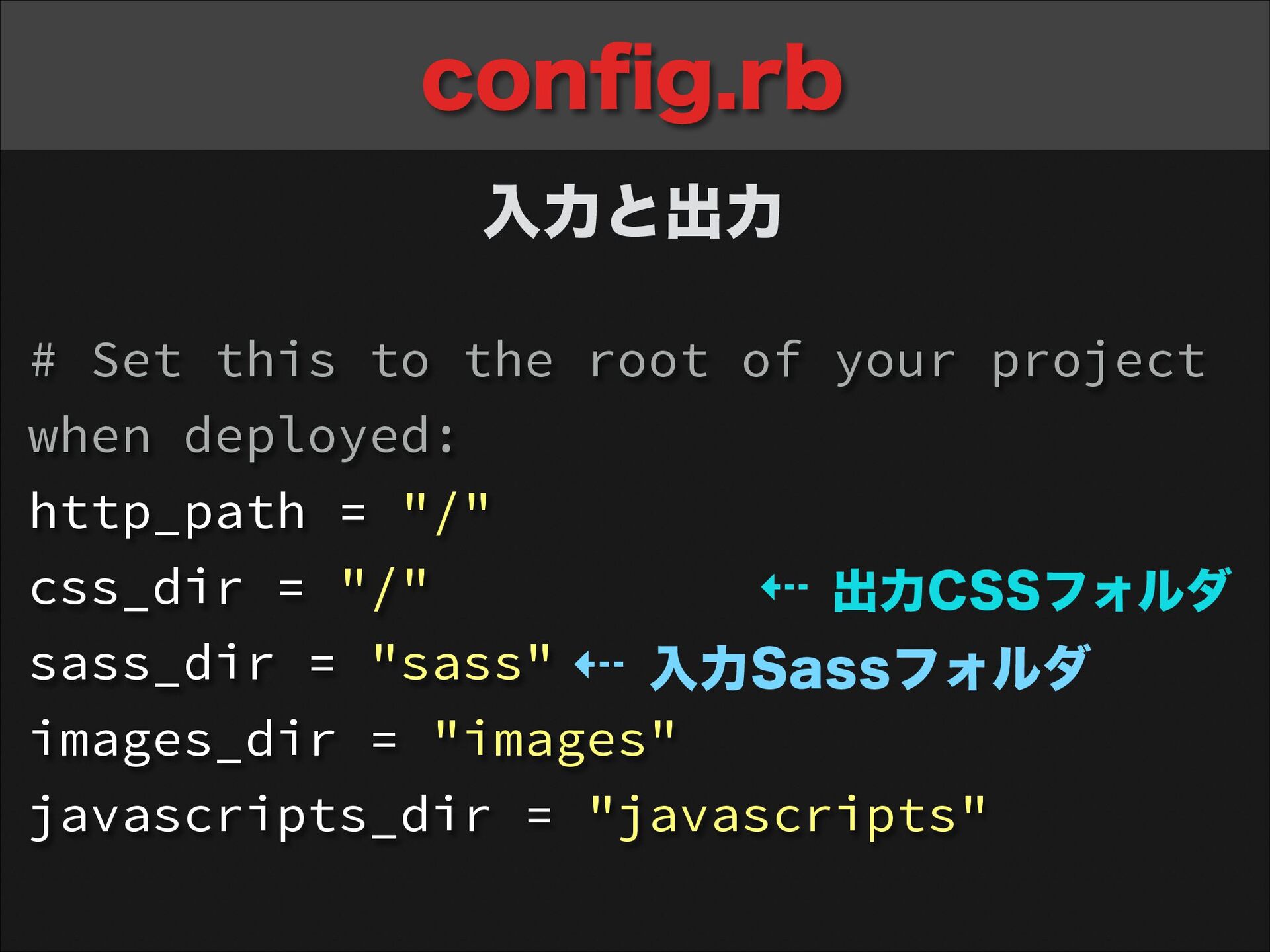
  17. config.rb 入力と出力 # Set this to the root of your

    project when deployed: http_path = "/" css_dir = "/" ⇠ 出力CSSフォルダ sass_dir = "sass" ⇠ 入力Sassフォルダ images_dir = "images" javascripts_dir = "javascripts"
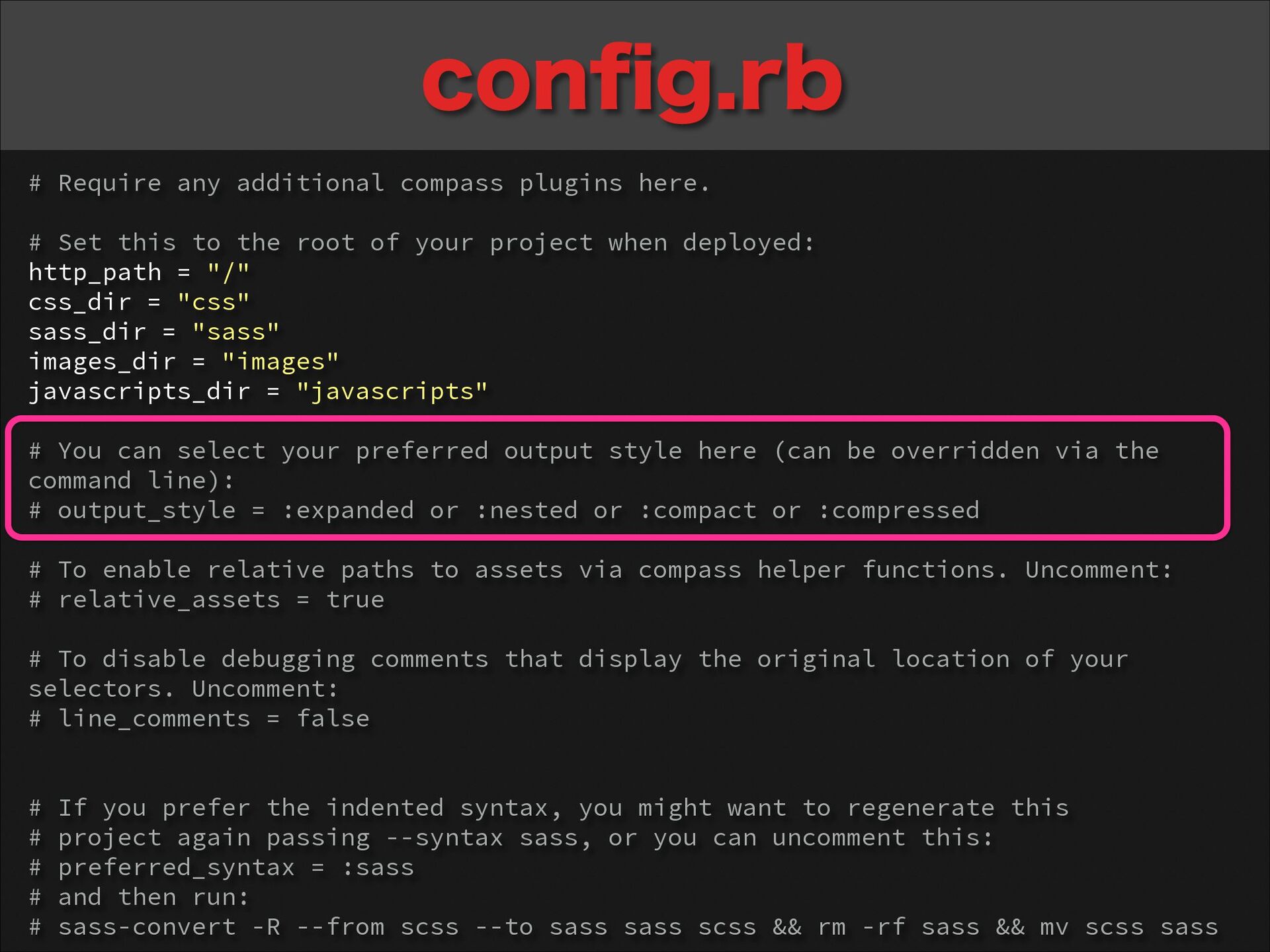
  18. config.rb # Require any additional compass plugins here. ! #

    Set this to the root of your project when deployed: http_path = "/" css_dir = "css" sass_dir = "sass" images_dir = "images" javascripts_dir = "javascripts" ! # You can select your preferred output style here (can be overridden via the command line): # output_style = :expanded or :nested or :compact or :compressed ! # To enable relative paths to assets via compass helper functions. Uncomment: # relative_assets = true ! # To disable debugging comments that display the original location of your selectors. Uncomment: # line_comments = false ! ! # If you prefer the indented syntax, you might want to regenerate this # project again passing --syntax sass, or you can uncomment this: # preferred_syntax = :sass # and then run: # sass-convert -R --from scss --to sass sass scss && rm -rf sass && mv scss sass
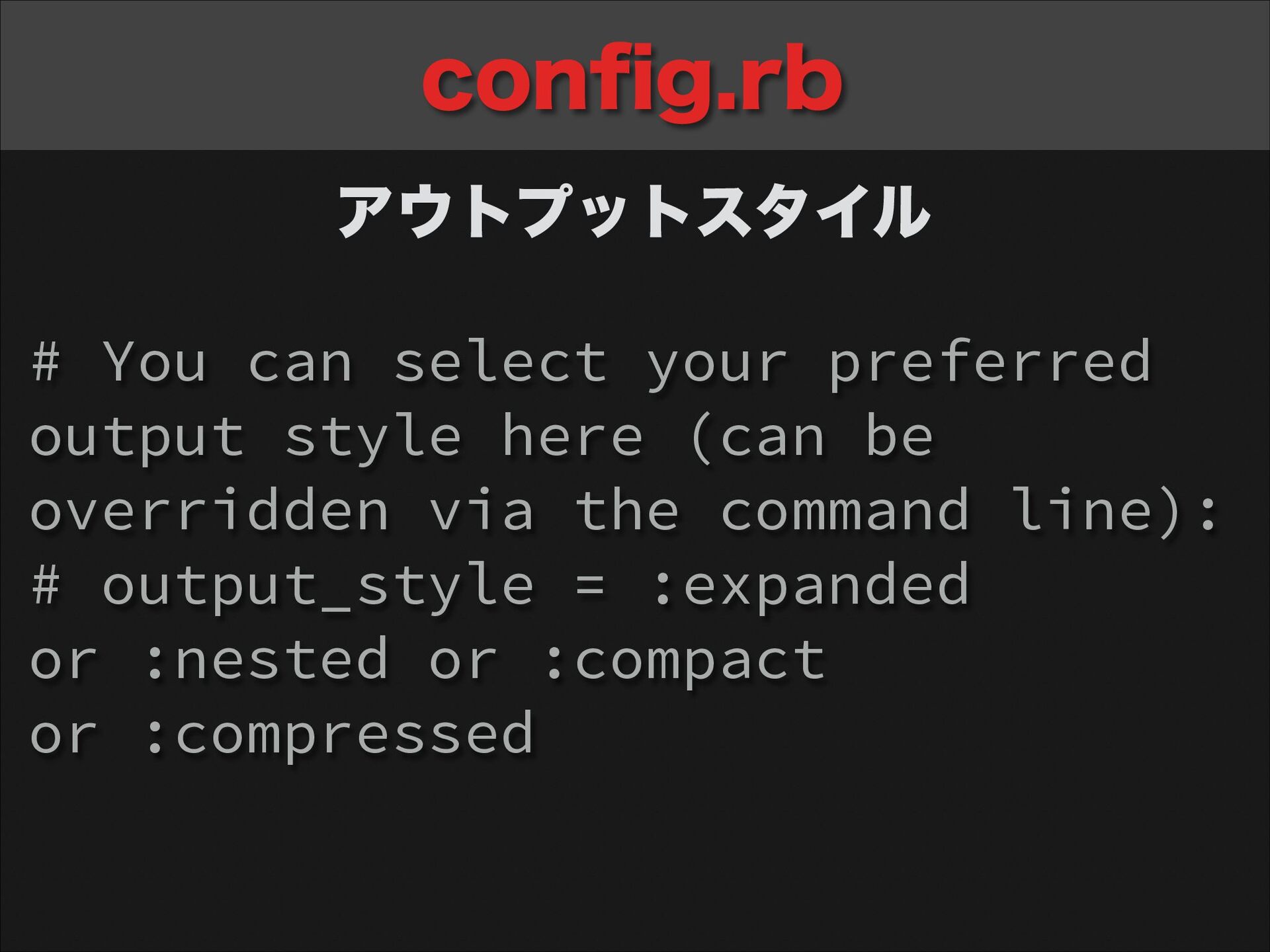
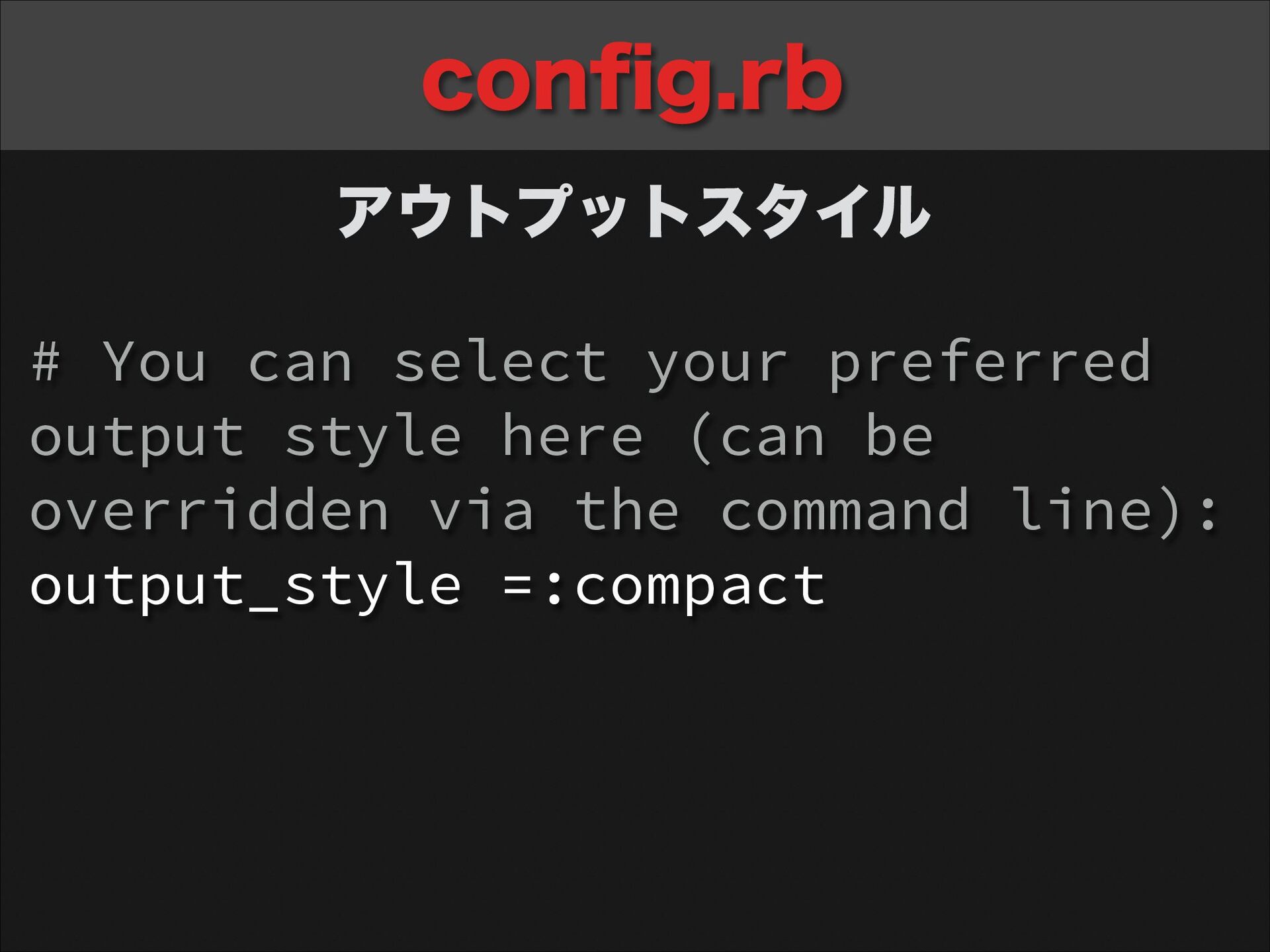
  19. config.rb アウトプットスタイル # You can select your preferred output style

    here (can be overridden via the command line): # output_style = :expanded or :nested or :compact or :compressed
  20. config.rb アウトプットスタイル # You can select your preferred output style

    here (can be overridden via the command line): output_style =:compact
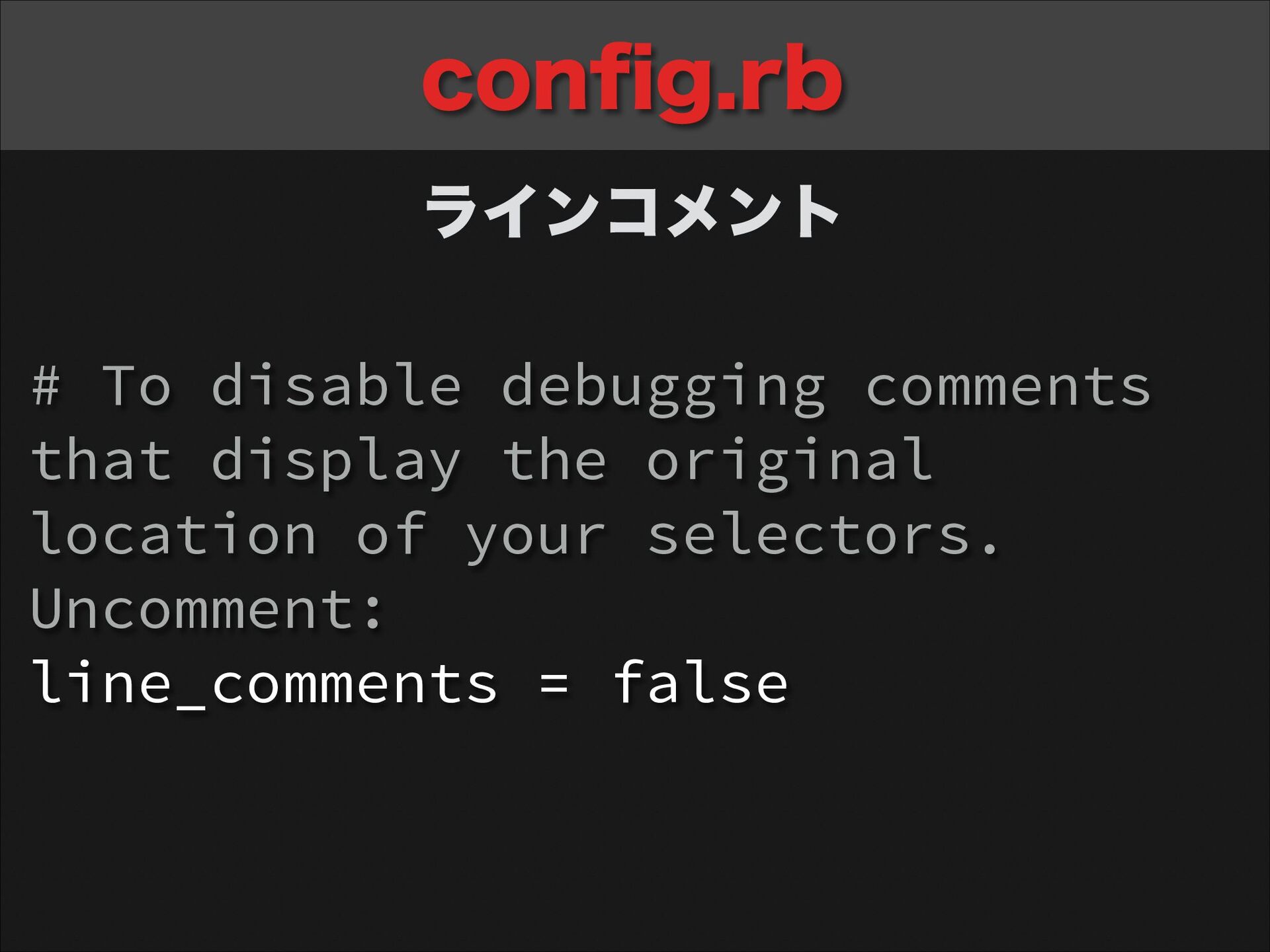
  21. config.rb ラインコメント # To disable debugging comments that display the

    original location of your selectors. Uncomment: line_comments = false
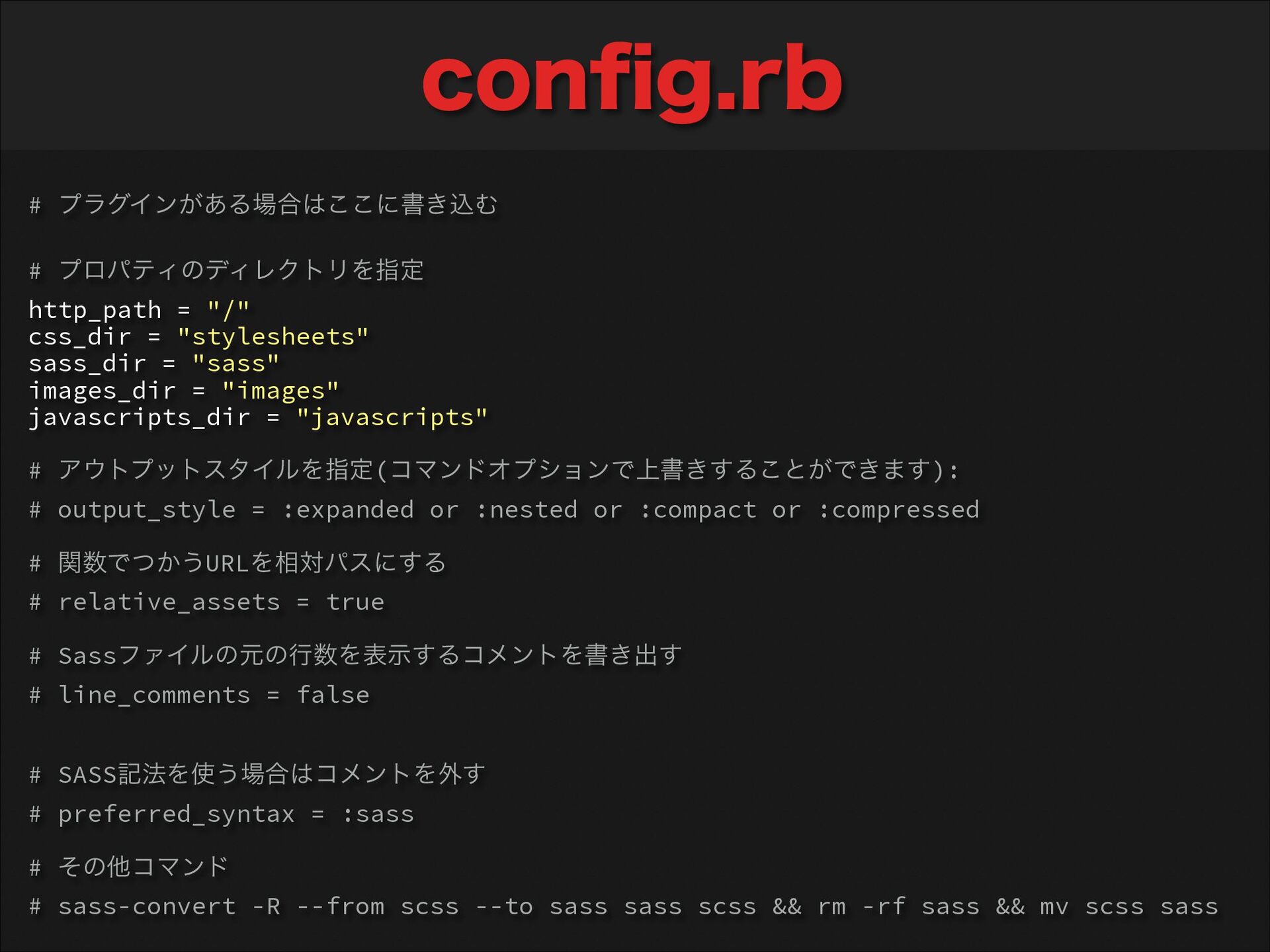
  22. config.rb # プラグインがある場合はここに書き込む ! # プロパティのディレクトリを指定 http_path = "/" css_dir

    = "stylesheets" sass_dir = "sass" images_dir = "images" javascripts_dir = "javascripts" ! # アウトプットスタイルを指定(コマンドオプションで上書きすることができます): # output_style = :expanded or :nested or :compact or :compressed ! # 関数でつかうURLを相対パスにする # relative_assets = true ! # Sassファイルの元の行数を表示するコメントを書き出す # line_comments = false ! ! # SASS記法を使う場合はコメントを外す # preferred_syntax = :sass ! # その他コマンド # sass-convert -R --from scss --to sass sass scss && rm -rf sass && mv scss sass
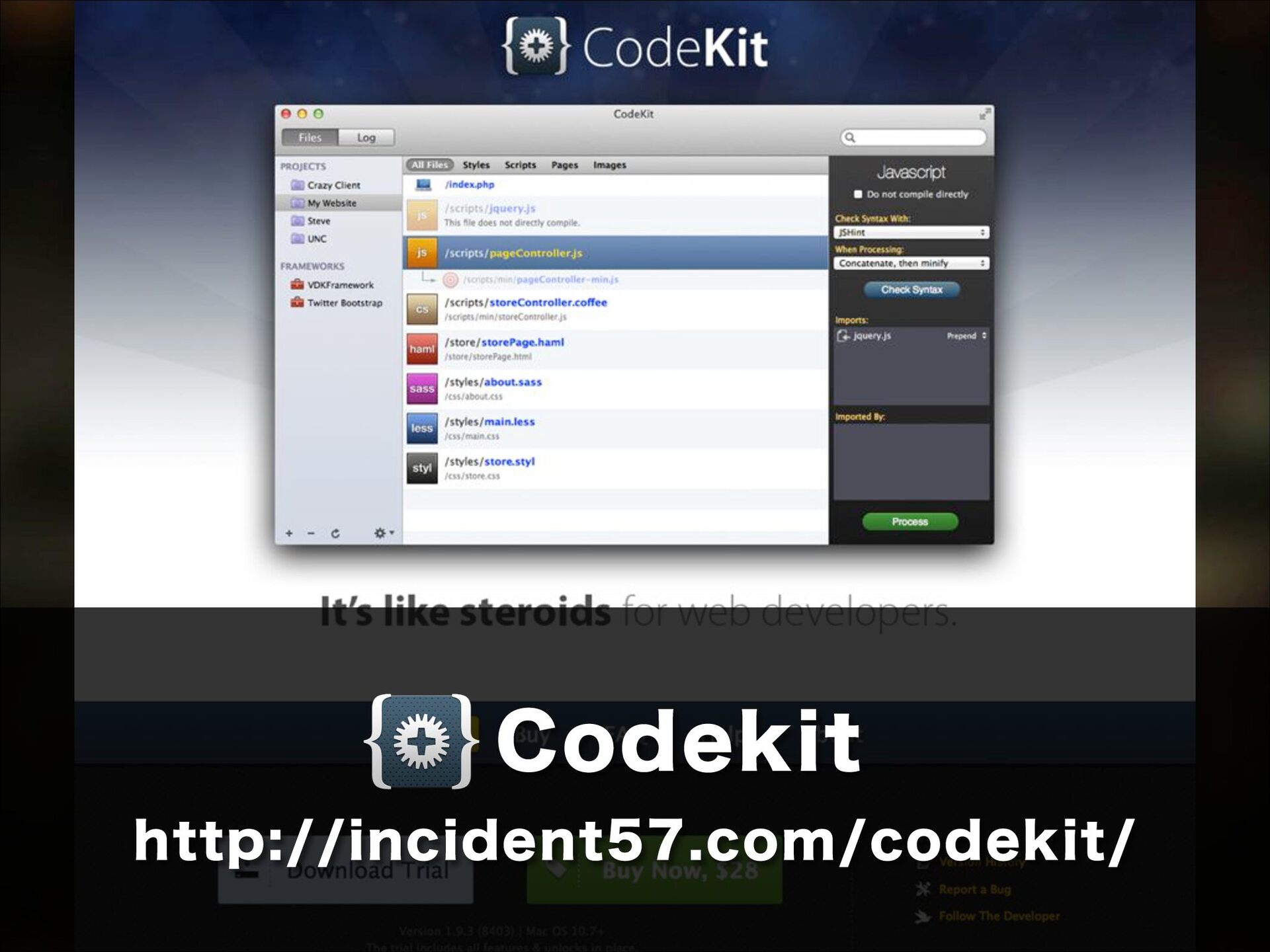
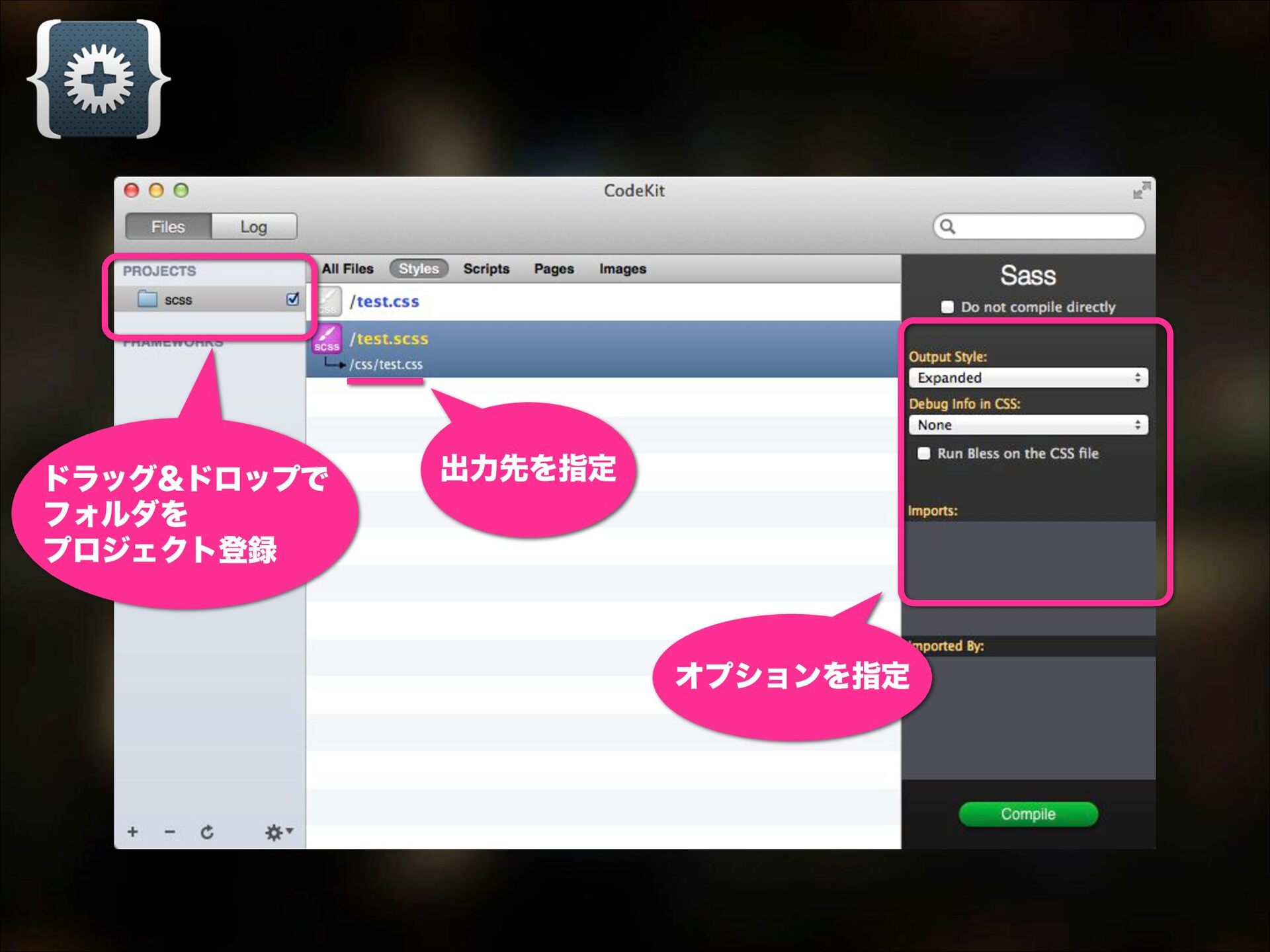
  23. • Mac専用 • 有料($28) • とにかく高機能 オートリロード / 独自テンプレート /

    画像最適化 複数人のプロジェクト同期 / ファイルの結合・圧縮 SassのフレームワークBourbonにも対応 Codekit http://incident57.com/codekit/