Share
Embed
Transcript
13 slides
-
Create your own Live CD from Knoppix THE LIVE CD
WORKSHOP : Presenter Sarath Lakshman www.sarathlakshman.info KDE KDE -
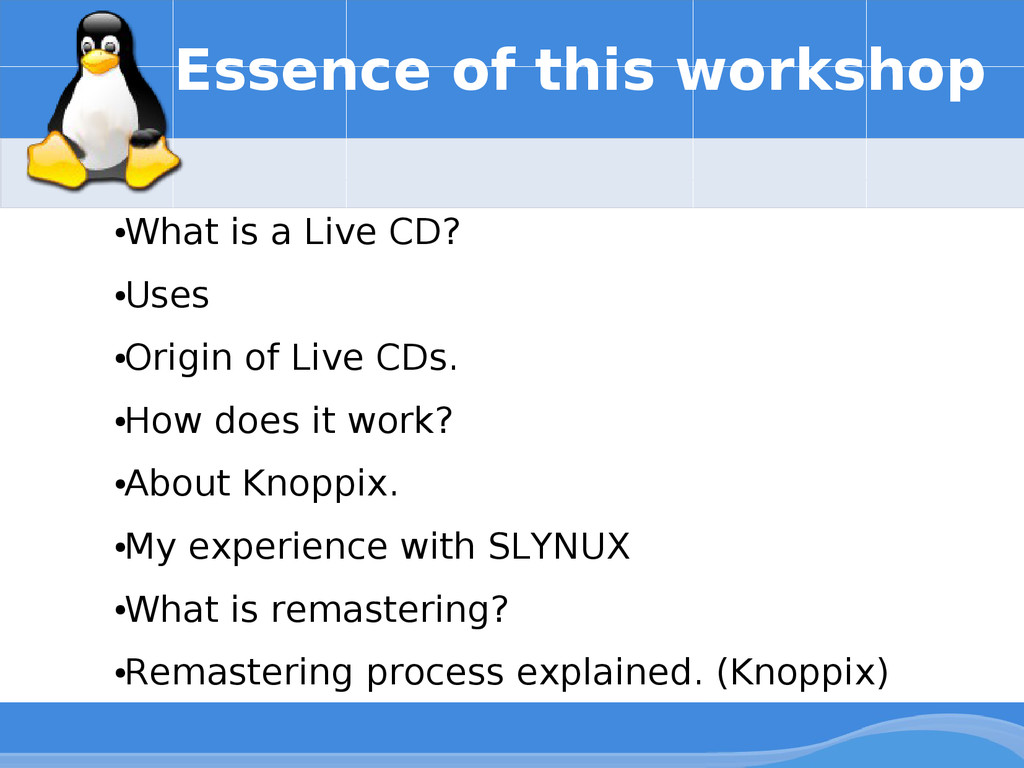
Essence of this workshop • What is a Live CD?
• Uses • Origin of Live CDs. • How does it work? • About Knoppix. • My experience with SLYNUX • What is remastering? • Remastering process explained. (Knoppix) -
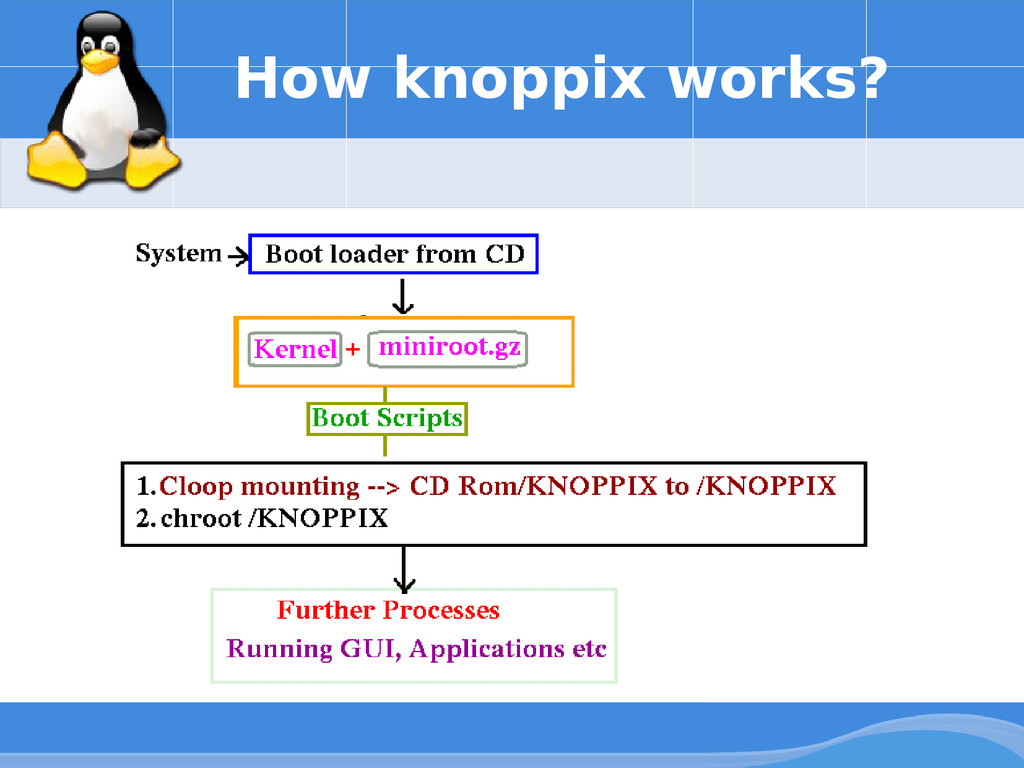
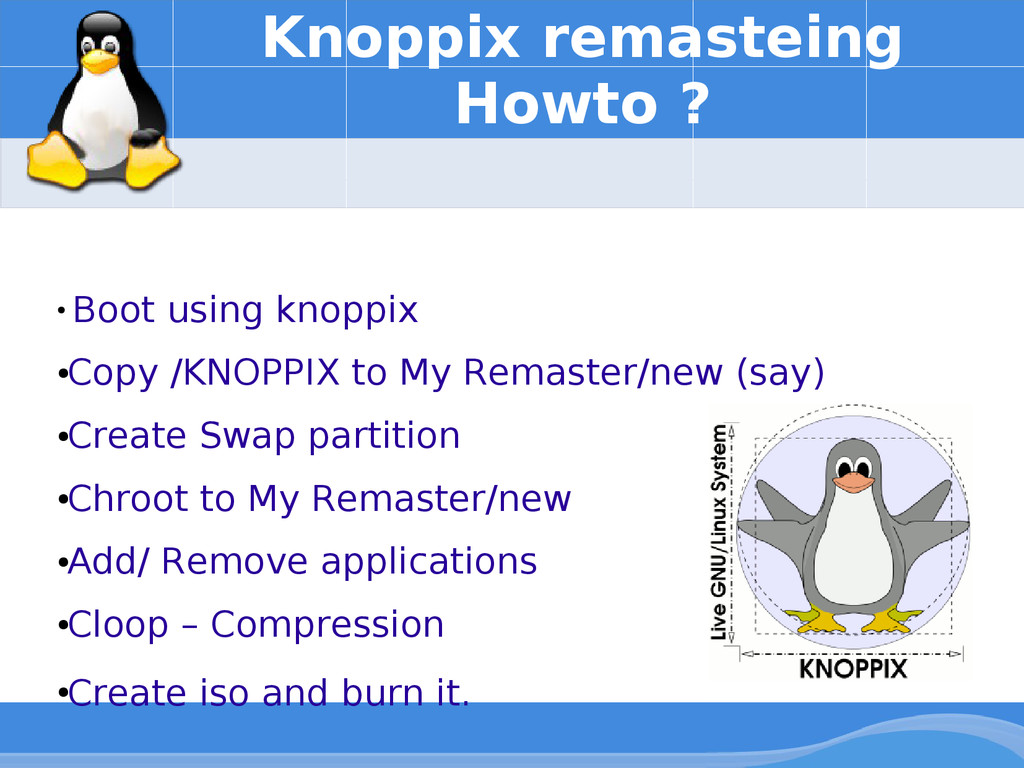
Knoppix remasteing Howto ? • Boot using knoppix • Copy
/KNOPPIX to My Remaster/new (say) • Create Swap partition • Chroot to My Remaster/new • Add/ Remove applications • Cloop – Compression • Create iso and burn it. -
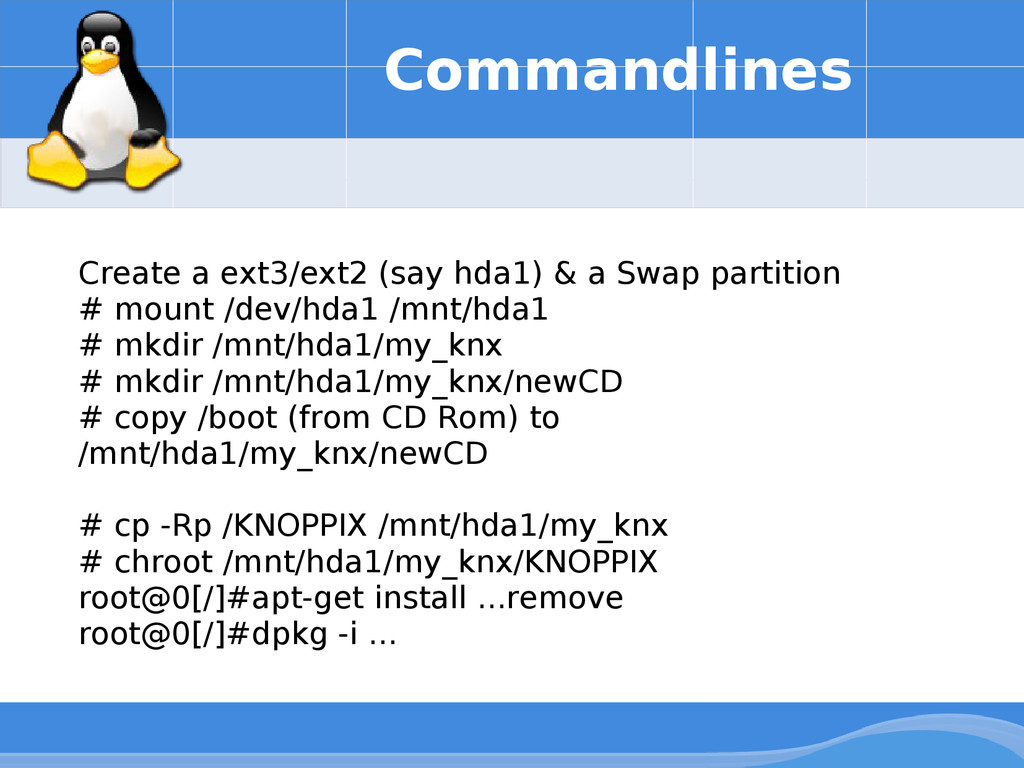
Commandlines Create a ext3/ext2 (say hda1) & a Swap partition
# mount /dev/hda1 /mnt/hda1 # mkdir /mnt/hda1/my_knx # mkdir /mnt/hda1/my_knx/newCD # copy /boot (from CD Rom) to /mnt/hda1/my_knx/newCD # cp -Rp /KNOPPIX /mnt/hda1/my_knx # chroot /mnt/hda1/my_knx/KNOPPIX root@0[/]#apt-get install ...remove root@0[/]#dpkg -i ... -
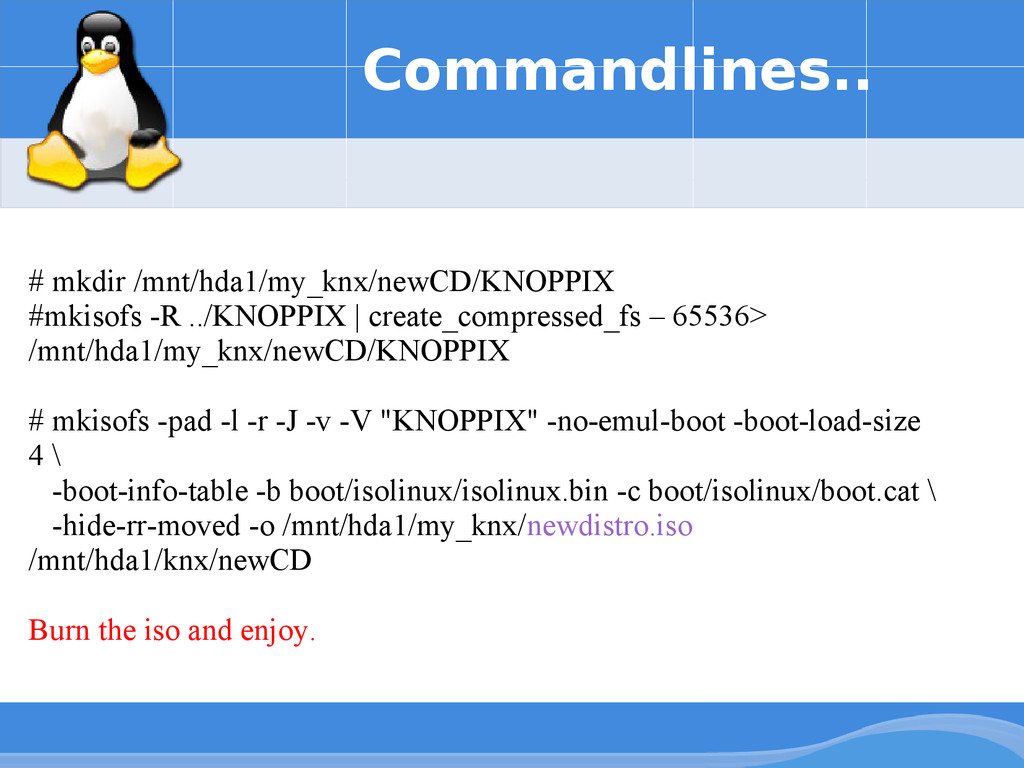
Commandlines.. # mkdir /mnt/hda1/my_knx/newCD/KNOPPIX #mkisofs -R ../KNOPPIX | create_compressed_fs –
65536> /mnt/hda1/my_knx/newCD/KNOPPIX # mkisofs -pad -l -r -J -v -V "KNOPPIX" -no-emul-boot -boot-load-size 4 \ -boot-info-table -b boot/isolinux/isolinux.bin -c boot/isolinux/boot.cat \ -hide-rr-moved -o /mnt/hda1/my_knx/newdistro.iso /mnt/hda1/knx/newCD Burn the iso and enjoy. -
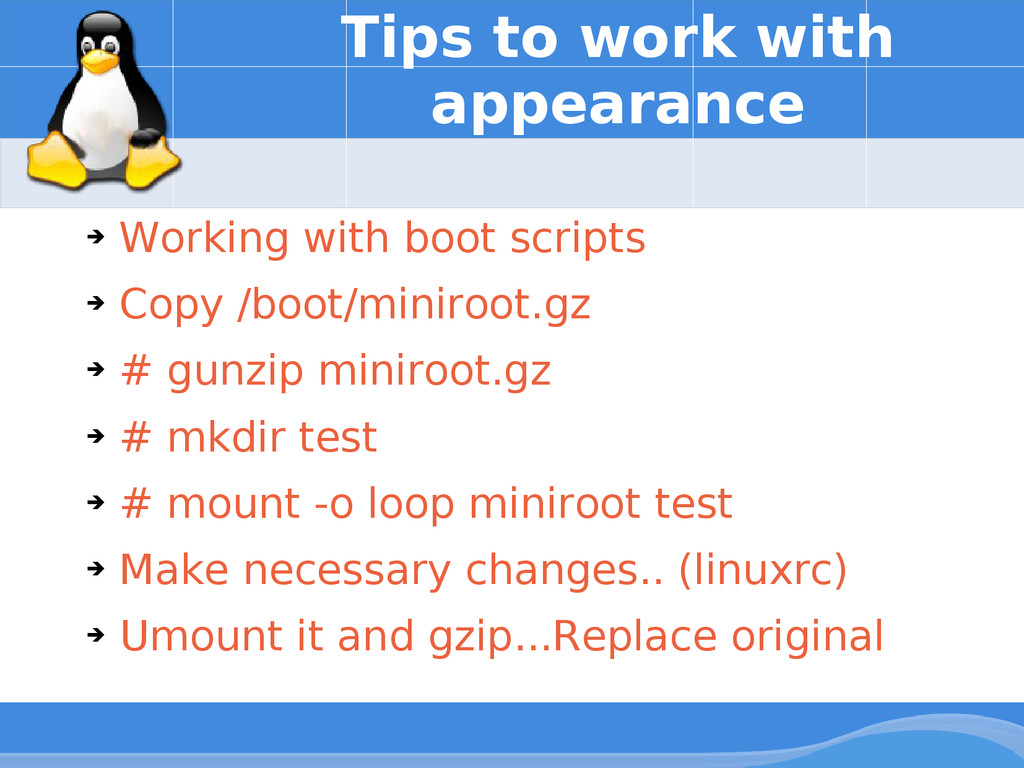
Tips to work with appearance ➔ Working with boot scripts
➔ Copy /boot/miniroot.gz ➔ # gunzip miniroot.gz ➔ # mkdir test ➔ # mount -o loop miniroot test ➔ Make necessary changes.. (linuxrc) ➔ Umount it and gzip...Replace original -
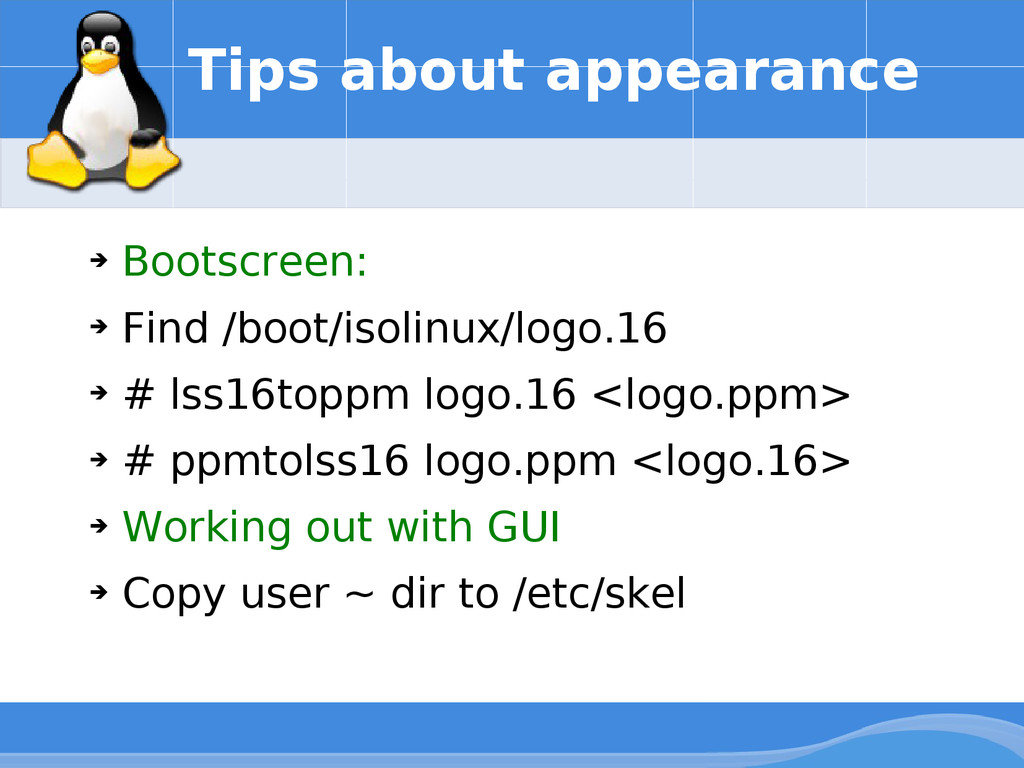
Tips about appearance ➔ Bootscreen: ➔ Find /boot/isolinux/logo.16 ➔ #
lss16toppm logo.16 <logo.ppm> ➔ # ppmtolss16 logo.ppm <logo.16> ➔ Working out with GUI ➔ Copy user ~ dir to /etc/skel -
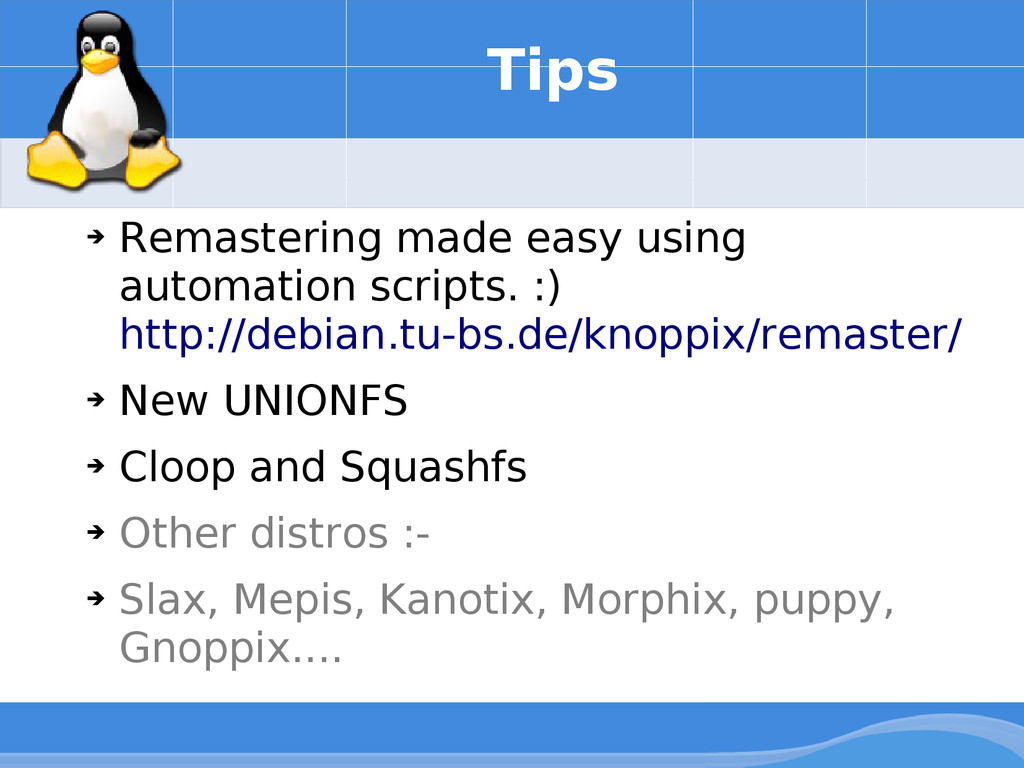
Tips ➔ Remastering made easy using automation scripts. :) http://debian.tu-bs.de/knoppix/remaster/
➔ New UNIONFS ➔ Cloop and Squashfs ➔ Other distros :- ➔ Slax, Mepis, Kanotix, Morphix, puppy, Gnoppix.... -
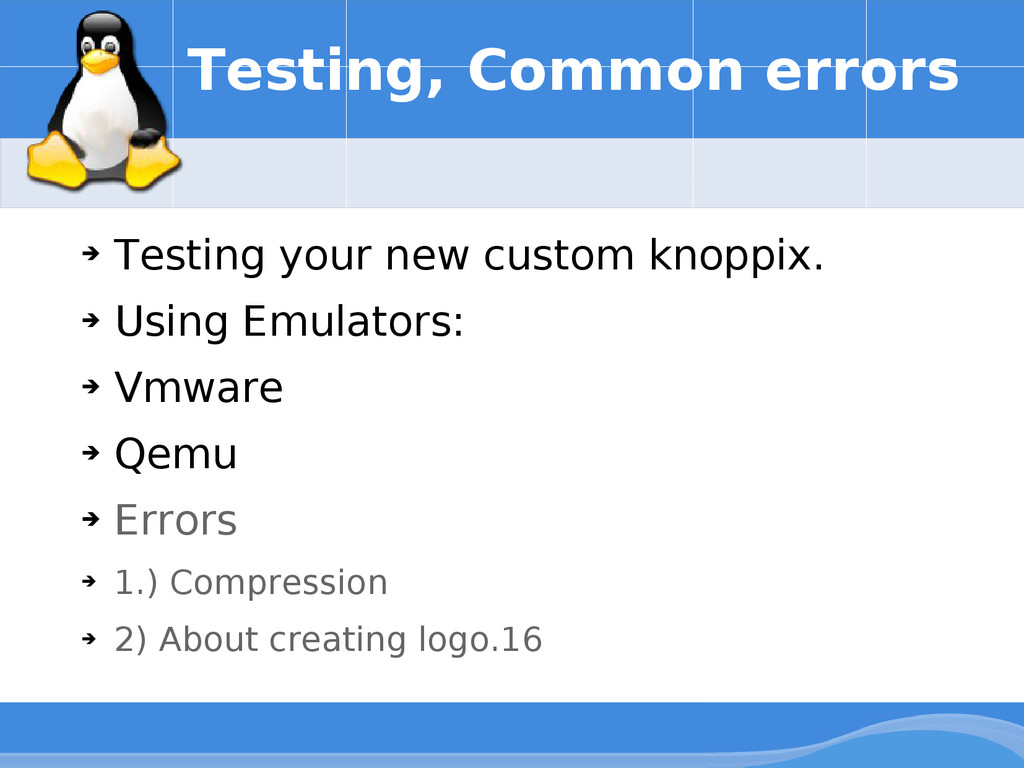
Testing, Common errors ➔ Testing your new custom knoppix. ➔
Using Emulators: ➔ Vmware ➔ Qemu ➔ Errors ➔ 1.) Compression ➔ 2) About creating logo.16 -
Thanks to foss.in • Experience with my distro - SLYNUX
Let's Create a Live CD now.