Upgrade to Pro — share decks privately, control downloads, hide ads and more …

Angular js best practice

Sponsored · Ship Features Fearlessly Turn features on and off without deploys. Used by thousands of Ruby developers.
Avatar for Matteo Matteo
October 20, 2015

Angular js best practice

Slide from the talk: "Angular js best practice - for Enterprise development and distributed Teams"

Avatar for Matteo

Matteo

October 20, 2015
Tweet

Other Decks in Technology

Transcript

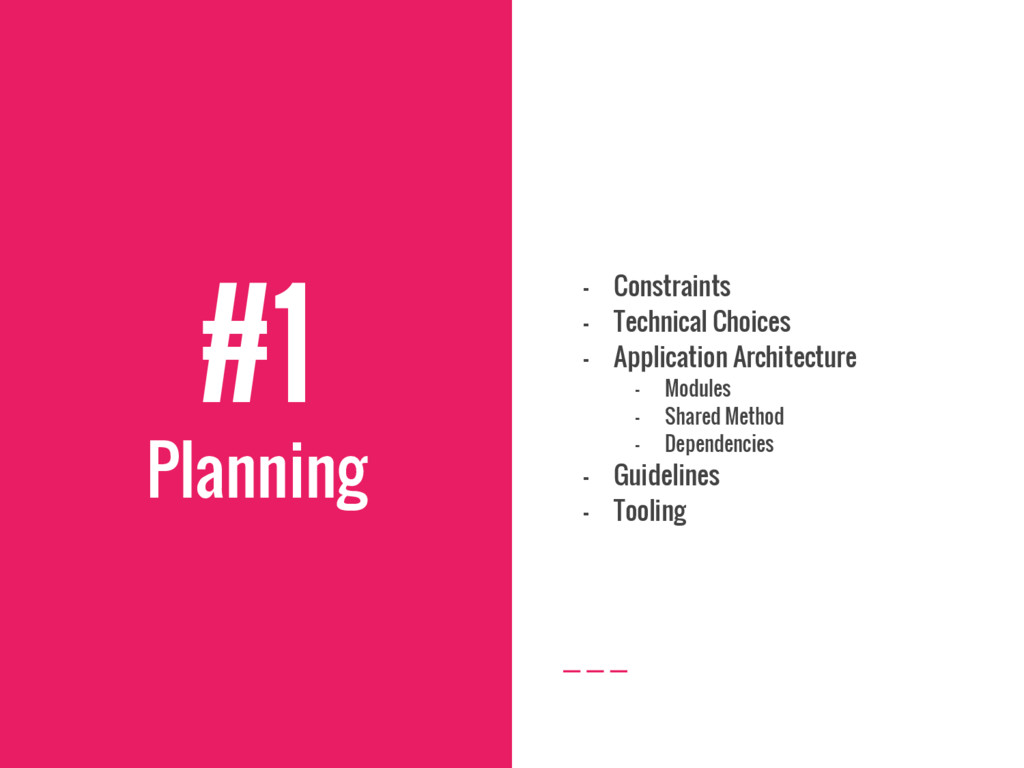
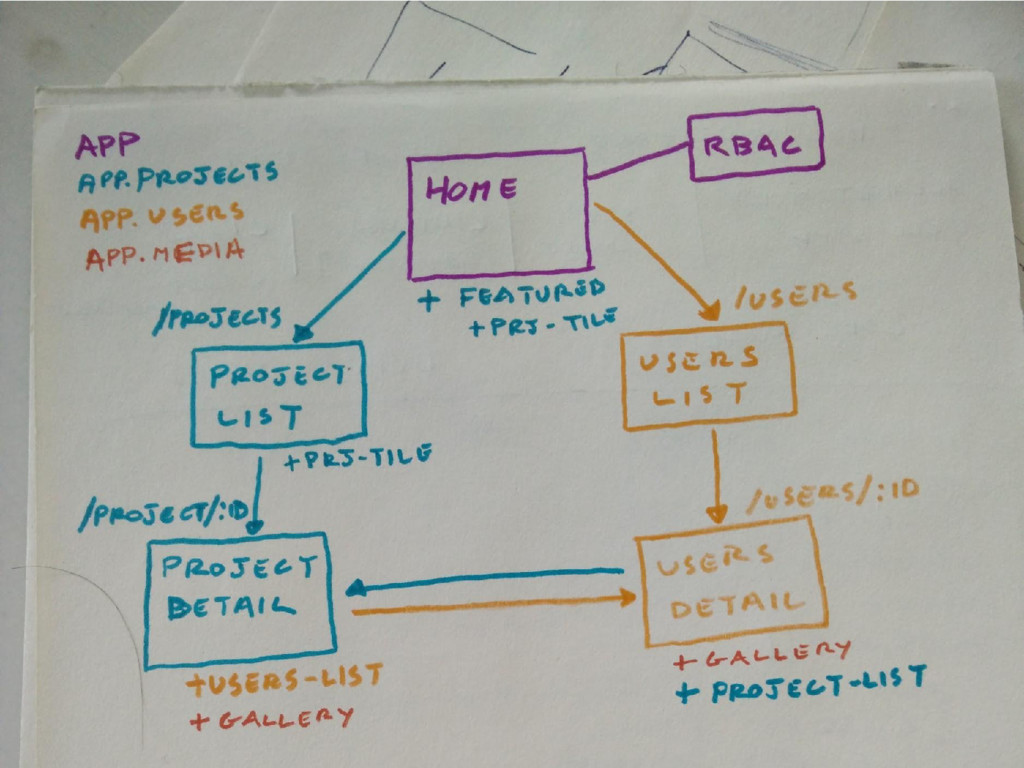
  1. #1 Planning - Constraints - Technical Choices - Application Architecture
    - Modules - Shared Method - Dependencies - Guidelines - Tooling
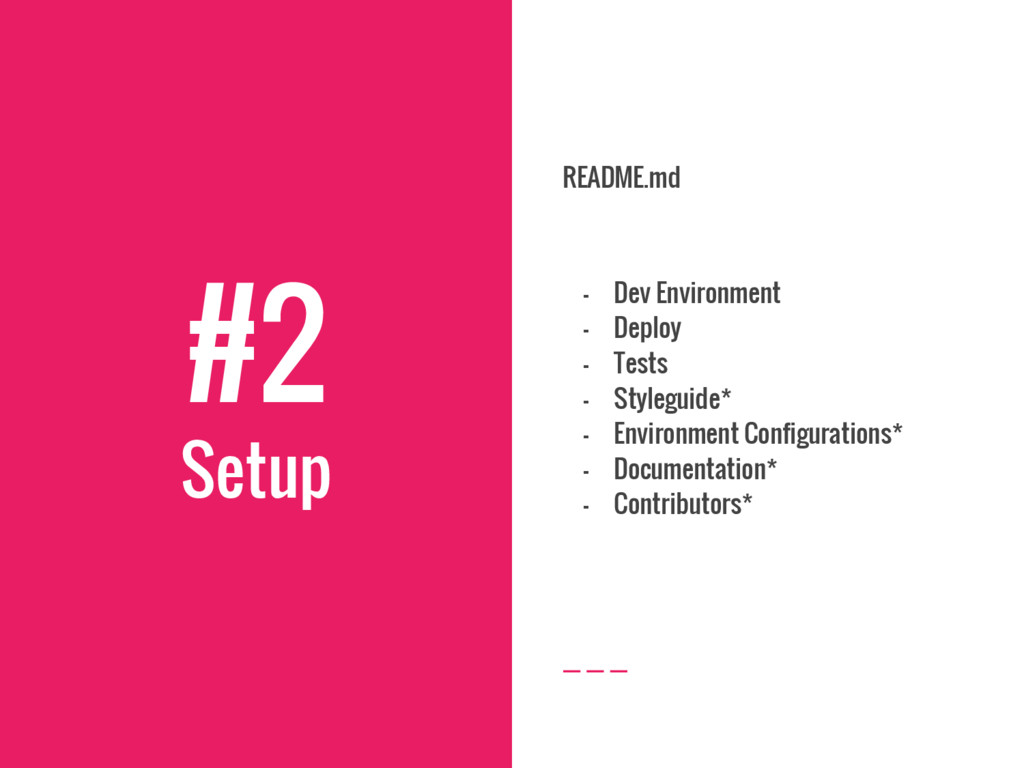
  2. #2 Setup README.md - Dev Environment - Deploy - Tests

    - Styleguide* - Environment Configurations* - Documentation* - Contributors*
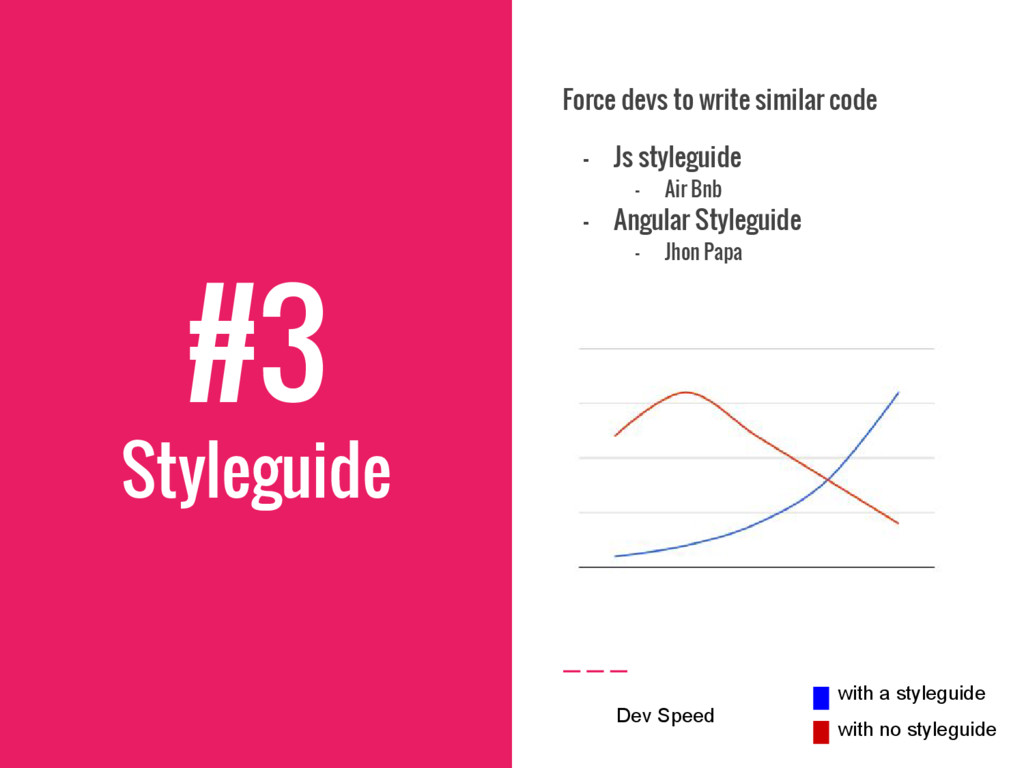
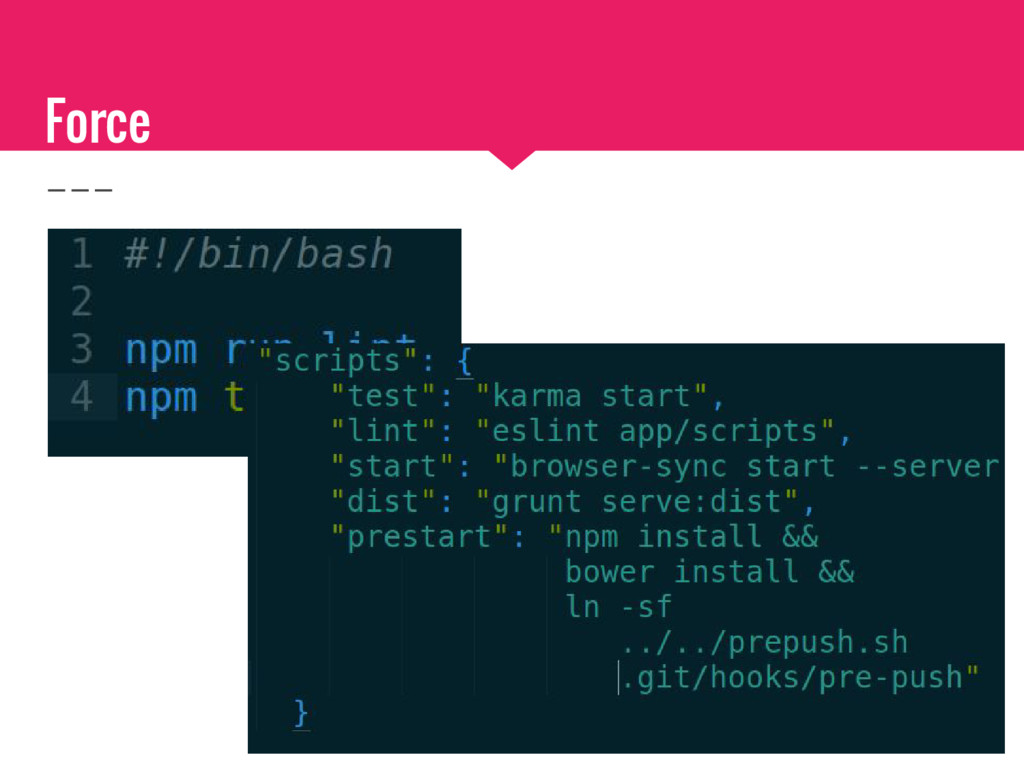
  3. #3 Styleguide Force devs to write similar code - Js

    styleguide - Air Bnb - Angular Styleguide - Jhon Papa with a styleguide with no styleguide Dev Speed
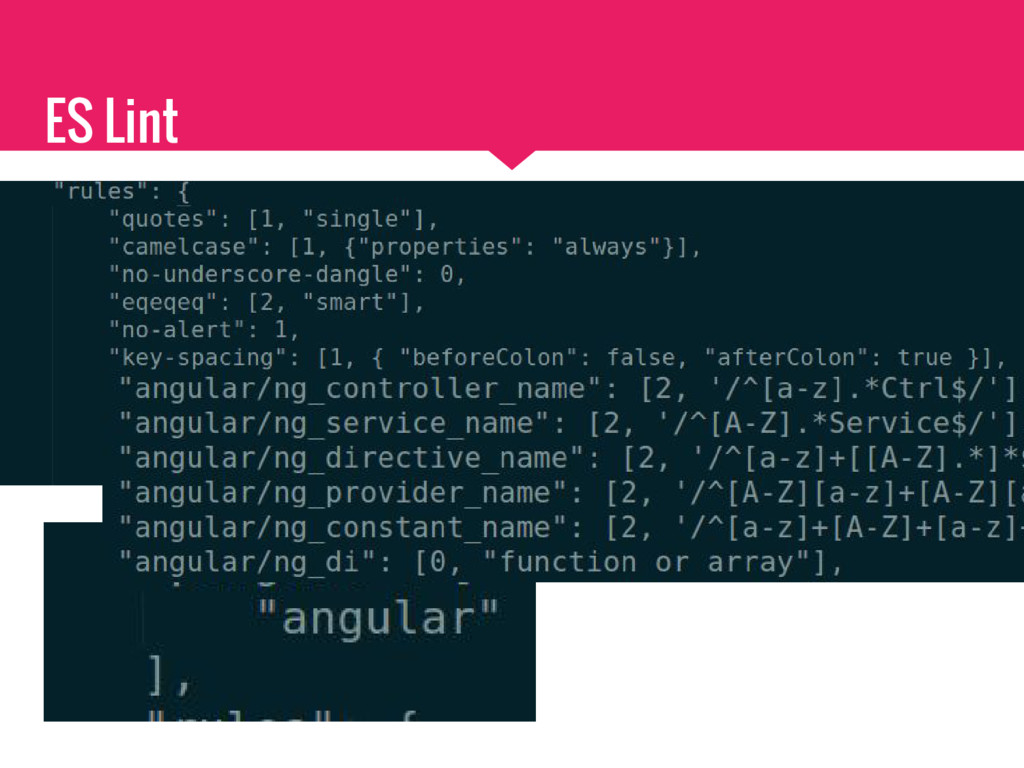
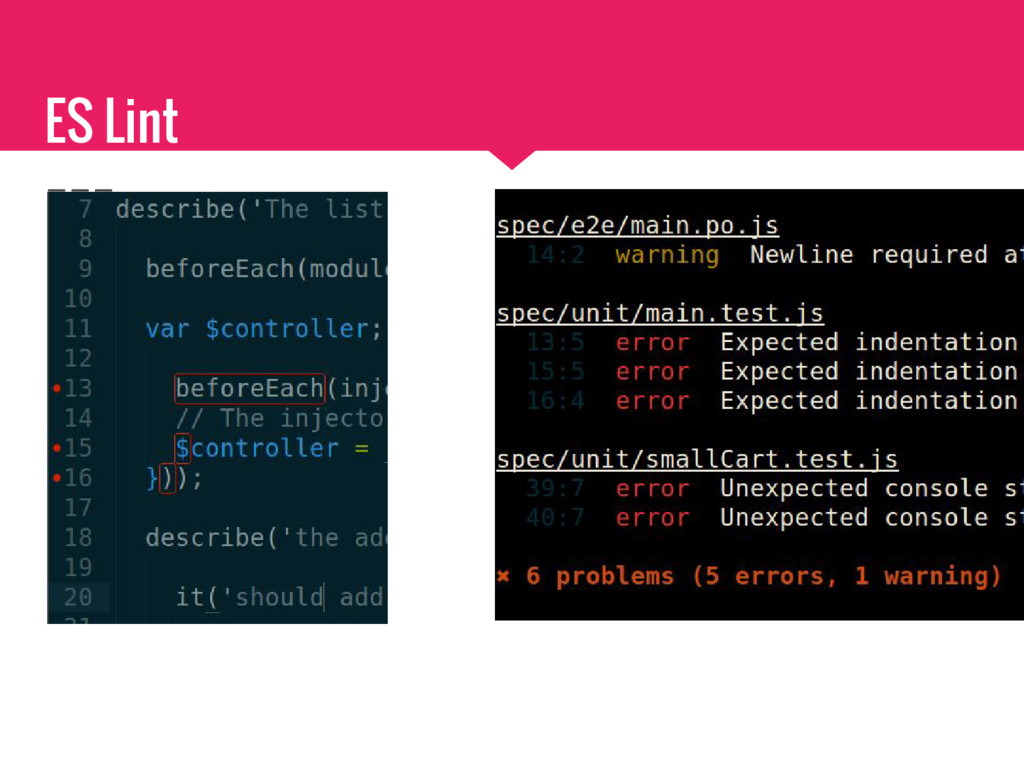
  4. ES Lint Pluggable linting utility - Configurable (Json, Yml) -

    Pluggable (as npm packages) - Extendable - custom rules - yeoman generator
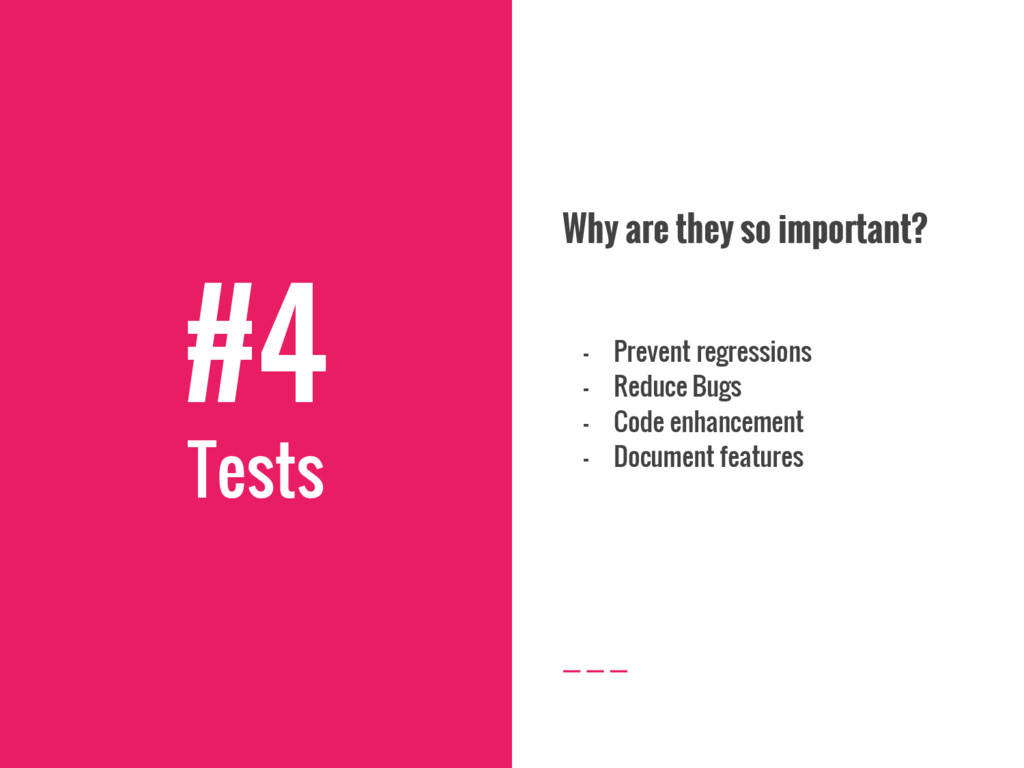
  5. #4 Tests Why are they so important? - Prevent regressions

    - Reduce Bugs - Code enhancement - Document features
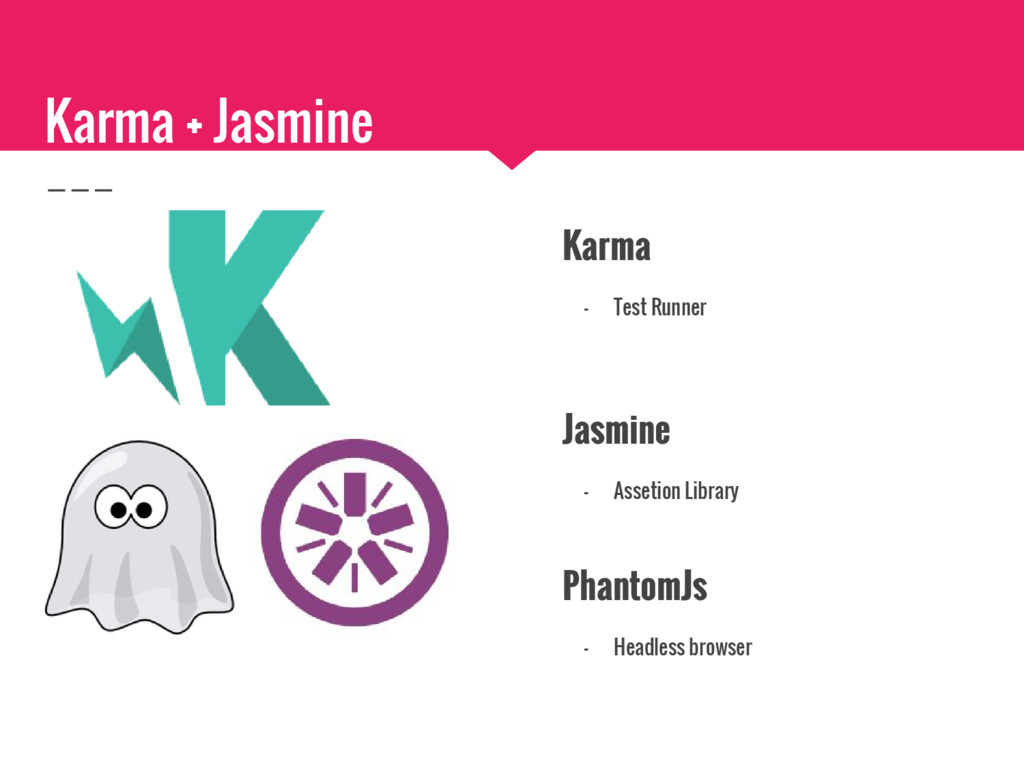
  6. Karma + Jasmine Karma - Test Runner Jasmine - Assetion

    Library PhantomJs - Headless browser
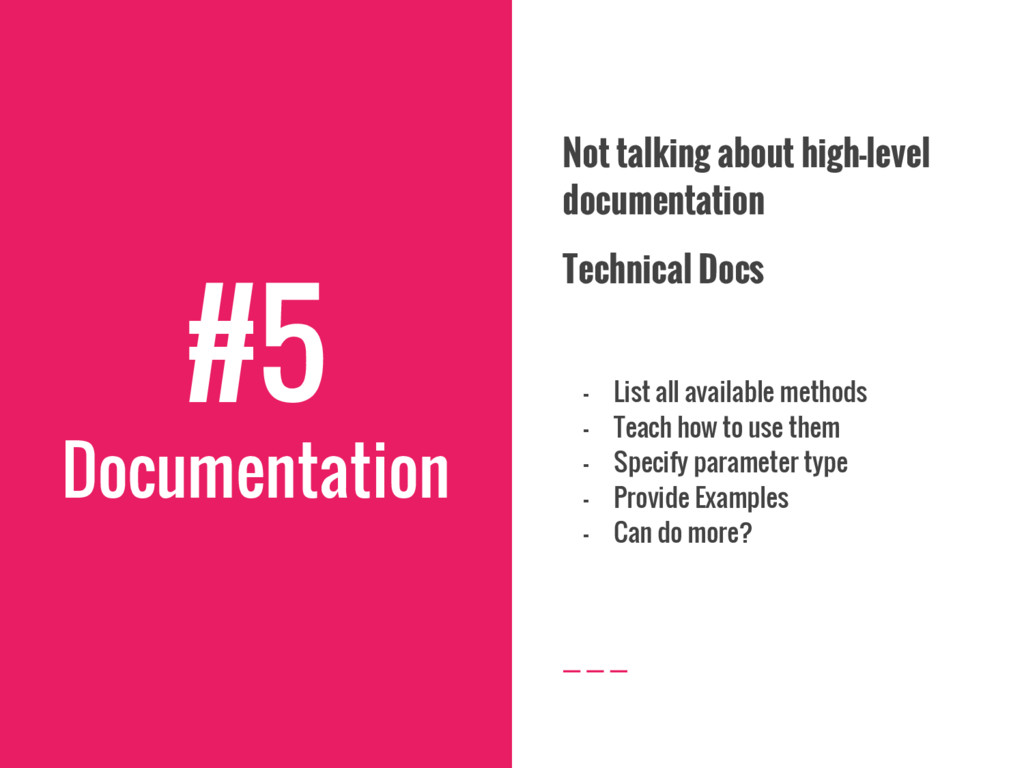
  7. #5 Documentation Not talking about high-level documentation Technical Docs -

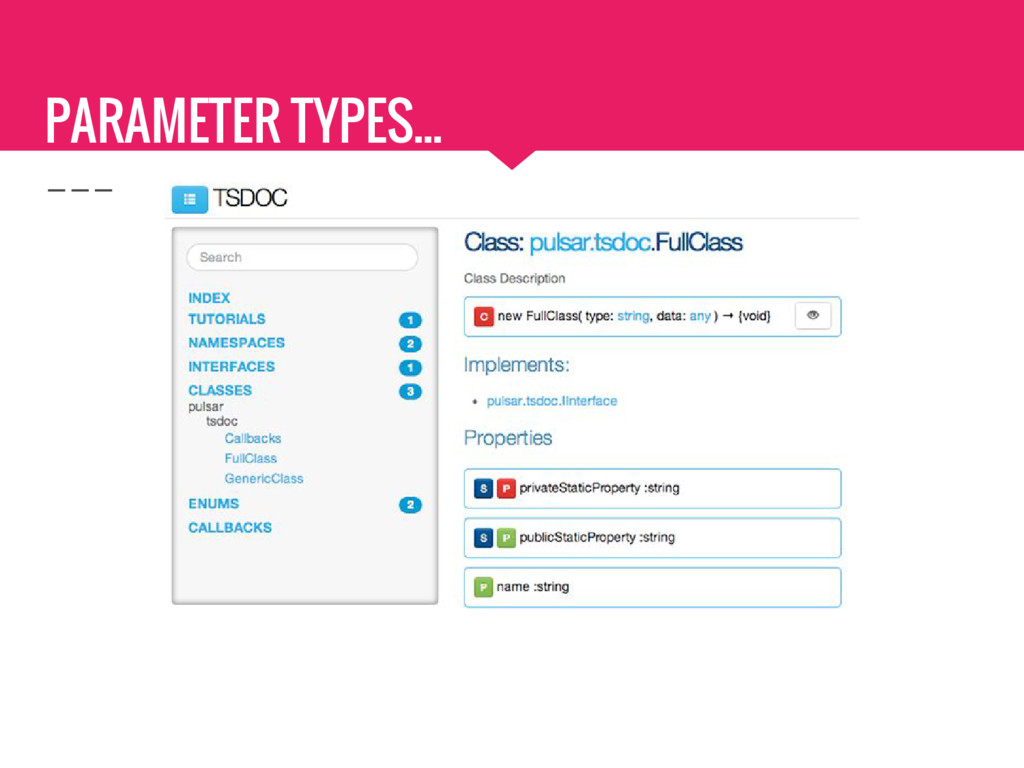
    List all available methods - Teach how to use them - Specify parameter type - Provide Examples - Can do more?
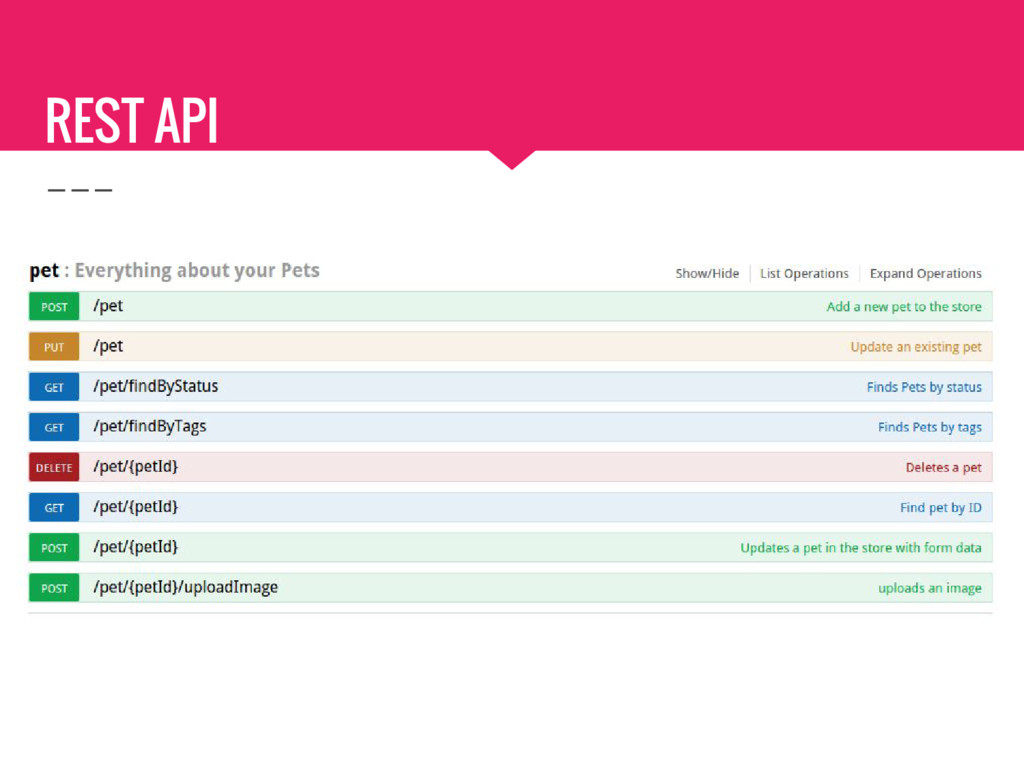
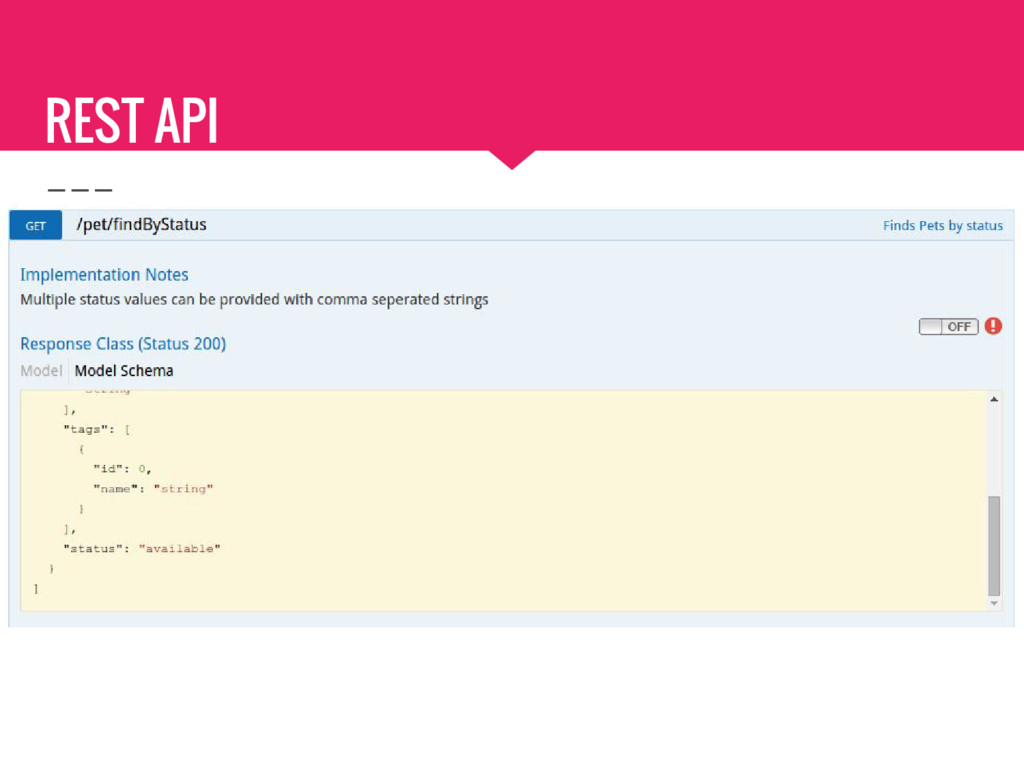
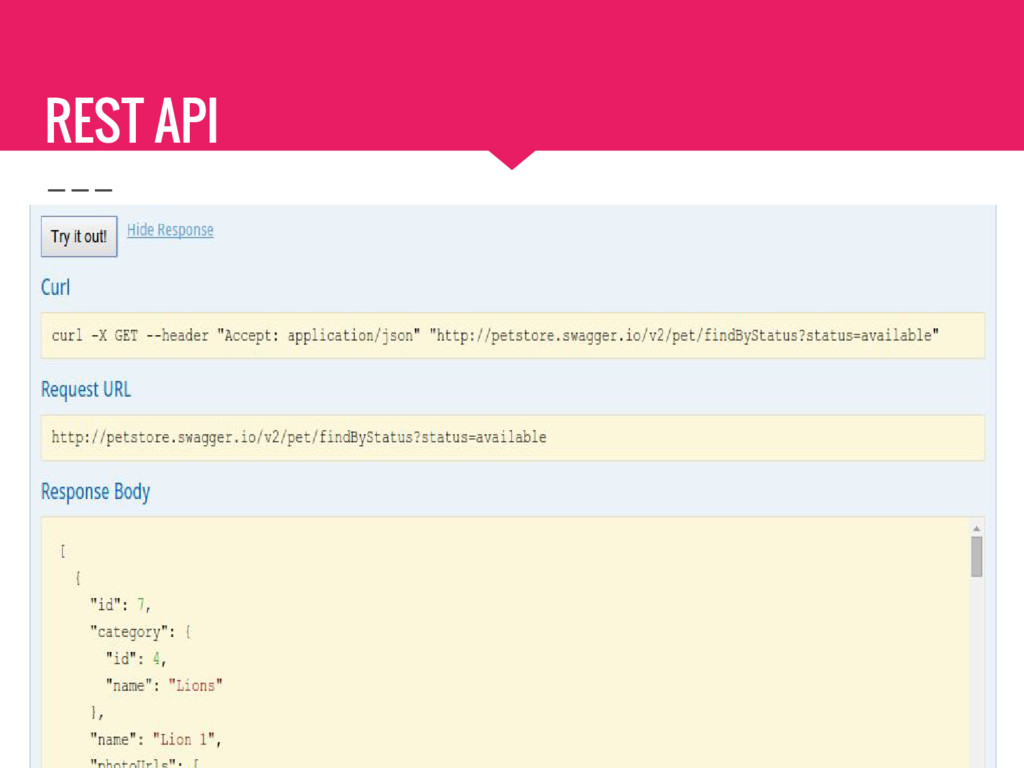
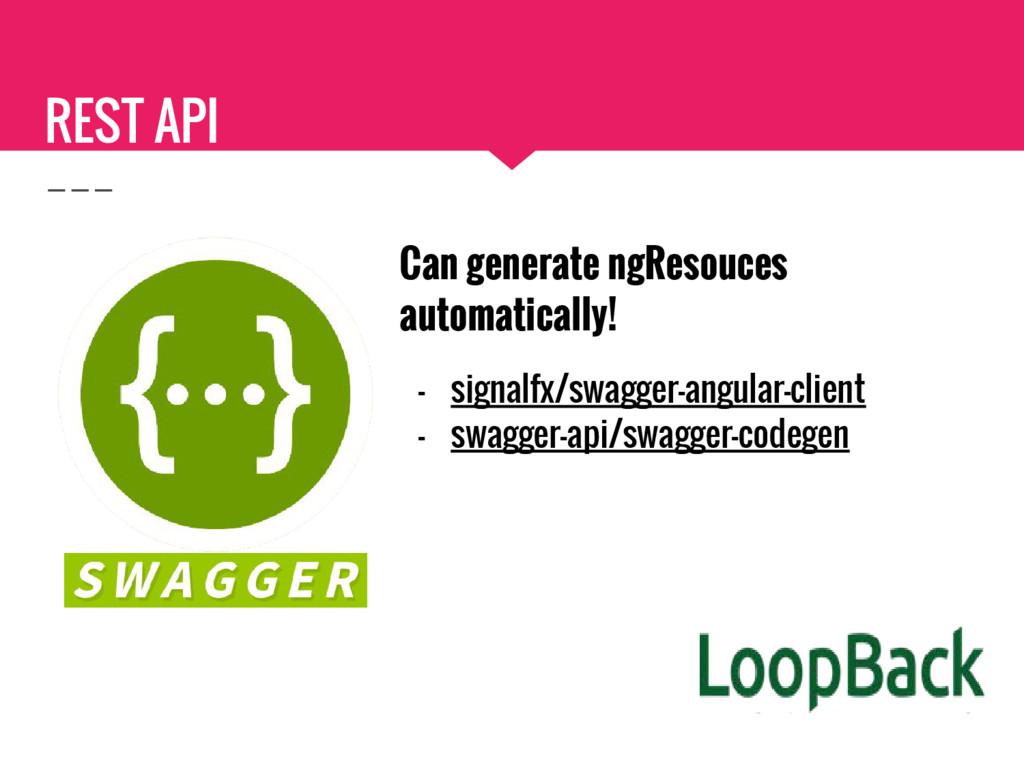
  8. REST API Build a representation of your restfull API -

    Interactive documentation - Client SDK generation
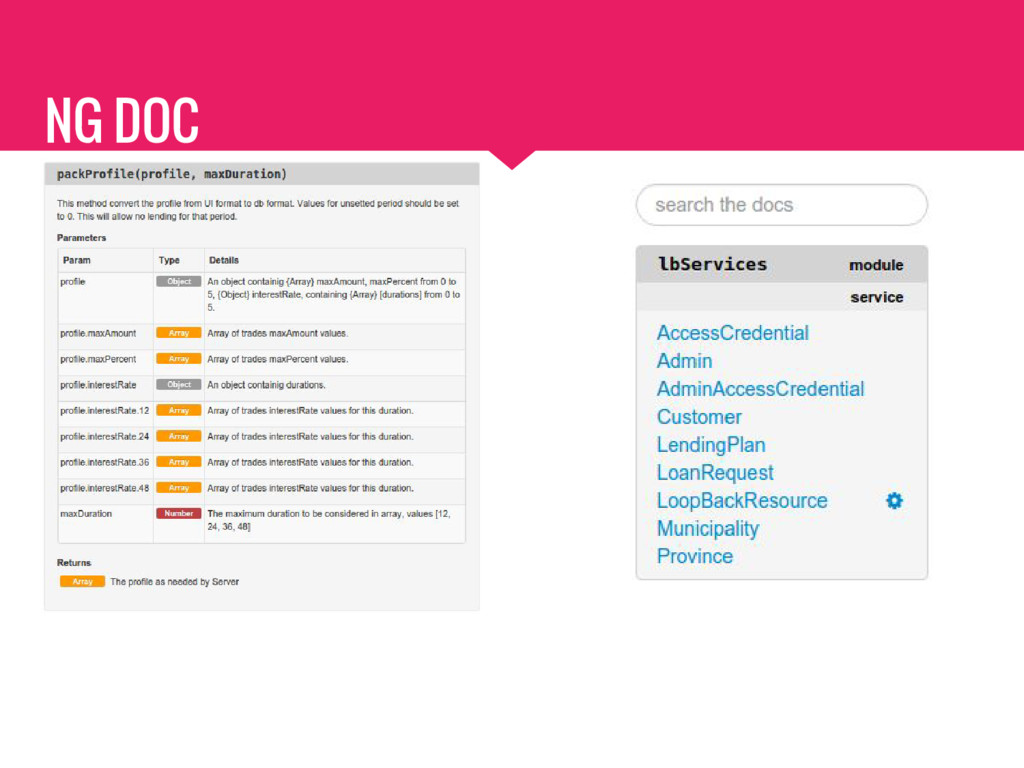
  9. NG DOC ngDoc - Extend jsDoc - Browsable Documentation -

    Describe the app API - Provide usage examples
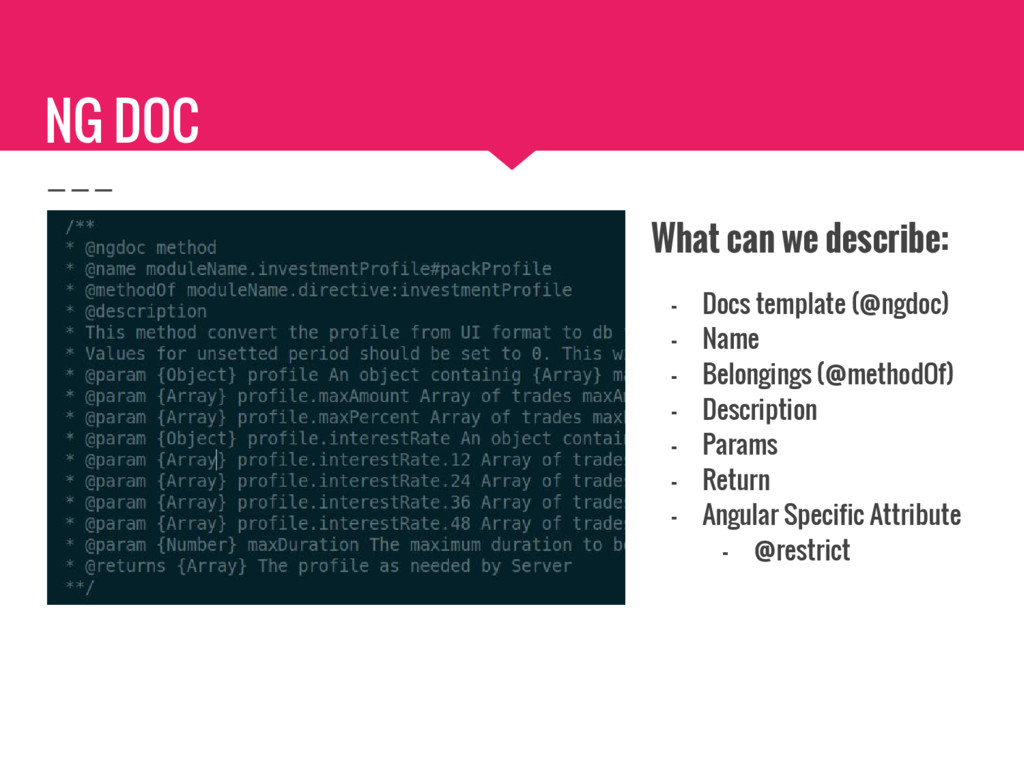
  10. NG DOC What can we describe: - Docs template (@ngdoc)

    - Name - Belongings (@methodOf) - Description - Params - Return - Angular Specific Attribute - @restrict
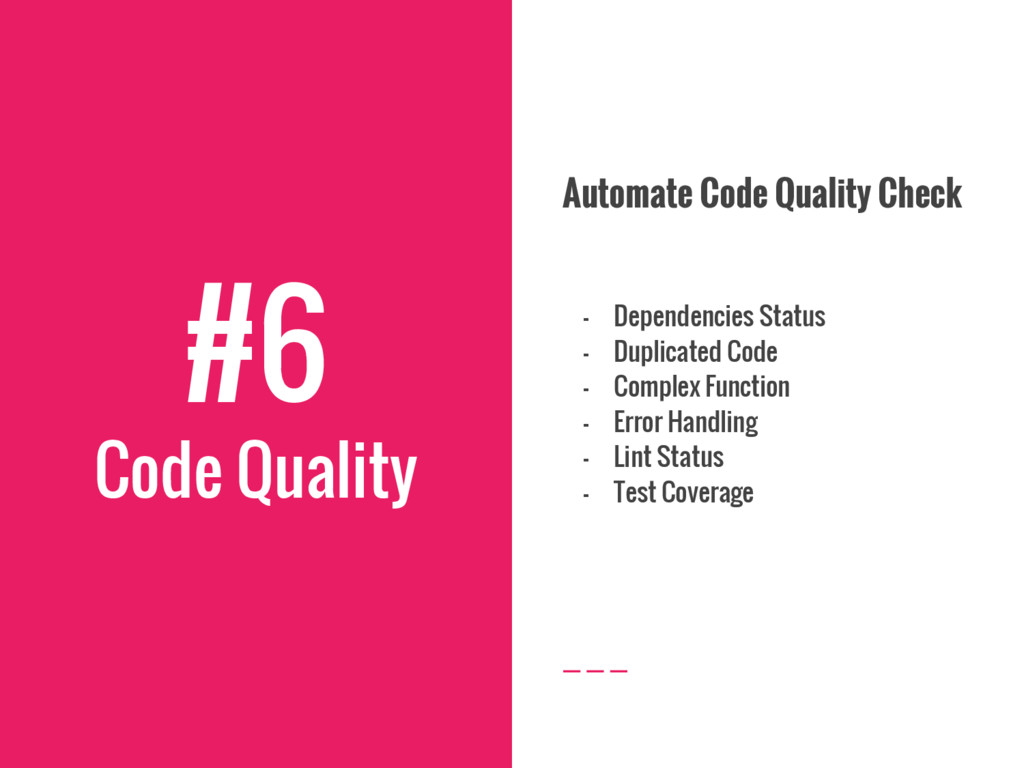
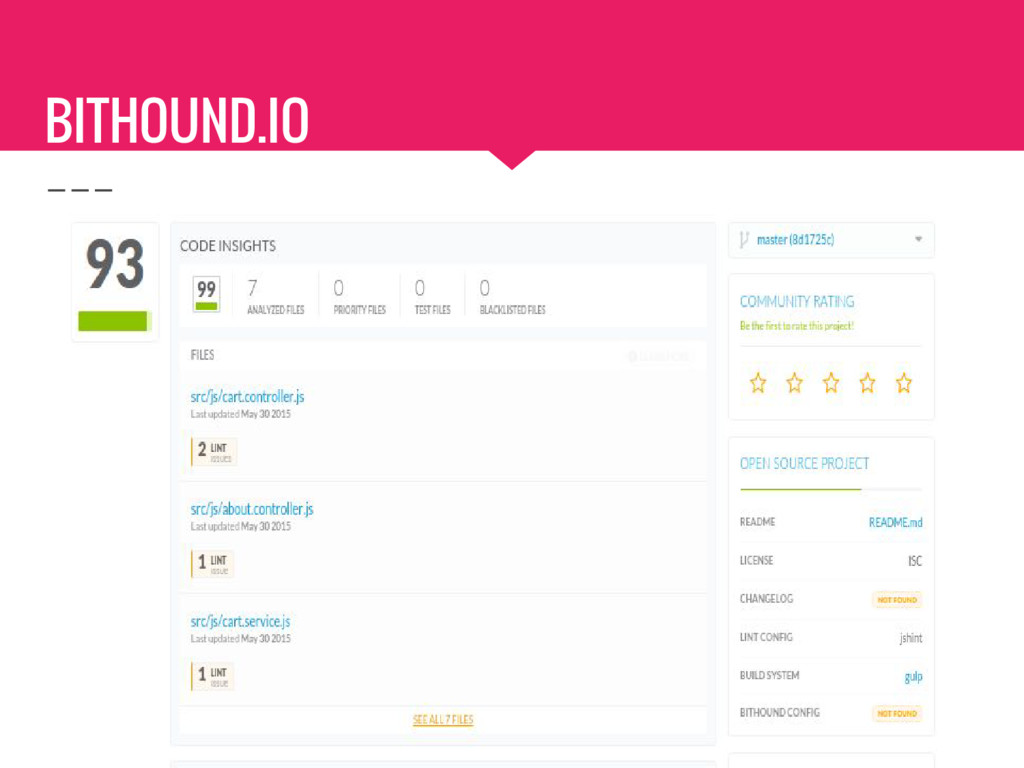
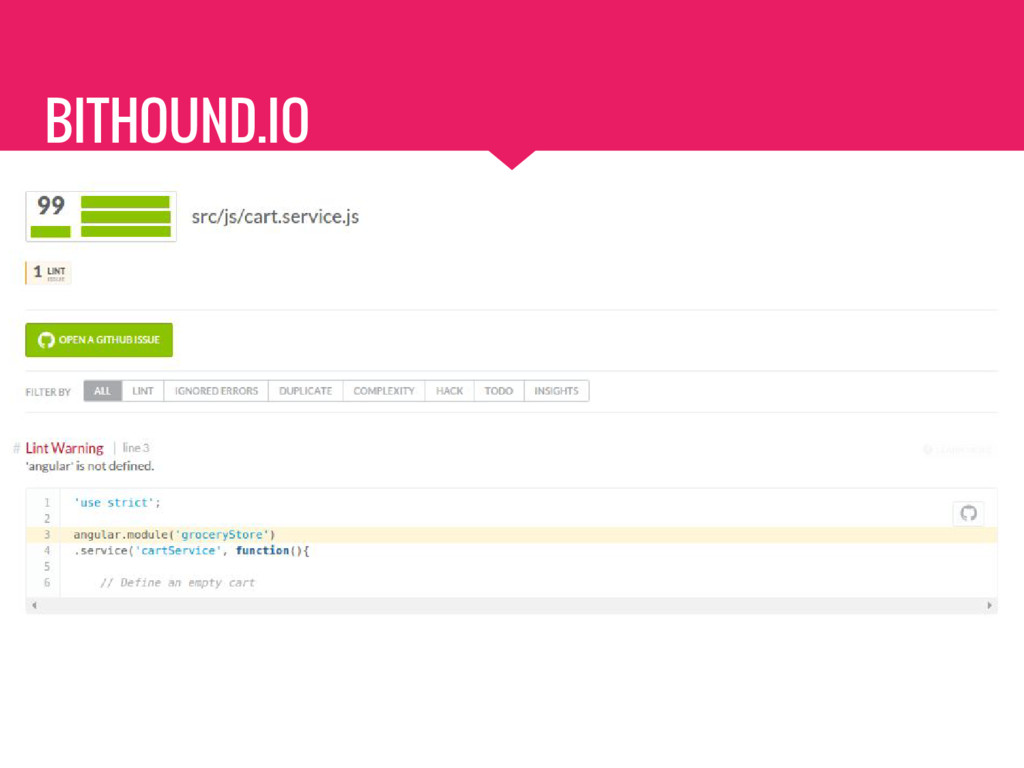
  11. #6 Code Quality Automate Code Quality Check - Dependencies Status

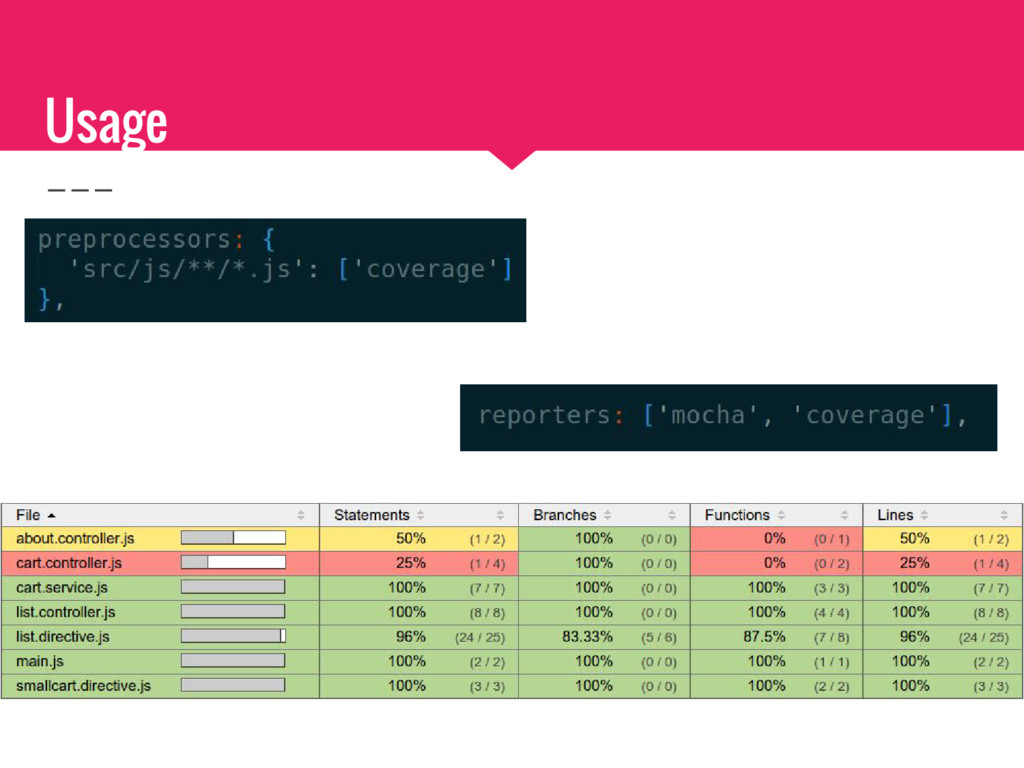
    - Duplicated Code - Complex Function - Error Handling - Lint Status - Test Coverage
  12. #7 Continuous Integration Why? - Automate the process - Error

    reduction - Generate reports - 1 click (or no-click deploy)
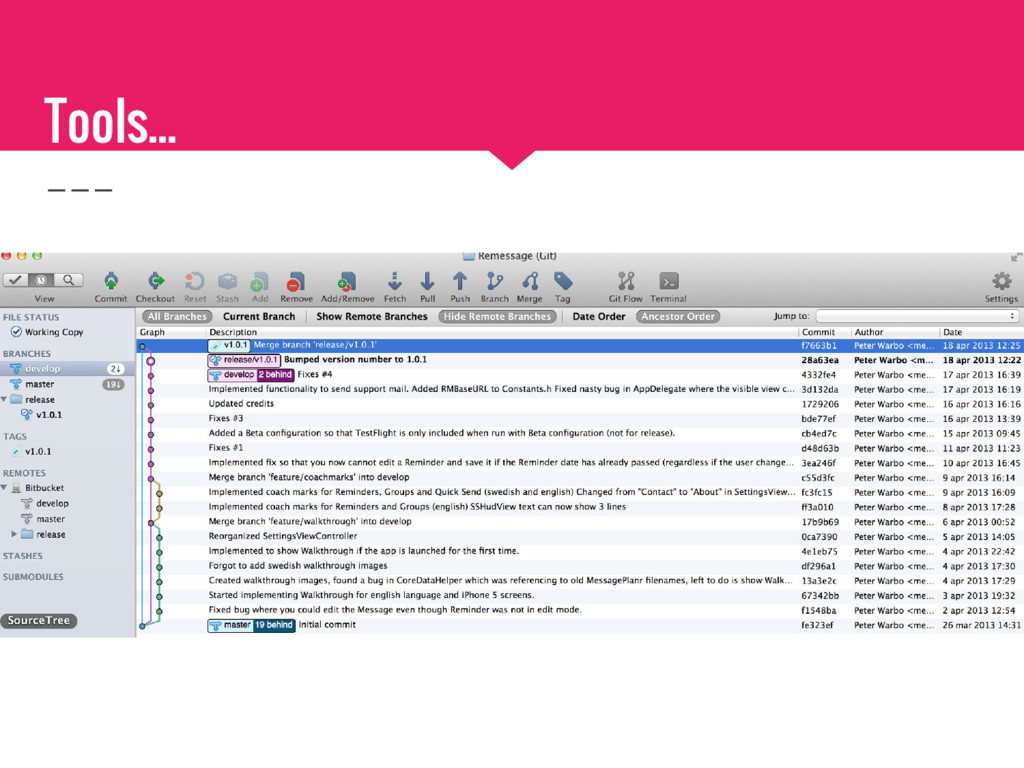
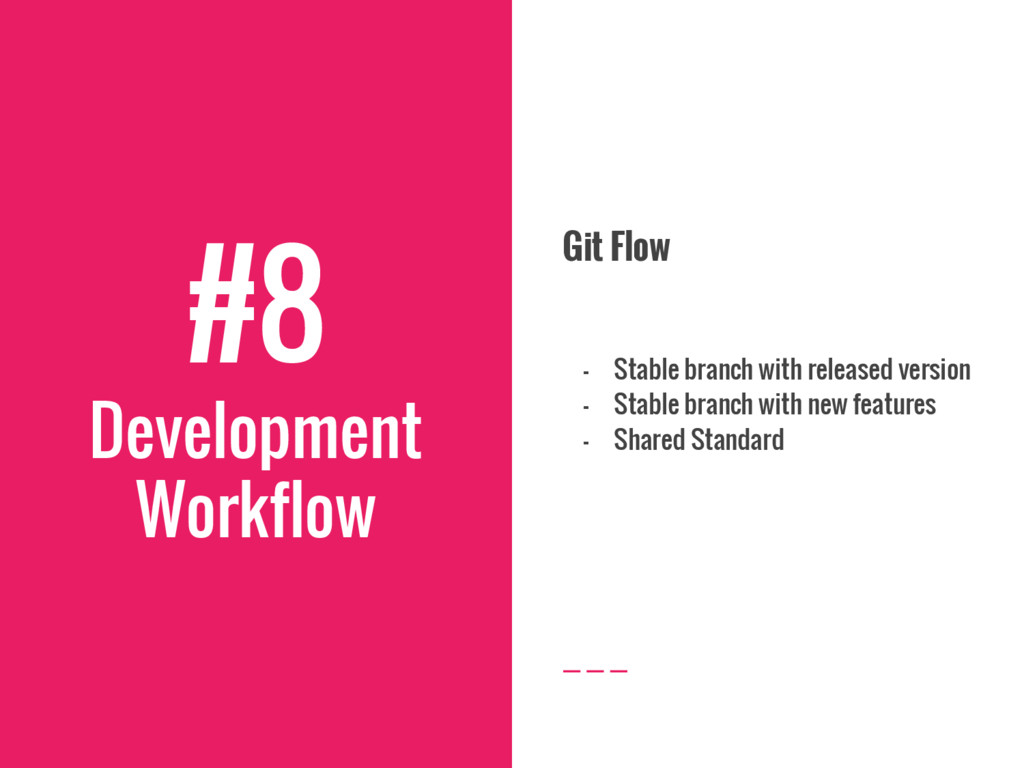
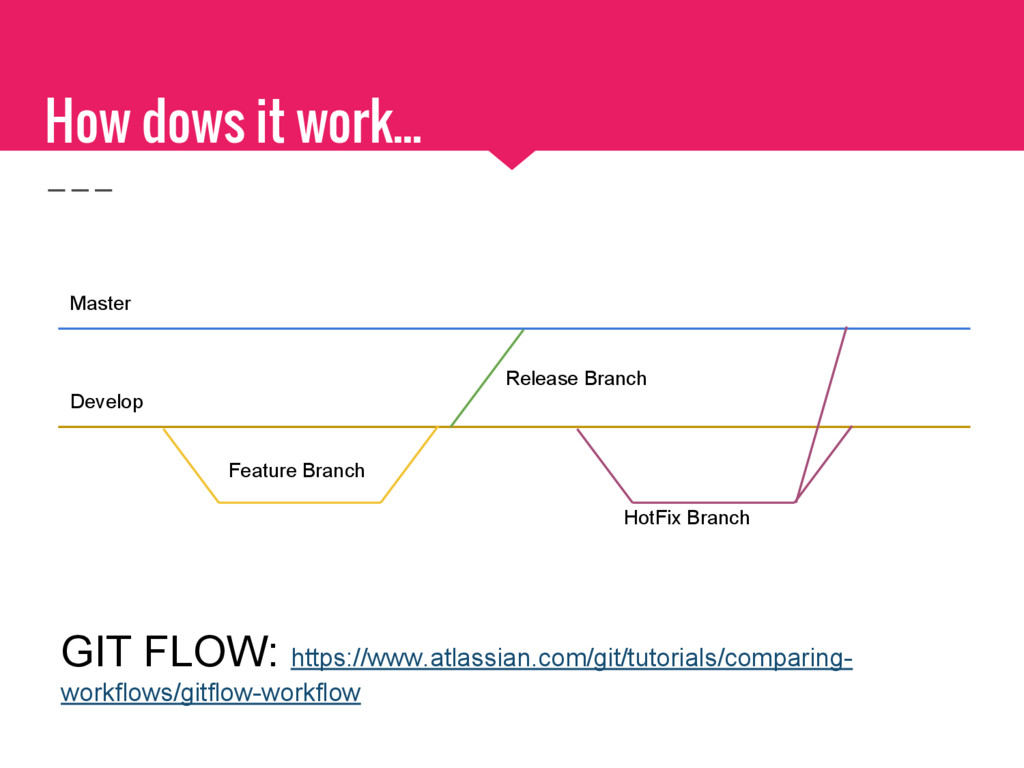
  13. #8 Development Workflow Git Flow - Stable branch with released

    version - Stable branch with new features - Shared Standard
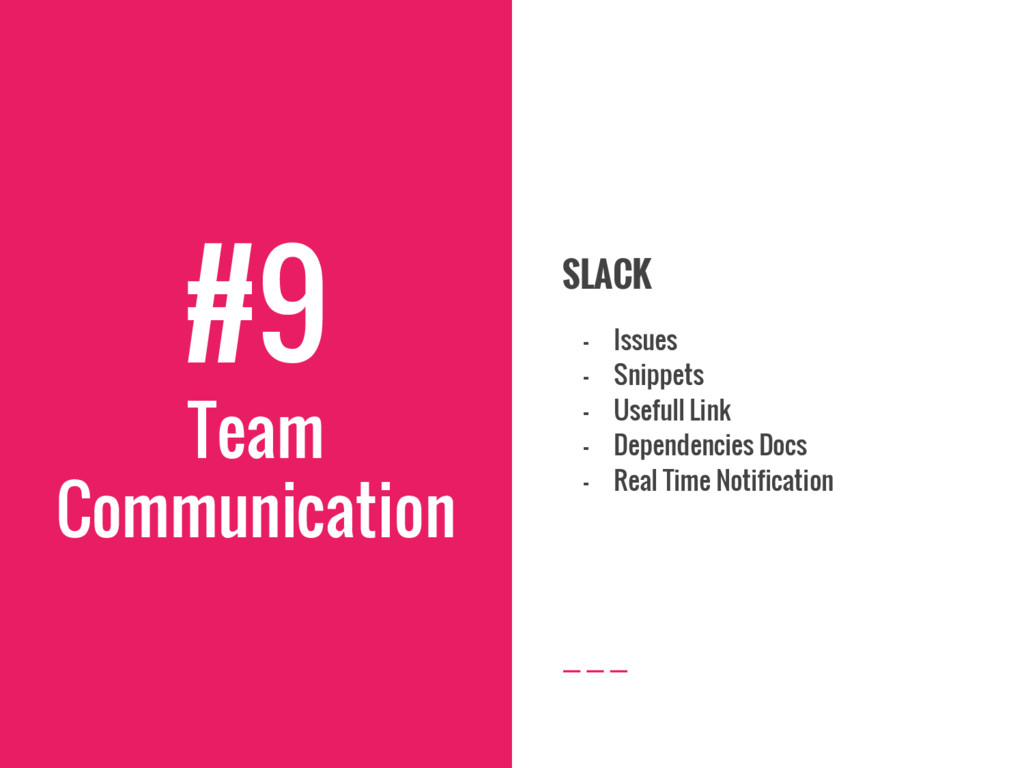
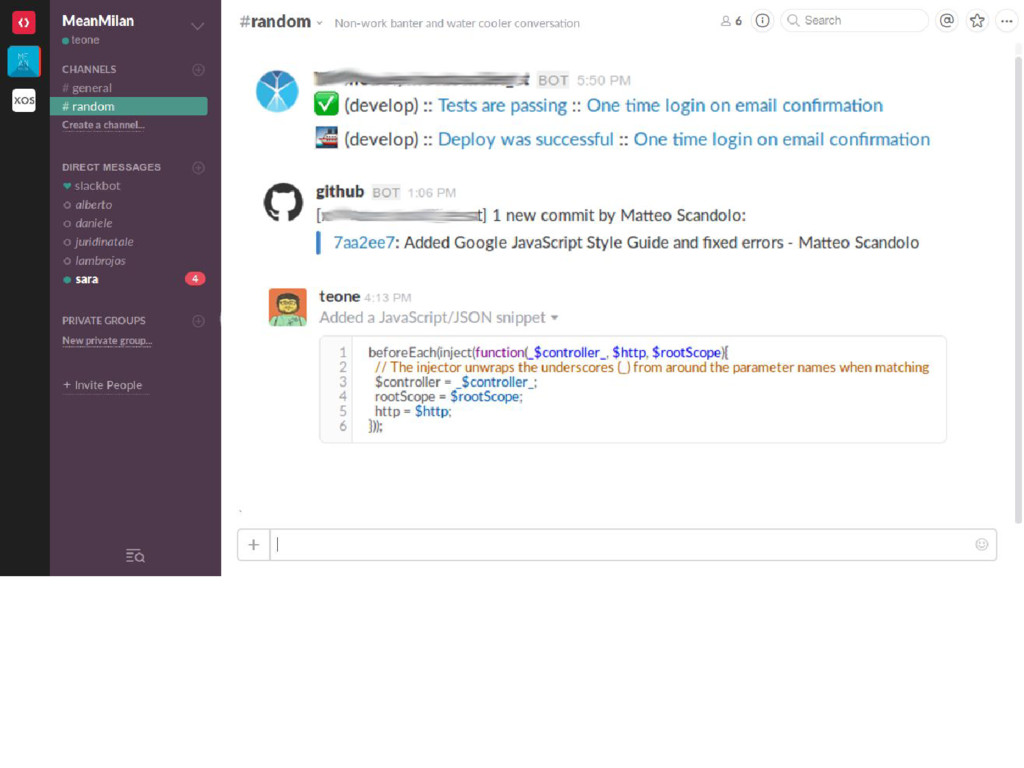
  14. #9 Team Communication SLACK - Issues - Snippets - Usefull

    Link - Dependencies Docs - Real Time Notification
  15. #10 Ask yourself.. If I leave tomorrow… … and someone

    have to work on this project … Will I like to be that guy?