Introduction to TechDis resources and services for improving accessibility in education. Used for a workshop at the University of Leeds lifelong learning centre 2013
other institutions and services. • The coverage of TechDis and its technology focus for inclusion. • Understanding the experiences of the student with disabilities. • 3 main paths • Developing staff, • understanding user needs, • enabling through technology
enable tutors to provide a more inclusive experience: how to recognise and remove barriers. • Understanding user needs in the learning and teaching context • Technology opportunities and TechDis projects used in HE. Case studies. Developing networks. • Free and Open Source and why it is important – demonstrations.
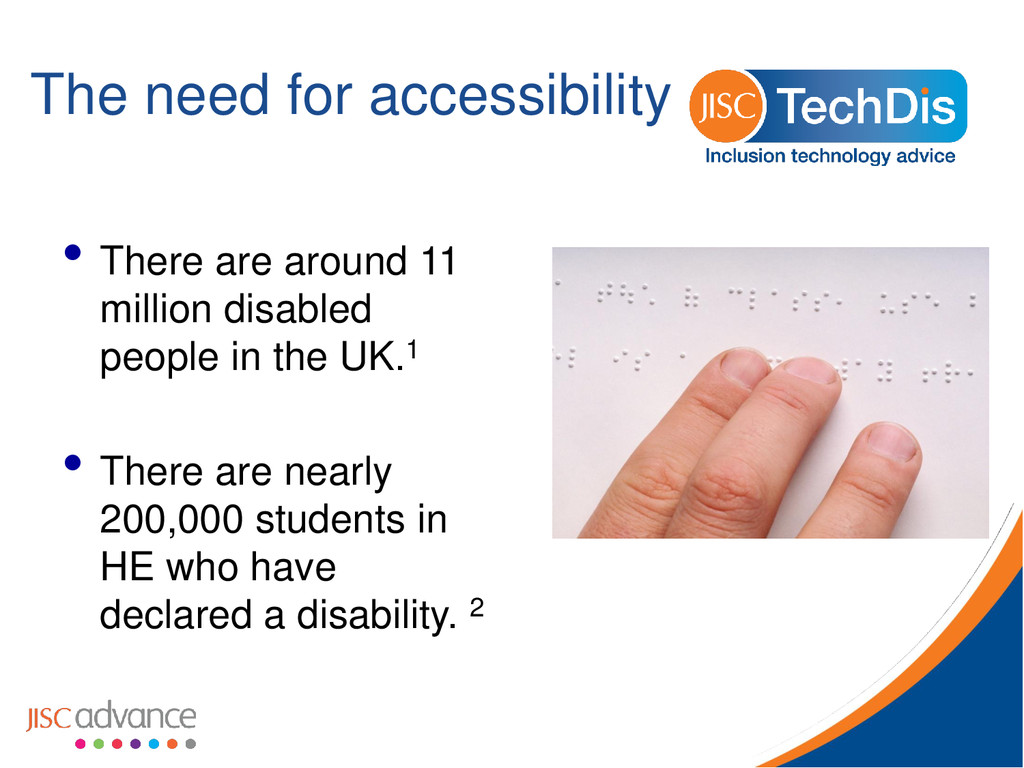
UK with speech, language and communication needs. The total number of deaf and hard of hearing people is estimated to be 8,945,000. There are approximately 210,000 people with moderate to profound learning difficulties in the UK.
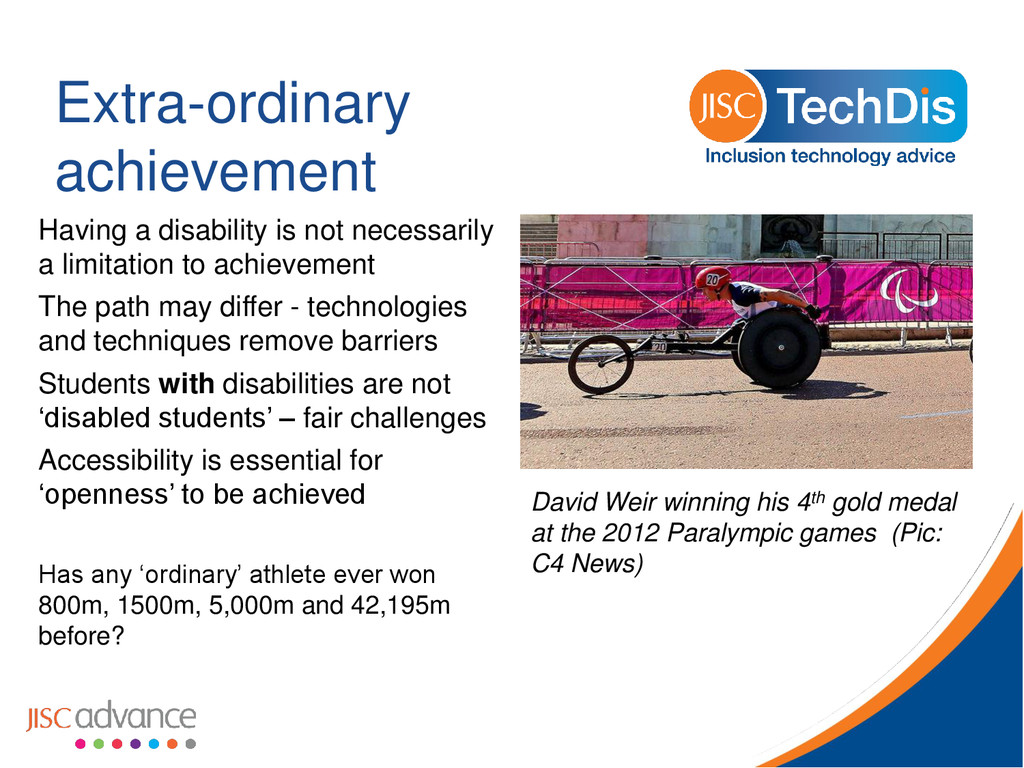
the 2012 Paralympic games (Pic: C4 News) Having a disability is not necessarily a limitation to achievement The path may differ - technologies and techniques remove barriers Students with disabilities are not ‘disabled students’ – fair challenges Accessibility is essential for ‘openness’ to be achieved Has any ‘ordinary’ athlete ever won 800m, 1500m, 5,000m and 42,195m before?
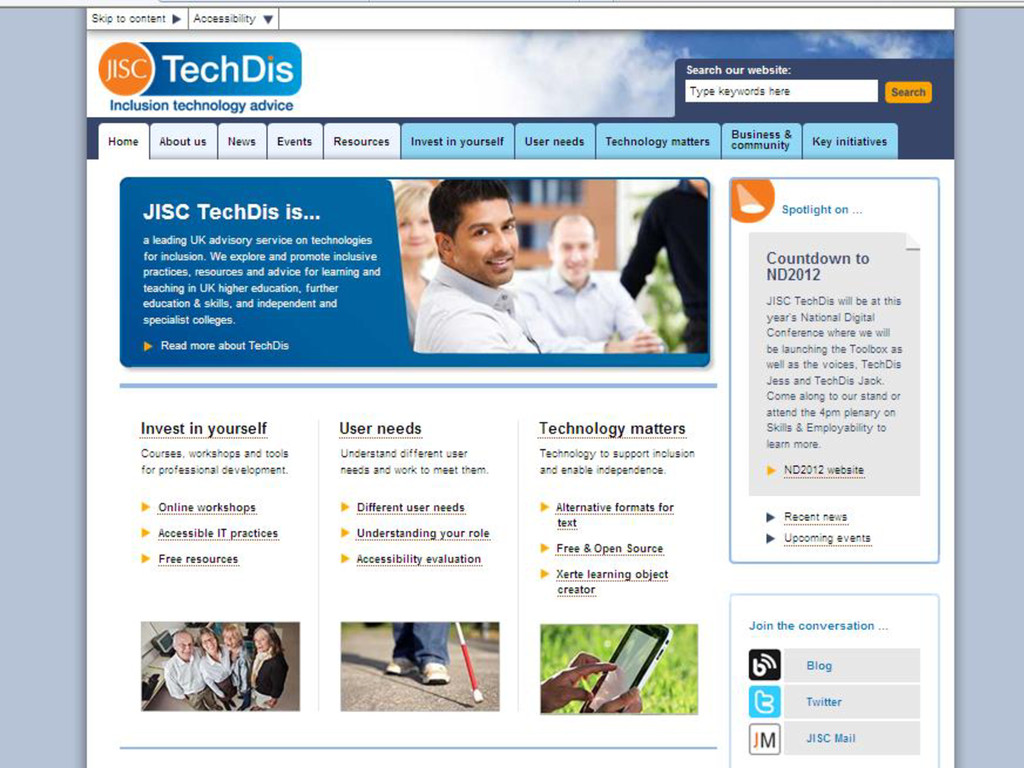
service on technologies for inclusion. We explore and promote inclusive practices, resources and advice for learning and teaching in UK post-16 education, and the wider further education & skills sector Yes, that’s a lot of students!
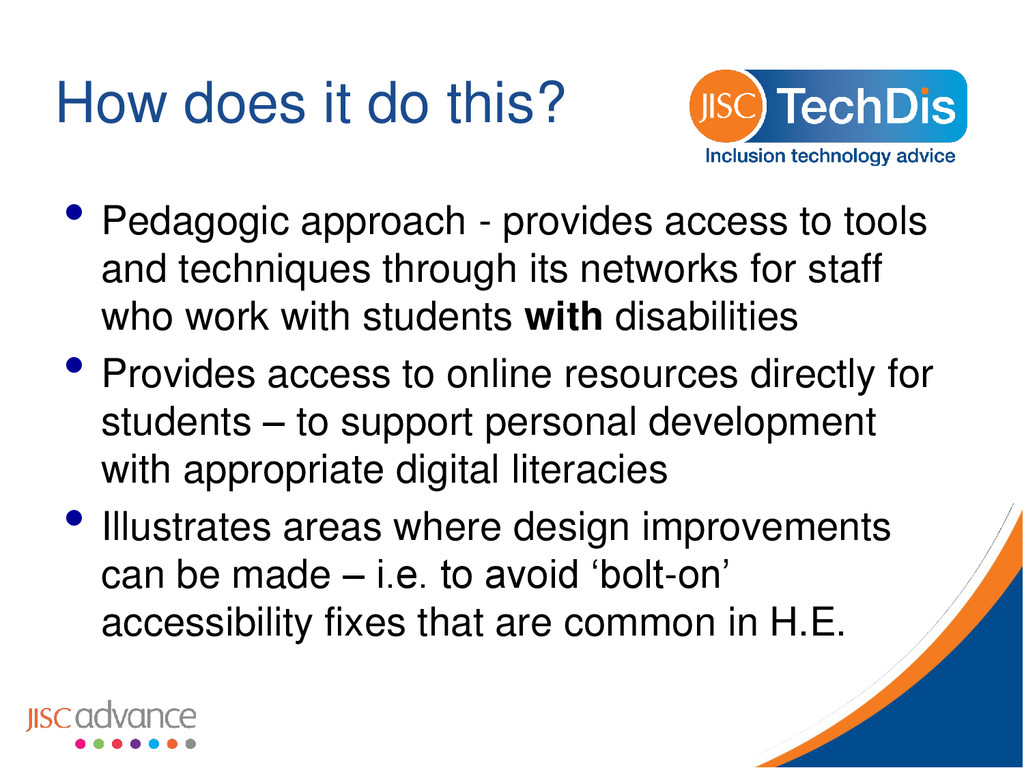
access to tools and techniques through its networks for staff who work with students with disabilities • Provides access to online resources directly for students – to support personal development with appropriate digital literacies • Illustrates areas where design improvements can be made – i.e. to avoid ‘bolt-on’ accessibility fixes that are common in H.E.
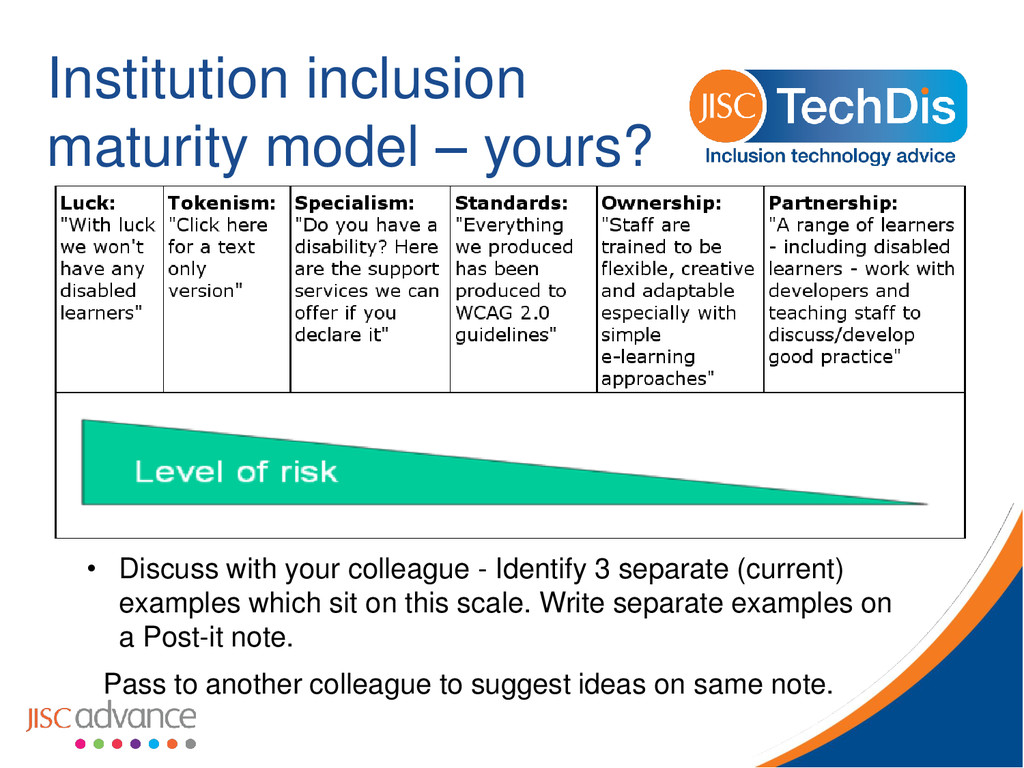
colleague - Identify 3 separate (current) examples which sit on this scale. Write separate examples on a Post-it note. Pass to another colleague to suggest ideas on same note.
all along the line at some point in time so be inclusive to your fellow citizens and your future selves” Mozfest Keynote 2013 • How does your role promote a more accessible experience? • What change would you make in an adjacent role?
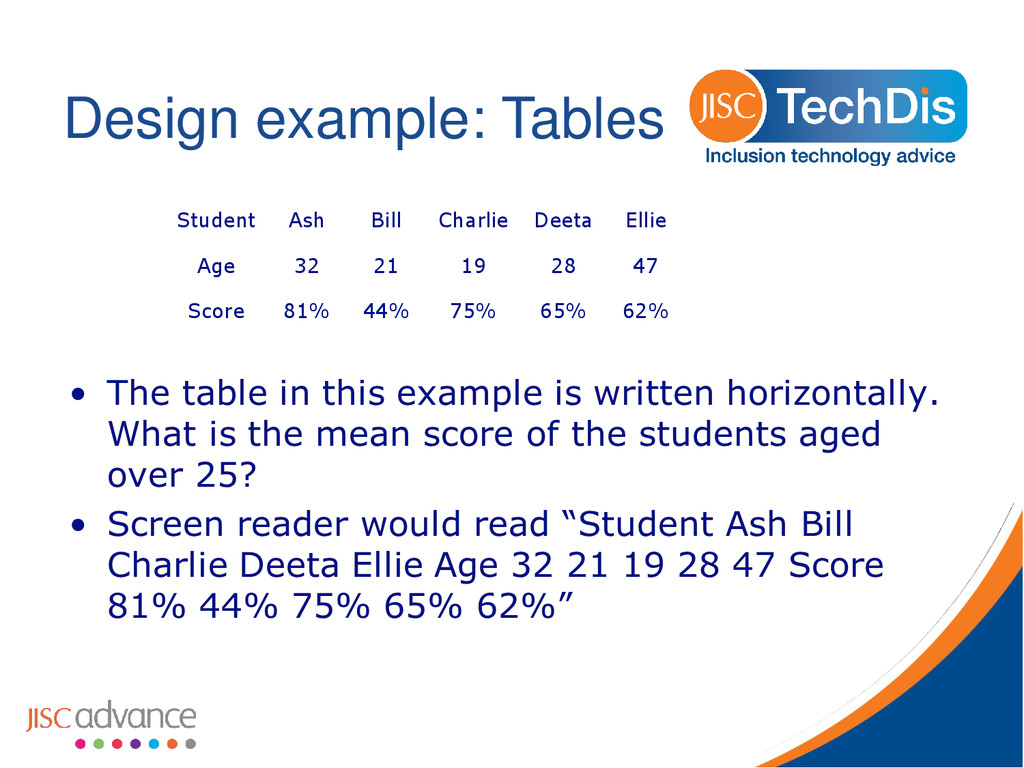
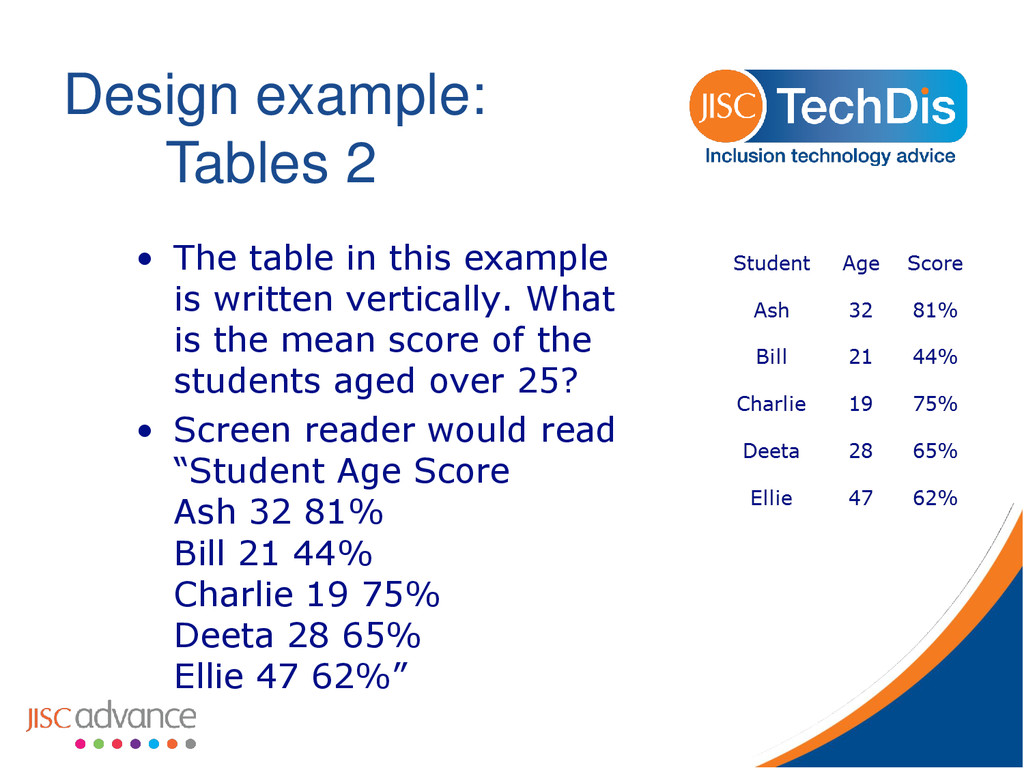
is written vertically. What is the mean score of the students aged over 25? • Screen reader would read “Student Age Score Ash 32 81% Bill 21 44% Charlie 19 75% Deeta 28 65% Ellie 47 62%”
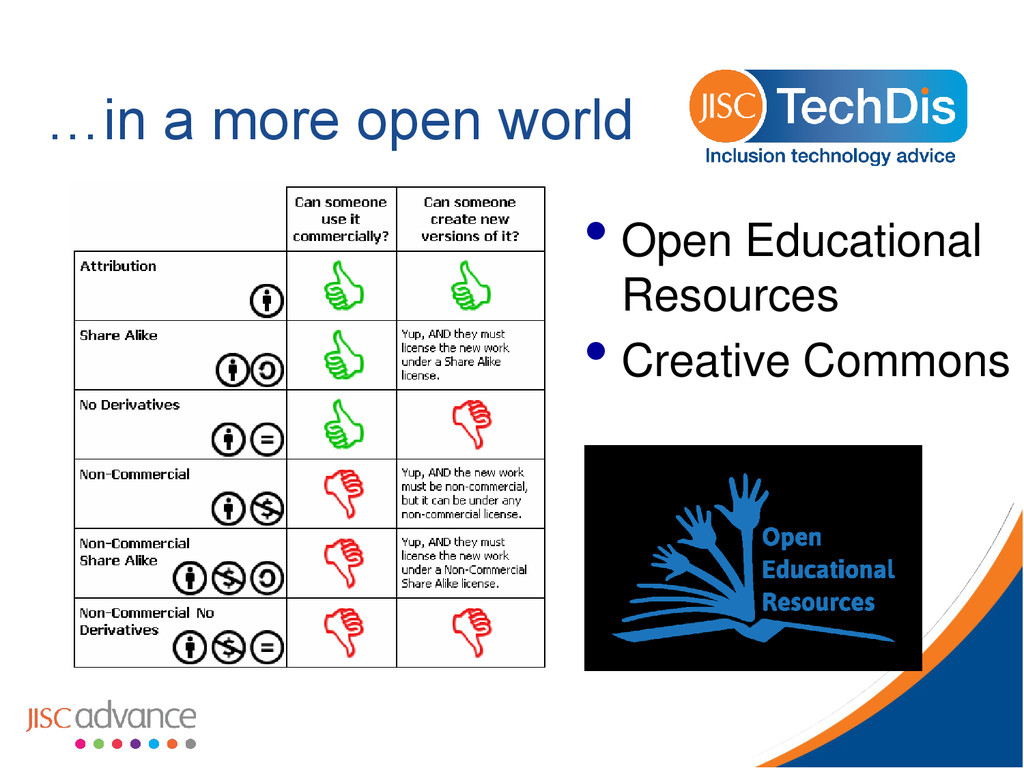
Open Educational Resources • To be adopted – used as is by others •Reputation and discipline advantages • To be adapted – further flexibility by being enhanced or included •Reputation and network building (LT roles?) • To improve the quality of production • To last – to be sustained not repeated • Do we want a larger audience for errors?
• How could you overcome this barrier? • How could you avoid the barrier completely? • Some functions which may be useful, if available? • Problems you might have to provide them to the students?
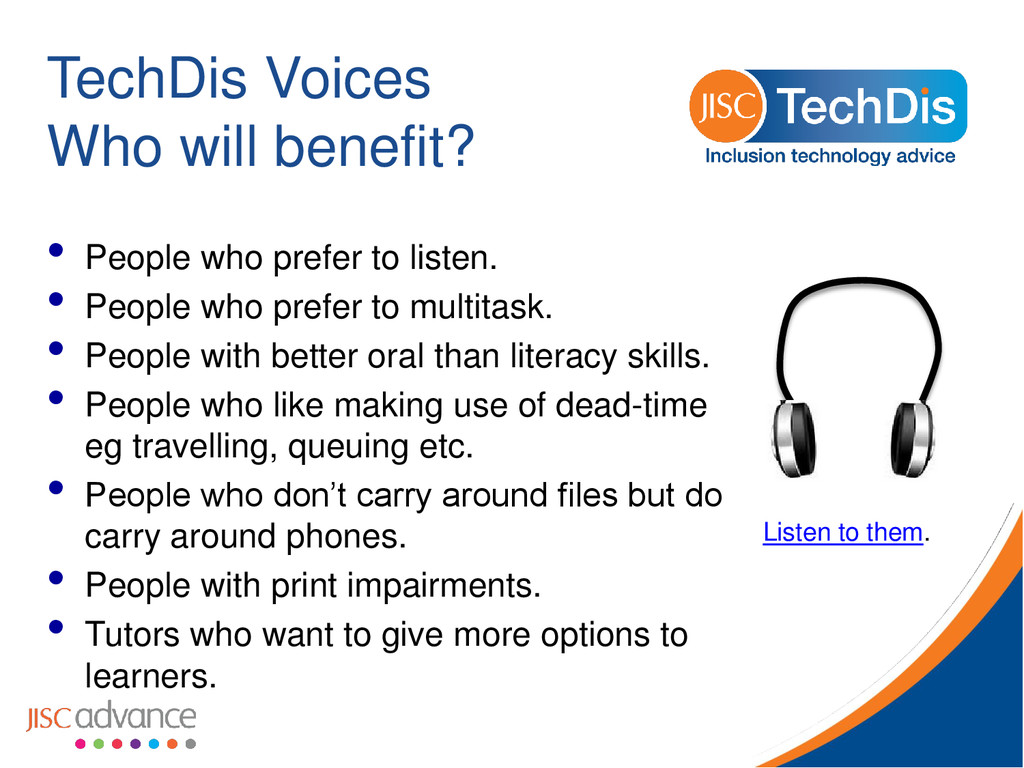
listen. • People who prefer to multitask. • People with better oral than literacy skills. • People who like making use of dead-time eg travelling, queuing etc. • People who don’t carry around files but do carry around phones. • People with print impairments. • Tutors who want to give more options to learners. Listen to them.
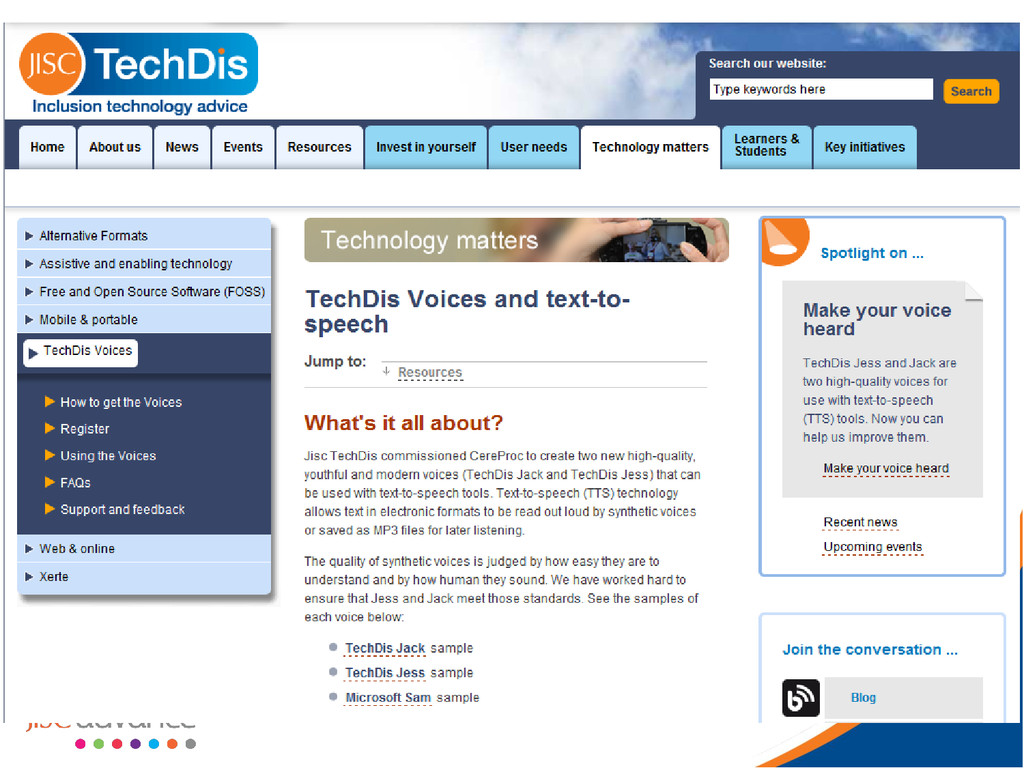
you are eligible (post 16 learning provider in England delivering publicly funded courses). • Go to www.jisctechdis.ac.uk/voices • Watch the videos and follow the instructions and links.
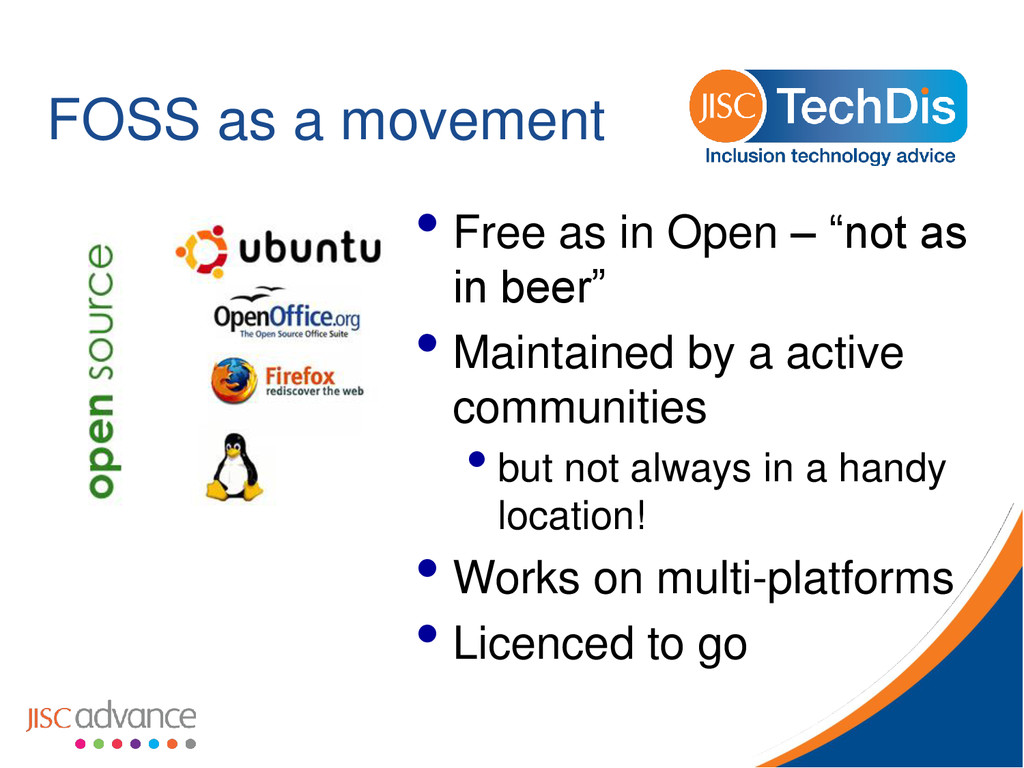
(FOSS) solutions for the Wider FE and Skills Sector Making better accessible use of what has already been developed and released Identifying gaps and opportunities - Mapping FOSS solutions to common problems and sharing practice
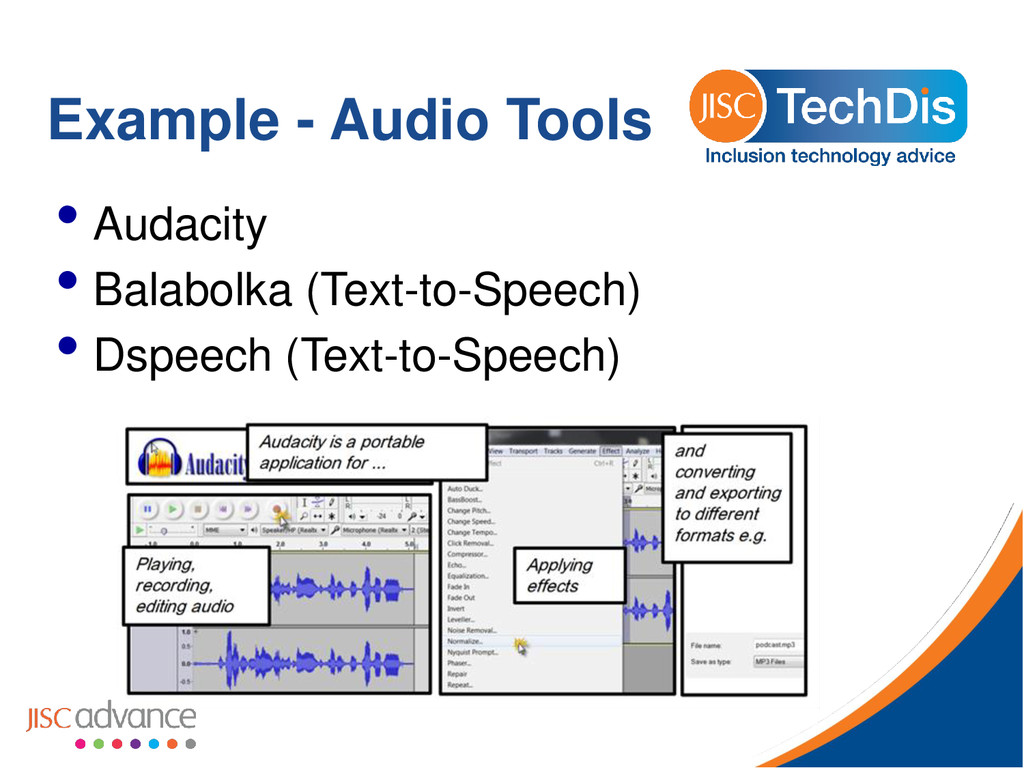
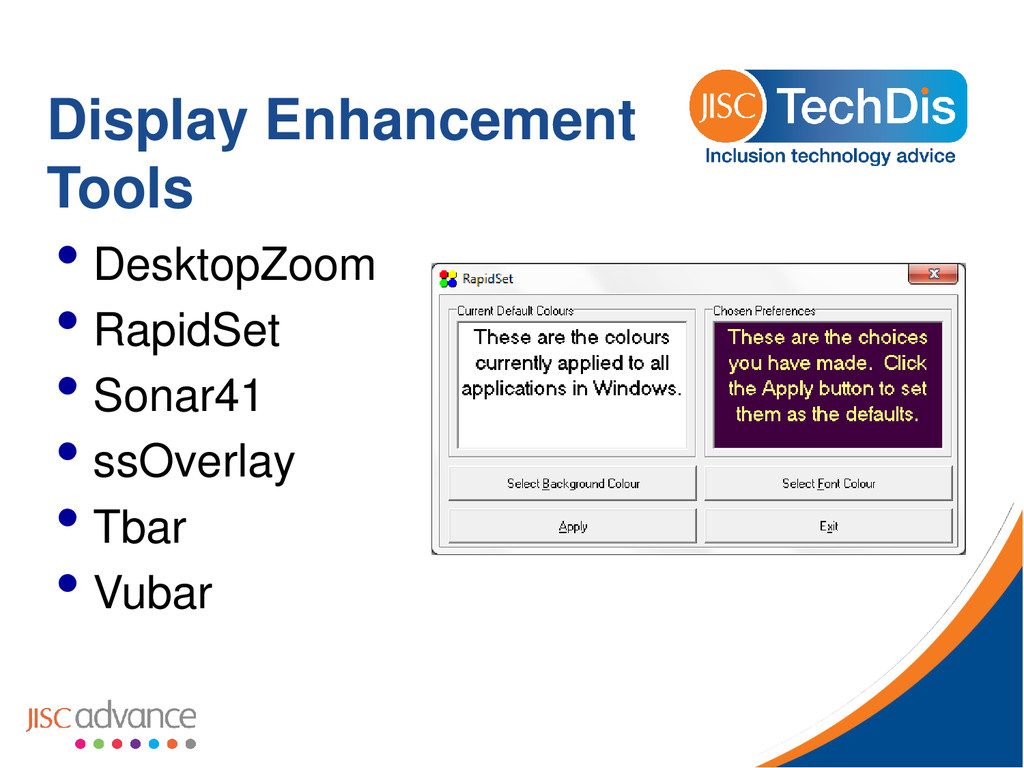
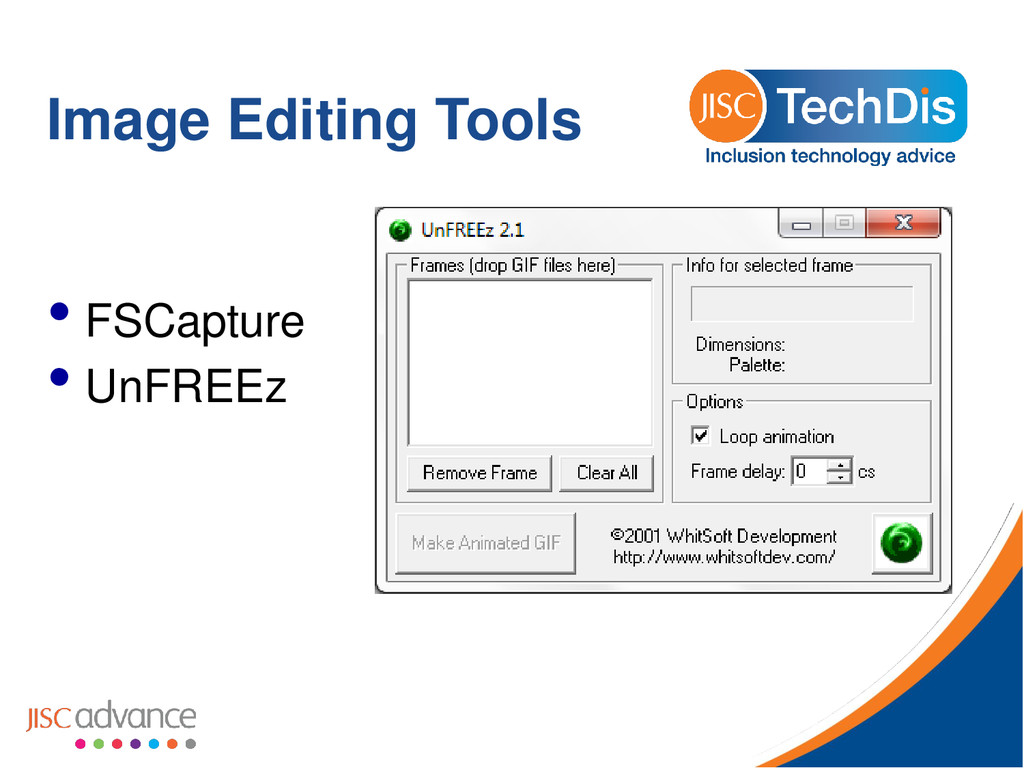
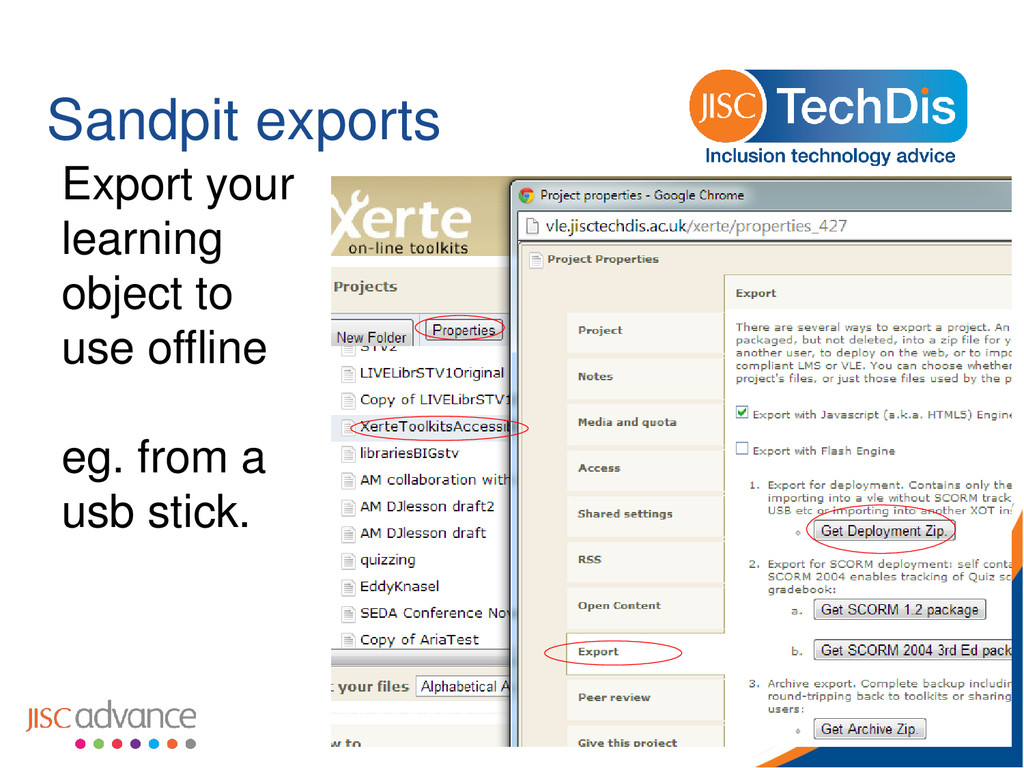
Techdis. • Around 60 FOSS applications including, • Open Office • Audio and speech tools • Display Enhancement • all portable - run directly from USB stick • user can take the tools they need anywhere
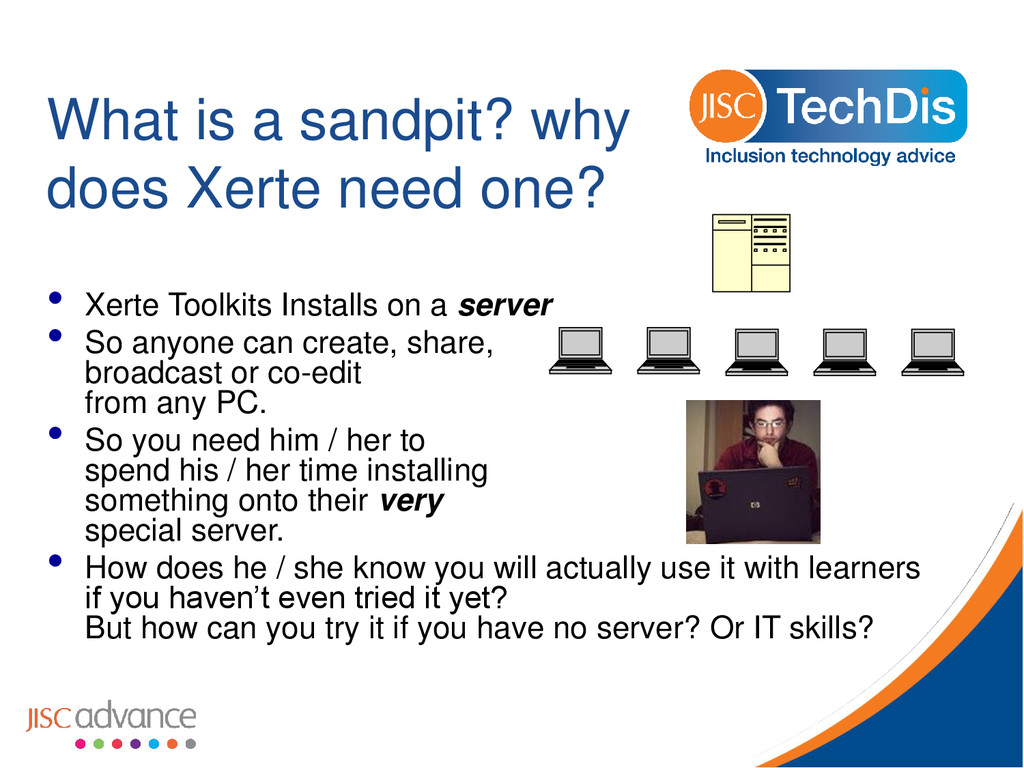
Xerte Toolkits Installs on a server • So anyone can create, share, broadcast or co-edit from any PC. • So you need him / her to spend his / her time installing something onto their very special server. • How does he / she know you will actually use it with learners if you haven’t even tried it yet? But how can you try it if you have no server? Or IT skills?
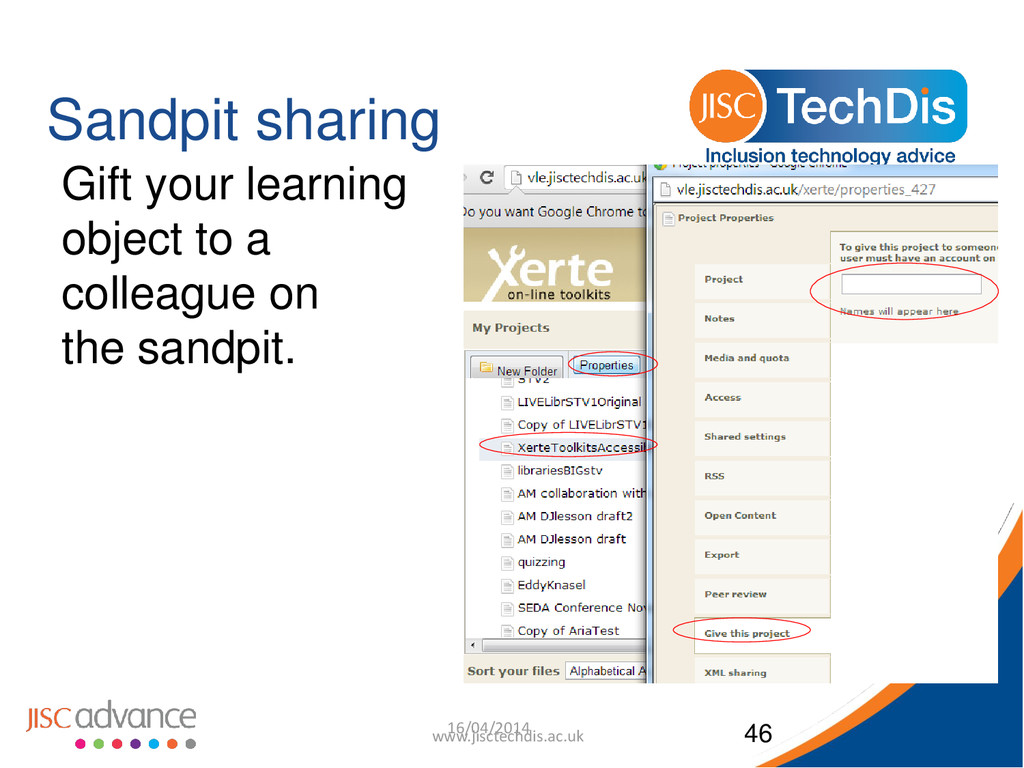
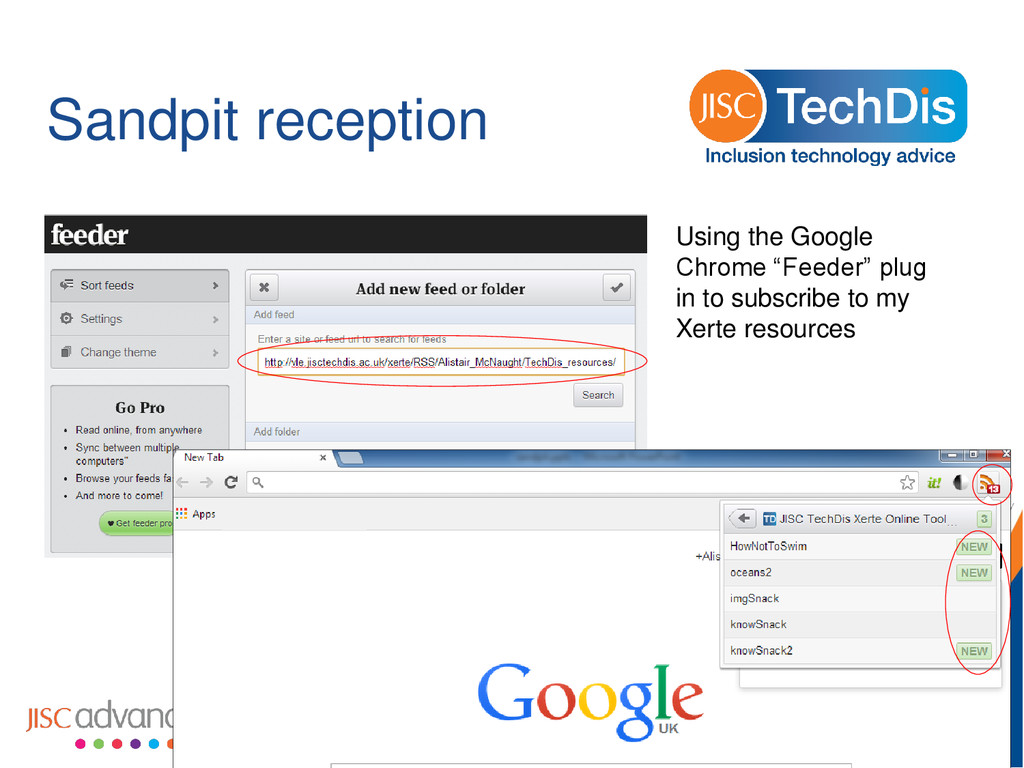
at their own expense as a good will offering. • A chance to try the software and create some sample learning objects. • A chance to try the full functionality – view from anywhere, view on mobile devices, get a colleague to join with you in gifting learning objects or export / importing.
e-Learning platform, • free storage place for using with your students, • a work-around for uncooperative IT staff. Therefore most sandpits will have a maximum trial period after which your learning objects and/or your accounts will be wiped.
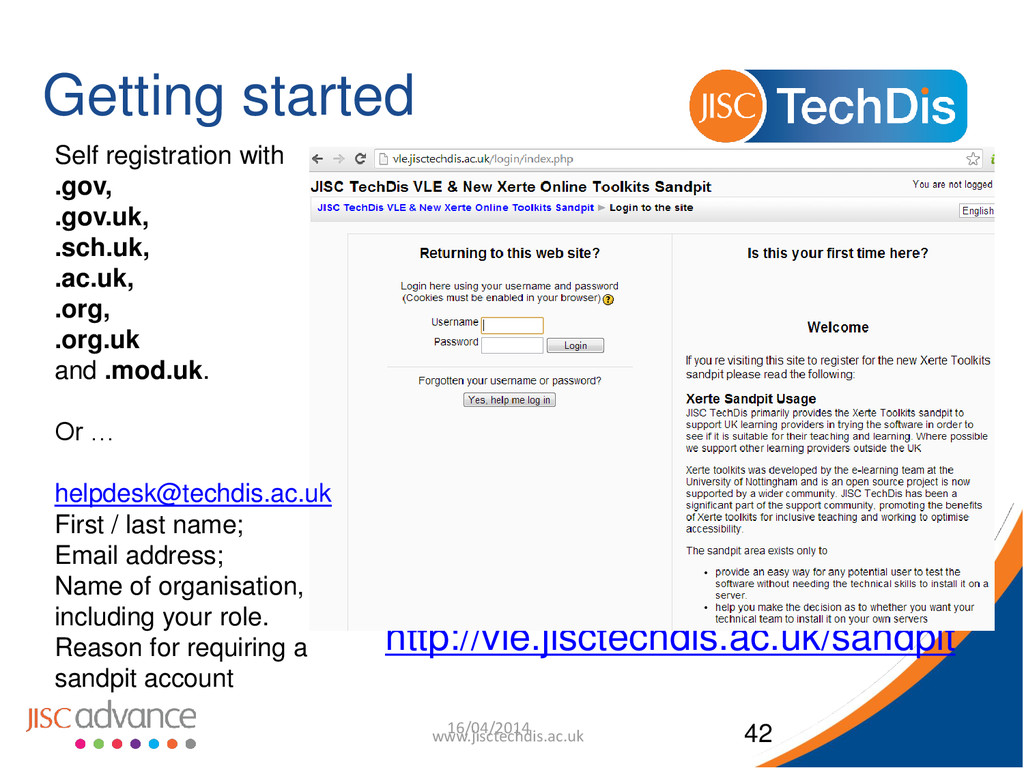
.gov.uk, .sch.uk, .ac.uk, .org, .org.uk and .mod.uk. Or … [email protected] First / last name; Email address; Name of organisation, including your role. Reason for requiring a sandpit account
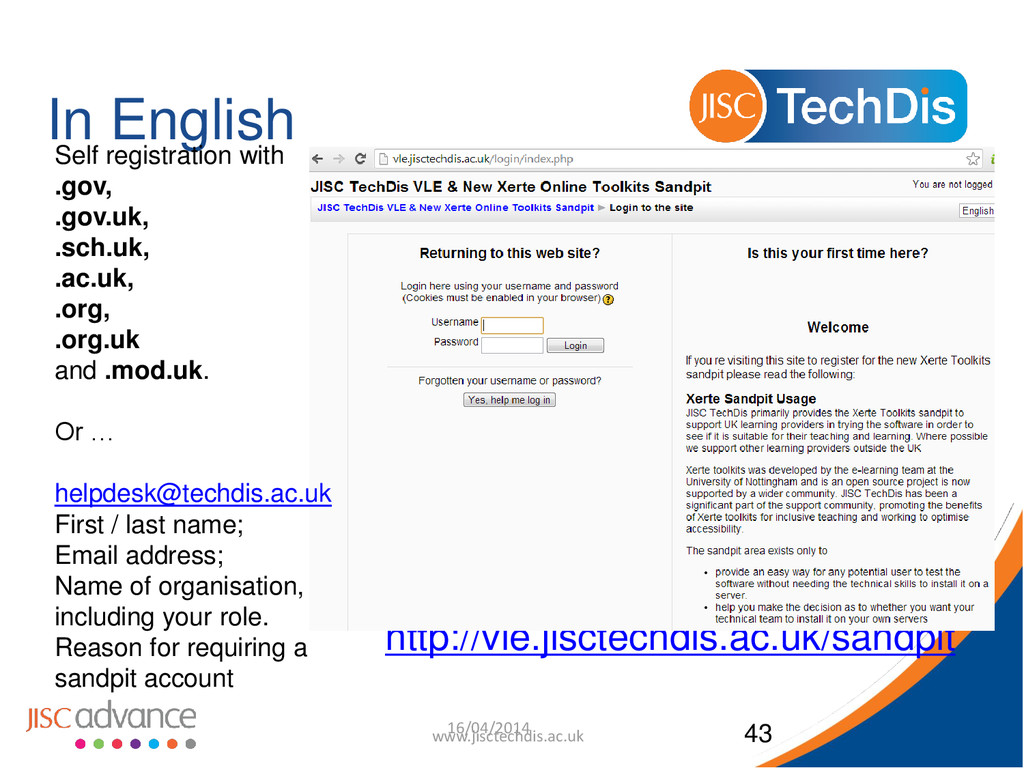
.gov.uk, .sch.uk, .ac.uk, .org, .org.uk and .mod.uk. Or … [email protected] First / last name; Email address; Name of organisation, including your role. Reason for requiring a sandpit account
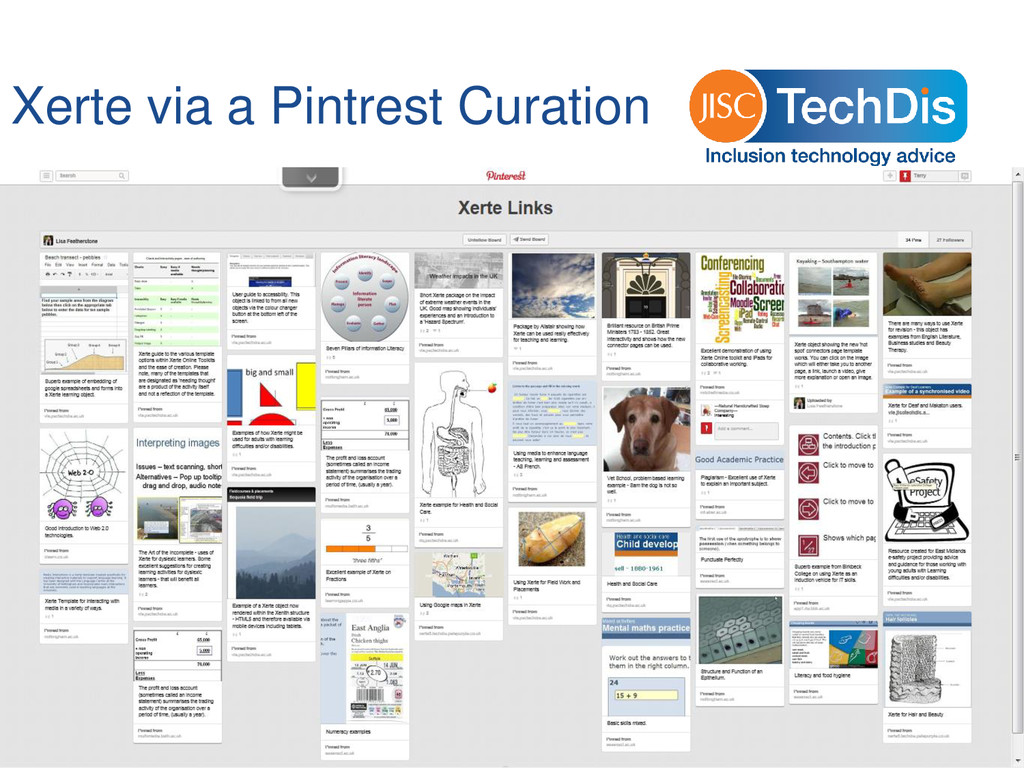
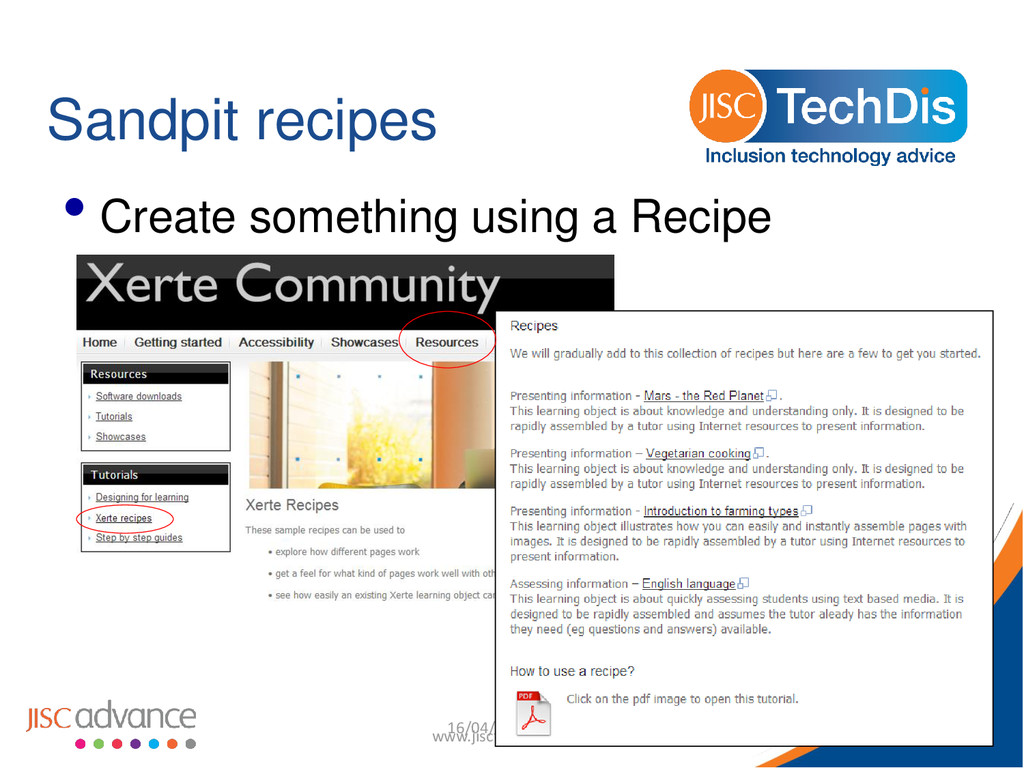
tutorials and screencasts http://mitchellmedia.co.uk/resources/xerte • Or some YouTube videos http://vle.jisctechdis.ac.uk/xerte/play_464 • Or some downloadable guides http://www.jisctechdis.ac.uk/techdis/technologymatters/xertestar ted • Or see some examples on Community site http://tinyurl.com/plavzey • or Pinterest http://tinyurl.com/pffp46u • Create something you’d normally lack the skills to do – eg drag and drop categories, Accordion Navigator, Interactive list. 16/04/2014 www.jisctechdis.ac.uk 44
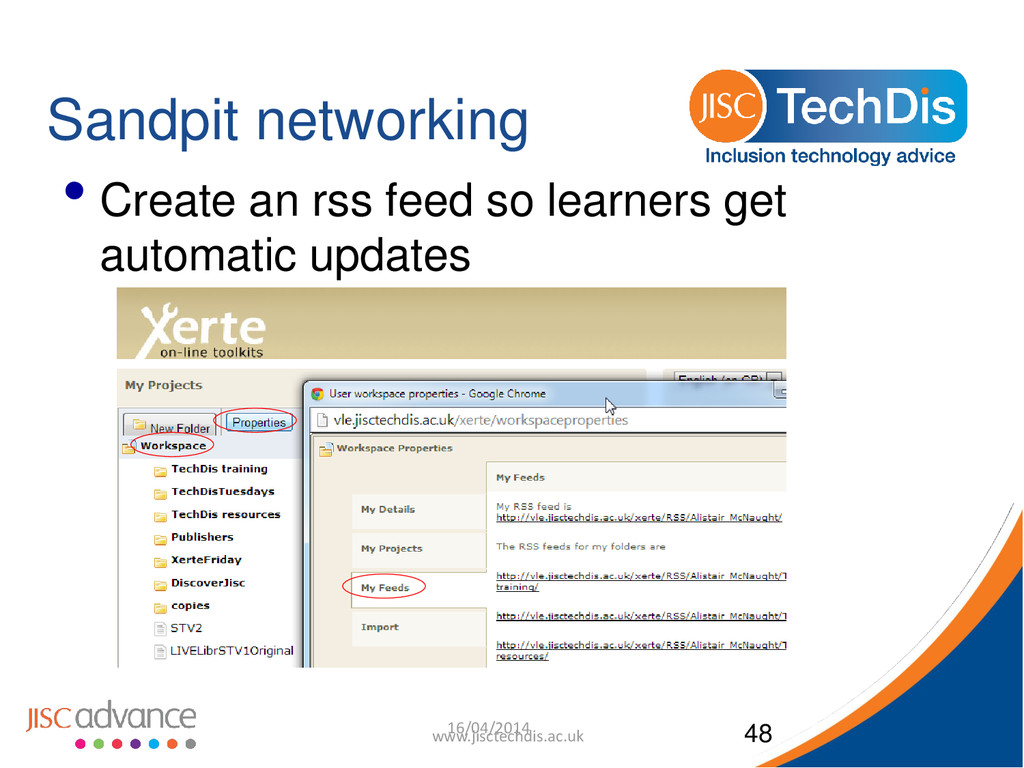
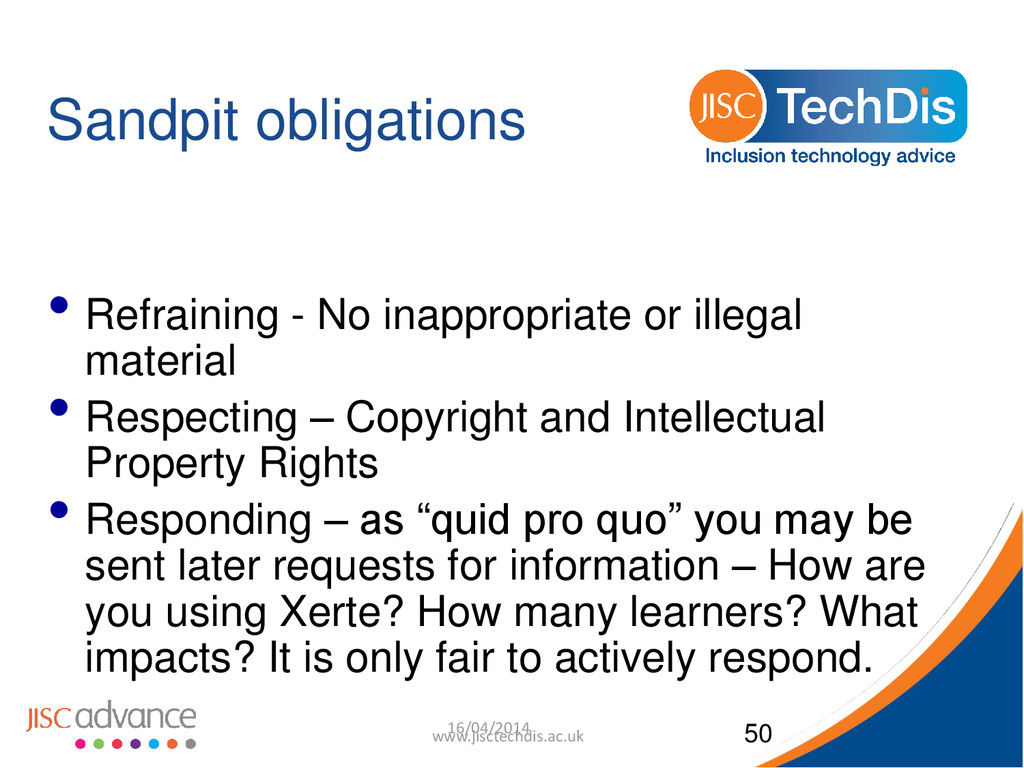
• Respecting – Copyright and Intellectual Property Rights • Responding – as “quid pro quo” you may be sent later requests for information – How are you using Xerte? How many learners? What impacts? It is only fair to actively respond. 16/04/2014 www.jisctechdis.ac.uk 50
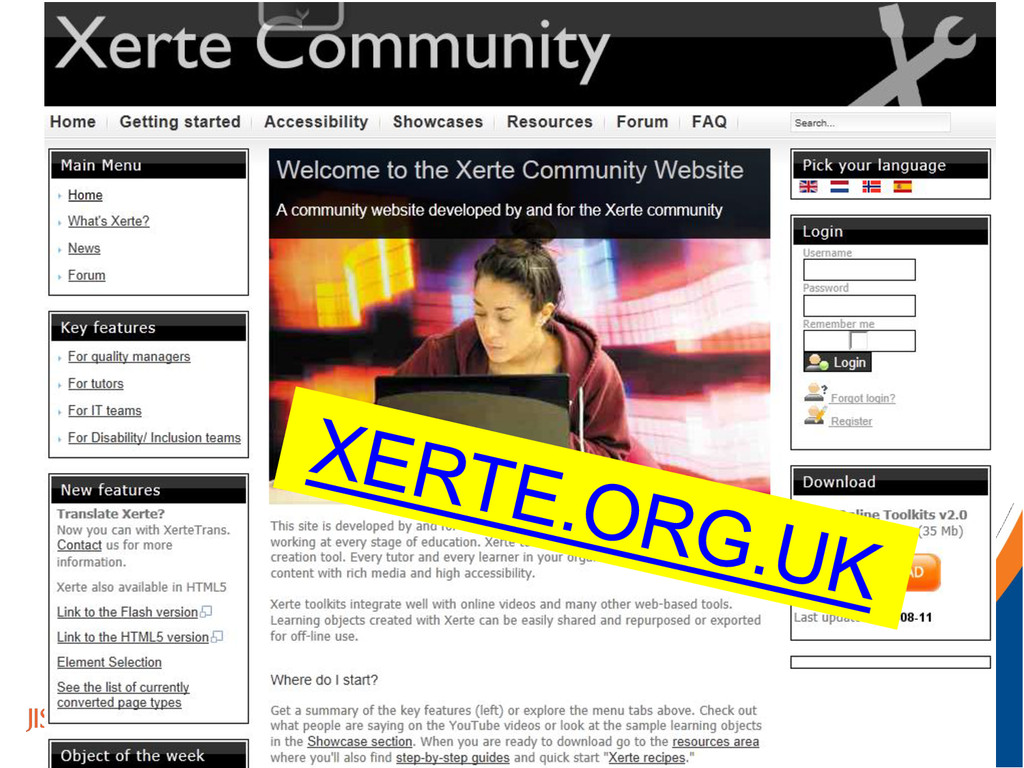
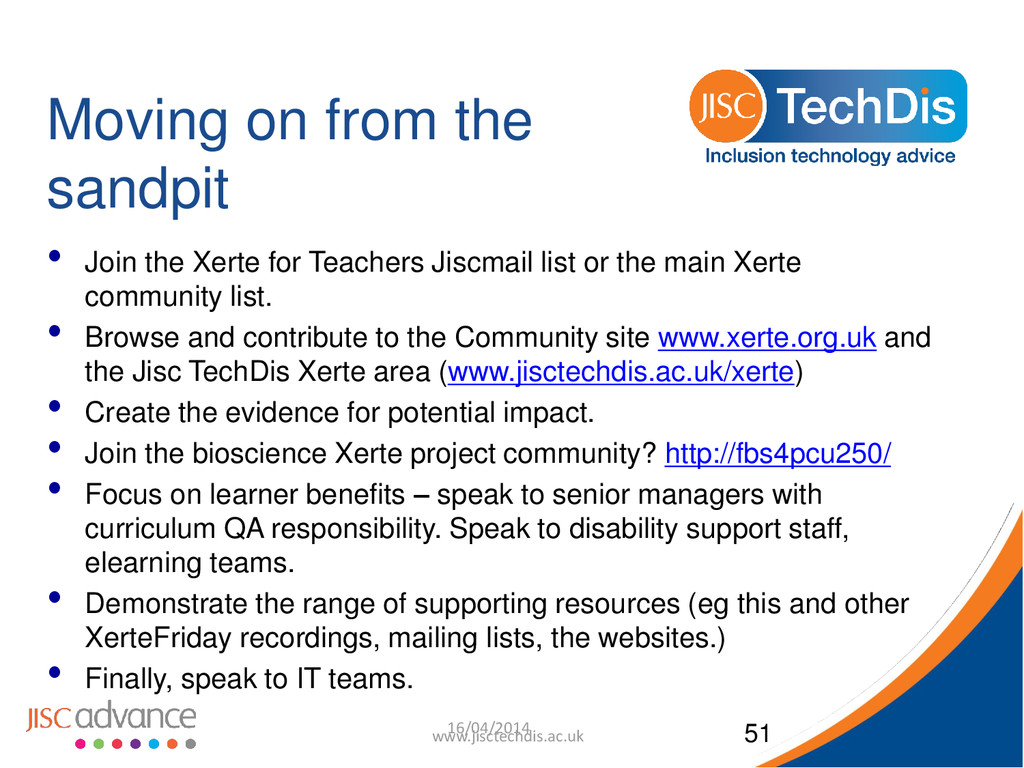
Teachers Jiscmail list or the main Xerte community list. • Browse and contribute to the Community site www.xerte.org.uk and the Jisc TechDis Xerte area (www.jisctechdis.ac.uk/xerte) • Create the evidence for potential impact. • Join the bioscience Xerte project community? http://fbs4pcu250/ • Focus on learner benefits – speak to senior managers with curriculum QA responsibility. Speak to disability support staff, elearning teams. • Demonstrate the range of supporting resources (eg this and other XerteFriday recordings, mailing lists, the websites.) • Finally, speak to IT teams. 16/04/2014 www.jisctechdis.ac.uk 51


 terrymc
 2720japanoke
 pawan_pharm
 cbtlibrary
 frievea
 ytapples613
 moriyuya
 terasawat
 masakiokuda
 auctria
 reverentgeek
.png) helenjbeal
helenjbeal
 eileencodes
 ivargrimstad
 destraynor
 chriscoyier
 mayunak
 sergeychernyshev
 rmw
rmw
 sabderemane
 honzajavorek
 elsirapls