Upgrade to Pro — share decks privately, control downloads, hide ads and more …

High cost performance CI

Sponsored · Your Podcast. Everywhere. Effortlessly. Share. Educate. Inspire. Entertain. You do you. We'll handle the rest.

High cost performance CI

Avatar for YutaTetsuka

YutaTetsuka

May 24, 2017
Tweet

More Decks by YutaTetsuka

Other Decks in Technology

Transcript

  1. Yuta Tetsuka - JustSystems corporation joined in 2012 - Team

    smilezemi (smile-zemi.jp) - Android engineer - Qiita: @tetsukay 1 About me 2
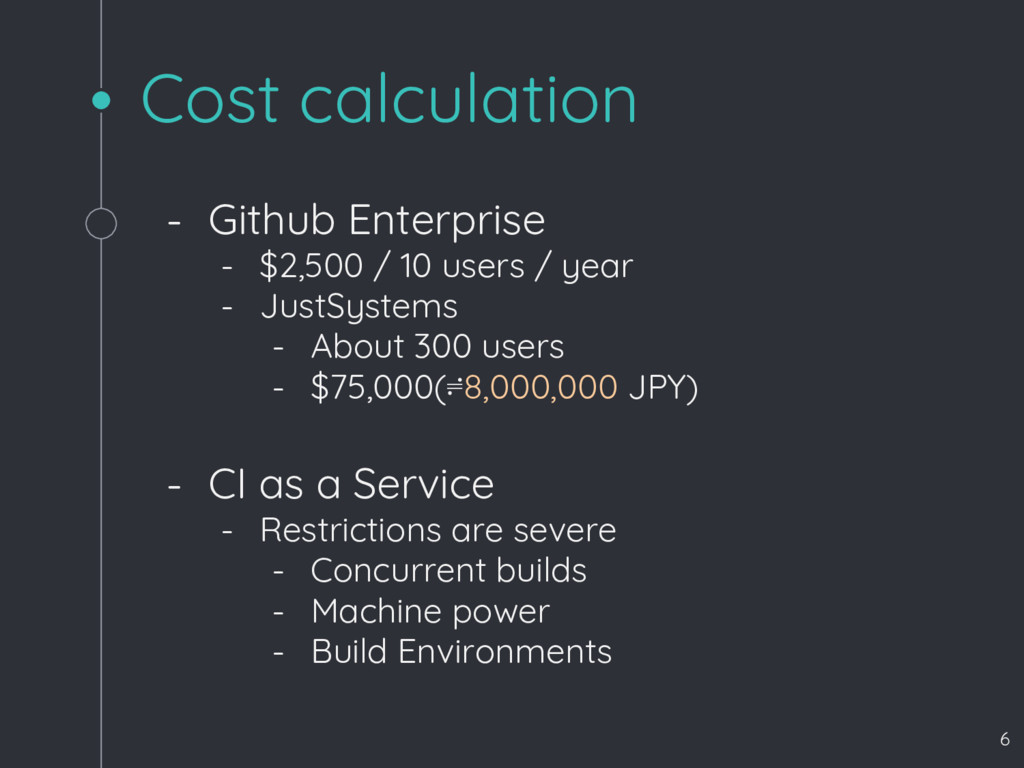
  2. Cost calculation - Github Enterprise - $2,500 / 10 users

    / year - JustSystems - About 300 users - $75,000(≓8,000,000 JPY) - CI as a Service - Restrictions are severe - Concurrent builds - Machine power - Build Environments 6
  3. 2013 spring SVN to Git - SVNが嫌すぎて会社にGit導入要請 - 入れても良いけど選択肢とコスト計算して -

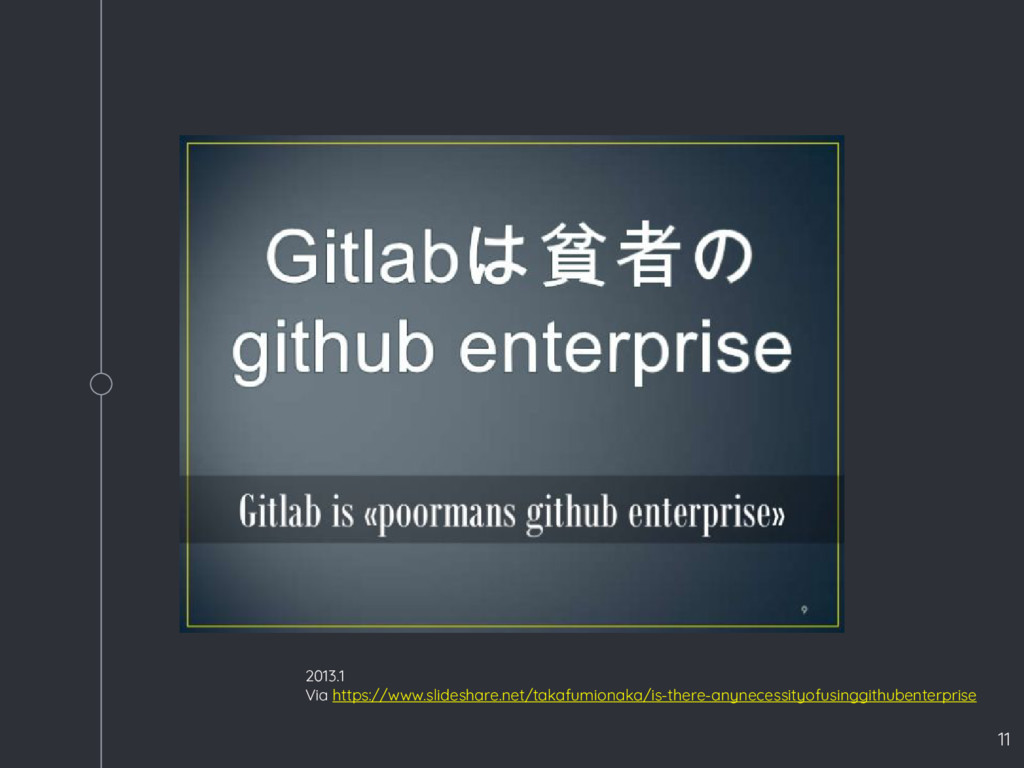
    Github Enterprise or Gitlab - 当時,GitlabはGithubの劣化コピー感満載 - 最低限の欲しい機能は付いてた - GithubコストとGitlab運用コスト比較検討 - なんとか自社で運用できるのでは? - と情シスが言い出す 16
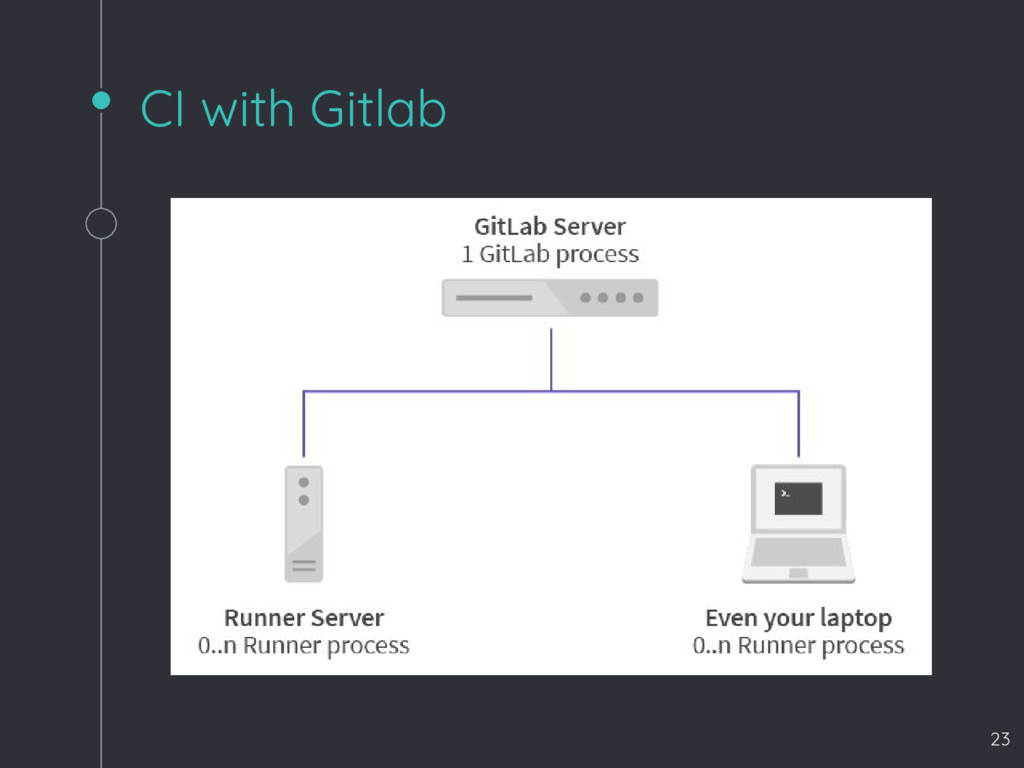
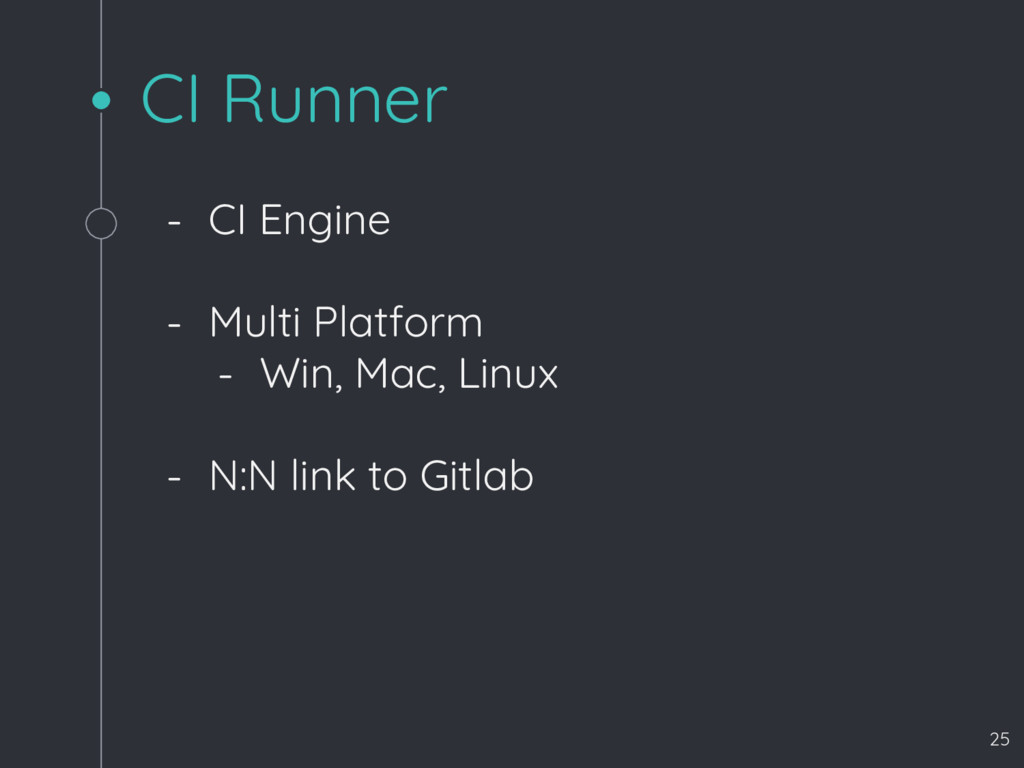
  4. CI Runner - CI Engine - Multi Platform - Win,

    Mac, Linux - N:N link to Gitlab 25
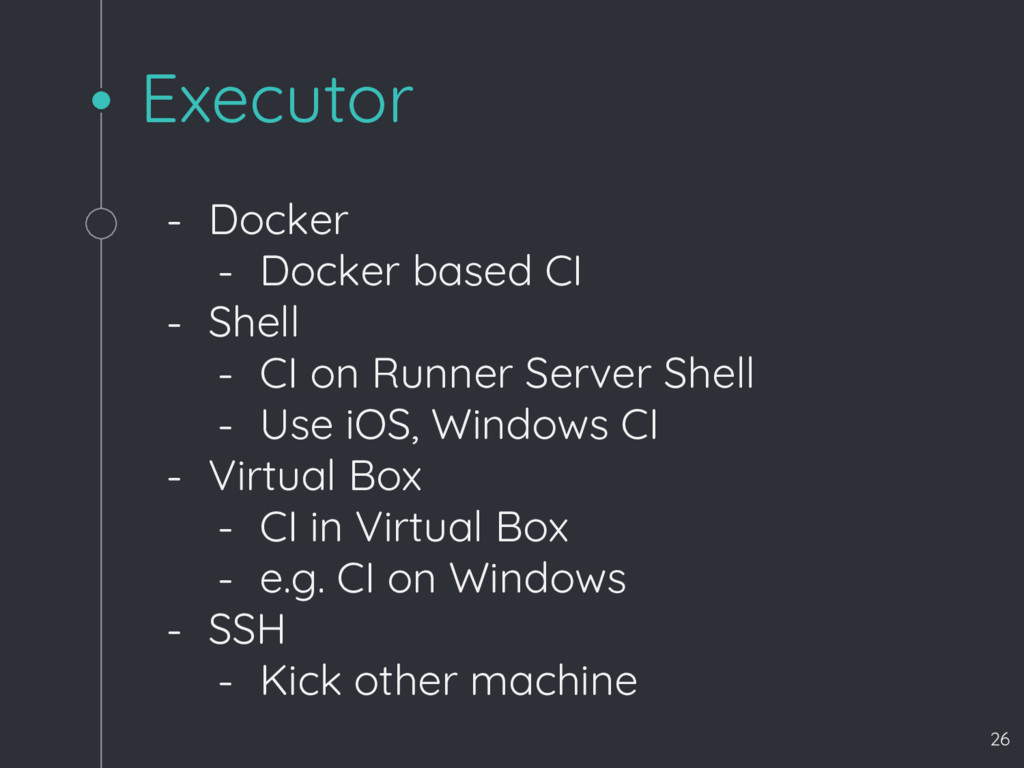
  5. Executor - Docker - Docker based CI - Shell -

    CI on Runner Server Shell - Use iOS, Windows CI - Virtual Box - CI in Virtual Box - e.g. CI on Windows - SSH - Kick other machine 26
  6. Install Runner https://docs.gitlab.com/runner/install/linux-repository.html curl -sSL https://get.docker.com/ | sh # For

    Debian/Ubuntu curl -L https://packages.gitlab.com/install/repositories/runner/gitlab-ci-mu lti-runner/script.deb.sh | sudo bash # For RHEL/CentOS curl -L https://packages.gitlab.com/install/repositories/runner/gitlab-ci-mu lti-runner/script.rpm.sh | sudo bash # For Debian/Ubuntu sudo apt-get install gitlab-ci-multi-runner # For RHEL/CentOS sudo yum install gitlab-ci-multi-runner 29
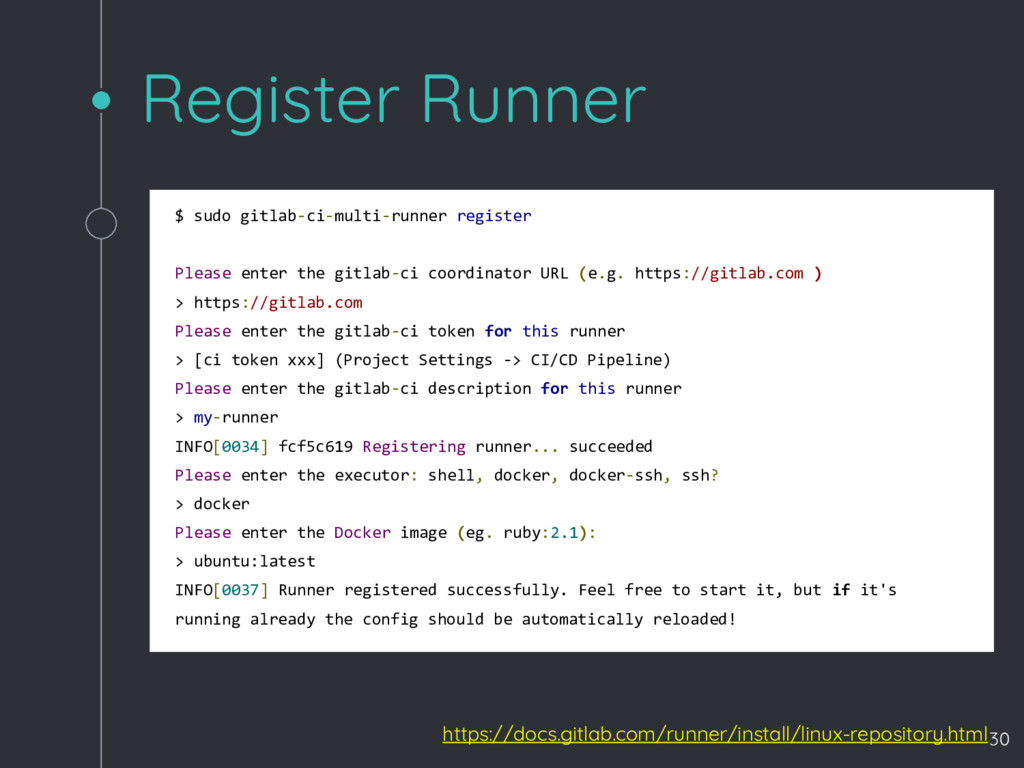
  7. Register Runner https://docs.gitlab.com/runner/install/linux-repository.html $ sudo gitlab-ci-multi-runner register Please enter the

    gitlab-ci coordinator URL (e.g. https://gitlab.com ) > https://gitlab.com Please enter the gitlab-ci token for this runner > [ci token xxx] (Project Settings -> CI/CD Pipeline) Please enter the gitlab-ci description for this runner > my-runner INFO[0034] fcf5c619 Registering runner... succeeded Please enter the executor: shell, docker, docker-ssh, ssh? > docker Please enter the Docker image (eg. ruby:2.1): > ubuntu:latest INFO[0037] Runner registered successfully. Feel free to start it, but if it's running already the config should be automatically reloaded! 30
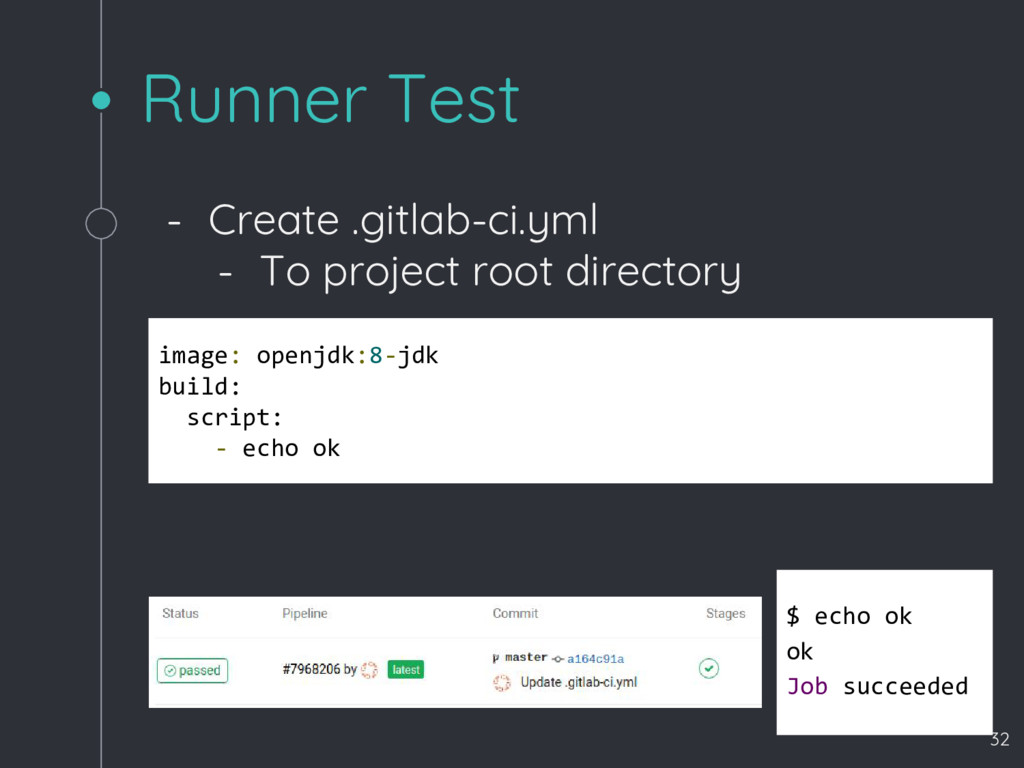
  8. Runner Test image: openjdk:8-jdk build: script: - echo ok -

    Create .gitlab-ci.yml - To project root directory $ echo ok ok Job succeeded 32
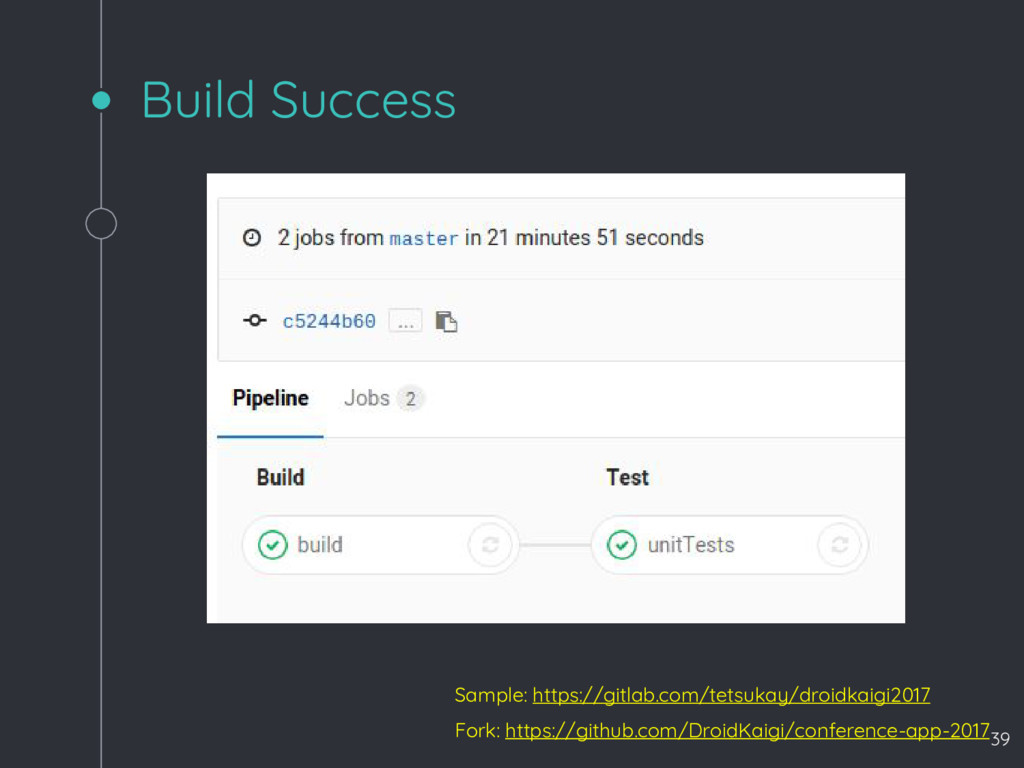
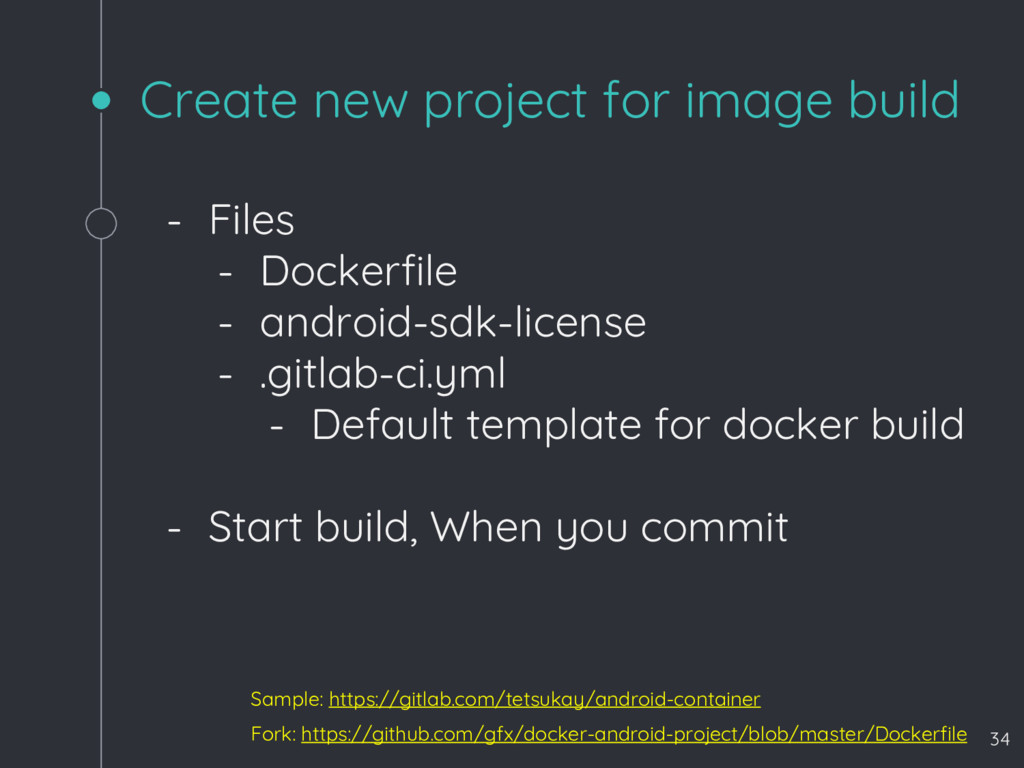
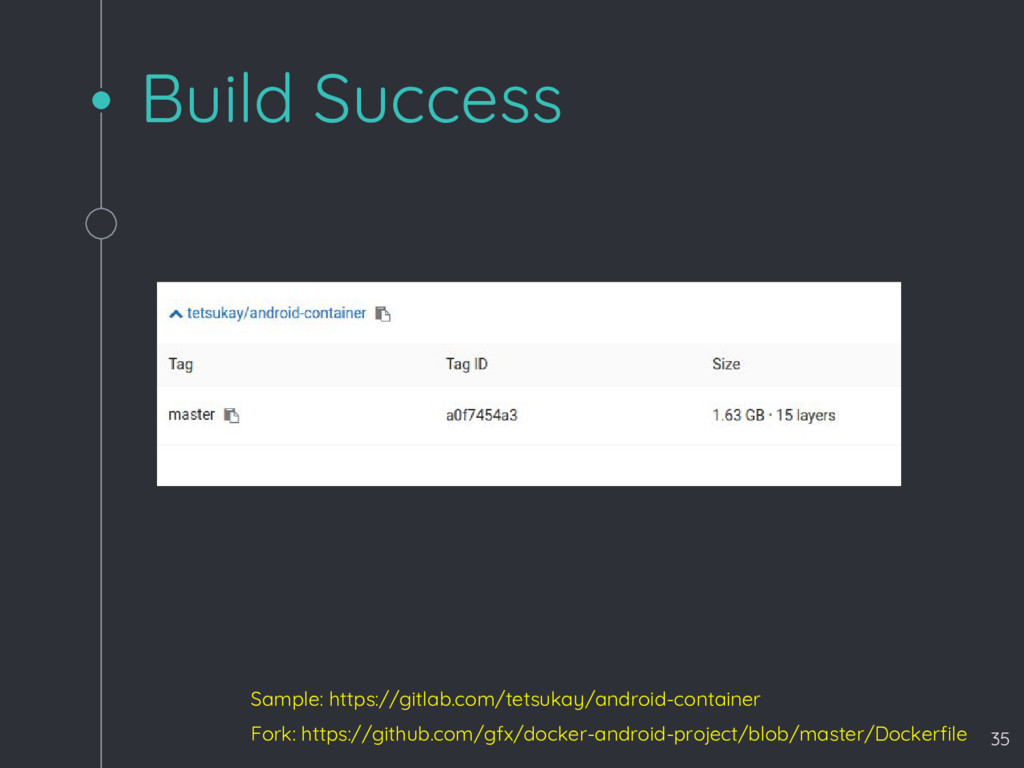
  9. Create new project for image build Fork: https://github.com/gfx/docker-android-project/blob/master/Dockerfile - Files

    - Dockerfile - android-sdk-license - .gitlab-ci.yml - Default template for docker build - Start build, When you commit Sample: https://gitlab.com/tetsukay/android-container 34
  10. Clone Droid Kaigi 2017 project Fork: https://github.com/DroidKaigi/conference-app-2017 - Add file

    - .gitlab-ci.yml Sample: https://gitlab.com/tetsukay/droidkaigi2017 37
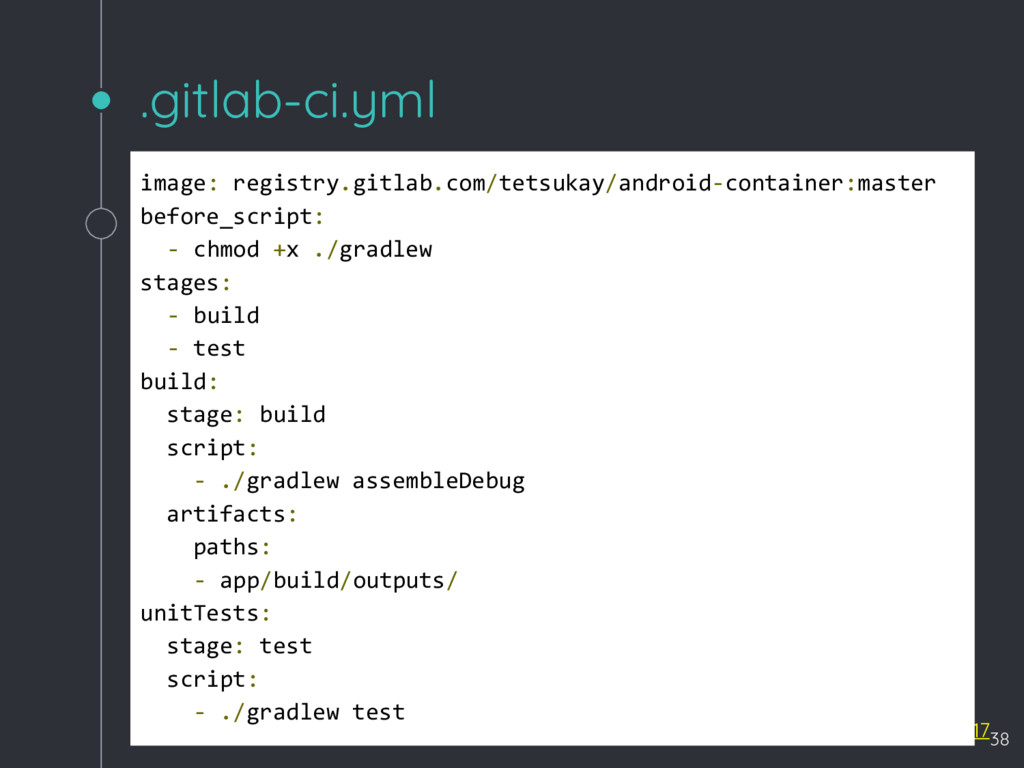
  11. .gitlab-ci.yml Fork: https://github.com/DroidKaigi/conference-app-2017 Sample: https://gitlab.com/tetsukay/droidkaigi2017 image: registry.gitlab.com/tetsukay/android-container:master before_script: - chmod

    +x ./gradlew stages: - build - test build: stage: build script: - ./gradlew assembleDebug artifacts: paths: - app/build/outputs/ unitTests: stage: test script: - ./gradlew test 38
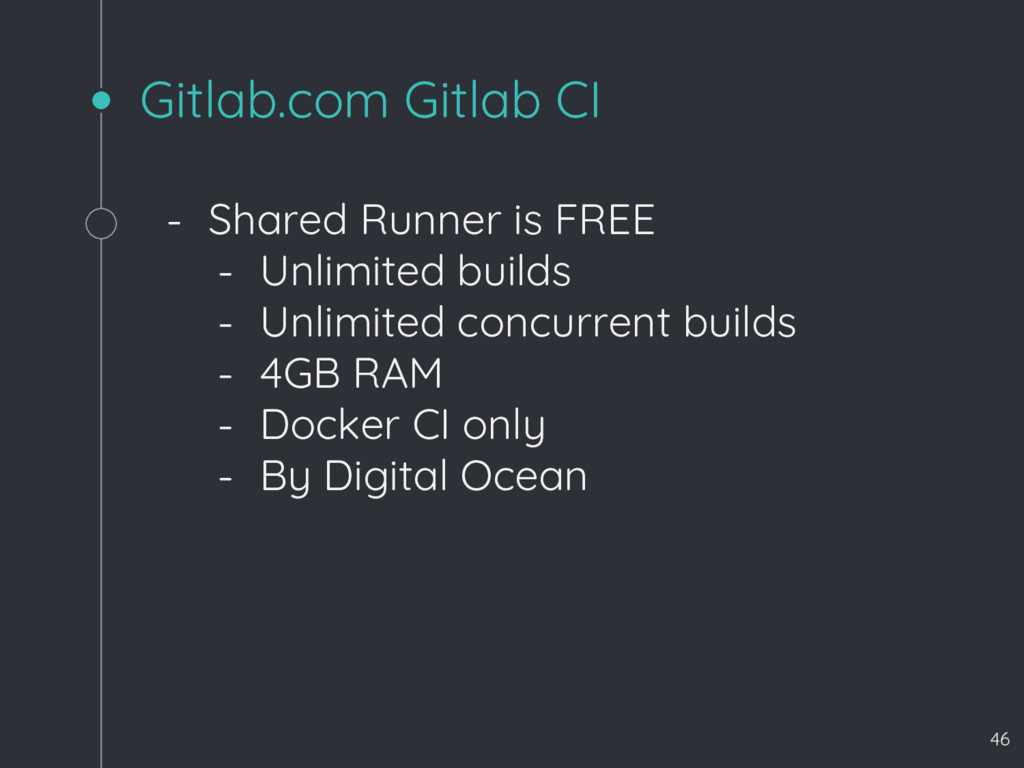
  12. Gitlab.com Gitlab CI - Shared Runner is FREE - Unlimited

    builds - Unlimited concurrent builds - 4GB RAM - Docker CI only - By Digital Ocean 46