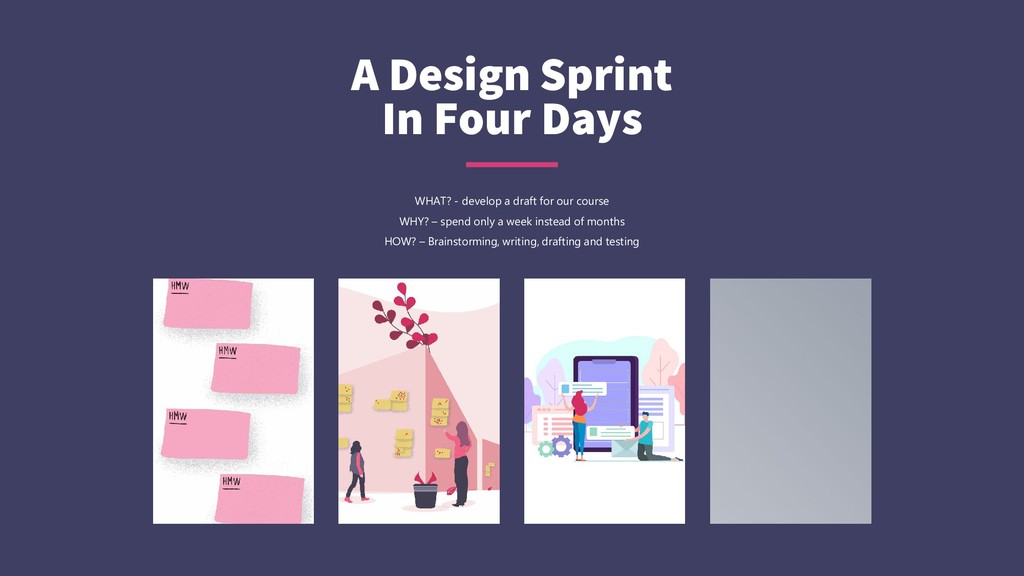
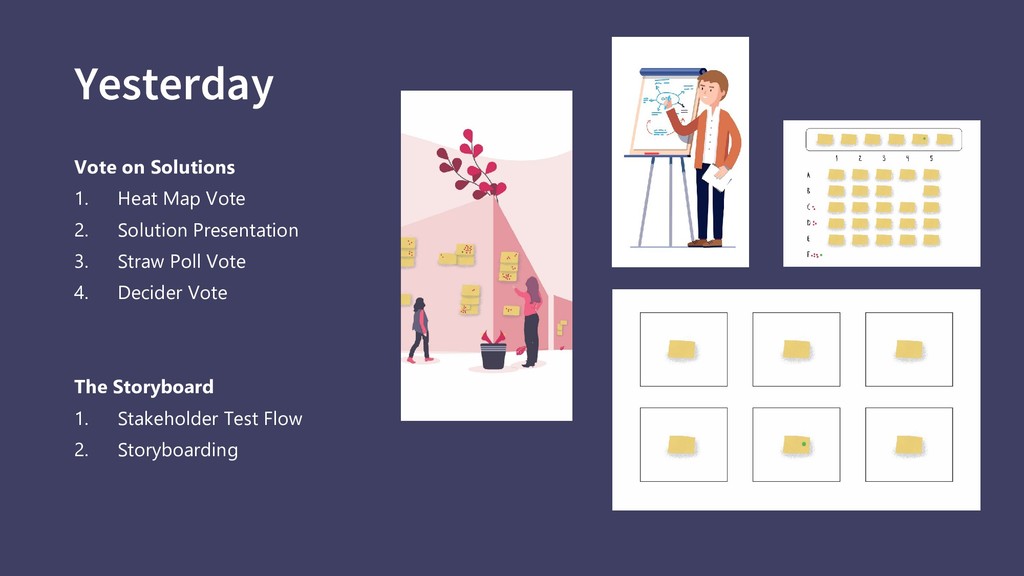
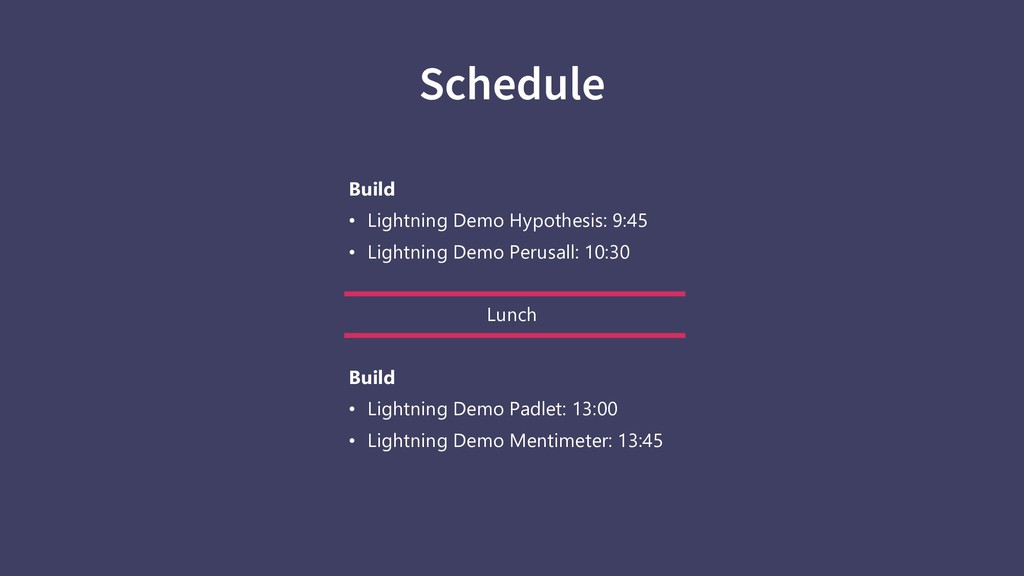
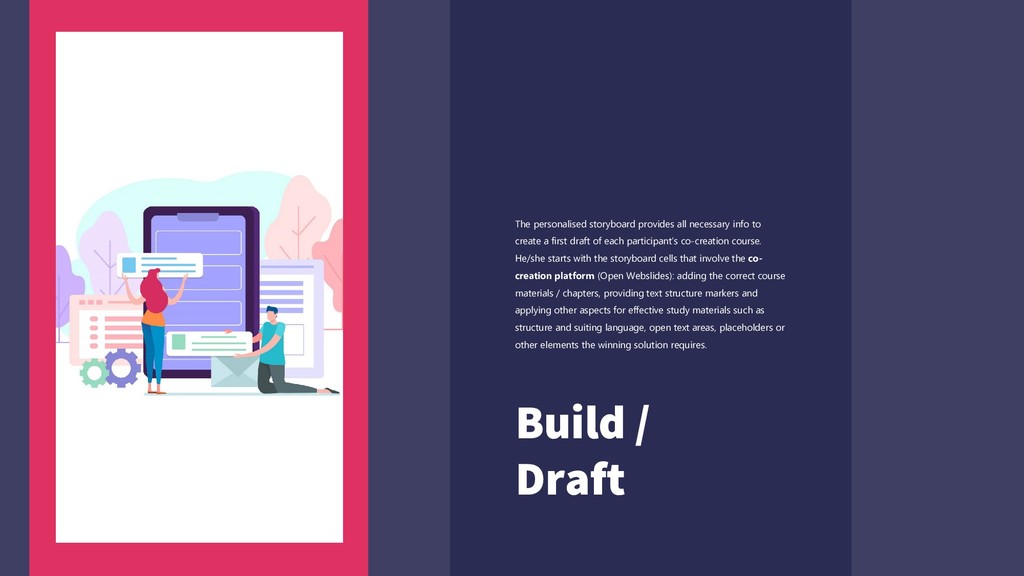
first draft of each participant’s co-creation course. He/she starts with the storyboard cells that involve the co- creation platform (Open Webslides): adding the correct course materials / chapters, providing text structure markers and applying other aspects for effective study materials such as structure and suiting language, open text areas, placeholders or other elements the winning solution requires. Build / Draft
class. Students carry out assignments to annotate texts before class for a part of the course credit. Thus, they are invited to read and think about your texts before the lecture. With prepared students, time during the lecture can be used for active learning: discussions, tasks and exercises. Perusall is a social system. Students annotate together, so, studying becomes a social rather than solitary experience. Some students may want to be the first to ask questions based on a text; others may like answering questions or responding to fellow students more. The lecturer sees the annotations beforehand. This makes it possible to pick out good annotations from students who may normally be too shy to speak up in class.”
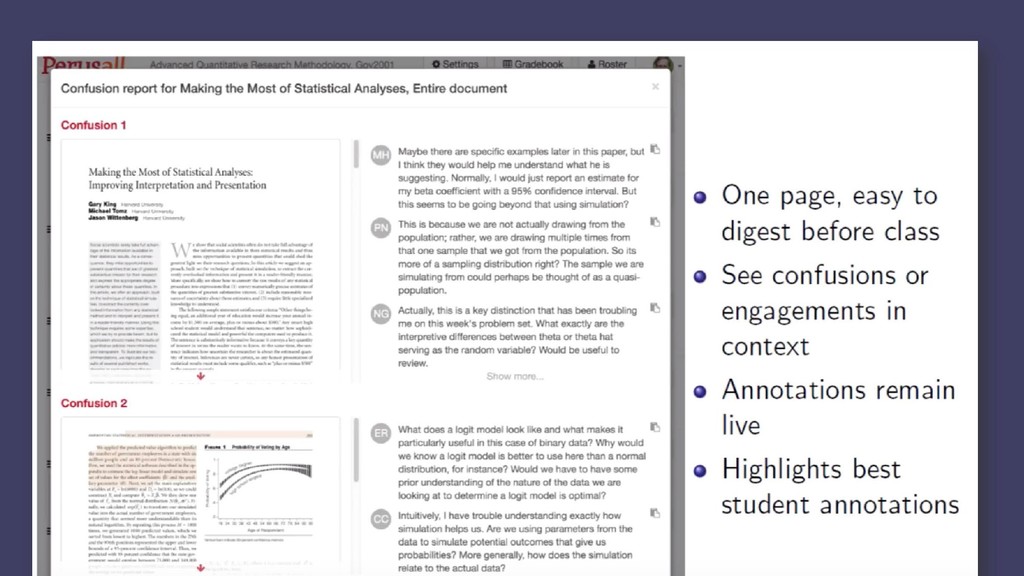
a lecturer you can review the scores, and check marginal students scores by hand, saving you a lot of time. At the same time, Perusall helps to make sense of the many annotations by providing a confusion report and overviews of most upvoted comments and questions. This helps you as a teacher to focus on the most important issues that students come up with.” https://www.rug.nl/e-learning/innovation-projects/perusall-active-learning-template.pdf
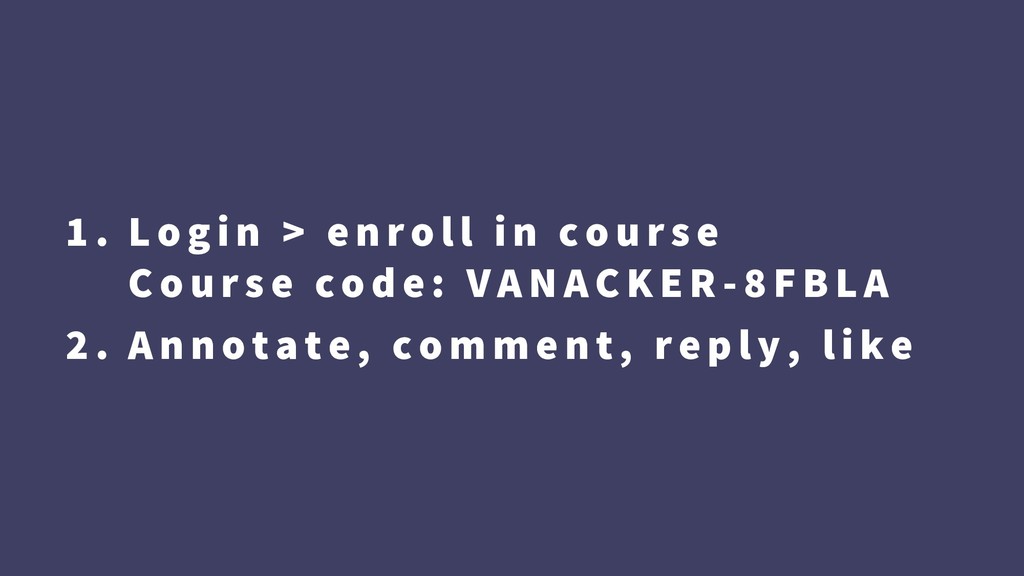
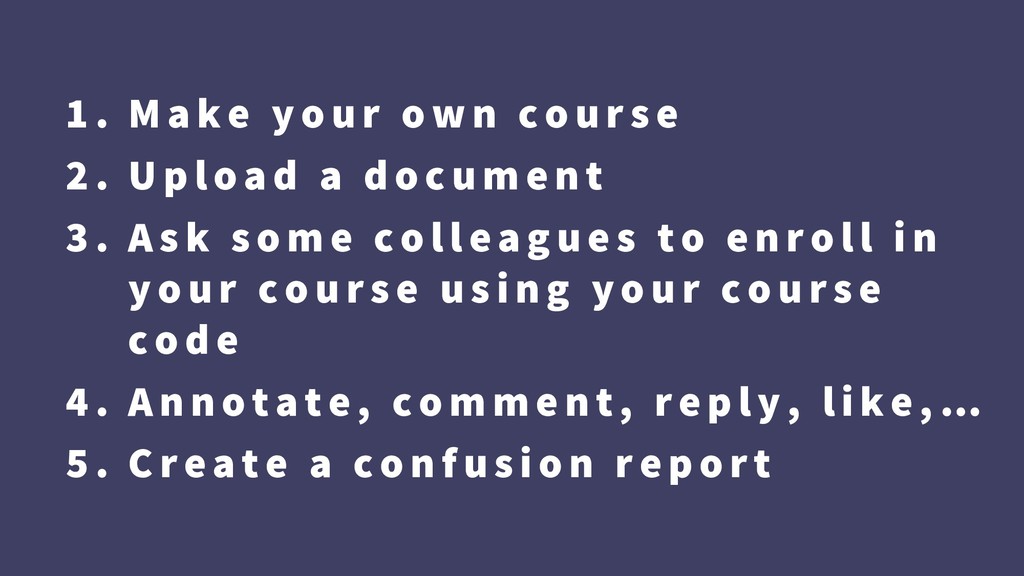
U pload a docum e n t 3 . As k s om e colle ag ue s to e n r oll i n your cours e us i n g your c ours e cod e 4 . An n otate, com m e n t, r e p ly, li k e , … 5 . Create a con f us i on r e p or t
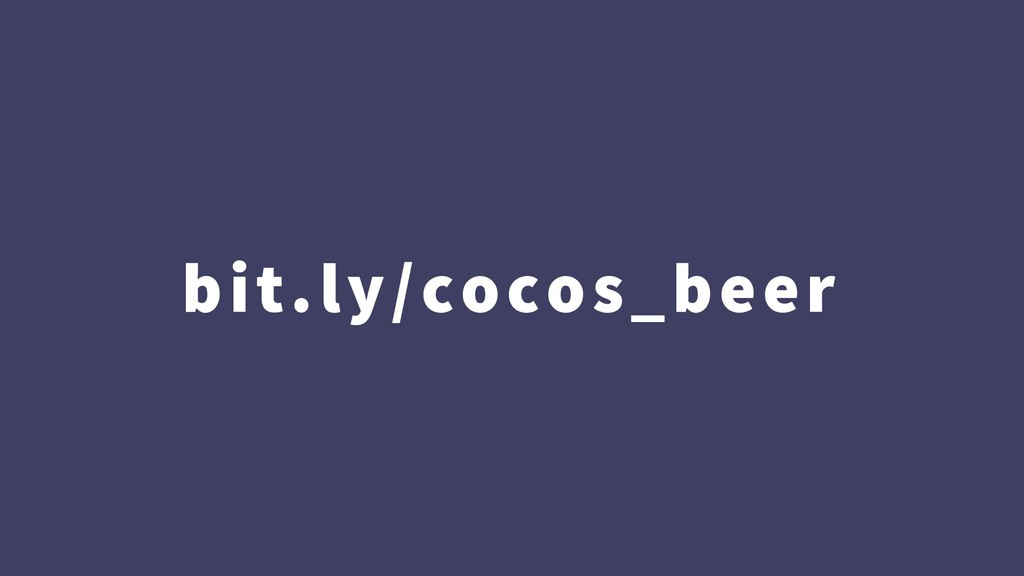
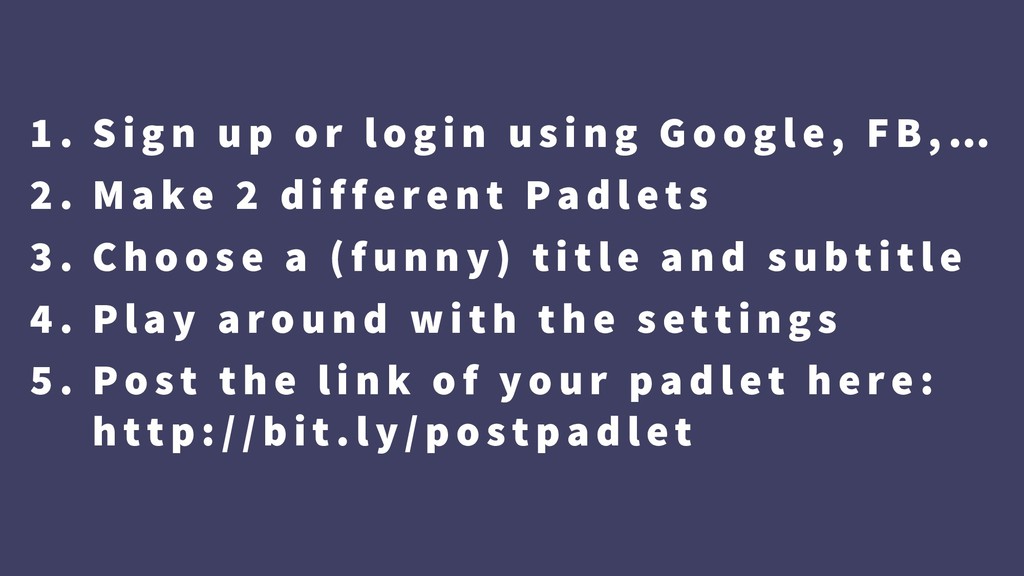
us i n g Goog le, FB , … 2 . Make 2 diffe re n t Pad le ts 3 . Ch oos e a ( f un n y) t i tle an d s ub ti tle 4 . Play aroun d w ith th e s e tti n g s 5 . Pos t th e lin k of your p ad le t h e r e : h ttp: //b it. ly/pos tp ad le t


 3n
3n
 mza
mza
 gurzu
gurzu
 smashingmag
 maltzj
 szymonslowik
 dougneiner
 tammielis
 thekraken
 badams
 axbom
axbom
 brettharned