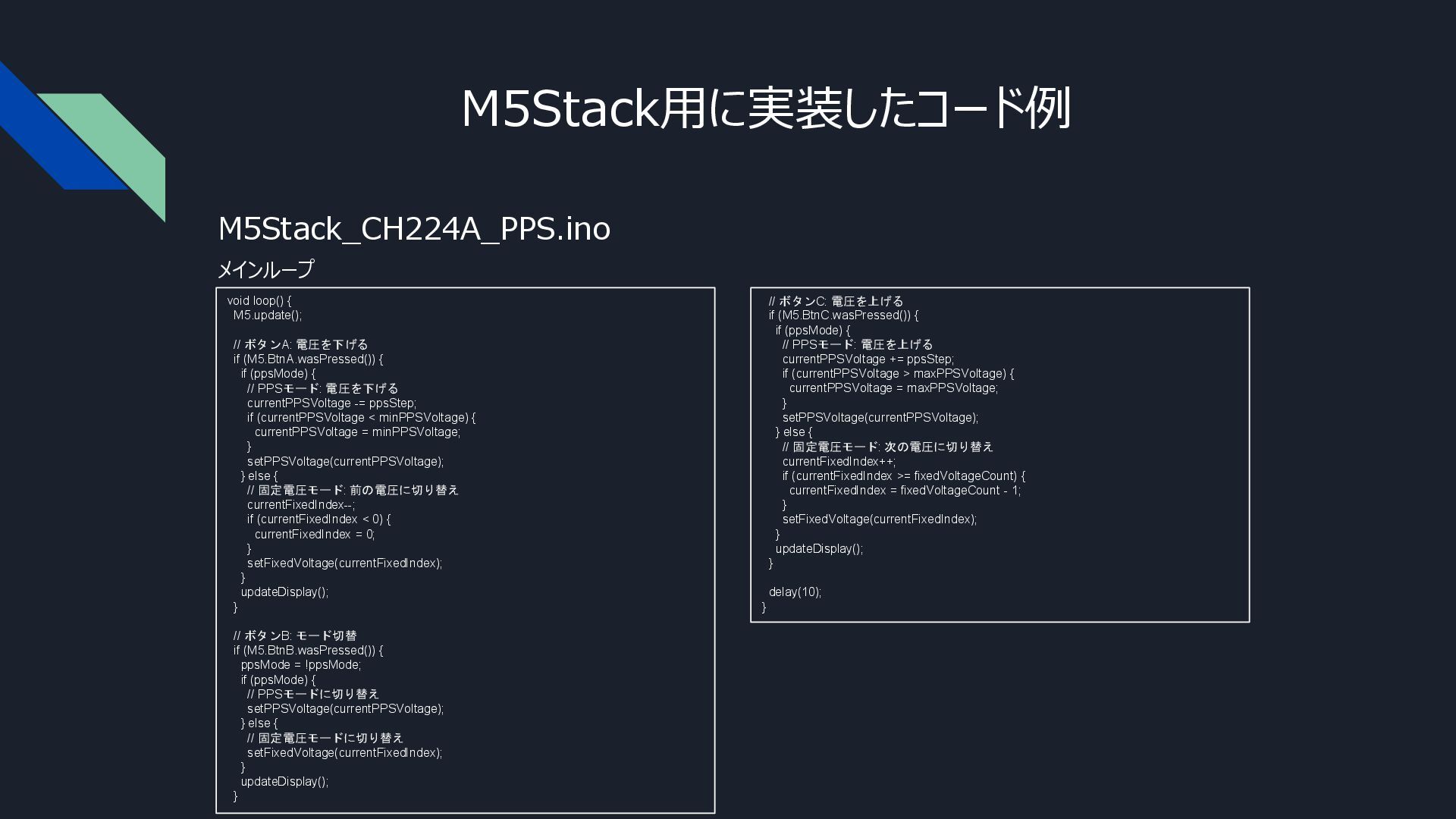
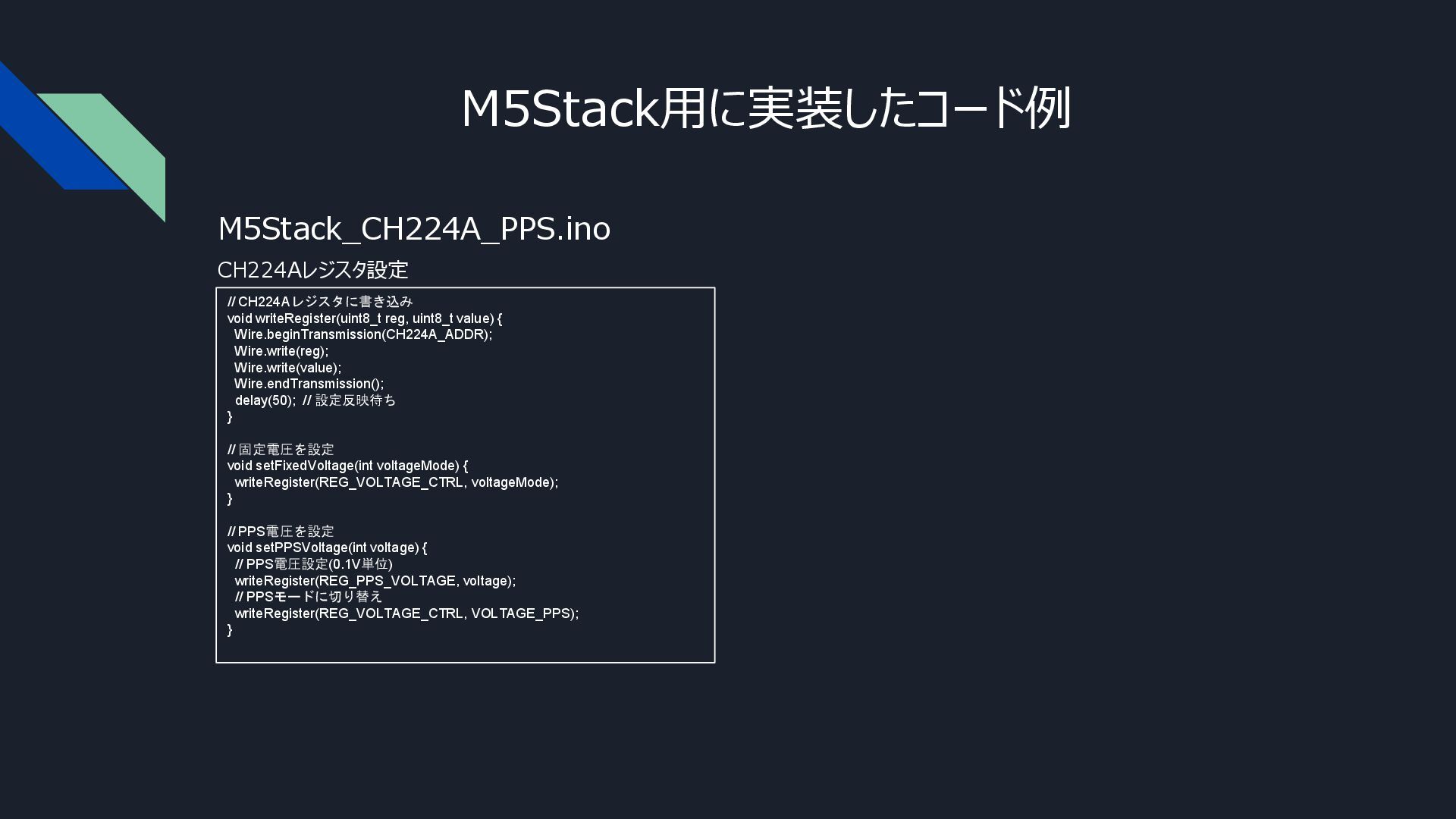
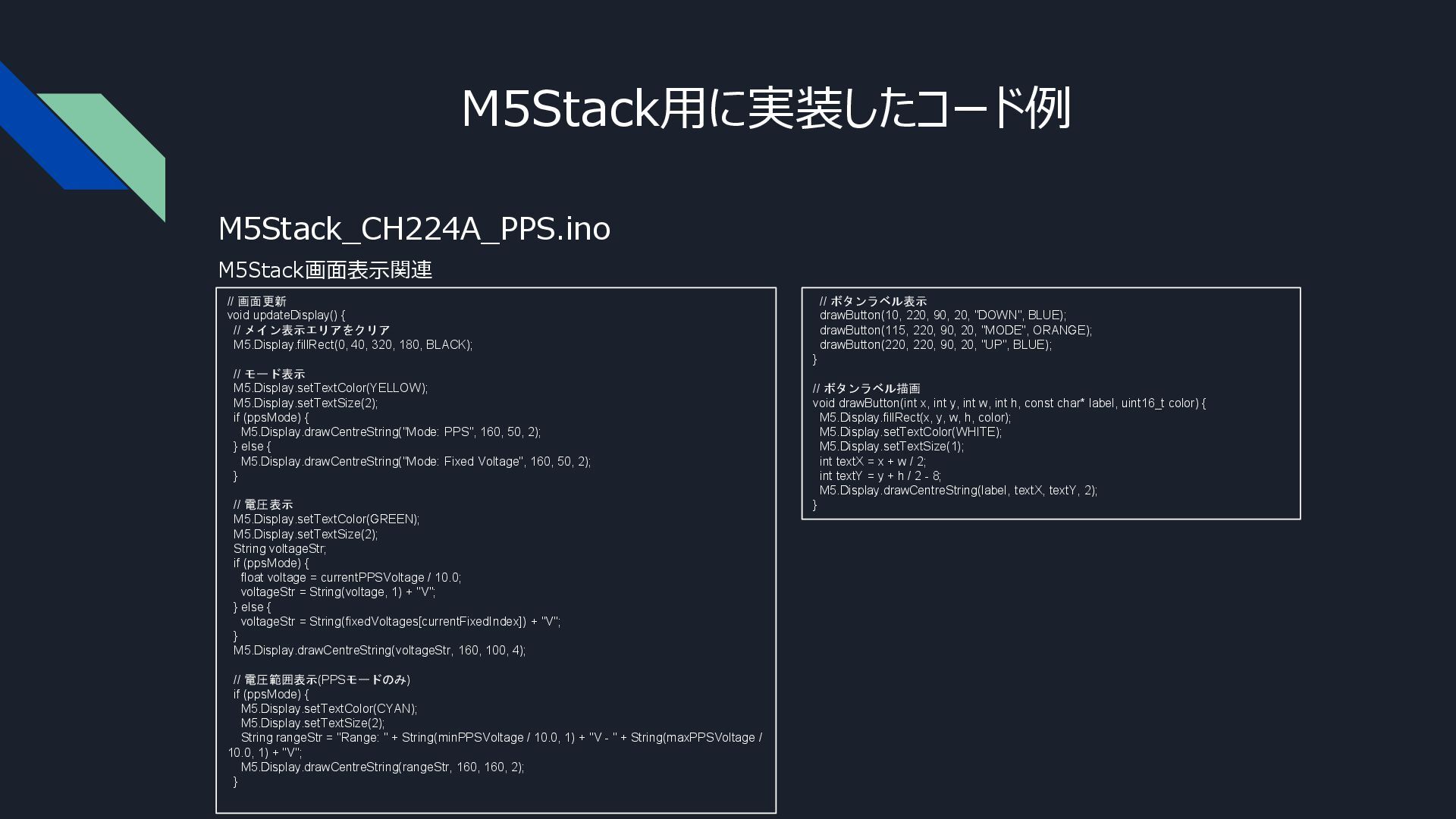
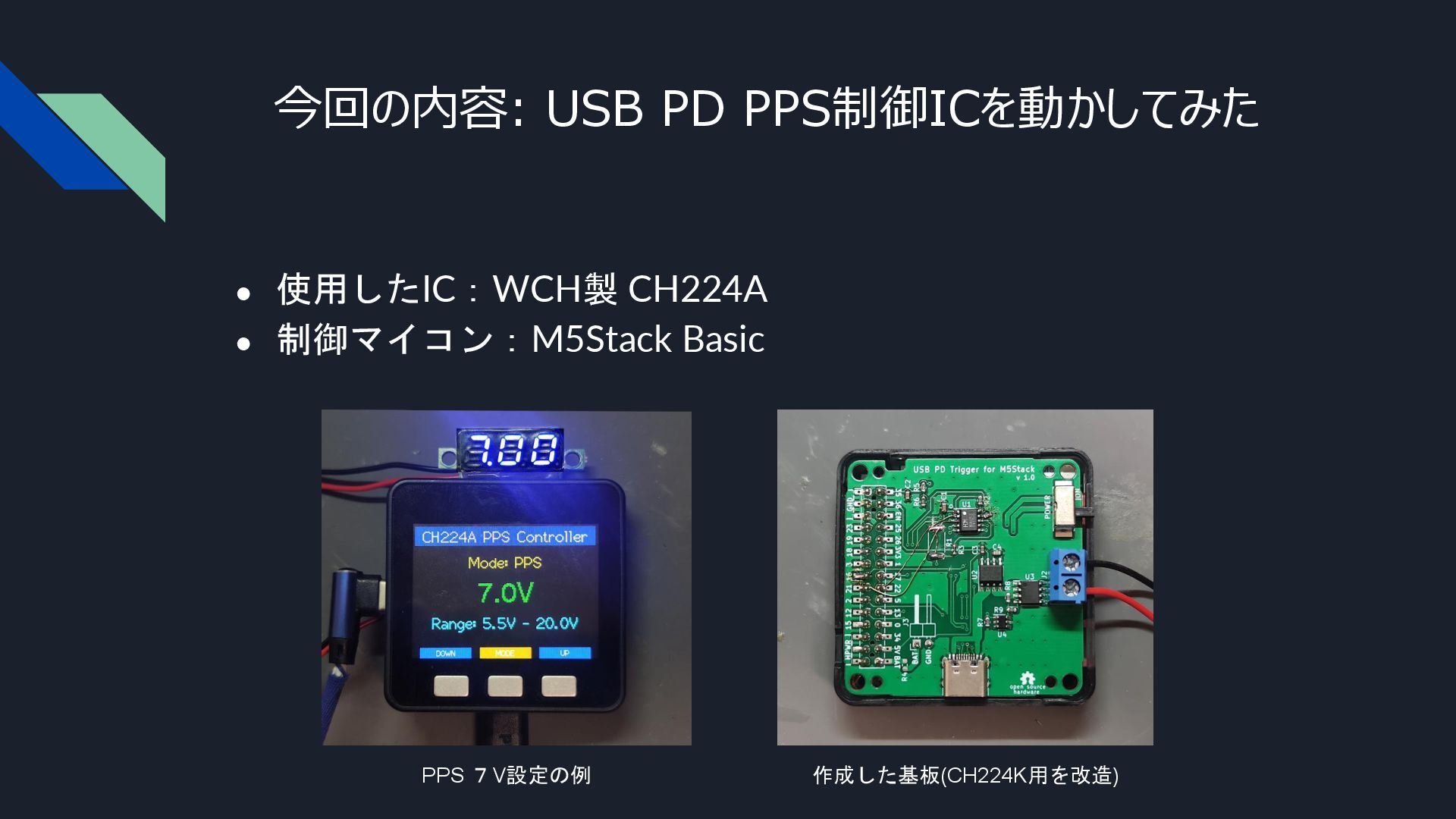
180, BLACK); // モード表示 M5.Display.setTextColor(YELLOW); M5.Display.setTextSize(2); if (ppsMode) { M5.Display.drawCentreString("Mode: PPS", 160, 50, 2); } else { M5.Display.drawCentreString("Mode: Fixed Voltage", 160, 50, 2); } // 電圧表示 M5.Display.setTextColor(GREEN); M5.Display.setTextSize(2); String voltageStr; if (ppsMode) { float voltage = currentPPSVoltage / 10.0; voltageStr = String(voltage, 1) + "V"; } else { voltageStr = String(fixedVoltages[currentFixedIndex]) + "V"; } M5.Display.drawCentreString(voltageStr, 160, 100, 4); // 電圧範囲表示(PPSモードのみ) if (ppsMode) { M5.Display.setTextColor(CYAN); M5.Display.setTextSize(2); String rangeStr = "Range: " + String(minPPSVoltage / 10.0, 1) + "V - " + String(maxPPSVoltage / 10.0, 1) + "V"; M5.Display.drawCentreString(rangeStr, 160, 160, 2); } M5Stack画面表示関連 M5Stack用に実装したコード例 M5Stack_CH224A_PPS.ino // ボタンラベル表示 drawButton(10, 220, 90, 20, "DOWN", BLUE); drawButton(115, 220, 90, 20, "MODE", ORANGE); drawButton(220, 220, 90, 20, "UP", BLUE); } // ボタンラベル描画 void drawButton(int x, int y, int w, int h, const char* label, uint16_t color) { M5.Display.fillRect(x, y, w, h, color); M5.Display.setTextColor(WHITE); M5.Display.setTextSize(1); int textX = x + w / 2; int textY = y + h / 2 - 8; M5.Display.drawCentreString(label, textX, textY, 2); }


 tomorrow56
 addyosmani
 mayatellez
 keavy
keavy
 soysaucechin
 takai
takai
 sonatard
 katiecoart
 varn
varn
 philnash
 reverentgeek
 honnibal


![M5Stack用に実装したコード例 M5Stack_CH224A_PPS.ino グローバル変数と関数プロトタイプ // 固定電圧プリセット const int fixedVoltages[] = {5,](https://files.speakerdeck.com/presentations/3c5a791a07f8466bbae15d45e264be32/slide_10.jpg)