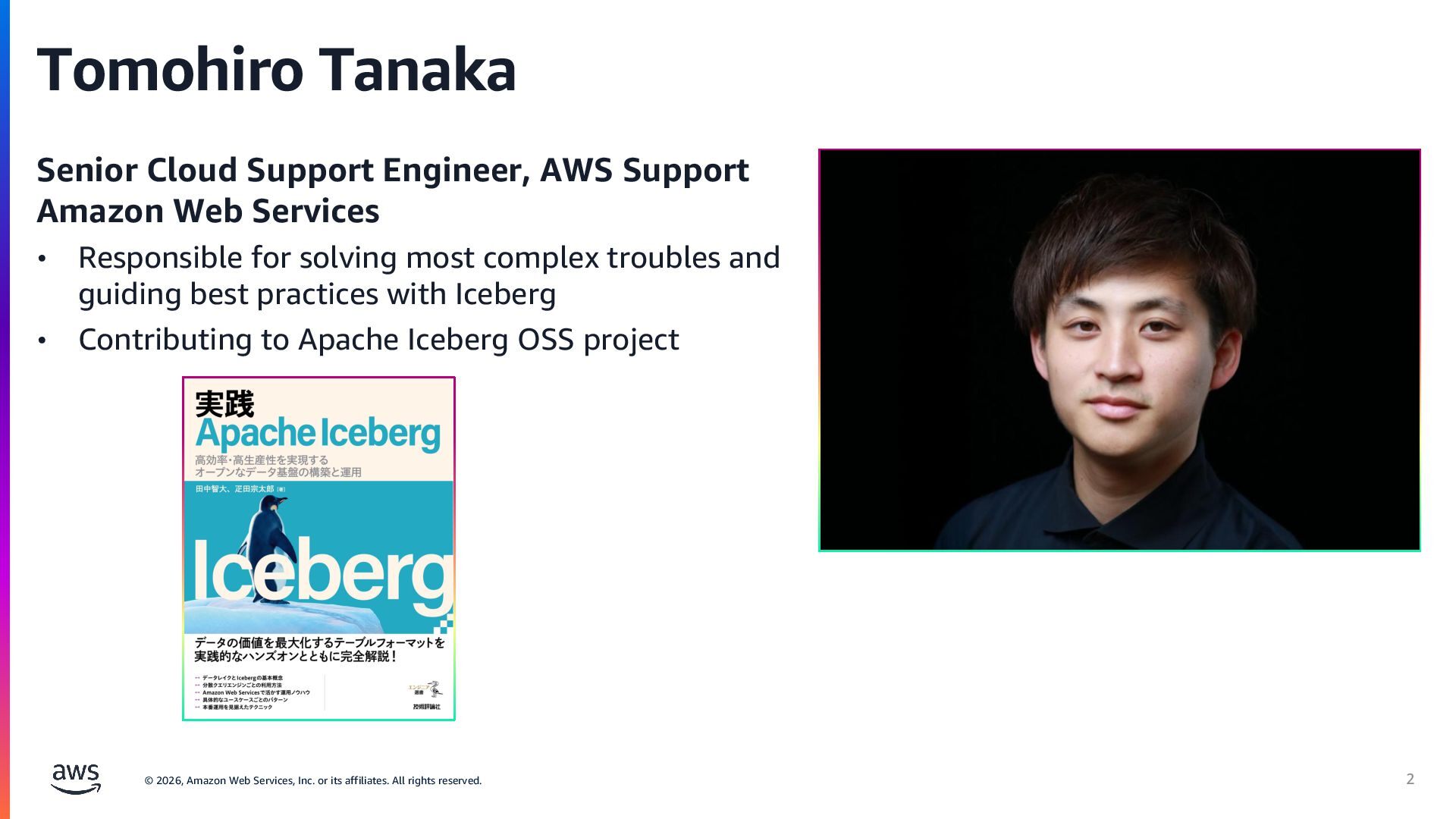
rights reserved. Tomohiro Tanaka Senior Cloud Support Engineer, AWS Support Amazon Web Services • Responsible for solving most complex troubles and guiding best practices with Iceberg • Contributing to Apache Iceberg OSS project 2
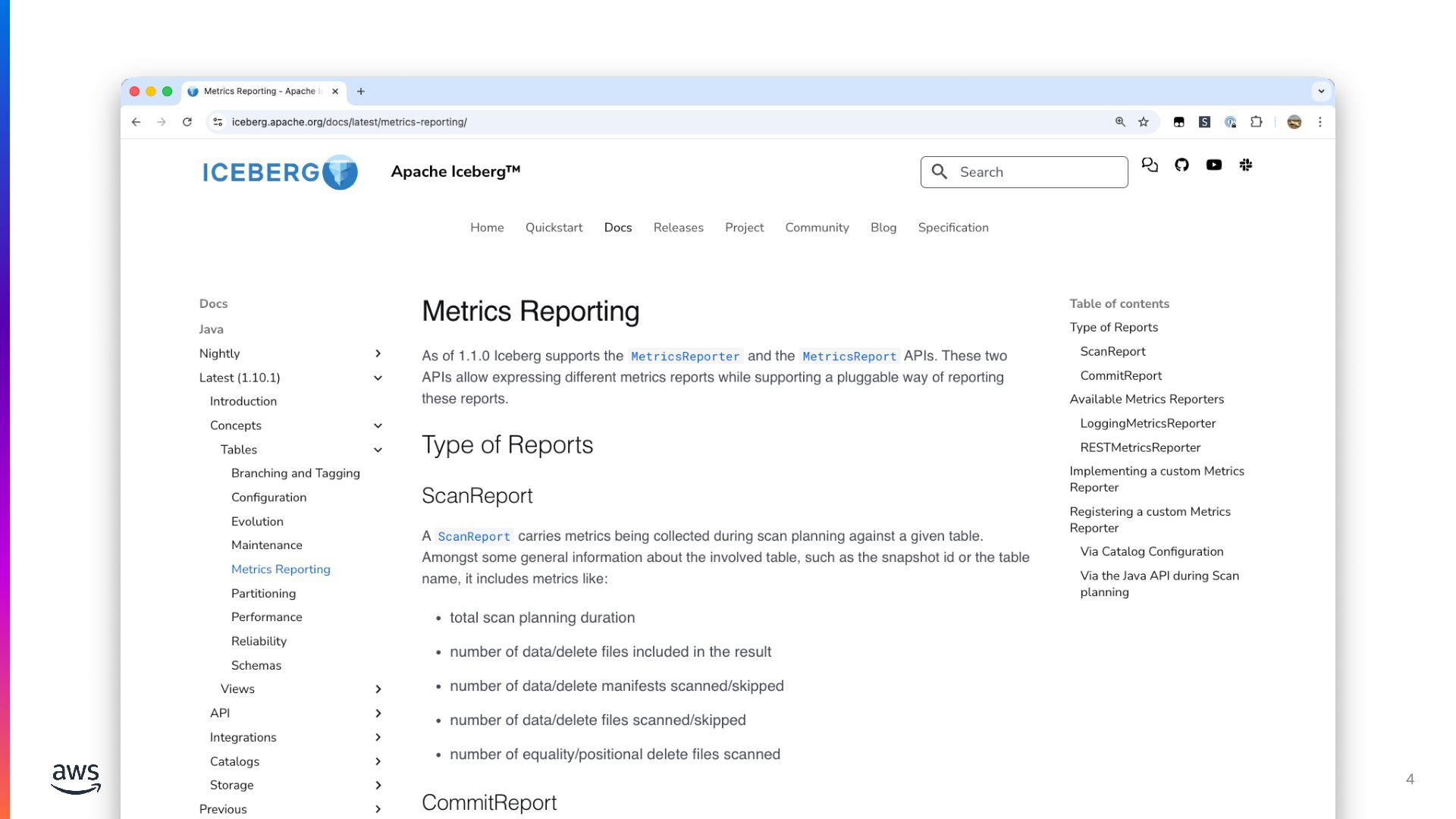
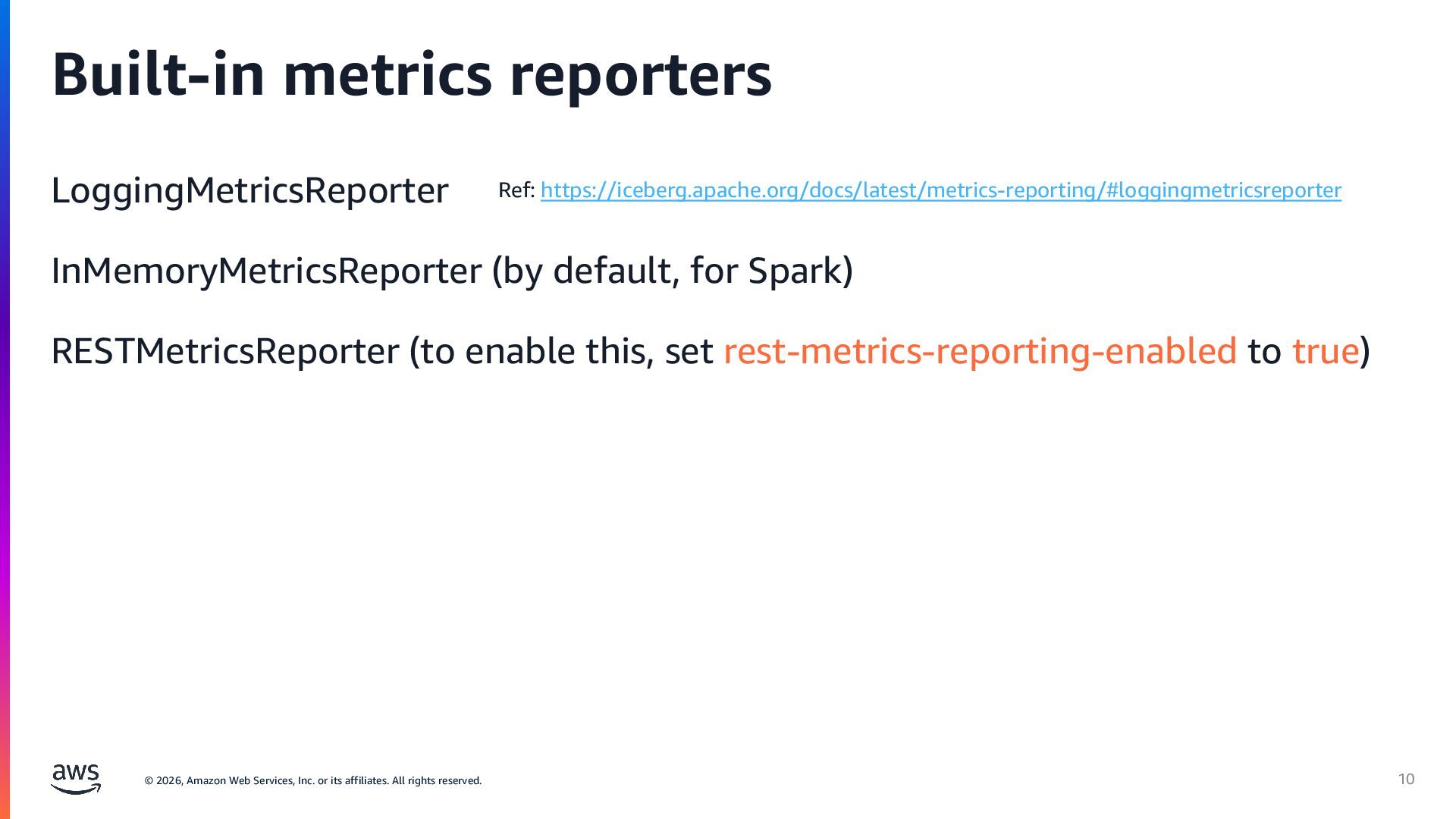
rights reserved. Metrics Reporting in Iceberg A feature reporting manifest related metrics to any resource The metrics are published when an Iceberg table is scanned or committed. The metrics can be used to configure triggering some actions. Two APIs: MetricsReporter and MetricsReport By default, the metrics are recorded by LoggingMetricsReporter*. 5 *For Spark, InMemoryMetricsReporter is used, and the metrics are added to Spark event logs, and displayed on Spark UI
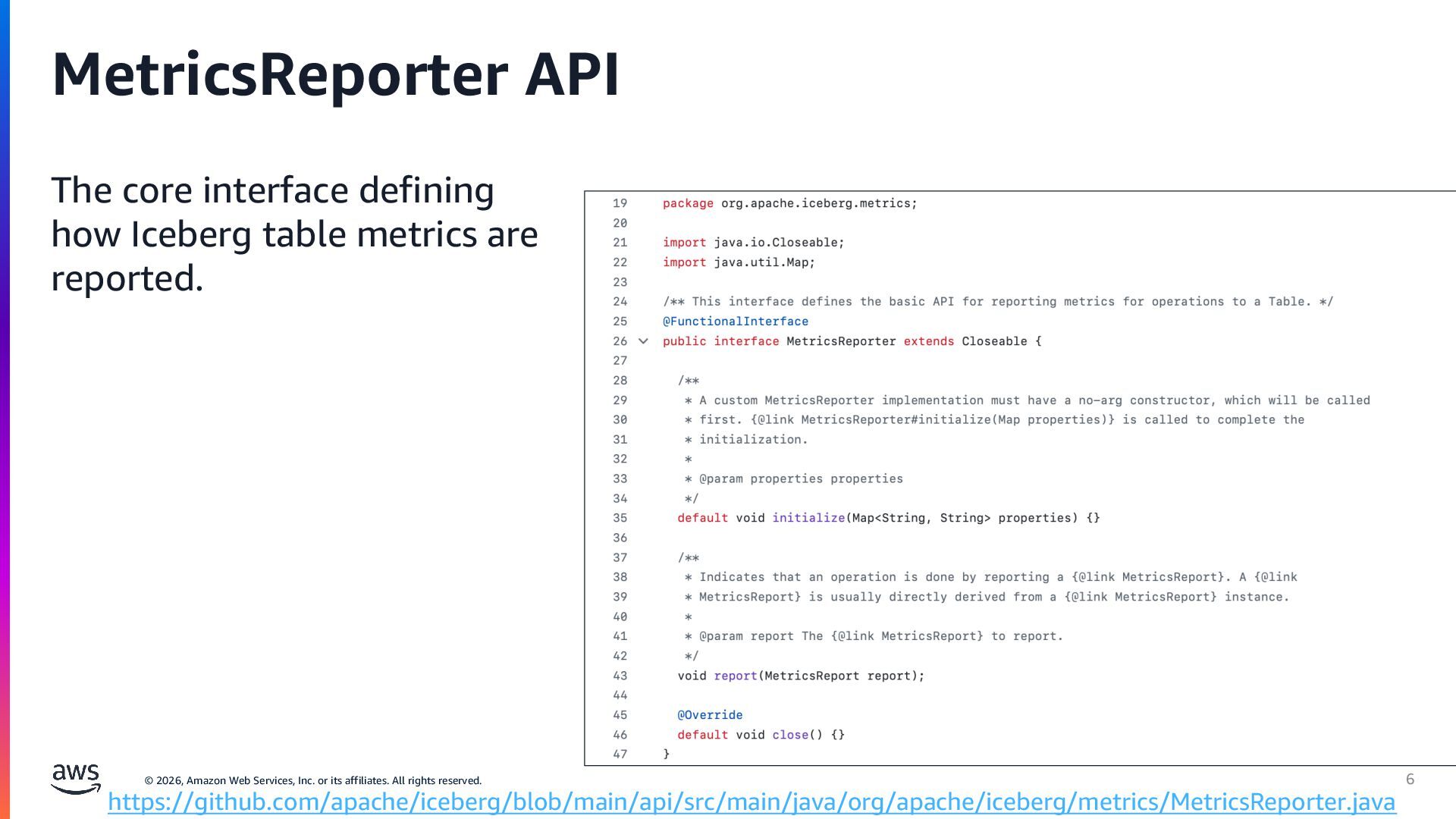
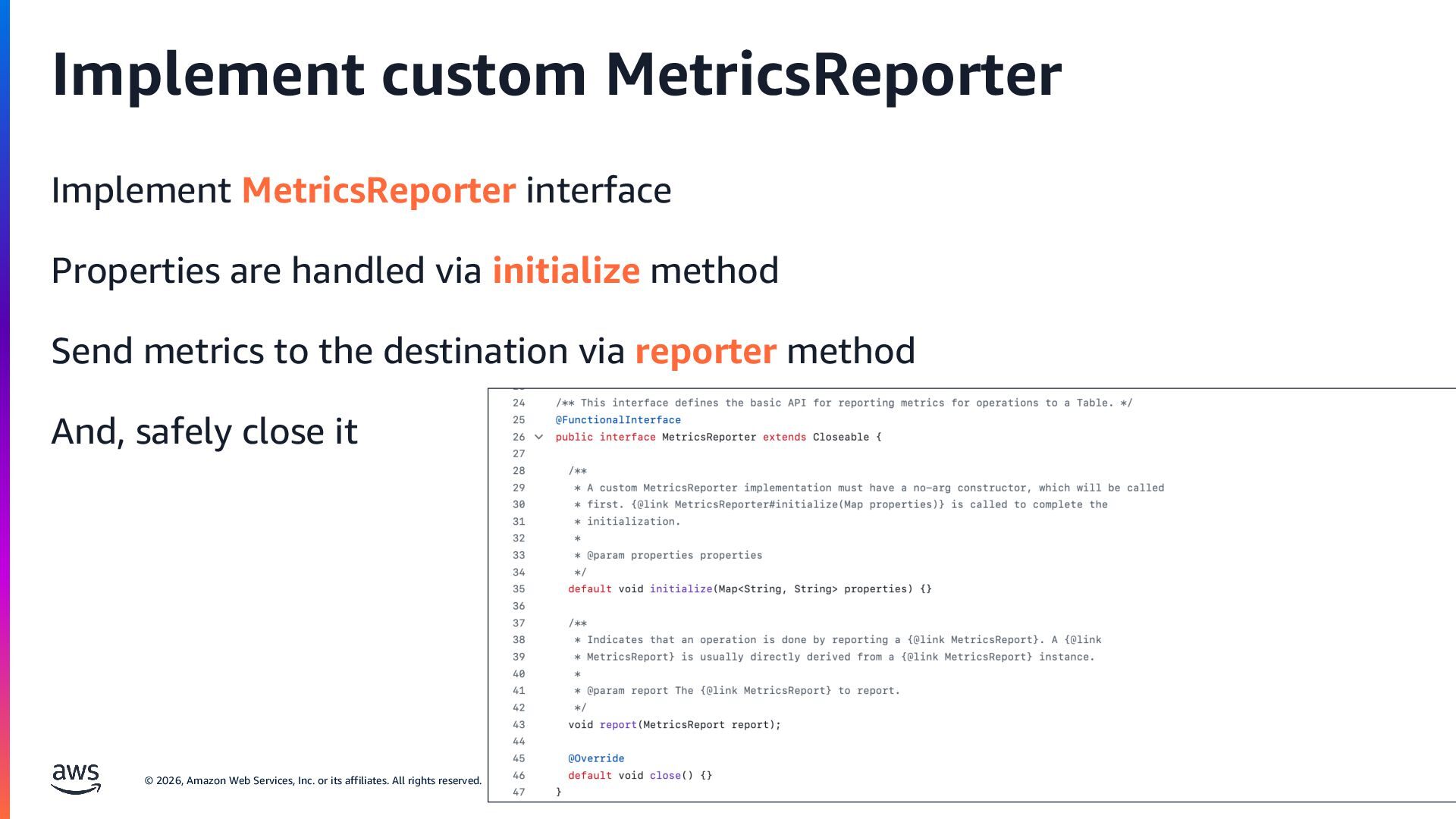
rights reserved. MetricsReporter API The core interface defining how Iceberg table metrics are reported. 6 https://github.com/apache/iceberg/blob/main/api/src/main/java/org/apache/iceberg/metrics/MetricsReporter.java
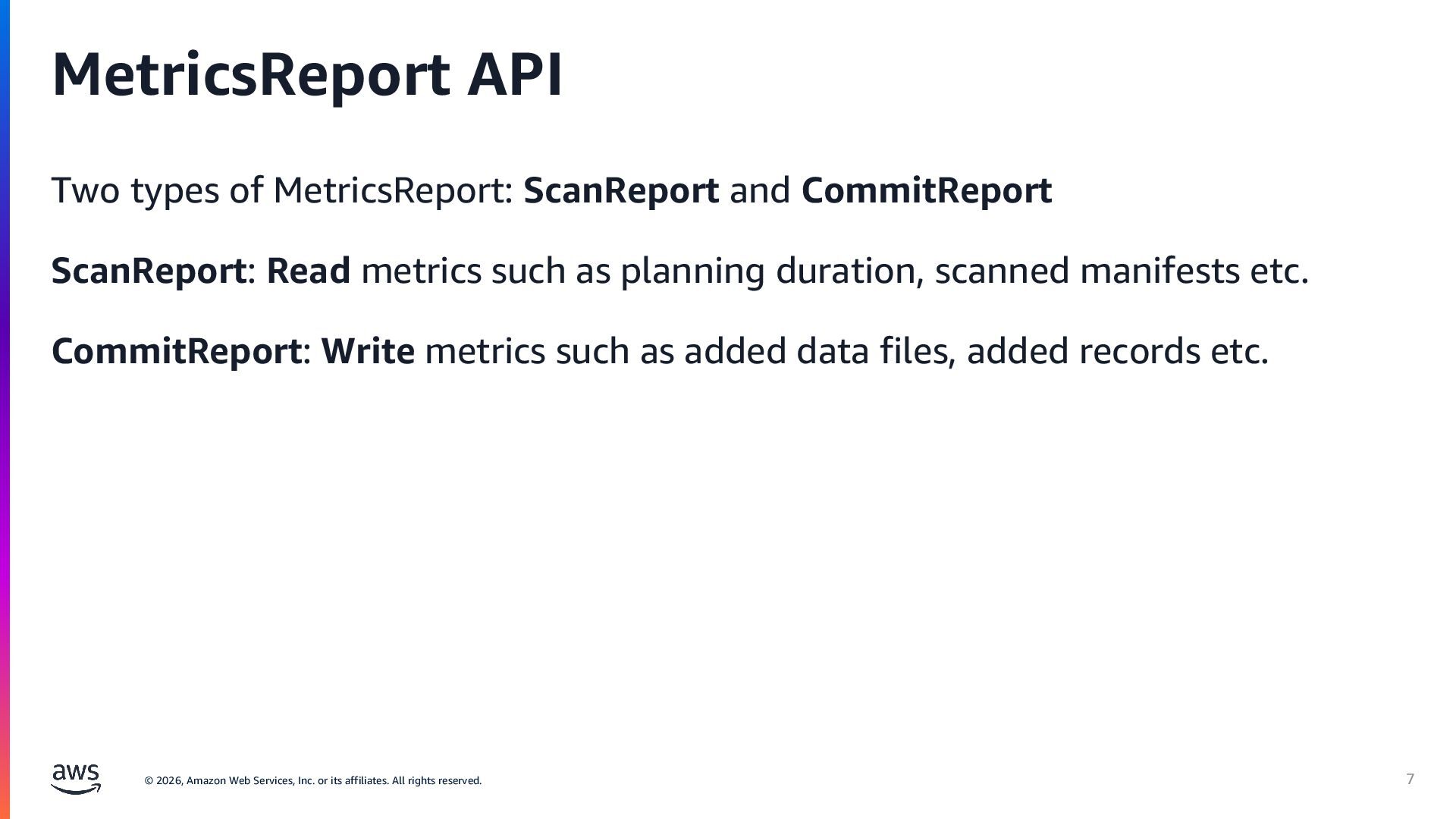
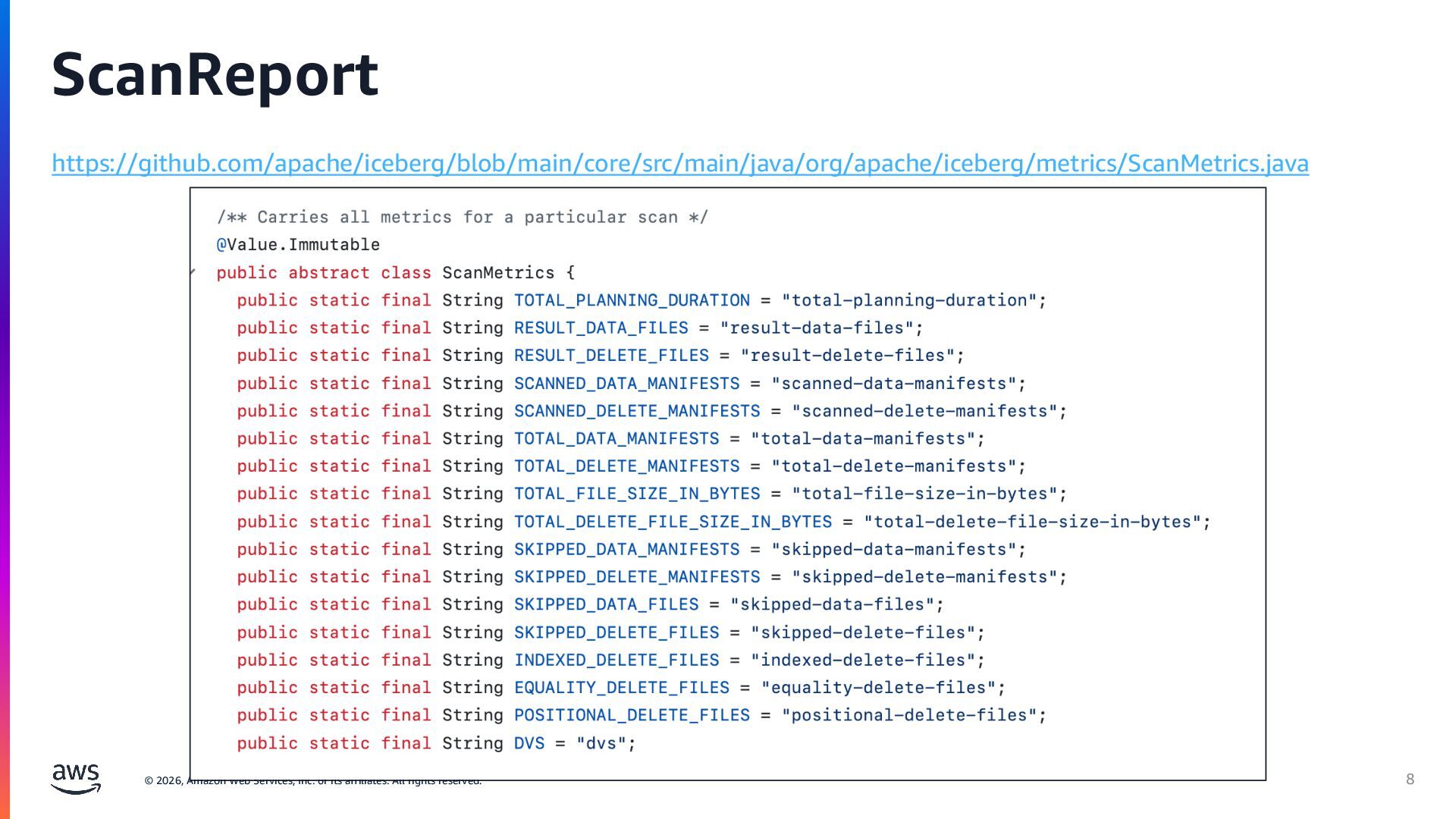
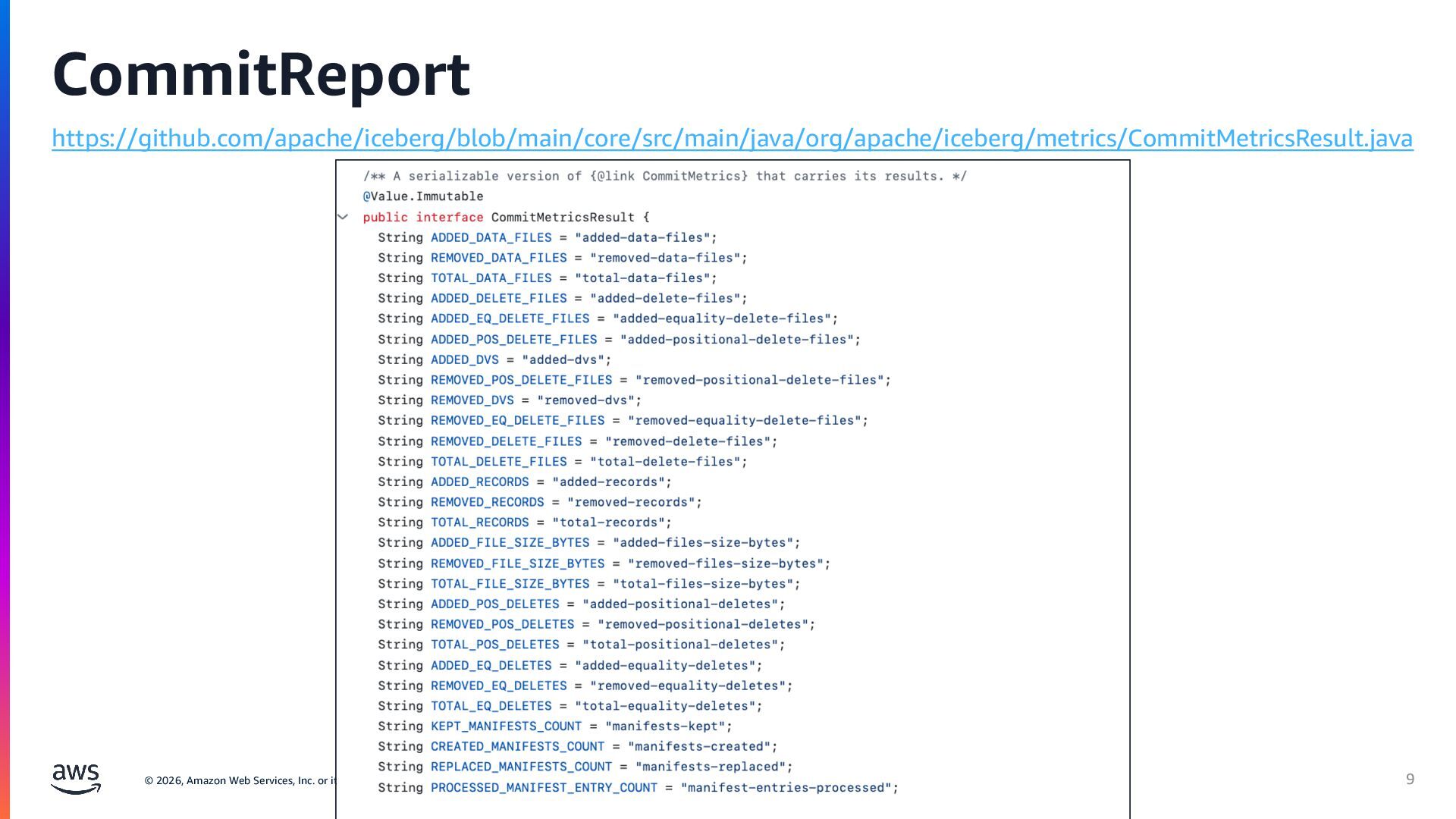
rights reserved. MetricsReport API Two types of MetricsReport: ScanReport and CommitReport ScanReport: Read metrics such as planning duration, scanned manifests etc. CommitReport: Write metrics such as added data files, added records etc. 7
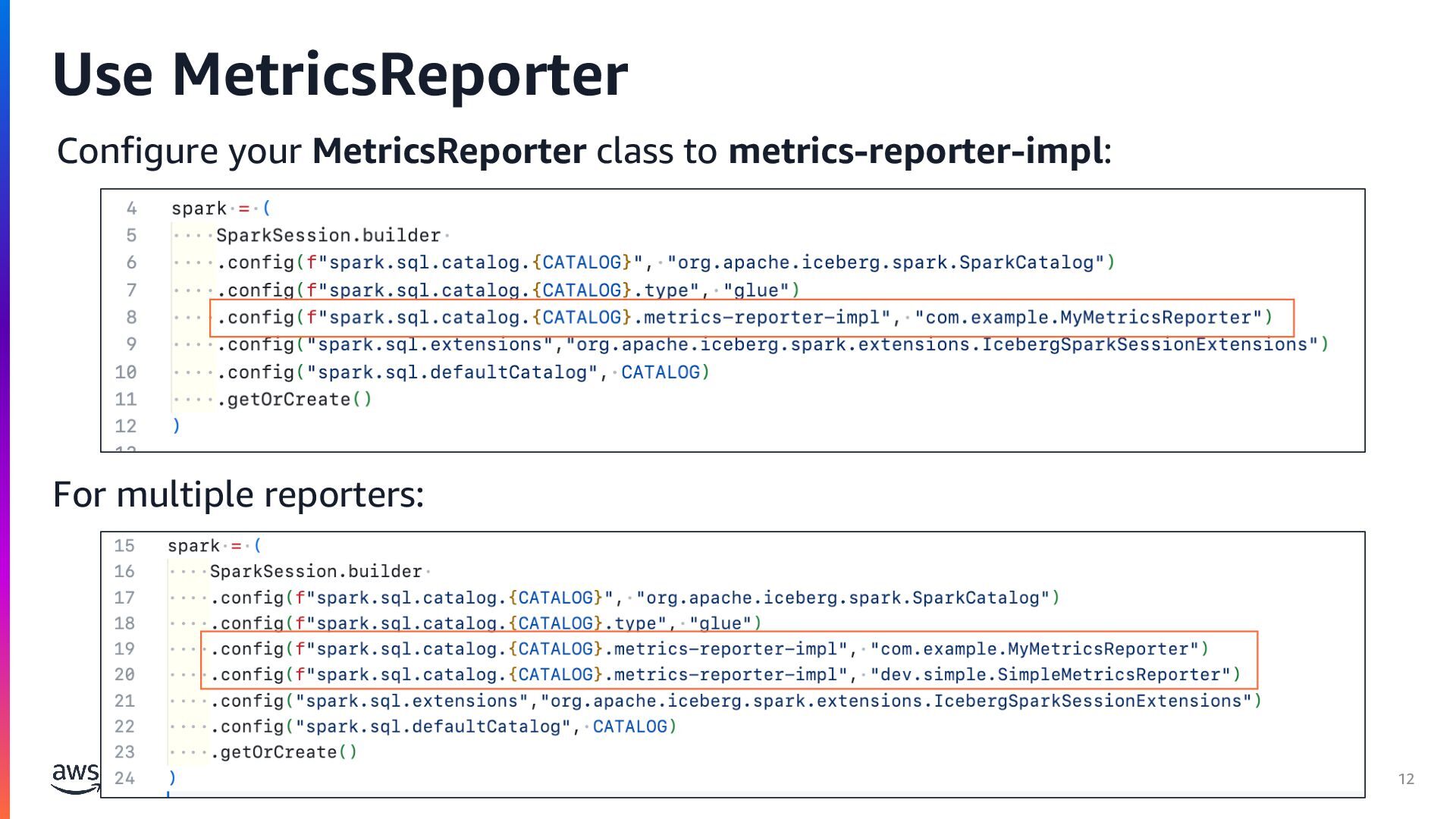
rights reserved. Implement custom MetricsReporter Implement MetricsReporter interface Properties are handled via initialize method Send metrics to the destination via reporter method And, safely close it 11
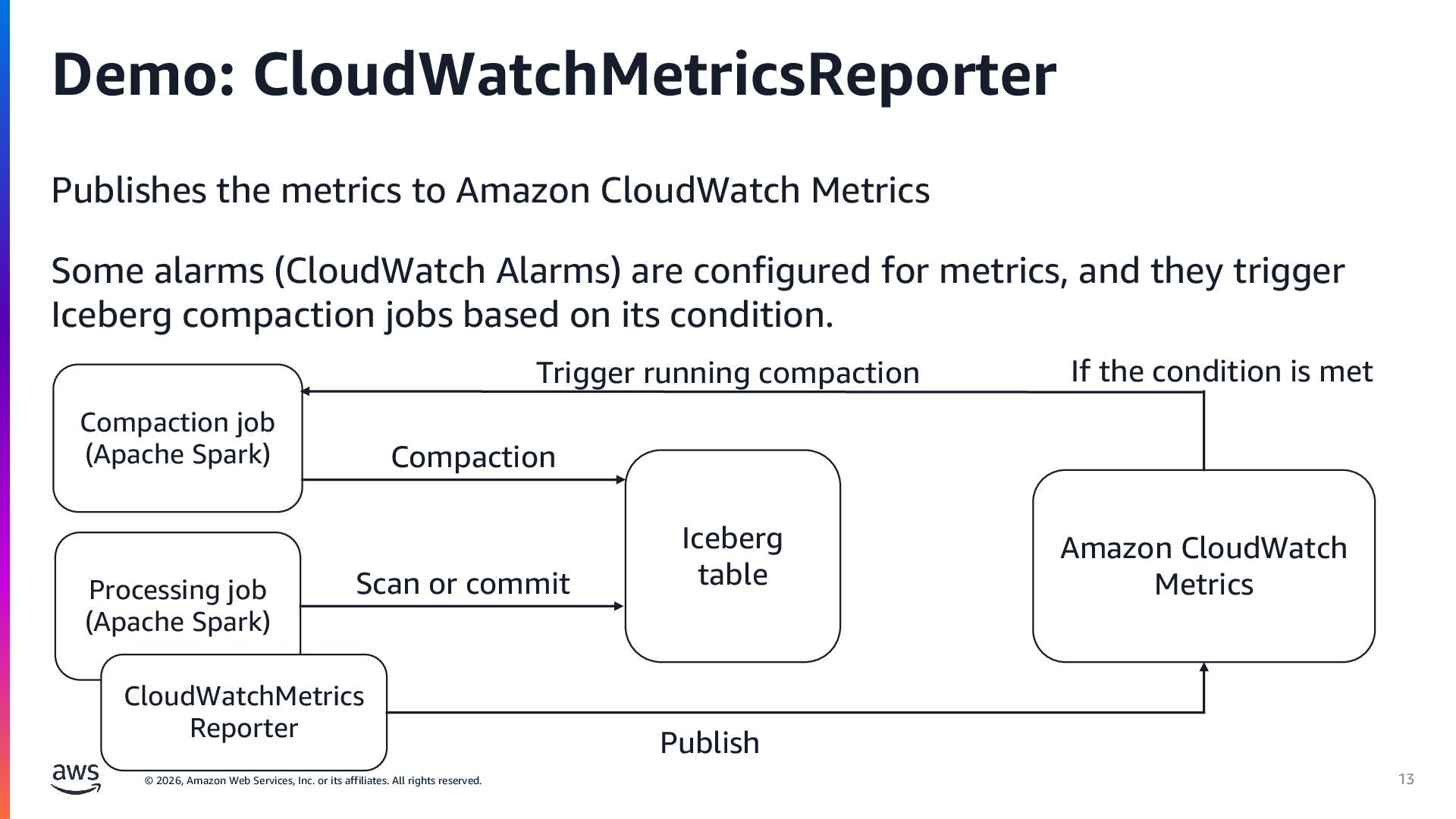
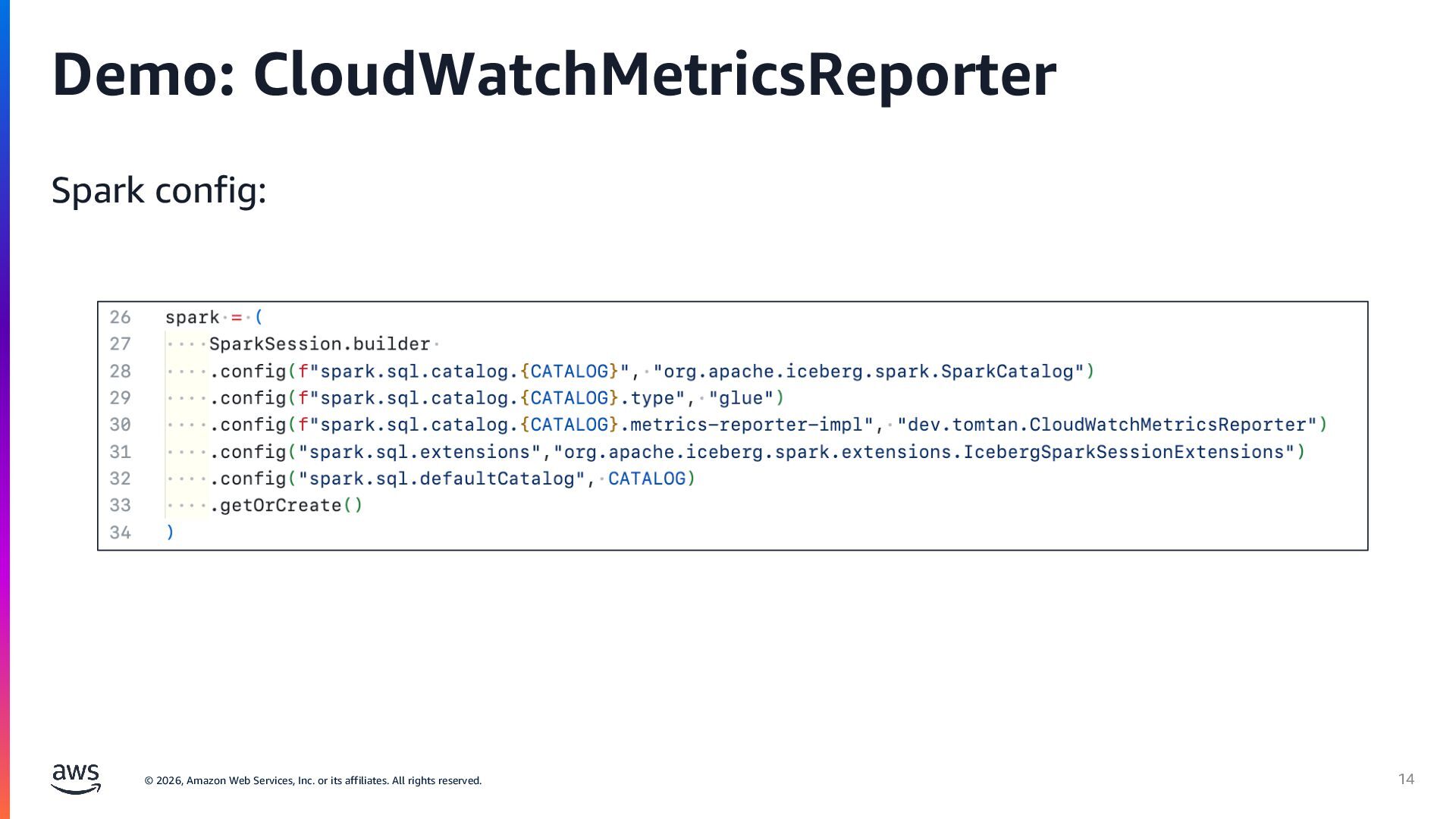
rights reserved. Demo: CloudWatchMetricsReporter Publishes the metrics to Amazon CloudWatch Metrics Some alarms (CloudWatch Alarms) are configured for metrics, and they trigger Iceberg compaction jobs based on its condition. 13 Iceberg table Processing job (Apache Spark) CloudWatchMetrics Reporter Amazon CloudWatch Metrics Compaction job (Apache Spark) Scan or commit Publish If the condition is met Trigger running compaction Compaction
rights reserved. • For every scan/commit, relevant metrics are reported via MetricsReporter. • There are two types of metrics report such as ScanReport and CommitReport. • They can be used to get insights of Iceberg table status • In advanced use-cases, they can be used to enable adaptive table maintenance. 15 Key takeaways


 tomtanaka
 glaforge
 mhrtech
 kaminashi
 codmoninc
 mkdev10
 moznion
 greenmidori
 kentarofujii
 oikon48
 gogutan
 ymotongpoo
 yut0naga1_fa
 techseoconnect
 caitiem20
 sergeychernyshev
 katarinadahlin
 stephaniewalter
 reverentgeek
 thoeni
 aleyda
 csswizardry
 tmiket
 rasagy