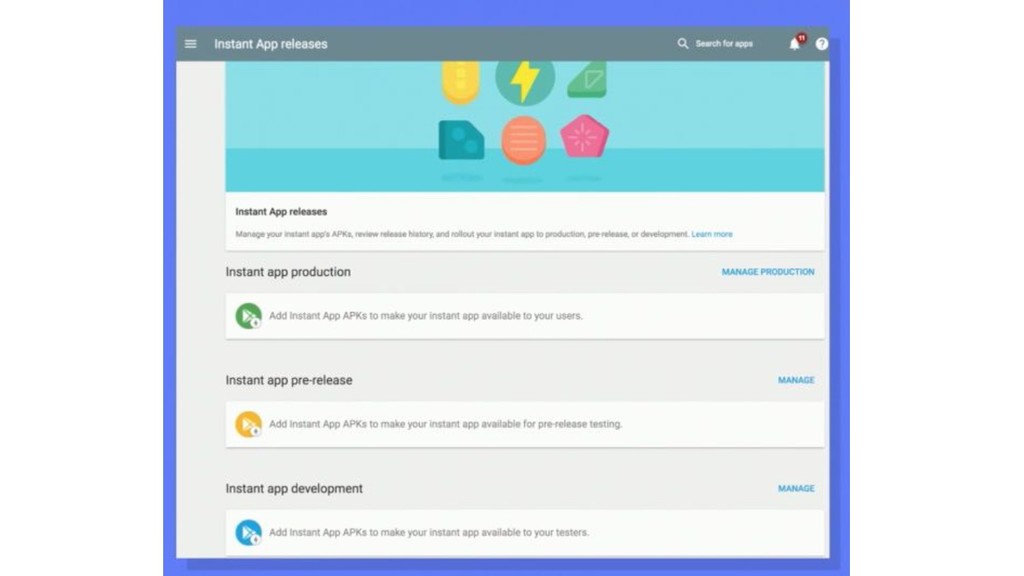
An overview of instant apps, a feature recently introduced by Google and little explored nowadays.
We will show some use cases of how and when to use it.
• Restrictions • Who is using it • Why use it • Designing your app ◦ Where it does not work ◦ Choose a case ◦ What is your goal ◦ Guides principles ◦ Hands on Our today's agenda
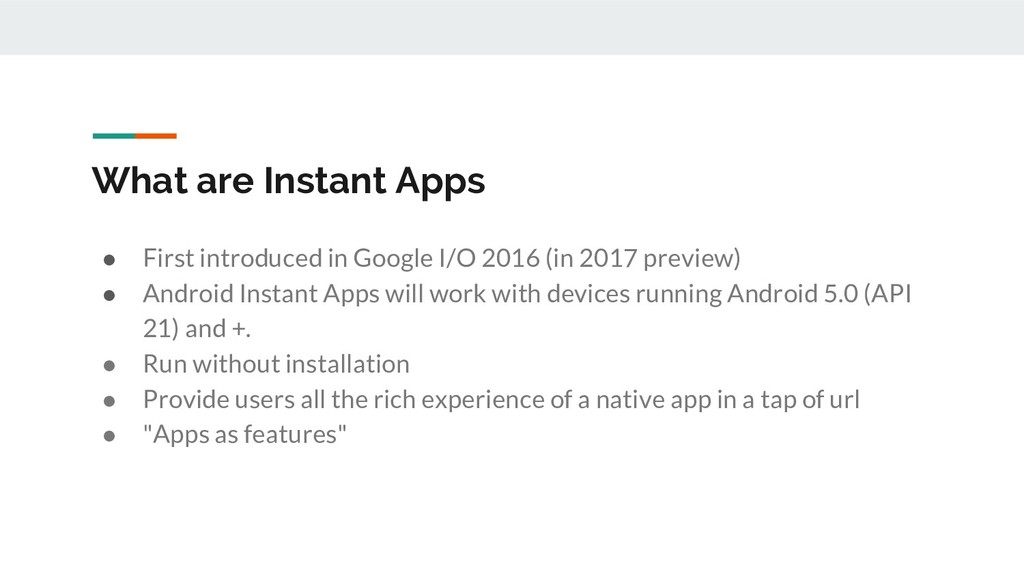
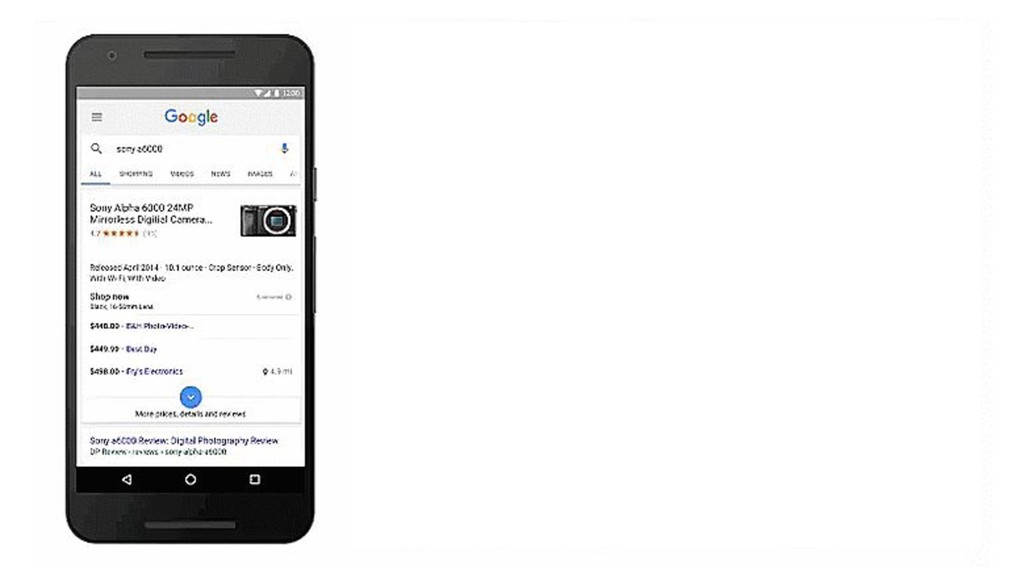
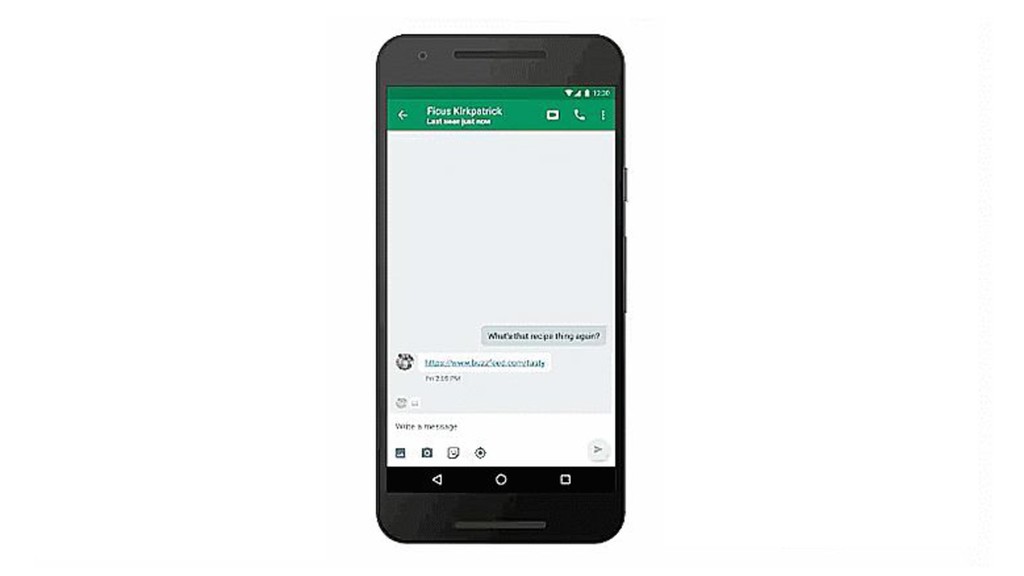
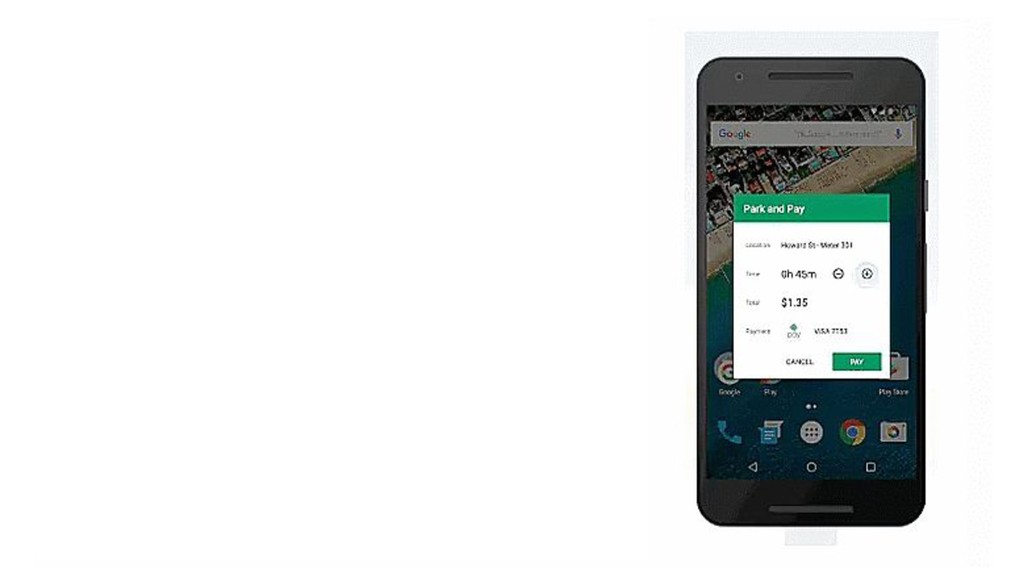
2016 (in 2017 preview) • Android Instant Apps will work with devices running Android 5.0 (API 21) and +. • Run without installation • Provide users all the rich experience of a native app in a tap of url • "Apps as features"
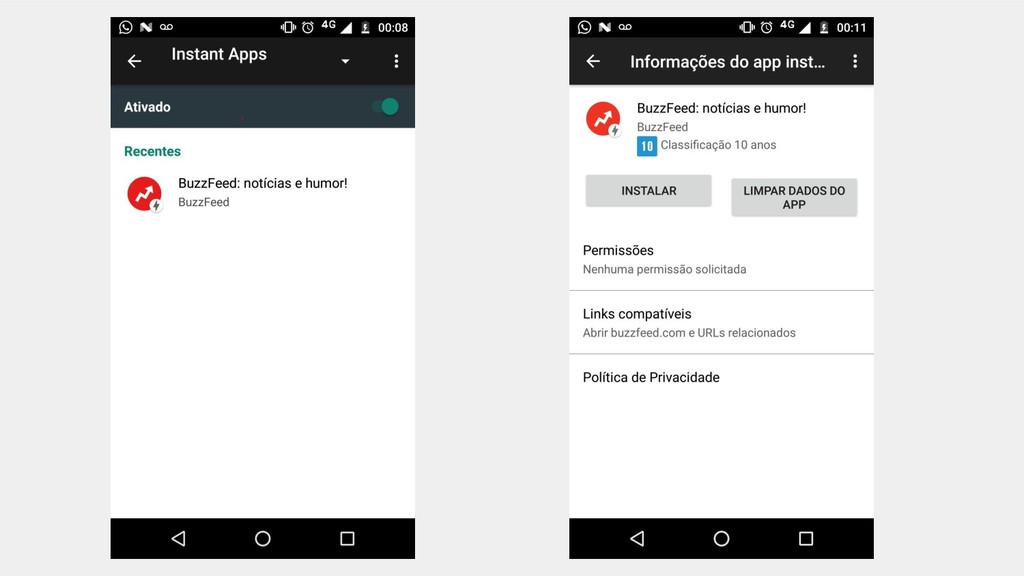
users access to a full-fledged Android app without the need to install it first. • Android Instant Apps not only works with a URL, but also NFC. • Once the Instant App loads up, you can use it just like you would with any other app that’s been downloaded via the Google Play Store. I
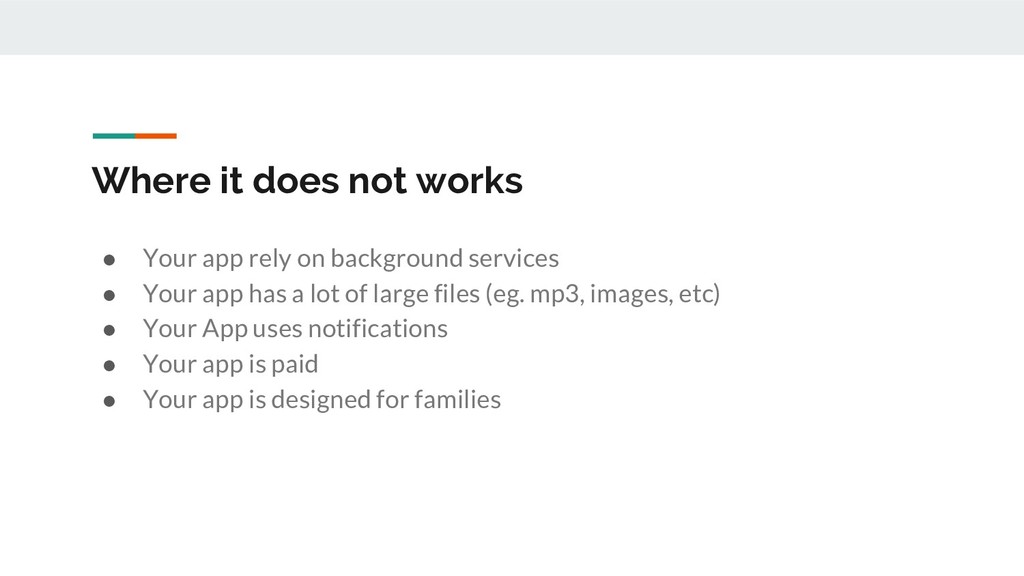
background services • Your app has a lot of large files (eg. mp3, images, etc) • Your App uses notifications • Your app is paid • Your app is designed for families
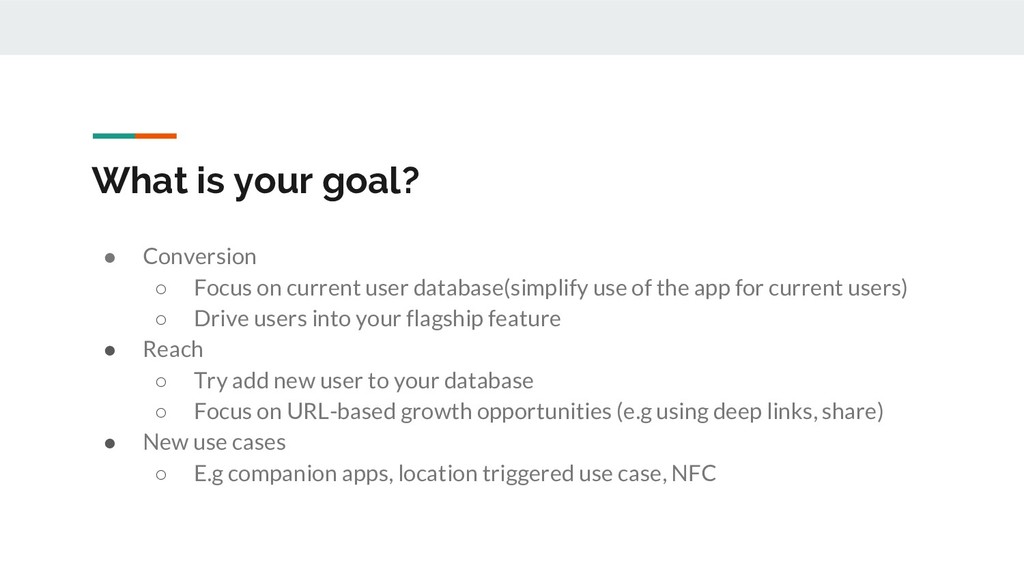
user database(simplify use of the app for current users) ◦ Drive users into your flagship feature • Reach ◦ Try add new user to your database ◦ Focus on URL-based growth opportunities (e.g using deep links, share) • New use cases ◦ E.g companion apps, location triggered use case, NFC
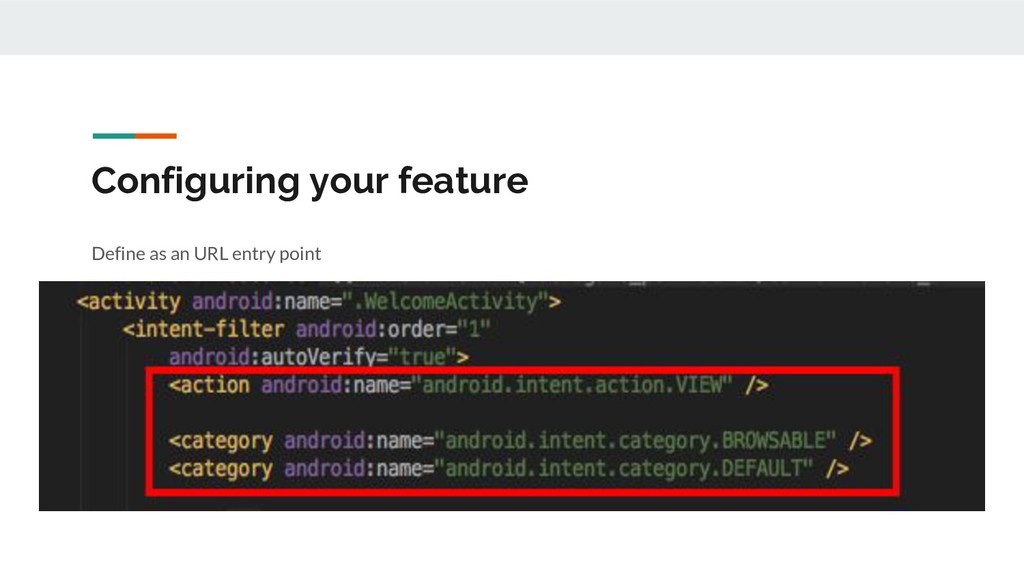
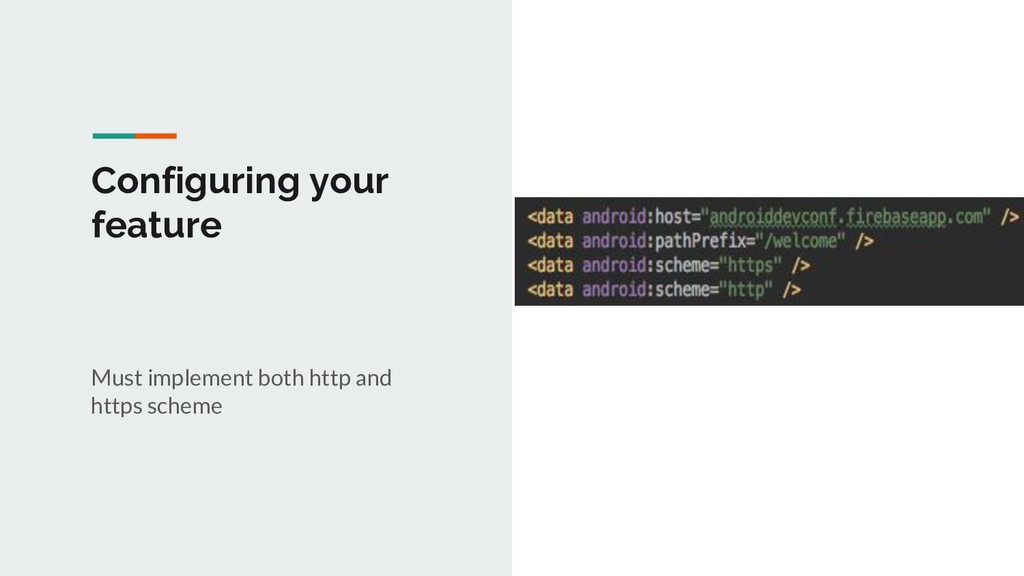
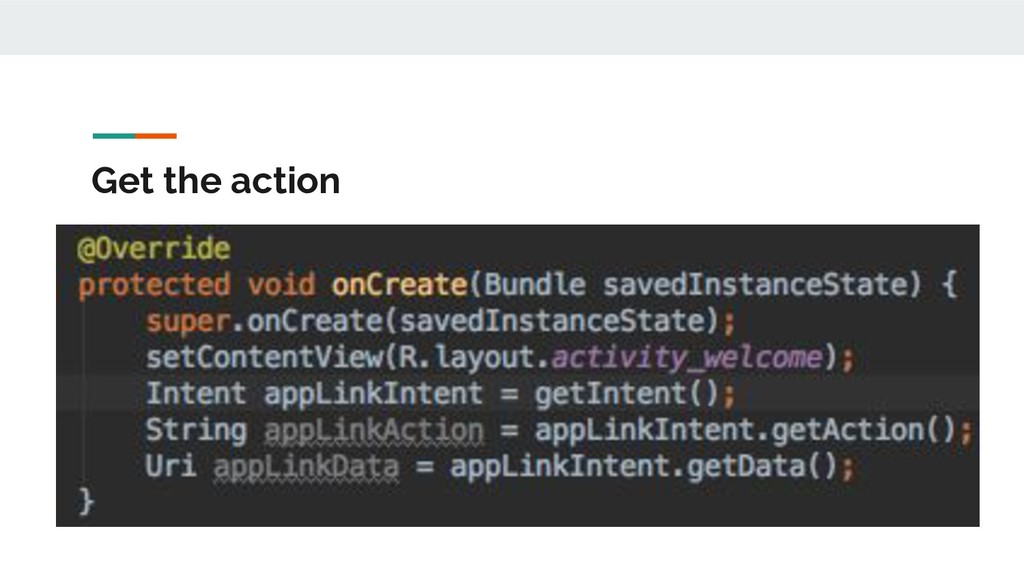
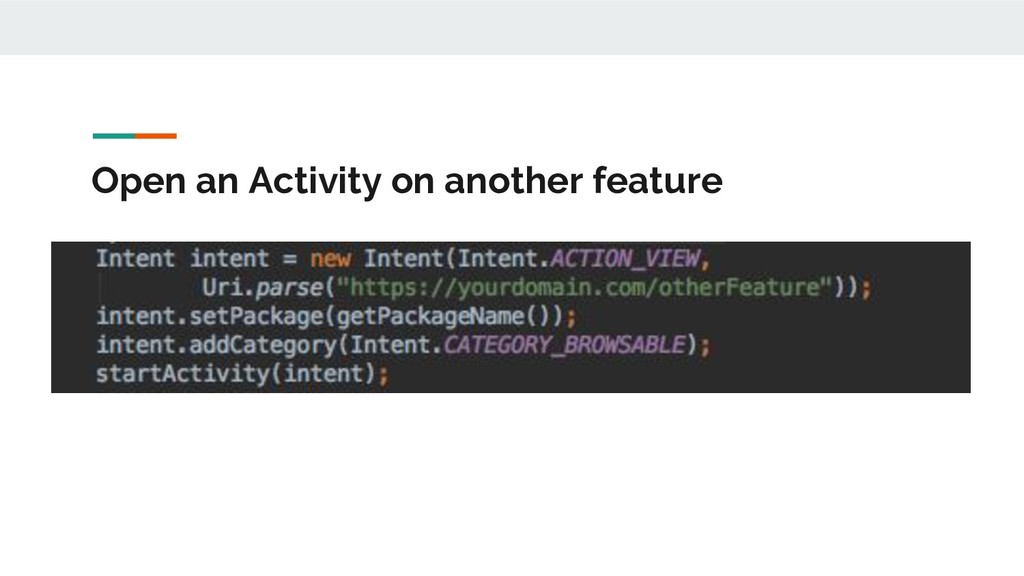
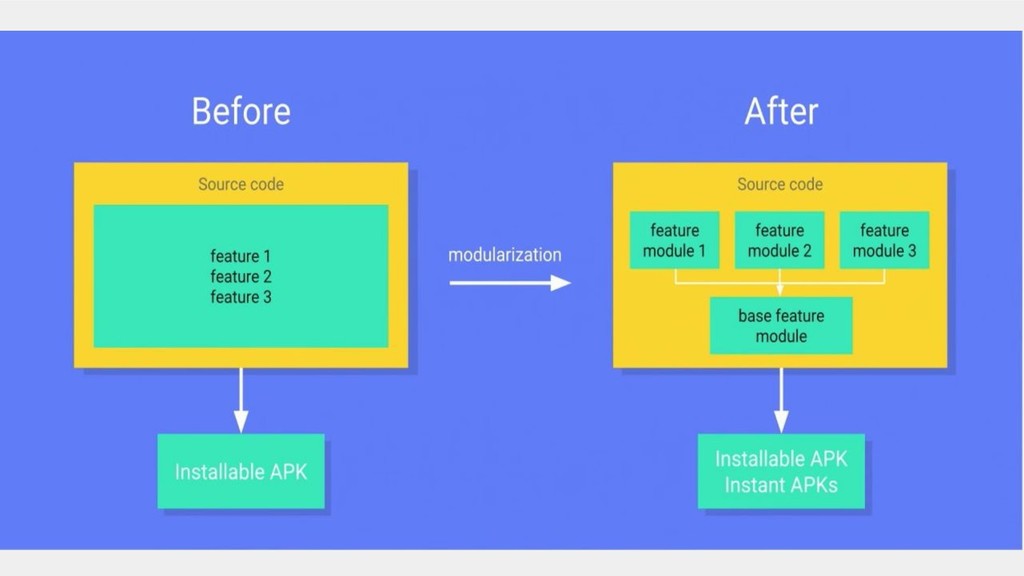
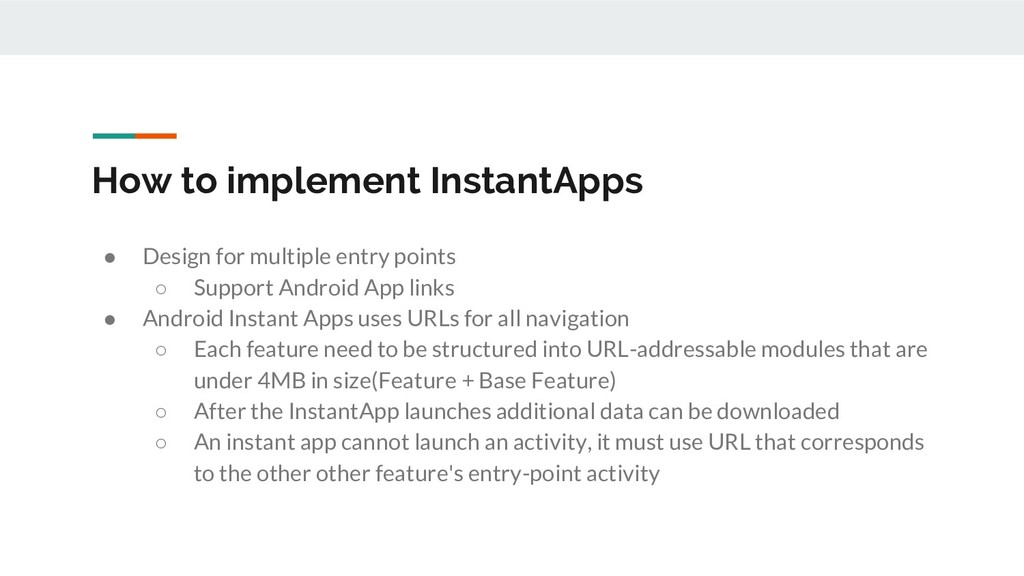
◦ Support Android App links • Android Instant Apps uses URLs for all navigation ◦ Each feature need to be structured into URL-addressable modules that are under 4MB in size(Feature + Base Feature) ◦ After the InstantApp launches additional data can be downloaded ◦ An instant app cannot launch an activity, it must use URL that corresponds to the other other feature's entry-point activity
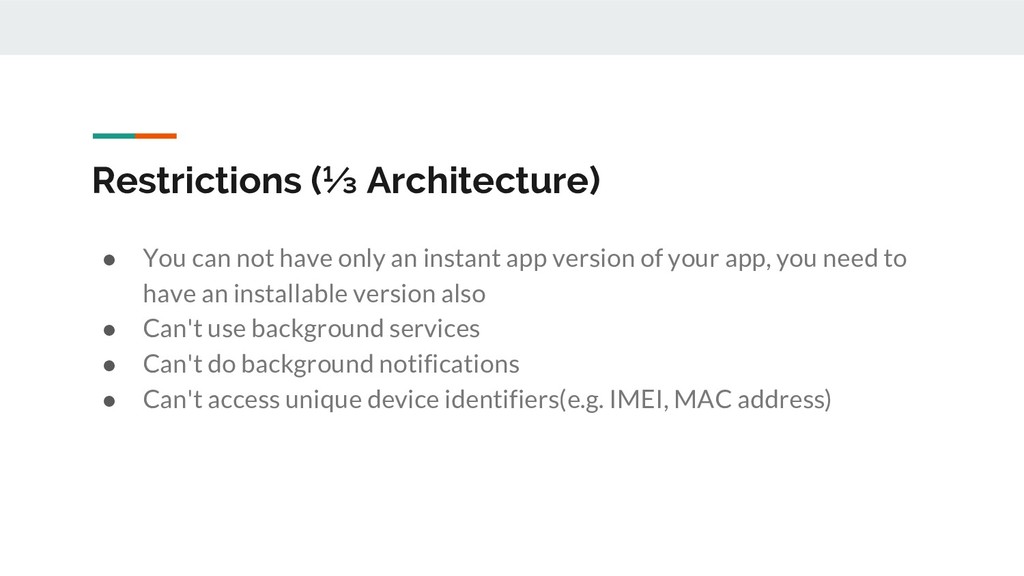
instant app version of your app, you need to have an installable version also • Can't use background services • Can't do background notifications • Can't access unique device identifiers(e.g. IMEI, MAC address)
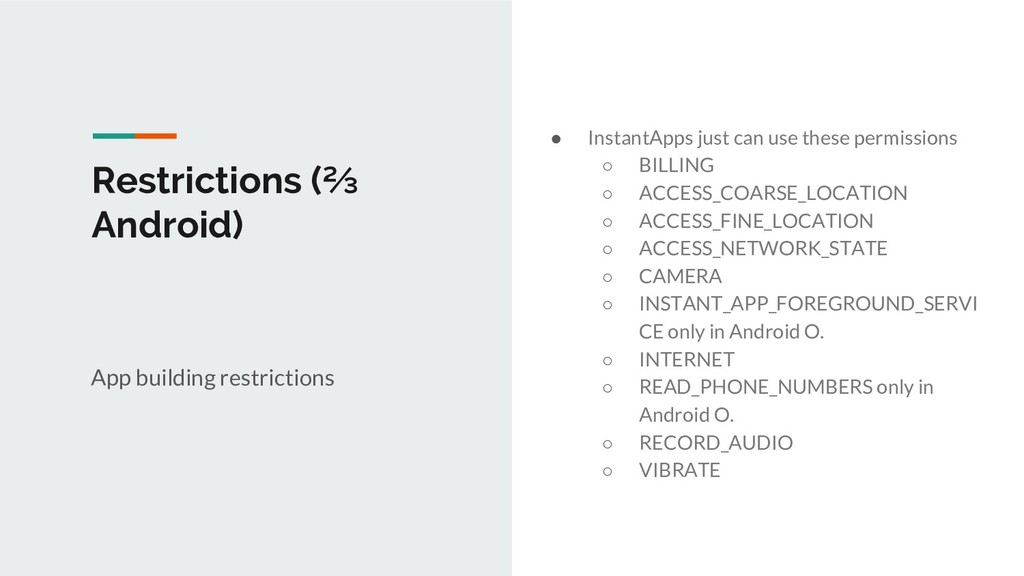
ACCESS_COARSE_LOCATION ◦ ACCESS_FINE_LOCATION ◦ ACCESS_NETWORK_STATE ◦ CAMERA ◦ INSTANT_APP_FOREGROUND_SERVI CE only in Android O. ◦ INTERNET ◦ READ_PHONE_NUMBERS only in Android O. ◦ RECORD_AUDIO ◦ VIBRATE Restrictions (⅔ Android) App building restrictions
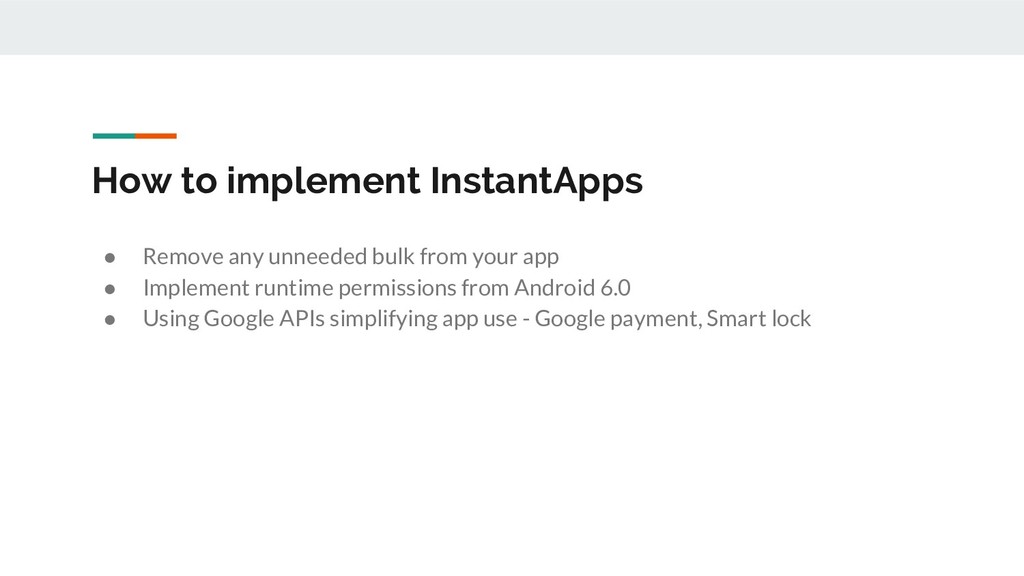
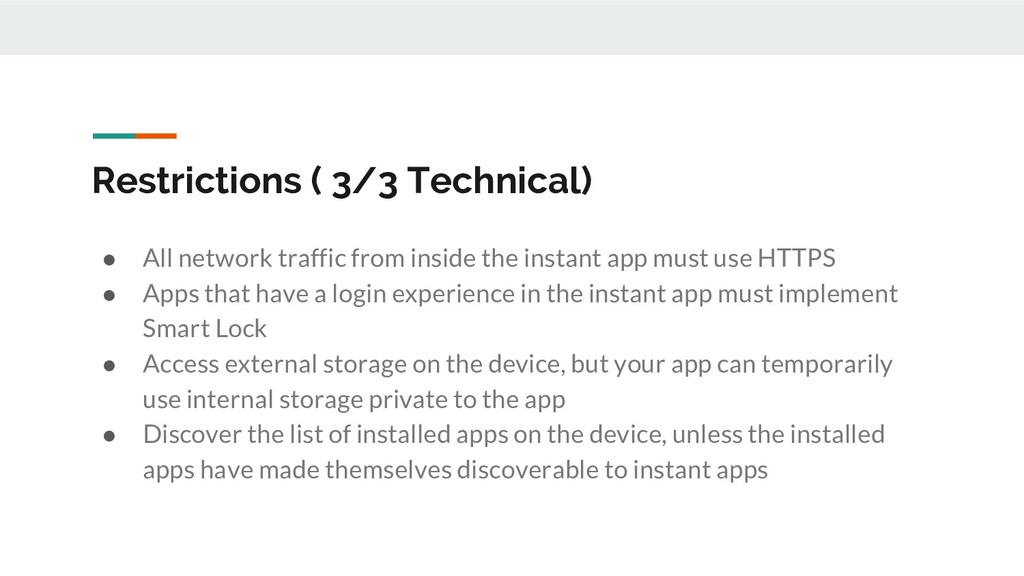
use HTTPS • Apps that have a login experience in the instant app must implement Smart Lock • Access external storage on the device, but your app can temporarily use internal storage private to the app • Discover the list of installed apps on the device, unless the installed apps have made themselves discoverable to instant apps Restrictions ( 3/3 Technical)
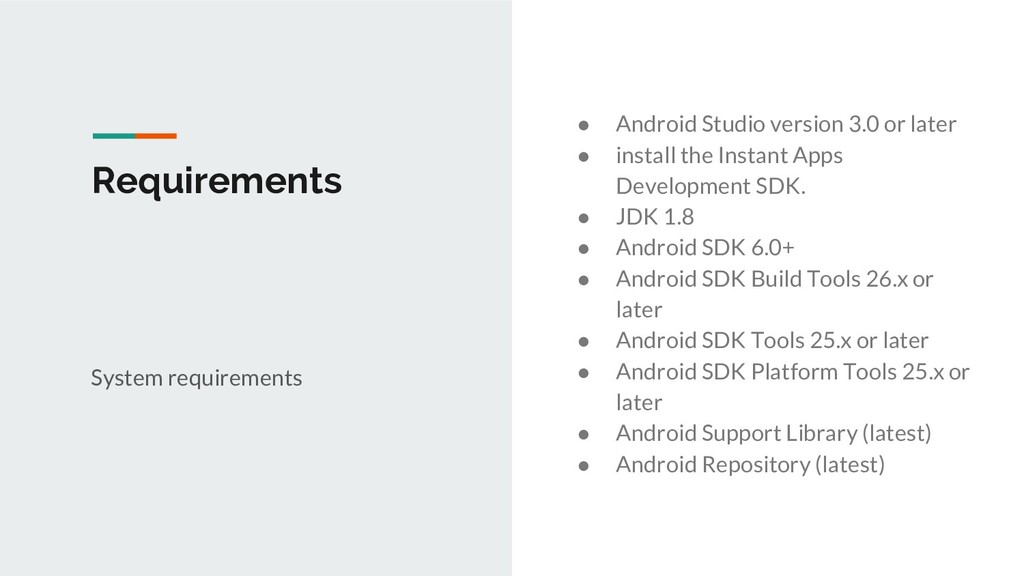
the Instant Apps Development SDK. • JDK 1.8 • Android SDK 6.0+ • Android SDK Build Tools 26.x or later • Android SDK Tools 25.x or later • Android SDK Platform Tools 25.x or later • Android Support Library (latest) • Android Repository (latest) System requirements
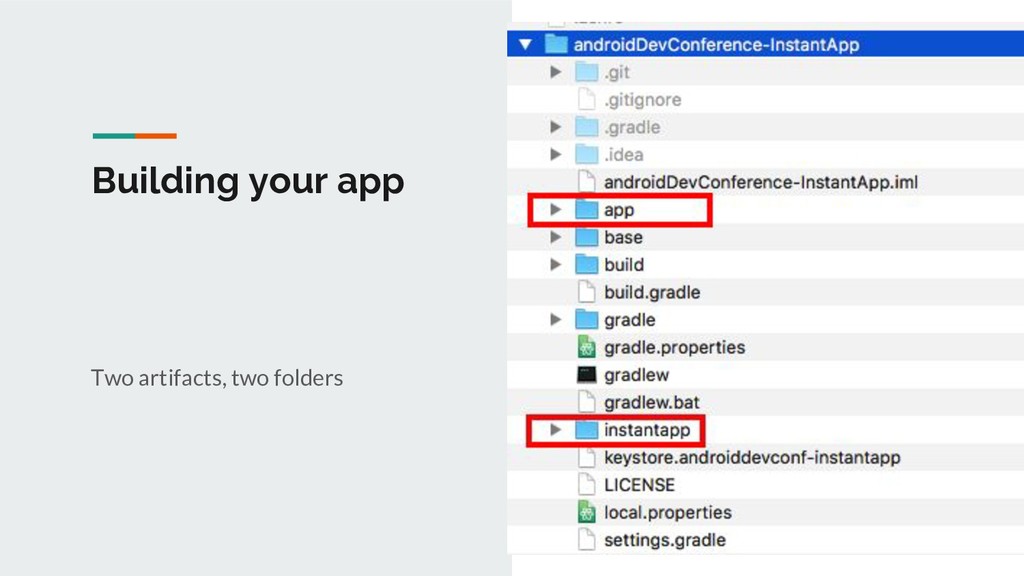
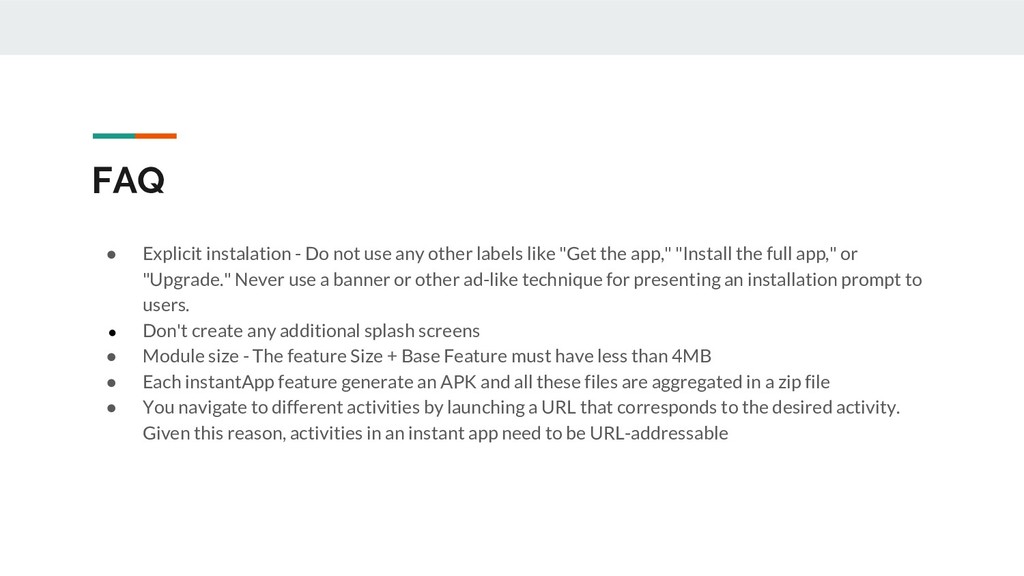
labels like "Get the app," "Install the full app," or "Upgrade." Never use a banner or other ad-like technique for presenting an installation prompt to users. • Don't create any additional splash screens • Module size - The feature Size + Base Feature must have less than 4MB • Each instantApp feature generate an APK and all these files are aggregated in a zip file • You navigate to different activities by launching a URL that corresponds to the desired activity. Given this reason, activities in an instant app need to be URL-addressable
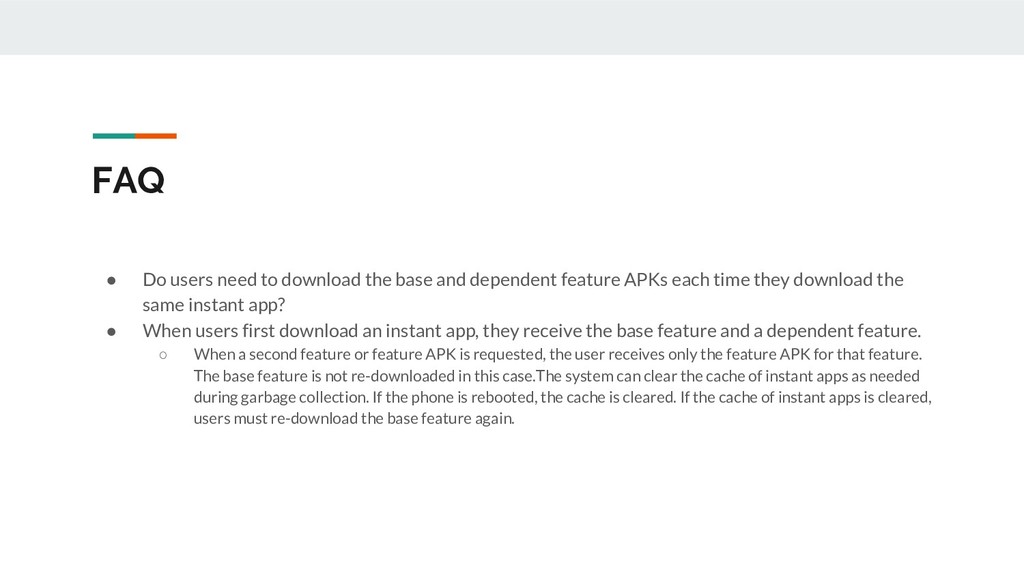
dependent feature APKs each time they download the same instant app? • When users first download an instant app, they receive the base feature and a dependent feature. ◦ When a second feature or feature APK is requested, the user receives only the feature APK for that feature. The base feature is not re-downloaded in this case.The system can clear the cache of instant apps as needed during garbage collection. If the phone is rebooted, the cache is cleared. If the cache of instant apps is cleared, users must re-download the base feature again.
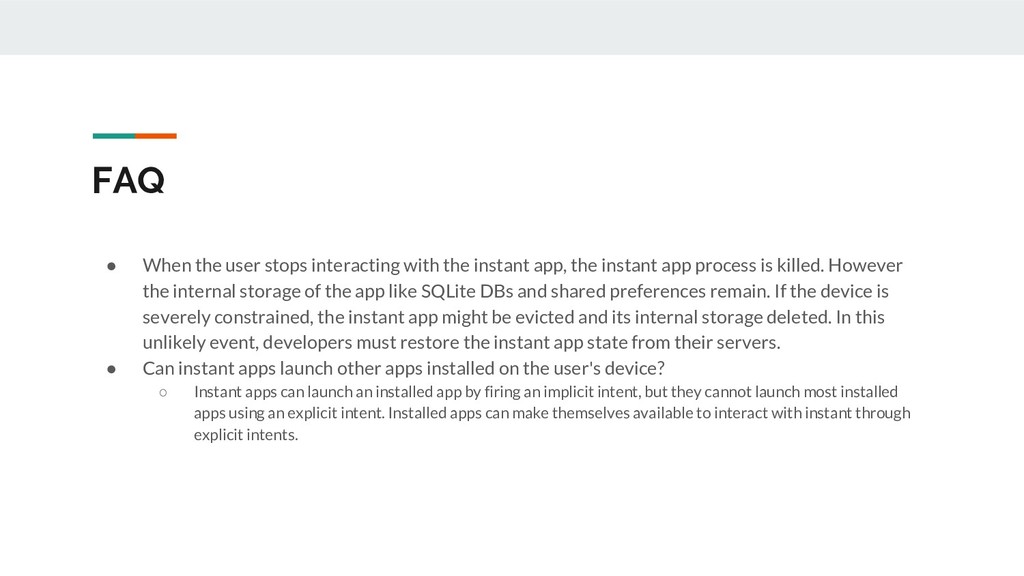
app, the instant app process is killed. However the internal storage of the app like SQLite DBs and shared preferences remain. If the device is severely constrained, the instant app might be evicted and its internal storage deleted. In this unlikely event, developers must restore the instant app state from their servers. • Can instant apps launch other apps installed on the user's device? ◦ Instant apps can launch an installed app by firing an implicit intent, but they cannot launch most installed apps using an explicit intent. Installed apps can make themselves available to interact with instant through explicit intents.


 trdasilva
 shihochan
 minodriven
 artoy
artoy
 deka_morita
 florets1
 satoshi256kbyte
 akase244
 teyamagu
 optim
optim
 n_takehata
 a_matsuda
 jame2408
.png) helenjbeal
helenjbeal
 codingconduct
 tammyeverts
 wjessup
 eileencodes
 orderedlist
 marktimemedia
 akosma
 kimpetersen
 keithpitt
 sabderemane
 marcduiker



![Thank you 26 Tomaz Da Silva ([email protected]) Vinicius Suzuki ([email protected])](https://files.speakerdeck.com/presentations/f78f3434039642ee9a22fd8336283aab/slide_25.jpg)