Upgrade to Pro — share decks privately, control downloads, hide ads and more …

PHP 101 Zipped!

Avatar for UltraWalker UltraWalker
November 17, 2013

PHP 101 Zipped!

Php for beginners, Introduction to web development with php

Avatar for UltraWalker

UltraWalker

November 17, 2013

More Decks by UltraWalker

Other Decks in Programming

Transcript

  1. Agenda Who am i? Why PHP? Hello PHP RoadMap PHP

    Syntax (getting familiar) output functions, functions, condition, … Variables & Validation Strings Arrays Setup an environment!!
  2. Who am I Alireza Zabandan B.S. on Software Engineering from

    Shahid beheshti University Studying master on IT Ecommerce at KNTU(virtual) Over 15 courses been TA Over 2 year head of scientific association of computer & electronic faculty still consulting… Over 3 year php developer Senior Software Developer at Atys, Project Manager at i-phone.ir & some Consultant more on available fb.com/UltraWalker , cG8WS-b/in.lnkd
  3. Why php?(pros) easy old but still solid fb uses! has

    lots of frameworks lots of sample codes
  4. But is that all? For a web development languages there

    are other choices: Python Ruby Java C# Why not using one of these instead of php?
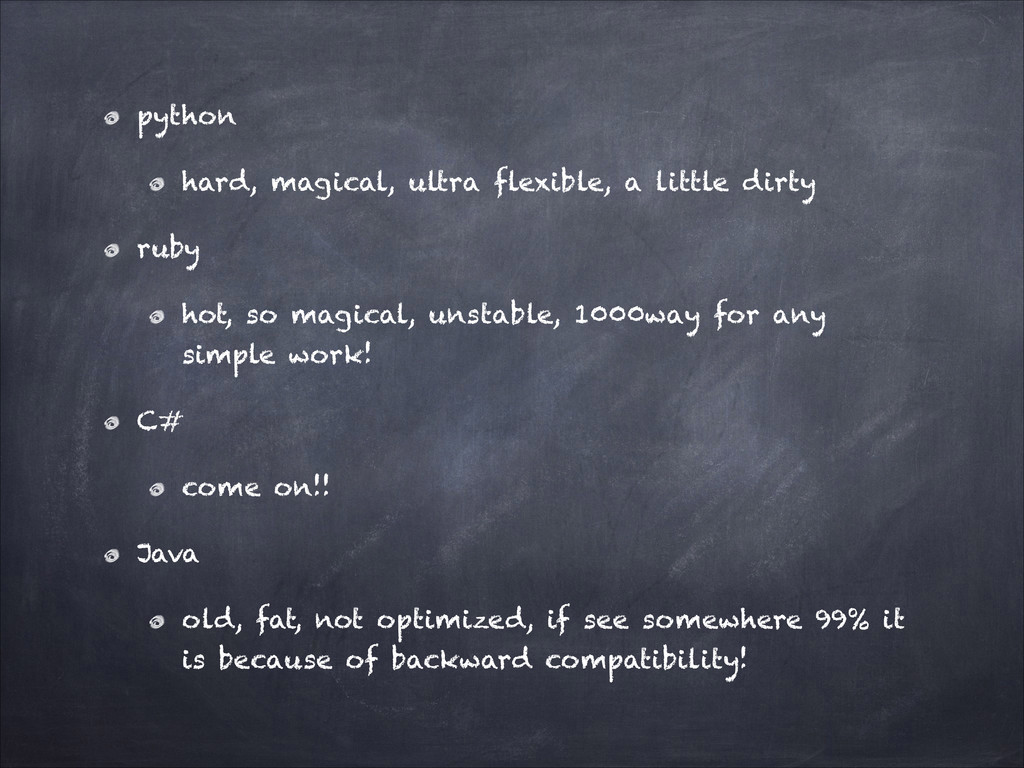
  5. python hard, magical, ultra flexible, a little dirty ruby hot,

    so magical, unstable, 1000way for any simple work! C# come on!! Java old, fat, not optimized, if see somewhere 99% it is because of backward compatibility!
  6. so I’m not saying those are bad! just saying for

    starting a new language in web development php is the most easy one! If we go on details of comparison it would go for ever so lets learn php then u can migrate to each one u like! for web python, ruby, java, php all are perfect.
  7. What about php cons? Lots of frameworks Lots of dead

    libraries Not optimized syntax compared to py & rb No easy way for testing
  8. Hello PHP PHP is a server-side scripting language. Appeared in

    1995; 18 years ago Last Stable Version: 5.5.5 (October 17, 2013;) Influenced by Perl, C, C++, Java, Smart Language Implementation : C Website : http:/ /php.net New Website(beta) : http:/ /php.net?setbeta=1&beta=1
  9. PHP stands for PHP: Hypertext Preprocessor, a recursive acronym! PHP

    scripts are interpreted by a PHP Parser(Processor/Engine). PHP is designed for web development but also used as a general-purpose programming language(php cli!) PHP can be embedded directly into html documents!
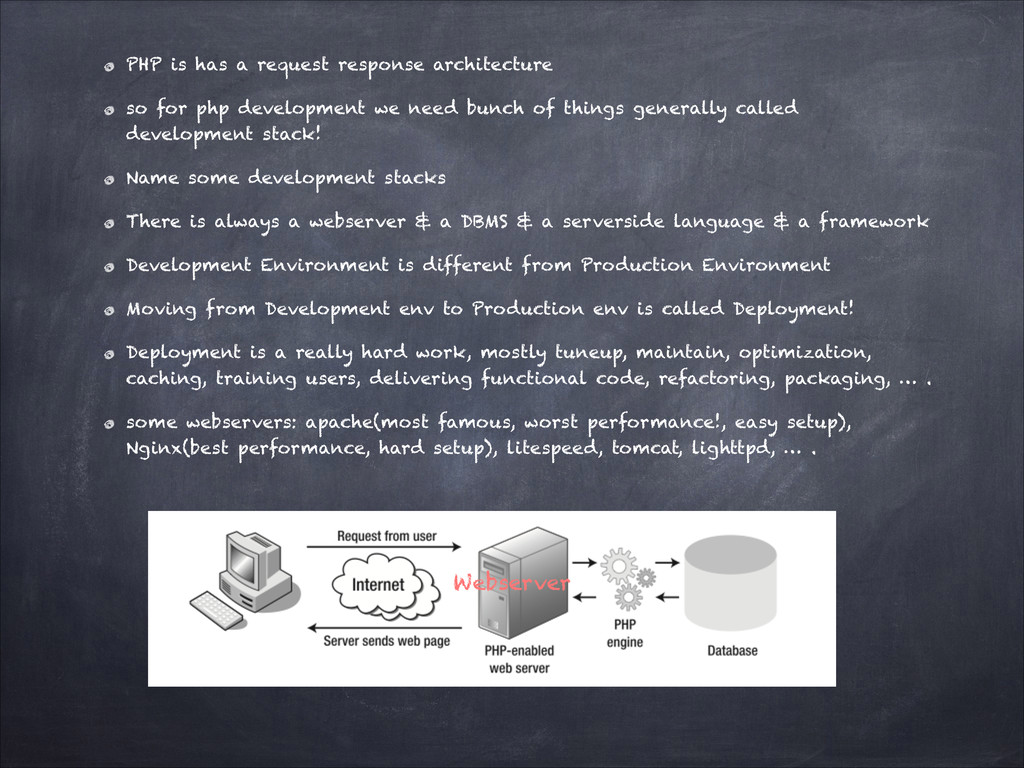
  10. PHP is has a request response architecture so for php

    development we need bunch of things generally called development stack! Name some development stacks There is always a webserver & a DBMS & a serverside language & a framework Development Environment is different from Production Environment Moving from Development env to Production env is called Deployment! Deployment is a really hard work, mostly tuneup, maintain, optimization, caching, training users, delivering functional code, refactoring, packaging, … . some webservers: apache(most famous, worst performance!, easy setup), Nginx(best performance, hard setup), litespeed, tomcat, lighttpd, … . Webserver
  11. U can email in your codes!(y?) U can automate things

    even login! U can scrape from other websites U can fetch a lot of data, make a pdf of them and mail that to yourself as an attachment! U can use sites APIs and make awesome apps! FB, Instagram, … U can use Wordpress, Joomla, PrestaShop, …
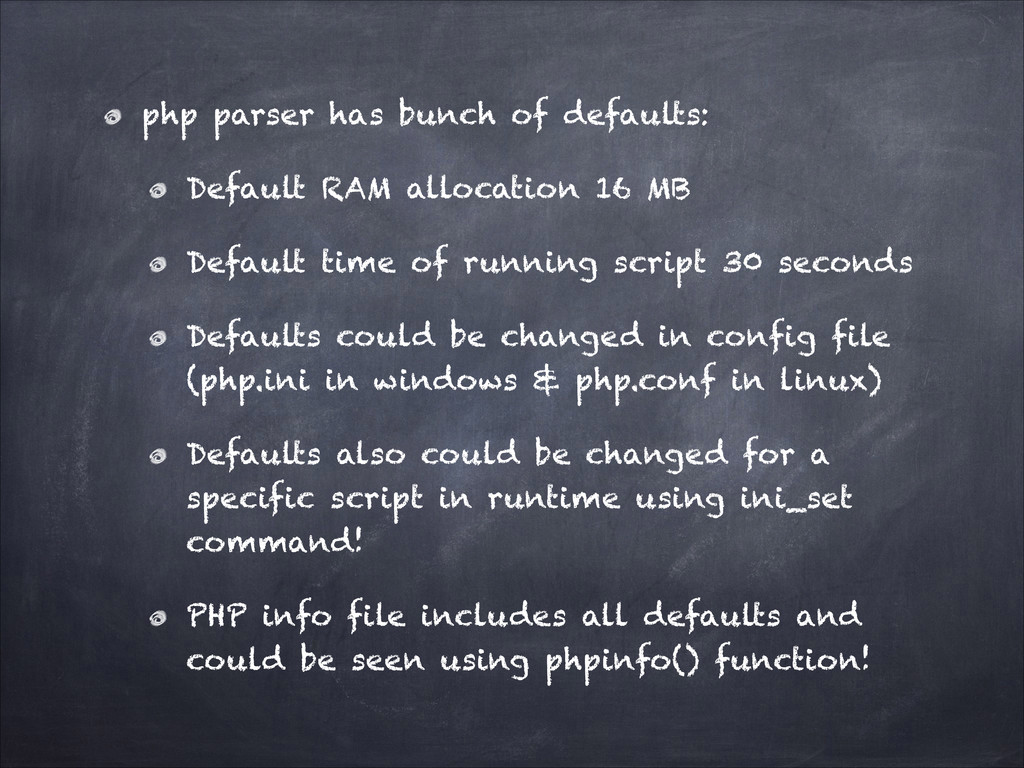
  12. php parser has bunch of defaults: Default RAM allocation 16

    MB Default time of running script 30 seconds Defaults could be changed in config file (php.ini in windows & php.conf in linux) Defaults also could be changed for a specific script in runtime using ini_set command! PHP info file includes all defaults and could be seen using phpinfo() function!
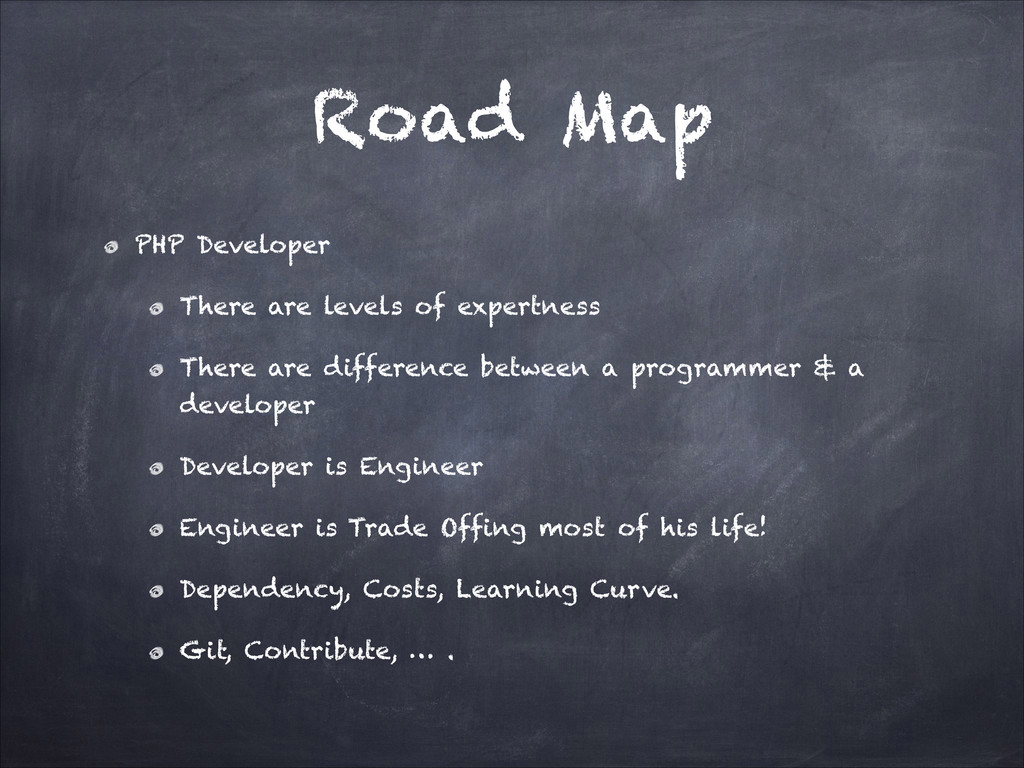
  13. Road Map PHP Developer There are levels of expertness There

    are difference between a programmer & a developer Developer is Engineer Engineer is Trade Offing most of his life! Dependency, Costs, Learning Curve. Git, Contribute, … .
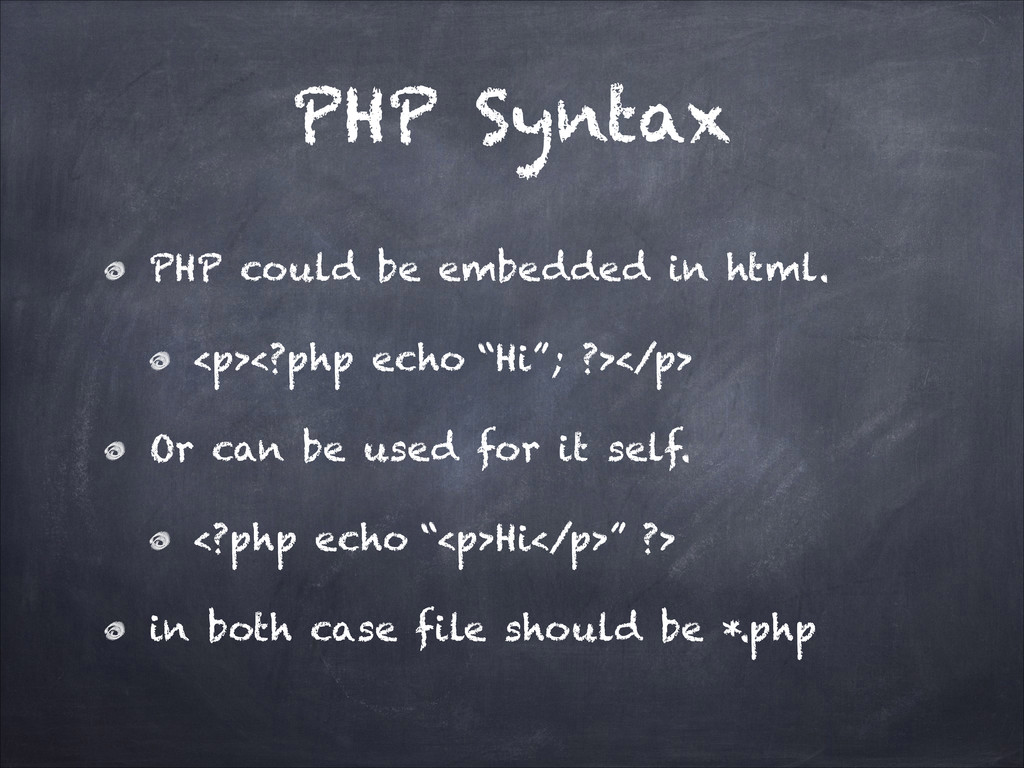
  14. PHP Syntax PHP could be embedded in html. <p><?php echo

    “Hi”; ?></p> Or can be used for it self. <?php echo “<p>Hi</p>” ?> in both case file should be *.php
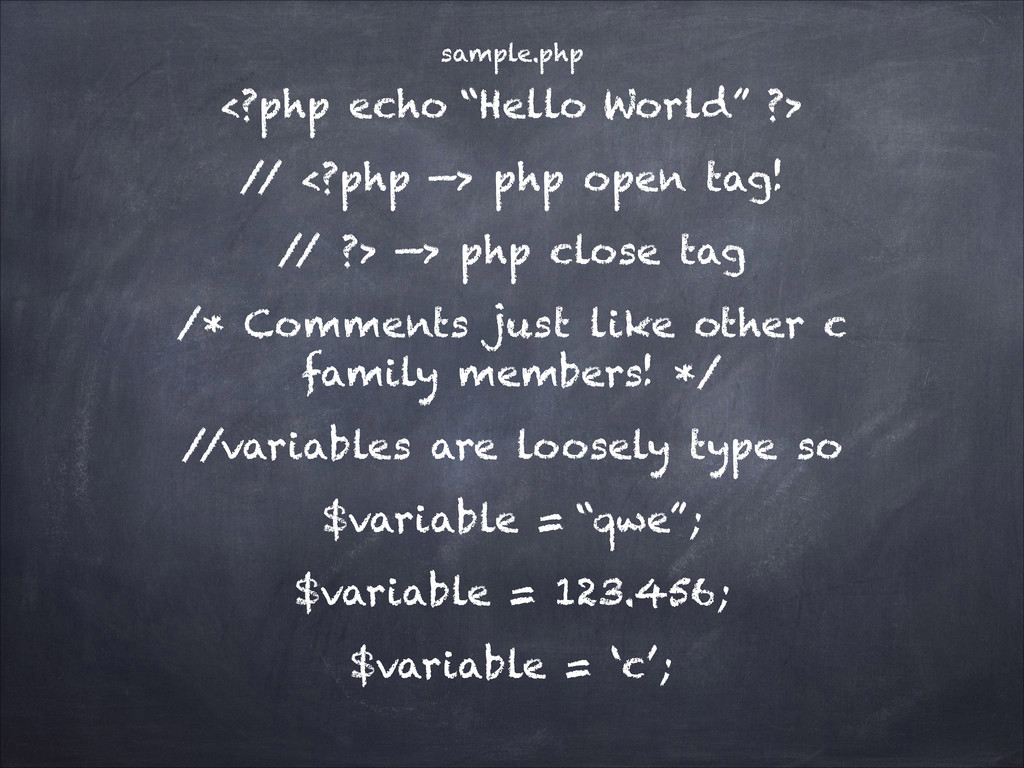
  15. sample.php <?php echo “Hello World” ?> / / <?php —>

    php open tag! / / ?> —> php close tag /* Comments just like other c family members! */ / /variables are loosely type so $variable = “qwe”; $variable = 123.456; $variable = ‘c’;
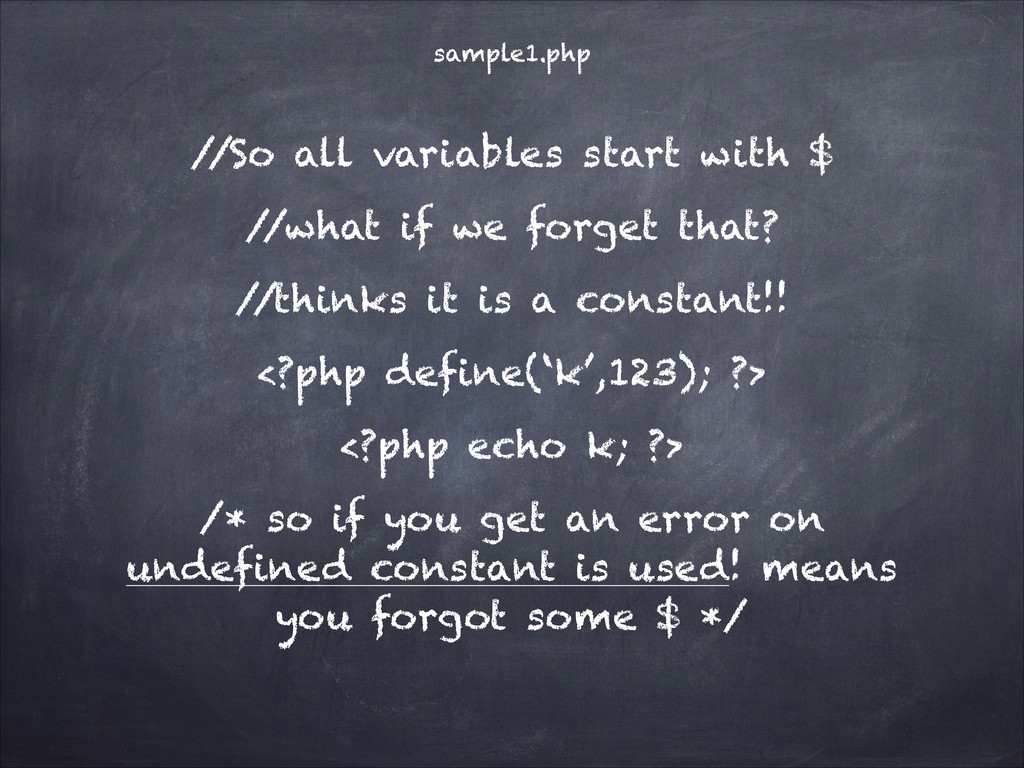
  16. sample1.php / /So all variables start with $ / /what

    if we forget that? / /thinks it is a constant!! <?php define(‘k’,123); ?> <?php echo k; ?> /* so if you get an error on undefined constant is used! means you forgot some $ */
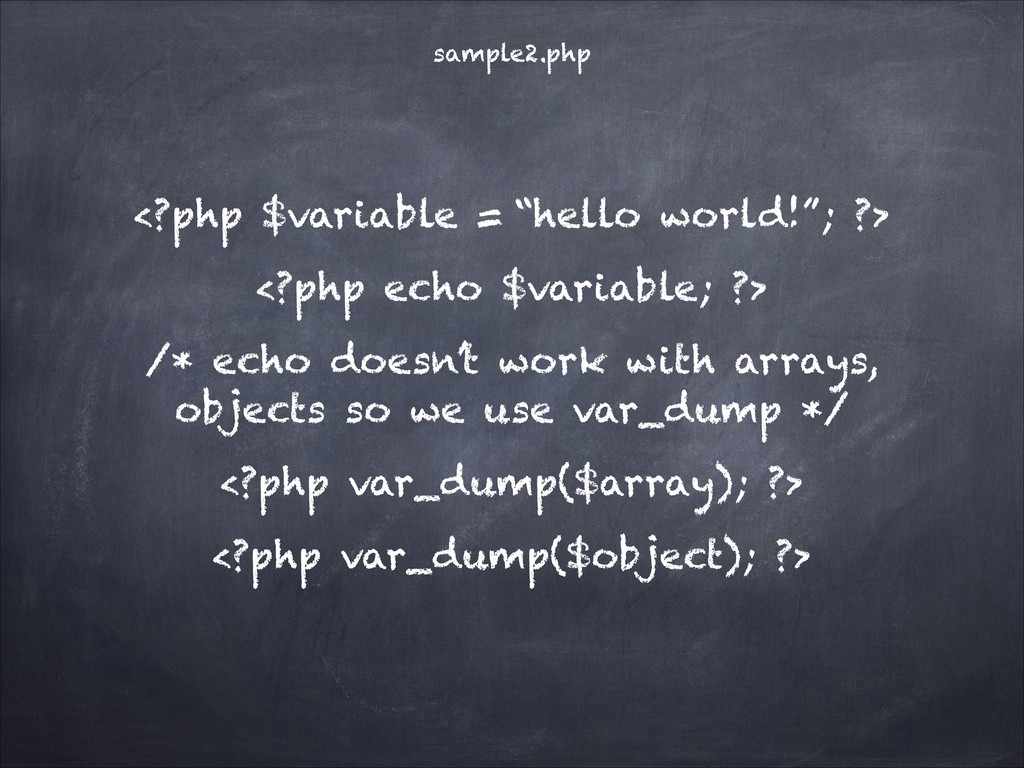
  17. sample2.php <?php $variable = “hello world!”; ?> <?php echo $variable;

    ?> /* echo doesn’t work with arrays, objects so we use var_dump */ <?php var_dump($array); ?> <?php var_dump($object); ?>
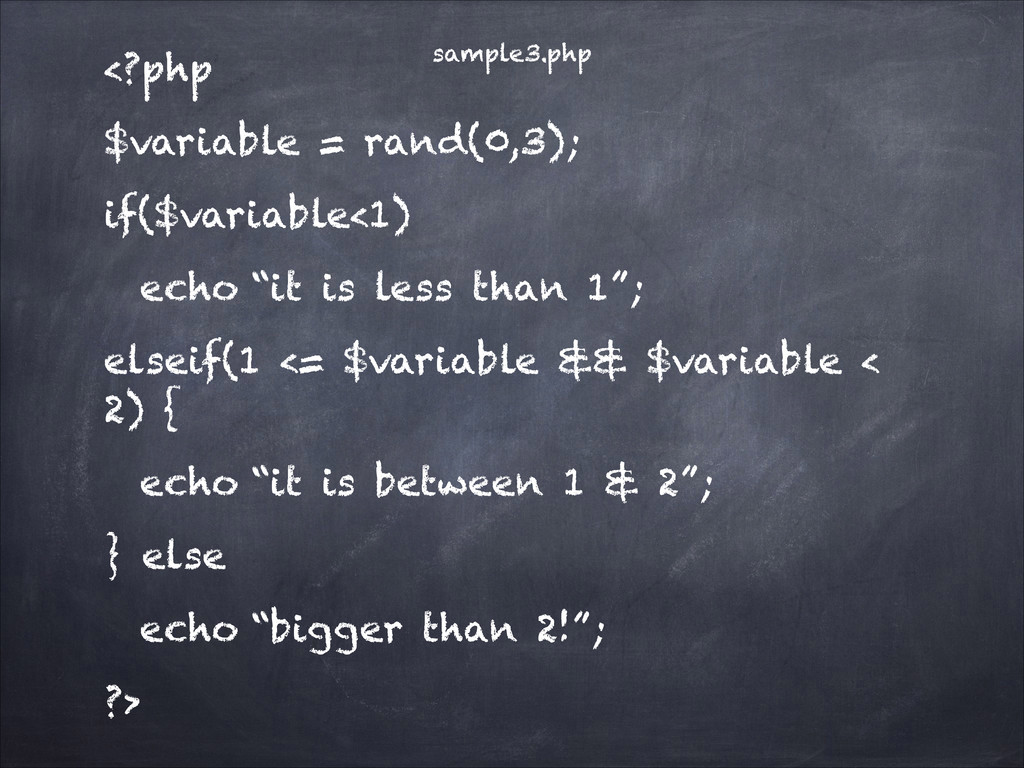
  18. sample3.php <?php $variable = rand(0,3); if($variable<1) echo “it is less

    than 1”; elseif(1 <= $variable && $variable < 2) { echo “it is between 1 & 2”; } else echo “bigger than 2!”; ?>
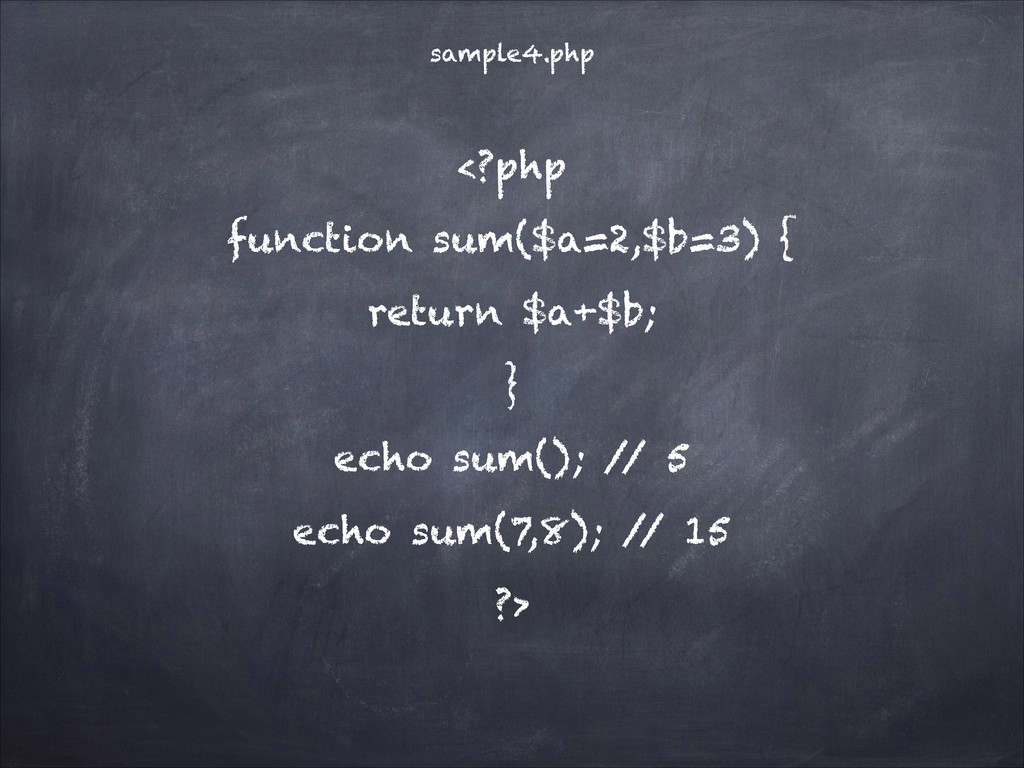
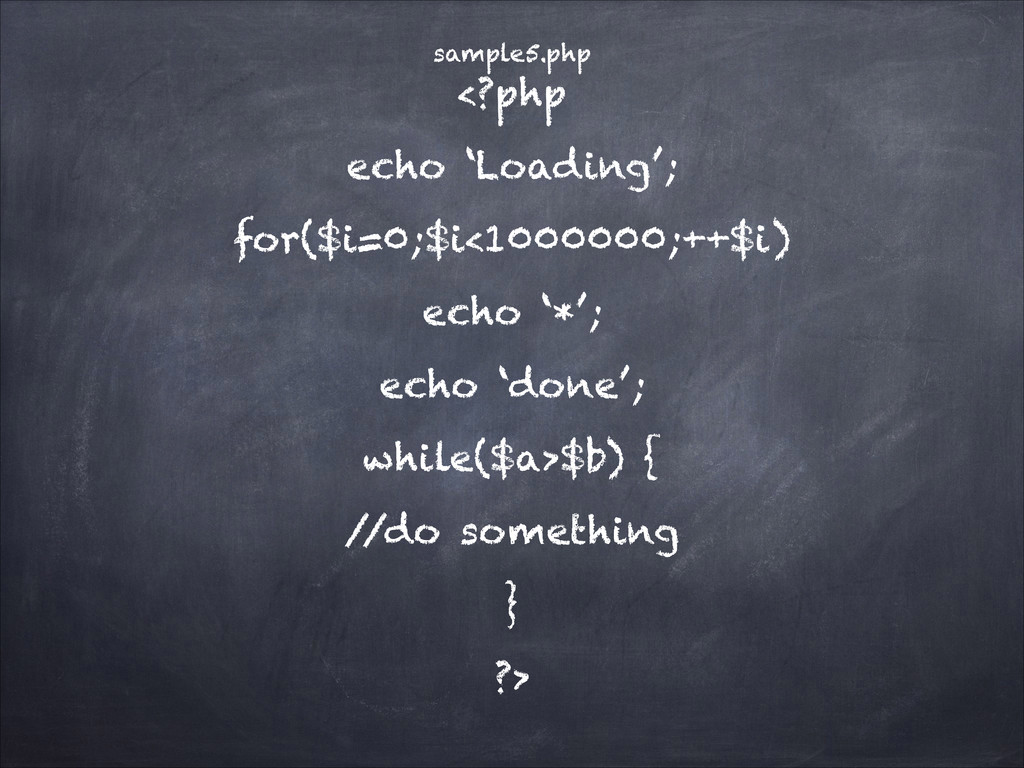
  19. <?php function sum($a=2,$b=3) { return $a+$b; } echo sum(); /

    / 5 echo sum(7,8); / / 15 ?> sample4.php
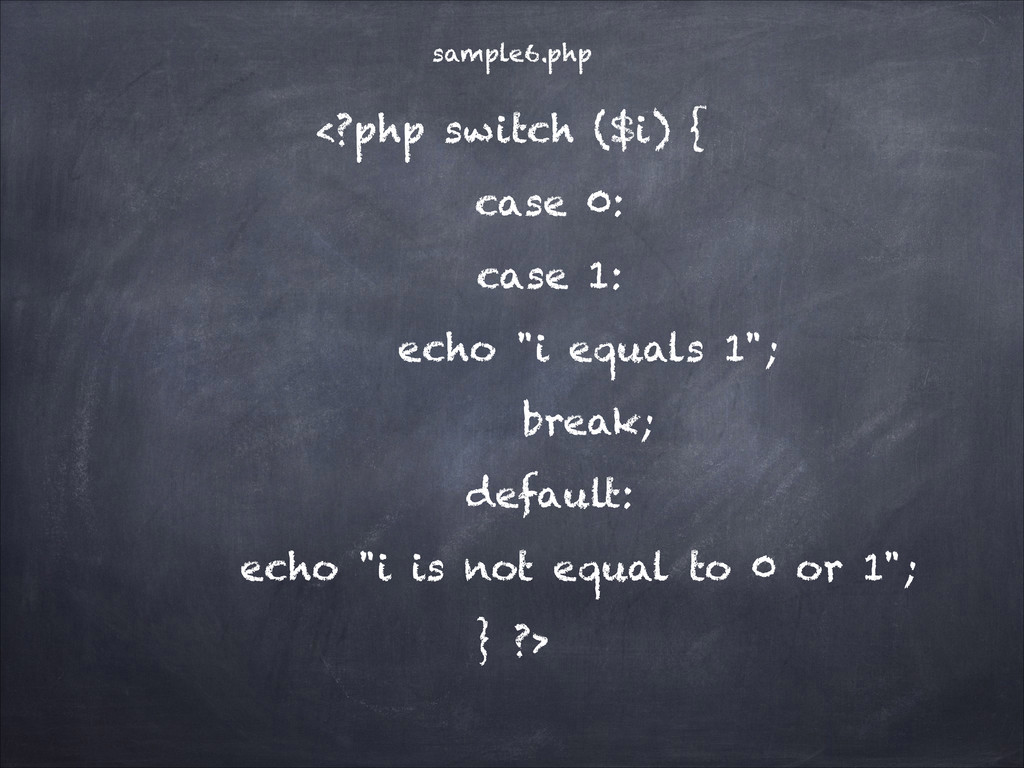
  20. <?php switch ($i) { case 0: case 1: echo "i

    equals 1"; break; default: echo "i is not equal to 0 or 1"; } ?> sample6.php
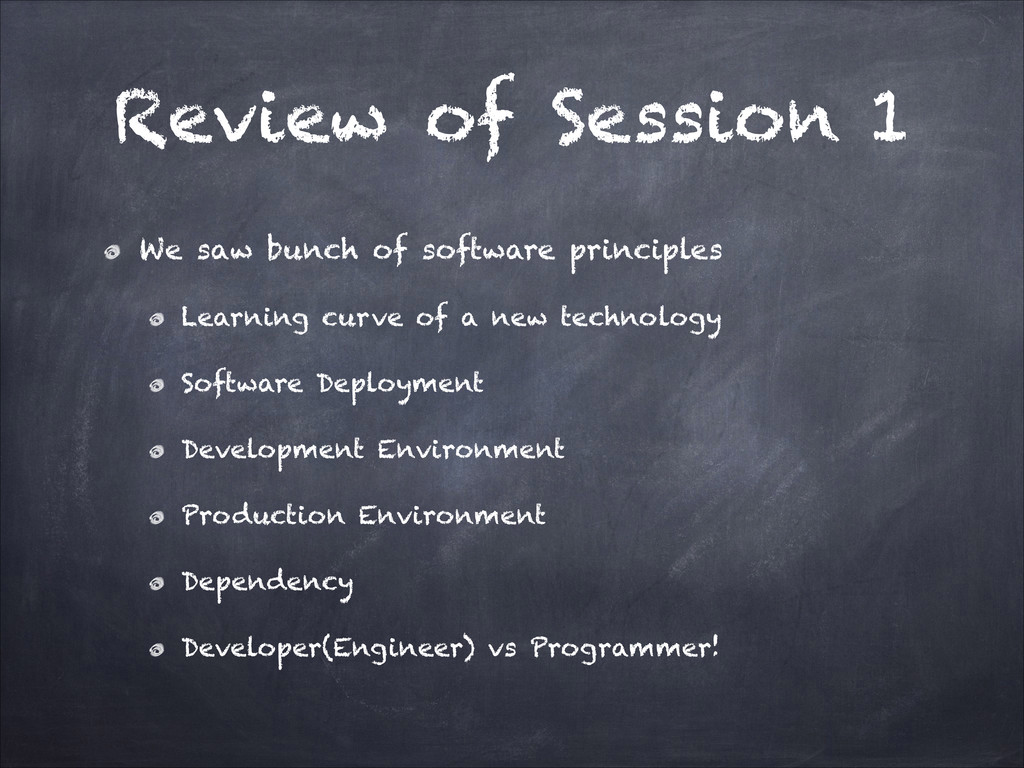
  21. Review of Session 1 We saw bunch of software principles

    Learning curve of a new technology Software Deployment Development Environment Production Environment Dependency Developer(Engineer) vs Programmer!
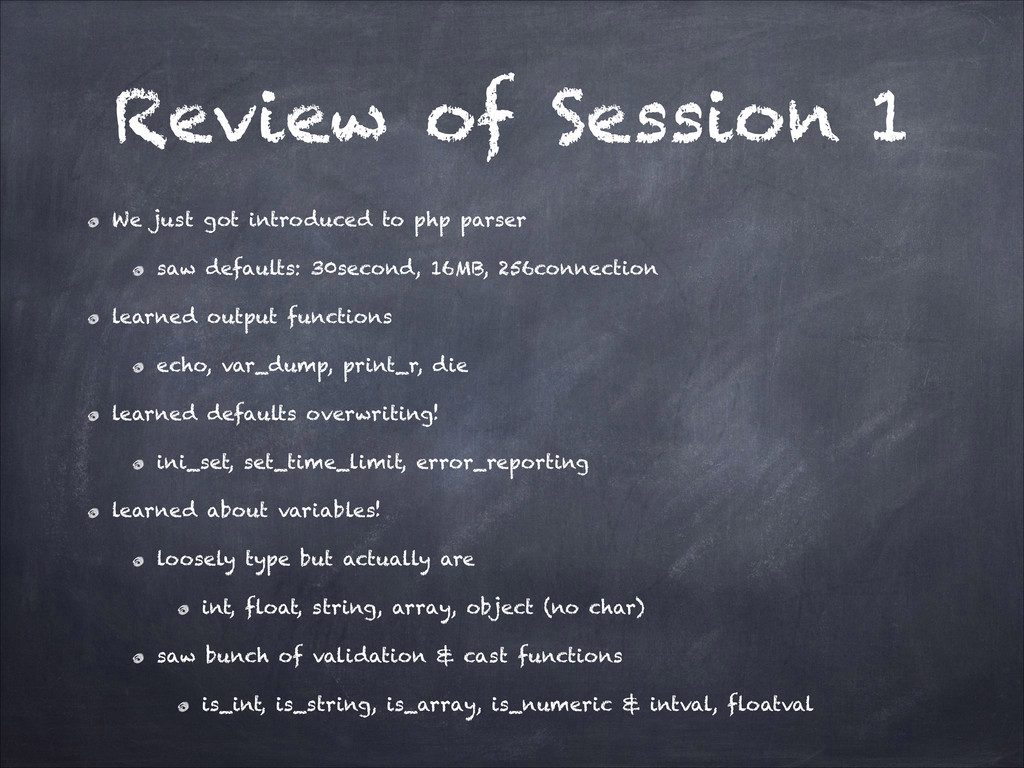
  22. Review of Session 1 We just got introduced to php

    parser saw defaults: 30second, 16MB, 256connection learned output functions echo, var_dump, print_r, die learned defaults overwriting! ini_set, set_time_limit, error_reporting learned about variables! loosely type but actually are int, float, string, array, object (no char) saw bunch of validation & cast functions is_int, is_string, is_array, is_numeric & intval, floatval
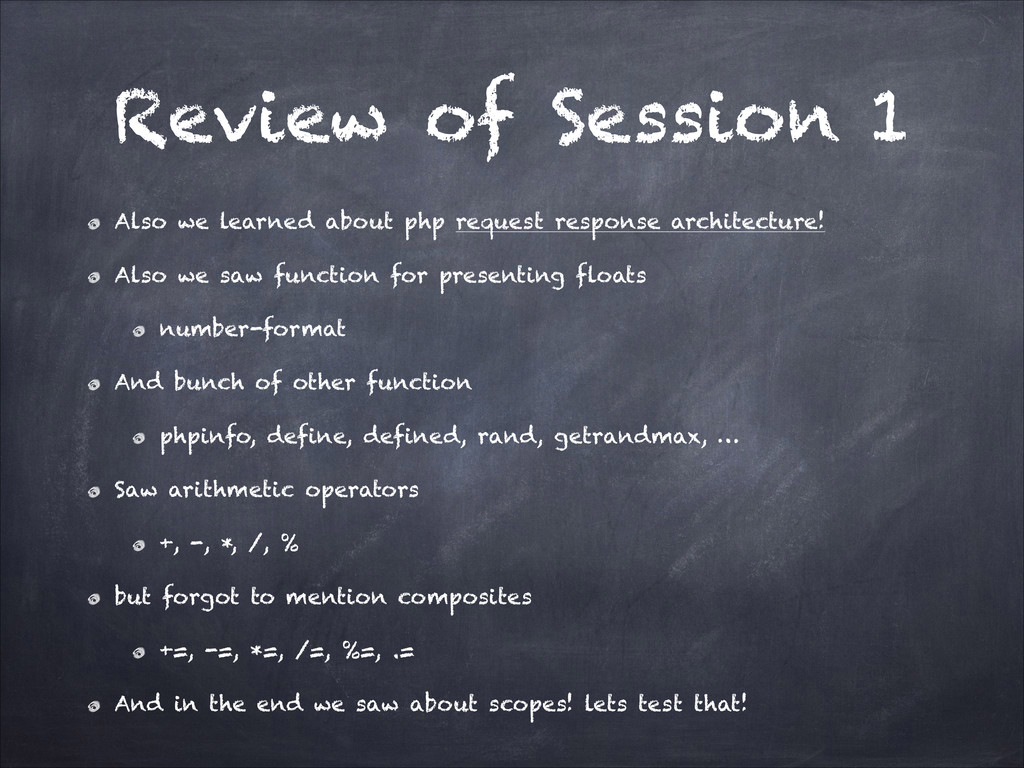
  23. Review of Session 1 Also we learned about php request

    response architecture! Also we saw function for presenting floats number-format And bunch of other function phpinfo, define, defined, rand, getrandmax, … Saw arithmetic operators +, -, *, /, % but forgot to mention composites +=, -=, *=, /=, %=, .= And in the end we saw about scopes! lets test that!
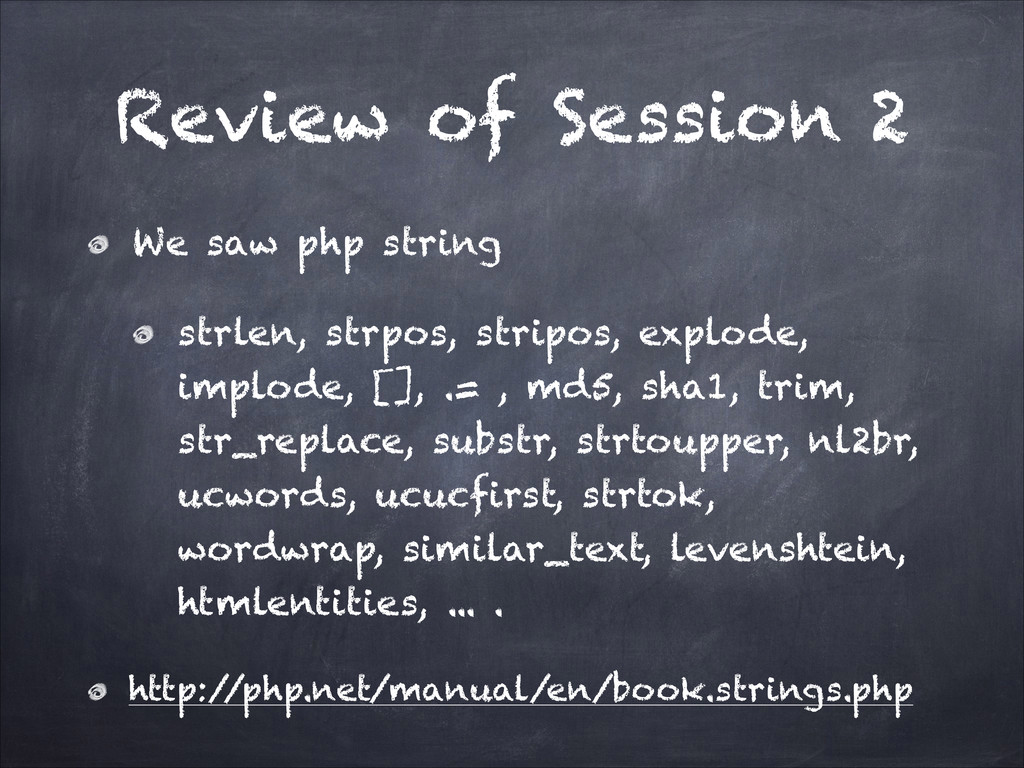
  24. Review of Session 2 We saw php string strlen, strpos,

    stripos, explode, implode, [], .= , md5, sha1, trim, str_replace, substr, strtoupper, nl2br, ucwords, ucucfirst, strtok, wordwrap, similar_text, levenshtein, htmlentities, ... . http:/ /php.net/manual/en/book.strings.php
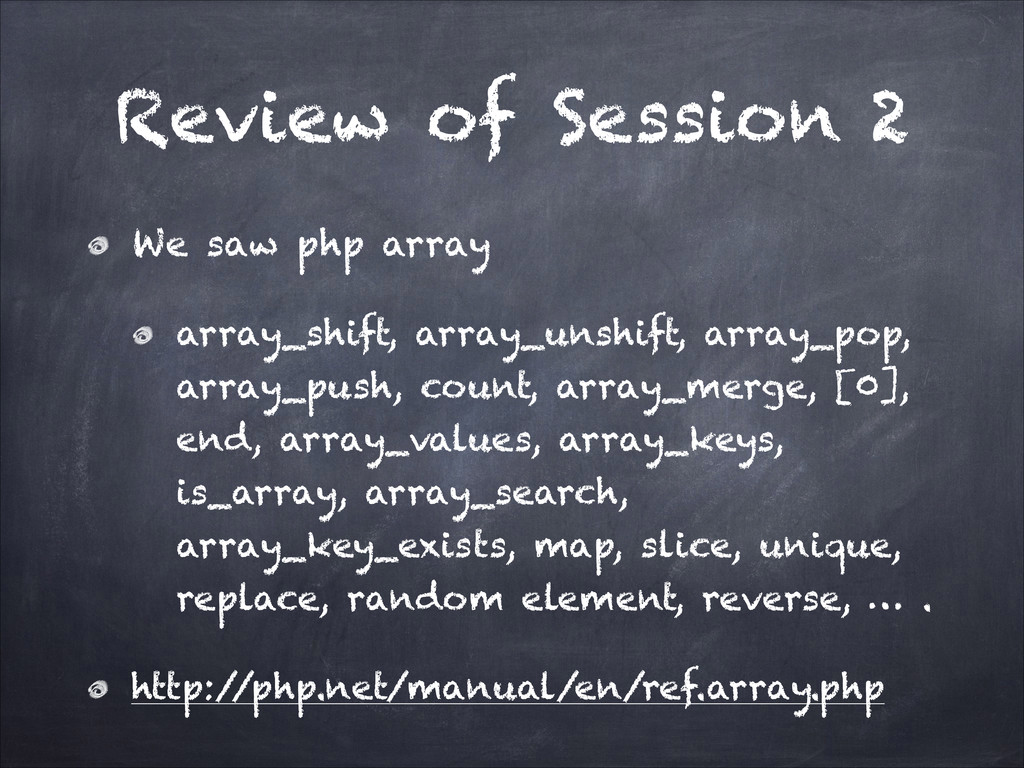
  25. Review of Session 2 We saw php array array_shift, array_unshift,

    array_pop, array_push, count, array_merge, [0], end, array_values, array_keys, is_array, array_search, array_key_exists, map, slice, unique, replace, random element, reverse, … . http:/ /php.net/manual/en/ref.array.php
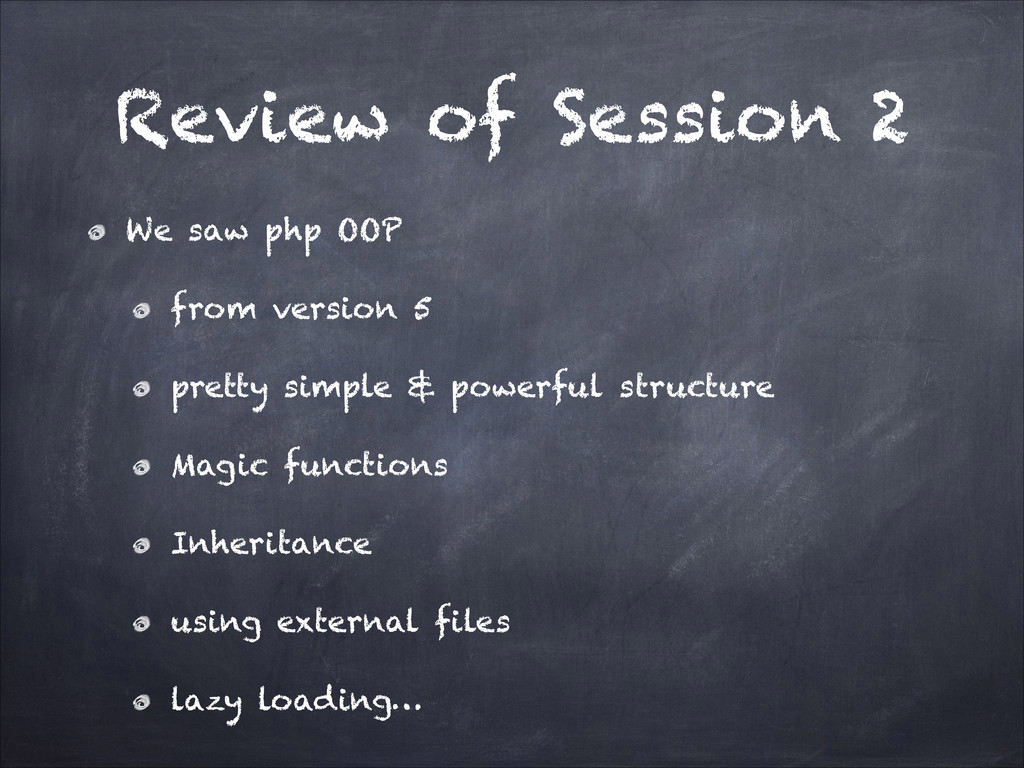
  26. Review of Session 2 We saw php OOP from version

    5 pretty simple & powerful structure Magic functions Inheritance using external files lazy loading…
  27. Review of Session 2 Pretty good explanation with lots of

    examples + pros of OOP to procedural! http:/ /net.tutsplus.com/tutorials/php/object-oriented- php-for-beginners/ http:/ /php.net/manual/en/language.oop5.php
  28. Review of Session 2 A project may have over 100

    Classes & u don’t want to load all of them every request! so u want to use autoloading and lazyload classes which is perfect. First you should choose a convention like Class.php or Class_Name.inc.php or CClass.php or classCamelCaseNaming.php make your classes in different files using your convention overload the autoload to load the needed file just in cases! Your class loading would be perfect even if you have 1000 of classes! Frameworks with classes and component for every little issue in development are called full stack! usually over 20MB Code!!(long learning curves)
  29. Session 3 We load external files using one of these

    2 functions: require include The include construct will emit a warning if it cannot find a file; this is different behavior from require, which will emit a fatal error. There are 2 other function which are safe to use on an path already used! require_once include_once @ before any command would prevent it from any warning! die or exit would cause parser to skip parsing any more of script!
  30. Session 3 Bunch of things I forgot to mention about

    a webserver! webserver serves filesystem from a apecific address called document_root to webroot /var/www/html/ —> http:/ /localhost/ /Users/UltraWalker/Web/ —> http:/ /localhost:8888/ C:\xampp\htdocs\ —> http:/ /localhost/ C:\wamp\www\ —> http:/ /localhost/ in each folder if permission is allowded webserver looks for default filenames usually index.html, index.php so http:/ /localhost/asd/ if shows sth, there is a file index.html/index.php in the asd folder! urls could be rewrited which is called url_rewriting! Webservers have lots of modules for different situations: mod_rewriting, mod_security, mod_eval, mod_ssl, …
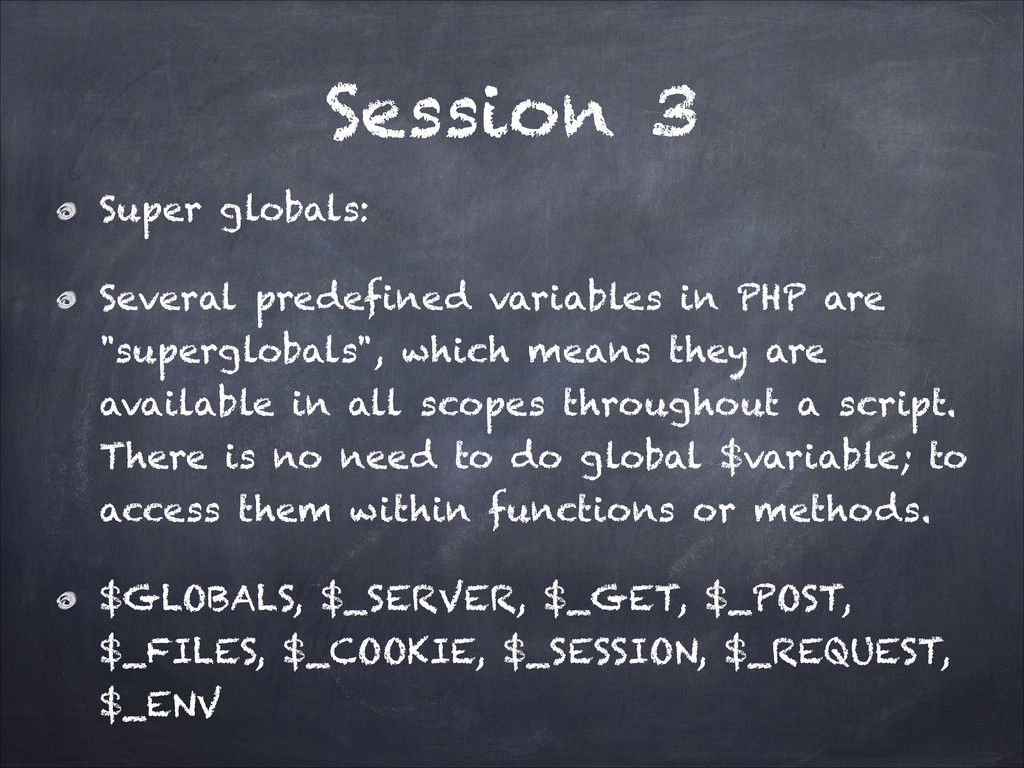
  31. Session 3 Super globals: Several predefined variables in PHP are

    "superglobals", which means they are available in all scopes throughout a script. There is no need to do global $variable; to access them within functions or methods. $GLOBALS, $_SERVER, $_GET, $_POST, $_FILES, $_COOKIE, $_SESSION, $_REQUEST, $_ENV
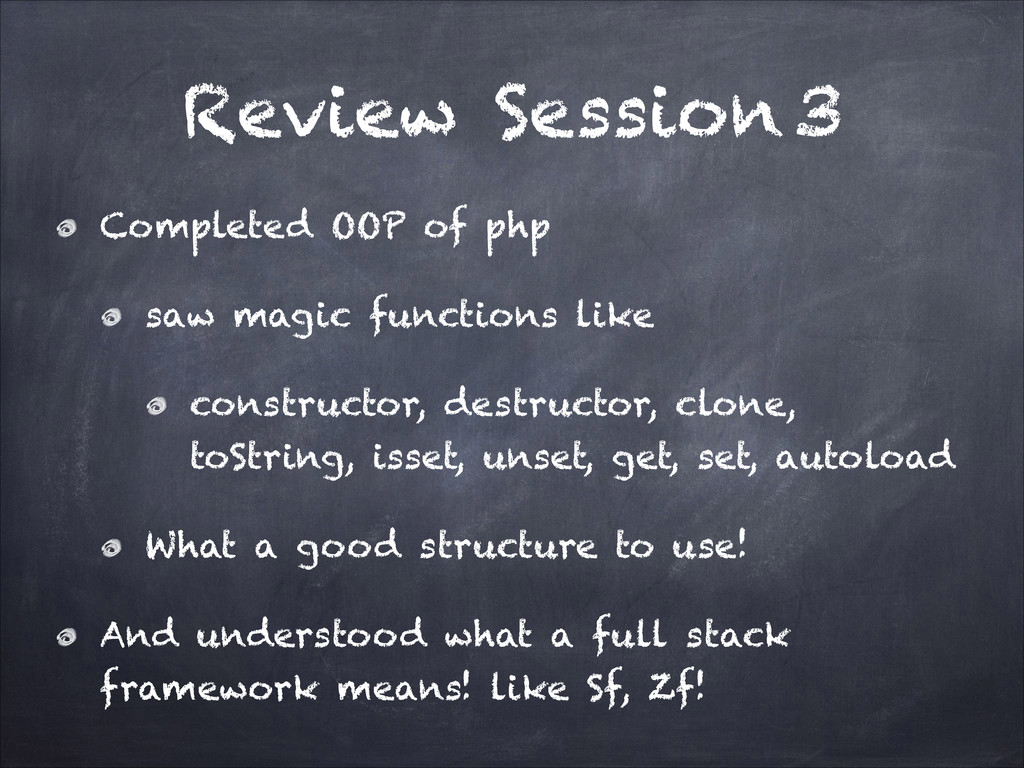
  32. Review Session 3 Completed OOP of php saw magic functions

    like constructor, destructor, clone, toString, isset, unset, get, set, autoload What a good structure to use! And understood what a full stack framework means! like Sf, Zf!
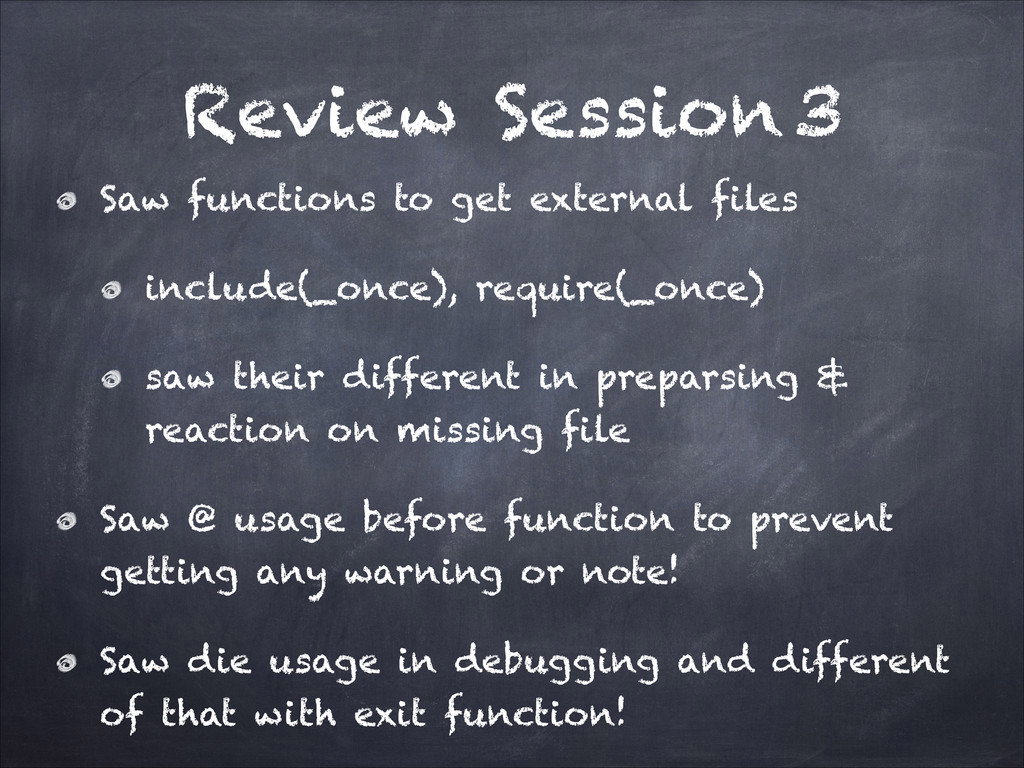
  33. Review Session 3 Saw functions to get external files include(_once),

    require(_once) saw their different in preparsing & reaction on missing file Saw @ usage before function to prevent getting any warning or note! Saw die usage in debugging and different of that with exit function!
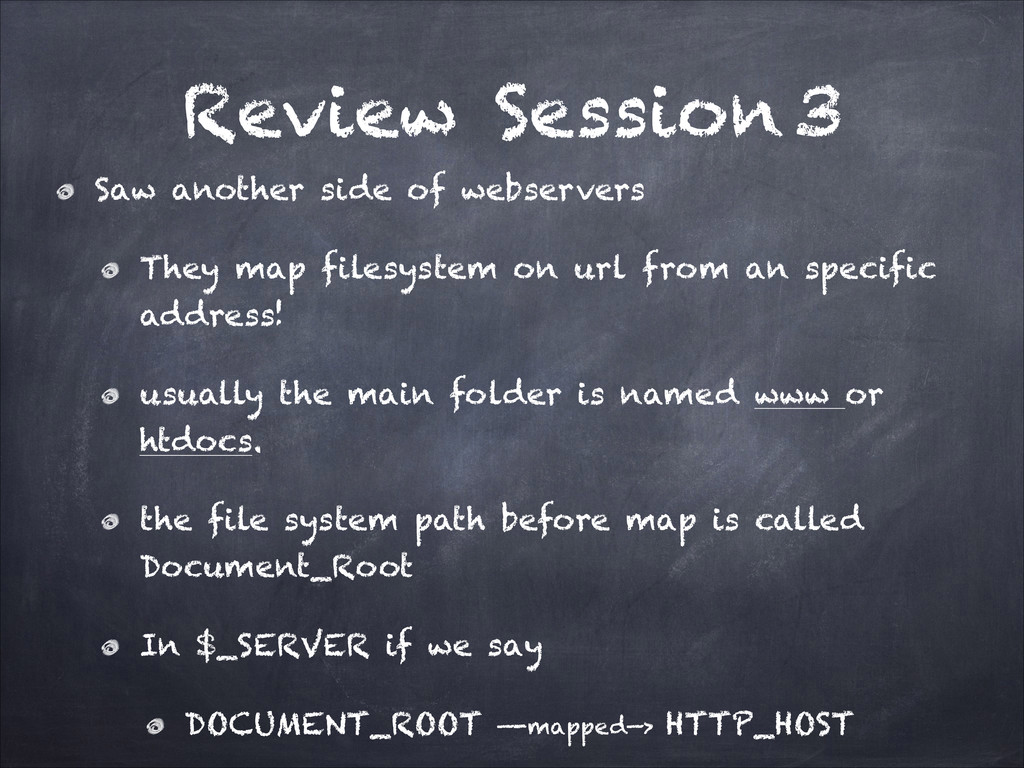
  34. Review Session 3 Saw another side of webservers They map

    filesystem on url from an specific address! usually the main folder is named www or htdocs. the file system path before map is called Document_Root In $_SERVER if we say DOCUMENT_ROOT —-mapped—> HTTP_HOST
  35. Review Session 3 Also saw if a folder is empty

    or has no index file webserver answers if can! Also sometimes webserver config could be rewritten for a specific folder using .htaccess files if webservers allows! Also saw 404 on notfound the file requested, listing on a folder with no index file & 403 on restriction!
  36. Review Session 3 Then we got to SuperGlobals bunch of

    Global Arrays which can be accessed anywhere in code! they all start with $_ SERVER, REQUEST, GET, POST, FILES, SESSION, COOKIE SERVER has lots of thing but just some important SERVER_ADDR, REMOTE_ADDR, DOCUMENT_ROOT, HTTP_USER_AGENT, HTTP_HOST, QUERY_STRING, REQUEST_METHOD, REQUEST_URI, SCRIPT_NAME
  37. Review Session 3 Then we got to GET & POST

    we reviewed form tag and form submitting scenarios forms submitted methods are GET OR POST and we get inputs by their names in $_POST or $_GET based on method used or $_REQUEST if we don’t know! or we are developing! so isset($_REQUEST[‘sth’]) is obvious.
  38. Review Session 3 In comparison of GET & POST method

    we saw that GET has url limits so is more limited GET can not submit file! GET is much more insecure! GET needs the values of inputs be encoded!! so we needed bunch of urlencoding & decoding functions: http:/ /us3.php.net/urlencode
  39. Review Session 3 Also as we reviewed that POST sends

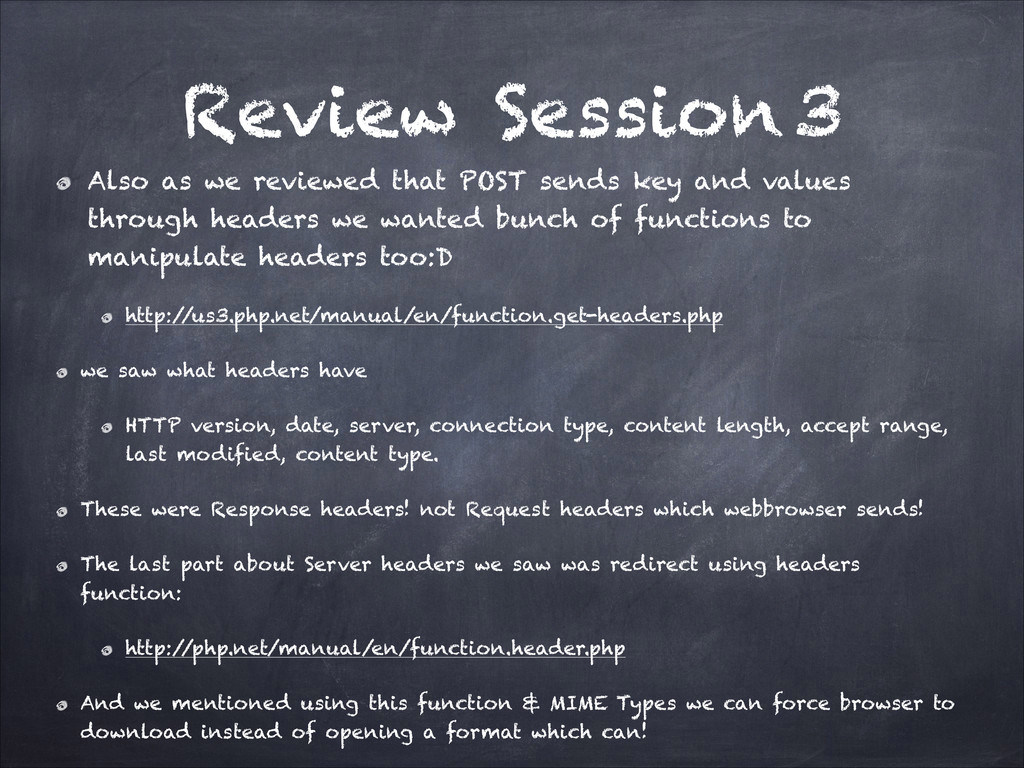
    key and values through headers we wanted bunch of functions to manipulate headers too:D http:/ /us3.php.net/manual/en/function.get-headers.php we saw what headers have HTTP version, date, server, connection type, content length, accept range, last modified, content type. These were Response headers! not Request headers which webbrowser sends! The last part about Server headers we saw was redirect using headers function: http:/ /php.net/manual/en/function.header.php And we mentioned using this function & MIME Types we can force browser to download instead of opening a format which can!
  40. Review Session 3 Then we saw Validation using php functions

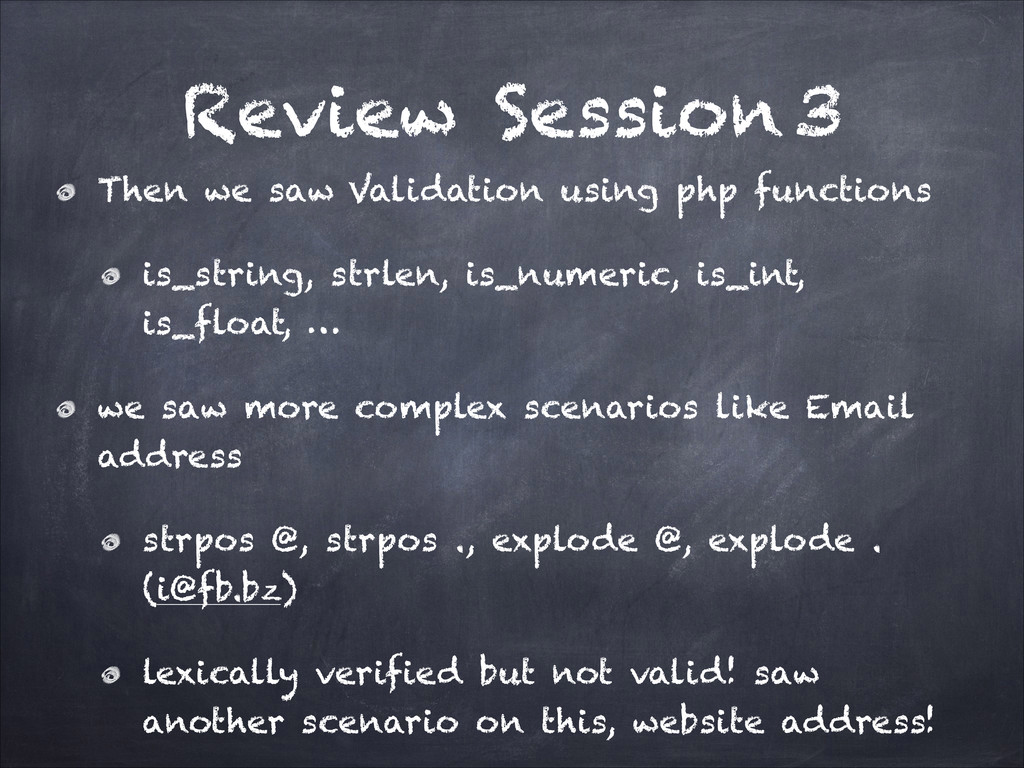
    is_string, strlen, is_numeric, is_int, is_float, … we saw more complex scenarios like Email address strpos @, strpos ., explode @, explode . ([email protected]) lexically verified but not valid! saw another scenario on this, website address!
  41. Review Session 3 After that we wanted to add file

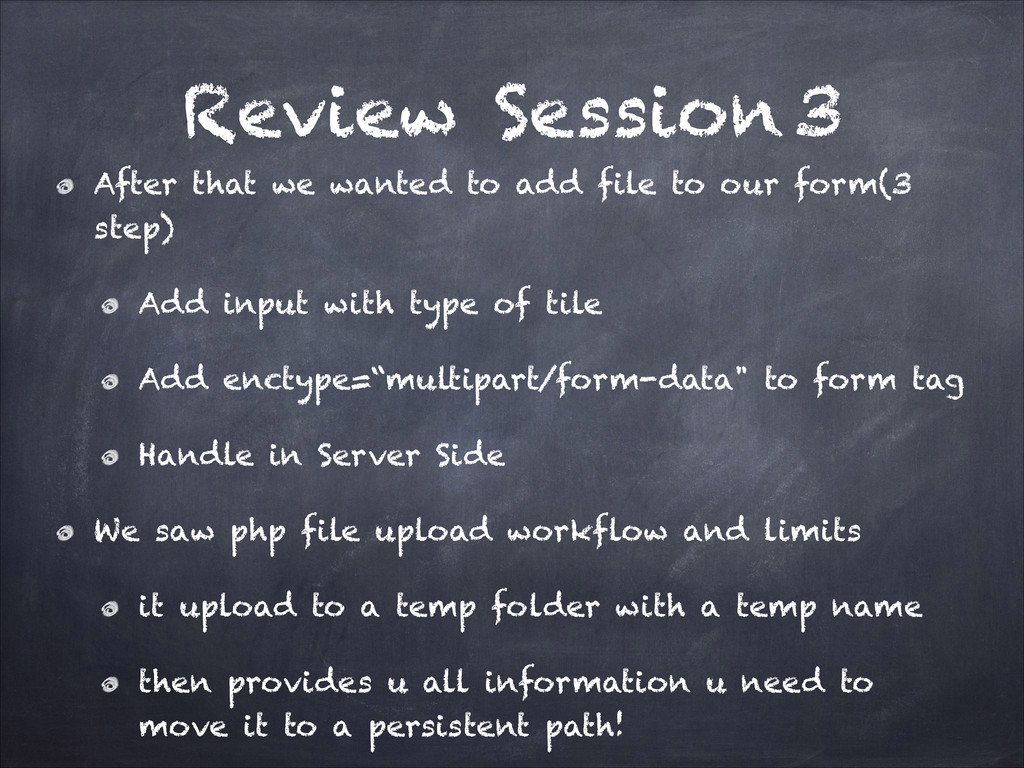
    to our form(3 step) Add input with type of tile Add enctype=“multipart/form-data" to form tag Handle in Server Side We saw php file upload workflow and limits it upload to a temp folder with a temp name then provides u all information u need to move it to a persistent path!
  42. Review Session 3 if we had an input tag with

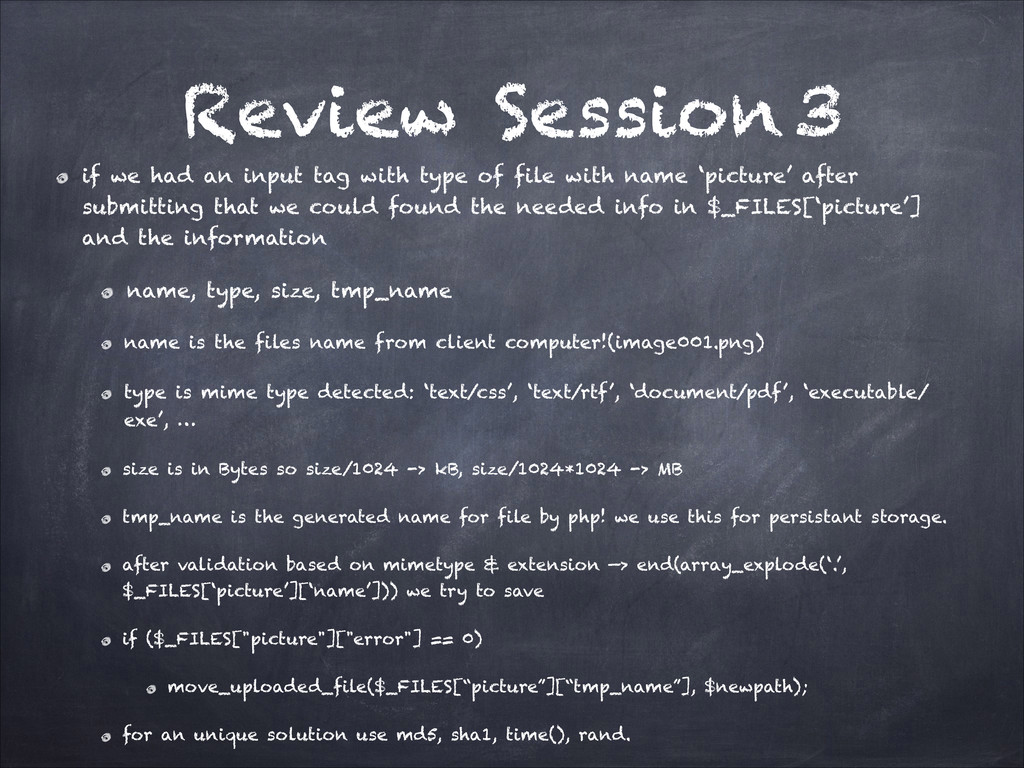
    type of file with name ‘picture’ after submitting that we could found the needed info in $_FILES[‘picture’] and the information name, type, size, tmp_name name is the files name from client computer!(image001.png) type is mime type detected: ‘text/css’, ‘text/rtf’, ‘document/pdf’, ‘executable/ exe’, … size is in Bytes so size/1024 -> kB, size/1024*1024 -> MB tmp_name is the generated name for file by php! we use this for persistant storage. after validation based on mimetype & extension —> end(array_explode(‘.’, $_FILES[‘picture’][‘name’])) we try to save if ($_FILES["picture"]["error"] == 0) move_uploaded_file($_FILES[“picture”][“tmp_name”], $newpath); for an unique solution use md5, sha1, time(), rand.
  43. Review Session 3 And leaving DB, Session we saw little

    parts of php before ending that: OutputBuffering Date GD Filesystem Exception Handling Mail CUrl
  44. Session 4 PHP DB! DBs have bunch of brands: RDBMS,

    DDBMS, NOSQL, … The most common for now is RDBMS The most common brand in RDBMS is MySQL! RDBMSs have a Daemon Arch so they are services which are run! We should connect to one of them in our script with provided username and pass! After connection we get a link to that connection Using that link we can run queries for updating, inserting, deleting, dropping, … . for mysql we use mysql_* functions for postgresql we use pg_* functions for sqlite3 we use SQLITE::* static functions
  45. Session 4 What about Migrate! What about connecting style What

    about commands & queries Abstraction ODBC PDO TradeOff! ORM, AR, TradeOff!
  46. Session 4 Session is something mostly handled by php itself

    for each client using a random number(Session_id) for each client on each request till session tracking is needed on a page by calling session_start! so in a login just we need session_start and saving the id of the founded valid user in some variable in the $_SESSION superglobal. and we can get that id value in any other page if session_start is called in the beggining! for logout again session_start, this time session_unset and then session_destroy. so session is part of ram for each client on the server, and part of a file(cookie) in the browser for a page in a site.
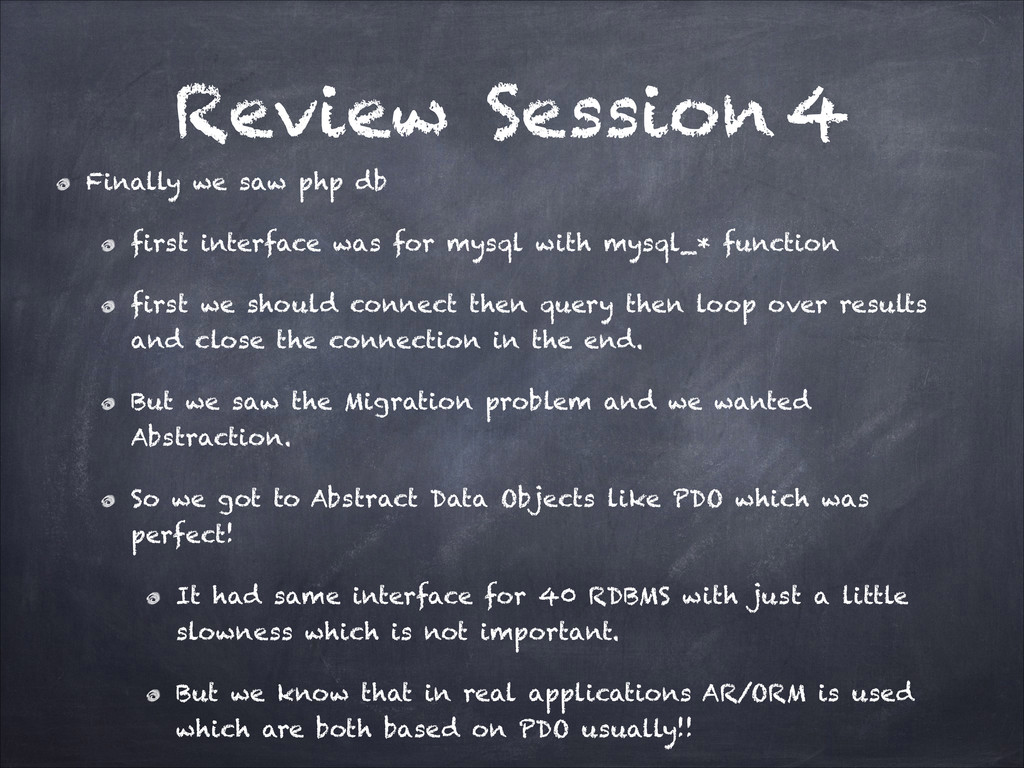
  47. Review Session 4 Finally we saw php db first interface

    was for mysql with mysql_* function first we should connect then query then loop over results and close the connection in the end. But we saw the Migration problem and we wanted Abstraction. So we got to Abstract Data Objects like PDO which was perfect! It had same interface for 40 RDBMS with just a little slowness which is not important. But we know that in real applications AR/ORM is used which are both based on PDO usually!!
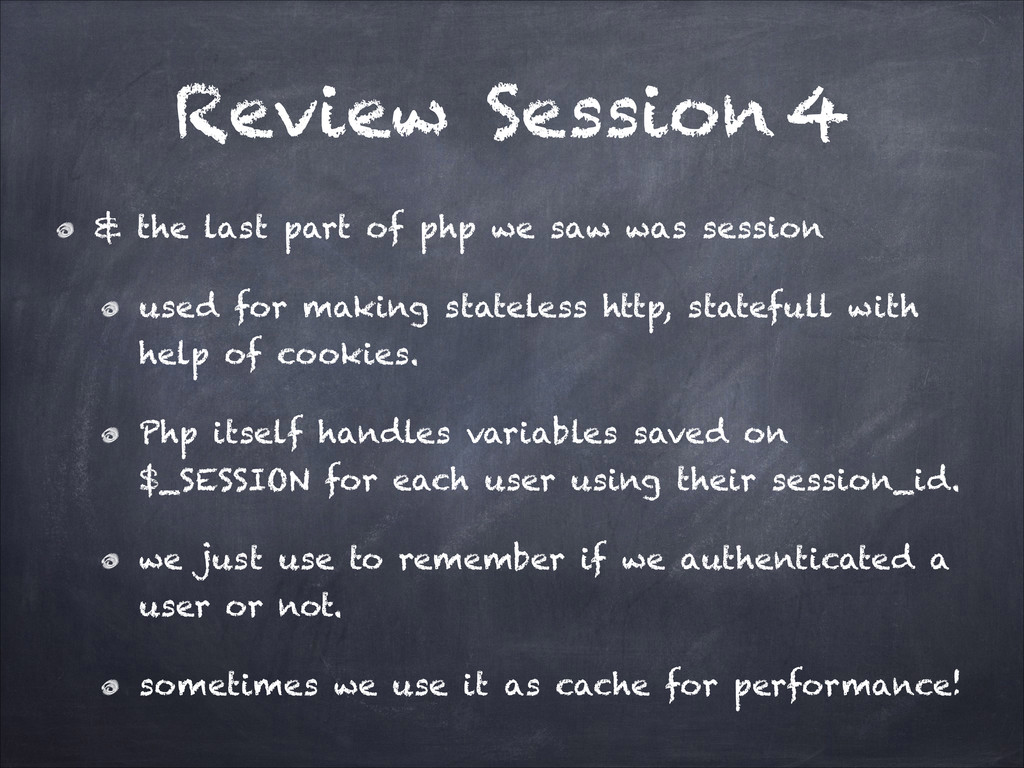
  48. Review Session 4 & the last part of php we

    saw was session used for making stateless http, statefull with help of cookies. Php itself handles variables saved on $_SESSION for each user using their session_id. we just use to remember if we authenticated a user or not. sometimes we use it as cache for performance!
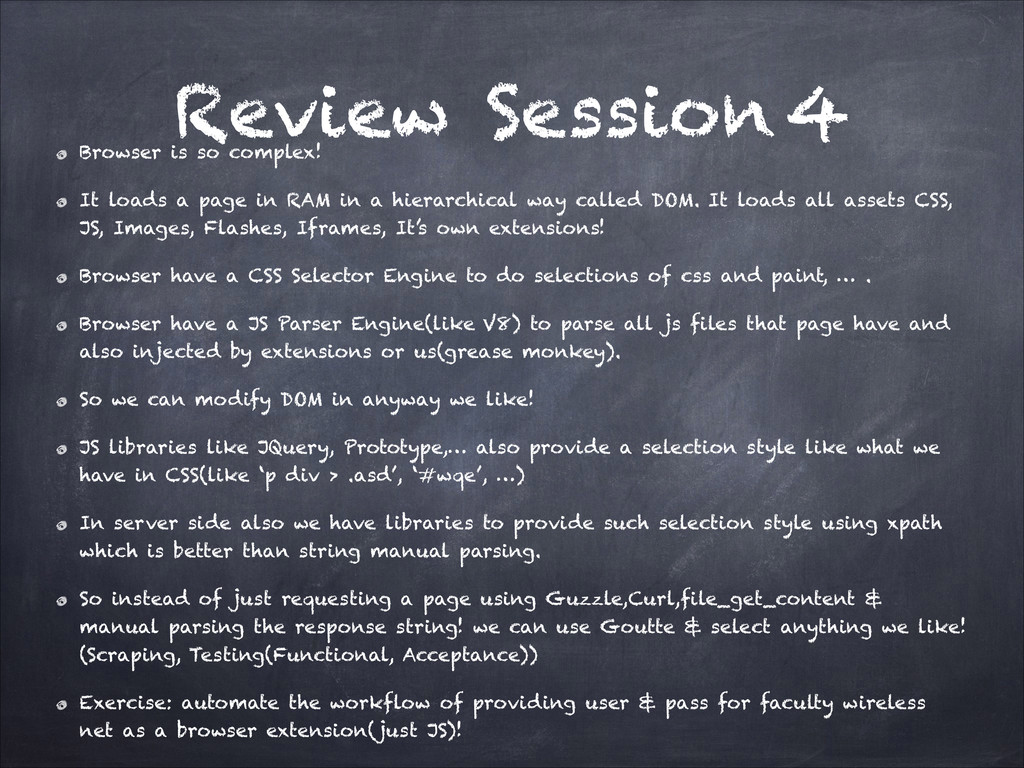
  49. Review Session 4 Browser is so complex! It loads a

    page in RAM in a hierarchical way called DOM. It loads all assets CSS, JS, Images, Flashes, Iframes, It’s own extensions! Browser have a CSS Selector Engine to do selections of css and paint, … . Browser have a JS Parser Engine(like V8) to parse all js files that page have and also injected by extensions or us(grease monkey). So we can modify DOM in anyway we like! JS libraries like JQuery, Prototype,… also provide a selection style like what we have in CSS(like ‘p div > .asd’, ‘#wqe’, …) In server side also we have libraries to provide such selection style using xpath which is better than string manual parsing. So instead of just requesting a page using Guzzle,Curl,file_get_content & manual parsing the response string! we can use Goutte & select anything we like! (Scraping, Testing(Functional, Acceptance)) Exercise: automate the workflow of providing user & pass for faculty wireless net as a browser extension(just JS)!
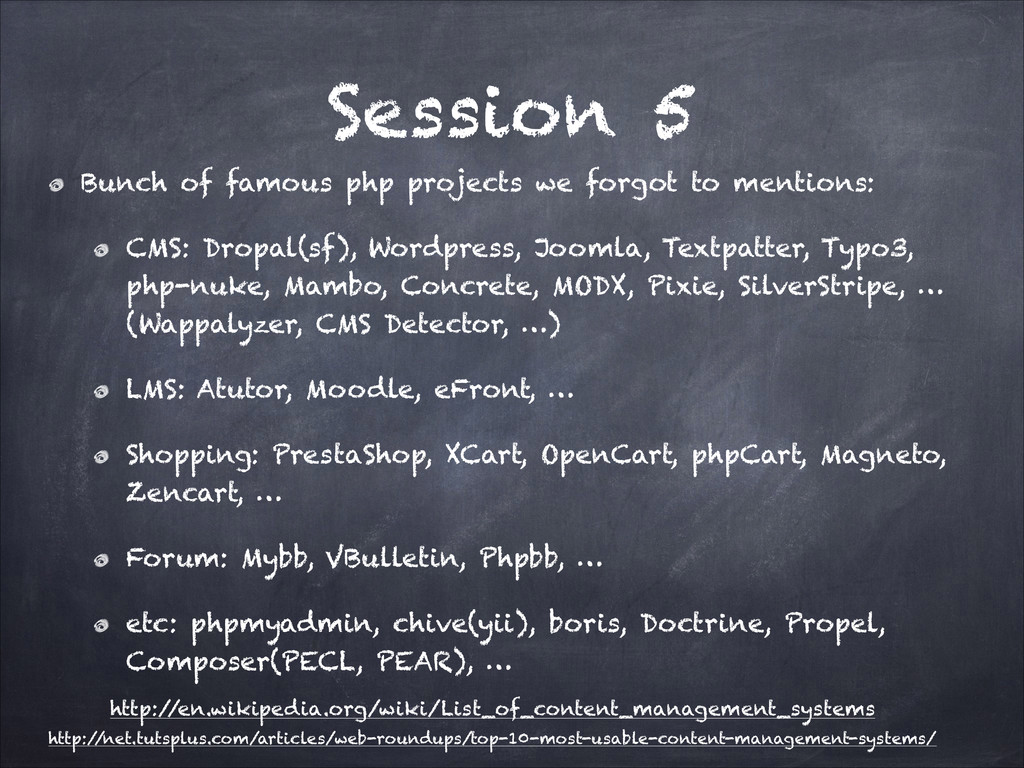
  50. Session 5 Bunch of famous php projects we forgot to

    mentions: CMS: Dropal(sf), Wordpress, Joomla, Textpatter, Typo3, php-nuke, Mambo, Concrete, MODX, Pixie, SilverStripe, … (Wappalyzer, CMS Detector, …) LMS: Atutor, Moodle, eFront, … Shopping: PrestaShop, XCart, OpenCart, phpCart, Magneto, Zencart, … Forum: Mybb, VBulletin, Phpbb, … etc: phpmyadmin, chive(yii), boris, Doctrine, Propel, Composer(PECL, PEAR), … http:/ /en.wikipedia.org/wiki/List_of_content_management_systems http:/ /net.tutsplus.com/articles/web-roundups/top-10-most-usable-content-management-systems/
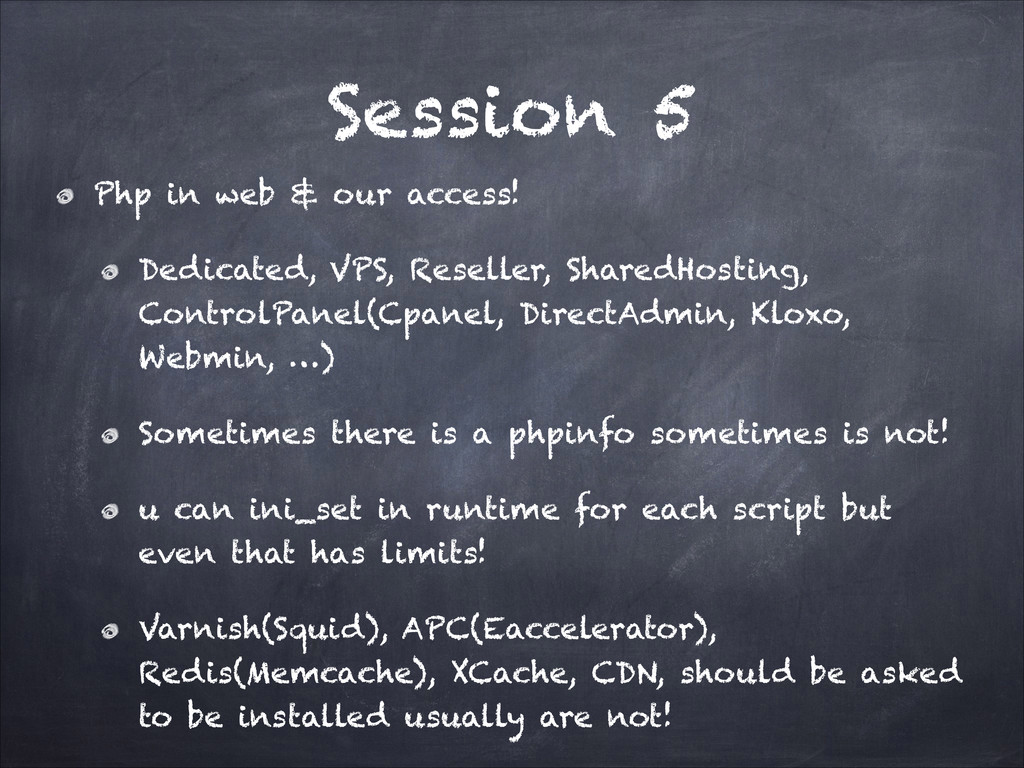
  51. Session 5 Php in web & our access! Dedicated, VPS,

    Reseller, SharedHosting, ControlPanel(Cpanel, DirectAdmin, Kloxo, Webmin, …) Sometimes there is a phpinfo sometimes is not! u can ini_set in runtime for each script but even that has limits! Varnish(Squid), APC(Eaccelerator), Redis(Memcache), XCache, CDN, should be asked to be installed usually are not!
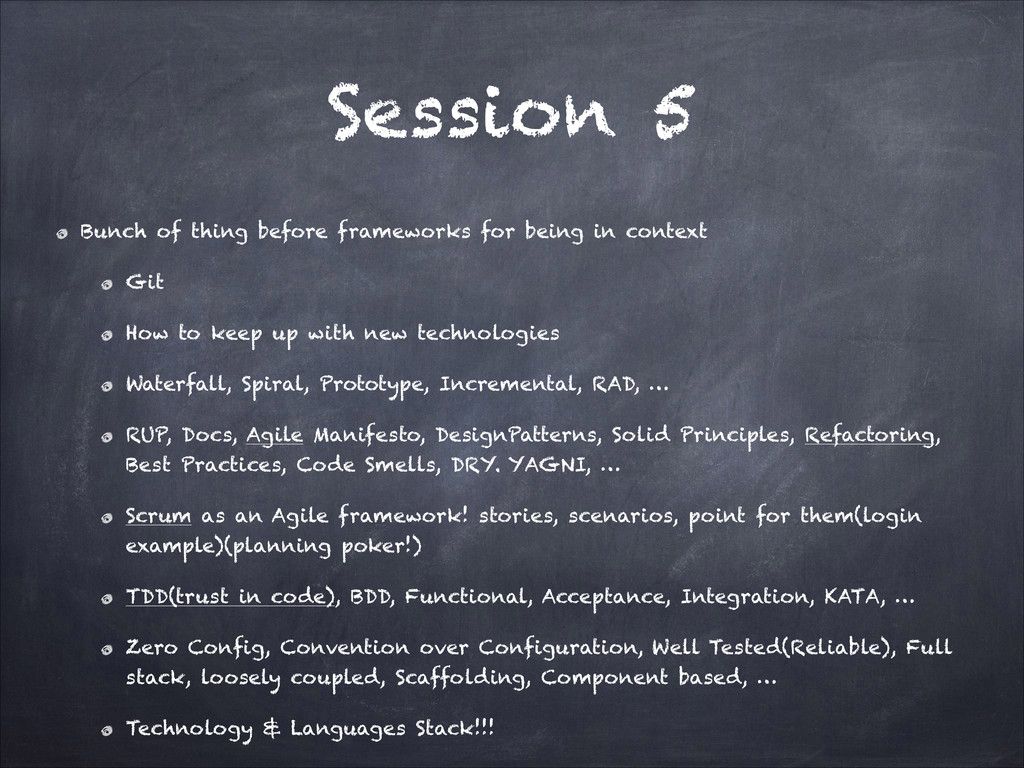
  52. Session 5 ! Bunch of thing before frameworks for being

    in context Git How to keep up with new technologies Waterfall, Spiral, Prototype, Incremental, RAD, … RUP, Docs, Agile Manifesto, DesignPatterns, Solid Principles, Refactoring, Best Practices, Code Smells, DRY. YAGNI, … Scrum as an Agile framework! stories, scenarios, point for them(login example)(planning poker!) TDD(trust in code), BDD, Functional, Acceptance, Integration, KATA, … Zero Config, Convention over Configuration, Well Tested(Reliable), Full stack, loosely coupled, Scaffolding, Component based, … Technology & Languages Stack!!!
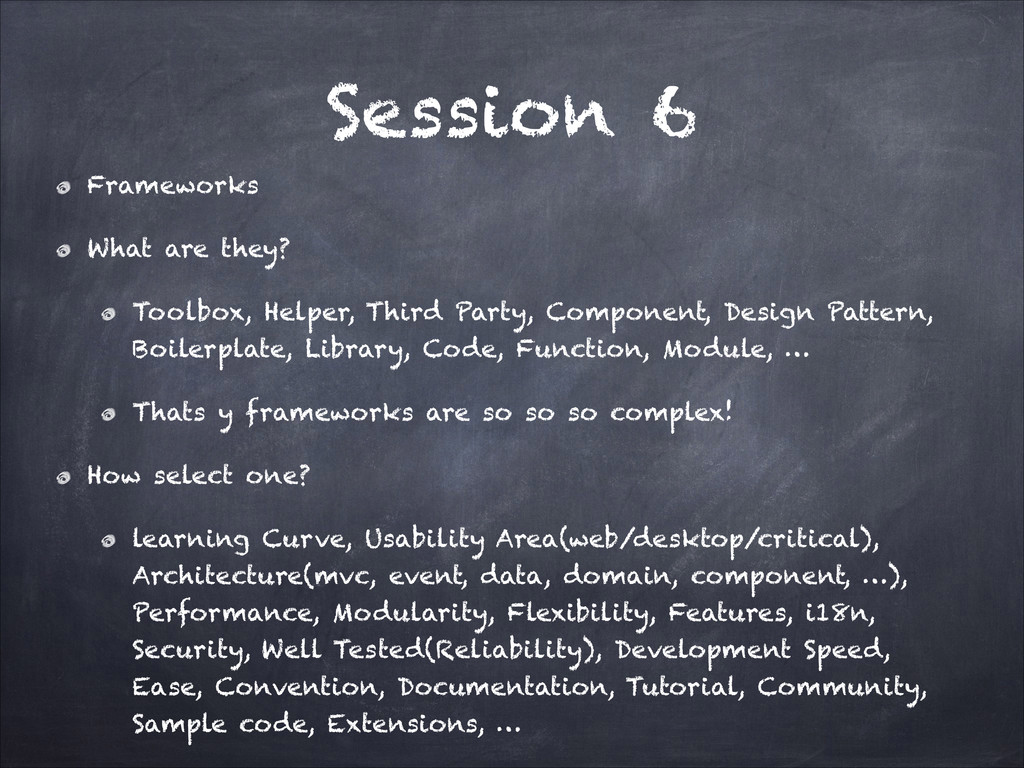
  53. Session 6 Frameworks What are they? Toolbox, Helper, Third Party,

    Component, Design Pattern, Boilerplate, Library, Code, Function, Module, … Thats y frameworks are so so so complex! How select one? learning Curve, Usability Area(web/desktop/critical), Architecture(mvc, event, data, domain, component, …), Performance, Modularity, Flexibility, Features, i18n, Security, Well Tested(Reliability), Development Speed, Ease, Convention, Documentation, Tutorial, Community, Sample code, Extensions, …
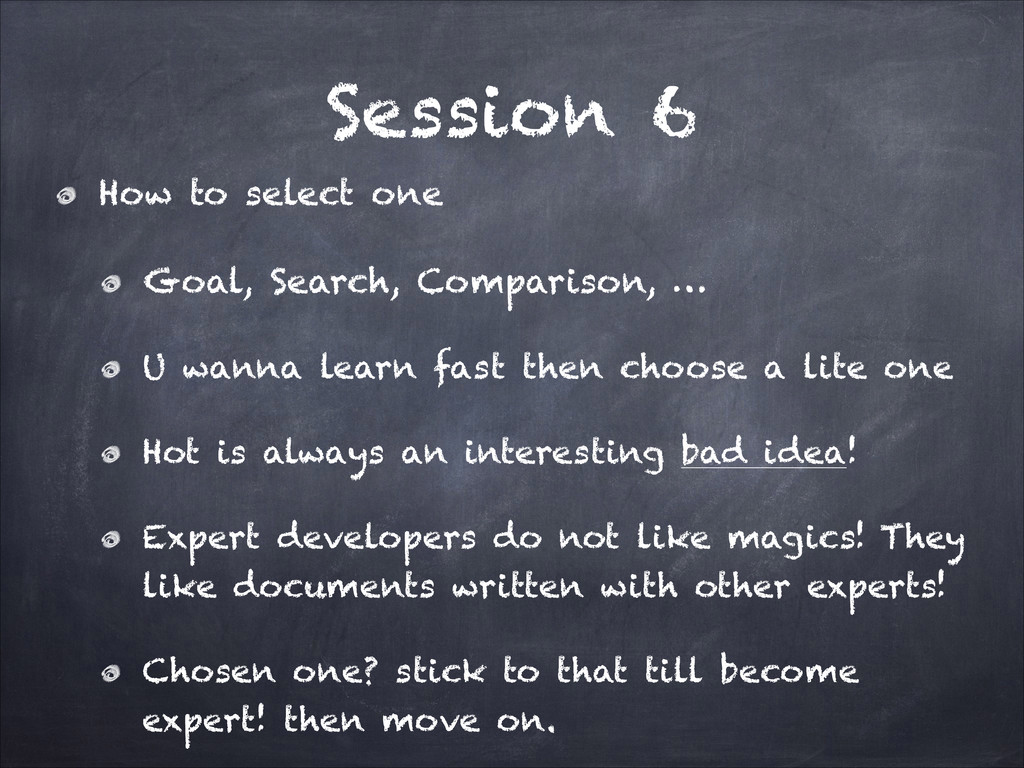
  54. Session 6 How to select one Goal, Search, Comparison, …

    U wanna learn fast then choose a lite one Hot is always an interesting bad idea! Expert developers do not like magics! They like documents written with other experts! Chosen one? stick to that till become expert! then move on.
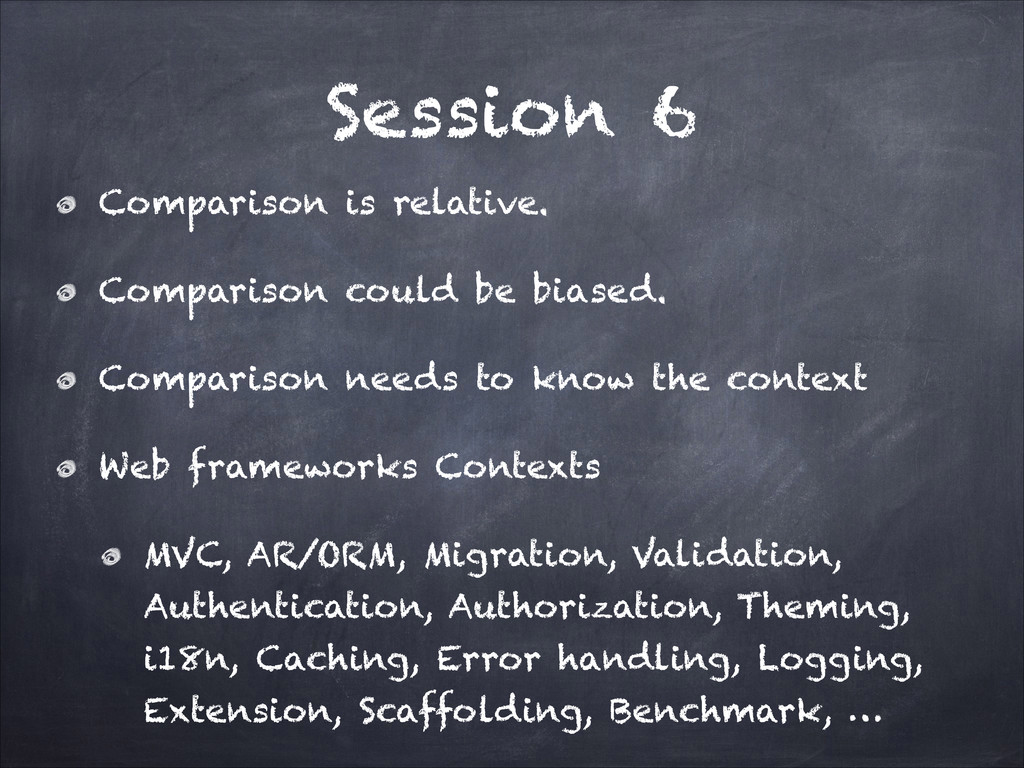
  55. Session 6 Comparison is relative. Comparison could be biased. Comparison

    needs to know the context Web frameworks Contexts MVC, AR/ORM, Migration, Validation, Authentication, Authorization, Theming, i18n, Caching, Error handling, Logging, Extension, Scaffolding, Benchmark, …
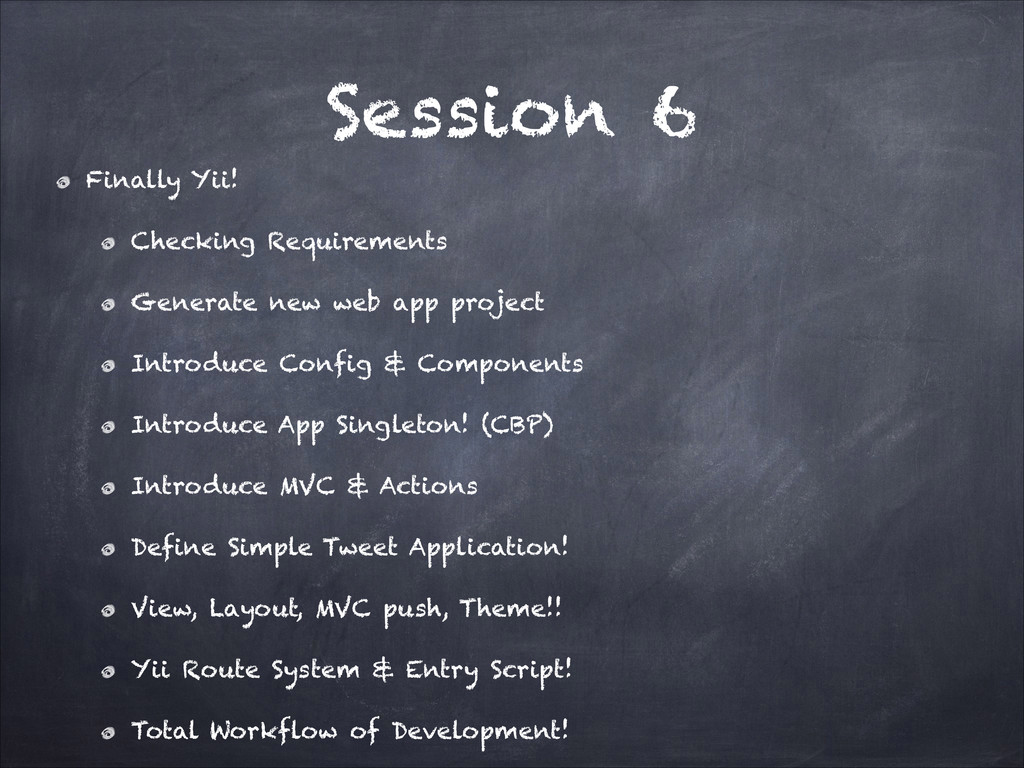
  56. Session 6 Finally Yii! Checking Requirements Generate new web app

    project Introduce Config & Components Introduce App Singleton! (CBP) Introduce MVC & Actions Define Simple Tweet Application! View, Layout, MVC push, Theme!! Yii Route System & Entry Script! Total Workflow of Development!
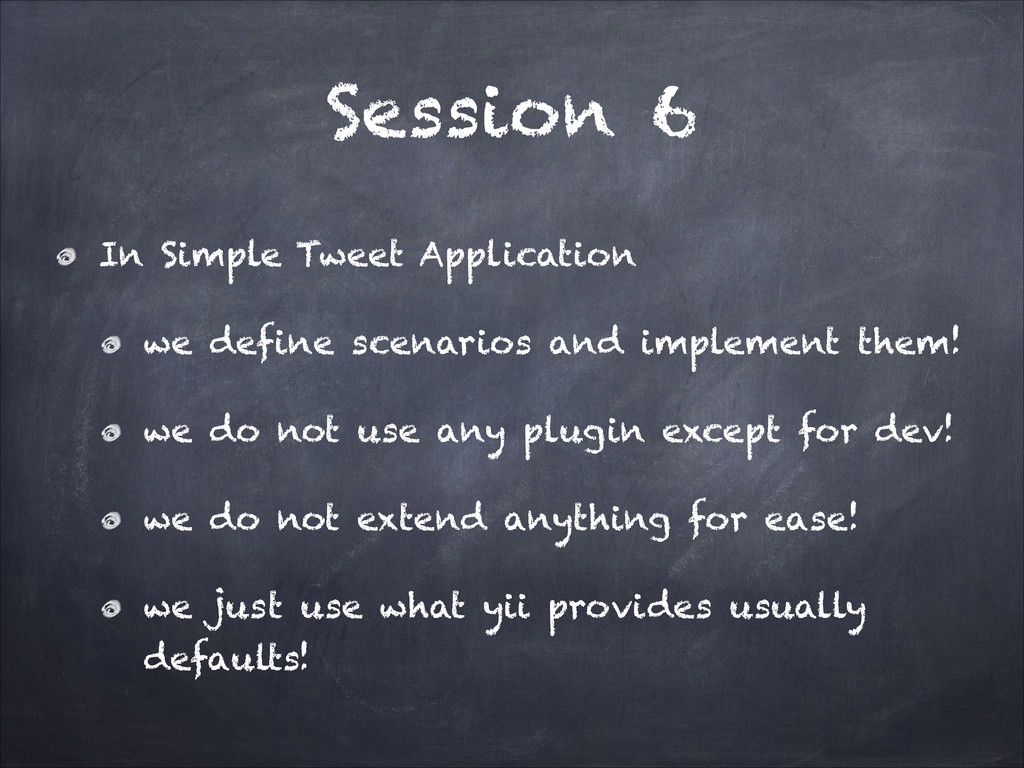
  57. Session 6 In Simple Tweet Application we define scenarios and

    implement them! we do not use any plugin except for dev! we do not extend anything for ease! we just use what yii provides usually defaults!
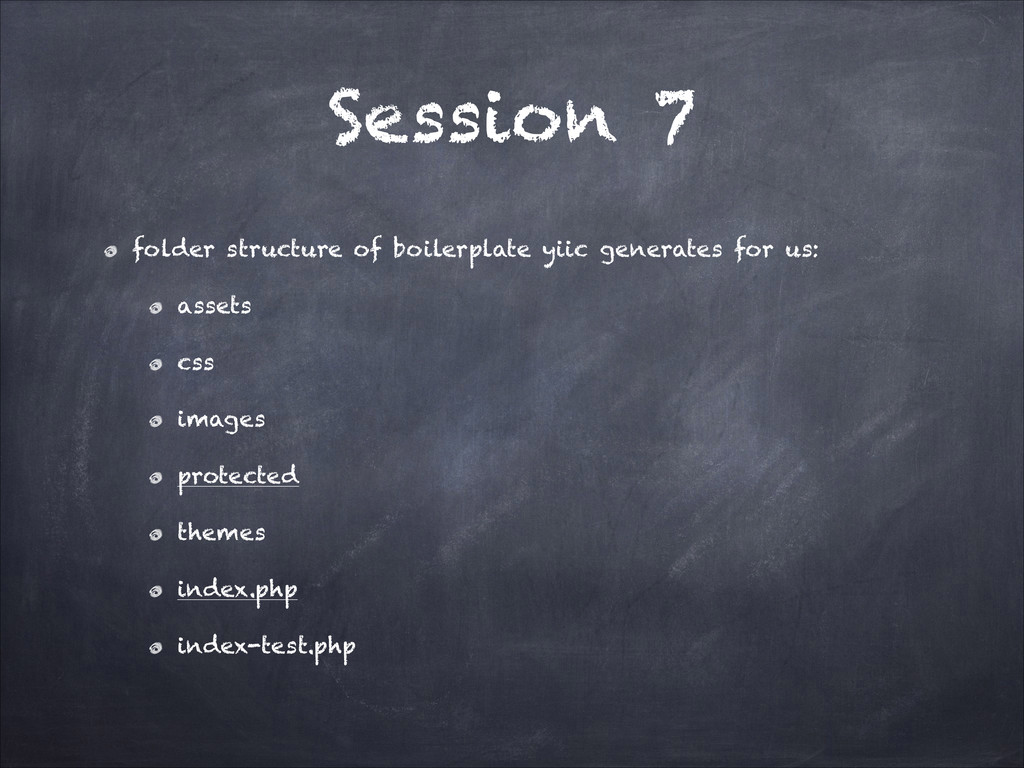
  58. Session 7 folder structure of boilerplate yiic generates for us:

    assets css images protected themes index.php index-test.php
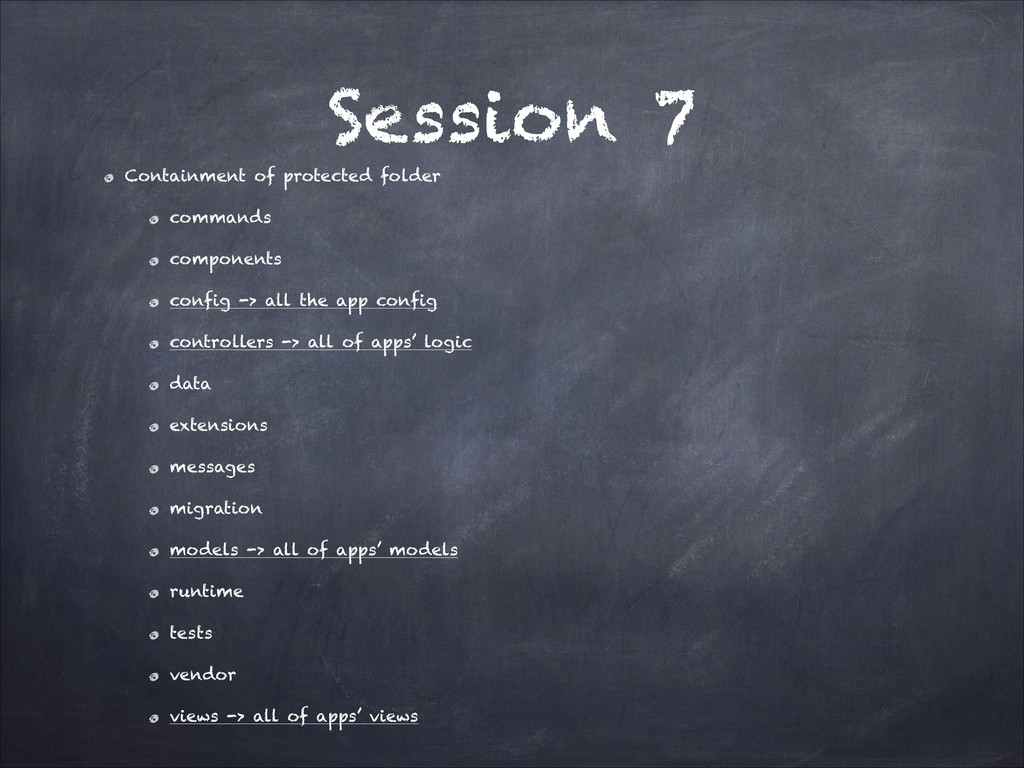
  59. Session 7 Containment of protected folder commands components config ->

    all the app config controllers -> all of apps’ logic data extensions messages migration models -> all of apps’ models runtime tests vendor views -> all of apps’ views
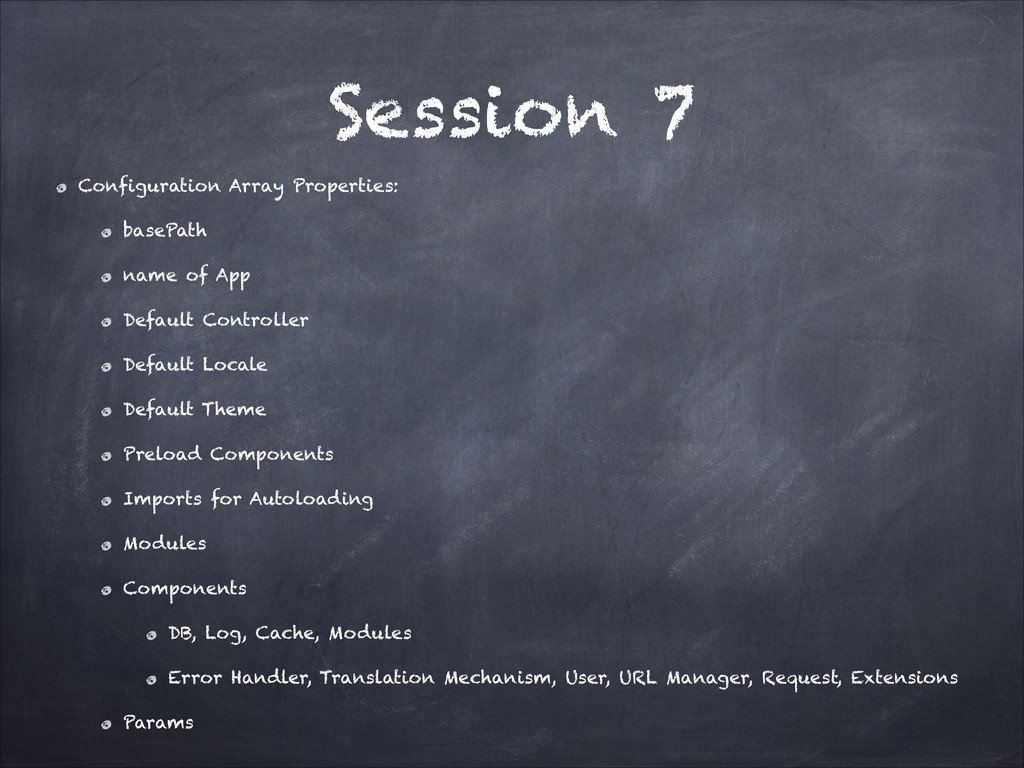
  60. Session 7 Configuration Array Properties: basePath name of App Default

    Controller Default Locale Default Theme Preload Components Imports for Autoloading Modules Components DB, Log, Cache, Modules Error Handler, Translation Mechanism, User, URL Manager, Request, Extensions Params
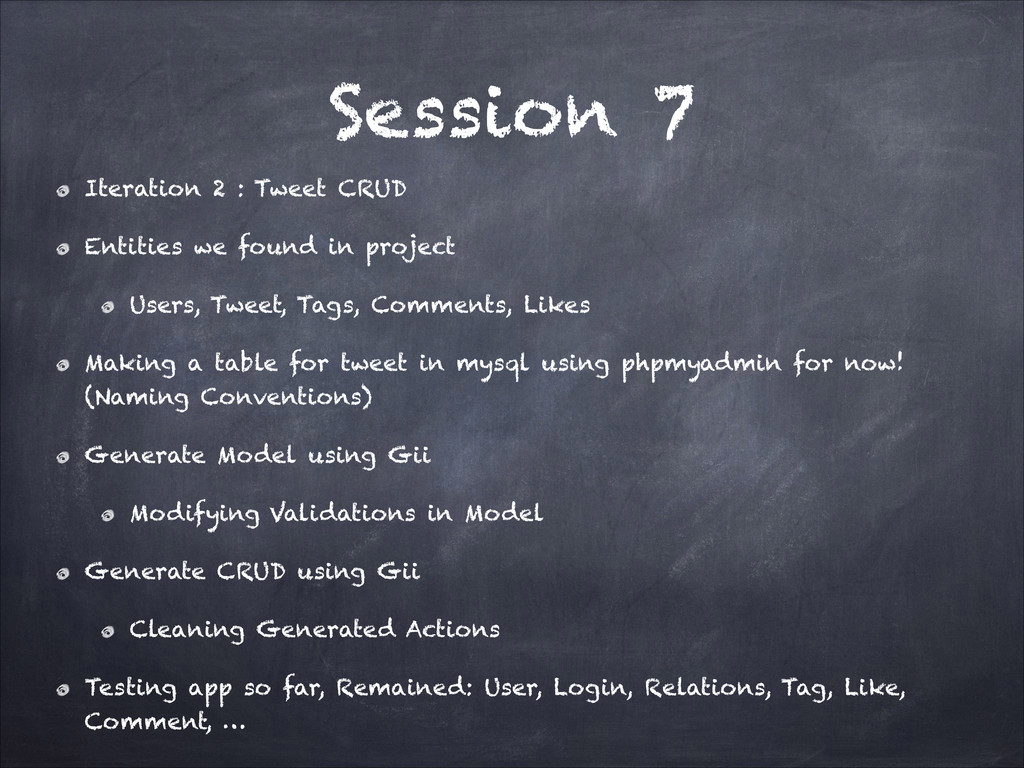
  61. Session 7 Iteration 2 : Tweet CRUD Entities we found

    in project Users, Tweet, Tags, Comments, Likes Making a table for tweet in mysql using phpmyadmin for now! (Naming Conventions) Generate Model using Gii Modifying Validations in Model Generate CRUD using Gii Cleaning Generated Actions Testing app so far, Remained: User, Login, Relations, Tag, Like, Comment, …
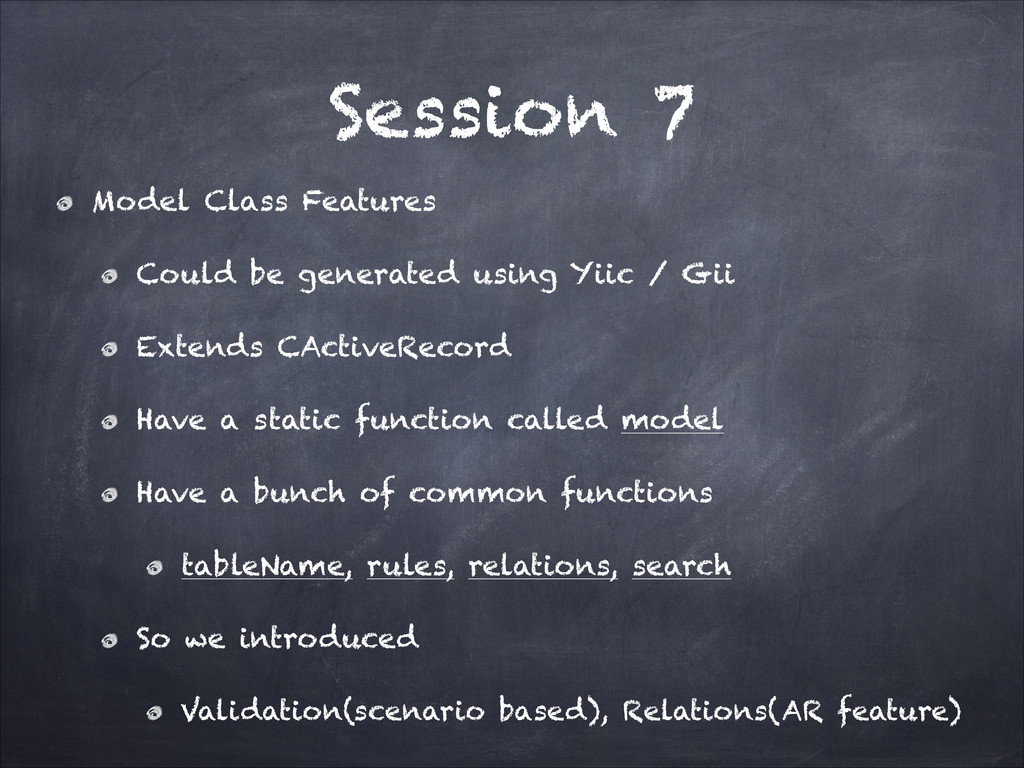
  62. Session 7 Model Class Features Could be generated using Yiic

    / Gii Extends CActiveRecord Have a static function called model Have a bunch of common functions tableName, rules, relations, search So we introduced Validation(scenario based), Relations(AR feature)
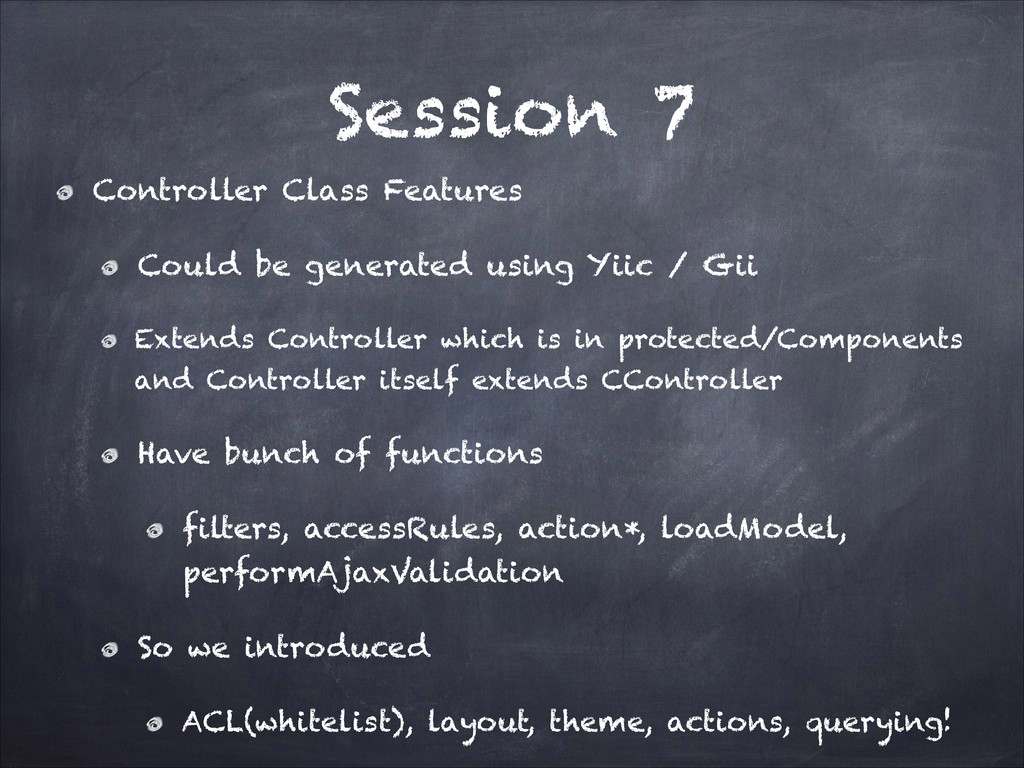
  63. Session 7 Controller Class Features Could be generated using Yiic

    / Gii Extends Controller which is in protected/Components and Controller itself extends CController Have bunch of functions filters, accessRules, action*, loadModel, performAjaxValidation So we introduced ACL(whitelist), layout, theme, actions, querying!
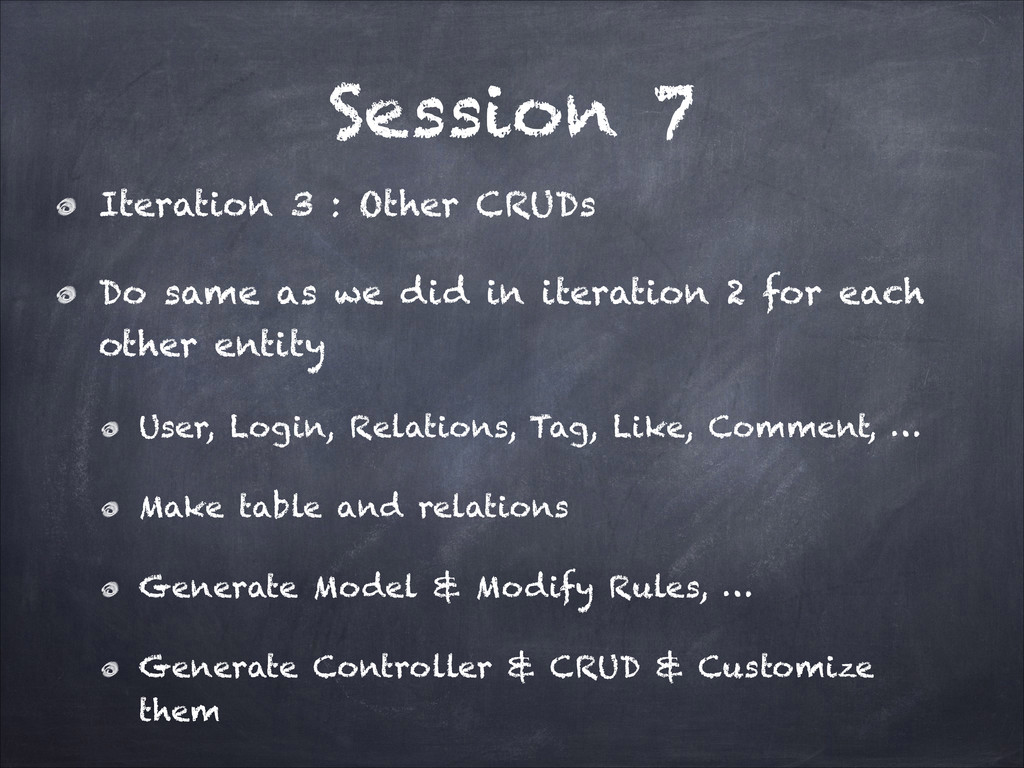
  64. Session 7 Iteration 3 : Other CRUDs Do same as

    we did in iteration 2 for each other entity User, Login, Relations, Tag, Like, Comment, … Make table and relations Generate Model & Modify Rules, … Generate Controller & CRUD & Customize them
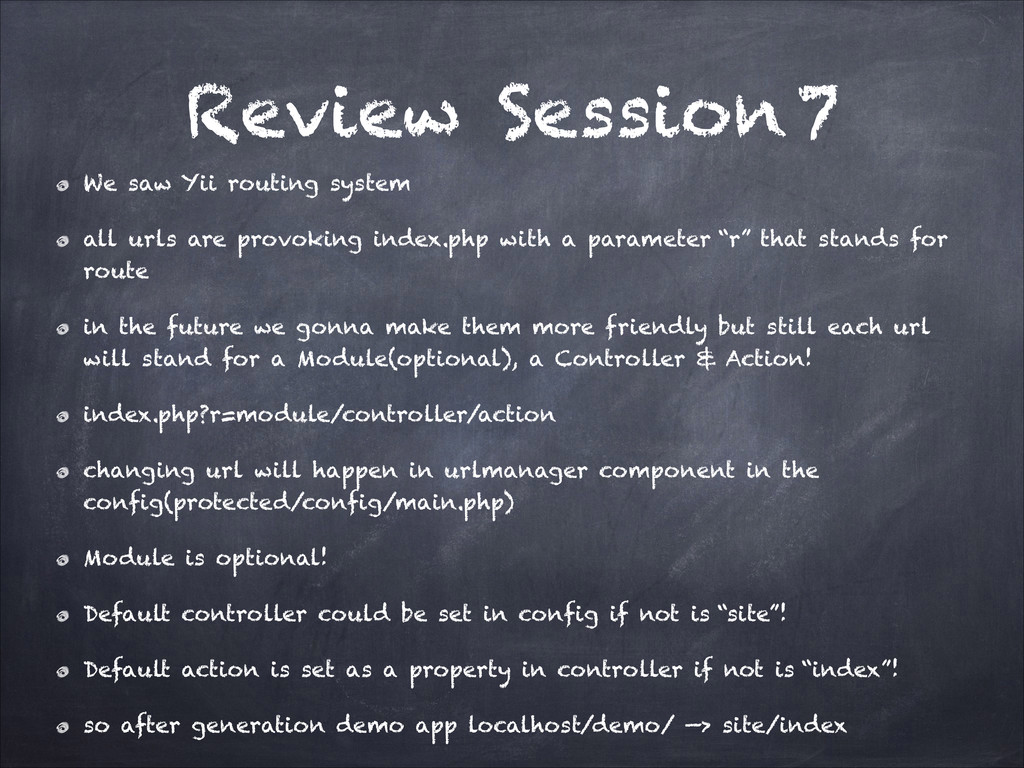
  65. Review Session 7 We saw Yii routing system all urls

    are provoking index.php with a parameter “r” that stands for route in the future we gonna make them more friendly but still each url will stand for a Module(optional), a Controller & Action! index.php?r=module/controller/action changing url will happen in urlmanager component in the config(protected/config/main.php) Module is optional! Default controller could be set in config if not is “site”! Default action is set as a property in controller if not is “index”! so after generation demo app localhost/demo/ —> site/index
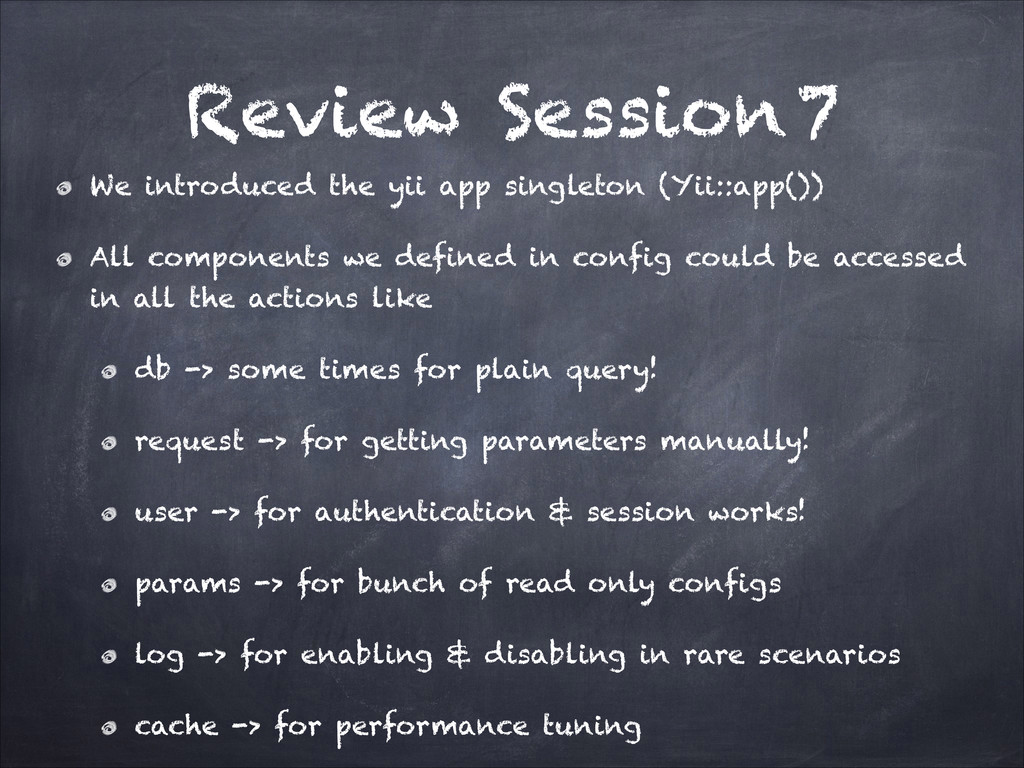
  66. Review Session 7 We introduced the yii app singleton (Yii::app())

    All components we defined in config could be accessed in all the actions like db -> some times for plain query! request -> for getting parameters manually! user -> for authentication & session works! params -> for bunch of read only configs log -> for enabling & disabling in rare scenarios cache -> for performance tuning
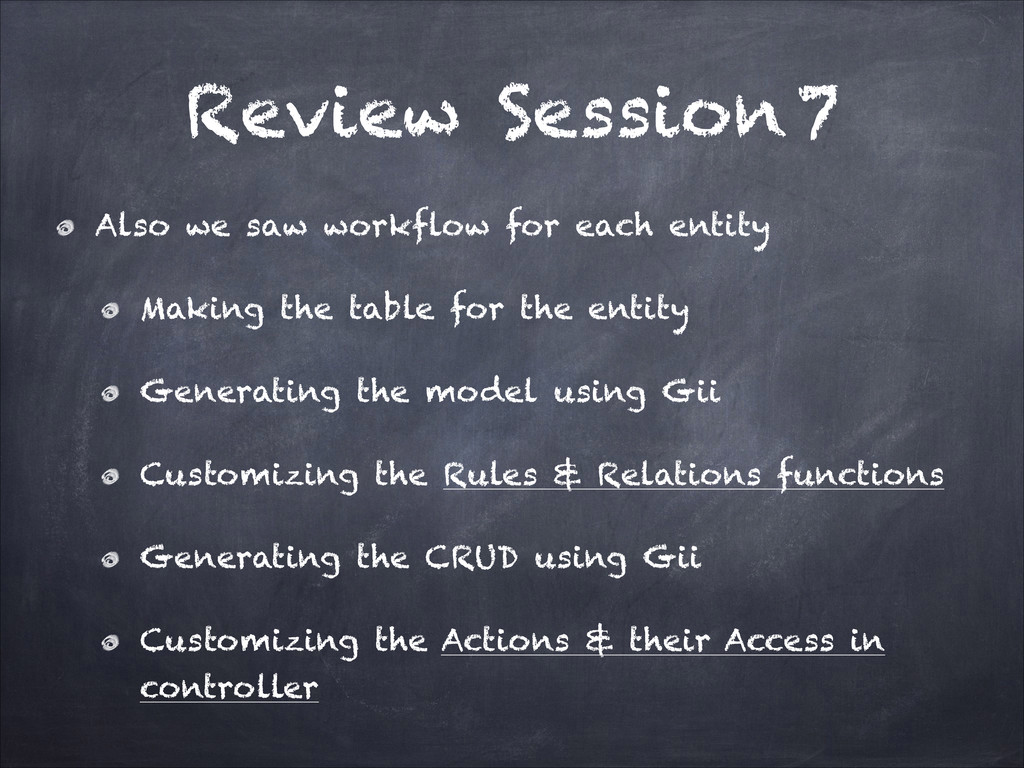
  67. Review Session 7 Also we saw workflow for each entity

    Making the table for the entity Generating the model using Gii Customizing the Rules & Relations functions Generating the CRUD using Gii Customizing the Actions & their Access in controller
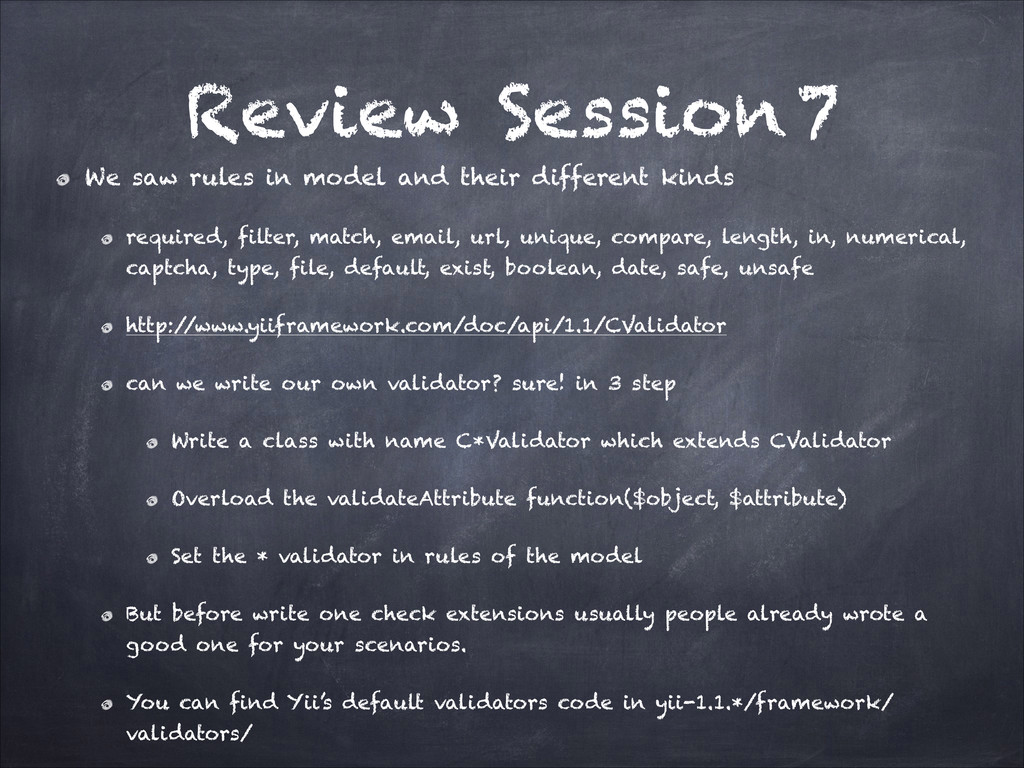
  68. Review Session 7 We saw rules in model and their

    different kinds required, filter, match, email, url, unique, compare, length, in, numerical, captcha, type, file, default, exist, boolean, date, safe, unsafe http:/ /www.yiiframework.com/doc/api/1.1/CValidator can we write our own validator? sure! in 3 step Write a class with name C*Validator which extends CValidator Overload the validateAttribute function($object, $attribute) Set the * validator in rules of the model But before write one check extensions usually people already wrote a good one for your scenarios. You can find Yii’s default validators code in yii-1.1.*/framework/ validators/
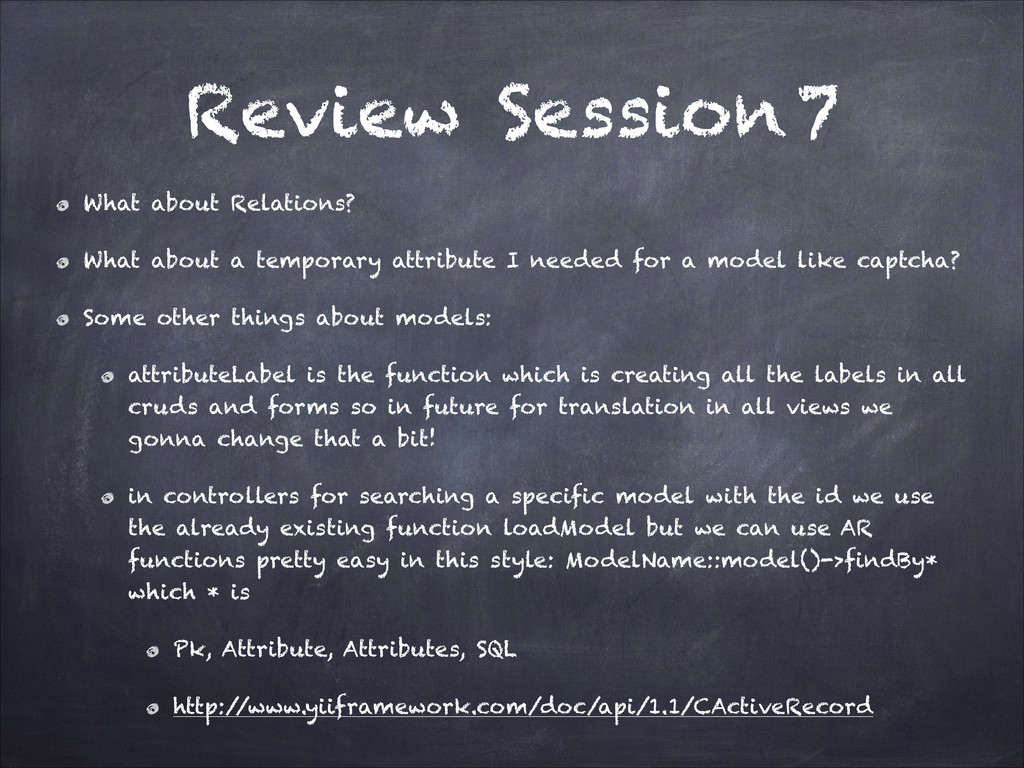
  69. Review Session 7 What about Relations? What about a temporary

    attribute I needed for a model like captcha? Some other things about models: attributeLabel is the function which is creating all the labels in all cruds and forms so in future for translation in all views we gonna change that a bit! in controllers for searching a specific model with the id we use the already existing function loadModel but we can use AR functions pretty easy in this style: ModelName::model()->findBy* which * is Pk, Attribute, Attributes, SQL http:/ /www.yiiframework.com/doc/api/1.1/CActiveRecord
  70. Review Session 7 Last things about models if you look

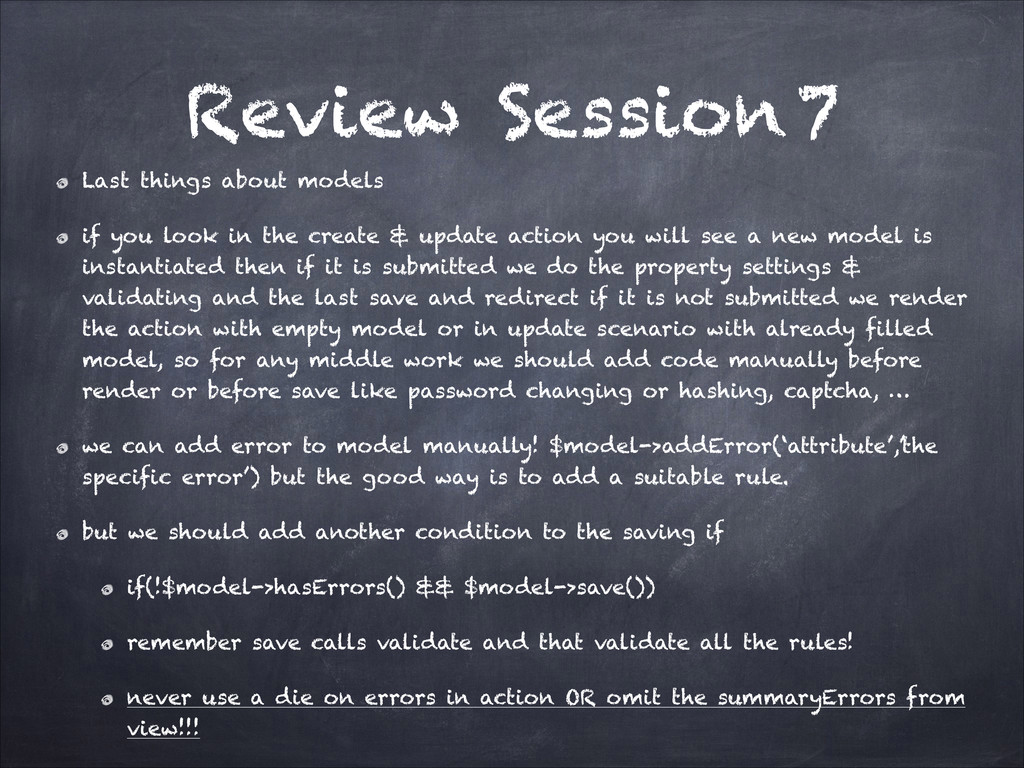
    in the create & update action you will see a new model is instantiated then if it is submitted we do the property settings & validating and the last save and redirect if it is not submitted we render the action with empty model or in update scenario with already filled model, so for any middle work we should add code manually before render or before save like password changing or hashing, captcha, … we can add error to model manually! $model->addError(‘attribute’,’the specific error’) but the good way is to add a suitable rule. but we should add another condition to the saving if if(!$model->hasErrors() && $model->save()) remember save calls validate and that validate all the rules! never use a die on errors in action OR omit the summaryErrors from view!!!
  71. Review Session 7 Controller We saw actions in that, the

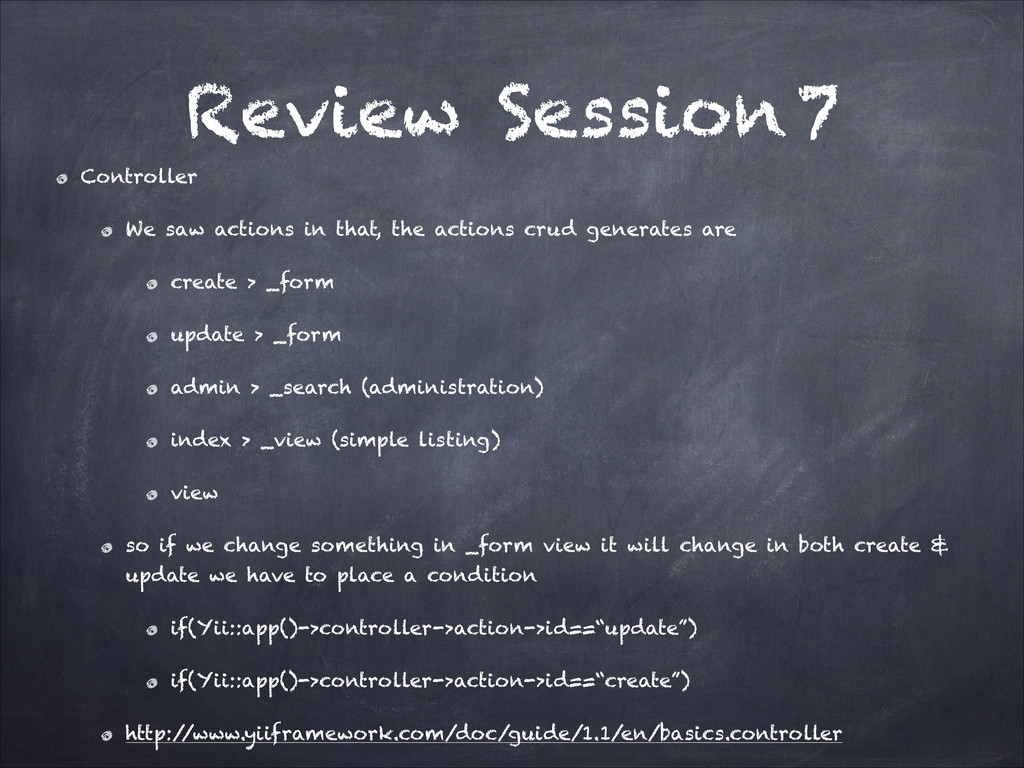
    actions crud generates are create > _form update > _form admin > _search (administration) index > _view (simple listing) view so if we change something in _form view it will change in both create & update we have to place a condition if(Yii::app()->controller->action->id==“update”) if(Yii::app()->controller->action->id==“create”) http:/ /www.yiiframework.com/doc/guide/1.1/en/basics.controller
  72. Review Session 7 Controller We also saw filters they seemed

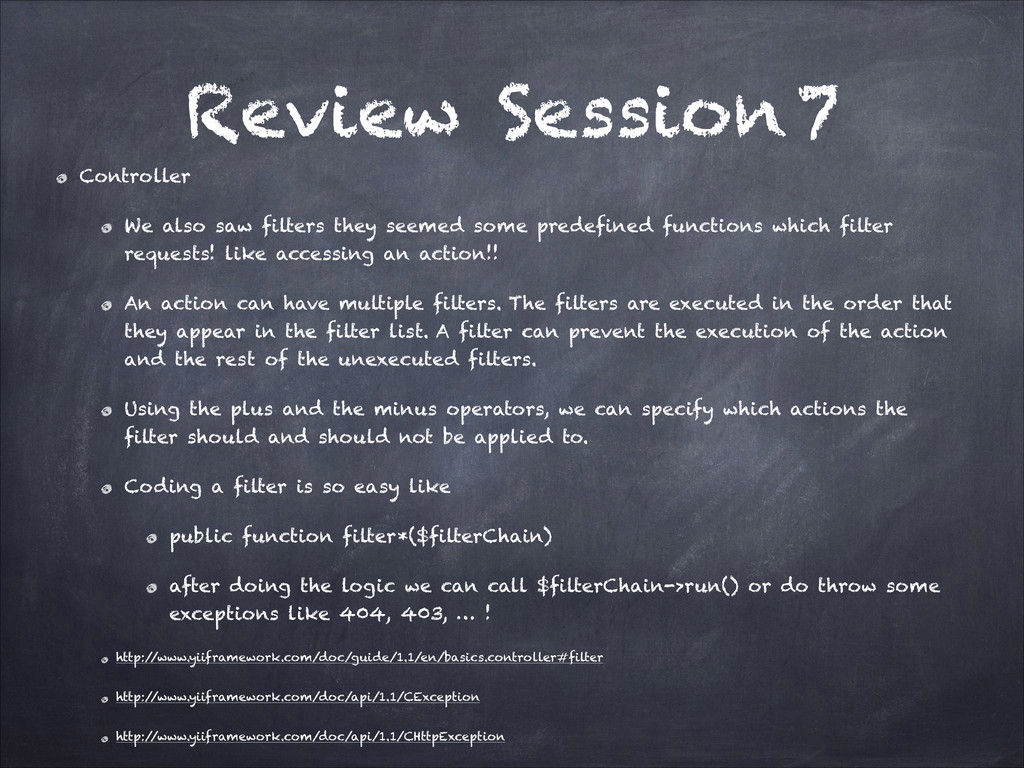
    some predefined functions which filter requests! like accessing an action!! An action can have multiple filters. The filters are executed in the order that they appear in the filter list. A filter can prevent the execution of the action and the rest of the unexecuted filters. Using the plus and the minus operators, we can specify which actions the filter should and should not be applied to. Coding a filter is so easy like public function filter*($filterChain) after doing the logic we can call $filterChain->run() or do throw some exceptions like 404, 403, … ! http:/ /www.yiiframework.com/doc/guide/1.1/en/basics.controller#filter http:/ /www.yiiframework.com/doc/api/1.1/CException http:/ /www.yiiframework.com/doc/api/1.1/CHttpException
  73. Review Session 7 Last things about controller we saw a

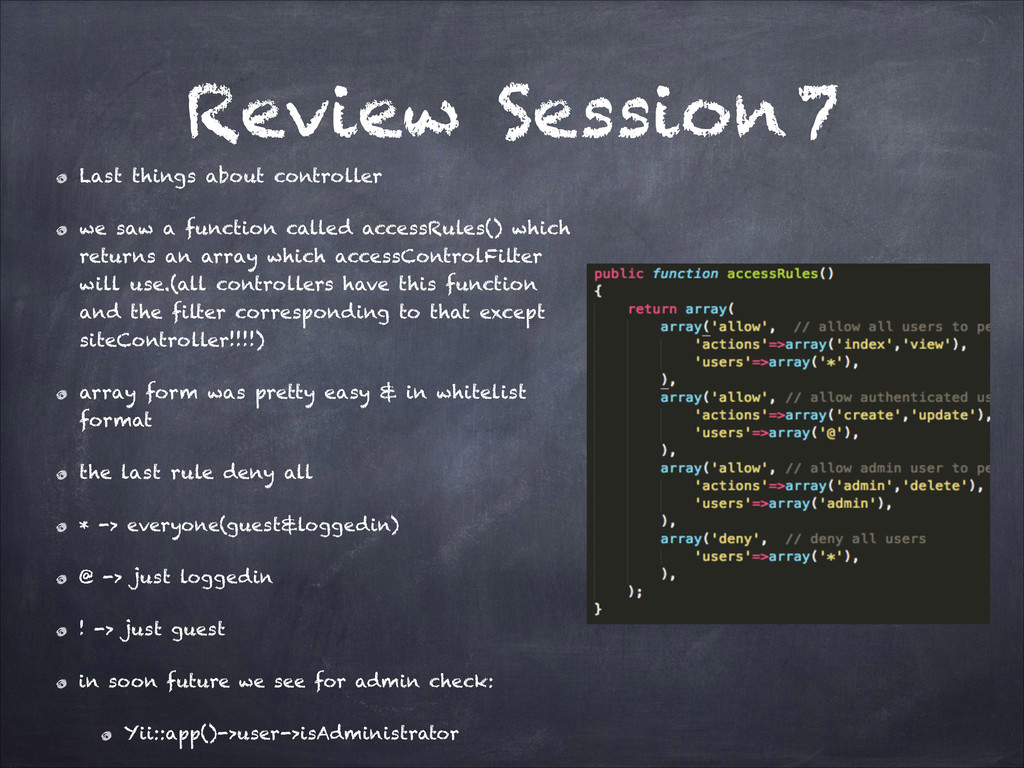
    function called accessRules() which returns an array which accessControlFilter will use.(all controllers have this function and the filter corresponding to that except siteController!!!!) array form was pretty easy & in whitelist format the last rule deny all * -> everyone(guest&loggedin) @ -> just loggedin ! -> just guest in soon future we see for admin check: Yii::app()->user->isAdministrator
  74. Review Session 7 View Just is the presentation of the

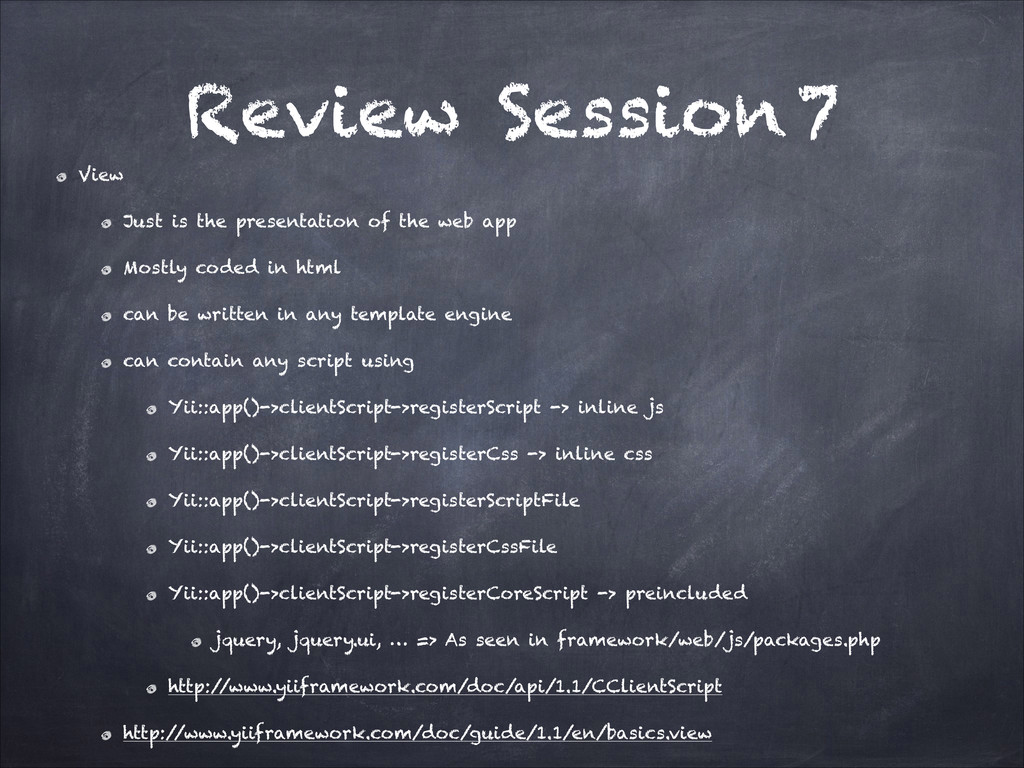
    web app Mostly coded in html can be written in any template engine can contain any script using Yii::app()->clientScript->registerScript -> inline js Yii::app()->clientScript->registerCss -> inline css Yii::app()->clientScript->registerScriptFile Yii::app()->clientScript->registerCssFile Yii::app()->clientScript->registerCoreScript -> preincluded jquery, jquery.ui, … => As seen in framework/web/js/packages.php http:/ /www.yiiframework.com/doc/api/1.1/CClientScript http:/ /www.yiiframework.com/doc/guide/1.1/en/basics.view
  75. Review Session 7 Title should be set before any html

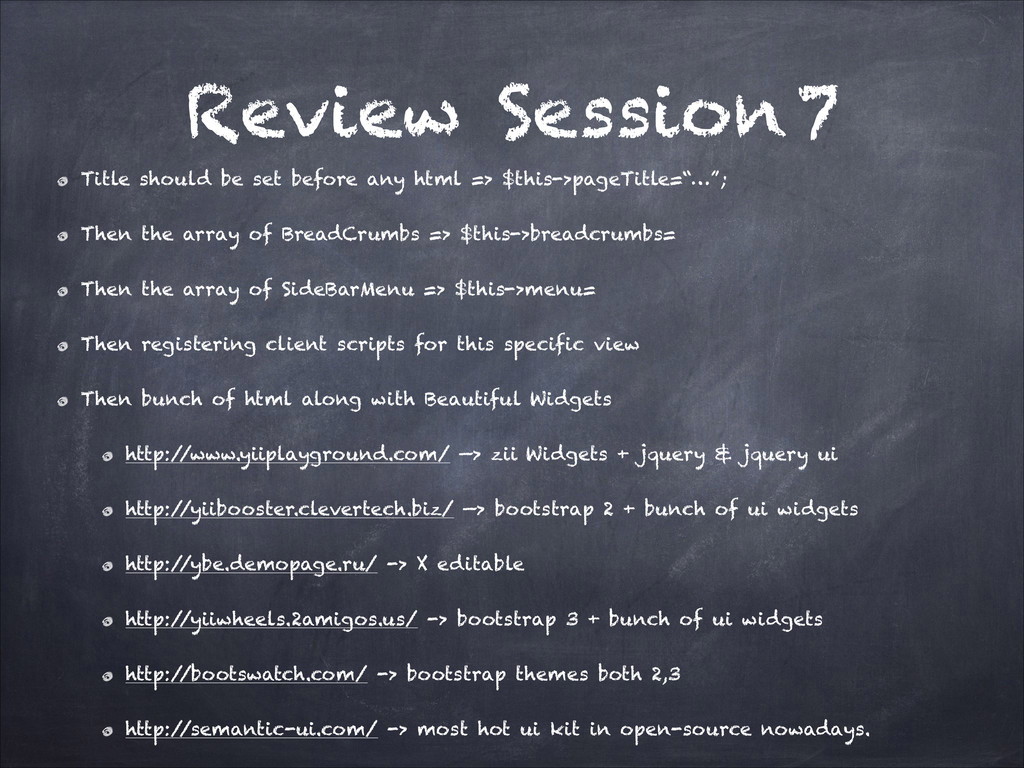
    => $this->pageTitle=“…”; Then the array of BreadCrumbs => $this->breadcrumbs= Then the array of SideBarMenu => $this->menu= Then registering client scripts for this specific view Then bunch of html along with Beautiful Widgets http:/ /www.yiiplayground.com/ —> zii Widgets + jquery & jquery ui http:/ /yiibooster.clevertech.biz/ —> bootstrap 2 + bunch of ui widgets http:/ /ybe.demopage.ru/ -> X editable http:/ /yiiwheels.2amigos.us/ -> bootstrap 3 + bunch of ui widgets http:/ /bootswatch.com/ -> bootstrap themes both 2,3 http:/ /semantic-ui.com/ -> most hot ui kit in open-source nowadays.
  76. Review Session 7 Last things about views 3 views are

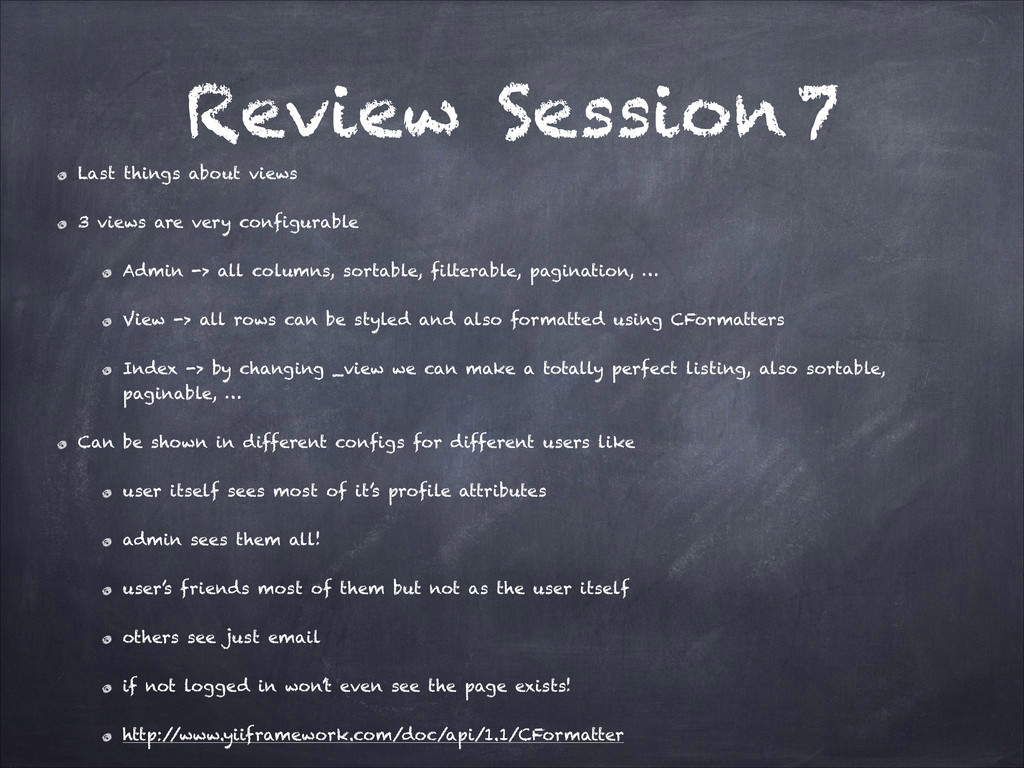
    very configurable Admin -> all columns, sortable, filterable, pagination, … View -> all rows can be styled and also formatted using CFormatters Index -> by changing _view we can make a totally perfect listing, also sortable, paginable, … Can be shown in different configs for different users like user itself sees most of it’s profile attributes admin sees them all! user’s friends most of them but not as the user itself others see just email if not logged in won’t even see the page exists! http:/ /www.yiiframework.com/doc/api/1.1/CFormatter
  77. Session 8 Iteration 4 : A bit perfection Relations Url

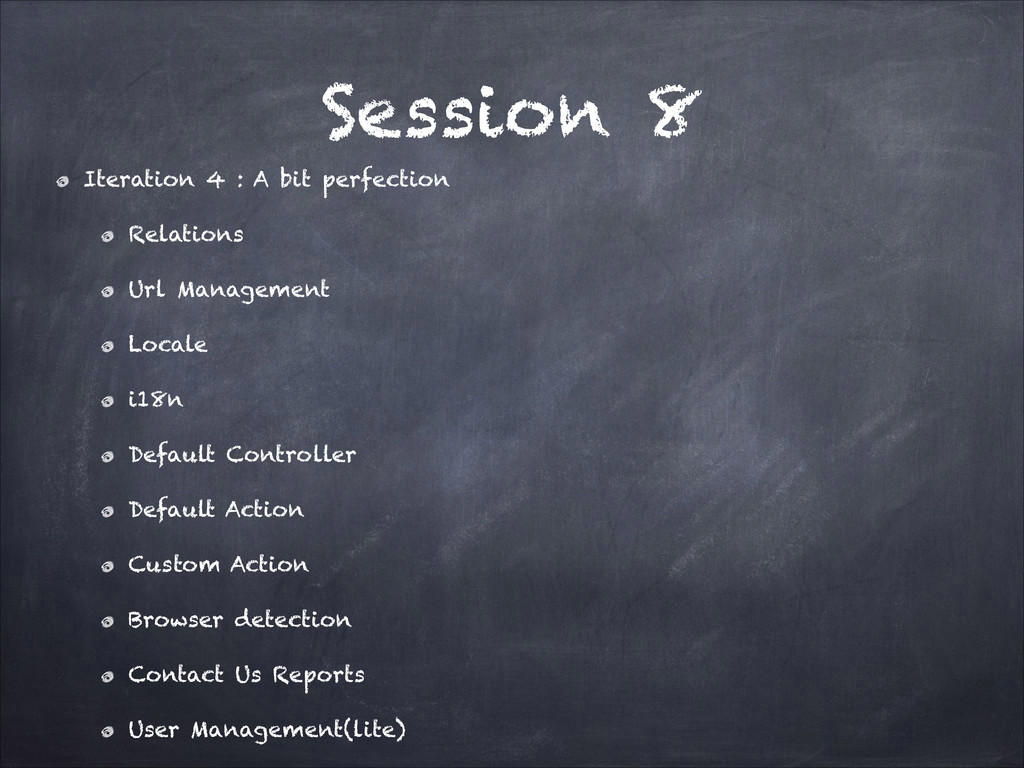
    Management Locale i18n Default Controller Default Action Custom Action Browser detection Contact Us Reports User Management(lite)
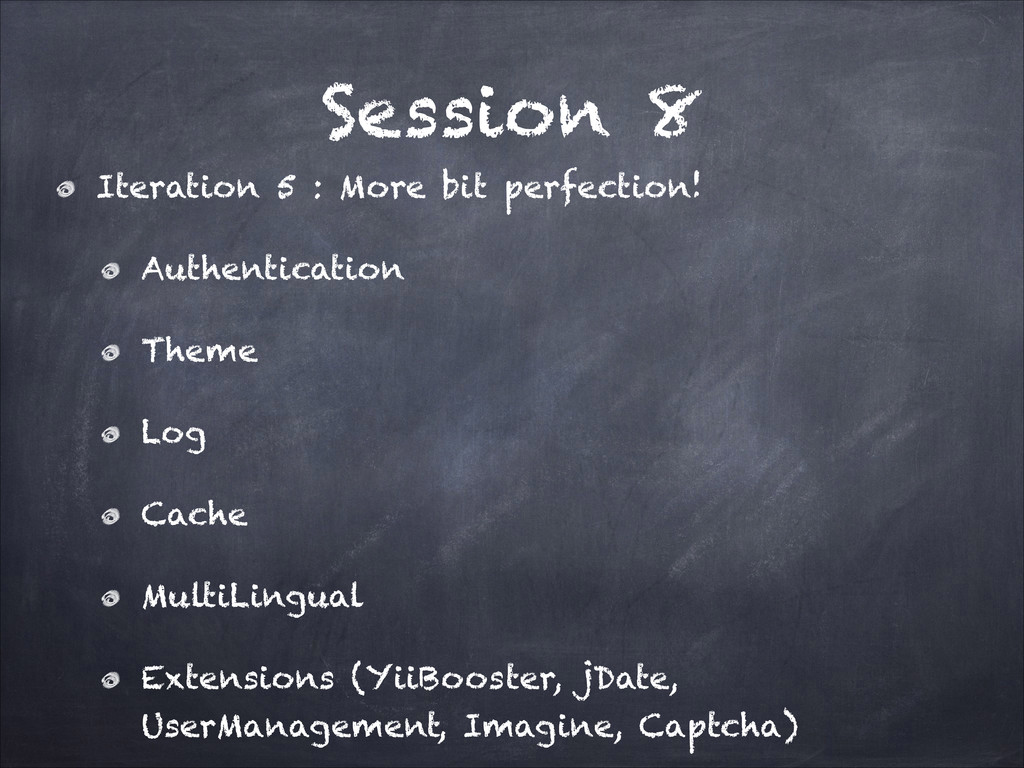
  78. Session 8 Iteration 5 : More bit perfection! Authentication Theme

    Log Cache MultiLingual Extensions (YiiBooster, jDate, UserManagement, Imagine, Captcha)
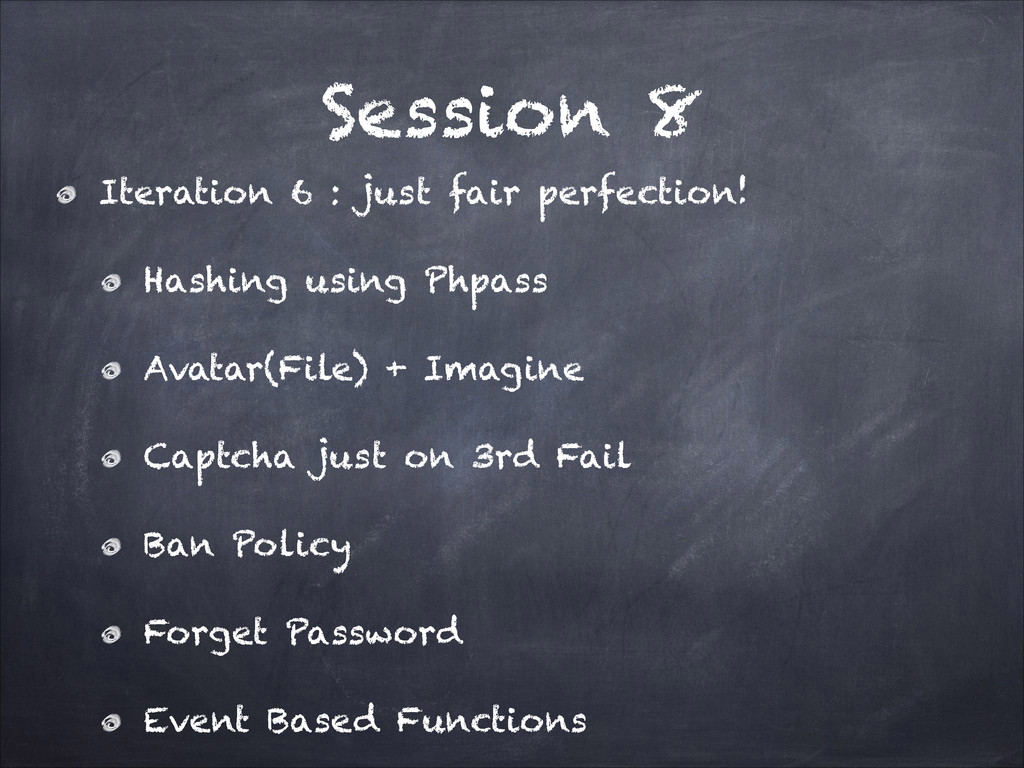
  79. Session 8 Iteration 6 : just fair perfection! Hashing using

    Phpass Avatar(File) + Imagine Captcha just on 3rd Fail Ban Policy Forget Password Event Based Functions
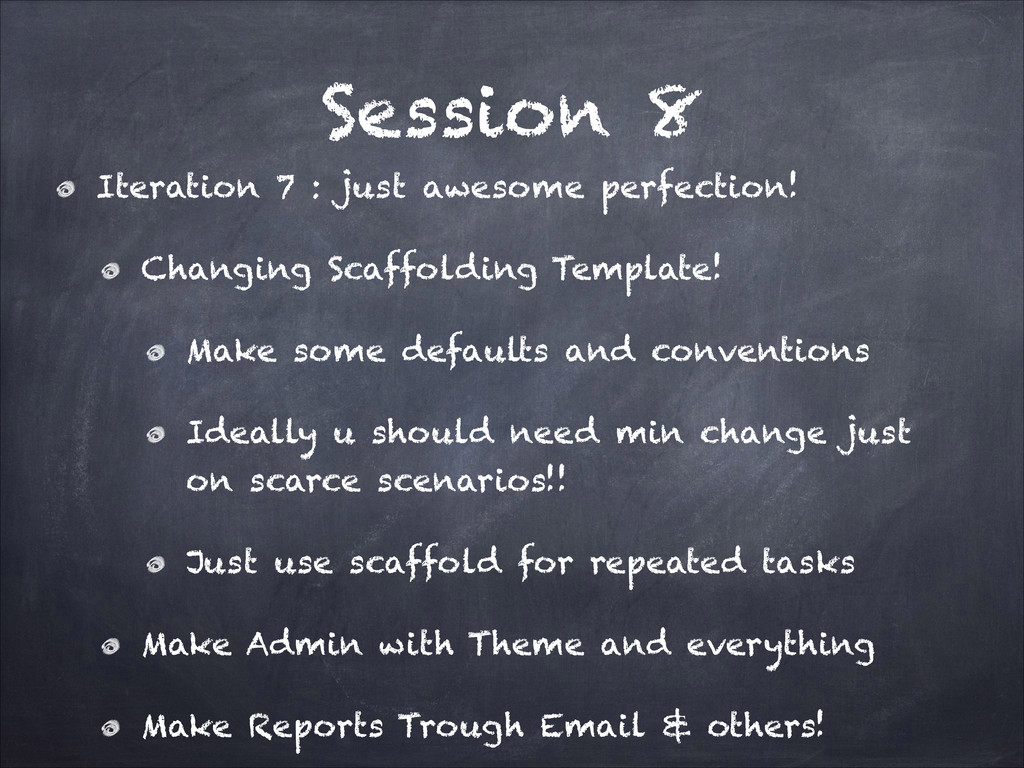
  80. Session 8 Iteration 7 : just awesome perfection! Changing Scaffolding

    Template! Make some defaults and conventions Ideally u should need min change just on scarce scenarios!! Just use scaffold for repeated tasks Make Admin with Theme and everything Make Reports Trough Email & others!
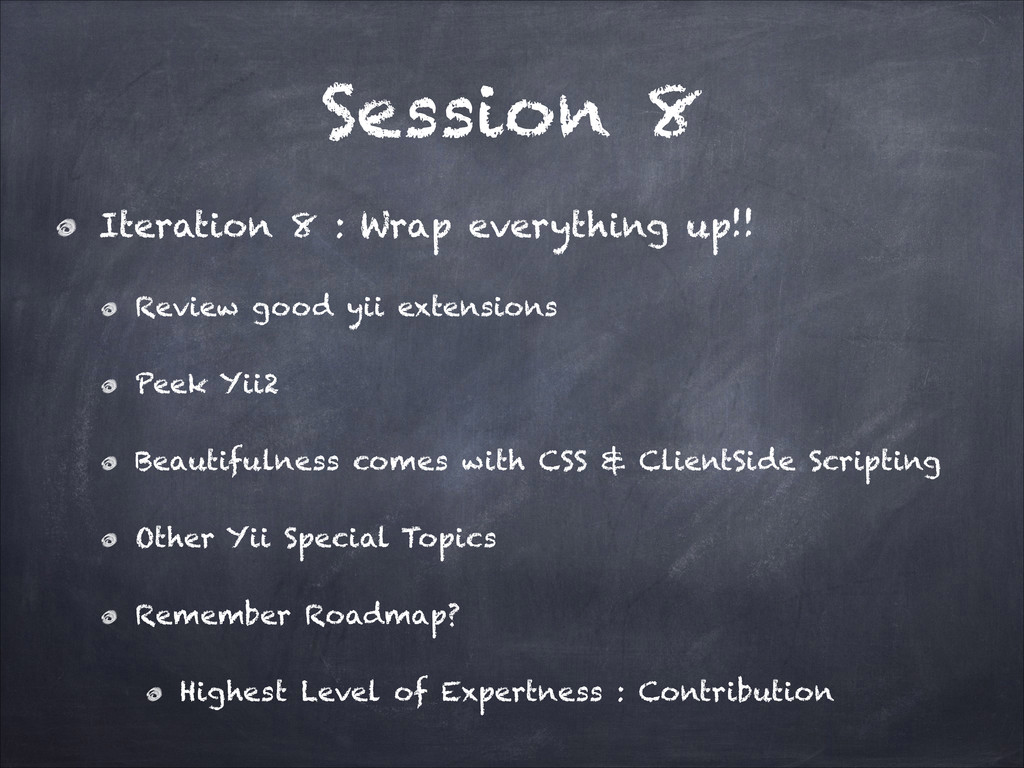
  81. Session 8 Iteration 8 : Wrap everything up!! Review good

    yii extensions Peek Yii2 Beautifulness comes with CSS & ClientSide Scripting Other Yii Special Topics Remember Roadmap? Highest Level of Expertness : Contribution
  82. Session 8 Contribution Extend test coverage(fair) Develop core components(extreme) Resolve

    issues and bugs reported(extreme) Develop Extensions(fair)
  83. Session 8 Developing extensions Solve something(idea) ease, scaffold, beautifulness, solution

    Be flexible target all kind of developers Being actively developed resolves issues, add features, do bugfixes, …