• Drop me any email at • [email protected] • Find me • https://github.com/UltraWalker • https://ir.linkedin.com/in/alirezazabandan • https://fb.com/UltraWalker
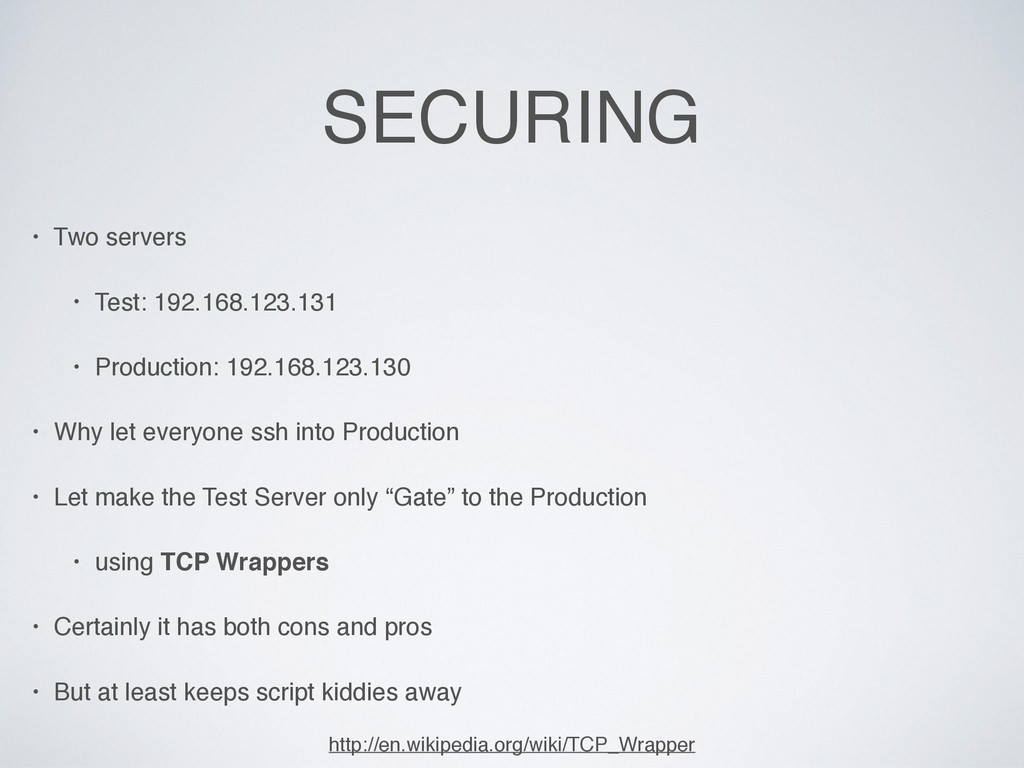
• Why let everyone ssh into Production • Let make the Test Server only “Gate” to the Production • using TCP Wrappers • Certainly it has both cons and pros • But at least keeps script kiddies away http://en.wikipedia.org/wiki/TCP_Wrapper
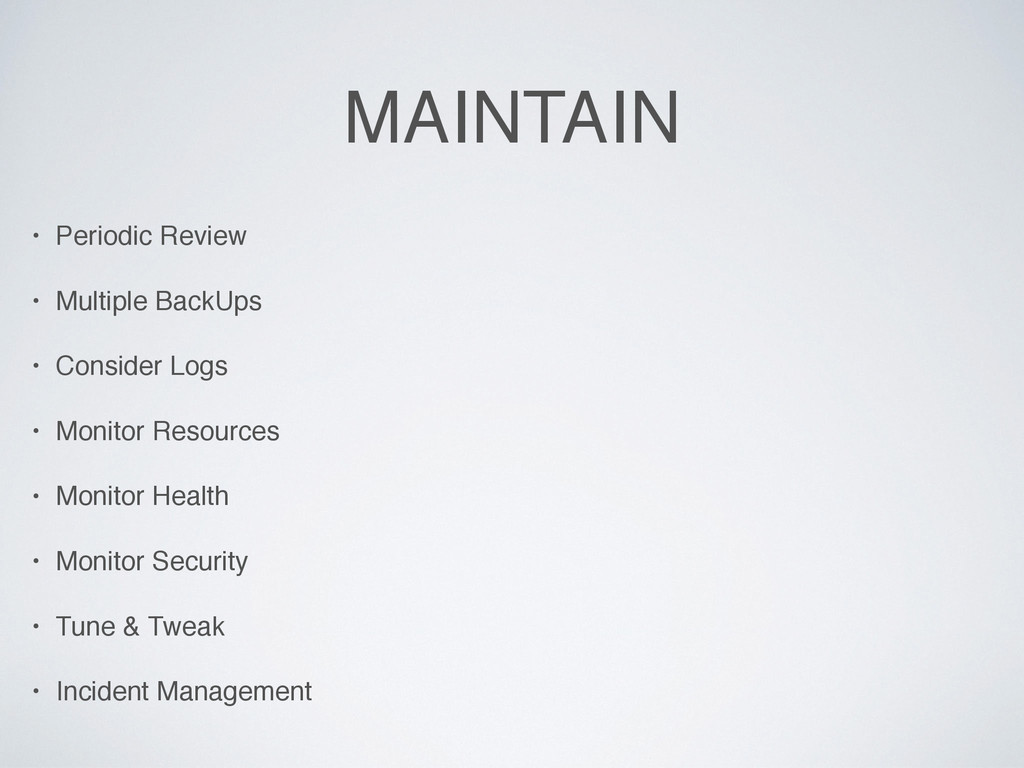
Rsh Services • Encrypt Data Communication • Minimize Software to Minimize Vulnerability • One Network Service Per System or VM Instance • Keep Linux Kernel and Software Up to Date • Use Linux Security Extensions / Firewall / Honeypot • User Accounts and Strong Password Policy • Restricting Use of Previous Passwords • Locking User Accounts After Login Failures • Use Exponential Ban Time for Repetitive Locks • Disable root Login • Physical Server Security • Disable Unwanted Services • Find Listening Network Ports • Do not answer ICMP Requests • Delete X Windows • Configure Iptables and TCPWrappers • Linux Kernel /etc/sysctl.conf Hardening • Separate Disk Partitions • Turn Off IPv6 • Be Careful with User Permissions • Use A Centralized Authentication Service like Kerberos • Logging and Auditing • Secure OpenSSH Server • Install And Use Intrusion Detection System • Protecting Files, Directories and Email • Do Multiple BackUps Monitor, Review, Monitor, Review, … till you become seek of it!
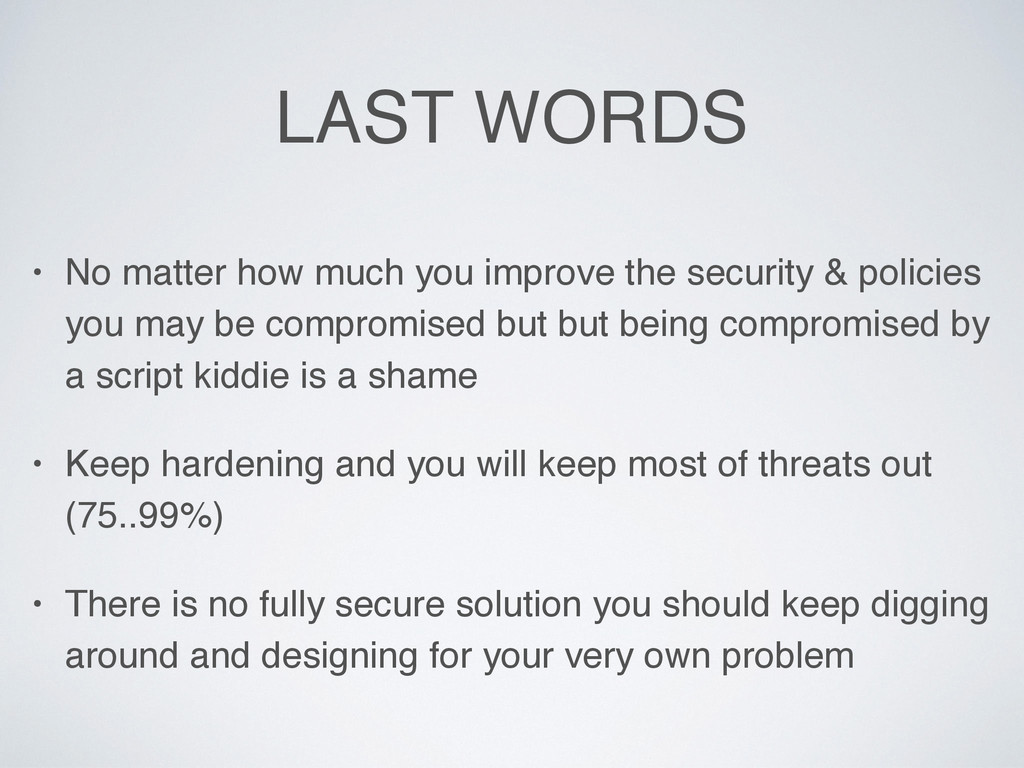
security & policies you may be compromised but but being compromised by a script kiddie is a shame • Keep hardening and you will keep most of threats out (75..99%) • There is no fully secure solution you should keep digging around and designing for your very own problem


 ultrawalker
 oniak3ibm
 taiseiue
 texmeijin
 kenjiyoneyama
 nokomoro3
 satoshi256kbyte
 suneo3476
 iwiwi
iwiwi
 kishida
 siroemk
 lef237
 sorah
sorah
 frankvandijk
 addyosmani
 bkeepers
 productmarketing
 honzajavorek
 jacobian
 jdejongh
 wayneb77
 danielanewman
 soudai
 codingconduct
 sergeychernyshev