Upgrade to Pro — share decks privately, control downloads, hide ads and more …

Beyond the Canvas

Sponsored · SiteGround - Reliable hosting with speed, security, and support you can count on.

Beyond the Canvas

Beyond the Canvas: Designing Code-First Ecosystems with Figma AI & Dev Mode
The boundary between drawing a UI and shipping functional code is slowly fading out. This talk explores how Figma AI and Dev Mode turn the canvas into a live visual IDE, where variable-driven design tokens, semantic layout generation, and live data replace static screens and lorem ipsum.

We dig into how a single design token updates everywhere in code, how layouts adapt to real user intent and every state (empty, loading, error, personalised), and how this shift is giving rise to a new kind of builder: the Product Orchestrator, who moves seamlessly from prompt to production.

Whether you write code, craft copy, or push pixels, it's a new blueprint for building products.

Avatar for Utibe

Utibe

July 08, 2026

More Decks by Utibe

Other Decks in Technology

Transcript

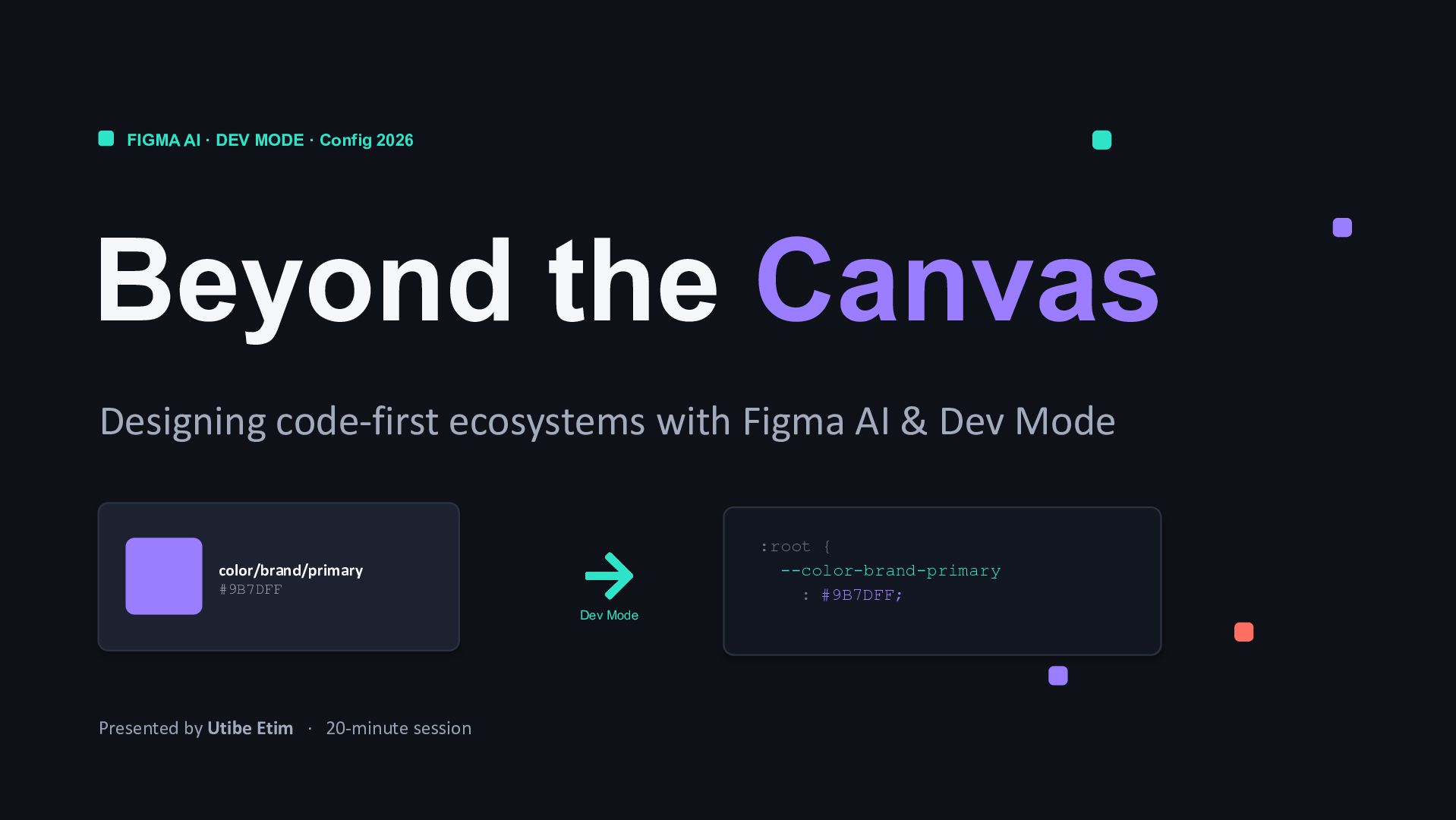
  1. FIGMA AI · DEV MODE · Config 2026 Beyond the

    Canvas Designing code-first ecosystems with Figma AI & Dev Mode color/brand/primary #9B7DFF Dev Mode :root { --color-brand-primary : #9B7DFF; Presented by Utibe Etim · 20-minute session
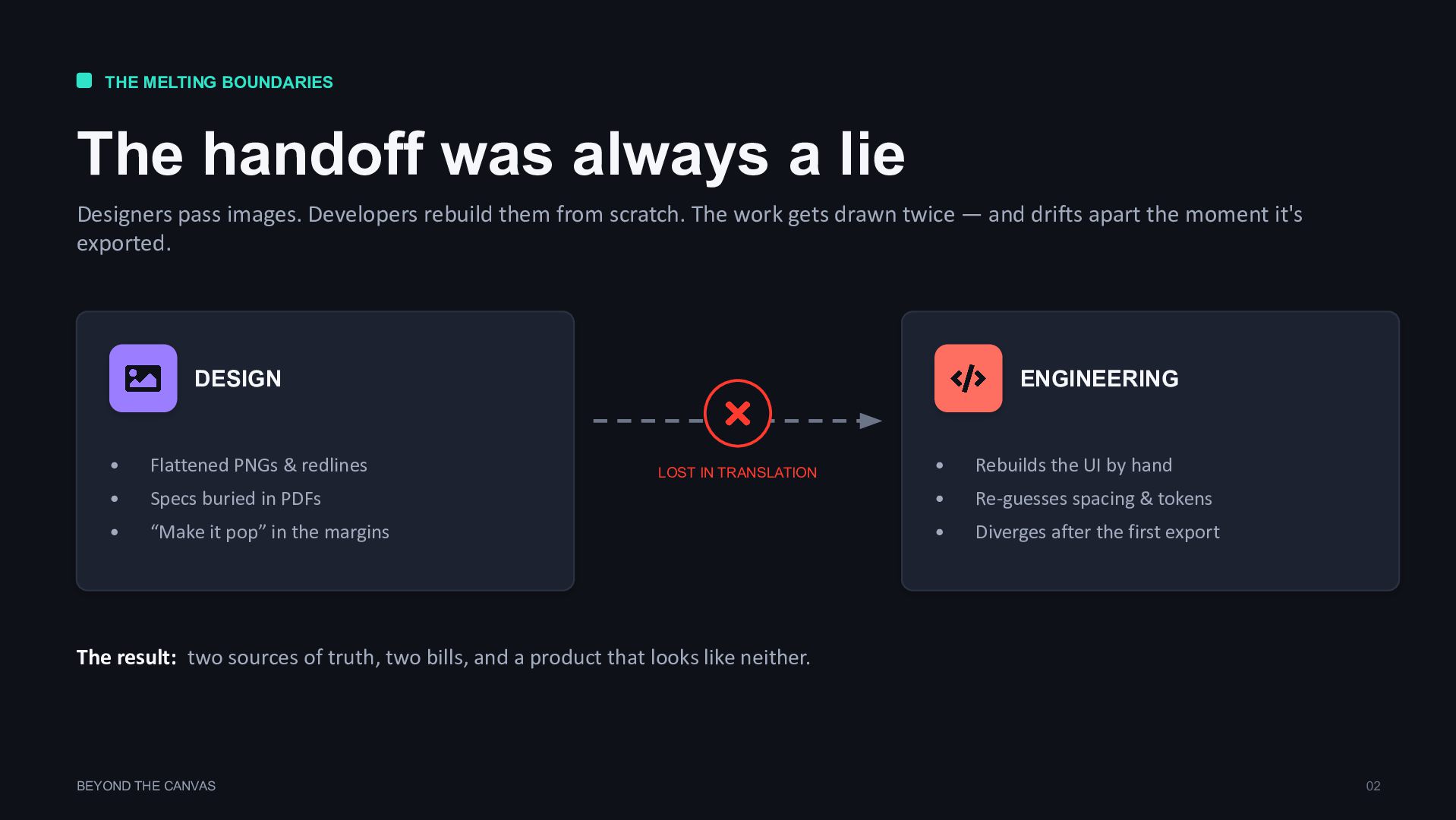
  2. THE MELTING BOUNDARIES The handoff was always a lie Designers

    pass images. Developers rebuild them from scratch. The work gets drawn twice — and drifts apart the moment it's exported. DESIGN • Flattened PNGs & redlines • Specs buried in PDFs • “Make it pop” in the margins ENGINEERING • Rebuilds the UI by hand • Re-guesses spacing & tokens • Diverges after the first export LOST IN TRANSLATION The result: two sources of truth, two bills, and a product that looks like neither. BEYOND THE CANVAS 02
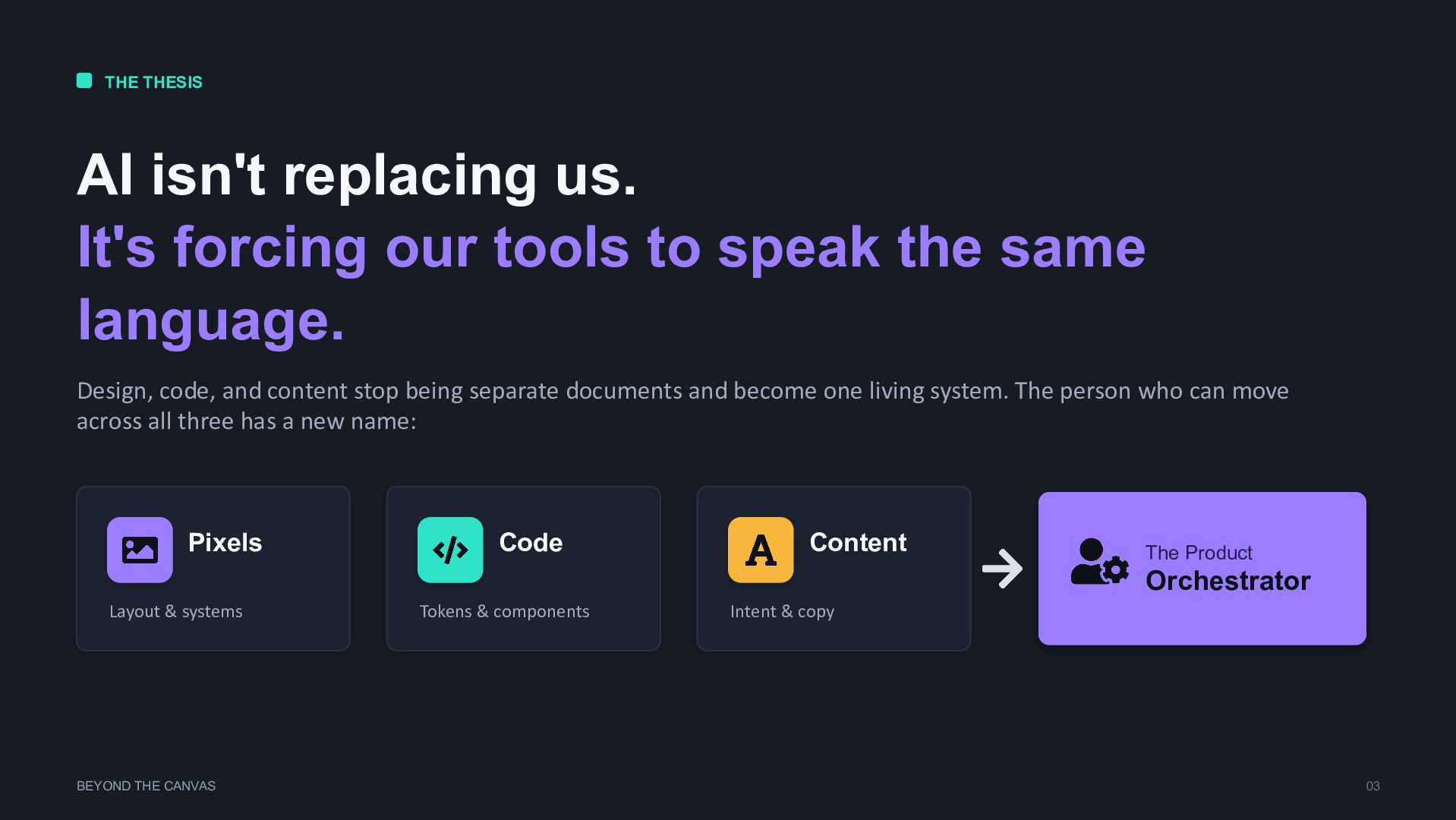
  3. THE THESIS AI isn't replacing us. It's forcing our tools

    to speak the same language. Design, code, and content stop being separate documents and become one living system. The person who can move across all three has a new name: Pixels Layout & systems Code Tokens & components Content Intent & copy The Product Orchestrator BEYOND THE CANVAS 03
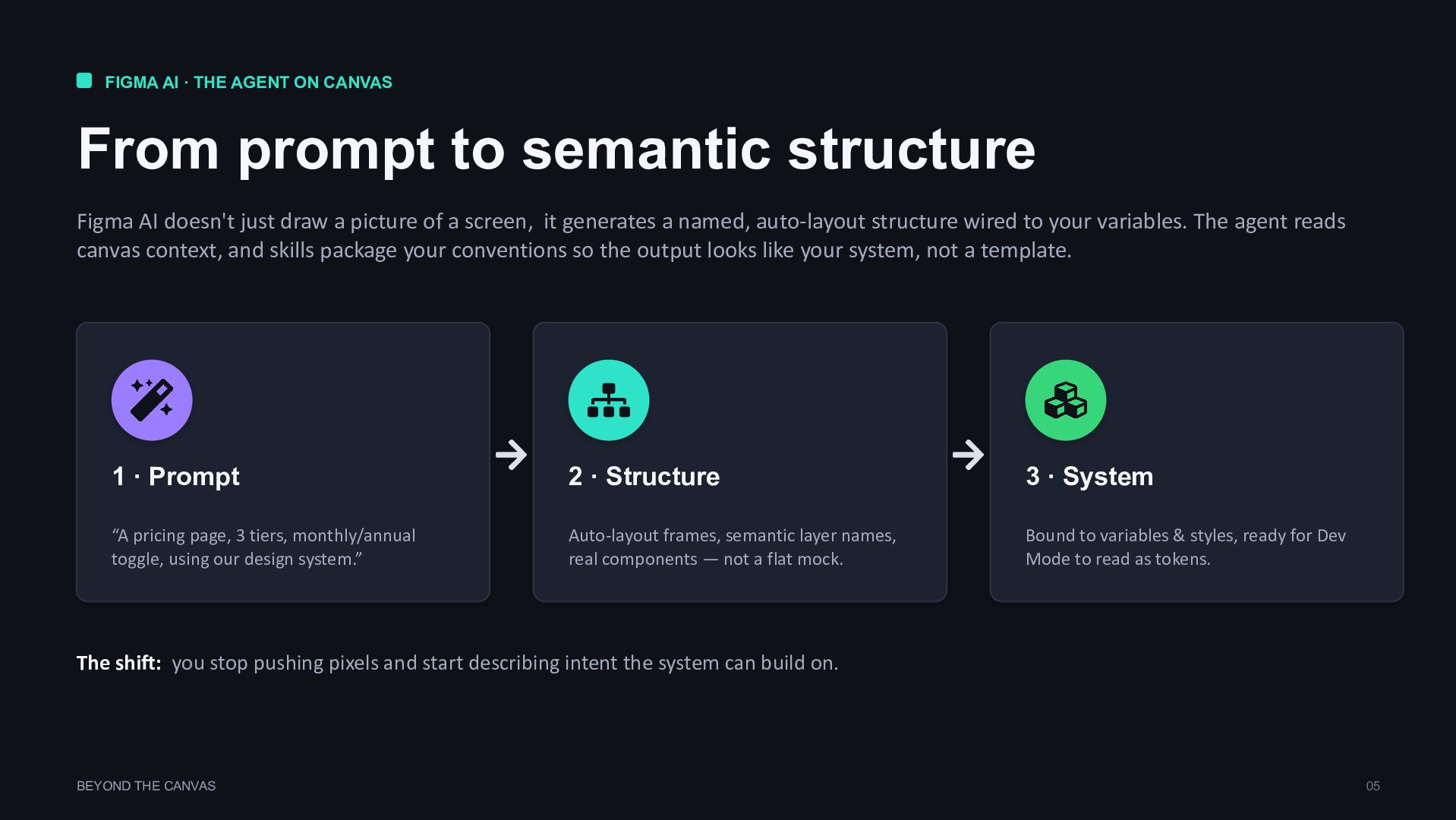
  4. FIGMA AI · THE AGENT ON CANVAS From prompt to

    semantic structure Figma AI doesn't just draw a picture of a screen, it generates a named, auto-layout structure wired to your variables. The agent reads canvas context, and skills package your conventions so the output looks like your system, not a template. 1 · Prompt “A pricing page, 3 tiers, monthly/annual toggle, using our design system.” 2 · Structure Auto-layout frames, semantic layer names, real components — not a flat mock. 3 · System Bound to variables & styles, ready for Dev Mode to read as tokens. The shift: you stop pushing pixels and start describing intent the system can build on. BEYOND THE CANVAS 05
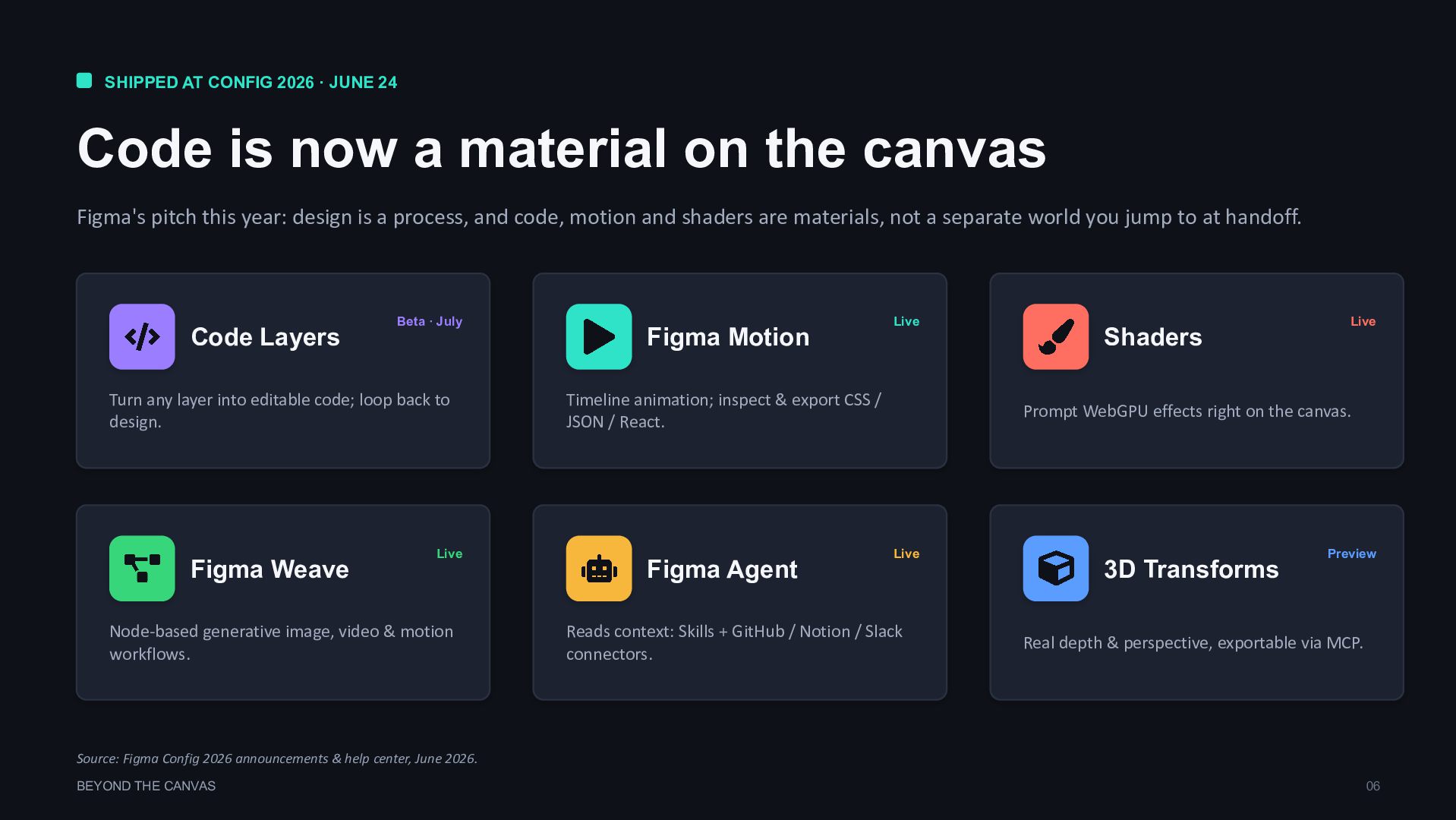
  5. SHIPPED AT CONFIG 2026 · JUNE 24 Code is now

    a material on the canvas Figma's pitch this year: design is a process, and code, motion and shaders are materials, not a separate world you jump to at handoff. Code Layers Turn any layer into editable code; loop back to design. Beta · July Figma Motion Timeline animation; inspect & export CSS / JSON / React. Live Shaders Prompt WebGPU effects right on the canvas. Live Figma Weave Node-based generative image, video & motion workflows. Live Figma Agent Reads context: Skills + GitHub / Notion / Slack connectors. Live 3D Transforms Real depth & perspective, exportable via MCP. Preview Source: Figma Config 2026 announcements & help center, June 2026. BEYOND THE CANVAS 06
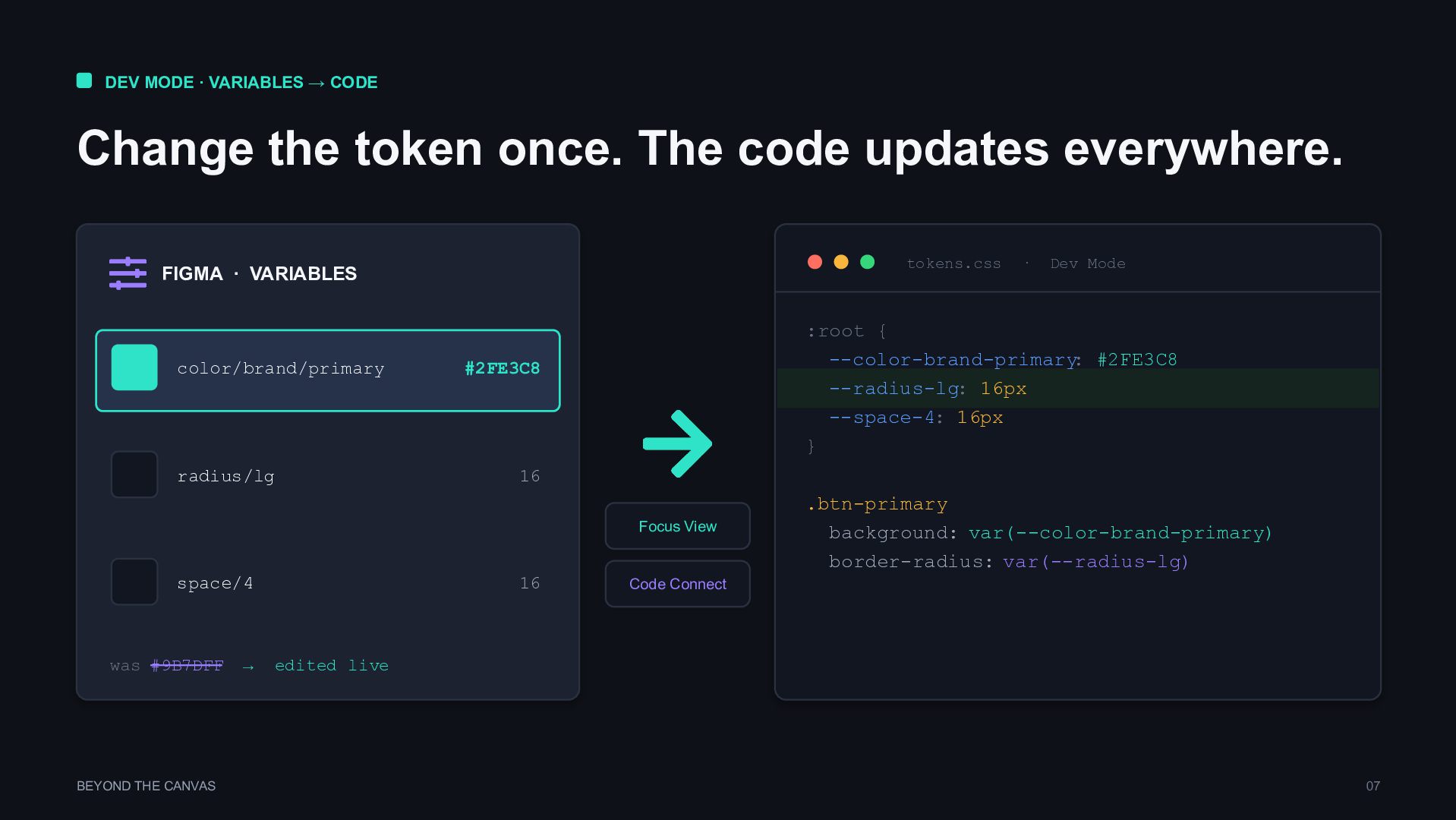
  6. DEV MODE · VARIABLES → CODE Change the token once.

    The code updates everywhere. FIGMA · VARIABLES color/brand/primary #2FE3C8 radius/lg 16 space/4 16 was #9B7DFF → edited live Focus View Code Connect tokens.css · Dev Mode :root { --color-brand-primary : #2FE3C8 --radius-lg: 16px --space-4: 16px } .btn-primary background: var(--color-brand-primary) border-radius: var(--radius-lg) BEYOND THE CANVAS 07
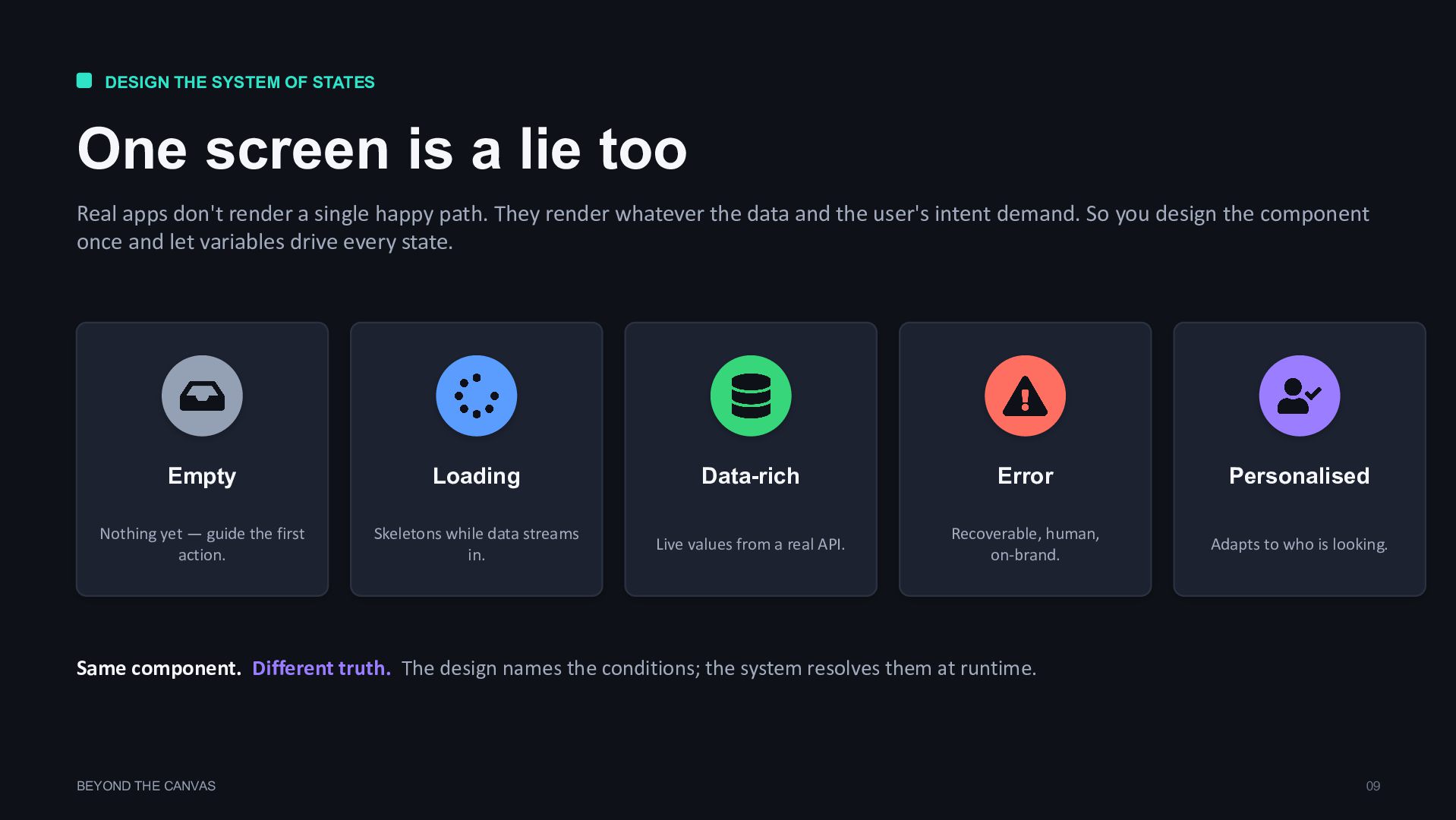
  7. DESIGN THE SYSTEM OF STATES One screen is a lie

    too Real apps don't render a single happy path. They render whatever the data and the user's intent demand. So you design the component once and let variables drive every state. Empty Nothing yet — guide the first action. Loading Skeletons while data streams in. Data-rich Live values from a real API. Error Recoverable, human, on-brand. Personalised Adapts to who is looking. Same component. Different truth. The design names the conditions; the system resolves them at runtime. BEYOND THE CANVAS 09
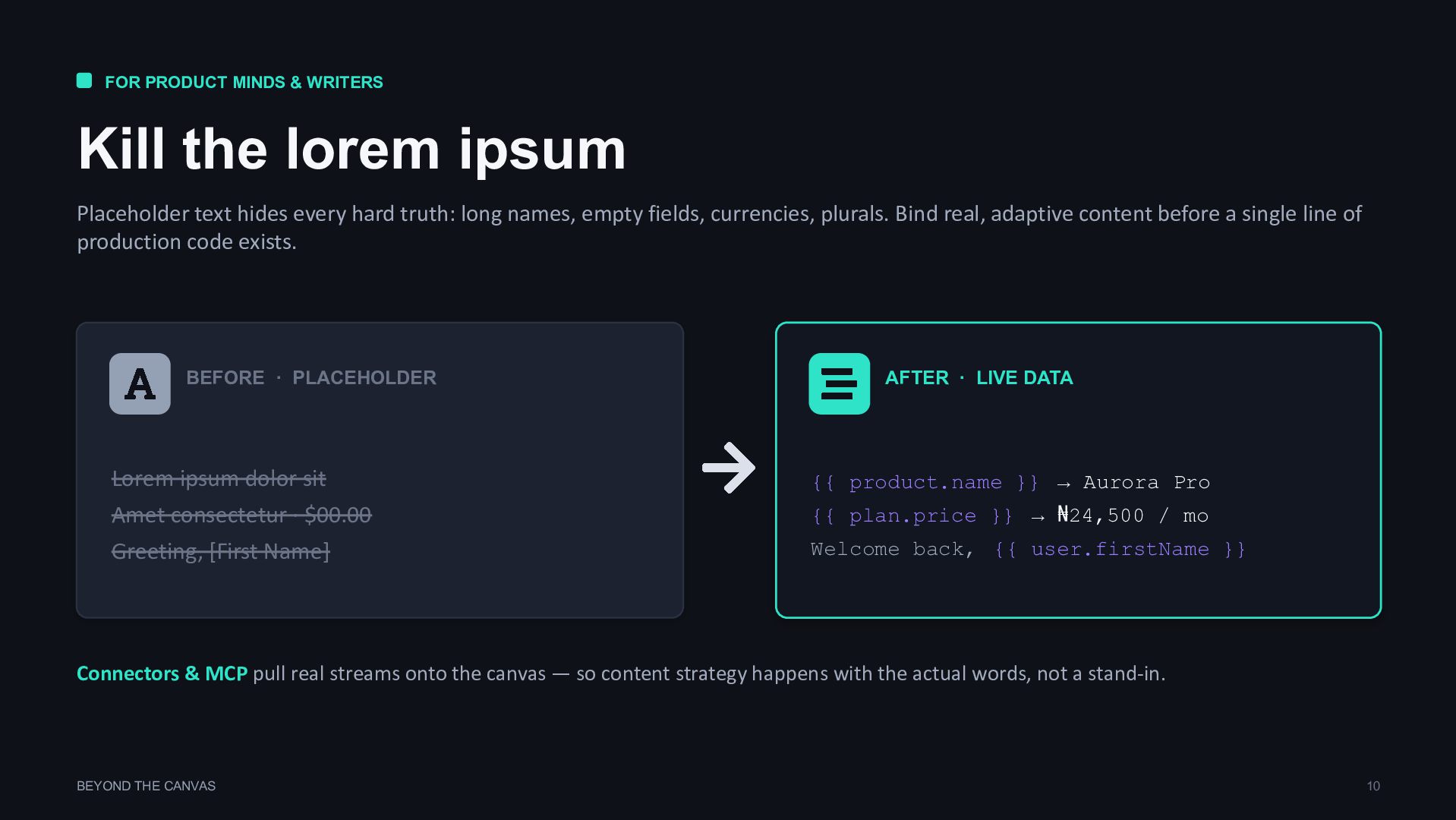
  8. FOR PRODUCT MINDS & WRITERS Kill the lorem ipsum Placeholder

    text hides every hard truth: long names, empty fields, currencies, plurals. Bind real, adaptive content before a single line of production code exists. BEFORE · PLACEHOLDER Lorem ipsum dolor sit Amet consectetur · $00.00 Greeting, [First Name] AFTER · LIVE DATA {{ product.name }} → Aurora Pro {{ plan.price }} → ₦24,500 / mo Welcome back, {{ user.firstName }} Connectors & MCP pull real streams onto the canvas — so content strategy happens with the actual words, not a stand-in. BEYOND THE CANVAS 10
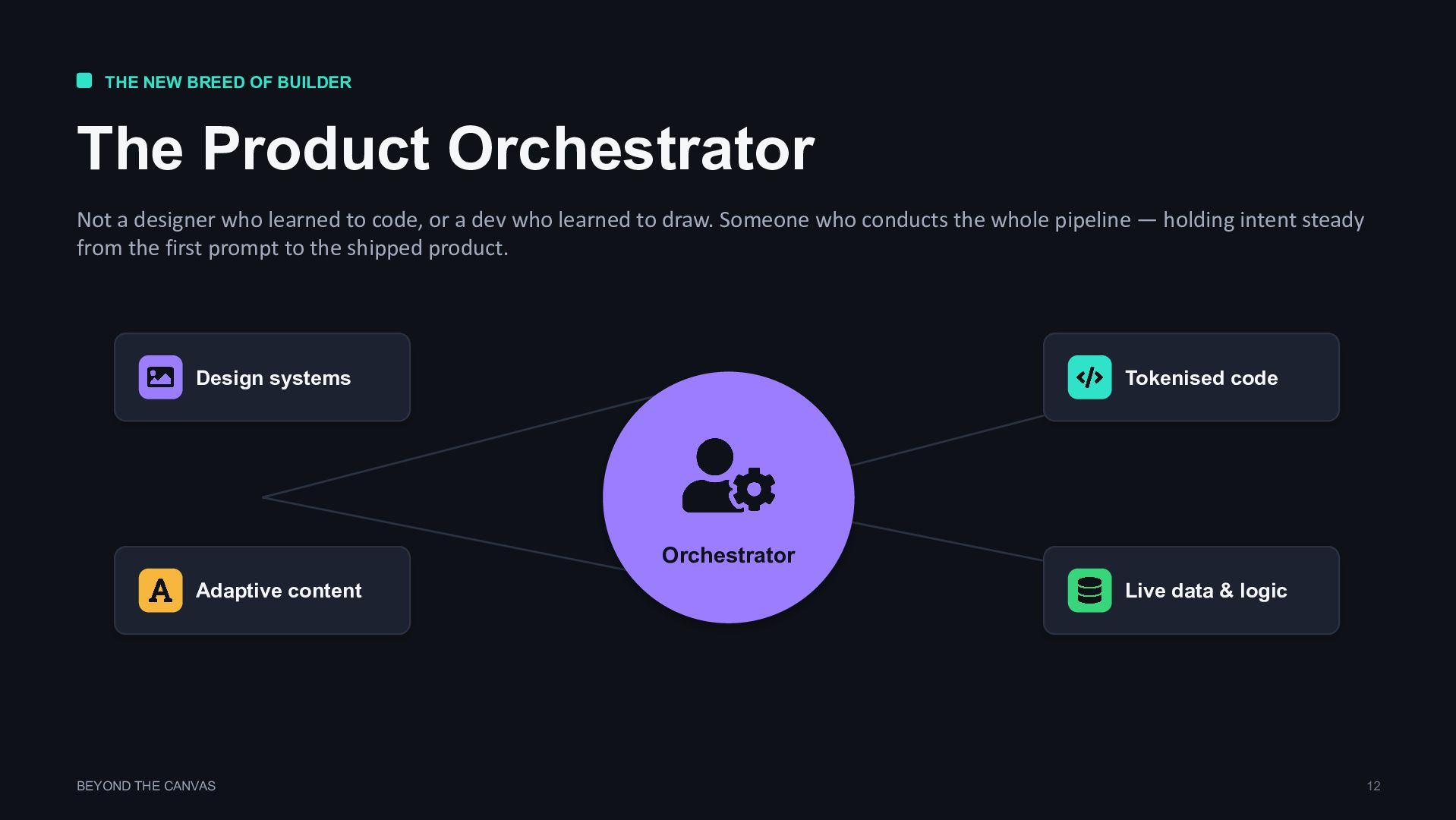
  9. THE NEW BREED OF BUILDER The Product Orchestrator Not a

    designer who learned to code, or a dev who learned to draw. Someone who conducts the whole pipeline — holding intent steady from the first prompt to the shipped product. Orchestrator Design systems Tokenised code Adaptive content Live data & logic BEYOND THE CANVAS 12
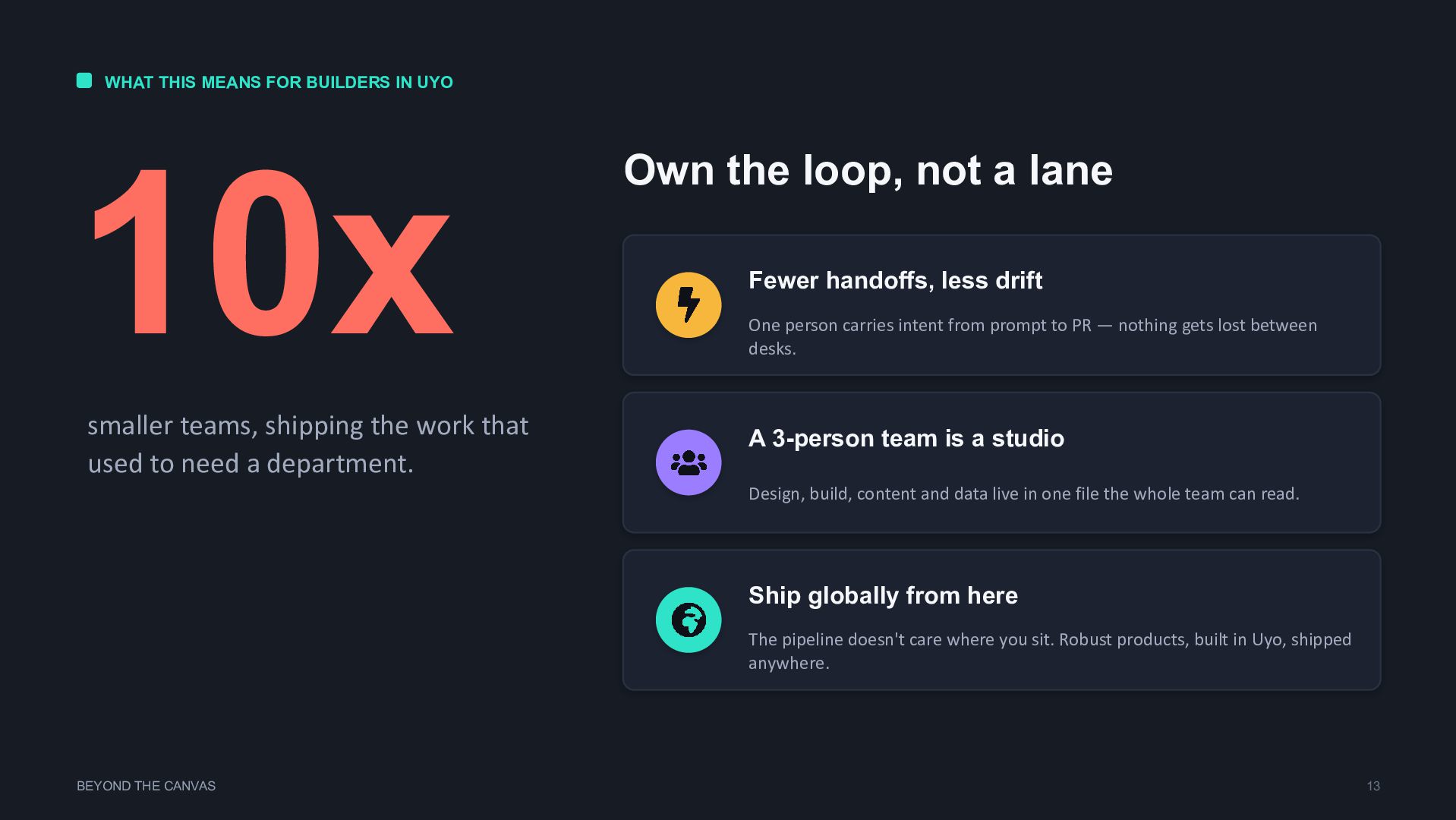
  10. WHAT THIS MEANS FOR BUILDERS IN UYO 10x smaller teams,

    shipping the work that used to need a department. Own the loop, not a lane Fewer handoffs, less drift One person carries intent from prompt to PR — nothing gets lost between desks. A 3-person team is a studio Design, build, content and data live in one file the whole team can read. Ship globally from here The pipeline doesn't care where you sit. Robust products, built in Uyo, shipped anywhere. BEYOND THE CANVAS 13
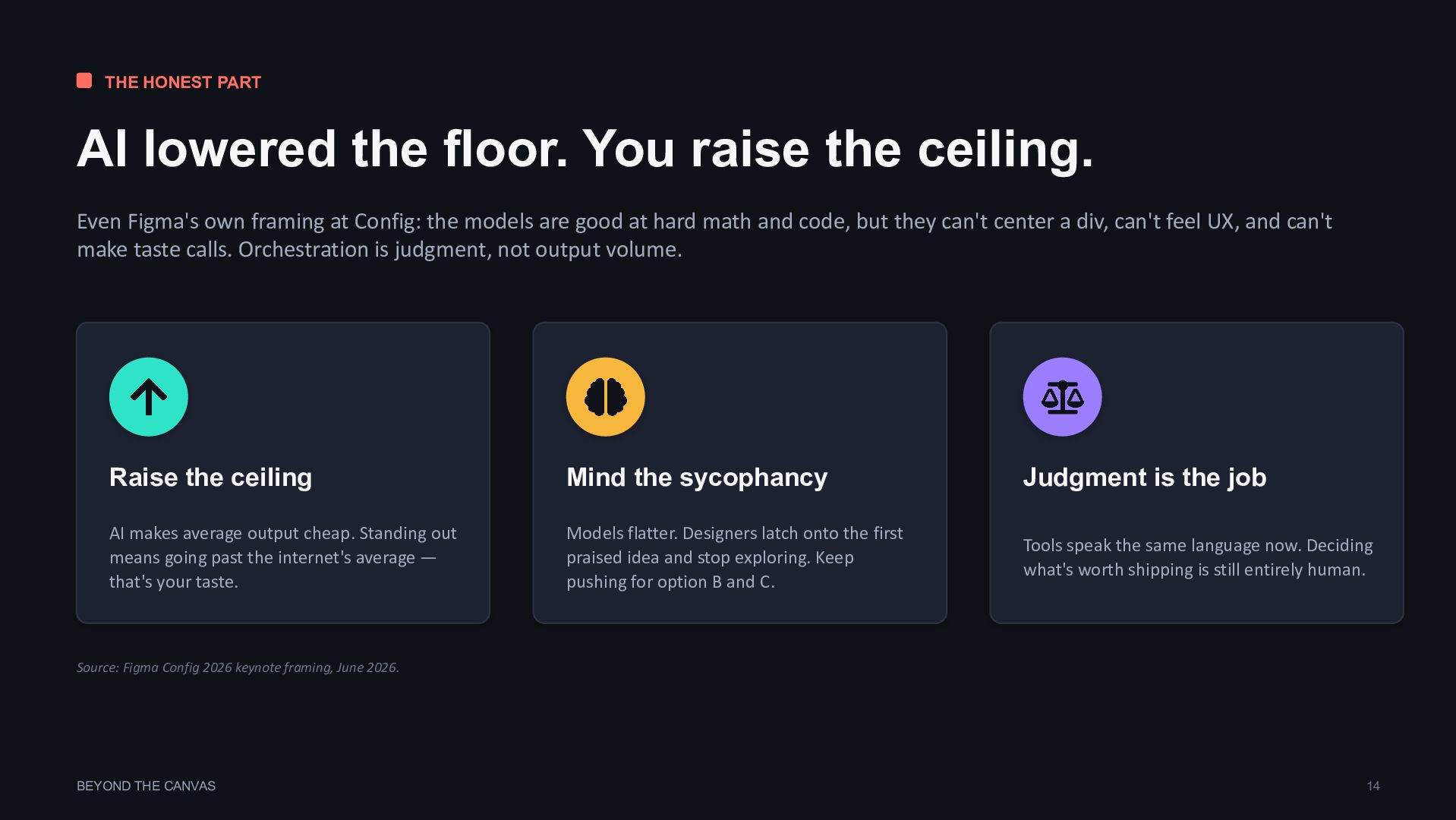
  11. THE HONEST PART AI lowered the floor. You raise the

    ceiling. Even Figma's own framing at Config: the models are good at hard math and code, but they can't center a div, can't feel UX, and can't make taste calls. Orchestration is judgment, not output volume. Raise the ceiling AI makes average output cheap. Standing out means going past the internet's average — that's your taste. Mind the sycophancy Models flatter. Designers latch onto the first praised idea and stop exploring. Keep pushing for option B and C. Judgment is the job Tools speak the same language now. Deciding what's worth shipping is still entirely human. Source: Figma Config 2026 keynote framing, June 2026. BEYOND THE CANVAS 14
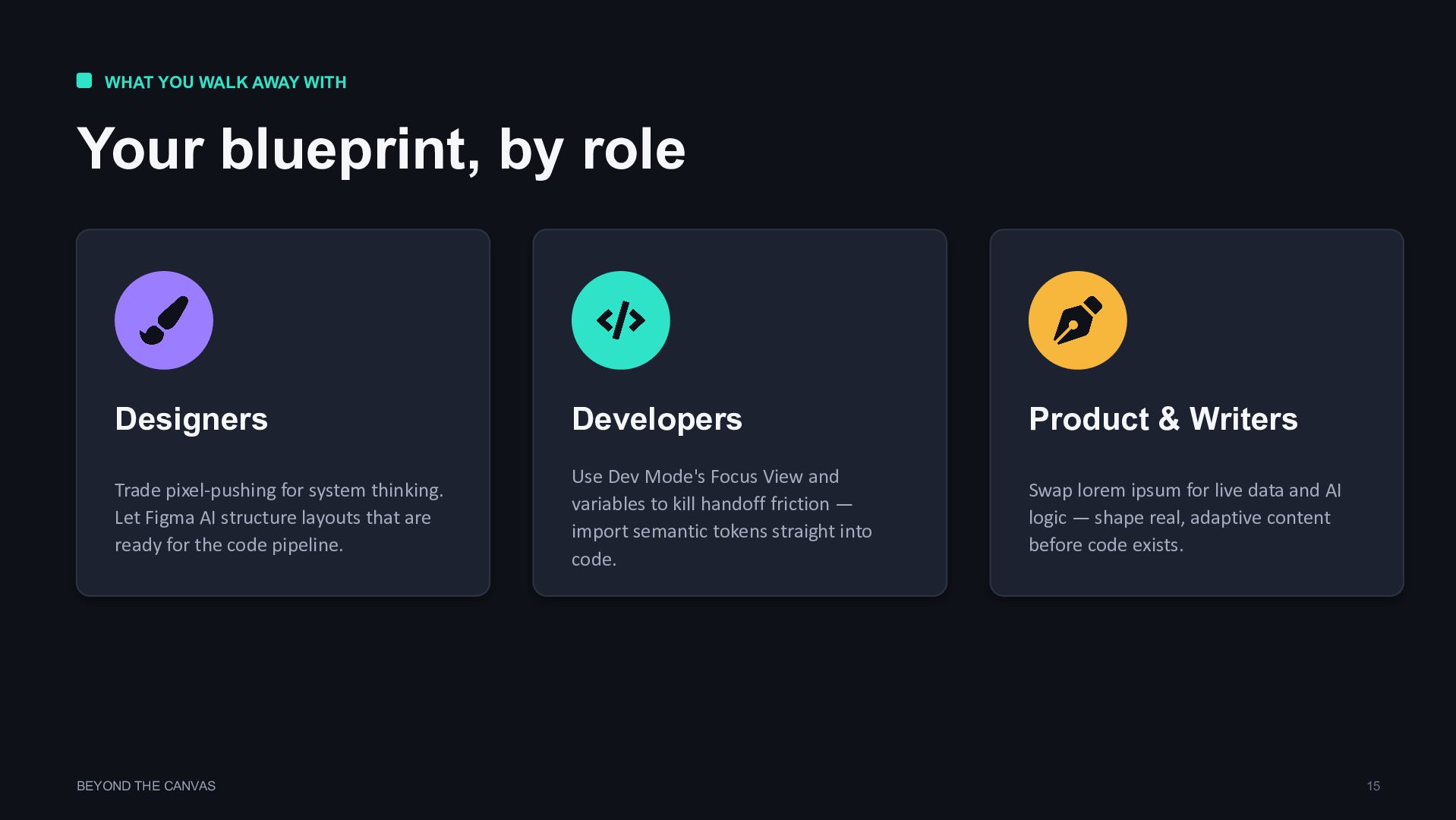
  12. WHAT YOU WALK AWAY WITH Your blueprint, by role Designers

    Trade pixel-pushing for system thinking. Let Figma AI structure layouts that are ready for the code pipeline. Developers Use Dev Mode's Focus View and variables to kill handoff friction — import semantic tokens straight into code. Product & Writers Swap lorem ipsum for live data and AI logic — shape real, adaptive content before code exists. BEYOND THE CANVAS 15