Upgrade to PRO for Only $50/Year—Limited-Time Offer! 🔥

Introducing Accessibility to Android Apps

Avatar for Varsha Kulkarni Varsha Kulkarni
October 15, 2022
29

Introducing Accessibility to Android Apps

As Mobile devices are becoming integral part of our lives, mobile apps need to be accessible to everyone including the ones with disabilities. While creating beautiful user interfaces, we need to also ensure that every user is able to navigate through and use every feature the app is providing. This talk will give you insight into accessibility on Android.

Avatar for Varsha Kulkarni

Varsha Kulkarni

October 15, 2022
Tweet

Transcript

  1. Hubli Varsha Kulkarni Senior Software Engineer, Quest Global Speaker Image

    Placeholder Introducing Accessibility to your Android Apps
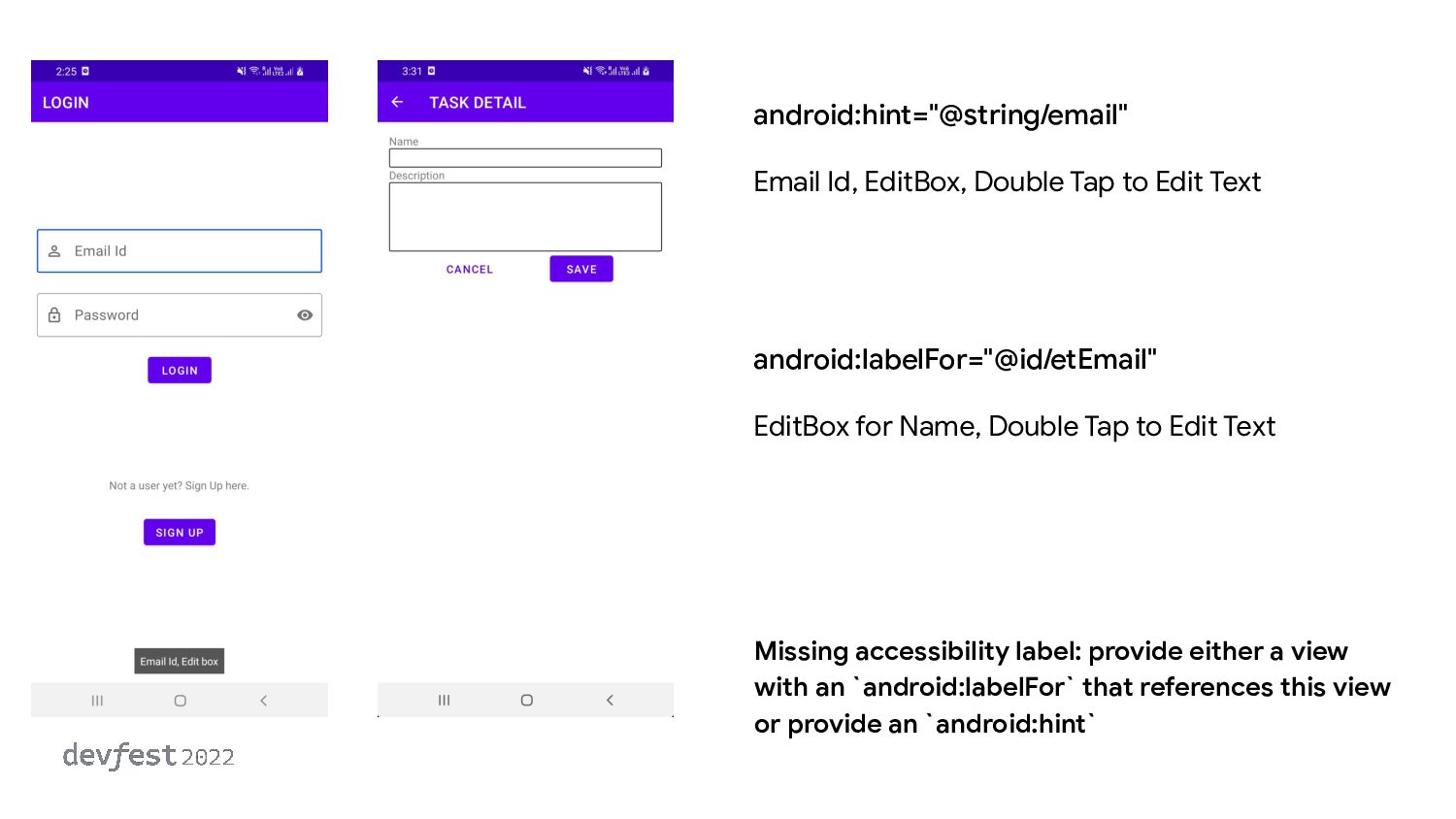
  2. android:hint="@string/email" Email Id, EditBox, Double Tap to Edit Text Missing

    accessibility label: provide either a view with an `android:labelFor` that references this view or provide an `android:hint` android:labelFor="@id/etEmail" EditBox for Name, Double Tap to Edit Text
  3. Summary 1. Add precise, concise content label 2. Use String

    Resources 3. Add descriptive attributes
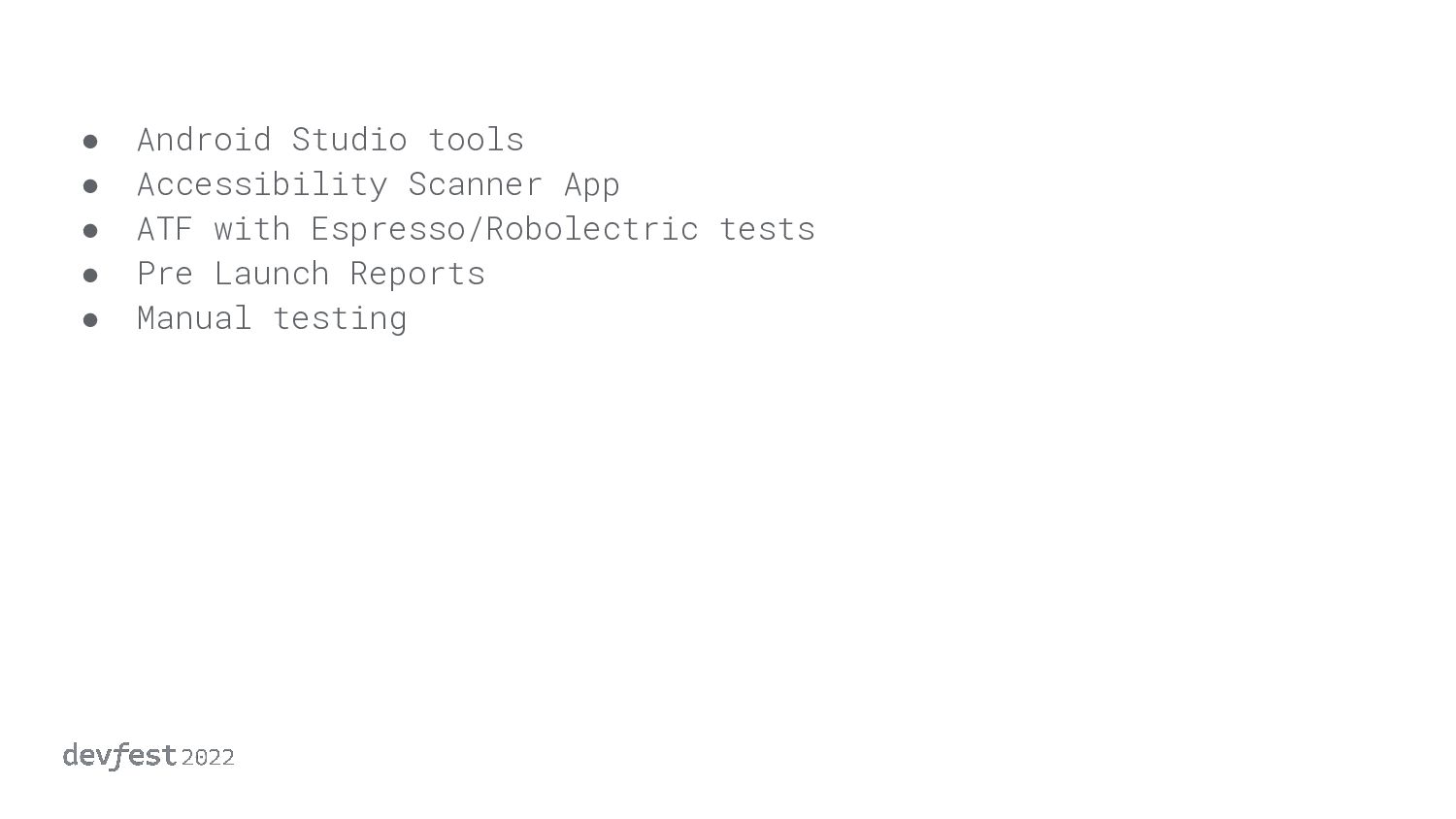
  4. • Android Studio tools • Accessibility Scanner App • ATF

    with Espresso/Robolectric tests • Pre Launch Reports • Manual testing