Upgrade to Pro — share decks privately, control downloads, hide ads and more …

Drawing Scale Calibration: From PDF Points to R...

Vizedraw
October 29, 2026
14

Drawing Scale Calibration: From PDF Points to Real-World Lengths

Drawing Scale Calibration: From PDF Points to Real-World Lengths

Vizedraw

October 29, 2026

Transcript

14 slides
  1. ENGINEERING NOTES | VIZEDRAW A SHORT GUIDE FOR ESTIMATORS, ENGINEERS

    AND ANYONE WHO MEASURES ON PDF PLANS Drawing Scale Calibration: From PDF Points to Real-World Lengths Drawing scale calibration is the step that turns distances on a PDF into real-world lengths. A PDF only knows points, so every measurement depends on one number: how much real length each point stands for. This deck walks through that number, from the math to the checks that catch a bad one. By the VizeDraw team | VizeDraw is a workspace for technical drawings, built by Zenitude VizeDraw | vizedraw.com 1 / 14
  2. THE SHORT ANSWER What is drawing scale calibration? Drawing scale

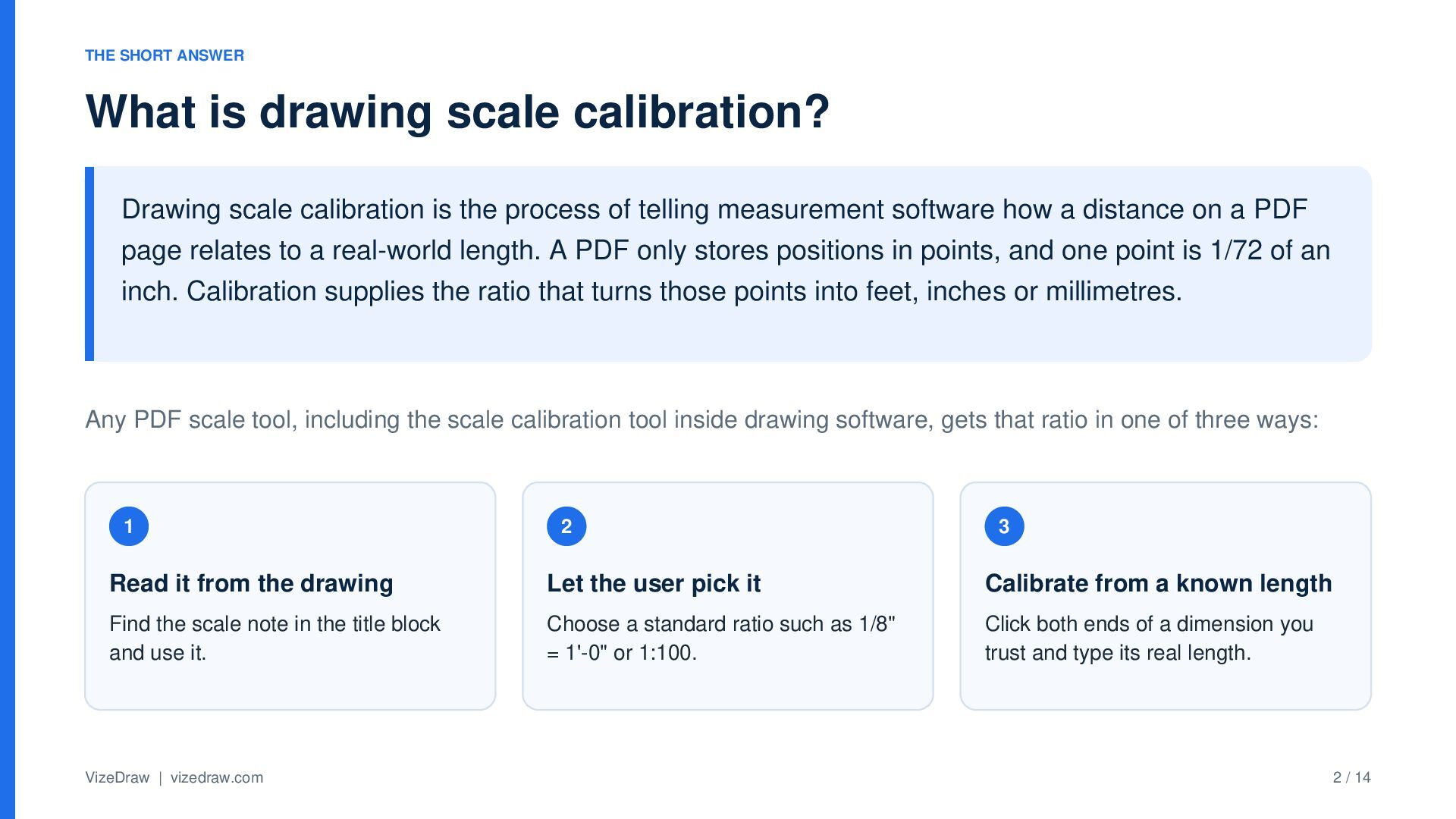
    calibration is the process of telling measurement software how a distance on a PDF page relates to a real-world length. A PDF only stores positions in points, and one point is 1/72 of an inch. Calibration supplies the ratio that turns those points into feet, inches or millimetres. Any PDF scale tool, including the scale calibration tool inside drawing software, gets that ratio in one of three ways: 1 2 3 Read it from the drawing Let the user pick it Calibrate from a known length Find the scale note in the title block and use it. Choose a standard ratio such as 1/8" = 1'-0" or 1:100. Click both ends of a dimension you trust and type its real length. VizeDraw | vizedraw.com 2 / 14
  3. THE STARTING POINT A PDF only knows points, not feet

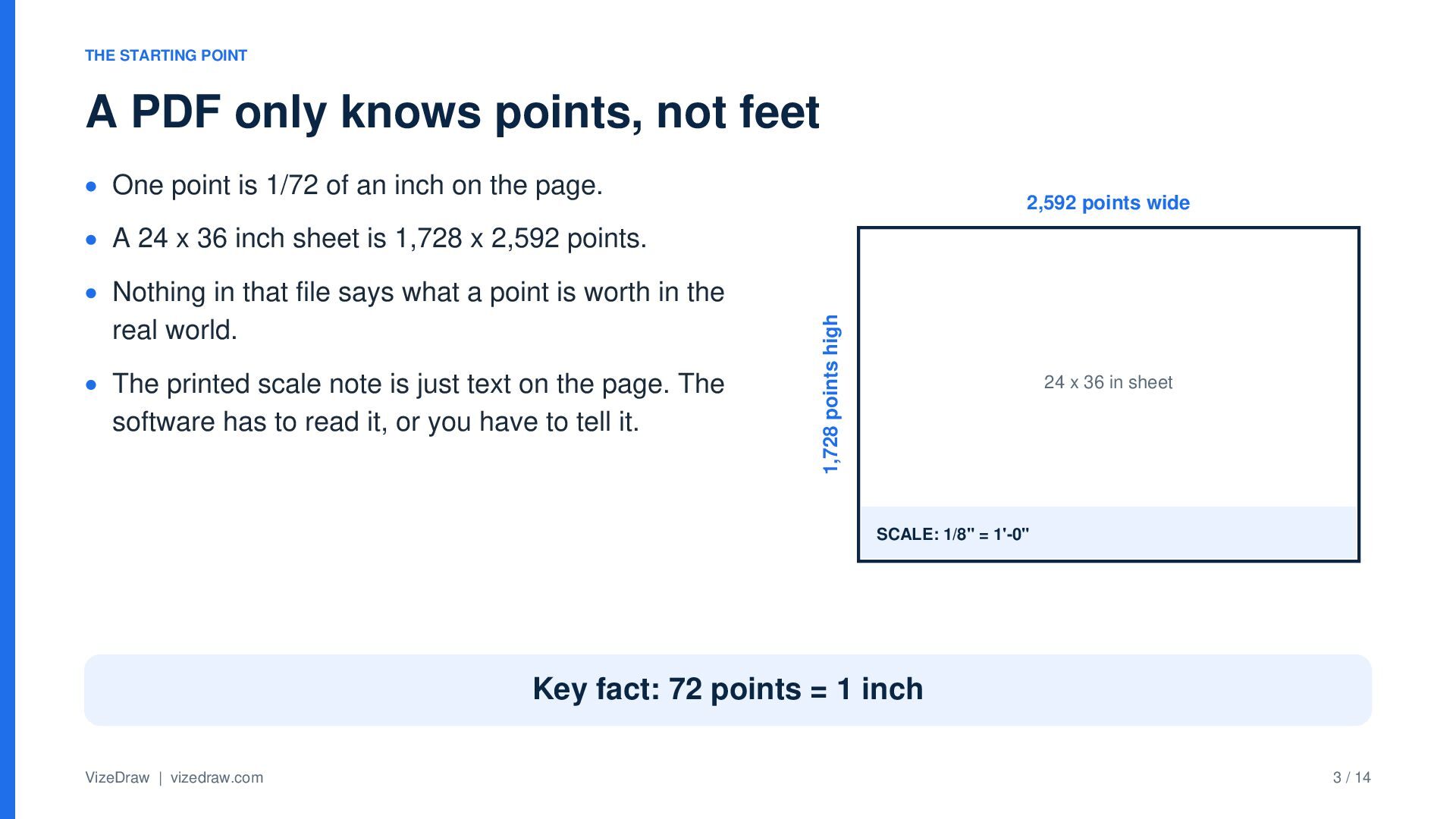
    One point is 1/72 of an inch on the page. 2,592 points wide Nothing in that file says what a point is worth in the real world. The printed scale note is just text on the page. The software has to read it, or you have to tell it. 1,728 points high A 24 x 36 inch sheet is 1,728 x 2,592 points. 24 x 36 in sheet SCALE: 1/8" = 1'-0" Key fact: 72 points = 1 inch VizeDraw | vizedraw.com 3 / 14
  4. THE MATH From points to feet, step by step real

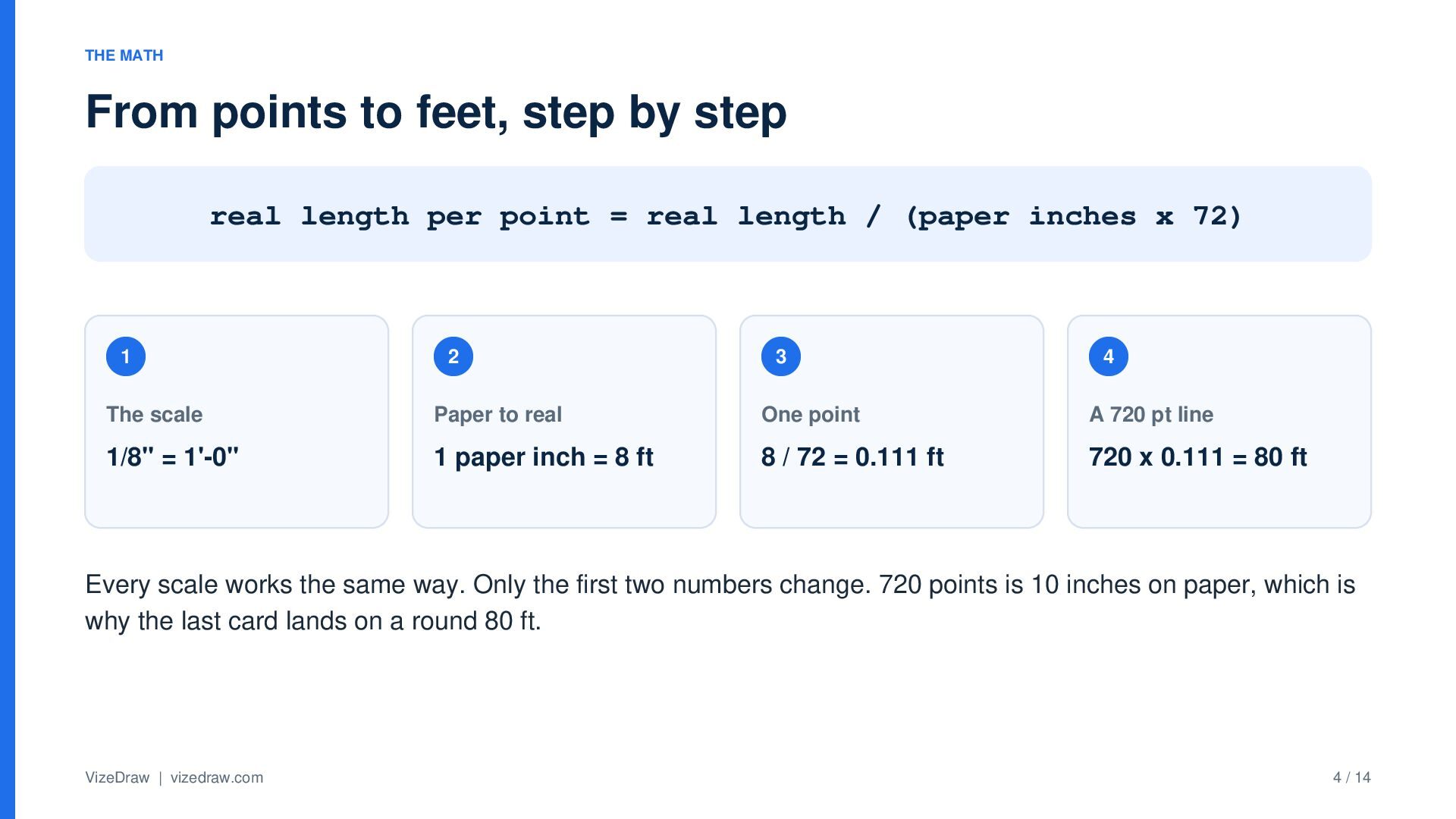
    length per point = real length / (paper inches x 72) 1 2 3 4 The scale Paper to real One point A 720 pt line 1/8" = 1'-0" 1 paper inch = 8 ft 8 / 72 = 0.111 ft 720 x 0.111 = 80 ft Every scale works the same way. Only the first two numbers change. 720 points is 10 inches on paper, which is why the last card lands on a round 80 ft. VizeDraw | vizedraw.com 4 / 14
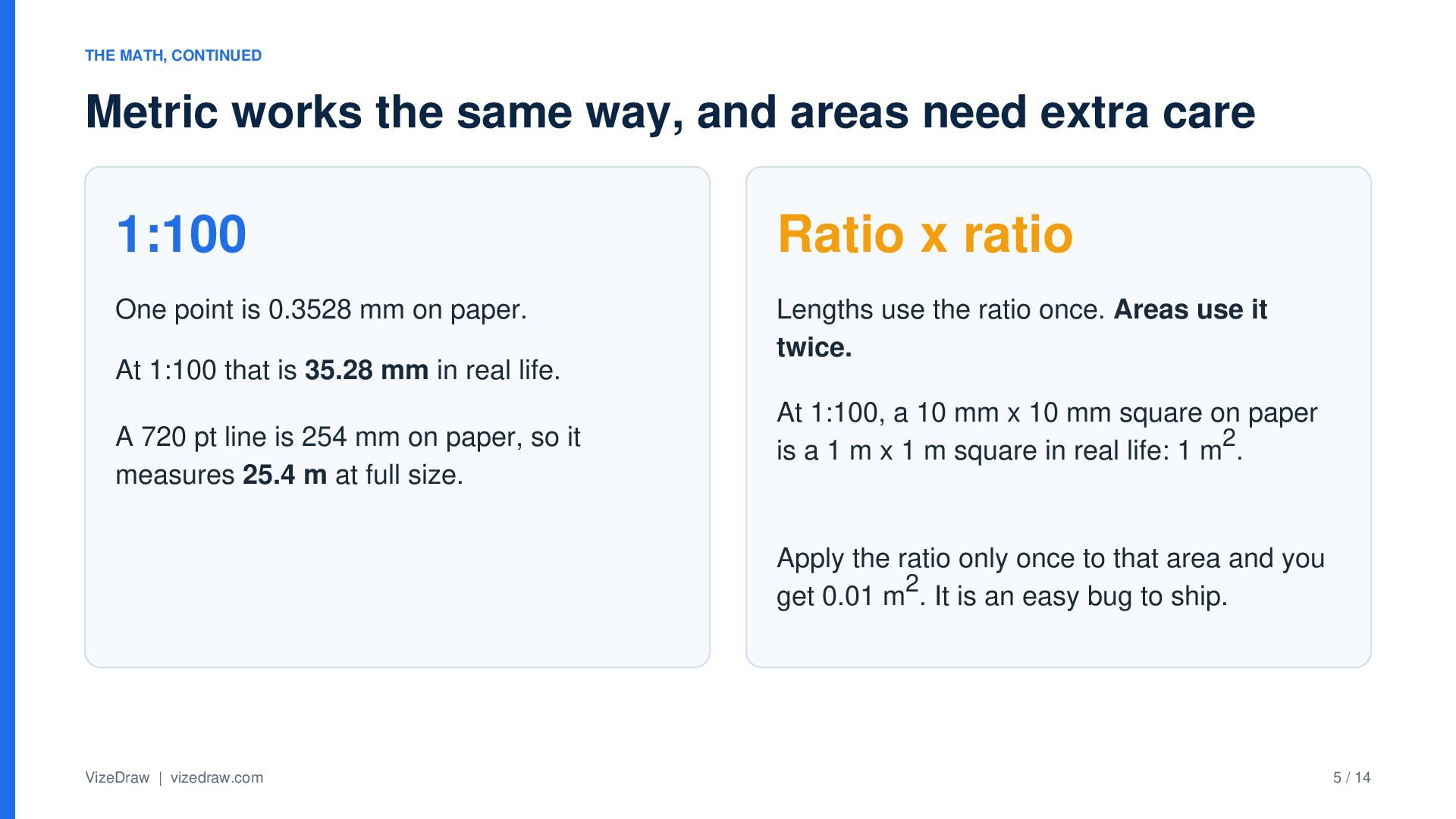
  5. THE MATH, CONTINUED Metric works the same way, and areas

    need extra care 1:100 Ratio x ratio One point is 0.3528 mm on paper. Lengths use the ratio once. Areas use it twice. At 1:100 that is 35.28 mm in real life. A 720 pt line is 254 mm on paper, so it measures 25.4 m at full size. At 1:100, a 10 mm x 10 mm square on paper is a 1 m x 1 m square in real life: 1 m2. Apply the ratio only once to that area and you get 0.01 m2. It is an easy bug to ship. VizeDraw | vizedraw.com 5 / 14
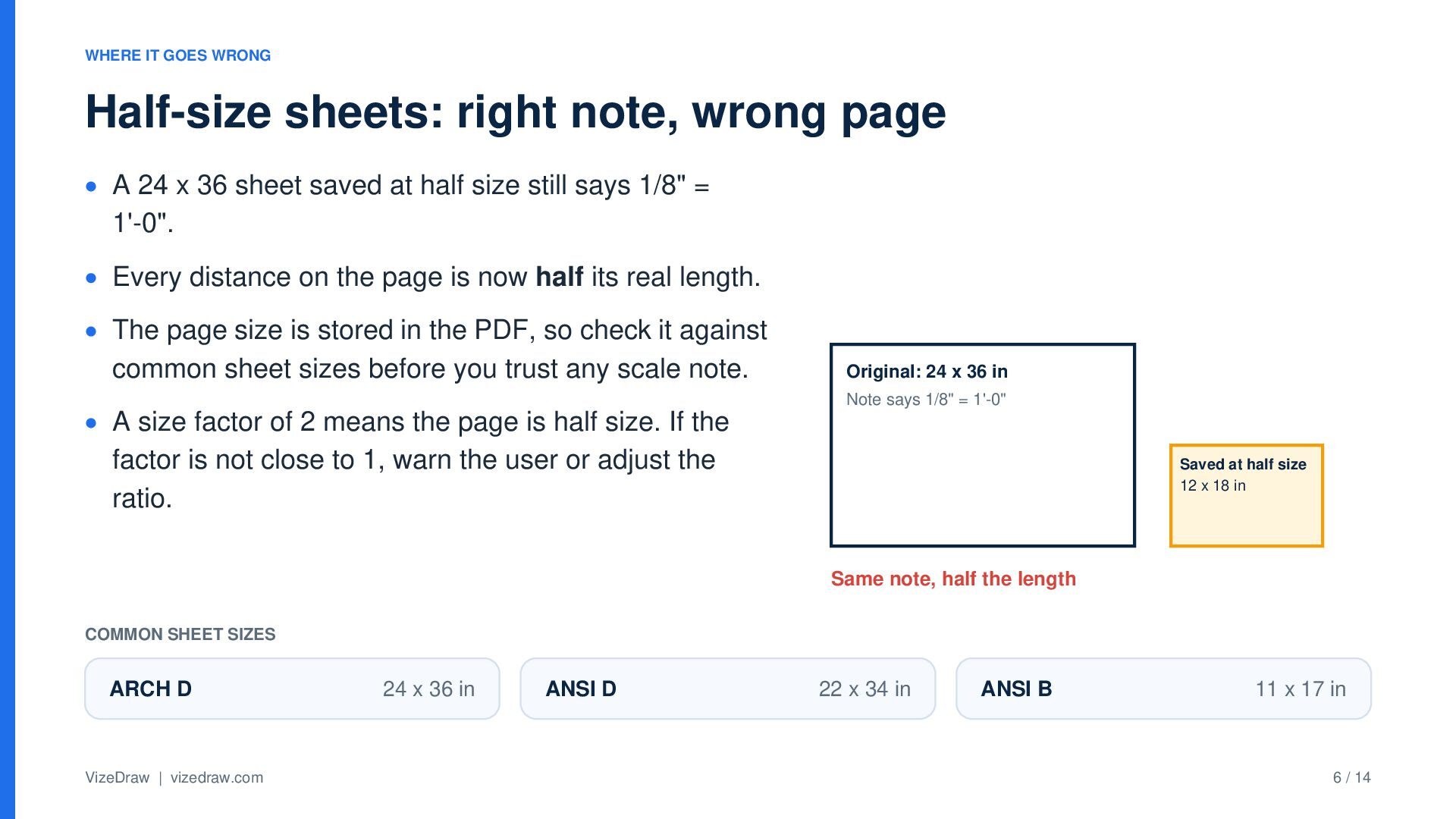
  6. WHERE IT GOES WRONG Half-size sheets: right note, wrong page

    A 24 x 36 sheet saved at half size still says 1/8" = 1'-0". Every distance on the page is now half its real length. The page size is stored in the PDF, so check it against common sheet sizes before you trust any scale note. Original: 24 x 36 in Note says 1/8" = 1'-0" A size factor of 2 means the page is half size. If the factor is not close to 1, warn the user or adjust the ratio. Saved at half size 12 x 18 in Same note, half the length COMMON SHEET SIZES ARCH D VizeDraw | vizedraw.com 24 x 36 in ANSI D 22 x 34 in ANSI B 11 x 17 in 6 / 14
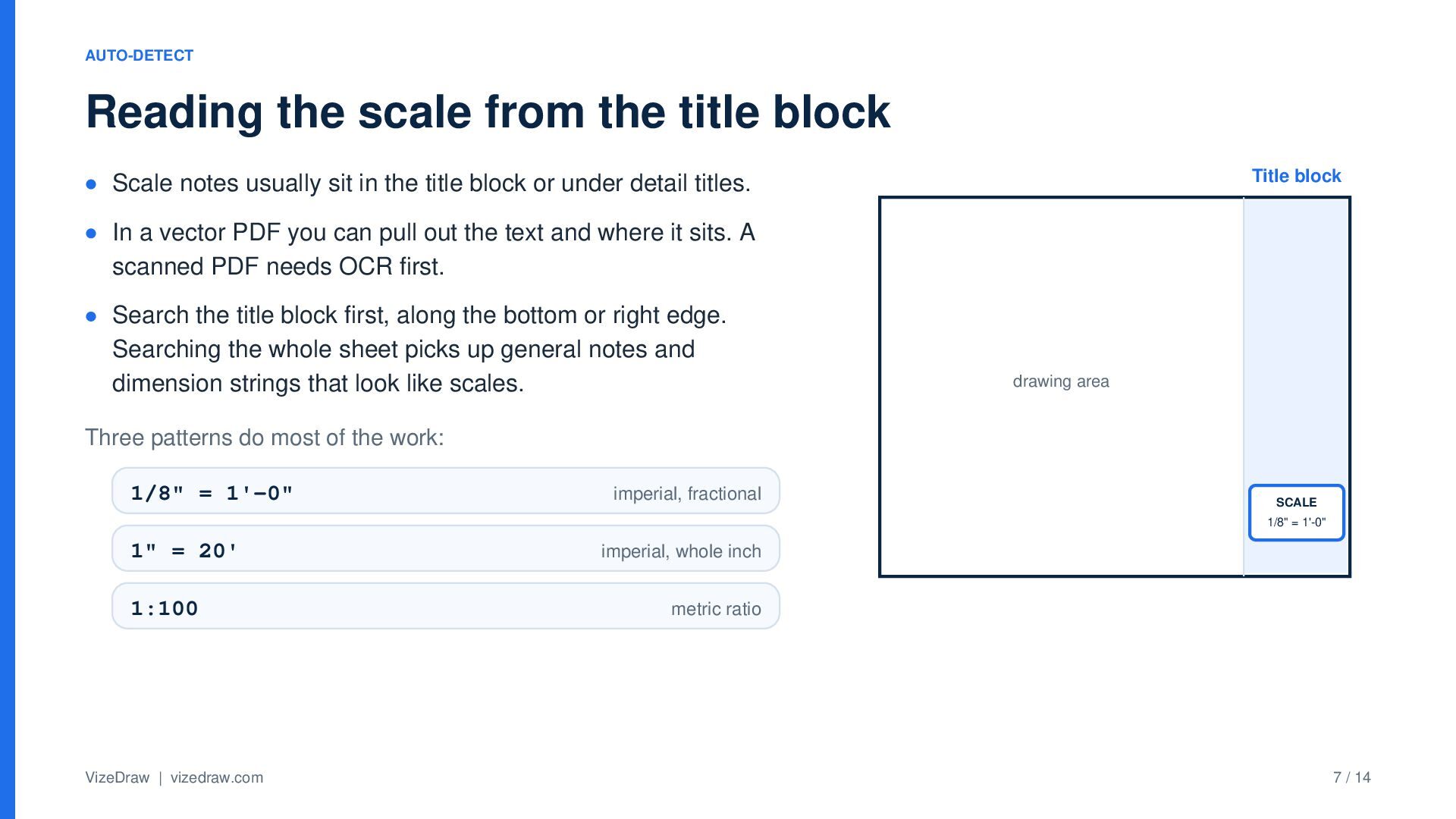
  7. AUTO-DETECT Reading the scale from the title block Title block

    Scale notes usually sit in the title block or under detail titles. In a vector PDF you can pull out the text and where it sits. A scanned PDF needs OCR first. Search the title block first, along the bottom or right edge. Searching the whole sheet picks up general notes and dimension strings that look like scales. drawing area Three patterns do most of the work: 1/8" = 1'-0" imperial, fractional SCALE 1/8" = 1'-0" 1" = 20' 1:100 VizeDraw | vizedraw.com imperial, whole inch metric ratio 7 / 14
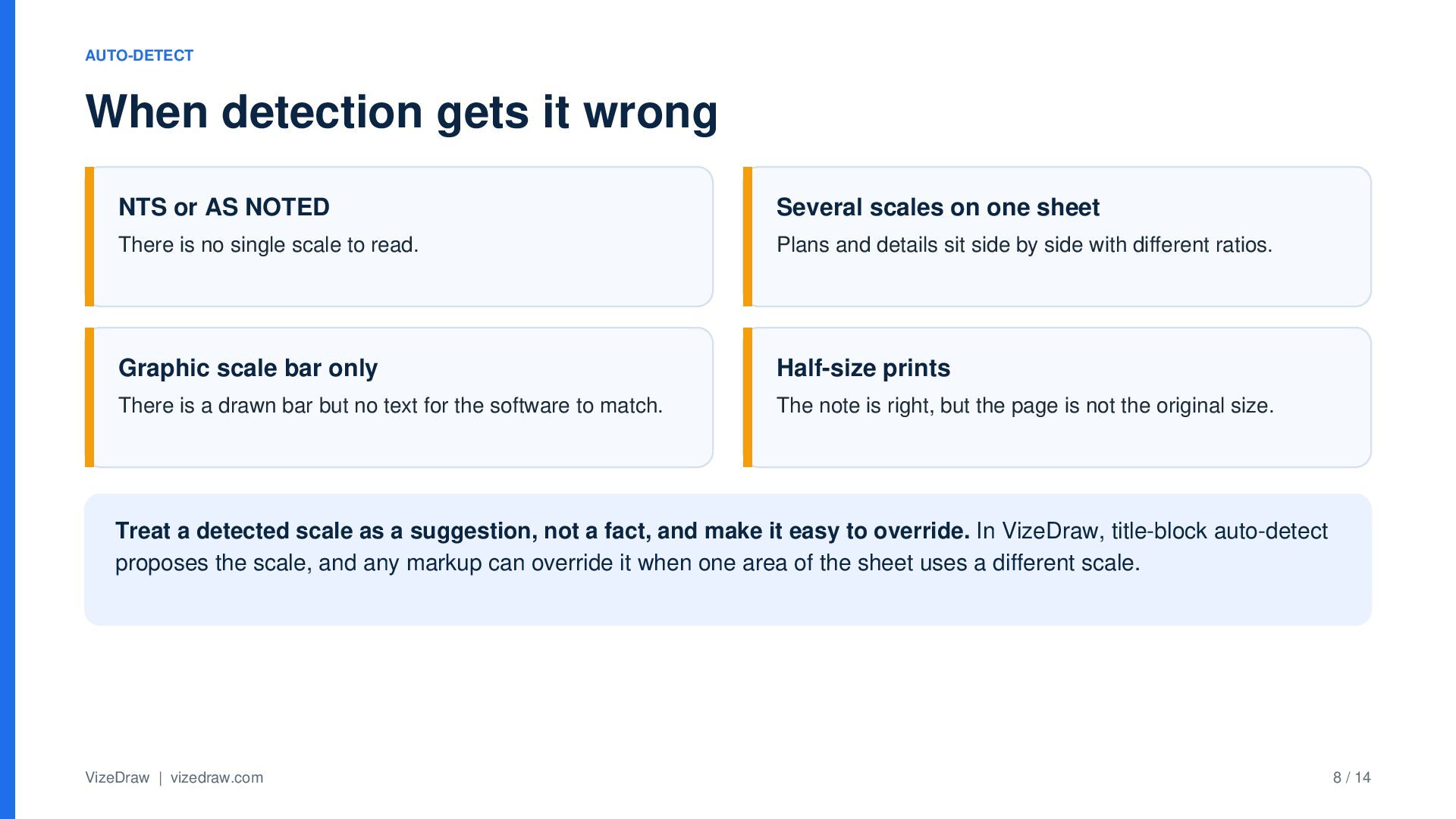
  8. AUTO-DETECT When detection gets it wrong NTS or AS NOTED

    Several scales on one sheet There is no single scale to read. Plans and details sit side by side with different ratios. Graphic scale bar only Half-size prints There is a drawn bar but no text for the software to match. The note is right, but the page is not the original size. Treat a detected scale as a suggestion, not a fact, and make it easy to override. In VizeDraw, title-block auto-detect proposes the scale, and any markup can override it when one area of the sheet uses a different scale. VizeDraw | vizedraw.com 8 / 14
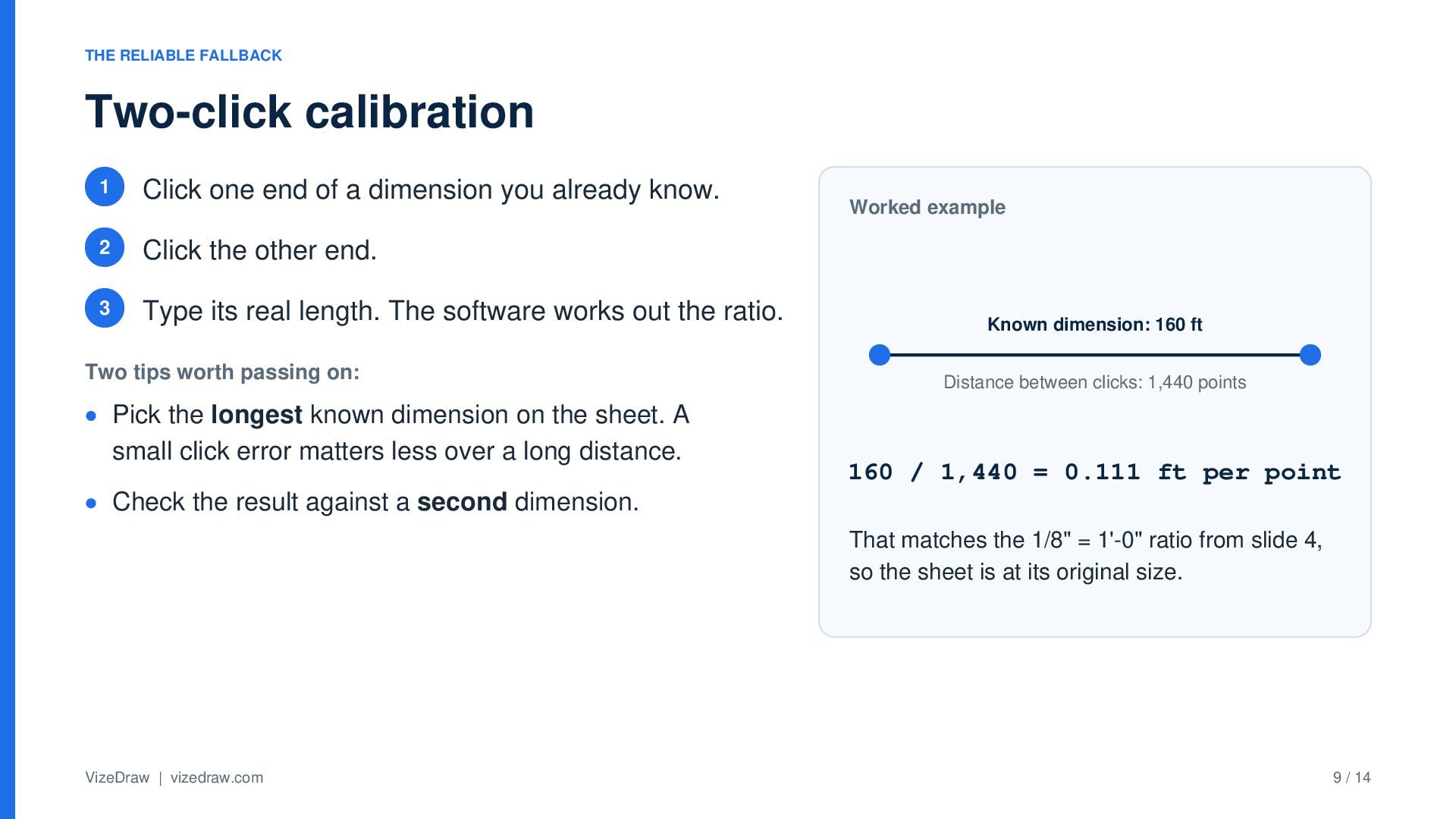
  9. THE RELIABLE FALLBACK Two-click calibration 1 Click one end of

    a dimension you already know. 2 Click the other end. 3 Type its real length. The software works out the ratio. Two tips worth passing on: Pick the longest known dimension on the sheet. A small click error matters less over a long distance. Worked example Known dimension: 160 ft Distance between clicks: 1,440 points 160 / 1,440 = 0.111 ft per point Check the result against a second dimension. That matches the 1/8" = 1'-0" ratio from slide 4, so the sheet is at its original size. VizeDraw | vizedraw.com 9 / 14
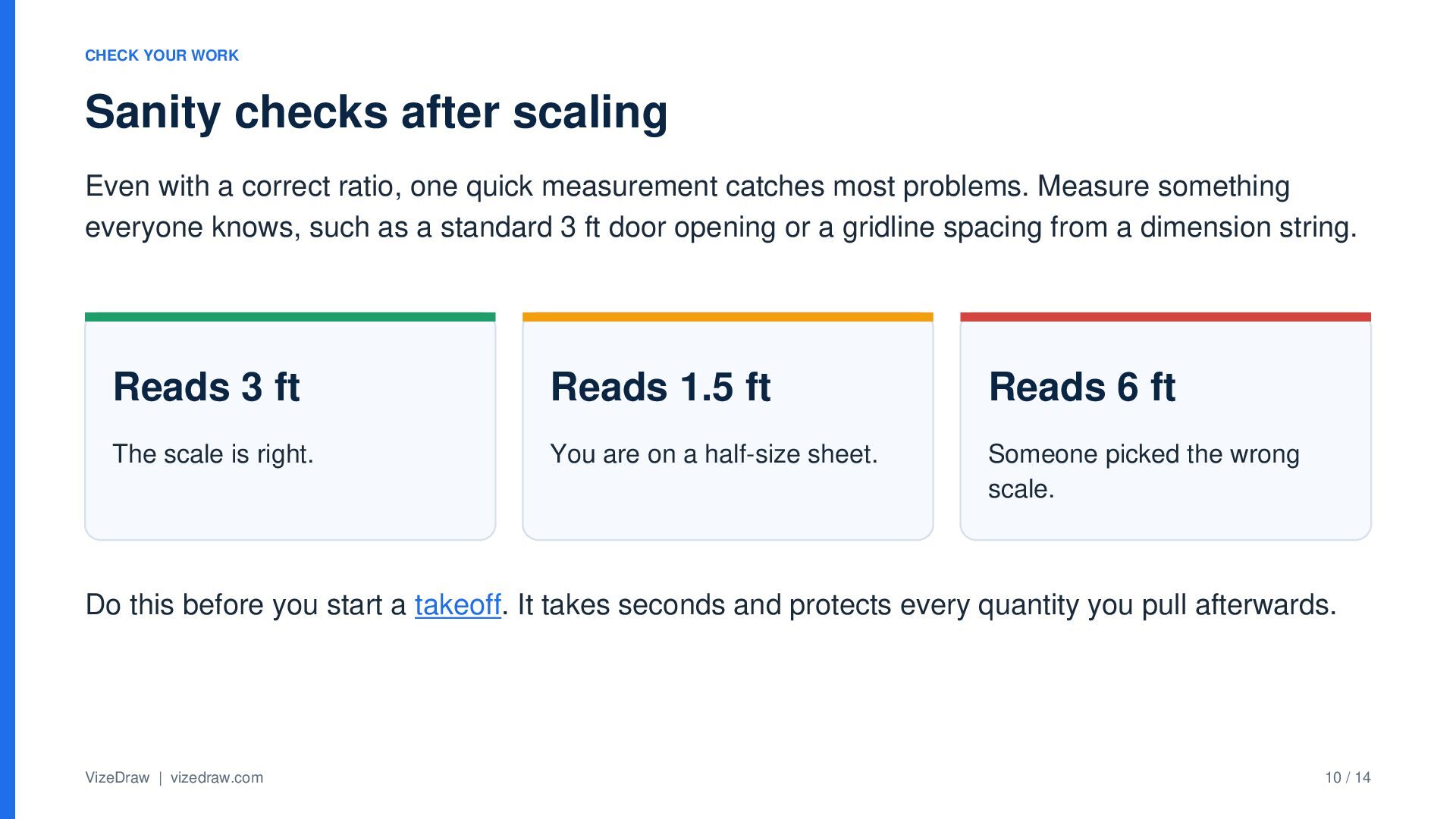
  10. CHECK YOUR WORK Sanity checks after scaling Even with a

    correct ratio, one quick measurement catches most problems. Measure something everyone knows, such as a standard 3 ft door opening or a gridline spacing from a dimension string. Reads 3 ft Reads 1.5 ft Reads 6 ft The scale is right. You are on a half-size sheet. Someone picked the wrong scale. Do this before you start a takeoff. It takes seconds and protects every quantity you pull afterwards. VizeDraw | vizedraw.com 10 / 14
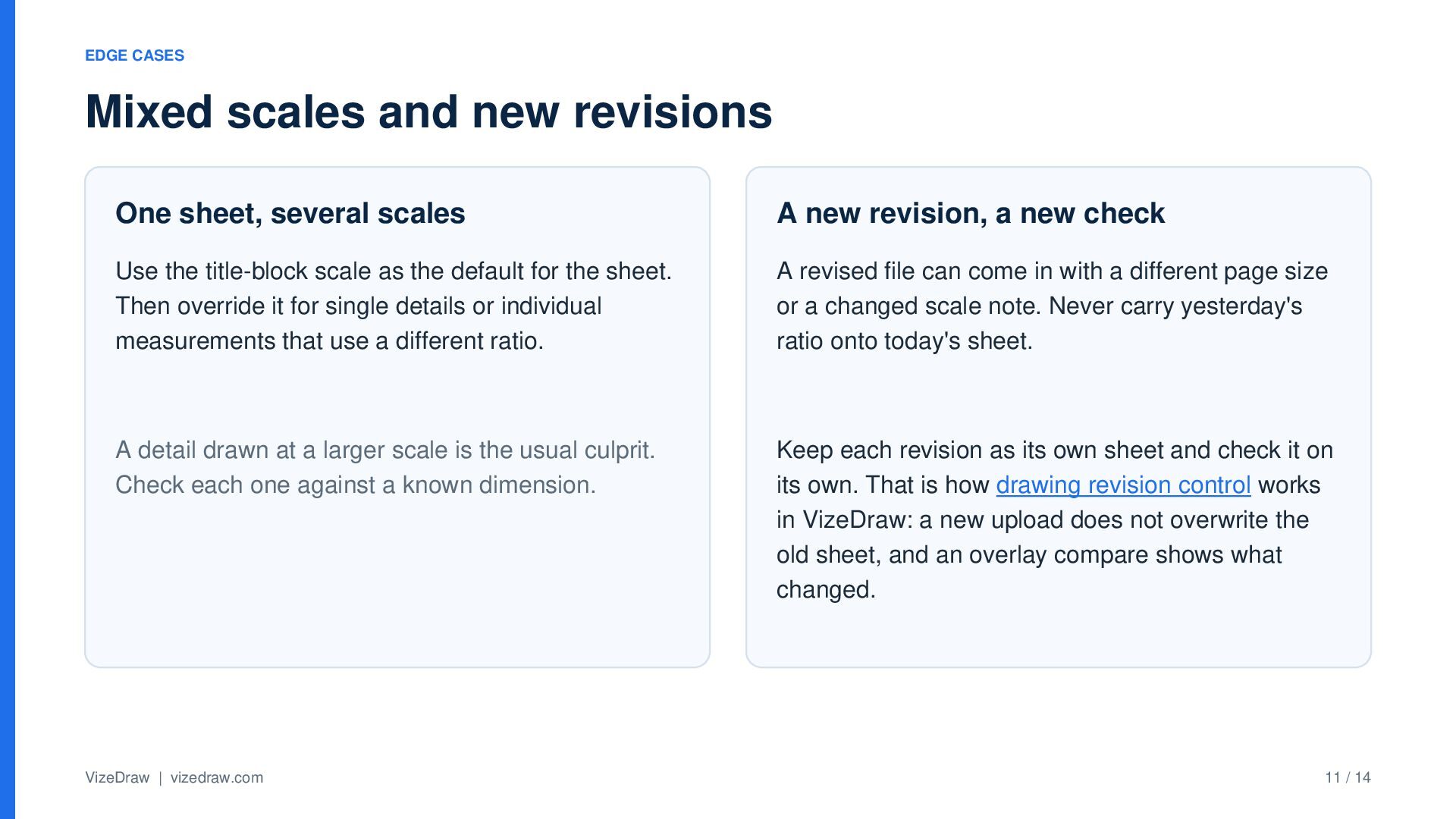
  11. EDGE CASES Mixed scales and new revisions One sheet, several

    scales A new revision, a new check Use the title-block scale as the default for the sheet. Then override it for single details or individual measurements that use a different ratio. A revised file can come in with a different page size or a changed scale note. Never carry yesterday's ratio onto today's sheet. A detail drawn at a larger scale is the usual culprit. Check each one against a known dimension. Keep each revision as its own sheet and check it on its own. That is how drawing revision control works in VizeDraw: a new upload does not overwrite the old sheet, and an overlay compare shows what changed. VizeDraw | vizedraw.com 11 / 14
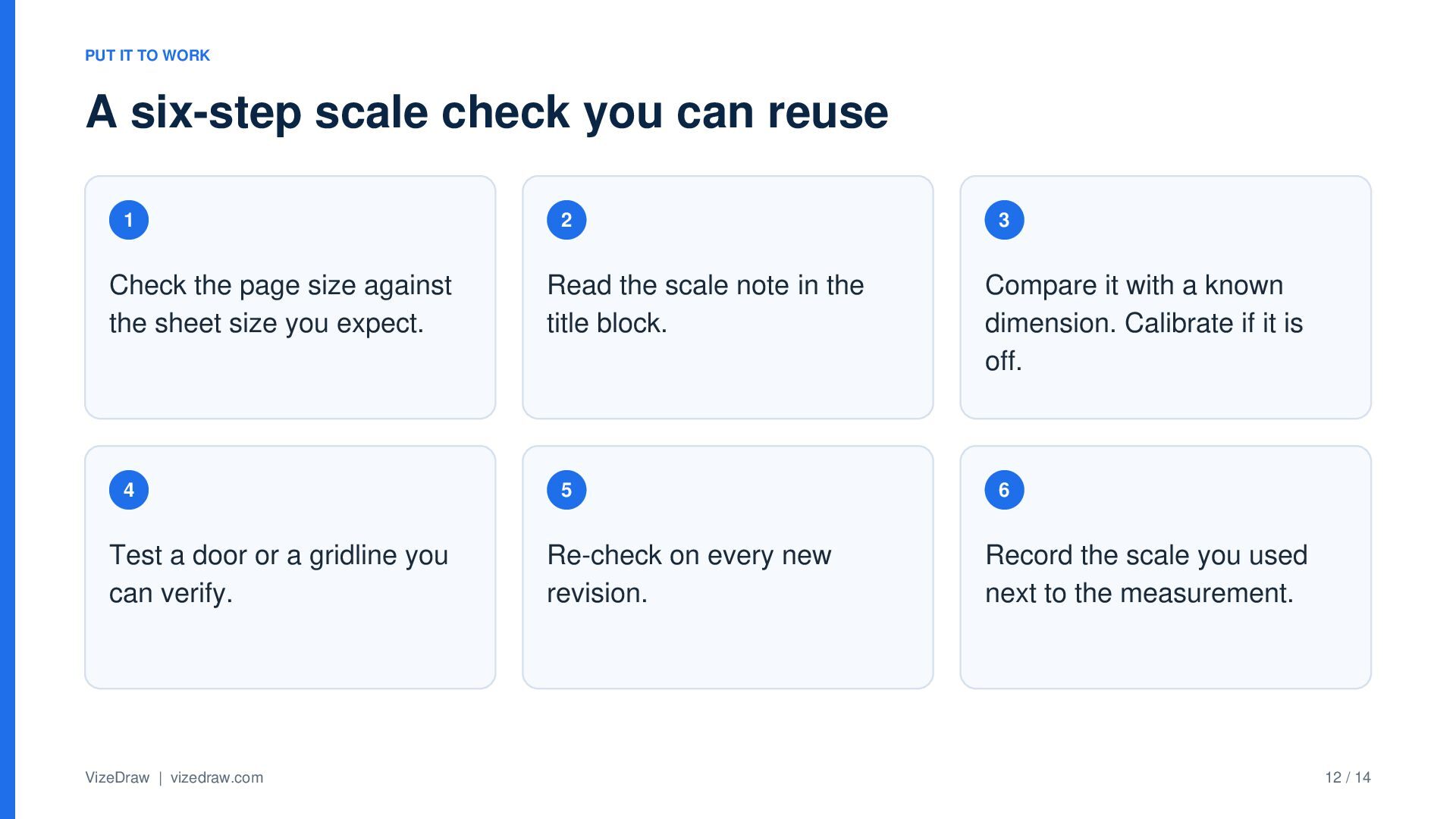
  12. PUT IT TO WORK A six-step scale check you can

    reuse 1 Check the page size against the sheet size you expect. 4 Test a door or a gridline you can verify. VizeDraw | vizedraw.com 2 Read the scale note in the title block. 5 Re-check on every new revision. 3 Compare it with a known dimension. Calibrate if it is off. 6 Record the scale you used next to the measurement. 12 / 14
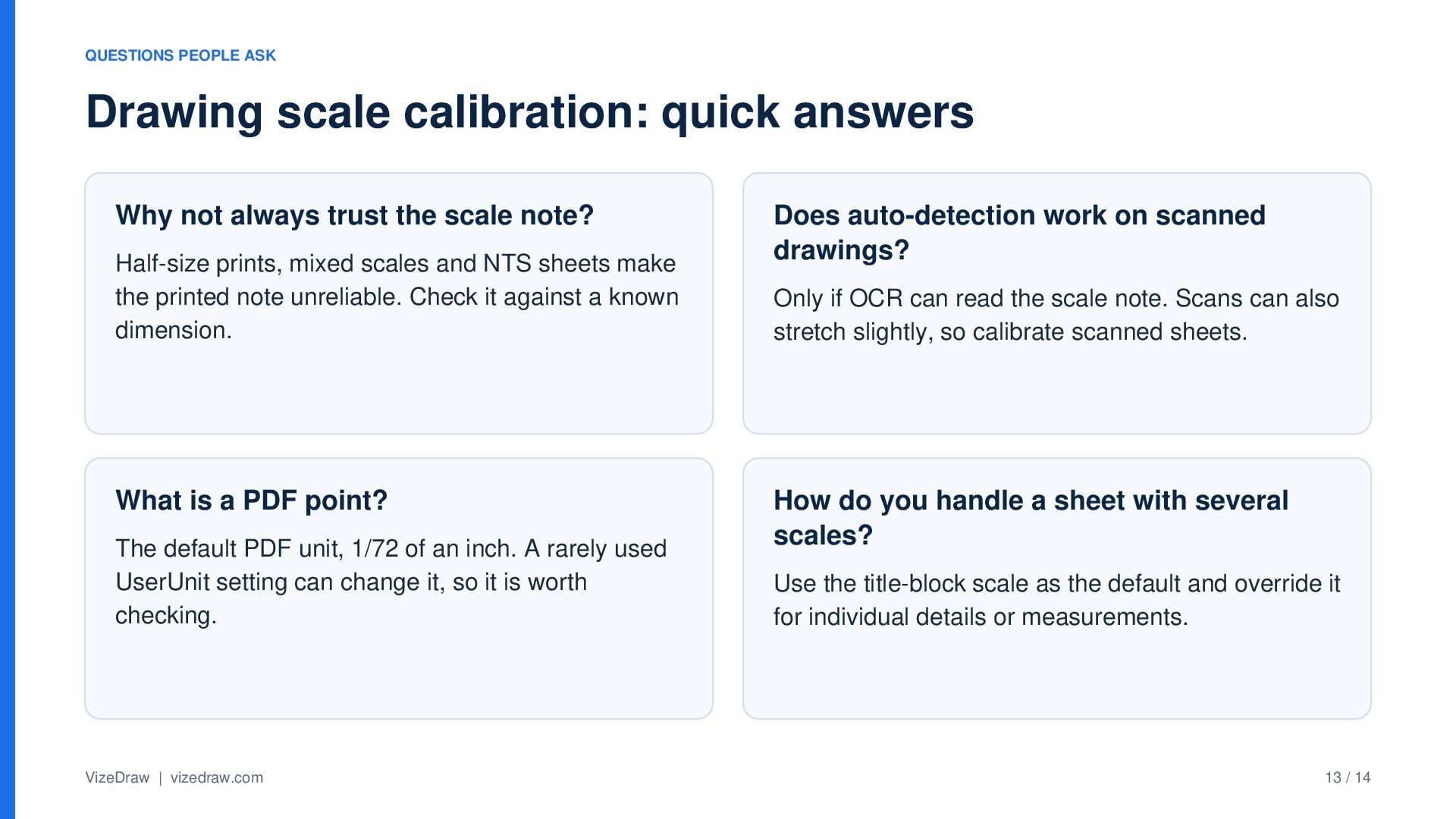
  13. QUESTIONS PEOPLE ASK Drawing scale calibration: quick answers Why not

    always trust the scale note? Half-size prints, mixed scales and NTS sheets make the printed note unreliable. Check it against a known dimension. What is a PDF point? The default PDF unit, 1/72 of an inch. A rarely used UserUnit setting can change it, so it is worth checking. VizeDraw | vizedraw.com Does auto-detection work on scanned drawings? Only if OCR can read the scale note. Scans can also stretch slightly, so calibrate scanned sheets. How do you handle a sheet with several scales? Use the title-block scale as the default and override it for individual details or measurements. 13 / 14
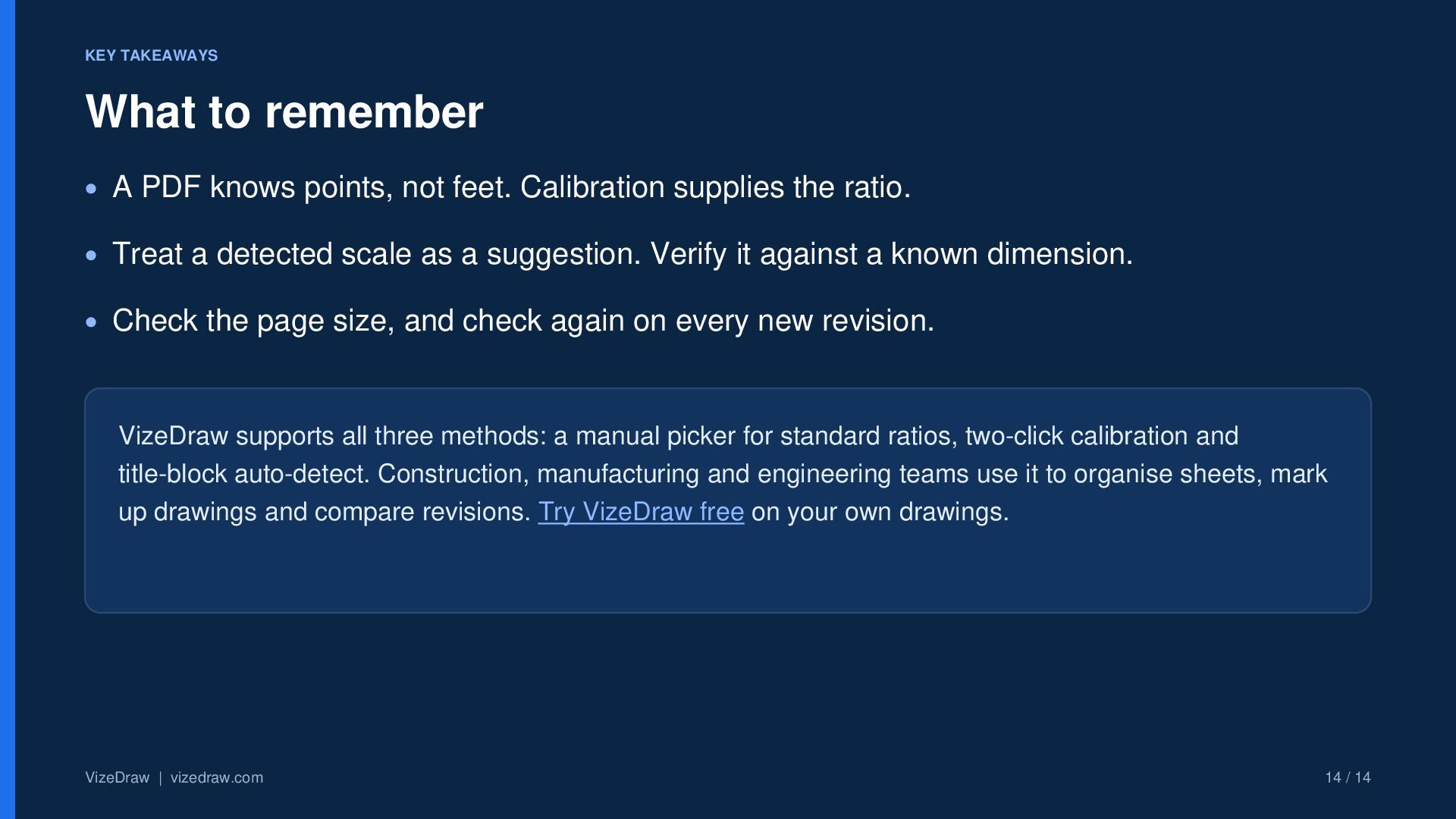
  14. KEY TAKEAWAYS What to remember A PDF knows points, not

    feet. Calibration supplies the ratio. Treat a detected scale as a suggestion. Verify it against a known dimension. Check the page size, and check again on every new revision. VizeDraw supports all three methods: a manual picker for standard ratios, two-click calibration and title-block auto-detect. Construction, manufacturing and engineering teams use it to organise sheets, mark up drawings and compare revisions. Try VizeDraw free on your own drawings. VizeDraw | vizedraw.com 14 / 14