Share
Embed
Engineering Drawing Management: Keeping Revisions in Sync With Suppliers
How engineering teams keep drawing revisions in sync with suppliers. A 12-slide guide for engineering managers and quality leads: release steps, revision letters, supplier acknowledgement, comparing revisions before production, and a release checklist. By VizeDraw.
Vizedraw
November 05, 2026
Transcript
12 slides
-
Engineering Drawing Management: Keeping Revisions in Sync With Suppliers For
engineering managers and quality leads Release steps, revision letters, supplier acknowledgement and what to check before production. www.vizedraw.com PUBLISHED BY VIZEDRAW 12 slides NOVEMBER 2026 -
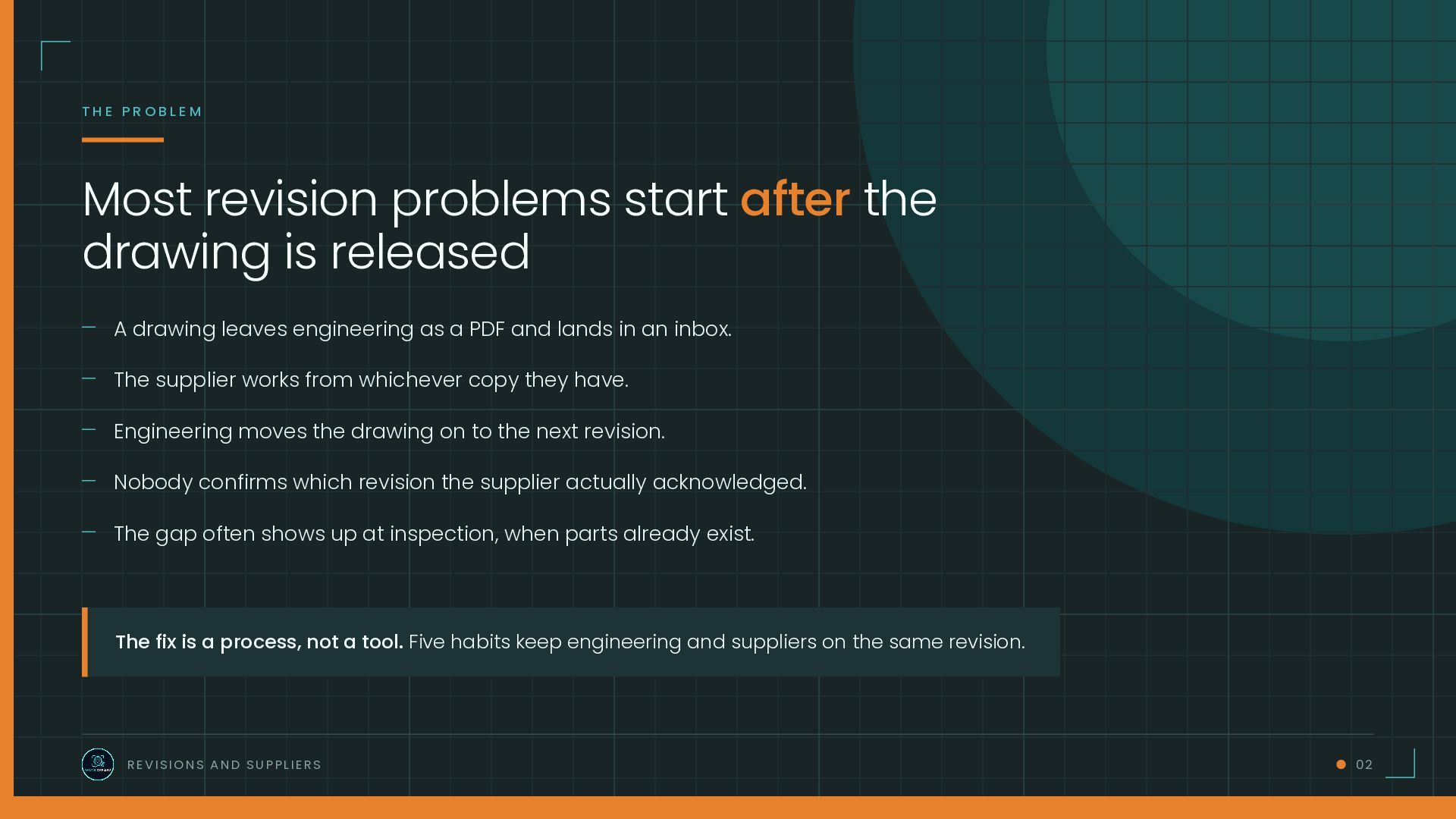
THE PROBLEM Most revision problems start after the drawing is
released A drawing leaves engineering as a PDF and lands in an inbox. The supplier works from whichever copy they have. Engineering moves the drawing on to the next revision. Nobody confirms which revision the supplier actually acknowledged. The gap often shows up at inspection, when parts already exist. The fix is a process, not a tool. Five habits keep engineering and suppliers on the same revision. REVISIONS AND SUPPLIERS 02 -
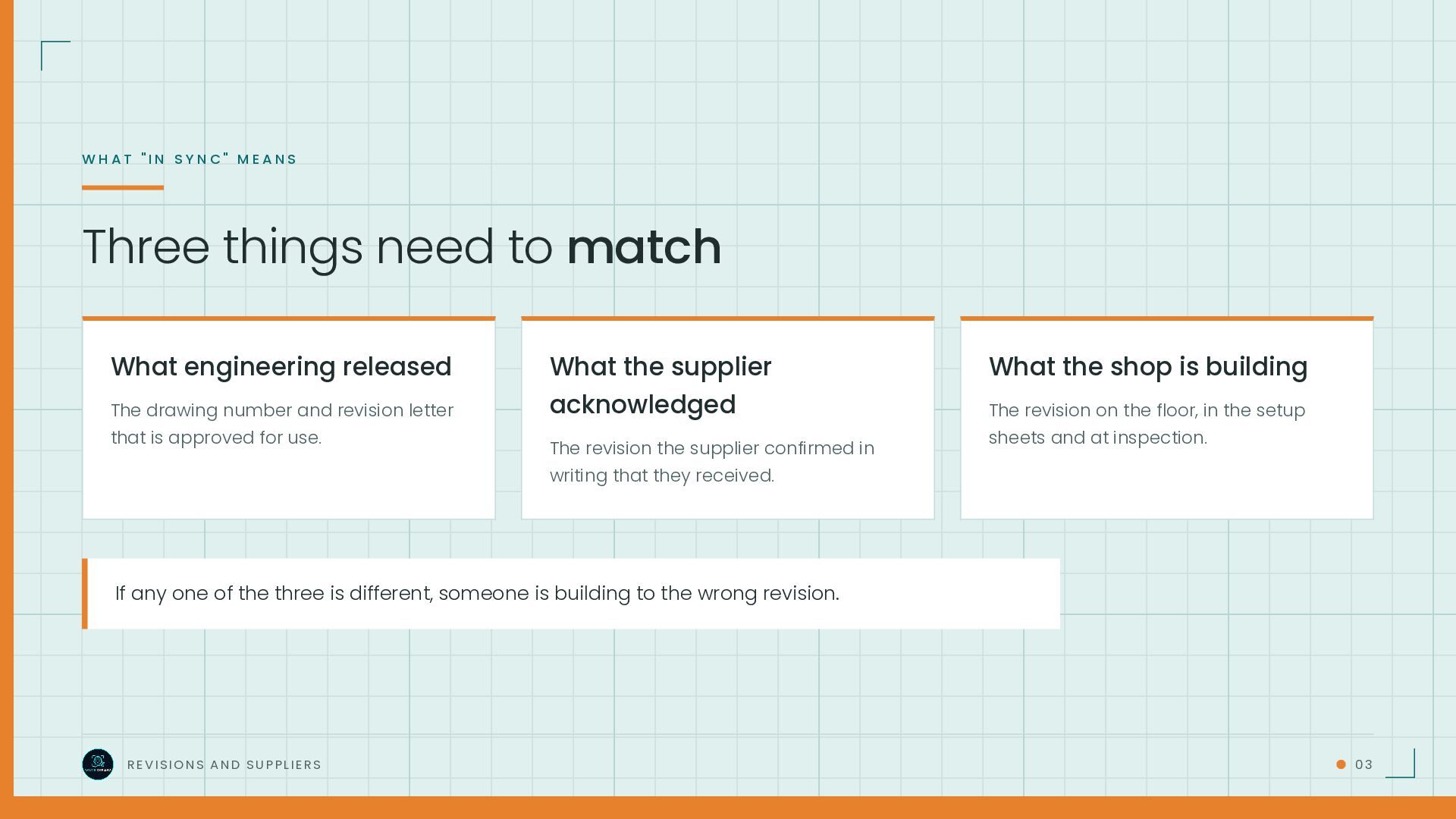
WHAT "IN SYNC" MEANS Three things need to match What
engineering released The drawing number and revision letter that is approved for use. What the supplier acknowledged The revision the supplier confirmed in What the shop is building The revision on the floor, in the setup sheets and at inspection. writing that they received. If any one of the three is different, someone is building to the wrong revision. REVISIONS AND SUPPLIERS 03 -
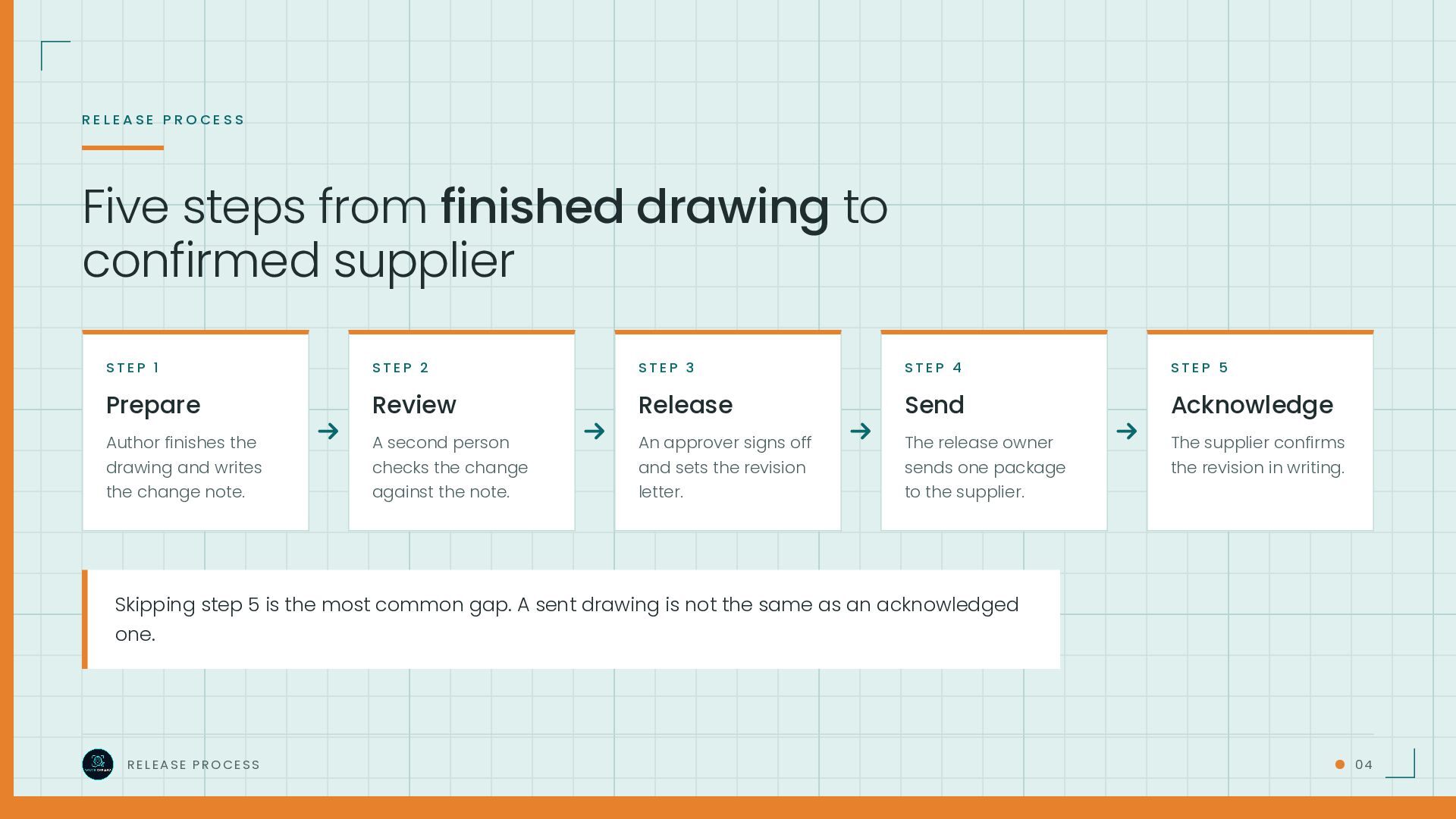
RELEASE PROCESS Five steps from finished drawing to confirmed supplier
STEP 1 STEP 2 STEP 3 STEP 4 STEP 5 Prepare Review Release Send Acknowledge Author finishes the A second person An approver signs off The release owner The supplier confirms drawing and writes the change note. checks the change against the note. and sets the revision letter. sends one package to the supplier. the revision in writing. Skipping step 5 is the most common gap. A sent drawing is not the same as an acknowledged one. RELEASE PROCESS 04 -
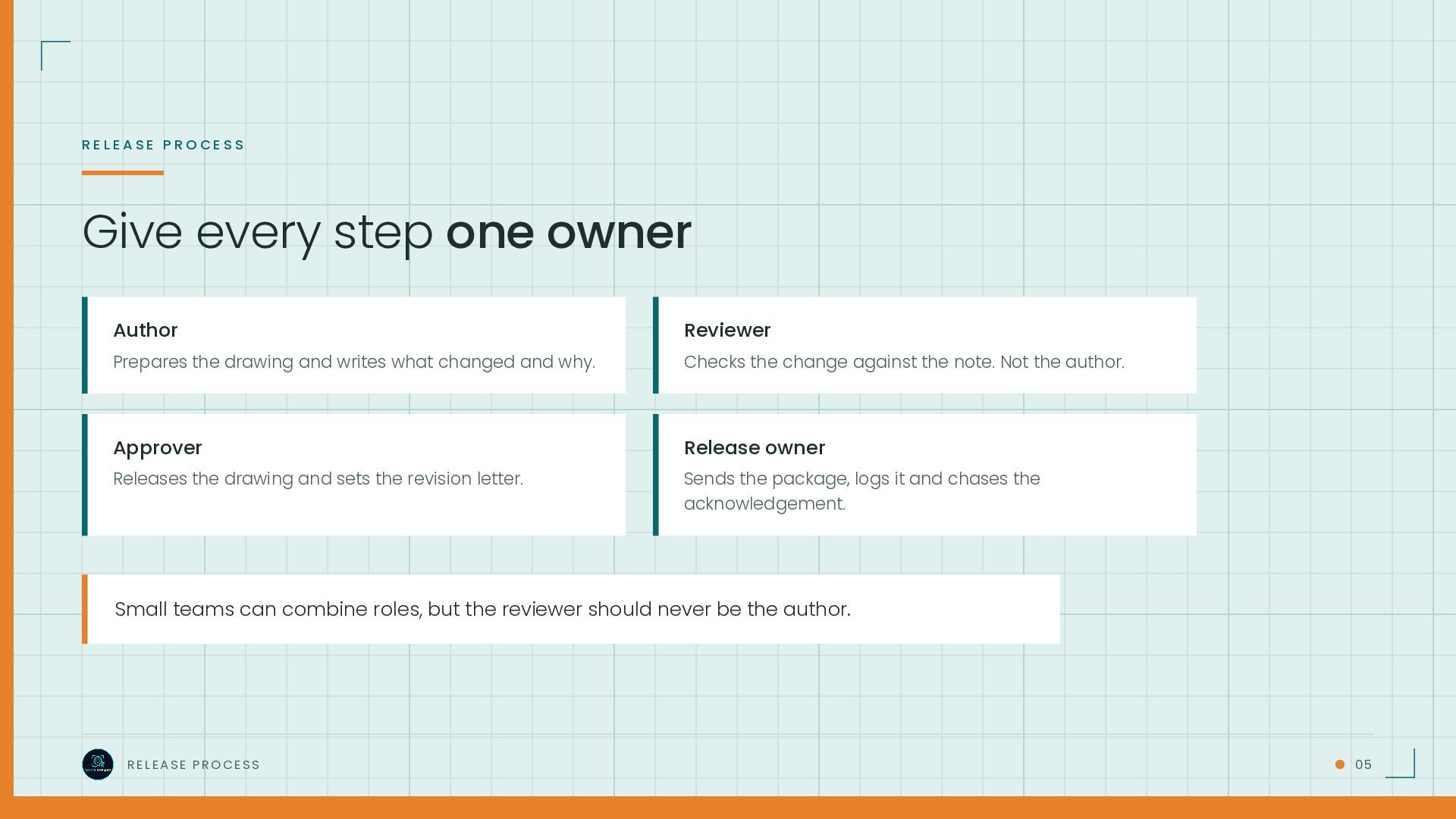
RELEASE PROCESS Give every step one owner Author Reviewer Prepares
the drawing and writes what changed and why. Checks the change against the note. Not the author. Approver Release owner Releases the drawing and sets the revision letter. Sends the package, logs it and chases the acknowledgement. Small teams can combine roles, but the reviewer should never be the author. RELEASE PROCESS 05 -
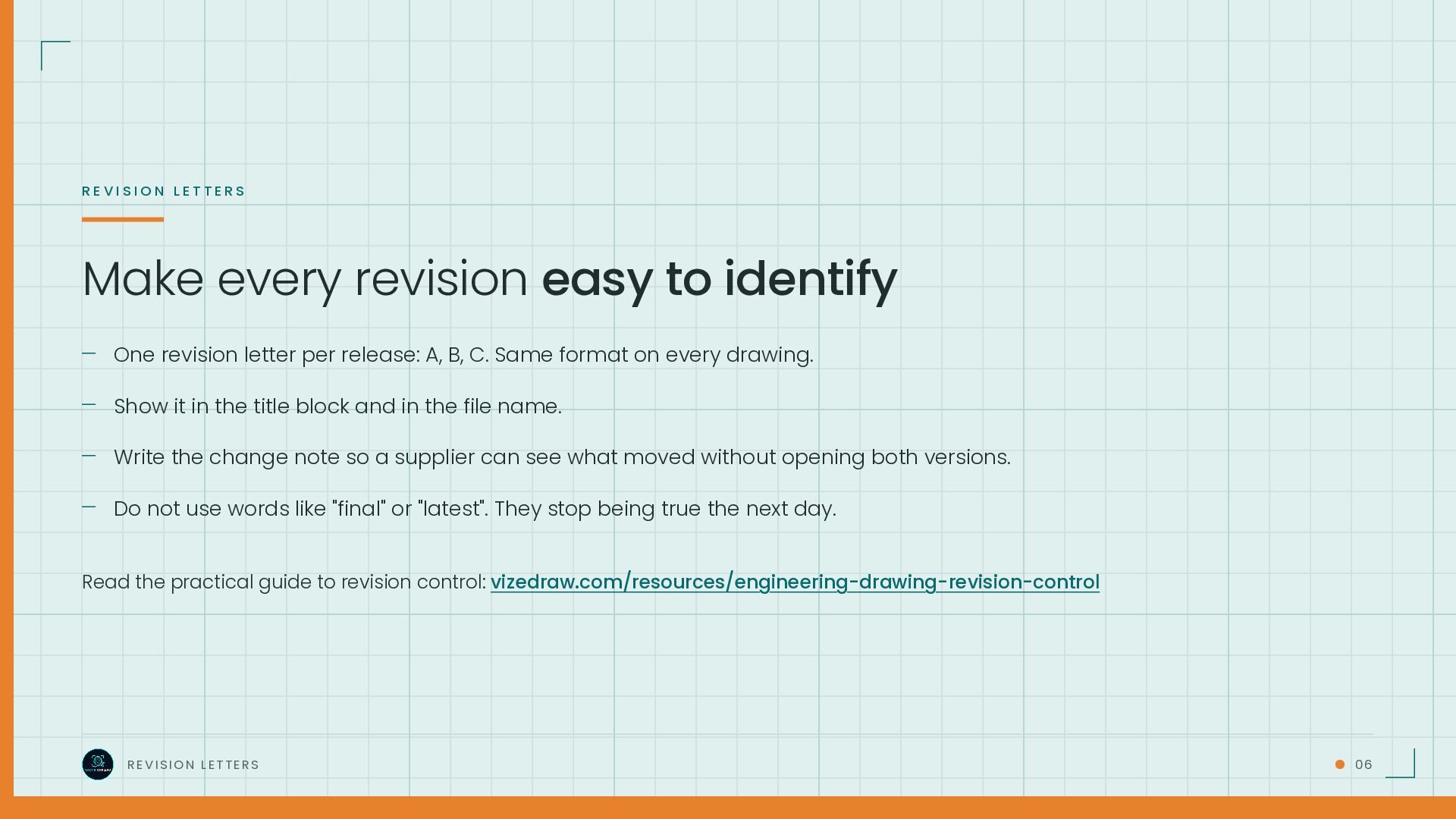
REVISION LETTERS Make every revision easy to identify One revision
letter per release: A, B, C. Same format on every drawing. Show it in the title block and in the file name. Write the change note so a supplier can see what moved without opening both versions. Do not use words like "final" or "latest". They stop being true the next day. Read the practical guide to revision control: vizedraw.com/resources/engineering-drawing-revision-control REVISION LETTERS 06 -
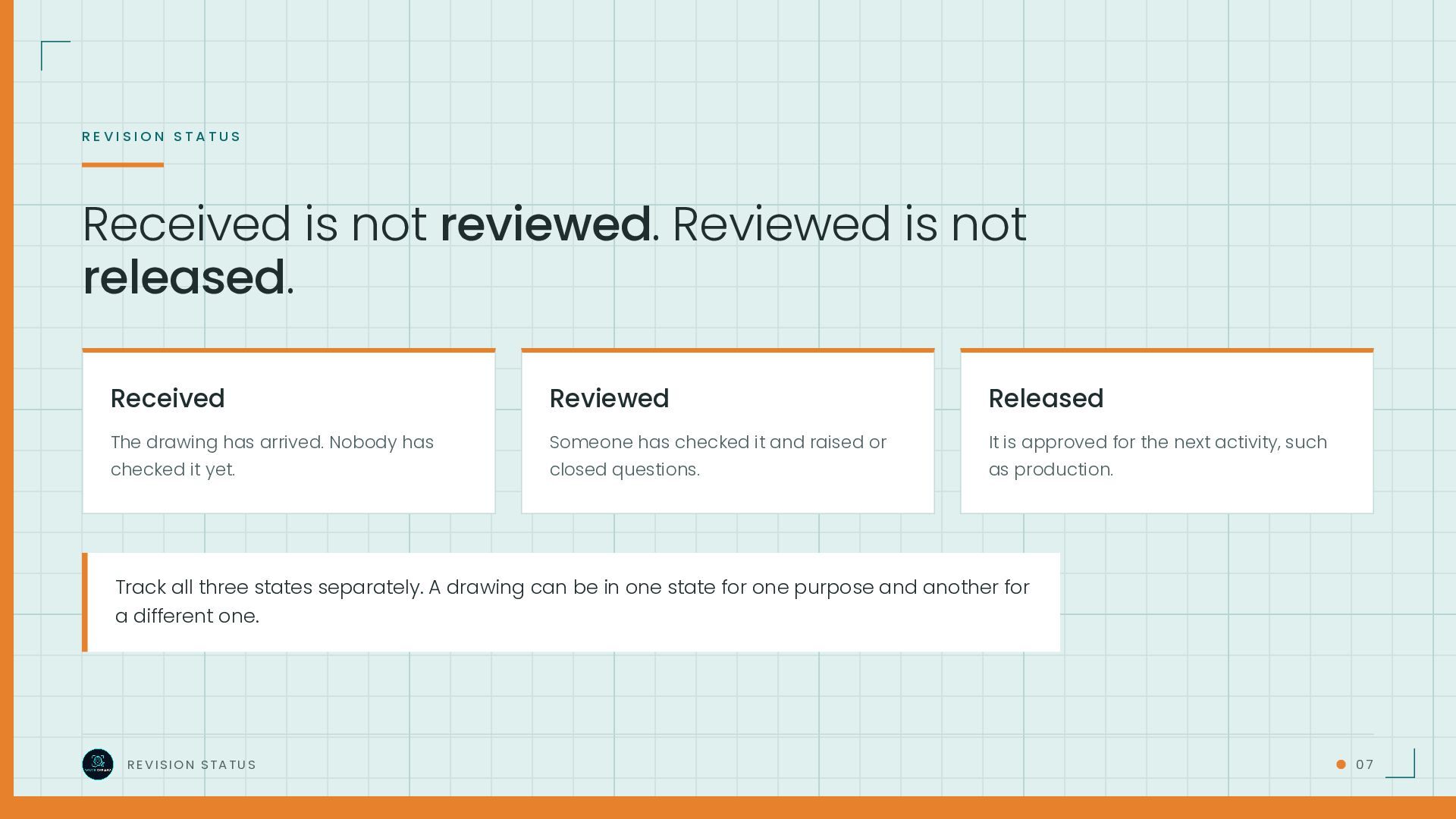
REVISION STATUS Received is not reviewed. Reviewed is not released.
Received Reviewed Released The drawing has arrived. Nobody has Someone has checked it and raised or It is approved for the next activity, such checked it yet. closed questions. as production. Track all three states separately. A drawing can be in one state for one purpose and another for a different one. REVISION STATUS 07 -
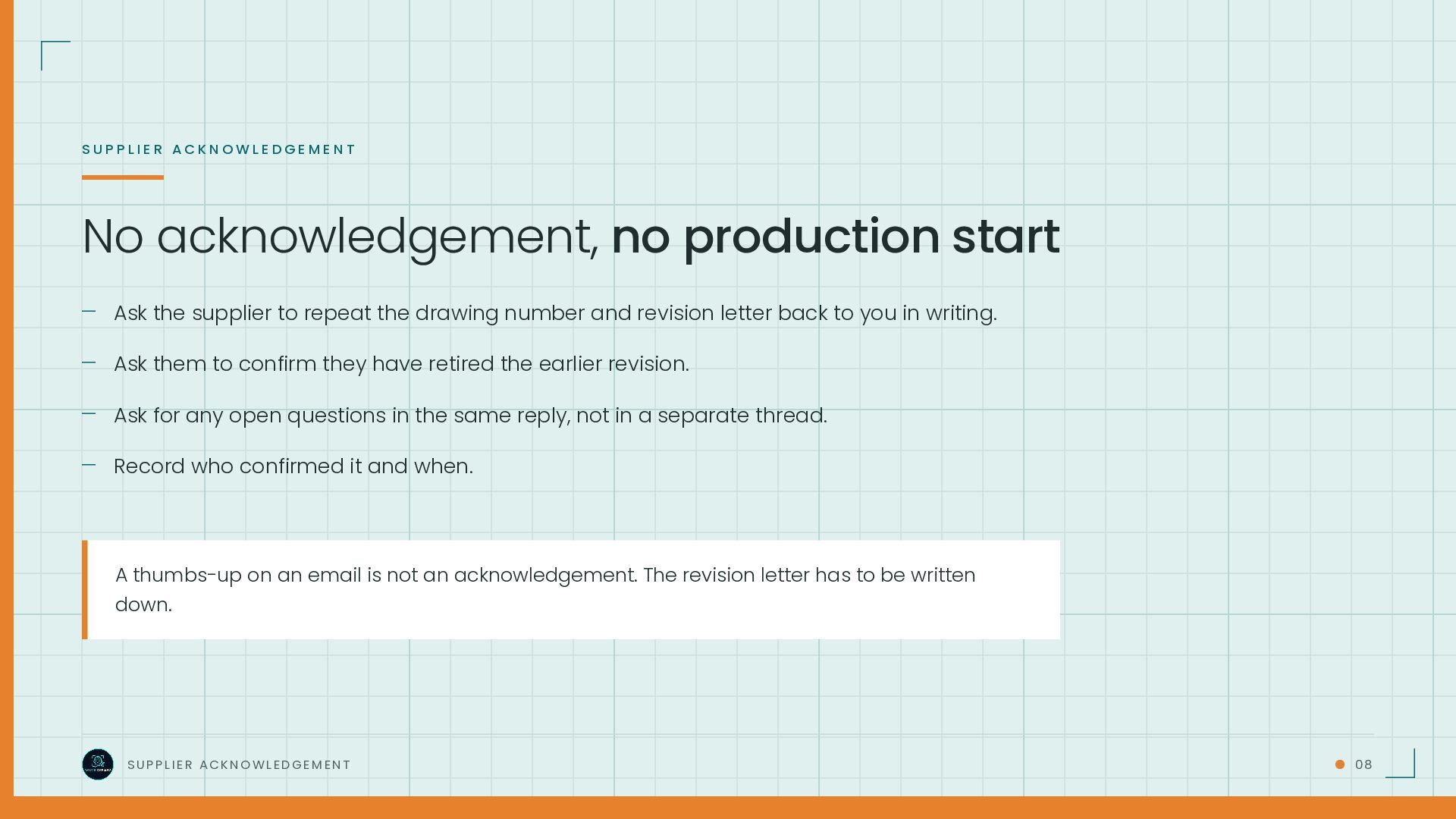
SUPPLIER ACKNOWLEDGEMENT No acknowledgement, no production start Ask the supplier
to repeat the drawing number and revision letter back to you in writing. Ask them to confirm they have retired the earlier revision. Ask for any open questions in the same reply, not in a separate thread. Record who confirmed it and when. A thumbs-up on an email is not an acknowledgement. The revision letter has to be written down. SUPPLIER ACKNOWLEDGEMENT 08 -
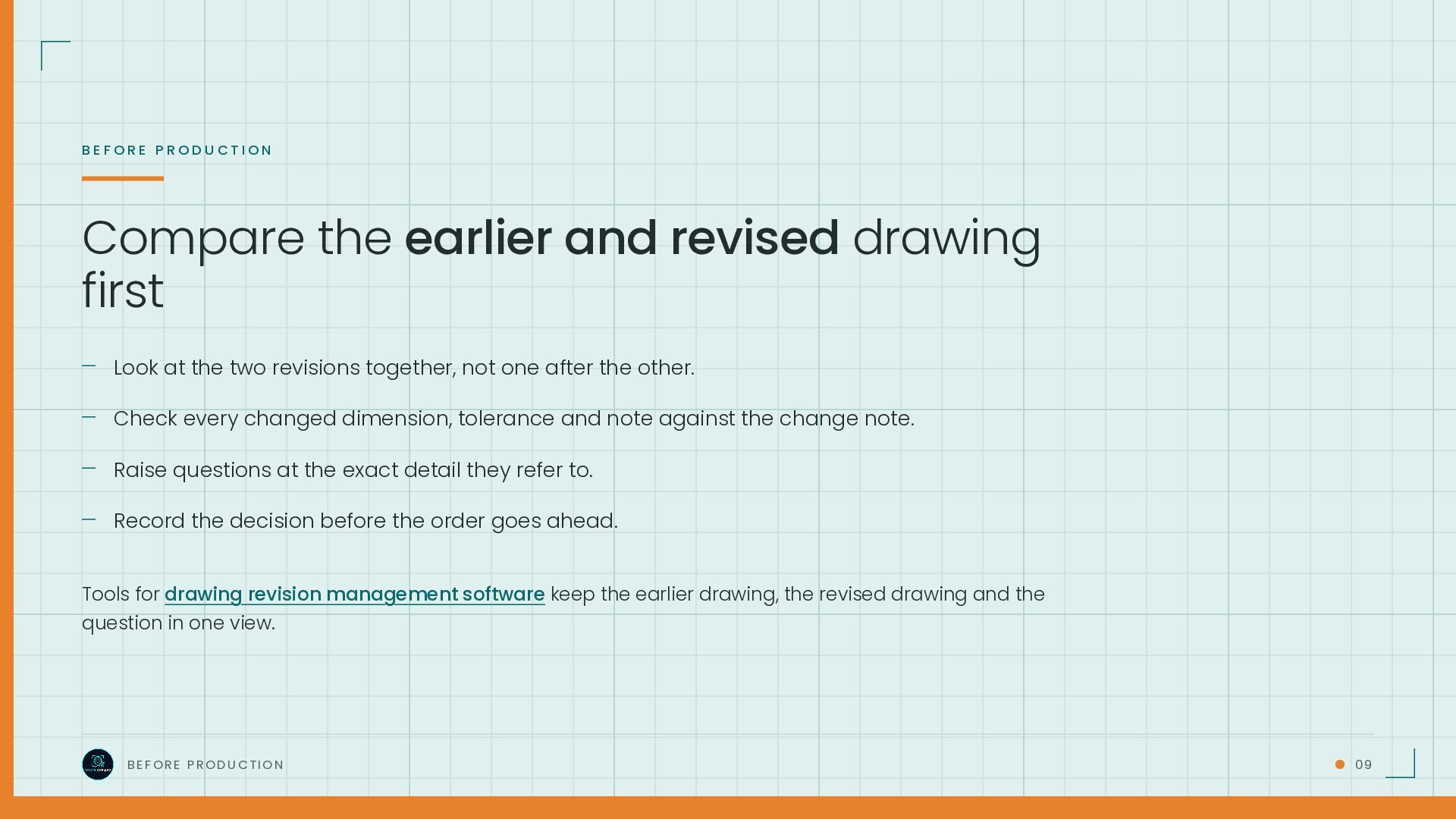
BEFORE PRODUCTION Compare the earlier and revised drawing first Look
at the two revisions together, not one after the other. Check every changed dimension, tolerance and note against the change note. Raise questions at the exact detail they refer to. Record the decision before the order goes ahead. Tools for drawing revision management software keep the earlier drawing, the revised drawing and the question in one view. BEFORE PRODUCTION 09 -
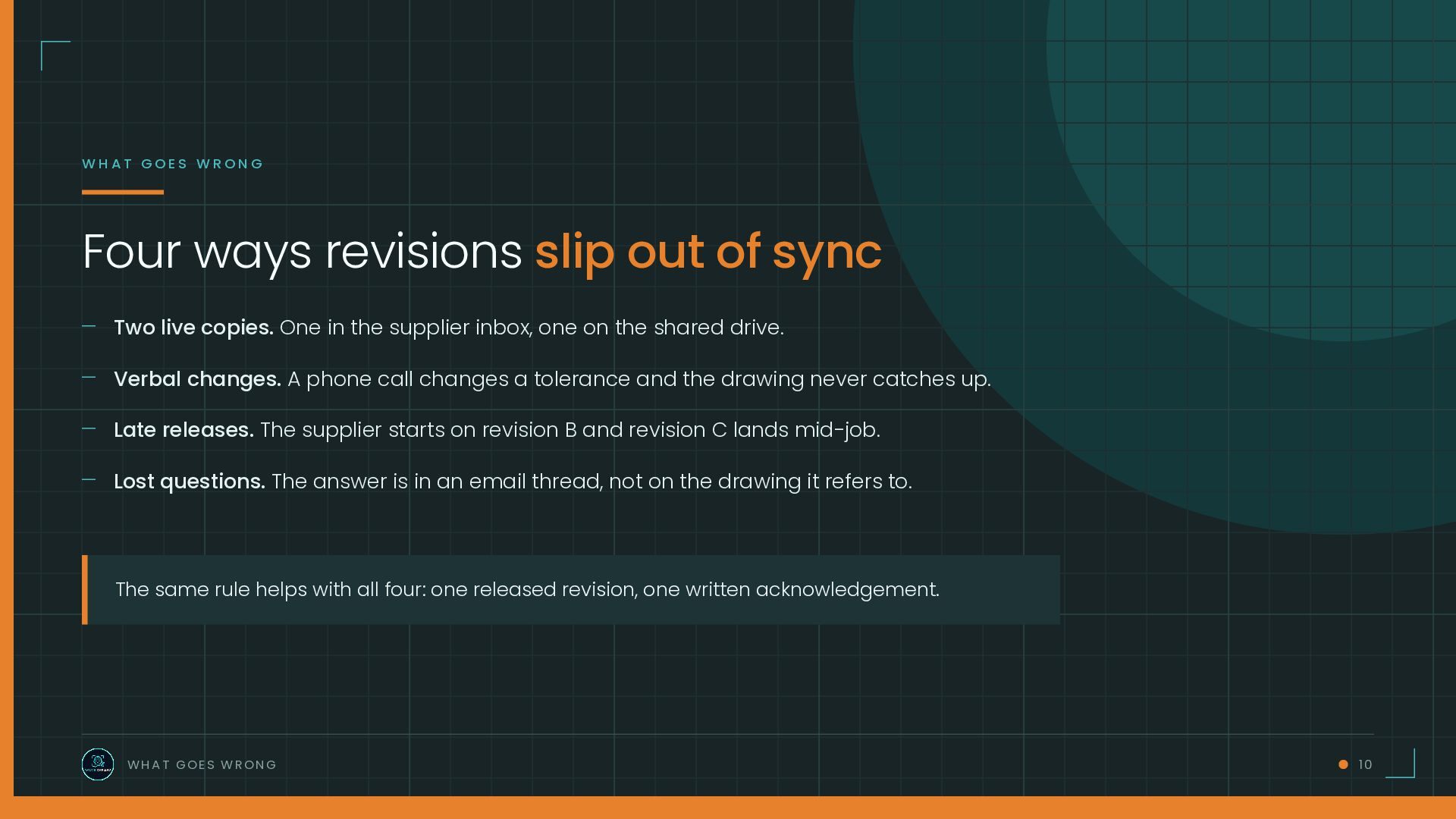
WHAT GOES WRONG Four ways revisions slip out of sync
Two live copies. One in the supplier inbox, one on the shared drive. Verbal changes. A phone call changes a tolerance and the drawing never catches up. Late releases. The supplier starts on revision B and revision C lands mid-job. Lost questions. The answer is in an email thread, not on the drawing it refers to. The same rule helps with all four: one released revision, one written acknowledgement. WHAT GOES WRONG 10 -
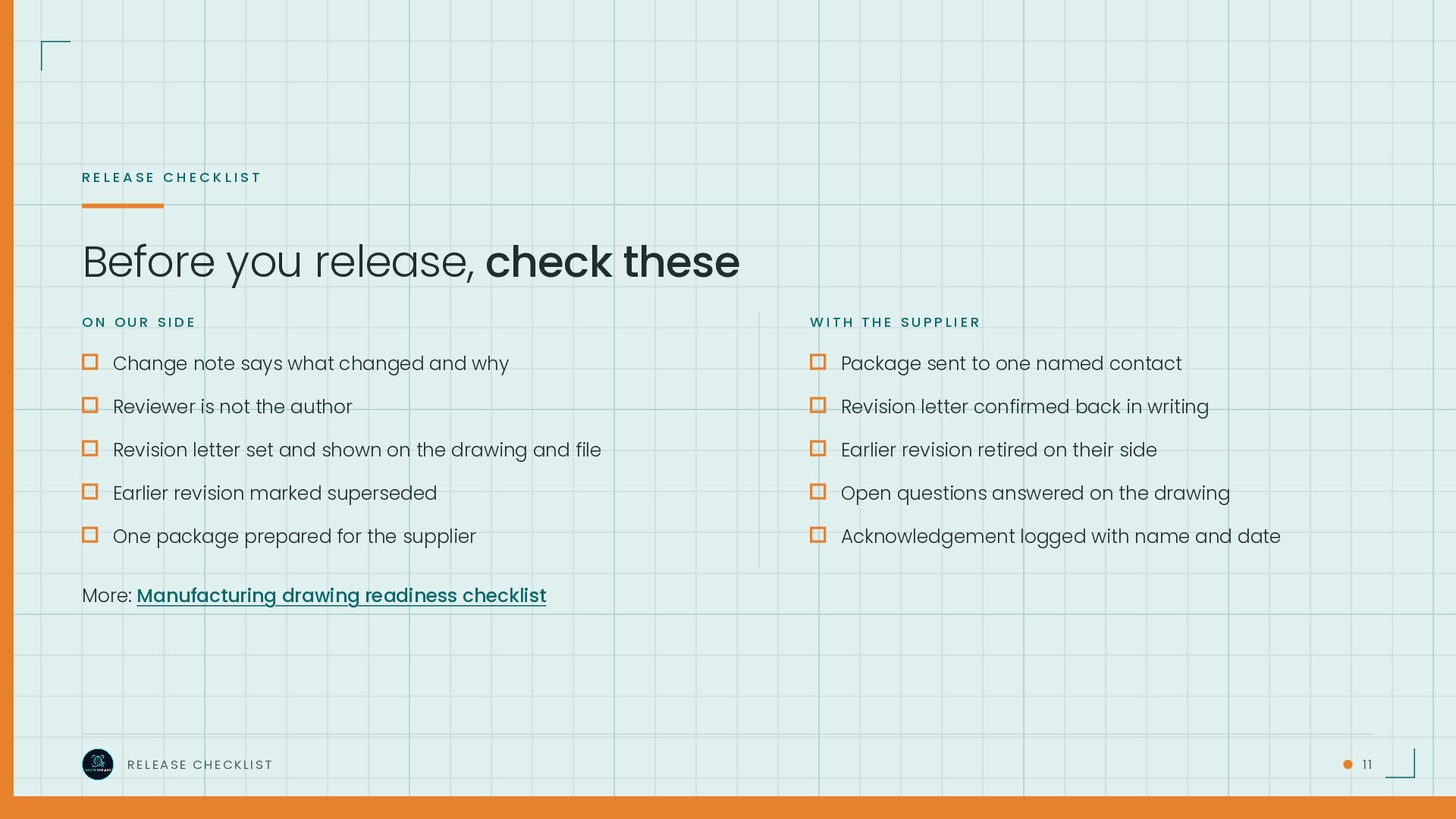
RELEASE CHECKLIST Before you release, check these ON OUR SIDE
WITH THE SUPPLIER Change note says what changed and why Package sent to one named contact Reviewer is not the author Revision letter confirmed back in writing Revision letter set and shown on the drawing and file Earlier revision retired on their side Earlier revision marked superseded Open questions answered on the drawing One package prepared for the supplier Acknowledgement logged with name and date More: Manufacturing drawing readiness checklist RELEASE CHECKLIST 11 -
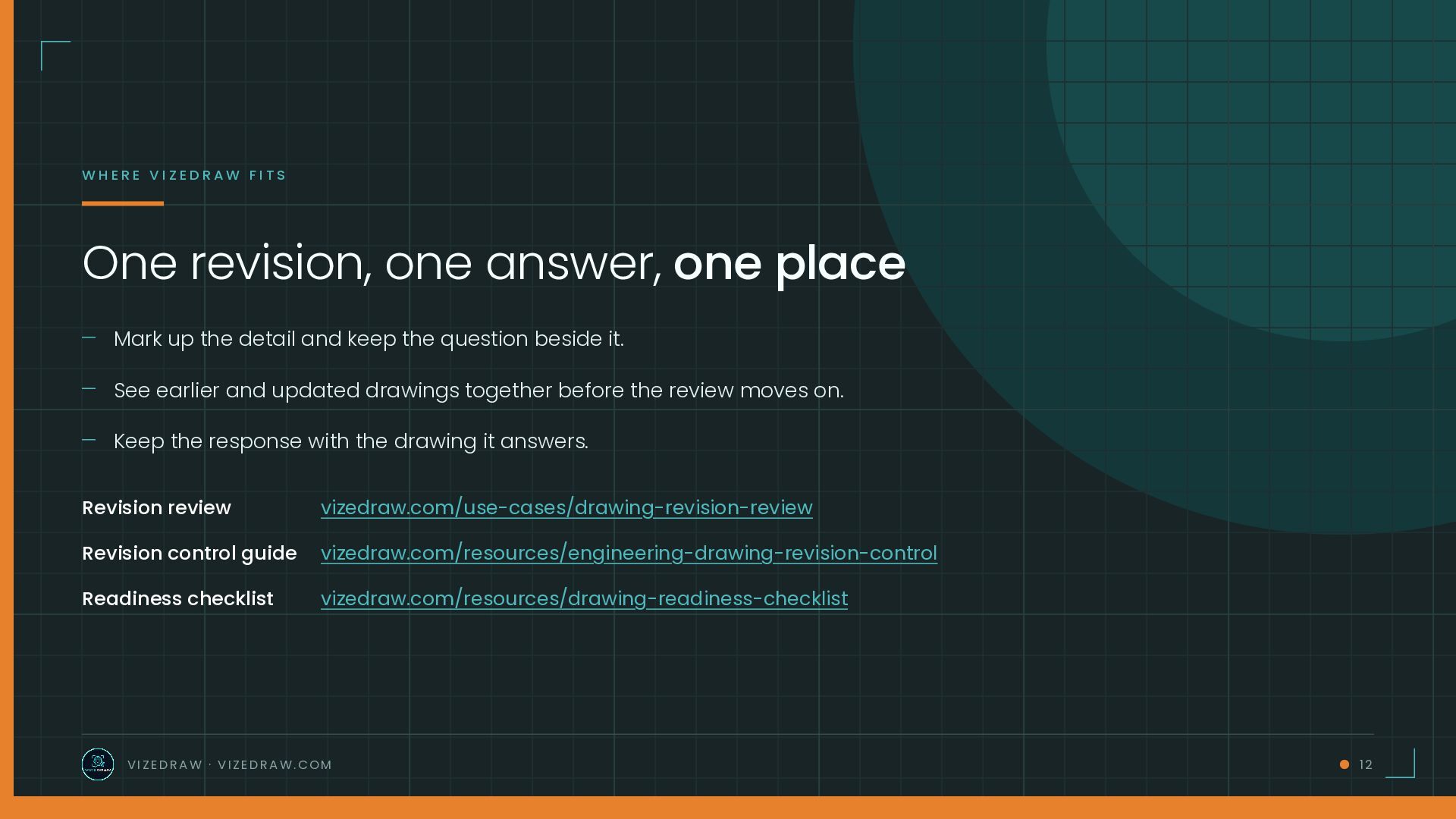
WHERE VIZEDRAW FITS One revision, one answer, one place Mark
up the detail and keep the question beside it. See earlier and updated drawings together before the review moves on. Keep the response with the drawing it answers. Revision review vizedraw.com/use-cases/drawing-revision-review Revision control guide vizedraw.com/resources/engineering-drawing-revision-control Readiness checklist vizedraw.com/resources/drawing-readiness-checklist VIZEDRAW · VIZEDRAW.COM 12