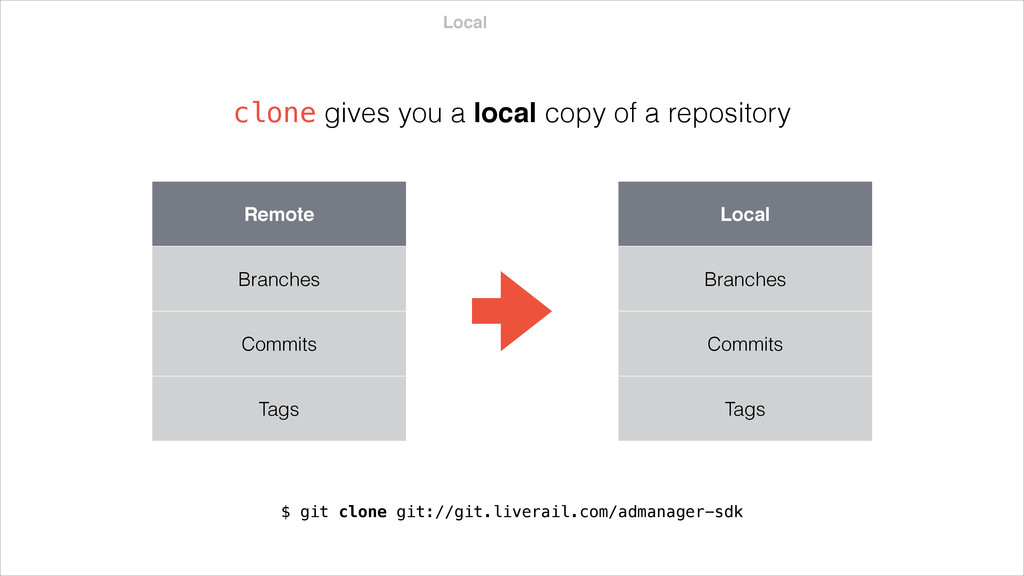
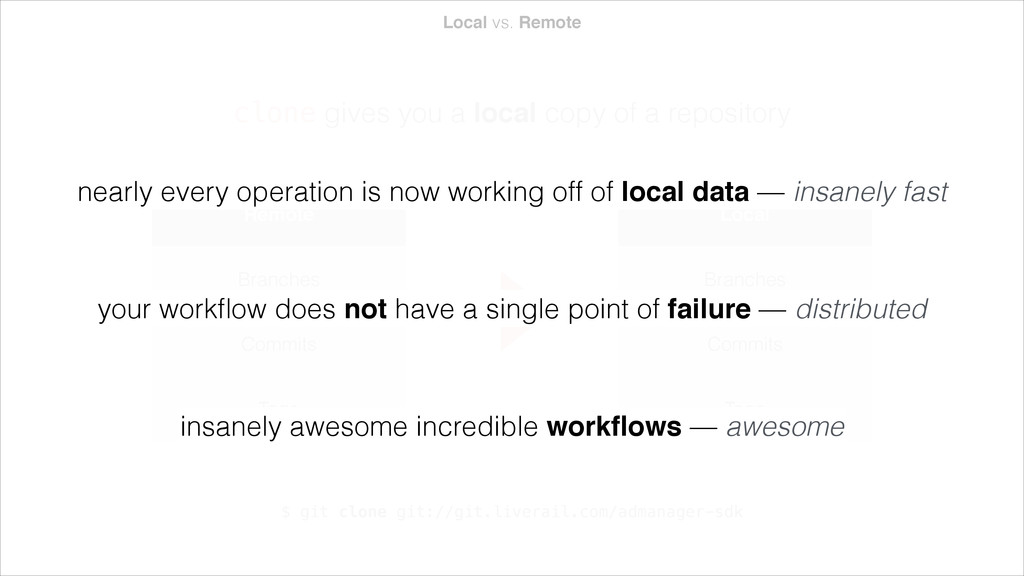
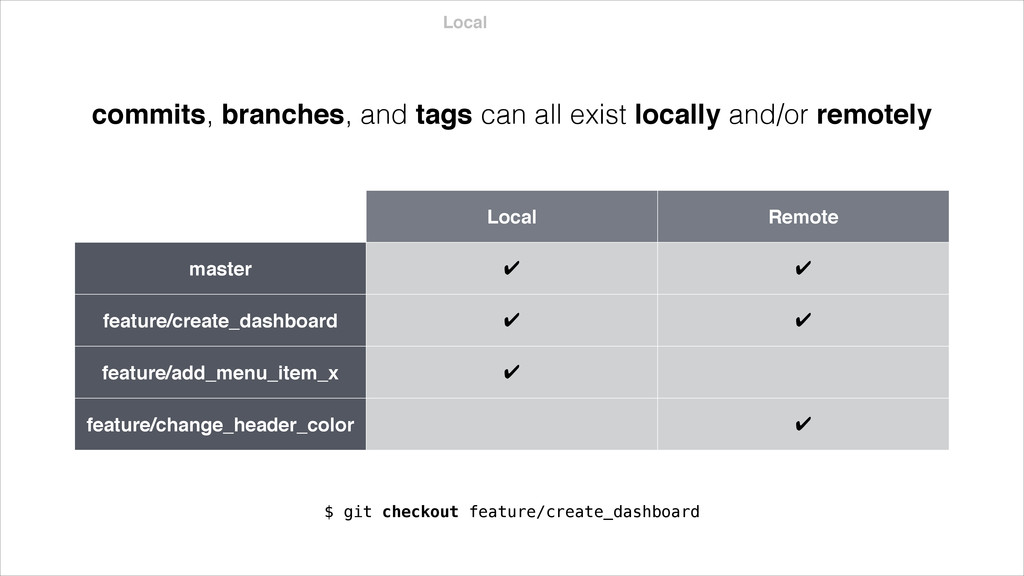
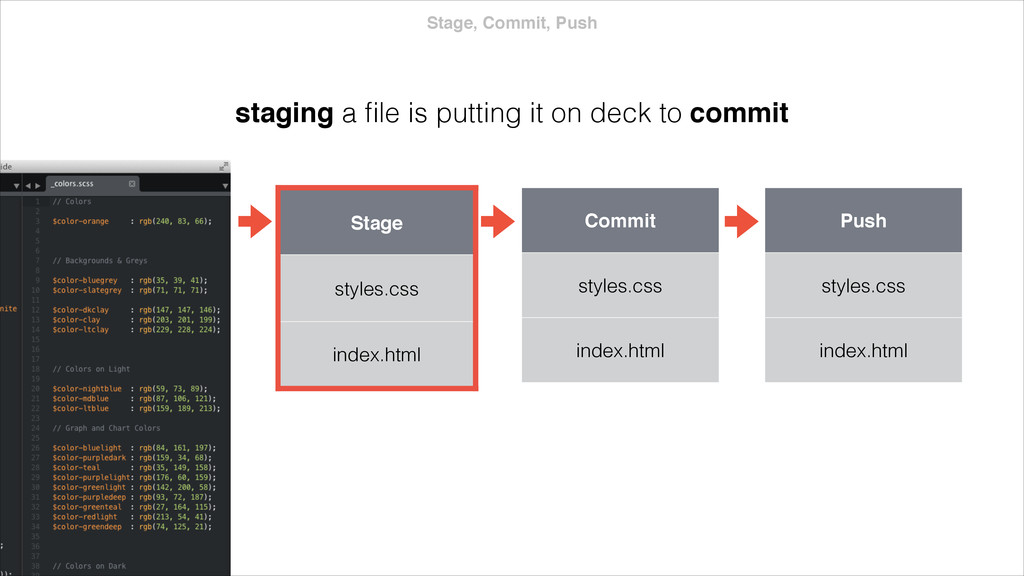
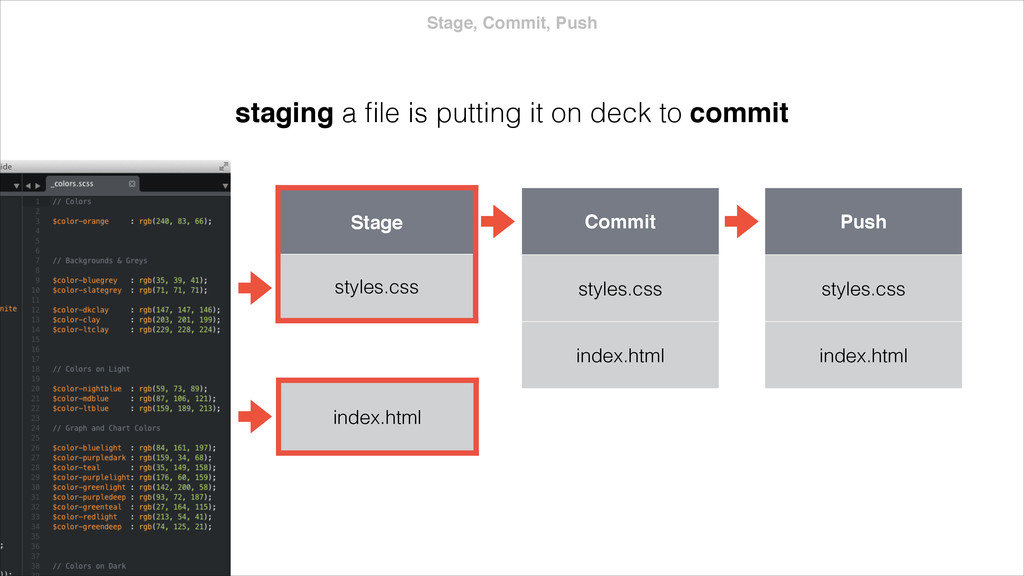
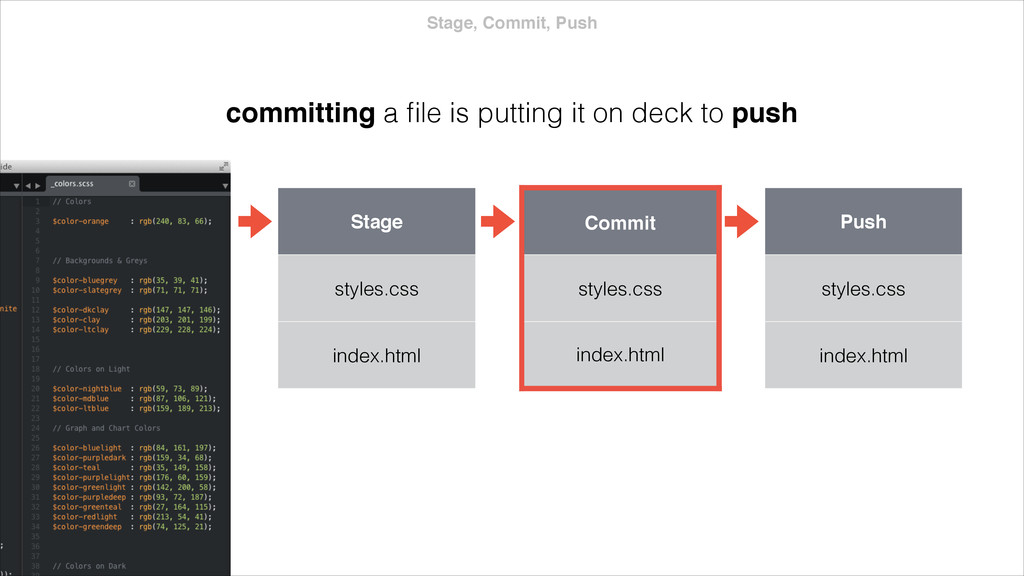
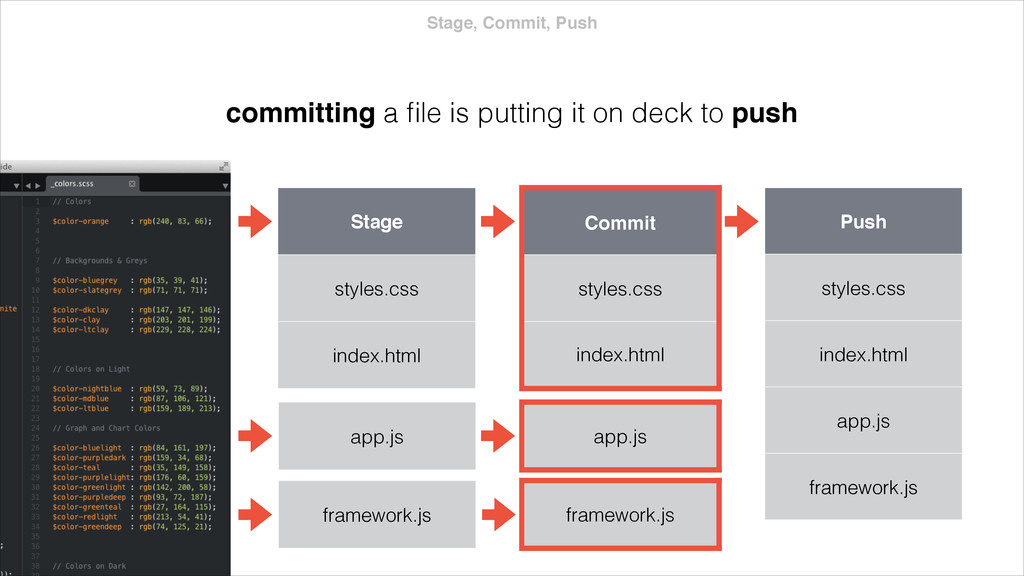
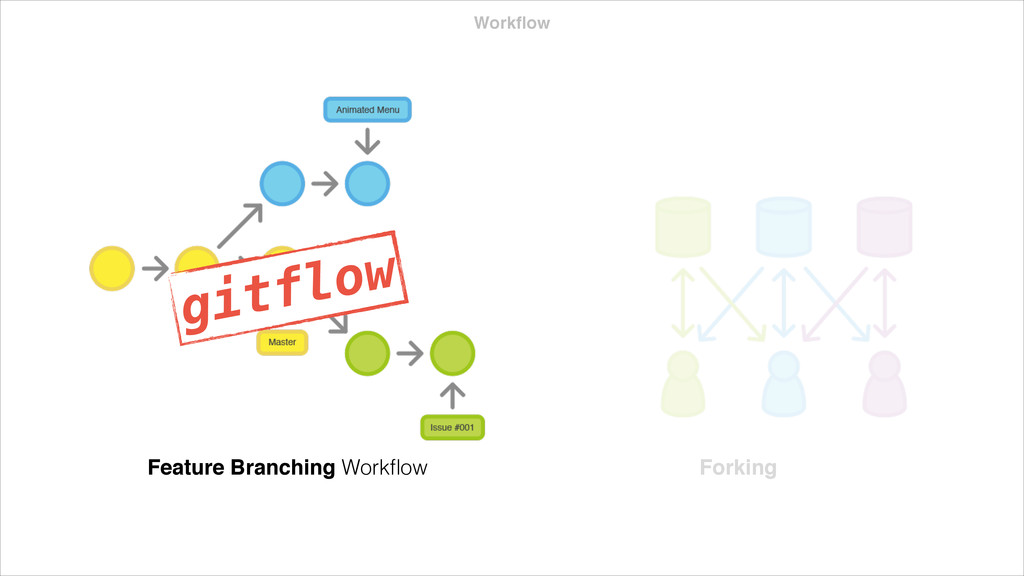
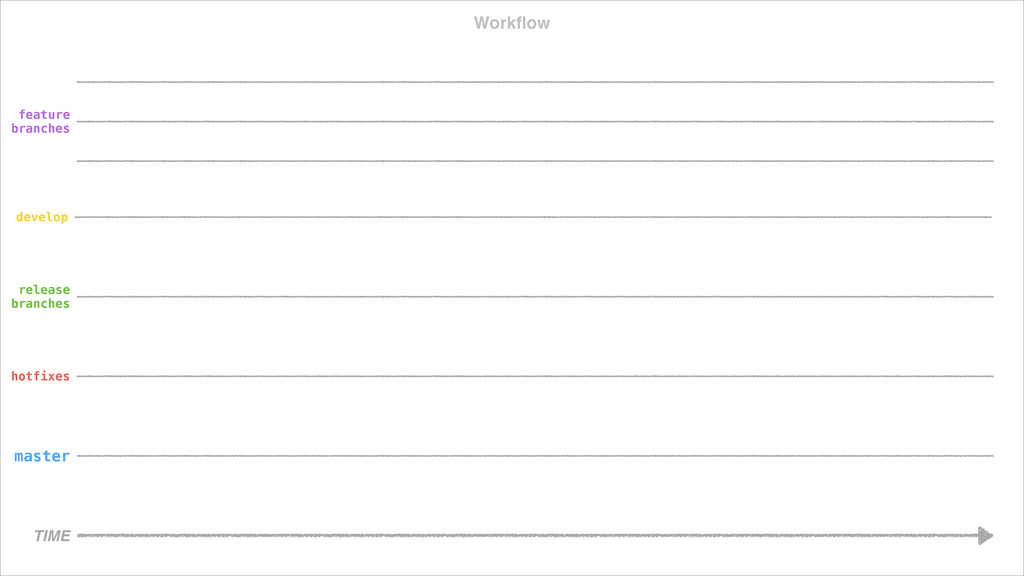
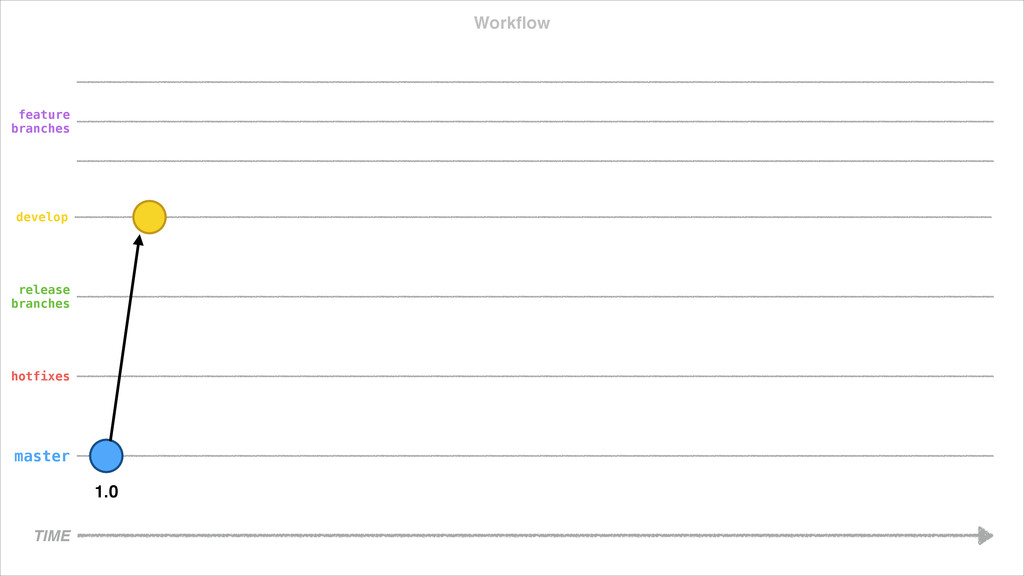
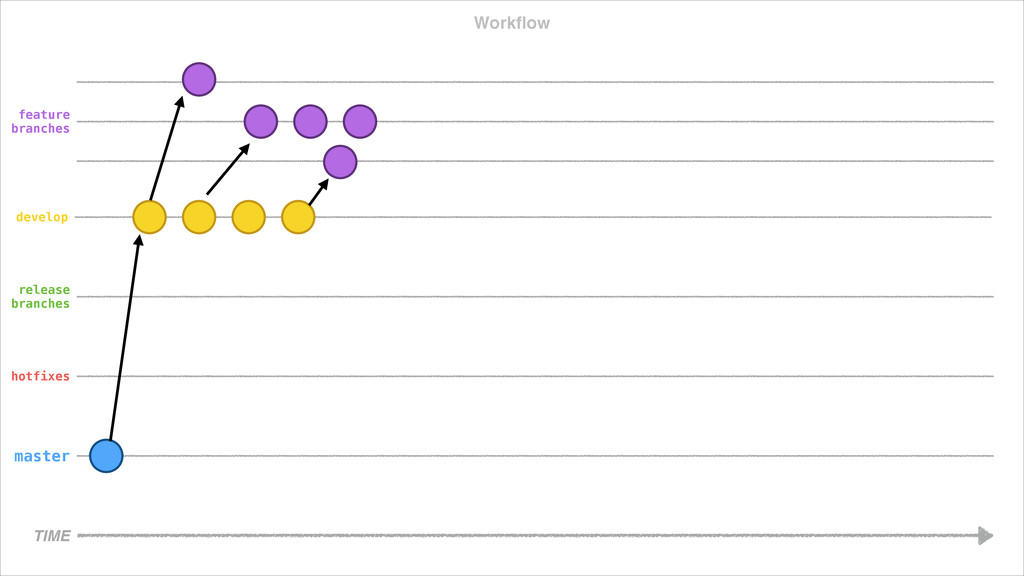
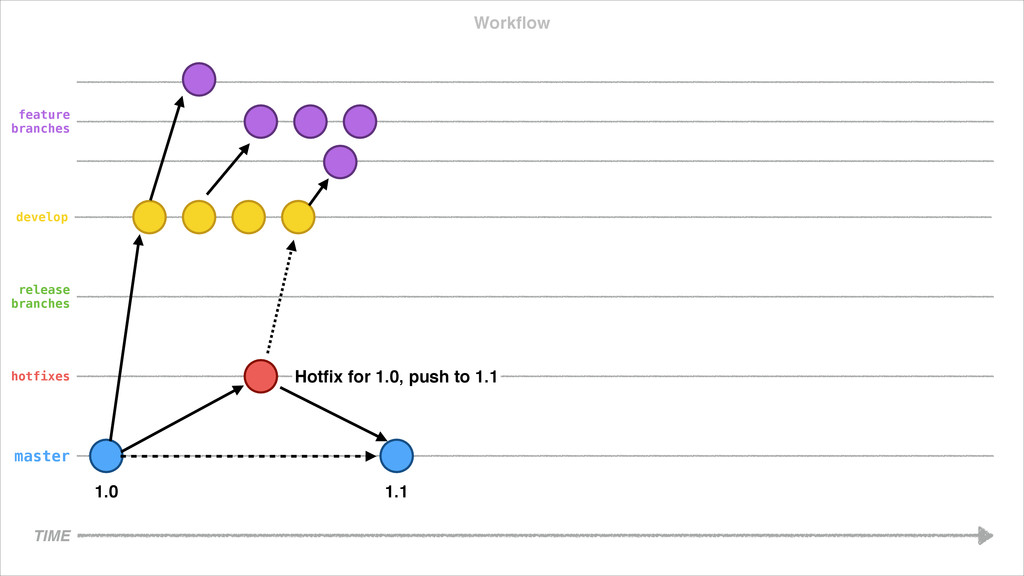
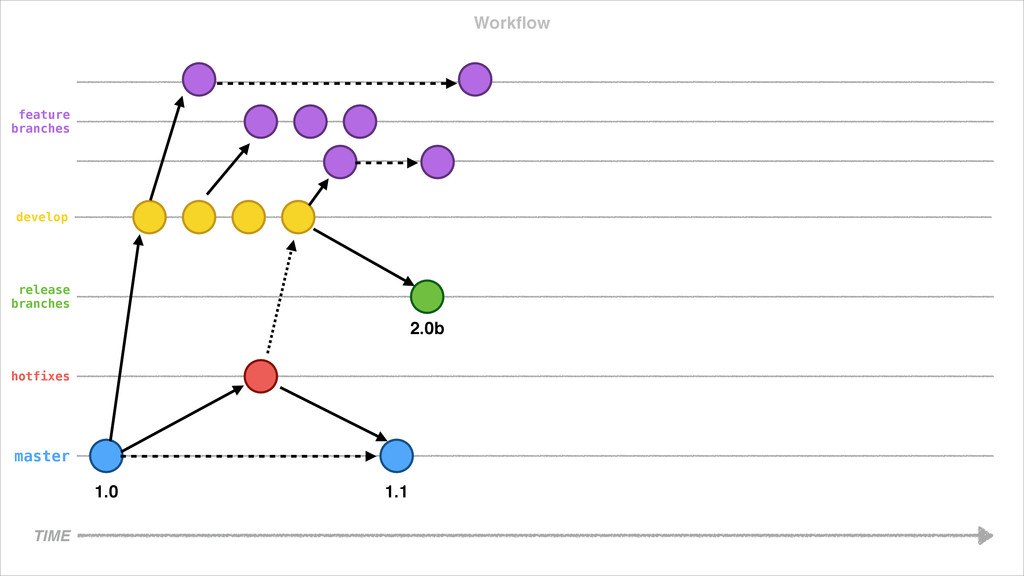
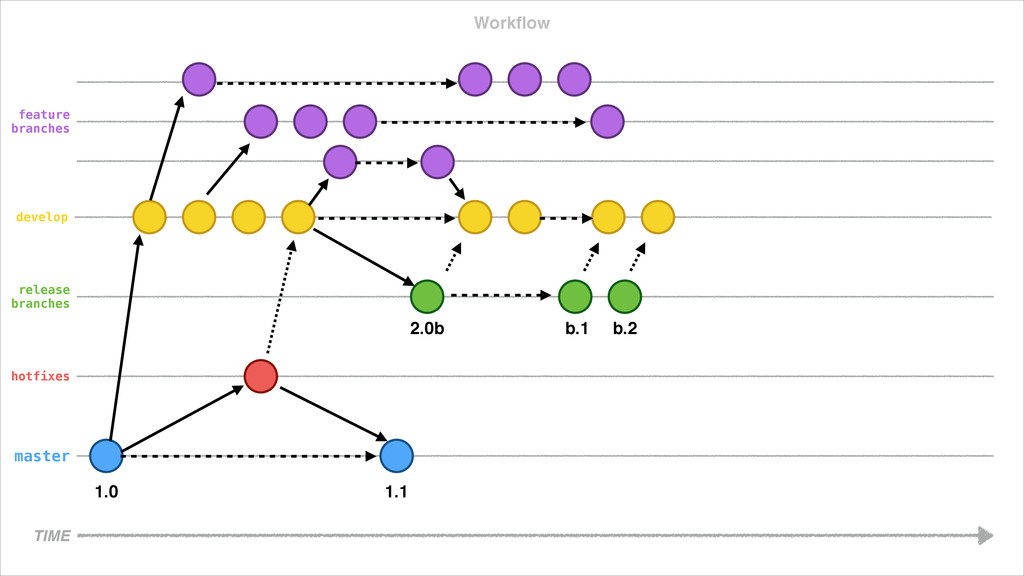
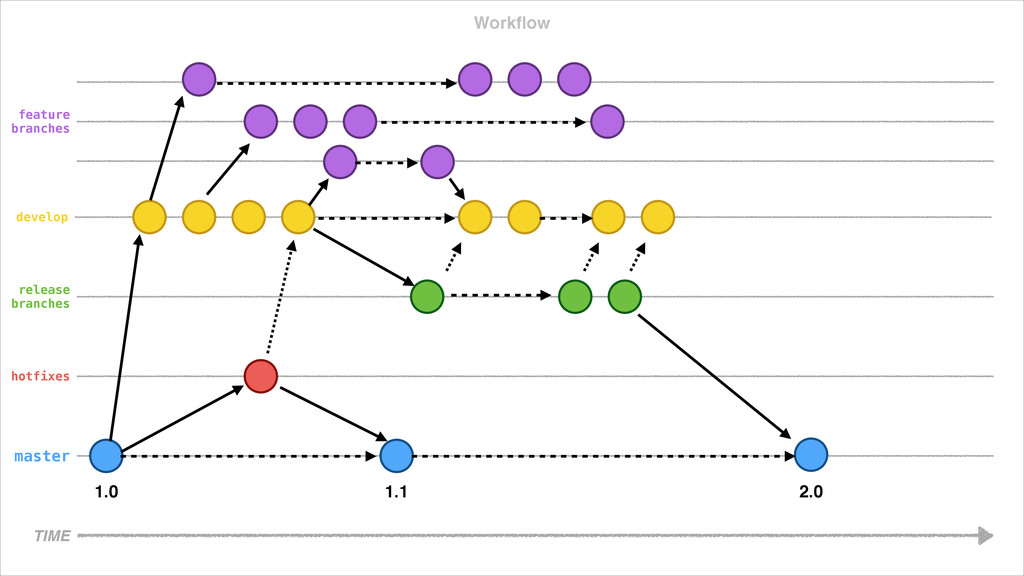
a repository Remote Branches Commits Tags Local Branches Commits Tags $ git clone git://git.liverail.com/admanager-sdk nearly every operation is now working off of local data — insanely fast your workflow does not have a single point of failure — distributed insanely awesome incredible workflows — awesome
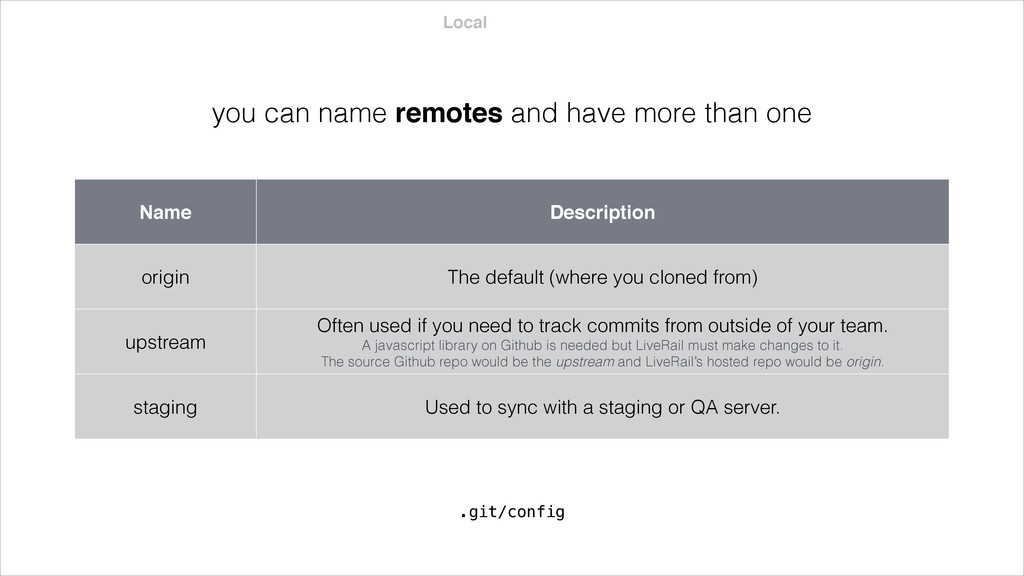
.git/config Name Description origin The default (where you cloned from) upstream Often used if you need to track commits from outside of your team. A javascript library on Github is needed but LiveRail must make changes to it. The source Github repo would be the upstream and LiveRail’s hosted repo would be origin. staging Used to sync with a staging or QA server.
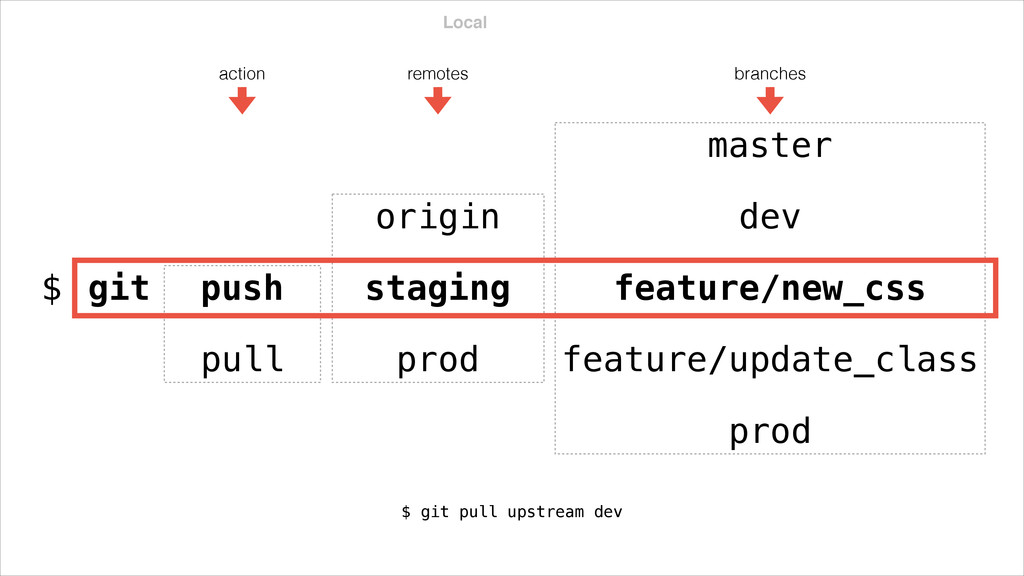
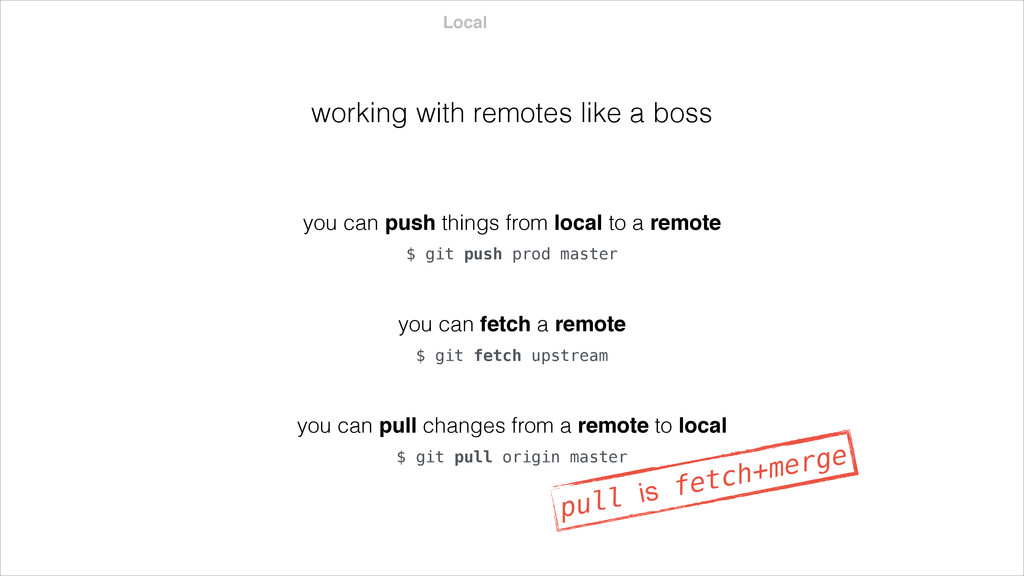
prod master you can push things from local to a remote $ git fetch upstream you can fetch a remote $ git pull origin master you can pull changes from a remote to local pull is fetch+merge
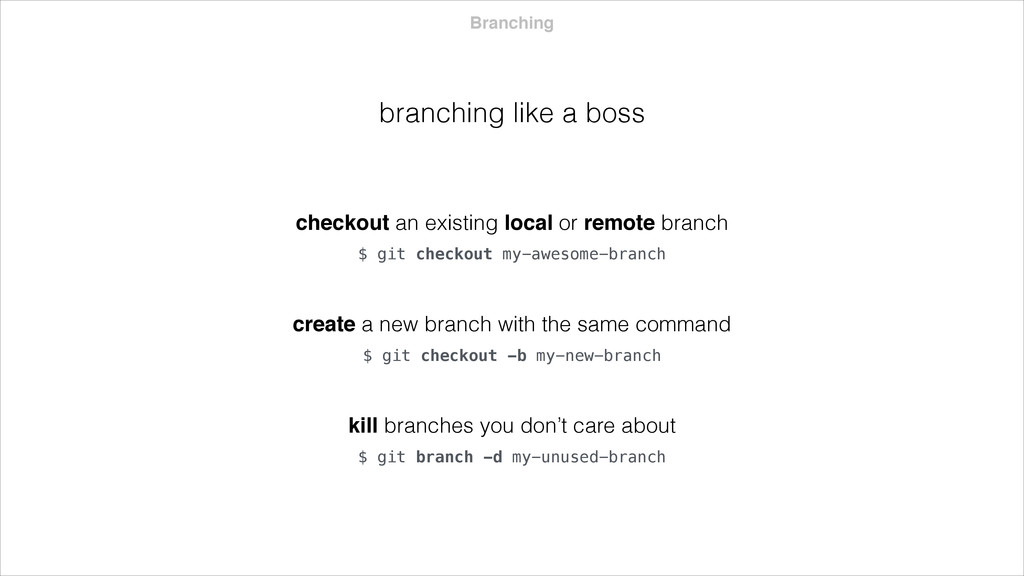
an existing local or remote branch $ git checkout -b my-new-branch create a new branch with the same command $ git branch -d my-unused-branch kill branches you don’t care about
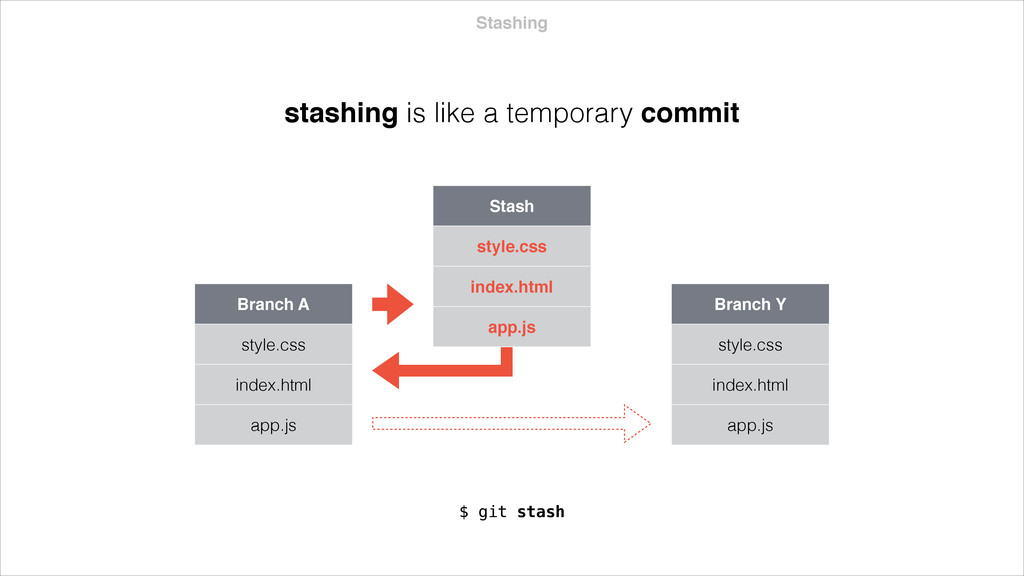
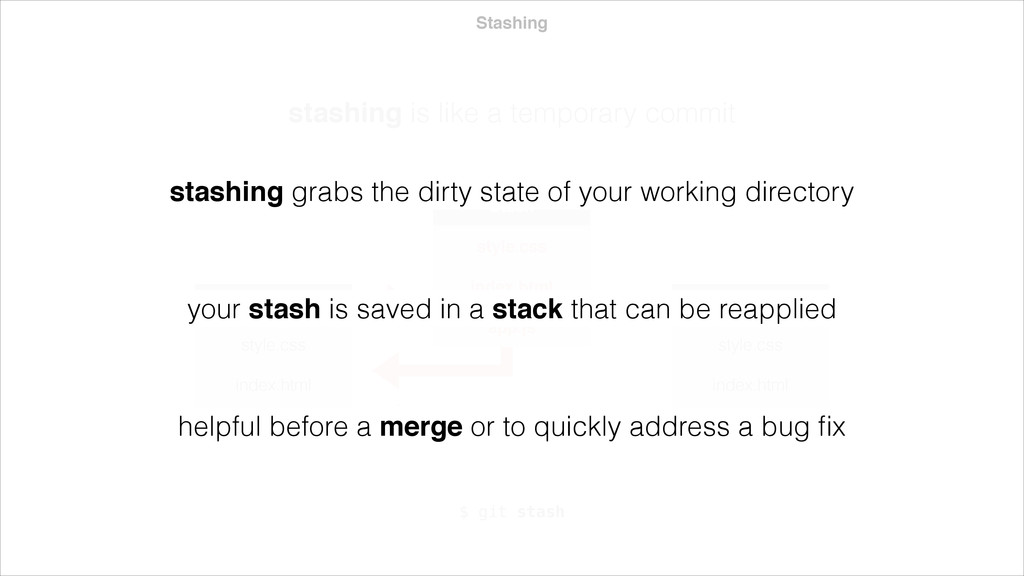
index.html app.js $ git stash Stash style.css index.html app.js Branch Y style.css index.html app.js stashing grabs the dirty state of your working directory your stash is saved in a stack that can be reapplied helpful before a merge or to quickly address a bug fix
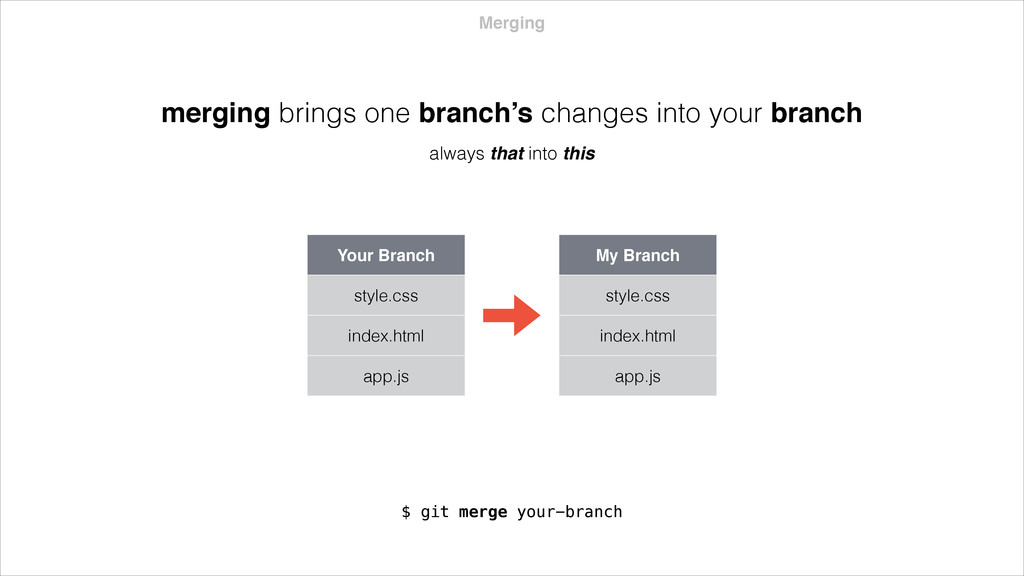
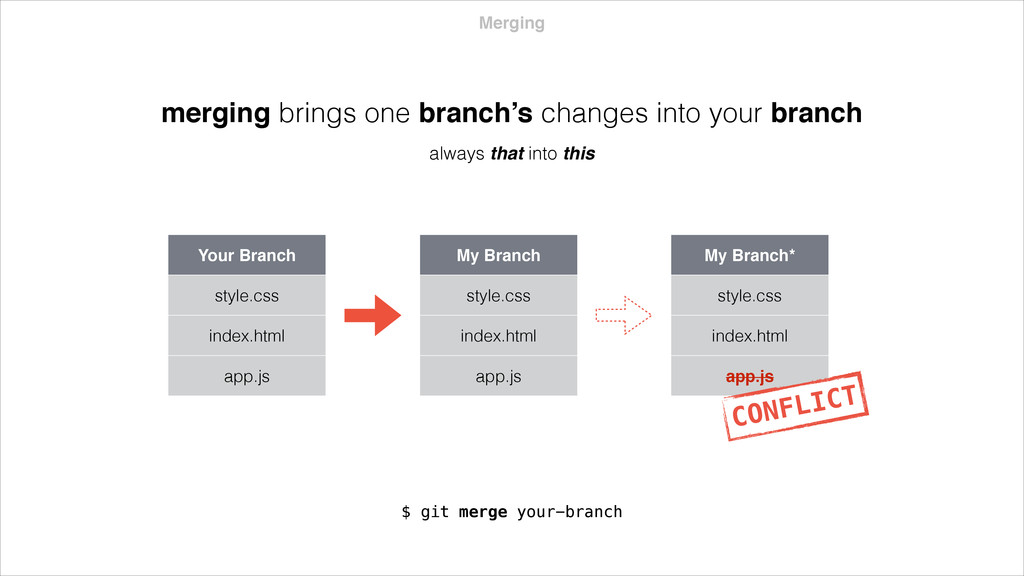
app.js My Branch* style.css index.html app.js CONFLICT merging brings one branch’s changes into your branch always that into this $ git merge your-branch
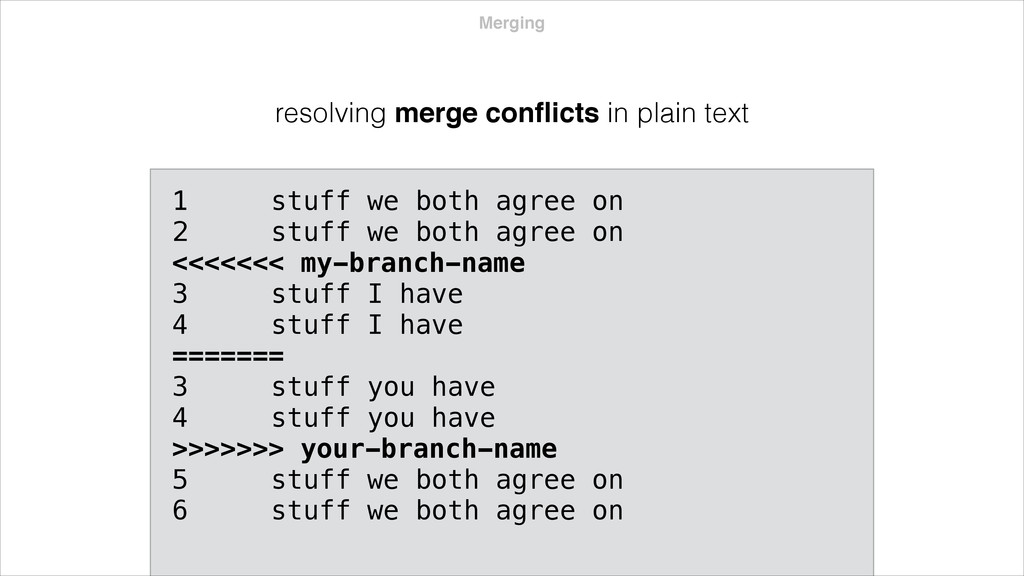
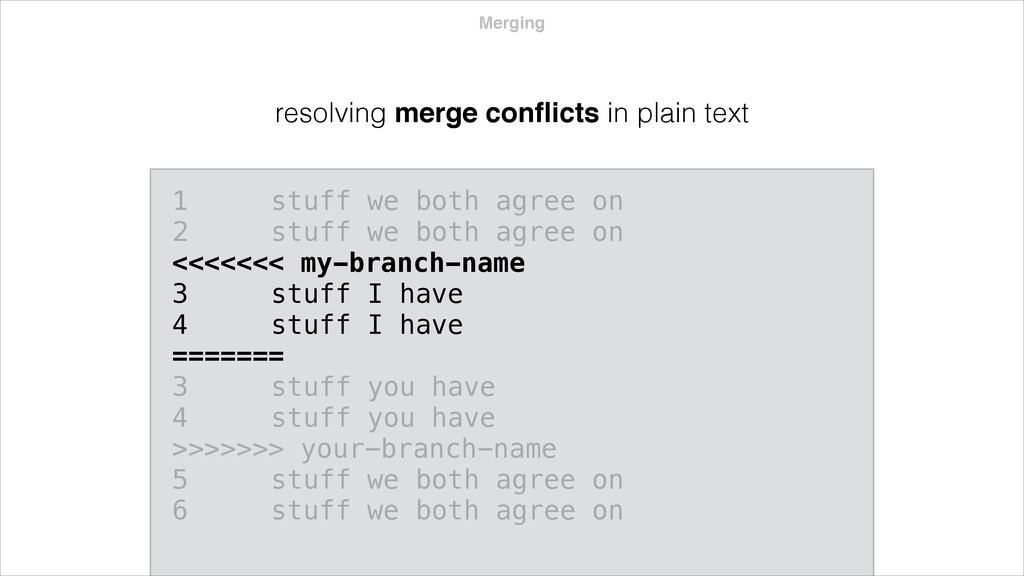
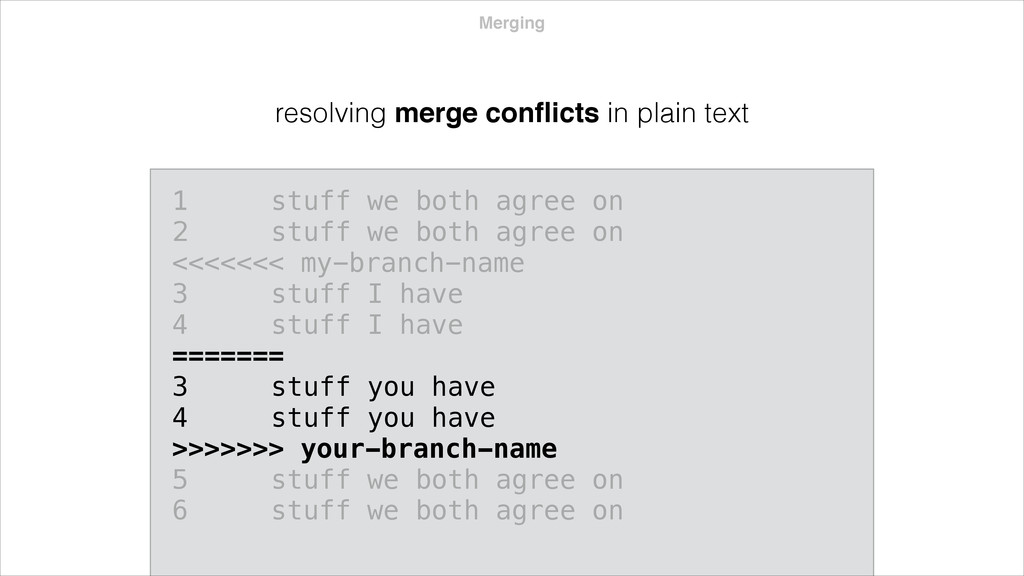
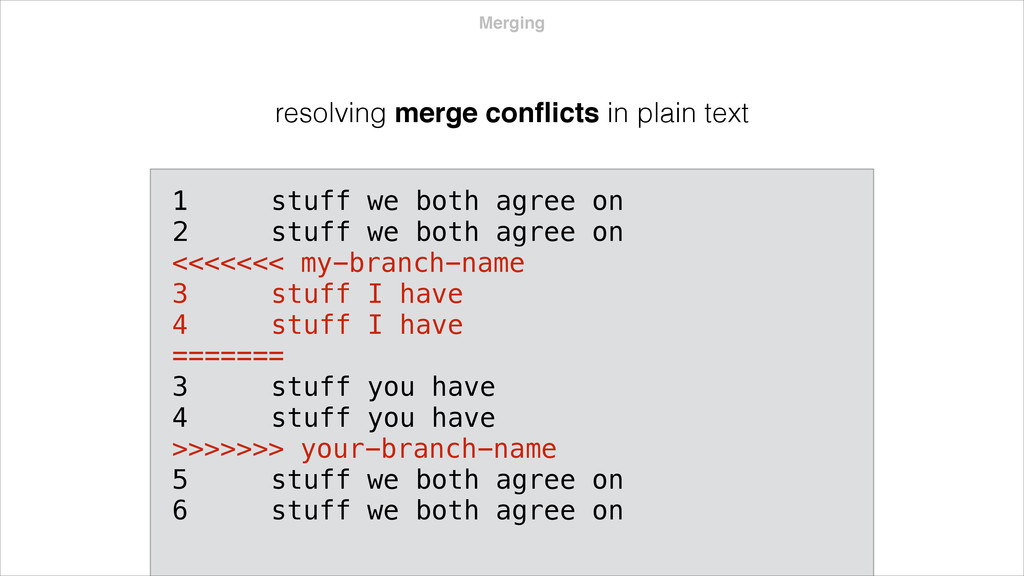
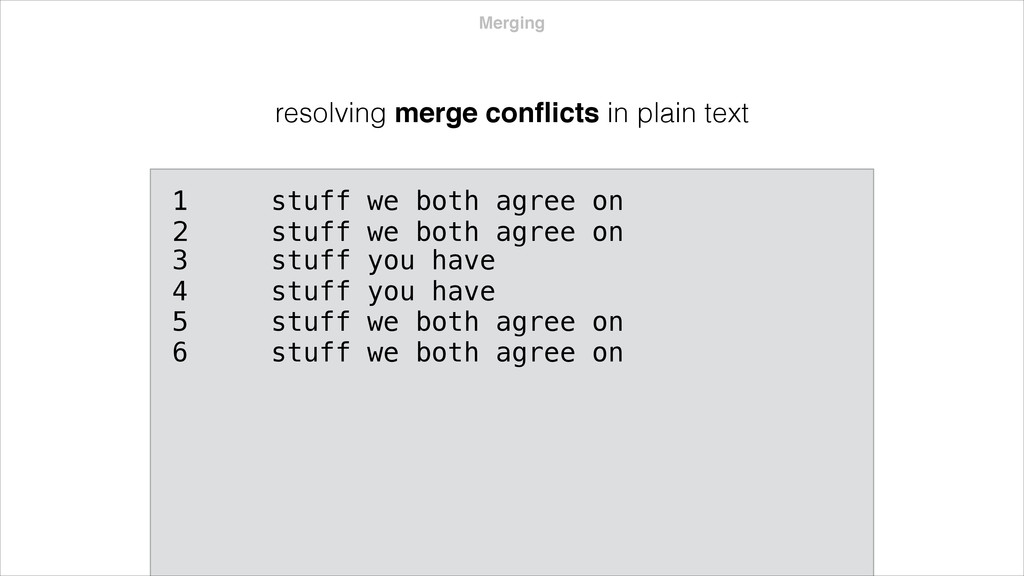
both agree on 2 stuff we both agree on <<<<<<< my-branch-name 3 stuff I have 4 stuff I have ======= 3 stuff you have 4 stuff you have >>>>>>> your-branch-name 5 stuff we both agree on 6 stuff we both agree on
both agree on 2 stuff we both agree on <<<<<<< my-branch-name 3 stuff I have 4 stuff I have ======= 3 stuff you have 4 stuff you have >>>>>>> your-branch-name 5 stuff we both agree on 6 stuff we both agree on
both agree on 2 stuff we both agree on <<<<<<< my-branch-name 3 stuff I have 4 stuff I have ======= 3 stuff you have 4 stuff you have >>>>>>> your-branch-name 5 stuff we both agree on 6 stuff we both agree on
both agree on 2 stuff we both agree on <<<<<<< my-branch-name 3 stuff I have 4 stuff I have ======= 3 stuff you have 4 stuff you have 5 stuff we both agree on 6 stuff we both agree on >>>>>>> your-branch-name


 ryu1013
 optim
optim
 econanringo
 koic
koic
 kmars0605
 guaca
guaca
 hschwentner
 satoshi256kbyte
 skydoves
 drumath2237
 kasacchiful
 oniak3ibm
 sarafernandez
 keathley
 andyhume
 marcduiker
 sstephenson
 bryan
bryan
 yeseniaperezcruz
.png) helenjbeal
helenjbeal
 addyosmani
 tmiket
 codingconduct
 oripsolob
![Travis Vocino Product Designer [email protected]](https://files.speakerdeck.com/presentations/fceb3c90d8b801317e0b66c362724819/slide_0.jpg)