Share
Embed
Introduction to Ember Data 2.0
A basic introduction to Ember Data 2.0 with a couple of deep dives in customizing adapters and serializers.
Christoffer Persson
October 24, 2015
Transcript
75 slides
-
DEFINING MODELS export default DS.Model.extend({ // models/user.js firstName: DS.attr(), lastName:
DS.attr(), age: DS.attr(), isAdmin: DS.attr(), company: DS.belongsTo() }); export default DS.Model.extend({ // models/company.js name: DS.attr(), users: DS.hasMany() }); -
DEFINING MODELS export default DS.Model.extend({ // models/user.js firstName: DS.attr(), lastName:
DS.attr(), age: DS.attr(), isAdmin: DS.attr(), company: DS.belongsTo('company') }); export default DS.Model.extend({ // models/company.js name: DS.attr(), users: DS.hasMany('user') }); -
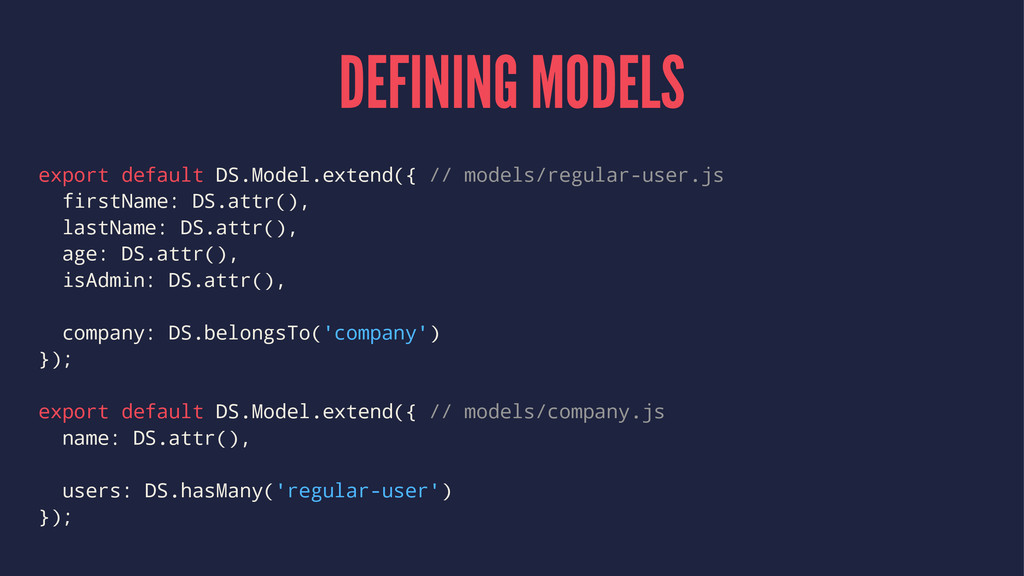
DEFINING MODELS export default DS.Model.extend({ // models/regular-user.js firstName: DS.attr(), lastName:
DS.attr(), age: DS.attr(), isAdmin: DS.attr(), company: DS.belongsTo('company') }); export default DS.Model.extend({ // models/company.js name: DS.attr(), users: DS.hasMany('regular-user') }); -
BEST PRACTICES ▸ Use camelCase for model properties ▸ Use
dash-case when referencing a model -
DEFINING MODELS export default DS.Model.extend({ // models/regular-user.js firstName: DS.attr(), lastName:
DS.attr(), age: DS.attr(), isAdmin: DS.attr(), company: DS.belongsTo('company') }); export default DS.Model.extend({ // models/company.js name: DS.attr(), users: DS.hasMany('regular-user') }); -
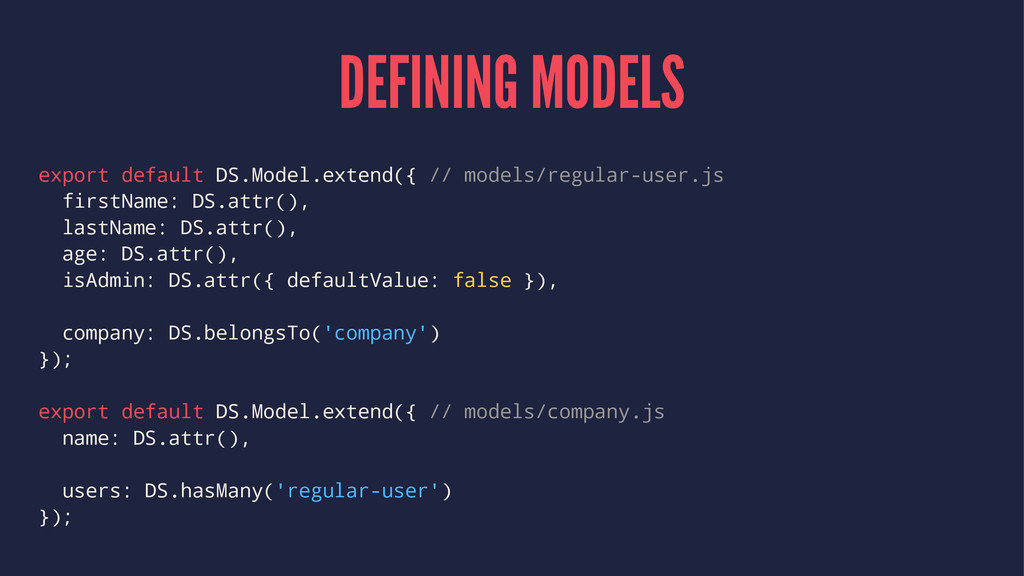
DEFINING MODELS export default DS.Model.extend({ // models/regular-user.js firstName: DS.attr(), lastName:
DS.attr(), age: DS.attr(), isAdmin: DS.attr({ defaultValue: false }), company: DS.belongsTo('company') }); export default DS.Model.extend({ // models/company.js name: DS.attr(), users: DS.hasMany('regular-user') }); -
DEFINING MODELS export default DS.Model.extend({ // models/regular-user.js firstName: DS.attr('string'), lastName:
DS.attr('string'), age: DS.attr('number'), isAdmin: DS.attr('boolean', { defaultValue: false }), company: DS.belongsTo('company') }); export default DS.Model.extend({ // models/company.js name: DS.attr('string'), users: DS.hasMany('regular-user') }); -
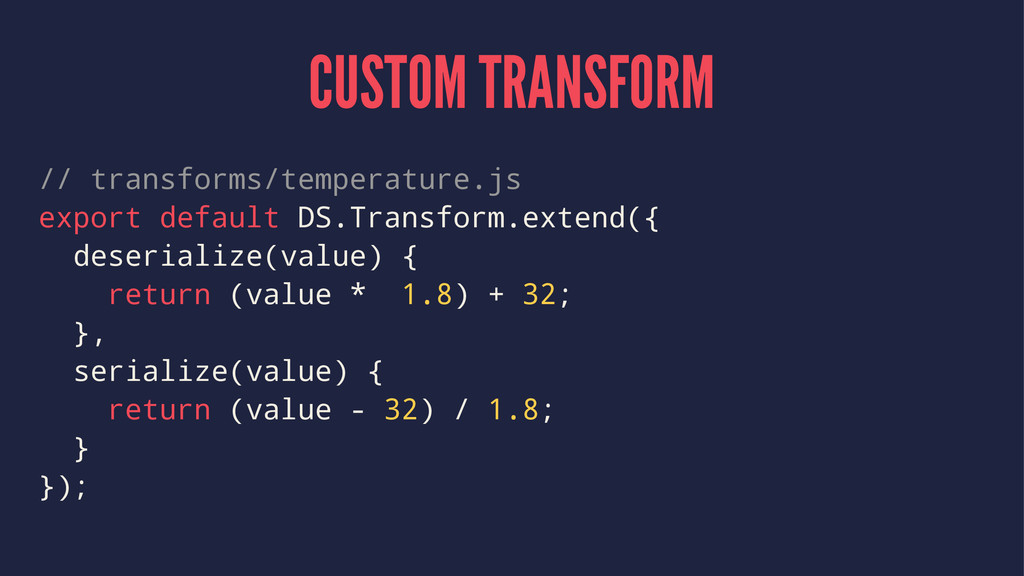
CUSTOM TRANSFORM // transforms/temperature.js export default DS.Transform.extend({ deserialize(value) { return
(value * 1.8) + 32; }, serialize(value) { return (value - 32) / 1.8; } }); -
CUSTOM TRANSFORM // models/weather-forecast.js export default DS.Model.extend({ date: DS.attr('date'), highest:
DS.attr('temperature'), lowest: DS.attr('temperature') }); -
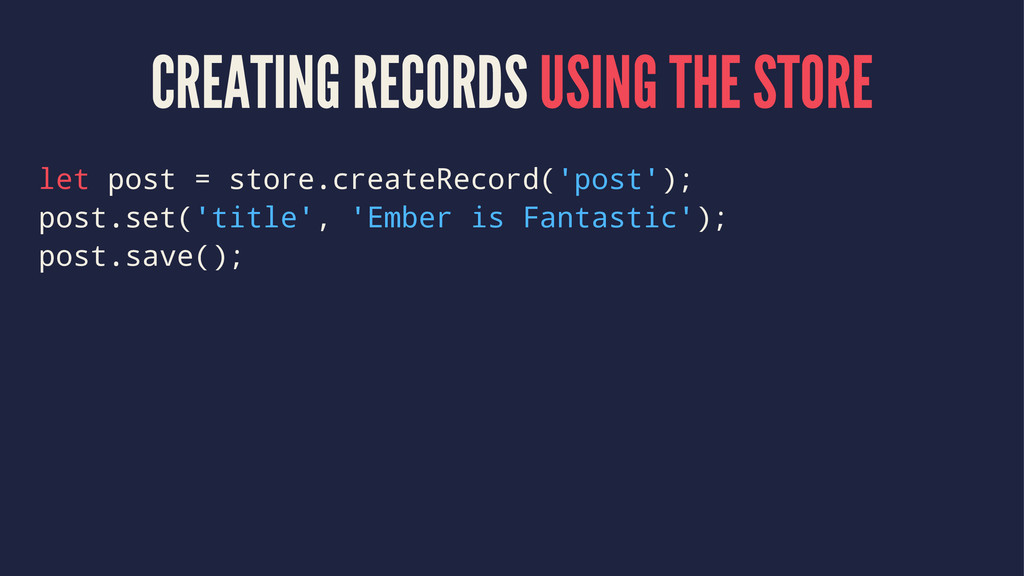
CREATING RECORDS USING THE STORE let post = store.createRecord('post'); post.set('title',
'Ember is Fantastic'); post.save(); -
CREATING RECORDS USING THE STORE let post = store.createRecord('post', {
title: 'Ember is Fantastic' }); post.save(); -
FINDING DATA USING THE STORE // GET /posts store.findAll('post').then((posts) =>
{ // ... }); // GET /posts/1 store.findRecord('post', 1).then((post) => { // ... }); -
DEFAULT RELOADING IN EMBER DATA 2.0 findAll(type) ▸ If no
records with matching type are present in the store, fetch and wait for promise to resolve. ▸ If there's at least one record already in the store, resolve immediately and schedule a background reload. -
DEFAULT RELOADING IN EMBER DATA 2.0 findRecord(type, id) ▸ If
no record with matching type and id is present in the store, fetch and wait for promise to resolve. ▸ If a record is already in the store, return immediately and schedule a background reload. -
FORCE FRESH DATA // GET /posts store.findAll('post', { reload: true
}).then((posts) => { // ... }); // GET /posts/1 store.findRecord('post', 1, { reload: true }).then((post) => { // ... }); -
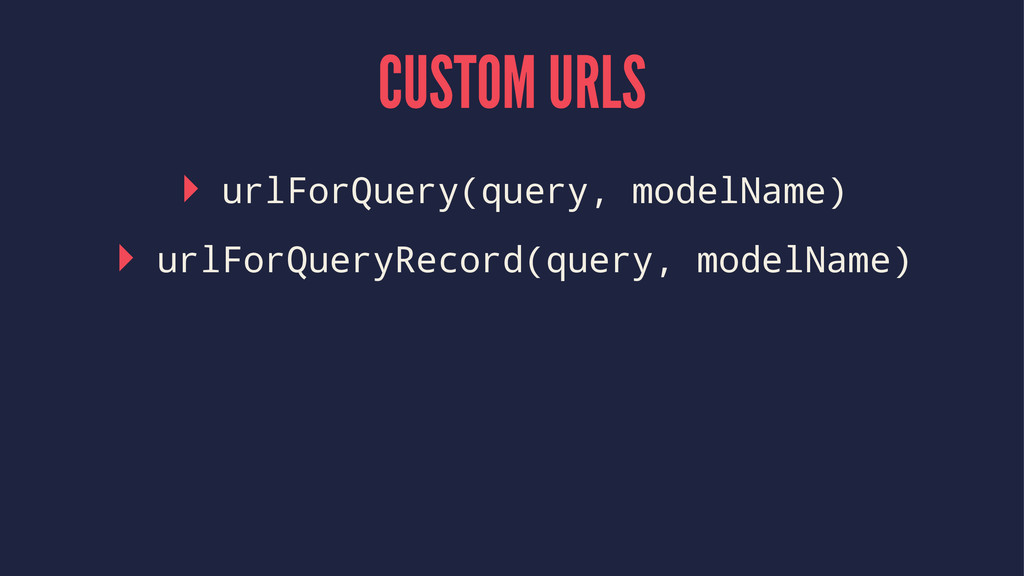
QUERYING DATA USING THE STORE // GET /posts?published=true store.query('post', {
published: true }).then((posts) => { // ... }); // GET /posts?slug=fantastic-ember store.queryRecord('post', { slug: 'fantastic-ember' }).then((post) => { // ... }); -
PUSHING DATA INTO THE STORE You can push a JSON
API Document to the store. store.push({ data: { type: 'post', id: '1', attributes: { title: 'Ember is Fantastic' } } }); -
EMBER DATA INTERNAL JSON API FORMAT ▸ Use camelCase for
attributes and relationships ▸ Use singular dash-case types -
MODEL SPECIFIC ADAPTER // adapters/user.js import ApplicationAdapter from './application'; export
default ApplicationAdapter.extend({ // ... }); -
AVAILABLE ADAPTER METHODS ▸ createRecord(store, type, snapshot) ▸ updateRecord(store, type,
snapshot) ▸ deleteRecord(store, type, snapshot) -
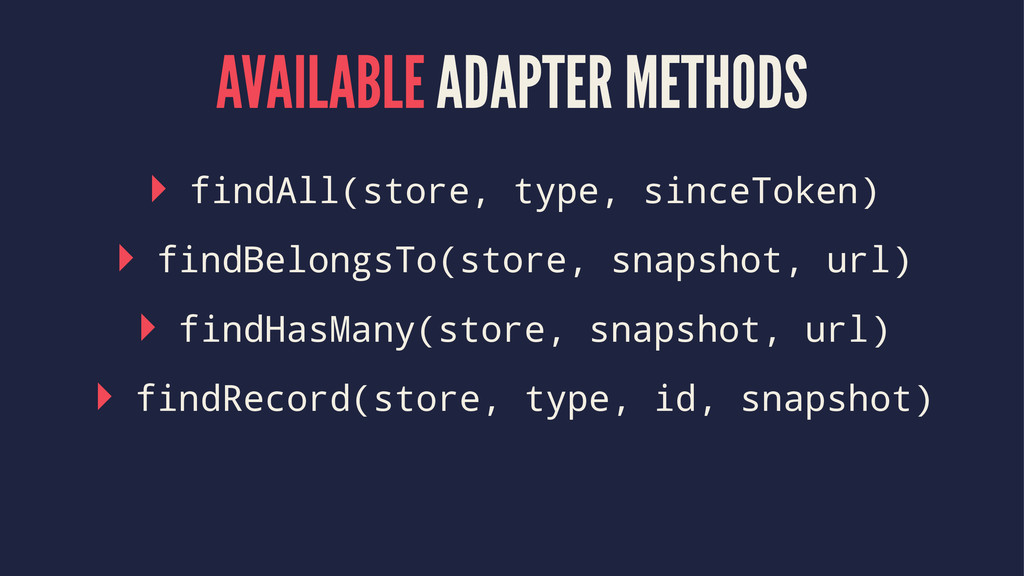
AVAILABLE ADAPTER METHODS ▸ findAll(store, type, sinceToken) ▸ findBelongsTo(store, snapshot,
url) ▸ findHasMany(store, snapshot, url) ▸ findRecord(store, type, id, snapshot) -
AVAILABLE ADAPTER METHODS ▸ findMany(store, type, ids, snapshots) export default
DS.JSONAPIAdapter.extend({ coalesceFindRequests: true }); -
CUSTOM URLS ▸ urlForCreateRecord(modelName, snapshot) ▸ urlForUpdateRecord(id, modelName, snapshot) ▸
urlForDeleteRecord(id, modelName, snapshot) -
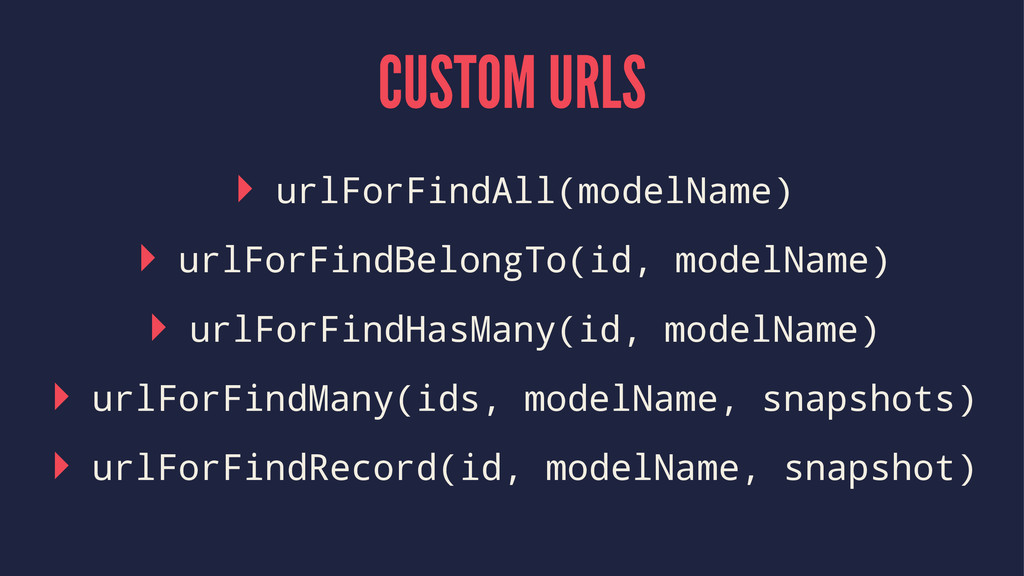
CUSTOM URLS ▸ urlForFindAll(modelName) ▸ urlForFindBelongTo(id, modelName) ▸ urlForFindHasMany(id, modelName)
▸ urlForFindMany(ids, modelName, snapshots) ▸ urlForFindRecord(id, modelName, snapshot) -
CUSTOM URLS ▸ pathForType(modelName) // adapters/application.js export default DS.JSONAPIAdapter.extend({ pathForType(modelName)
{ // Change the default `/line-items` to `/LINE-ITEMS` return this._super(modelName).toUpperCase(); } }); -
CHANGE THE RELOAD BEHAVIOR ▸ shouldReloadAll(store, snapshotArray) ▸ shouldReloadRecord(store, snapshot)
▸ shouldBackgroundReloadAll(store, snapshotArray) ▸ shouldBackgroundReloadRecord(store, snapshot) -
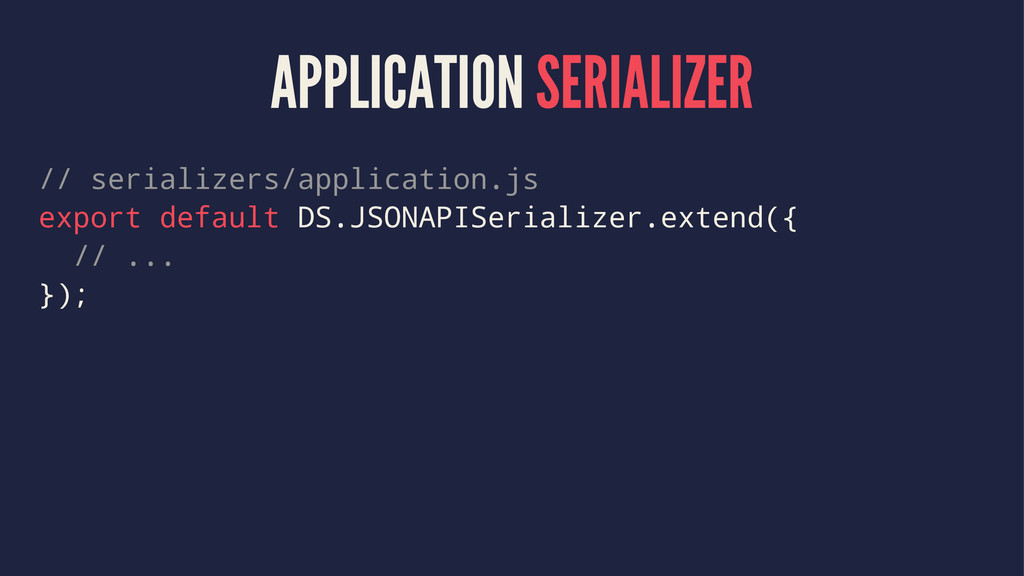
MODEL SPECIFIC SERIALIZER // serializers/user.js import ApplicationSerializer from './application'; export
default ApplicationSerializer.extend({ // ... }); -
NORMALIZE DATA Ember data provides two primary entry points to
normalize your data: ▸ normalizeResponse(store, primaryModelClass, payload, id, requestType) ▸ normalize(modelClass, resourceHash) -
EMBER DATA EXPECTS A JSON API DOCUMENT If you inherit
from any of the built-in serializers, make sure you always call _super(). -
NORMALIZE A FULL RESPONSE PAYLOAD normalizeResponse(store, primaryModelClass, payload, id, requestType)
{ // { // status: 'ok', // response: { // ... // } // } payload = payload.response; return this._super(payload); } -
NORMALIZE A SINGLE RESOURCE normalize(modelClass, resourceHash) { // { //
_id: 1, // _title: 'This is my title' // } resourceHash.id = resourceHash._id; resourceHash.title = resourceHash._title; delete resourceHash._id; delete resourceHash._title; return this._super(modelClass, resourceHash); } -
NORMALIZE A SINGLE RESOURCE ▸ extractId(modelClass, resourceHash) ▸ extractAttributes(modelClass, resourceHash)
▸ extractRelationships(modelClass, resourceHash) -
THE SERIALIZER NORMALIZATION FLOW !" normalizeFindAllResponse() """""# $" normalizeFindHasManyResponse() "%"
normalizeArrayResponse() """""""""""""""""""""""""""""""# $" normalizeFindManyResponse() """"& ' $" normalizeQueryResponse() """""""( ' ' ' $" normalizeFindRecordResponse() """""""""""""""""""""""""""""""# ' normalizeResponse() "%" normalizeFindBelongsToResponse() """"""""""""""""""""""""""""& ' $" normalizeQueryRecordResponse() """"""""""""""""""""""""""""""& ' ' ' ' $" normalizeCreateRecordResponse() "# ' ' $" normalizeDeleteRecordResponse() "%" normalizeSaveResponse() ")" normalizeSingleResponse() ")" normalize() *" normalizeUpdateRecordResponse() "( -
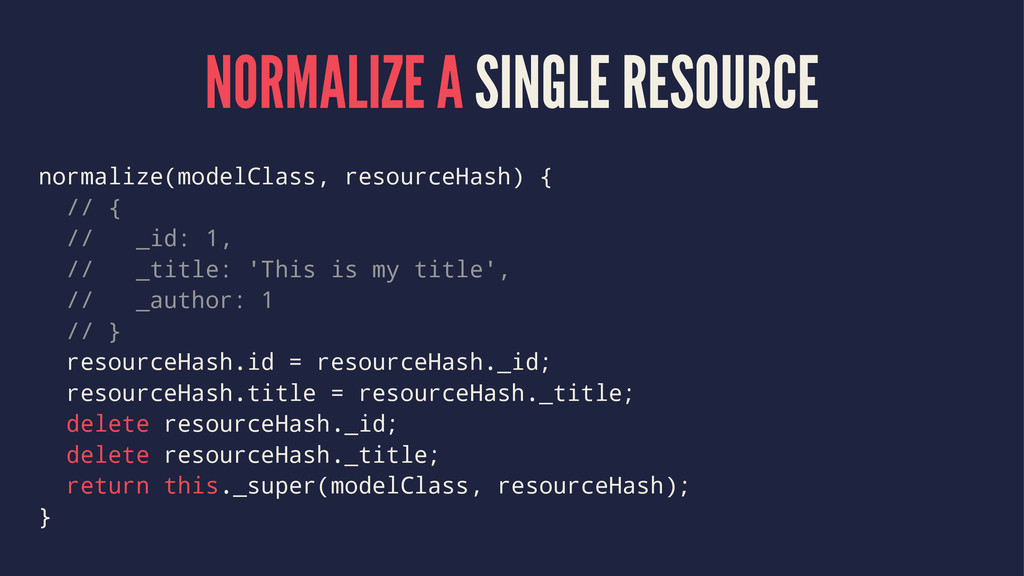
NORMALIZE A SINGLE RESOURCE normalize(modelClass, resourceHash) { // { //
_id: 1, // _title: 'This is my title', // _author: 1 // } resourceHash.id = resourceHash._id; resourceHash.title = resourceHash._title; delete resourceHash._id; delete resourceHash._title; return this._super(modelClass, resourceHash); } -
NORMALIZE A SINGLE RESOURCE ALTERNATIVE attrs: { title: '_title' //
or title: { key: '_title' } } -
NORMALIZE A SINGLE RESOURCE ALTERNATIVES keyForAttribute(key, method) { key =
this._super(key, method); return `_${key}`; } keyForRelationship(key, modelClass, method) { key = this._super(key, method); return `_${key}`; } -
SERIALIZE DATA One main entry point to serialize your data:
▸ serialize(snapshot, options) -
ACCESSING INFORMATION IN A SNAPSHOT Getting unloaded relationships will not
trigger a fetch. snapshot.id; snapshot.modelName; snapshot.attr('title'); snapshot.belongsTo('author'); snapshot.hasMany('comments'); -
SERIALIZE DATA One main entry point to serialize your data:
▸ serialize(snapshot, options) -
SERIALIZE DATA ▸ serializeAttribute(snapshot, json, key, attribute) ▸ serializeBelongsTo(snapshot, json,
relationship) ▸ serializeHasMany(snapshot, json, relationship)