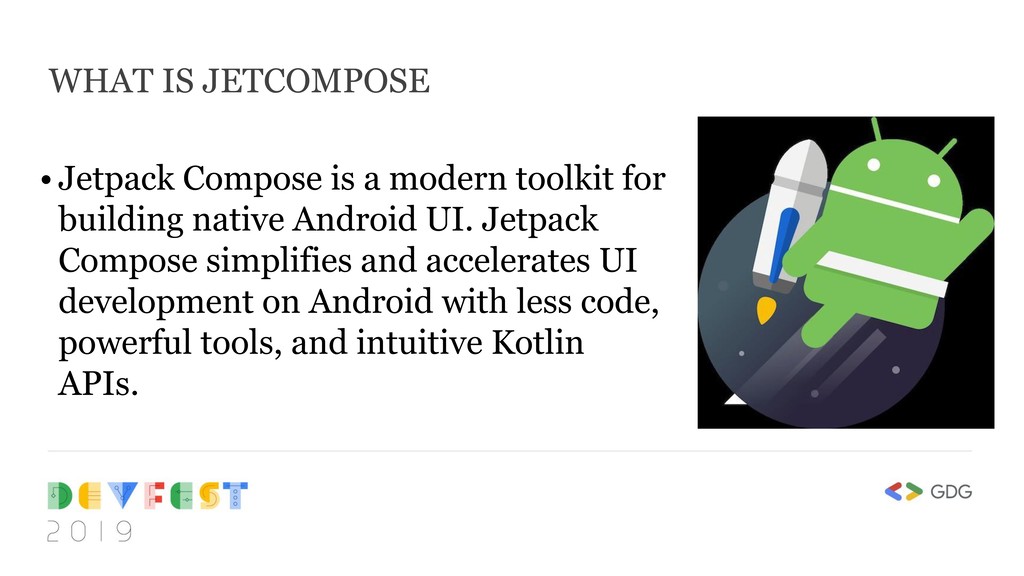
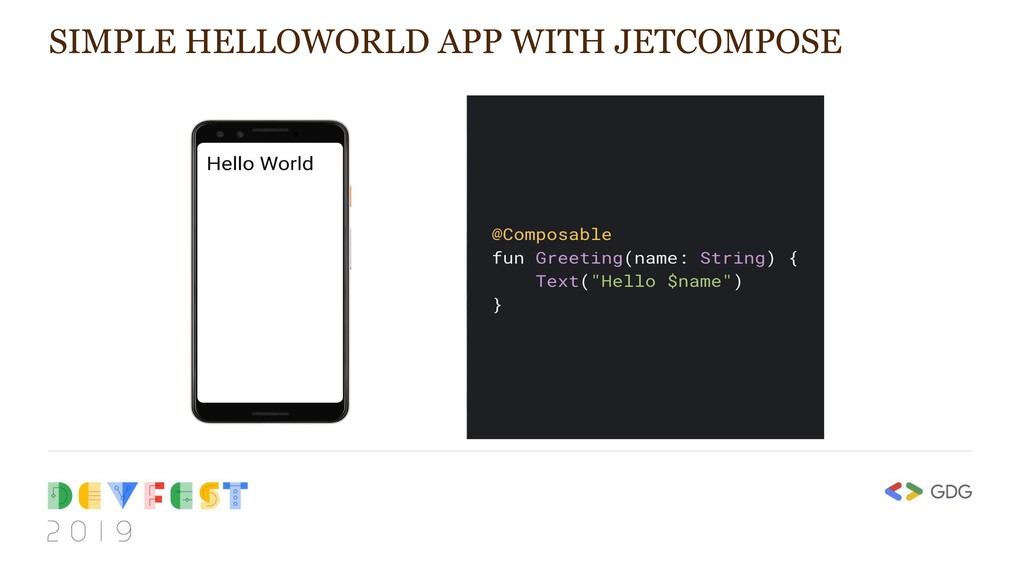
for building native Android UI. Jetpack Compose simplifies and accelerates UI development on Android with less code, powerful tools, and intuitive Kotlin APIs.
that Kotlin brings • Declarative — Fully declarative for defining UI components • Compatible — Compatible with existing views • Enable Beautiful Apps — Designed with Material Design • 100% Kotlin – written in Kotlin programming language WHY DO WE NEED JETCOMPOSE
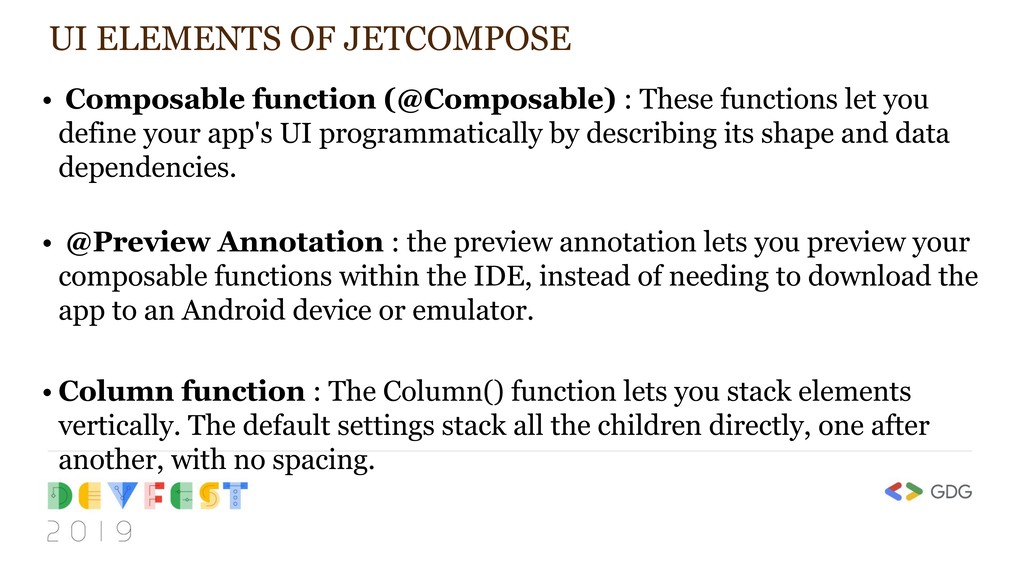
functions let you define your app's UI programmatically by describing its shape and data dependencies. • @Preview Annotation : the preview annotation lets you preview your composable functions within the IDE, instead of needing to download the app to an Android device or emulator. • Column function : The Column() function lets you stack elements vertically. The default settings stack all the children directly, one after another, with no spacing.
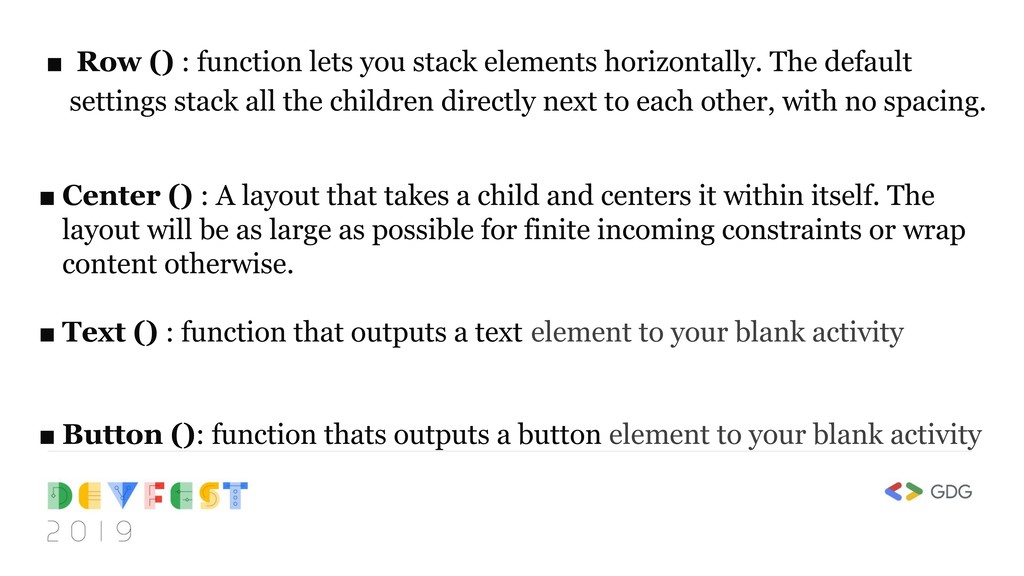
The default settings stack all the children directly next to each other, with no spacing. ▪ Center () : A layout that takes a child and centers it within itself. The layout will be as large as possible for finite incoming constraints or wrap content otherwise. ▪ Text () : function that outputs a text element to your blank activity ▪ Button (): function thats outputs a button element to your blank activity


 wise4rmgod
 taiseiue
 oku053
 rollbear
 morizo_1984
 hollycummins
 tosite
 deka_morita
 kinopeee
 akit37
 lynnswap
 uyuki234
 ryu1013
 techseoconnect
 greggifford
 lynnandtonic
 brettharned
 katarinadahlin
 cassininazir
 philnash
 irinanazarova
 aki_iinuma
 deanohume
 tomoyanonymous
 mkilby