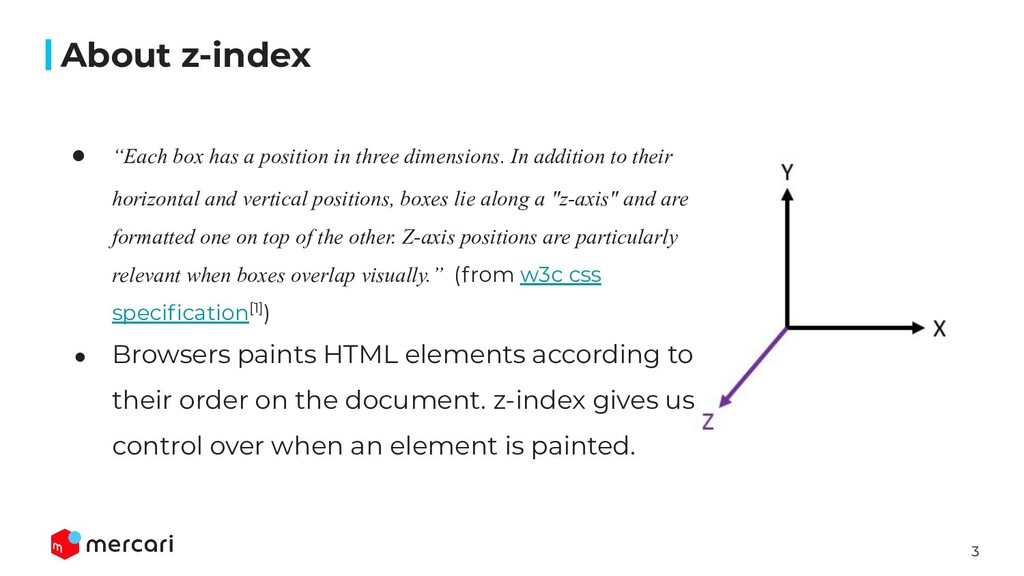
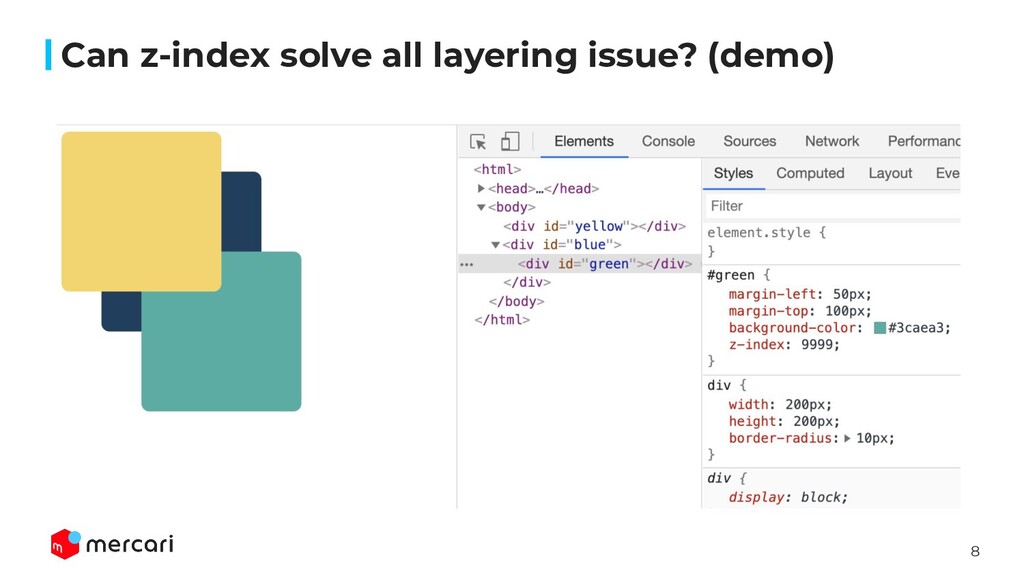
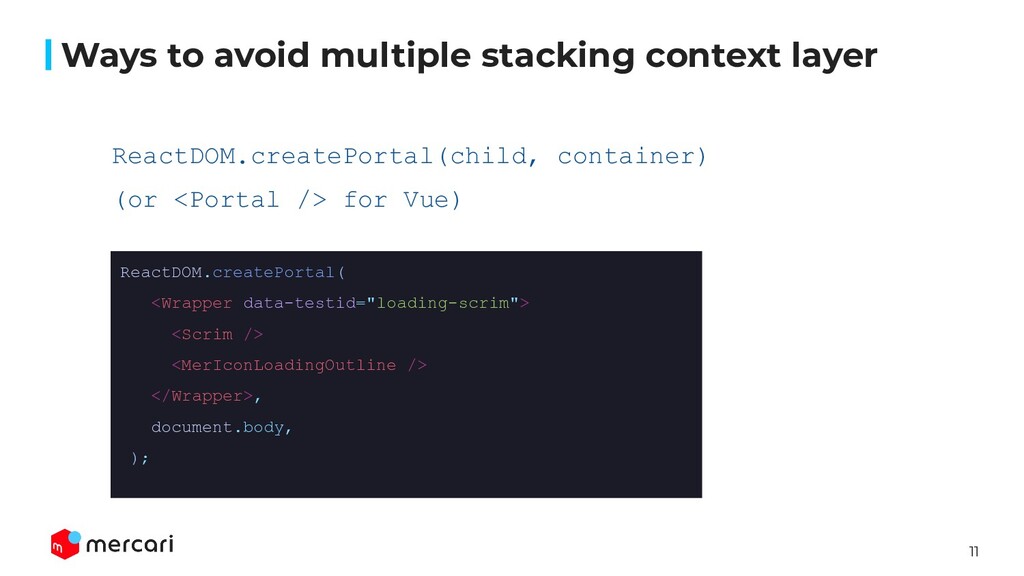
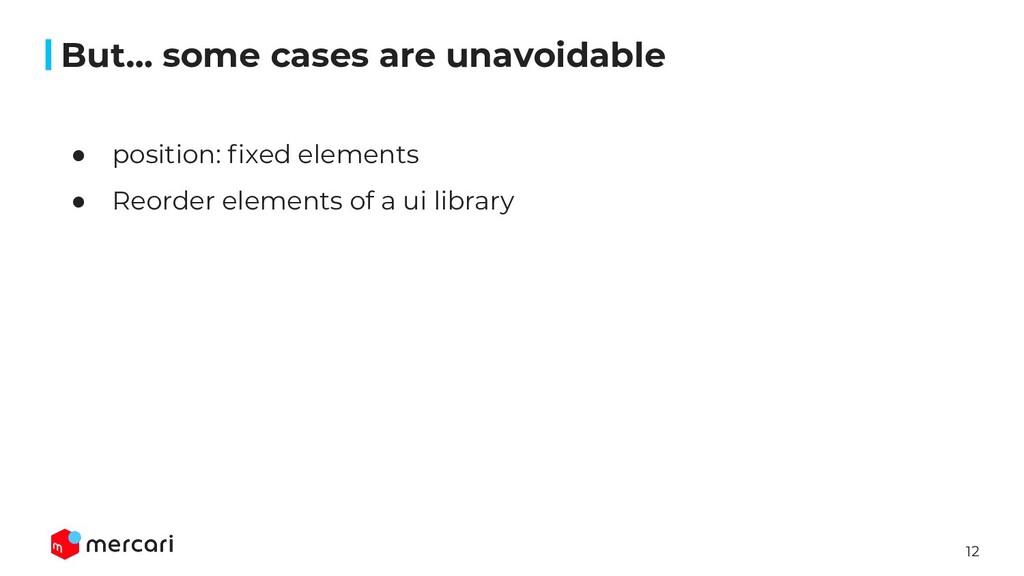
In addition to their horizontal and vertical positions, boxes lie along a "z-axis" and are formatted one on top of the other. Z-axis positions are particularly relevant when boxes overlap visually.” (from w3c css specification[1]) • Browsers paints HTML elements according to their order on the document. z-index gives us control over when an element is painted. About z-index
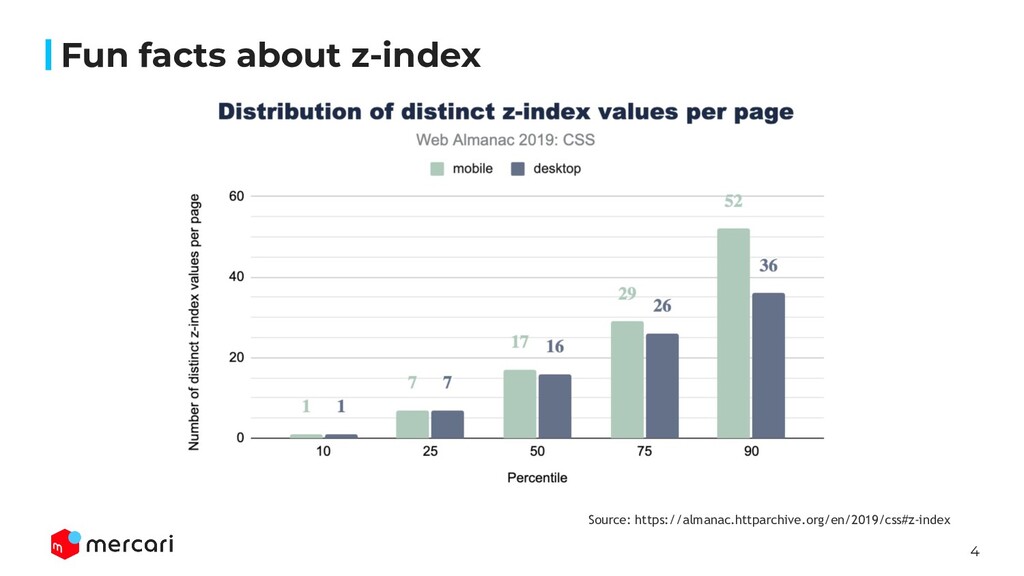
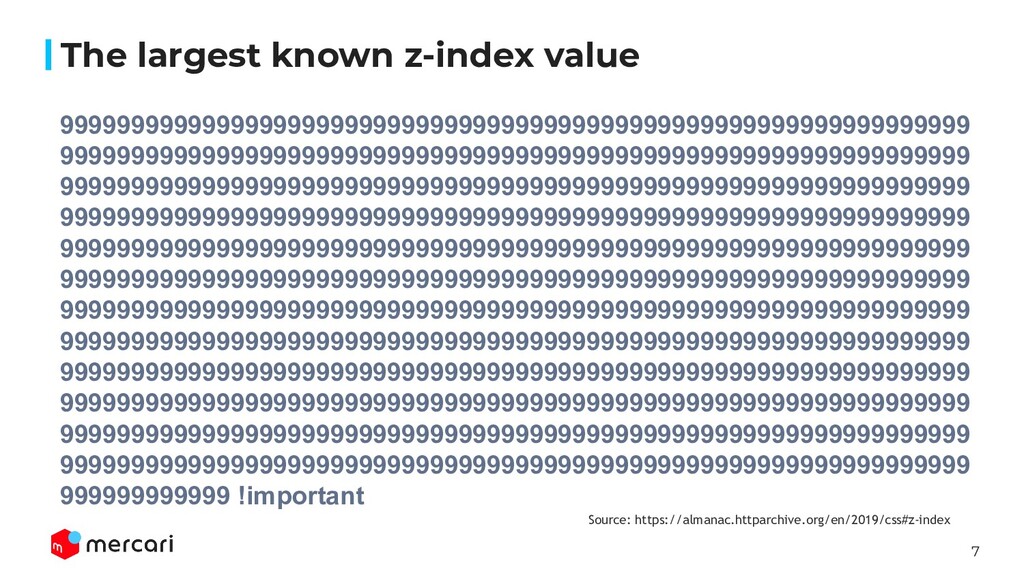
9999999999999999999999999999999999999999999999999999999999999999 9999999999999999999999999999999999999999999999999999999999999999 9999999999999999999999999999999999999999999999999999999999999999 999999999999 !important The largest known z-index value Source: https://almanac.httparchive.org/en/2019/css#z-index
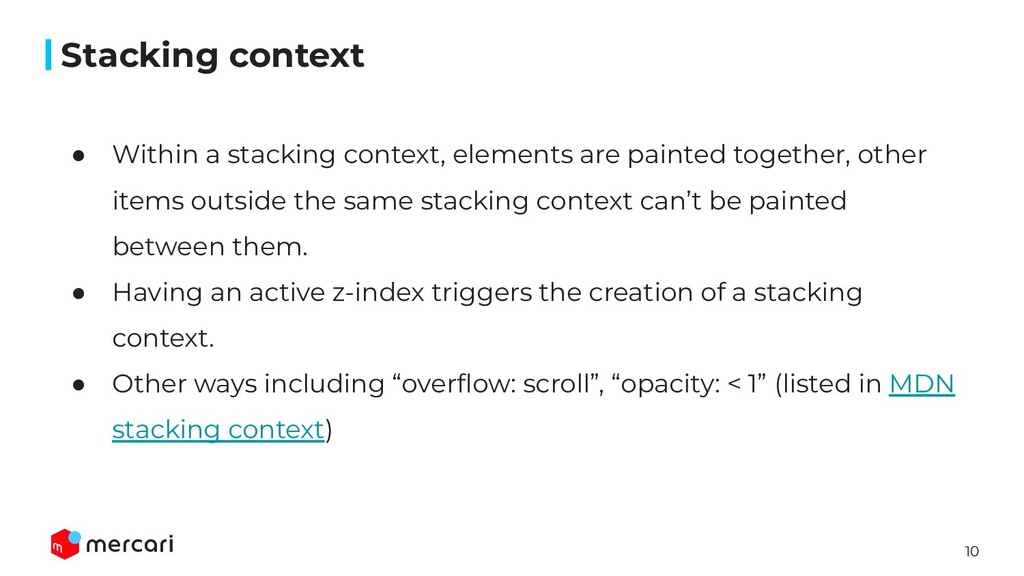
other items outside the same stacking context can’t be painted between them. • Having an active z-index triggers the creation of a stacking context. • Other ways including “overflow: scroll”, “opacity: < 1” (listed in MDN stacking context) Stacking context
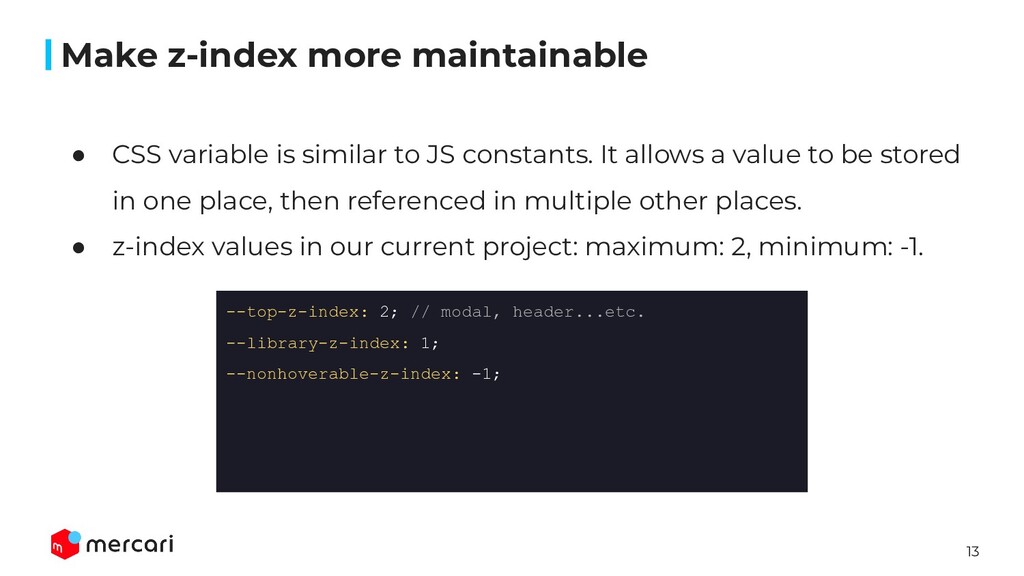
allows a value to be stored in one place, then referenced in multiple other places. • z-index values in our current project: maximum: 2, minimum: -1. Make z-index more maintainable --top-z-index: 2; // modal, header...etc. --library-z-index: 1; --nonhoverable-z-index: -1;
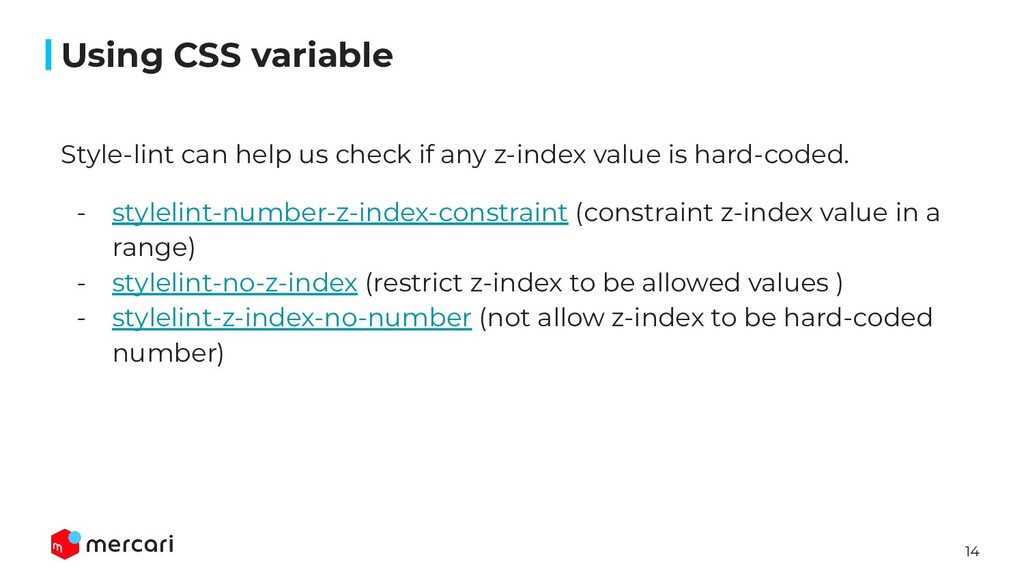
is hard-coded. - stylelint-number-z-index-constraint (constraint z-index value in a range) - stylelint-no-z-index (restrict z-index to be allowed values ) - stylelint-z-index-no-number (not allow z-index to be hard-coded number) Using CSS variable


 artoy
artoy
 headius
 yuukiw00w
 rkaga
rkaga
 reimaru
 curekoshimizu
 koic
koic
 uyuki234
 yub0n
yub0n
 y0hgi
y0hgi
 mpyw
mpyw
 konakalab
 mojombo
 morganepeng
 michielstock
 erikaheidi
 productmarketing
 tmiket
 rmw
rmw
 axbom
axbom
.png) helenjbeal
helenjbeal
 aleyda