Upgrade to Pro
— share decks privately, control downloads, hide ads and more …
Speaker Deck
Sign up for free
Menu
Search
Features
All features
Private URLs
Password Protection
Custom URLS
Scheduled publishing
Remove Branding
Restrict embedding
Deck Collections
Notes
Features
All features
Private URLs
Password Protection
Custom URLS
Scheduled publishing
Remove Branding
Restrict embedding
Deck Collections
Notes
Explore
Featured decks
Featured speakers
Programming
Technology
Storyboards
Explore
Featured decks
Featured speakers
Programming
Technology
Storyboards
Pricing
Search
Sign in
Sign up for free
ベンダー開発モジュールの使い方
Search
Sponsored
·
SiteGround - Reliable hosting with speed, security, and support you can count on.
→
yascaim
November 20, 2019
Technology
2.5k
3
Share
Embed
Copy iframe code
Copy JS code
Copy link
Start on current slide
ベンダー開発モジュールの使い方
20191120 Ansiblejp ネットワーク部 LTで使用
yascaim
November 20, 2019
More Decks by yascaim
See All by yascaim
Ansible Towerでやってること、やれること、やりたいこと
yascaim
3
2.4k
Other Decks in Technology
See All in Technology
今さら理解するウェブフォントver.2026
takanorip
3
480
宣言型部分更新は何を解決しどこへ向かうのか
shuta13
0
170
プロダクト価値を、 チームが使える判断軸に変える
vivion
0
140
自主式軟體工廠
philipz
0
240
ビジネスを止めない技術的負債の返済のための戦略とその手法 - 技術的負債と向き合う / Complexity and Simplicity
soudai
PRO
3
670
自律型 AI をセキュアに実装!Gemini と MIG で作る動的コード実行環境
recruitengineers
PRO
1
230
今こそ知りたいAmplifyGen2
mkdev10
2
160
AIに攻撃される前に、AIに攻撃させる
tsuchikazu
0
160
More Freedom on the Same Shared GPU Cluster: A Small Team’s Experience with vCluster
nttcom
0
140
無理せず続ける、子育てエンジニアの学び
codmoninc
PRO
0
510
freeeらしさをAIとともに作る / Creating the freee Experience with AI
ymrl
0
220
FOSS4Gを活用した自治体業務DXの試み
470715
0
140
Featured
See All Featured
<Decoding/> the Language of Devs - We Love SEO 2024
nikkihalliwell
1
350
Believing is Seeing
oripsolob
1
240
Chasing Engaging Ingredients in Design
codingconduct
0
350
Why Our Code Smells
bkeepers
PRO
340
58k
Kristin Tynski - Automating Marketing Tasks With AI
techseoconnect
PRO
0
540
Building the Perfect Custom Keyboard
takai
2
900
A better future with KSS
kneath
240
18k
So, you think you're a good person
axbom
PRO
2
2.2k
The agentic SEO stack - context over prompts
schlessera
0
970
A Soul's Torment
seathinner
8
3.7k
Chrome DevTools: State of the Union 2024 - Debugging React & Beyond
addyosmani
10
1.4k
BBQ
matthewcrist
90
10k
Transcript
1 ベンダー開発の モジュールの使い方 (オマケ) 手順書をPlaybook化 するときに気にしてる事 @yascaim1
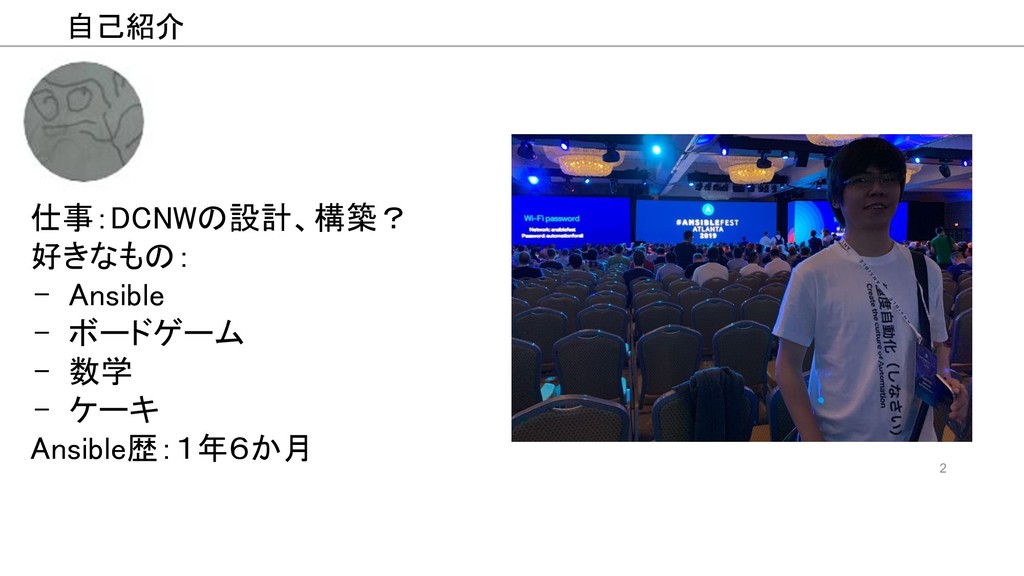
2 仕事:DCNWの設計、構築? 好きなもの: - Ansible - ボードゲーム - 数学
- ケーキ Ansible歴:1年6か月 自己紹介
3 A10製品とAnsible
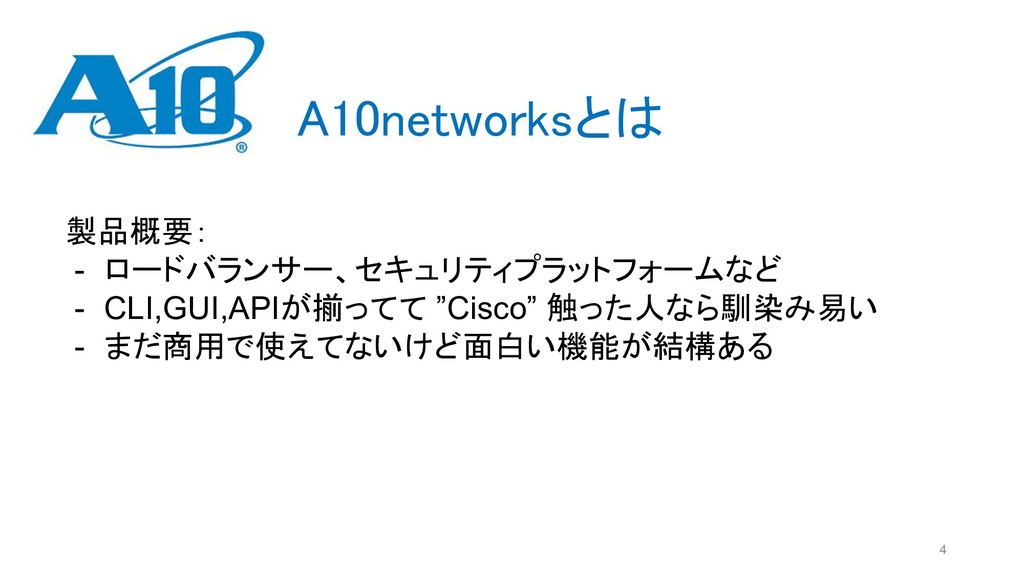
4 A10networksとは 製品概要: - ロードバランサー、セキュリティプラットフォームなど - CLI,GUI,APIが揃ってて ”Cisco” 触った人なら馴染み易い -
まだ商用で使えてないけど面白い機能が結構ある
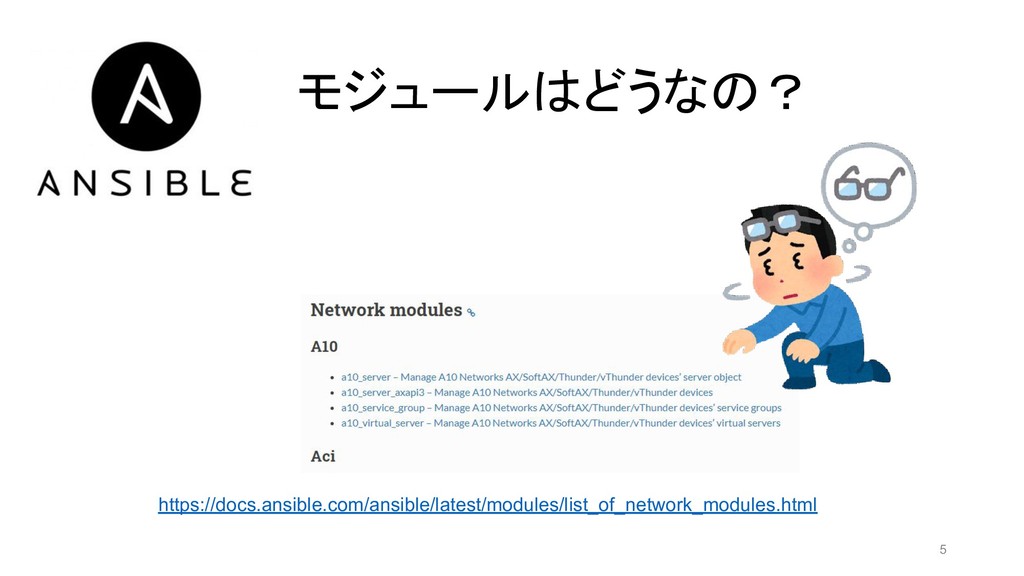
5 https://docs.ansible.com/ansible/latest/modules/list_of_network_modules.html モジュールはどうなの?
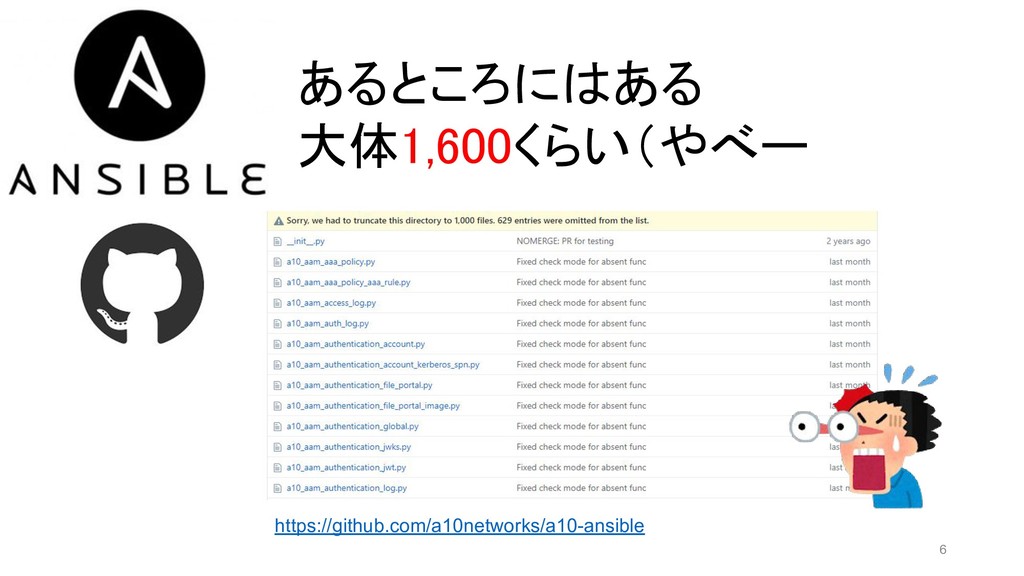
6 あるところにはある 大体1,600くらい(やべー https://github.com/a10networks/a10-ansible
7 用法用量を守らない使い方
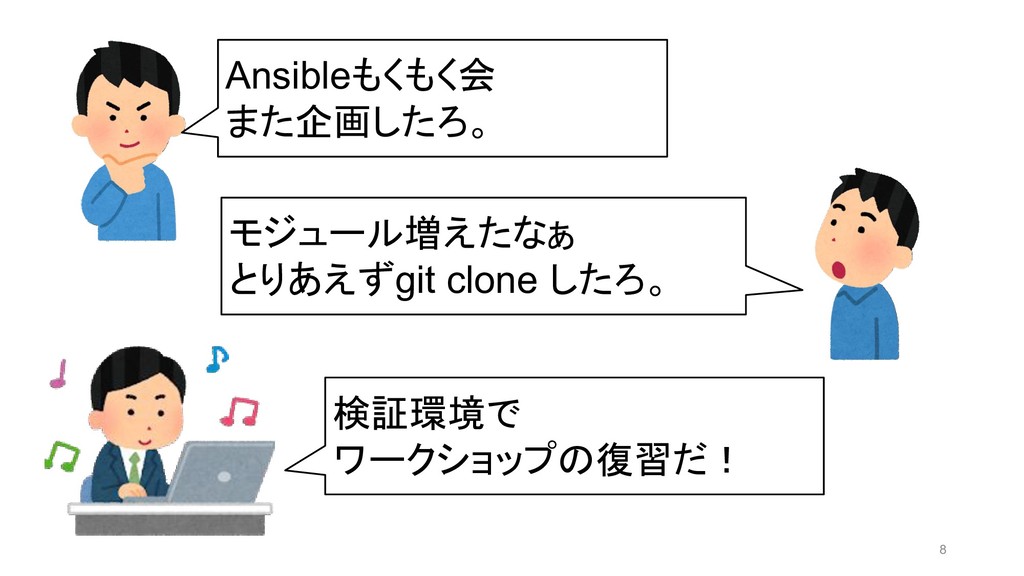
8 Ansibleもくもく会 また企画したろ。 モジュール増えたなぁ とりあえずgit clone したろ。 検証環境で ワークショップの復習だ!
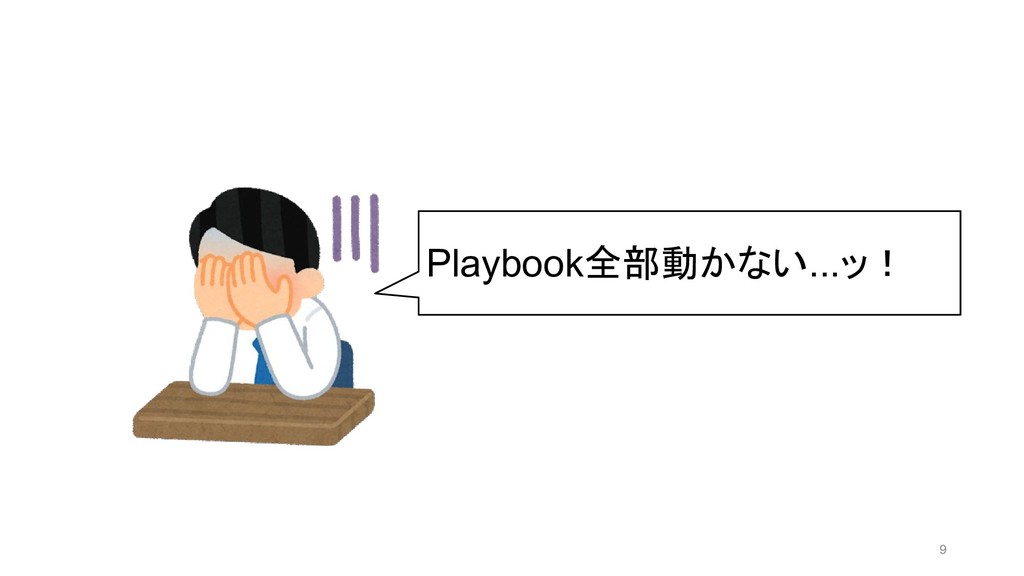
9 Playbook全部動かない...ッ!
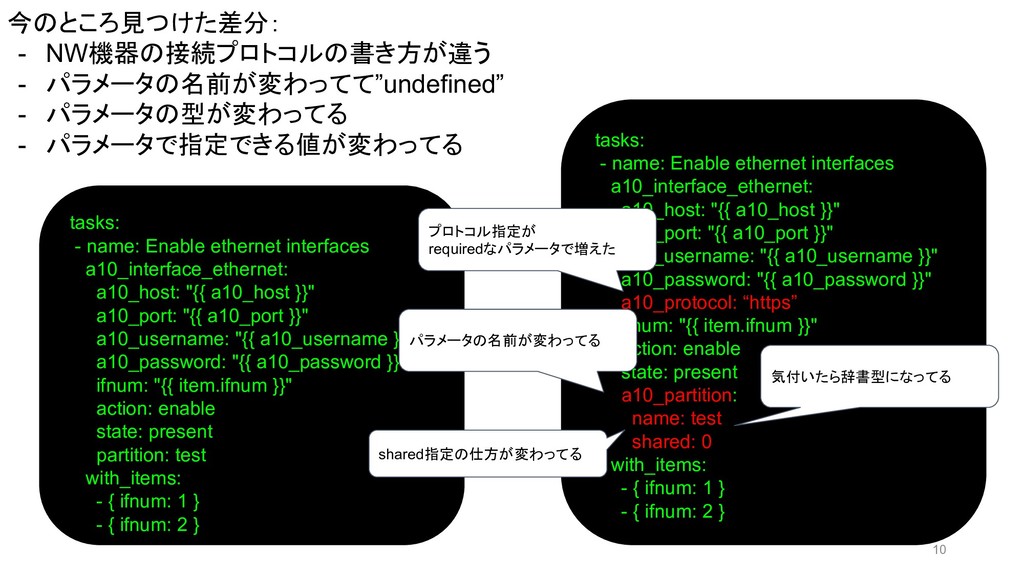
10 今のところ見つけた差分: - NW機器の接続プロトコルの書き方が違う - パラメータの名前が変わってて”undefined” - パラメータの型が変わってる - パラメータで指定できる値が変わってる
tasks: - name: Enable ethernet interfaces a10_interface_ethernet: a10_host: "{{ a10_host }}" a10_port: "{{ a10_port }}" a10_username: "{{ a10_username }}" a10_password: "{{ a10_password }}" ifnum: "{{ item.ifnum }}" action: enable state: present partition: test with_items: - { ifnum: 1 } - { ifnum: 2 } tasks: - name: Enable ethernet interfaces a10_interface_ethernet: a10_host: "{{ a10_host }}" a10_port: "{{ a10_port }}" a10_username: "{{ a10_username }}" a10_password: "{{ a10_password }}" a10_protocol: “https” ifnum: "{{ item.ifnum }}" action: enable state: present a10_partition: name: test shared: 0 with_items: - { ifnum: 1 } - { ifnum: 2 } プロトコル指定が requiredなパラメータで増えた パラメータの名前が変わってる 気付いたら辞書型になってる shared指定の仕方が変わってる
11 メリデメの整理
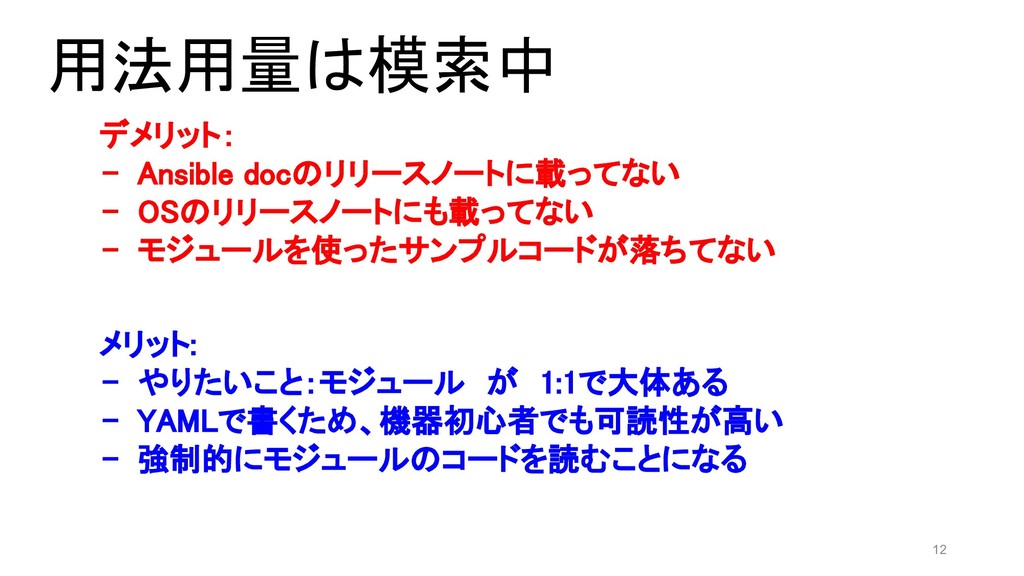
12 メリット: - やりたいこと:モジュール が 1:1で大体ある - YAMLで書くため、機器初心者でも可読性が高い - 強制的にモジュールのコードを読むことになる デメリット:
- Ansible docのリリースノートに載ってない - OSのリリースノートにも載ってない - モジュールを使ったサンプルコードが落ちてない 用法用量は模索中
13 まとめ
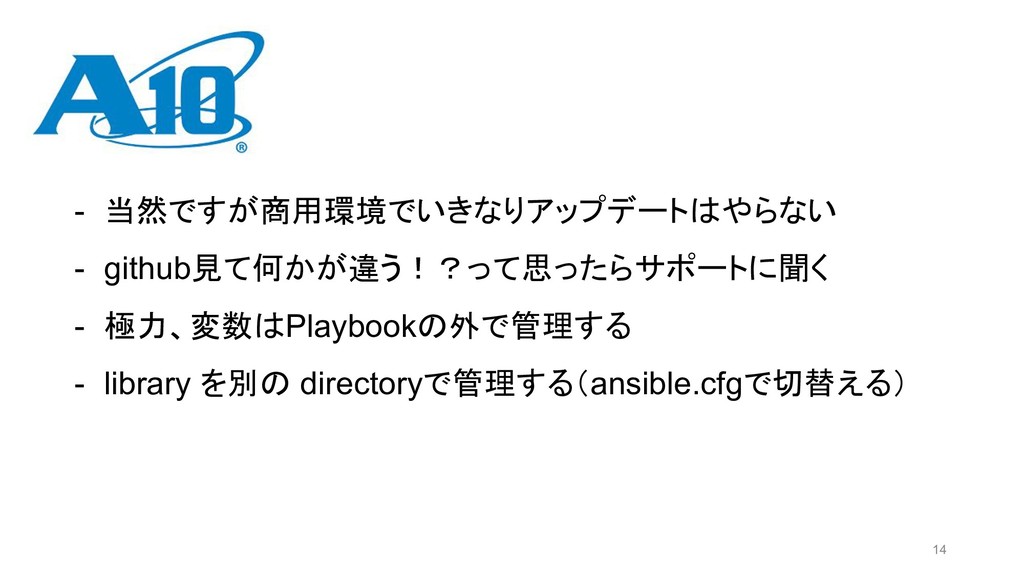
14 - 当然ですが商用環境でいきなりアップデートはやらない - github見て何かが違う!?って思ったらサポートに聞く - 極力、変数はPlaybookの外で管理する - library を別の
directoryで管理する(ansible.cfgで切替える)
ご清聴ありがとうございました! 15
16 おまけ(気を付けてること編)
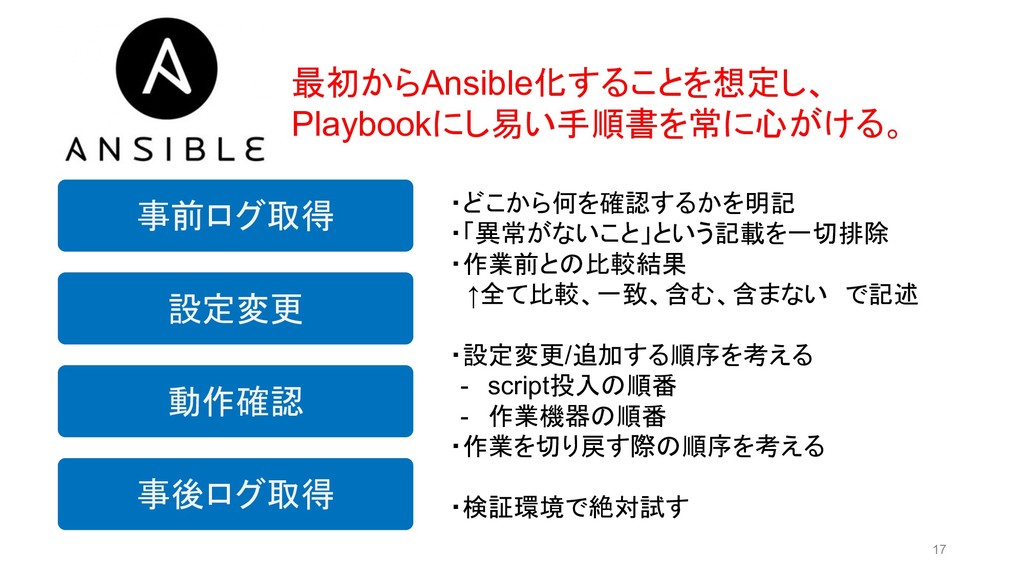
17 動作確認 事前ログ取得 事後ログ取得 設定変更 ・どこから何を確認するかを明記 ・「異常がないこと」という記載を一切排除 ・作業前との比較結果 ↑全て比較、一致、含む、含まない で記述 ・設定変更/追加する順序を考える
- script投入の順番 - 作業機器の順番 ・作業を切り戻す際の順序を考える ・検証環境で絶対試す 最初からAnsible化することを想定し、 Playbookにし易い手順書を常に心がける。


 yascaim
 takanorip
 shuta13
 vivion
 philipz
 soudai
 recruitengineers
 mkdev10
 tsuchikazu
 nttcom
 codmoninc
 ymrl
ymrl
 470715
 nikkihalliwell
 oripsolob
 codingconduct
 bkeepers
 techseoconnect
 takai
takai
 kneath
 axbom
axbom
 schlessera
 seathinner
 addyosmani
 matthewcrist