Upgrade to Pro — share decks privately, control downloads, hide ads and more …

Learn Web Design Via WordPress

Zac Gordon
November 24, 2013

Learn Web Design Via WordPress

In this WordCamp talk, I go over how you can begin learning HTML, CSS and PHP from the WordPress environment.

Zac Gordon

November 24, 2013

Transcript

50 slides
  1. Learn Web Design Via WordPress @zgordon HTML - HyperText Markup

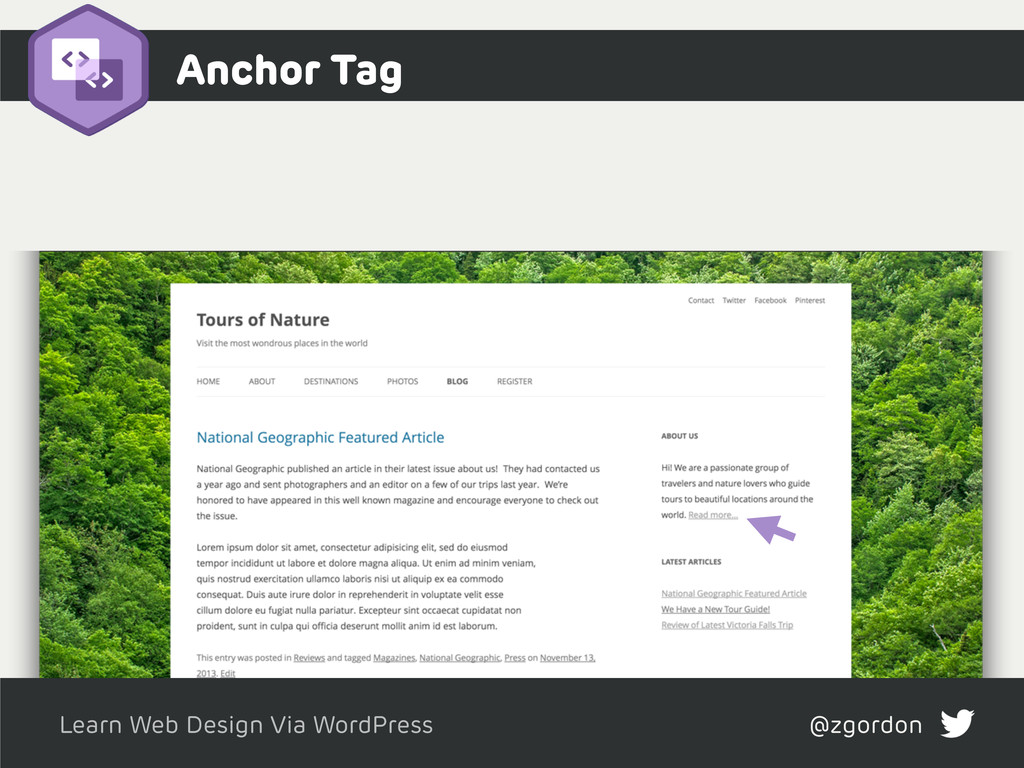
    Language Identifies the structure of your content: HTML <h1> Header tags <title> Title tags <a> Links
  2. Learn Web Design Via WordPress @zgordon Header Tags <h1>Header 1</h1>

    <h2>Header 2</h2> <h3>Header 3</h3> Major headings for page and content
  3. Learn Web Design Via WordPress @zgordon Title Tag <title>Page Name

    - Site Name</title> Display at top of browser and as search engine headings
  4. CSS

  5. Learn Web Design Via WordPress @zgordon CSS - Cascading Style

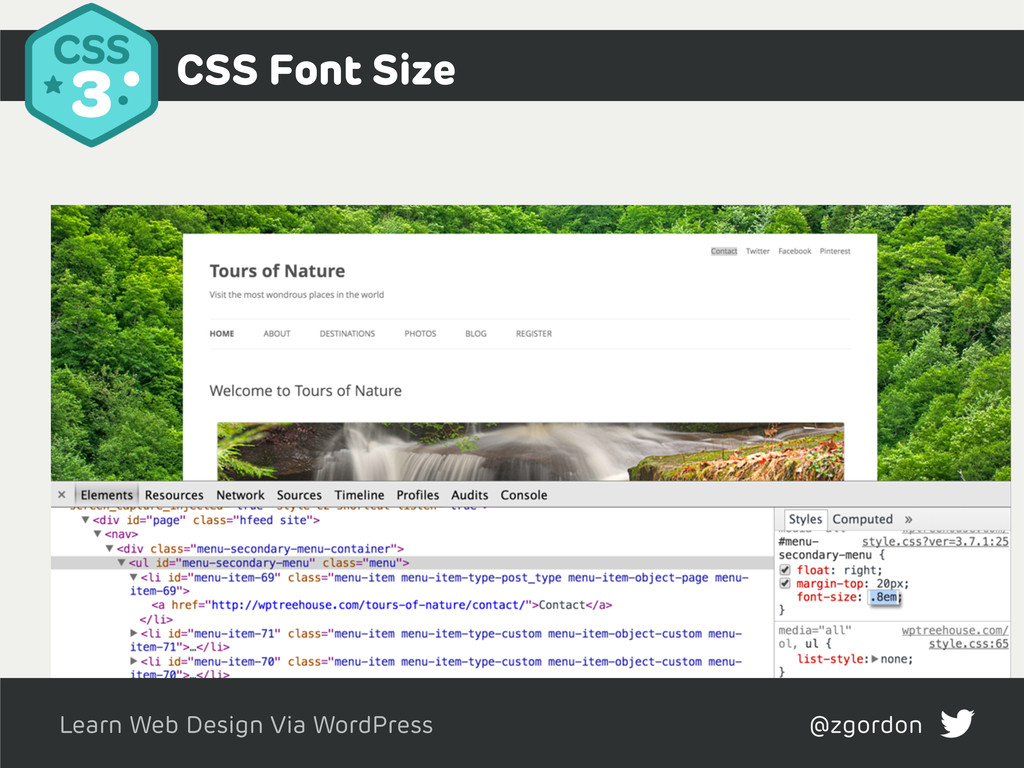
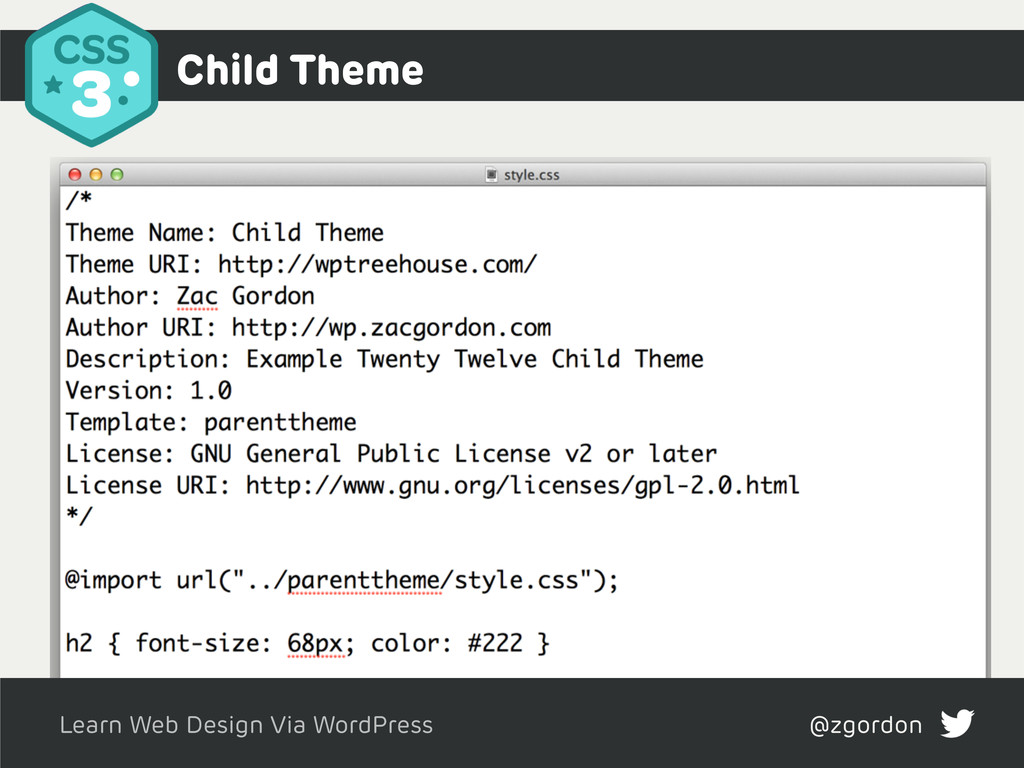
    Sheets Identifies the presentation of your content CSS h2 {font-size: 18px} body {background: #ddd} a:hover {color: #0074a2}
  6. PHP

  7. Learn Web Design Via WordPress @zgordon PHP: Hypertext Preprocessor -

    Use for dynamic coding and database interactions PHP - Functions - Loops and Conditionals - File Structure
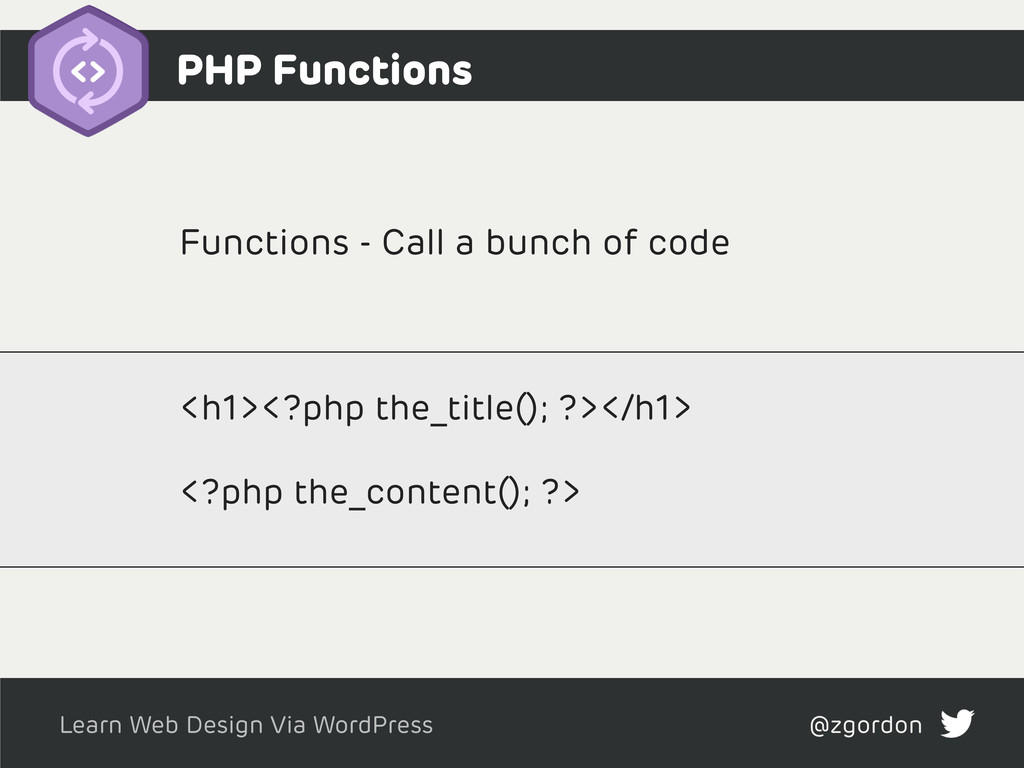
  8. Learn Web Design Via WordPress @zgordon Functions - Call a

    bunch of code PHP Functions <h1><?php the_title(); ?></h1> <?php the_content(); ?>
  9. Learn Web Design Via WordPress @zgordon Test if content is

    available then displays it all PHP Loops and Conditionals <?php if ( have_posts() ) : while ( have_posts() ) : the_post(); ?> <h1><?php the_title(); ?></h1> <?php endwhile; endif; ?>
  10. Learn Web Design Via WordPress @zgordon Test if content is

    available then displays it all File Structure
  11. Learn Web Design Via WordPress @zgordon jQuery JavaScript library that

    animates a site - Mostly done through plugins - Can do yourself - Trick to loading JavaScript
  12. Learn Web Design Via WordPress @zgordon Can autoload jQuery for

    your plugins Loading JavaScript Files function theme_js() { wp_register_script( 'flexslider', get_template_directory_uri() . '/js/flexslider.js', array('jquery'), '', true ); } add_action( 'wp_enqueue_scripts', 'theme_js' );
  13. Learn Web Design Via WordPress @zgordon jQuery in Templates <div

    id="featured" class="clearfix flexslider"> <ul class="slides"> <?php if ( have_posts() ) : while ( $the_query->have_posts() ) : $the_query->t <li> <h2><?php the_title(); ?></h2> <p><?php the_field('description'); ?></p> </li> <?php endwhile; ifelse; ?> </ul> </div> jQuery(document).ready(function($) { $('.flexslider').flexslider(); })
  14. Learn Web Design Via WordPress @zgordon Hosting Hosting - Stores

    the content, files and database for your site - Hosting provider - FTP - Database Transfer - GitHub

More Decks by Zac Gordon

Other Decks in Programming