Upgrade to Pro
— share decks privately, control downloads, hide ads and more …
Speaker Deck
Sign up for free
Menu
Search
Features
All features
Private URLs
Password Protection
Custom URLS
Scheduled publishing
Remove Branding
Restrict embedding
Deck Collections
Notes
Features
All features
Private URLs
Password Protection
Custom URLS
Scheduled publishing
Remove Branding
Restrict embedding
Deck Collections
Notes
Explore
Featured decks
Featured speakers
Programming
Technology
Storyboards
Explore
Featured decks
Featured speakers
Programming
Technology
Storyboards
Pricing
Search
Sign in
Sign up for free
PyCon2012ChinaBj-ShanBay
Search
Zoom.Quiet
October 20, 2012
Programming
140
1
Share
Embed
Copy iframe code
Copy JS code
Copy link
Start on current slide
PyCon2012ChinaBj-ShanBay
http://cn.pycon.org/2012/schedulebj
Zoom.Quiet
October 20, 2012
More Decks by Zoom.Quiet
See All by Zoom.Quiet
PyCon2014China-Zhuhai-high performance
zoomquiet
0
210
PyCon2014China-Zhuhai-meta programming
zoomquiet
1
180
PyCon2014China-Zhuhai-bpm.py
zoomquiet
0
160
PyCon2014China-Zhuhai-luna kv db
zoomquiet
0
160
PyCon2014China-Zhuhai-seed studio
zoomquiet
0
160
PyCon2014China-Zhuhai-Docker Registry Build By Python
zoomquiet
0
170
PyCon2014China-Zhuhai-jeff
zoomquiet
0
160
PyCon2014China-Zhuhai-pythonic front-end
zoomquiet
0
210
DevFest2014-Zhuhai-Polymer
zoomquiet
0
500
Other Decks in Programming
See All in Programming
Compiling a real-world CLI tool to native with Static Hermes
tmikov2023
0
120
複雑なUIコンポーネントとの ⻑い付き合い⽅:波及するバグからテスト戦略を経て、安全な再設計へ
mixplace
0
410
個人開発者よ、Honoを使え(おじさんver)
tanahiro2010
2
260
Web Framework Benchmark Battle 2026, Any%
a_matsuda
2
2k
3回つくってわかった、 定期実行ジョブ基盤の本質情報
takai
0
450
Domain-Driven Transformation
hschwentner
2
2.3k
ジョジョの世界をXRで再現する
mofurune
0
160
全ての永続トークンを、生まれる前に消し去りたい!
sylph01
2
880
The Rails Doctrine Decade
koic
2
590
AI主導のプログラミング学習アプリを作ってみた
econanringo
0
180
最近”作らせてる” ローカルAIアプリの話
akit37
0
470
半永久的に提供し続けられるプライベートクラウドを目指して ― 利用者の認知負荷を抑えるAPI抽象化とハードウェア世代交代の基盤設計
tomokon
0
500
Featured
See All Featured
Test your architecture with Archunit
thirion
2
2.4k
What does AI have to do with Human Rights?
axbom
PRO
1
2.5k
Connecting the Dots Between Site Speed, User Experience & Your Business [WebExpo 2025]
tammyeverts
11
1.1k
AI Search: Implications for SEO and How to Move Forward - #ShenzhenSEOConference
aleyda
1
1.4k
Balancing Empowerment & Direction
lara
6
1.3k
Context Engineering - Making Every Token Count
addyosmani
9
1.2k
Bioeconomy Workshop: Dr. Julius Ecuru, Opportunities for a Bioeconomy in West Africa
akademiya2063
PRO
1
410
Odyssey Design
rkendrick25
PRO
2
870
Leadership Guide Workshop - DevTernity 2021
reverentgeek
1
400
Music & Morning Musume
bryan
48
7.4k
The Art of Delivering Value - GDevCon NA Keynote
reverentgeek
16
2.2k
Art, The Web, and Tiny UX
lynnandtonic
304
22k
Transcript
人有西洋参,我有地黄丸 小小开发团队不妨知道的技术 扇贝网 shanbay.com 2012/08/18
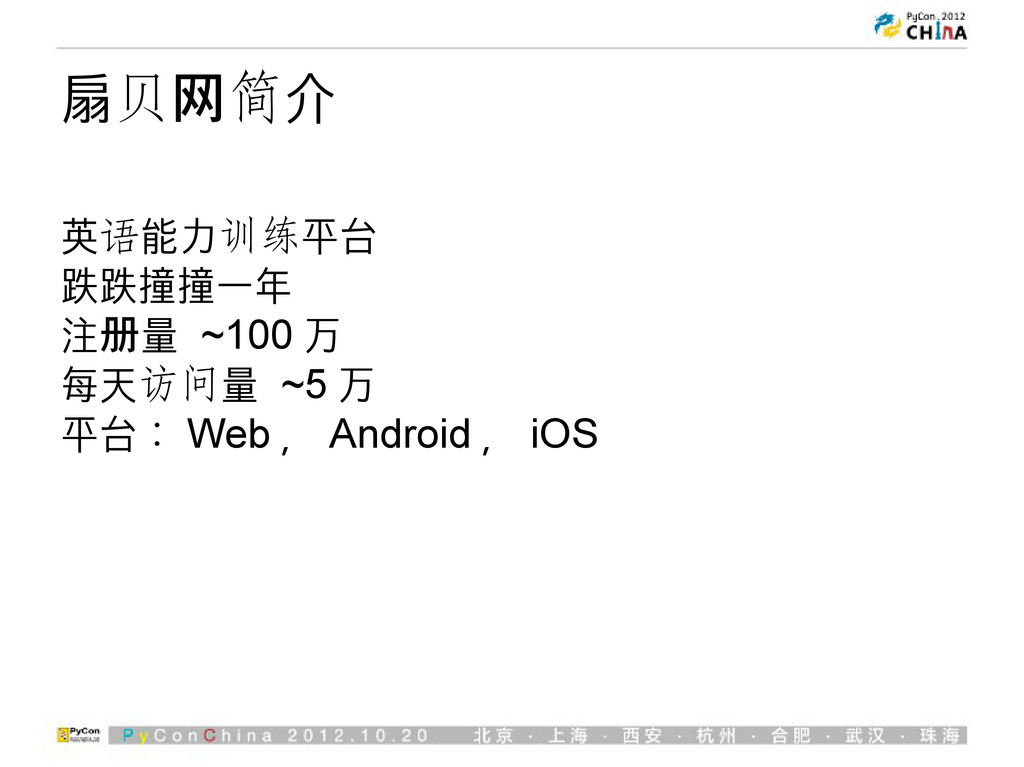
扇贝网简介 英语能力训练平台 跌跌撞撞一年 注册量 ~100 万 每天访问量 ~5 万 平台:
Web , Android , iOS
假设你们和我们一样 • 技术凑合 • 能出活 • 没有大牛
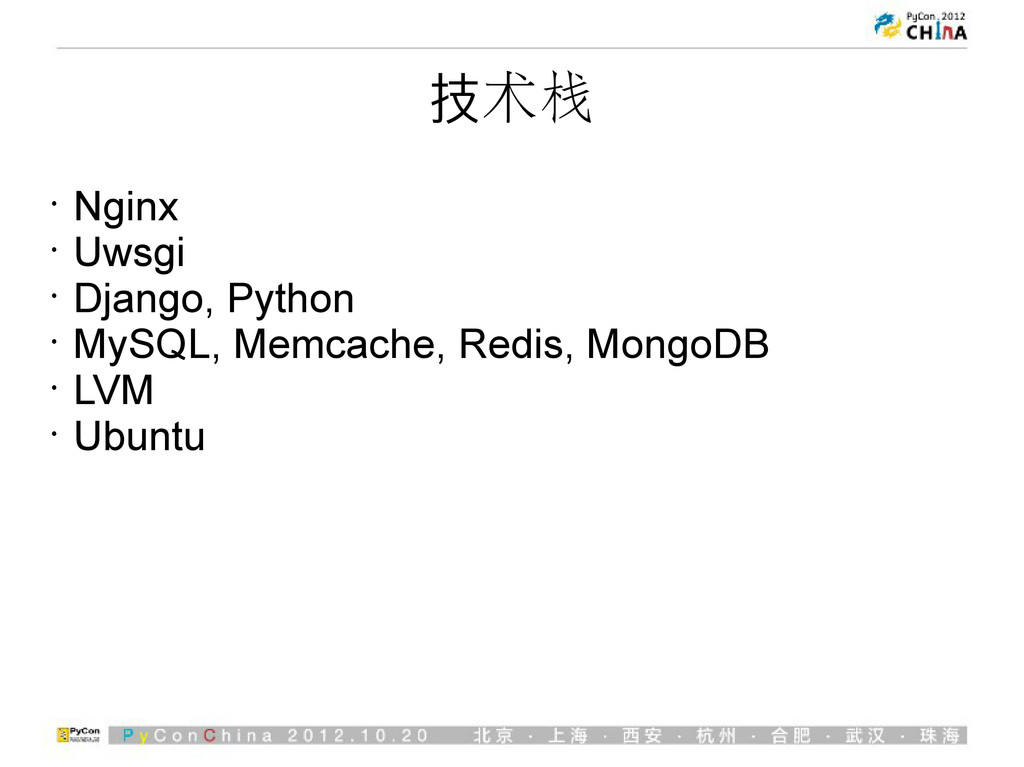
技术栈 • Nginx • Uwsgi • Django, Python • MySQL,
Memcache, Redis, MongoDB • LVM • Ubuntu
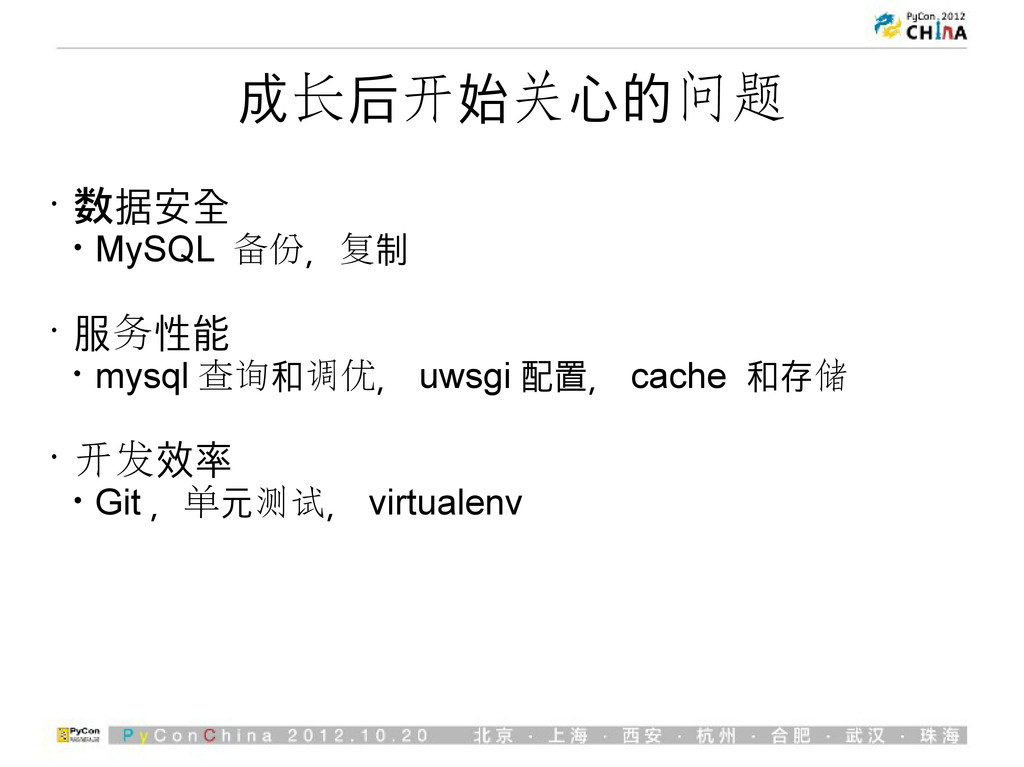
成长后开始关心的问题 • 数据安全 • MySQL 备份,复制 • 服务性能 • mysql
查询和调优, uwsgi 配置, cache 和存储 • 开发效率 • Git ,单元测试, virtualenv
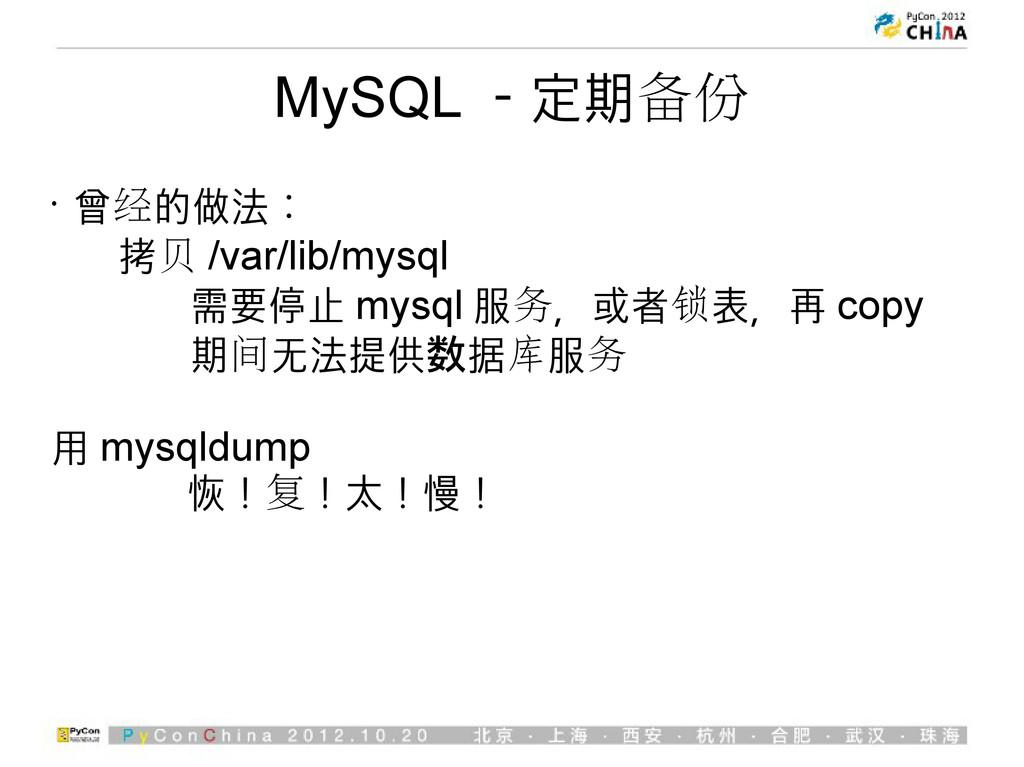
MySQL -定期备份 • 曾经的做法: 拷贝 /var/lib/mysql 需要停止 mysql 服务,或者锁表,再 copy
期间无法提供数据库服务 用 mysqldump 恢!复!太!慢!
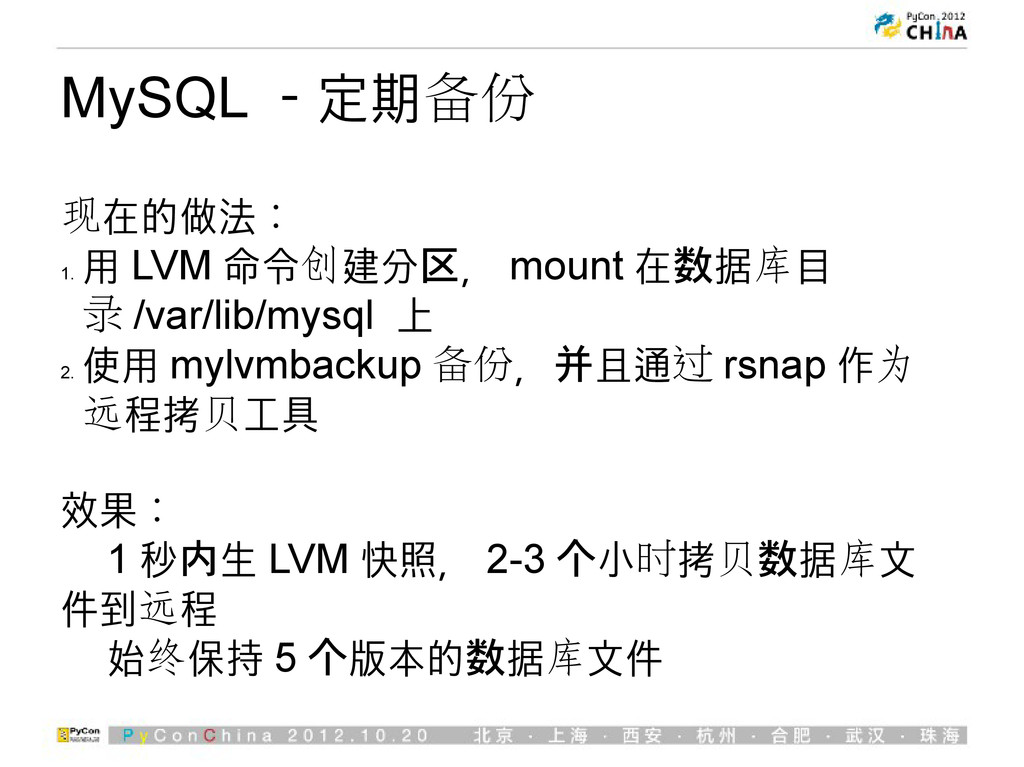
MySQL -定期备份 现在的做法: 1. 用 LVM 命令创建分区, mount 在数据库目 录
/var/lib/mysql 上 2. 使用 mylvmbackup 备份,并且通过 rsnap 作为 远程拷贝工具 效果: 1 秒内生 LVM 快照, 2-3 个小时拷贝数据库文 件到远程 始终保持 5 个版本的数据库文件
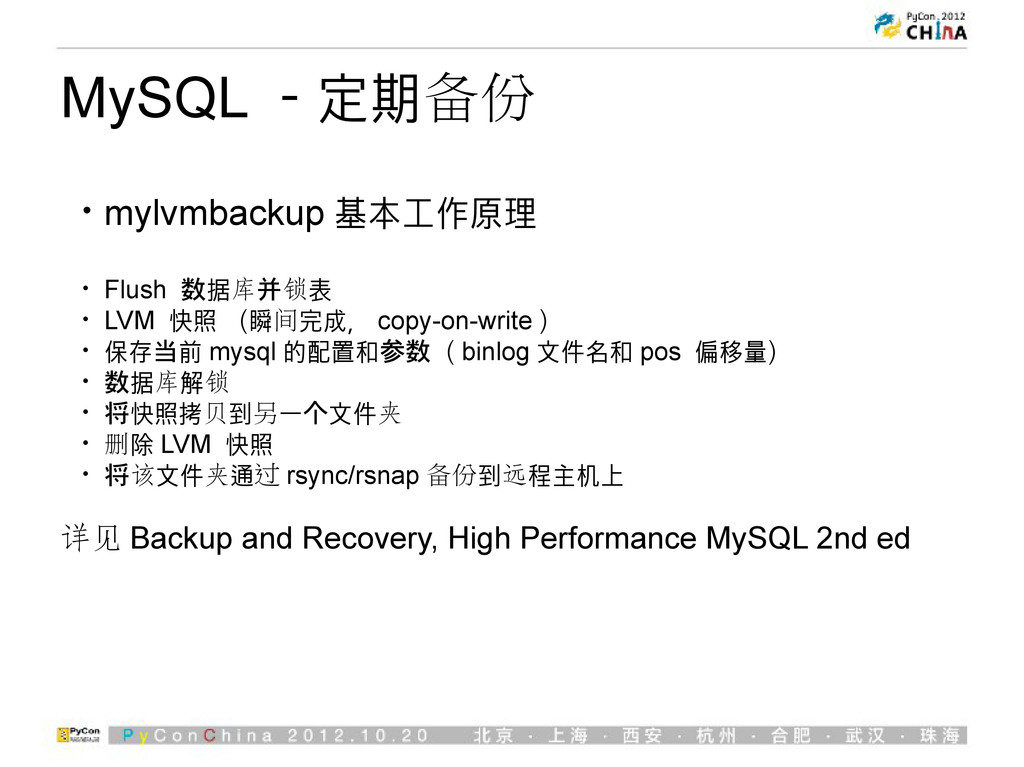
MySQL -定期备份 • mylvmbackup 基本工作原理 • Flush 数据库并锁表 • LVM
快照 (瞬间完成, copy-on-write ) • 保存当前 mysql 的配置和参数( binlog 文件名和 pos 偏移量) • 数据库解锁 • 将快照拷贝到另一个文件夹 • 删除 LVM 快照 • 将该文件夹通过 rsync/rsnap 备份到远程主机上 详见 Backup and Recovery, High Performance MySQL 2nd ed
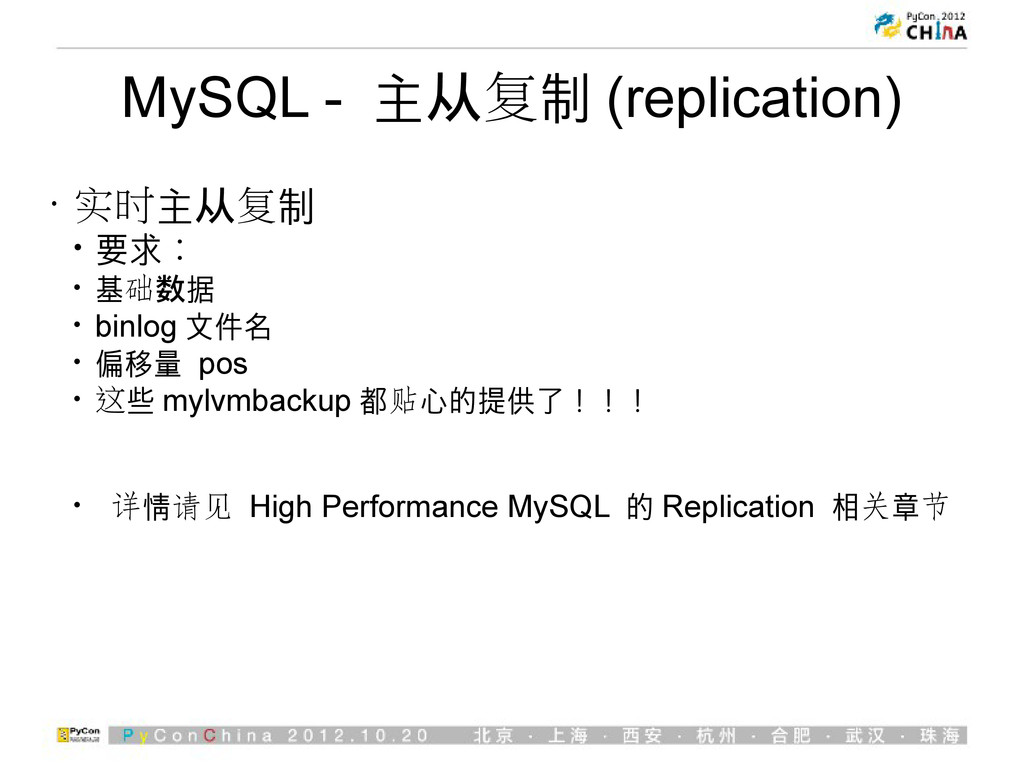
MySQL - 主从复制 (replication) • 实时主从复制 • 要求: • 基础数据
• binlog 文件名 • 偏移量 pos • 这些 mylvmbackup 都贴心的提供了!!! • 详情请见 High Performance MySQL 的 Replication 相关章节
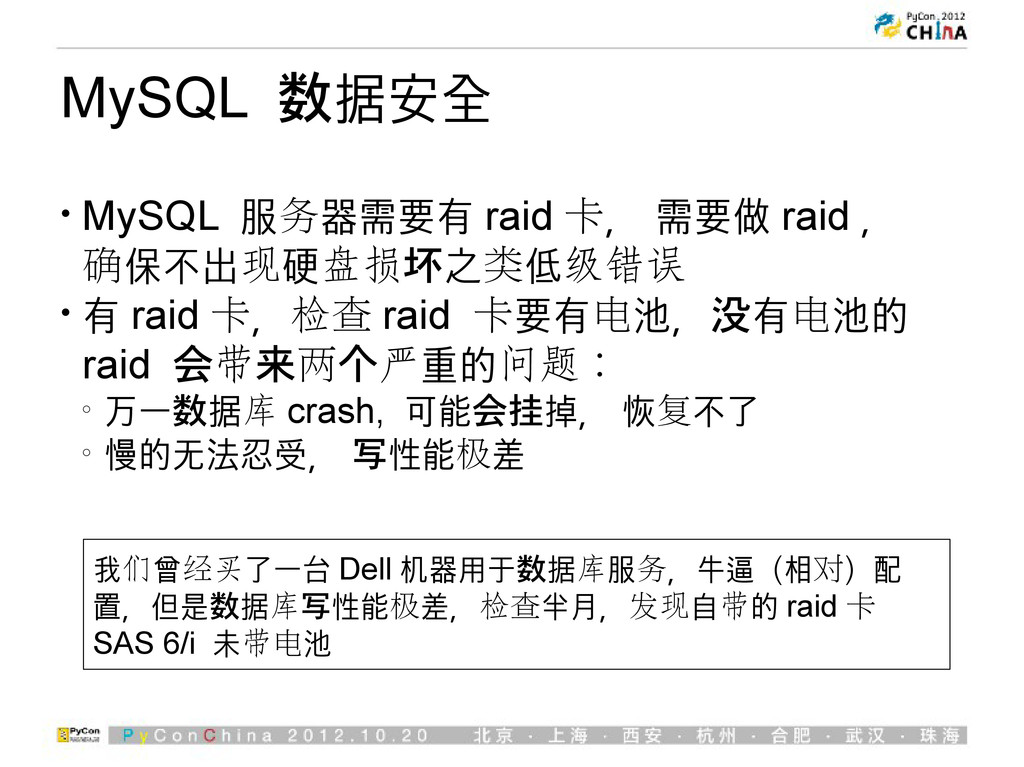
MySQL 数据安全 • MySQL 服务器需要有 raid 卡, 需要做 raid ,
确保不出现硬盘损坏之类低级错误 • 有 raid 卡,检查 raid 卡要有电池,没有电池的 raid 会带来两个严重的问题: o 万一数据库 crash, 可能会挂掉, 恢复不了 o 慢的无法忍受, 写性能极差 我们曾经买了一台 Dell 机器用于数据库服务,牛逼(相对)配 置,但是数据库写性能极差,检查半月,发现自带的 raid 卡 SAS 6/i 未带电池
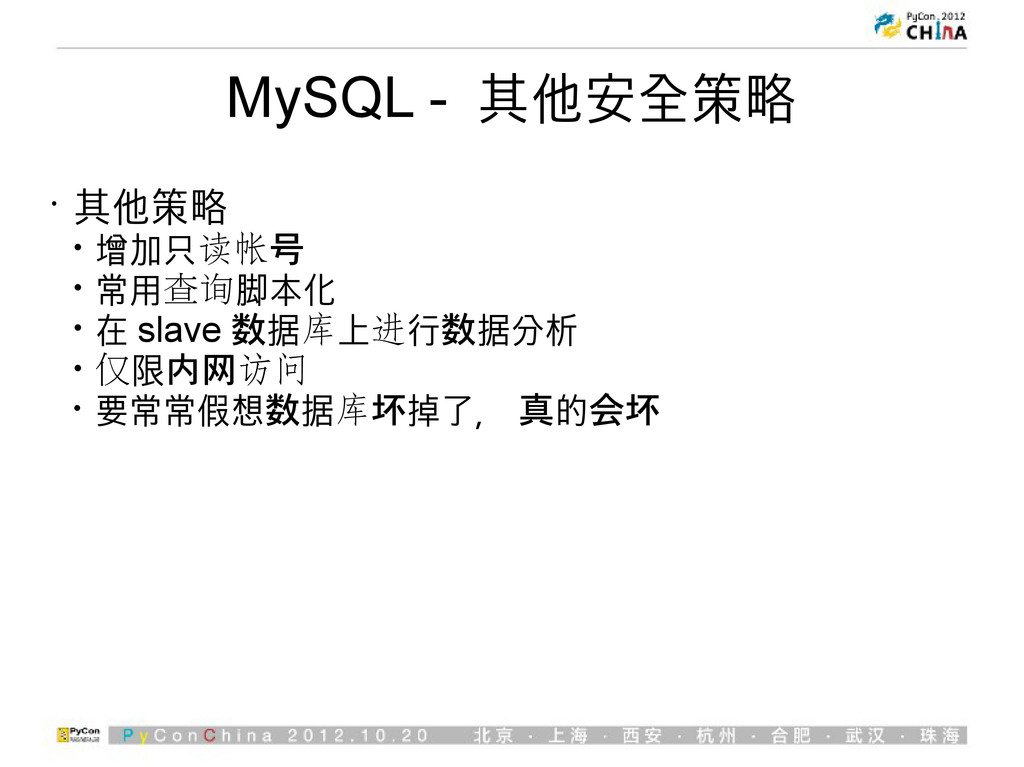
MySQL - 其他安全策略 • 其他策略 • 增加只读帐号 • 常用查询脚本化 •
在 slave 数据库上进行数据分析 • 仅限内网访问 • 要常常假想数据库坏掉了, 真的会坏
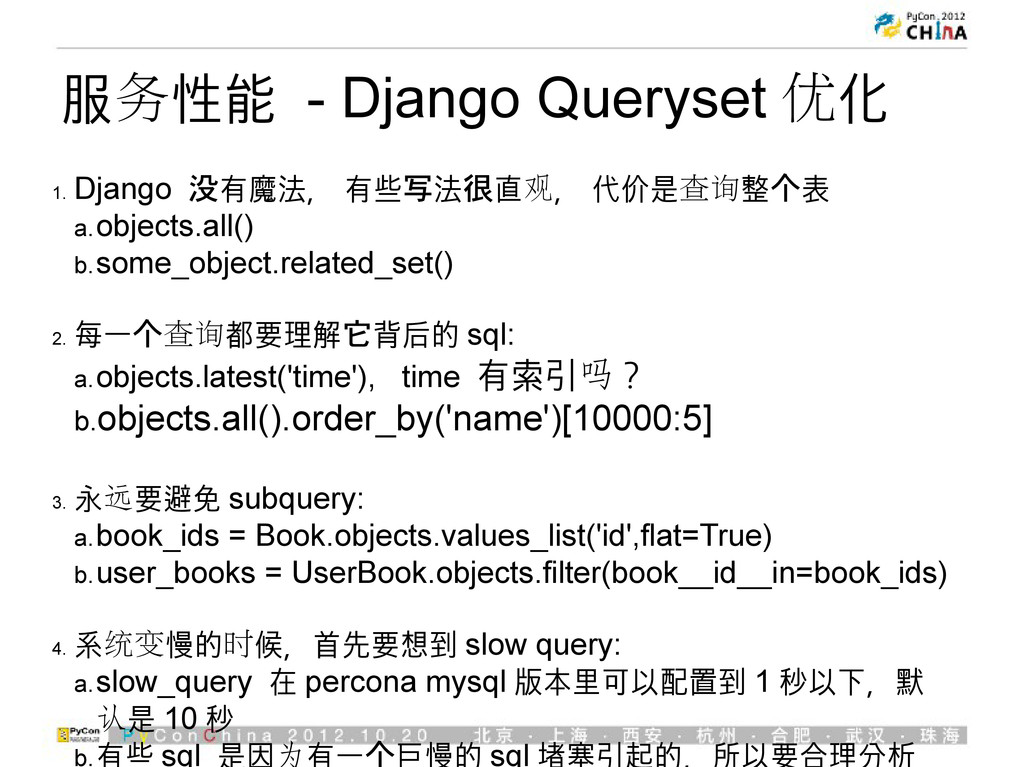
服务性能 - Django Queryset 优化 1. Django 没有魔法, 有些写法很直观, 代价是查询整个表
a.objects.all() b.some_object.related_set() 2. 每一个查询都要理解它背后的 sql: a.objects.latest('time'), time 有索引吗? b.objects.all().order_by('name')[10000:5] 3. 永远要避免 subquery: a.book_ids = Book.objects.values_list('id',flat=True) b.user_books = UserBook.objects.filter(book__id__in=book_ids) 4. 系统变慢的时候,首先要想到 slow query: a.slow_query 在 percona mysql 版本里可以配置到 1 秒以下,默 认是 10 秒 b.有些 sql 是因为有一个巨慢的 sql 堵塞引起的,所以要合理分析
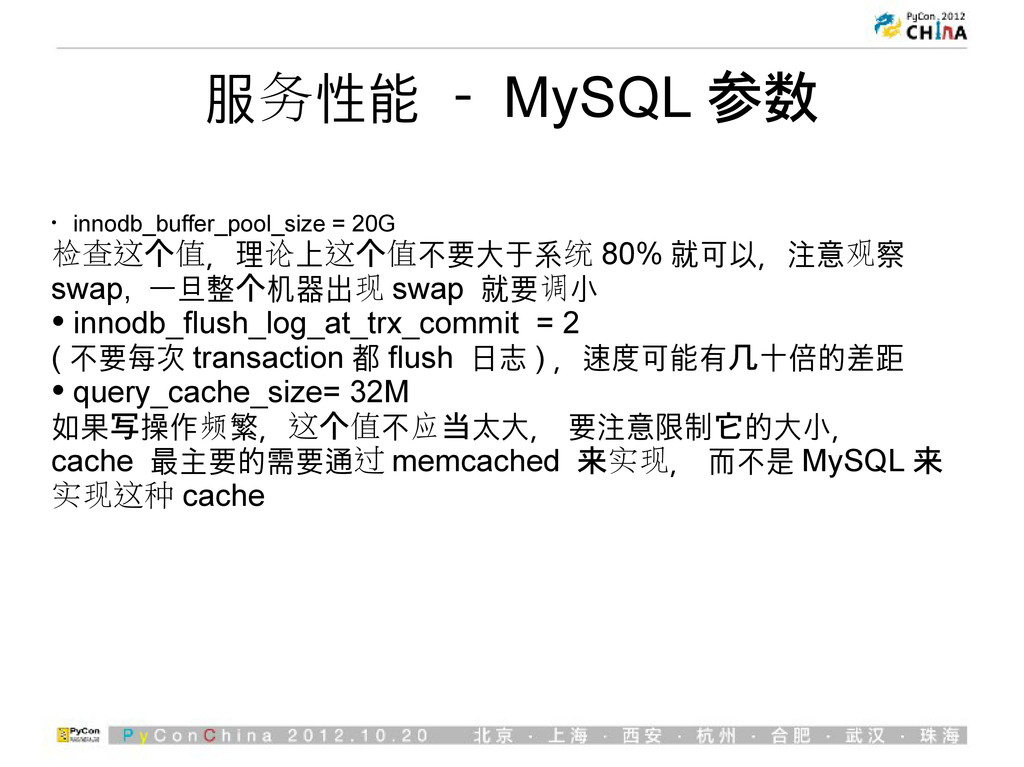
服务性能 - MySQL 参数 • innodb_buffer_pool_size = 20G 检查这个值,理论上这个值不要大于系统 80%
就可以,注意观察 swap, 一旦整个机器出现 swap 就要调小 • innodb_flush_log_at_trx_commit = 2 ( 不要每次 transaction 都 flush 日志 ) ,速度可能有几十倍的差距 • query_cache_size= 32M 如果写操作频繁,这个值不应当太大, 要注意限制它的大小, cache 最主要的需要通过 memcached 来实现, 而不是 MySQL 来 实现这种 cache
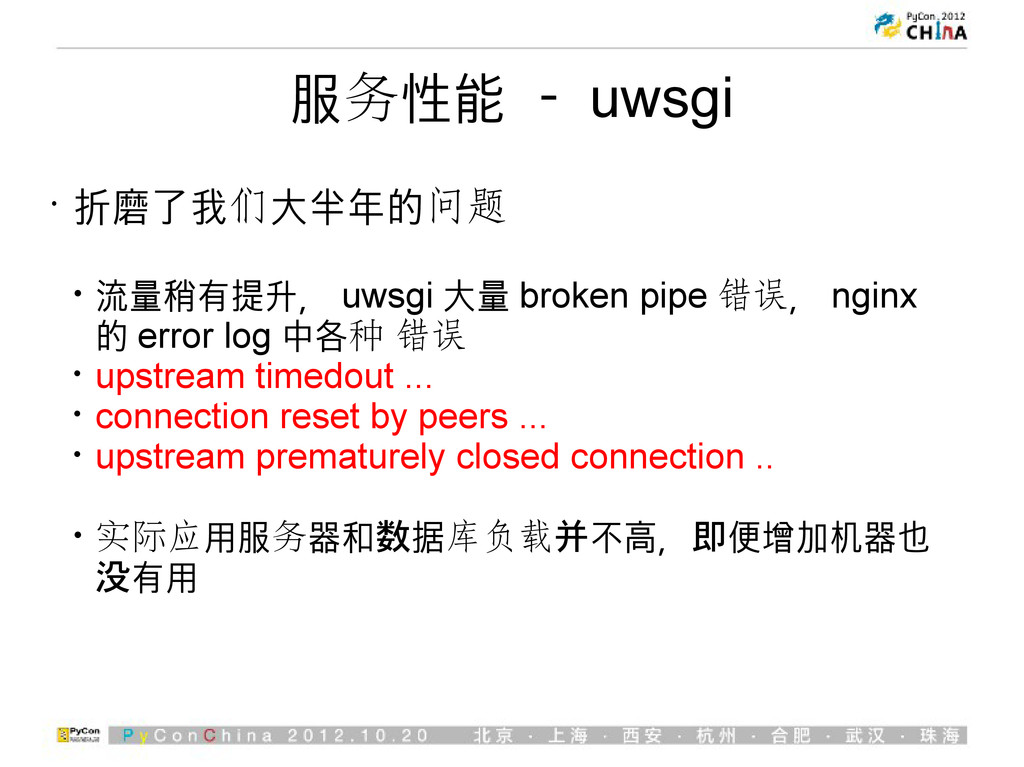
服务性能 - uwsgi • 折磨了我们大半年的问题 • 流量稍有提升, uwsgi 大量 broken
pipe 错误, nginx 的 error log 中各种 错误 • upstream timedout ... • connection reset by peers ... • upstream prematurely closed connection .. • 实际应用服务器和数据库负载并不高,即便增加机器也 没有用
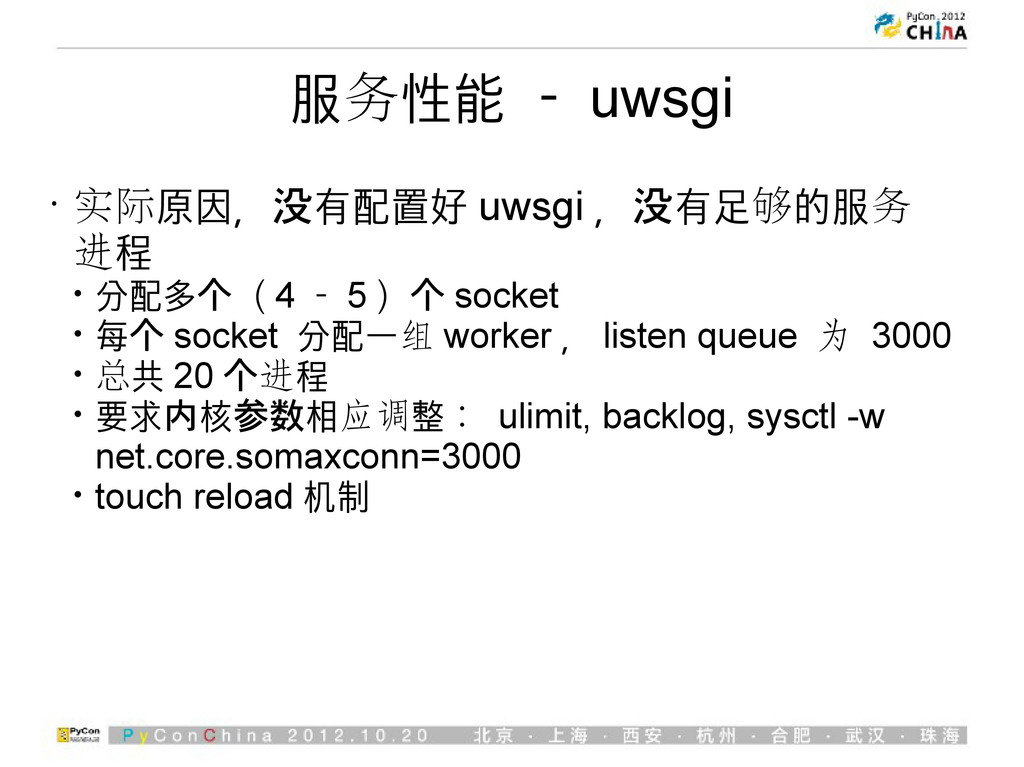
服务性能 - uwsgi • 实际原因,没有配置好 uwsgi ,没有足够的服务 进程 • 分配多个(
4 - 5 )个 socket • 每个 socket 分配一组 worker , listen queue 为 3000 • 总共 20 个进程 • 要求内核参数相应调整: ulimit, backlog, sysctl -w net.core.somaxconn=3000 • touch reload 机制
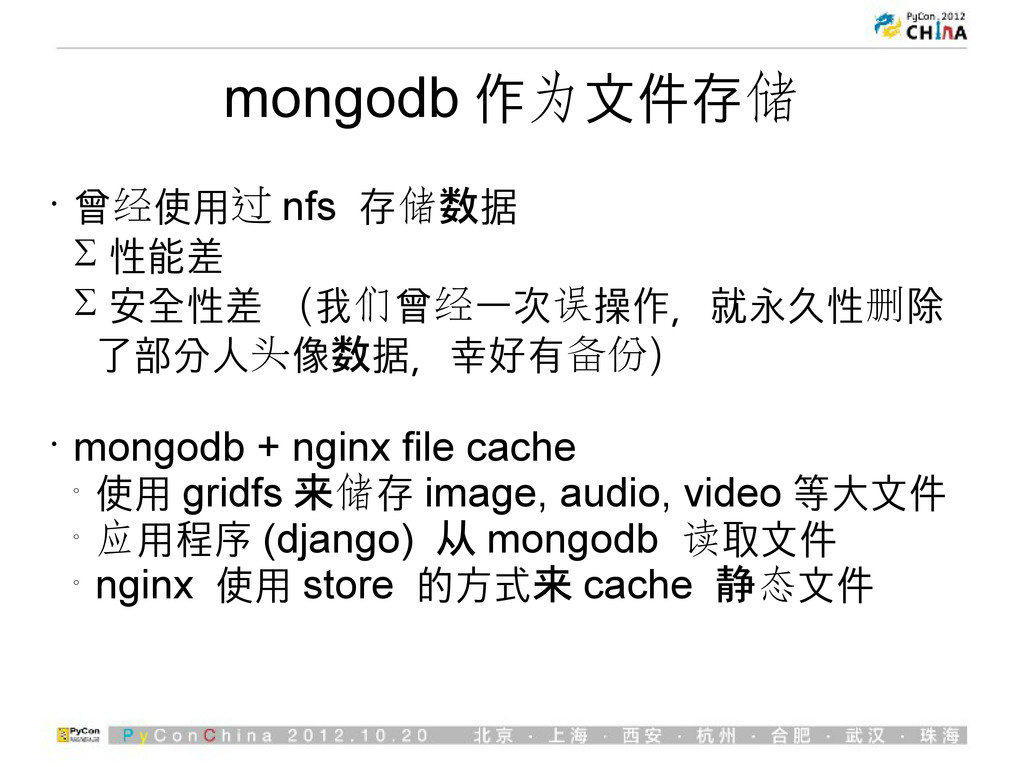
mongodb 作为文件存储 • 曾经使用过 nfs 存储数据 性能差 安全性差
(我们曾经一次误操作,就永久性删除 了部分人头像数据,幸好有备份) • mongodb + nginx file cache o 使用 gridfs 来储存 image, audio, video 等大文件 o 应用程序 (django) 从 mongodb 读取文件 o nginx 使用 store 的方式来 cache 静态文件
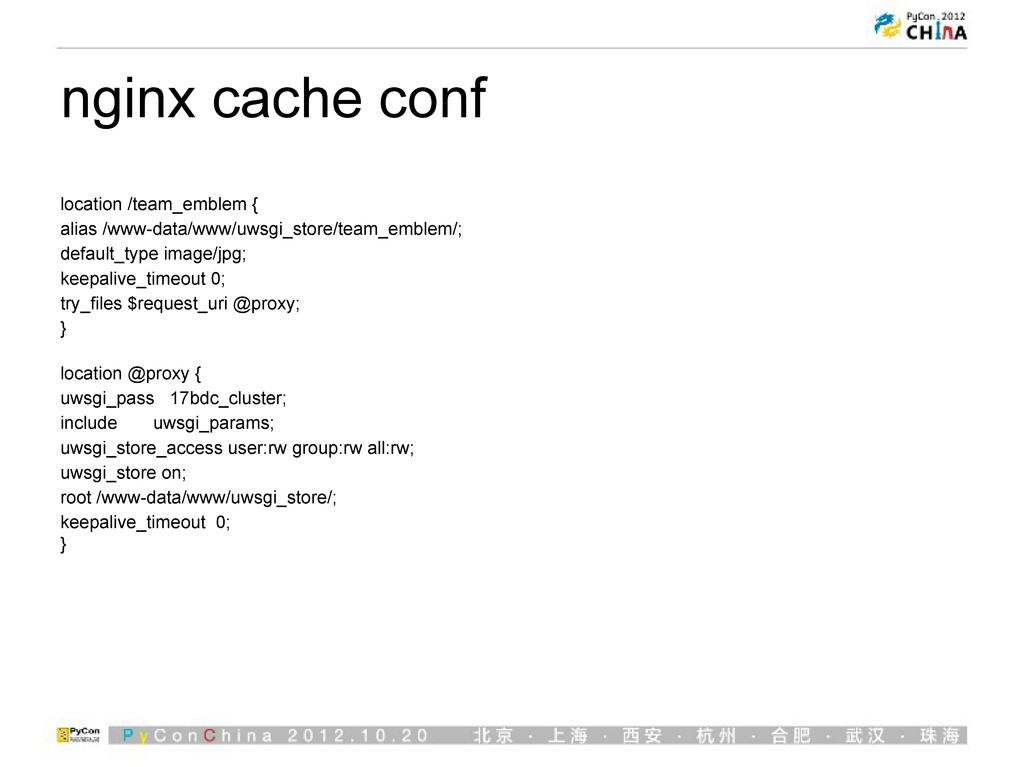
nginx cache conf location /team_emblem { alias /www-data/www/uwsgi_store/team_emblem/; default_type image/jpg;
keepalive_timeout 0; try_files $request_uri @proxy; } location @proxy { uwsgi_pass 17bdc_cluster; include uwsgi_params; uwsgi_store_access user:rw group:rw all:rw; uwsgi_store on; root /www-data/www/uwsgi_store/; keepalive_timeout 0; }
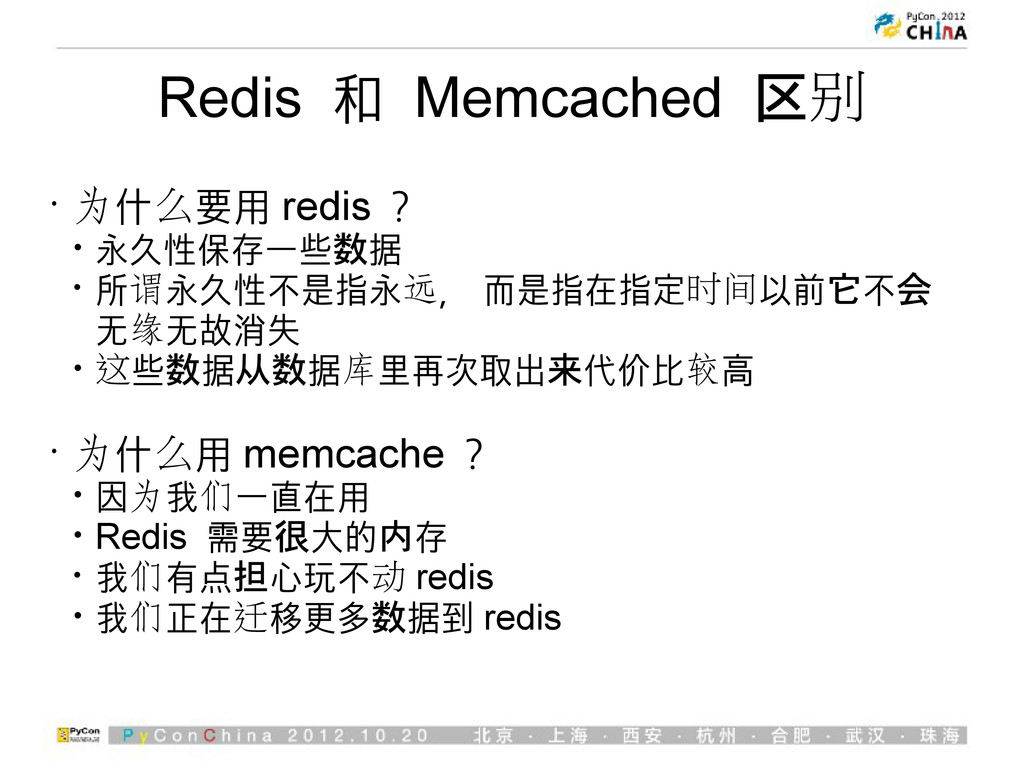
Redis 和 Memcached 区别 • 为什么要用 redis ? • 永久性保存一些数据
• 所谓永久性不是指永远, 而是指在指定时间以前它不会 无缘无故消失 • 这些数据从数据库里再次取出来代价比较高 • 为什么用 memcache ? • 因为我们一直在用 • Redis 需要很大的内存 • 我们有点担心玩不动 redis • 我们正在迁移更多数据到 redis
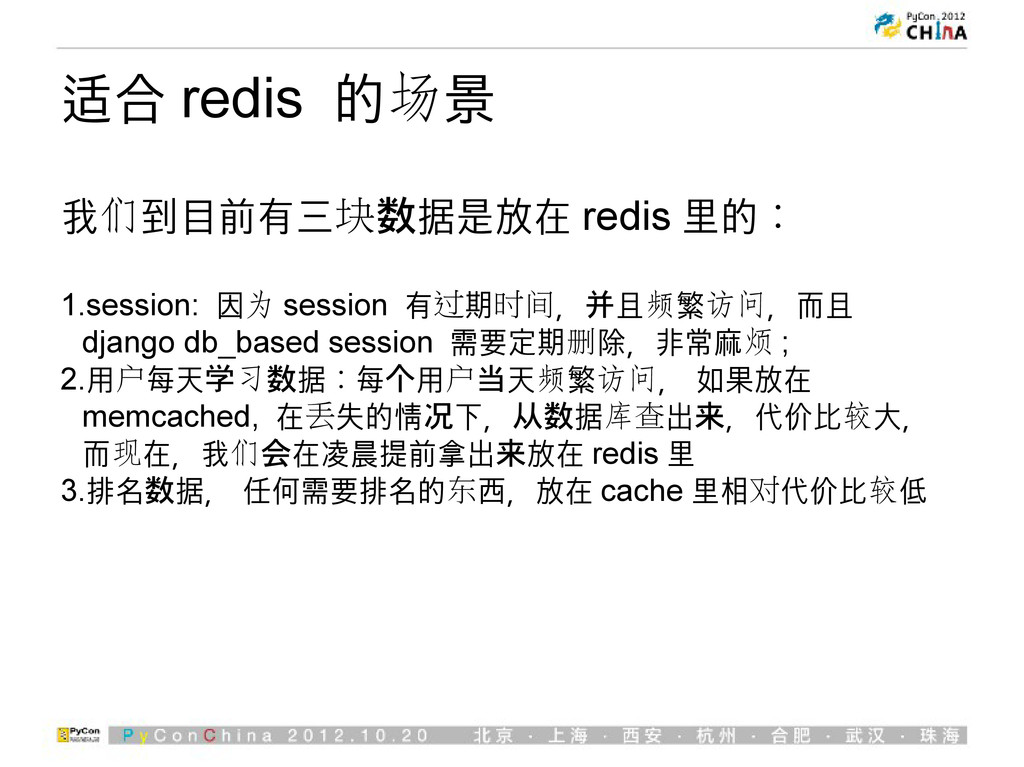
适合 redis 的场景 我们到目前有三块数据是放在 redis 里的: 1.session: 因为 session 有过期时间,并且频繁访问,而且
django db_based session 需要定期删除,非常麻烦 ; 2.用户每天学习数据:每个用户当天频繁访问, 如果放在 memcached, 在丢失的情况下,从数据库查出来,代价比较大, 而现在,我们会在凌晨提前拿出来放在 redis 里 3.排名数据, 任何需要排名的东西,放在 cache 里相对代价比较低
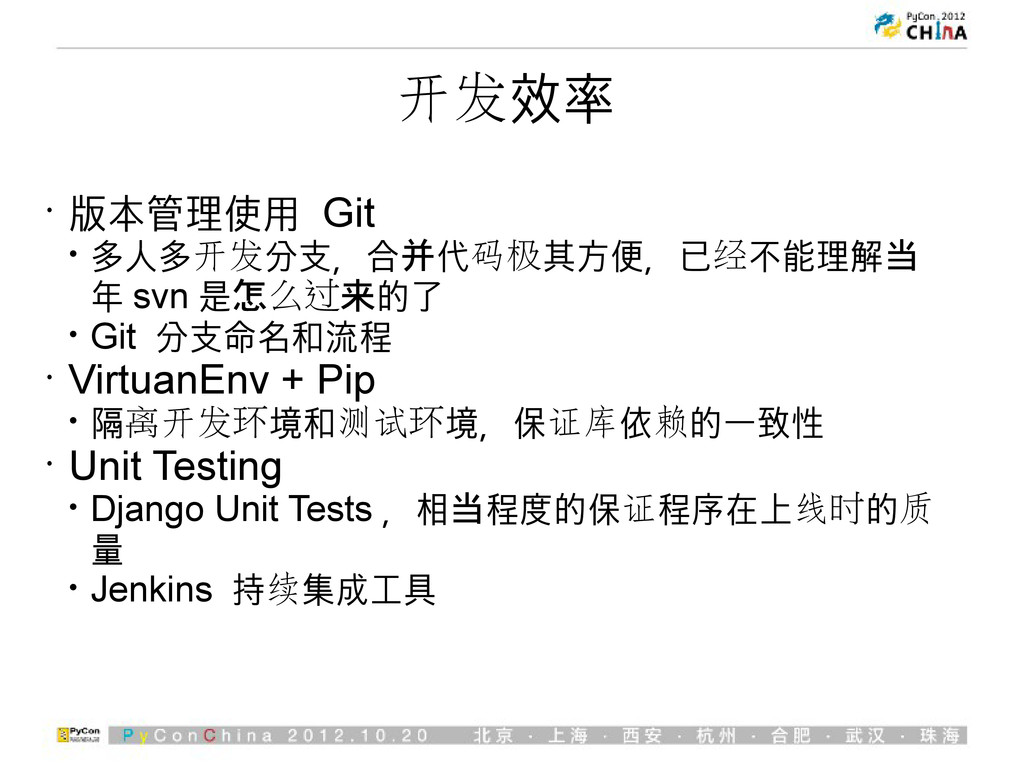
开发效率 • 版本管理使用 Git • 多人多开发分支,合并代码极其方便,已经不能理解当 年 svn 是怎么过来的了 •
Git 分支命名和流程 • VirtuanEnv + Pip • 隔离开发环境和测试环境,保证库依赖的一致性 • Unit Testing • Django Unit Tests ,相当程度的保证程序在上线时的质 量 • Jenkins 持续集成工具
结束 谢谢大家


 zoomquiet
 tmikov2023
 mixplace
 tanahiro2010
 a_matsuda
 takai
takai
 hschwentner
 mofurune
 sylph01
 koic
koic
 econanringo
 akit37
 tomokon
 thirion
 axbom
axbom
 tammyeverts
 aleyda
 lara
lara
 addyosmani
 akademiya2063
 rkendrick25
 reverentgeek
 bryan
bryan
 lynnandtonic